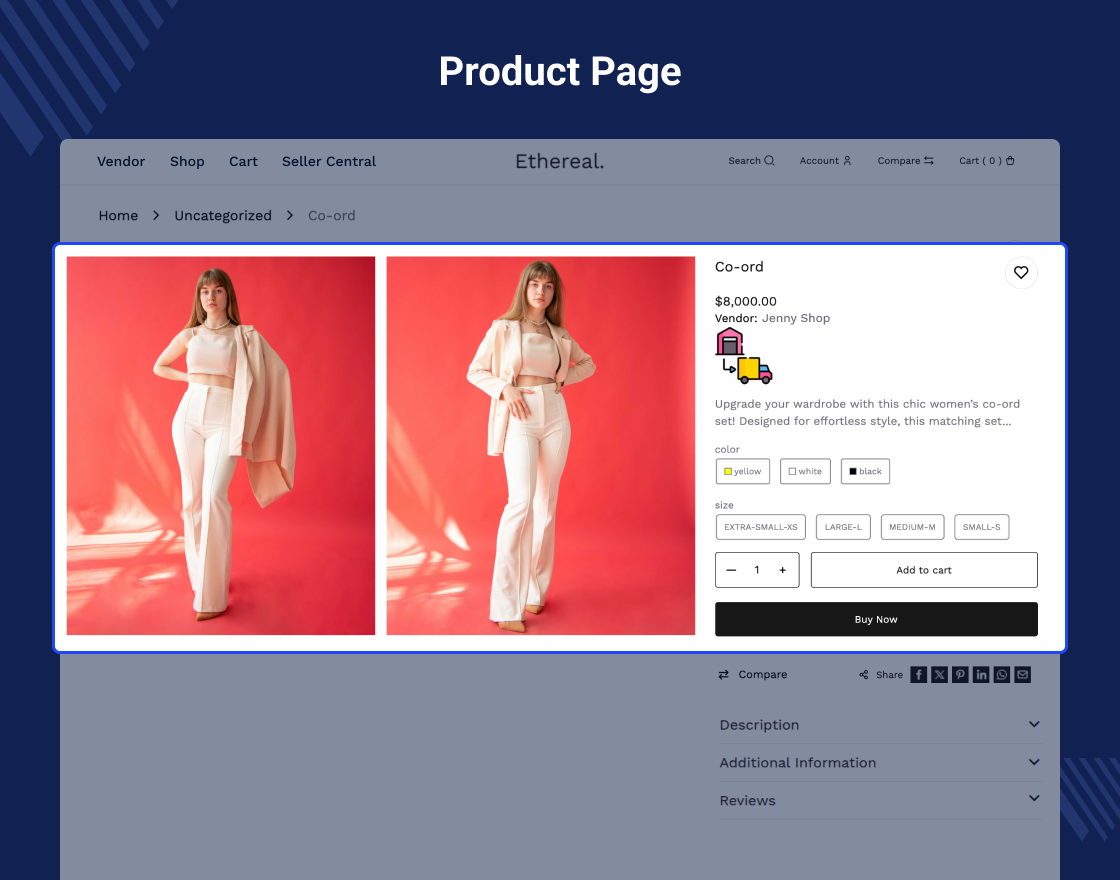
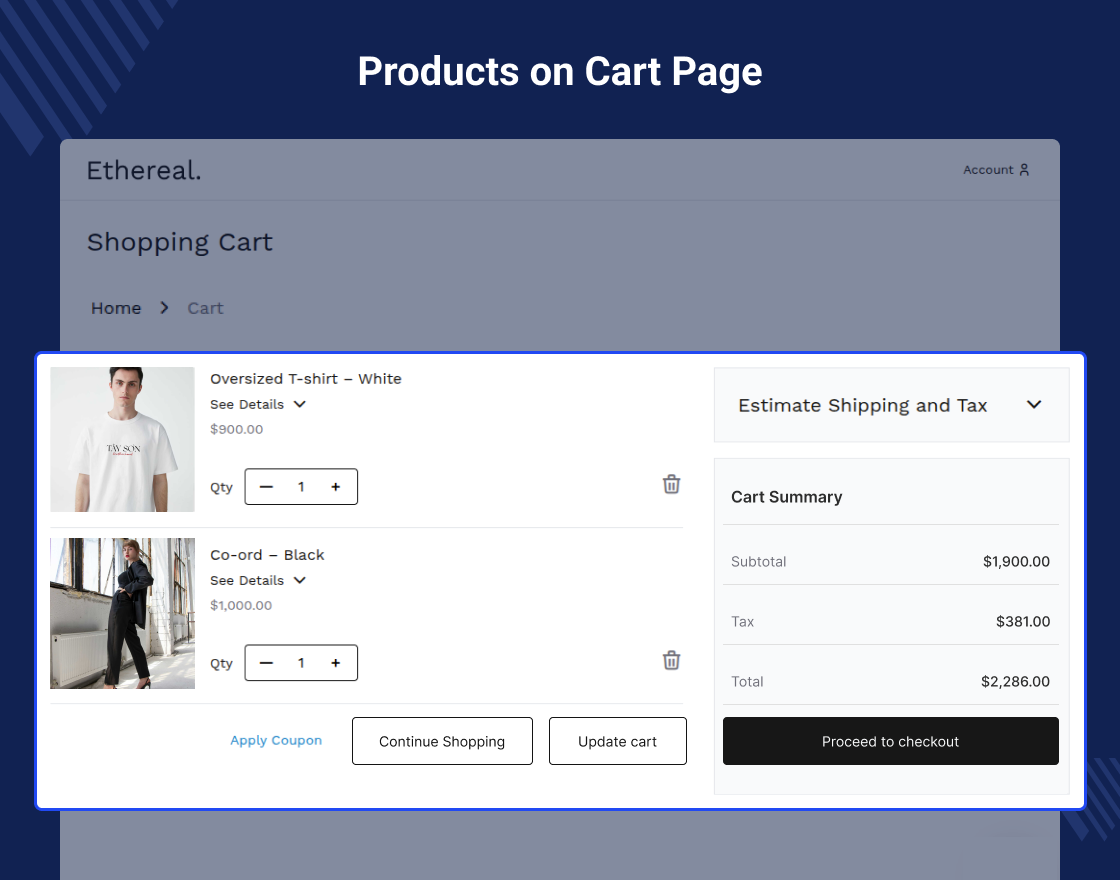
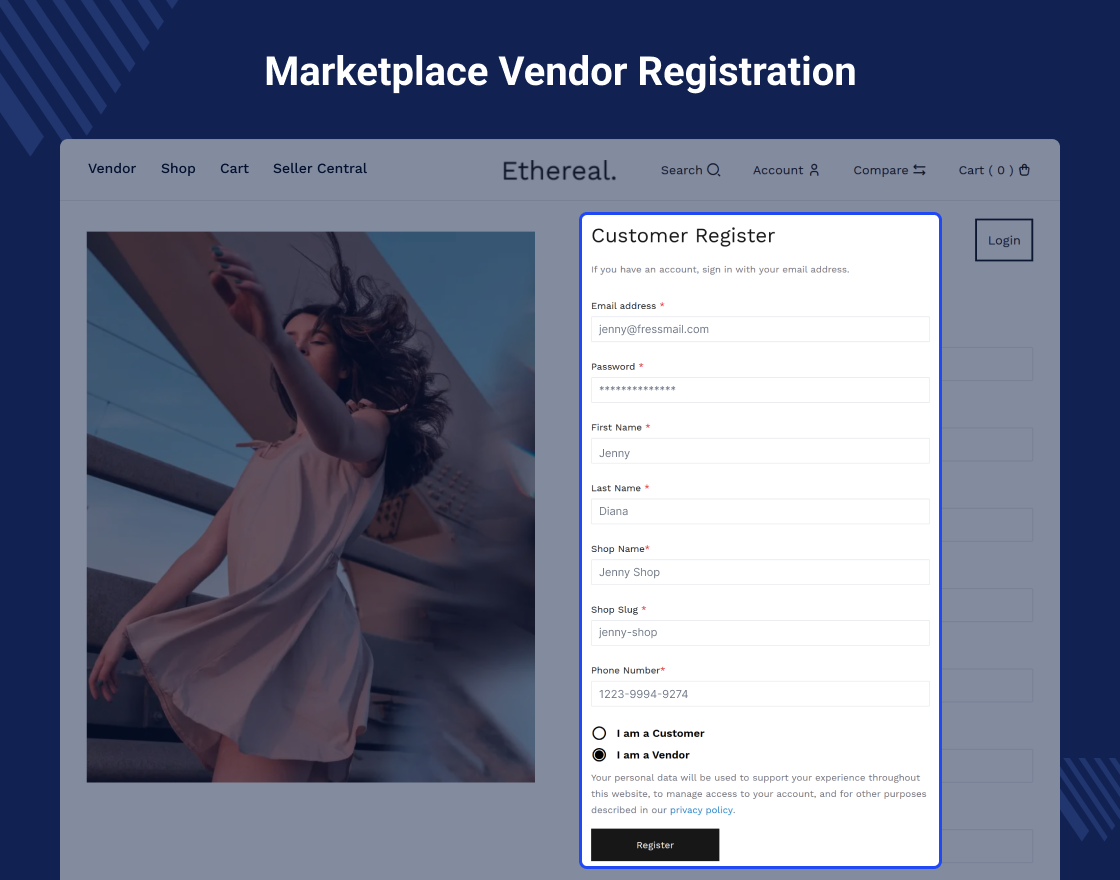
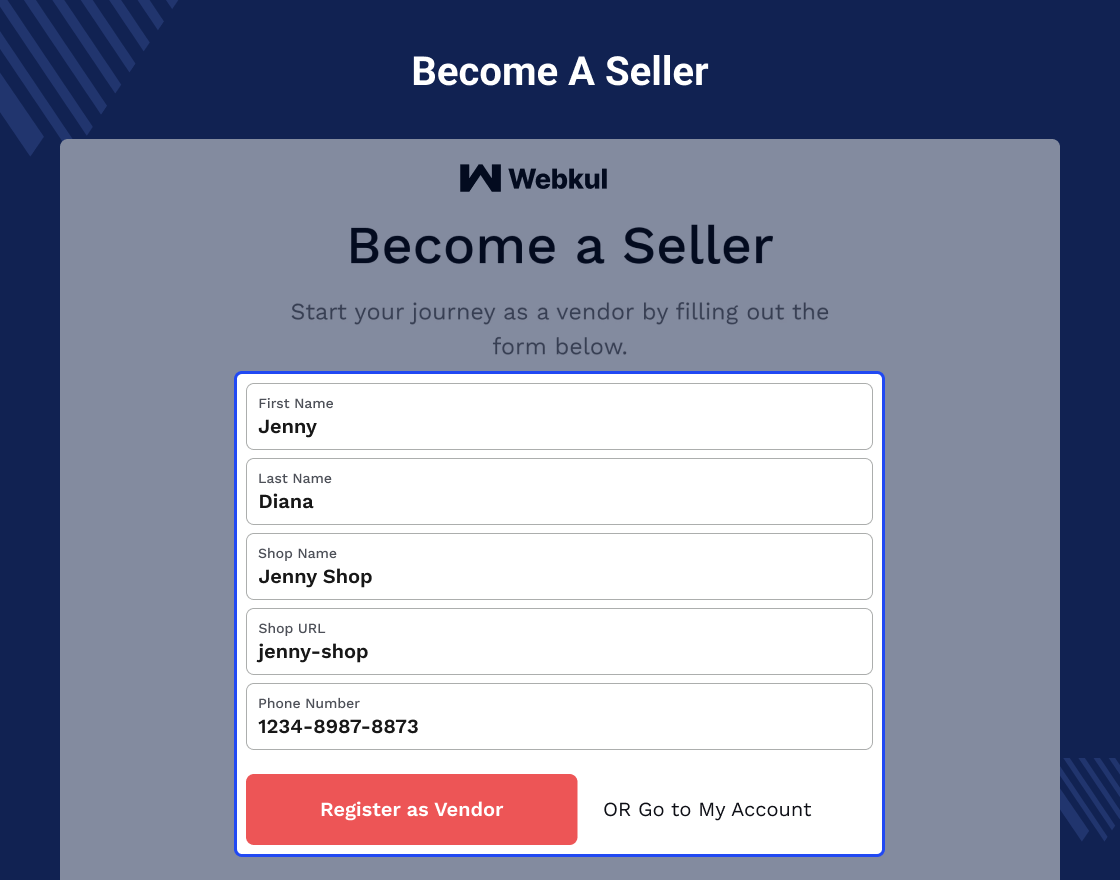
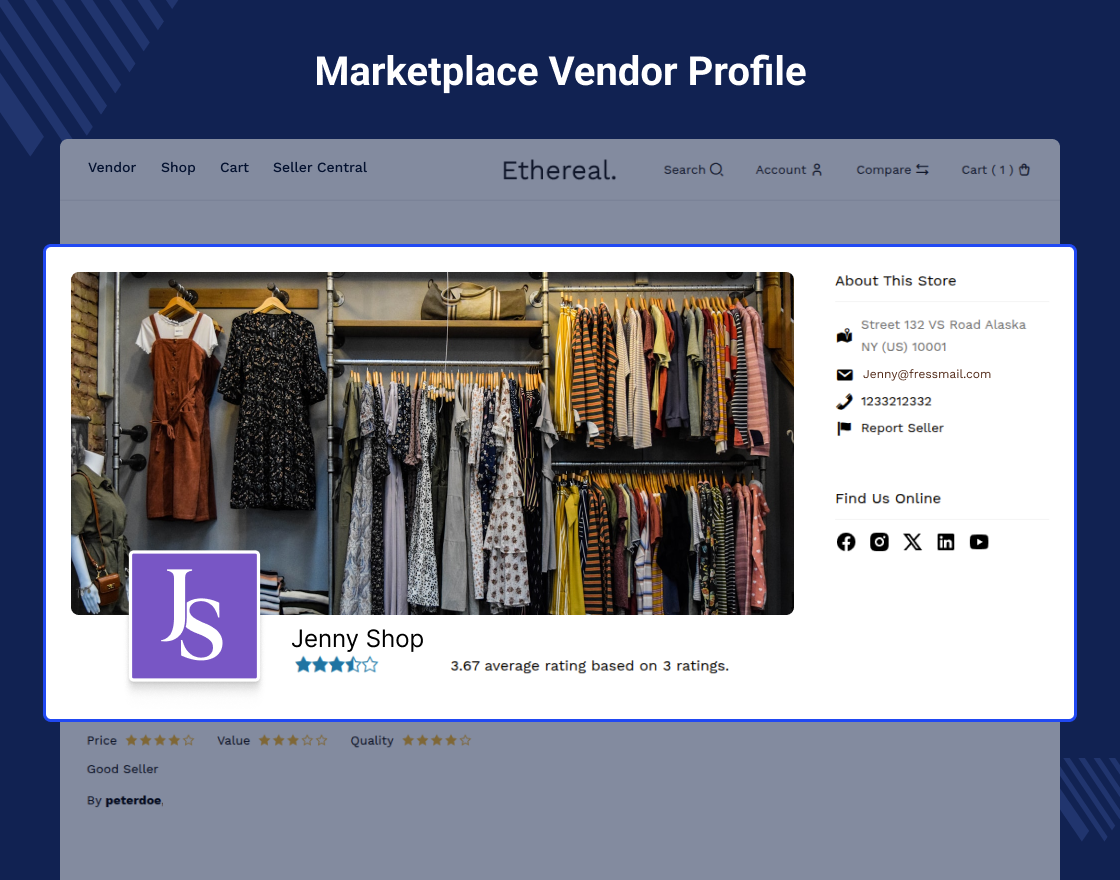
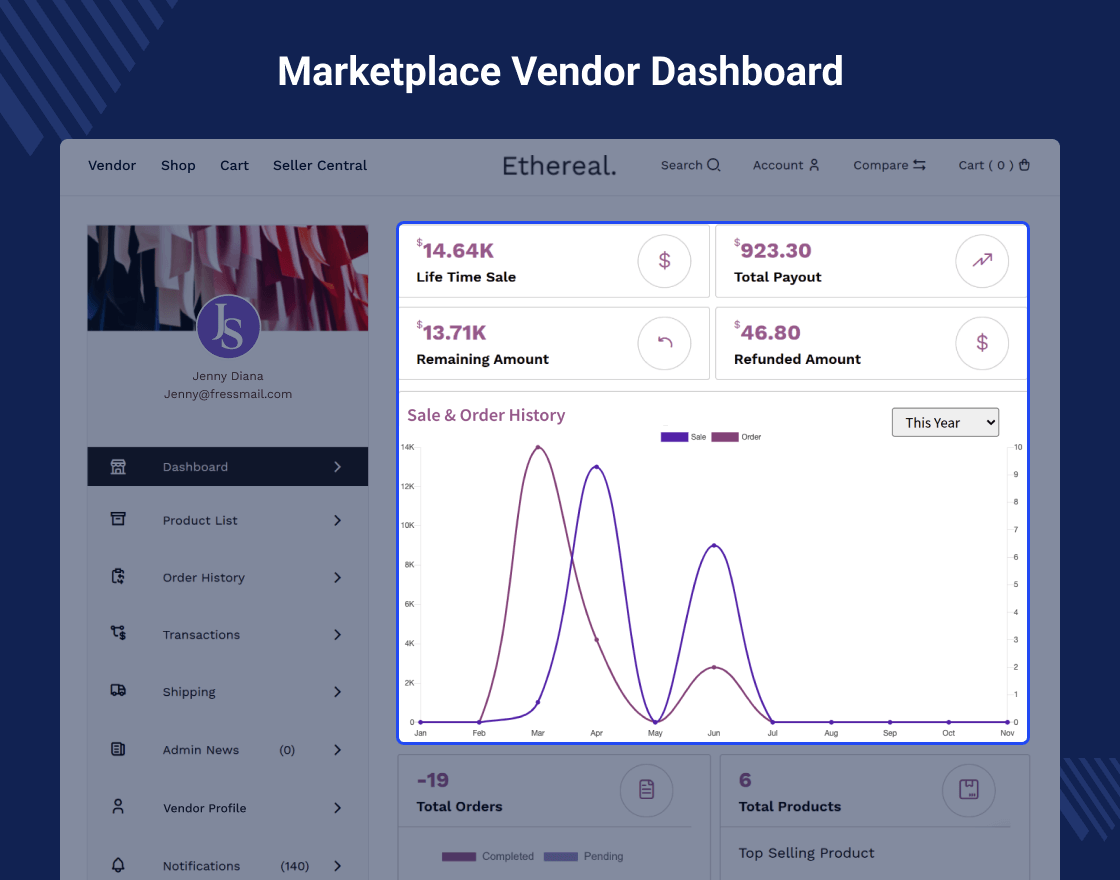
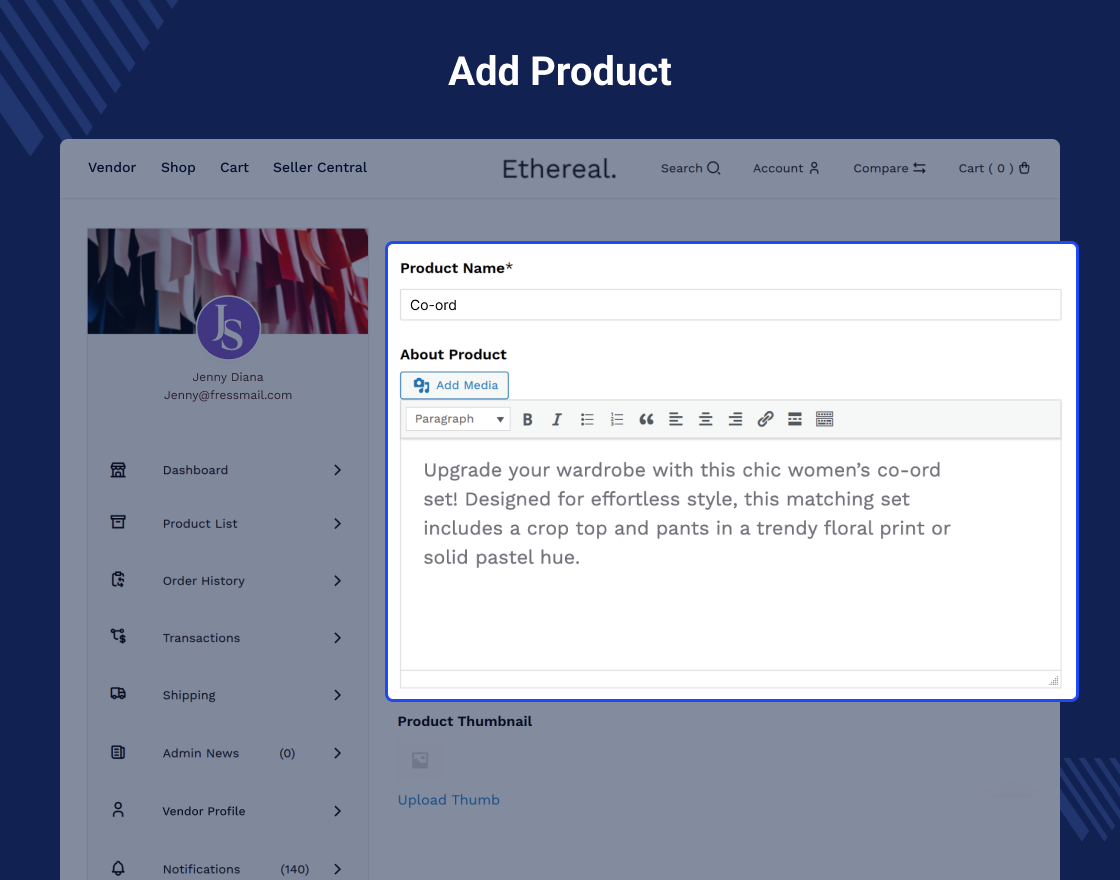
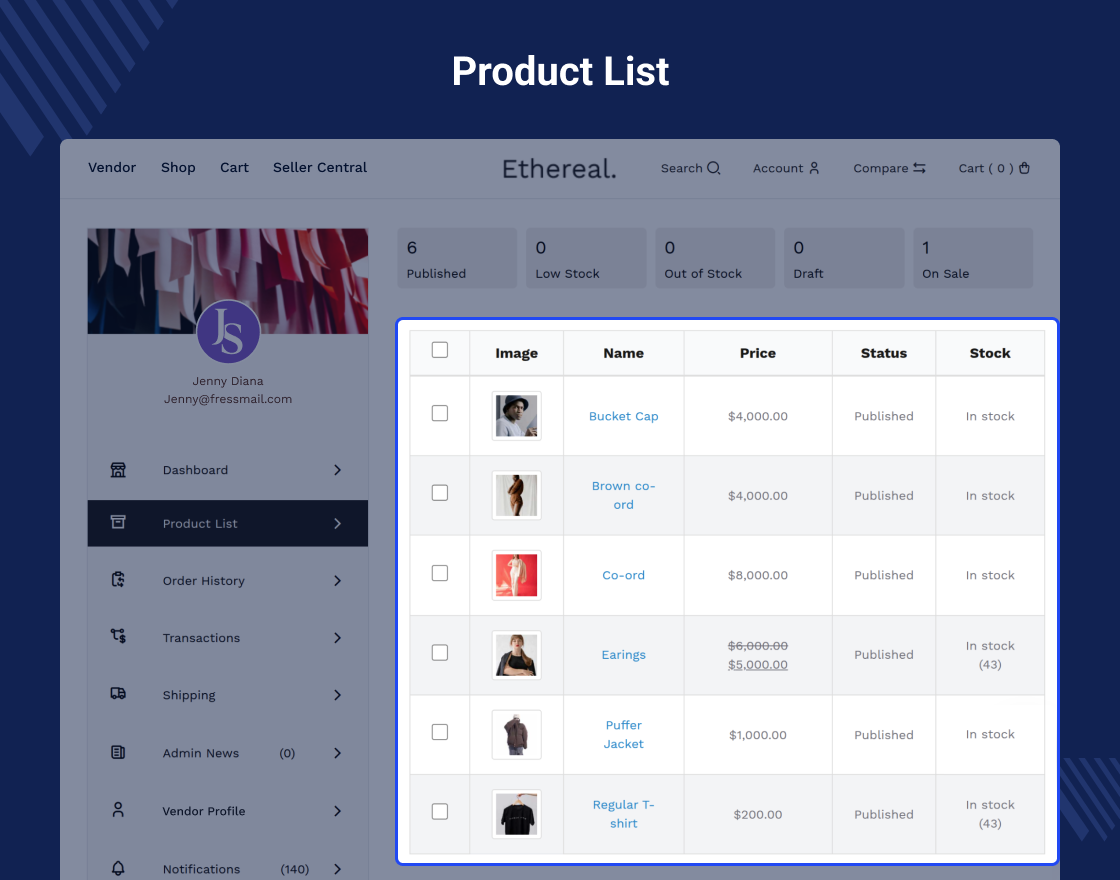
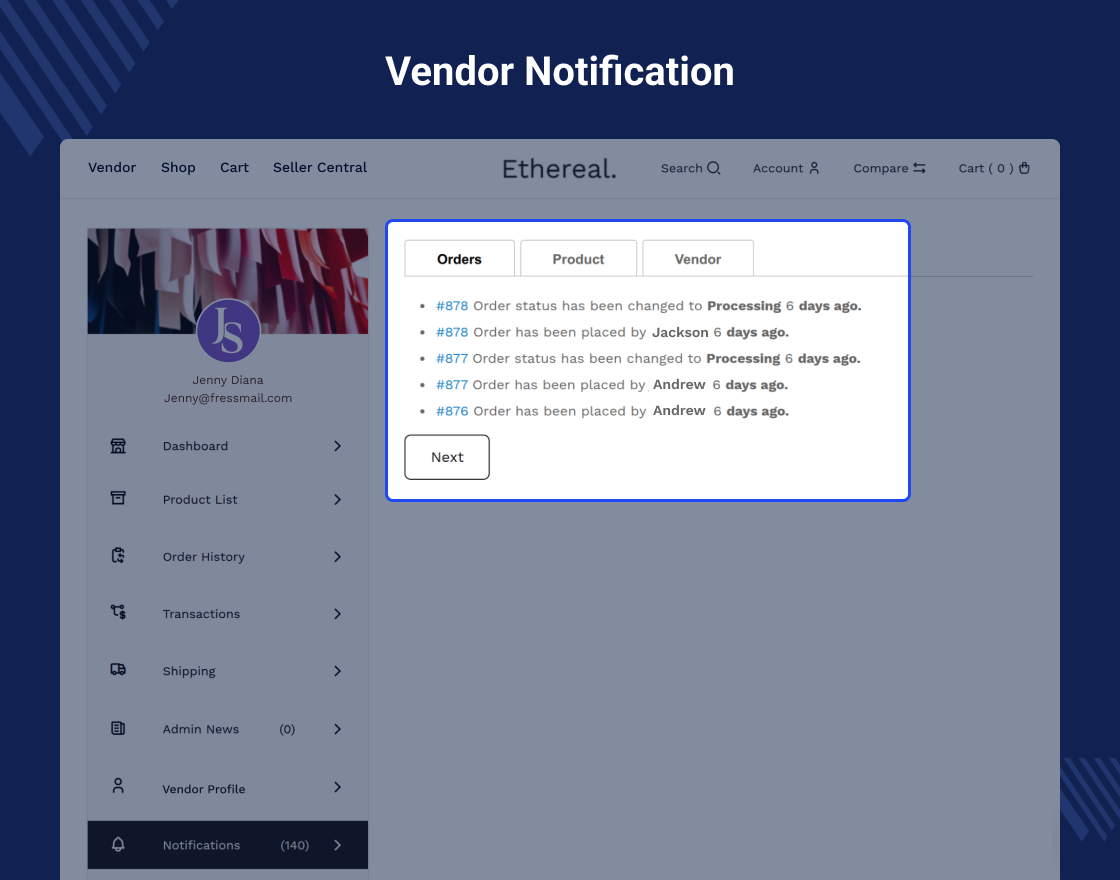
The WooCommerce Multi Vendor Marketplace Plugin converts your eCommerce store into a fully functional multi-vendor marketplace with multiple sellers and separate vendor profiles. Vendors get access to a dedicated vendor dashboard where they can easily add products and manage their online store.
Using this plugin, vendors can view and edit their profile information, manage their product list, and search, edit, or delete products directly from the vendor panel. Vendors can also track transactions, analyze sales reports, and view interactive sales charts from their dashboard.
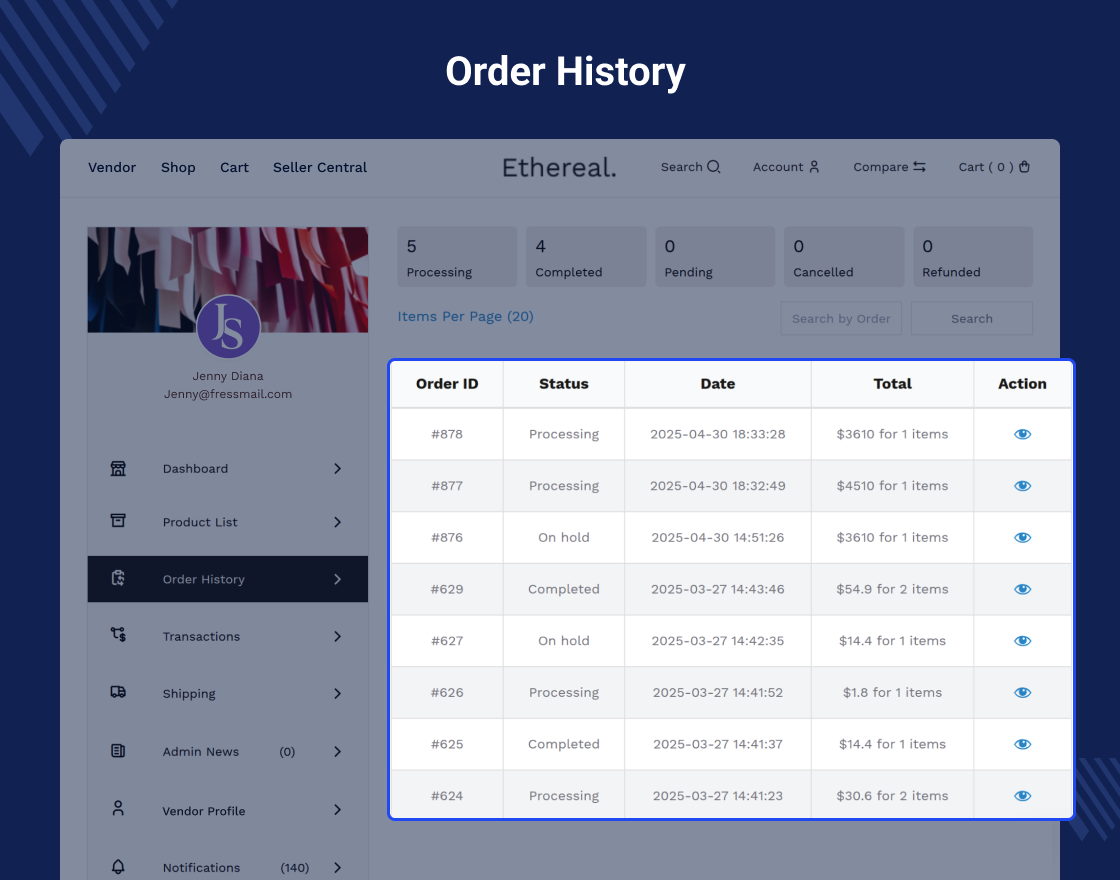
Additionally, vendors can check their complete order history, change account passwords, and communicate with the admin by asking questions or raising queries whenever needed.
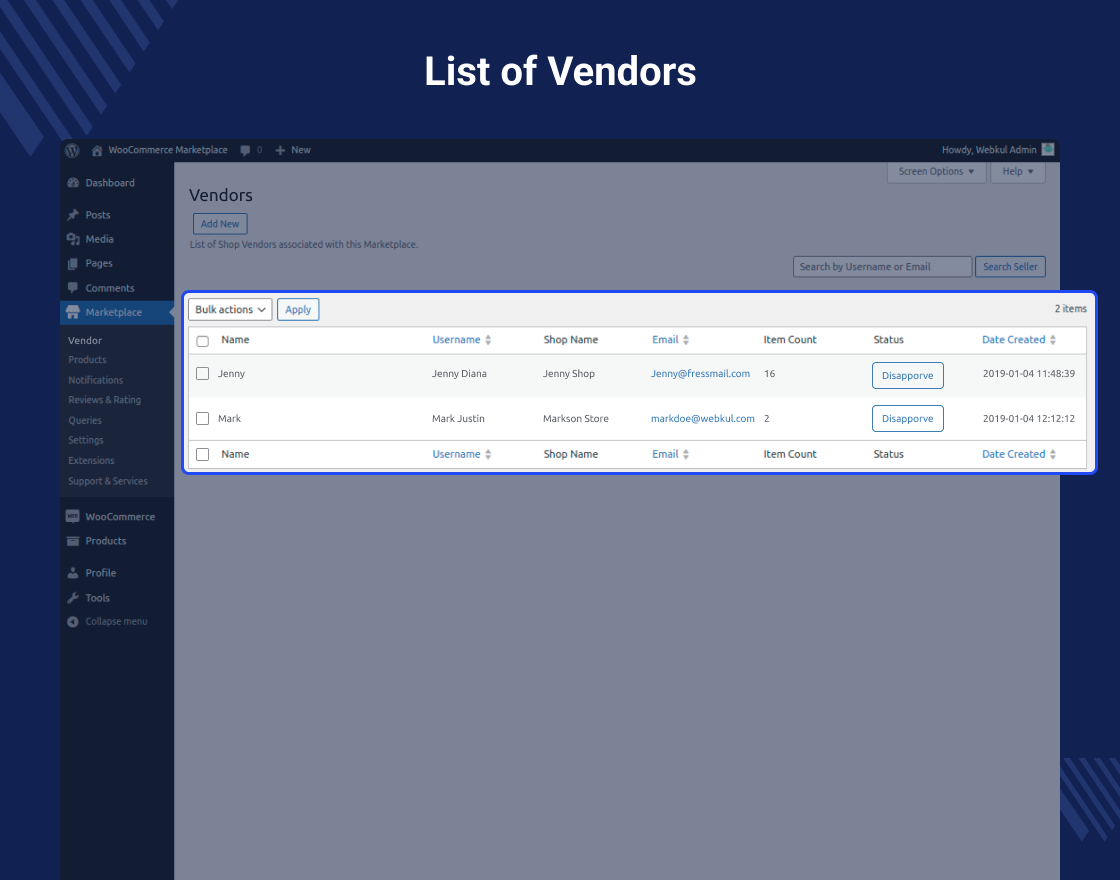
The admin has full control over the marketplace, including vendor management, product management, commission settings, and overall configuration. Admins can edit or delete products, approve or disapprove vendors, and assign vendors to products.
The plugin also allows the admin to set different commission rates for each vendor and configure key settings such as product auto-publish and vendor auto-approval, making marketplace management smooth and scalable.
Note- This module is fully compatible with all standard WooCommerce themes. Our demo is built using the WooCommerce Fashion Ethereal Theme, known for its clean design and seamless WooCommerce integration. You can explore all the features and design elements of the WooCommerce Fashion Ethereal Theme in our detailed guide If you’d like to create a marketplace that looks just like our demo, you can also purchase the Ethereal theme from our store.
WooCommerce Multi Vendor Marketplace Plugin is Compatible by the WPML
WooCommerce Marketplace is now compatible with WooCommerce’s latest features Cart and Checkout blocks and High-Performance Order Storage (HPOS)
WooCommerce Marketplace is compatible with Elementor . The admin can add the vendor page using Elementor’s shortcode widget and then add the shortcode [marketplace].
Now, the vendor registration and login page will be shown on this page, and after login as well, vendors can also see their profile details on the same page.
Check how to activate your WooCommerce plugin through the purchase code. and How do you get updates on Webkul Modules directly on the Plugins page.
List Of Features that Admin need to Vendor,Vendor Orders and Product
Front View Of Store Vendor(Vendor’s Profile)
The WooCommerce Multi Vendor Marketplace plugin is compatible with multiple payment modules.
The WooCommerce Multi Vendor Marketplace plugin is fully compatible with multiple popular payment modules, ensuring seamless transactions for both vendors and customers.
The WooCommerce Multi Vendor Marketplace plugin is compatible with multiple shipping modules.
The WooCommerce Multi Vendor Marketplace plugin supports integration with various popular shipping modules, enabling vendors to manage and offer flexible shipping options to customers.
The WooCommerce Multi Vendor Marketplace plugin is compatible with multiple WooCommerce themes
Webkul Multi-Vendor Marketplace plugin is fully compatible with any third-party themes as long as it is working fine with the default WooCommerce platform. Check out -
The developers are constantly updating and adding new features thereby making it even better every day. No doubt, the WooCommerce Marketplace is the “ the game-changer” for WordPress WooCommerce shop owners. No need to waste time looking for an alternative, you can get the plugin today and enjoy the awesome features that come with it.
Business Use
The user can also extend the features and functionalities of the WooCommerce Multi Vendor Marketplace using the add-ons. The extensions like:
1. WordPress WooCommerce Marketplace Auction Plugin allows marketplace owners to host online auctions, enabling vendors to list products for bidding and customers to place bids in real time.
This feature boosts engagement, creates excitement, and offers a unique shopping experience, increasing sales opportunities and attracting a wider audience to the marketplace.
2. Multi Vendor Marketplace Membership for WooCommerce enables marketplace owners to create tiered membership plans for vendors, offering exclusive features and benefits based on subscription levels.
This monetizes the platform, enhances vendor engagement, and streamlines vendor management by providing access to different tools and resources according to their membership status.
3. WooCommerce Multi Vendor Printify Integration allows marketplace owners and vendors to seamlessly integrate Printify’s print-on-demand services into their WooCommerce stores.
This automation streamlines product creation, order fulfillment, and shipping, enabling vendors to focus on sales while Printify handles production and delivery, expanding the product range without inventory management.
4. WooCommerce WCFM Marketplace Shopify Connector enables seamless synchronization between WooCommerce marketplaces and Shopify stores, allowing vendors to manage inventory, products, and orders across both platforms.
This integration expands sales channels, improves operational efficiency, and simplifies multi-platform management, boosting growth opportunities for vendors.
5. Multi-Vendor Point of Sale System for WooCommerce enables vendors to manage in-store and online sales through a unified POS interface, integrating with WooCommerce for seamless inventory and order management.
This system enhances operational efficiency, provides real-time data, and improves the customer experience by allowing vendors to process sales quickly, both online and offline.
ChangeLog
"Initial release v 1.0.0", "Current release v 6.6.0"
v 6.6.0 (2026-03-24)
Fixed: REST endpoint registration for withdrawal settings.
Fixed: Notices in vendors' emails.
Fixed: Search box not showing on the badge listing page.
Fixed: Issue with the notifications tab date when the site is not using English.
Fixed: Validation issue for regular and sale prices on the vendor product add/edit page when the decimal separator is not the default dot (.).
Added: Map placeholder and a "View Map" button on the vendor profile page for faster loading.
Added: Filter to retrieve assigned seller modules for the Seller Price Comparison module.
Added: Compatibility with non-ASCII characters in the shop slug.
Added: Vendor store name in vendor emails instead of the vendor nice name.
Added: New license activation system for Webkul modules.
Updated: License table to completely remove the action column.
v 6.5.0 (2026-02-05)
Fixed: Vendor profile not updating from the admin backend user edit page.
Fixed: Email template issues in vendor emails.
Fixed: WooCommerce multi-currency compatibility for shipping total in emails.
Fixed: Coding standards according to the new PHP Coding Standard 4.0.
Fixed: Draft and Publish keywords were not translatable on the vendor frontend dashboard product edit page.
Fixed: Link on seller central page for menus to become a vendor based on the current user login roles.
Fxed: Customer becomes vendor, email missing shop name, shop phone details.
Fixed: Notice showing on the view order page when a vendor refunds an order.
Fixed: Negative total showing on vendor dashboard.
Fixed: Vendor shop details are saving in billing details from the profile page.
Fixed: The thumb keyword to replace it as a thumbnail on the add product page for the vendor.
Fixed: Images were not updating from the vendor profile page.
Fixed: Notice on vendor profile page when phone is not added.
Fixed: The refund button was not showing on the vendor order view page.
Fixed: Total re-calculation due to previous hooks in WooCommerce multi-currency compatibility.
Fixed: Attribute meta labels were not translatable in our email notifications.
Fixed: Admin settings page layout on endpoints tab to reduce extra space and scrolling.
Fixed: Texts are not translatable on the vendor product profile page.
Fixed: Refund and Cancel buttons were not translatable on the vendor order view page.
Fixed: Shipping totals were not showing the correct value on the view order to the vendor when WooCommerce multi-currency is enabled.
Fixed: WordPress setting not followed on the frontend for displaying the date and time formats.
Fixed: Pagination was not working on the vendor legacy profile products listing page.
Fixed: "Update Now" and view details links are not showing on the plugin listing page for our Webkul Plugins when the transient is customized to save at Redis, memcached, tc.
Updated: Tab layout in the admin settings area.
Added: Edit link on vendor's own product view page.
Added: Filter on sorting the default sale order history on the vendor dashboard.
Added: Tax system settings in the vendor profile edit page to show it on the vendor profile page for customers.
Added: Texts on the Add product and Delete product buttons on the vendor product listing page for better clarity.
Added: Settings to hide the customer WooCommerce menu endpoints from the vendor dashboard.
Added: Hooks to support the latest version of our multi-currency module.
Added: Currency symbol on vendor's product add/edit page price fields.
Added: Google Map API to show vendor shop location on vendor profile page.
Added: Seller central page logo & title from the admin settings.
Added: Backend compatibility for vendor registration from the WooCommerce My Account Page.
Added: Vendor badge feature in our marketplace as a core feature.
Added: Admin can manage and assign badges to vendors from the admin end.
Added: Assigned badges to be displayed on the vendor profile page.
v 6.4.0 (2025-10-31)
Fixed: Variation tab select layout and appearing extra labels if not enabled for variations.
Fixed: WPML compatibility for translated posts not updating their product type.
Fixed: Withdrawal settings page layout, and adding a tooltip to UPI for explaining it to non-Indian merchants.
Fixed: Registration issues while the woocommerce my-account page is customized for ajax.
Fixed: Fatal error on vendor backend dashboard.
Fixed: Notice in admin product settings if fulfillment image is empty.
Fixed: Vendor shops are not being searched by shop name on vendor list page
Fixed: Reporting flag without reason is not working properly.
Fixed: Compatibility with WooCommerce 10.3 for select2 handle changed to wc-select.
Fixed: Frontend vendor product page setting not working for pagination.
Added: Seller central page for showing onboarding information to new vendors and registration.
Added: Seller central feature for vendor onboarding information and registration steps.
Added: Shortcode to display the seller central layout on any page.
Added: Become vendor registration link to seller central page and removed the legacy become vendor form from my-account.
Added: Setting to show legacy registration fields on my-account page.
Added: eMart theme compatibility and fixed minor styling issues.
Added: Tooltips on flag setting page.
Added: View Profile link in vendor listing page in admin side.
Added: Product images on vendor invoices.
Added: An ajax loader on attributes tab on product edit page when loading existing attribute terms.
Added: Register as a vendor link below register button on my-account page conditionally when vendor registration is disabled from the my-account page.
Updated: Chat JS for vendor's frontend dashboard from, enqueued it from CDN for faster loading.
Renamed: The setting tabs in admin settings page for more clarity.
Removed: The Vendor registration from separate vendor registration page, it is now happens from seller central page.
v 6.3.0(2025-08-06)
Fixed: Other language attributes appearing in the variation tab with WPML.
Fixed: Notice of undefined variable on view collection page in legacy profile.
Fixed: Mail content and typos while fixing the test emails.
Fixed: Shippings were working even after disabled from vendor instance.
Fixed: The words 'Sale' & 'Order' were not translatable on vendor dashboard graph.
Fixed: Fatal error on vendor product ordered mail.
Fixed: WPML compatibility for product categories crated the base product in other than default language.
Fixed: The issue with legacy seller profile.
Fixed: No result found text was not translatable coming from select2 libraries.
Fixed: Delete shipping classes of seller on its deletion.
Fixed: Double slashes in the mail and dashboard redirect links.
Fixed: Variable product were showing out of stock even their children are in stock.
Fixed: Test email was not working from WooCommerce email settings sections.
Fixed: All attributes terms are showing in the variation tab instead of selected attributes in the attribute tab.
Fixed: Add review and view all reviews pages were not working in legacy profile.
Fixed: Issues with custom marketplace shipping calculations.
Fixed: Issue with withdrawal table not loading when no withdrawal requests are present.
Fixed: Commission calculation issues with fixed commission and percentage commission.
Fixed: A customer can report a seller again and again from their profile and getting undefined notice in message.
Removed: Custom flat rate, free shipping and local pickup shipping methods and used WooCommerce native methods.
Removed: Duplicate global attributes management from vendor dashboard as provided option to use WooCommerce global attributes.
Added: Vendor invoice feature to allow vendors to upload custom invoices to their orders.
Added: Feature to hide customer details from vendor when enabled by admin settings.
Added: Feature to make own product non-purchasable for sellers.
Added: Preview button in product listing table actions and on product edit page, at the place of view button.
Added: Feature to allow the vendor to set product tags and brands from their frontend dashboard.
Added: Product count to vendor list widget against the vendor name.
Added: Shortcode to show the vendors list on any page along with their product count and link to store.
Added: Compatibility with Betheme, Porto and other themes for seller profile products listing.