4574 comments found.

Although CTP is choosen in settings. single post maps are not rendered in CPT, but same shortcode works fine in standard posts.
Hi,
Do you mean that adding the shortcode in a single custom post page doesn’t display the single map? Have you tried adding the post ID to the shortcode? Please provide more details about your issue.
Thank you
It work again. Sorry for inconvenience.
Hi there,
I try to set up your plugin for a costumer.
But I 1. Can not find any field to set up the INFOBOX datas 2. don´t know how to integrate many location on ONE map. Or do I need 250 maps for 250 locations? And – see 1 – where is the INFOBOX to fill???
Is there a simple overview to do that?
Thanks from germany Mark
Hi,
For support, please contact me from the account you’ve used to purchase the plugin.
Thank you
I switched to Divi and now the carousel items have a Divi shortcode instead of the description.
Hi,
Please edit your posts and add the description in the field “Excerpt”. The plugin will display that text instead of the post content. You can read more about adding posts description at https://codespacing.com/wordpress-plugins/progress-map/documentation/user-guide/#add-new-location-to-the-map .
Thank you
inserting the address in the field of your map the browser tells me: we could not understand the location “xxxxxxxxx”
Hi,
This only means that Google Maps can’t find your address in their Database. Please try another address to see if the address search works fine. If it shows the same message with every address, please send me the link of your map to check this.
Thank you
Update from 3.9.2 to 4 resets every plugin setting. Google Map API gets erased, map language gets reset, post type setting gets reset, and more. Glad that I keep backup every hour. I almost killed my site.
So anyone considering the update, just make sure you do it on a test site, or backup before you do it.
Hi,
Have you made the update using FTP? This shouldn’t happen if you update the plugin from the site admin. I have two test sites and the update went just fine, even in the official site.
Thank you
Hello, I have a pre-sale question:
I want to achieve something similar to the demo: https://codespacing.com/wordpress-plugins/progress-map/demos/marker-popups/ I need to be able to add 2 or more popups to the markers, but I can’t see this function in the documentation, am I missing something?
Hi,
The plugin supports one popup for a marker. There’s unfortunately no way to add multiple popups for a marker.
Thank you
I have switched themes to Divi and the page snippet that appears in each carousel item now has a Divi shortcode instead of the description. It appears that the shortcode is not being filtered out.
Hi,
For support, please contact me using the account you’ve used to purchase the plugin.
Thank you
Hello, how can I modify the plugin so that when I click on the map’s cursor and the one on the list, I look for it by pressing the enter button, because it only looks for me if I press the search button. In the list / filter section, if I put the exact word, it does not search me well, I would like it to look for similar words, without accents because people when looking for something normally do not know it well.
Thank you
Hi,
The option to send the search request by pressing Enter has been added to the extension “List & Filter”. I’ll add it to “Progress Map” in a future update.
Thank you
Hi. Pre sale question:
I have a custom style code:
[ { “featureType”: “all”, “elementType”: “all”, “stylers”: [ { “visibility”: “on” } ] }, { “featureType”: “administrative”, “elementType”: “labels.text.fill”, “stylers”: [ { “color”: ”#444444” } ] }, { “featureType”: “landscape”, “elementType”: “all”, “stylers”: [ { “color”: ”#f2f2f2” } ] }, { “featureType”: “poi”, “elementType”: “all”, “stylers”: [ { “visibility”: “off” } ] }, { “featureType”: “road”, “elementType”: “all”, “stylers”: [ { “saturation”: -100 }, { “lightness”: 45 } ] }, { “featureType”: “road.highway”, “elementType”: “all”, “stylers”: [ { “visibility”: “simplified” } ] }, { “featureType”: “road.arterial”, “elementType”: “labels.icon”, “stylers”: [ { “visibility”: “off” } ] }, { “featureType”: “transit”, “elementType”: “all”, “stylers”: [ { “visibility”: “off” } ] }, { “featureType”: “water”, “elementType”: “all”, “stylers”: [ { “color”: ”#324b9d” }, { “visibility”: “on” } ] } ]
Generated by google maps. Can I change the style by simply paste the code?
Regards
Hi,
Yes you can. There’s an option to do that.
Thank you
Does the plugin have any option to let users open google maps on google.com in browser or in their installed google map app?
The recent free tier only lets us use the map for approx. 933 load/day. And additional 1,000 load costs $7, which is quite expensive considering the old pricing model.
Since the plugin doesn’t support osm (open street maps), I need to think of something else to reduce the map cost. I’d appreciate any advise.
Hi,
The map load is the one you can’t escape from. I’m not sure what to do in this situation. I’m afraid i have no compelling answer for your question.
Thank you
I like to use formidabel forms to setup a custom map by user. I didn´t find out a way to get the shortcode form a generated map in a fromidabel form, to insert the this shortcode in a post. Seems the shortcode is not stored in custom field? Is it possible to publish a map and define the shortcode value like [cspm_main_map id=”whatever_digit_or_character”] thru a custom field, which will be generated in a fomidabel form?
Hi,
Can you please provide more info about your issue? Please provide some links and describe your issue as steps.
Thank you
We are planning to build an app. We would like to test the following three plugins to see if it can be customized to our needs:
- Progress Map WordPress Plugin - Progress Map, List & Filter – WordPress Plugin - Nearby Places WordPress Plugin
Can you send us copies of these plugins? If these plugins can achieve what we are looking for, we will buy a license to use on our site.
Thanks in advance
Hi,
I’m afraid there will be no way to send you copies of the plugins. If you have any question about customizations, please write them.
Thank you
I have a few question regarding these three plugins: 1. Can we edit points of interest? 2. Can we get a refund if we find that the plugin doesn’t work as expected? 3. Can we have the filters show as big buttons? 4. Can we run a search through multiple tags?
Hi,
1. All points of interests are provided by the service “Google Places” and cannot be added or edited anywhere in the plugin.
2. You can find all refund rules at https://codecanyon.net/page/customer_refund_policy .
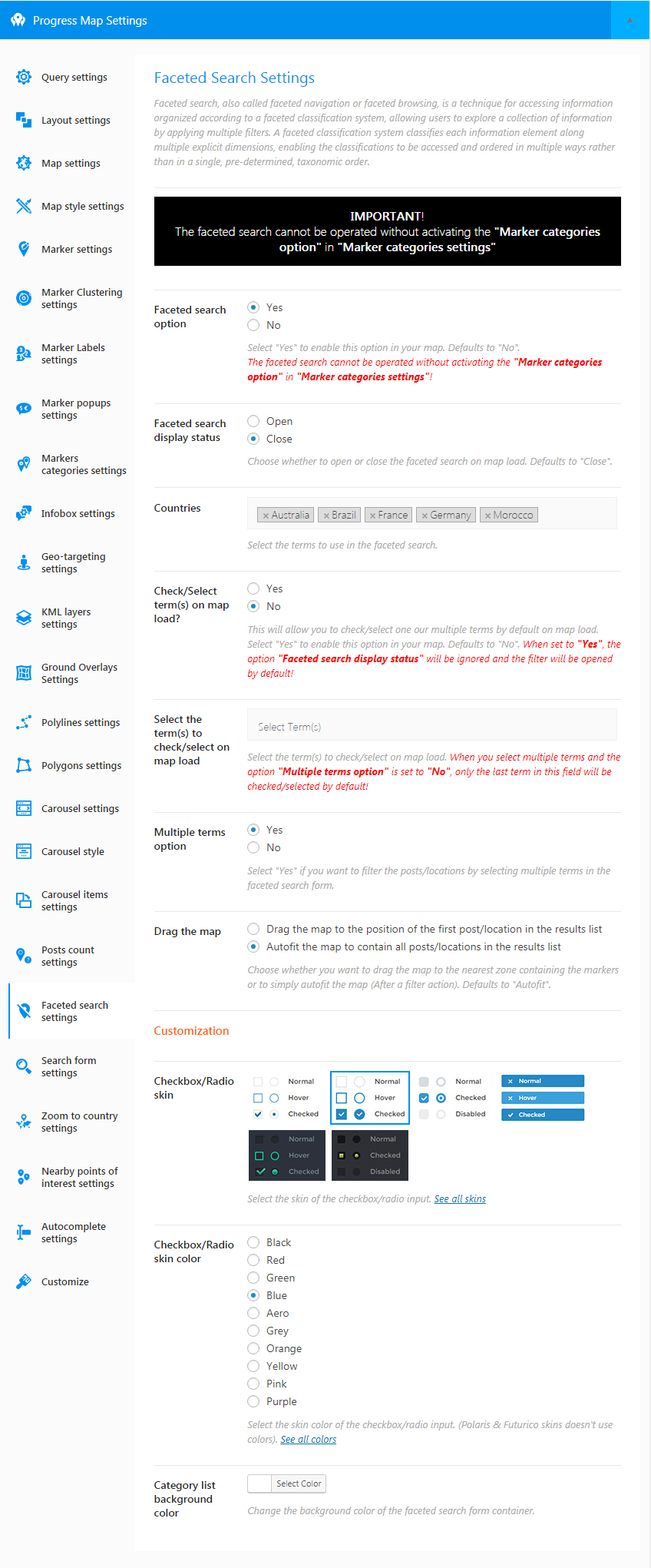
3. The following image ( https://s3.envato.com/files/251776377/PM%20v4.0/faceted-search.jpg ) shows all the different styles filters can have. There’s a style that looks like buttons but i’m not sure if it’s what you need.
4. Yes you can.
Thank you
I am trying to use the “post to retrieve” option on my map, but all I am getting is a searching icon. I will type in the posts ID number and try to update the map, but it won’t save.
Hi,
Yes, there’s an issue regarding the fields “Posts to retrieve” and “Posts not to retrieve”. The issue has been fixed and the updates will be available for download very soon. Sorry for the troubles.
Thank you for your understanding
Hello, I’m interested in purchasing your Progress Map plugin for $40 but just want to be clear about a few things. 1 – Can I upload my own image of a map and add markers to it? 2 – Is the purchase for one site only or could I use it on multiple sites? Thanks for your time Lisa
Hi,
1. Yes you can render your map image on the map and add your markers. Here’s an example: https://codespacing.com/wordpress-plugins/progress-map/demos/image-map/
2. Yes it’s a one site licence. You can read more at https://codecanyon.net/licenses/terms/regular
Thank you
Hi there,
we got a lot of branches in a Excel table and like to import such a file – maybe CSV. Is it possible?
Thanks Mark from Germany
Hi,
The plugin doesn’t provide an import tool. The plugin deals with (custom) post types, so if you have posts in CSV file, simply use the WordPress Import tool that you can find under the menu “Tools”.
Thank you
Hi, I just recently purchased the plug-in named progress map list and filters. After activating this plugin I am getting an error “map_layout is not defined” on the console. I can’t find any solution for it. Can you please help me to get it resolved. Here is the link for the site on which i am trying to use it http://tpc.seemysite.us/test-page-for-progress-map/
Hi,
Please re-submit your question on https://codecanyon.net/item/progress-map-list-filter-wordpress-plugin/16134134/comments so we can treat your issue.
Thank you for your inderstanding
Hi there,
got a short pre sale question.
We need a map with categories (café) and searchable tags (like “cake”, peppermint tea”), languages speaking in store (Englisch, German) and so on.
Is it possible? Is there a example with your plugin?
Thanks from Germany Mark
Hi there, got a little PRE SALE question.
We need searchable tags like (when there is a “café” as categorie) “cake”, “peppermint tea” and so on.
So we could seeking for a Café/Bar that offers peppermint tea and/or cakes! Is it possible with your theme?
Thanks!
Hi,
The plugin “Progress Map” has the faceted search feature that allows filtering posts/locations on the map. You can see an example at https://codespacing.com/wordpress-plugins/progress-map/
The issue is that you can only filter locations using one (custom) taxonomy. In other words, categories or tags. If you want to filter your locations using multiple taxonomies (categories, tags, etc…) you need to use the extension “List & Filter”. You can see an example at https://codespacing.com/wordpress-plugins/progress-map-list-and-filter/
Thank you
Hi, I don’t see the additional form to update information for the map. Also, the submitted location can’t display the audio file attached. I’m making a map with multiple audio files attached to each location for pronunciation. Is there something wrong with my set up?
Hi,
since the update of the newest version the carousel item also shows in the item title the status of the post (in my case private). I use portfolio to manage my items. How can I remove the “Private” infront of the title in the carousel e.g. here: (http://www.worldmoments.org/es/colombia/medellin/las-mejores-cosas-para-hacer-en-medellin/) Thanks, Daniel
Hi,
Please add the following PHP code in the file “functions.php” of your theme/child-theme:
function cspm_remove_private_from_title($default_title, $post_id){
    add_filter('private_title_format', function(){return '%s';});
    return $default_title;
}
add_filter('cspm_custom_infobox_title', 'cspm_remove_private_from_title', 10, 2);
add_filter('cspm_custom_item_title', 'cspm_remove_private_from_title', 10, 2);
Thank you
Thanks. Worked fine!
No matter what I do, I can’t get the plugin to change the map center. It always starts up in Nice, France and I can’t figure out how to change that. I have input different longitudes and latitudes in the “map center” field, but nothing changes.
Hi,
Please make sure to disable the option “Map settings => Autofit” and try again.
Thank you
This setting was already disabled. What do you need from me to get this fixed?
Hi,
Please send me the login of your website to plugin.progressmap@mail.com to check this and please mention your username (dallen04) in your message.
Thank you
Just tried sending you an email and got an immediate response that that email address could not be found. Response code:
550 Requested action not taken: mailbox unavailable
Supposed to be ”@gmail.com”?
Yes it’s plugin.progressmap@gmail.com