Overview
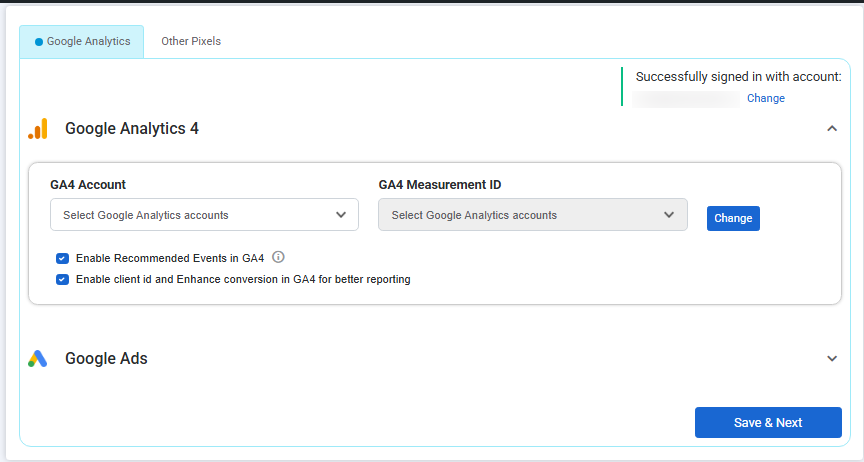
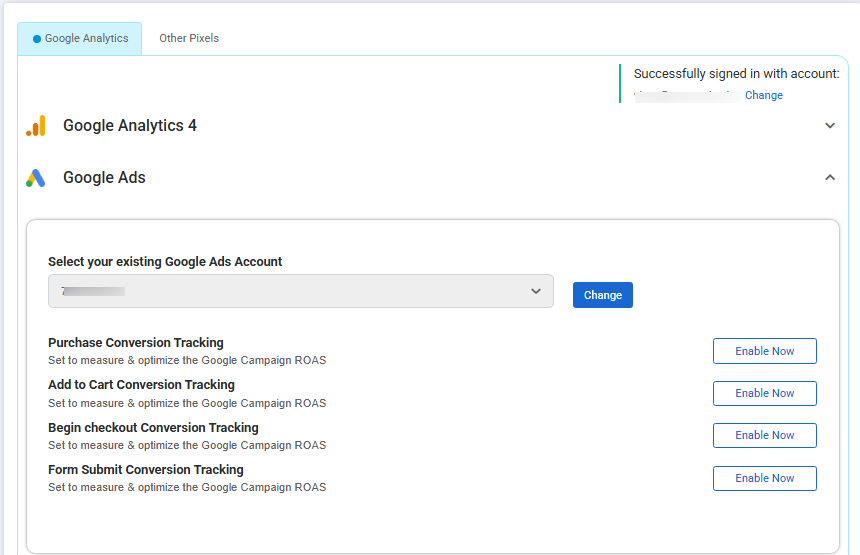
Unlock powerful insights and ad performance tracking for your WooCommerce store — without writing a single line of code. Actionable Google Analytics for WooCommerce is an all-in-one plugin that simplifies the implementation of key marketing and analytics tools, including:
- GA4 eCommerce and custom event tracking
- Google Ads conversion tracking
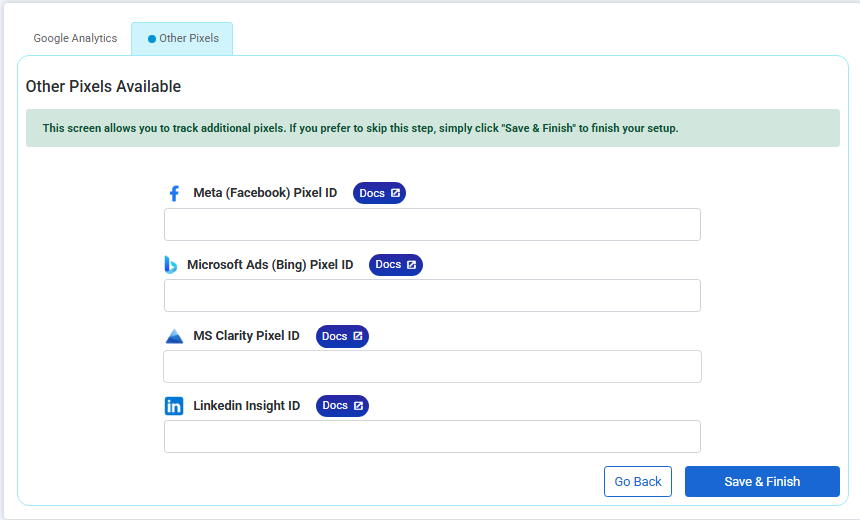
- Meta (Facebook) Pixel tracking
- Microsoft Ads conversion tracking
- Microsoft Clarity session recordings
- LinkedIn Ads tracking
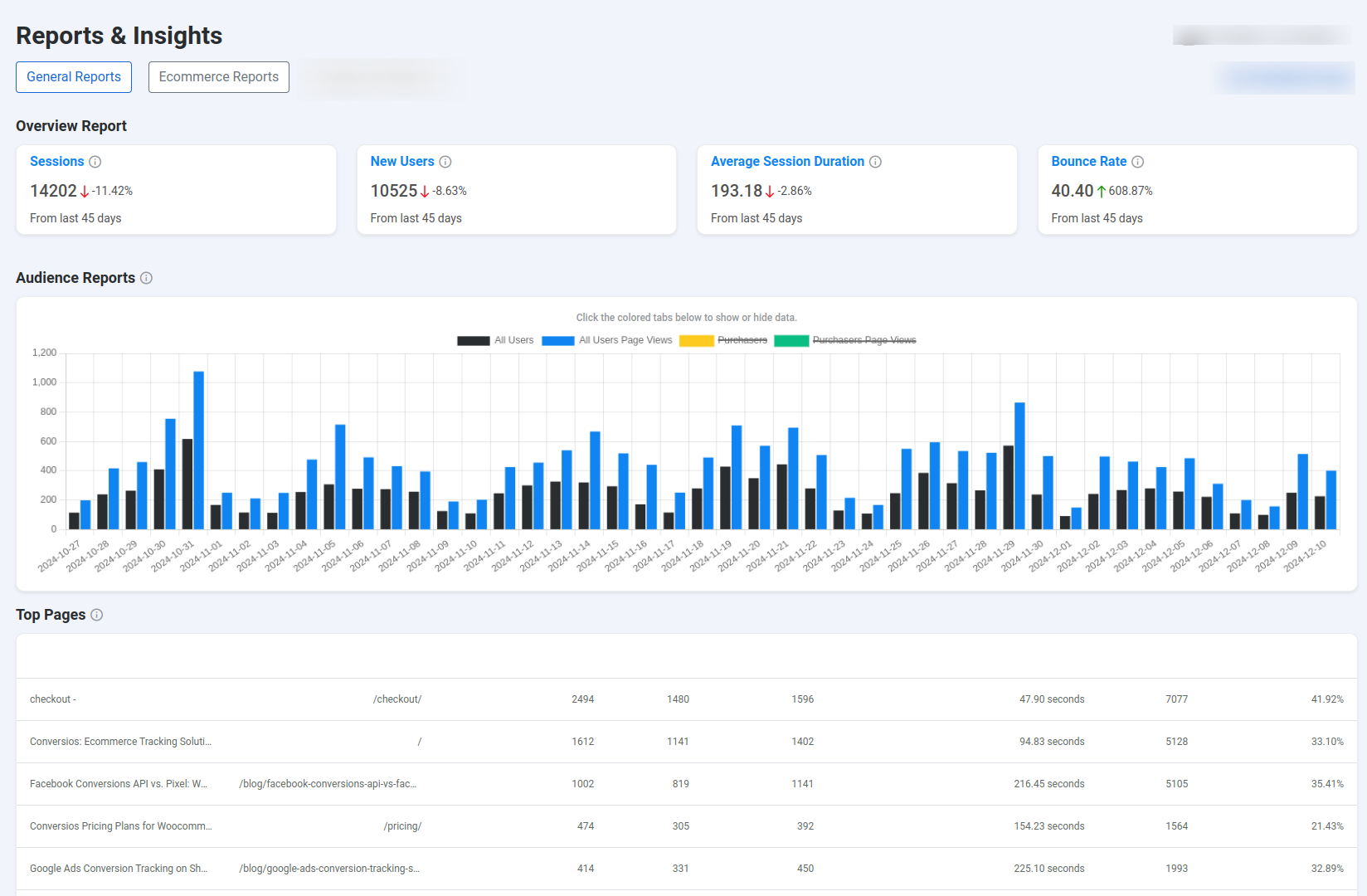
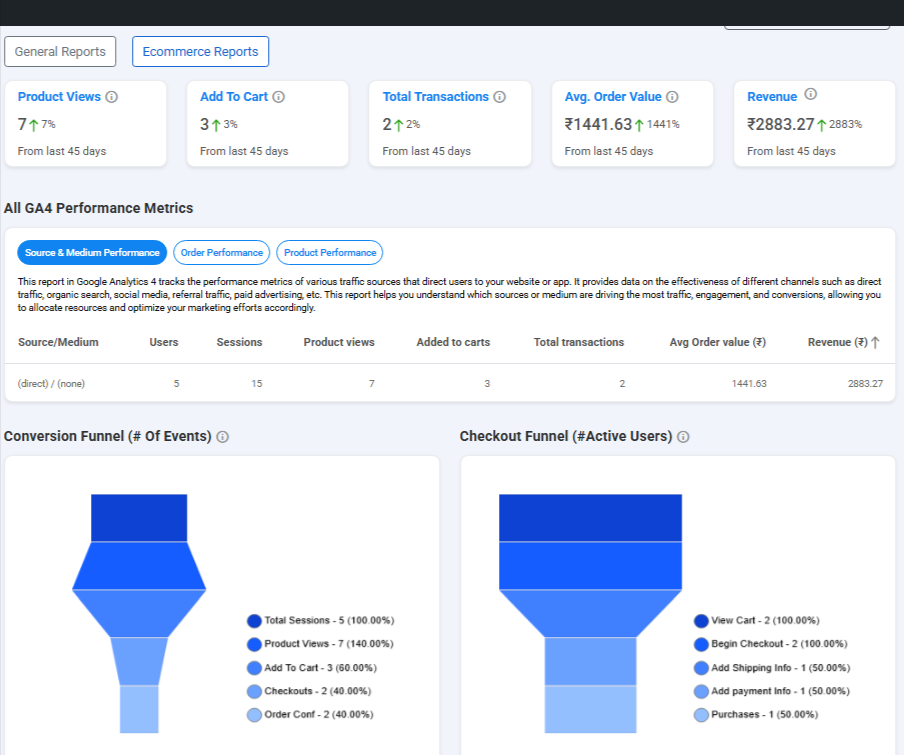
This plugin comes with two built-in reporting dashboards:
General Reports
Get a high-level view of store traffic, user behavior, and conversions to understand what’s driving your performance.
Ecommerce Reports
Dive deep into product performance, revenue trends, and purchase behavior — all aligned with GA4’s enhanced eCommerce standards.
Whether you’re optimizing campaigns or analyzing customer journeys, this plugin delivers actionable insights to grow your business — with zero coding required.
Installation Instructions
- Download the plugin ZIP from CodeCanyon (“All Files & Documentation”).
- Log into your WooCommerce store as Admin & upload the ZIP in the Plugins section.
- Activate the plugin.
- Enable the features you wish to track.
- Accept the Plugin Privacy Policy; tracking begins automatically.
User Reviews
Need Help?
STILL NOT SURE HOW THIS PLUGIN WILL WORK FOR YOUR STORE? JUST SHARE YOUR QUERY AT info@conversios.io AND WE WILL ASSIST YOU WITHIN 24 HOURS.
Note
Out-of-the-box, this plugin does not include:
- Custom event creation for any ads platform or GA4 beyond the events highlighted above
- Multi-domain or sub-domain tracking
- Data discrepancy issue detection and resolution
- Automated anomaly detection and alert notifications
- White-label reporting dashboards
- Conversions API (FBCAPI or other CAPI) gateway integration and troubleshooting
- Google Tag Manager tags & triggers configuration or updates
- Consent management and GDPR/CCPA setup support
Need any of these? Contact info@conversios.io for custom development or add-on options.