2001 comments found.

Pre-purchase question: Hi, is it possible to set diffrent currencies for diffrent country with diffrent prices without switcher(for example: if my costumers is from spain they will see price in £ and for them it is like 100£ and someone from US will see the price price will be shown in dolars and diffrent price like 200$. Also is it possiple to use diffrent payment system than paypal?
Hello
Yes it’s possible.
Please watch these videos – https://currency-switcher.com/video#video_1 AND https://currency-switcher.com/video#video_PZugTH80-Eo
Try a free version – https://wordpress.org/plugins/woocommerce-currency-switcher/
Hi, ı bought the pro version, ı am able to but diffrent prices for diffrent contries but i couldnt manage to change currency. İt is like in Turkey 200₺ in Us 500₺, ı want them to see like 500$ in US and 200₺ in Turkey. Could you help me about this situation?
Hello
Did you watch this video – https://currency-switcher.com/video#video_PZugTH80-Eo ?
Fixed prices for GeoIP – prices are set only in the base currency
You can use – https://currency-switcher.com/video#video_YHDQZG8GS6w and use GeoIP rules
I cant think me having a time to get around it and try fix it. If you have a clue happy to hear it but if not , please do the “proper” as i cant use it anyway.
Hello
Please watch this video – https://currency-switcher.com/video#video_1
Check rates – it shouldn’t be zero
If no luck – write me here – https://pluginus.net/support/forum/woocs-woocommerce-currency-switcher-multi-currency-and-multi-pay-for-woocommerce/ Paste your license key here – https://share.stackovergo.com/image/i20210618130558.png -> https://share.stackovergo.com/image/i20210618130614.png and wp-admin access – https://share.stackovergo.com/image/i20210618130637.png
Hi,
I placed the widget on header, with the “Show approximate amount” enabled. I found that it looks great on the first above screen: https://prnt.sc/fTYNzXYz1hWL However when it scrolls down, the gap becomes too big: https://prnt.sc/zLeNssNL0b_x and when it comes to a light color background we cannot see the text: https://prnt.sc/MywNdqPvY2pv
Could you help? Thank you.
the url is https://chinesesourcingagent.com/
Thank you
Hello This is a CSS conflict with the current theme. Please add this CSS:
.stuck .header-main .nav > li > a .header-cart-title { line-height: normal; }
It works! Thank you!
Welcome;)
Hello, After I added and try to activate show that :: Fatal error: Uncaught TypeError: Unsupported operand types: int + string in /home/dahnag78/public_html/wp-content/plugins/currency-switcher/index.php:656 Stack trace: #0 /home/dahnag78/public_html/wp-content/plugins/currency-switcher/index.php(392): WPCS->get_currencies() #1 /home/dahnag78/public_html/wp-content/plugins/currency-switcher/index.php(57): WPCS->init_no_cents() #2 /home/dahnag78/public_html/wp-content/plugins/currency-switcher/index.php(1838): WPCS->__construct() #3 /home/dahnag78/public_html/wp-admin/includes/plugin.php(2288): include_once(’/home/dahnag78/...’) #4 /home/dahnag78/public_html/wp-admin/plugins.php(192): plugin_sandbox_scrape(‘currency-switch…’) #5 {main} thrown in /home/dahnag78/public_html/wp-content/plugins/currency-switcher/index.php on line 656
Hello
Please write me here – https://pluginus.net/support/forum/wpcs-wordpress-currency-switcher/
Paste your license key here – https://share.stackovergo.com/image/i20210618130558.png -> https://share.stackovergo.com/image/i20210618130614.png and FTP+wp-admin access – https://share.stackovergo.com/image/i20210618130637.png – I will check it
Pre-purchase question: can I have a widget like this one? https://forloveandlemons.com/ The goal is to have all currencies available in automatically (no need to add one by one) and will be a plus if users can set shipping country too.
Thanks in advance,
Hernan B
Hello
Unfortunately the plugin does not have this feature.
2 critical issues
An active PHP session was detected Performance A PHP session was created by a session_start() function call. This interferes with REST API and loopback requests. The session should be closed by session_write_close() before making any HTTP requests.
The REST API encountered an error Performance The REST API is one way WordPress, and other applications, communicate with the server. One example is the block editor screen, which relies on this to display, and save, your posts and pages.
The REST API request failed due to an error. Error: cURL error 28: Operation timed out after 10002 milliseconds with 0 bytes received (http_request_failed)
i don’t know if the session start is needed to make it works!!!??? I try to deactivate each plugin and them i have obne at time and found that CURRENCY PLUGIN is the guilty
OPENED a SUPPORT TICKEt DAYS AGO WITHOUT ANSWER?????
OPENED a SUPPORT TICKEt DAYS AGO WITHOUT ANSWER?????
Hello
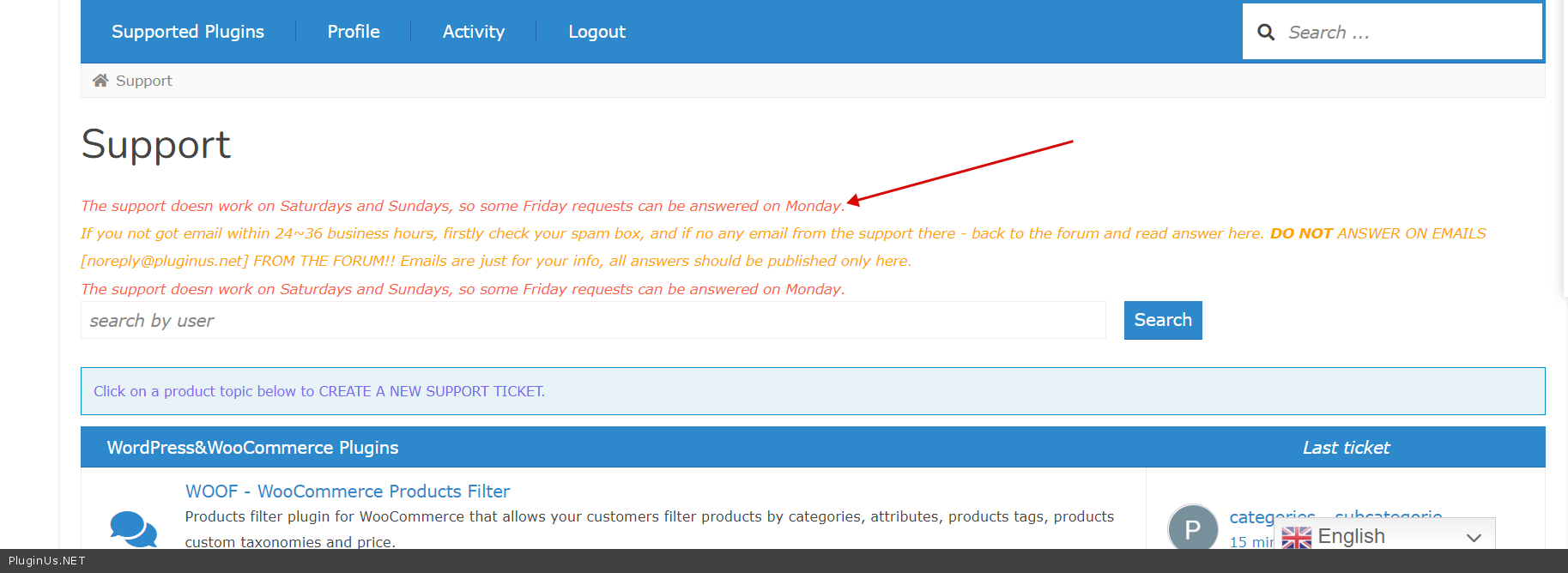
The support doesn work on Saturdays and Sundays, so some Friday requests can be answered on Monday. If you not got email within 24~36 business hours, firstly check your spam box – https://c2n.me/4faiAHC.png . Your request is created on 12th March 2022 https://pluginus.net/support/topic/an-active-php-session-was-detected-performance-a-php-session-was-created-by-a-session_start-function-call/
Thanks this plugin is great and helping me a lot but unfortunately there is one feature that is missing which is very very important for me. Actually i have subscription based membership plan and i have multiple currency like USD, EURO, INR but this plugin does not work with renewal for example if product price is $10 for someone checkouts in INR then they pay 750 INR but from the second months while renewals it 750 INR shows as USD while checkout and calculate total price 750*75(currency rate) = 56250 INR – this is the issue – i have been facing for long time please resolve it. I am using WooCommerce , WooCommerce subscription plugin and WooCommerce membership plugin on my site. Thanks & Regards
Hello
Please read this – https://currency-switcher.com/woocs-labs
Hi, after last update “Show currency by location” is not working every where showing base currency.. can you please check? here is my client website: https://kamalifestyles.com
Hello
Please read this – https://currency-switcher.com/using-geolocation-causes-problems-doesnt-seem-to-work-for-me
Hi. The “Currency Price Switcher” field in the option has no option for just “Currency Code” only (without flag). I have tried using CSS to “display:none;” for the flag icons, but the problem then is that the currently selected option displays nothing at all because no Currency Code displays along-side the currently selected option.
Hello
Try to use smart Designer – https://currency-switcher.com/video#video_zBJcJl6UuuQ
Ah, ok. I’ll give that a try. Thanks.
Welcome;)
Hi would this work with WCFM dashboard to allow vendors to add products with their own currency.
Hello
All products must be stored and added only in the base currency
Hi,
We are testing your free version with an oxygen built website and CheckoutWC.
We are using USD and EUR and I’ve changed welcome currency to USD but when I left the checkout to the PayPal payment page it converts the currency from 78$ to 78€.
I don’t want that the client to be able to switch between currencies, they need to pay in the currency of their country.
For example, if I’m in US I only can pay in dollar, if I’m in Portugal I only can pay in euro.
Thanks for your help!
Hello
Are you using this plugin? – https://wordpress.org/plugins/woocommerce-paypal-payments/
Hi,
We are using the built-in PayPal Standard – PayPal
Thanks.
Hello
Please check option- https://share.stackovergo.com/image/i20220222120019.png
It seems to be working, thanks!
Welcome;)
When adding individual product fixed prices – I’m unable to save drafts. If I delete all currency prices then only I’m able to save drafts
Hello
Please write me here – https://pluginus.net/support/forum/woocs-woocommerce-currency-switcher-multi-currency-and-multi-pay-for-woocommerce/
Paste your license key here – https://share.stackovergo.com/image/i20210618130558.png -> https://share.stackovergo.com/image/i20210618130614.png and wp-admin access – https://share.stackovergo.com/image/i20210618130637.png
Hi, may i know this plugin able to achieve this setting?
eg. i got USD, GBP and AUD. But i want to hide AUD in certain products, means user will not see the product once they select AUD as the currency.
Hello
Unfortunately the plugin does not have this feature.
Hello, pre-sale question.
Is there any compatibility in place for WooCommerce Country based website switcher?
https://woocommerce.com/document/country-based-website-switcherHello
unfortunately we do not have such information
You can do a test with the free version – https://wordpress.org/plugins/woocommerce-currency-switcher/
I could not find login details of https://pluginus.net/support/
Hello
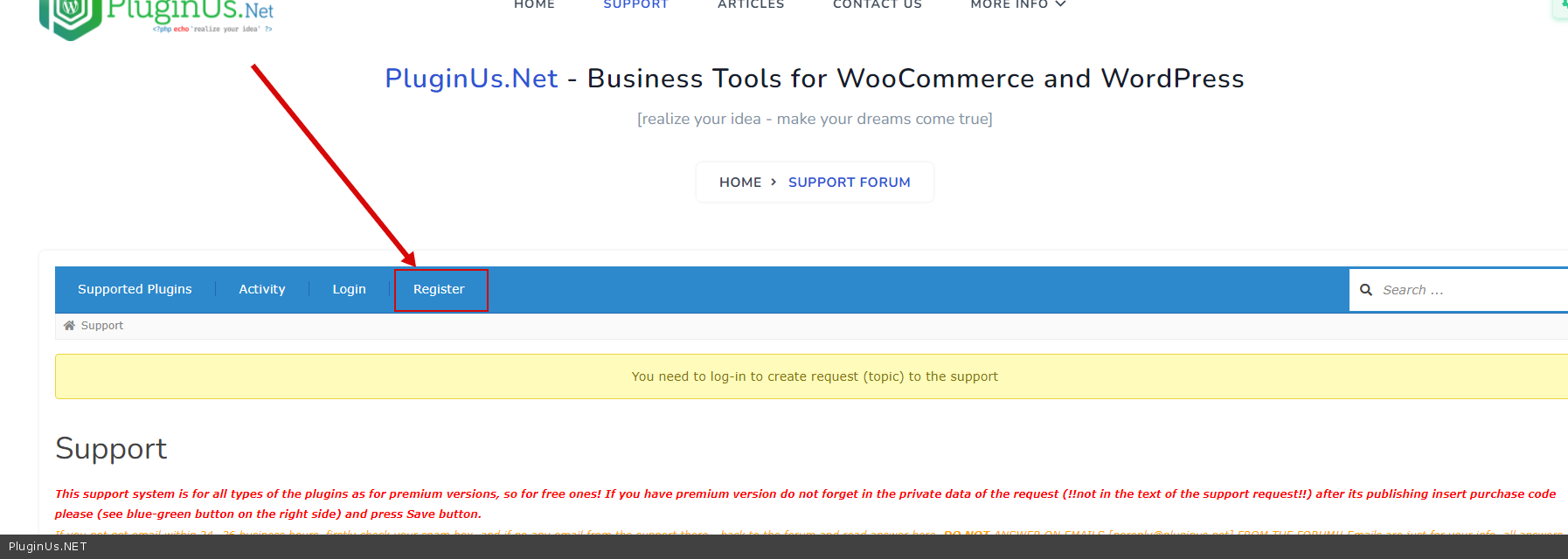
Please register as a new user – https://c2n.me/4eO1cmf.png
Hello, We wanted to ask if the currency changer will be effective in “Pending Payment” payment screen as most do not translate the currencies in that page.
Hello
“Pending Payment” payment screen - is this a checkout page or your payment system page?you can try it with the free version – https://wordpress.org/plugins/woocommerce-currency-switcher/
Hello, I have problems with PayPal and your currency exchange plugin. When I enter the US dollar (USA), the store charges me well, the correct amount appears, eg: $10 dollars, but when I change to another country, eg: Europe, $0.10 dollars appears. .
How could I solve it? Thanks
Hello
Please read this – https://currency-switcher.com/currency-recounts-wrong-double-zero-and-others
write me here – https://pluginus.net/support/forum/woocs-woocommerce-currency-switcher-multi-currency-and-multi-pay-for-woocommerce/
Paste your license key here – https://share.stackovergo.com/image/i20210618130558.png -> https://share.stackovergo.com/image/i20210618130614.png and wp-admin access – https://share.stackovergo.com/image/i20210618130637.png – I will check it
We have a WooCommerce website that we are moving to Stripe payments via WooCommerce Stripe Gateway. USD and CAD are set as main currencies on Stripe side, USD is base currency in WooCommerce. Can WOOCS work with charging both USD and CAD directly? for Canadian shoppers prices need to be converted from USD to CAD and the actual charge needs to be in CAD. All other currencies need converting to USD for charges in USD. Is this possible with WOOCS?
Hello
Yes. Please watch this video – https://currency-switcher.com/video#video_1
Try a free version – https://currency-switcher.com/woocs-labs
Здравствуйте. Прошу обратить внимание что форум поддержки не работает. Сообщения на нем отправлять нельзя. Залогиниться очень сложно и в большинстве случаев не пускает. Нужно сделать много попыток. Так, когда у меня не получилось отправить сообщение с компьютера после множества попыток пытался залогиниться с телефона многократно и получил бан на 72 часа.
Здравствуйте, пришлите плиз свой email через форму связи https://pluginus.net/contact-us/
В форму обратной связи написать нельзя, она просит установить ей плагин для капчи и потом отправить капчу. To use CAPTCHA, you need Really Simple CAPTCHA plugin installed. Your entered code is incorrect. Написал на admin@pluginus.net
Здравствуйте
Спасибо за Ваше сотруднечиство! Мы уже исправили это
Is it possible to have multiple currencies but at checkout to have a predefined currency for the purchase process? (explained: I would like to process payment in US$ but for customers to be able to see product prices in their local currency). We use a payment processor with a plugin that only accepts USD$ as the purchase currency, so the cart at checkout has to be in dollars, otherwise the payment gateway will receive the amount in the cart (numbers, avoiding what currency it is in) and process it as dollars. Imagine if its $10 but at checkout it’s shown (for example) in Mexican Pesos that would be around 204.74 so the payment gateway will take those 204.74 and assume its US$.
hello
Unfortunately no. The user will pay in the currency that he sees on the checkout page

This item was featured on CodeCanyon

Power Elite Author
Contact the Envato Market Help Team