2002 comments found.

Is it possible to have multiple currencies but at checkout to have a predefined currency for the purchase process? (explained: I would like to process payment in US$ but for customers to be able to see product prices in their local currency). We use a payment processor with a plugin that only accepts USD$ as the purchase currency, so the cart at checkout has to be in dollars, otherwise the payment gateway will receive the amount in the cart (numbers, avoiding what currency it is in) and process it as dollars. Imagine if its $10 but at checkout it’s shown (for example) in Mexican Pesos that would be around 204.74 so the payment gateway will take those 204.74 and assume its US$.
hello
Unfortunately no. The user will pay in the currency that he sees on the checkout page
Hi,
Is it possilble to make it related wirh product price with automatic calcualtion after input the numbers into the currency field then add the price to cart to make an order for money transfer website?
Thanks, Pete
Hello Pete
Please describe it in more detail.
Hello, good morning, I am a premium user, I bought the plugin on themeforest and I can’t get the website to correctly show the cheapest price by default.
That is to say, in the local currency, in the configured currency my store works correctly, the prices are sorted and “Show only the Highest prices on variable products” are seen but when I change the currency this does not happen, it shows a random price that does not correspond at the right price.
to configure Show only the Highest prices on variable products use the steps on this website https://wpglorify.com/show-lowest-price-woocommerce-variable-products/#lowestWill it be a problem with this configuration or the plugin?
Thank you very much in advance for the help.
Greetings from Argentina, sorry for my English, I’m using google translate.
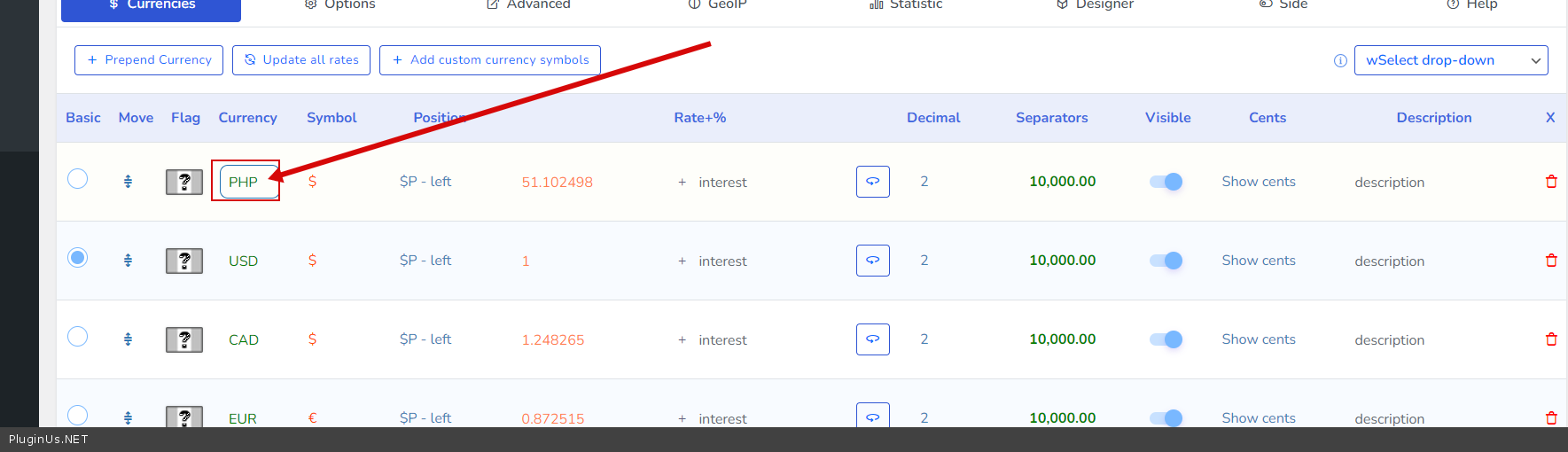
How can I delete one of the default currencies and set the one I want in the lite version. I cannot find a delete button anywhere
Hello
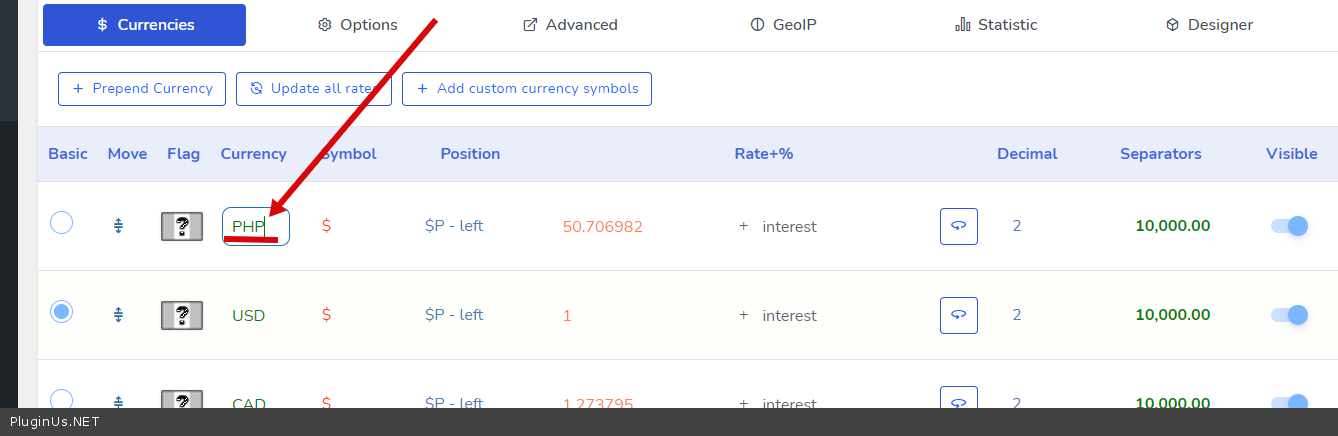
just change the currency code – https://c2n.me/4eBEvBx.png
Please watch video – https://currency-switcher.com/video#video_1
hello is it right that when load the page take some time to how the price? circling and circling before show the prices… is there a way to speed up? see screenshot https://prnt.sc/26c4qxc thanks I have deactivated the info icon and ajax price preloader and now seems faster is it the correct way?
Hello
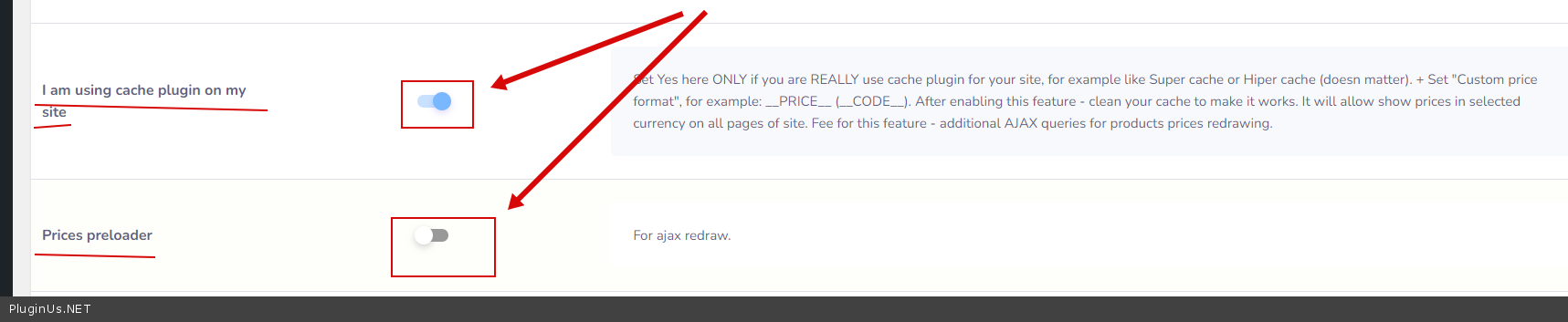
This is just an animation, it does not cause any load on the server, mainly the speed of this depends on the loading of the page. You can check these options – https://c2n.me/4ezkpx6.png
This animation is needed so that the user does not see the price in another currency (a few seconds before ajax redrawing) if you have cache enabled
please can check here https://www.nicolameyer.com/handmade-products/iphone-simple-leather-back-case-calfskin-alligator-pattern/ i checked here and seems take same price for all geo ip… what are the options to check i do these https://prnt.sc/26csx2u i flag the plugin cache and so on… when i try the ajax placeholder seems take many times to refresh the page
Hello
I already described everything to you in the previous message. If you do not like this animation, turn it off – https://share.stackovergo.com/image/i20220113130600.png (it will not affect the main functionality in any way)
Hello, how do I make the plugins show with in single products instead of Sidebar… I want mine displayed like this https://tinyurl.com/yyoqmxgd kindly check screenshot… Thanks
hello
Please read this – https://currency-switcher.com/how-to-insert-currency-switcher-into-single-product-page
Why dont you put the flag icons and currency codes along with the plugin ? much time wasting for these things
Hello
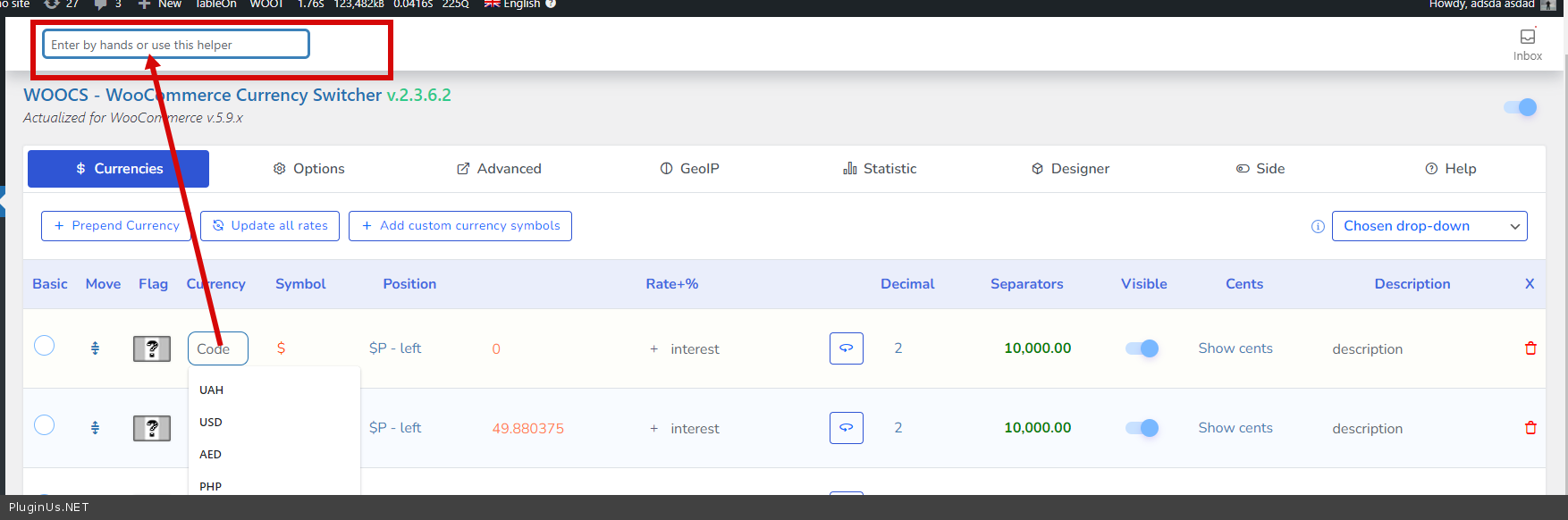
currency codes – Try it please – https://c2n.me/4eouL0X.png
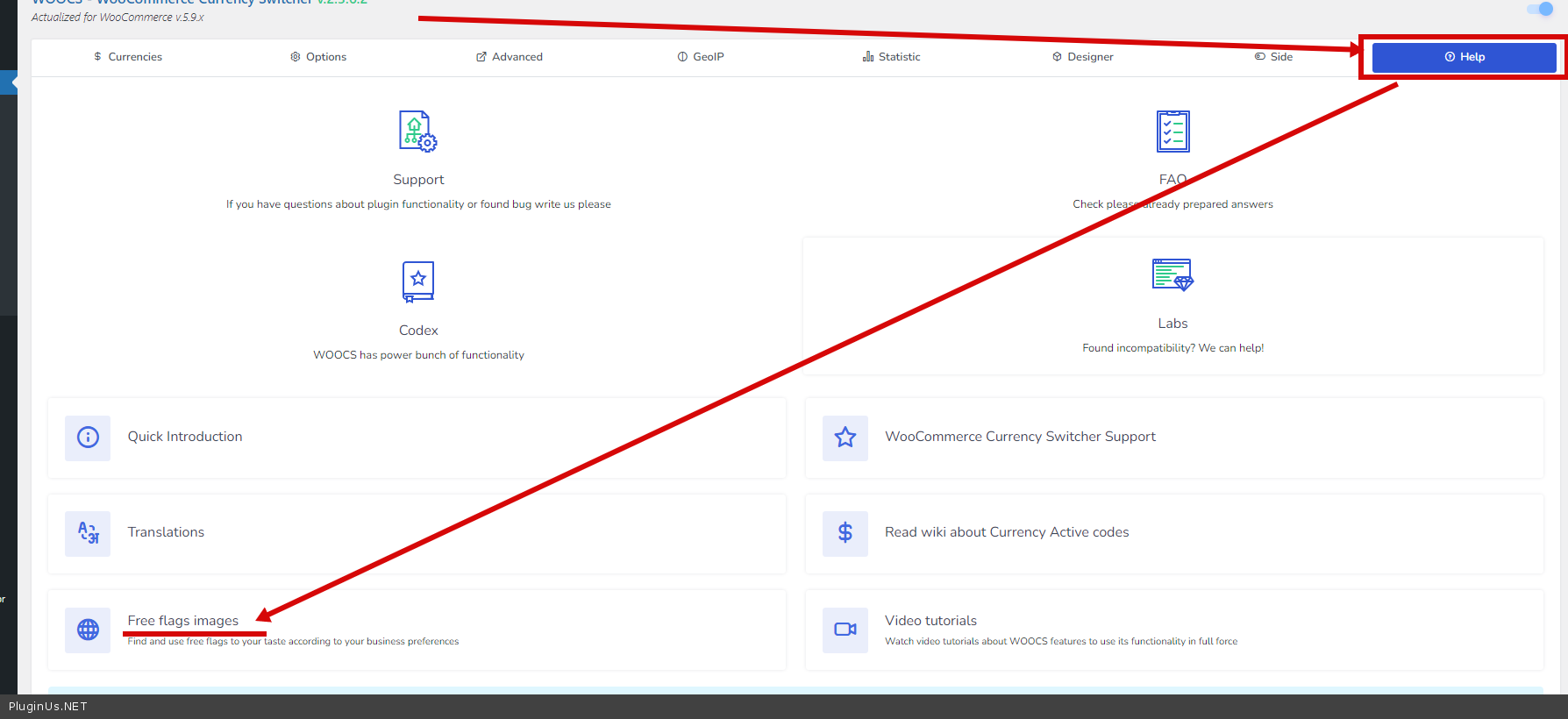
To get flags – https://c2n.me/4eouO6L.png
Hi
We seem to have a problem with the currency converter when applying discounts – https://hokuspokus.co.za/
We have a discount rule set up with WooCommerce Discount Rules for 50% for certain customers. When we purchase in ZAR (base currency) it works out the discount and the Subtotal correct – please see attached.
But when we change to Euros, the 50% discount is correct, but the subtotal is completely wrong. This makes us think it is the currency converter that is giving problems. Can you please let us know what you think?
This is obviously a huge problem as people are shopping for Christmas so can you please get back to us ASAP.
I’ve tried to raise a support ticket but the client does not have the login for your support system. I do have the purchase key
Many Thanks Vernita
Hello Vernita
This is an incompatibility with a third party plugin
Please read this – https://currency-switcher.com/woocs-labs
Your topic – https://pluginus.net/support/topic/wrong-subtotals-if-currency-converter-applied/
Can you at least tell us with what plugin it is incompatible? How are you meant to find a solution if we don’t know?
Hello
Please try to read this – https://currency-switcher.com/woocs-labs – in this article there is a link to the list of suggestions, if you don’t find the solution you need, create a request for adaptation
I tried the free version of this and it worked well. I purchased and installed it following your instructions, but cannot add any more currencies
Don’t worry. It was currency code issue
Hello
Ok! Great!
Hello, I wanted to try this your code for compatibility before purchase, but it gives an syntax error ( Unexpecte T_Variable) when added to the file:
if(class_exists(‘WOOCS’)){ global $WOOCS; $_order_currency = get_post_meta($order_id, ‘_order_currency’, true); $order_rate = get_post_meta($order_id, ‘_woocs_order_rate’, true); $currencies = $WOOCS->get_currencies(); if (!$order_rate) { if (isset($currencies[$_order_currency])){ $order_rate = $currencies$_order_currency; } } if($order_rate){ $commission_amount = $WOOCS->back_convert($commission_amount,$order_rate, 2); }
}
Hello
Please write me here – https://pluginus.net/support/forum/woocs-woocommerce-currency-switcher-multi-currency-and-multi-pay-for-woocommerce/
Drop me screenshot of the con on your file. And a link to the article where you got this code
Well, you stated here https://ibb.co/1JLWjVV and https://ibb.co/b3BsrK6 that your plugin could be made compatible with the supplied code that did not work with WCFM. Did you not?
Hello
please read this – https://currency-switcher.com/wcfm-marketplace-by-wc-lovers
If no luck write me here – https://pluginus.net/support/forum/woocs-woocommerce-currency-switcher-multi-currency-and-multi-pay-for-woocommerce/
Hello, purchase the premium version once, is it available for life?
Hello
Yes, 1 license for 1 site only
This is a great WooCommerce currency plugin!
May I know how to achieve these peculiar price formating?- 1 ) 1 234 р. 00 к. (eg. Belarusian ruble, separated ‘kapiejka’ shows at the back)
- 2 ) fr. 1’234,00 (eg. Swiss Franc, ’ as thousand separator)
- 3 ) 1,234$00 (eg. Cape Verdean, symbol as decimal)
- 4 ) ₨.12,34,567.00/- (eg. Rupee, front and back symbol, uneven seperator)
- 5 ) 1234 ﷼ (eg. Yemeni Rial, no thousand separator)
Hello for 4/5 – there should be no problem here. The plugin has settings – https://c2n.me/4einZVs.png
for other cases you need code customization
Hi, I got it. Thanks!
Welcome;)
Hello,
How do we create a ticket for the issues ?
Thanks.
Hello
Create it here please: https://pluginus.net/support/forum/woocs-woocommerce-currency-switcher-multi-currency-and-multi-pay-for-woocommerce/
We got it. Thanks.
Hello,
We have successfully registered an account in https://pluginus.net/support/, when we wanted to log in, a message indicated that the password is incorrect, so we clicked on “Lost your password” and entered our email address, a message: “A password reset email has been sent to the email address on file for your account”.
We have been waiting the email for 5 hours, but it still doesn’t show up in our inbox, please you check it up for us.
Thank you.
Hello
Check your spam box please. Also you can request pass here https://pluginus.net/contact-us/
Hello,
We have checked our spam box that has no anything. We’ll request pass here https://pluginus.net/contact-us/.
Thank you.
Hello
Password sent
Hello, We got it. Thanks.
May I know how to stop the Options Setting reset by itself? I’ve lost my custom price symbol and format.
Hello
The plugin does not reset the settings on its own. What plugin version number are you using? Does anyone else have access to the plugin settings?
Thanks for replying. I’m using version v.2.3.6.1. Now I realize the Options setting does not save when I click the ‘save changes’, it returns the default settings and all of the option’s fields are cleared. The added currencies are still there, but if the currency uses custom symbol, it will be back to dollar symbol and “0” for exchange rate.
Thought updating to v.2.3.7.3 will solve, but it didn’t. Where to find license key in codecanyon?
Hello
Please write me here – https://pluginus.net/support/forum/woocs-woocommerce-currency-switcher-multi-currency-and-multi-pay-for-woocommerce/
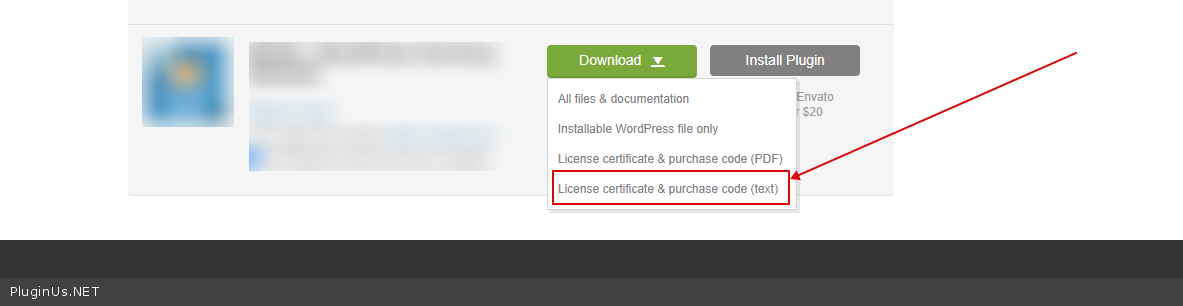
To get license key – https://codecanyon.net/downloads -> https://c2n.me/49ZXJv0.png
Paste your license key here – https://share.stackovergo.com/image/i20210618130558.png -> https://share.stackovergo.com/image/i20210618130614.png and wp-admin access – https://share.stackovergo.com/image/i20210618130637.png
Do you have many currencies?
This is a great currency plugin that I will strongly support!
But not sure why, I realize the plugin doesn’t allow me to add more than 83 currencies. Although it can save until the 84th row of currency name, but it will clear all the flags, custom symbol and other tabs like Options, Advance Setting and GEO IP. Hope you can solve my problem please.
Hello
I answered you here – https://pluginus.net/support/topic/more-than-83-currencies-will-delete-all-settings/
Hi, I got it. Thanks!
Welcome;)
pre sale question: can be seen in woocommerce analytics menu in various currencies?
Hello
Unfortunately the plugin does not have this feature.
Hey guys, quick question
We want to setup the prices in USD for the products, but the shop to display the prices in ETH
We have already added ETH as an option, and activated the automatic currency update
How do we force ETH for being the official currency of the site?
Hello
Please add to functions.php
add_filter(‘wp_head’,function(){ if(class_exists(‘WOOCS’)){ global $WOOCS; $WOOCS->set_currency(‘ETH’); } });
Thanks! Is there a shortcode like [woocs_price =ETH] that allows us to display the price in ETH as a shortcode? Main store currency is USD
Hello
unfortunately the shortcode does not have such a feature
It will be good to add the feature “Currency per product” similar to the Yaycurrency plugin instead of Individual fixed prices rules for each product.
Hello
Ok! I will pass your idea to developers
Hi! I have the free version and currently have USD and Euros as the only two currency.
I want to continue using free version first, and would like to exchange Euros to Thai Baht (Thailand currency) but I don’t see any buttons to remove Euros or update it! Please help. Thanks 
Hello
Please watch a video – https://currency-switcher.com/video#video_1
Just change the currency code – https://c2n.me/4e6OrAL.png
Hi. I use WooCommerce Extra Product Options. But when I switch the currency, the options’ price not change with the correct currency. Is there any setting I should do for this? Thank you.
Hello
Please read this – https://currency-switcher.com/woocs-labs
Hi, I have integrated Woocs currency switcher with Tutor LMS Pro. I have set Local currency in Rupees for India and USD for all other countries in GeoIP. Everything is good except that base currency being rupees, its working fine in India. But, outside India…instructor account earnings don’t get converted in USD instead it shows exactly same value as Indian local currency. Also, when instructor puts the price for course, its fine for instructor in India but instructors from other locations put price in USD, it converts in local currency and displays converted value. Please advise the solution
Hello
Please read this – https://currency-switcher.com/woocs-labs

This item was featured on CodeCanyon

Power Elite Author
Contact the Envato Market Help Team