Engage your Customers to Scroll Smoothly with WooCommerce Load More Products Plugins!
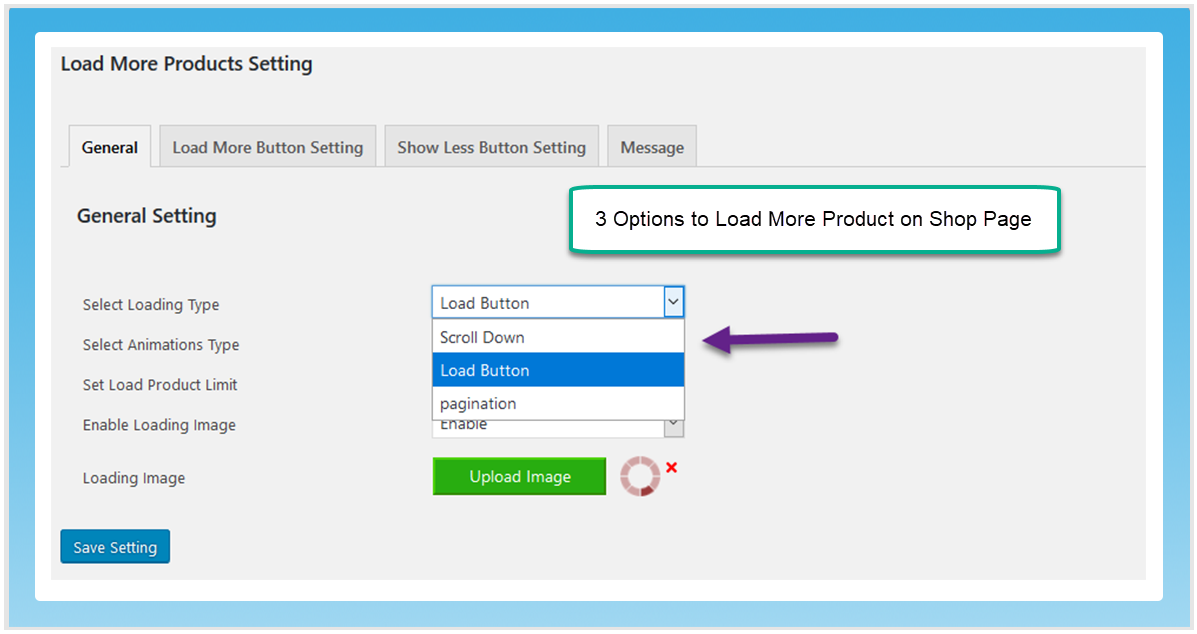
Engage your store users by showcasing more products through three interactive methods using the load more products for WooCommerce: infinite scroll, a load more button, and pagination.
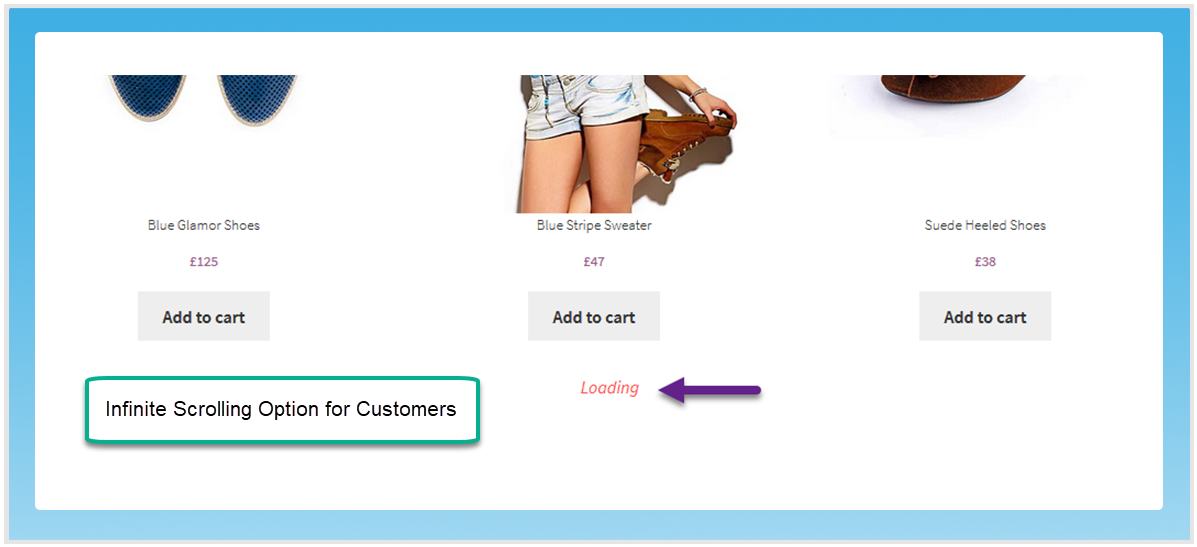
With infinite scroll, you can automatically show products as the user scrolls down the shop page without compelling them to ask or wait for it
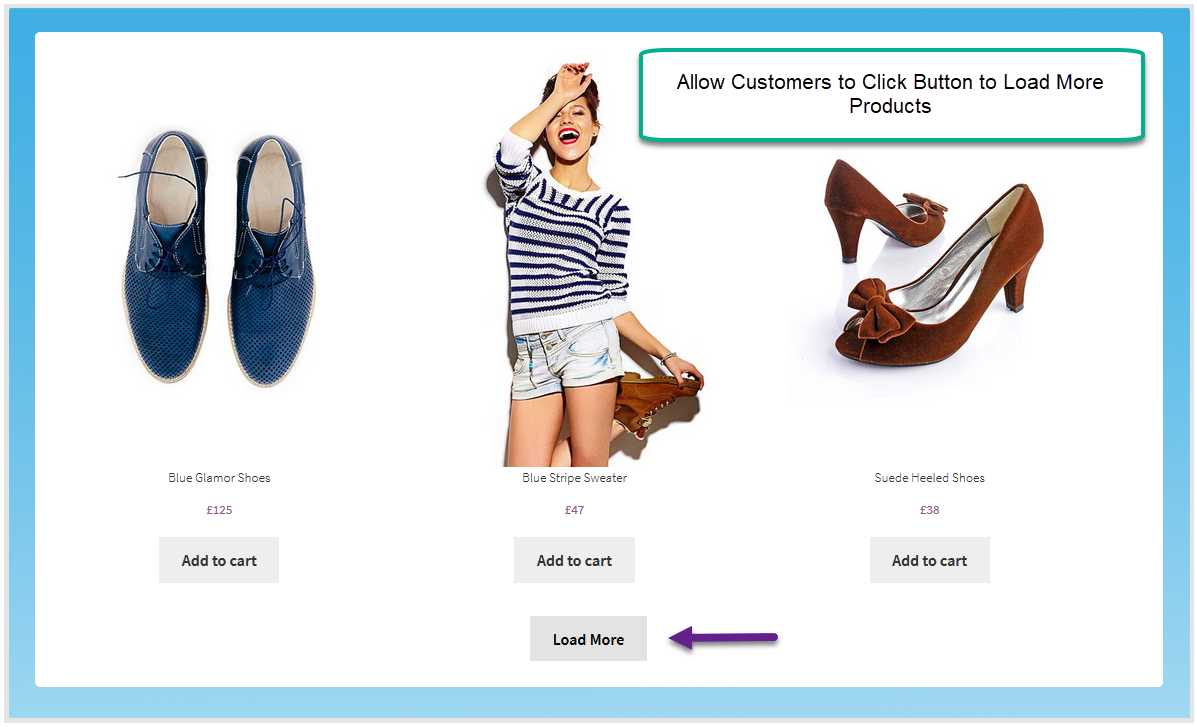
With the “load more” button, users can freely view additional products or select from those they have already seen. It offers various customization options such as animation, product limits, and a “show less” button.
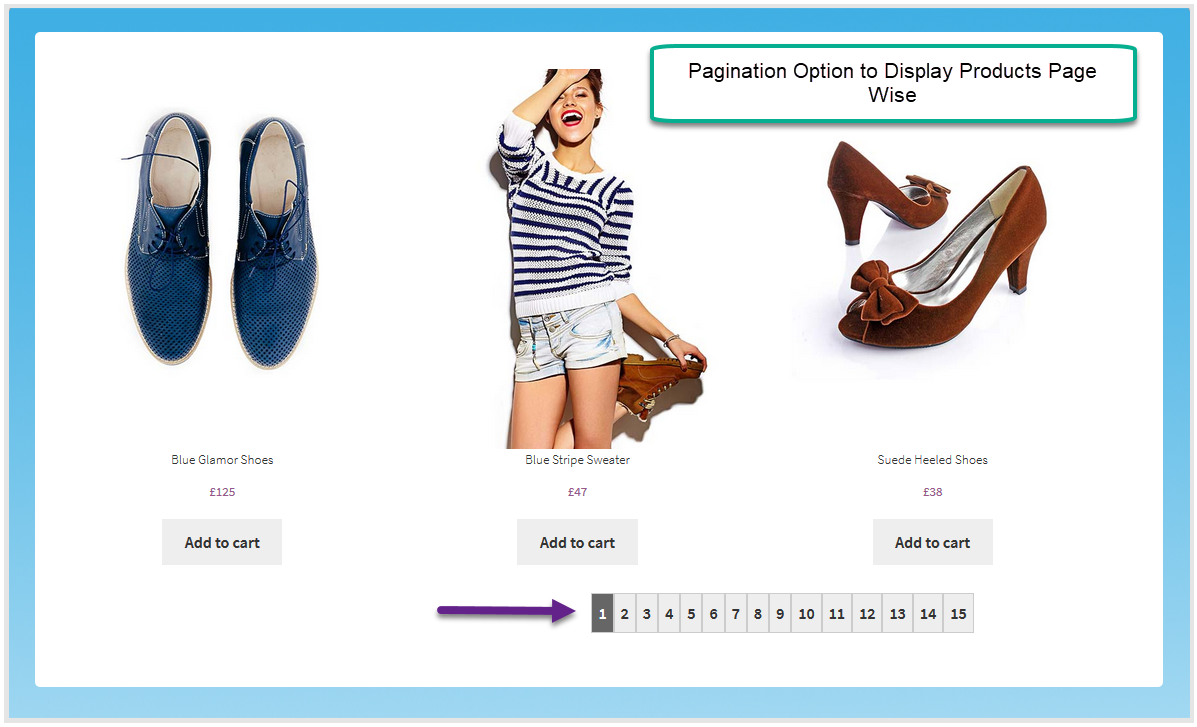
You can try projecting more products on the store by classifying them in pages. It replaces the conventional loading with a more robust Ajax-powered pagination.
Key Features of WooCommerce Load More Products Plugin
- Use 3 interactive ways to load more products on the shop
- Infinite scroll automatically displays more products
- Add the ‘Load More’ button to show Products on user discretion
- Use pagination to easily classify products in pages
- Enable ‘Show Less’ button
- Configure ‘Load More’ and ‘Show Less’ buttons
Want to display products based on brands on the shop page? Check out WooCommerce Brands Plugin
Enable Ajax-based Infinite Product Scroll
WooCommerce Infinite scroll allows users to continuously scroll down the shop page, with more products automatically appearing as they do. It uses AJAX to ensure quick and efficient product loading during scrolling. This functionality helps engage users, reduces bounce rates, and ultimately increases conversions.
Add a Customizable ‘Load More’ button
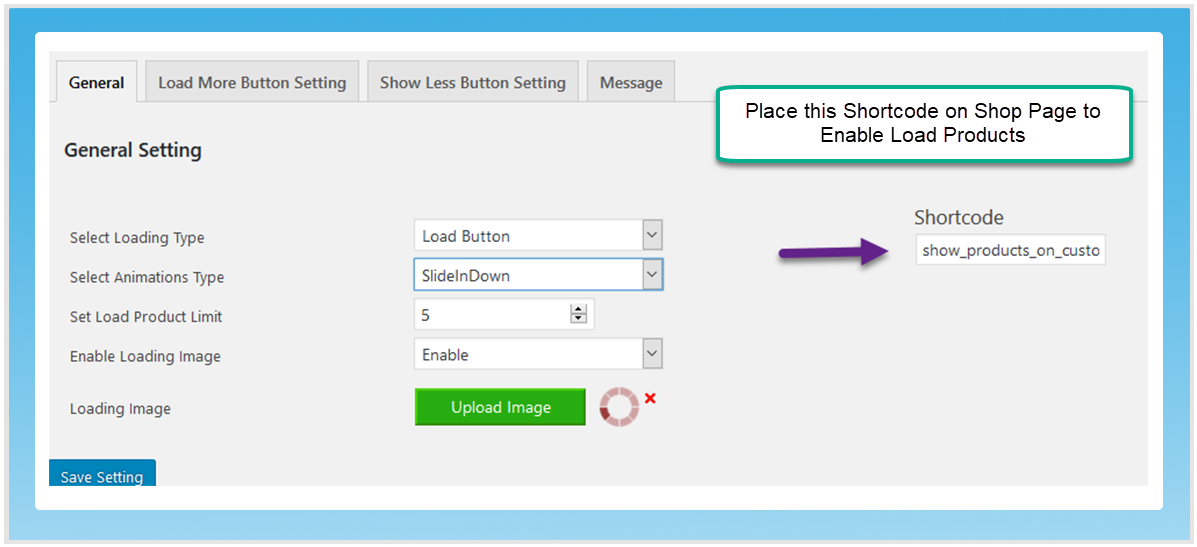
You can add a WooCommerce load More button on the shop page to let visitors view additional products. Animate the button with a limit to the number of products it loads. Enable a loading image and upload a custom one.
Add Pagination to your Store
Utilize the pagination feature to help users find products across various pages. Users can effortlessly navigate between pages by clicking the page numbers located at the bottom of the shop page, and they can bookmark these pages for easy access later.
Create Show Less button
You can enable a show less button to help the visitors view the products they are interested in and hide the rest of the items. Personalize the Show Less button by text, background color, mouse hover color, border color, and many other options.
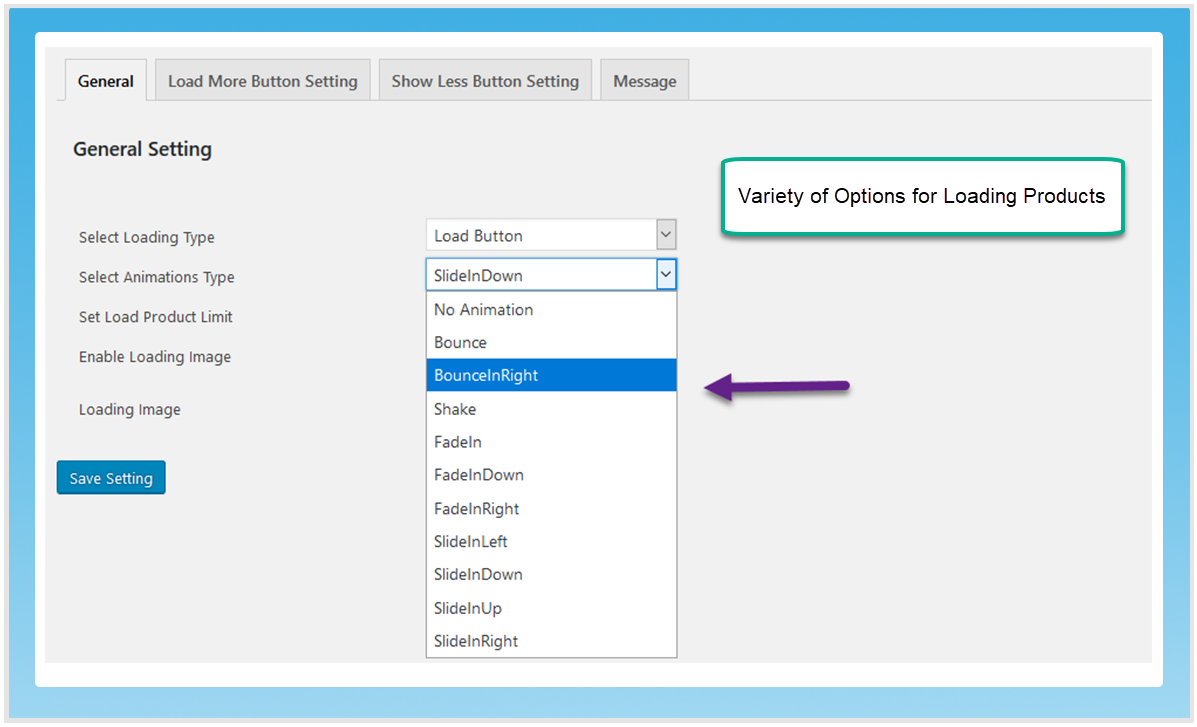
Variety of animations for Load Button
Animate the display of products with the load button to make it more attention-grabbing. Use any of the following animation types.
- Bounce
- Bounce in right
- Shake
- Fade-in
- Fade-in down
- Fade-in right
- Slide-in left
- Slide-in right/
- Slide-in down
- Slide-in up
Use Shortcodes to apply Loading More Products
Load more products for WooCommerce creates a shortcode for you to easily copy and paste on a Shop page or any specific category to implement loading more products.
FAQs
1. Can I customize the appearance of the “Load More” button?
Ans. Yes, the WooCommerce load more products plugin provides customization options that allow you to customize the load more button according to your preference.
2. How does the lazy loading feature benefit my site’s performance?
Ans. Load more products for WooCommerce feature lazy loading optimizes page loading times by only loading images as users scroll, reducing initial page load times.
3. Can I set a custom number of products to load with each click?
Ans. Yes, WooCommerce load more allows you to define the number of products loaded with each “Load More” click.
4. Can I disable the infinite scrolling feature and use traditional pagination instead?
Ans. Yes, the plugin allows you to switch between WooCommerce infinite scroll and traditional pagination.
5. Does the WooCommerce load more allows you to display the product in different animations?
Ans. Yes, WooCommerce load more products has various animation styles to display the product when the load more button is clicked.
Change Log
Version 1.0.4
Compatible with multisite
Version 1.0.3
1: Wrong Query fetching draft products as well: Fixed
2: Show less not working and breaking load more as-well: Fixed
3: Static Products links generating 404 error for product page and cart: Fixed
4: Extra  tag rendering sidebar out of col-full and breaking css: Fixed
Version 1.0.2
Bugs Fixes
Version 1.0.1
Fixed database issue
Version 1.0.0
Initial Release