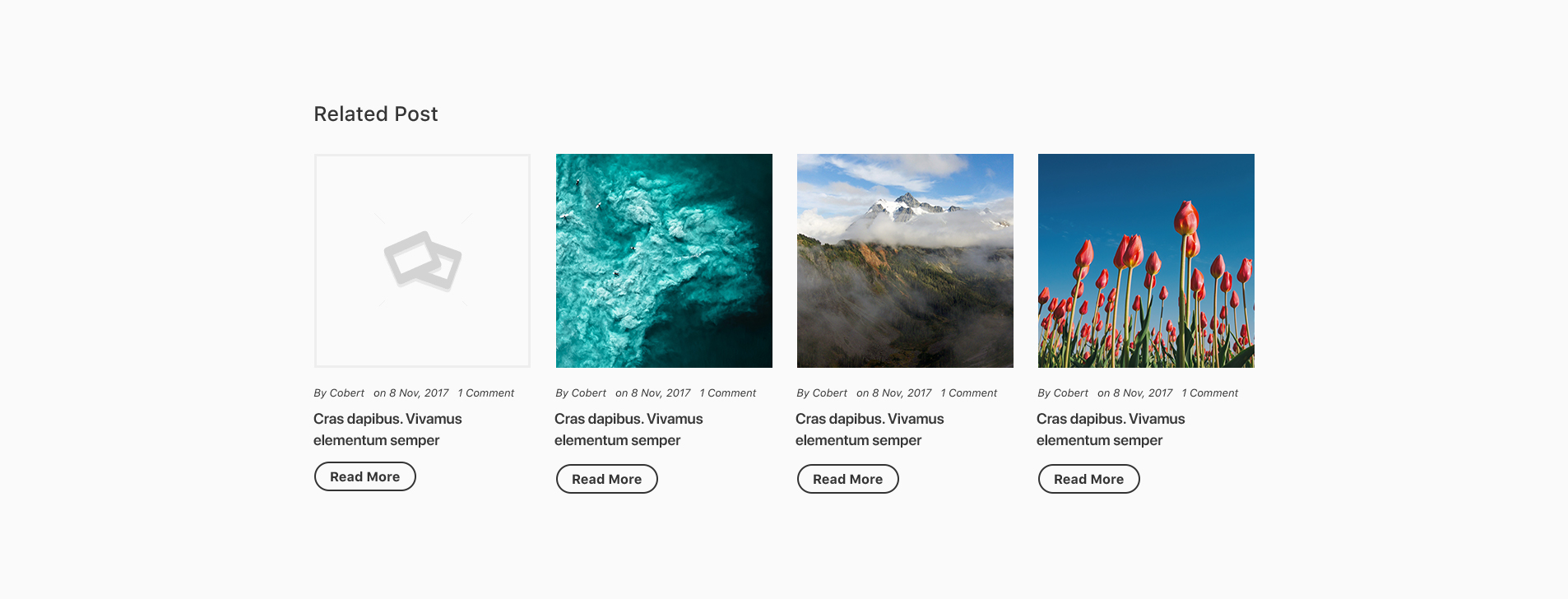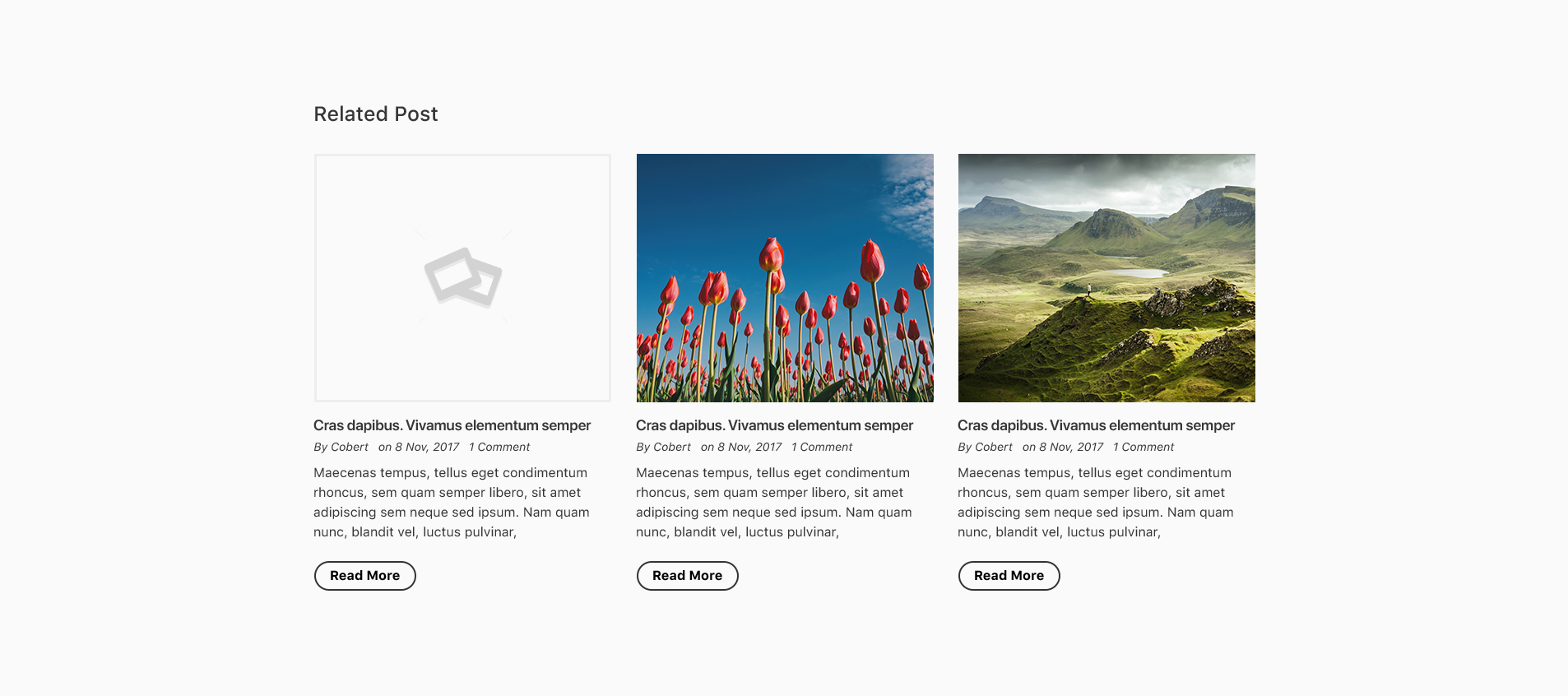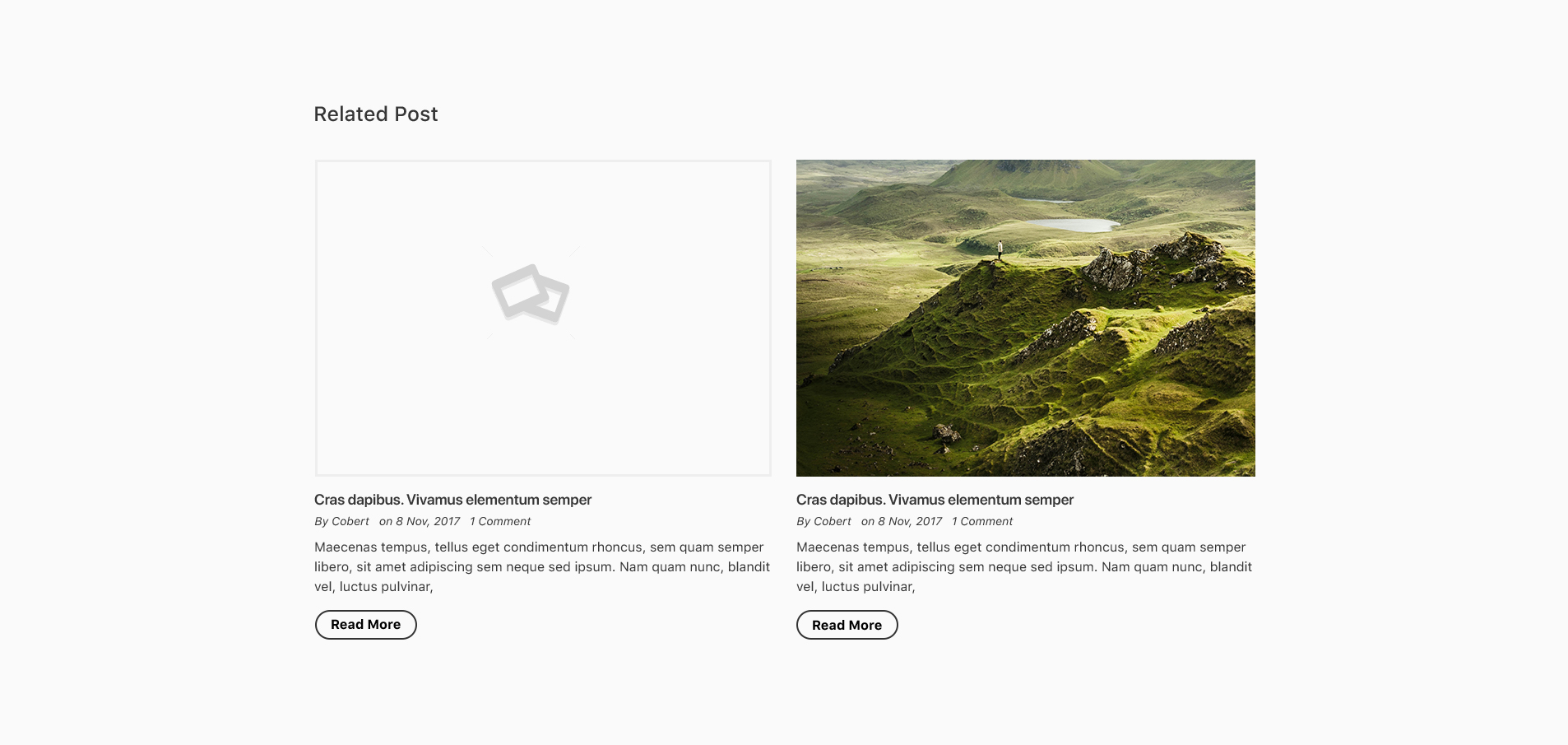
Display related content on the same page in just one click with Related Post for Distinct Post
Related Posts for Distinct Posts is a lightweight yet powerful WordPress plugin that puts you in full control of how related content appears on your website.
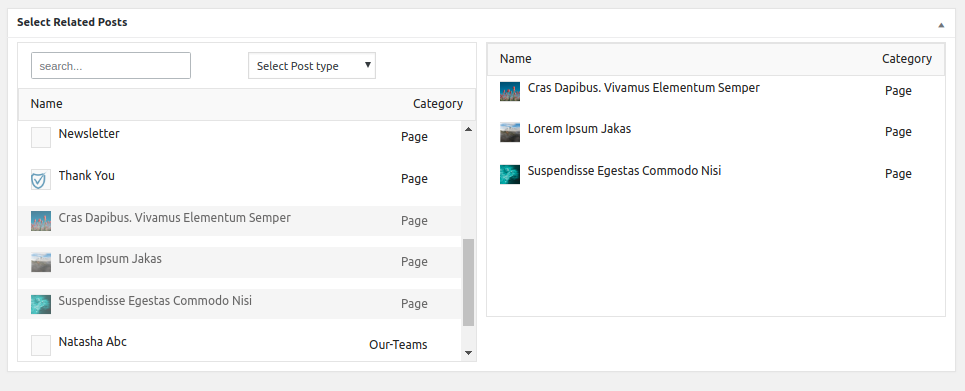
Unlike automated related post plugins that rely on algorithms (and often show irrelevant content), this plugin lets you manually assign unique related posts to each post or custom post type. The result? Highly relevant, engaging, and conversion-focused content suggestions for your readers.
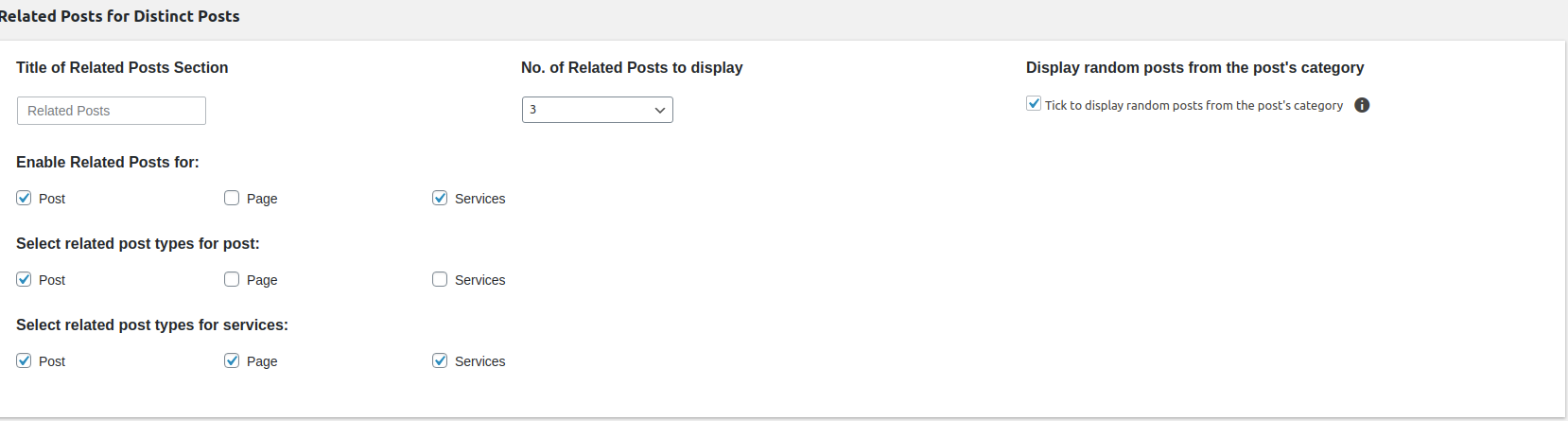
And when you don’t have time to set related posts manually, the plugin has smart fallback options. You can choose to display random posts or pull posts from the same category, ensuring your audience always has fresh, relevant content to explore.
With a simple shortcode, you can place related posts anywhere – inside content, sidebars, or templates – and display them beautifully with thumbnails, excerpts, authors, and more.
Perfect for bloggers, publishers, eCommerce stores, and any WordPress site that wants to increase page views, reduce bounce rates, and keep visitors engaged long.
Related Posts for Distinct Post Plugin Features:
- Assign a unique list of related posts to every post (default or custom post types).
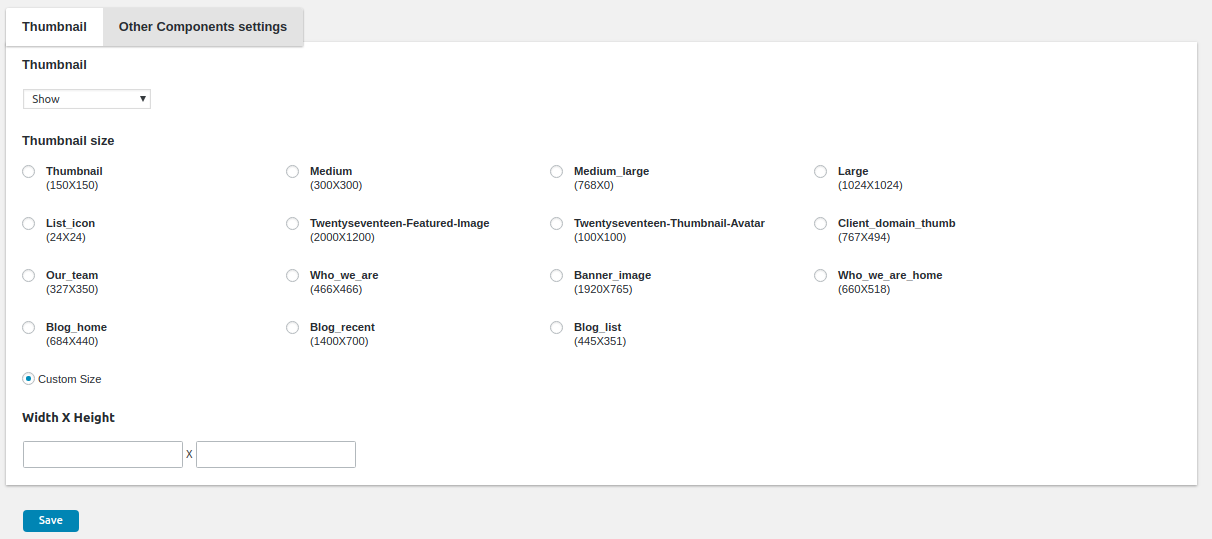
- Display post thumbnails in different sizes.
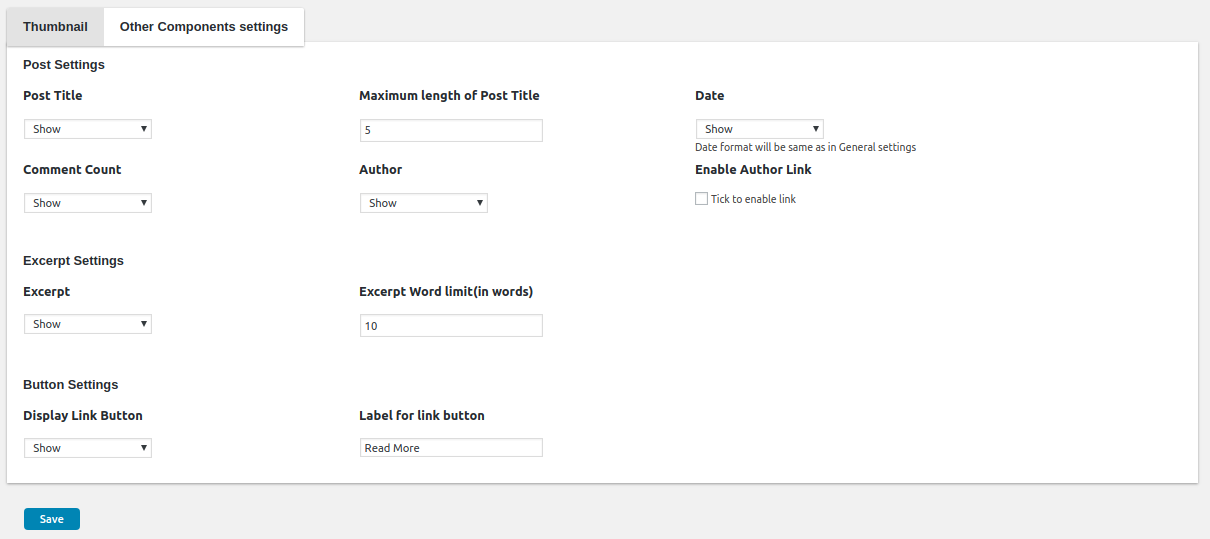
- Show post meta such as excerpt, author, and comments
- Fallback option to display random posts if no related posts are selected.
- Option to display random posts only from the same category.
- Easy setup with shortcode [rpdp_related_posts]
- Translation ready
- Extended support and customization available
Installation guide
You can install the Related Posts for Distinct Post plugin in three simple steps.- Download and upload the plugin to the /wp-content/plugins/
- Activate the plugin through the ‘Plugins’ menu in WordPress..
- You can see the ‘Related Posts for Distinct Posts’ submenu inside the ‘Appearance’ menu.
- You can enable the desired post type from plugin’s global settings page.
FAQs
Can I use this plugin with custom post types?
Yes! The plugin fully supports both default WordPress post types (like Posts and Pages) and any custom post types you create.
What happens if I don’t assign related posts manually?
If no related posts are selected, the plugin can display random posts or automatically pull posts from the same category, depending on your settings.
How do I display related posts on my site?
Simply add the shortcode [rpdp_related_posts] anywhere inside your content, widgets, or template files. The plugin will take care of the rest.
Does the plugin slow down my site?
No. The plugin is lightweight and optimized for performance. It avoids heavy database queries, so it runs smoothly even on large sites.
Can I customize the look of the related posts?
Yes. The plugin outputs clean HTML that can be styled with your theme’s CSS. Developers can also use the provided filters and hooks for deeper customization.
Is the plugin translation-ready?
Yes. The plugin is fully translation-ready and works seamlessly with multilingual sites.
Will this work with my theme?
Absolutely. The plugin is theme-independent and works with any properly coded WordPress theme.
Do you provide support and updates?
Yes. The plugin comes with regular updates and dedicated support. Extended customization services are also available if you need something specific.
What Our Customers Say
Support
Customer satisfaction is our top most priority. We would love to solve any query you may have about the plugin. You can reach us via https://codecanyon.net/item/related-posts-for-distinct-posts/21357850/support or you can also email us your queries at support@krishaweb.com. We will be in touch with you as soon as possible. It generally takes 2 days for that.Changelog
-
19 September 2025
"- Compatibility with latest version and minor bug fixes"
-
27 January 2021
"- Added: Filter for display of structure"
"- Bug fixes of admin interface"
-
1 December 2019
"- Added: category wise random posts for non-selection of individual posts"
-
12 April 2019
"- Made Divi Builder Compatible."
-
25 December 2018
"- Bugs fixes."
-
12 November 2018
"- Initial Release."