Reset multiple users’ passwords in just one click with Mass Users Password Reset Pro
View the comparison between MUPR and WordPress password reset
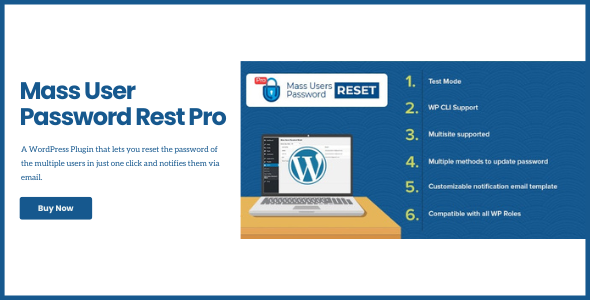
MASS Users Password Reset Pro is the ultimate WordPress plugin to reset user passwords in bulk or individually. Perfect for site admins, developers, and membership site owners it offers advanced flexibility, customizable email templates, and compatibility with popular plugins like WooCommerce, BuddyPress, and Dokan.
Take control of your user management: group users by roles or custom meta, send secure reset links, or generate new passwords instantly. With added features like test mode, expiration control, and WP CLI support, the plugin scales effortlessly for large sites and multisite networks.
Key Features
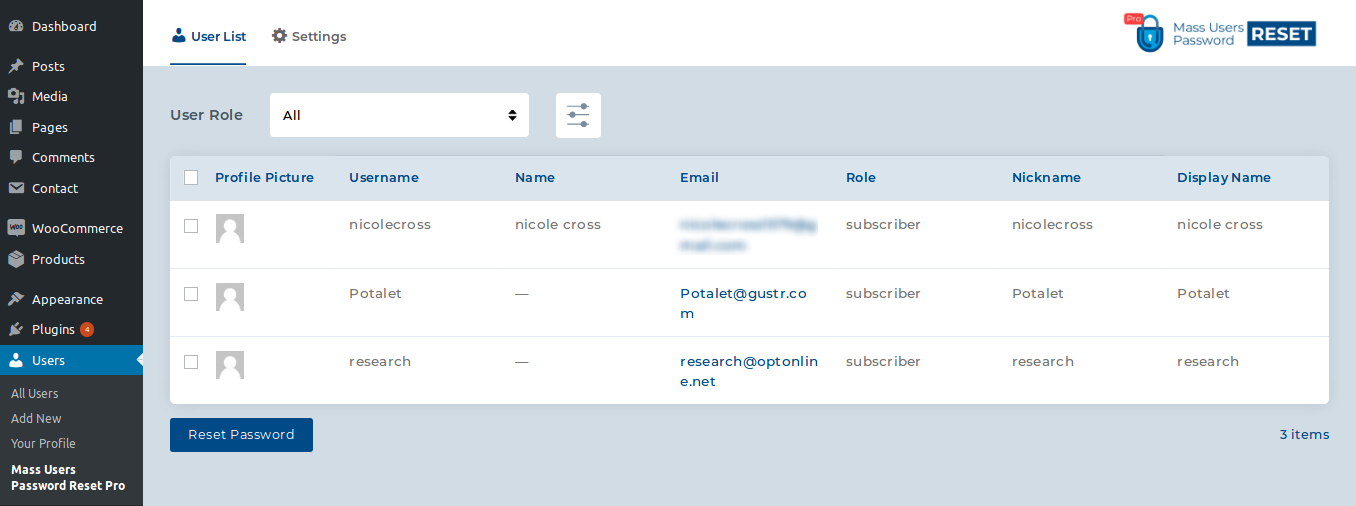
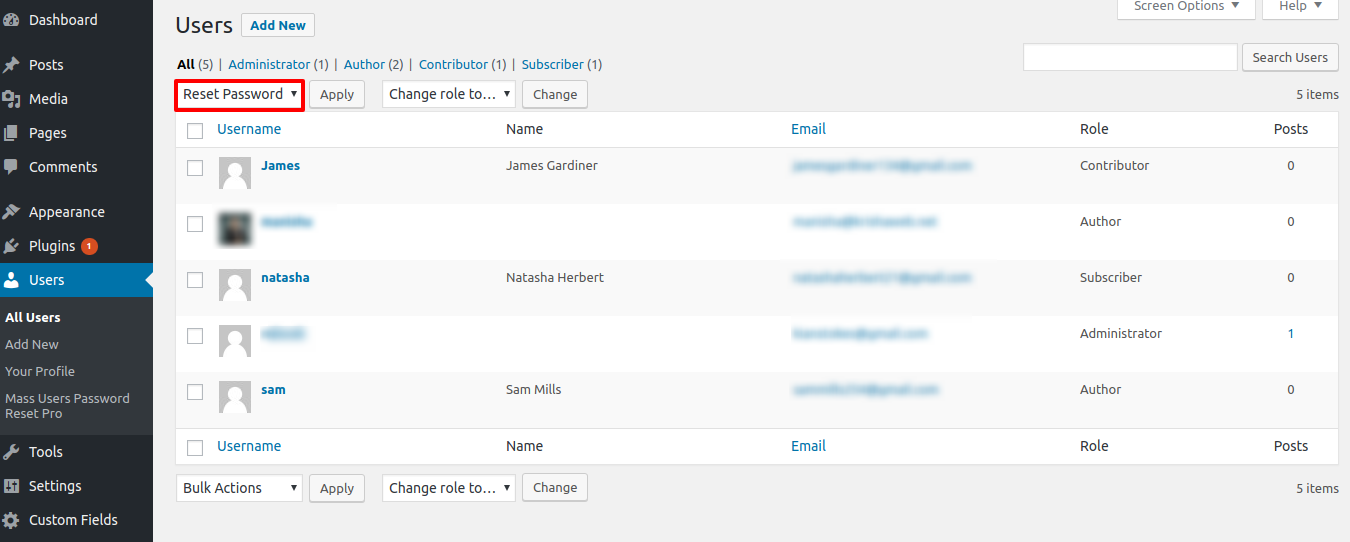
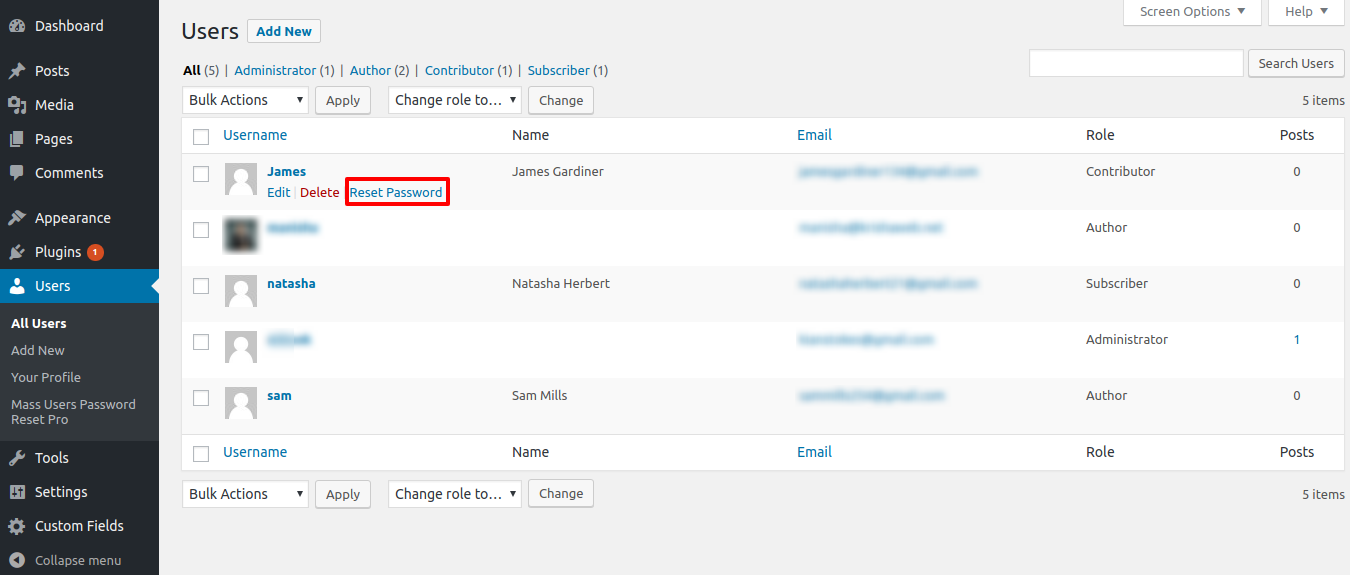
- Reset passwords in bulk or for individual users directly from the WordPress dashboard.
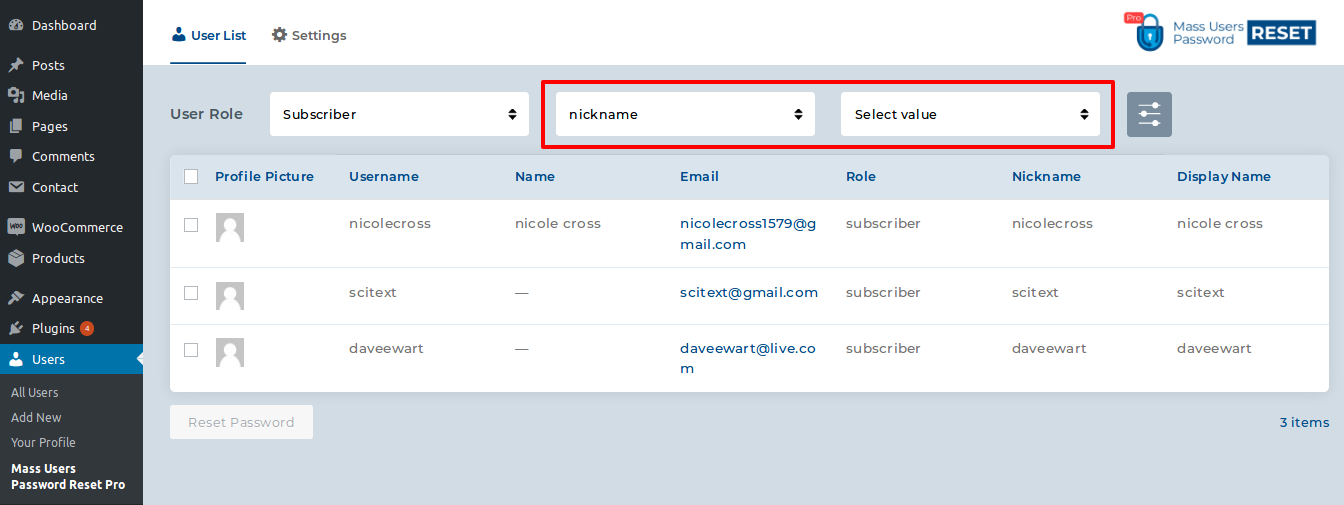
- Group users by role or custom field values for targeted password resets.
- Send reset links or generate new secure passwords automatically.
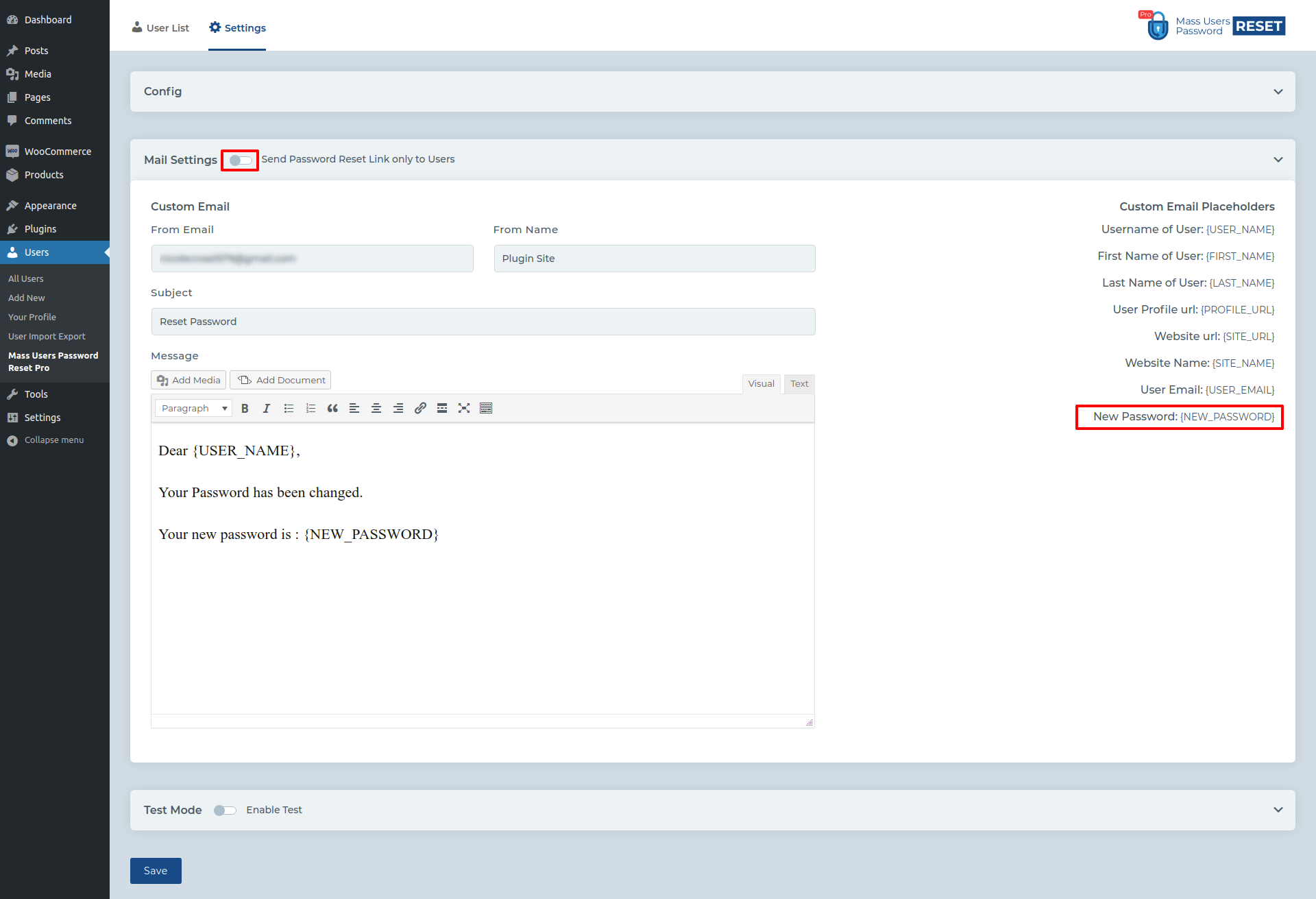
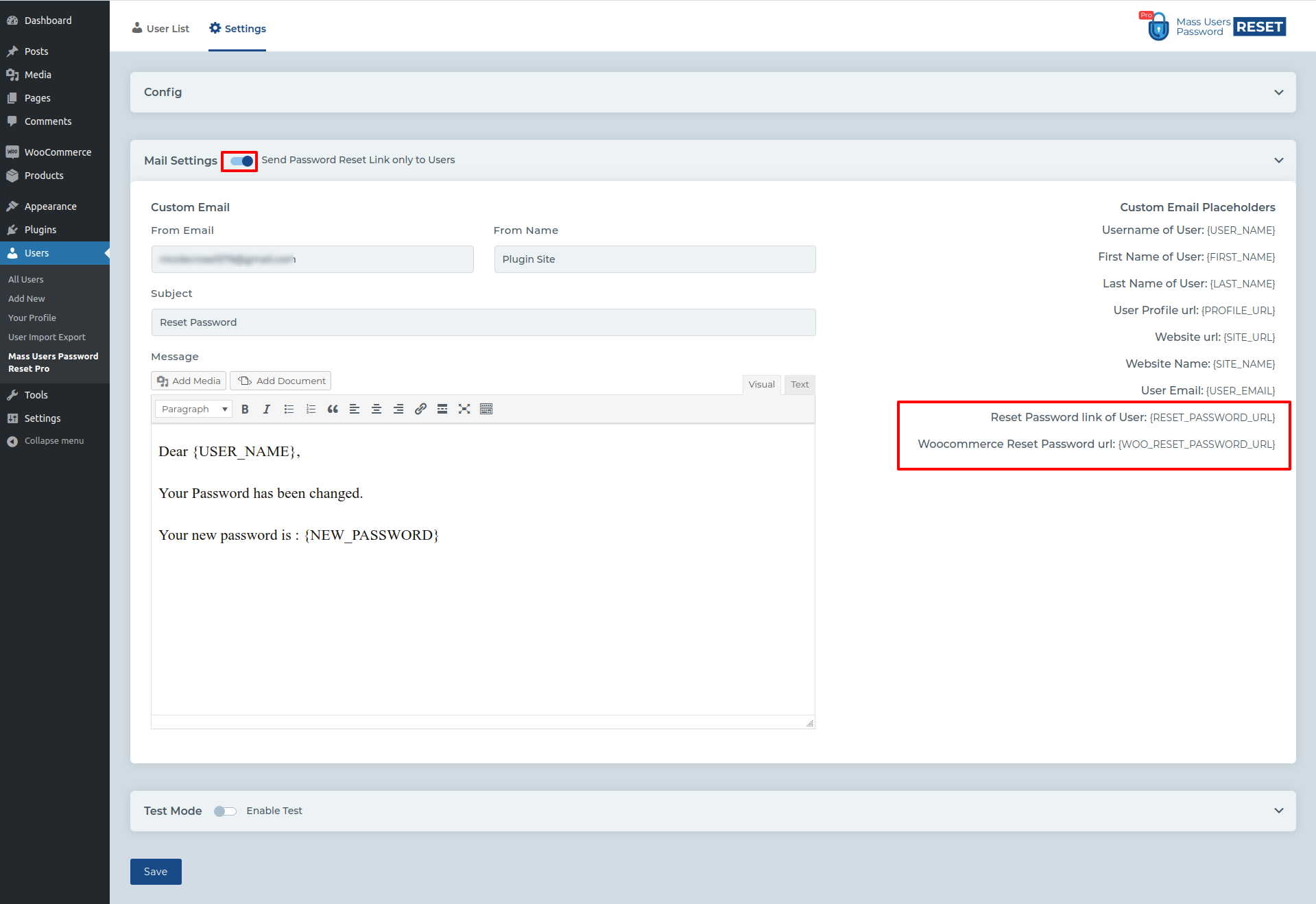
- Customizable email templates with predefined placeholders for personalization.
- Exclude users with valid reset links and set reset link expiration times.
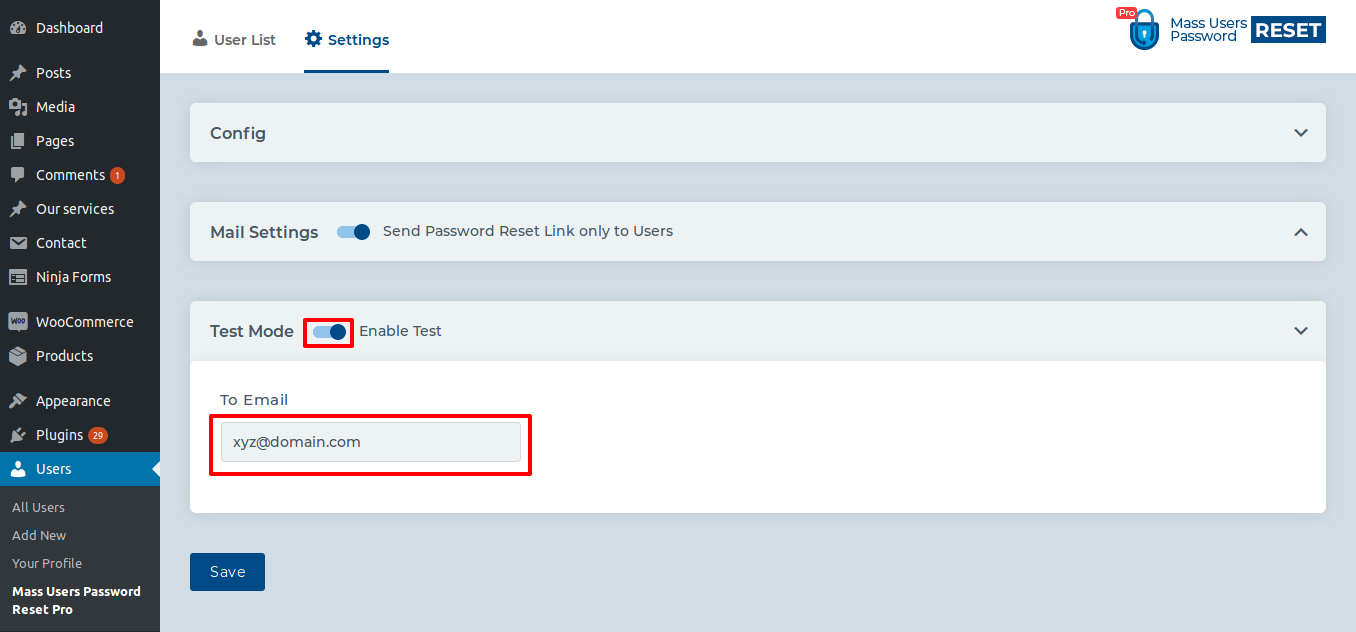
- Enable test mode to preview actions safely before going live.
- Compatible with WooCommerce, BuddyPress, Dokan, and WordPress multisite.
- Multilingual & translation-ready for global sites.
- WP CLI support for advanced bulk operations on large databases.
- Lightweight, secure, and built for performance.
WP CLI Support
Available commands:
1) wp mupr reset --all
2) wp mupr reset --role="name"
3) wp mupr reset --user_id="1 2 3 4 5"
4) wp mupr reset --role="name" --meta_key="key" --meta_value="value"
5) wp mupr reset --meta_key="key" --meta_value="value"
6) wp mupr update option --reset_link="enabled|disabled"
7) wp mupr update option --test_mode="enabled|disabled" --test_mode_email="xyz@domain.com"
WordPress Multisite Ready
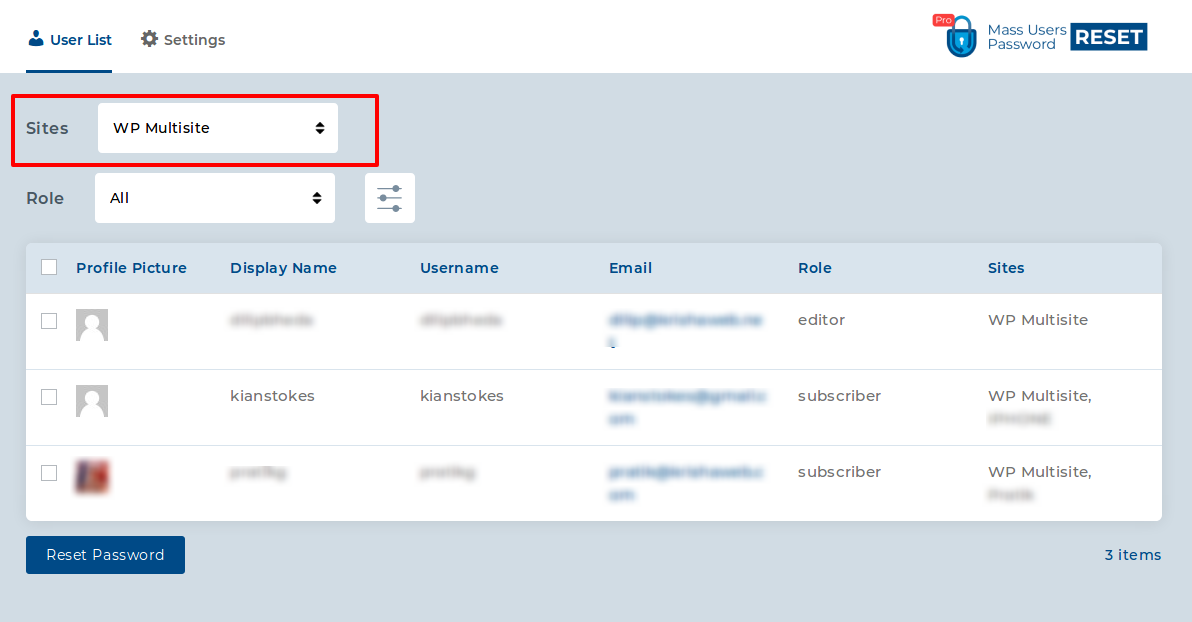
Seamlessly manage password resets across your entire multisite network.
Installation Guide
- Download and upload the plugin to
/wp-content/plugins/ - Activate the plugin through the “Plugins” menu in WordPress
- Find “Mass Users Password Reset” under the “Users” menu
- (Tip: Remove the free version if installed)
Features Comparison
What Our Customers Say
FAQs
What is the length of generated password?
By default, 8 characters. You can customize it using the mupr_password_length filter.
When is the notification email sent?
When a new password is generated, the user receives an email with their new password or reset link.
Can I disable email notifications?
Yes. Add this filter in your theme’s functions file:
add_filter( 'mupr_send_email', '__return_false' );
Can I reset passwords for specific user roles only?
Yes, you can choose one or more roles (e.g., Subscribers, Customers, Editors) and reset passwords only for them.
Will users be notified about their new password?
Yes, email notifications are automatically sent. You can fully customize the subject and body using placeholders like {username}, {password}, and {site_name}.
Can I use my own email template?
Yes, the plugin supports custom email templates with dynamic placeholders for personalization.
Is it compatible with WooCommerce and membership plugins?
Yes, it works seamlessly with WooCommerce, Membership, and LMS plugins that use WordPress users.
Does this plugin support WordPress Multisite?
Yes, you can reset passwords across the entire multisite network or per-site basis.
Can I schedule automatic password resets?
Yes, you can schedule resets (weekly, monthly, quarterly) for better security with our Schedule Password Reset MUPR Addon.
Will this affect administrator passwords?
No, administrators are excluded by default. You can override this if needed.
Can old passwords be recovered?
No, for security reasons old passwords are not stored. Each reset generates a new password.
What happens if I reset thousands of users at once?
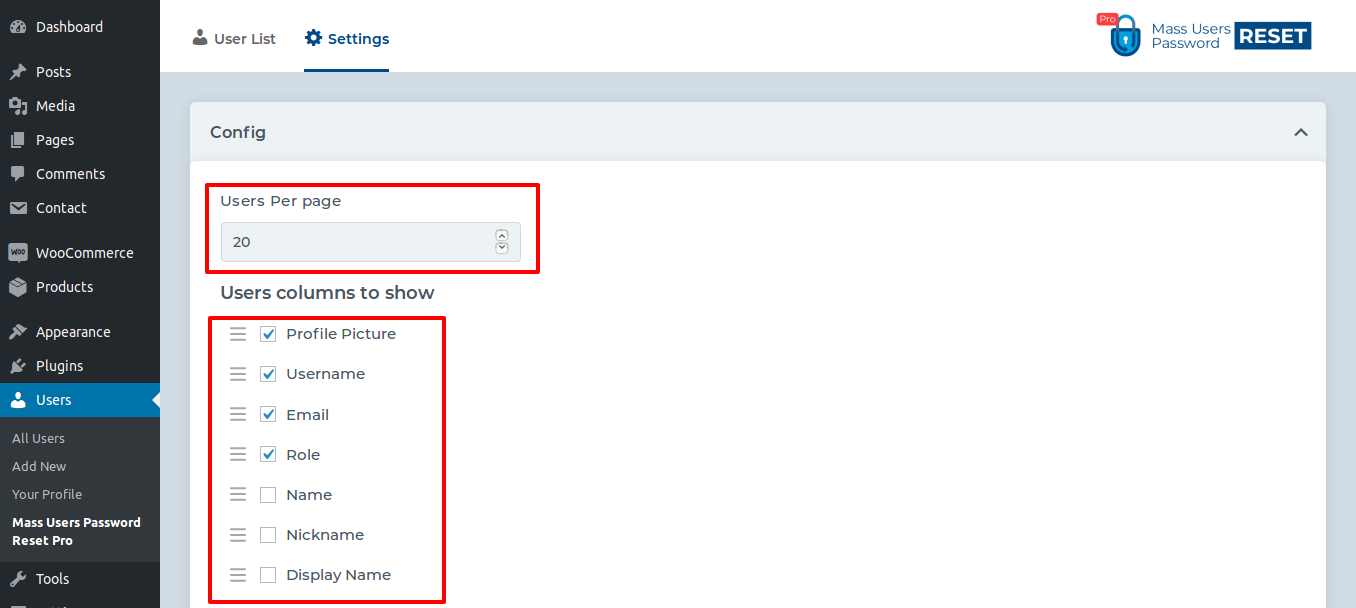
The plugin is optimized for large databases and processes users in batches to prevent server timeout.
Can I integrate it with SMTP plugins?
Yes, it works with popular SMTP plugins like WP Mail SMTP and Post SMTP for reliable email delivery.
Do users have to log in with the new password immediately?
Yes, once a reset is triggered, old passwords become invalid and the new one must be used.
Can I manually select users to reset instead of bulk resetting?
Yes, you can manually filter and select users, or upload a CSV file with user IDs/emails.
Does the plugin provide logs or reset history?
Yes, you can view logs with details like date, affected roles, and email delivery status with our Password Reset Log Addon.
Support
Customer satisfaction is our top priority. Reach us via the support page or email us at support@krishaweb.com. Response time: within 2 business days.
Changelog
-
05 November 2025
"- Compatibility with MUPR Addons"
-
03 July 2025
"- Bugfix and compatibility with 6.8 WP version"
-
03 October 2022
"- Added: Preview email template option
- Fixed: WordPress coding standards issue"
-
22 October 2020
"- Fixed: User list table bug"
-
11 August 2020
"- Added: Select multiple custom field values
- Added: New HTML email template
- Added: Reset link expiration option
- Improve: Query optimization for large databases"
-
12 June 2019
"- Compatible with BuddyPress and Dokan
- WP CLI support added"
-
16 June 2018
"- WooCommerce compatibility"
-
13 March 2018
"- Added: Reset Password link in mail"
-
25 December 2017
"- Translation enabled"
-
24 December 2017
Initial Release