This addon connects wpDataTables with Gravity Forms, allowing you to display form entries as fully functional tables.
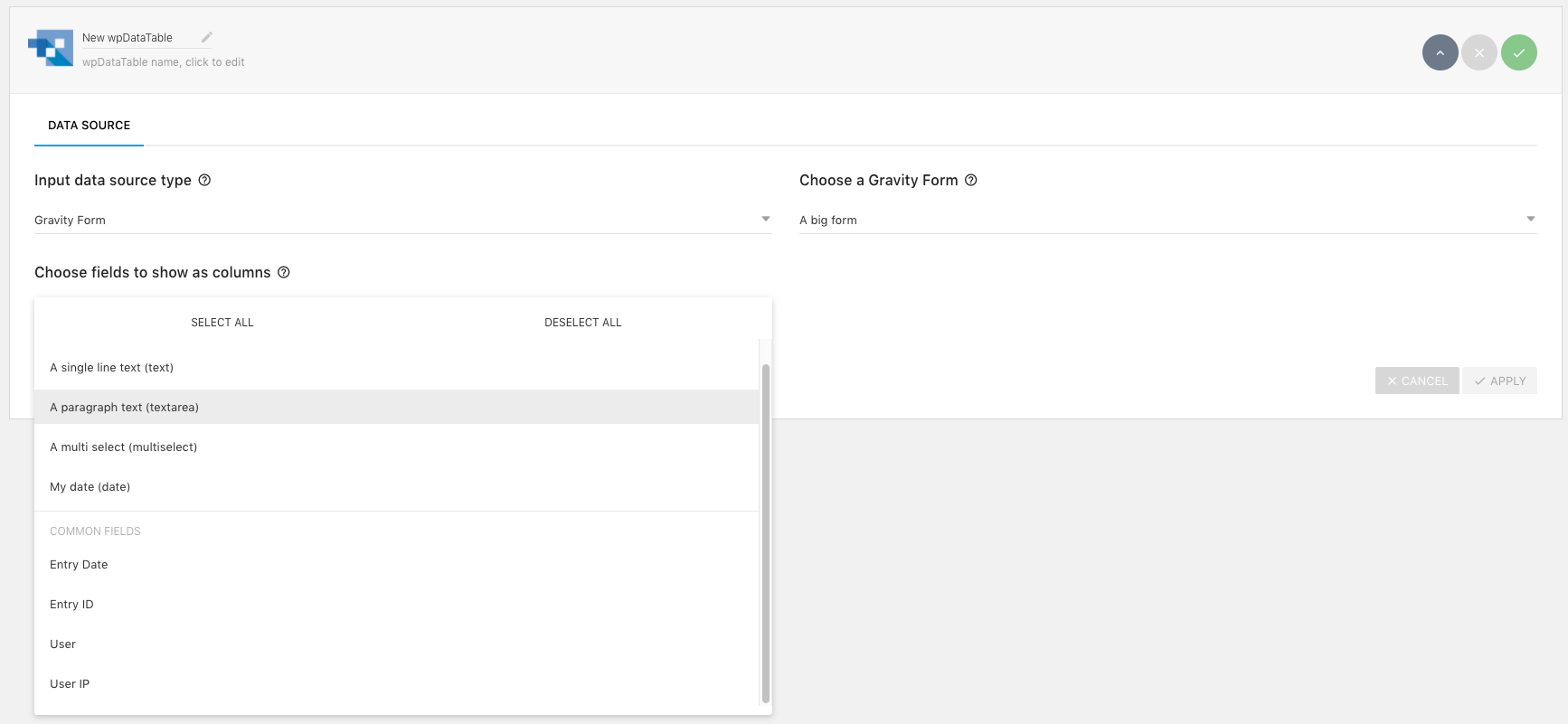
Each form entry is shown as a row, while form fields are mapped as columns, making it easy to view, manage, and analyze your data directly in wpDataTables.
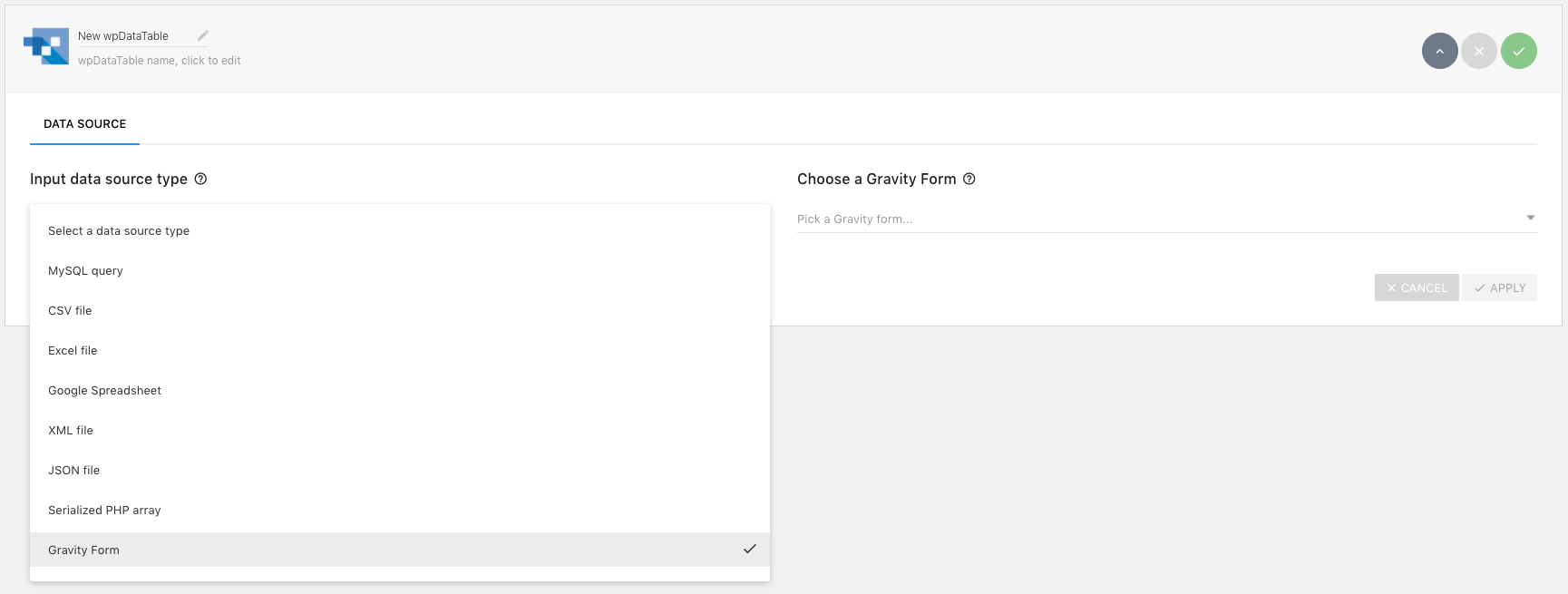
After activation, you’ll see Gravity Forms as a new data source in the table creation wizard.
Note: Only forms with at least one entry can be displayed in a table.
View the documentation and setup guide.
Features:
- Select fields as columns – Choose which form fields you want to display in your table
- Server-side processing – Improve performance for large datasets by loading rows dynamically
- Front-end editing – Edit Gravity Forms entries directly from the table interface
- Display entry metadata – View additional details such as submission date, user, and IP address
- Flexible data output – Show all entries, limit results, or filter by date range
- Include or exclude deleted entries – Control whether deleted records are displayed
- Full wpDataTables integration – Use all standard features like responsiveness, formulas, and charts
Changelog
We continuously improve this add-on with new features, enhancements, and bug fixes. View the changelog to see the latest updates and full release history.
Please note:
- This addon is developed by the wpDataTables team. For any questions or support, please contact us directly, as Gravity Forms authors are not able to provide support for this addon.
- This addon requires full versions of both wpDataTables and Gravity Forms