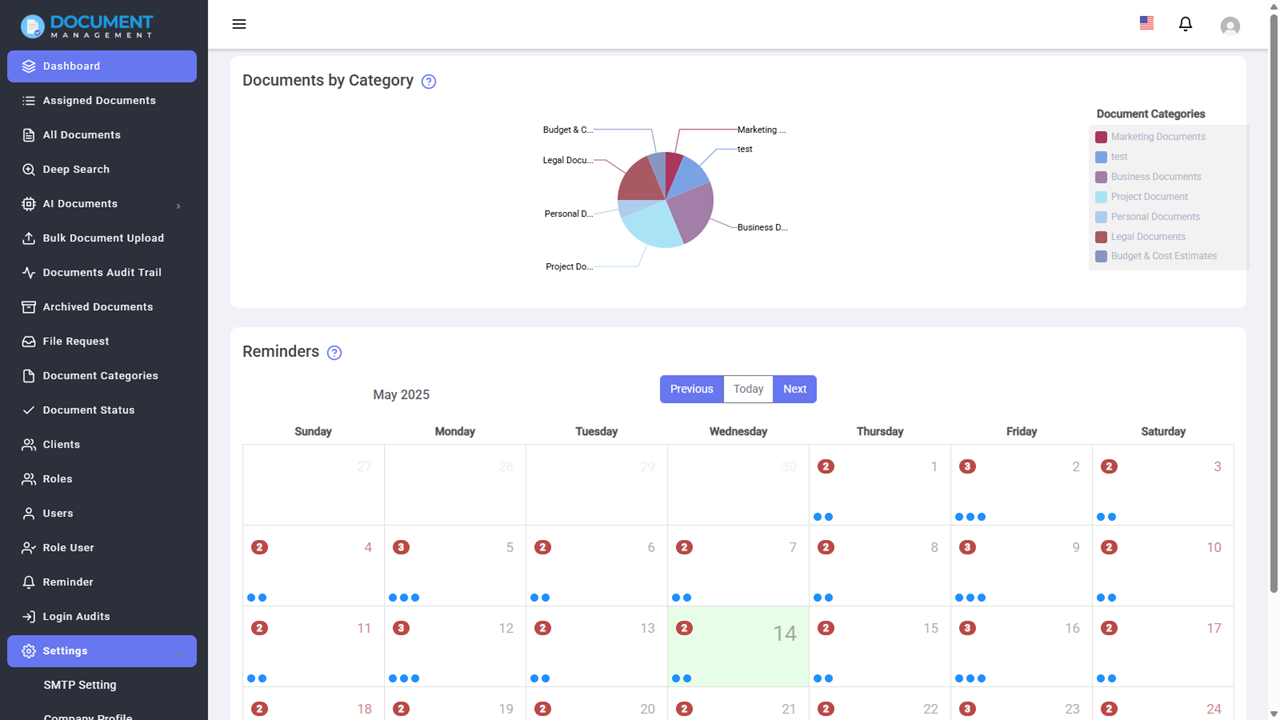
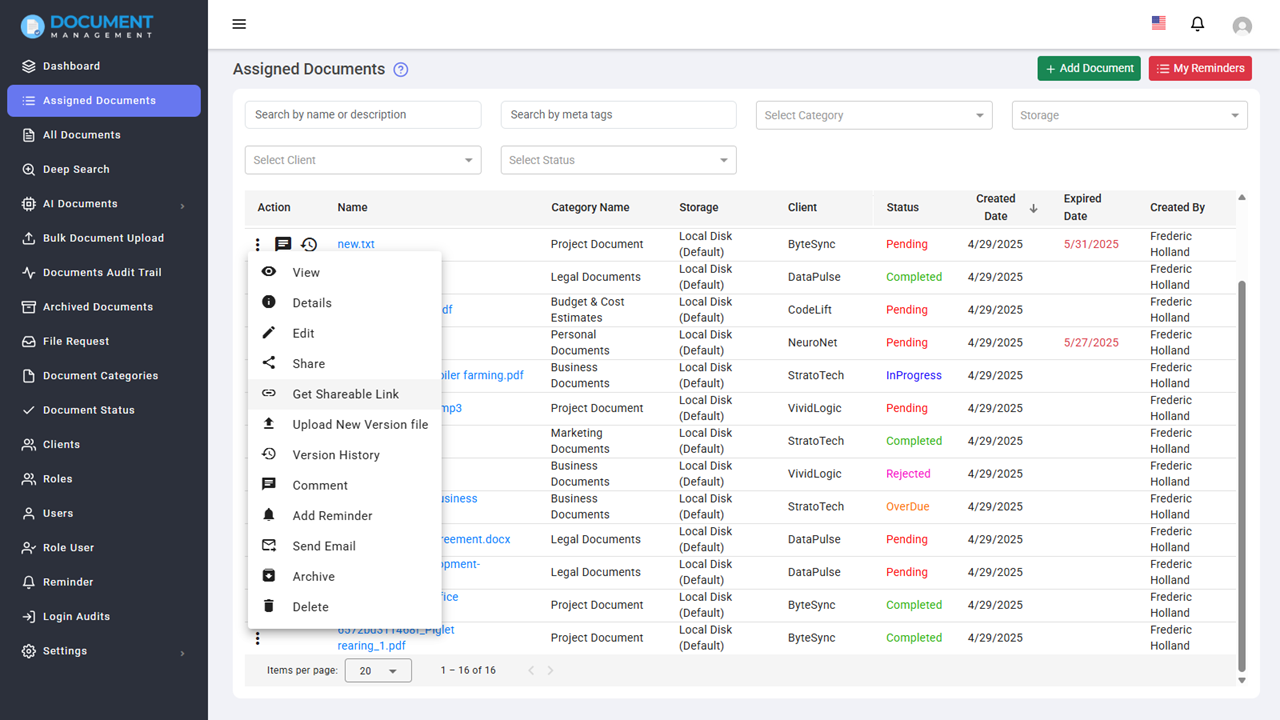
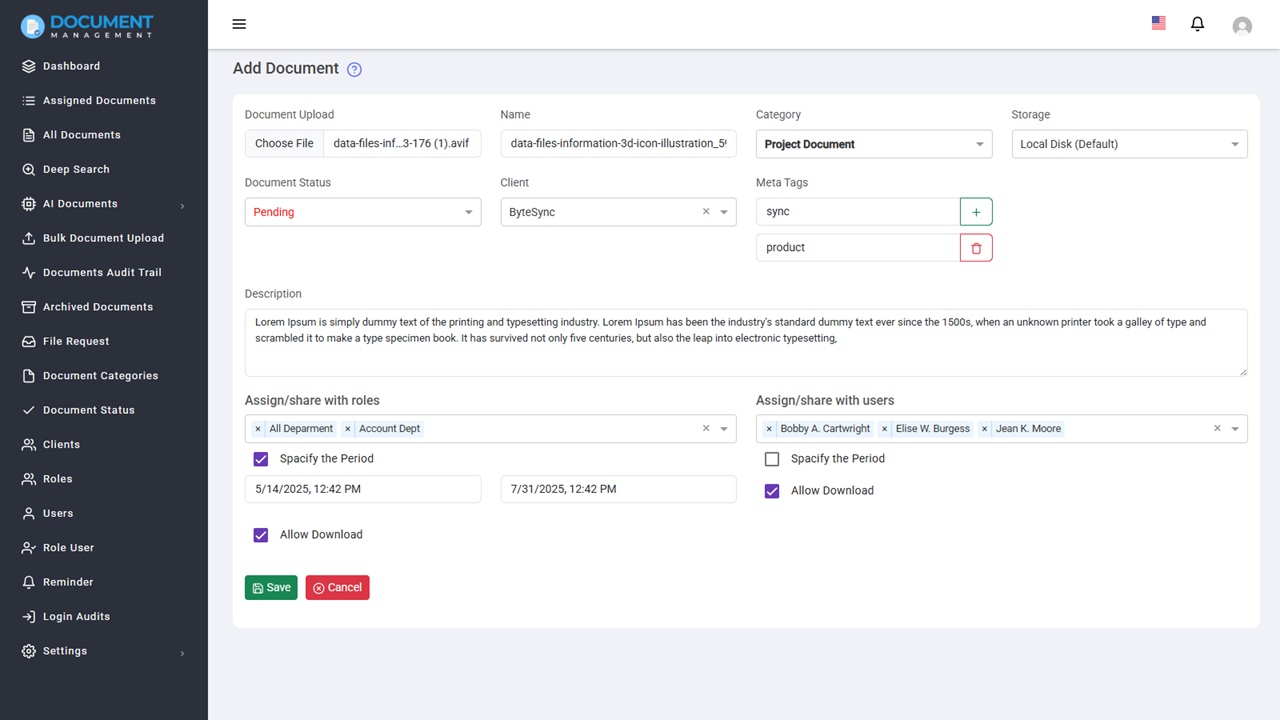
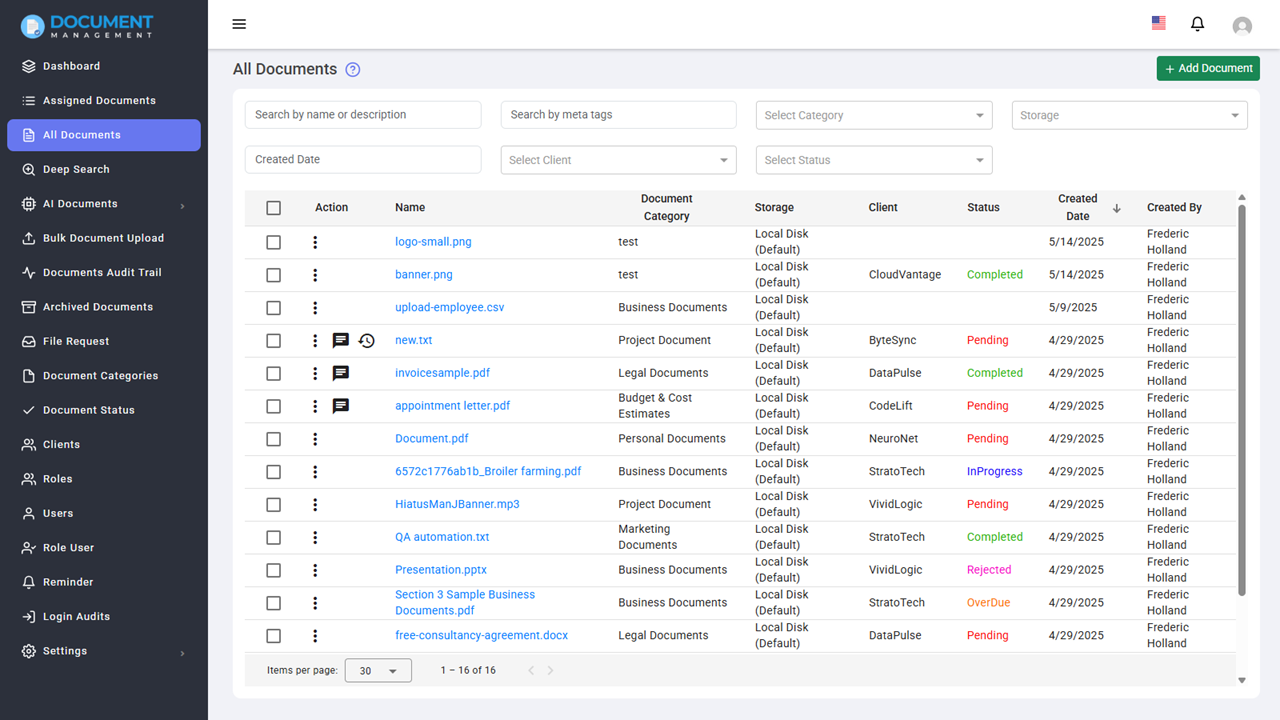
Our AI Document Management System helps businesses securely store, organize, and automate documents using advanced AI technology. This cloud-based document management software improves productivity, reduces manual work, and enables teams to quickly find and manage files from a centralized platform.
Users can view files without downloading them thanks to its built-in preview feature, which supports a variety of document types. Documents can be safely stored on a local drive or in cloud storage services like Amazon S3.
Additionally, the system allows users to use AI to create and summarize documents. It also facilitates workflow automation, Advanced Content Search from text based pdf, word or text files, sharing document within system as well as out side the system, tracking version history, archiving, signing and much more. With a user-friendly interface and powerful features, it is designed to enhance productivity, improve collaboration, and ensure secure document management for businesses of all sizes.
Get Started with AI Document Management
Start managing your documents smarter with our AI-powered system.
Compatible with All Major Document Types
It supports all type of documents, including Microsoft Office files, PDFs, images, audio, video, and more. Users can easily upload, manage, and preview their documents directly from the system, without needing to download them first.
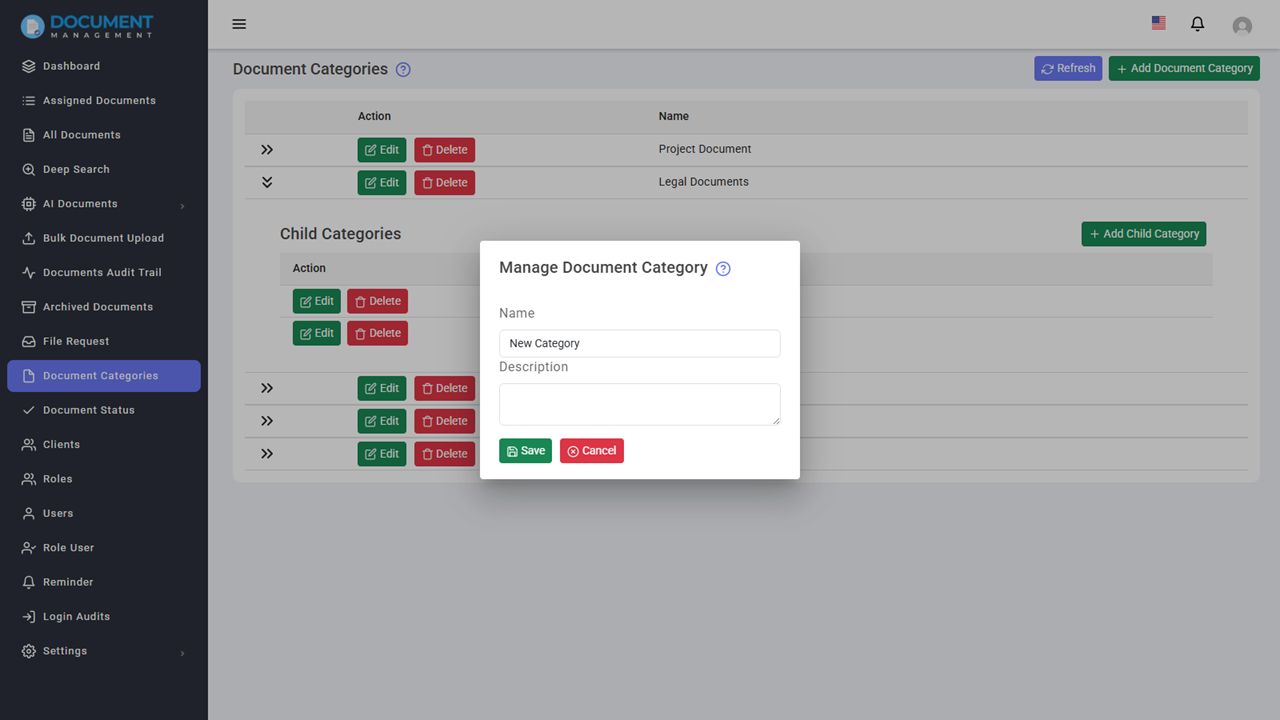
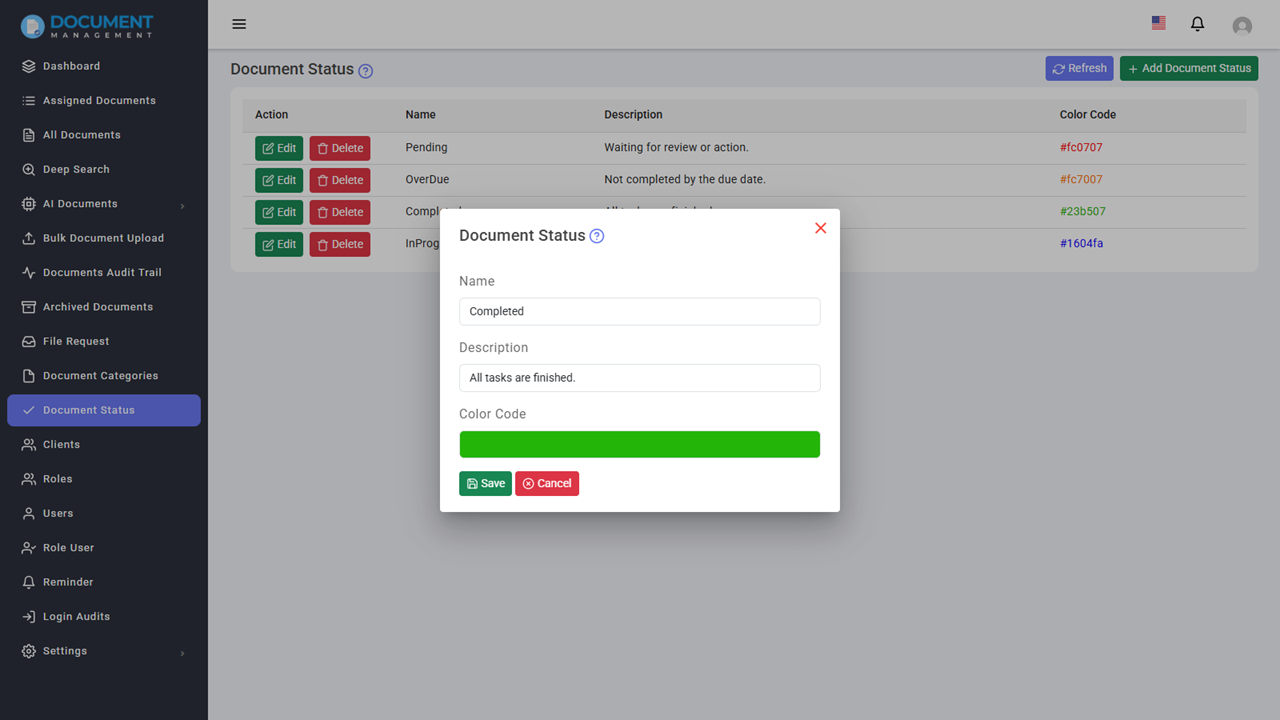
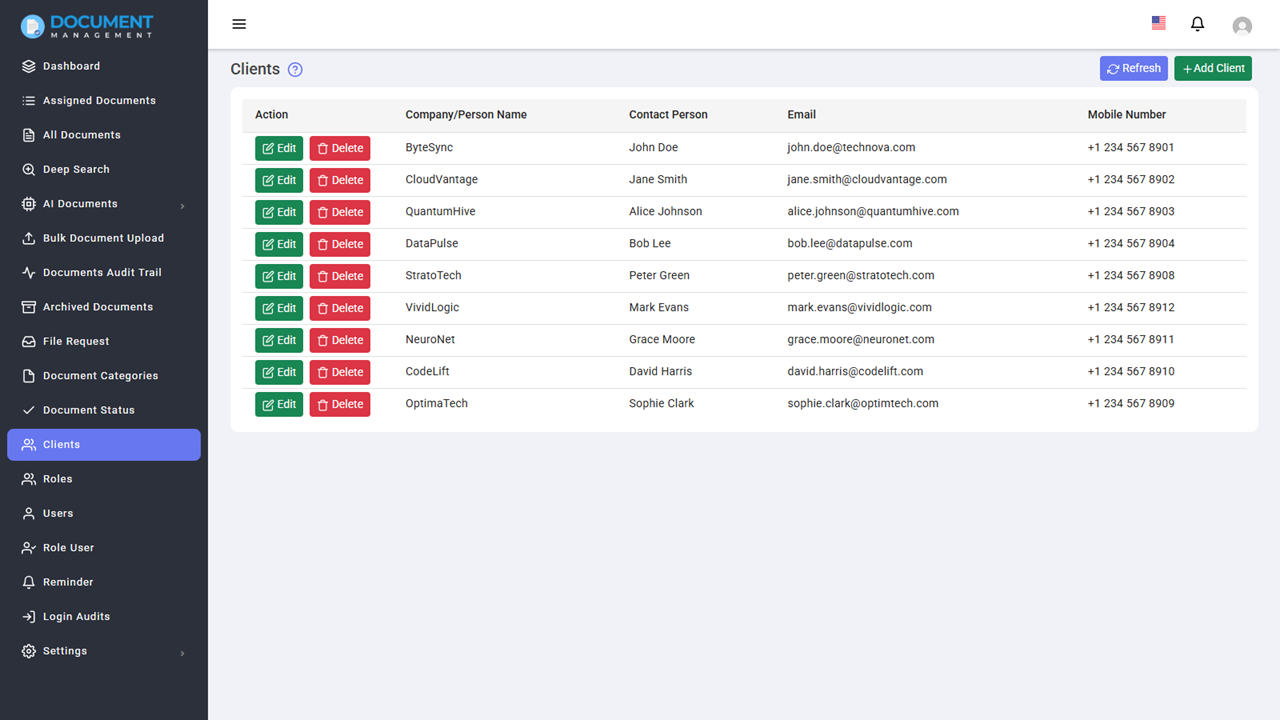
Documents can be classified with categories, statuses, and client associations which allows users to keep their documents organized and easily searchable. For example, legal firms and advocates can manage case files, contracts, and legal documents with specific categories and client associations.
AI-Powered Document Generation
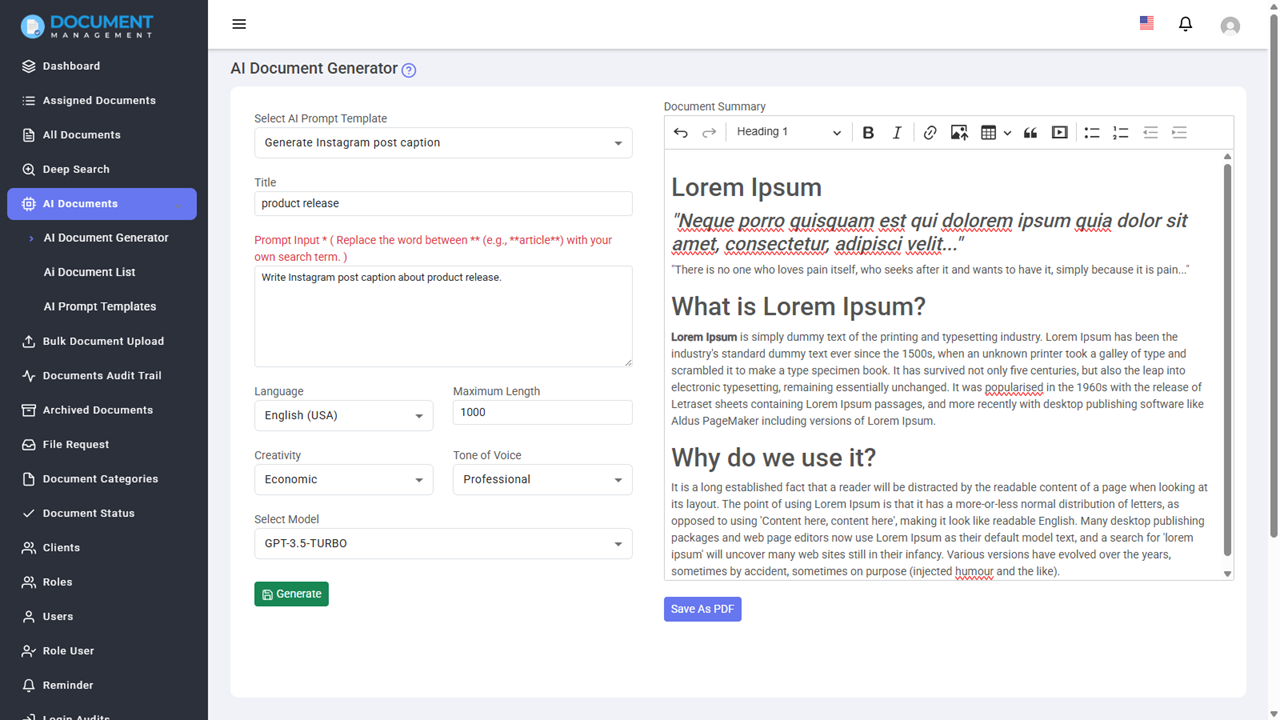
The system connects with OpenAI and Google Gemini to help users create documents directly within the platform. You can draft business emails, blog posts, social media content, and testimonials without switching tools.
It meets common business needs like communication, reporting, and content creation. Users can review and edit the content before saving or using it, which gives them full control over the final result.
For IT and software teams, the system can help create technical documents such as user manuals, API documentation, and project proposals.
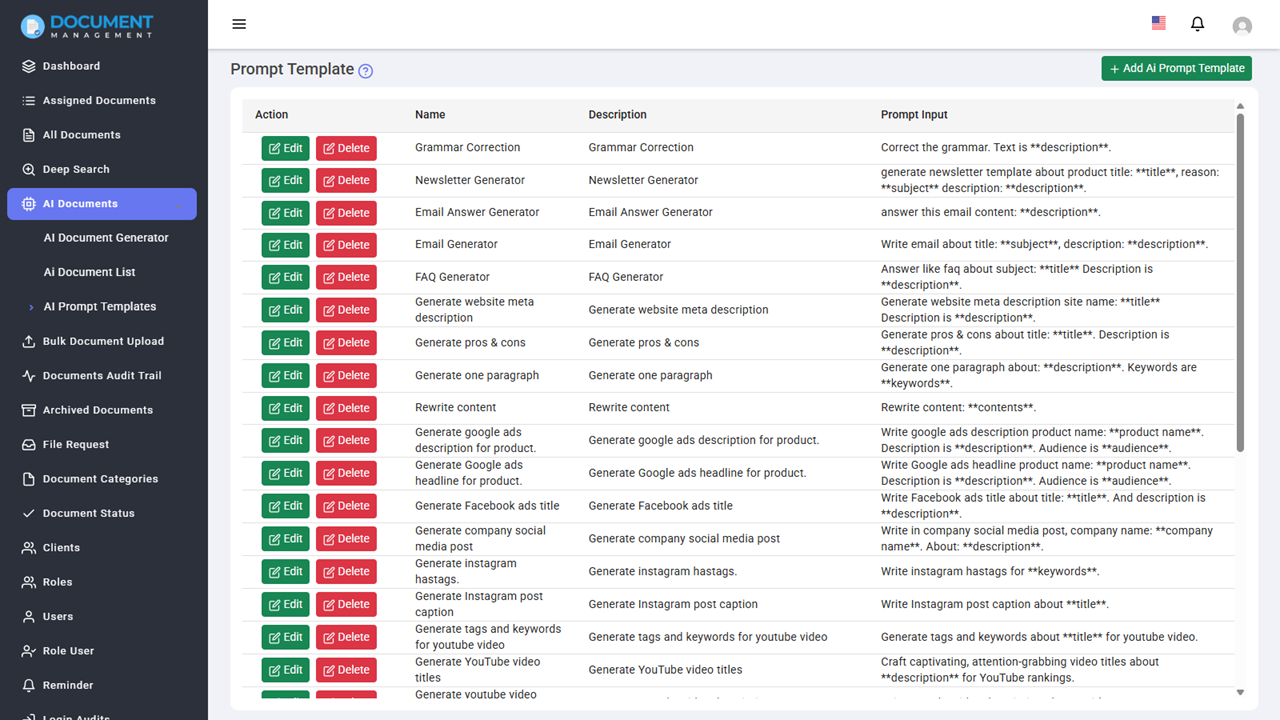
Before generating content, users can select settings like language, tone, creativity level, and content length. There are built-in templates for standard business cases.
Once created, documents can be saved and managed within the system for future use.
Advanced Content Search with Indexing
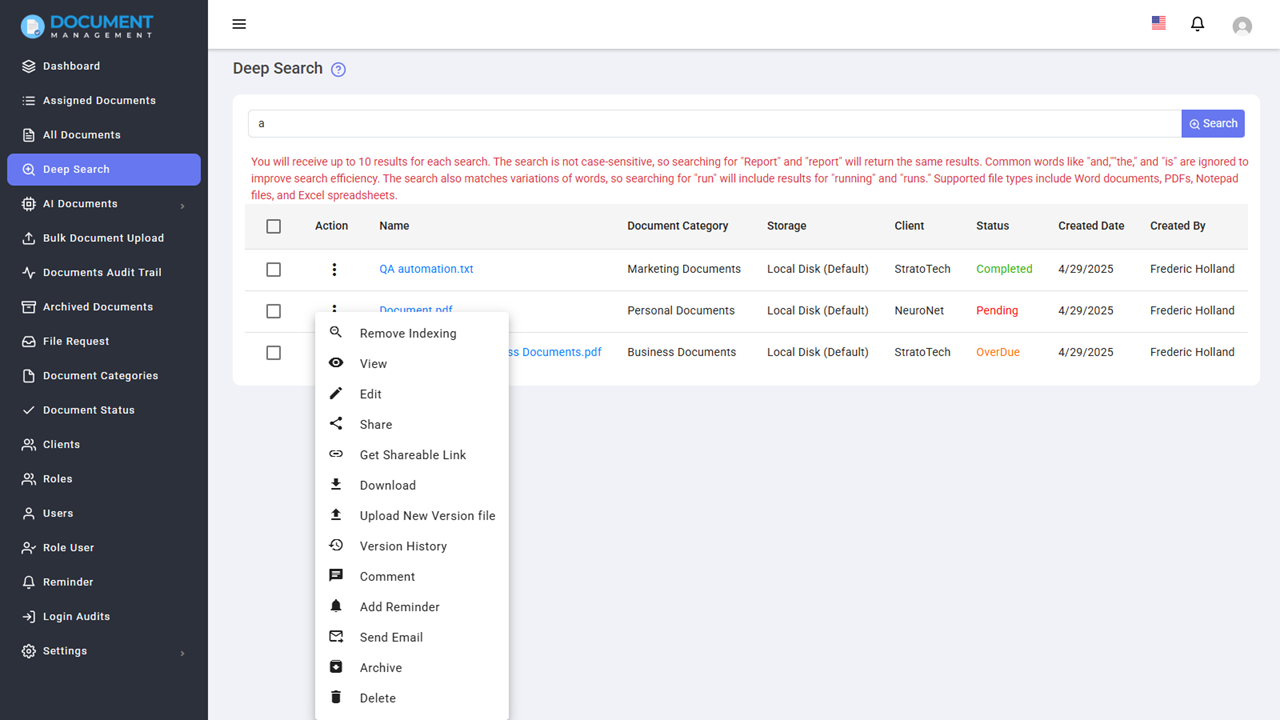
Document Management System provides a Deep Search which enables full-text search inside the text-based document types. This allows users to find specific keywords and content from documents.
In manufacturing, this technology can be used to search Standard Operating Procedures, quality manuals, and compliance documents. In the legal field, it can be used to search case files, contracts, and other legal documents. In educational institutions, it can be used to search research papers, lecture notes, and other educational resources.
AI-Powered Document Summarization
It pulls text from documents and then summarizes them using either OpenAI or Google Gemini. The system works with .txt, .pdf, .doc, and .docx files.
This approach is often used in fields like insurance, healthcare, and law. It helps by quickly pulling out important information from long documents, case files, medical records, and insurance claims.
By providing quick summaries, it enables professionals to conserve valuable time and access critical data without sifting through extensive texts.
Cloud Storage Integration
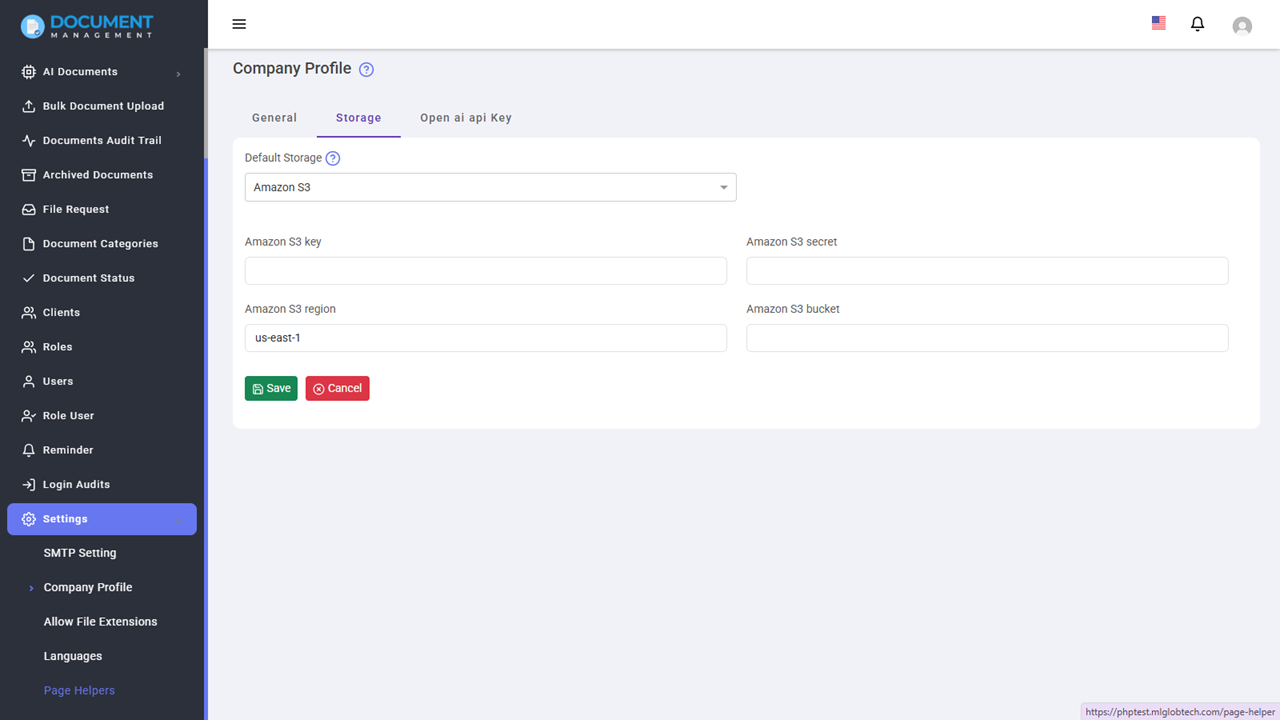
It supports integration with Amazon S3, one of the most trusted cloud storage solutions. Users can select the location to store the documents, either on a local drive or in Amazon S3.
This integration allows users to securely store documents in the cloud while ensuring fast and reliable access from anywhere.
Industries like media and entertainment, real estate, and education can store and large media files, property documents, and educational resources securely in the cloud storage.
Workflow Automation
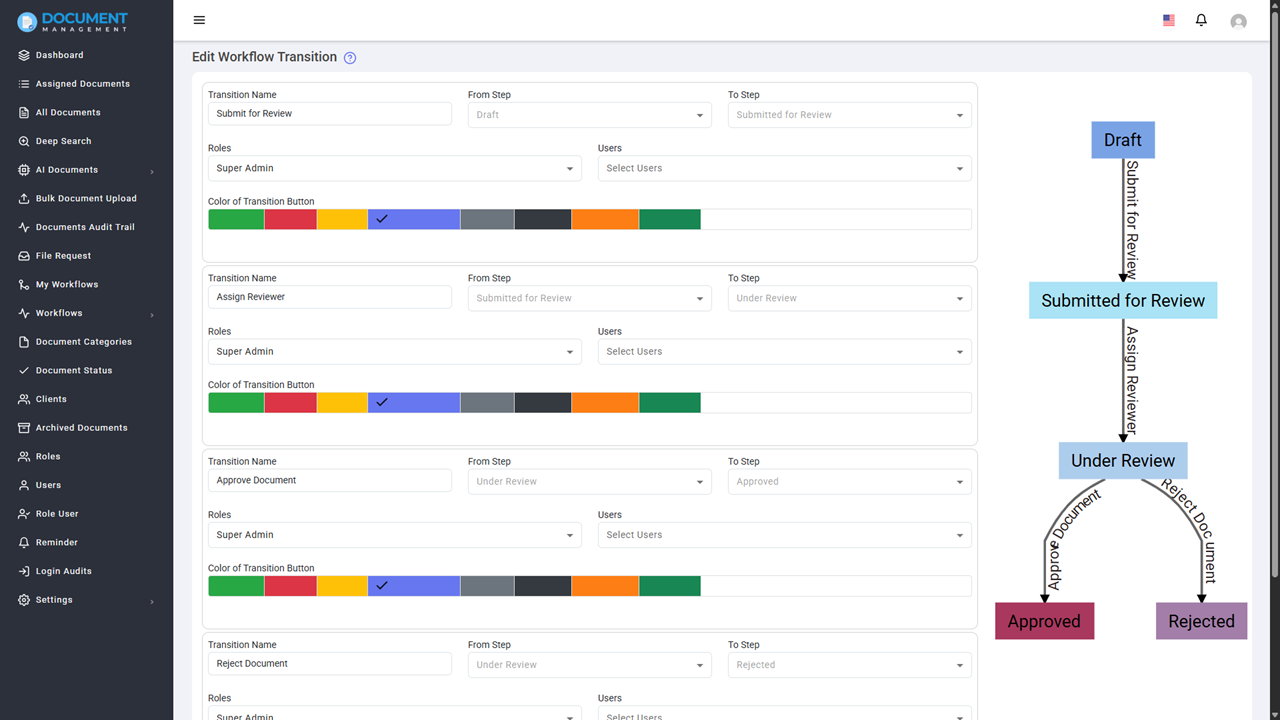
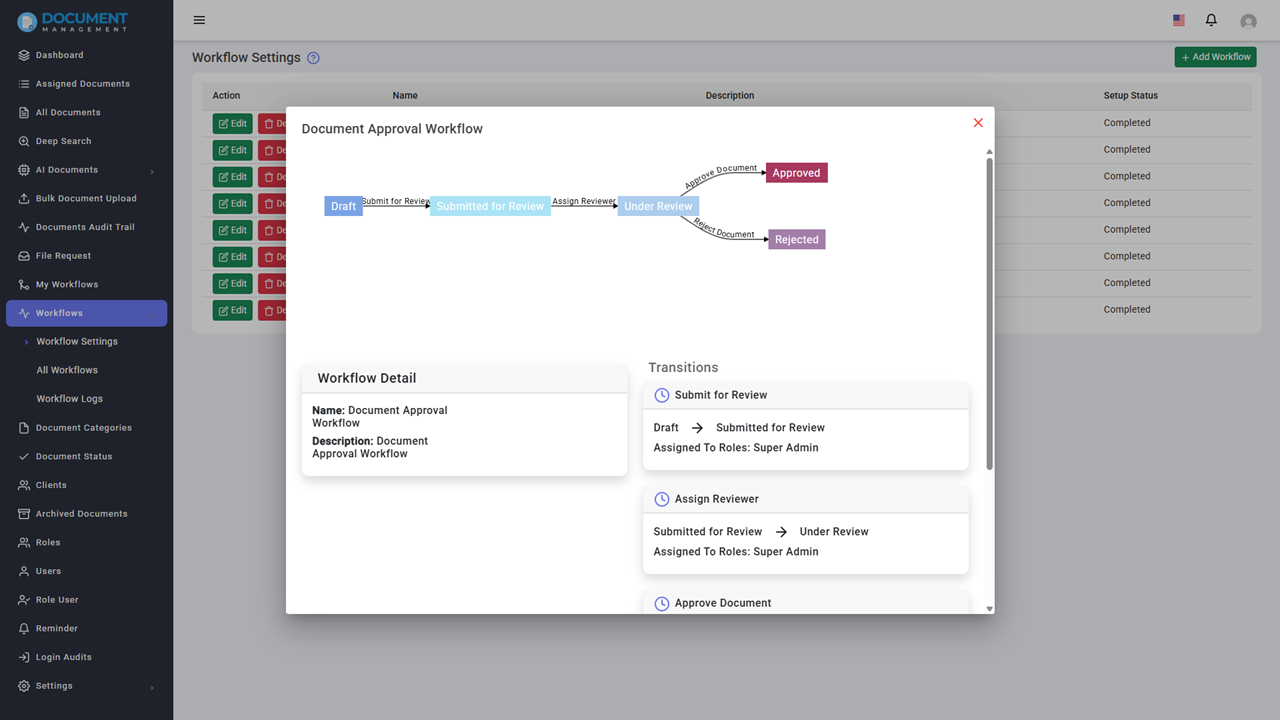
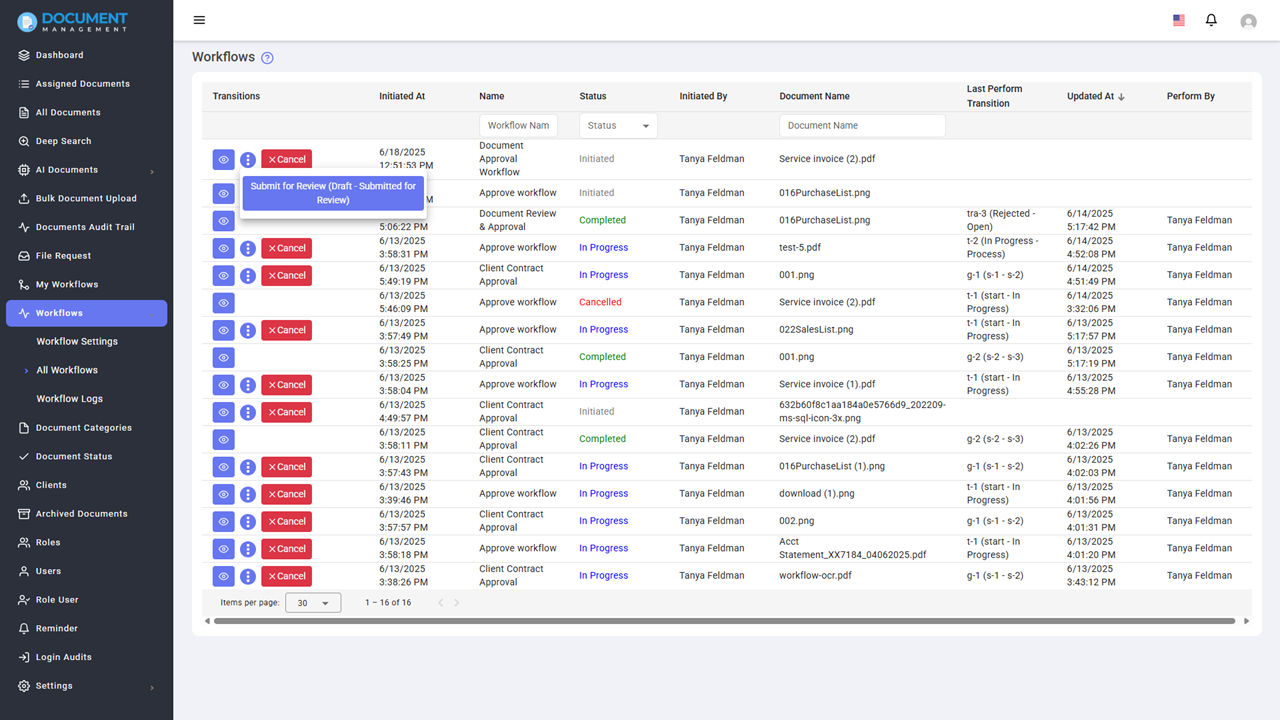
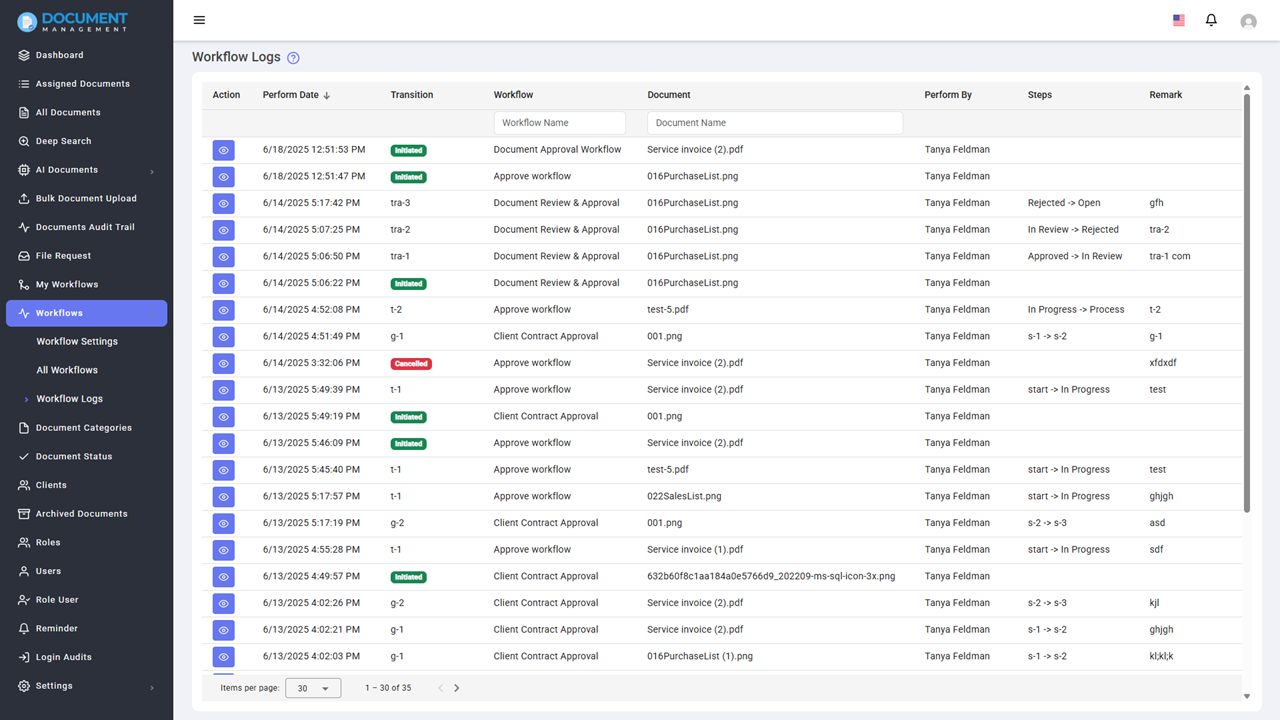
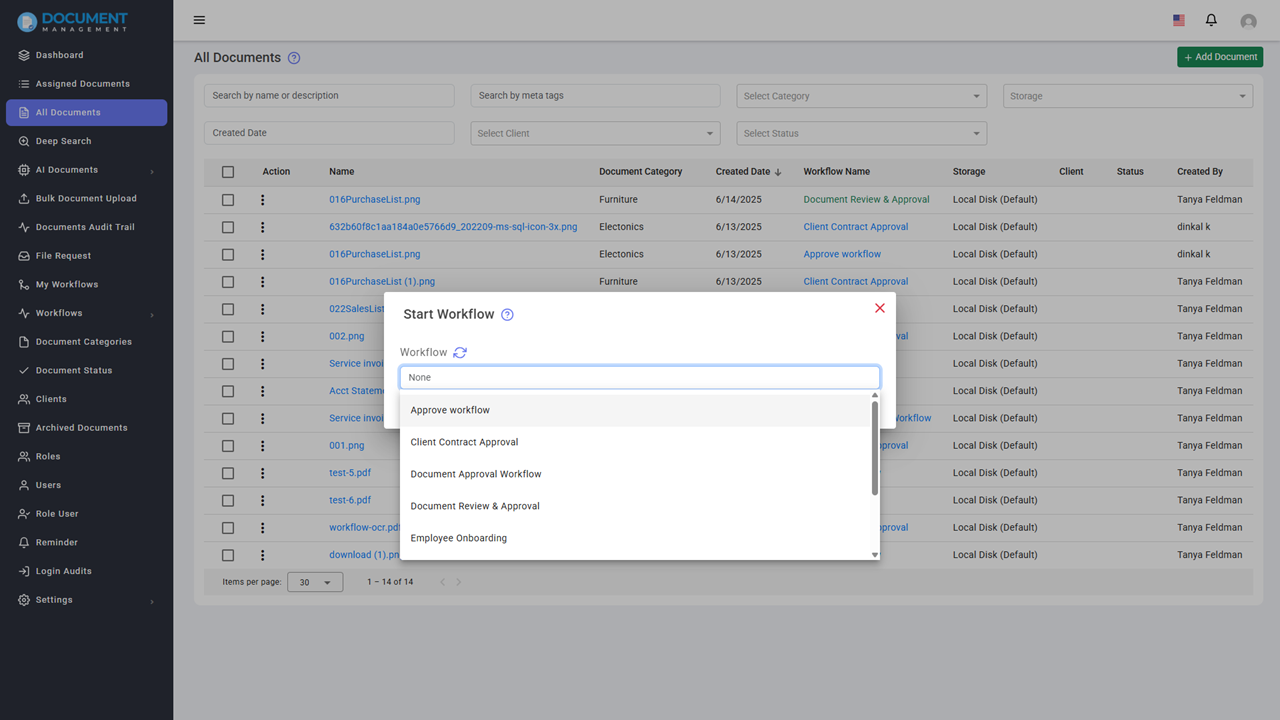
The Workflow Automation feature streamlines document-related procedures, making them both simpler and more effective. It allows you to build a custom workflow, complete with multiple steps, and assign tasks to specific users or roles. Each step also has a deadline. The system then automatically dispatches notifications and reminders, helping to keep everything on schedule. Plus, you get real-time tracking of how the workflow is progressing.
This functionality proves particularly valuable in sectors like law, finance, and human resources. These domains often require document approvals, contract oversight, and the onboarding of new hires, processes that usually involve multiple stages and a variety of individuals.
Secure Document Sharing
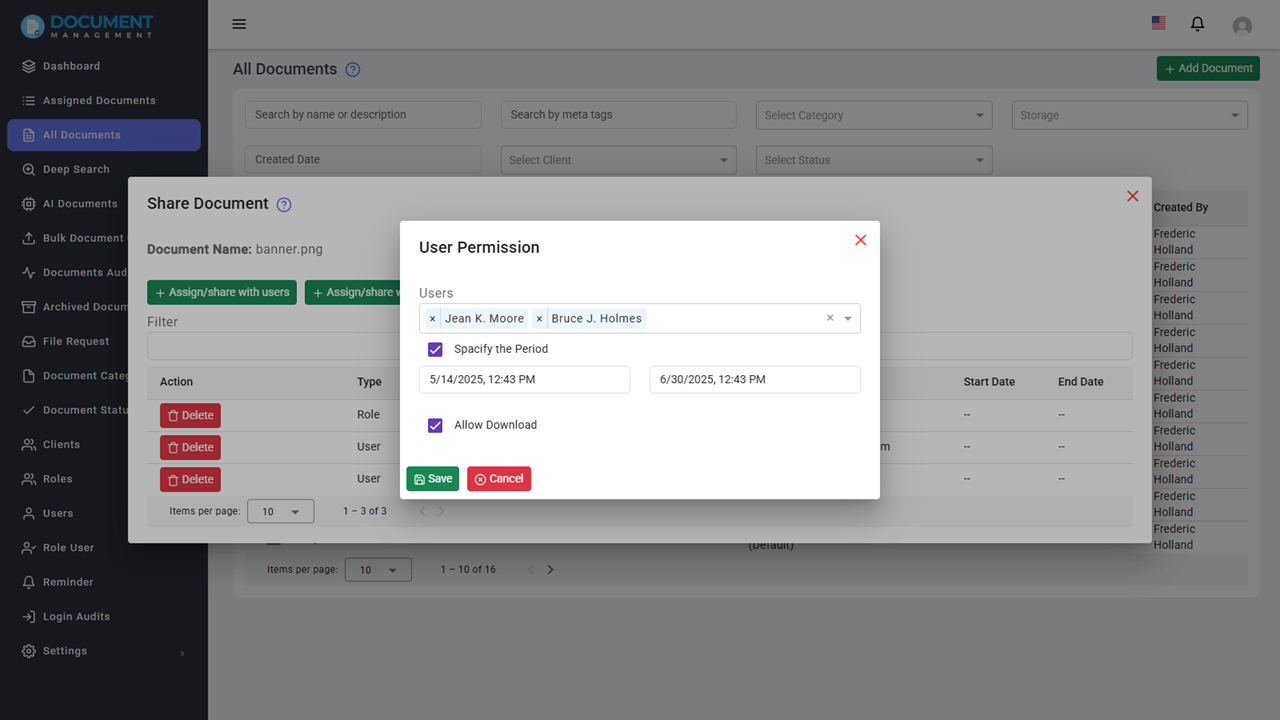
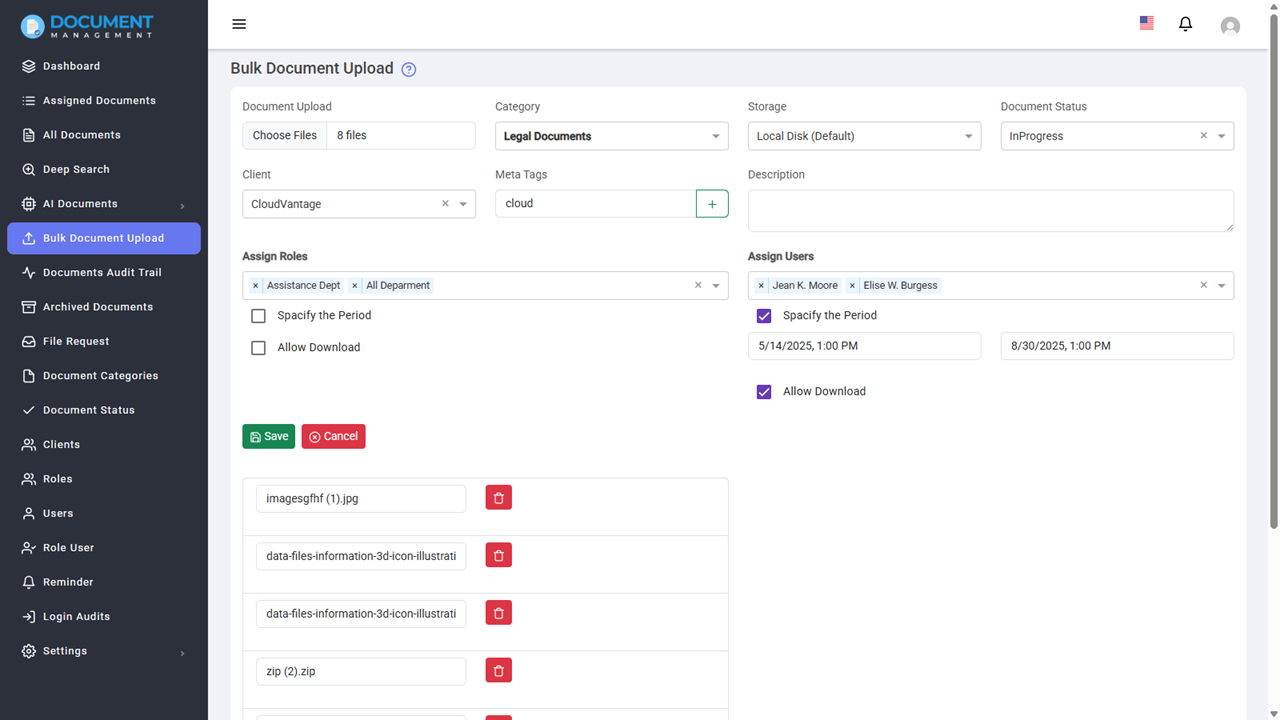
Document Management System supports secure sharing of document within the system with specified user(s) or role group(s) for a defined period of time. User can also set custom start and end date for sharing the document. Additionally, there is an option to allow or restrict downloading of the document by the recipients.
It widely used in various industries for internal document sharing. For example, in the healthcare, it can be used to share patient records and medical reports securely among healthcare professionals. In the legal sector, it facilitates the secure exchange of case files and legal documents between attorneys and clients.
Share Documents via Encrypted Links
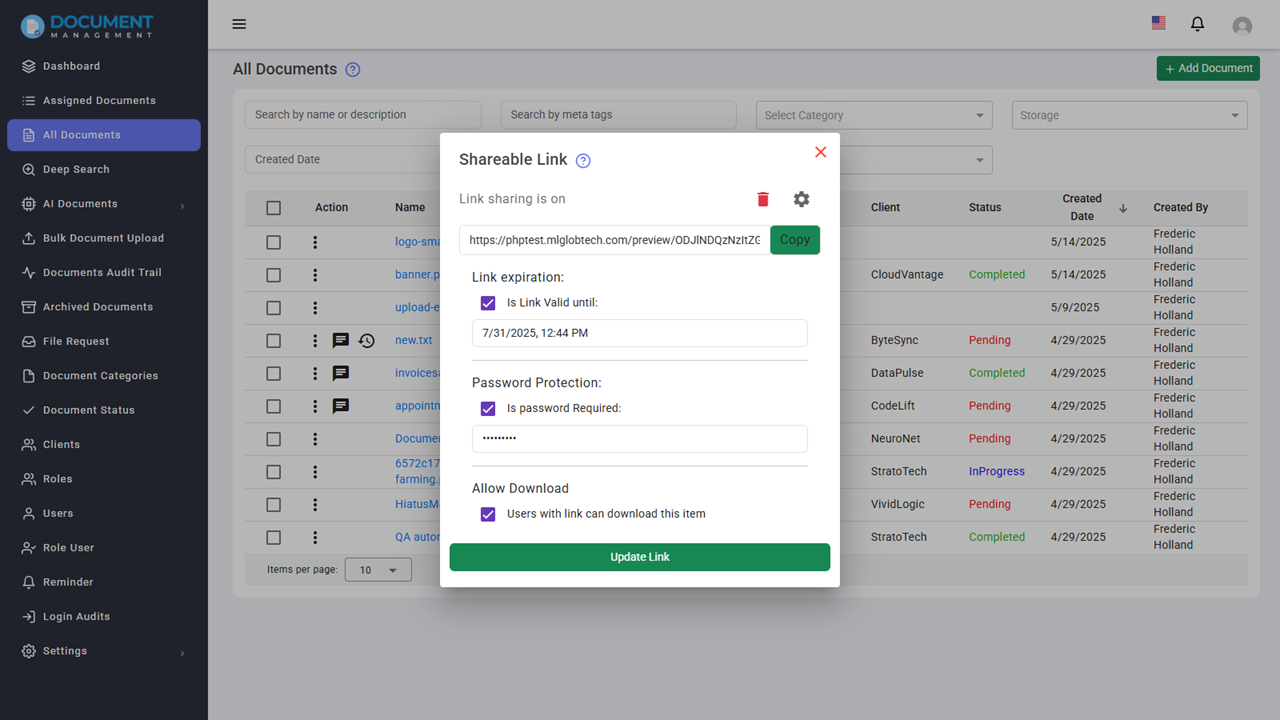
Users have the ability to generate a unique, secure link for sharing documents outside their organization. This link can be safeguarded with a password and set to automatically expire at a specified date and time. Furthermore, users can dictate whether the document is downloadable or restricted to preview mode.
This functionality is particularly useful for industries such as legal, finance, and consulting. It allows them to share sensitive documents – contracts, financial reports, and project proposals, for instance – with clients or external partners while retaining control over document access.
Document Version Control
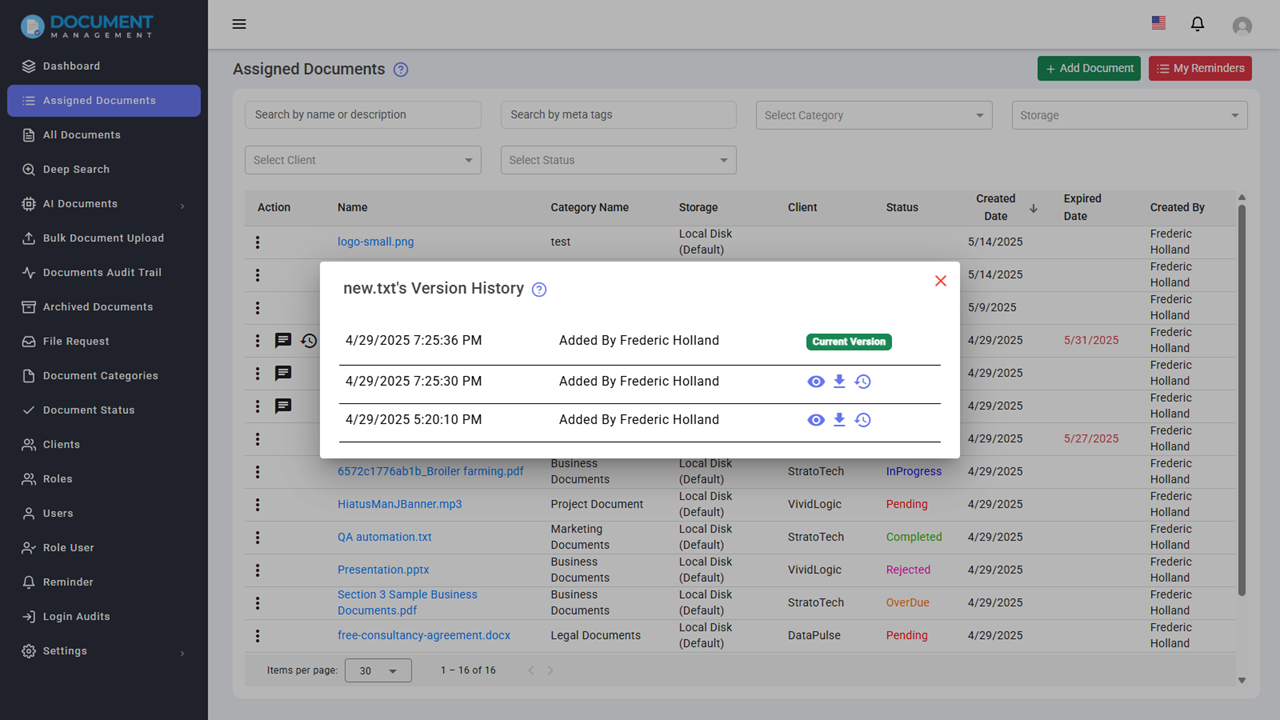
With Version Control , users can maintain and manage multiple versions of the same file. System automatically tracks the version history and allows users to view, and restore previous versions as needed.
It is essential for industries like software development, legal, and publishing. It helps teams collaborate on documents while keeping track of changes and ensuring that previous versions can be easily accessed if necessary.
Document Archiving
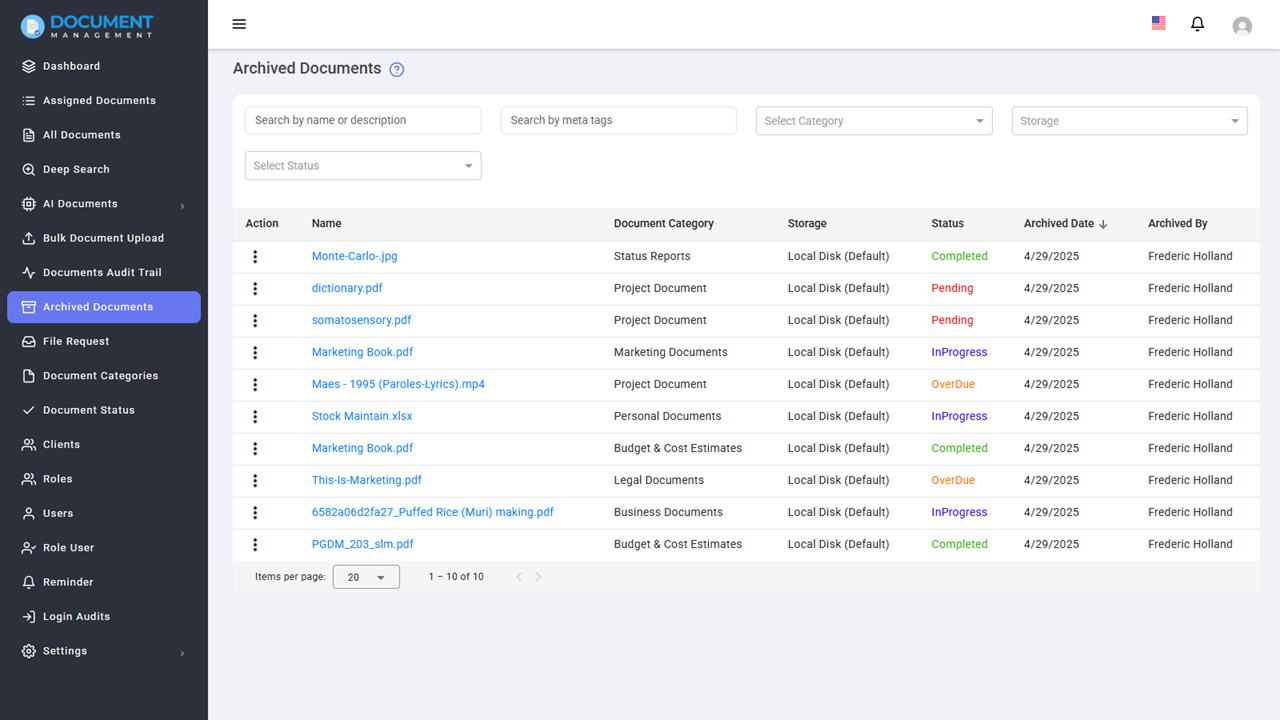
The Document Management System includes a powerful Archiving feature that allows users to safely store documents that are no longer active, without deleting them permanently. This helps keep your workspace clean while preserving important data for future reference.
System allows users to restore documents back to active status when needed. It also provides the option to permanently delete documents from the archive when they are no longer required.
It is widely used in various industries for long-term storage of important documents. For example, in the legal sector, it can be used to archive case files and legal documents that are no longer active but may need to be referenced in the future. In the healthcare industry, it can be used to archive patient records and medical reports that are no longer active but may need to be accessed for historical reference or compliance purposes.
Document Signature
Document signature functionality allows organizations to apply digital signatures seamlessly within the platform. All signature activities are logged in the document’s audit trail for complete transparency and accountability.
In Finance or Banking industry, it can be used to sign loan agreements, financial contracts, and other important documents securely and efficiently. In the legal sector, it facilitates the signing of legal documents, contracts, and agreements while maintaining a clear record of signature activities for compliance and audit purposes.
Detailed Audit Trails for Every Document
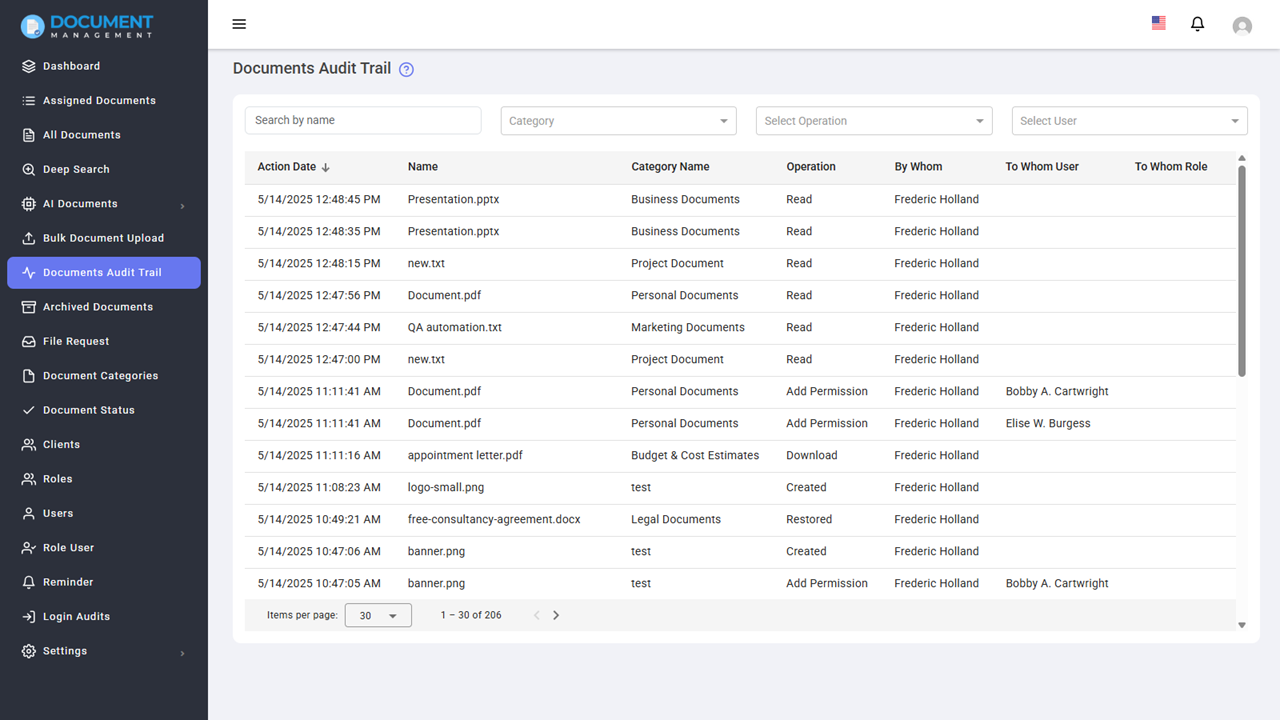
Document Management System tracks and logs every action performed on each document.
Key Features:
- Track Document Activities: The system logs various actions such as reading, creating, modifying, and deleting documents.
-
Action Types Logged: Detailed logs for the following actions are maintained:
- Read: When the document is accessed for viewing.
- Created: When a document is uploaded or created in the system.
- Modified: When changes are made to the document.
- Deleted: When the document is permanently removed from the system.
- Add Permission: When new permissions are granted to a user or role.
- Remove Permission: When permissions are revoked from a user or role.
- Send Email: When a document is shared or an email notification is triggered.
- Download: When the document is downloaded by a user.
- Archived: When a document is archived and moved to storage.
- Restored: When an archived document is restored back to active use.
Healthcare, legal, and financial industries can benefit greatly from this feature as it provides a clear record of document interactions, ensuring compliance and accountability.
Built-In Document Preview
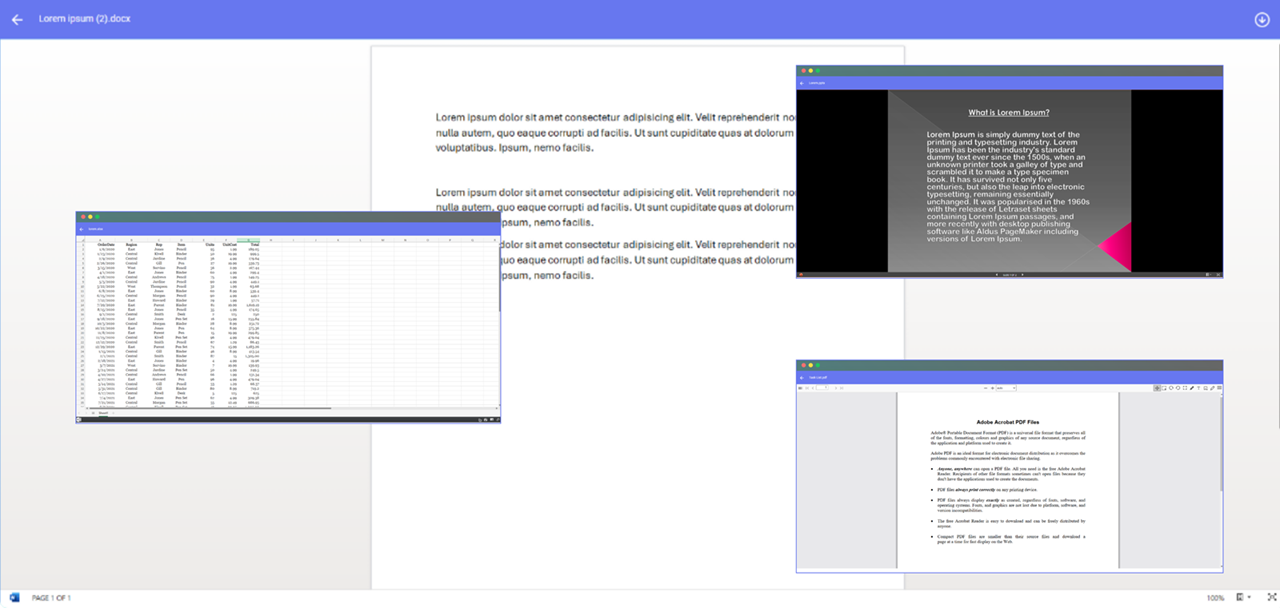
The Document Management System includes a powerful Built-In Preview feature that allows users to view documents directly within the system—without needing to download them first.
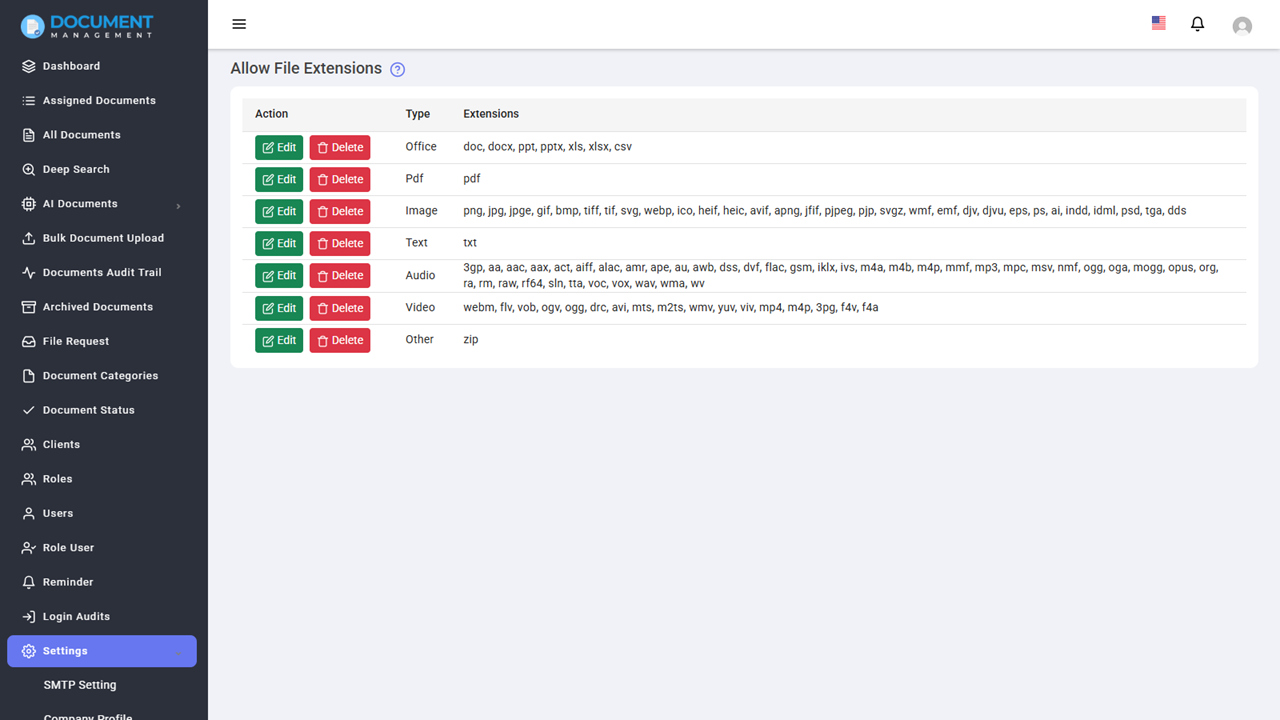
It supports a wide range of document types, including Microsoft Office files, PDFs, images, audio, video and more.
Important Notes:
- Built-in preview for Microsoft Office documents (Word, Excel, PowerPoint) requires the system to be hosted on a public server. It will not work in a local development environment due to third-party rendering service requirements.
Request Documents via Secure Links
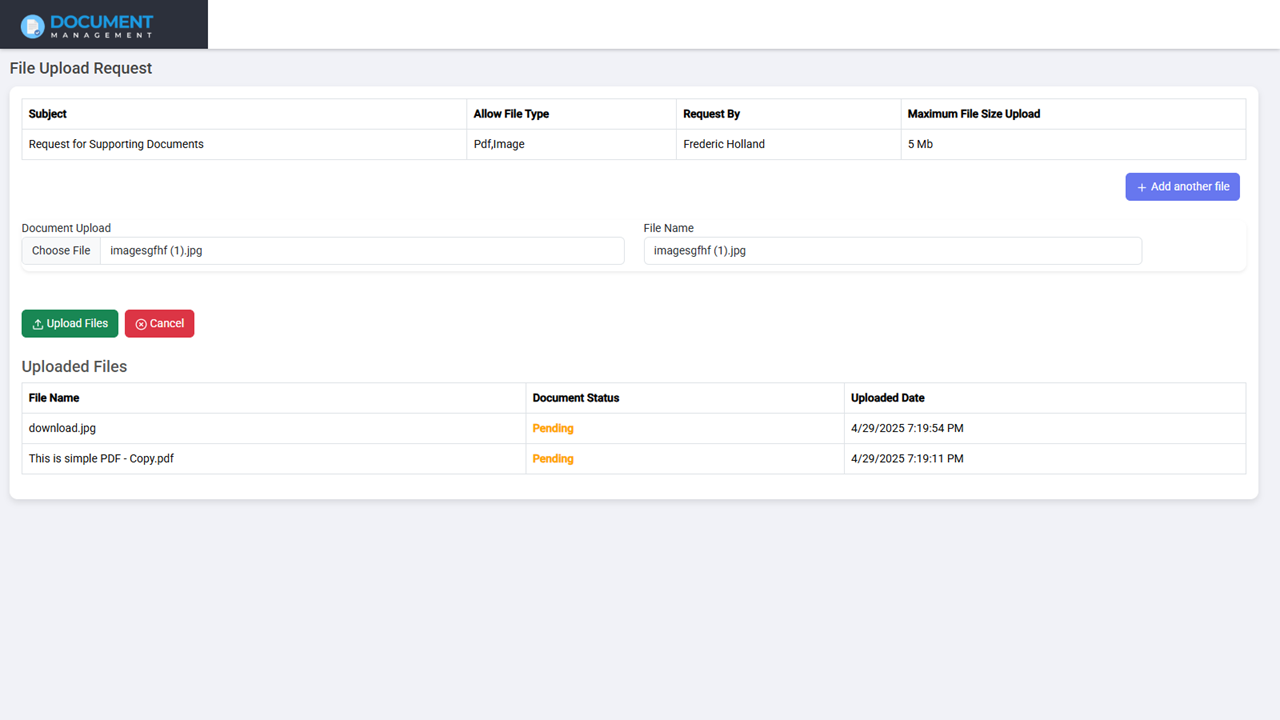
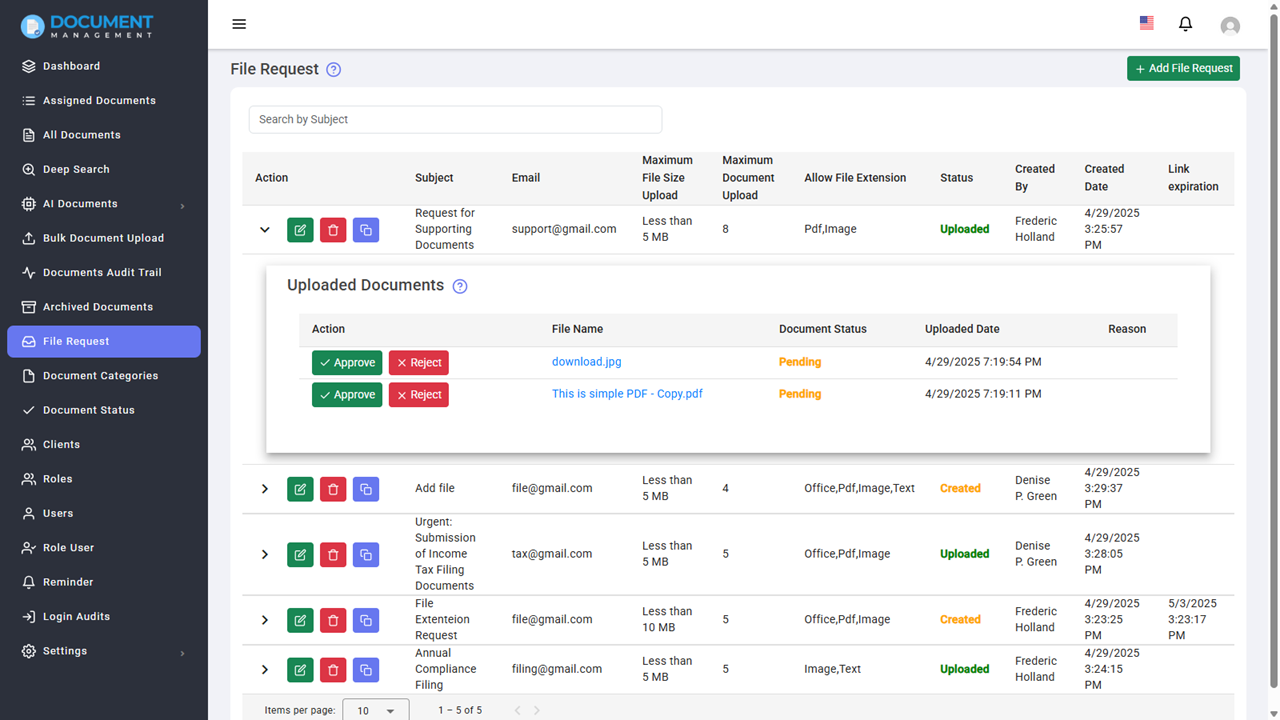
Document Management System makes it easy to collect files from external users by sending secure, customizable upload links. This eliminates the need for email attachments and ensures a safe and controlled way to receive documents from clients, vendors, or partners.
User can set specific upload rules, such as allowed file types, maximum file size, and the number of files that can be uploaded. Additionally, there is an option to protect the upload link with a password and set an expiration date.
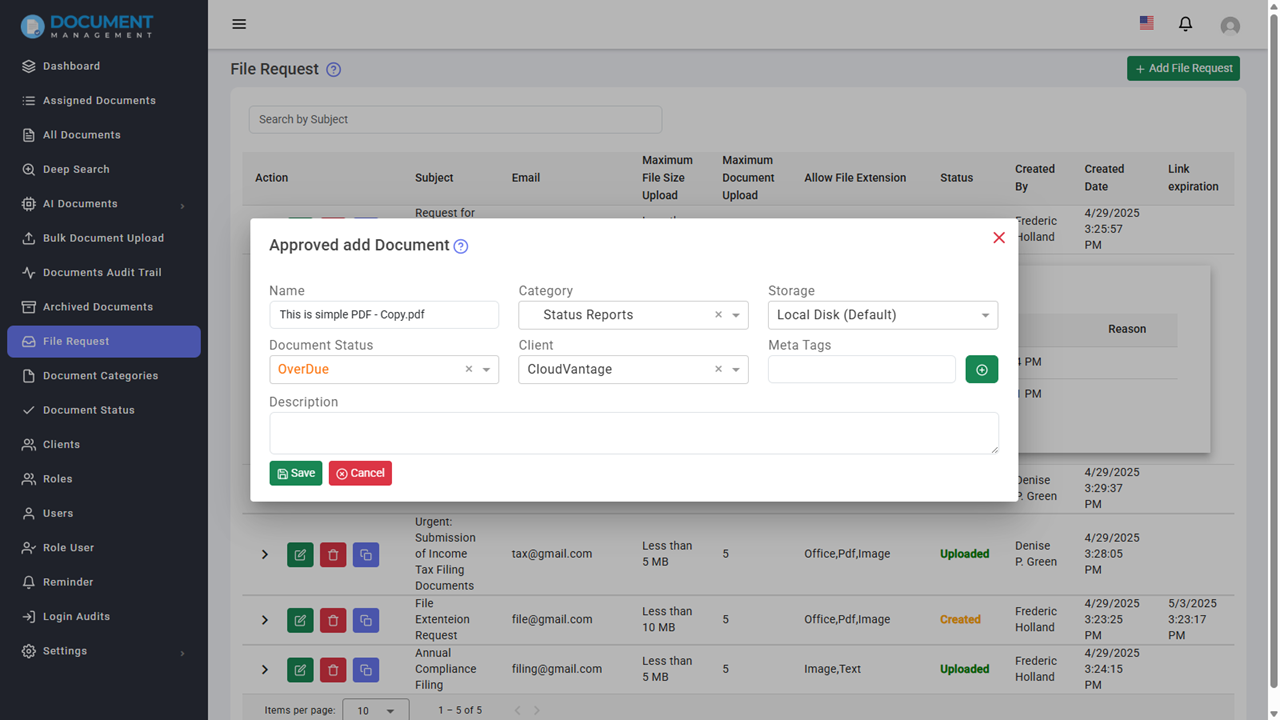
Once the recipient uploads the document, it is sent to the admin panel for review, where the admin can choose to preview, approve, or reject the submission. It helps industries like legal, insurance, and finance, where document integrity and compliance are critical.
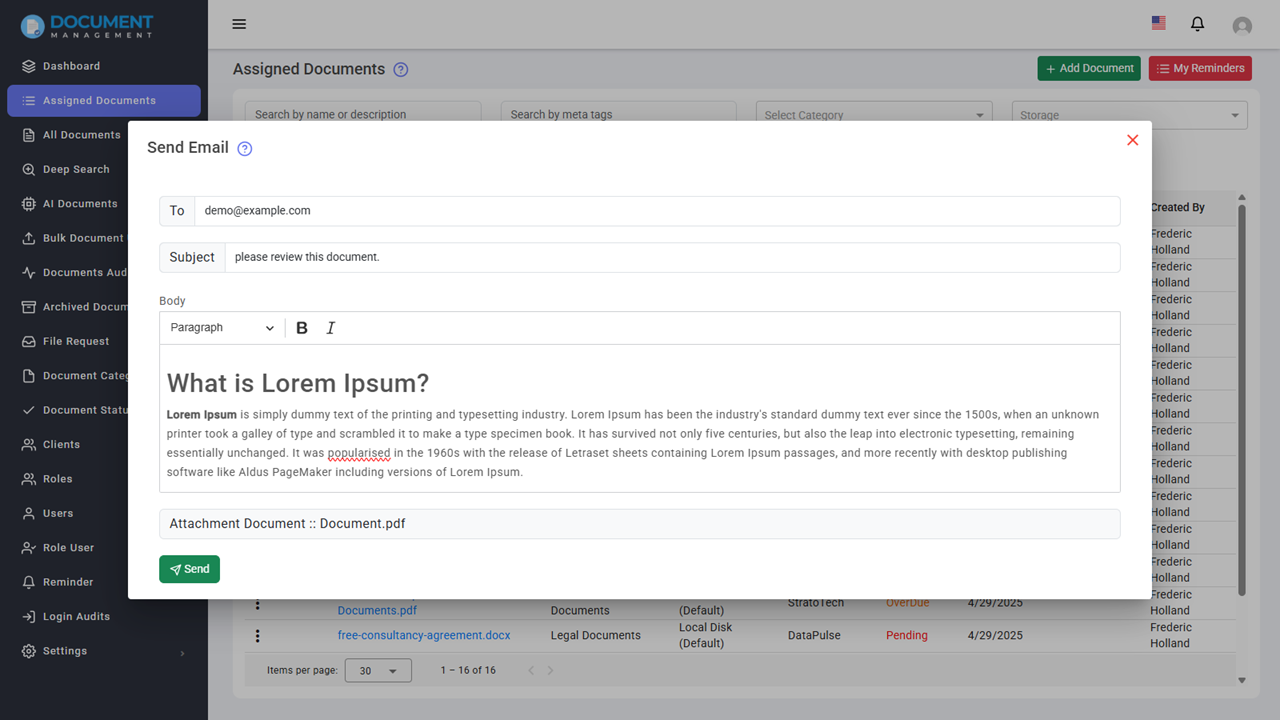
Send Documents Directly via Email
The Document Management System allows users to send documents directly via email without needing to download and attach files manually. It streamlines communication and ensures secure, traceable delivery of documents to internal or external recipients.
Automated Reminder & Notification Scheduler
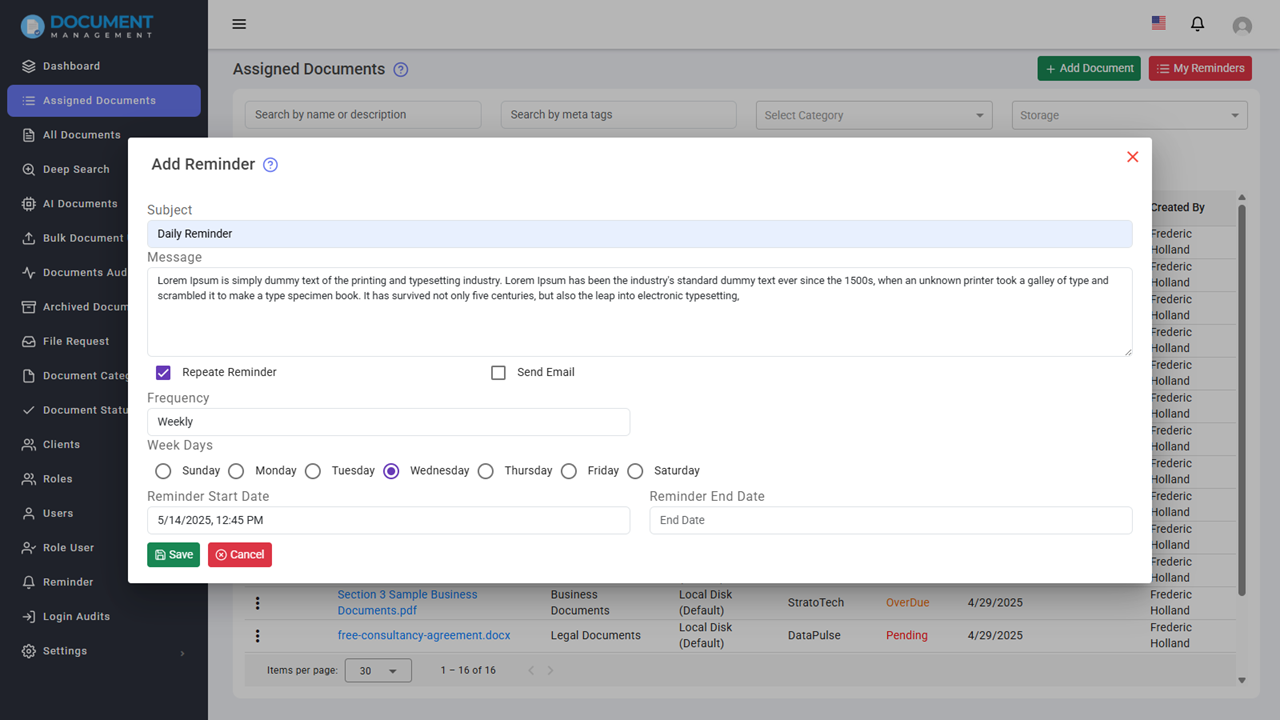
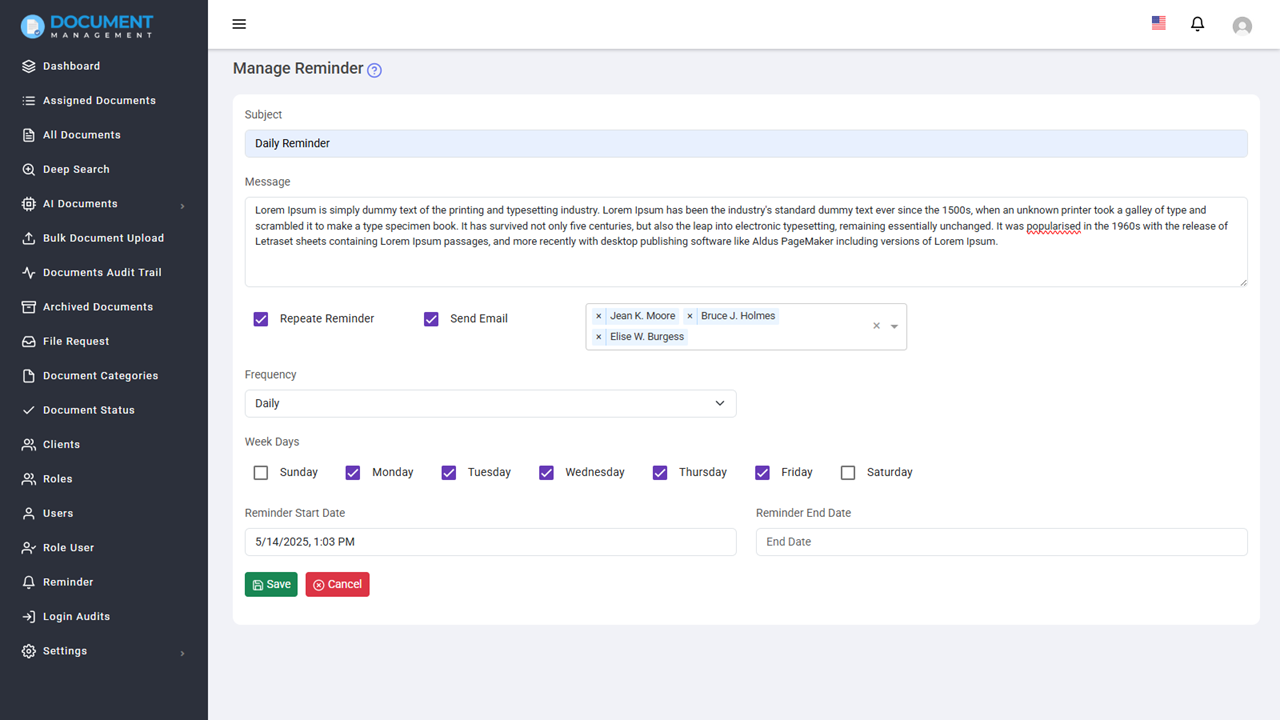
The Document Management System includes a powerful Automated Reminder and Notification Scheduler that helps users stay on top of important document-related tasks and deadlines. You can set up recurring reminders for various intervals such as daily, weekly, monthly, quarterly, half-yearly, yearly, or on specific dates.
Accounting firms can set reminders for tax filing deadlines, financial reporting, and client follow-ups. Legal firms can use it to track court dates, contract renewals, and case milestones. Educational institutions can set reminders for assignment deadlines, exam schedules, and administrative tasks.
Multi-Language Support
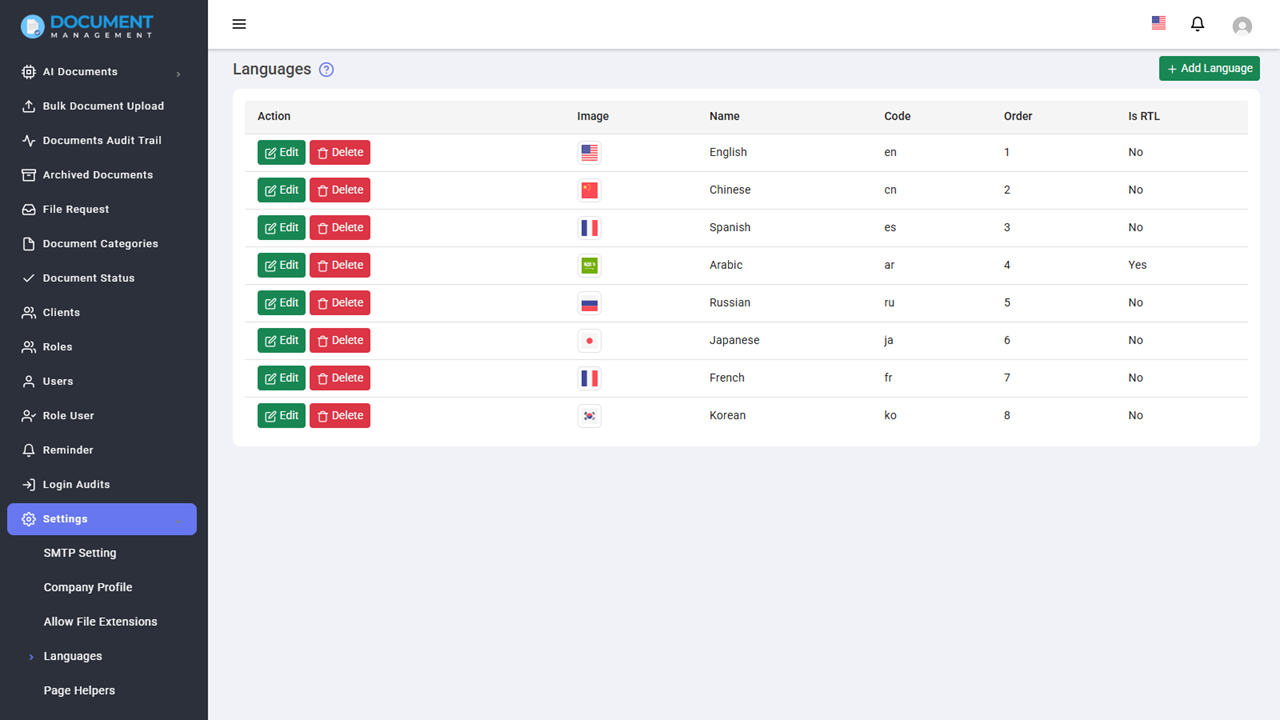
The Document Management System offers full multi-language support, allowing you to create a user experience that matches your preferred languages and regional needs.
Full Source Code & Many More Features
With Document Management System, you receive the full source code to customize and extend the system as needed for your organization. Along with the code, you will also get a build version optimized for the MySQL database provider, ensuring seamless integration with your existing infrastructure. This comprehensive package gives you the flexibility to adapt the system to your unique business requirements, add custom features, or perform any modifications to the codebase.
In addition to the core features already outlined, you will gain access to many more capabilities, making this system a versatile solution for managing your documents securely and efficiently. Whether you need to expand document functionality, integrate additional services, or automate processes, the system is built with scalability and customizability in mind.
Project Requirement
- PHP Version: Document Management minimum required PHP version: >=8.4
-
MySQL:
Document Management requires MySQL version: >= 5.6.
Recommended MySQL version: >=5.7.
Project Technologies
- PHP 8.4
- Laravel 11
- Angular 18
- Angular Material UI
- Bootstrap
- MySQL
Benefits of Using Our Document Management Software
Managing documents shouldn’t slow your team down. This system is built to simplify how you handle files — so your team can focus on actual work instead of searching, organizing, and chasing approvals.
- Spend less time on manual work: Automate everyday tasks like document approvals, reminders, and file organization so your team doesn’t have to do everything manually.
- Find what you need quickly: Instead of digging through folders, you can search inside documents and get results instantly — even from large files.
- Keep everything in one place: No more switching between tools. Store, manage, and share documents from a single system that your whole team can access.
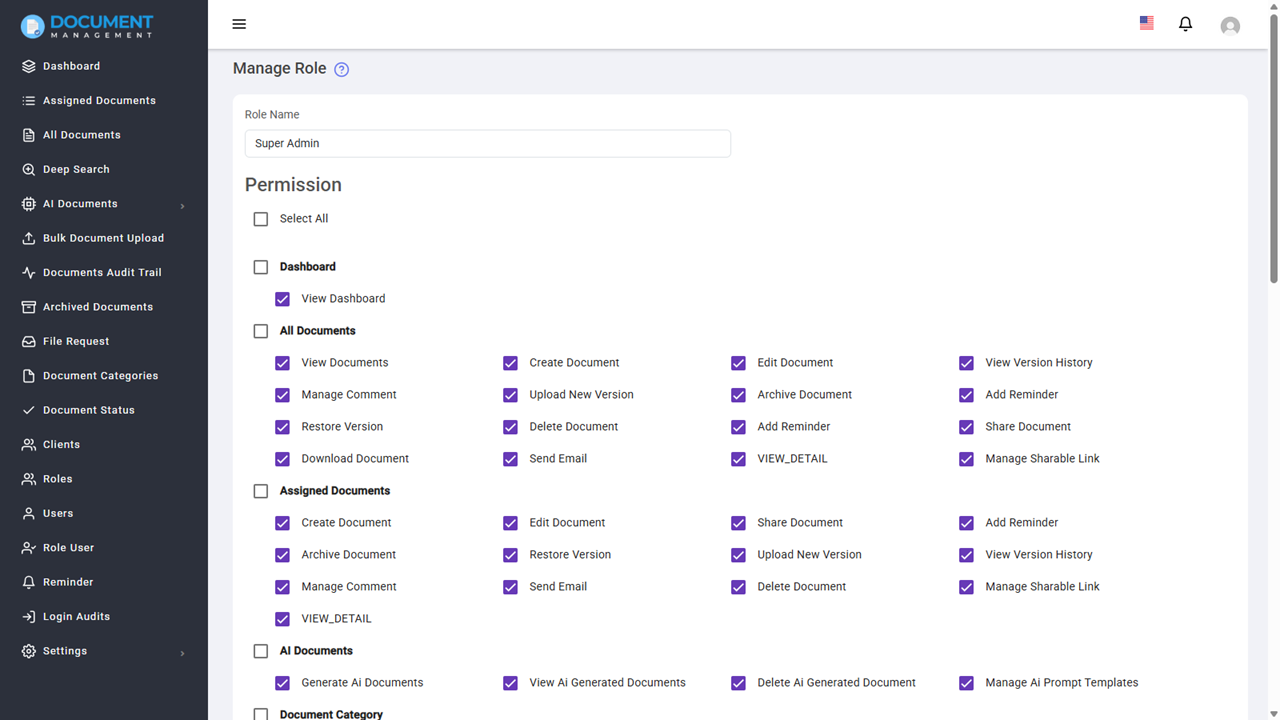
- Control who can access what: Decide who can view, edit, or download documents. You stay in control, especially when dealing with sensitive information.
- Work from anywhere: Whether your team is in the office or remote, documents are always accessible with secure cloud storage.
- Track every action: Know exactly who viewed, edited, or shared a document. This is especially useful for compliance and audits.
- Grow without worrying about document chaos: As your business grows, the system keeps your documents organized and easy to manage.
Frequently Asked Questions (FAQ)
What is a document management system?
A document management system (DMS) is software that helps businesses store, organize, and manage digital documents securely.
How does AI help in document management?
AI helps automate document creation, summarize long documents, and enables advanced content search inside files.
Is this document management system secure?
Yes, it includes role-based access control, secure sharing, audit logs, and cloud storage integration.
Can I store documents in the cloud?
Yes, the system supports Amazon S3 and local storage options.
Do I need technical knowledge to use this system?
No, the system is designed to be simple and easy to use. Even non-technical users can upload, manage, and share documents without any training.
Can I customize the system based on my business needs?
Yes, since you get the full source code, you can customize features, workflows, and integrations to match your specific business requirements.
Change Logs
------------------------
03 Apr 2026: 5.3.2
    Fix: Bug fixes
------------------------
19 Nov 2025: 5.3.0
    New: Document Watermarking
    Fix: Bug fixes and UI improvements
------------------------
20 Sept 2025: 5.2.0
    New: Google Gemini Integration
    New: AI-Powered Document Summarization
    Fix: Bug fixes and UI improvements
------------------------
08 Aug 2025: 5.1.1
    Fix: Bug fixes
------------------------
06 Aug 2025: 5.1.0
    New: Document Signature
    New: Document Retention with options to Expire, Archive, and Delete
    New: Email Logs with retention period
    New: Cron Job Logs with retention period
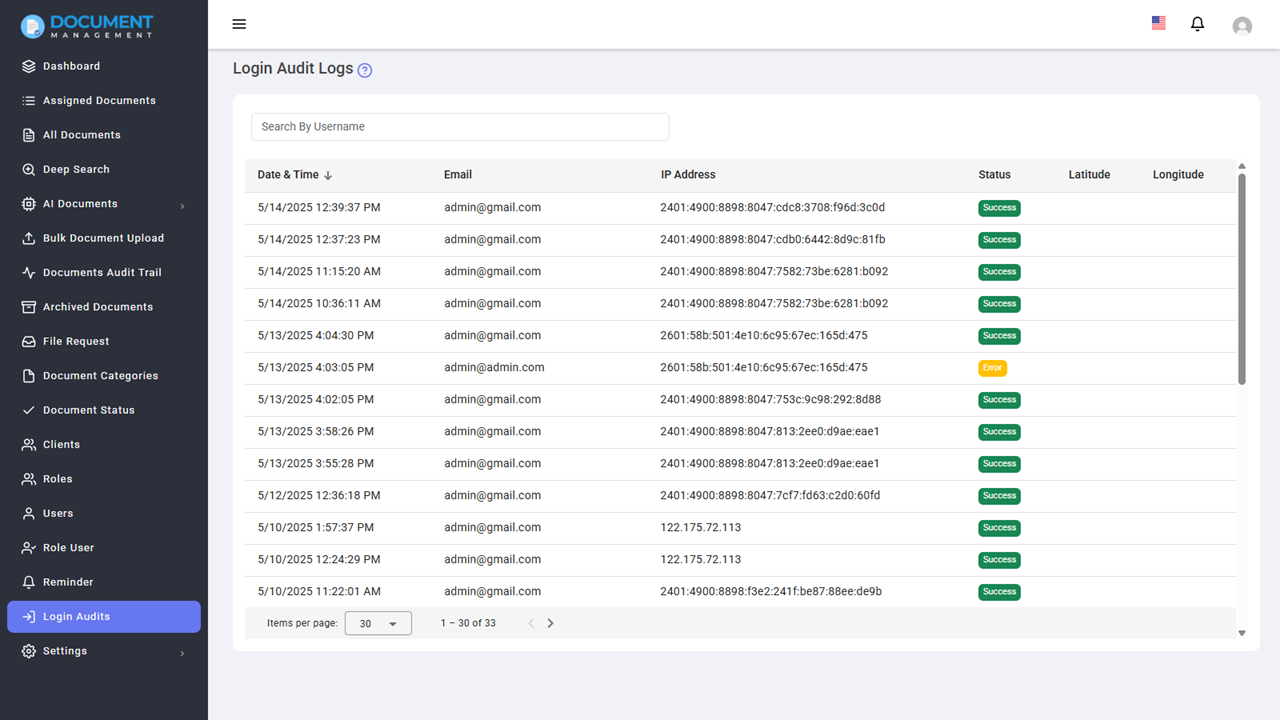
    New: Login Audit Logs with retention period
    New: Expired Documents
    New: Archived Documents with retention period
    New: Workflow Notifications
    New: File Request Notifications
    Fix: Bug fixes and UI improvements
------------------------
18 Jun 2025: 5.0.0
    New: Workflow Automation
    Improvement: Save Open AI Generation Response in Document.
    Fix: Bug Fixes & UI improvements.
------------------------
14 May 2025: 4.0.0
    New: Open AI Integration
    New: Bulk Document Upload
    New: Document Status module.
    Fix: Bug Fixes & UI improvements.
    New: Detailed Document View.
------------------------
19 April 2025: 3.1.0
    New: Client module
    New: Request a file from non system user.
    New: Update Laravel version
    New: Option to allow dynamically document type.
    New: Operation filter in audit trial
    Fix: Deep search permission issue
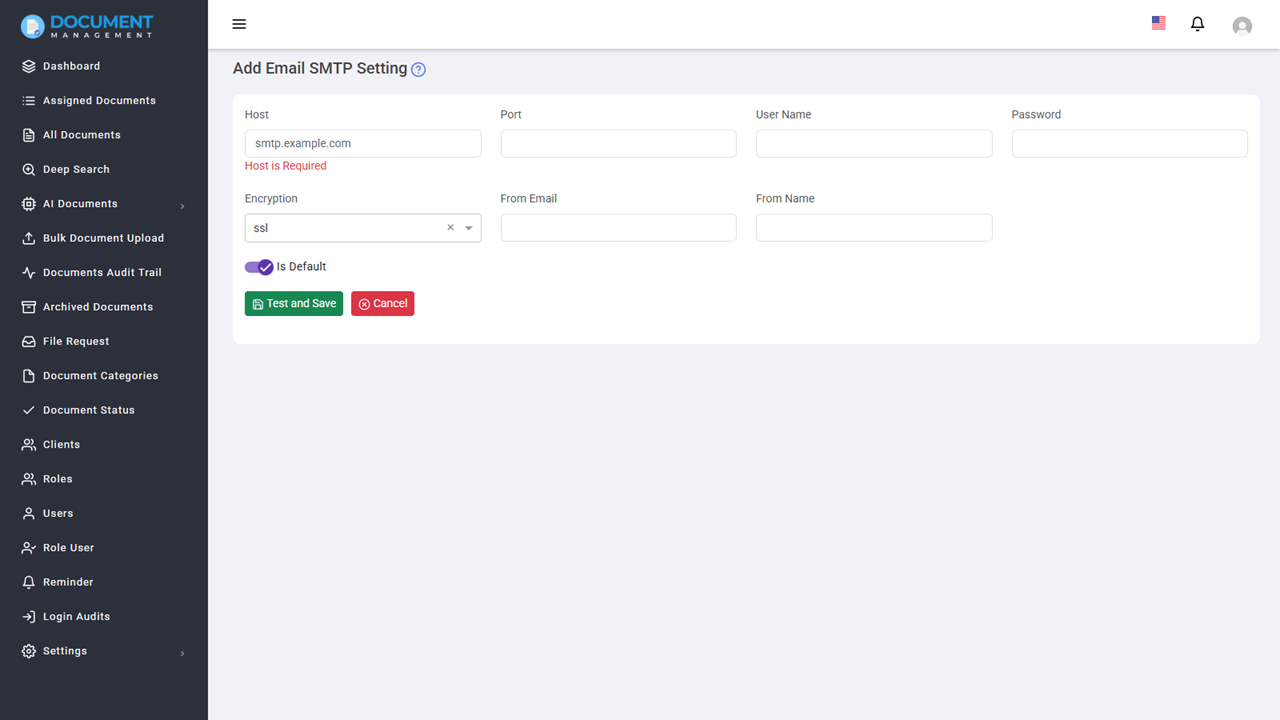
    Fix: Email Smtp Setting issue.
    New: All the permission to assign documents.
    Fix: Enable signed pdf preview
    Fix: UI improvements.
    Fix: Skip indexing in case of file size more than 3 mb.
------------------------
24 Oct 2024: 3.0.0
   New: Deep Document Content Search
   New: Page help text for each pages
   Fix: Office Viewer with public sharing
   Fix: Reminder notification
----------------------
22 Sept 2024 : V2.0.4
    New: Share document via secure link.
    New: Forgot password feature.
----------------------
10 May 2024 : V2.0.3
    New: Archive Document Support.
    New: RTL support.
----------------------
27 March 2024 : V2.0.2
    New: Amazon S3 Support.
    New: Language support for reminder frequency and document audit trail.
    Fix: extension issue while uploading he document.
    Fix: the pagination issue.
    Fix: Parent child category issue in edit document.
    Fix: document audit trail on delete documents.
    Fix: Time zone issue in login audit.
    Fix: document search on Parent Category.
----------------------
27 Oct 2023 : V2.0.1
    Bug Fixes and UI improvements.
----------------------
4 Aug 2023 : V2
    New: Add new language support.
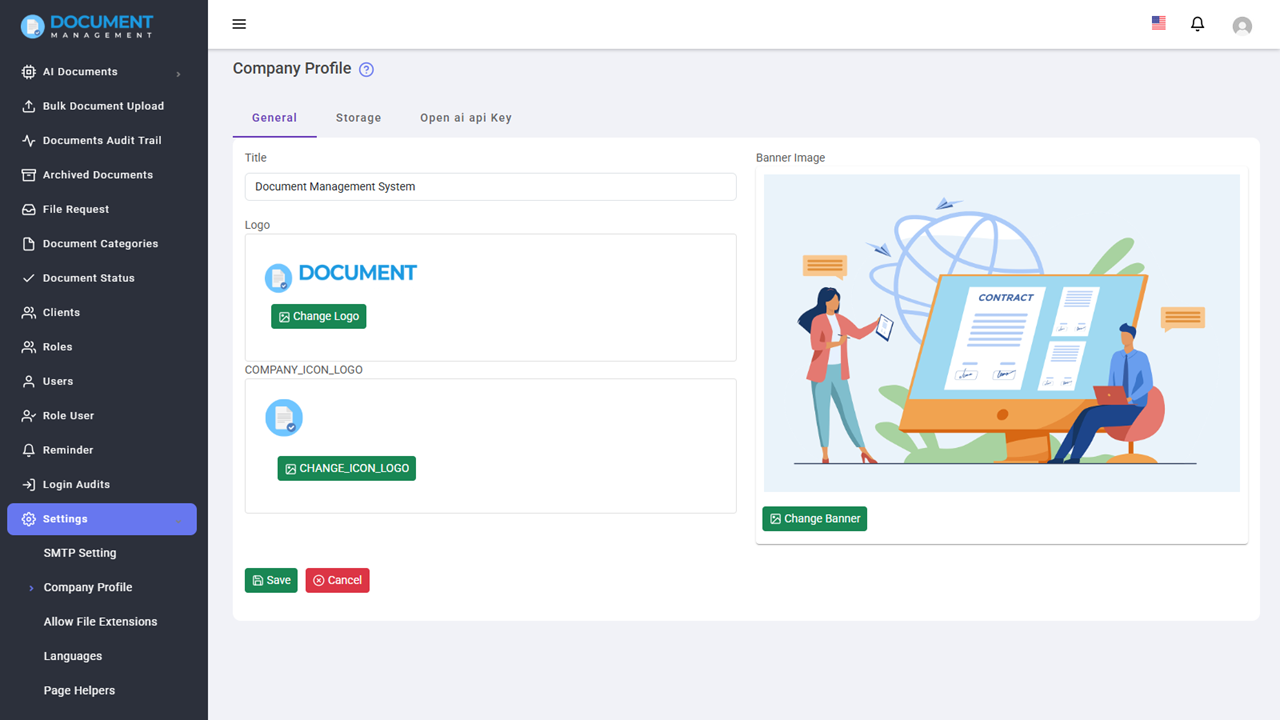
    New: Change Logo, Login Banner Image and title support.
    Fix: date format issue.
    Fix(breaking): fixed the email sending issue. Please make sure you update the smtp setting after finishing the update.
    Fix: delete user issue.
----------------------
1 June 23 : V1.0
    Initial Release