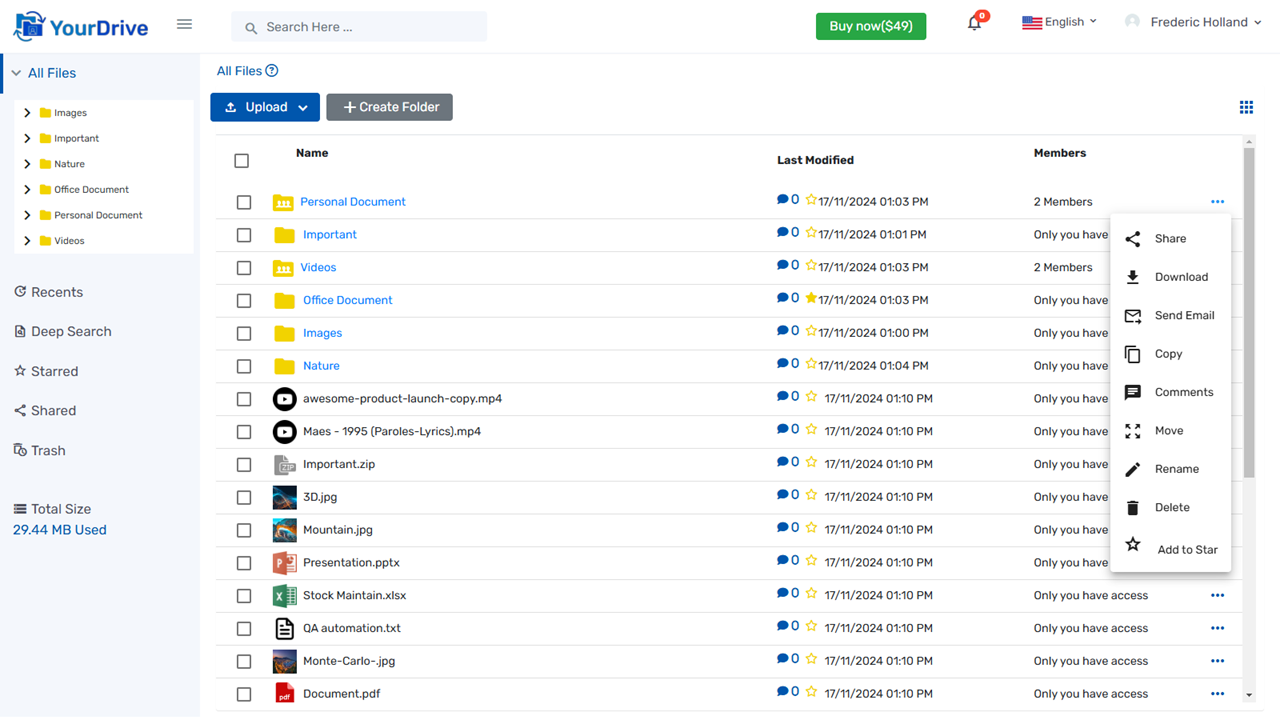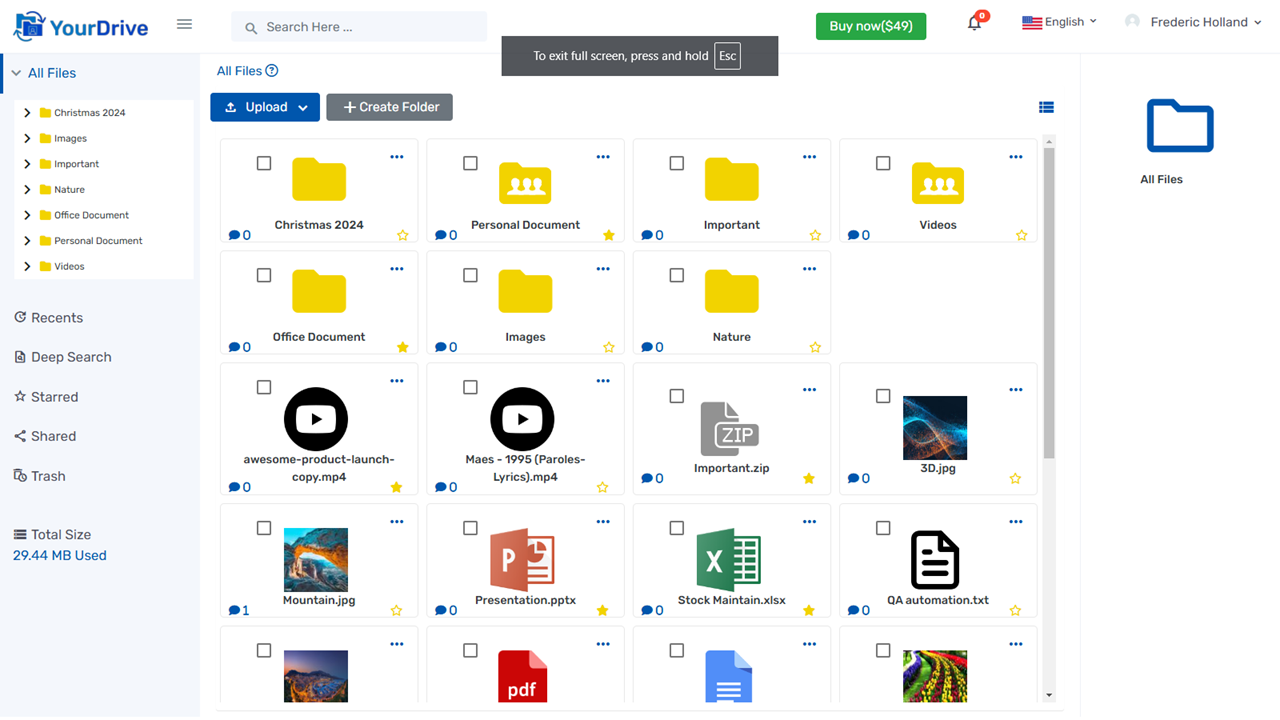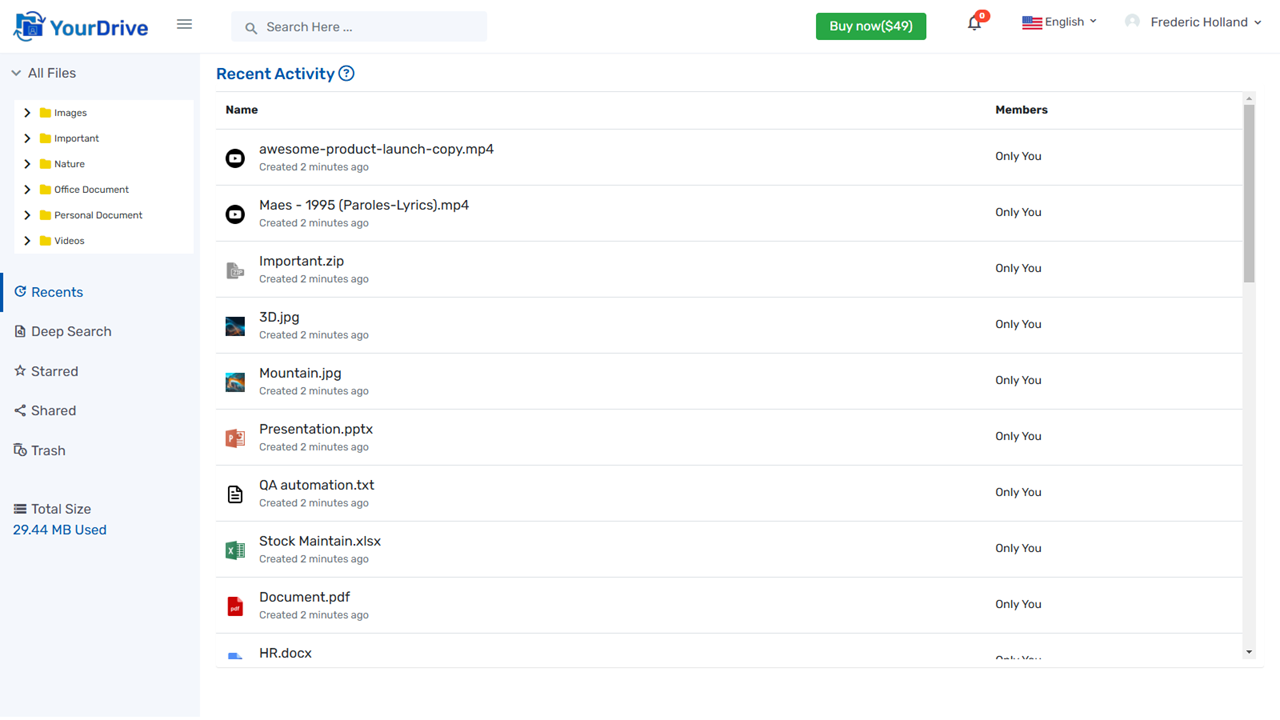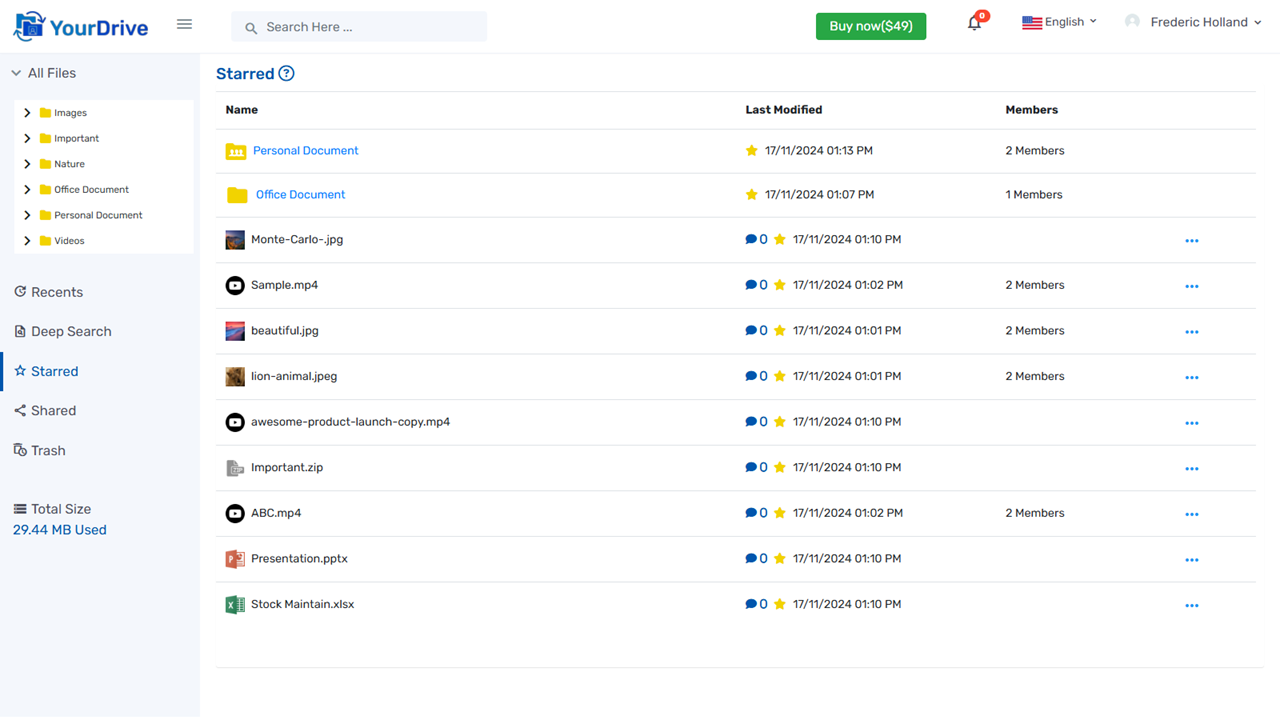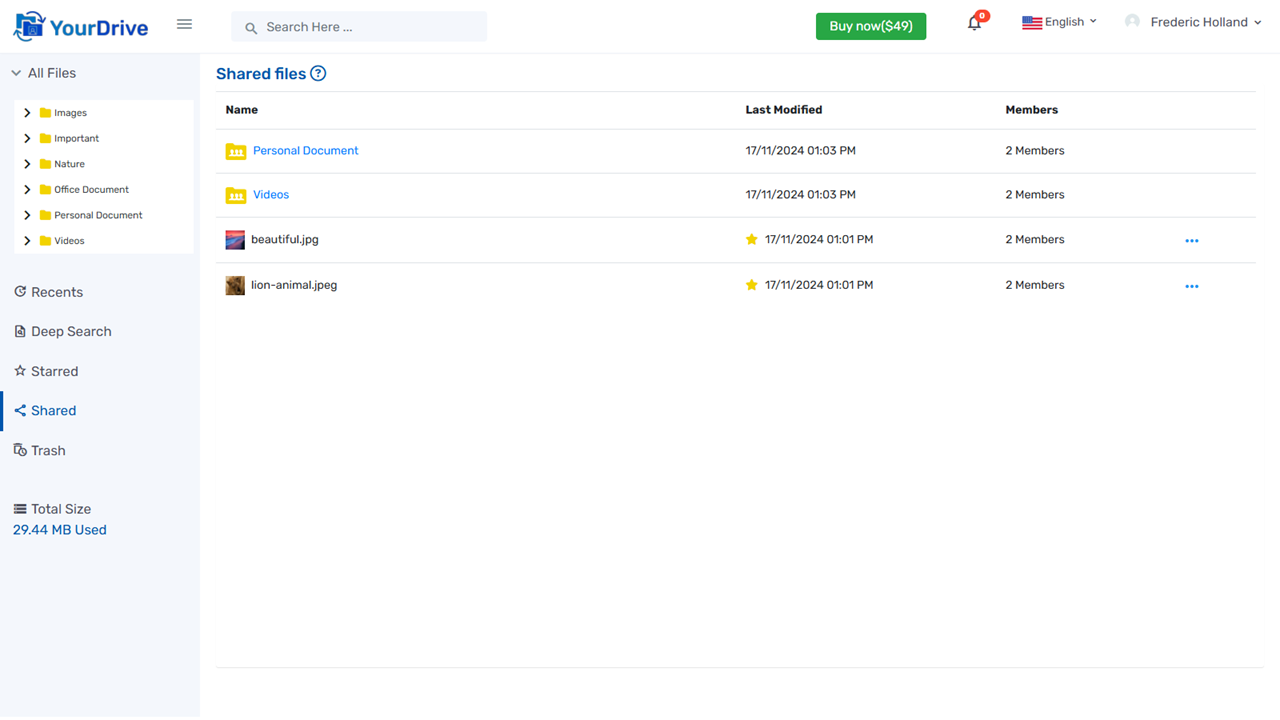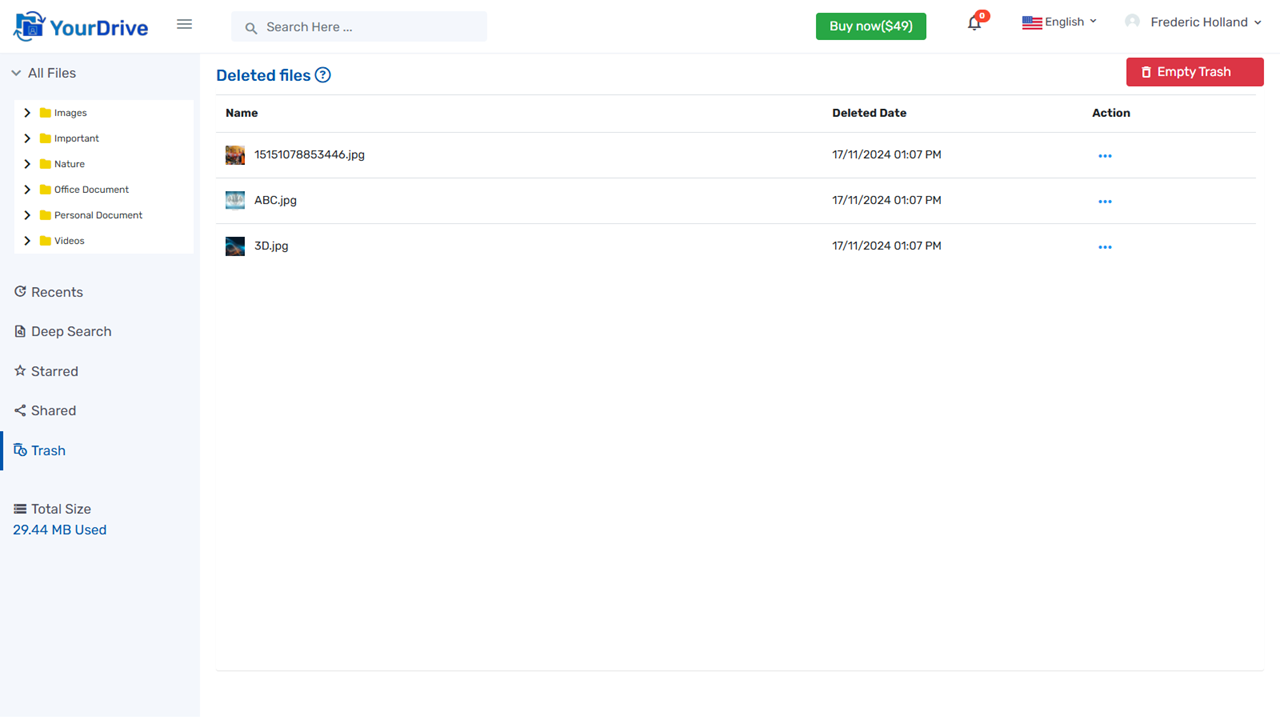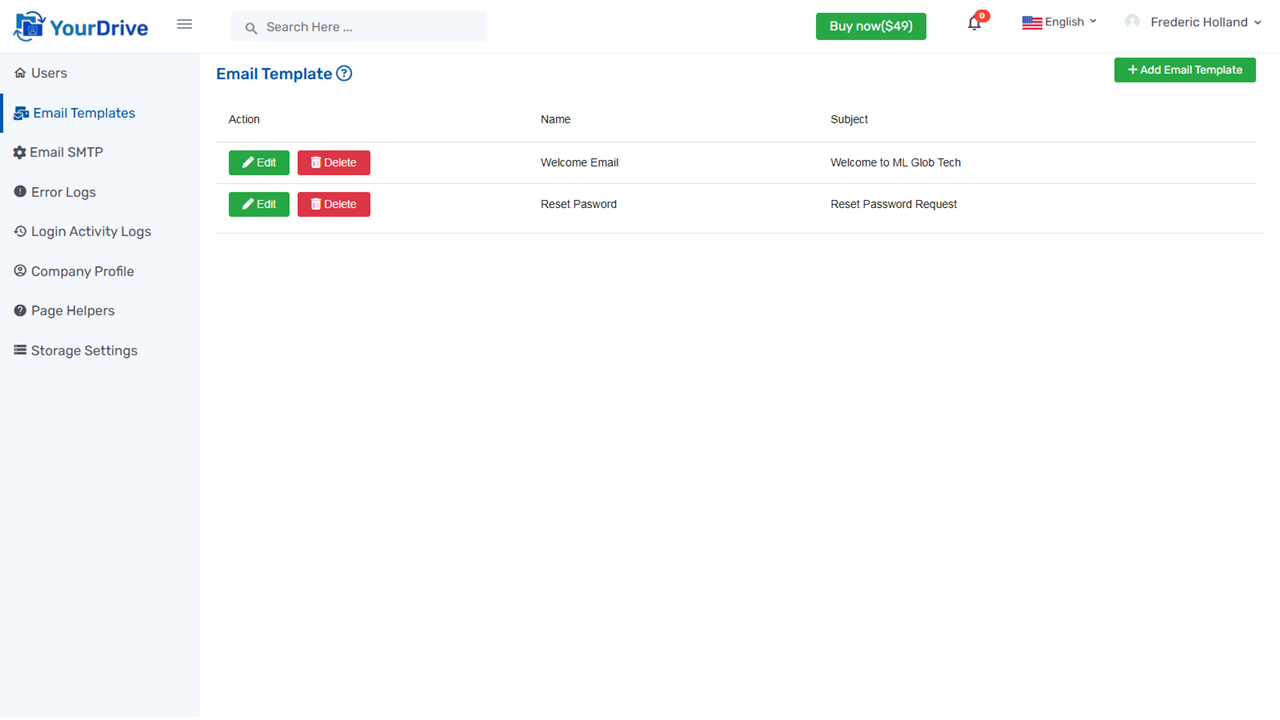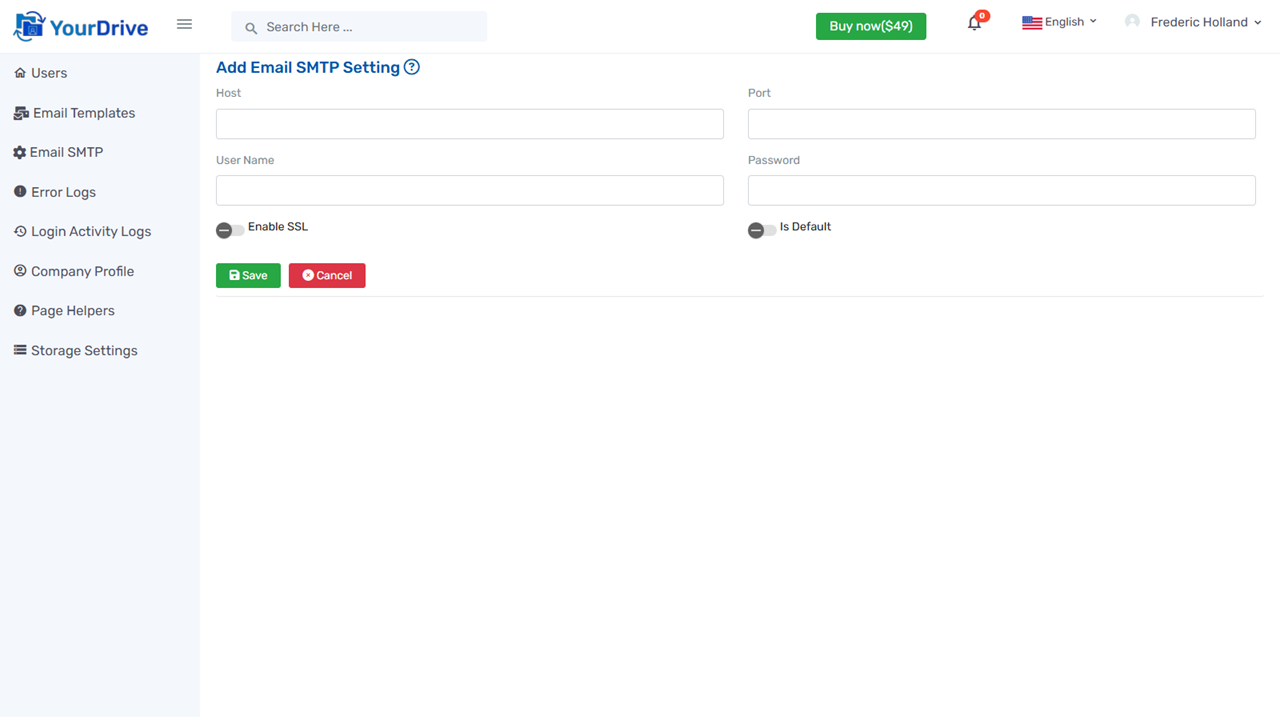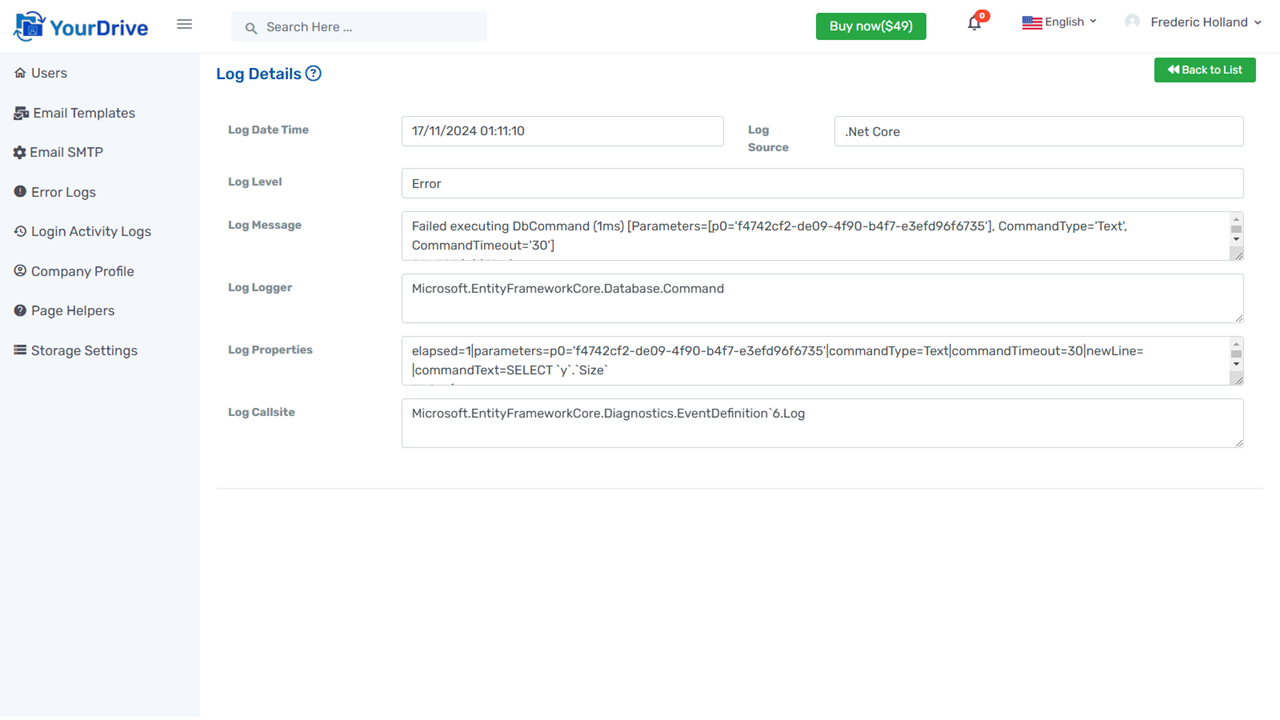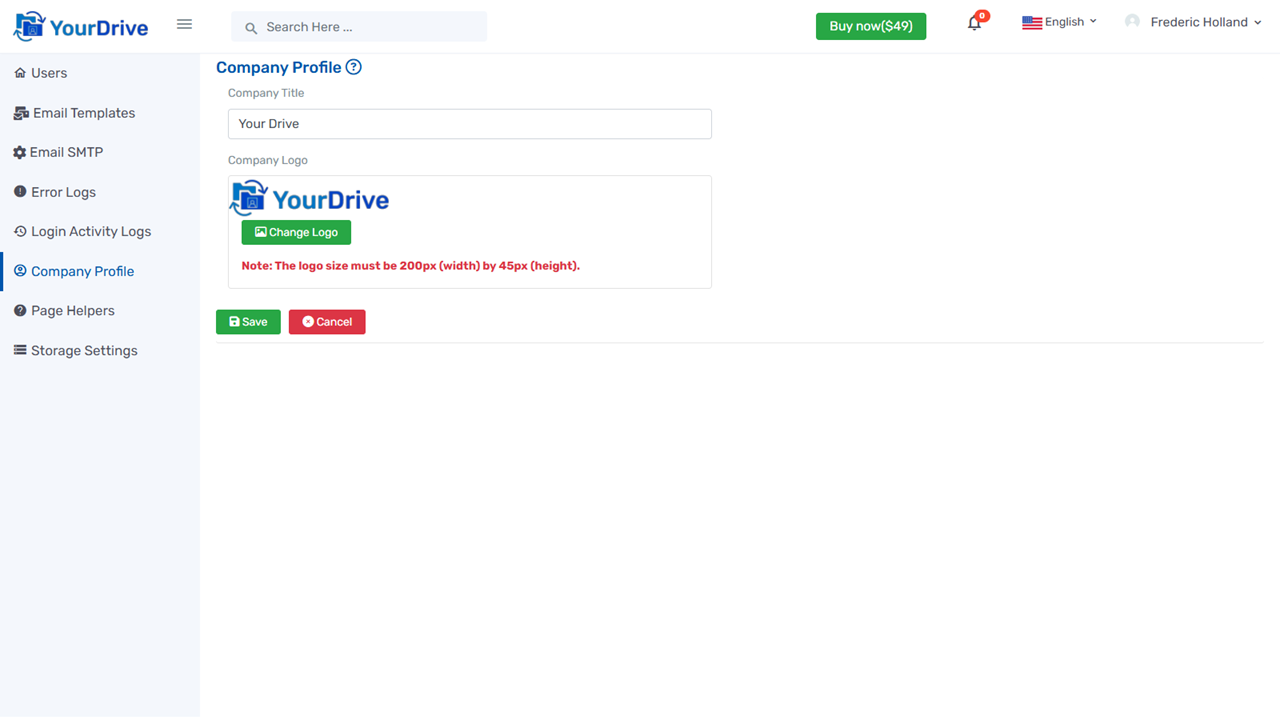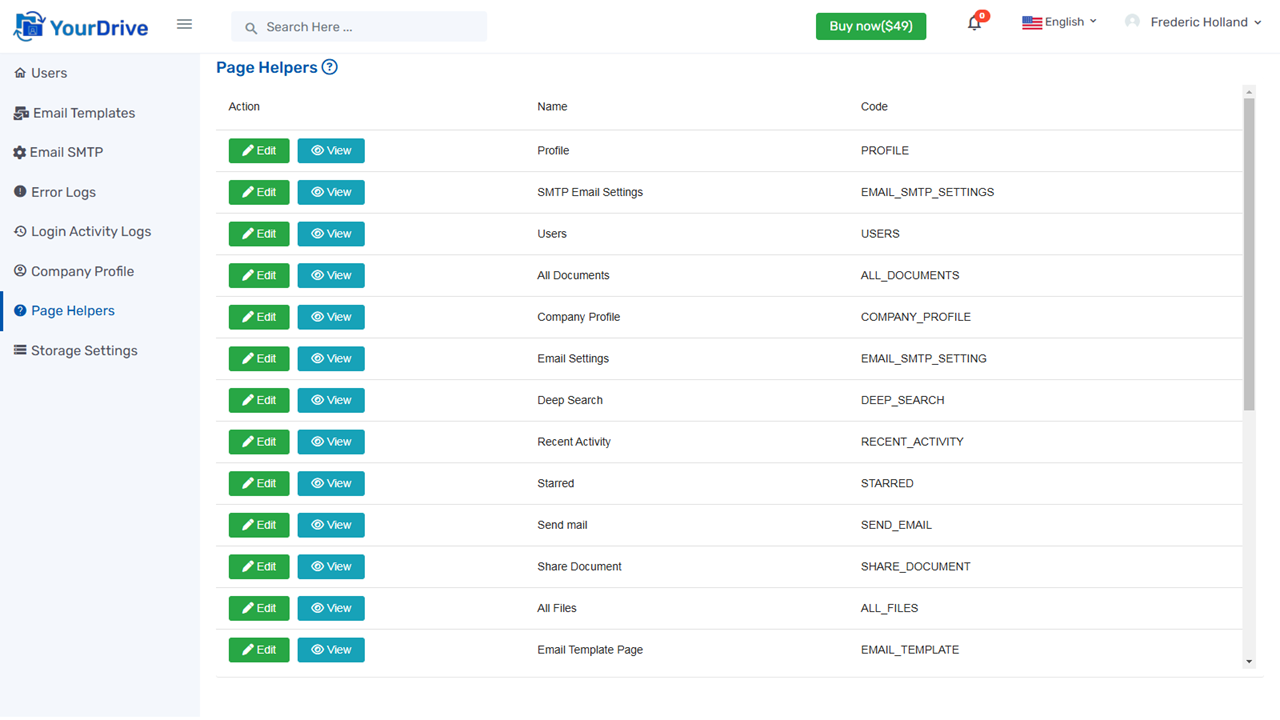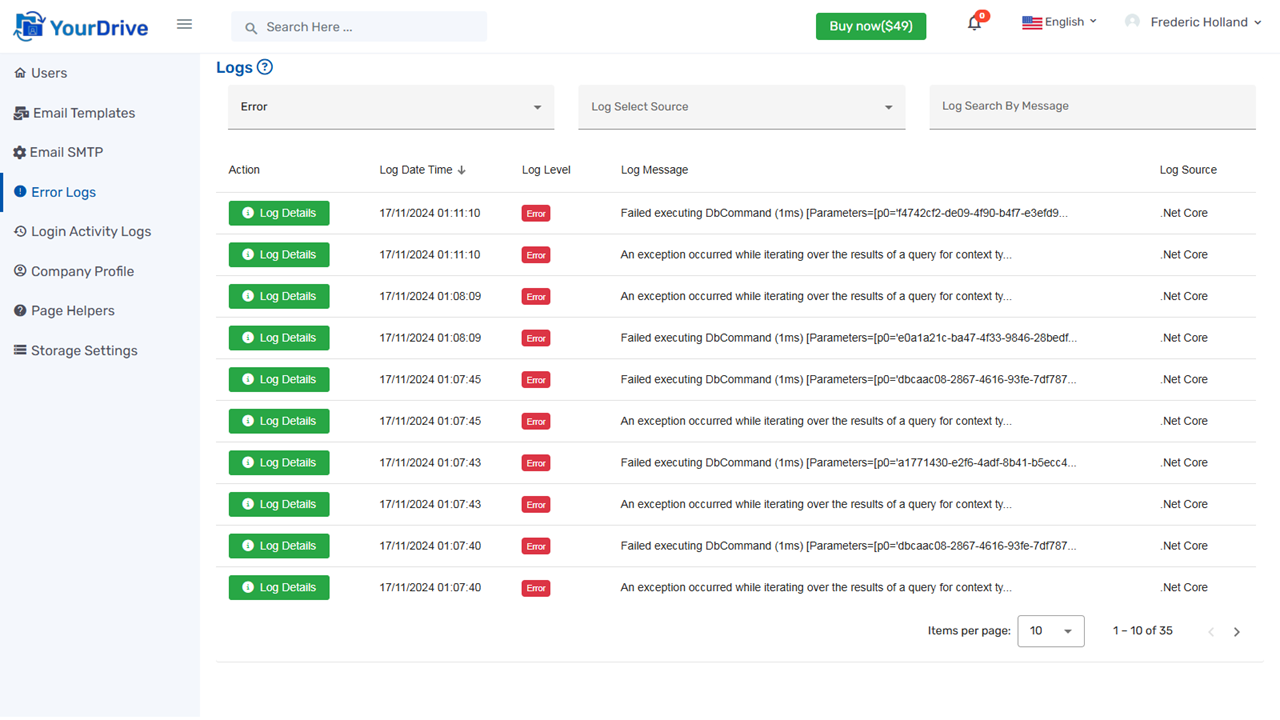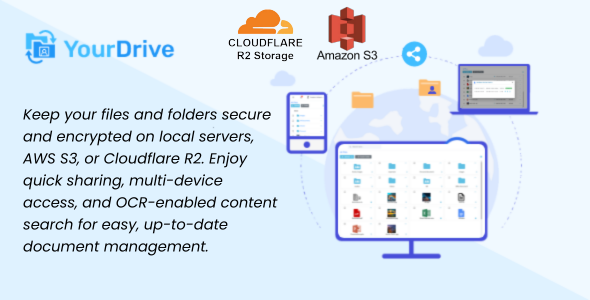
YourDrive is a self-hosted document and folder-sharing platform that is easy to set up without any coding knowledge. It allows you to upload multiple files and folders and share them with unlimited users. You can copy or move documents and folders to different locations within the drive, download them, and preview documents directly. Users can add comments to documents and send them via email. YourDrive offers various options for storing files, including AWS S3, Cloudflare R2, or a local server. Additionally, it features OCR-enabled content search, making it easy to find documents based on their content.
Demo
https://yourdrive.mlglobtech.comCredentials
User Name: admin@gmail.comPassword: admin@123
User Name: employee@gmail.com
Password: employee@123
Features:
- Full Source Code: You will receive the full source code of YourDrive, along with the build version for both SQL Server and MySQL database providers.
- Cross Platform: Angular and .NET Core are open source and cross-platform, allowing you to run and deploy them on any server.
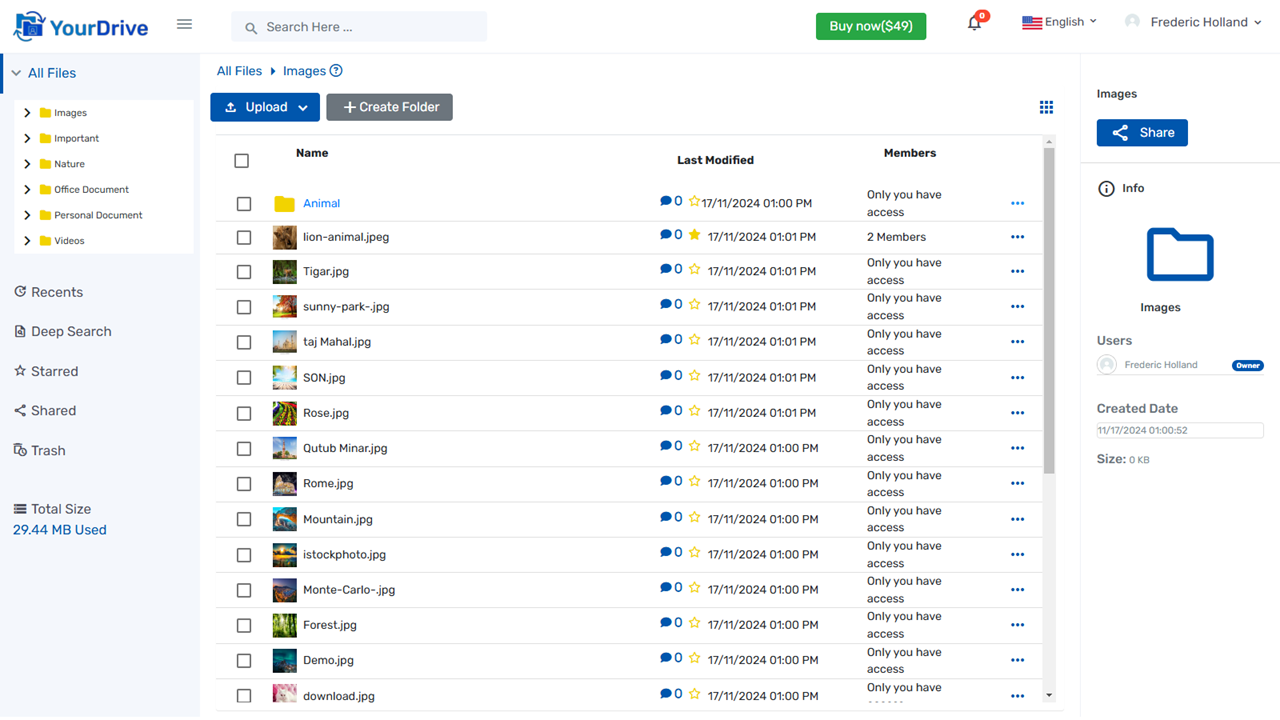
- Upload: Upload or drag and drop unlimited files and folders into YourDrive.
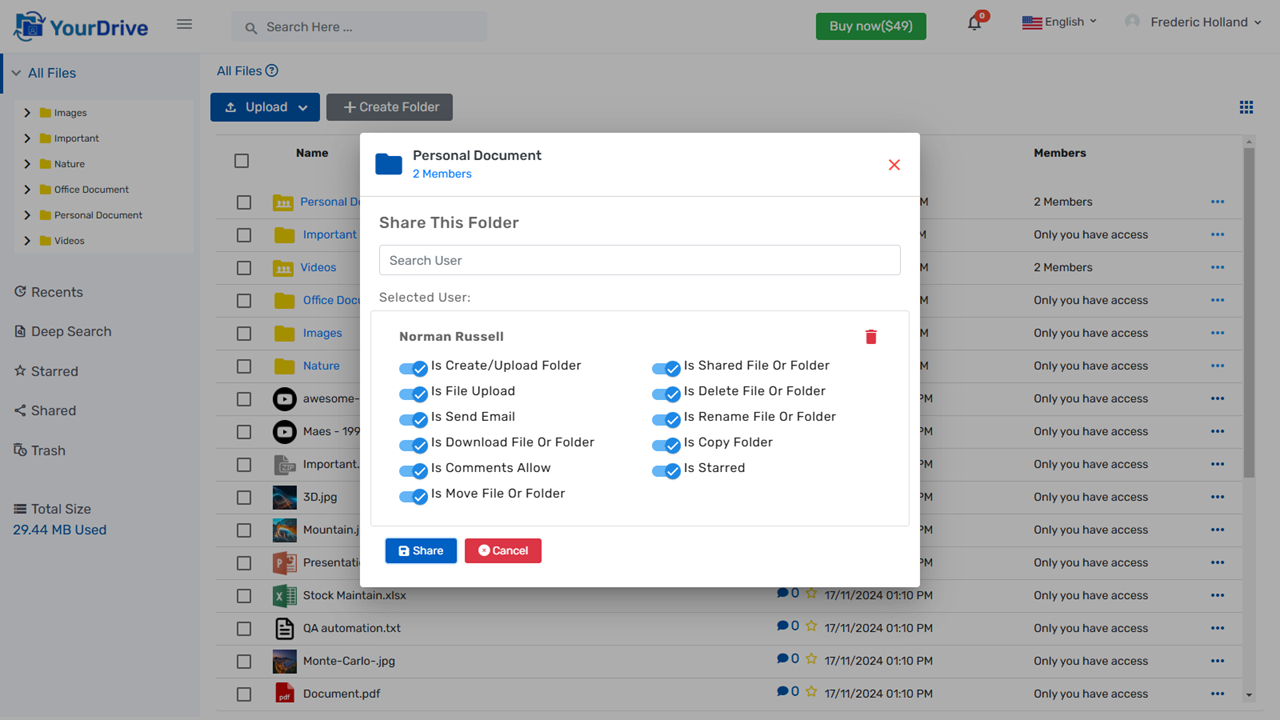
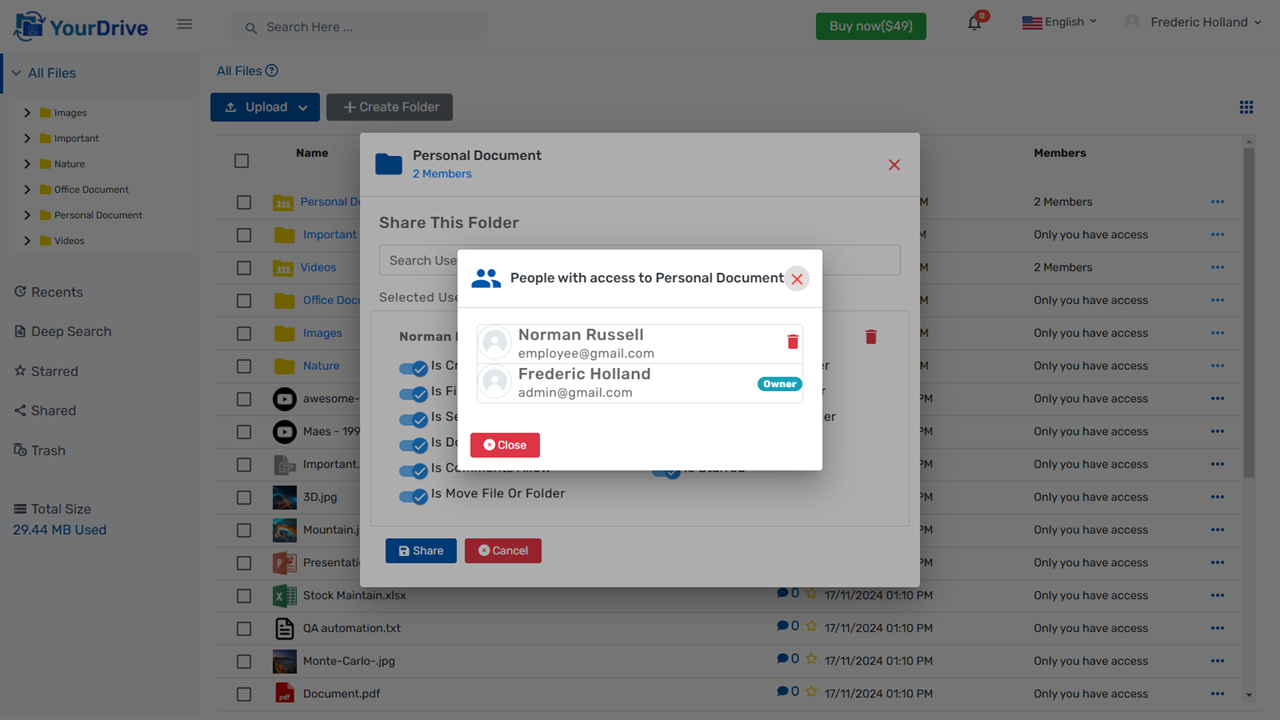
- Files & Folders Sharing: Files and folders in your system can be shared with unlimited users, with flexible rights assigned to each user for precise control and collaboration.
- File Preview: Preview uploaded files, including audio, video, images, text, PDFs, and all Microsoft Office documents.
- Real Time Update: As you share files or folders, they will automatically appear for the shared users.
- User Permission: Admins can set permissions for each user, such as uploading files, creating folders, copying, moving, sharing links, and more.
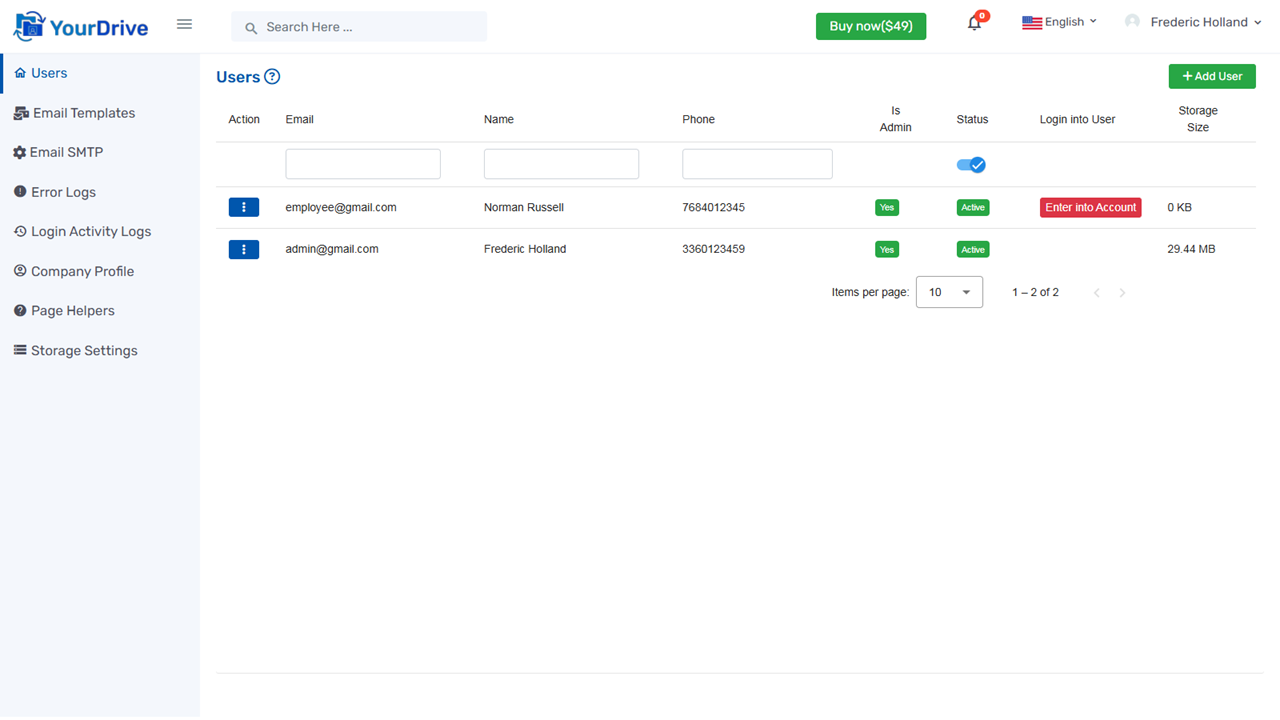
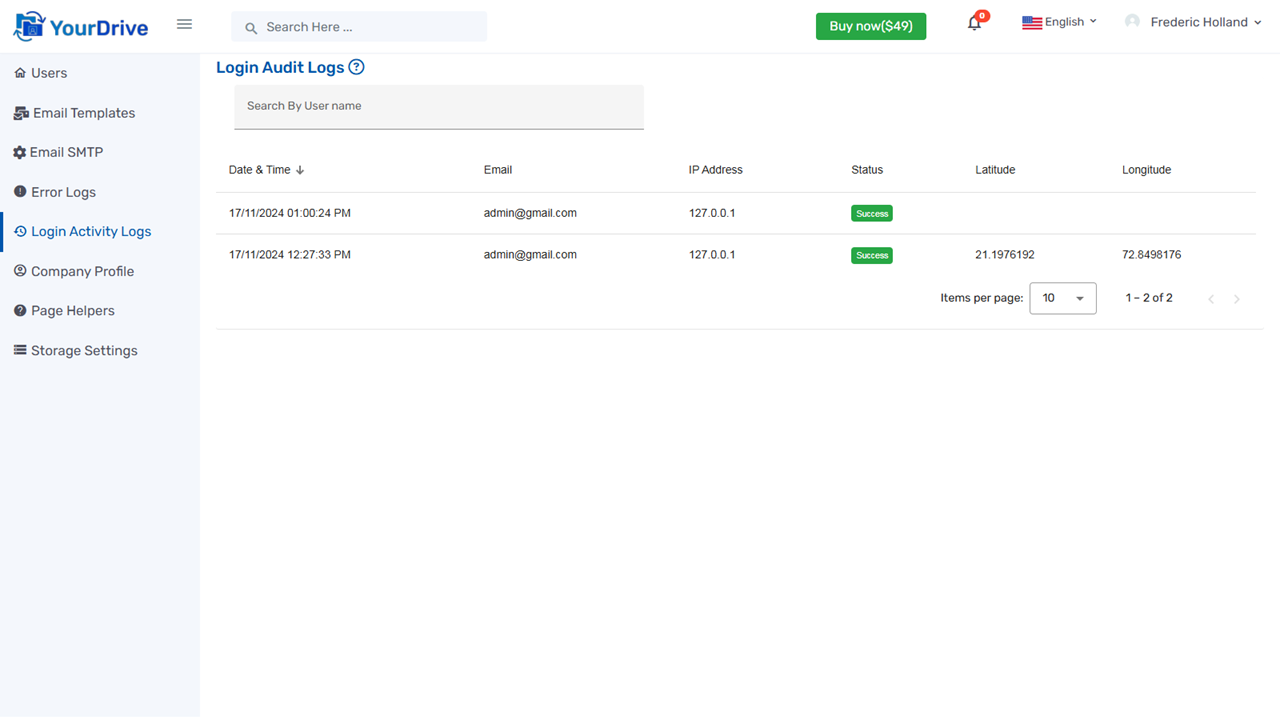
- Login Into User Account: Admins can log in to any user’s account directly from the admin panel.
- Notification: As you share files or folders, the shared users will receive instant notifications.
- Powerful Search: You can search for uploaded or shared files and folders within the system.
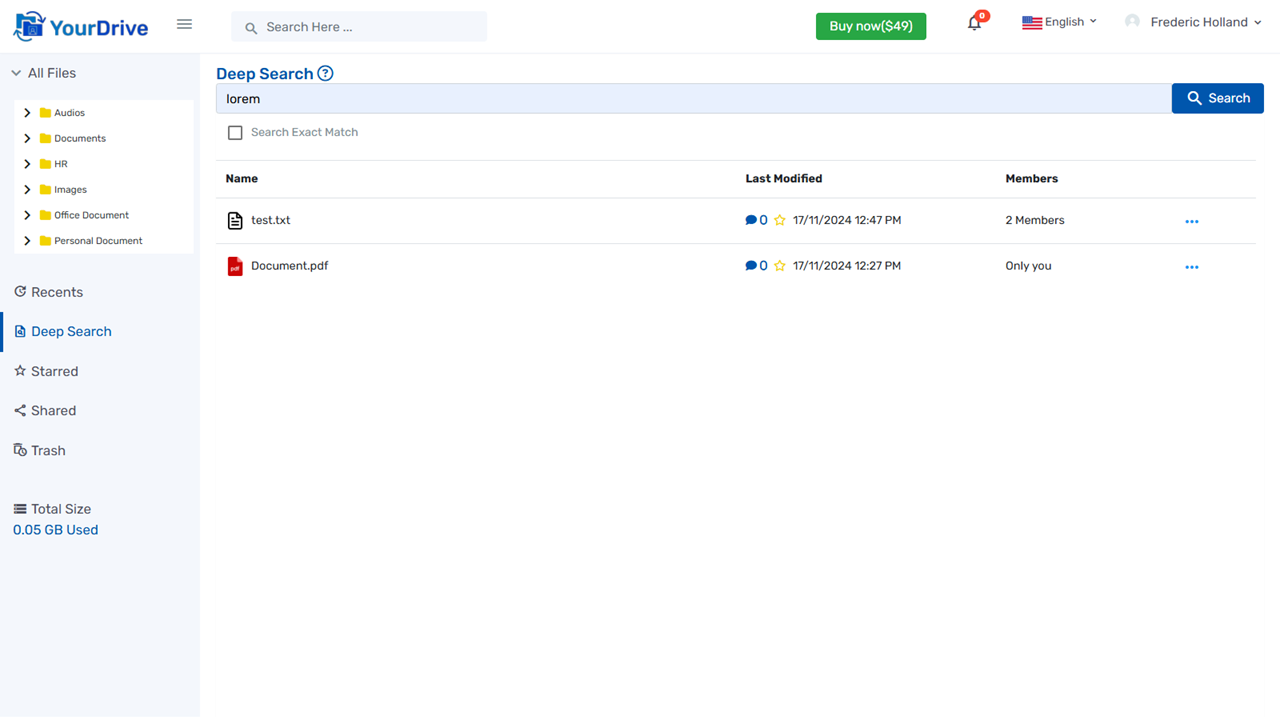
- Deep Search: Deep Search enables powerful, full-text search capabilities across various document types, allowing users to locate specific information inside both text-based and image-based files.
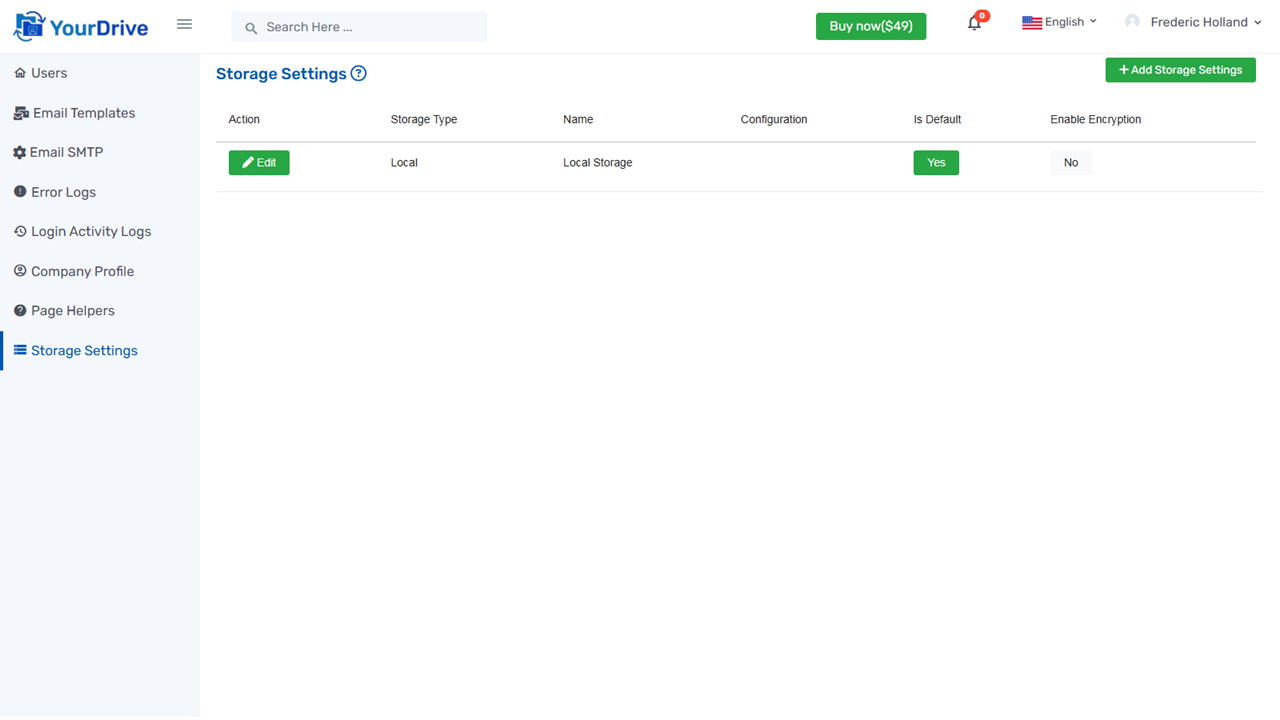
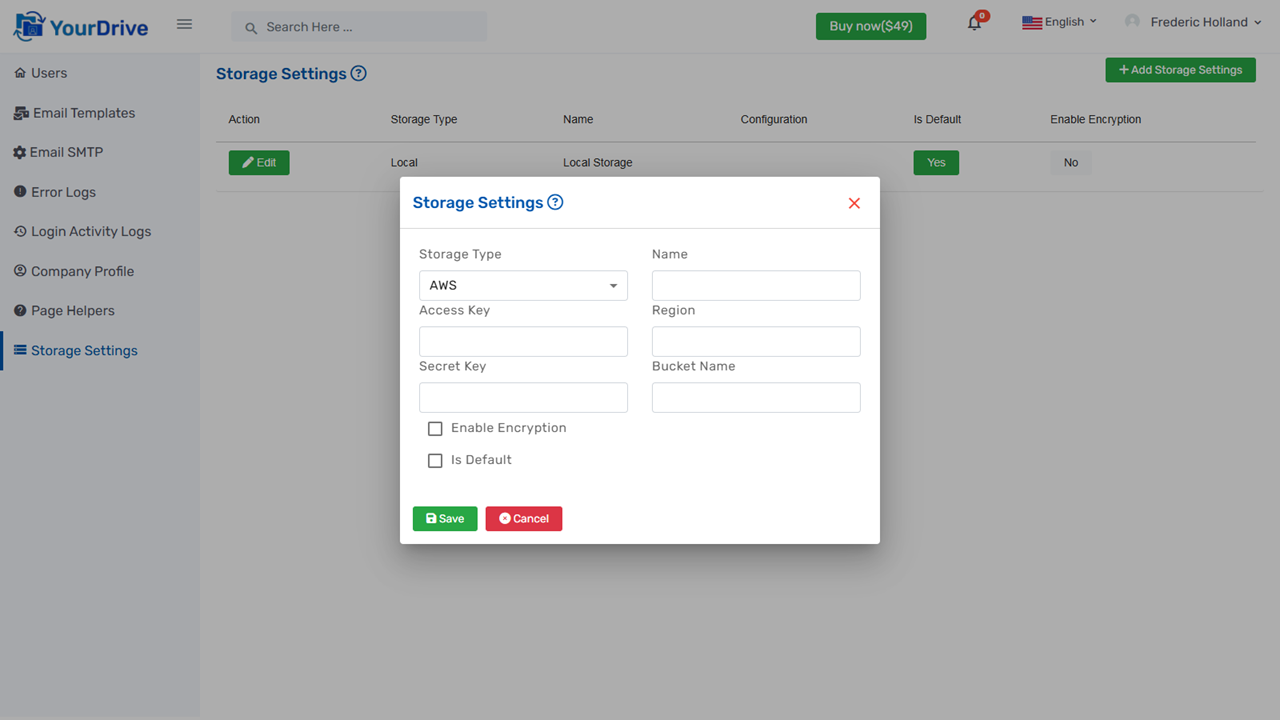
- Storage Settings: Users can configure storage options with encryption enabled, ensuring secure file management across AWS S3, Cloudflare R2, or the default local server. They can change the storage option at any time without affecting previously stored files, which remain accessible from yourdrive.
- Share using Link: You can share a document via a link with users outside the system, and set options such as password protection, expiry date, and download permissions for the link.
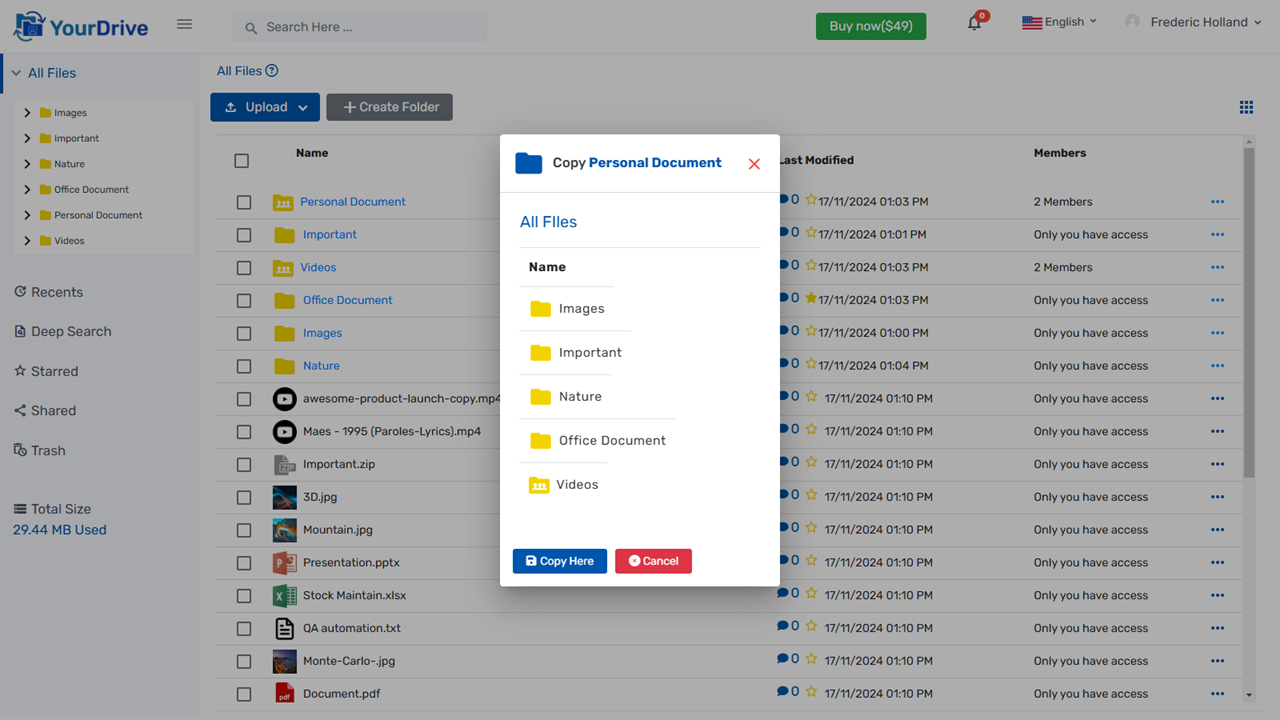
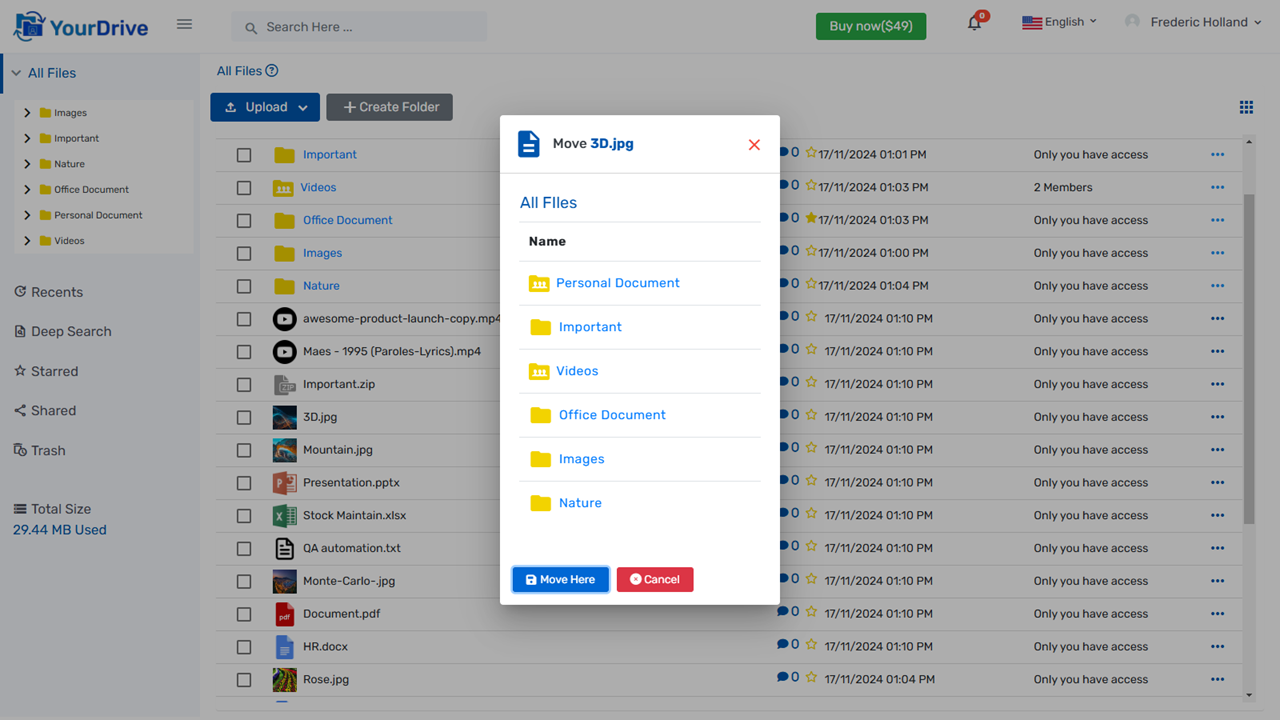
- Copy & Move: Copy or move files and folders within the system.
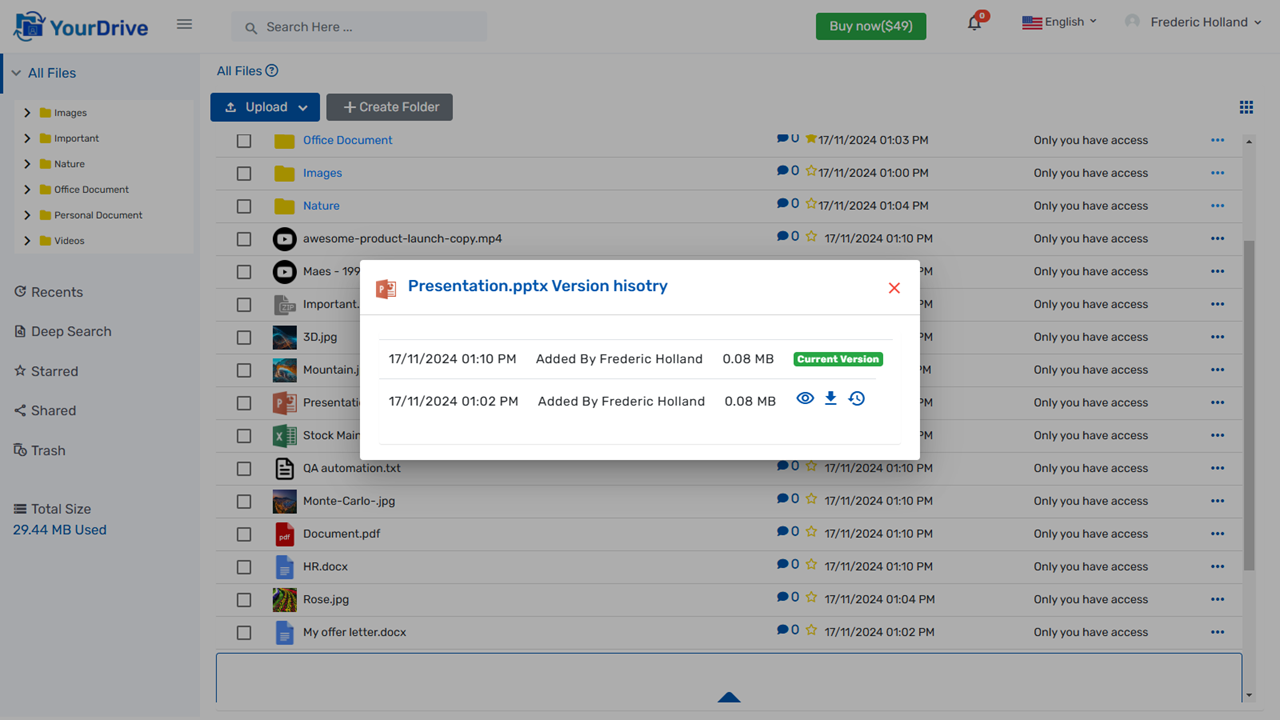
- File Versioning: When you upload a file with the same name, the system will automatically maintain its version. You can view previous versions and restore them to the current version.
- Downloads: From the system, you can download multiple files or folders while maintaining the original upload structure.
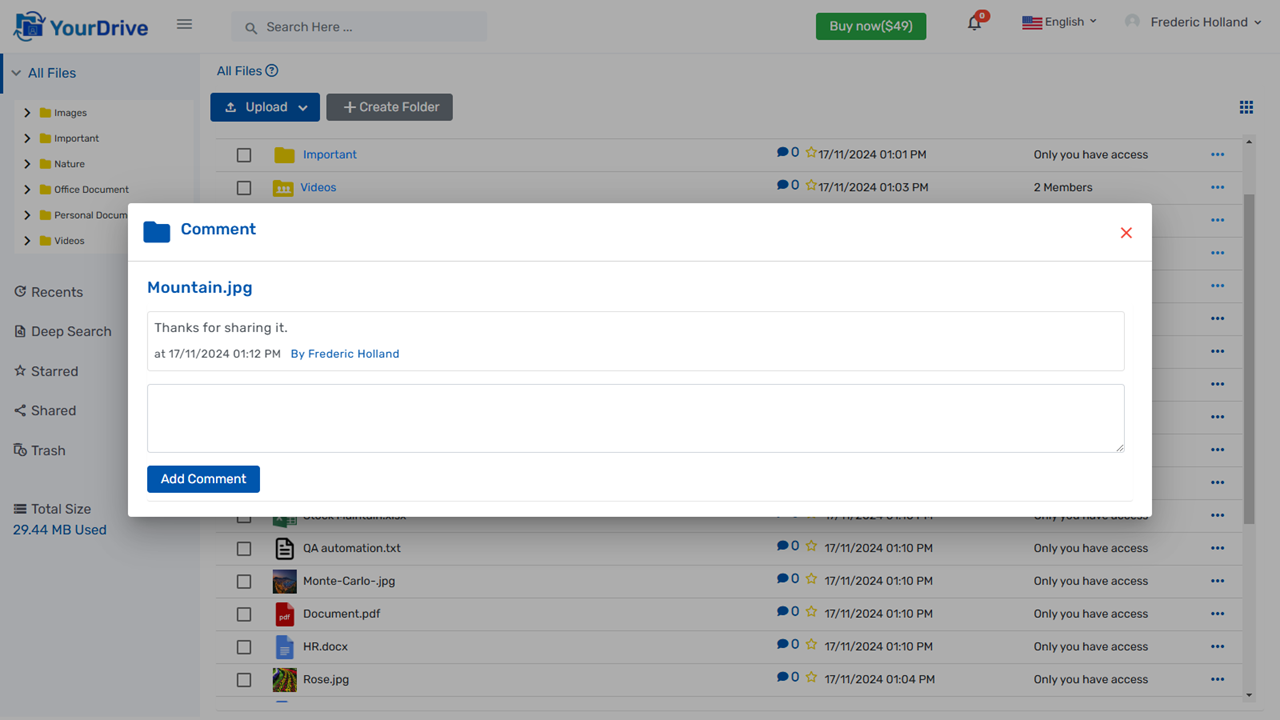
- Comments: Users can add and view multiple comments on files or folders.
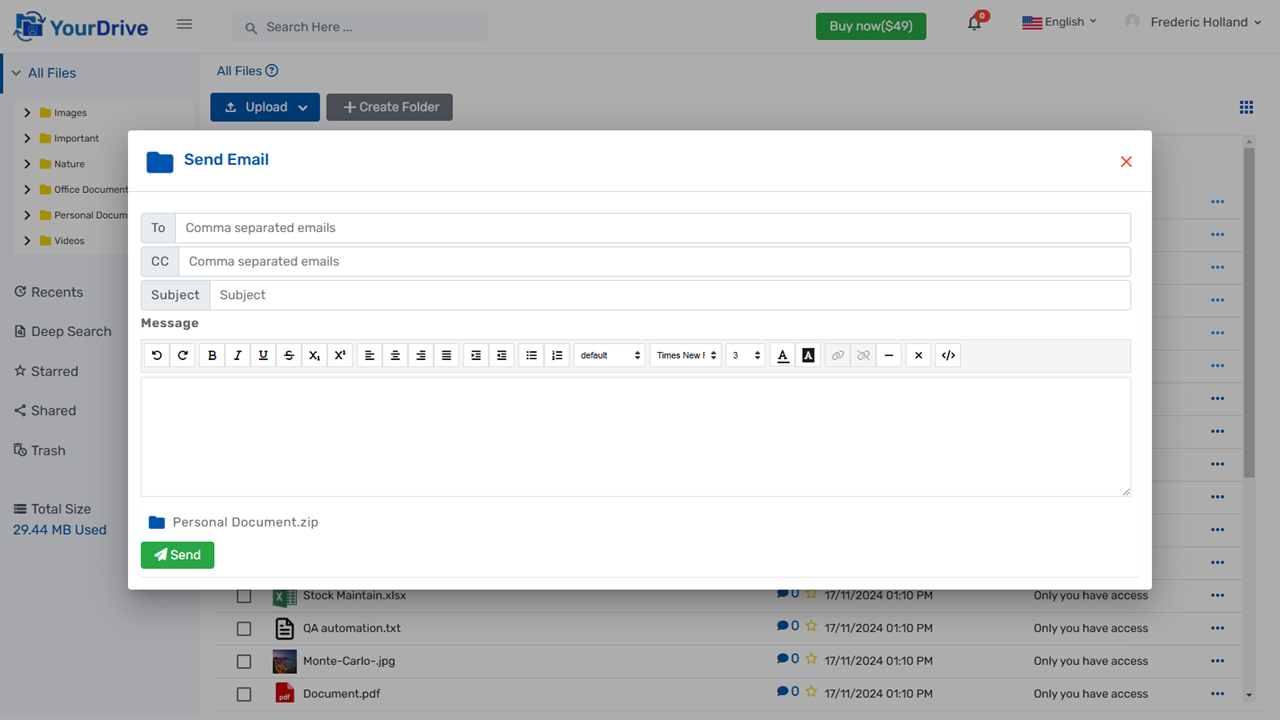
- Send Email: You can send an email with a system file or folder attached to anyone.
- Starred Document or Folder: You can add stars to files and folders for easy access in the future.
- Mobile Compatible: 100% responsive, ensuring seamless functionality on mobile, tablet, laptop, and desktop devices.
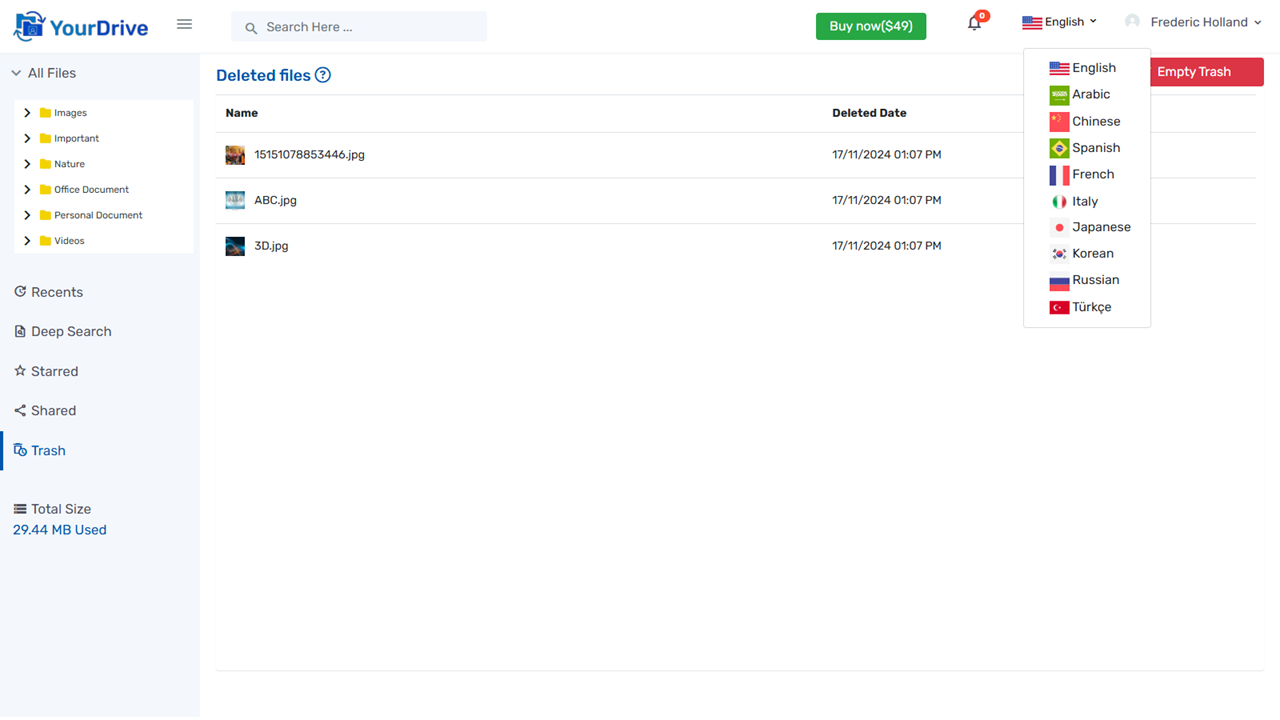
- Support Multiple Language:The application comes with English, Spanish, Arabic, Russian, Japanese, Korean, Turkish, French and Chinese languages by default.
Project Requirement
- .Net Core Runtime
- SQL Server/MySQL Database.
- To Host Application on Shared Linux hosting it is required standard user account with sudo privilege.
- The latest non-preview .NET runtime installed on the server.
Please be informed that you will need internet connection to install the project. we have mentioned all the steps in a documentation that how to install on Linux and Windows server however It would be difficult for non-technical person to install project, we offer installation service for $20. Please check Documentation in your download for more info.
Project Technologies
- .Net 8
- Angular 18.
Important Note on Installation
Installing the YourDrive on a server can be challenging for non-technical users, especially on a Linux server. It is important to note that this system cannot be hosted on Linux shared hosting environments. To successfully host the YourDrive on a Linux server, you will need either a Virtual Private Server (VPS) or a Dedicated Server. These options provide the necessary resources and control to ensure optimal performance and security for the application.
For users interested in hosting the YourDrive on a Windows environment, it is possible to set it up on both Windows shared hosting and Dedicated Servers. Hosting on Windows shared hosting may offer a more user-friendly experience for those less familiar with server management, while a dedicated server provides enhanced control and resources for more demanding applications.
We recommend consulting with a technical professional or service provider to assist with the installation process, especially if you are not familiar with server management.
Change logs:
2.4 Bug Fixes and UI Enhancements - 17 Oct 2025
----------------------
2.3  New Features & Bug Fixes -- Breaking Changes -- 17 Nov 2024
    OCR Enabled Content Search.
    While sharing files and folders, flexible rights can be assigned to each user.
    Support Multiple Language.
----------------------
2.3 Bug Fixes & New Features -- 31 Aug 2022
    Bug Fixes
    Comment on folder
    Move Multiple file/folder
    Send Multiple file
----------------------
2.2 Improve UI And Bug Fixes -- 18 June 2022
    Search menu on mobile view.
    Improvement on breadcums.
    Replace HTML Editor.
    Truncate File/Folder Name settings.
    Bug Fixes.
----------------------
2.1 Breaking Changes -- 7 Jan 2022
    Admin can Assign Permission to Users.
    File Path Fixes.
    Admin can Login into any User's acccount.
    Fixes Sidebar issue.
    Select all files and folders.
    User wise usage disk space.
----------------------
2.0 Breaking Changes -- 8 Oct 2021
    Download All Files (Zip).
    Right click menu.
    Deleted files folder - Empty Trash button.
    Link expiration date and time.
    All files stored on the server in encrypted form.
    You can copy the file/folder within the same folder.
    When a folder or file is clicked, an information screen appears on the right.
    Total disk space used.
    File Preview with Move Next and Previous Documents.
----------------------
1.0 Initial Release -- 26 Aug 2021