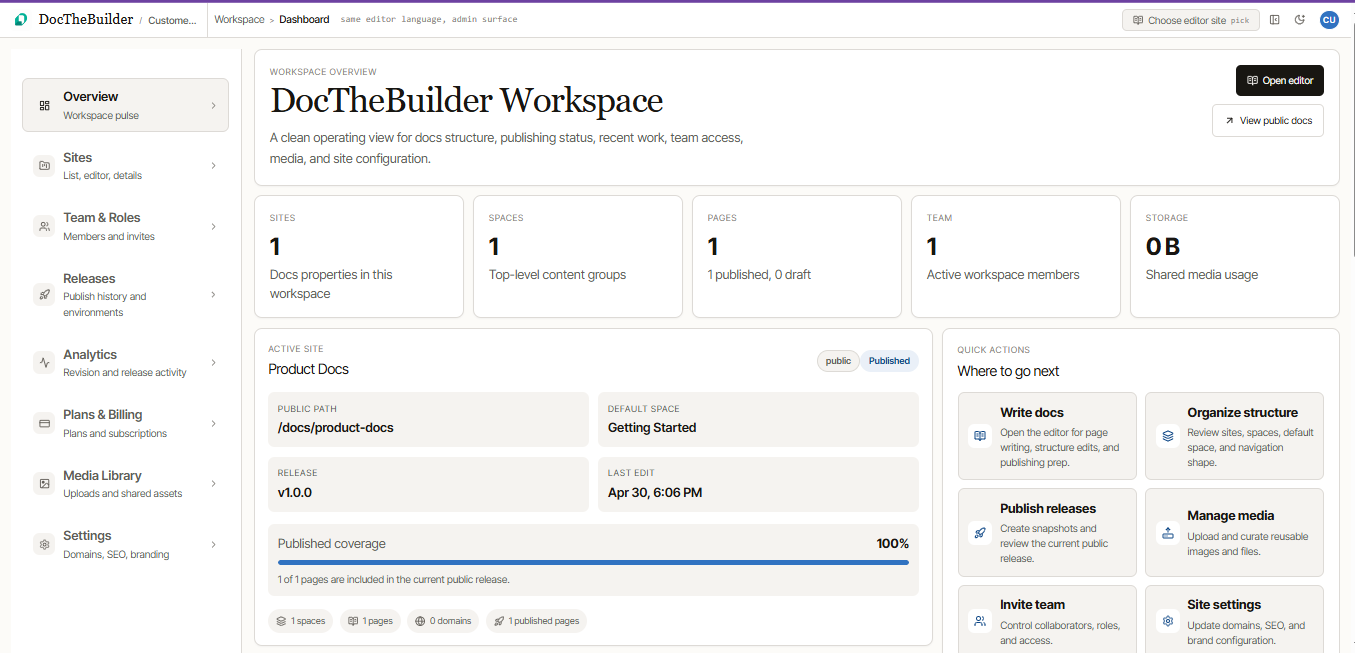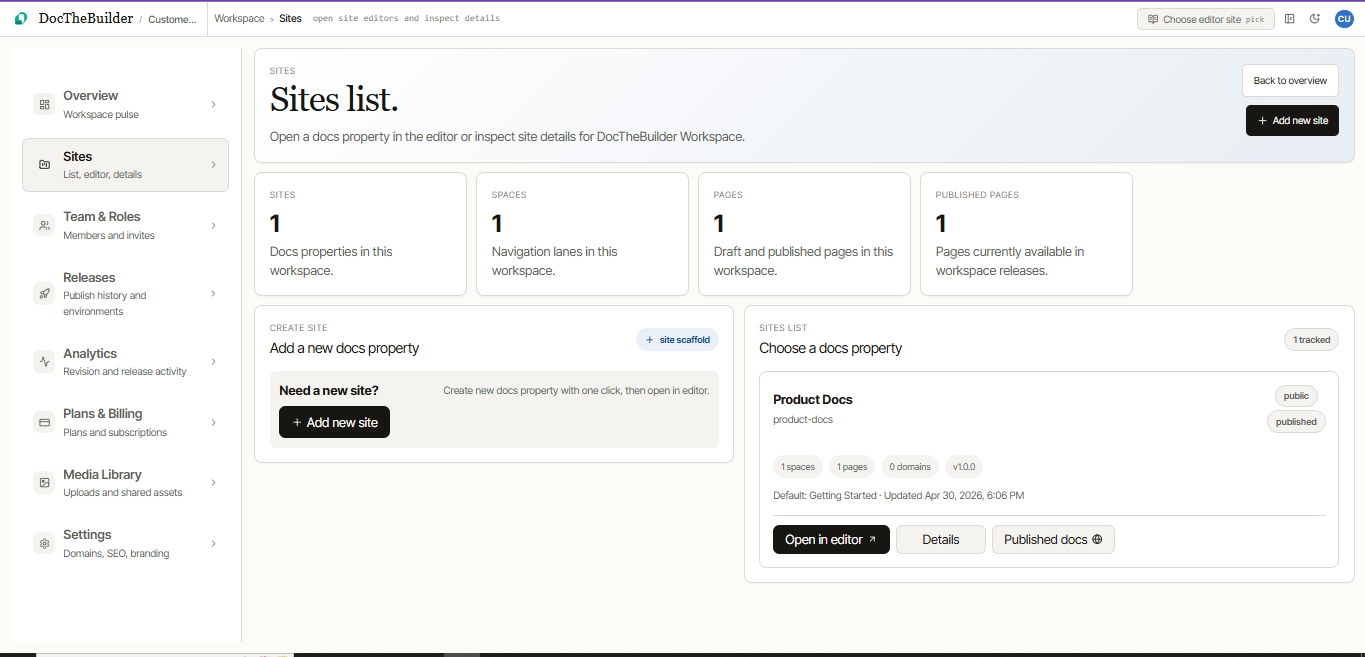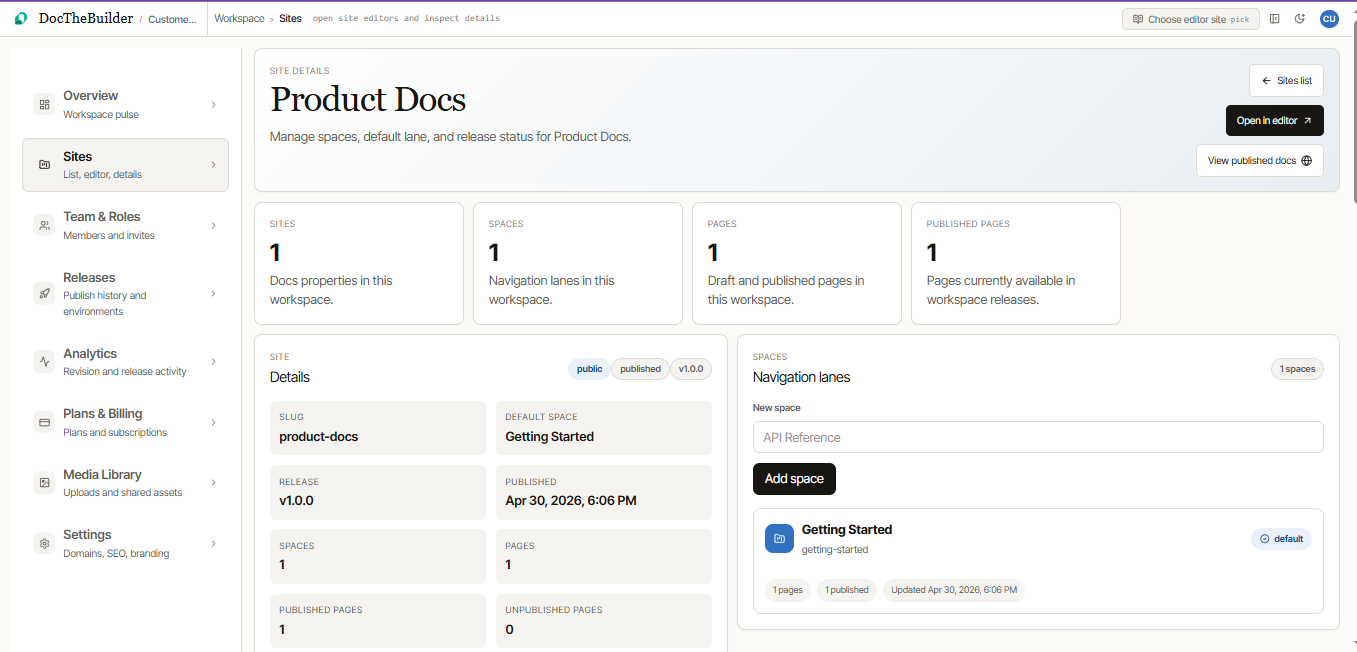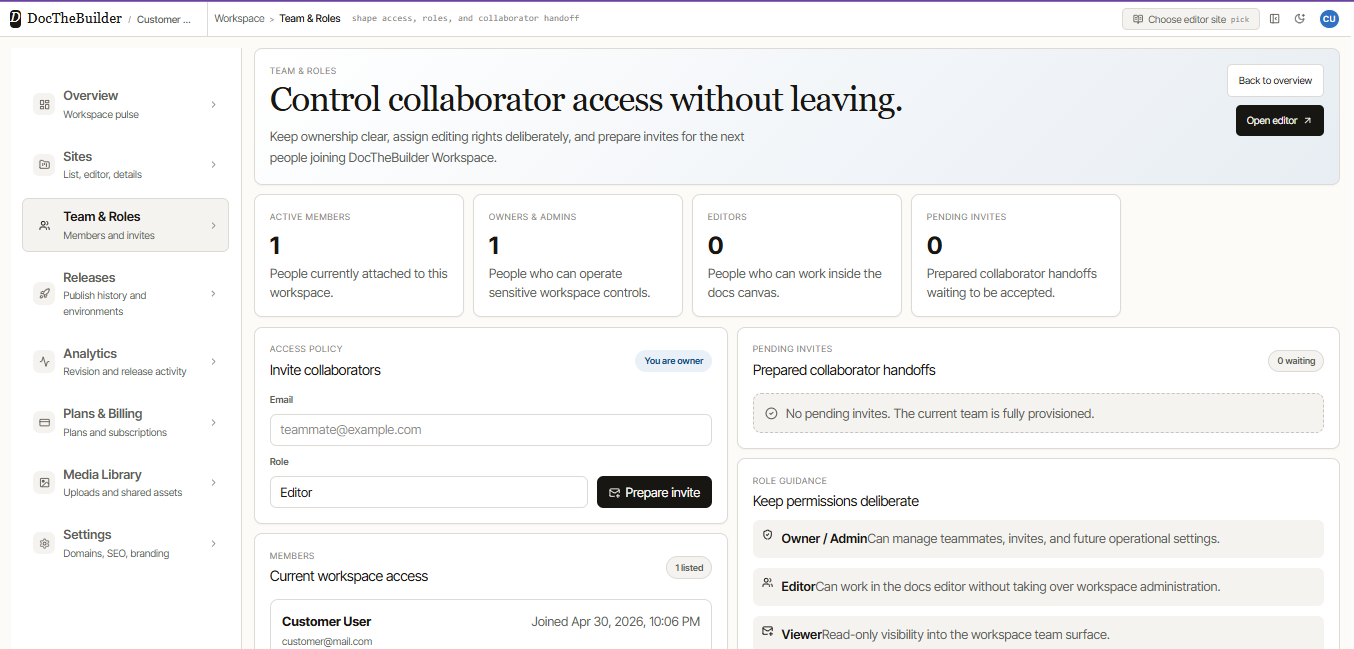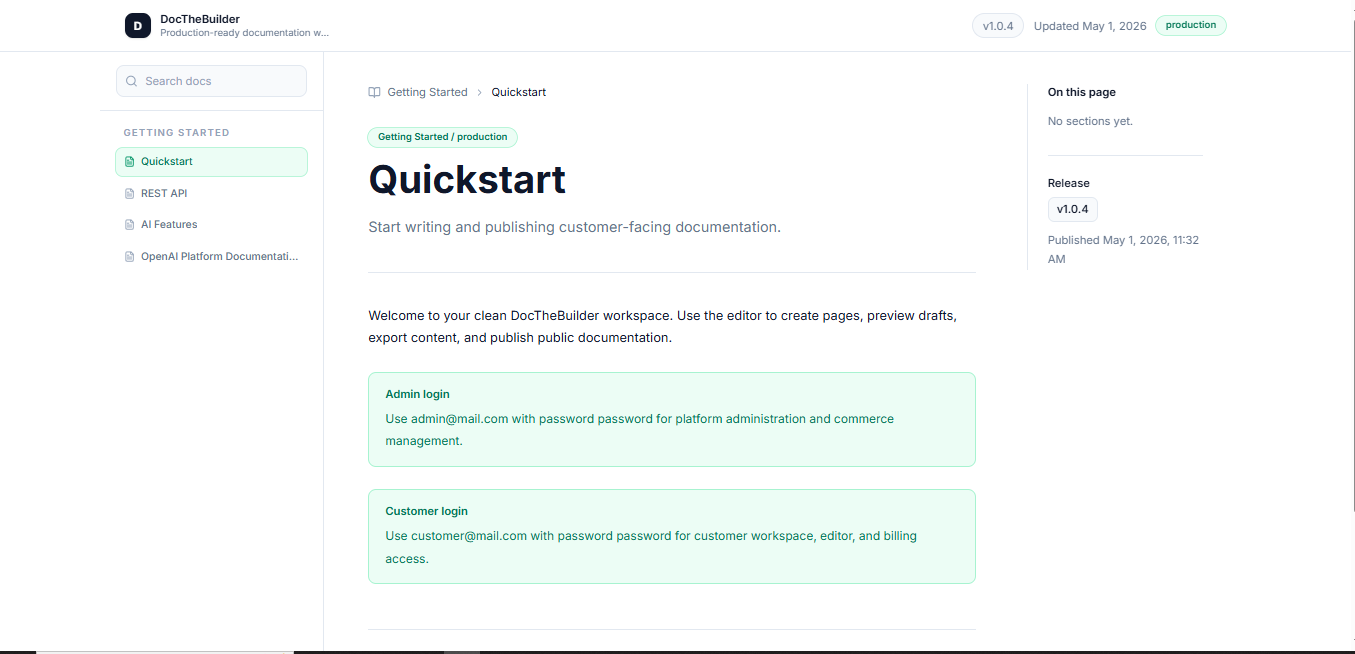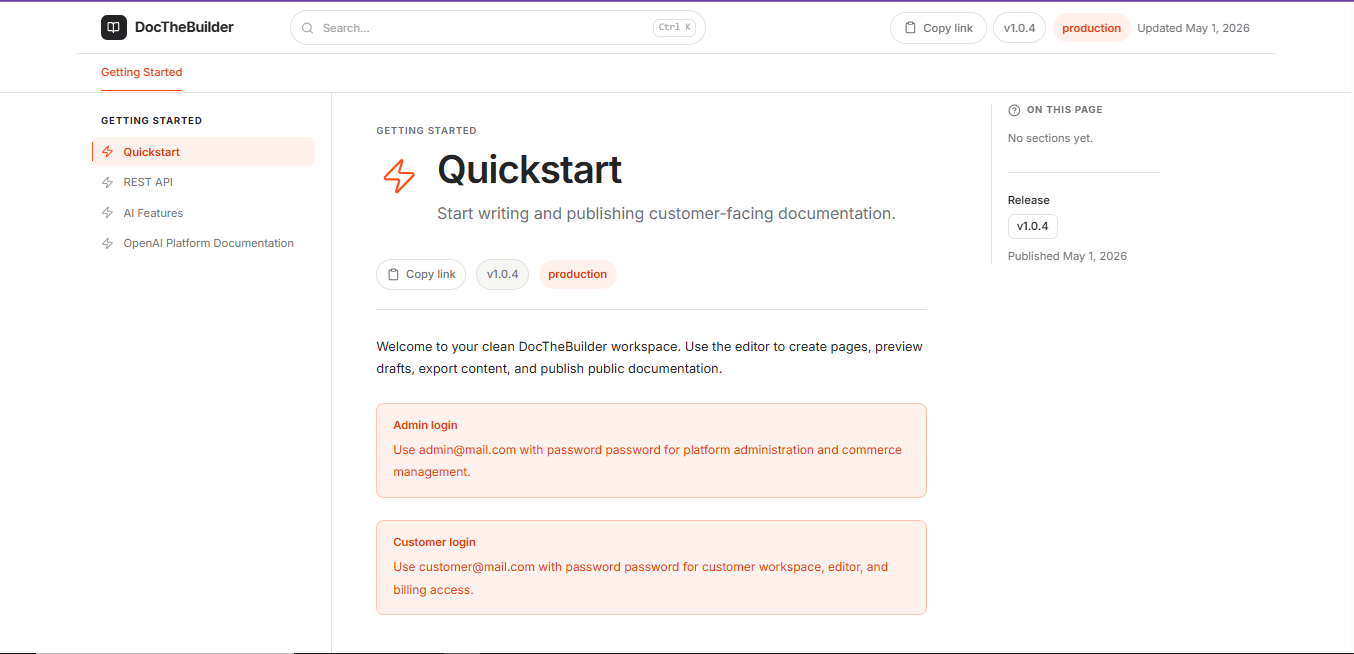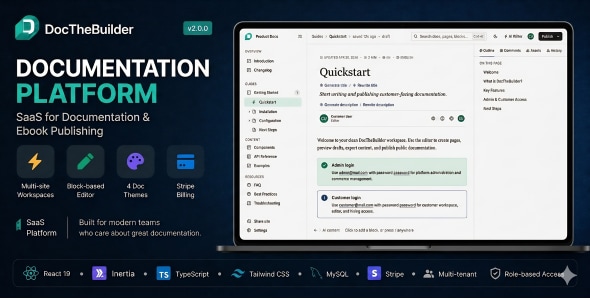
Demo: https://docthebuilder.thecodestudio.xyz
Credentials:
Admin: admin@mail.com
Customer: customer@mail.com
Password: password
Laravel 13 · React 19 · TypeScript · Inertia.js · Stripe Billing · AI Writing Assistant · Role-Based Access · Multi-Tenant Architecture
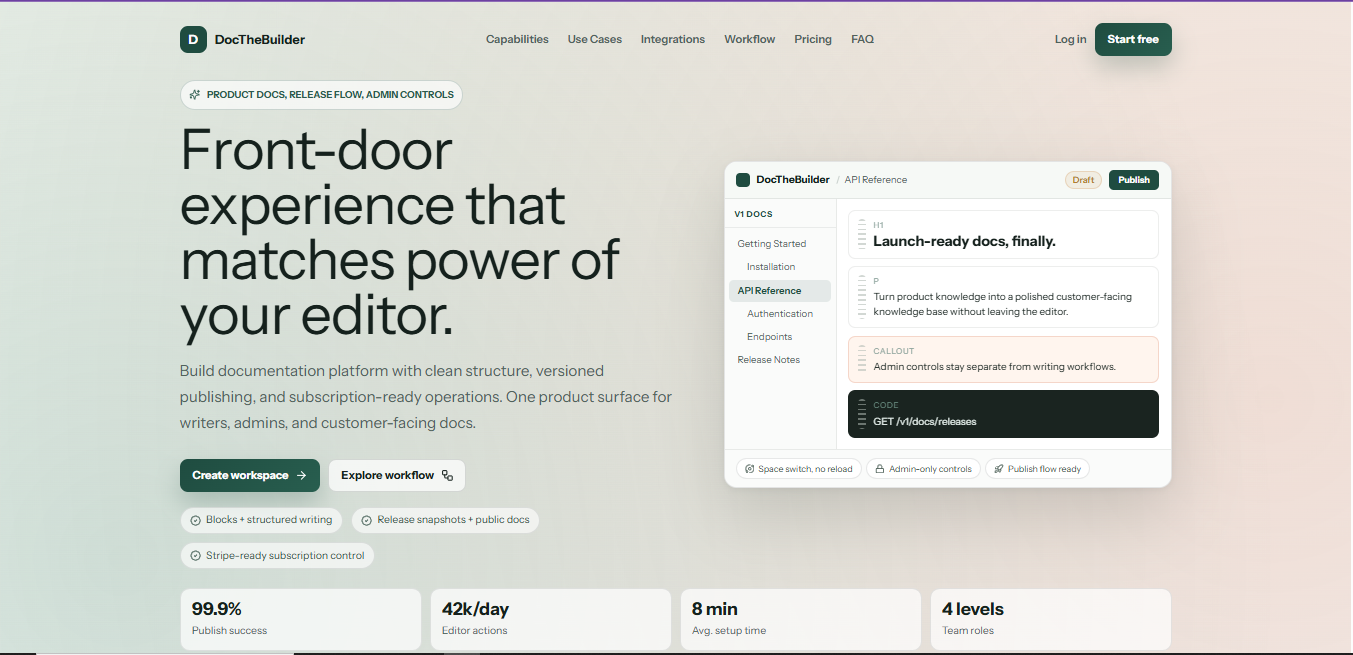
DocTheBuilder is a fully featured, production-ready SaaS application that gives you everything you need to run your own documentation platform — like Gitbook, Mintlify, or Readme — under your own brand and domain. Organizations sign up, create documentation workspaces, write and publish beautiful docs using a rich block-based editor, invite team members with granular role permissions, and subscribe to paid plans billed automatically through Stripe. The entire platform ships tested, deployable, and ready for real customers from day one.
Whether you are launching a commercial docs-as-a-service business, building an internal knowledge platform, or selling documentation tooling to developer teams — DocTheBuilder gives you the complete foundation without months of groundwork.
Key Highlights
- Full multi-tenant SaaS architecture out of the box
- Block-based rich text editor with AI writing assistant
- 4 professionally designed public documentation themes
- Stripe-powered subscription billing with plan enforcement
- Immutable release and publishing system for live docs
- Granular role-based access control at every level
- Platform super-admin panel for managing the entire SaaS
- Feature addon system for unlocking premium capabilities
- Two-factor authentication and full Fortify auth stack
- 170+ automated tests covering every critical workflow
Multi-Tenant Workspace Architecture
Every customer who signs up gets their own fully isolated organization workspace. Within that workspace they can create multiple documentation sites, each with multiple spaces and hundreds of pages. Data isolation is enforced at the database query level through organization-scoped relationships — one customer can never see or touch another customer’s content.
- Unlimited organizations on the platform, each fully isolated
- Each organization can own multiple sites (limit enforced by subscription plan)
- Each site can have multiple spaces — logical groupings like “Getting Started”, “API Reference”, “Guides”
- Spaces have configurable icons, colors, and ordering
- Each site supports custom domain assignment with primary domain selection
- Per-organization usage counters track active sites, members, published pages, and storage bytes in real time
- Organization slug-based routing cleanly separates tenant spaces in the URL structure
Block-Based Page Editor
The editor is a custom-built block editor powered by a prototype runtime that runs inline in the dashboard. Pages are composed of typed content blocks — each block has a kind, optional heading level, inline HTML content, and editor metadata. The result is a structured, portable content format that renders correctly across all four documentation themes.
- Block types: Paragraph, Heading (H1–H4), Callout (Note, Warning, Danger, Success), Code block with syntax highlighting, Ordered and unordered lists, Divider, Image with caption
- Inline formatting: bold, italic, underline, inline code, links
- Page metadata: title, subtitle, icon, description, estimated read time
- Auto-save runs on inactivity — changes are never lost; a manual save produces a numbered revision
- Revision history lets editors review and restore previous versions of any page
- Page tree sidebar with full CRUD: create, rename, reorder (drag-and-drop), move between spaces, soft-delete with restore
- Slug and path management with collision detection including soft-deleted pages
- Draft mode isolates in-progress work from published live docs
- Live draft preview renders exactly how published docs will look before committing a release
AI Writing Assistant
Every editor has access to an integrated AI writing assistant powered by OpenRouter, giving access to hundreds of models including GPT-4o, Claude, Gemini, Llama, and more. The assistant understands the current page context and produces structured block-level content — not raw markdown — ready to insert directly into the editor.
- Full page draft generation — describe what you want, get a complete structured page back
- Section insertion — select blocks and ask the AI to insert new content after or around them
- Content expand — select existing blocks, ask the AI to elaborate, deepen, or add examples
- Inline rewrite — select a text range, ask the AI to rephrase, simplify, or improve tone
- Title suggestions — derive a better page title from the current content
- Description generation — auto-generate the SEO meta description from page content
- Primary and fallback model configuration — if the primary model is unavailable, the assistant switches automatically
- Full organization-scoped access control — only authorized editors can use AI features
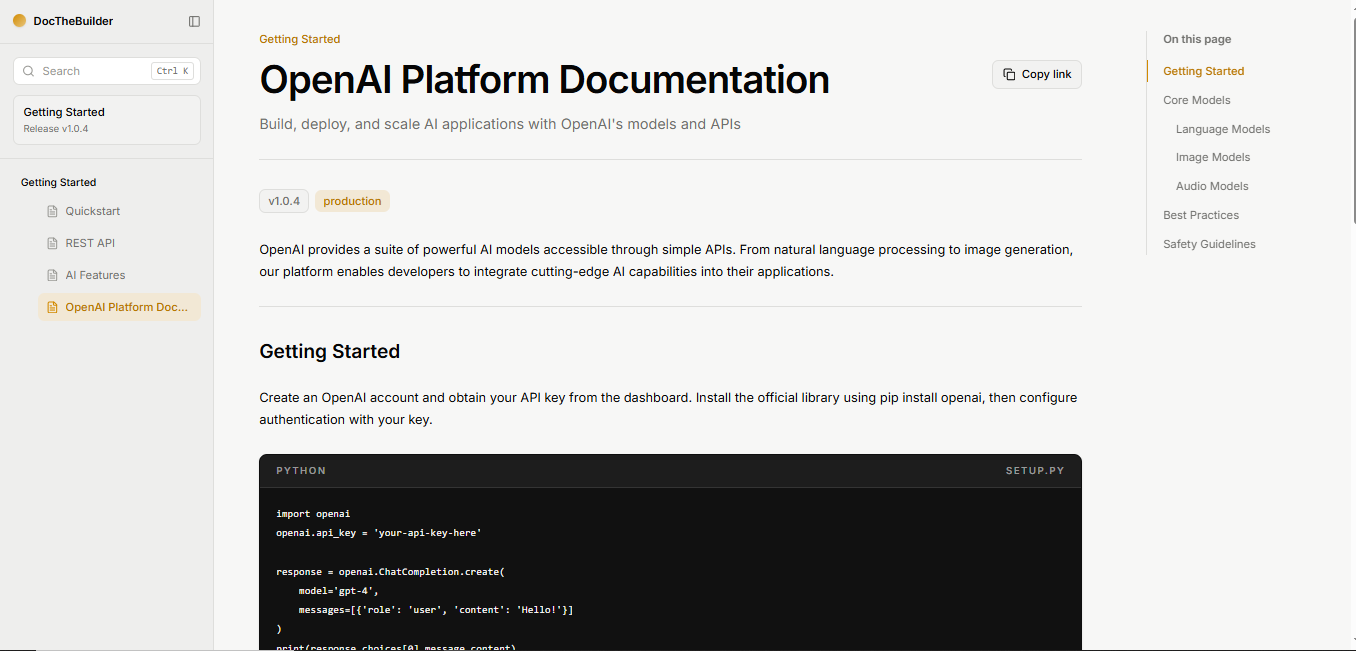
4 Professional Documentation Themes
Published documentation is rendered through one of four carefully designed themes, each with its own layout, typography, navigation structure, and color system. The active theme is set per-site and takes effect immediately on the next visit to the public docs URL.
- Mintlify Theme — Clean, modern, minimal. Left sidebar navigation with collapsible space groups, right-side table of contents anchored to headings, full-width content area, light/dark mode support, breadcrumb trail, and previous/next page navigation. The default for new sites.
- GitBook Theme — Spacious editorial layout with large typography, dark-capable surface, chapter group headings in the sidebar, minimal chrome, and generous content padding. Ideal for API references and technical guides.
- Fumadocs Theme — Developer-first layout inspired by the Fumadocs open-source project. Breadcrumb navigation, compact sidebar, inline code-heavy design, and a structured TOC panel on the right. Optimized for dense technical documentation.
- Laravel Theme — Classic Laravel.com documentation-inspired layout with a red accent palette, chapter rail navigation, inline header search, version badge, and signature typographic treatment. Unlocked via the included Docs Theme Addon ZIP.
Each theme renders the platform branding badge on free plans, which is automatically hidden when the organization is on a paid subscription.
Release and Publishing System
DocTheBuilder uses an immutable release model for public documentation. Editors work on live drafts without affecting what readers see. When ready, a release is published — a complete snapshot of every page, space, navigation structure, and metadata is frozen at that point in time. Readers always see the last stable release while editors continue working on the next version.
- One-click publish creates a full immutable release snapshot
- Release snapshots store page content, slug, path, space name, navigation position, parent path, and title — fully self-contained
- Published docs are served from release snapshots, never from live draft data
- Draft preview URL lets authorized team members see exactly what will be published before committing
- Release history panel with version label and published-at timestamp
- Site root redirects to the first published page of the default space automatically
- Space ordering and page serial ordering are preserved immutably in every release
- Private sites return a 404 to unauthenticated visitors — public/private toggle per site
Stripe Billing and Subscription Management
Billing is fully integrated with Stripe, including Checkout sessions, webhook event handling, and live plan enforcement. You configure your Stripe keys and the platform handles the full subscription lifecycle automatically.
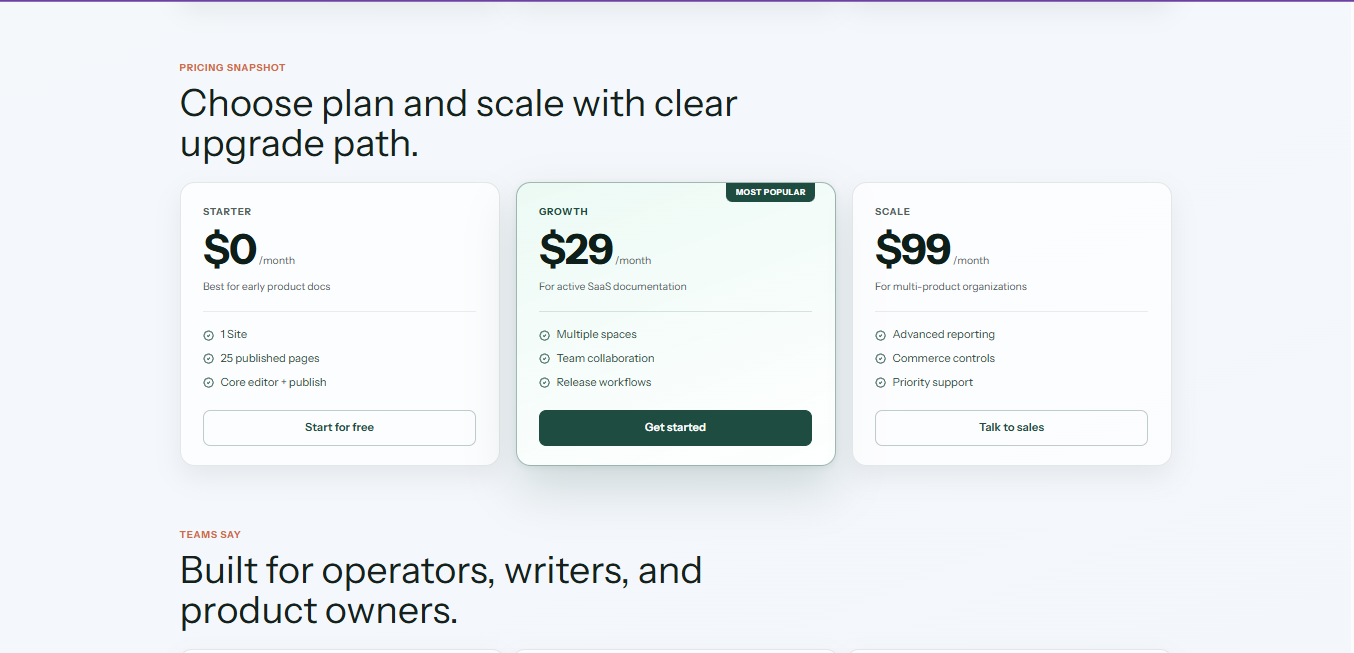
- Four default plans: Free, Starter ($19/mo), Pro ($79/mo), Business ($249/mo) — fully editable from the admin panel
- Monthly and annual billing intervals with separate price points
- Stripe Checkout integration — secure hosted payment page for new subscriptions
- Stripe Products and Prices are synced automatically when you create or update plans in the admin panel
- Webhook handler processes
checkout.session.completedevents and activates subscriptions immediately - Subscription reconciliation on billing page load — detects completed checkouts even without a webhook, and restores active state
- Billing interval change (monthly ↔ annual) with live Stripe subscription update
- Cancel at period end — subscription stays active until the period expires, then deactivates
- Resume scheduled cancellation — owners can undo a cancellation before the period ends
- Subscription plan limits enforced in real time: sites, members, published pages, and storage bytes per organization
- Billing contact and preferred interval editable by Owners and Admins
- Editors and Viewers can view billing info but cannot mutate any billing settings
Role-Based Access Control
Every action in the platform is gated by a four-level role matrix enforced consistently across routes, controllers, policies, and the frontend UI. There are no security gaps between layers.
| Permission | Owner | Admin | Editor | Viewer |
|---|---|---|---|---|
| View all content | ✔ | ✔ | ✔ | ✔ |
| Create and edit pages | ✔ | ✔ | ✔ | ✘ |
| Delete pages | ✔ | ✔ | ✔ | ✘ |
| Publish releases | ✔ | ✔ | ✔ | ✘ |
| Manage site settings | ✔ | ✔ | ✘ | ✘ |
| Invite and manage members | ✔ | ✔ | ✘ | ✘ |
| Manage billing | ✔ | ✔ | ✘ | ✘ |
| Upload media | ✔ | ✔ | ✔ | ✘ |
| Delete media | ✔ | ✔ | ✔ | ✘ |
| Use AI assistant | ✔ | ✔ | ✔ | ✘ |
| Access platform admin | ✘ | ✘ | ✘ | ✘ |
- Membership invitations with email-based acceptance flow
- Role change by Owner and Admin for non-owner members
- Users outside the organization are fully blocked from all workspace operations
- Platform admins have a separate flag and are redirected away from customer workspace surfaces
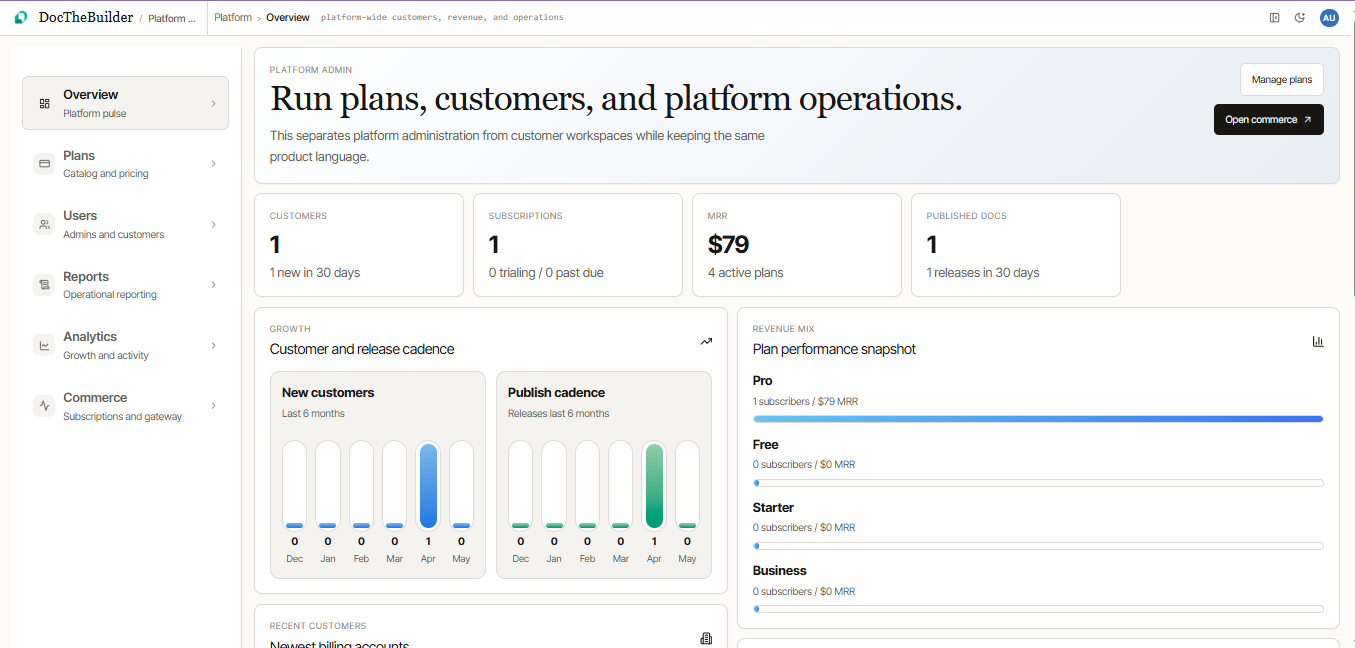
Platform Super-Admin Panel
A dedicated platform admin area gives super-admins full control over the SaaS business layer — completely separate from the customer-facing dashboard.
- Subscription plan management — create, edit, deactivate plans with per-plan Stripe sync
- Set included limits per plan: sites, members, published pages, and storage
- Mark plans as featured for the pricing page
- Platform billing settings — configure Stripe publishable and secret keys, webhook secret
- Email settings — configure SMTP for transactional emails
- App settings — configure platform name, support email, and branding defaults
- Landing page content management
- Feature Addons management (see below)
Authentication and Security
- Full Laravel Fortify auth stack: registration, login, logout, email verification, password reset, password confirmation
- Two-factor authentication (TOTP) with QR code setup and recovery codes
- Two-factor challenge redirect and enforcement flows
- Rate limiting on login attempts
- Policy-based authorization — every model action has an explicit policy gate
- No mass-assignment vulnerabilities — all fillable attributes explicitly declared
- Input validated at every system boundary using Laravel Form Requests
- HMAC-signed feature tokens — tamper-proof feature activation
- OWASP Top 10 considerations applied throughout
Media Library
- Per-site media asset manager accessible from the dashboard
- Upload images and files — stored on the configured filesystem disk (local or S3-compatible)
- Original filename preservation with UUID-based storage naming
- Browse, preview, and delete media assets
- Media assets directly embeddable into page content via the editor
- Authenticated file serving with organization-scoped access control
- Role-based permissions: Editors and above can upload and delete; Viewers are read-only
Analytics and Dashboard
- Per-site analytics overview on the main dashboard
- Activity metrics and site health indicators
- Multi-site workspace support — switch active site context from the dashboard header
- Onboarding progress tracker — guides new organizations through setup steps
- Release history and unpublished change indicators
Technical Architecture
- Backend: Laravel 13 with PHP 8.2+, action-based service layer, Eloquent ORM, Laravel Policies, Form Requests, Fortify
- Frontend: React 19, TypeScript 5, Inertia.js 2, Tailwind CSS v4, Radix UI primitives, Lucide icons
- Database: MySQL 8.0+ or MariaDB 10.6+, fully relational with foreign key constraints
- Payments: Stripe PHP SDK, Checkout Sessions, Webhooks, Products and Prices API
- AI: OpenRouter REST API with configurable model selection and automatic fallback
- Storage: Laravel filesystem abstraction — local disk by default, trivially switchable to S3
- Build: Vite 6 with pnpm workspace, hot module replacement in development
- Queue: Database-backed queue driver — no Redis required out of the box
- Testing: Pest PHP test suite with 170+ tests and 1500+ assertions covering auth, billing, editor, docs, roles, addons, and analytics
What’s Included in the Package
- Complete Laravel 13 + React 19 source code
- All database migrations with demo seed data
- Stripe integration with full webhook handler
- AI writing assistant integration (OpenRouter)
- All 4 documentation themes fully implemented
- Laravel Docs Theme as a signed addon ZIP (ready to install)
- Platform super-admin panel
- Feature addon system with HMAC signing
- Full Pest test suite (170+ tests)
- Complete deployment documentation
- Environment configuration guide
-
.env.examplewith all required keys documented
Server Requirements
- PHP 8.2 or higher with extensions: BCMath, Ctype, Fileinfo, JSON, Mbstring, OpenSSL, PDO, Tokenizer, XML, ZipArchive
- MySQL 8.0+ or MariaDB 10.6+
- Node.js 20+ and pnpm 8+
- Composer 2.x
- SSL certificate (required for Stripe webhook delivery and two-factor authentication on production)
- Stripe account — required for subscription billing features
- OpenRouter API key — optional, only required for AI writing assistant
Changelog
version 2.0.0
- Full multi-tenant SaaS platform launch
- Block editor with AI assistant
- 4 documentation themes
- Stripe billing integration
- Platform admin panel
- Feature addon system
- 170+ automated tests
version 1.2.0
ADDED - OPEN AI Chat with documentation - Multi-language - Page views
version 1.1.0

FIXED
- Google ReCAPTCHA
- Fixed the editor
- Fixed editor space issue
- Page doesn’t save when content is ‘pasted’ from any other website
- “On this page” doesn’t scroll down to the relevant section
- “Stripe” setup page doesn’t exist
- PDF Export doesn’t include a table of Content or the “Page List”
version 1.0.0

This item was featured on CodeCanyon
Contact the Envato Market Help Team