Important: This plugin is an add-on that requires the Bookly PRO plugin. View Bookly PRO Pricing Plans.
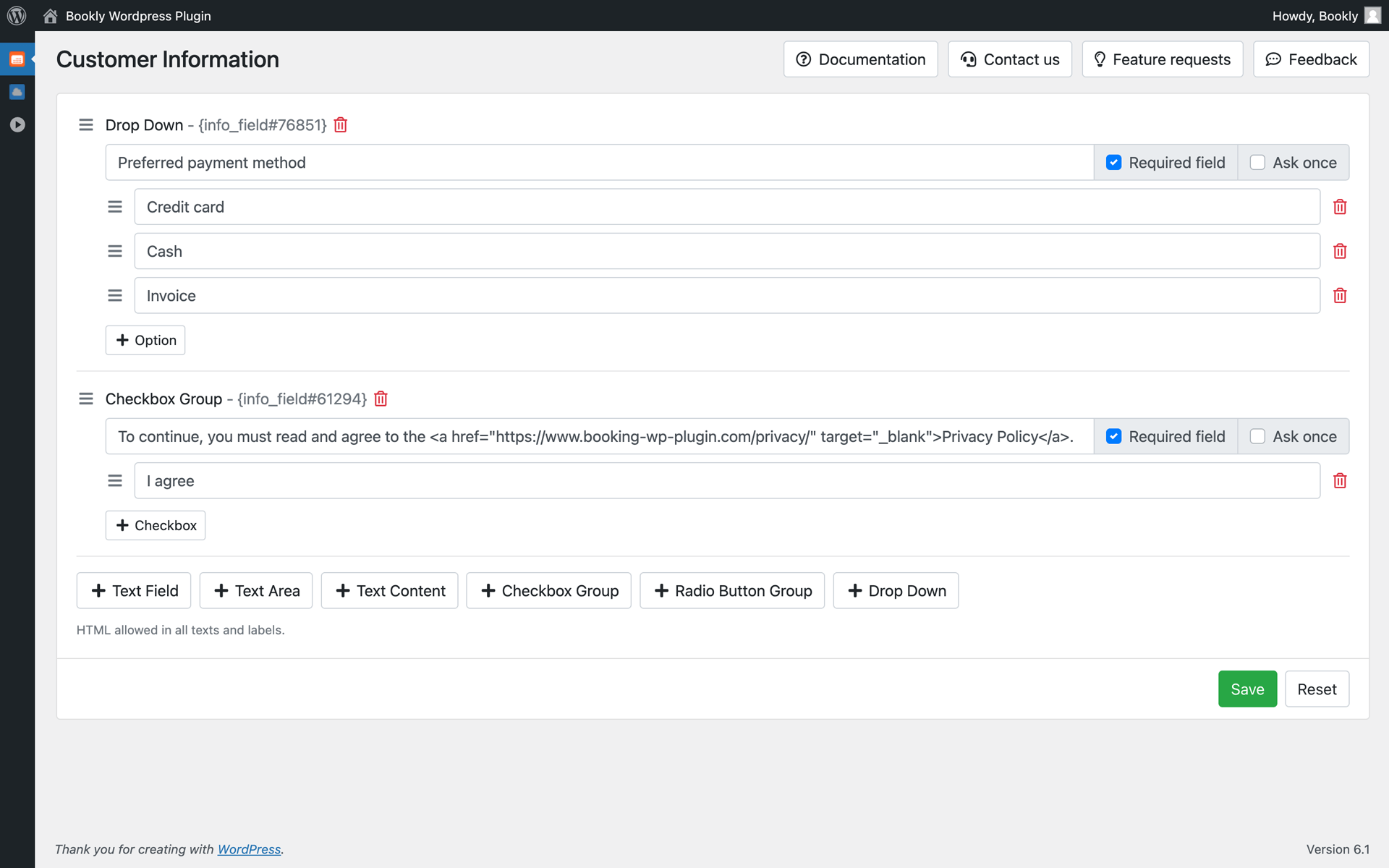
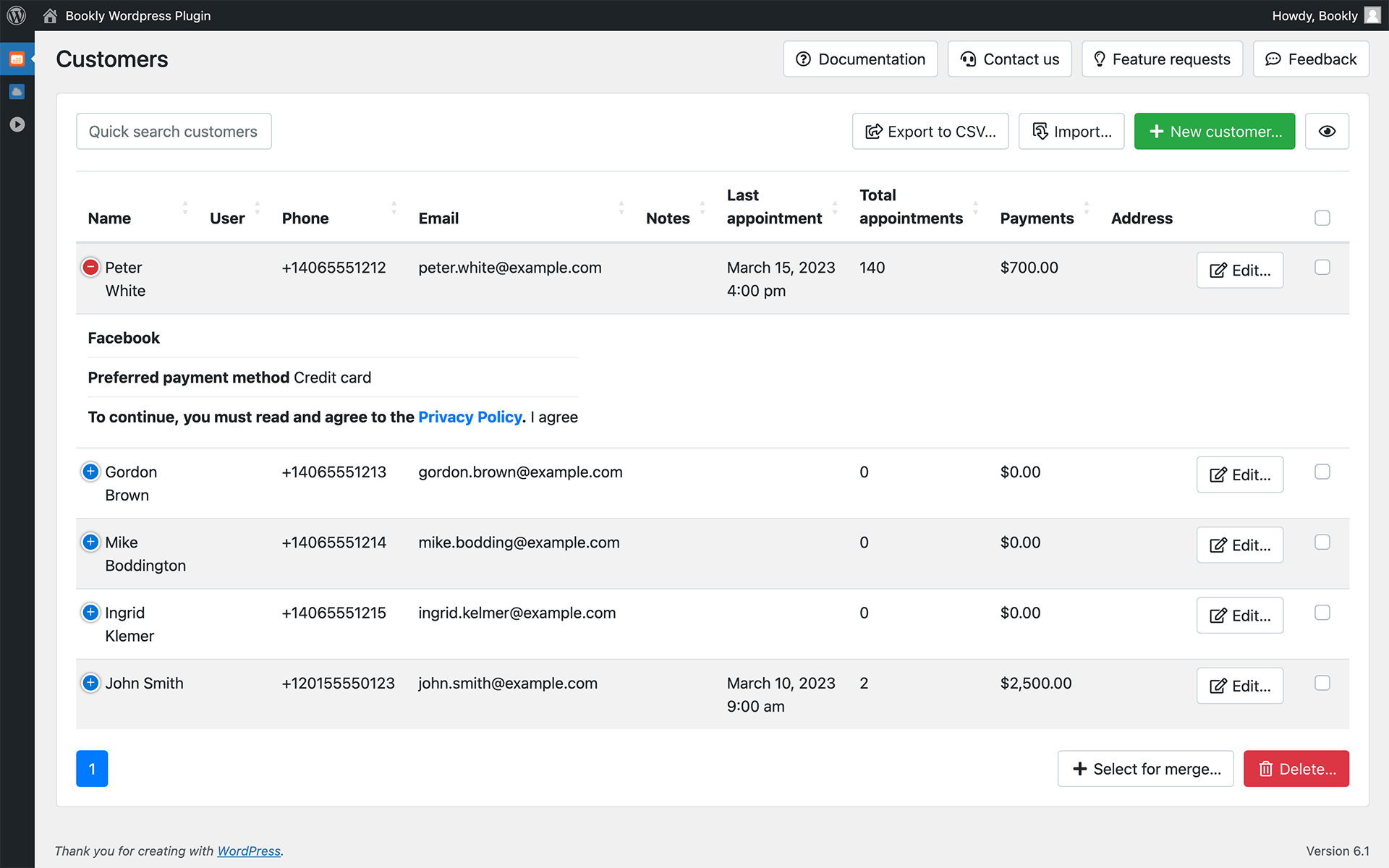
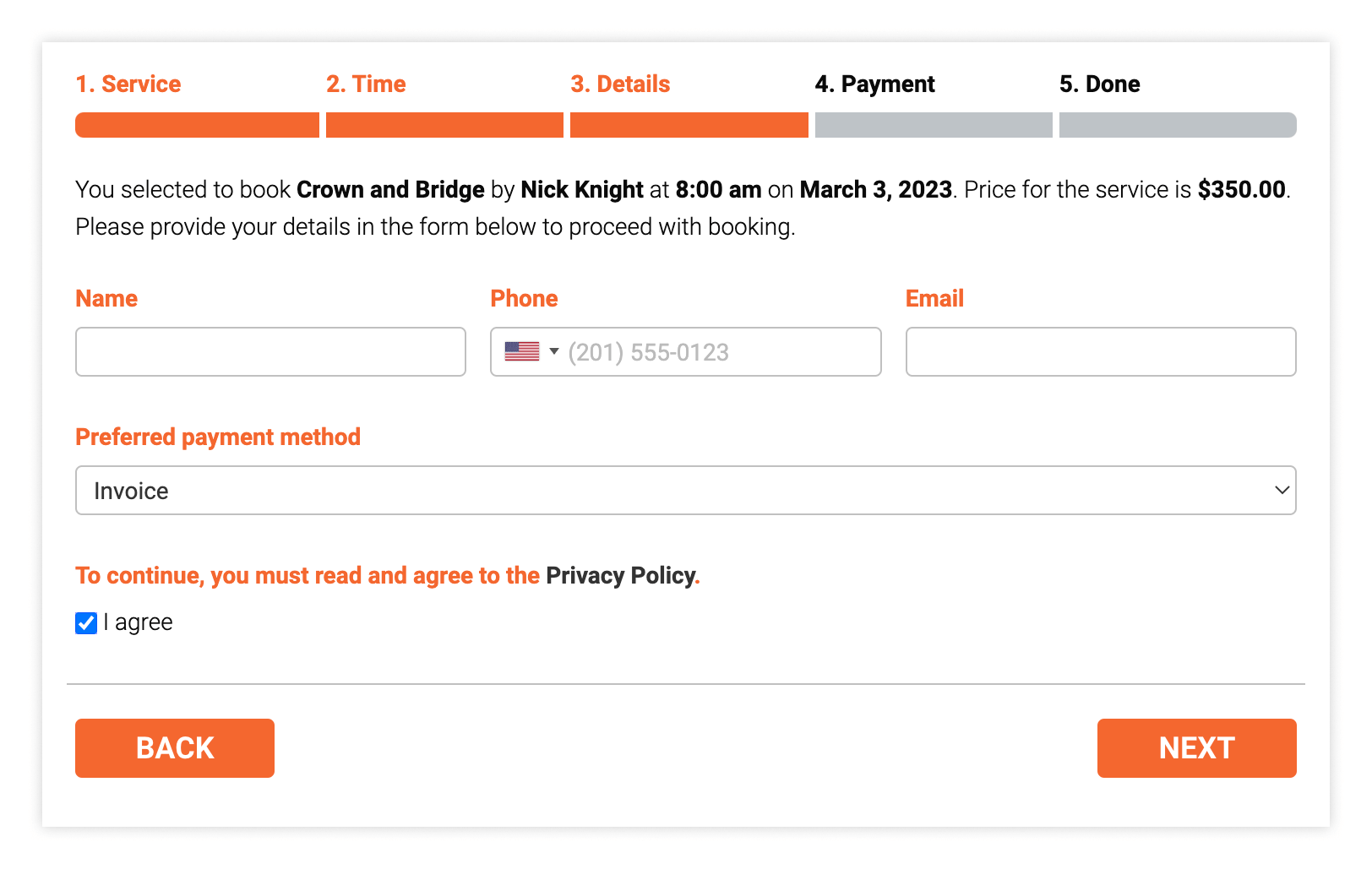
Need specific fields or records on a client profile in Bookly? Bookly Customer Information (Add-on) allows you to create multiple custom fields of different types that will appear on the Details step of the booking form. Once a booking is complete, the custom information entered by the client will be added to their profile in Bookly for future reference.
Features
- Create as many custom fields as you need
- Add different question types: text, checkbox, drop-down, radio button
- Make fields required or optional
- Choose how often you want to show custom fields to a client – once or every time during the next booking
- Update customer information on a client profile if needed
In the same way as all Bookly add-ons, the customer information feature seamlessly integrates with the Bookly PRO Appointment Booking and Scheduling Software System – the setup takes only a few minutes.
Read how to set up and use the Bookly Customer Information (Add-on) in our detailed documentation.
CHECK FREE LIVE BOOKLY DEMO
WATCH QUICK VIDEO TUTORIALS