148 comments found.

Hi I tried your demo. But I can’t understand how can I go I scene to another scene. In your youtube tutorial its not shown.
You should place a hotspot on the current scene, set “goto the scene” parameter for a new hotspot and test. Also you can use scene next/prev controls.
Hello, I have a project where the client wants to take pictures of rooms and take a virtual tour inside the house, which camera would you recommend to take the photos to use with this plugins?
Samsung Gear 360 as example
Hi! The fullscreen button doesn’t work in mobile devices.
It doesn’t work only on devices with modern iOS, because Apple disabled the fullscreen API for some reasons, but I have fix.
Thanks for the quick reply. Is it possible to get hold of the fix? Or are you thinking of doing an update very soon? Thanks again.
I will try my best
Hi, This plugin works with html5? Works with 360 video and photos or just photos? Regards
This plugin works with WebGL and supports photos only.
Will iPanorama 360° support the Okulus Rift device? I think WebVR is needed to run any web based VR tour on the Okulus Rift.
This plugin doesn’t support VR for some reasons.
So, any new update Avirtum? Still waiting for the latest speed development. Happy new year btw ^^
I have holidays at the moment, Happy New Year too
Hi, hoping for some progress on the speed update. Some of my tours are being complained by client as too slow in loading haha. Cheers…
I remember about new version and working on it
Hi, still waiting for new version 
I did a test with this image in the size that you indicated, and the error.
Your image is not correct, it’s not a true 360 degree pano, it has extra data. Also, please, use my email avritum[@]gmail.com for support.
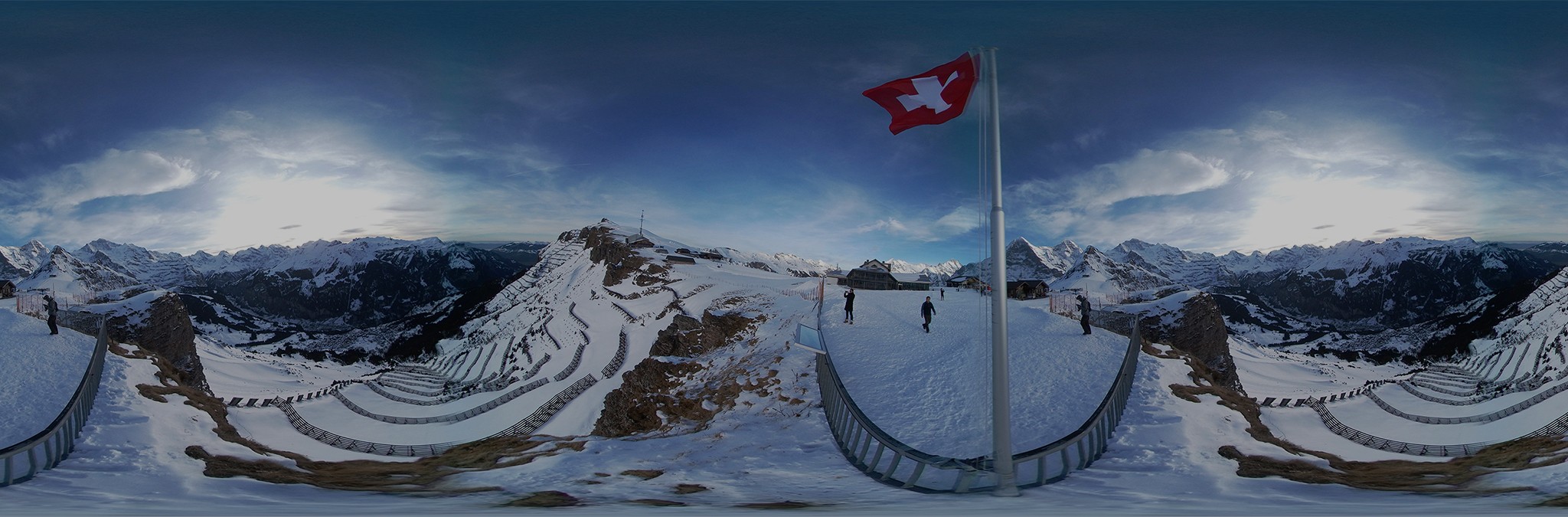
This is an example of the Samsung Gear 360 camera photo.
Your image is not correct, it’s not a true 360 degree pano, it has extra data. Also, please, use my email avritum[@]gmail.com for support.
Or would you rather use two 180’s? Can you give me advice?
my camera does 360 photo in a single photo, can I use it? It works?
Can you send me this photo to avirtum[@]gmail.com
I noticed that with the Wordpress version it is not possible to create a TOUR to provide in a personalized link. And in the jQuery counterpart I realized that it is possible. It is?
Do you talk about the iframe embed feature?
yes. works well so that I can make the link available to a client, and when he clicks the link to show FULL the virtual tour?
For the WordPress version I provide a special page template that can load any existing virtual tour like <iframe width=”560” height=”315” src=”https://mysite.com/panorama/?id=123” frameborder=”0” allowfullscreen></iframe> this code will load a virtual tour with id=123
I cant use the ipanorama, the content of the page gets blank. https://www.devel.campingave.net/fr/le-camping/
Something bad with your settings, can you save it to a json file (click “Save to File” button) and send it to me avirtum[@]gmail.com.
why the share button can not work? i have enable the “Share control”
It’s just a callback function, we should make some code to make it work like in my another project – FastPano. I can share this code, if you need it.
thanks , i just want to “embed” my panorama page( build with iPanorama 360 Virtual Tour Builder ) to other page
I see, if you want a code write me an email to avirtum[@]gmail.com I can send it to you.
Friend, I can instead use multiple photos, use only 1 or 2 already photographed in panoramic ?
Can you describe your problem more clearly?)
friend is not a problem, I just want to know if instead of using multiple photos in sequence, that the script transforms into 1 in 360 ° I can use a photo already in 180 ° or panoramic photo or even 1 photo in 360 ° ... There are several android apps and they make it easy to create 180 ° and 360 ° photos and I thought I’d use them to generate the photo in a simpler and faster way.
I see, well, my plugin needs one photo in 360° (equirectangular, cubemap format), also we can use one photo in 180° and use a cylinder scene type, but we should keep ratio 1:2 for better view.
Hi Avirtum how are you these days? Anything new planned for iPanorama? I am writing this comment to ask for advice on how to improve speed in loading virtual tours. I am already satisfied with the speed as of now but would be better if I can hear from experts like you. Thank you in advance! Cheers…
I have plan to add different images for a scene (with low and high resolution), the image with low resolution will be loading first, with high last as result the user will see a virtual tour immediately I think.
Great! That would be a great addition. At the moment I am optimizing as much as I could, like using Cloudflare CDN, minifying css, js, etc, but still feel like the whole thing can still be improved. Let’s just hope there will be a great update for performance improvements. Good Luck and thank you in advance!
Hi Avirtum, is there any update to this feature? Would like to see the speed of initial loading improved 
I’m planning to do this feature in December, because I’m busy now, have a lot of side work.
Yep! No sweat, keep up the good work! Keep strong. Cheers!
Hi Avirtum, do you have any plans to implement this? Thank you in advance! Cheers…
Yes, as I said above I will update the plugin in December
Friend has how to configure to move the image only horizontally, preventing vertical movement ? Do photos have to be panoramic or can they be normal photo sequences ?
We should set pitch limits to ON, next set top and bottom limit to 0, then select a cylinder scene type. One moment, your image should have a 1:2 ratio, otherwise we will see top and bottom black holes.
Sorry, I did not understand. I would like to know if the image / photo should be panoramic or I can send several photos in a sequence that it joins and creates the panoramic
I see, well the image should be panoramic with ratio 1:2, it can be equirectangular, cubemap format, or 6 separate images (top, bottom, left, right, front, back)
Is there an option to open popups sliding in from left or right with content when clicking on the the hotspots?
Like this: https://www.kaansstreamstore.nl/en
It can be done only via custom javascript and css code.
You have an idea how to do that?
My plugin has a custom js section, well you can handle click event from a hotspot and create a div with your content as example or take it from popover, but it should be tested.
This can not load big files all I get is a black in the player.
Hello. Can you send me an image example to avirtum[@]gmail.com? Also what kind of device do you use?
Can you please send me also the example of how to embedded the tour?
I’ve answered to you via email.
Hi. Can I load panopama json to builder a direct call javascript function? Without file dialog form.
You can load a json config only via the builder interface, if I understand you right.
very bad
Can you describe why do want it, because I do not realize this feature destination.
i use mysql table `panoramas` (`Id`, `File`, `Hotspots`), And I think, I could use builder for editing hotspots, load json config via ajax in builder -> edit hotspot -> ajax save
sorry my eng(google translate)
I see. It can be done only if you have got the builder source code and extend it, another way is writing your own solution at the moment.