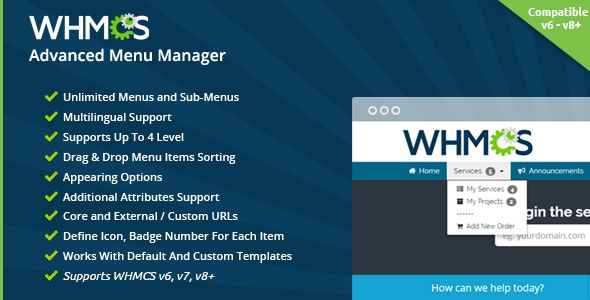
Compatible with WHMCS v9, Six, Twenty-One, and Nexus templates.
Managing menus in WHMCS used to be awkward. Even simple changes like adding a menu item, moving its position, controlling when it appears, or translating its title often required editing templates, working with CSS, or writing PHP.
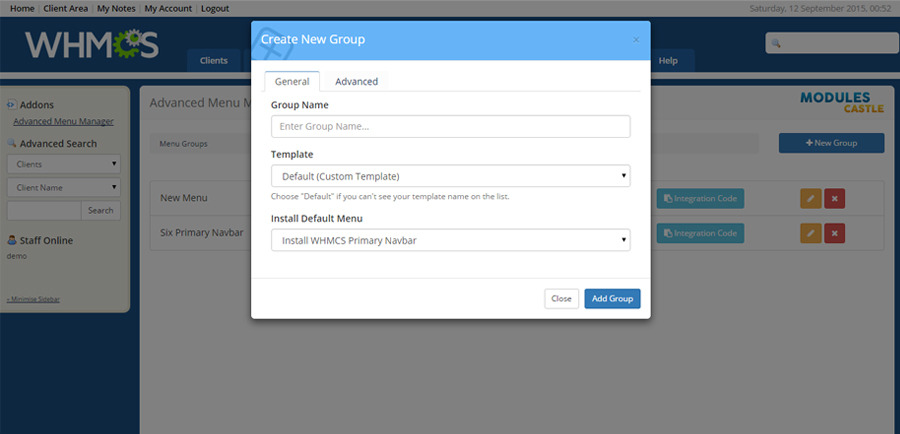
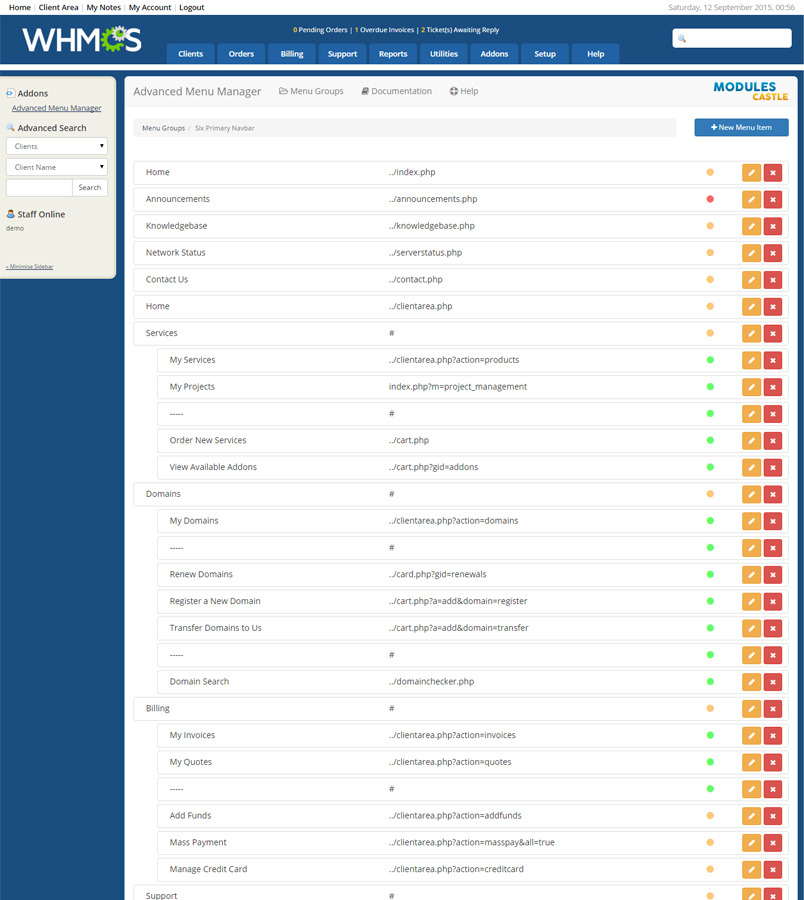
WHMCS Advanced Menu Manager gives you a much easier way to control client-area navigation directly from the admin area. Create custom menus and sub-menu items, control who can see each link, add translations, reorder items with drag and drop, and customize menu output without touching core files.
Whether you want to build a better client-area experience, replace default WHMCS navigation, or create different menus for different users, this module gives you the flexibility to do it with just a few clicks.
Key Features:
- Add unlimited menu groups and sub-menu items
- Compatible with WHMCS Six, Twenty-One, and Nexus templates
- Supports child templates that inherit from supported WHMCS template families
- Works with custom template integrations
- Reorder menu links with drag and drop
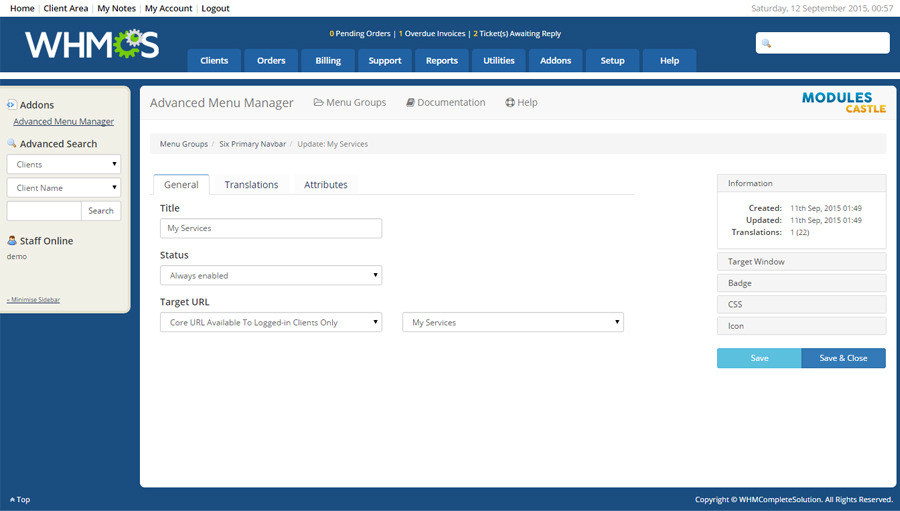
- Add translations for menu items from one place
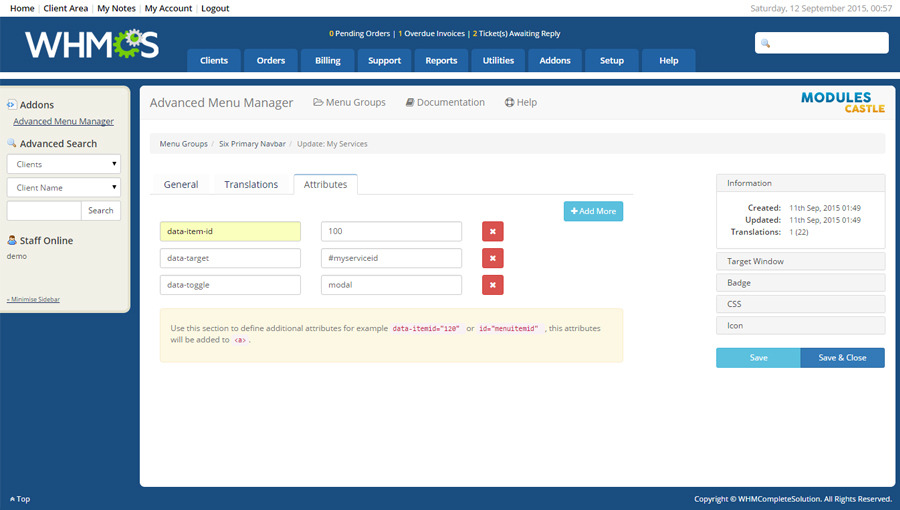
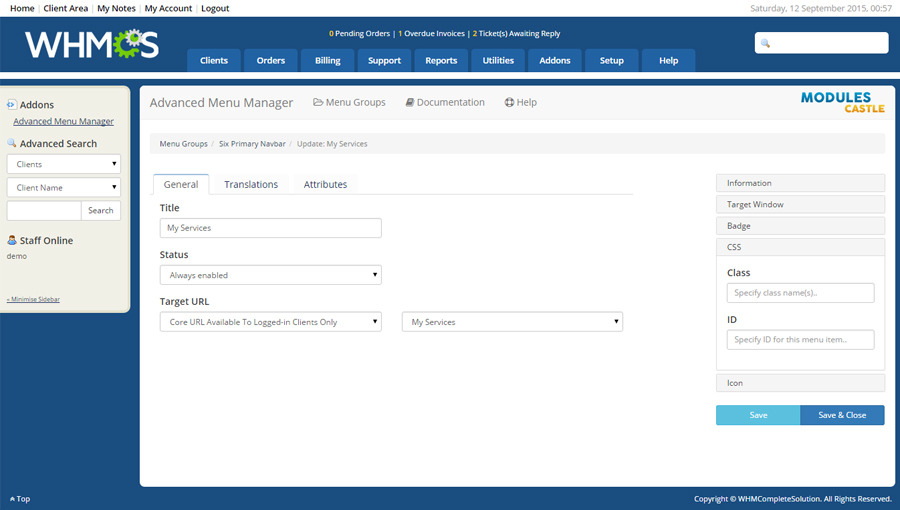
- Add custom attributes to each menu link
- Use WHMCS core system URLs or external URLs
- Add icons to menu items
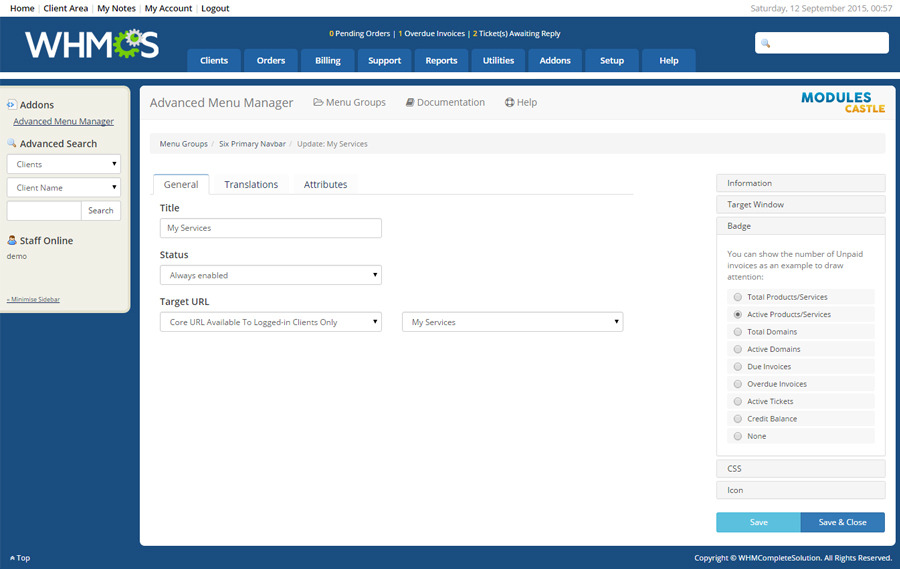
- Display badges and useful stats in menu links
- Control visibility based on user conditions and access rules
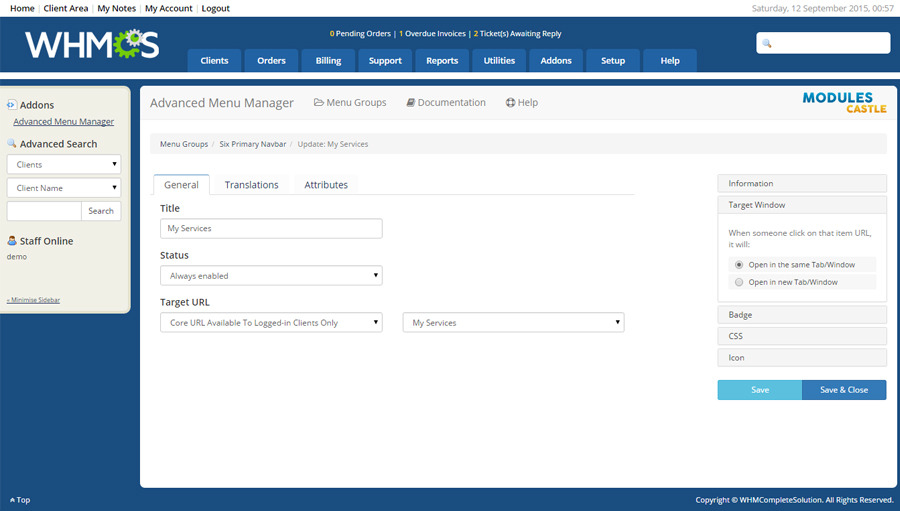
- Open links in the same window or in a new window
- Install WHMCS default menu links with one click
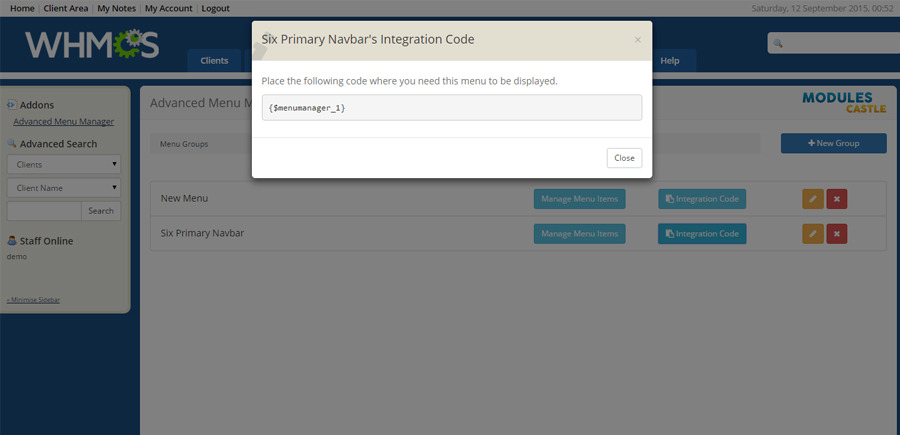
- Automatically integrate with WHMCS default navbars
- Well documented
Online Demo:
Menu Manager Client AreaRequirements:
WHMCS v6 or higherCompatible with:
- WHMCS: v6, v7, v8, v9
- Templates: Six, Twenty-One, Nexus, and child templates that inherit from them
- PHP: 7.2 – 8+.
Changelog:
Version 1.75.0 (29 March 2026):
Ensure WHMCS v9.* compatibility.
Added support for Nexus template.
The admin and frontend experience were refined with a shared layout, clearer audience views.
Version 1.71.0 (16 June 2023):
Fixed an issue when using PHP 8.1+
Version 1.72.0 (27 June 2023):
Fixed a minor issue with certain PHP versions
Version 1.7.5 (21 Nov 2022):
Fixed an issue when using PHP 8.1+
Version 1.7.3 (8 Jan 2022):
Ensure compatibility with PHP 7.4+
Version 1.7.2 (06 Jan 2022):
Ensure compatibility with WHMCS v8.2, v8.3
Version 1.7.1 (12 May 2021):
Minor enhancements
Version 1.7 (06 April 2021):
Added compatibility for WHMCS v8+
Version 1.6.5.3 (12 November 2019):
Fixed Client groups doesn't show up when adding new menu item.
Version 1.6.5.2 (19 September 2019):
Added compatibility for WHMCS v7.8.
Version 1.6.5.1 (20 July 2019):
Added compatibility for WHMCS Control theme.