Social Network Email Scraper Pro
Social Network Email Scraper Pro is a powerful, all-in-one business tool that lets you extract emails, names, and URLs from 18+ major social media platforms and websites — automatically and at scale. Whether you’re a marketer, lead generation agency, business owner, sales professional, or researcher , this tool saves you hours of manual work by collecting verified public contact data in bulk with just a few clicks.
With dual extraction engines — Social Network Scraper and URL Email Extractor — combined with bulk keyword support, advanced filters, HTTP proxy rotation, and multi-format export, this is the most complete email harvesting solution available for Windows.
⭐ Trusted by thousands of users worldwide — regularly updated, actively supported, and optimized for speed and reliability.
Watch It In Action
Why Choose Social Network Email Scraper Pro?
- ✅ Dual Extraction Modes — Scrape by keyword OR by URL list
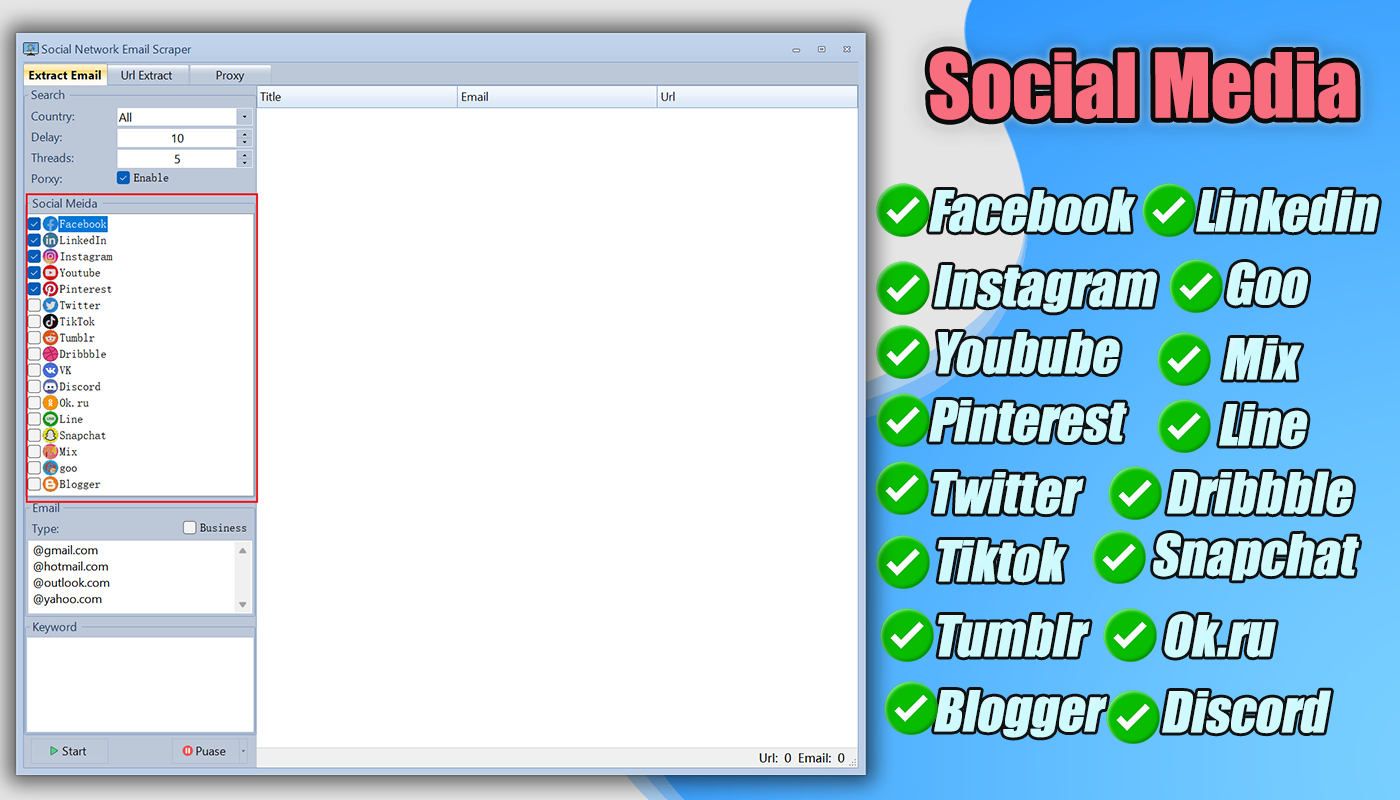
- ✅ 18+ Supported Platforms — LinkedIn, Facebook, Instagram, YouTube, TikTok & more
- ✅ Deep URL Crawler — Automatically crawls sub-pages with configurable depth & thread count
- ✅ Bulk Processing — Import hundreds of keywords or URLs at once
- ✅ Real-Time Progress Tracking — Live log, found/miss counts, and progress bar
- ✅ HTTP Proxy Support — Rotate proxies to avoid blocks during long sessions
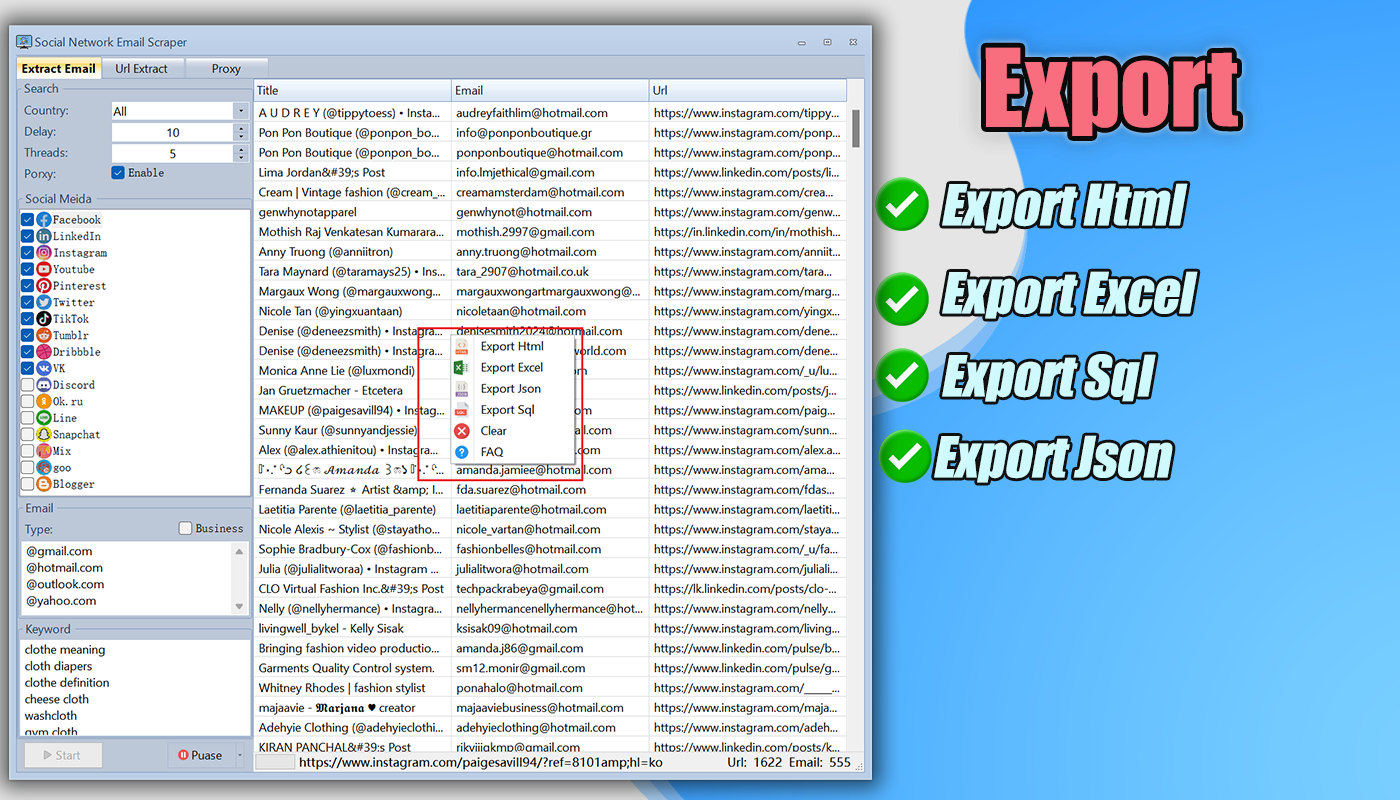
- ✅ Multiple Export Formats — Excel, JSON, HTML, SQL
- ✅ Actively Maintained — Regular updates & dedicated support
h2>⚙️ Two Powerful Extraction Modes
Mode 1 — Social Network Keyword Scraper
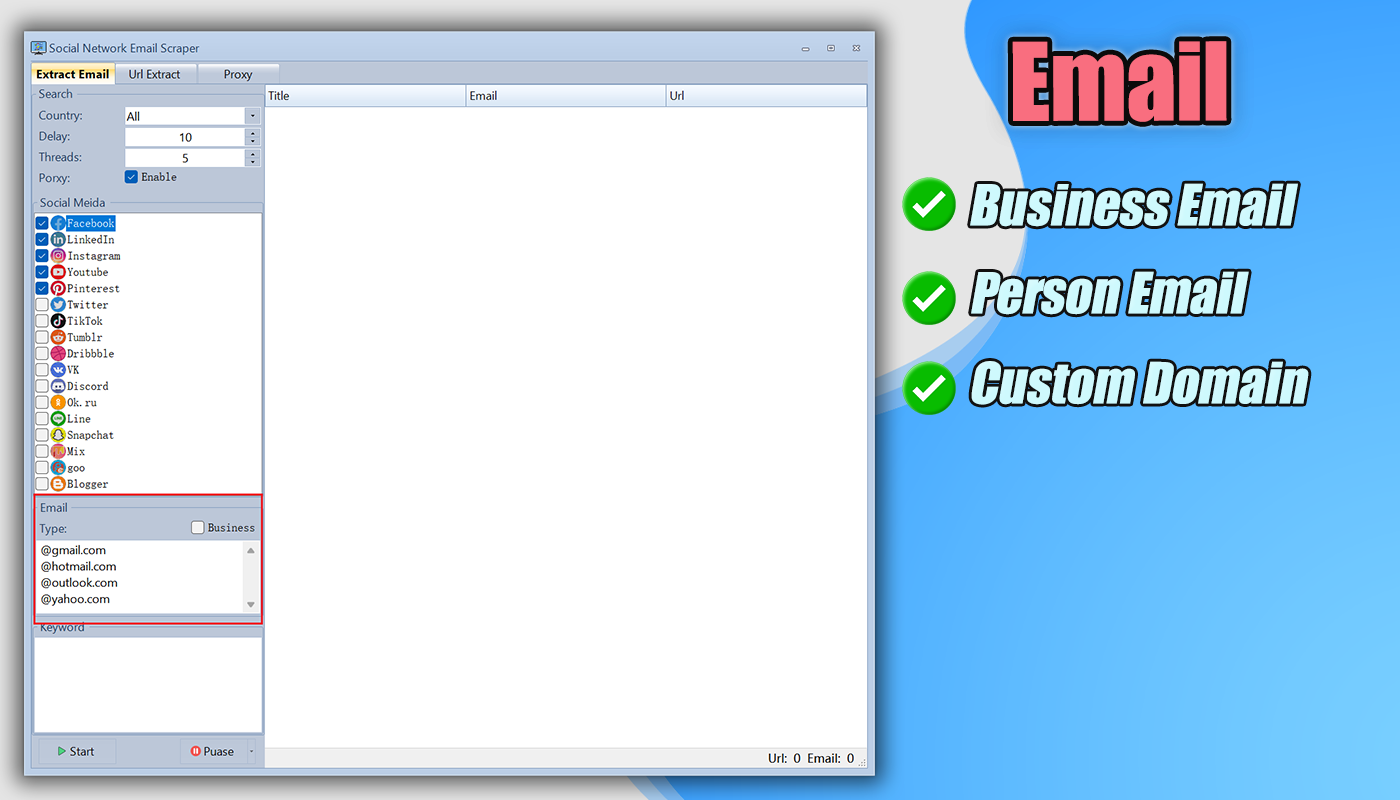
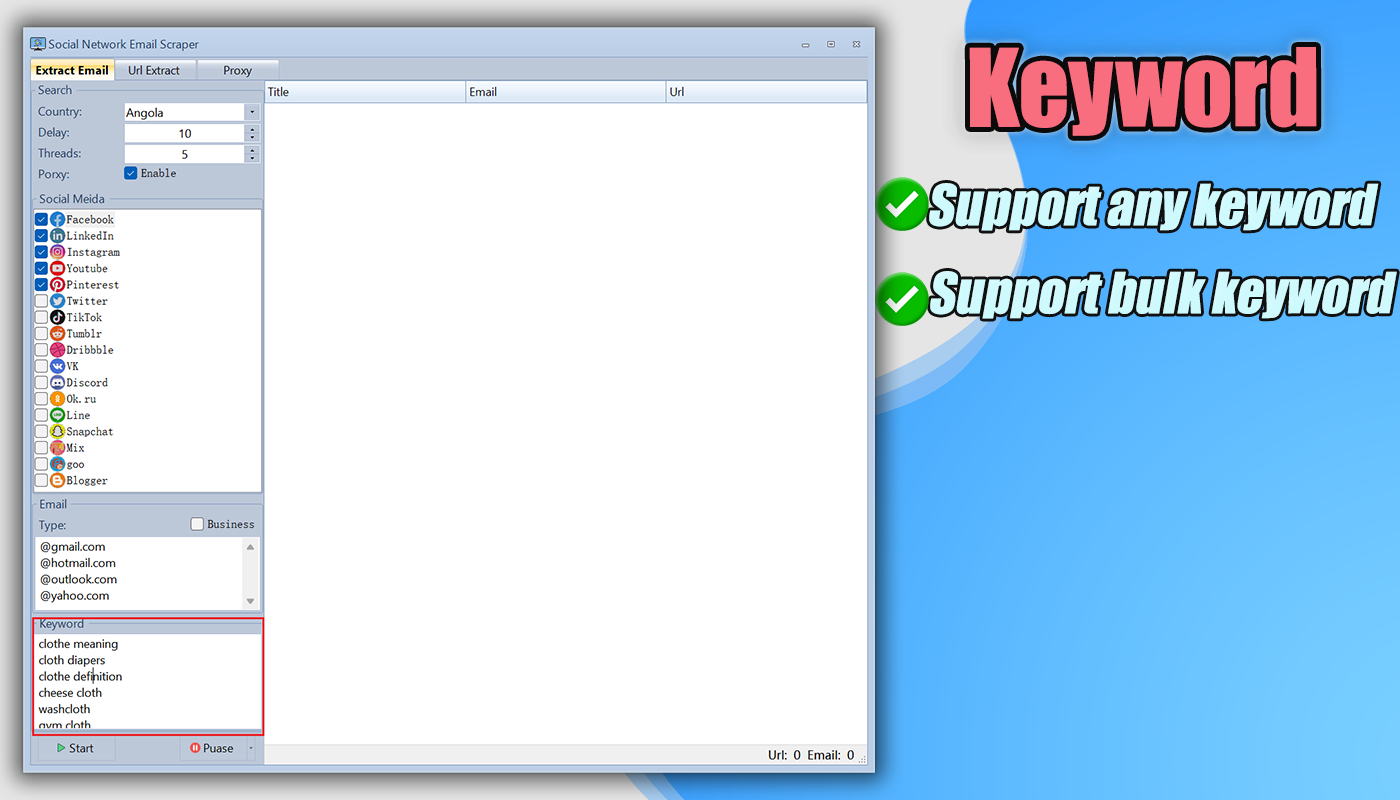
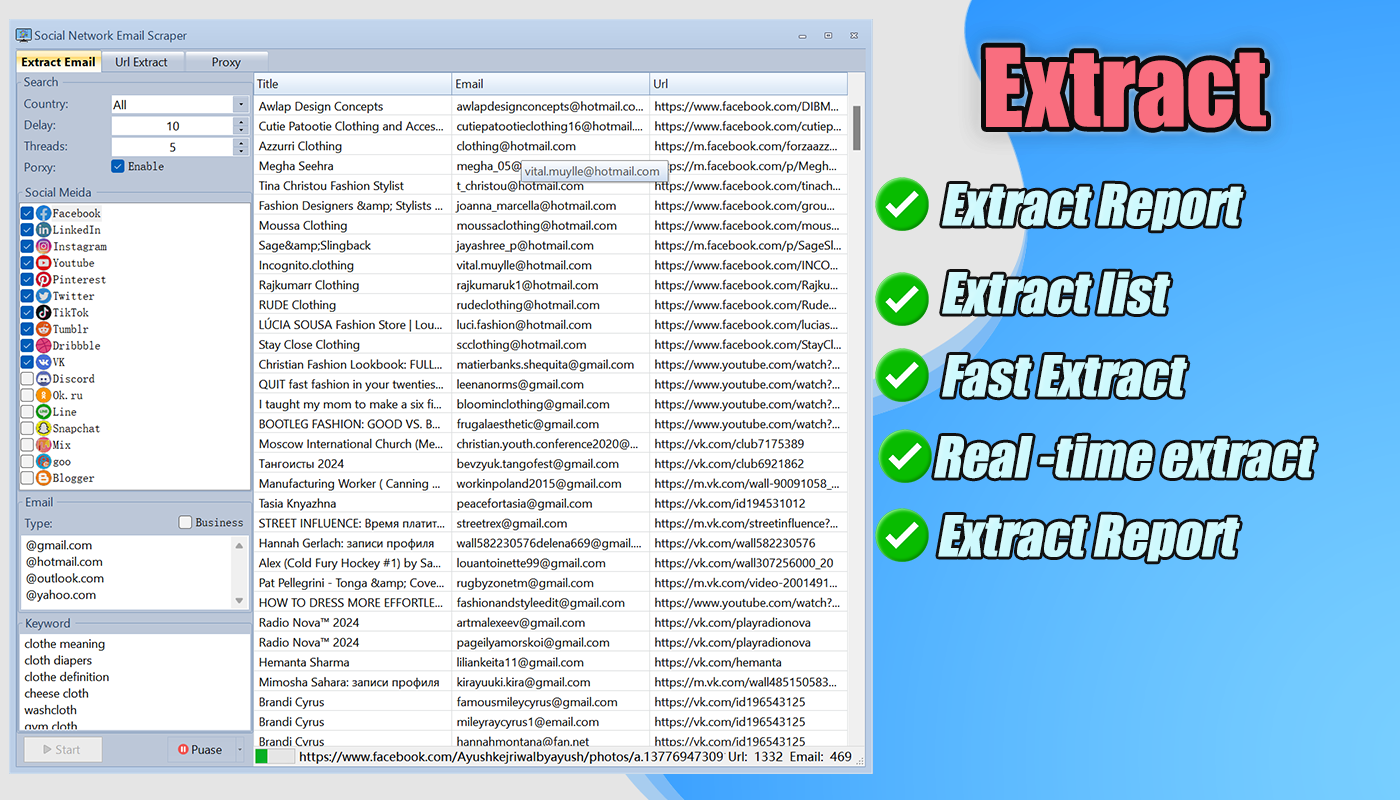
Search by keyword across 18+ social platforms. Enter your target keywords (e.g., “digital marketing agency USA”), select the platforms, apply country and industry filters, and let the software automatically find and extract matching emails, names, and profile URLs. Perfect for targeted lead generation by niche or geography.
Mode 2 — URL Email Extractor (Bulk URL Crawler)
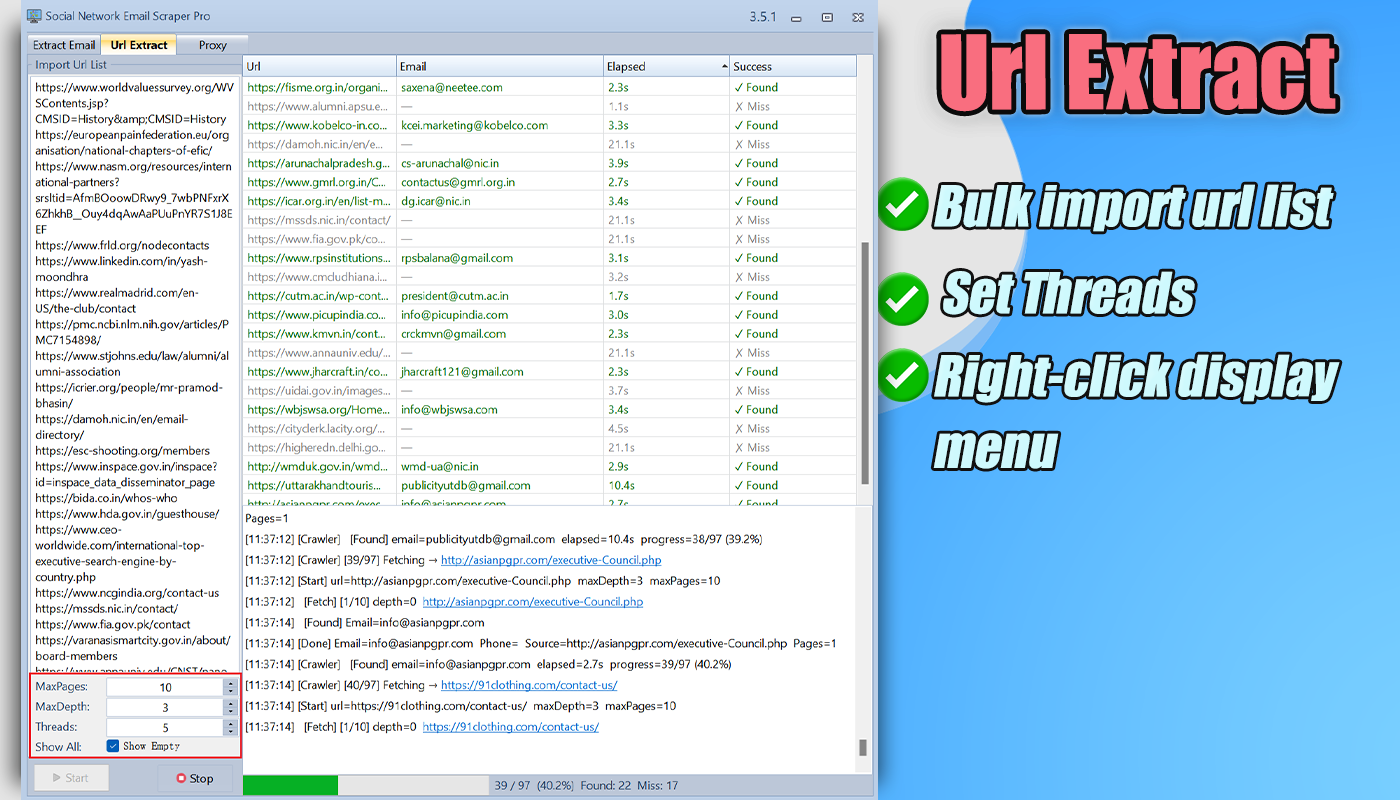
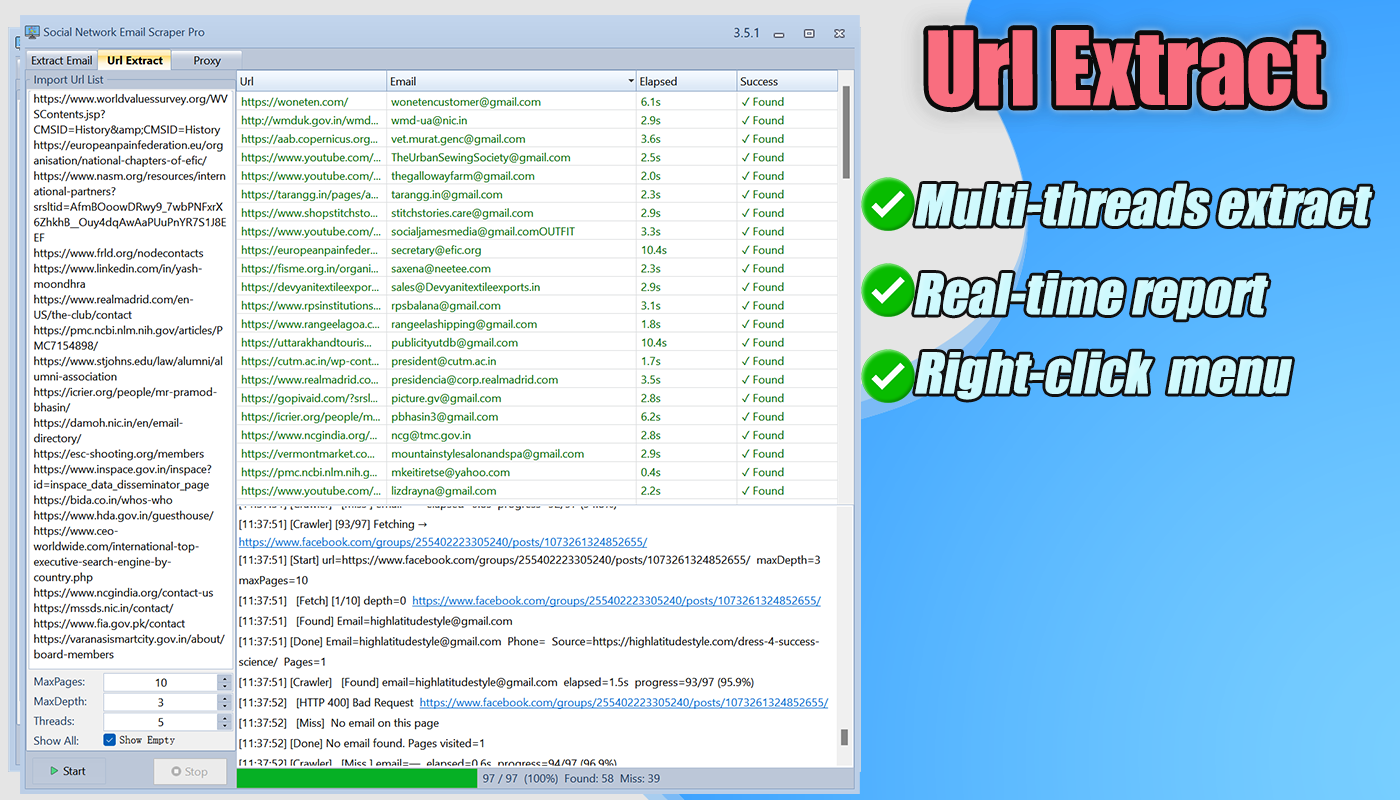
This is one of the most powerful features of the software. Import a list of URLs — from any website, directory, or platform — and the tool will automatically visit each URL, crawl deep into sub-pages, and extract all available email addresses.
Key URL Extractor settings:
- MaxPages — Control how many pages to crawl per domain (e.g., 10 pages)
- MaxDepth — Set how deep to follow sub-page links (e.g., depth 3)
- Threads — Run multiple URLs simultaneously for faster extraction (e.g., 5 threads)
- Show Empty — Toggle display of URLs where no email was found
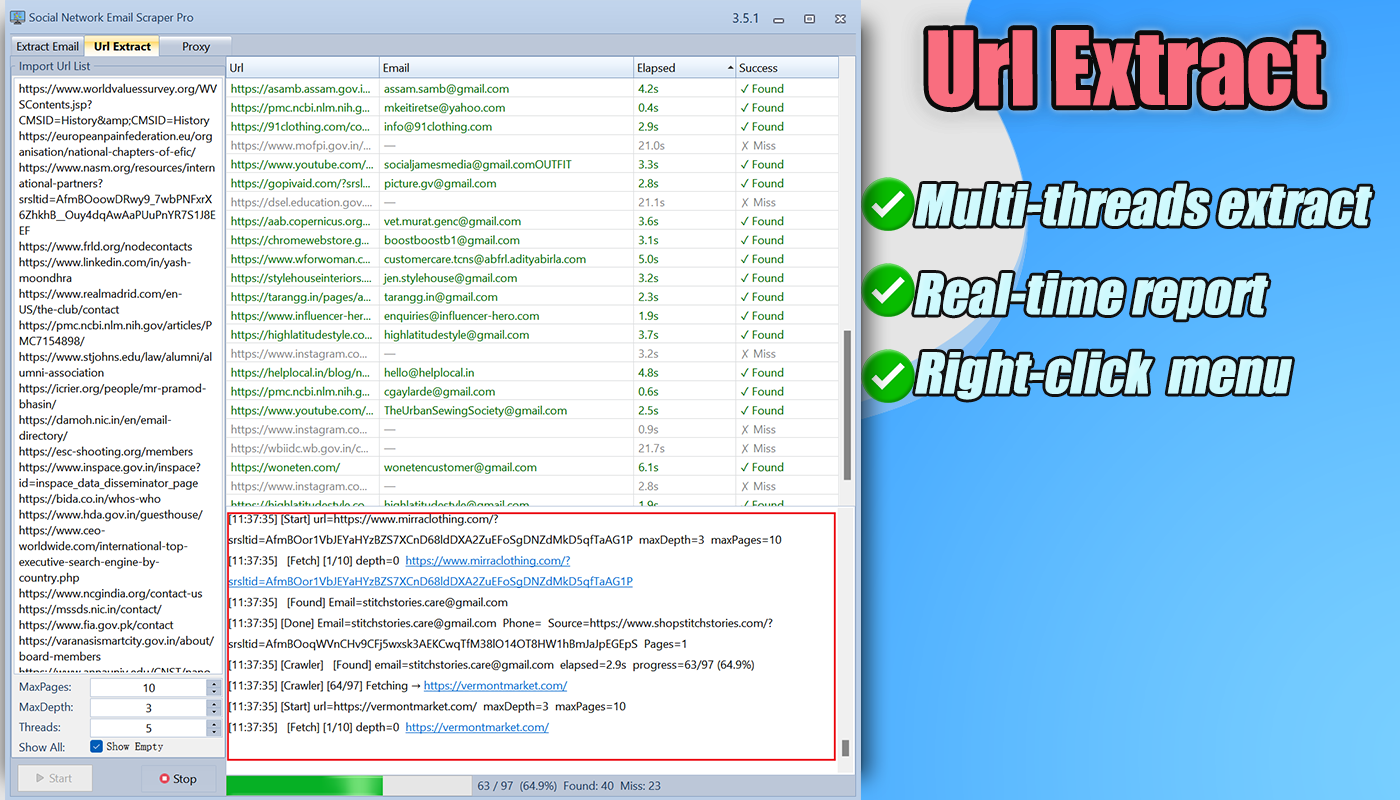
- Real-time log — Watch every crawl step live with timestamps, progress %, Found/Miss count
Results are displayed in a clean table showing the URL, extracted Email, elapsed time, and Found/Miss status — making it easy to review and export your leads instantly.
Main Features
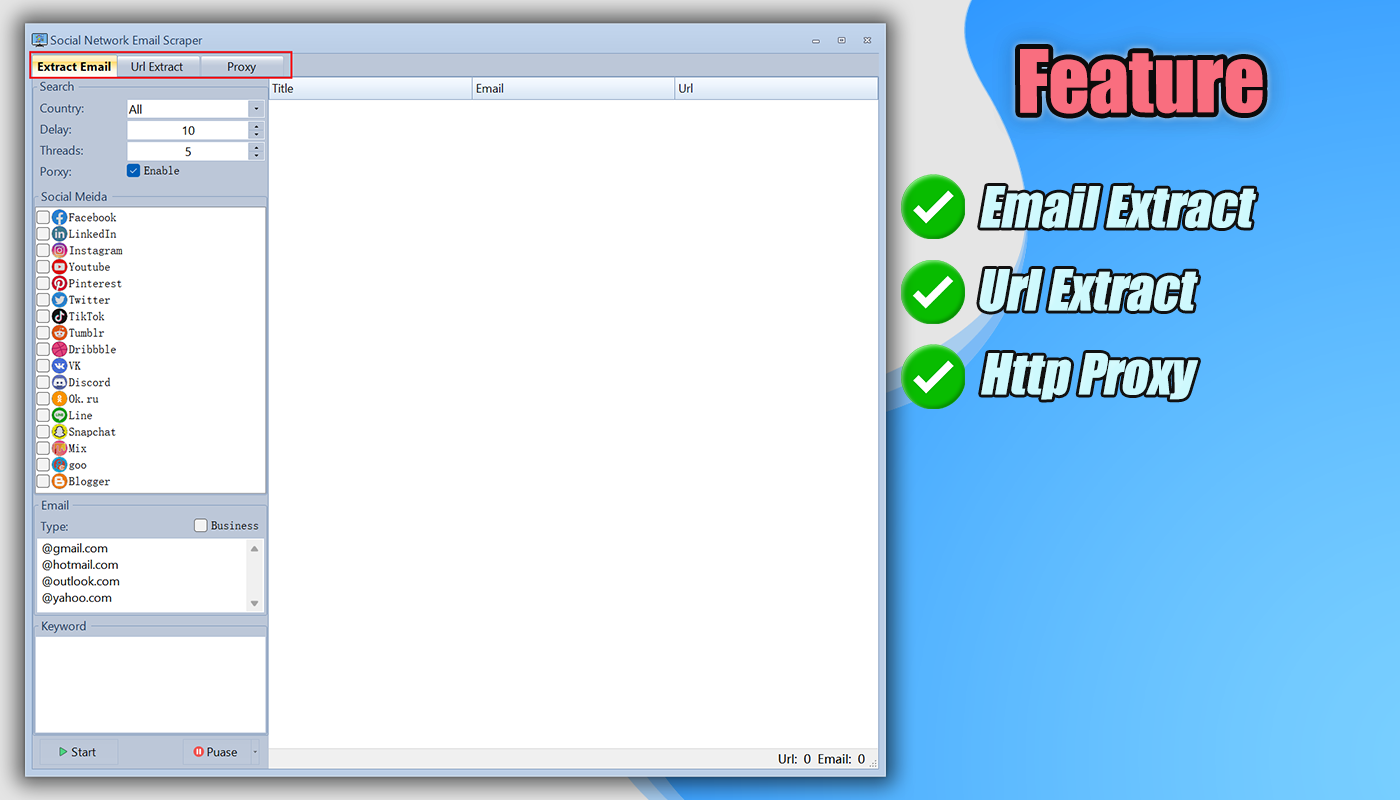
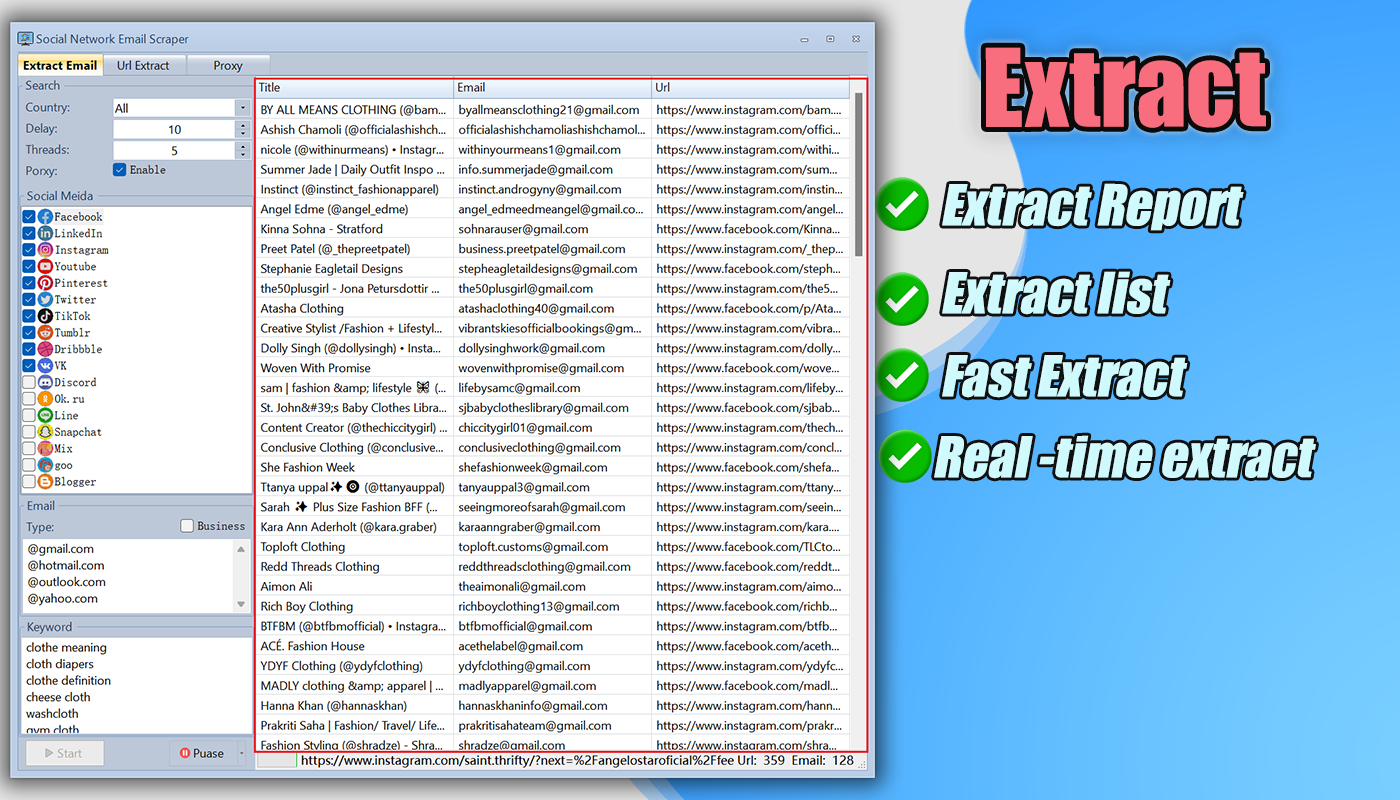
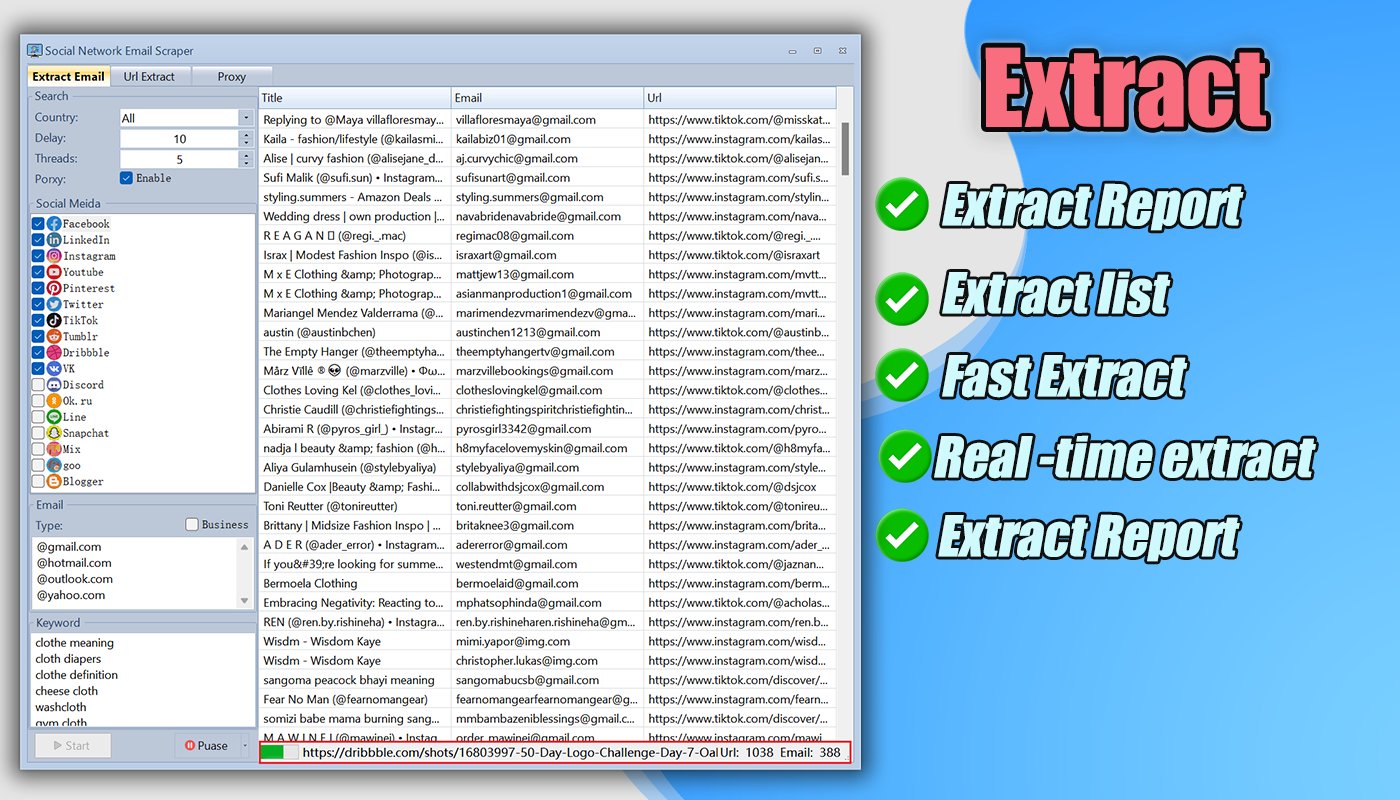
- Extract Email, Name, and URL data from social platforms
- Extract emails from any bulk URL list with deep-crawl capability
- Support bulk keyword scraping across multiple platforms simultaneously
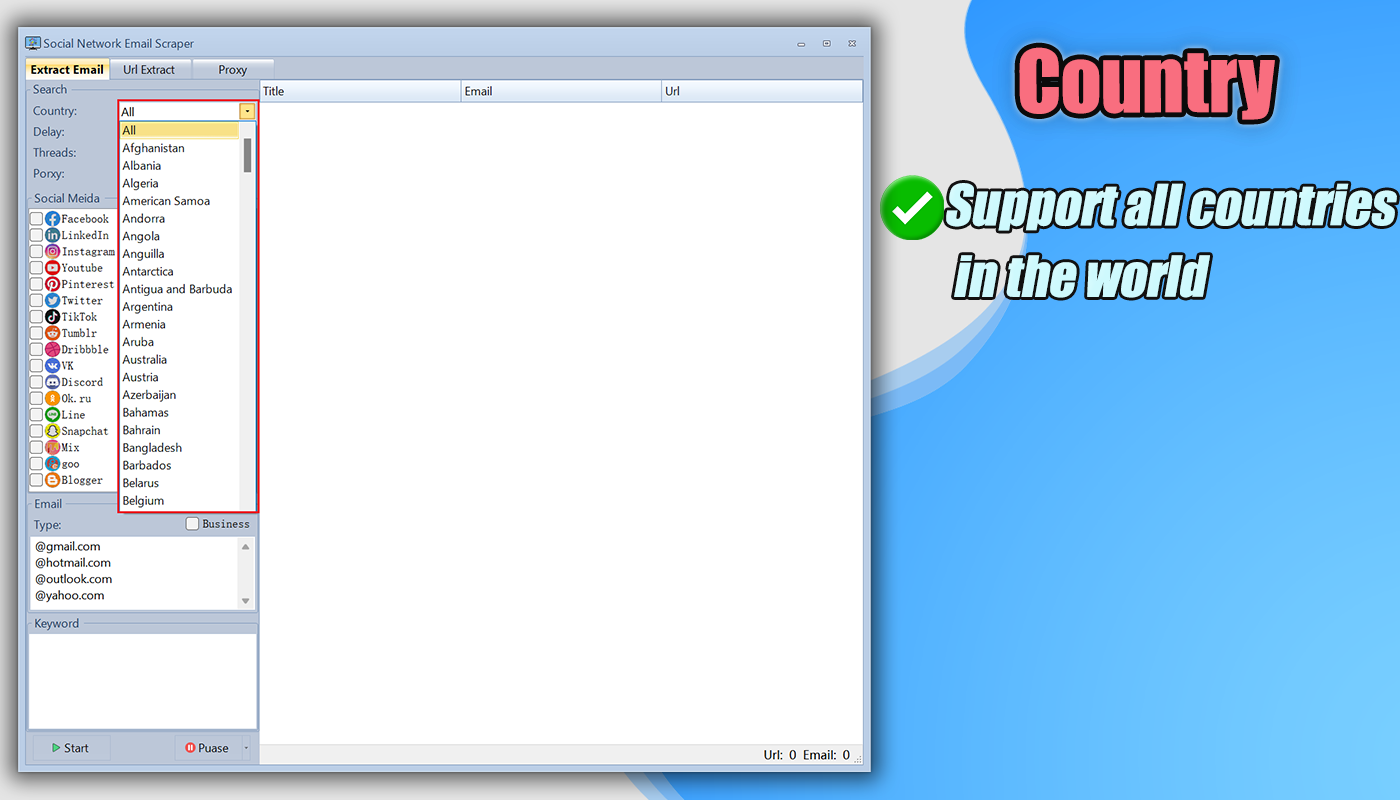
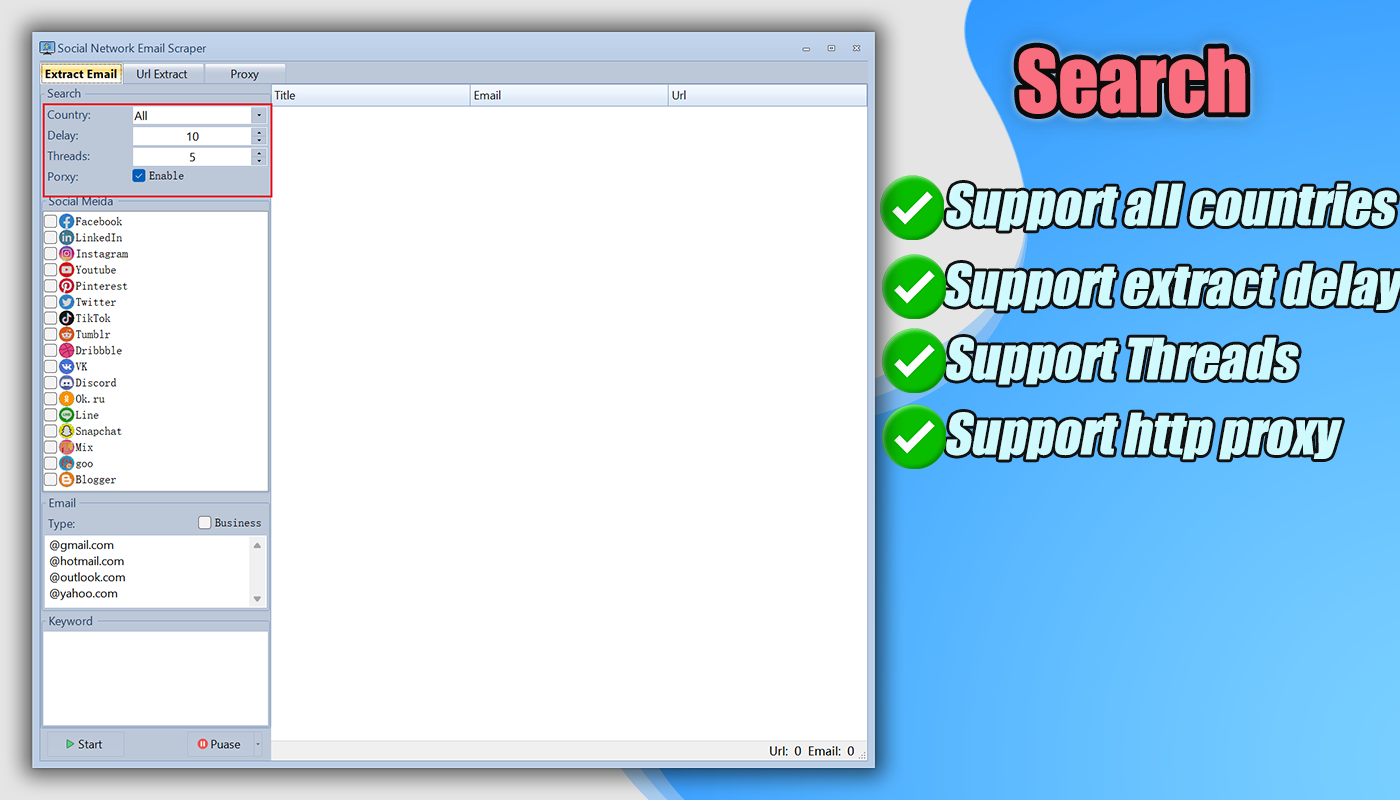
- Advanced search filters: Country and Industry
- Configurable MaxPages, MaxDepth, and Thread count for URL extraction
- Real-time live log with progress tracking and found/miss statistics
- Built-in HTTP proxy support with proxy rotation
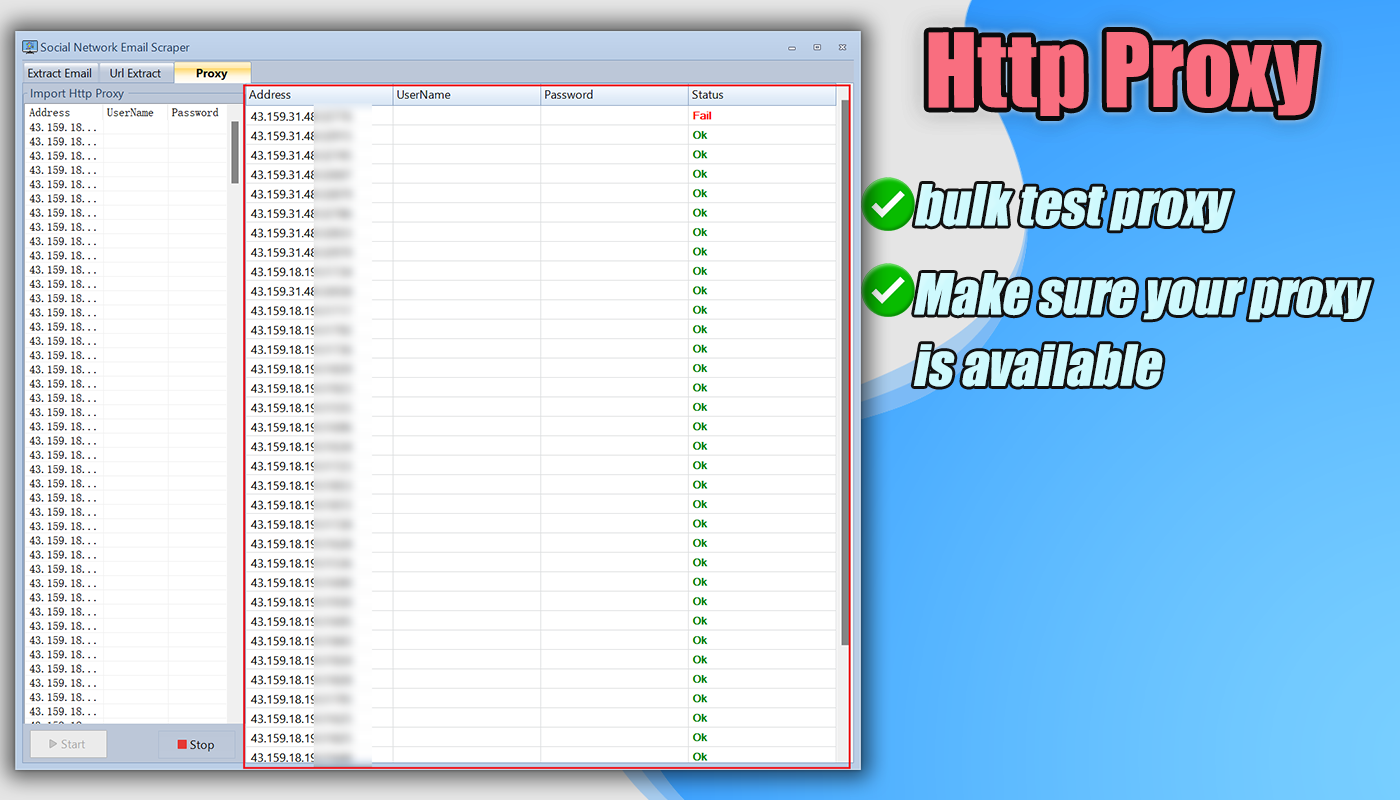
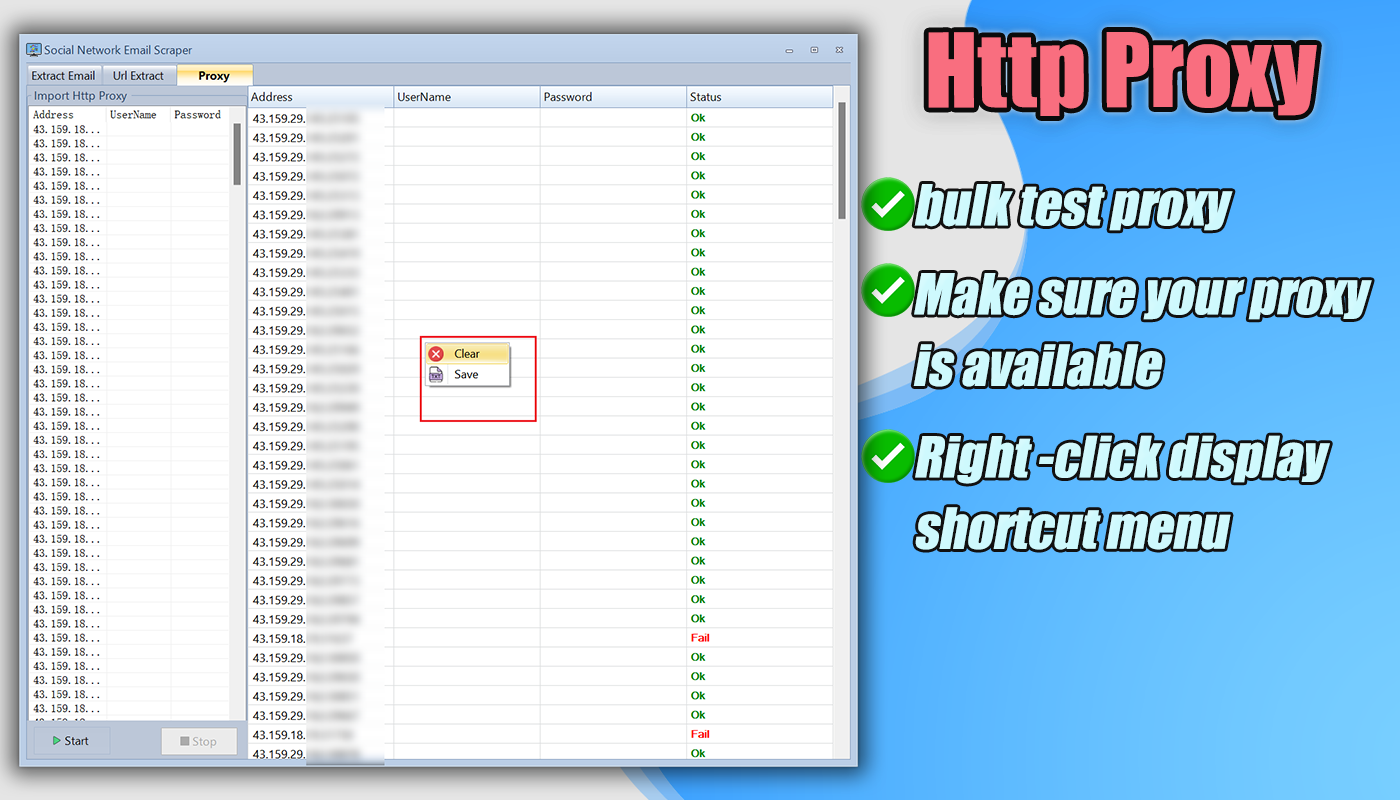
- Proxy Test tool to verify proxies before use
- Proxy Generator with template support
- Export to Excel, JSON, HTML, and SQL
- Multi-threaded extraction for maximum speed
- Simple, clean, and professional interface
Supported Platforms (18+)
LinkedIn · Facebook · Instagram · YouTube · Pinterest · Twitter / X · TikTok · Tumblr · Dribbble · VK · Discord · OK.ru · Line · Snapchat · Mix · Goo · Blogger · and more…
Bulk Keyword Extraction
Import hundreds of keywords at once and let the software process them automatically, one by one. No manual searching required. Ideal for agencies and researchers who need to collect large volumes of targeted contact data across multiple niches or industries in a single session.
Advanced Filters for Targeted Results
Narrow your results with built-in country and industry filters. Instead of collecting random emails, you get only the contacts that match your exact business target — saving time and improving conversion rates for your outreach campaigns.
HTTP Proxy Support & Proxy Tools
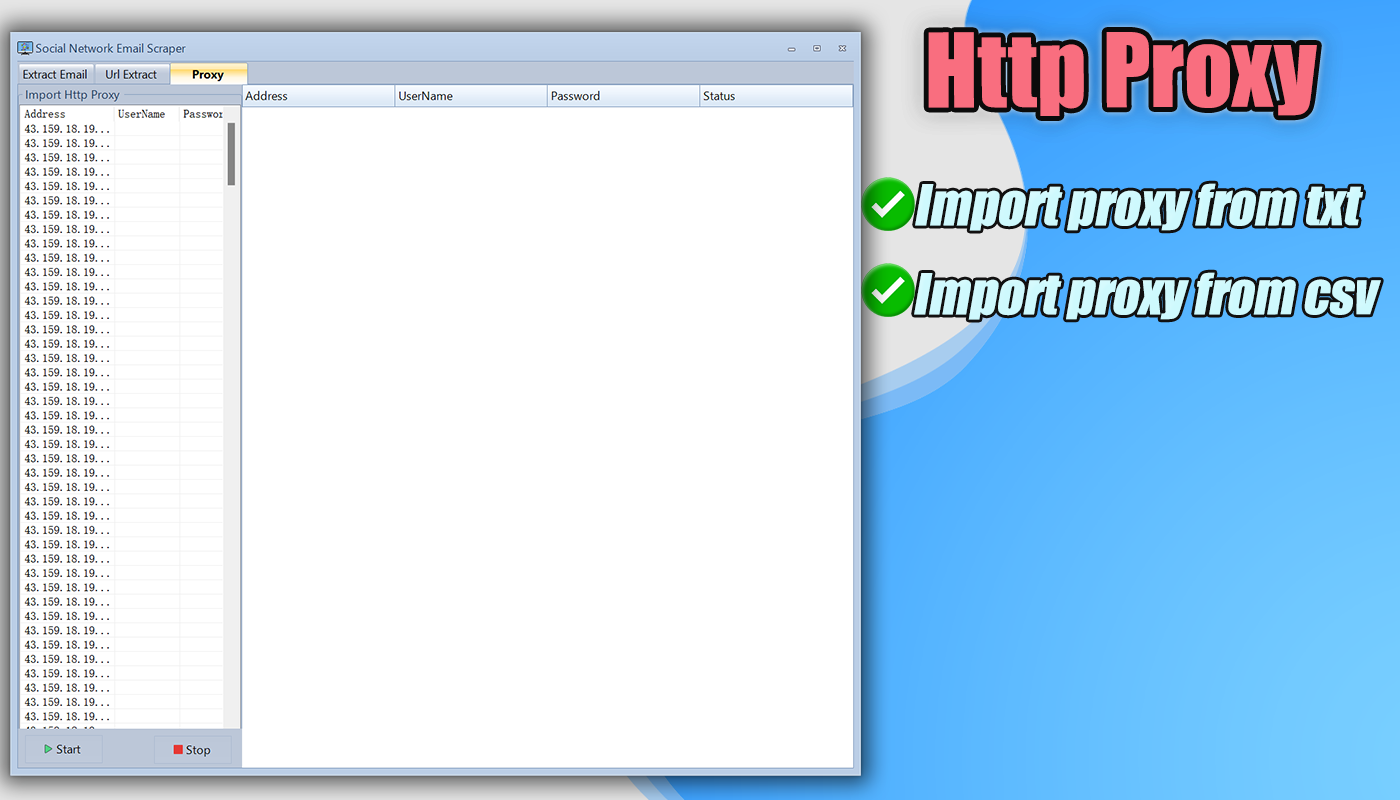
Long extraction sessions require stability. The built-in proxy manager lets you:
- Import and rotate HTTP proxies automatically
- Test proxies to verify they’re working before extraction
- Use the proxy generator with templates to create proxy lists quickly
- Reduce the risk of blocks or interruptions on large extraction jobs
Flexible Data Export
Export your collected leads in the format that fits your workflow:
- Excel (.xlsx) — Open and filter in spreadsheet apps
- JSON — Import into CRMs, APIs, or automation tools
- HTML — View results in any browser
- SQL — Import directly into databases
Screenshots
✅ Complete Feature List
✅ Installation file — ready to run on Windows
✅ Fast multi-threaded extraction
✅ 100% email scraper — captures all public emails
✅ URL Email Extractor — bulk URL crawling mode
✅ Configurable MaxPages, MaxDepth, Threads for URL mode
✅ Real-time extraction log with timestamps and progress
✅ Found / Miss status for every URL
✅ Support bulk keyword import
✅ Scraper LinkedIn
✅ Scraper Facebook
✅ Scraper Instagram
✅ Scraper YouTube
✅ Scraper Pinterest
✅ Scraper Twitter / X
✅ Scraper TikTok
✅ Scraper Tumblr
✅ Scraper Dribbble
✅ Scraper VK
✅ Scraper Discord
✅ Scraper OK.ru
✅ Scraper Line
✅ Scraper Snapchat
✅ Scraper Mix
✅ Scraper Goo
✅ Scraper Blogger
✅ Extract Name, Email, and URL
✅ Bulk URL extraction with deep crawl
✅ Multi-threaded extraction
✅ HTTP proxy support with proxy rotation
✅ Proxy test tool
✅ Proxy generator with templates
✅ Export to Excel, JSON, HTML, SQL
✅ Advanced country & industry filters
✅ Show Empty toggle for URL results
✅ Simple, professional, user-friendly interface
✅ More updates coming…
System Requirements
Compatible with: Windows 7 / 8 / 10 / 11 and Windows Server
No complicated setup — install and start extracting immediately.
❓ Frequently Asked Questions
Q: Does it work on Mac or Linux?
A: Currently Windows only (Win7 / Win8 / Win10 / Win11 / Windows Server).
Q: Can I extract emails from any website URL?
A: Yes! The URL Extractor mode lets you import any list of URLs and crawl them for emails — not limited to social platforms.
Q: How deep does the URL crawler go?
A: You control it. Set MaxDepth (e.g., 3 levels) and MaxPages (e.g., 10 pages per domain) based on your needs.
Q: Do I need proxies?
A: Proxies are optional but recommended for large-scale extraction sessions to improve stability and avoid rate limits.
Q: What export formats are supported?
A: Excel, JSON, HTML, and SQL — so you can plug your data into any CRM, database, or spreadsheet.
️ Online Support
Have questions before or after purchase? We’re here to help. Contact us anytime:
Update Logs
- V3.5.1 (14 March 2026)--Add: New URL Email Extractor mode with MaxPages, MaxDepth, and Thread controls --Add: Real-time crawl log with timestamp, progress %, and Found/Miss tracking --Improve: Enhanced deep-crawl stability across large URL lists- V3.4.1 (09 March 2026)
--Update: Improved email extraction feature
--Optimize: Enhanced proxy connection stability
--Improve: Better performance for long-running extraction tasks
- V3.4.0 (01 February 2026)
--Update: Improved extraction feature
--Optimize: Enhanced proxy performance and stability
--Improve: Better compatibility for email extraction tasks
- V3.3.9 (18 September 2025)
--Update: Improved extraction feature
--Optimize: Enhanced extraction accuracy and performance
- V3.3.8 (30 June 2025)
--Fixed: Fixed proxy issue
--Improve: Improved proxy connection stability
- V3.3.6 (30 June 2025)
--Fixed: Fixed extraction issue
--Improve: Enhanced extraction reliability
- V3.3.5 (01 June 2025)
--Fixed: Fixed proxy import issue
--Improve: Improved proxy import workflow
- V3.3.3 (08 May 2025)
--Update: Improved proxy feature
--Add: Added proxy documentation
--Improve: Enhanced proxy usability
- V3.3.2 (23 April 2025)
--Update: Improved email extraction
--Optimize: Enhanced extraction performance
- V3.3.1 (15 April 2025)
--Update: Improved extraction feature
--Improve: Better overall extraction stability
- V3.2.1 (15 February 2025)
--Update: Improved proxy test feature
--Update: Improved email extraction
--Update: Improved URL extraction
- V3.1.5 (15 January 2025)
--Fixed: Fixed proxy test issue
--Update: Improved email extraction
--Improve: Better proxy testing stability
- V3.1.3 (02 September 2024)
--Fixed: Fixed extraction issue in proxy mode
--Update: Improved proxy generator
--Improve: Better proxy mode compatibility
- V3.1.2 (27 July 2024)
--Fixed: Fixed extraction issue
--Improve: Enhanced extraction stability
- V3.0.1 (30 May 2024)
--Update: Improved proxy feature
--Add: Added proxy generator
--Add: Added proxy template
--Add: Added proxy usage guide
- V2.0.1 (24 May 2024)
--Update: Improved extraction feature
--Improve: Better extraction performance
- V1.0.1 (20 March 2024)
--Add: Initial release