Discount Offer: Save up to 50% plus an additional 20% at checkout with code FLEROSOFT when you purchase directly from flerosoft.com
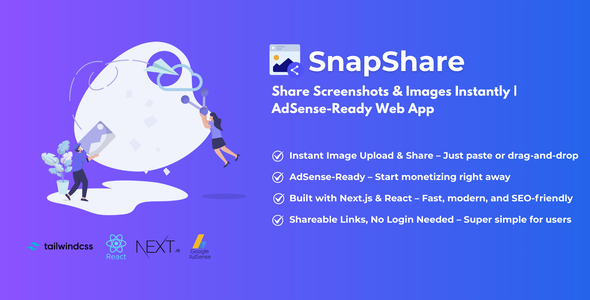
SnapShare – Share Screenshots and Images Instantly | Adsense Ready WebApp
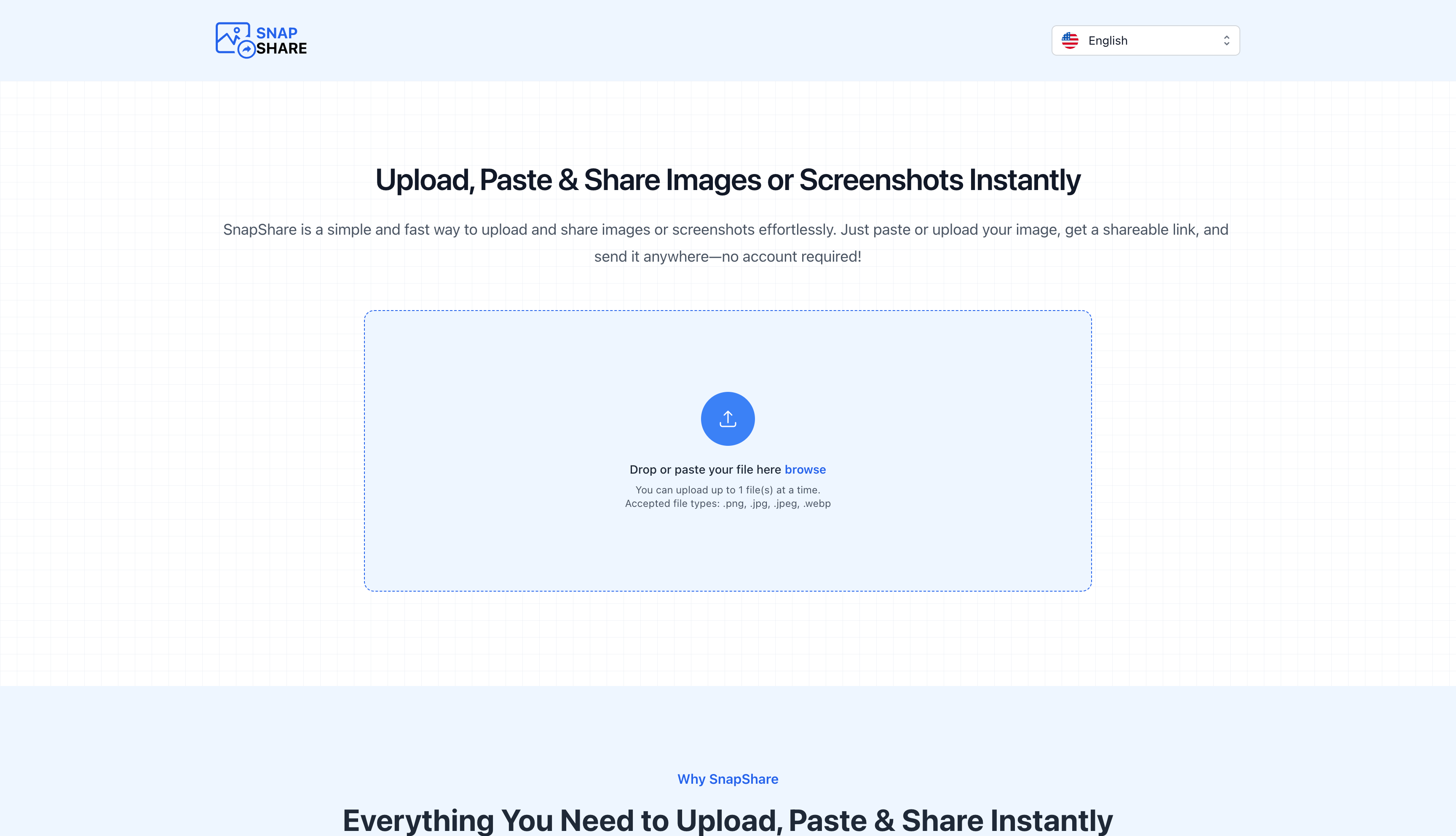
The fastest way to upload and share images, built with Next.js & React, and fully AdSense ready.
Whether you’re pasting screenshots, uploading photos, or sharing quick visuals — SnapShare makes it instant and effortless.
Perfect for customer support teams, IT help desks, and remote collaboration. Whether you’re troubleshooting technical issues, sharing visual guides during live chat support, or documenting bugs – instantly share screenshots without interrupting the conversation flow. Also great for teams, creators and anyone who needs quick visual communication!
Tech Stack
- React
- Next.js
- TailwindCSS
- Cloudflare R2
Features
- Blazing fast & lightweight
- SEO optimized with Next.js
- No login required – just paste & share
- AdSense ready for instant monetization
- Fully responsive design
Functionalities
- Paste or upload images directly
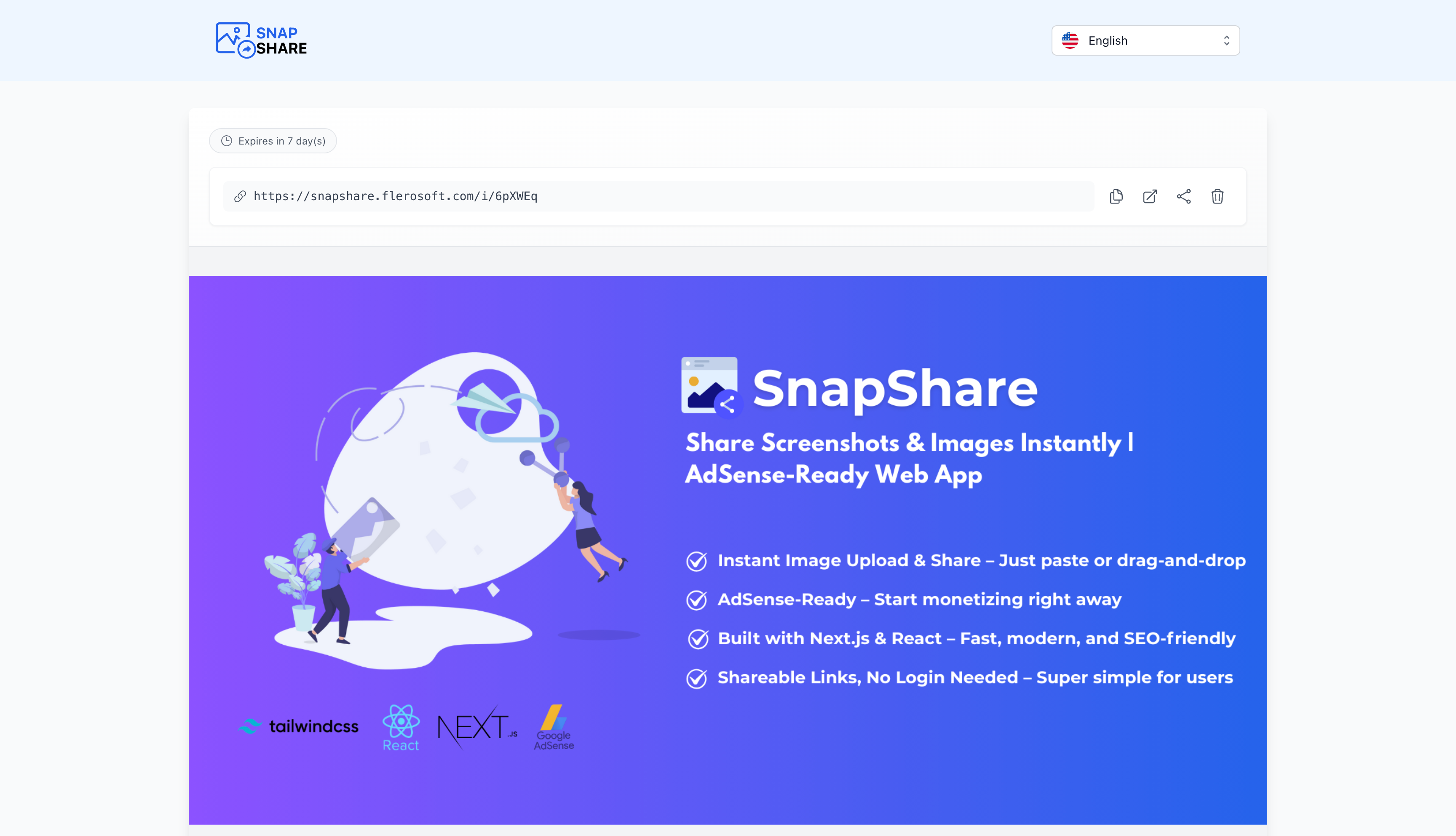
- Instant shareable links
- One-click copy to clipboard
- Open images in new tab
- Image preview before sharing
- Simple and clean UI
- No account or sign-in required
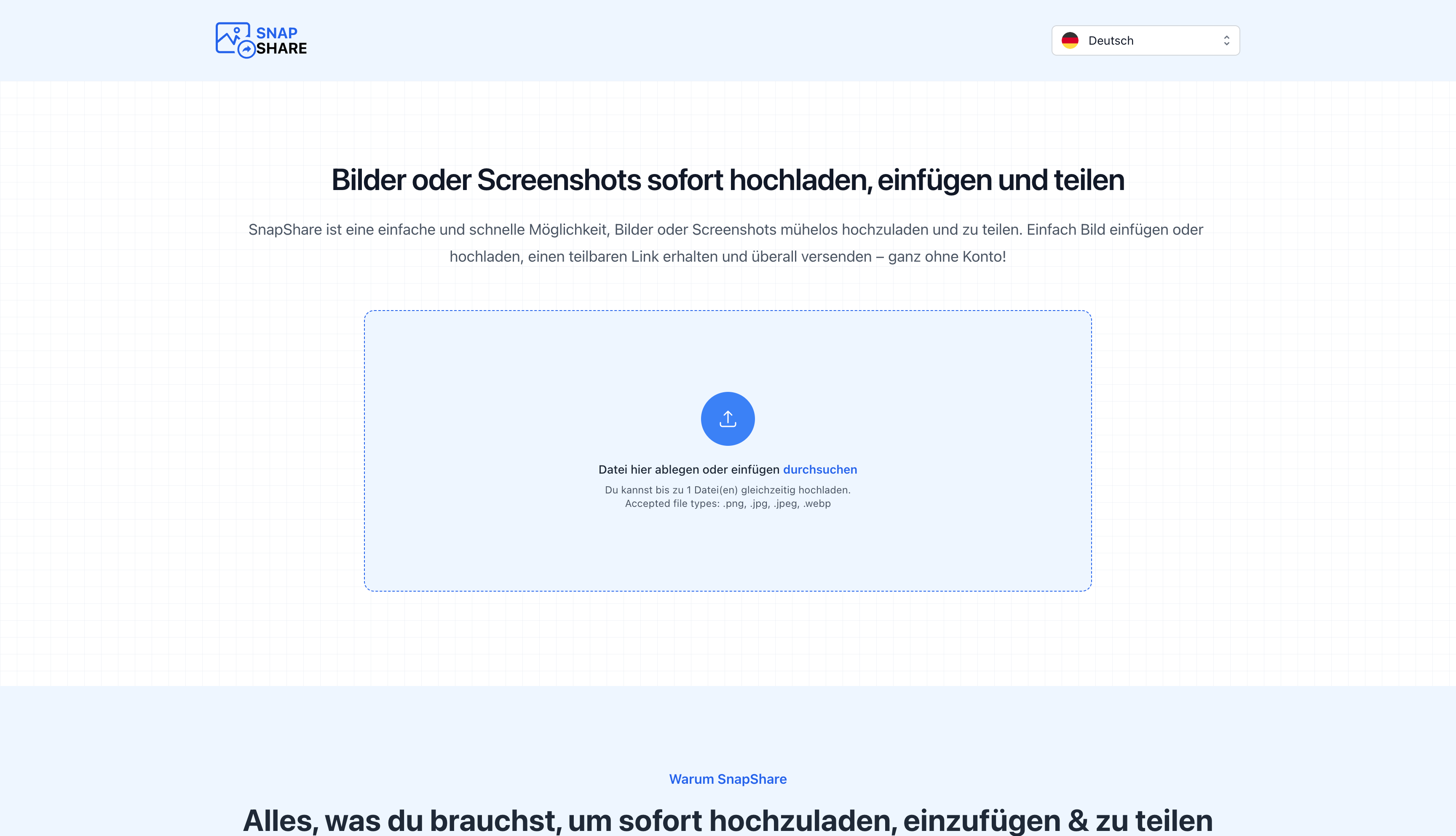
Supported Languages
- English
- Deutsch
- Español
- Français
- Italiano
- Português
- Русский
- Українська
- Bahasa Indonesia
- Dansk
- Nederlands
- हिन्दी
- 한국어
- 日本語
- 中文
Browser Compatibility
- Google Chrome (Latest)
- Mozilla Firefox (Latest)
- Safari (Latest)
- Microsoft Edge (Latest)
- Opera (Latest)
Changelog
Version 1.0 – Initial Release
- Core image sharing functionality
- AdSense integration
- Responsive design
Documentation
Comprehensive documentation is included with:
- Detailed installation guide
- Configuration instructions
- AdSense setup guide
- Customization options
- Troubleshooting tips
Support
We provide dedicated support through:
- Comments section
- Email support: https://support.flerosoft.com
- Regular updates
- Bug fixes