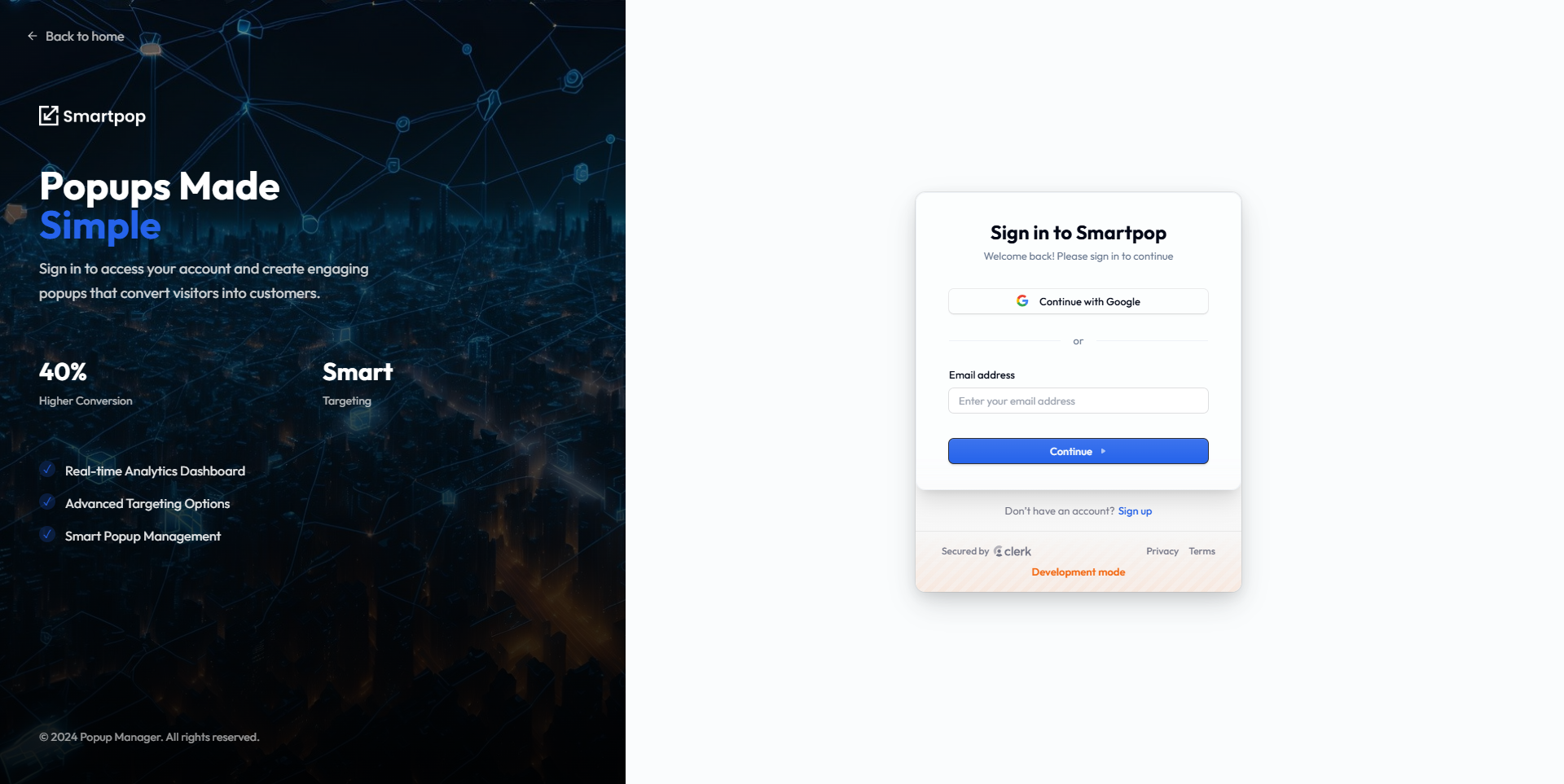
Notice: Currently Google authentication is not working while using Live Preview, if you want to test Google Authentication access directly from here
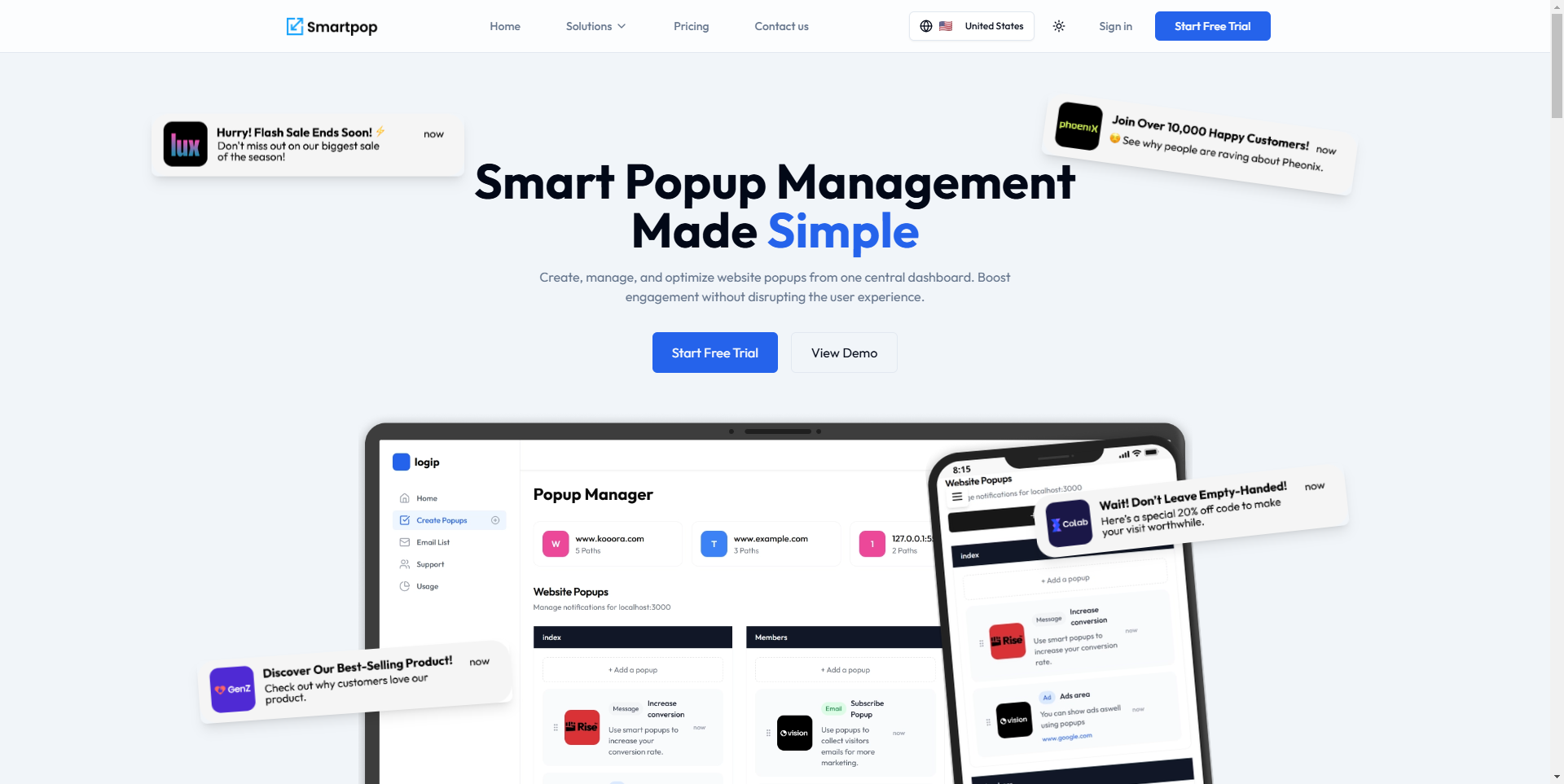
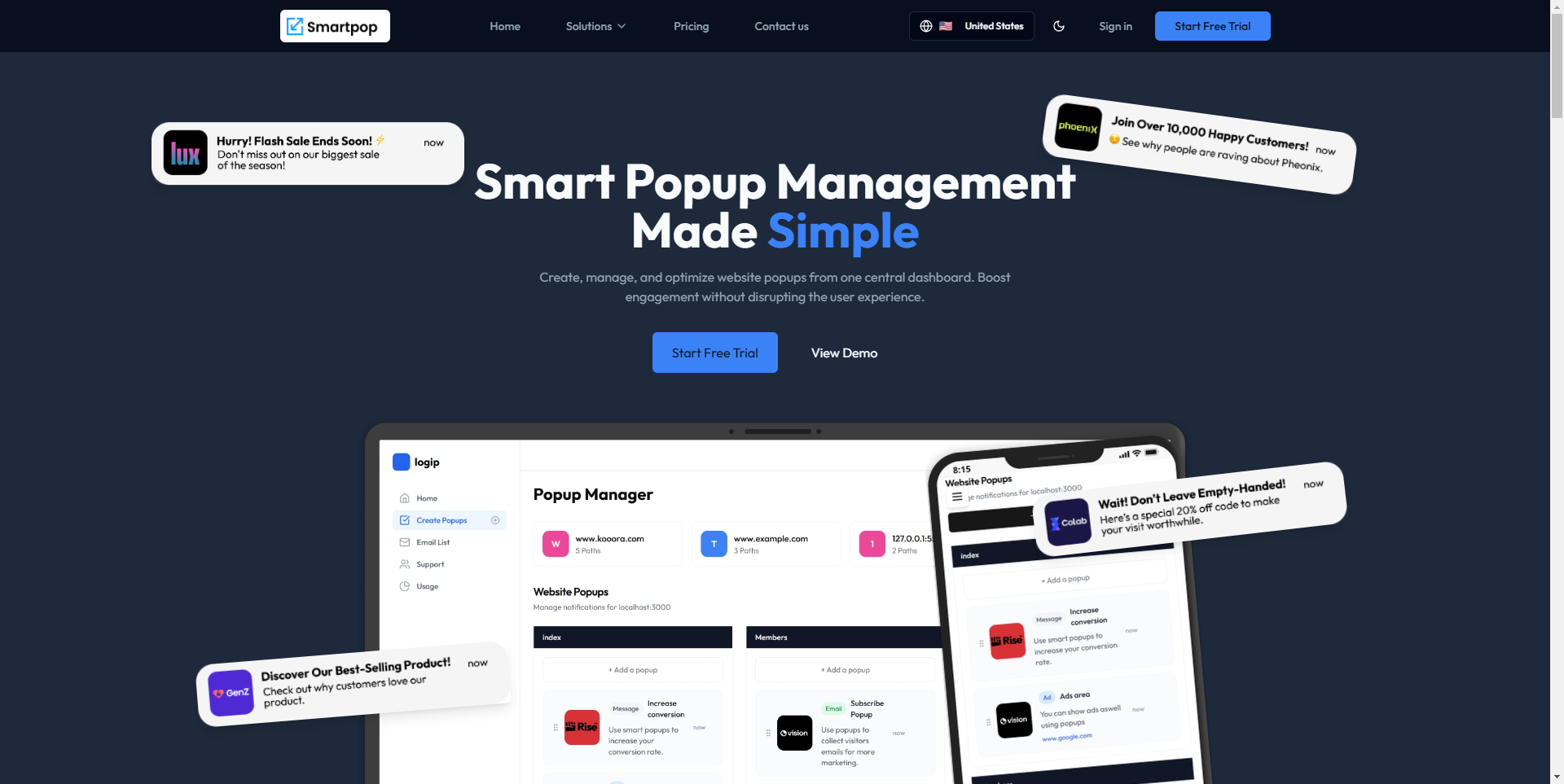
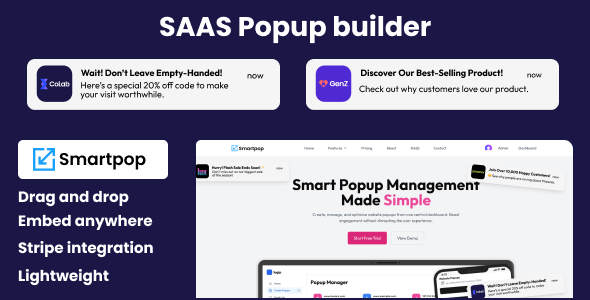
Launch your own SaaS business with Smartpop, a powerful and versatile platform for managing popups. Designed to help you provide exceptional value to your customers, Smartpop equips you with all the tools you need to create a seamless and engaging experience for end users. Live Preview
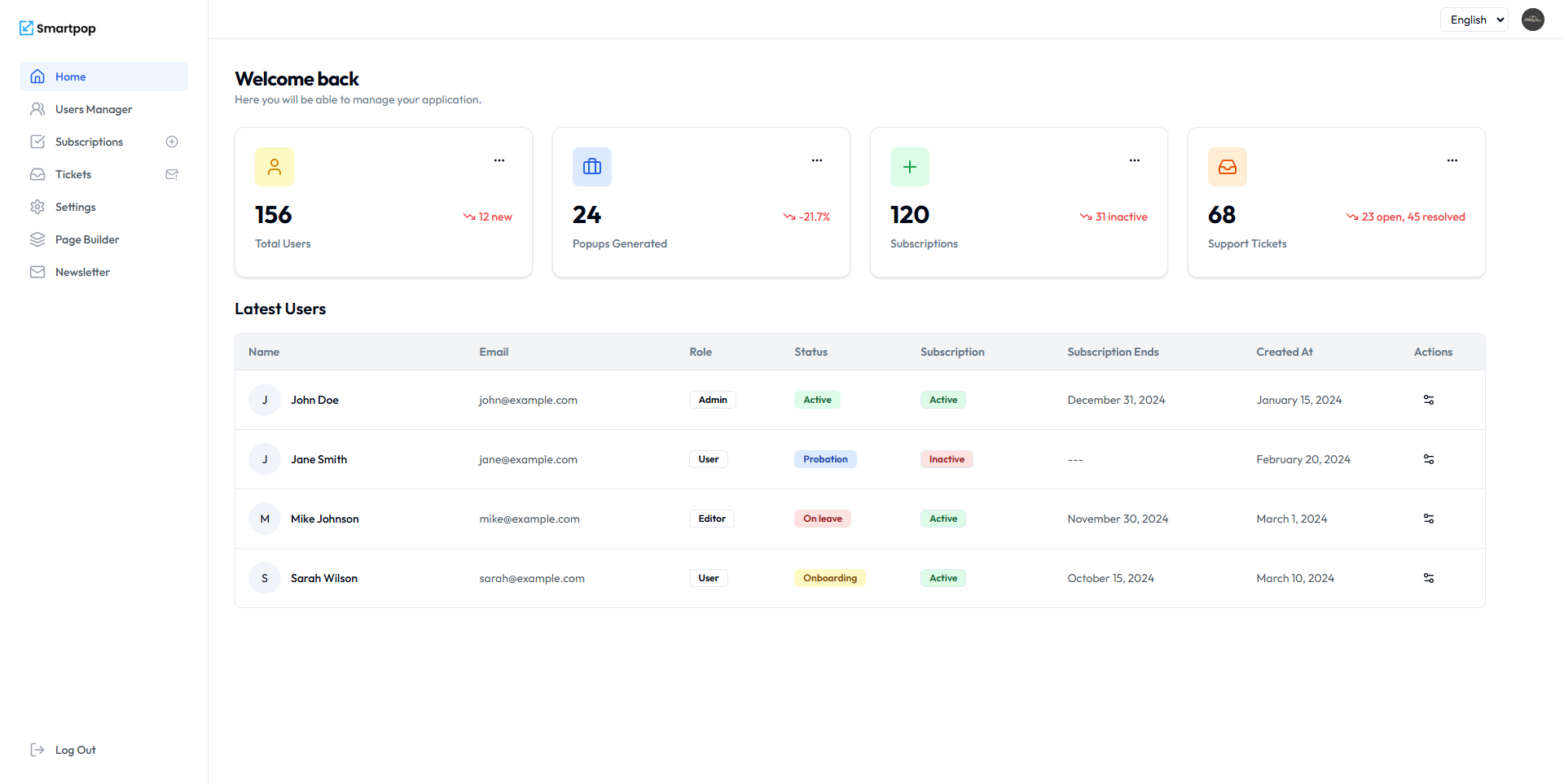
With features like full subscription management, customizable feature restrictions, multilingual support, and dark mode, Smartpop is your all-in-one solution to run and scale a successful SaaS service effortlessly. Admin panel demo
FEATURES
- Mobile-friendly, responsive design.
- Multi-Language support (12 languages).
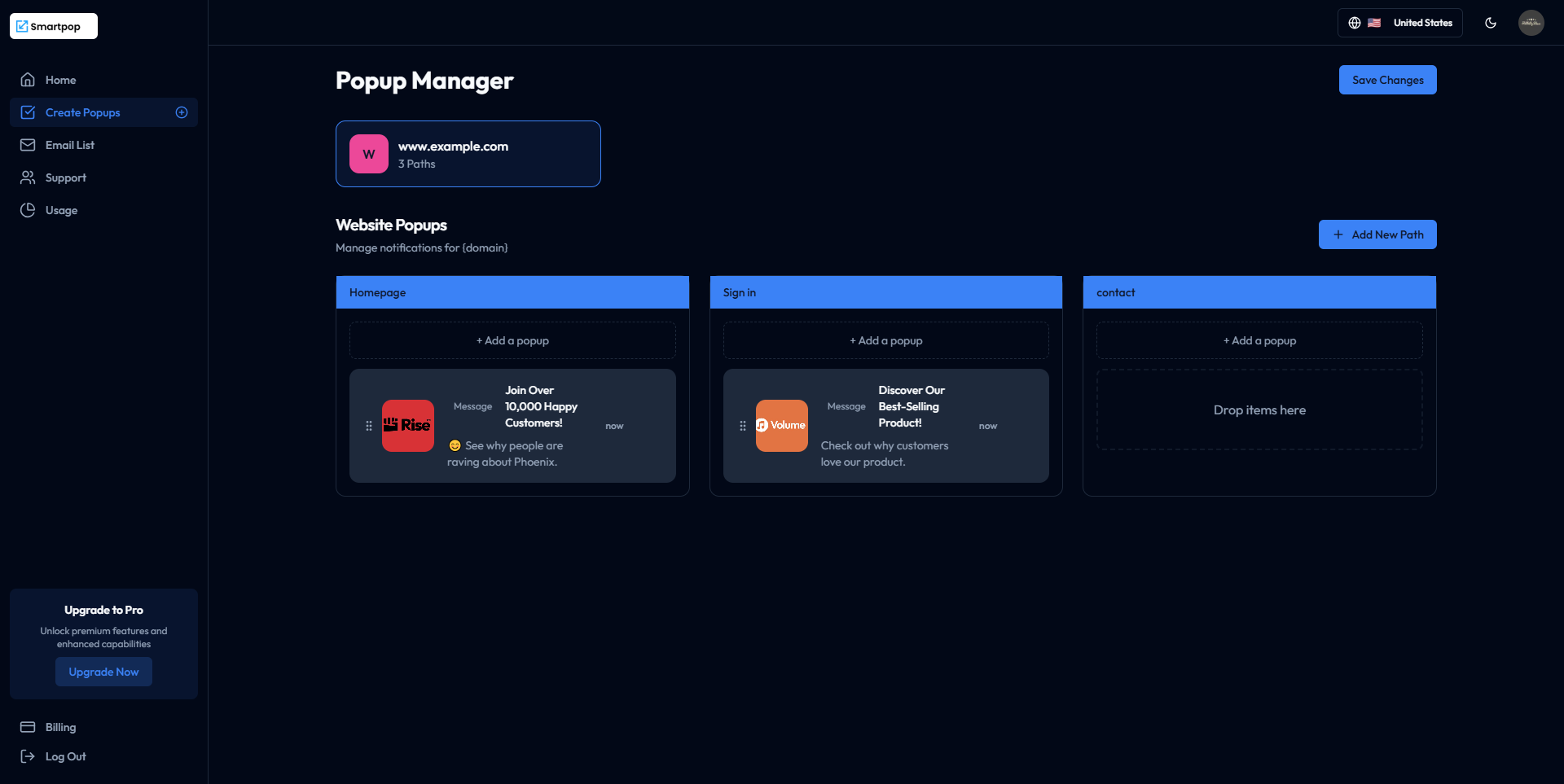
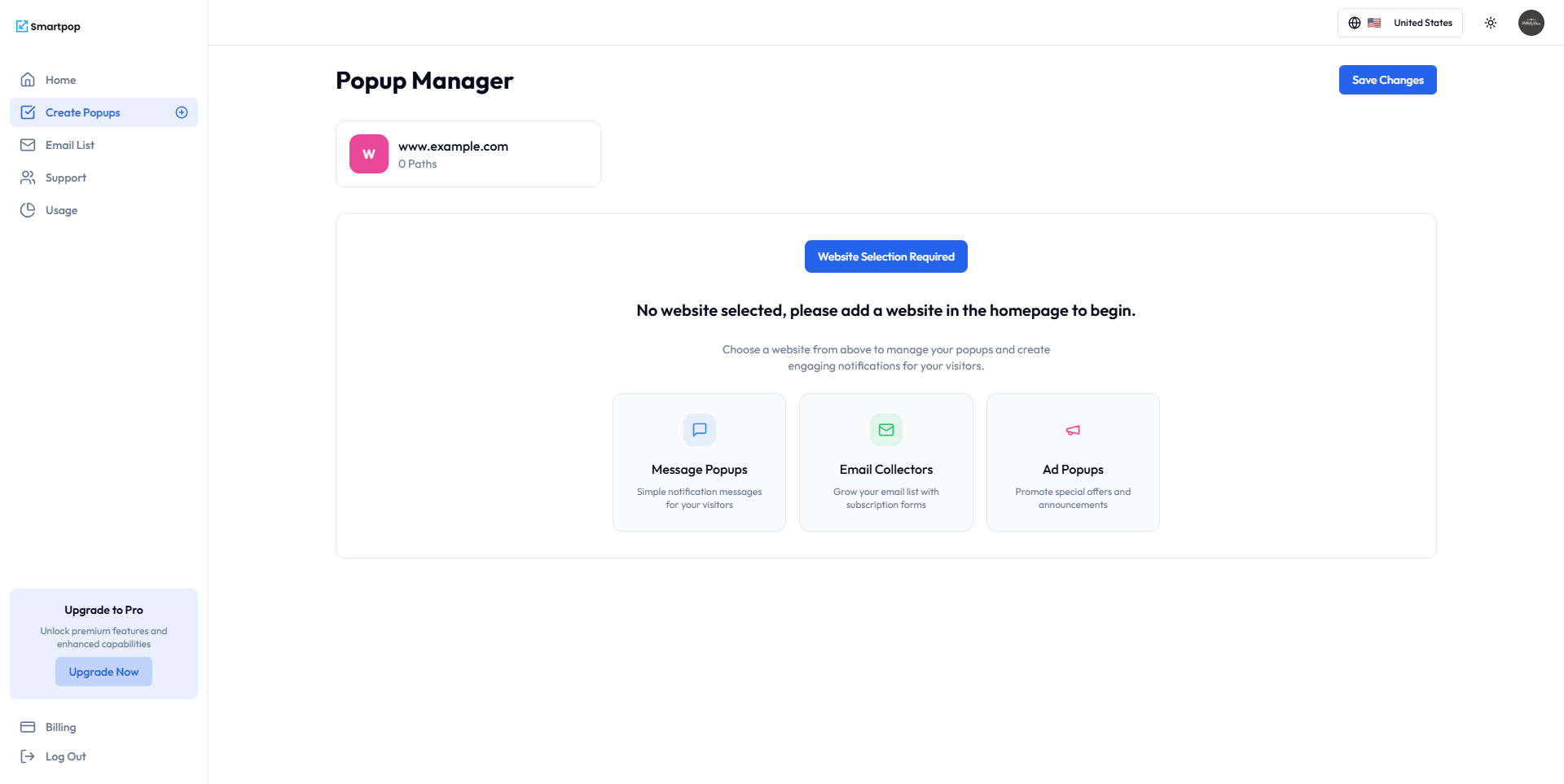
- Advanced Popup Types: Normal popups, email collectors, and advertising popups.
- Page creation module for standalone landing pages.
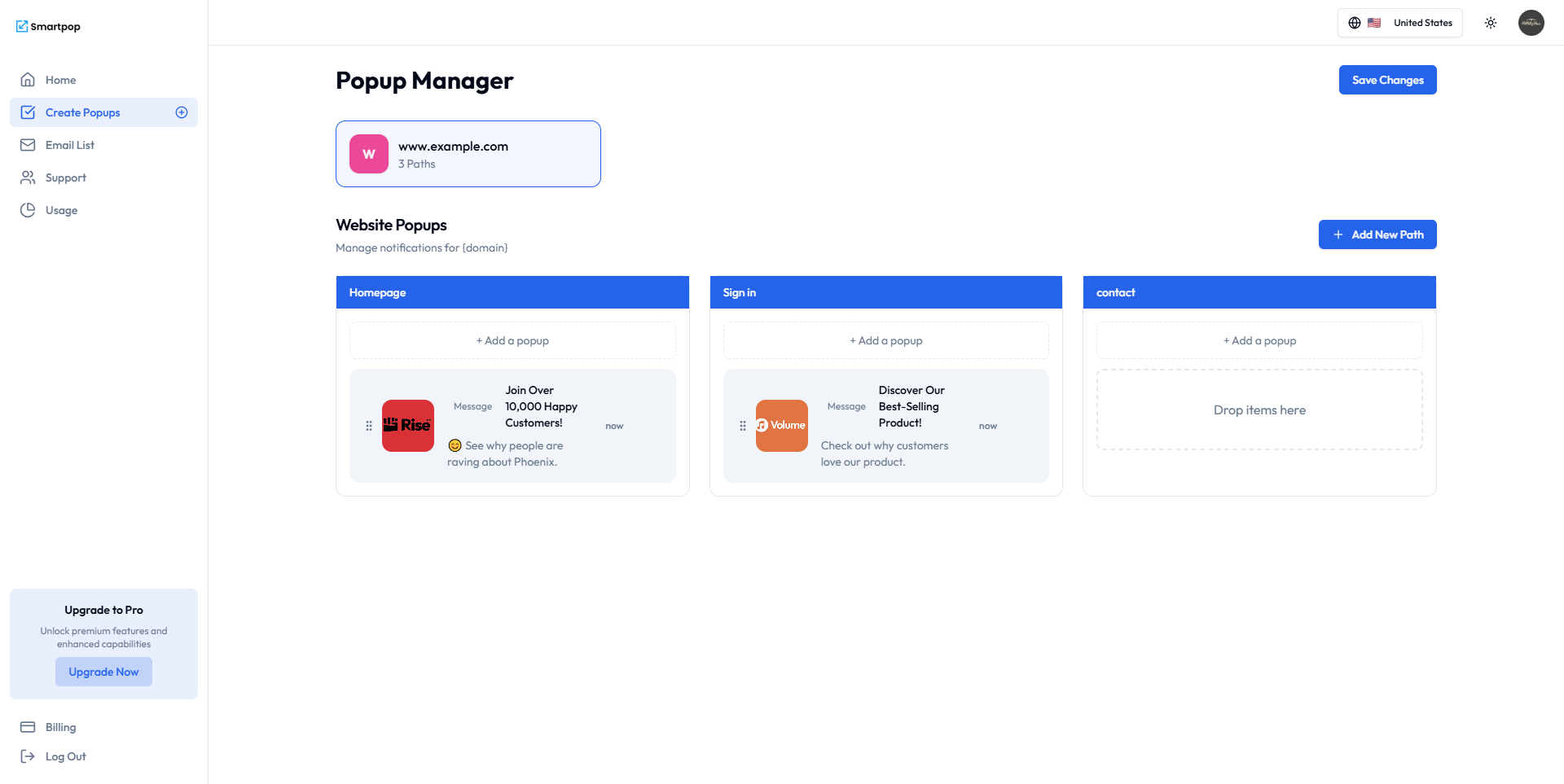
- Drag-and-drop popup and page builder.
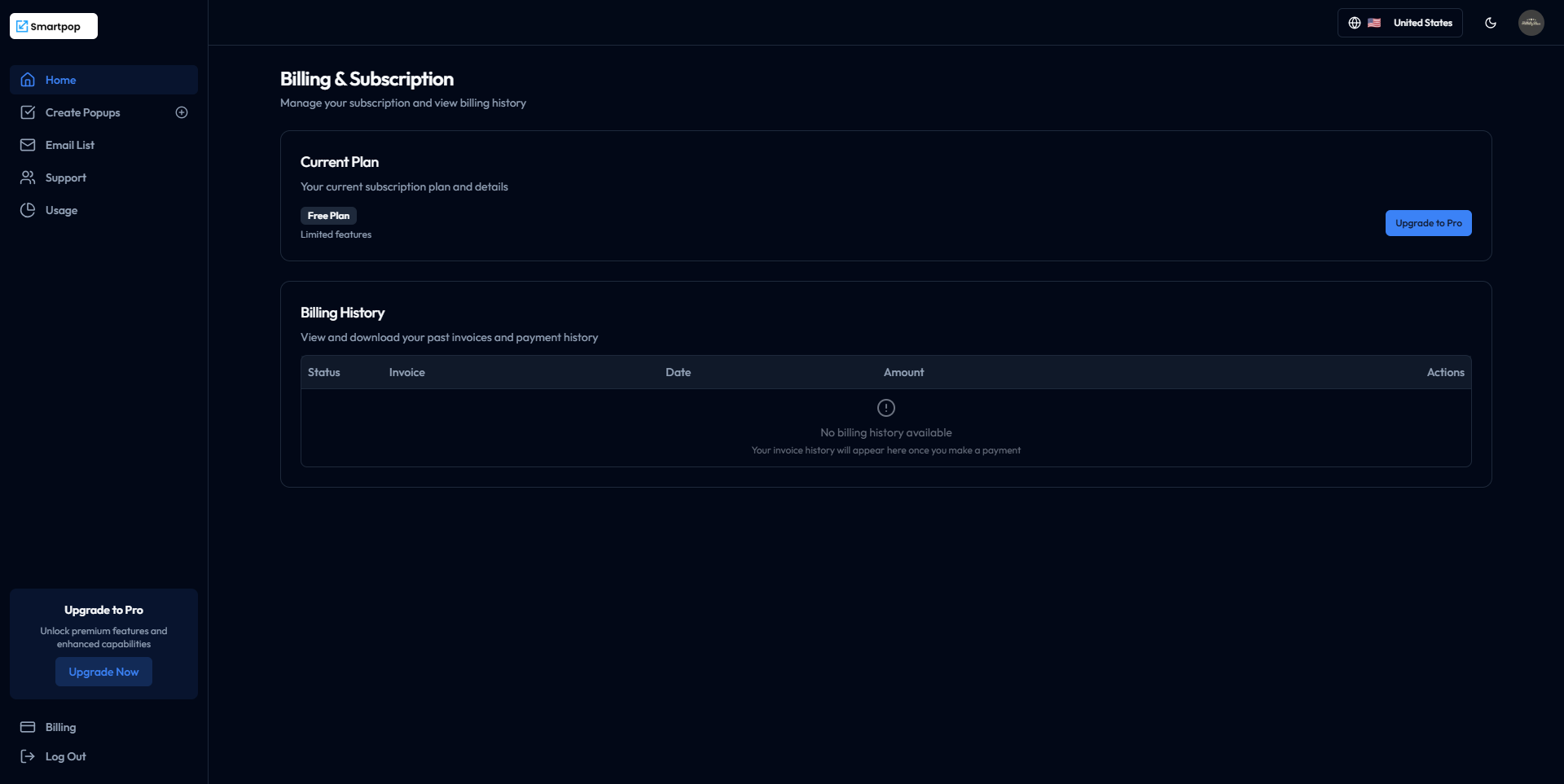
- Subscription plans management with full control over features and limits.
- Feature restrictions by plan: Limit access to specific features or usage limits for each plan.
- Dark mode for a modern and user-friendly interface.
- Detailed analytics: Impressions, clicks, and conversions tracking.
- Granular display path control for popups and pages.
- Lightweight script integration for seamless deployment.
- Secure Stripe integration for subscription payments.
- Fully documented and easy to set up.
REQUIREMENTS
- Modern Node.js version (e.g., 16.x or higher).
- Clerk API Key for authentication (free).
- Neon API Key (free).
- Vercel account for hosting and deployment (free).
- GitHub account for version control and deploying.
CHANGELOG
Scheduled on Jan 24, 2025 – Version 1.1.0 (currently live in demo)
- [Feature] Added PayPal Integration – Seamlessly integrate PayPal for transactions within the app.
- [Feature] Customizable Navigation Bar – Introduced the ability to choose which pages appear in the navigation bar.
- [Feature] Unsaved Changes Indicator – Implemented a visual indicator to notify users of unsaved changes in the popup manager.
- [Feature] Delete Confirmation Dialog – Added an alert dialog to confirm deletion actions, ensuring user clarity.
- [Feature] Enhanced Path Management – Users can now remove paths as part of improved content organization.
- [Fix] Custom Page Accessibility – Resolved issues preventing access to custom pages.
- [Fix] Spanish Language Functionality – Fixed bugs causing the Spanish language setting to malfunction.
- [Fix] Responsive Design Improvements – Addressed problems where some pages were not fully responsive.
- [Fix] Email Collector Preview – Corrected an issue where the preview for the email collector sometimes failed to display properly.