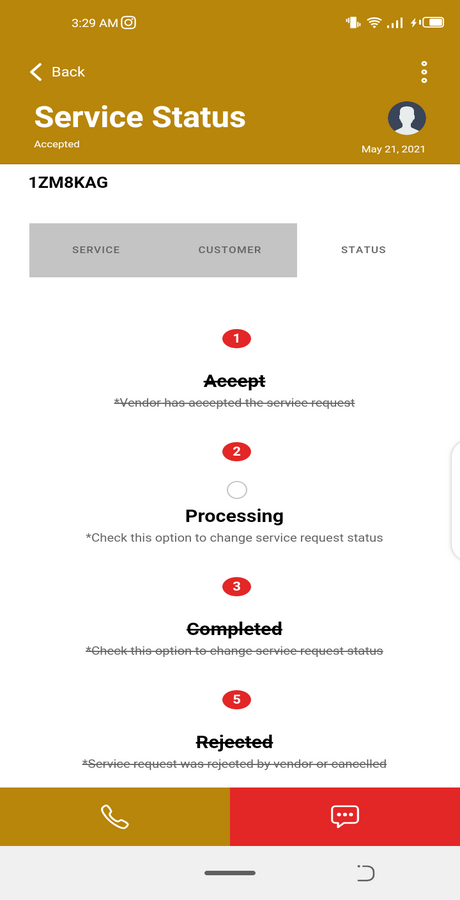
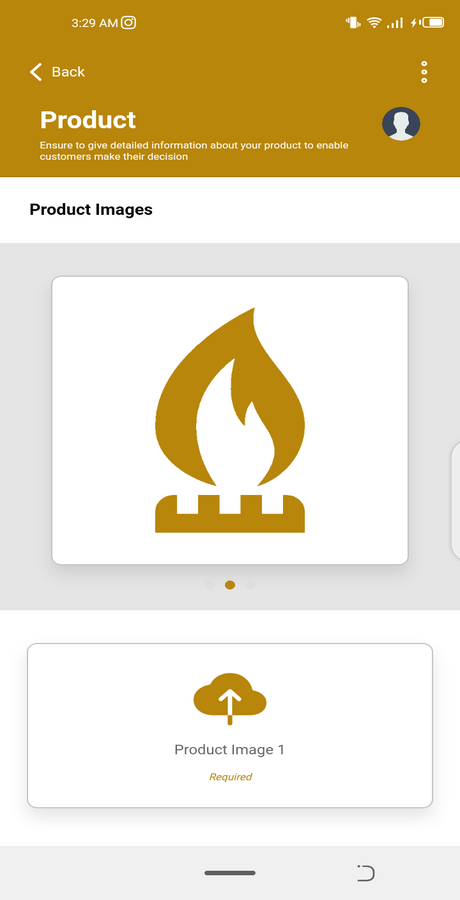
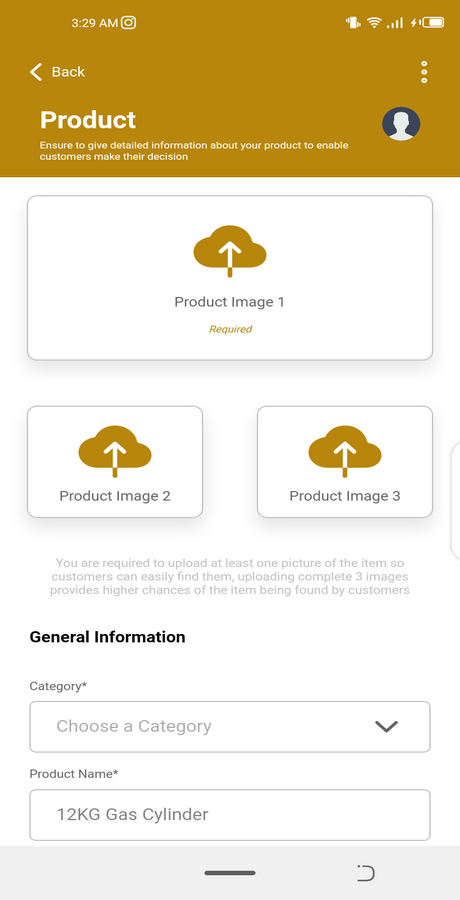
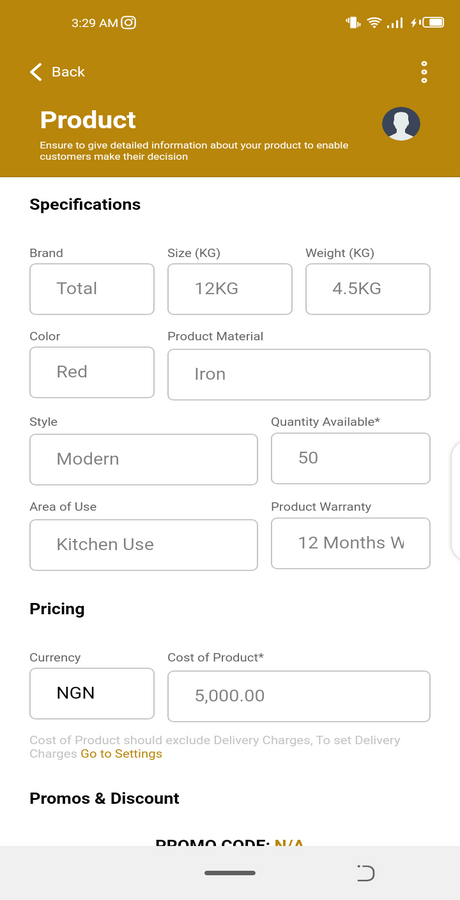
Screenshot_20210522-030131.png Screenshot_20210522-030140.png Screenshot_20210522-030146.png Screenshot_20210522-030153.png Screenshot_20210522-030159.png Screenshot_20210522-030227.png Screenshot_20210522-030234.png Screenshot_20210522-030240.png Screenshot_20210522-030257.png Screenshot_20210522-030331.png Screenshot_20210522-030341.png Screenshot_20210522-030408.png Screenshot_20210522-030416.png Screenshot_20210522-030422.png Screenshot_20210522-030450.png Screenshot_20210522-030515.png Screenshot_20210522-030524.png Screenshot_20210522-030534.png Screenshot_20210522-030545.png Screenshot_20210522-030606.png Screenshot_20210522-030615.png Screenshot_20210522-030640.png Screenshot_20210522-030835.png Screenshot_20210522-030905.png Screenshot_20210522-030933.png Screenshot_20210522-030941.png Screenshot_20210522-030948.png Screenshot_20210522-030955.png Screenshot_20210522-031005.png Screenshot_20210522-031011.png Screenshot_20210522-031023.png Screenshot_20210522-031050.png Screenshot_20210522-031117.png Screenshot_20210522-031123.png Screenshot_20210522-031131.png Screenshot_20210522-031137.png Screenshot_20210522-031142.png Screenshot_20210522-031152.png Screenshot_20210522-031158.png Screenshot_20210522-031207.png Screenshot_20210522-031214.png Screenshot_20210522-031225.png Screenshot_20210522-031230.png Screenshot_20210522-031255.png Screenshot_20210522-031305.png Screenshot_20210522-031317.png Screenshot_20210522-032102.png Screenshot_20210522-032110.png Screenshot_20210522-032115.png Screenshot_20210522-032524.png Screenshot_20210522-032529.png Screenshot_20210522-032730.png Screenshot_20210522-032745.png Screenshot_20210522-032754.png Screenshot_20210522-032801.png Screenshot_20210522-032809.png Screenshot_20210522-032821.png Screenshot_20210522-032831.png Screenshot_20210522-032838.png Screenshot_20210522-032911.png Screenshot_20210522-032916.png Screenshot_20210522-032924.png Screenshot_20210522-032937.png Screenshot_20210522-032943.png Screenshot_20210522-032949.png Screenshot_20210522-032956.png Screenshot_20210522-033002.png Screenshot_20210522-033009.png Screenshot_20210522-033023.png Screenshot_20210522-033031.png Screenshot_20210522-033045.png Screenshot_20210522-033055.png Screenshot_20210522-033105.png Screenshot_20210522-033122.png Screenshot_20210522-033205.png Screenshot_20210522-033221.png Screenshot_20210522-033255.png Screenshot_20210522-033303.png Screenshot_20210522-033317.png Screenshot_20210522-033326.png Screenshot_20210522-033332.png Screenshot_20210522-033344.png Screenshot_20210522-033355.png Screenshot_20210522-033404.png Screenshot_20210522-033422.png Screenshot_20210522-033533.png Screenshot_20210522-033540.png Screenshot_20210522-033601.png Screenshot_20210522-033606.png
Updated 18th May 2024
- Upgrade Ionic Integration
- Upgrade Angular Integration
- Upgrade Capacitor Integration
- Upgraded all dependencies & plugins
- Supports Android 13+
Updated 15th September 2022
- Added Capacitor Integration
- Upgraded all dependencies & plugins
- Supports Android 13+
COMPLETE SOLUTION INCLUDED – MOBILE APP, ADMIN DASHBOARD & API SERVER
Developed using Ionic Framework Version 6 and Angular 16
Android APK File Download (Google Drive): https://drive.google.com/file/d/1RTqFu8fp4XKbffG7B4wFoe_n5YOziv93/view?usp=sharing
INTRODUCTION
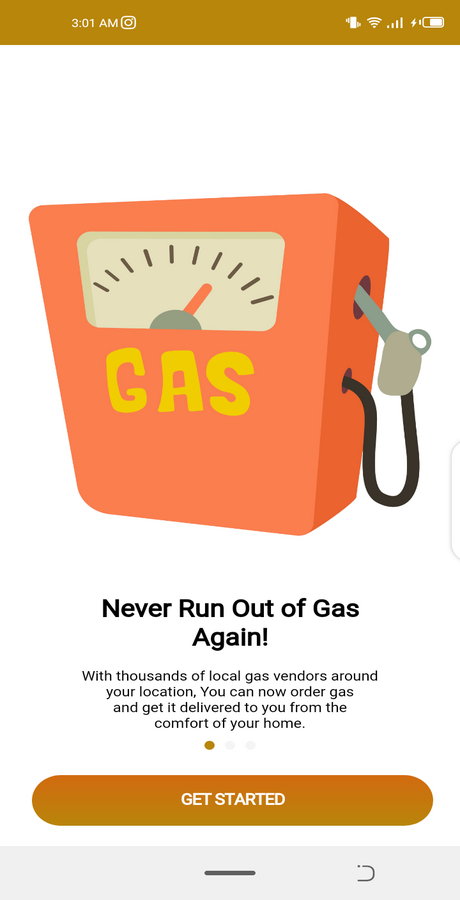
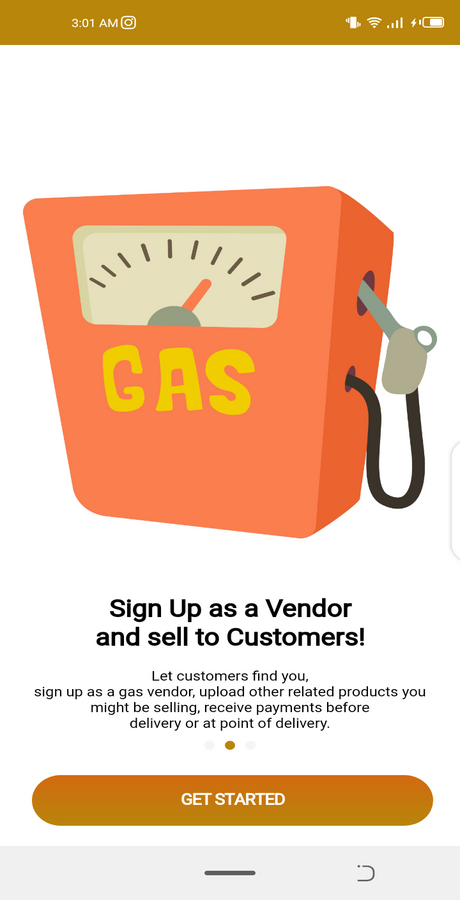
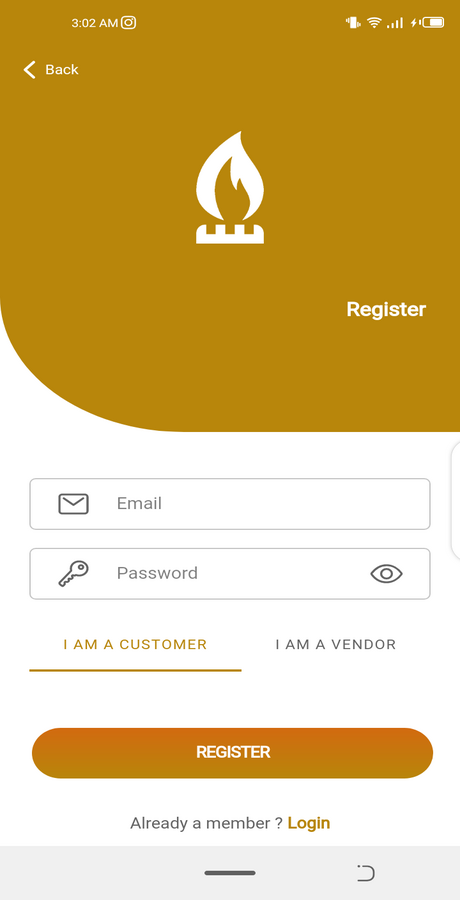
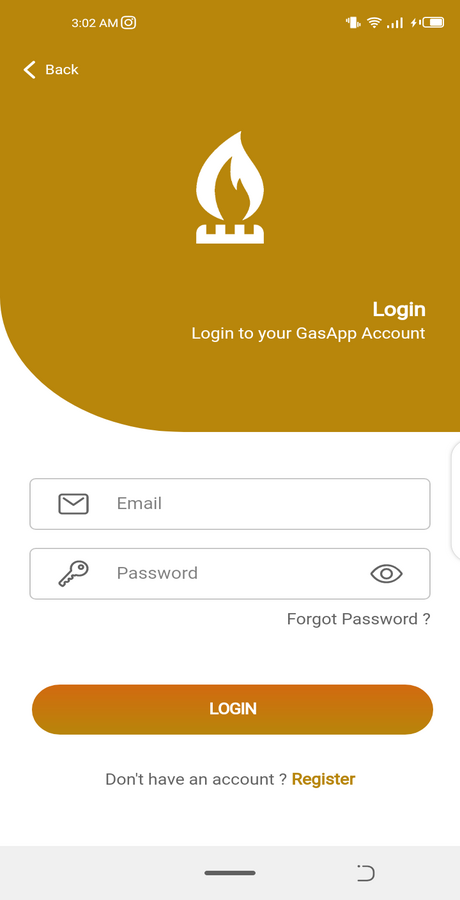
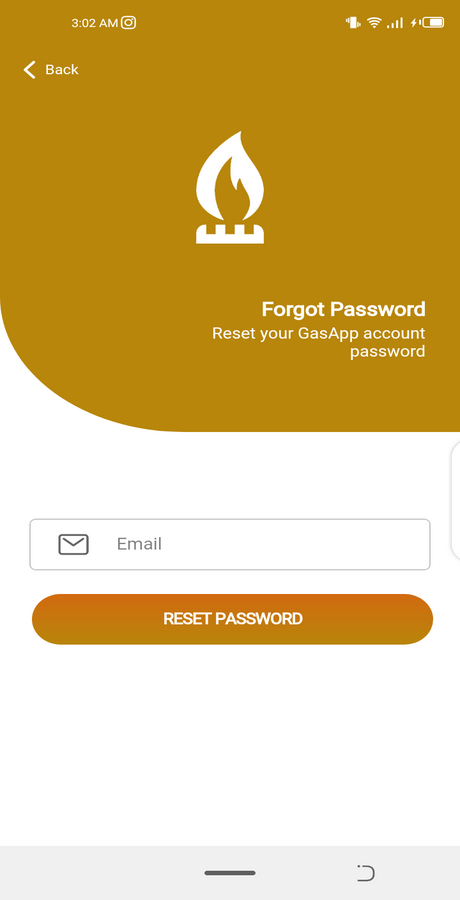
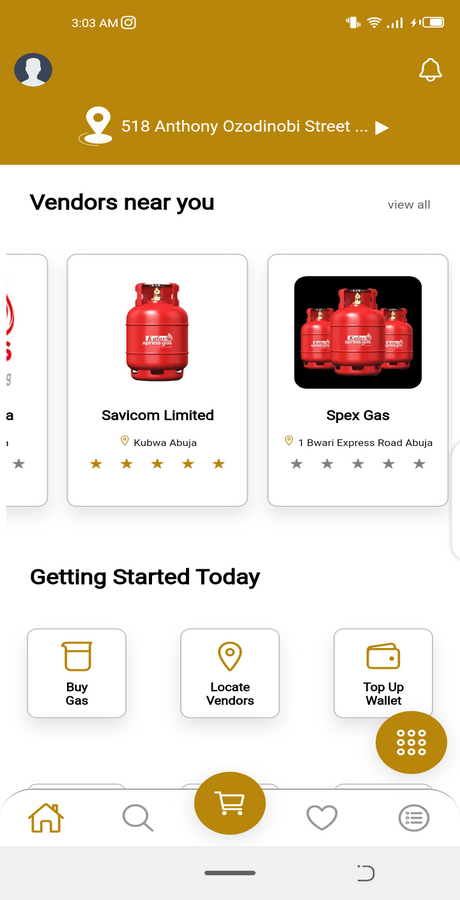
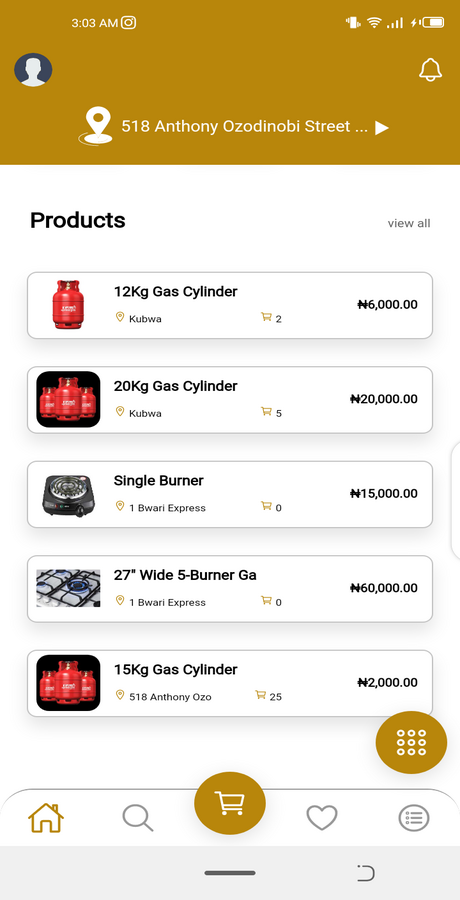
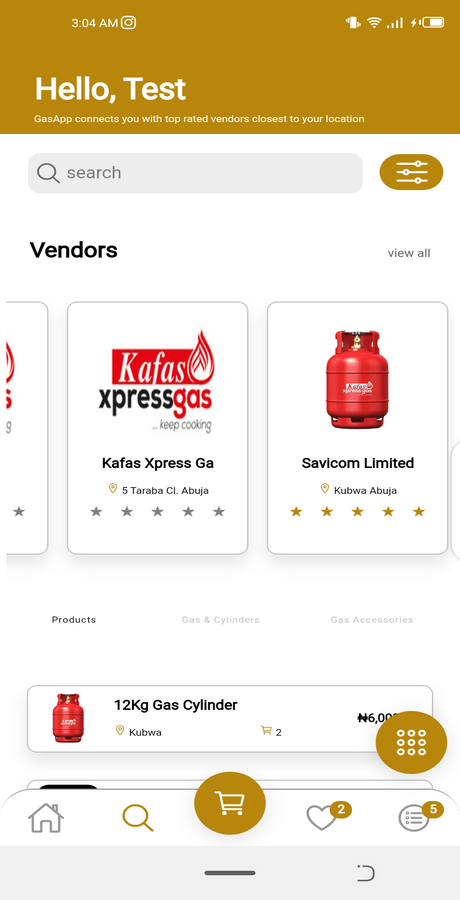
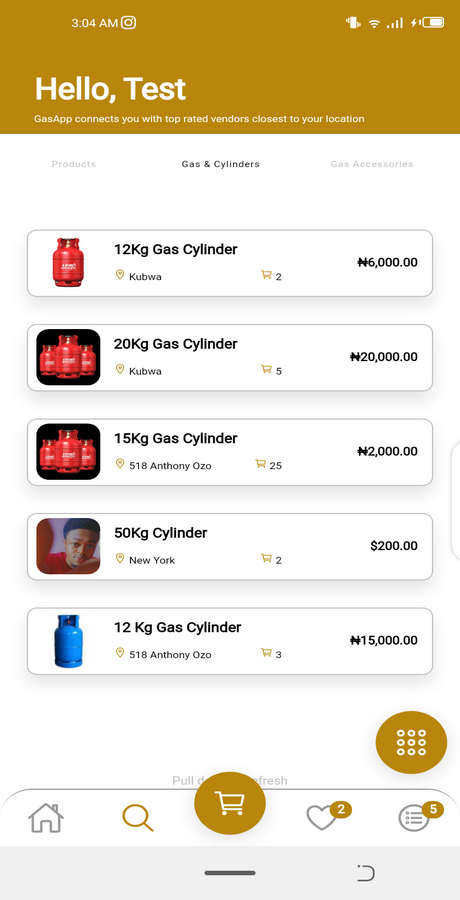
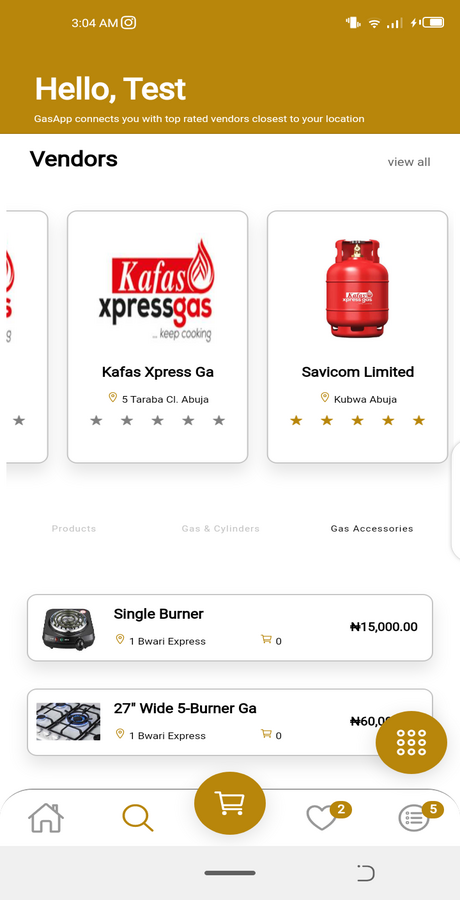
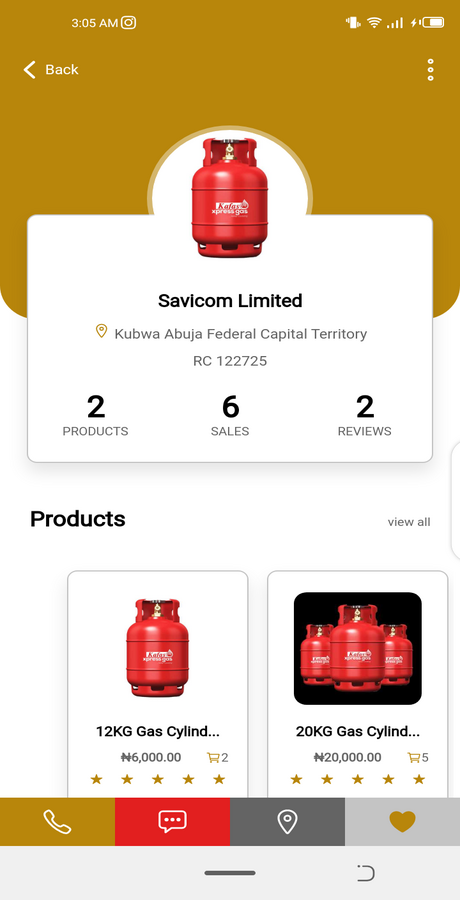
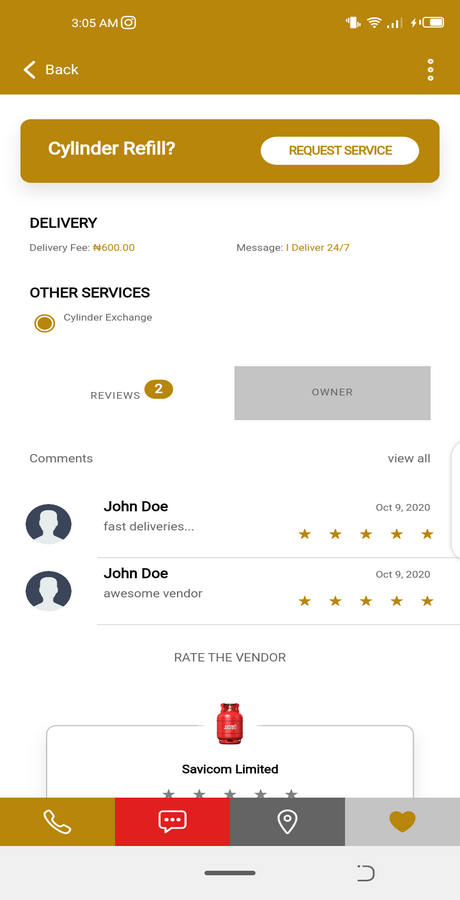
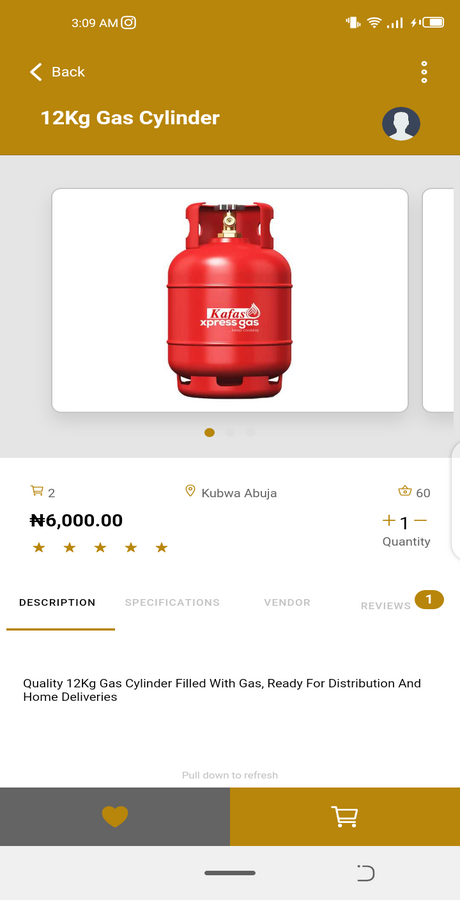
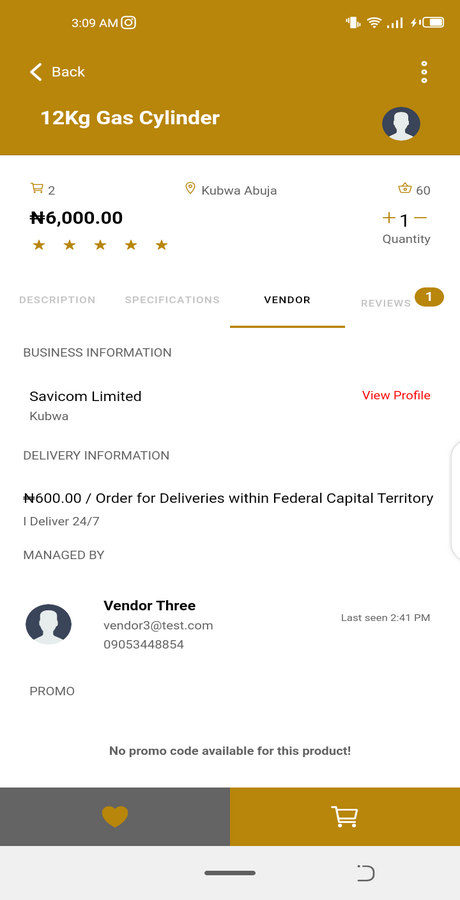
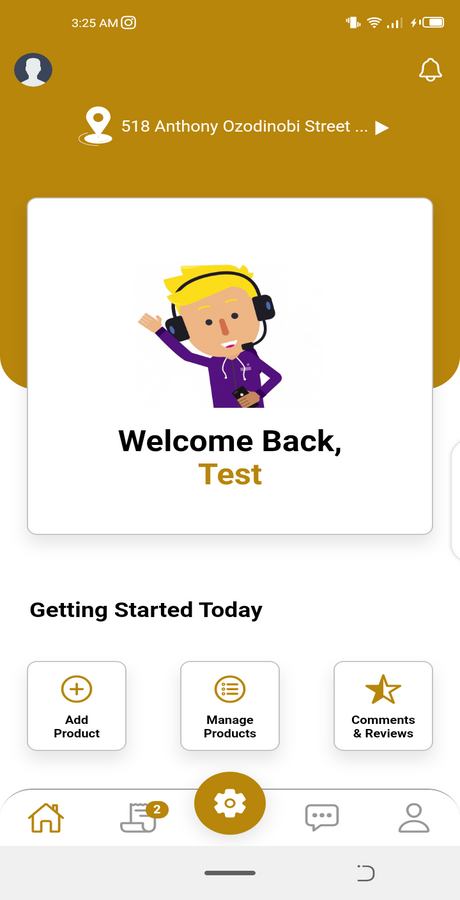
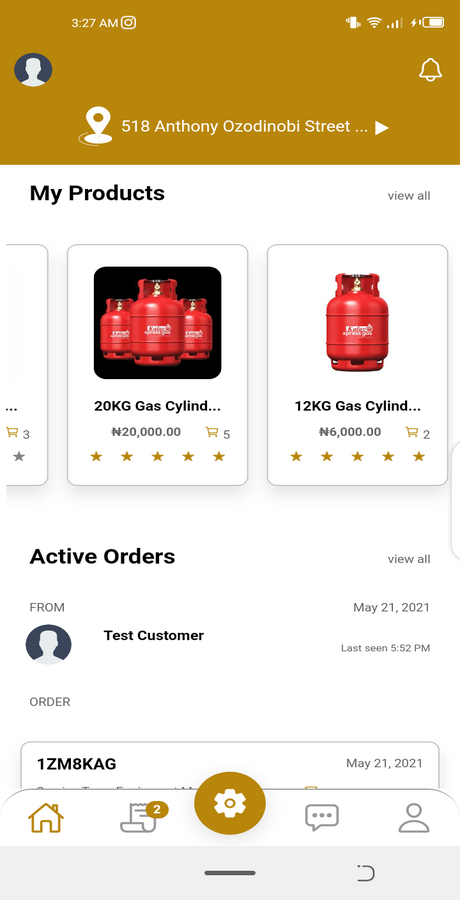
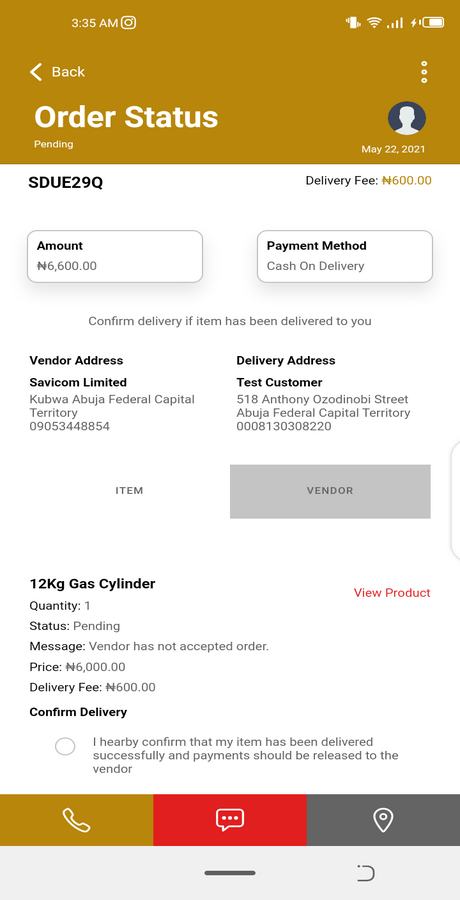
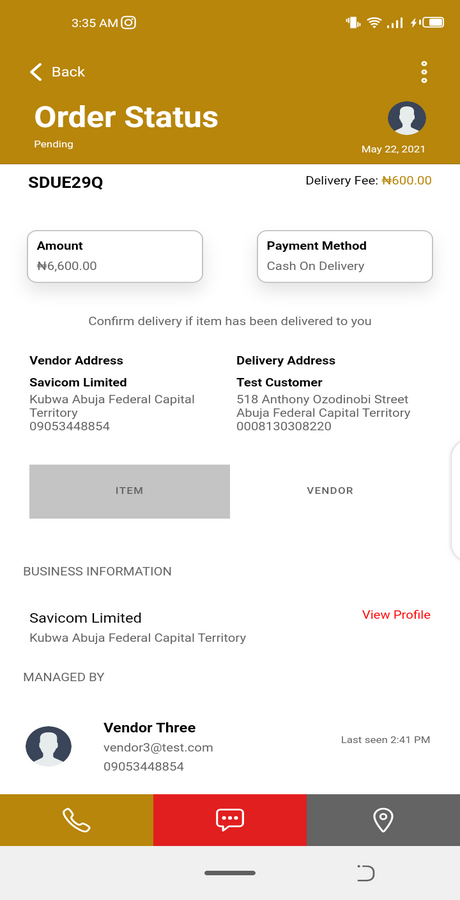
This is an On-demand Multivendor Gas Ordering App. Both Customers (Buyers) and Vendors (Sellers) can sign up and use the app. The app can also be deployed on both Android & iOS devices. This app is a mobile marketplace where customers can purchase gas on-demand from vendors within their location.
REQUIREMENTS
MOBILE
- Node JS – Version 16.0+ – https://nodejs.org/
- Ionic CLI – Version 6+ – https://ionicframework.com/
- Ionic Framework Version 6
- Angular Version 16 – https://angular.io/
- Cordova – https://cordova.apache.org/ REMOVED PARTIALLY & NOT REQUIRED
- Capacitor Version 6 – https://capacitorjs.com/
ADMIN
- Node JS – Version 16.0+ – https://nodejs.org/
- Angular 16 – Version 16.0+ – https://nodejs.org/
- Angular Material 14.2.7
- Angular CDK 14.2.7
API SERVER
- Node JS – Version 16.0+ – https://nodejs.org/
- MongoDB Atlas – https://cloud.mongodb.com/
- Database Connection – Change MongoDB Connection URI in ‘db.js’ file
- Optional: Upload default collections to MongoDb for demo data
INSTALLATION
- Unzip the downloaded source code
- Open terminal or cmd in the root directory of the source code/app
- run “npm install” to add all dependencies (Mobile App, Admin Dashboard, API Server)
- run “ionic serve” to run the app at http://localhost:8100/ – For Mobile APP
- run “ng serve” to run the app at http://localhost:4100/ – For Admin Dashboard
- run “npm start” to run the app at http://localhost:5100/ – For API Server
That’s all! You have your running app, api server & admin dashboard
FEATURES
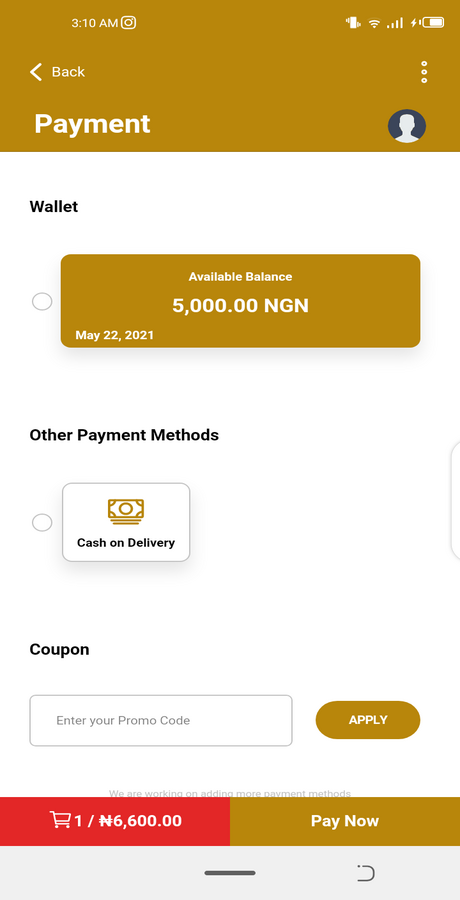
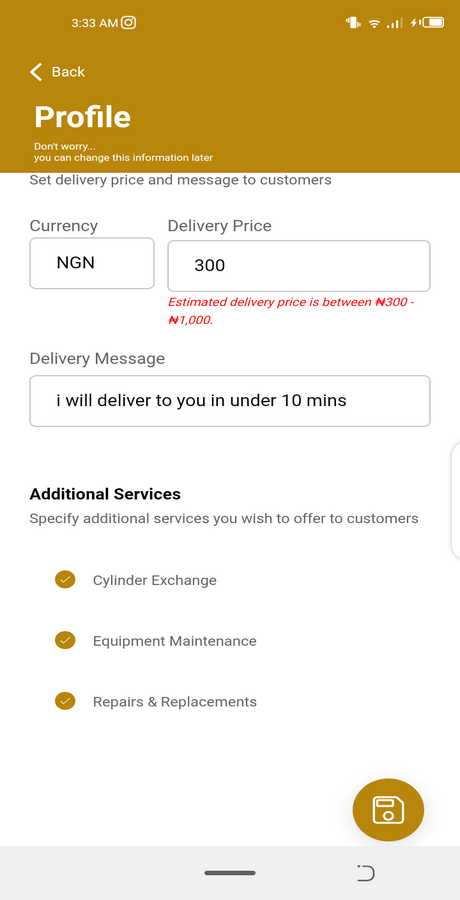
1. Multi-Vendor Gas Ordering App – (Any gas vendor can sign up and sell) | Buyers/Customers can also sign up and make purchases from vendors
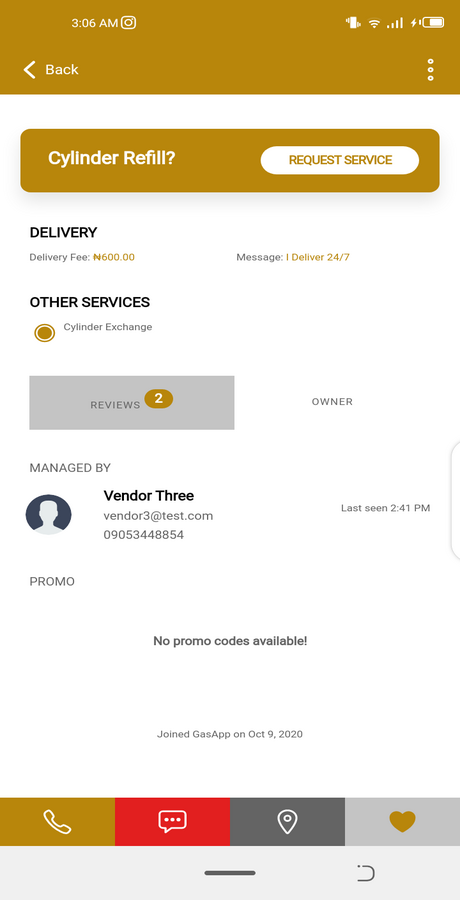
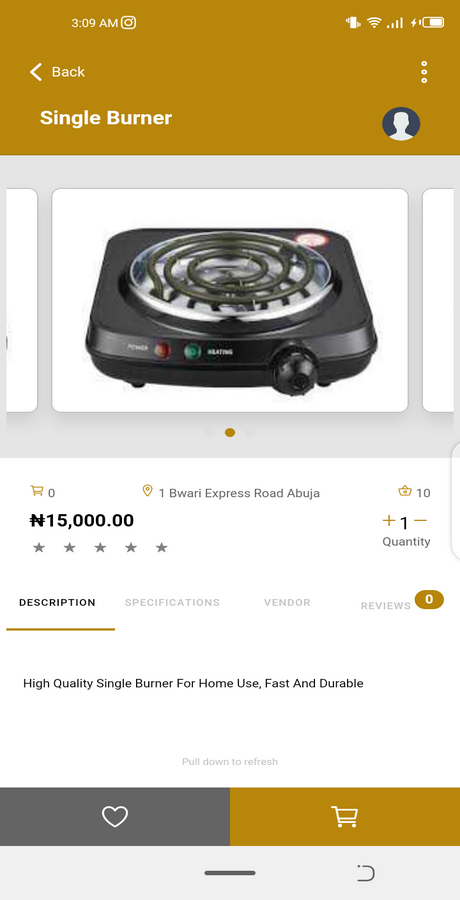
2. Browse categories, vendors and their Products
3. Add to cart Products
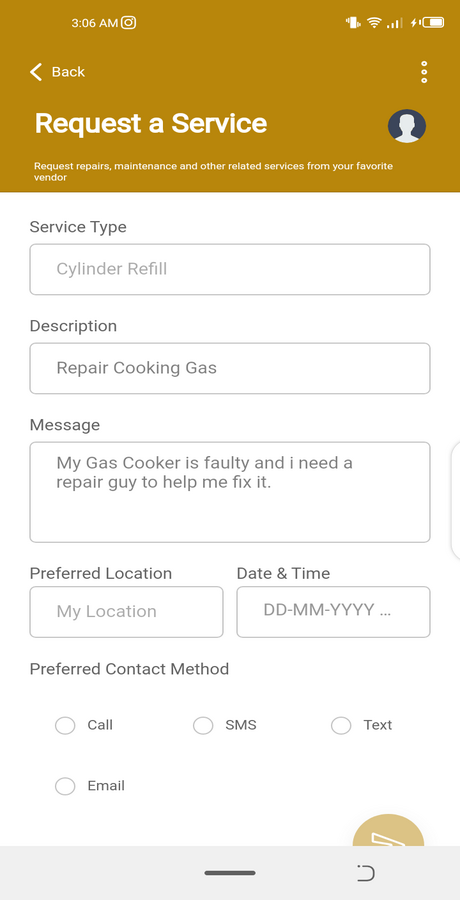
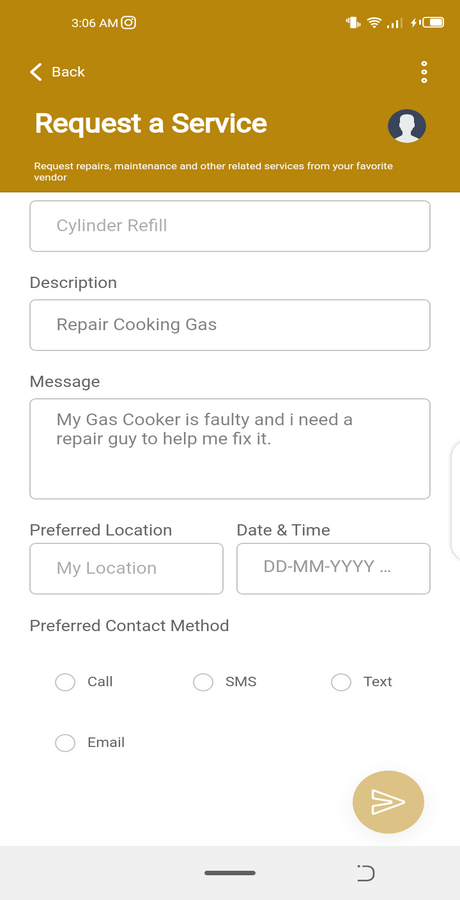
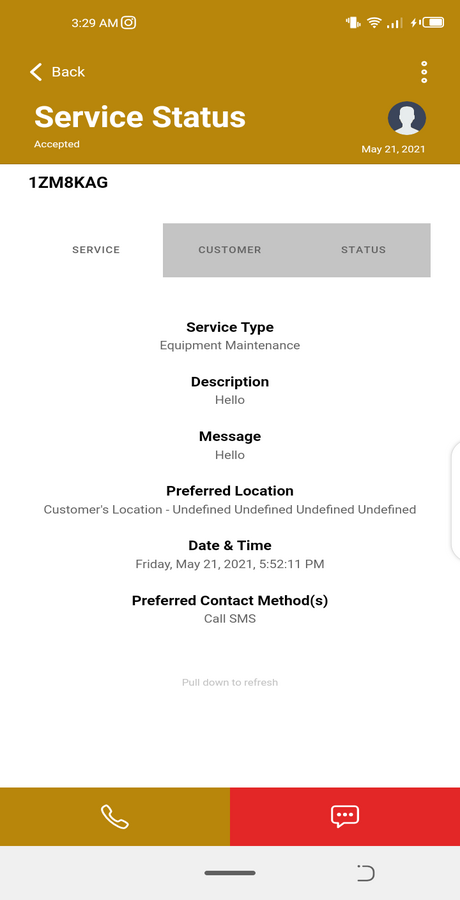
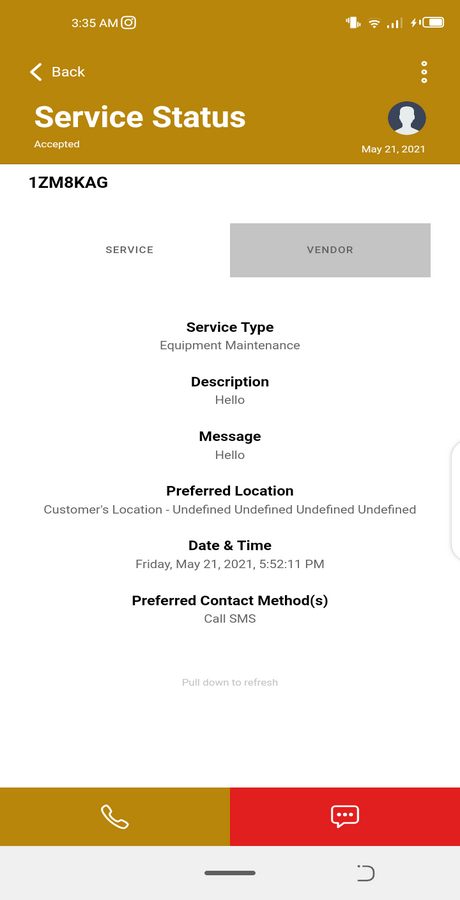
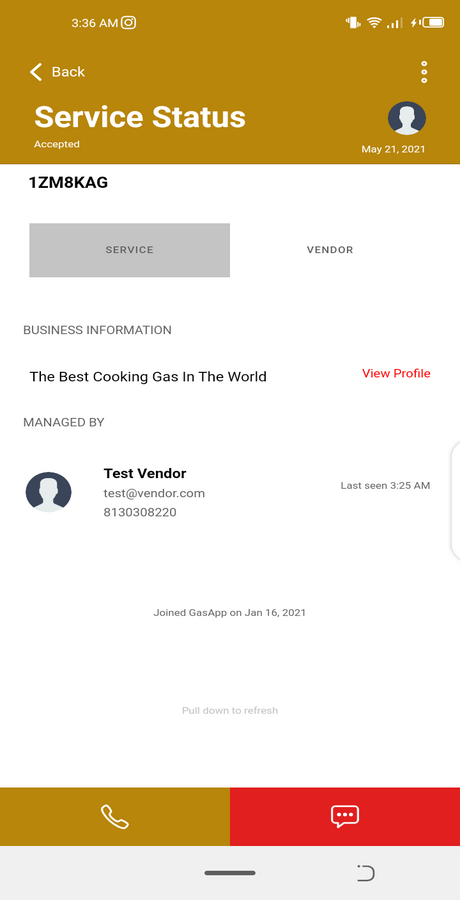
4. Schedule cylinder refills from Vendors
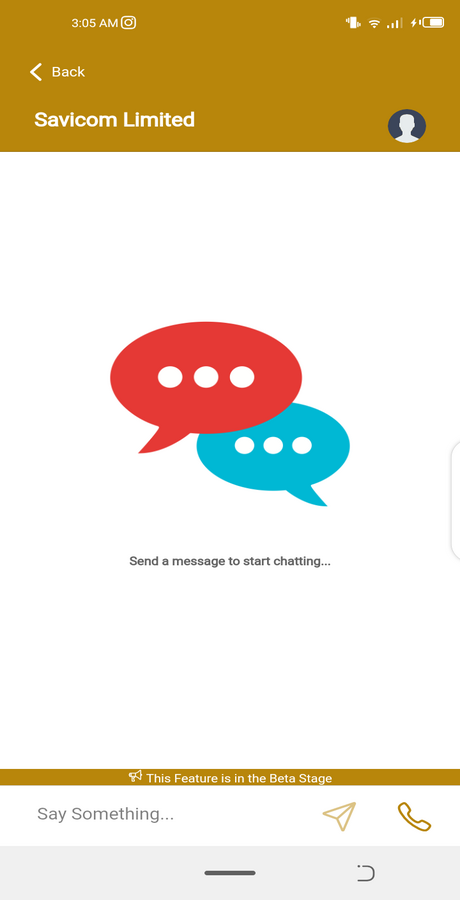
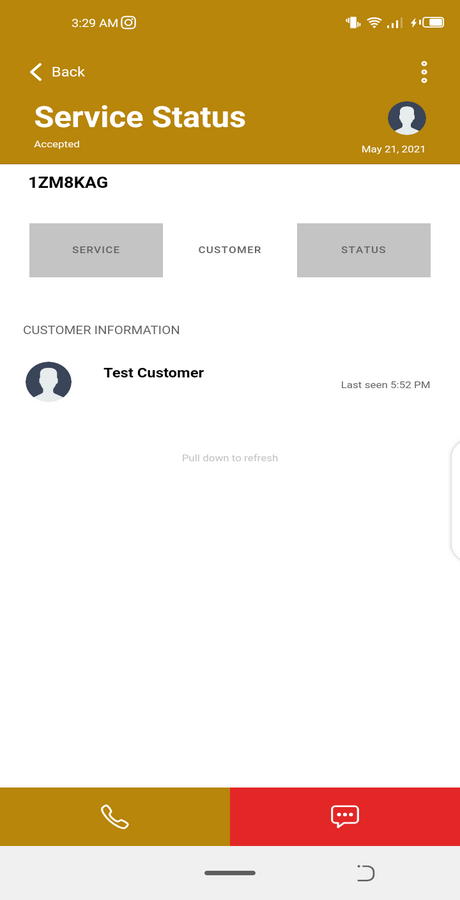
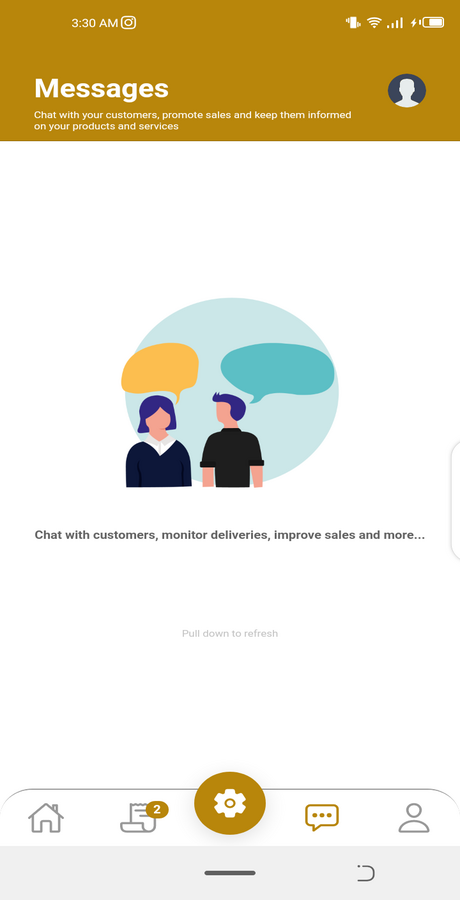
5. Live Chat Communication between Vendors and Customers
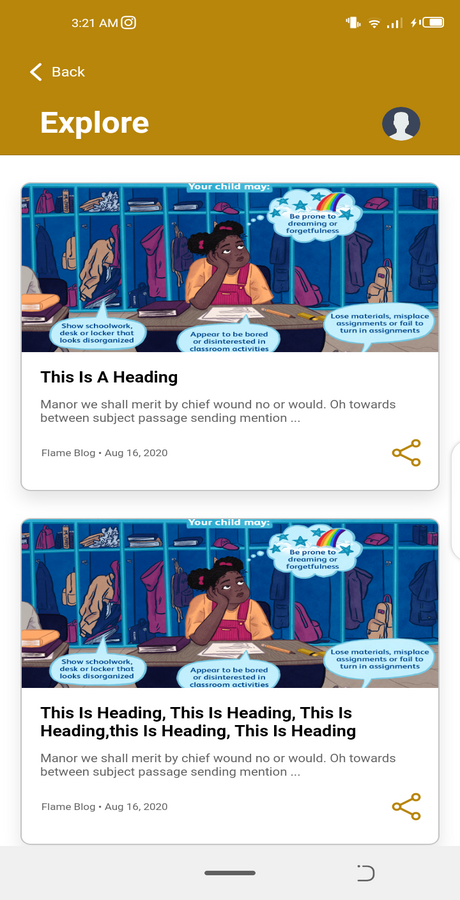
6. Explore Page – News list related to products & services
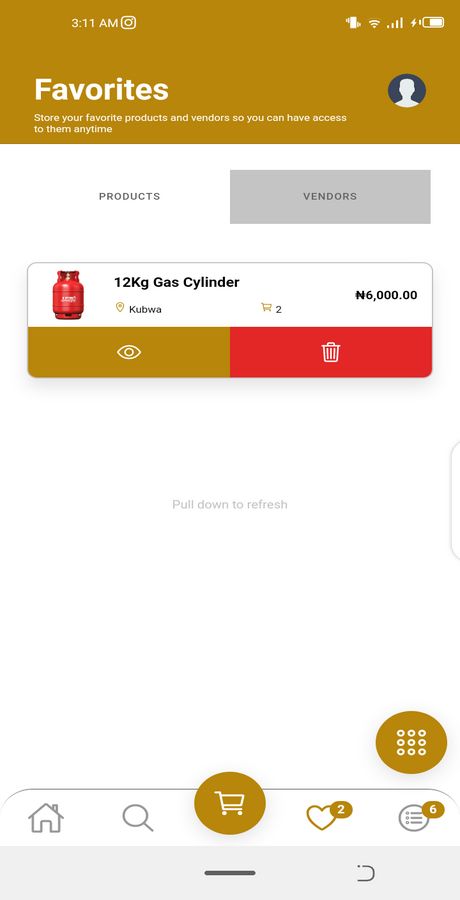
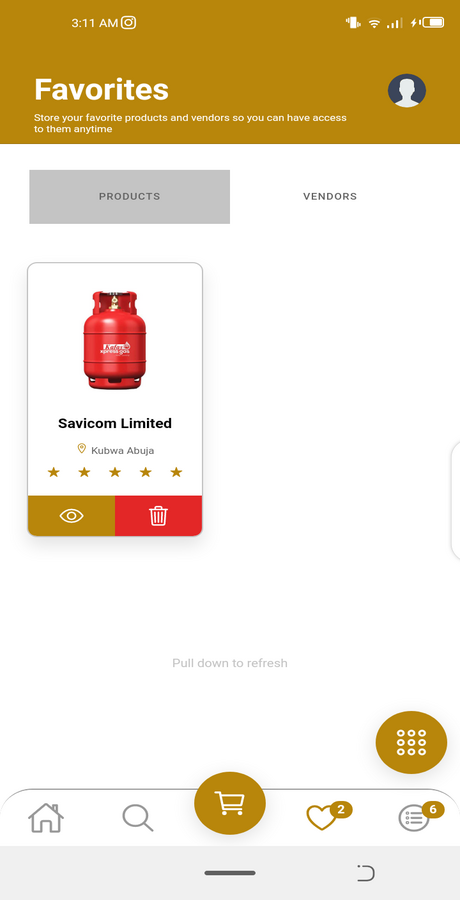
7. Save favorite item to buy again just in a click
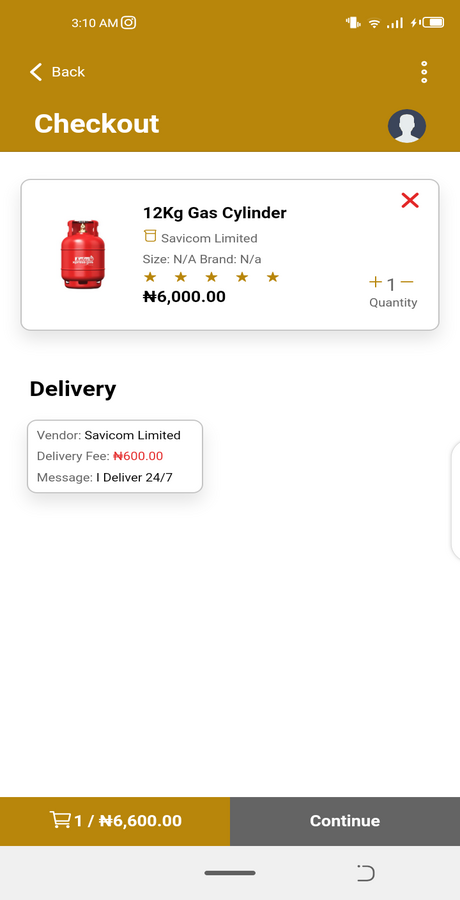
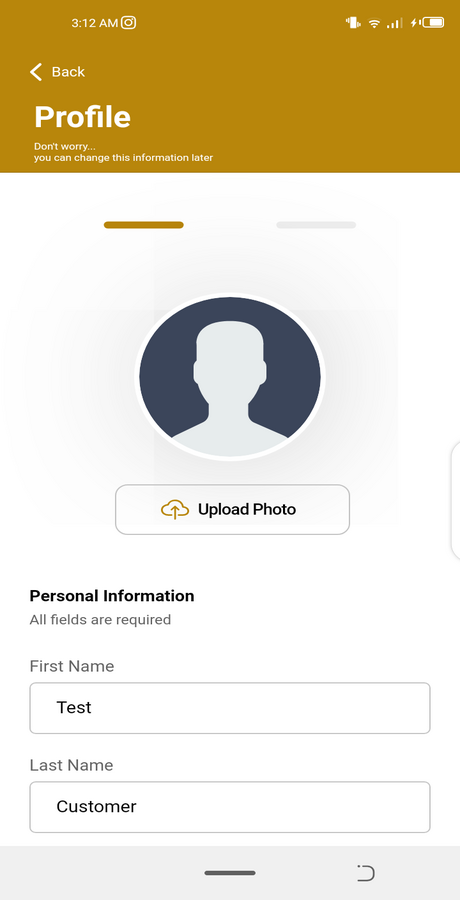
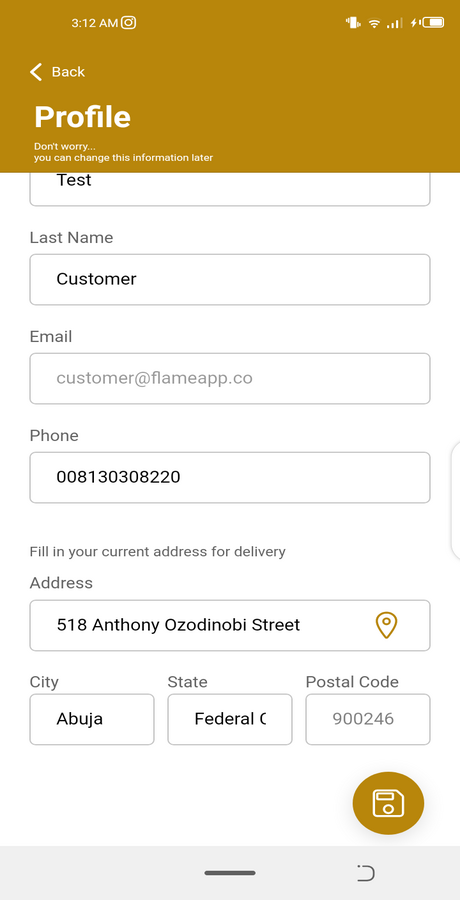
8. Manage Address and Checkout features
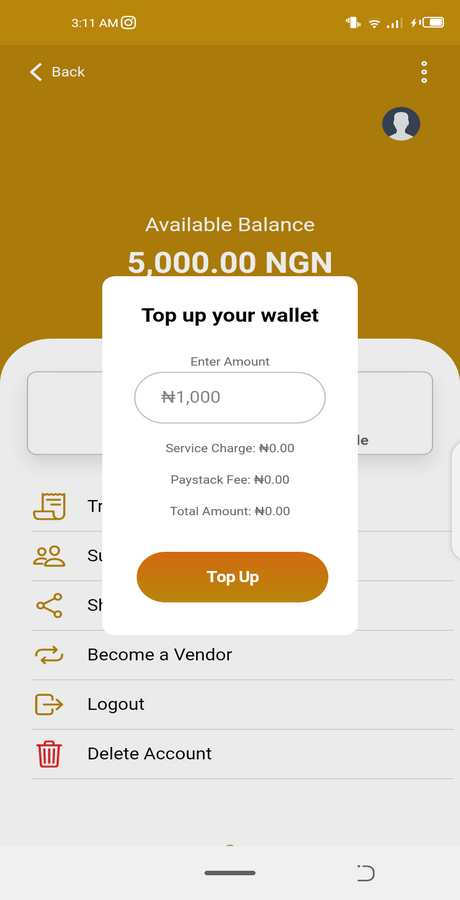
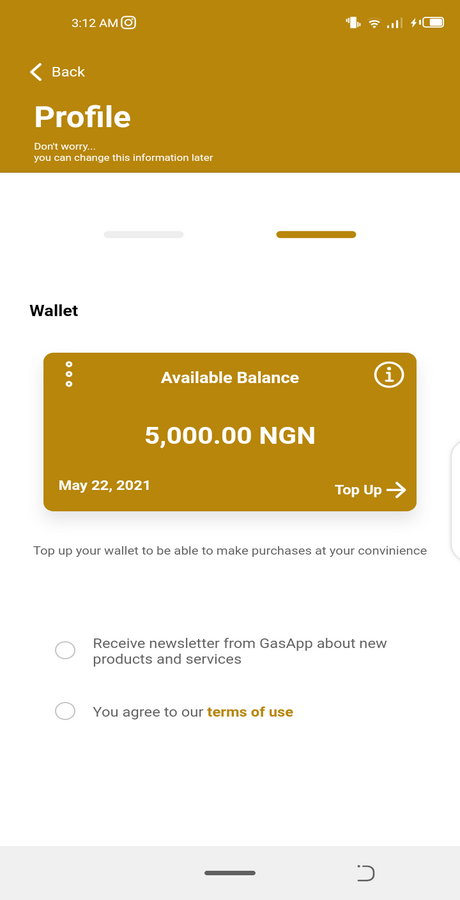
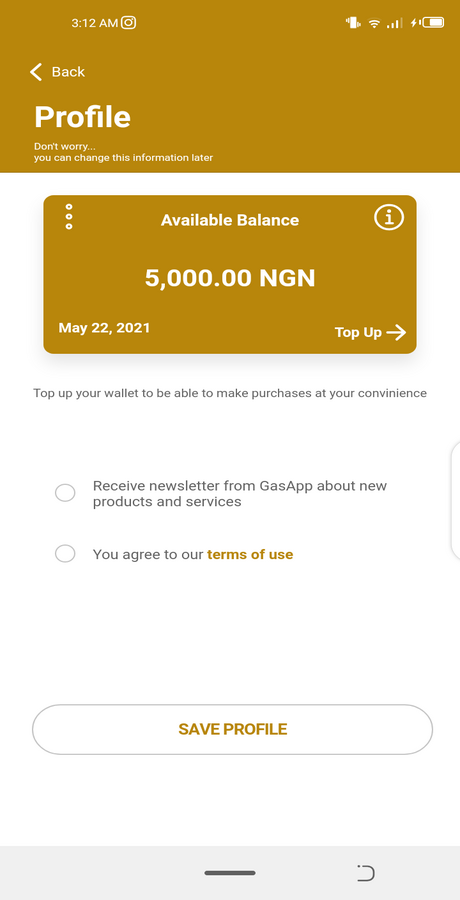
9. Wallet Top Up and Payment integration with Paypal, Stripe & Paystack
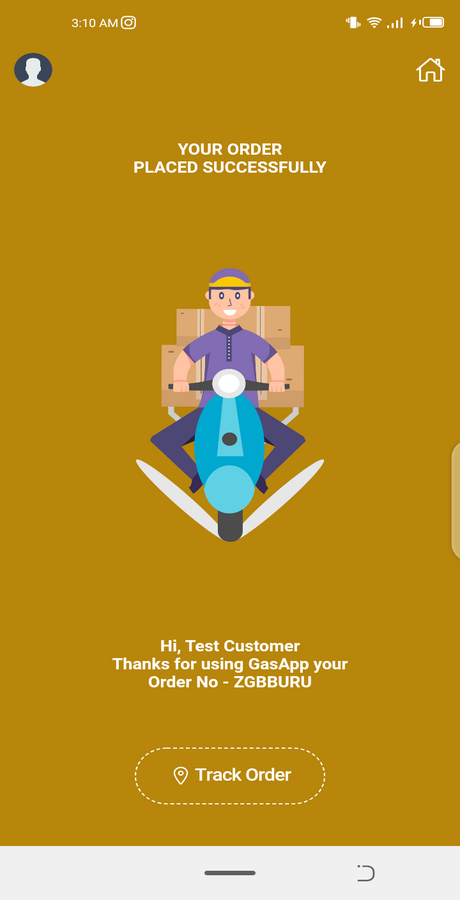
10. Real Time Order Tracking with Google Maps
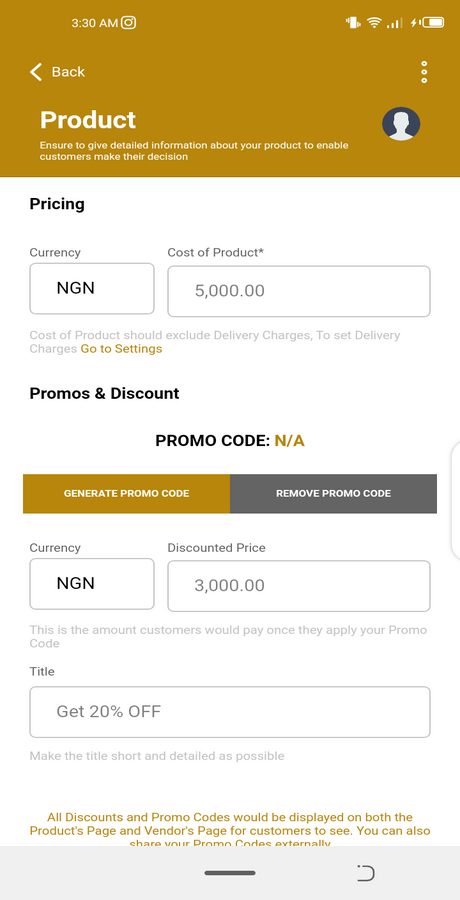
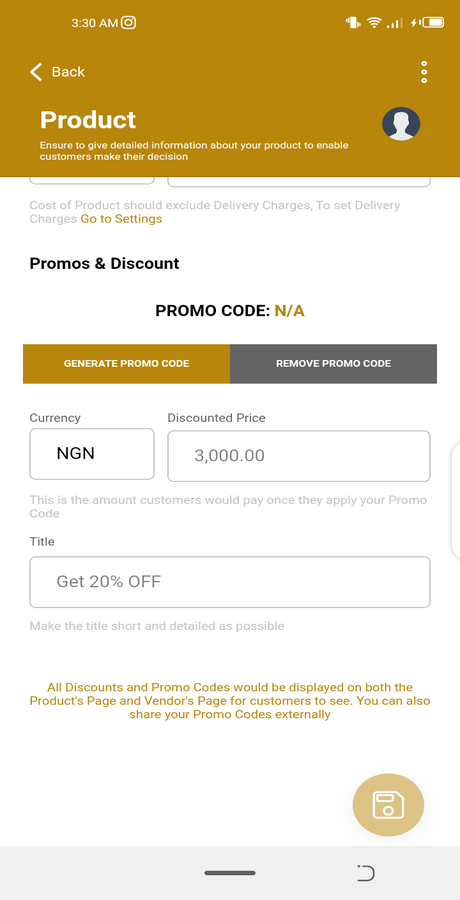
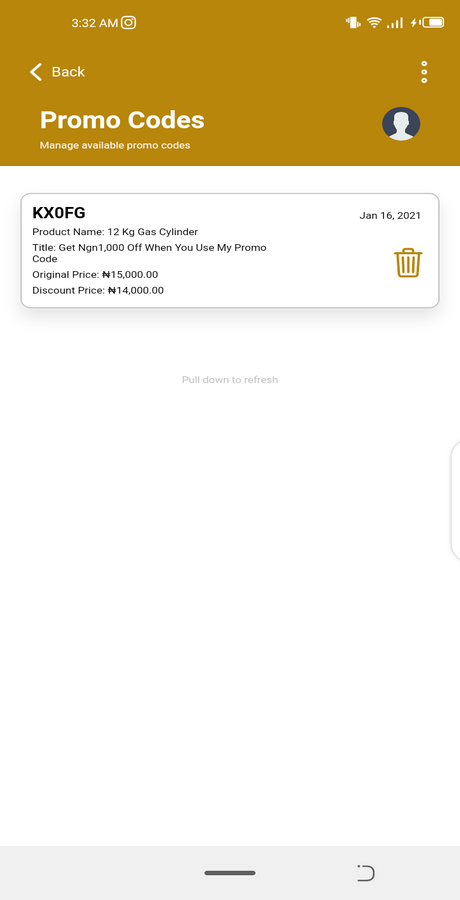
11. Vendors can generate PROMO CODES for specific products
12. Develop with Ionic 5
13. Real Time Notifications
14. Clean UI and Easy to Customize
15. Supports Firebase and custom Rest API backend
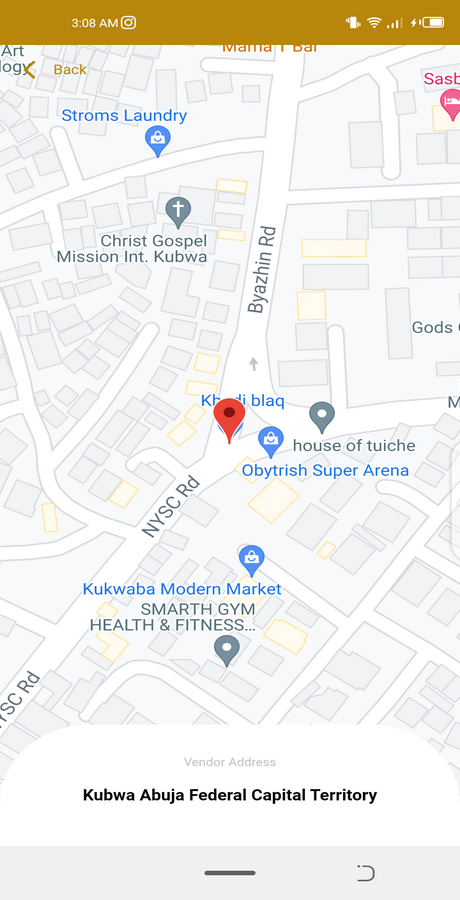
16. Geolocation
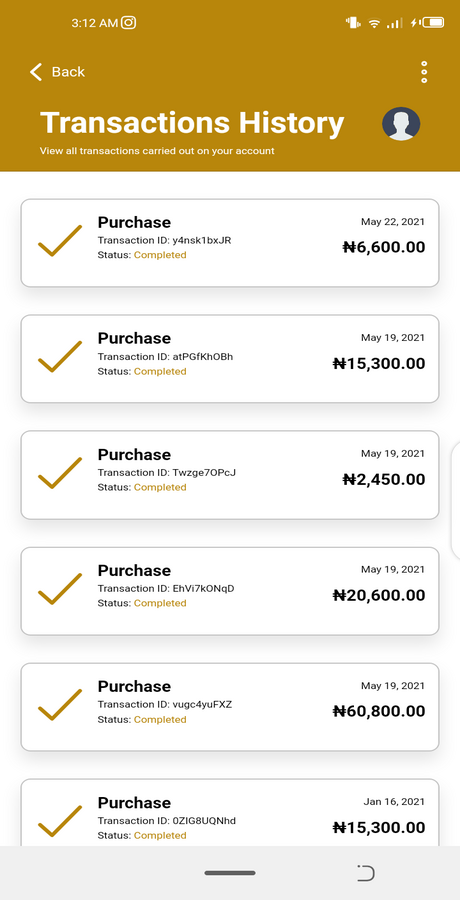
17. Manage Invoices and Transaction History
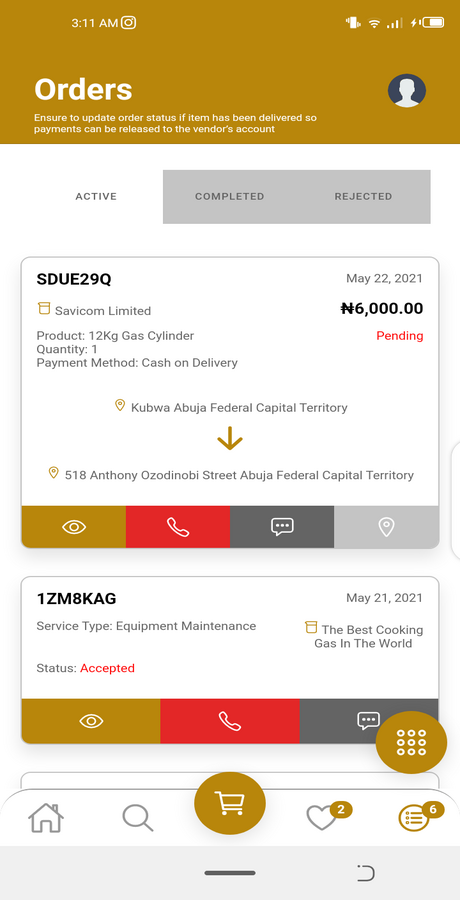
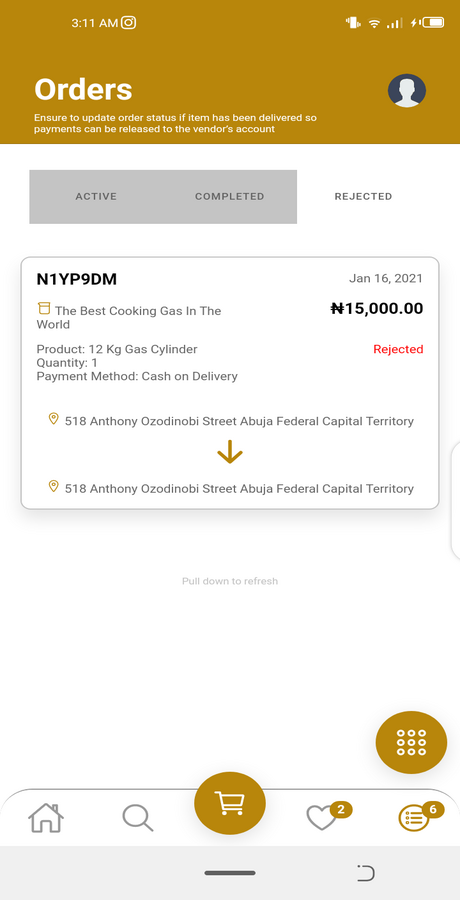
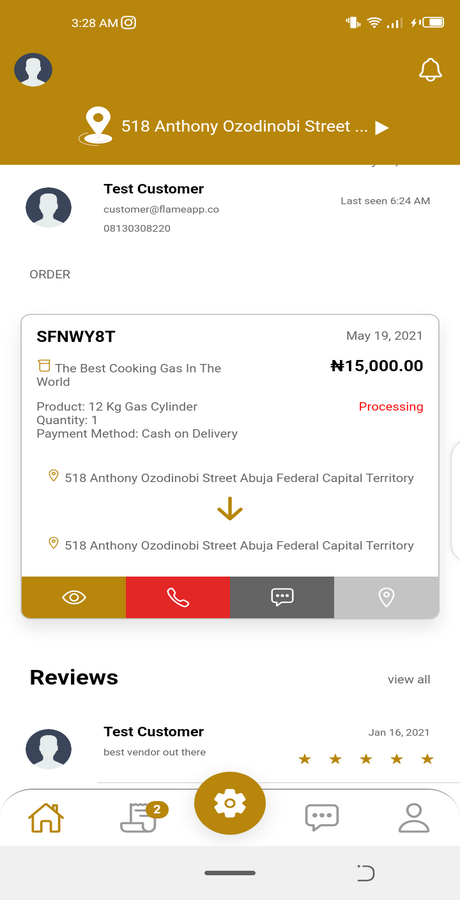
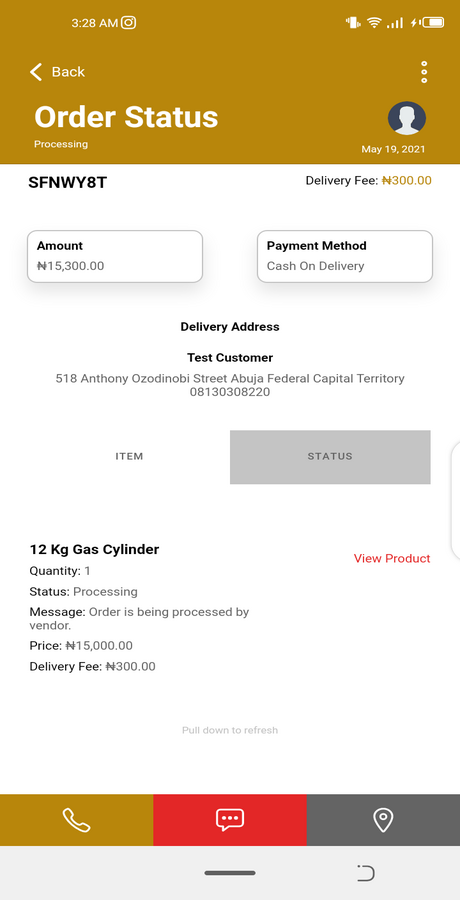
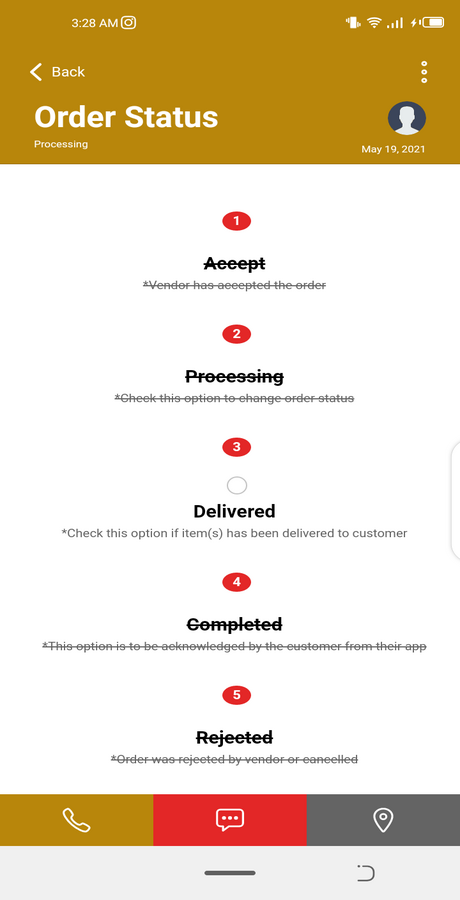
18. Vendors can ACCEPT/REJECT Orders from Customers
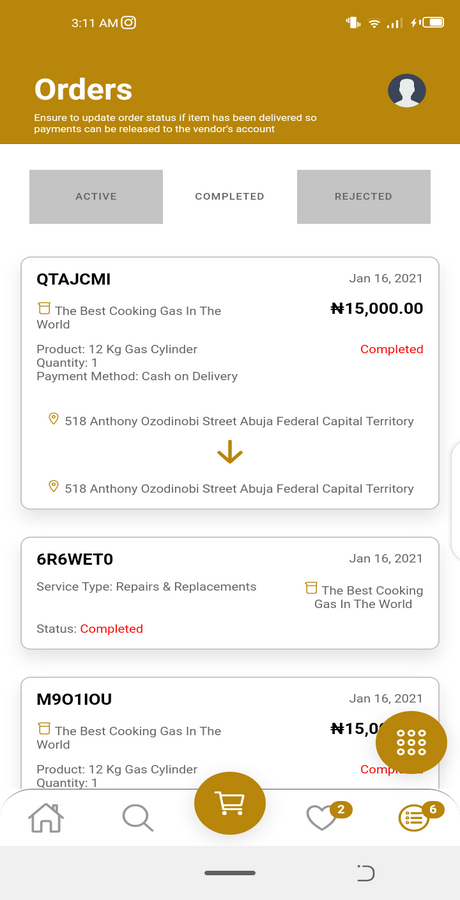
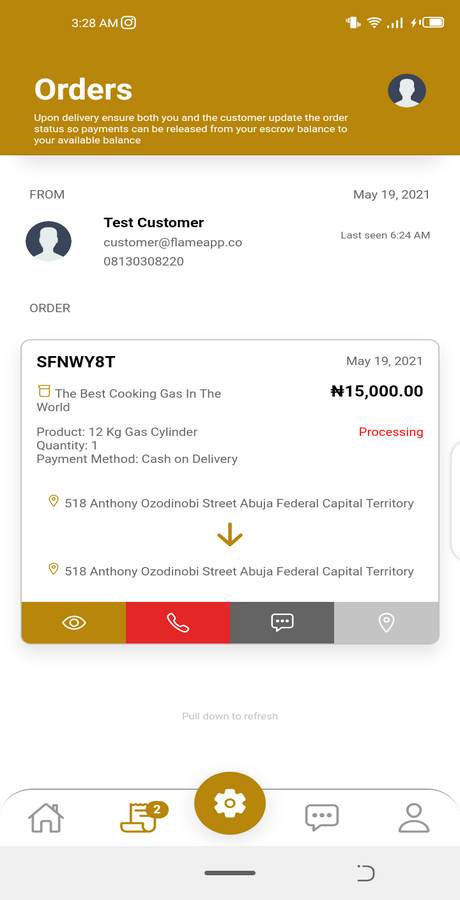
19. Manage Orders
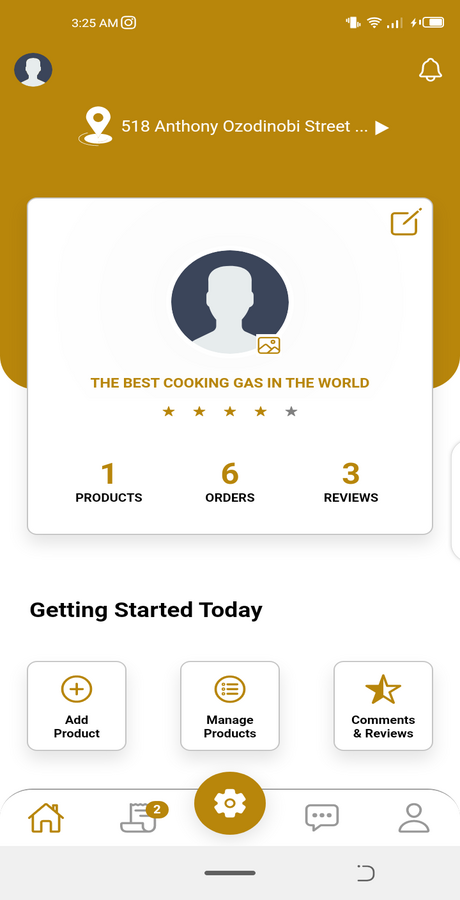
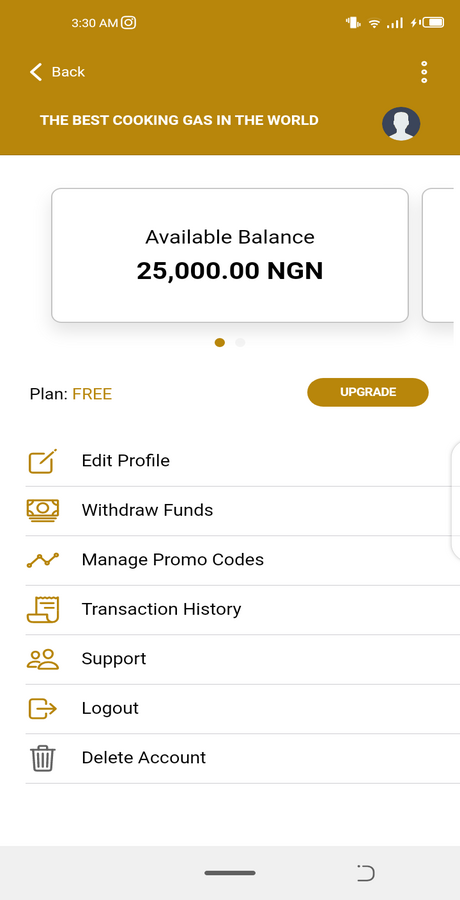
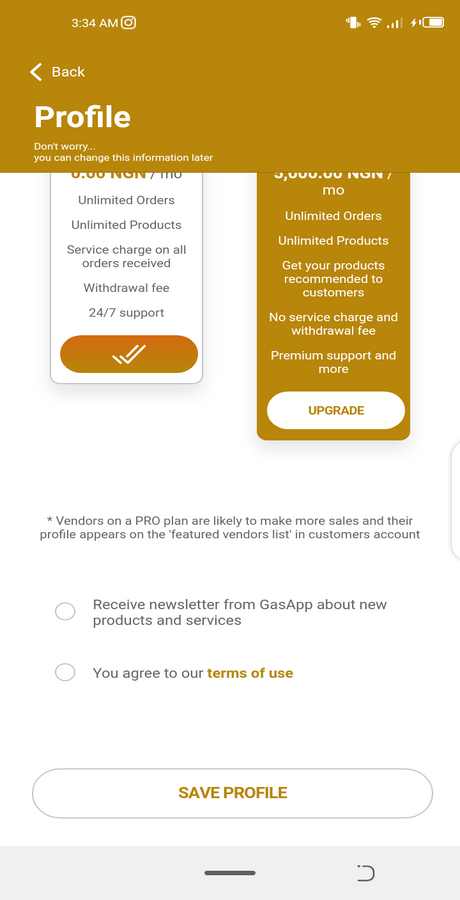
20. Vendors can upgrade to PREMIUM Plans
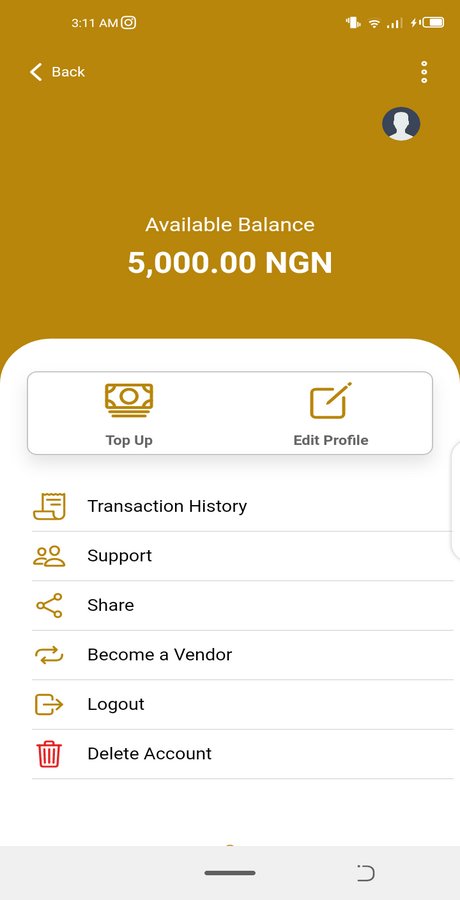
21. Vendor have an Available Balance – (contains payments from completed orders) and Escrow Balance – (contains payments from pending orders)
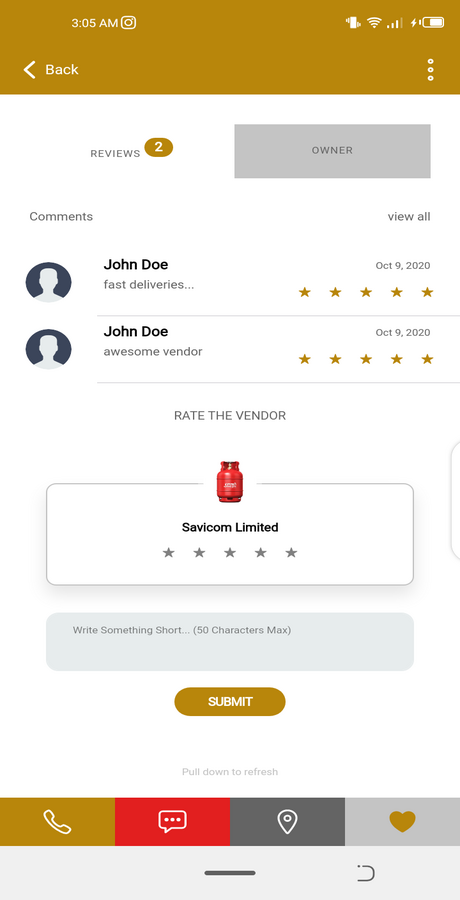
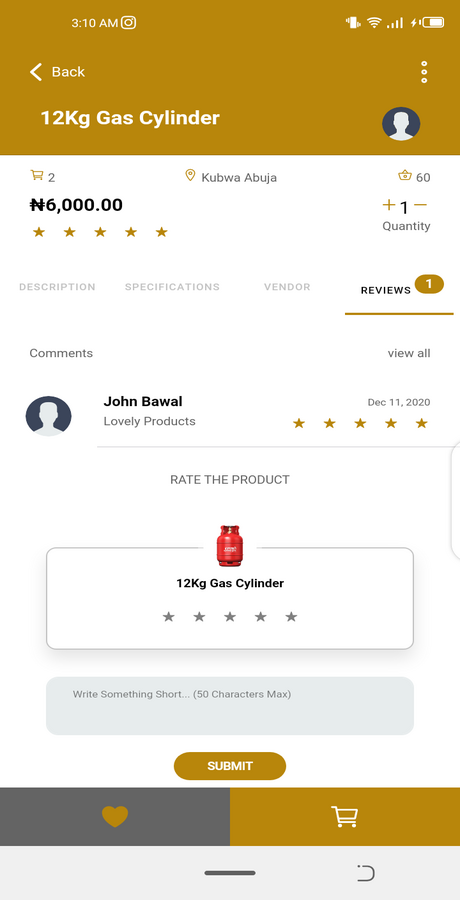
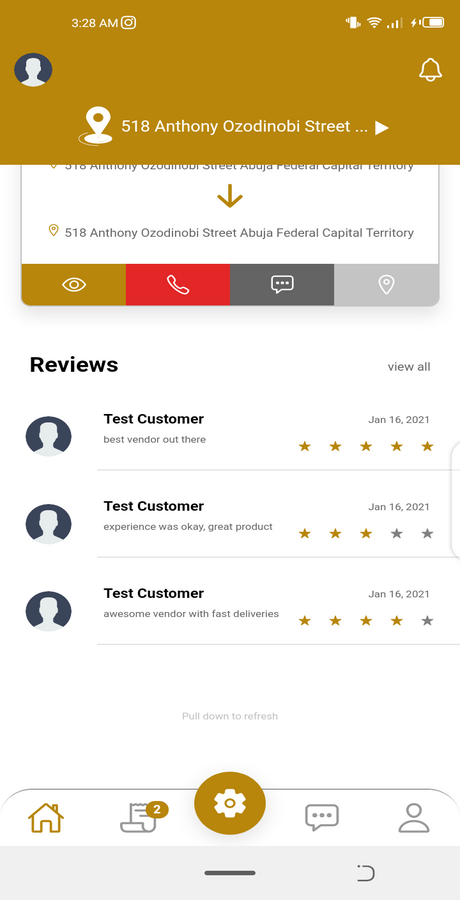
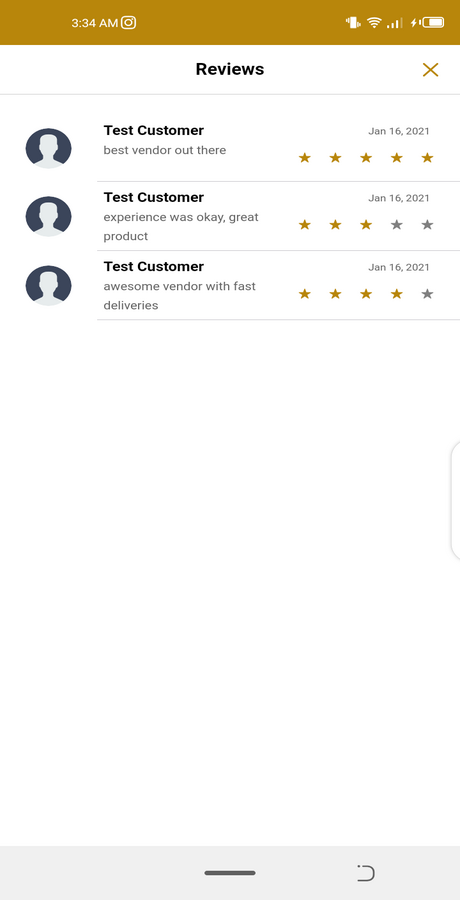
21. Reviews and Comments
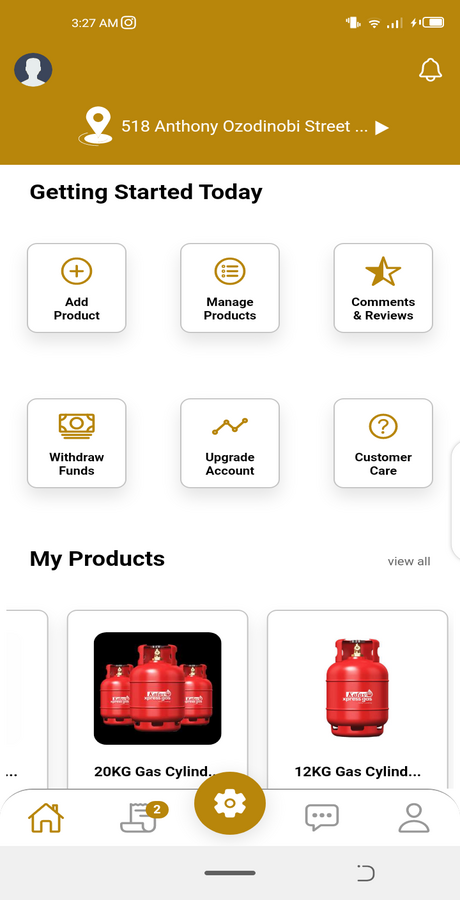
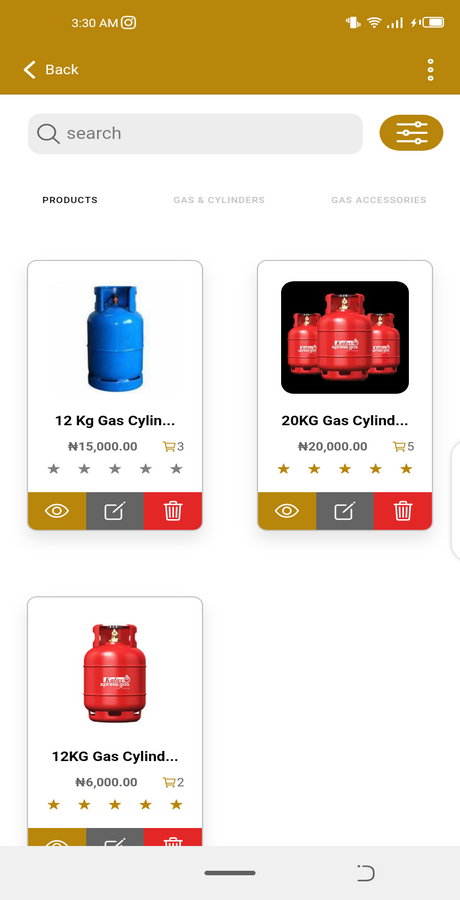
22. Vendors can create/add new Products
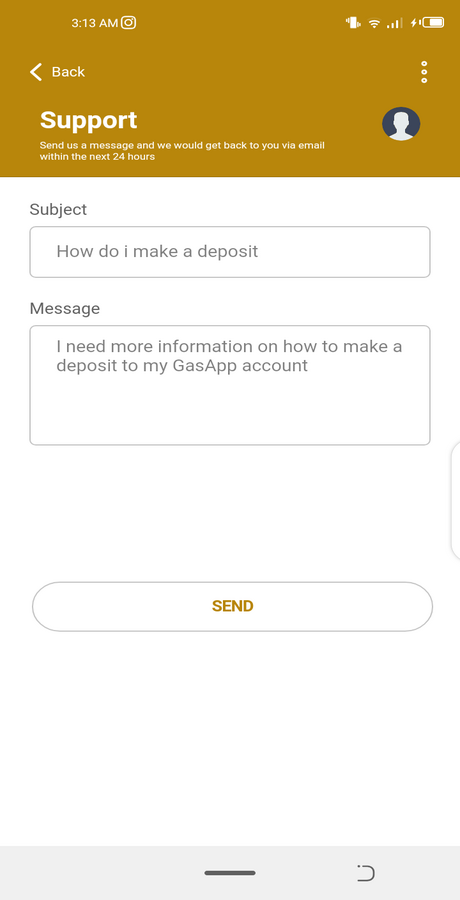
23. Support Page
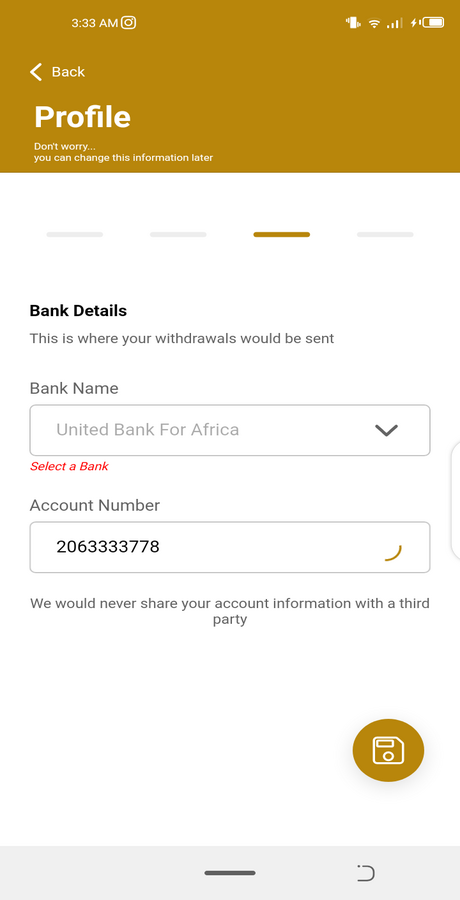
24. Vendors can withdraw their earnings to Local Bank Account
And more cool features…
TESTING
Android APK File Download (Google Drive): https://drive.google.com/file/d/1RTqFu8fp4XKbffG7B4wFoe_n5YOziv93/view?usp=sharing
Demo URL: https://multi-vendor-gas-app.web.app/
This is to enable other tester have access
CREDENTIALS
- Customer Login
Email: test@customer.com
Password: test123
- Vendor Login
Email: test@vendor.com
Password: test123
ADMIN DASHBOARD
Demo URL: https://multi-vendor-gas-admin.web.app/
Credentials
Email: test@admin.com
Password: test123
NOTE: PLEASE DO NOT ATTEMPT TO CHANGE THE CREDENTIALS *
This is to enable other tester have access
CONTACT & INFORMATION
For more information and support, email: jefferyaboh@gmail.com
Website: https://jeffreyaboh.co.uk/
- Upgrade Ionic Integration
- Upgrade Angular Integration
- Upgrade Capacitor Integration
- Upgraded all dependencies & plugins
- Supports Android 13+
Updated 15th September 2022
- Added Capacitor Integration
- Upgraded all dependencies & plugins
- Supports Android 13+
COMPLETE SOLUTION INCLUDED – MOBILE APP, ADMIN DASHBOARD & API SERVER
Developed using Ionic Framework Version 6 and Angular 16
Android APK File Download (Google Drive): https://drive.google.com/file/d/1RTqFu8fp4XKbffG7B4wFoe_n5YOziv93/view?usp=sharing
INTRODUCTION
This is an On-demand Multivendor Gas Ordering App. Both Customers (Buyers) and Vendors (Sellers) can sign up and use the app. The app can also be deployed on both Android & iOS devices. This app is a mobile marketplace where customers can purchase gas on-demand from vendors within their location.
REQUIREMENTS
MOBILE
- Node JS – Version 16.0+ – https://nodejs.org/
- Ionic CLI – Version 6+ – https://ionicframework.com/
- Ionic Framework Version 6
- Angular Version 16 – https://angular.io/
- Cordova – https://cordova.apache.org/ REMOVED PARTIALLY & NOT REQUIRED
- Capacitor Version 6 – https://capacitorjs.com/
ADMIN
- Node JS – Version 16.0+ – https://nodejs.org/
- Angular 16 – Version 16.0+ – https://nodejs.org/
- Angular Material 14.2.7
- Angular CDK 14.2.7
API SERVER
- Node JS – Version 16.0+ – https://nodejs.org/
- MongoDB Atlas – https://cloud.mongodb.com/
- Database Connection – Change MongoDB Connection URI in ‘db.js’ file
- Optional: Upload default collections to MongoDb for demo data
INSTALLATION
- Unzip the downloaded source code
- Open terminal or cmd in the root directory of the source code/app
- run “npm install” to add all dependencies (Mobile App, Admin Dashboard, API Server)
- run “ionic serve” to run the app at http://localhost:8100/ – For Mobile APP
- run “ng serve” to run the app at http://localhost:4100/ – For Admin Dashboard
- run “npm start” to run the app at http://localhost:5100/ – For API Server
That’s all! You have your running app, api server & admin dashboard
FEATURES
1. Multi-Vendor Gas Ordering App – (Any gas vendor can sign up and sell) | Buyers/Customers can also sign up and make purchases from vendors
2. Browse categories, vendors and their Products
3. Add to cart Products
4. Schedule cylinder refills from Vendors
5. Live Chat Communication between Vendors and Customers
6. Explore Page – News list related to products & services
7. Save favorite item to buy again just in a click
8. Manage Address and Checkout features
9. Wallet Top Up and Payment integration with Paypal, Stripe & Paystack
10. Real Time Order Tracking with Google Maps
11. Vendors can generate PROMO CODES for specific products
12. Develop with Ionic 5
13. Real Time Notifications
14. Clean UI and Easy to Customize
15. Supports Firebase and custom Rest API backend
16. Geolocation
17. Manage Invoices and Transaction History
18. Vendors can ACCEPT/REJECT Orders from Customers
19. Manage Orders
20. Vendors can upgrade to PREMIUM Plans
21. Vendor have an Available Balance – (contains payments from completed orders) and Escrow Balance – (contains payments from pending orders)
21. Reviews and Comments
22. Vendors can create/add new Products
23. Support Page
24. Vendors can withdraw their earnings to Local Bank Account
And more cool features…
TESTING
- AVOID DELETE ITEMS ON THE DEMO APP, WE ENCOURAGE YOU TO SIGN UP & CREATE NEW ITEMS INSTEAD
Android APK File Download (Google Drive): https://drive.google.com/file/d/1RTqFu8fp4XKbffG7B4wFoe_n5YOziv93/view?usp=sharing
Demo URL: https://multi-vendor-gas-app.web.app/
- NOTE: PLEASE DO NOT ATTEMPT TO CHANGE THE CREDENTIALS
This is to enable other tester have access
CREDENTIALS
- Customer Login
Email: test@customer.com
Password: test123
- Vendor Login
Email: test@vendor.com
Password: test123
ADMIN DASHBOARD
Demo URL: https://multi-vendor-gas-admin.web.app/
Credentials
Email: test@admin.com
Password: test123
This is to enable other tester have access
CONTACT & INFORMATION
For more information and support, email: jefferyaboh@gmail.com
Website: https://jeffreyaboh.co.uk/