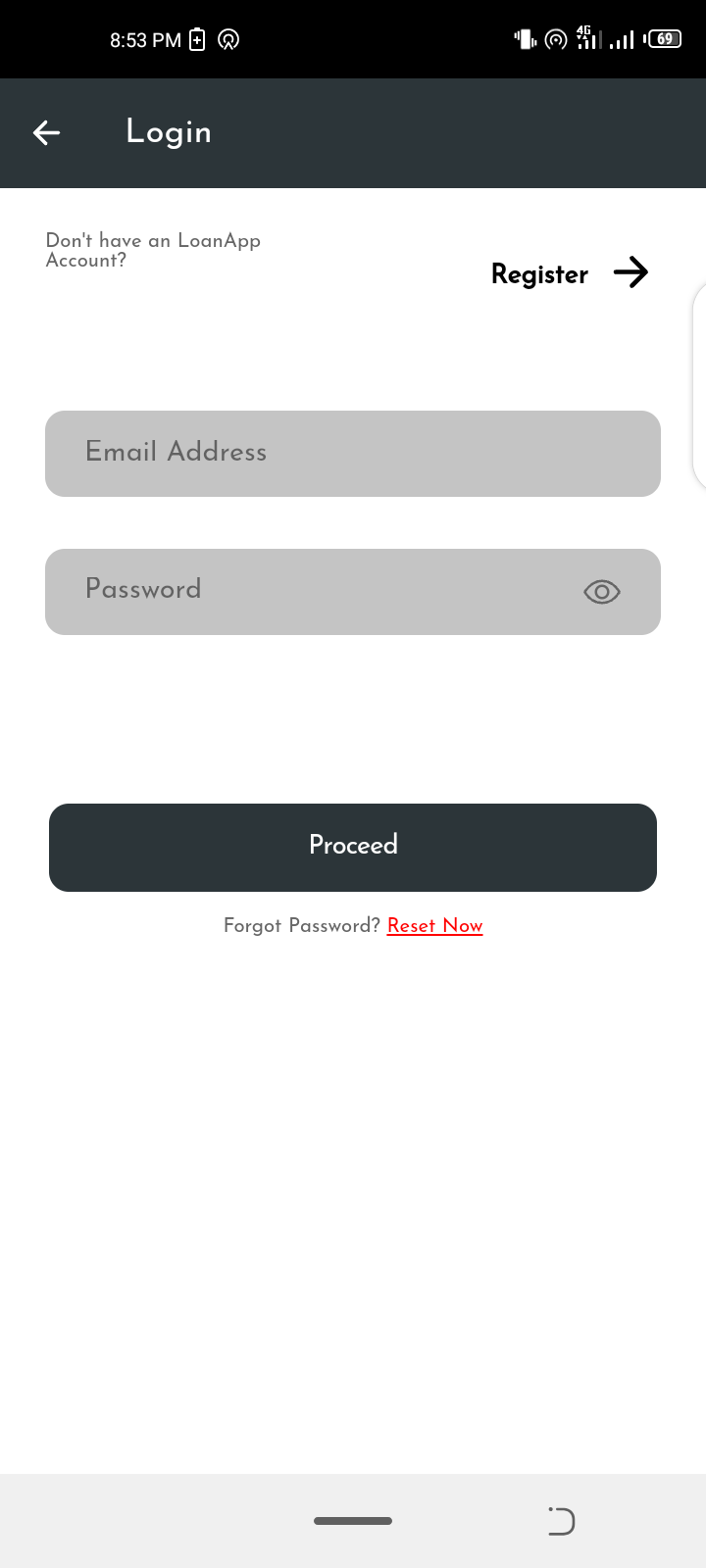
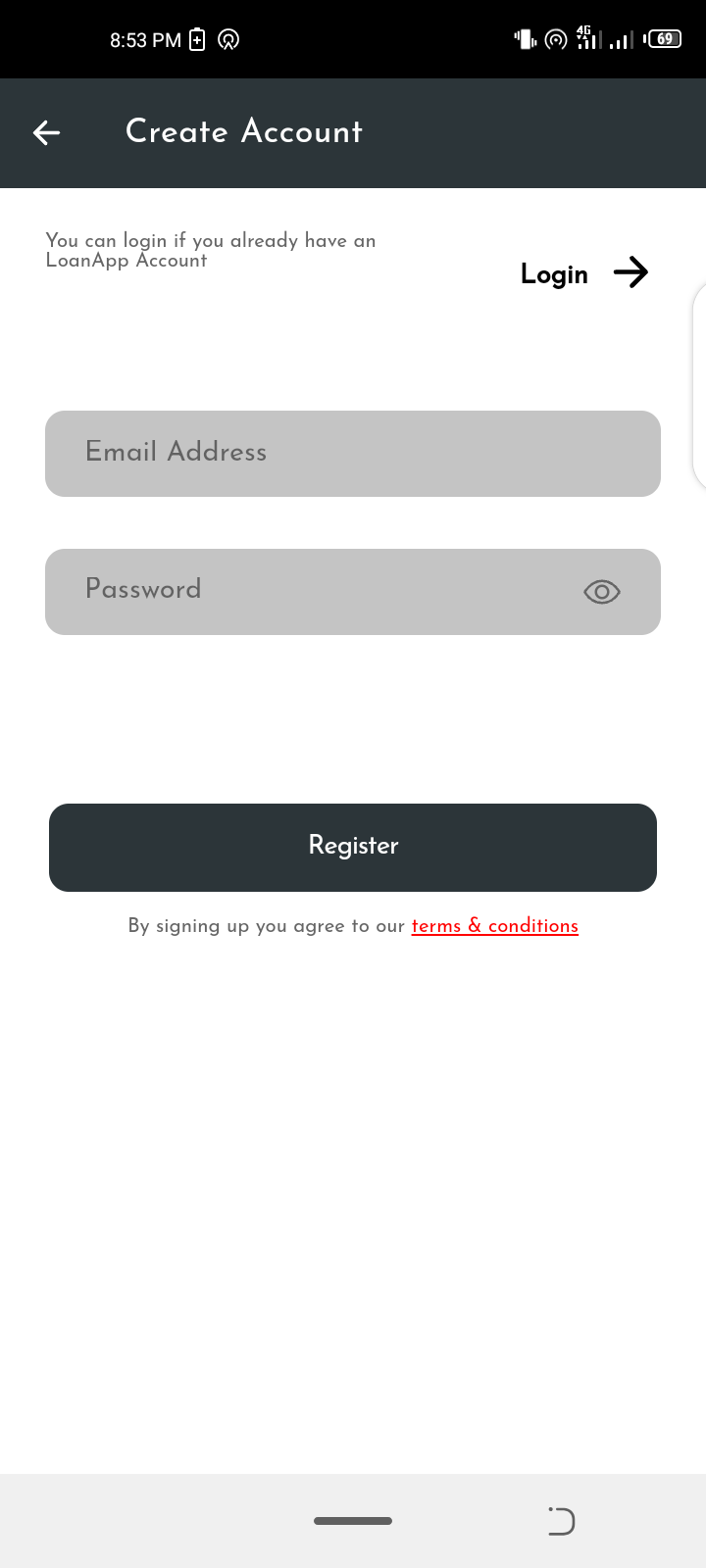
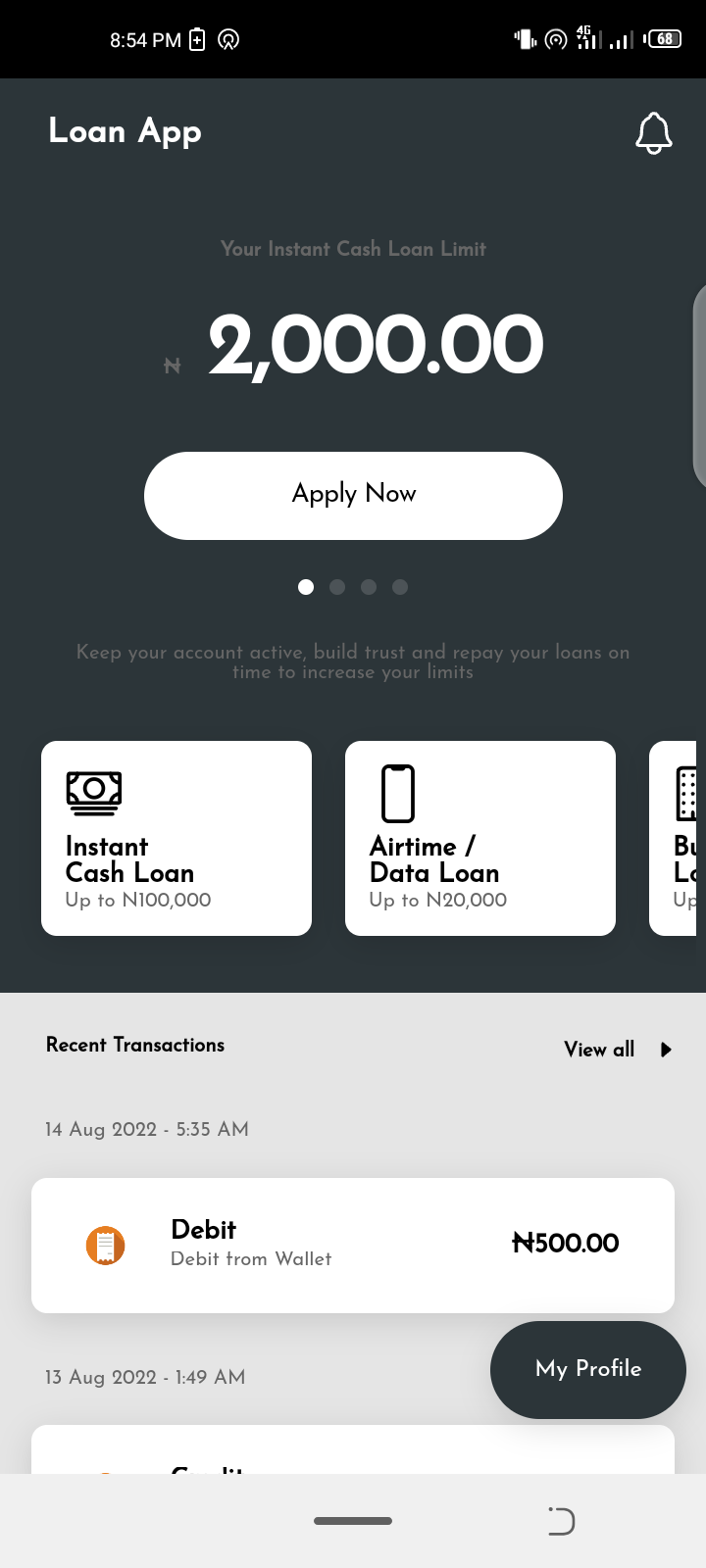
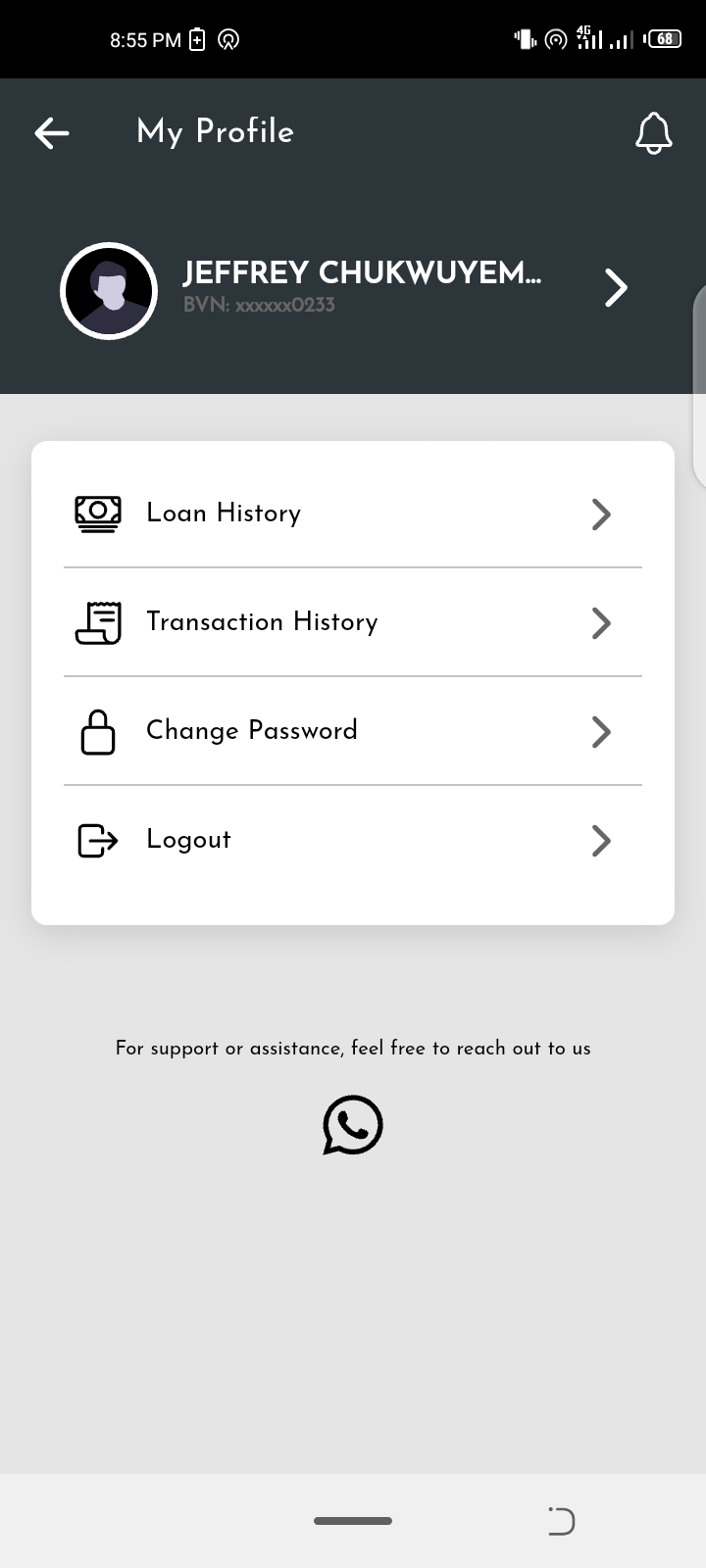
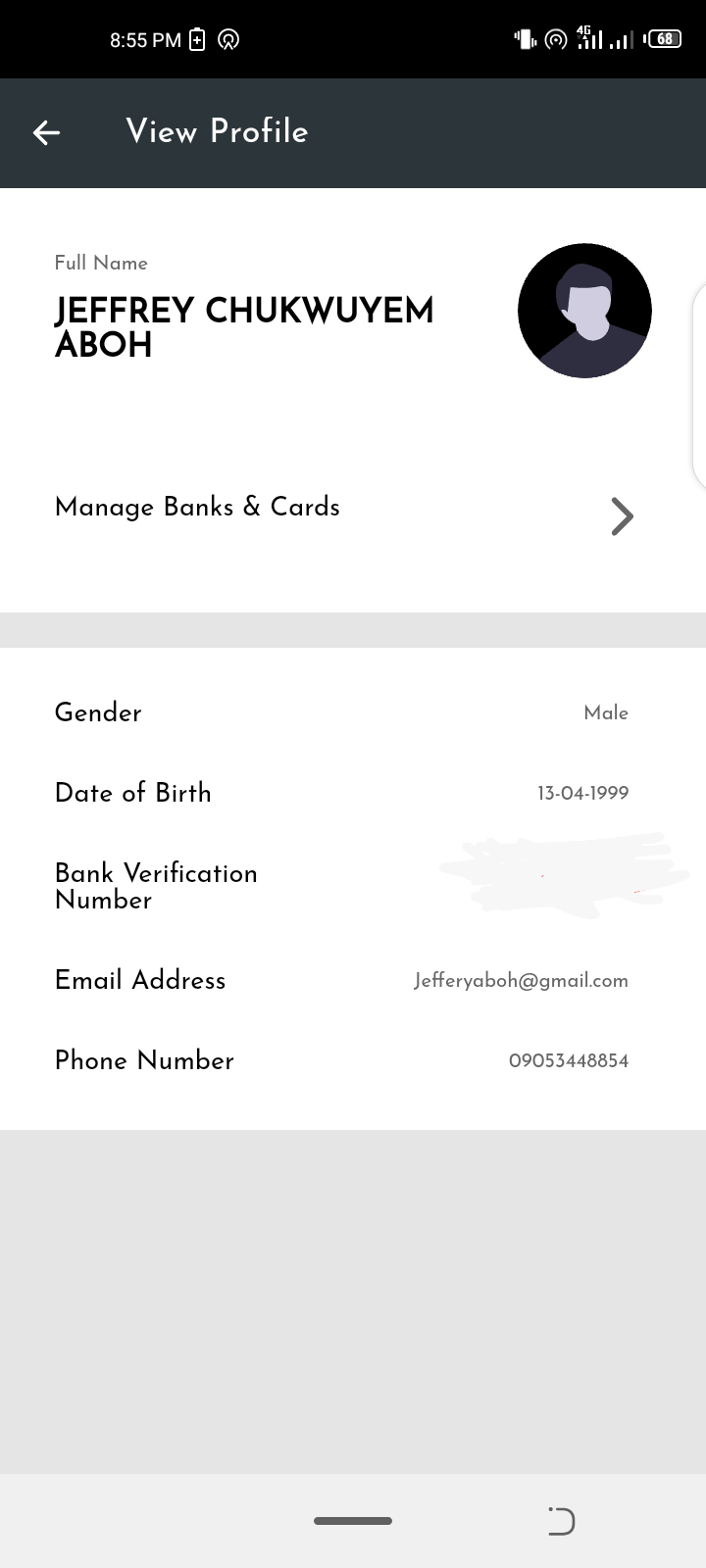
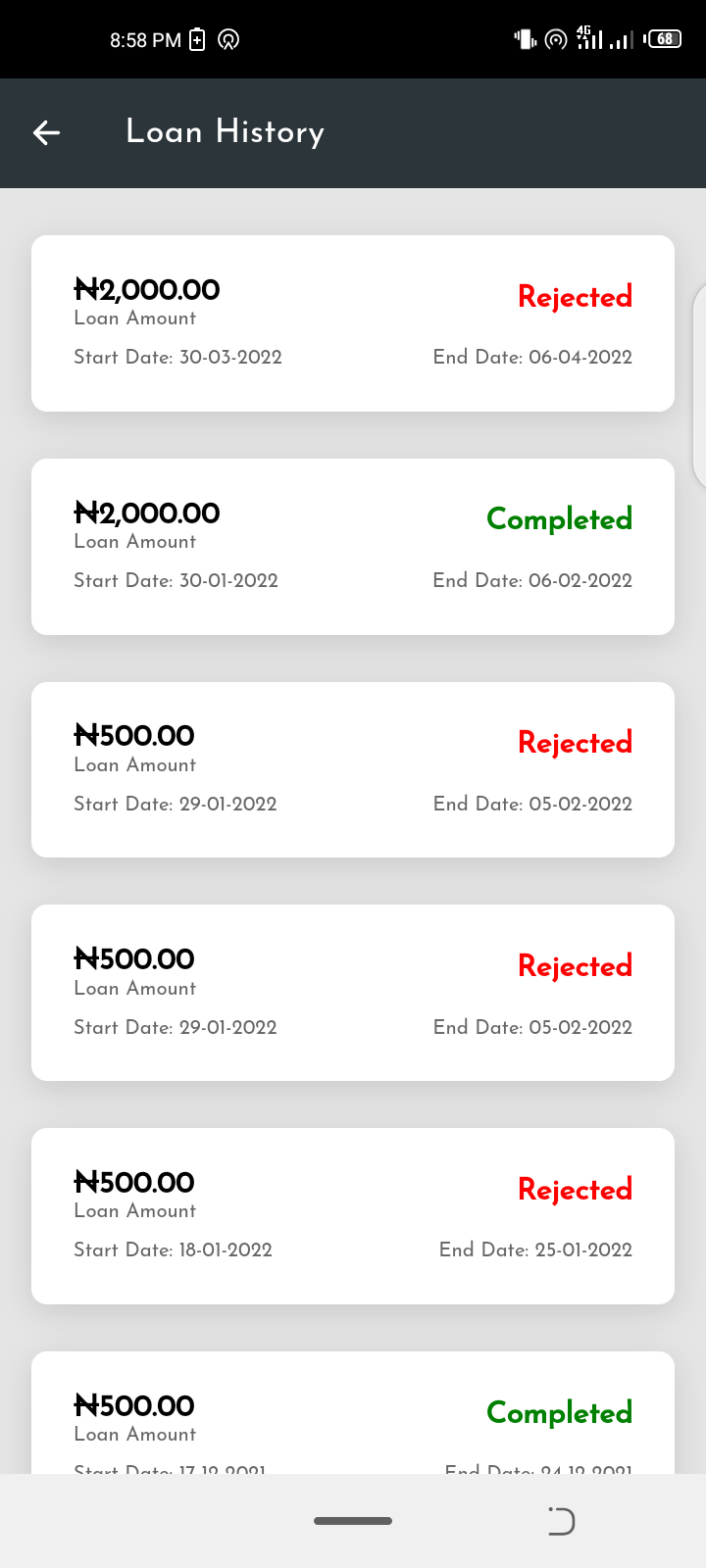
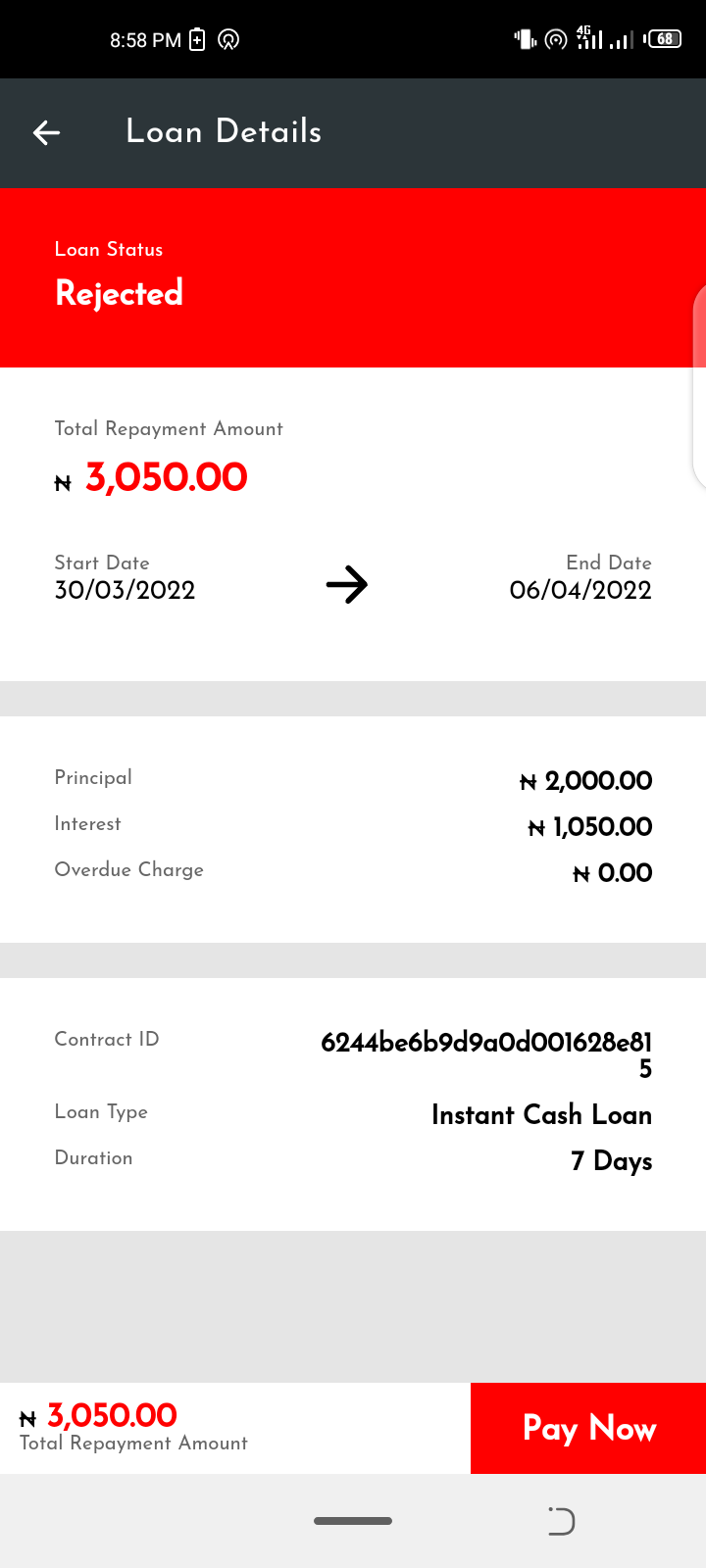
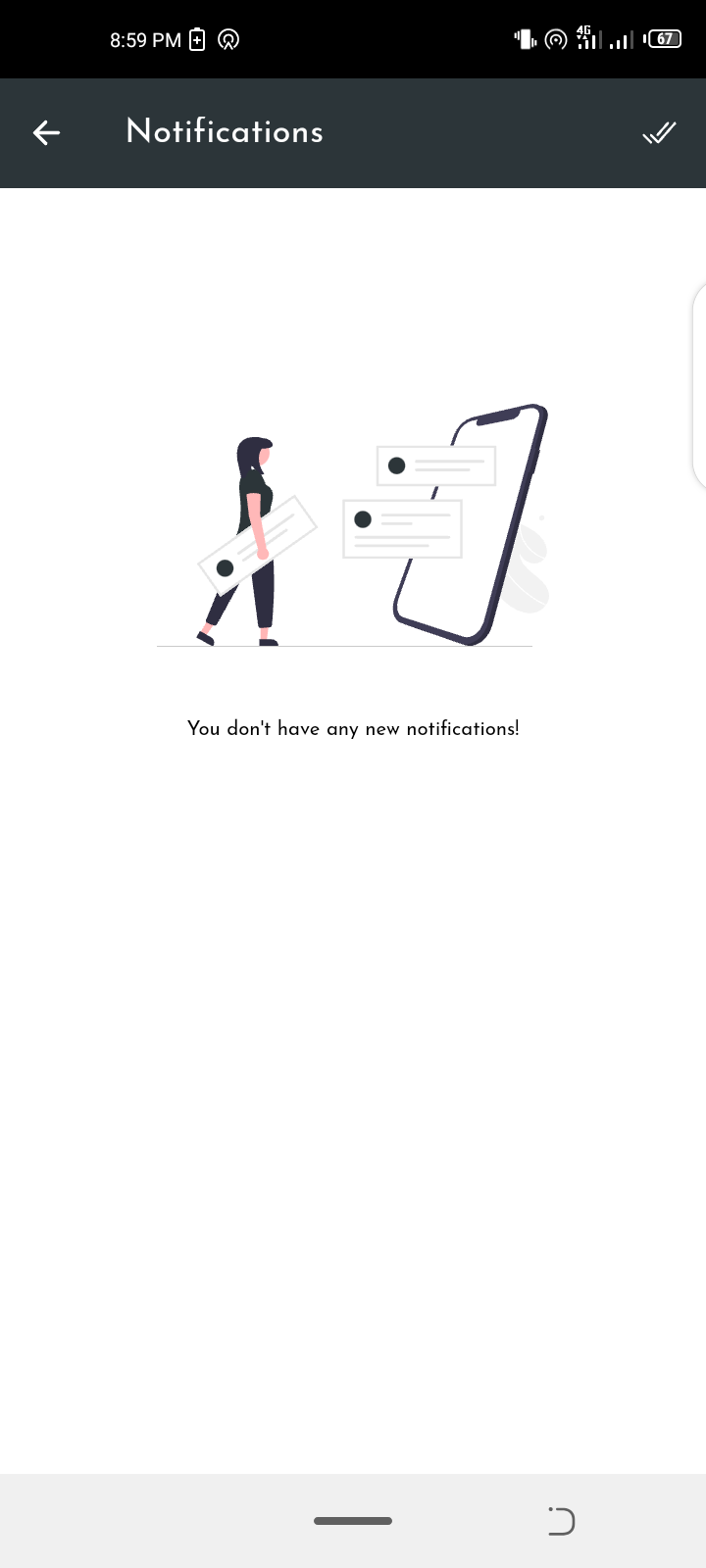
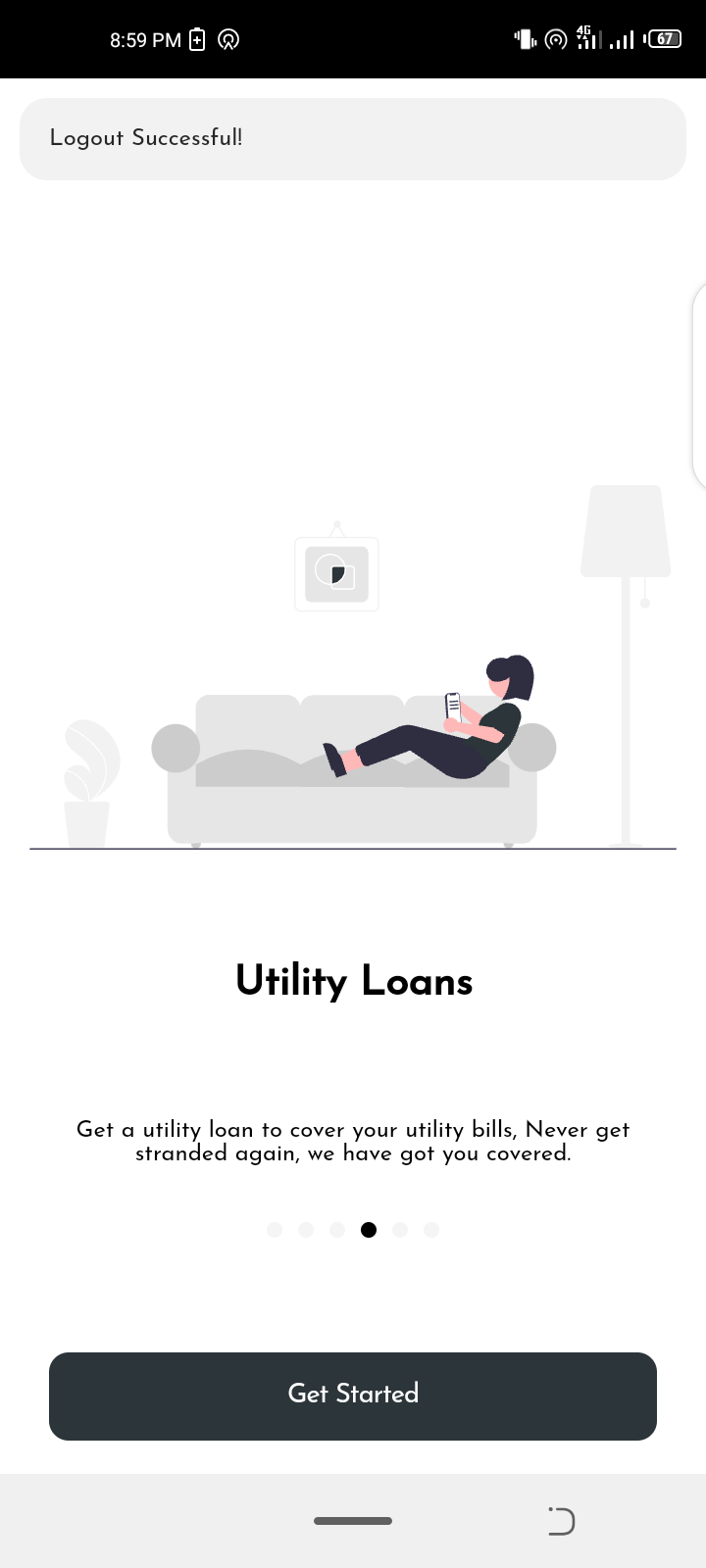
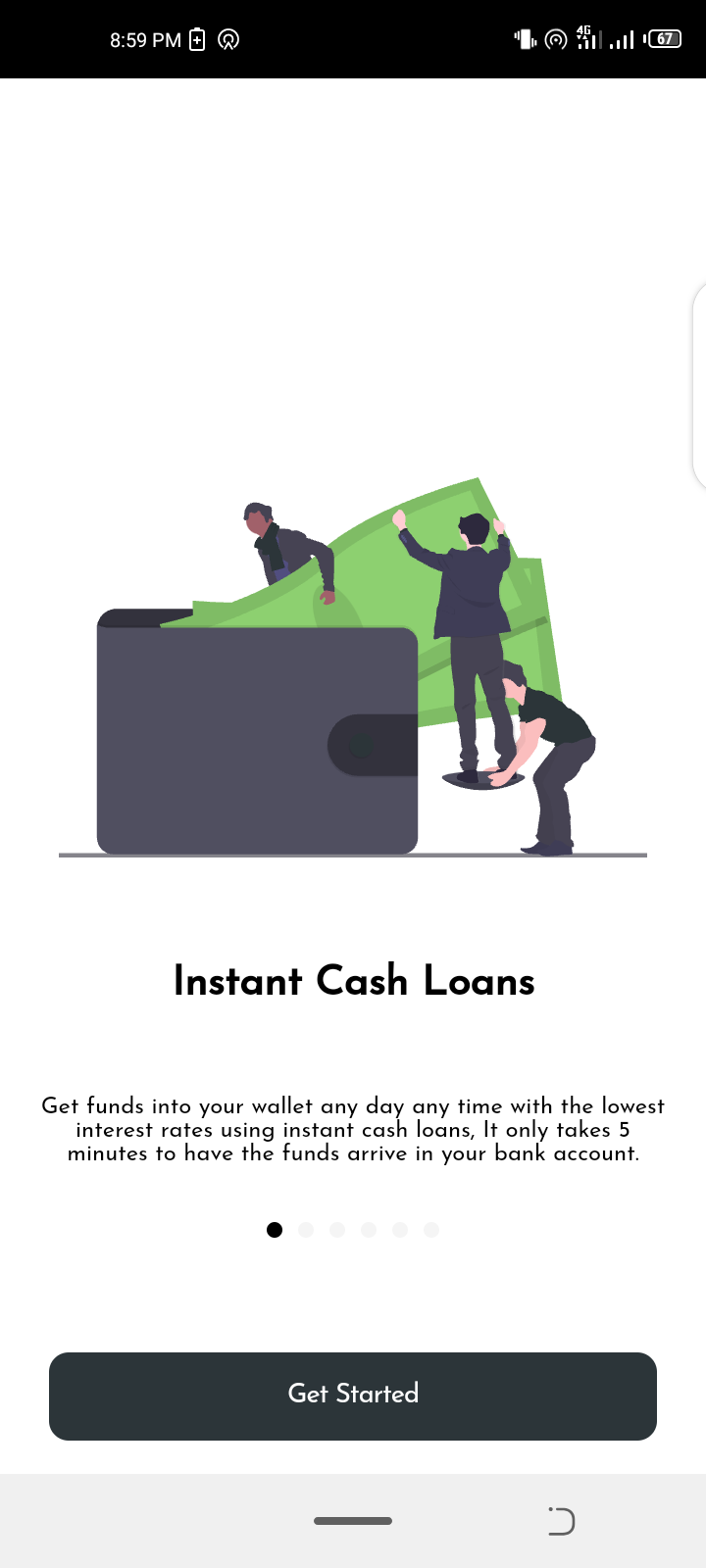
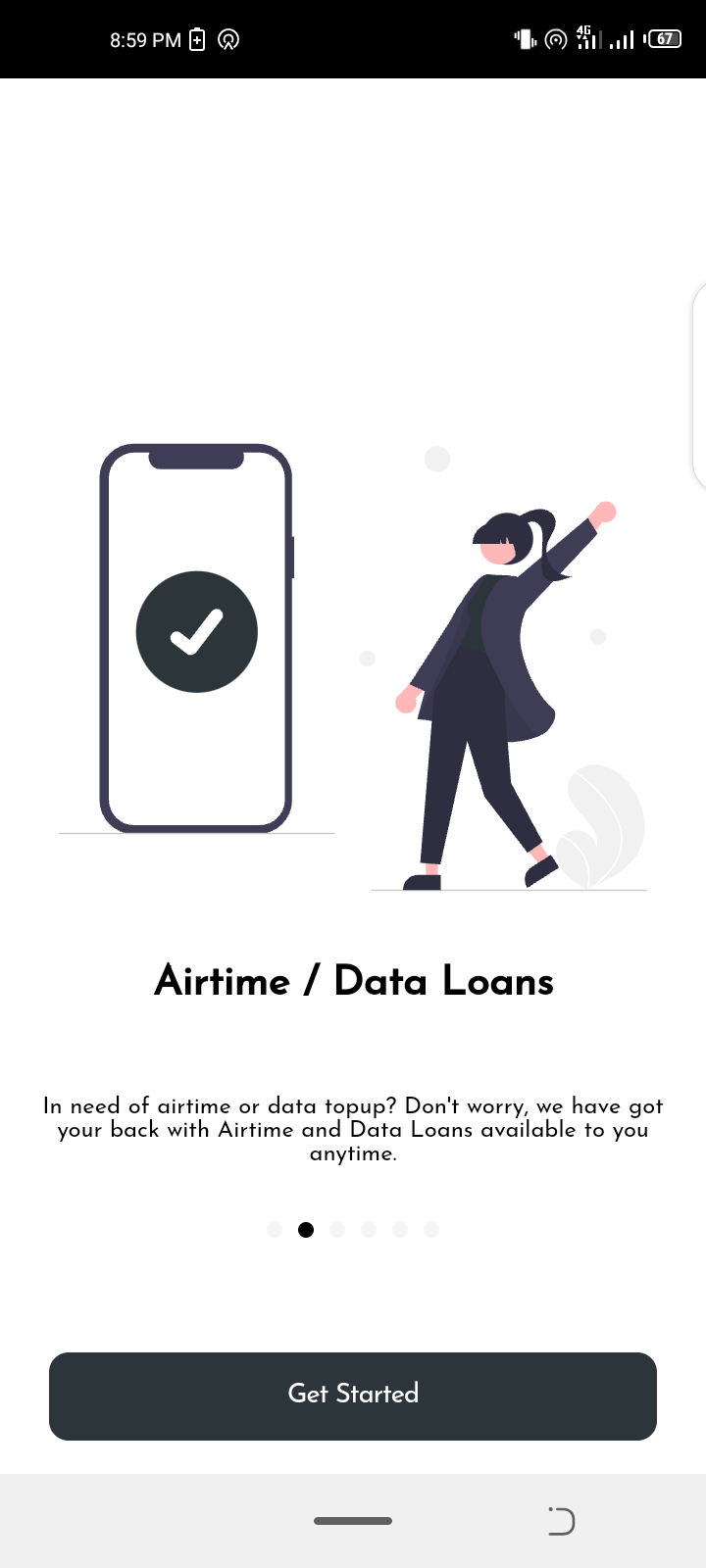
Screenshots/Screenshot_20220814-205332.png Screenshots/Screenshot_20220814-205338.png Screenshots/Screenshot_20220814-205355.png Screenshots/Screenshot_20220814-205431.png Screenshots/Screenshot_20220814-205454.png Screenshots/Screenshot_20220814-205505.png Screenshots/Screenshot_20220814-205517.png Screenshots/Screenshot_20220814-205526.png Screenshots/Screenshot_20220814-205550.png Screenshots/Screenshot_20220814-205744.png Screenshots/Screenshot_20220814-205811.png Screenshots/Screenshot_20220814-205817.png Screenshots/Screenshot_20220814-205830.png Screenshots/Screenshot_20220814-205835.png Screenshots/Screenshot_20220814-205845.png Screenshots/Screenshot_20220814-205900.png Screenshots/Screenshot_20220814-205909.png Screenshots/Screenshot_20220814-205936.png Screenshots/Screenshot_20220814-205944.png Screenshots/Screenshot_20220814-205948.png
Updated 18th May 2024
- Upgrade Ionic Integration
- Upgrade Angular Integration
- Upgrade Capacitor Integration
- Upgraded all dependencies & plugins
- Supports Android 13+
UPDATED 12th October 2022 – Added documentation on the API routes.
COMPLETE SOLUTION INCLUDED – MOBILE APP, ADMIN DASHBOARD & API SERVER
Developed using Ionic Framework Version 6 and Angular 16
Android APK File Download (Google Drive): https://drive.google.com/file/d/105bACxTr0uzCsnc7jGB-gomCRg05pEo_/view?usp=sharing
CREDENTIALS
Email: test@test.com
Password: test123
ADMIN DASHBOARD DEMO URL: https://loan-app-admin.web.app/
LOGIN CREDENTIALS
Email: test@admin.com
Password: test123
MOBILE APP WEB DEMO URL: https://loan-app-f3ff7.web.app/
CREDENTIALS
Email: test@test.com
Password: test123
INTRODUCTION
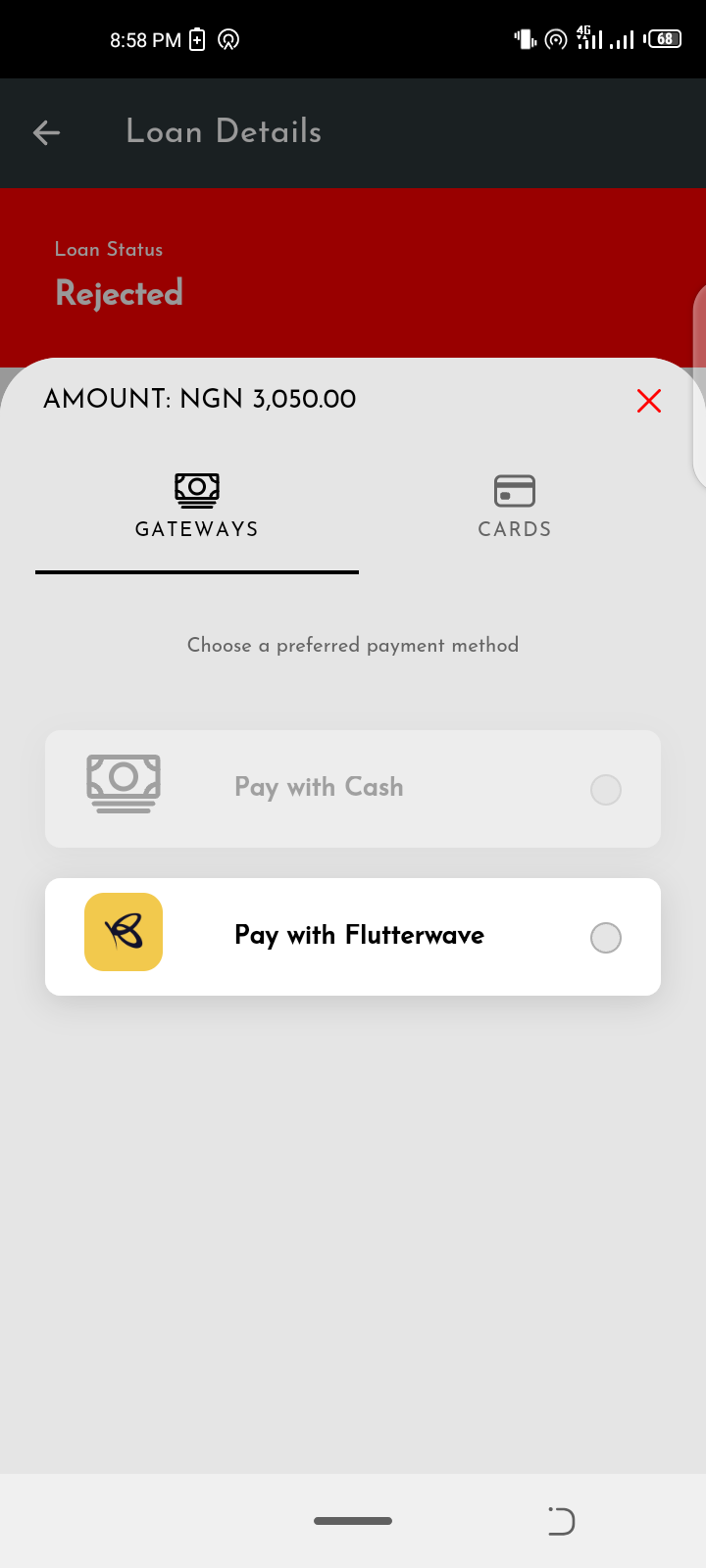
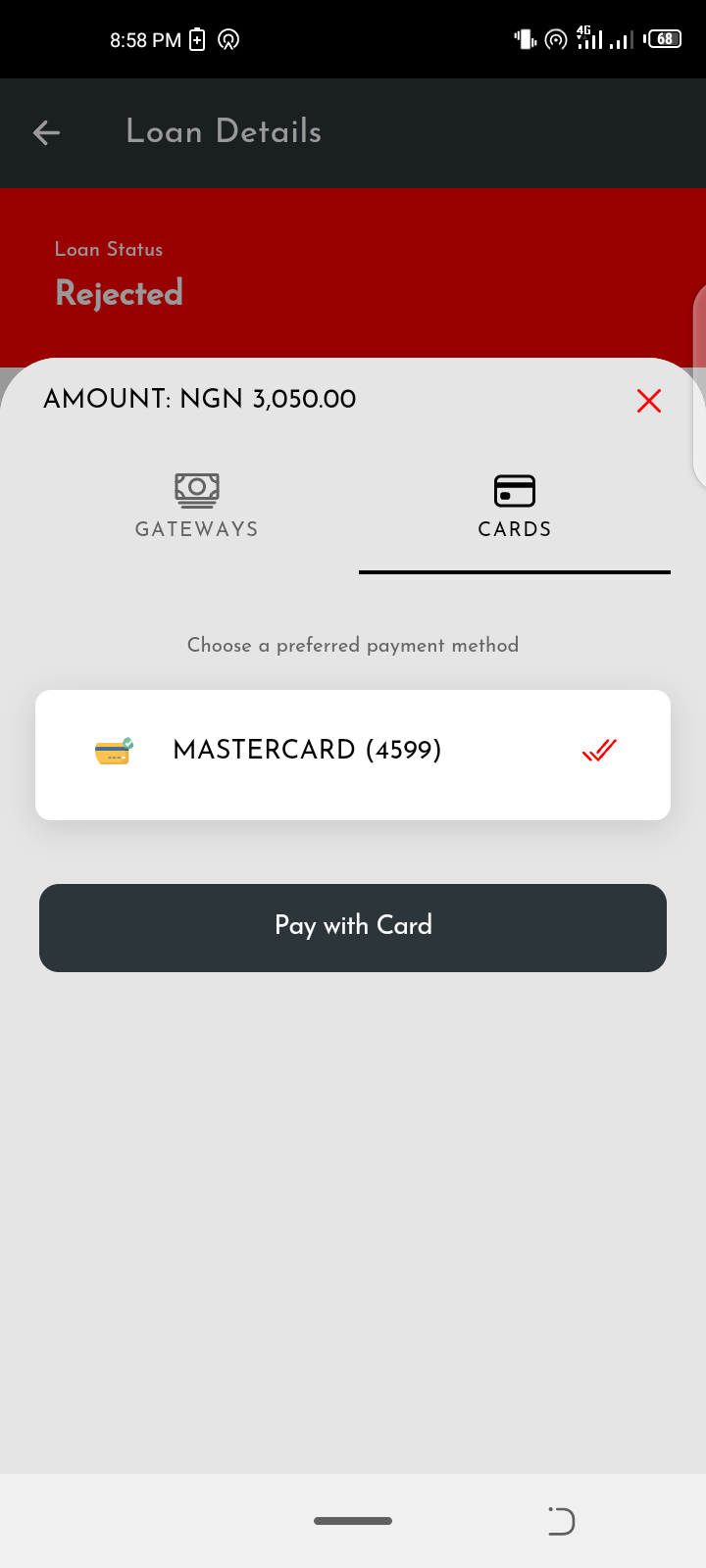
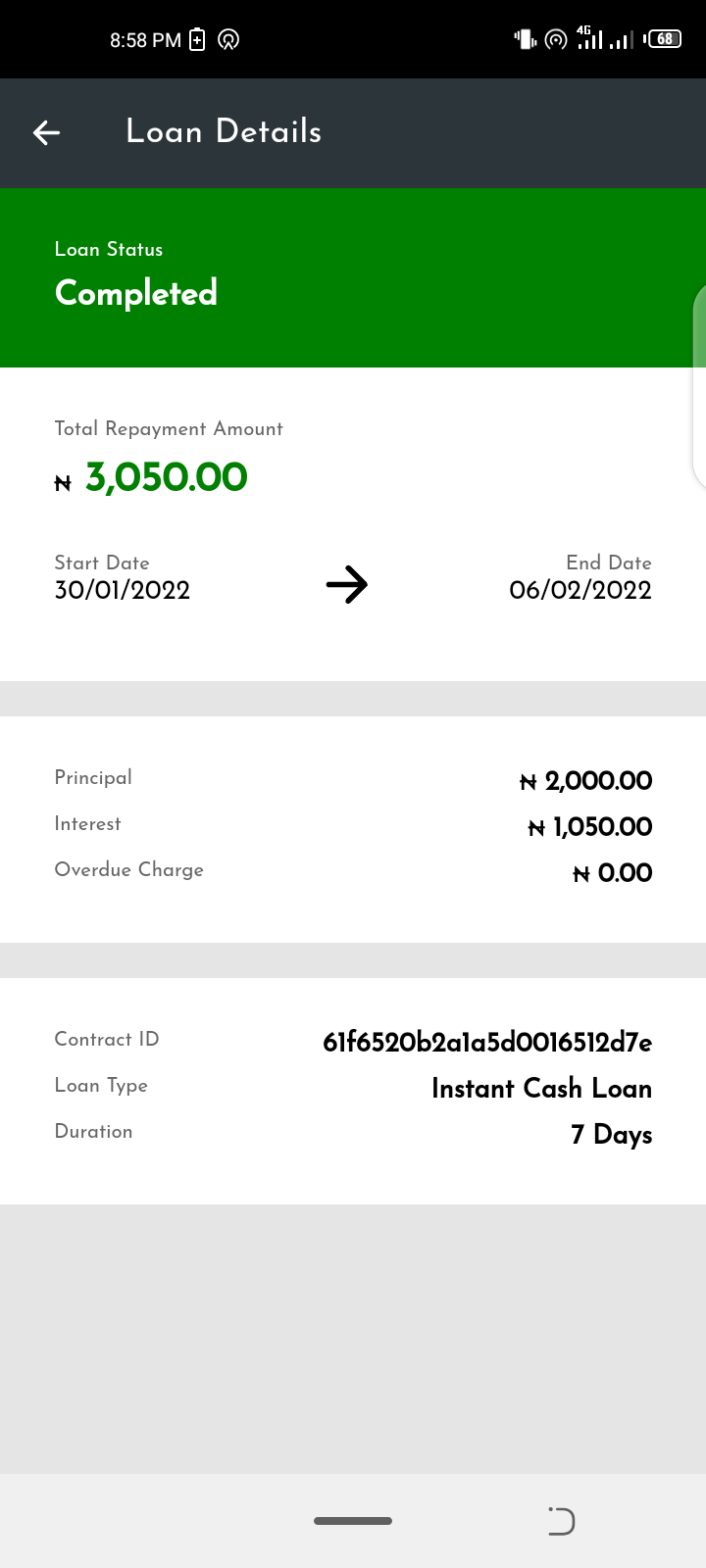
This is a Complete Loan App. The Loan App allows users to sign up for a loan, manage previous loans, pay their outstanding loans, link their bank accounts & debit/credit cards, access to multiple loan services, repay their loans with a click of a button using cards already linked to their accounts, and more. This app can be customized to fit any particular use-case.
REQUIREMENTS
MOBILE
- Node JS – Version 16.0+ – https://nodejs.org/
- Ionic CLI – Version 6+ – https://ionicframework.com/
- Ionic Framework Version 6
- Angular Version 16 – https://angular.io/
- Cordova – https://cordova.apache.org/ REMOVED PARTIALLY & NOT REQUIRED
- Capacitor Version 6 – https://capacitorjs.com/
ADMIN
- Node JS – Version 16.0+ – https://nodejs.org/
- Angular 16 – Version 16.0+ – https://nodejs.org/
- Angular Material 14.2.7
- Angular CDK 14.2.7
API SERVER
- Node JS – Version 16.0+ – https://nodejs.org/
- MongoDB Atlas – https://cloud.mongodb.com/
- Database Connection – Change MongoDB Connection URI in ‘db.js’ file
- Optional: Upload default collections to MongoDb for demo data
INSTALLATION
- Unzip the downloaded source code
- Open terminal or cmd in the root directory of the source code/app
- run “npm install” to add all dependencies (Mobile App, Admin Dashboard, API Server)
- run “ionic serve” to run the app at http://localhost:8100/ – For Mobile APP
- run “ng serve” to run the app at http://localhost:4100/ – For Admin Dashboard
- run “npm start” to run the app at http://localhost:5100/ – For API Server
That’s all! You have your running app, api server & admin dashboard
FEATURES
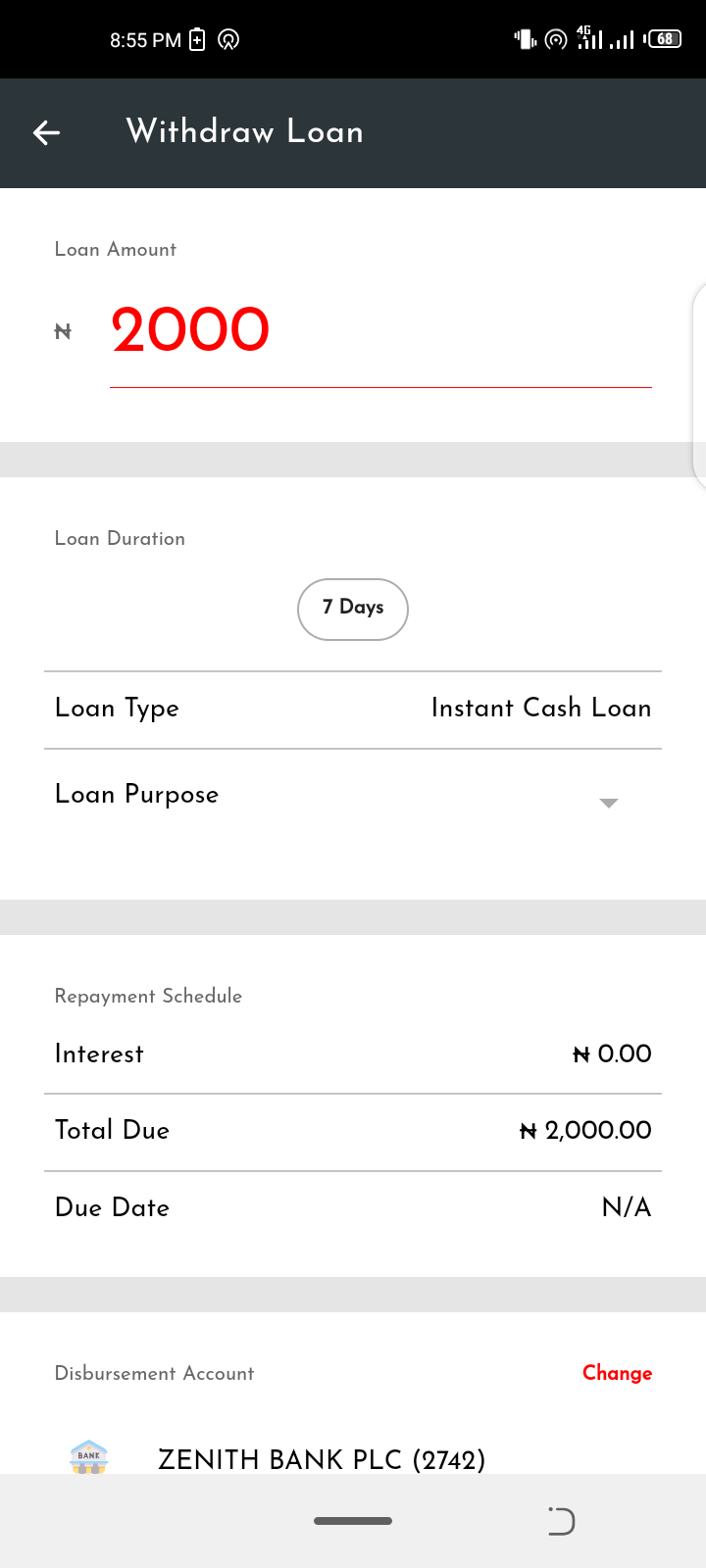
1. Request Loan
2. Multiple Loan Services e.g Airtime Loan, Utility Loan etc
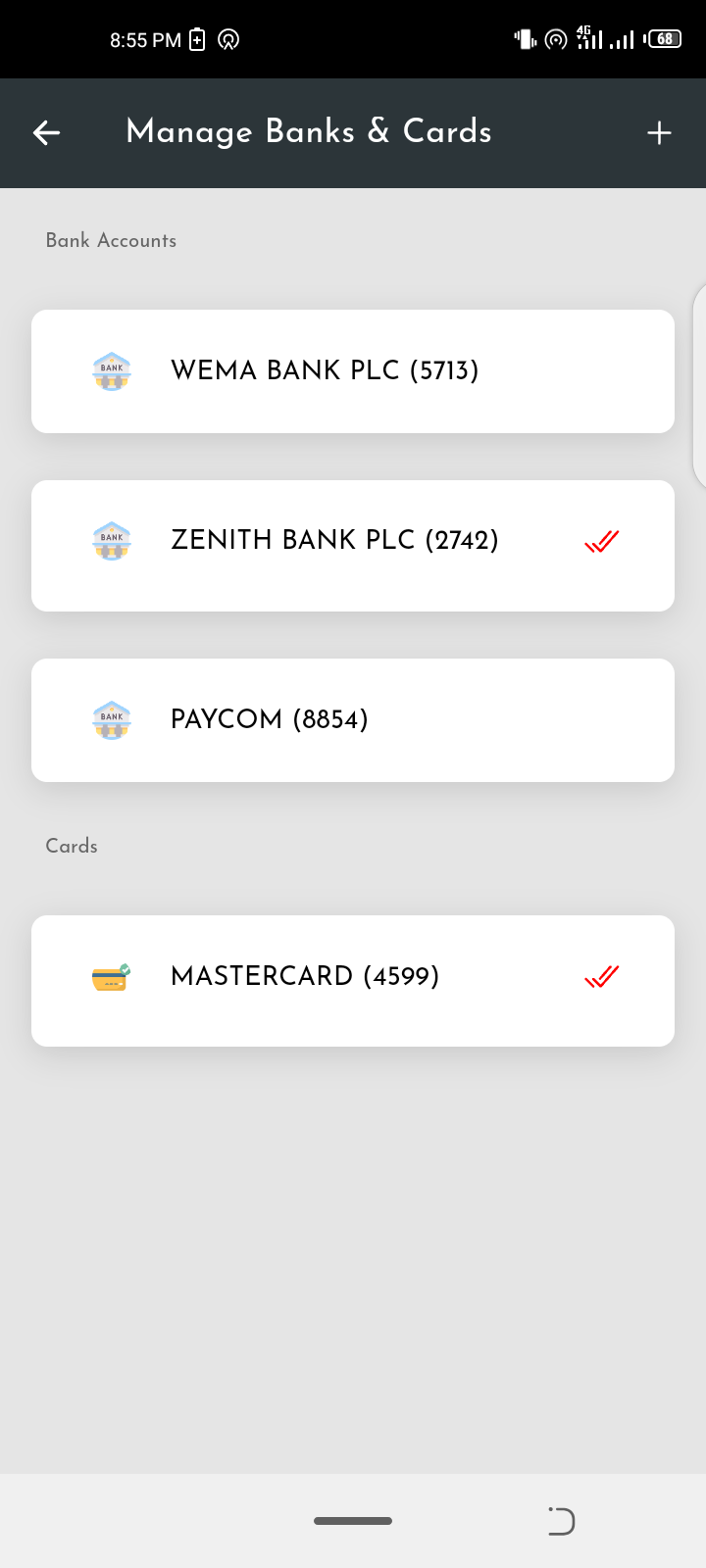
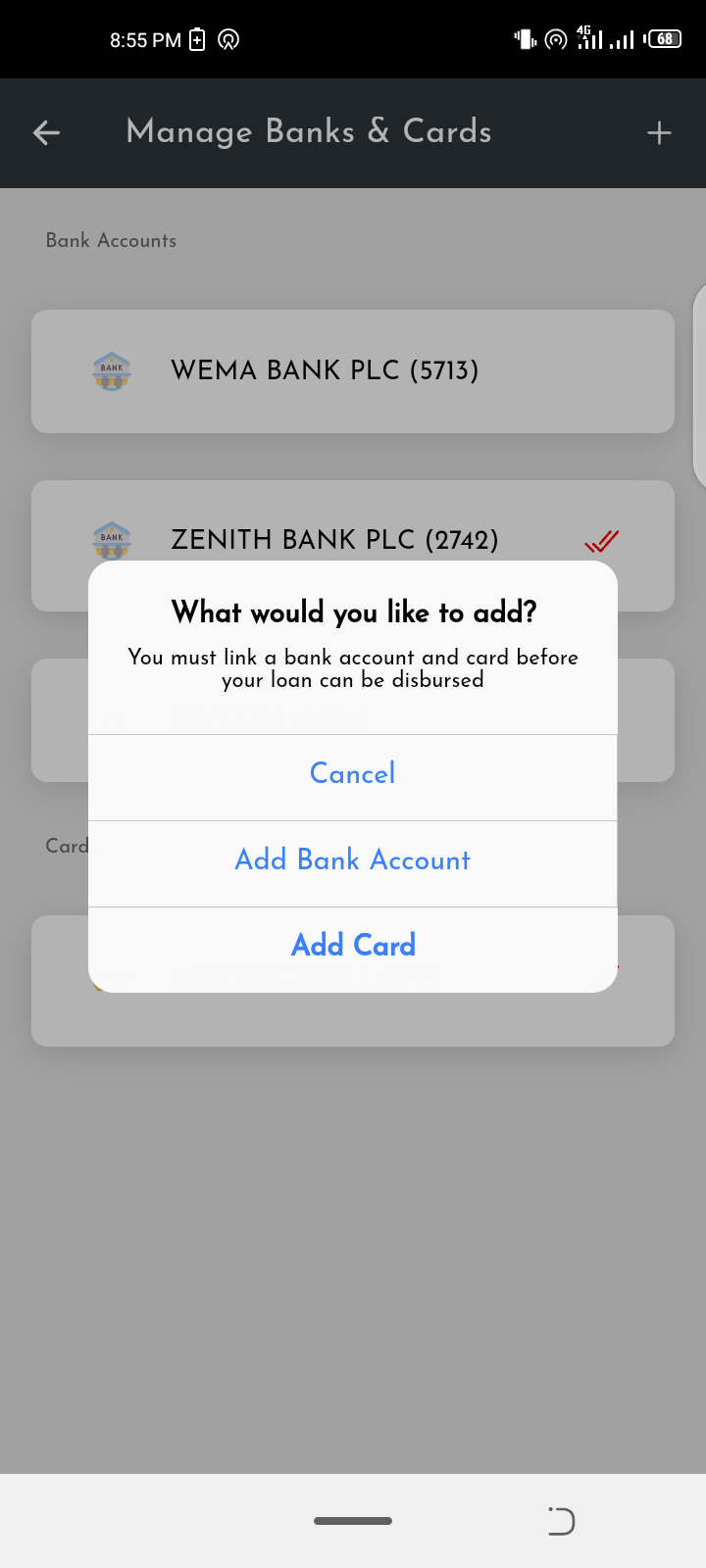
3. Link Debit/Credit Cards
4. Payment Gateway Integration e.g Flutterwave, Paystack
5. Verify Bank Accounts
6. Manage Loan History
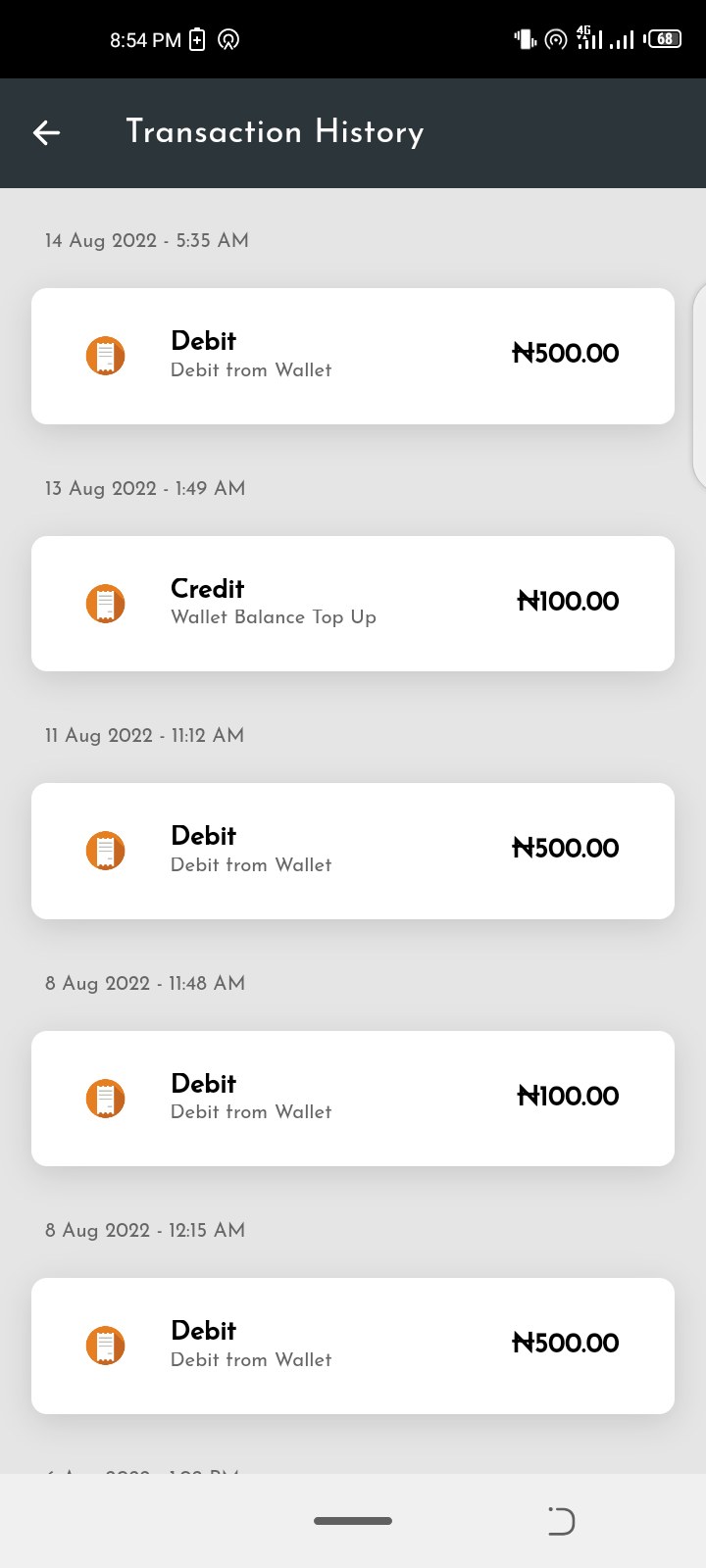
7. Manage Transaction History
8. Manage user Bio-data/Account Details
7. Resolve Bank Account Name
8. Notifications
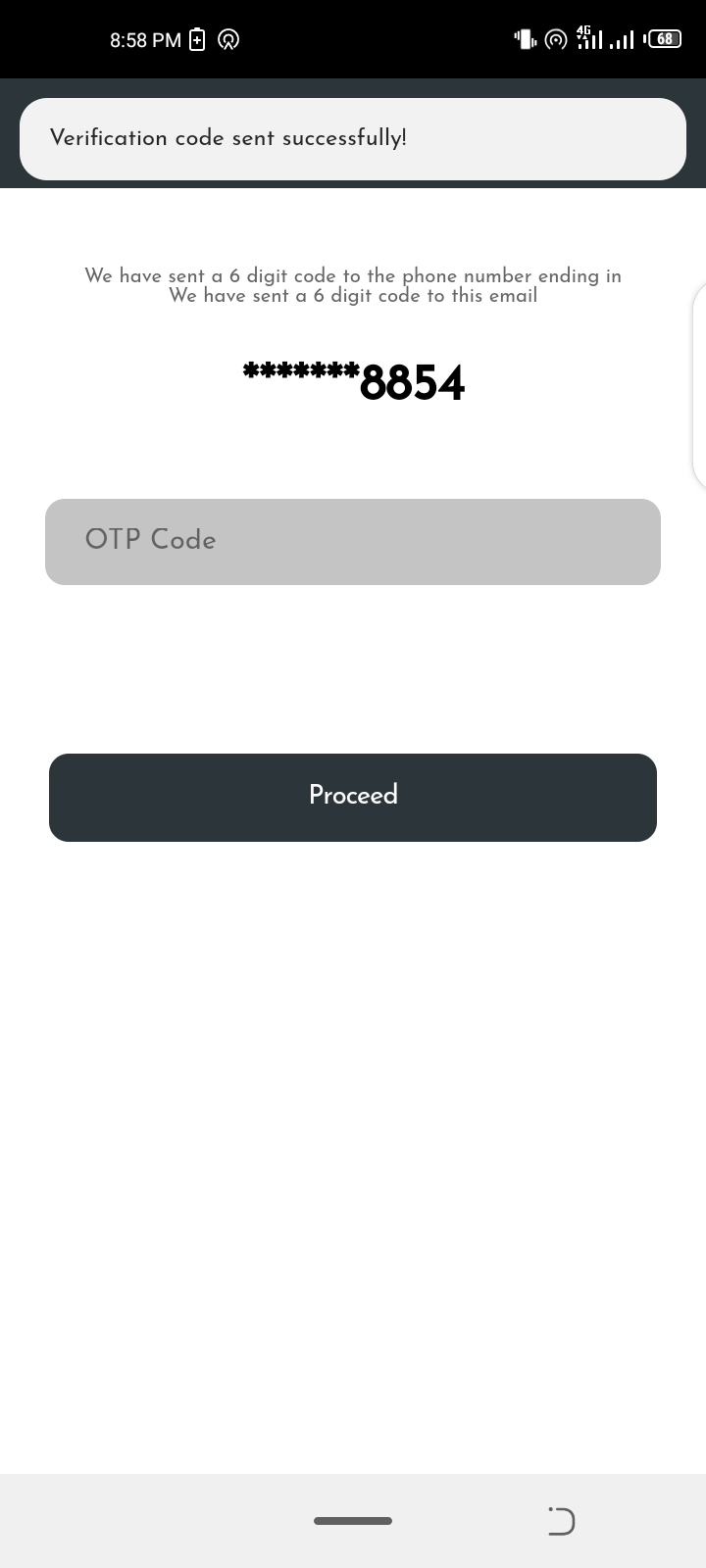
9. One Time Password Verification
10. User Verification and more
TESTING
MOBILE APPLICATION
Android APK File Download (Google Drive): https://drive.google.com/file/d/105bACxTr0uzCsnc7jGB-gomCRg05pEo_/view?usp=sharing
Demo URL: https://loan-app-f3ff7.web.app/
CREDENTIALS
Email: test@test.com
Password: test123
ADMIN DASHBOARD DEMO URL: https://loan-app-admin.web.app/
LOGIN CREDENTIALS
Email: test@admin.com
Password: test123
This is to enable other tester have access
CONTACT & INFORMATION
For more information and support, email: jefferyaboh@gmail.com
Website: https://jeffreyaboh.co.uk/
- Upgrade Ionic Integration
- Upgrade Angular Integration
- Upgrade Capacitor Integration
- Upgraded all dependencies & plugins
- Supports Android 13+
UPDATED 12th October 2022 – Added documentation on the API routes.
COMPLETE SOLUTION INCLUDED – MOBILE APP, ADMIN DASHBOARD & API SERVER
Developed using Ionic Framework Version 6 and Angular 16
Android APK File Download (Google Drive): https://drive.google.com/file/d/105bACxTr0uzCsnc7jGB-gomCRg05pEo_/view?usp=sharing
CREDENTIALS
Email: test@test.com
Password: test123
ADMIN DASHBOARD DEMO URL: https://loan-app-admin.web.app/
LOGIN CREDENTIALS
Email: test@admin.com
Password: test123
MOBILE APP WEB DEMO URL: https://loan-app-f3ff7.web.app/
CREDENTIALS
Email: test@test.com
Password: test123
INTRODUCTION
This is a Complete Loan App. The Loan App allows users to sign up for a loan, manage previous loans, pay their outstanding loans, link their bank accounts & debit/credit cards, access to multiple loan services, repay their loans with a click of a button using cards already linked to their accounts, and more. This app can be customized to fit any particular use-case.
REQUIREMENTS
MOBILE
- Node JS – Version 16.0+ – https://nodejs.org/
- Ionic CLI – Version 6+ – https://ionicframework.com/
- Ionic Framework Version 6
- Angular Version 16 – https://angular.io/
- Cordova – https://cordova.apache.org/ REMOVED PARTIALLY & NOT REQUIRED
- Capacitor Version 6 – https://capacitorjs.com/
ADMIN
- Node JS – Version 16.0+ – https://nodejs.org/
- Angular 16 – Version 16.0+ – https://nodejs.org/
- Angular Material 14.2.7
- Angular CDK 14.2.7
API SERVER
- Node JS – Version 16.0+ – https://nodejs.org/
- MongoDB Atlas – https://cloud.mongodb.com/
- Database Connection – Change MongoDB Connection URI in ‘db.js’ file
- Optional: Upload default collections to MongoDb for demo data
INSTALLATION
- Unzip the downloaded source code
- Open terminal or cmd in the root directory of the source code/app
- run “npm install” to add all dependencies (Mobile App, Admin Dashboard, API Server)
- run “ionic serve” to run the app at http://localhost:8100/ – For Mobile APP
- run “ng serve” to run the app at http://localhost:4100/ – For Admin Dashboard
- run “npm start” to run the app at http://localhost:5100/ – For API Server
That’s all! You have your running app, api server & admin dashboard
FEATURES
1. Request Loan
2. Multiple Loan Services e.g Airtime Loan, Utility Loan etc
3. Link Debit/Credit Cards
4. Payment Gateway Integration e.g Flutterwave, Paystack
5. Verify Bank Accounts
6. Manage Loan History
7. Manage Transaction History
8. Manage user Bio-data/Account Details
7. Resolve Bank Account Name
8. Notifications
9. One Time Password Verification
10. User Verification and more
TESTING
- AVOID DELETE ITEMS ON THE DEMO APP, WE ENCOURAGE YOU TO SIGN UP & CREATE NEW ITEMS INSTEAD
MOBILE APPLICATION
Android APK File Download (Google Drive): https://drive.google.com/file/d/105bACxTr0uzCsnc7jGB-gomCRg05pEo_/view?usp=sharing
Demo URL: https://loan-app-f3ff7.web.app/
CREDENTIALS
Email: test@test.com
Password: test123
ADMIN DASHBOARD DEMO URL: https://loan-app-admin.web.app/
LOGIN CREDENTIALS
Email: test@admin.com
Password: test123
- NOTE: PLEASE DO NOT ATTEMPT TO CHANGE THE CREDENTIALS
This is to enable other tester have access
CONTACT & INFORMATION
For more information and support, email: jefferyaboh@gmail.com
Website: https://jeffreyaboh.co.uk/