Keevault – The all-in-one solution for software license verification and usage and telemetry data collection.
Free WordPress Integrations
Keevault WooCommerce Integration – Sell Keevault license keys through your WooCommerce store.
Keevault Contracts API WooCommerce Integration – Sell Keevault contracts through your WooCommerce store.
NEW IN VERSION 1.1.2
Contracts: Introducing specialized API endpoints that grant contract owners, such as organizations or companies, the capability to generate a predefined number of license keys according to specified generator rules. Depending on the permissions configured by the admin, contract owners can create or destroy licenses using their designated contract key.
Experience Keevault:
- Live Demo
- Username: demo@keevault.com
- Password: demouser
- Test API & Contracts API Responses: Postman Collection
Note: The demo resets every 60 minutes.
Free Installation Service:
We offer free installation for hosting with cPanel or similar control panels. For VPS users, you need to install cPanel or a similar web control panel. Installation on localhost is not provided.
To request free installation, create a ticket on our support platform and provide your hosting URL, username, and password. Our dev team will handle the installation for you.
License Keys
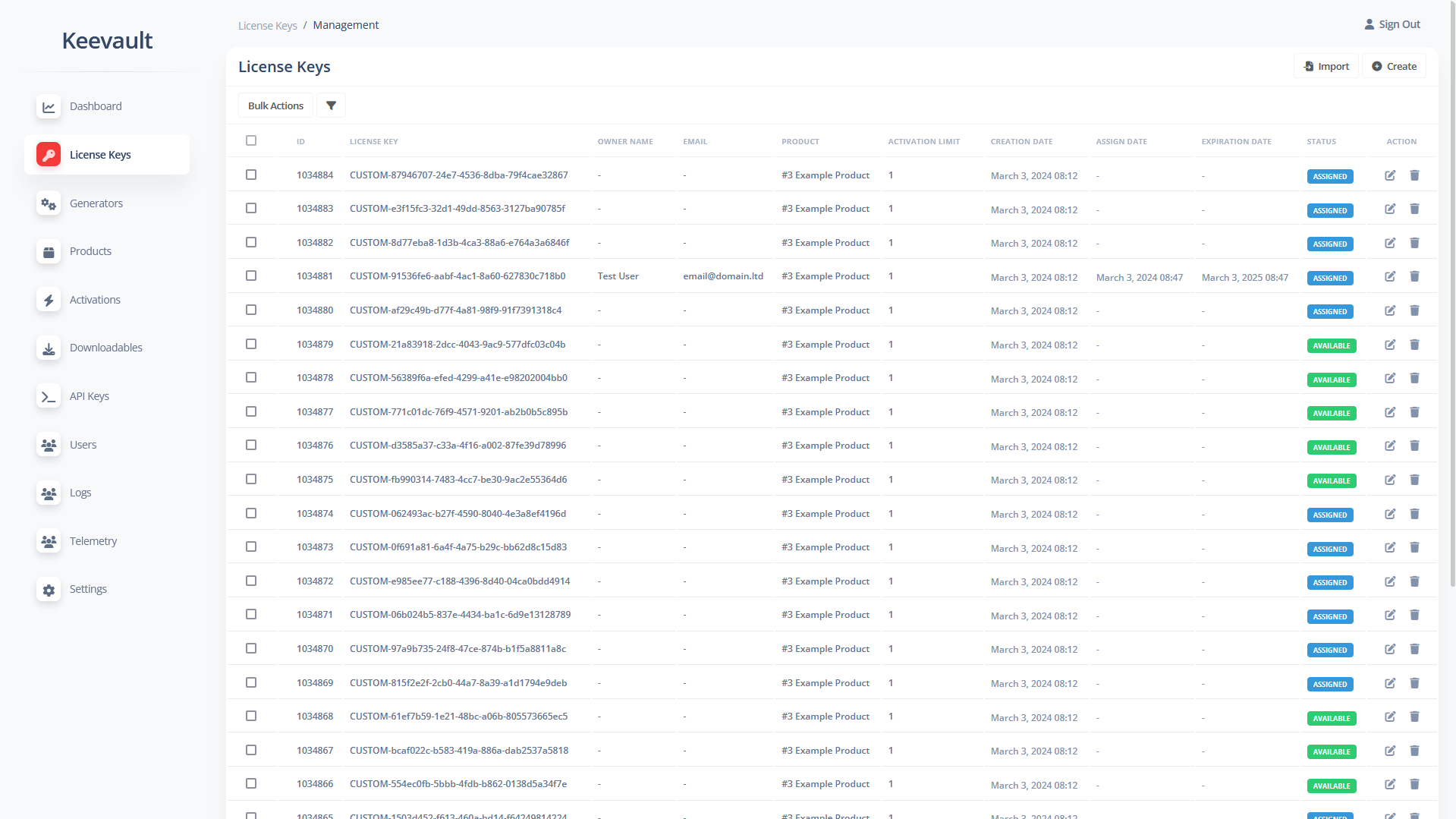
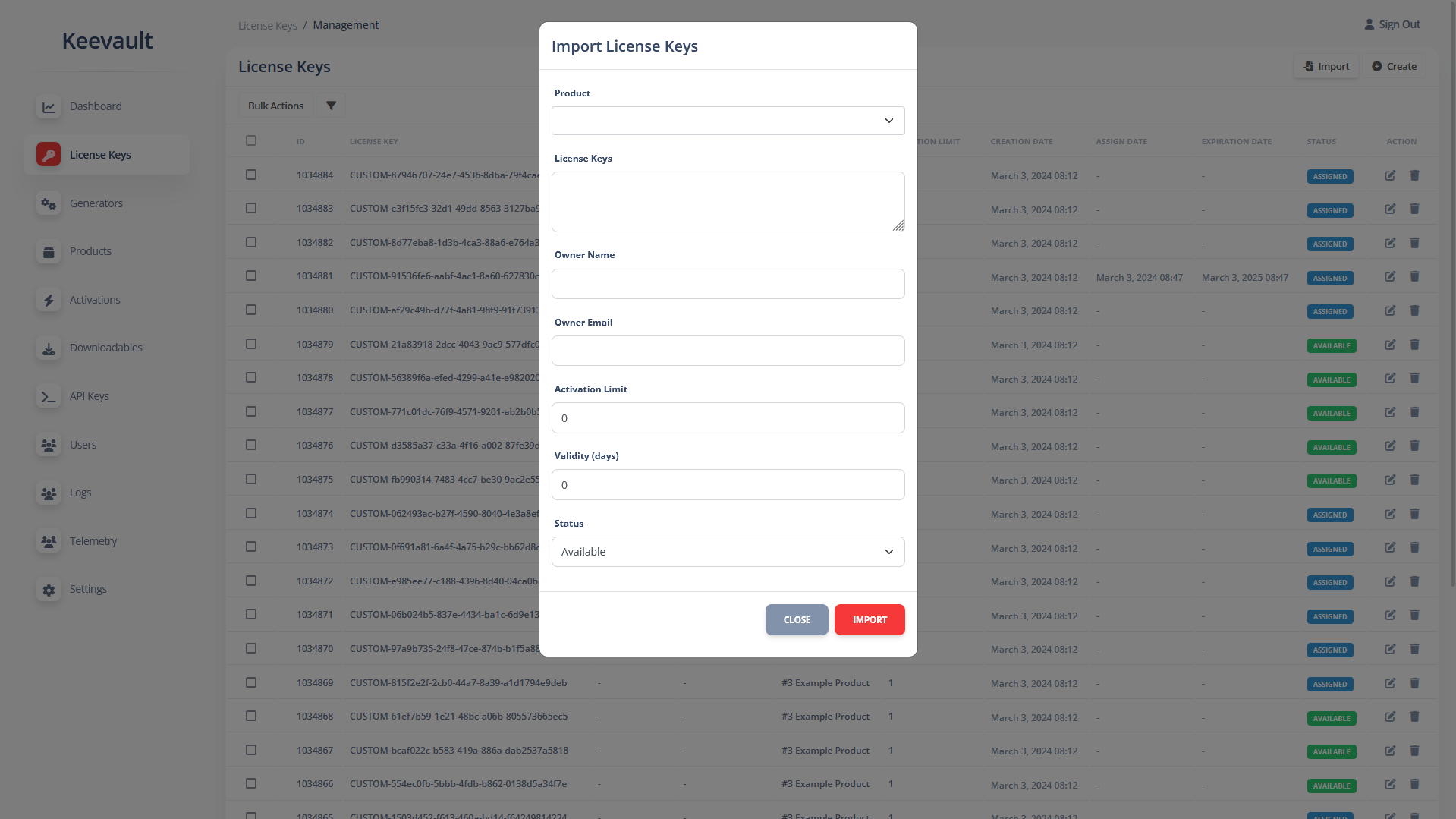
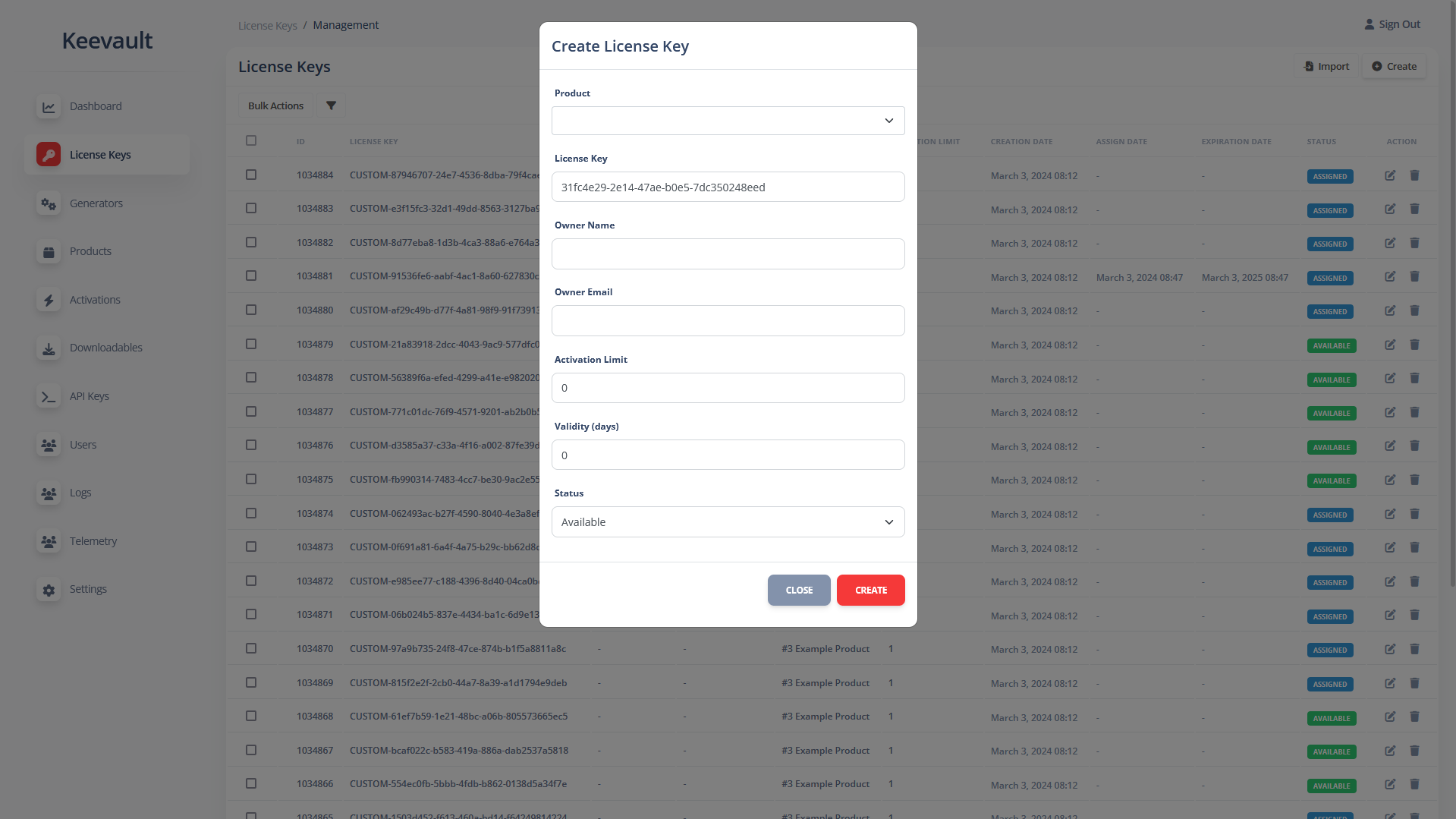
Create or import license keys using the dashboard or through the API. Additionally, license keys can be bulk-generated using the generator feature.
Generators
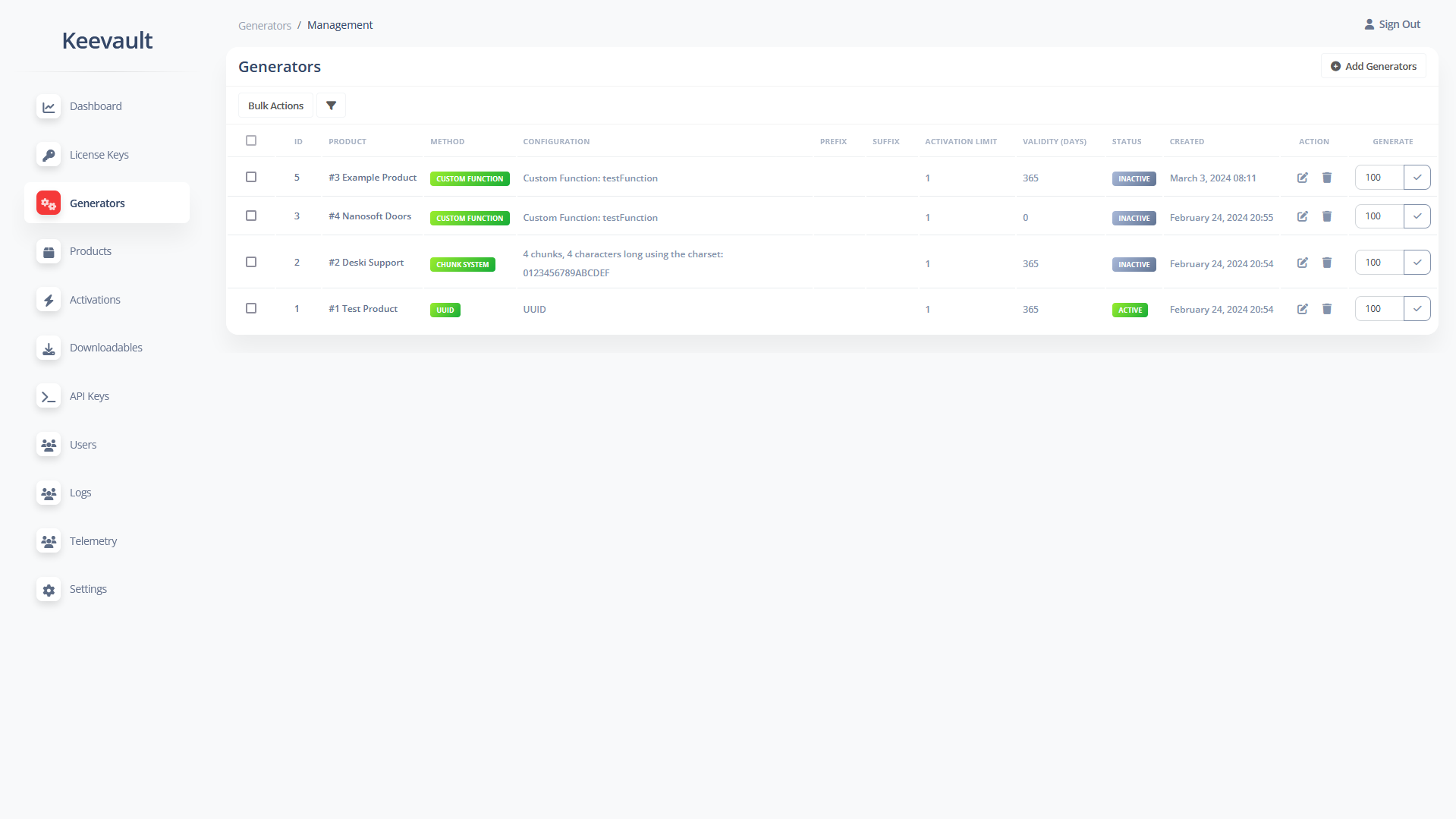
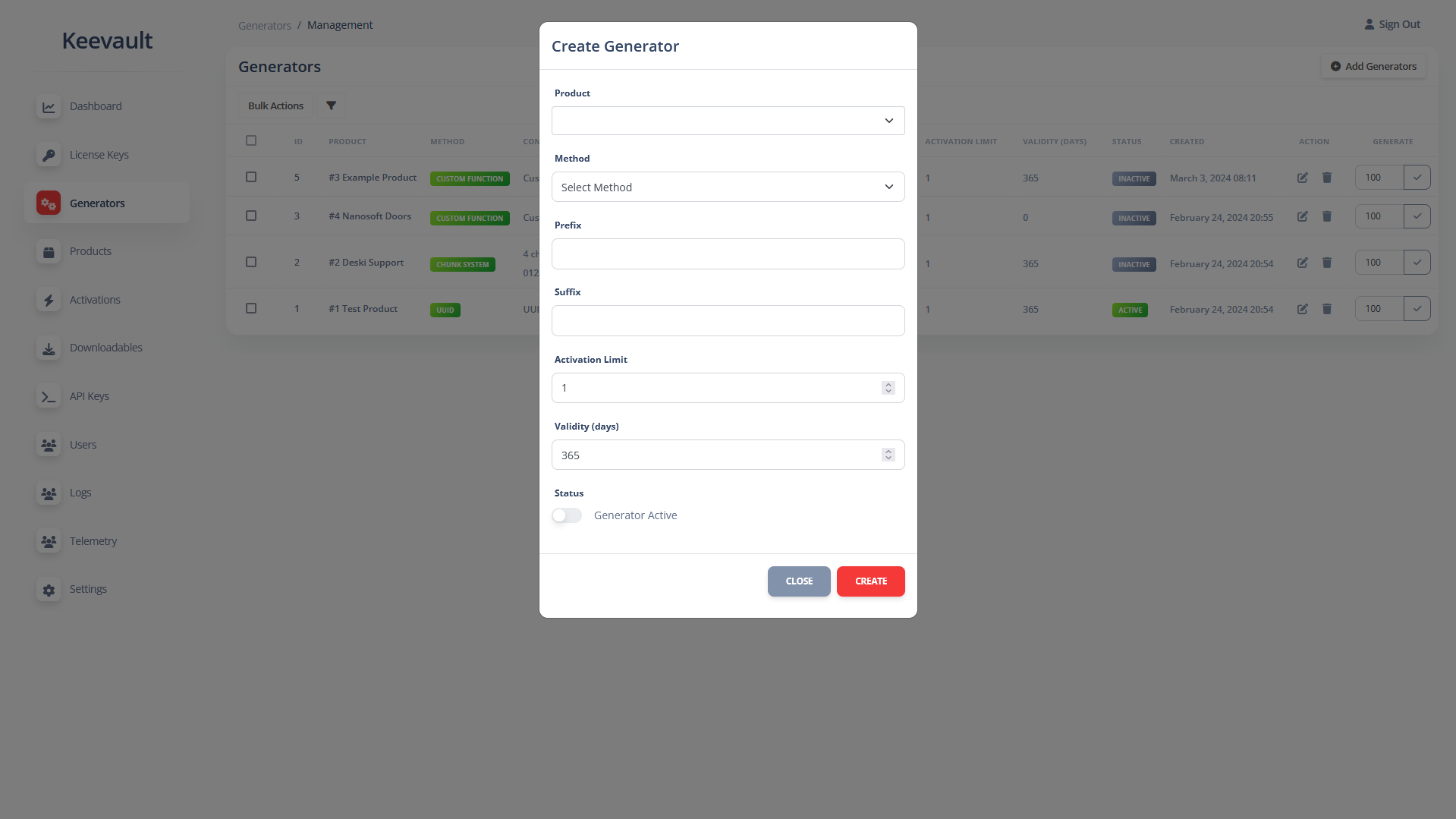
A versatile and powerful license key generation system allows you to generate keys in either UUID or chunk-system format. For instance, generating keys with four chunks, each consisting of four characters, will result in keys such as B4AD-EF5C-548D-90EF. Additionally, you have the option to call your own PHP generator function with minimal code required.
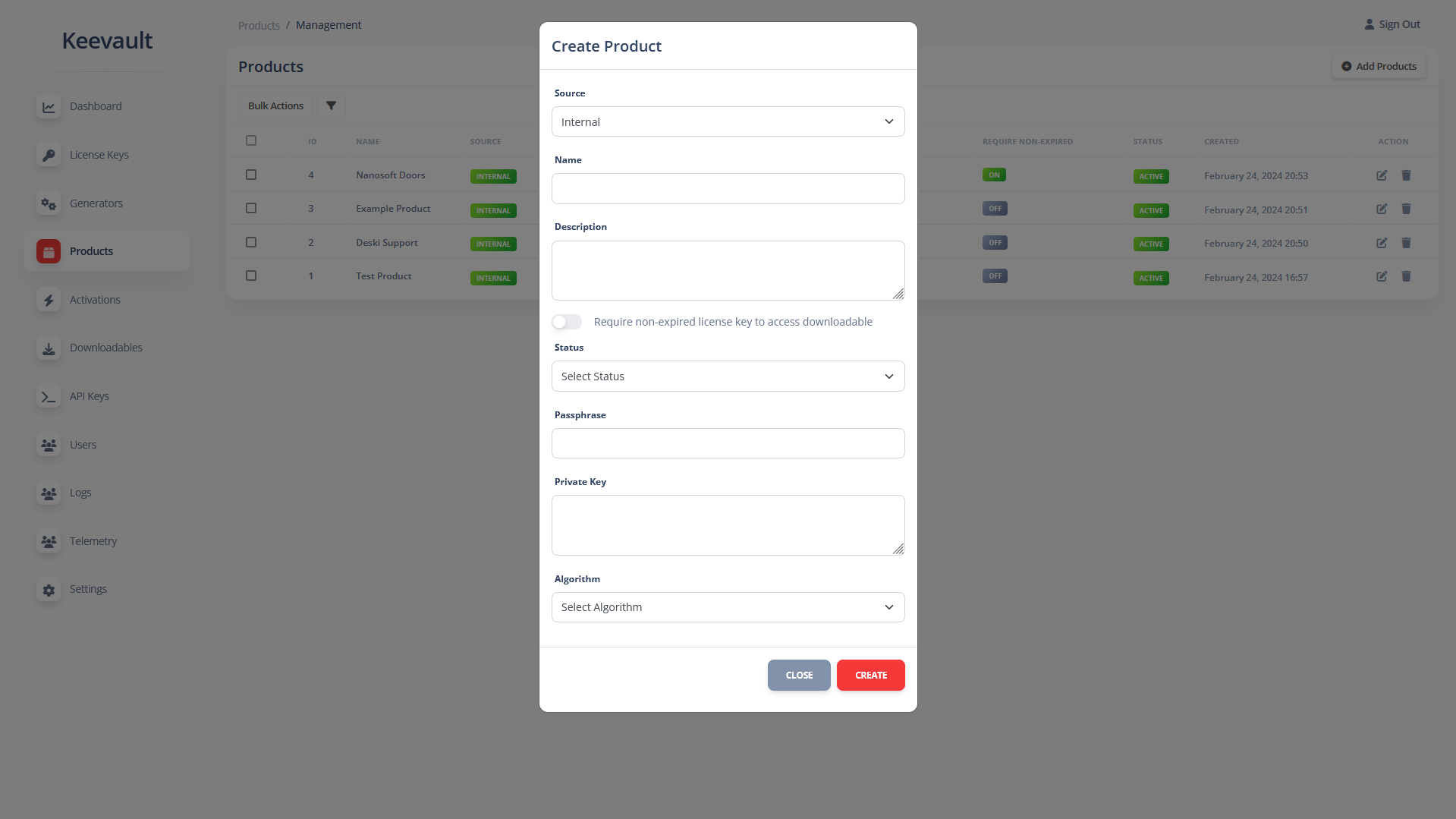
Products
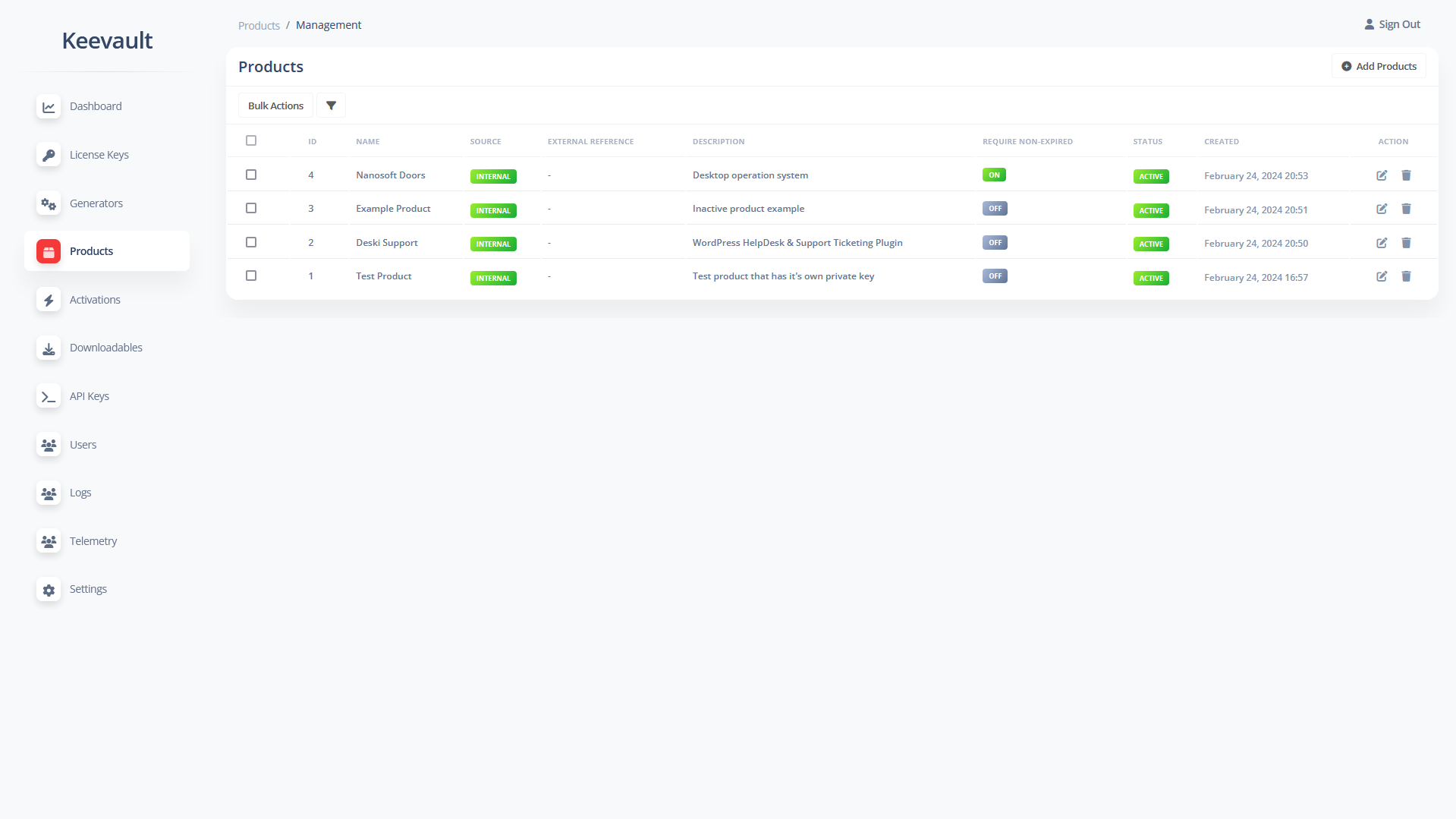
Products can be categorized as internal or external (for Envato support). Create your product and configure it according to your preferences, which will later be utilized by the API.
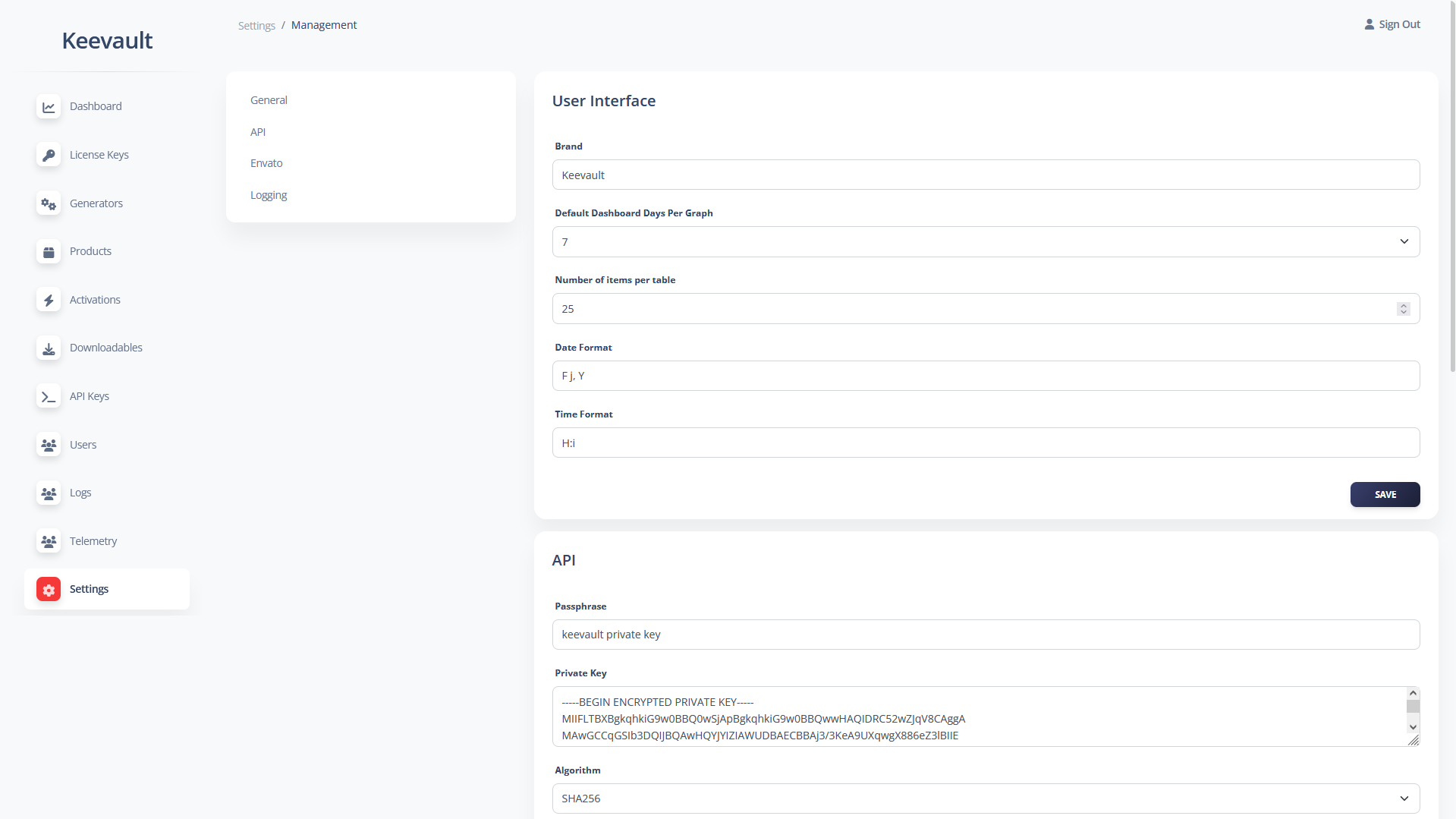
With a strong emphasis on security, each product can possess its own private key for signing API responses, in addition to the global private key utilized for signing non-product-related API responses.
The purpose of the signature is to verify that the response received by your software originates from your own servers and not from a third party. Furthermore, a timestamp is included in all API responses to ensure the uniqueness of each signature, even if the data remains unchanged.
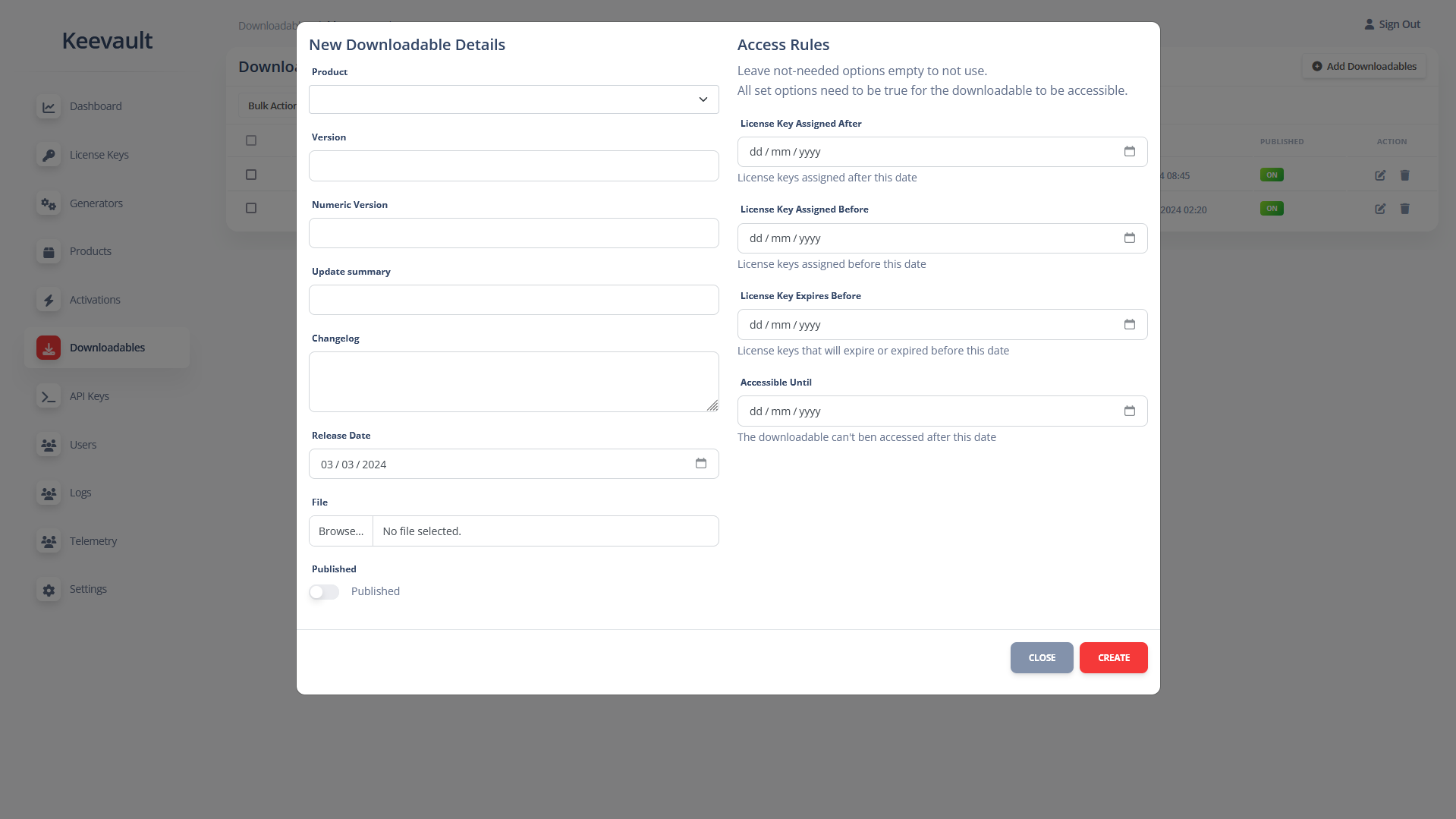
Downloadables/Product Updates/Versions
Create downloadable packages accessible through the API. When the access downloads endpoint is called, it will return a list of download links that can be accessed if the set requirements are met.
Examples of configurable requirements include:
- Requiring the license key to be assigned within a specified date range. This is useful if you want to grant your customers access to downloads created within one year of their purchase, for example.
- Managing license keys that expire before a certain date, which is useful for perpetual access or fallback licenses.
- Set a fixed cutoff date after which the package can no longer be accessed.
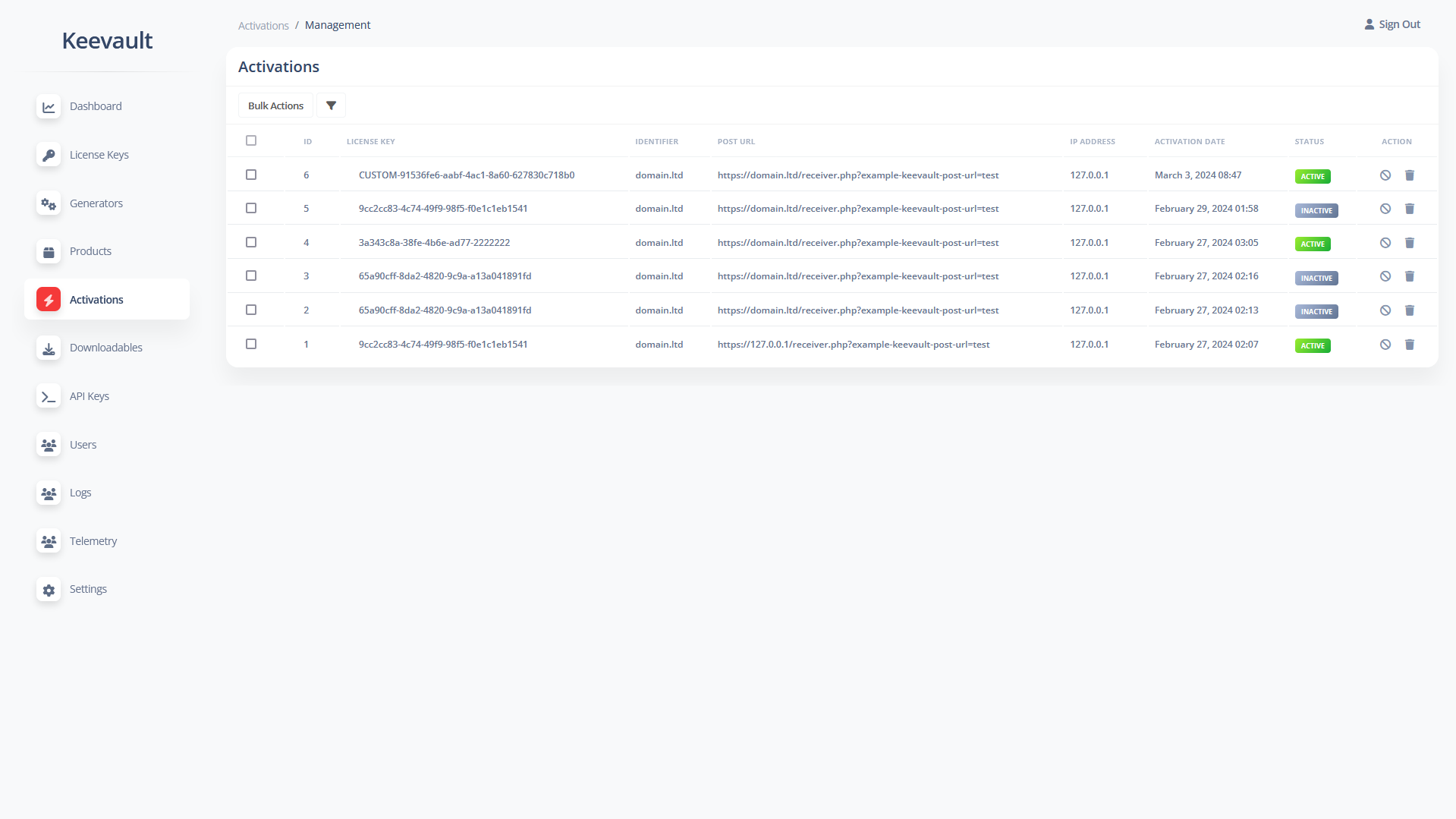
Activations
Assign a unique identifier to each activation, which could be a Device ID or a domain for web applications/plugins.
For domains/websites, an additional Post URL can be configured to send remote deactivation requests to the server where the product is deployed.
These remote deactivation requests are signed using the product’s private key to ensure that your software can verify the request’s origin and authenticate that it originates from your servers.
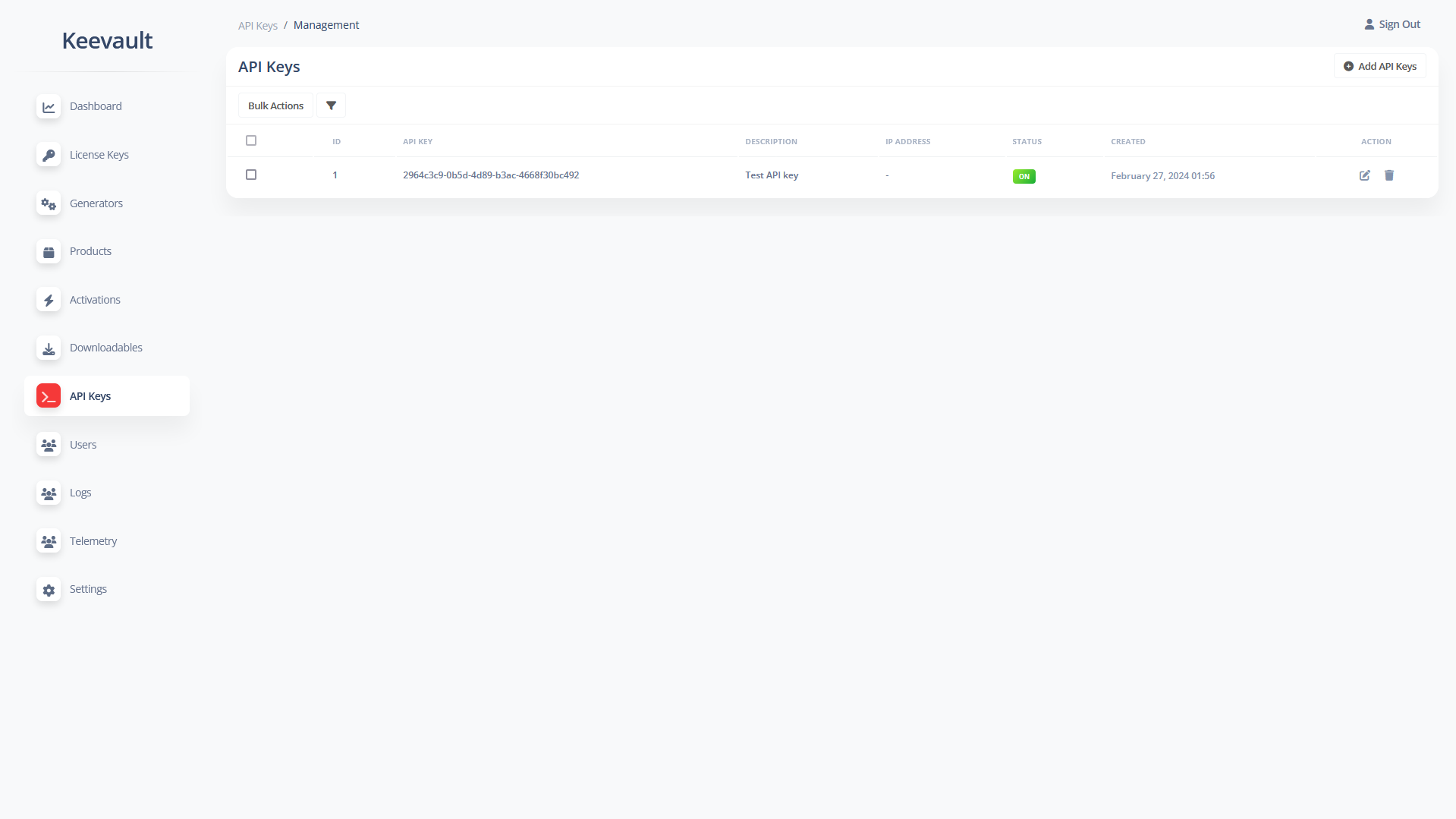
API Keys
You have the option to bind an API key to a specific IP address or allow access from anywhere. Each API endpoint requires its own permission to be enabled to be accessible.
API Settings
API access can be restricted by blocking IPs and identifiers (such as device IDs and domains). Additionally, download links can be restricted to a specific user agent, in addition to the existing global API restrictions.
API Endpoints
With 25 endpoints available for both product and internal use, you can license your products and seamlessly integrate the license manager with third-party tools.
Logs
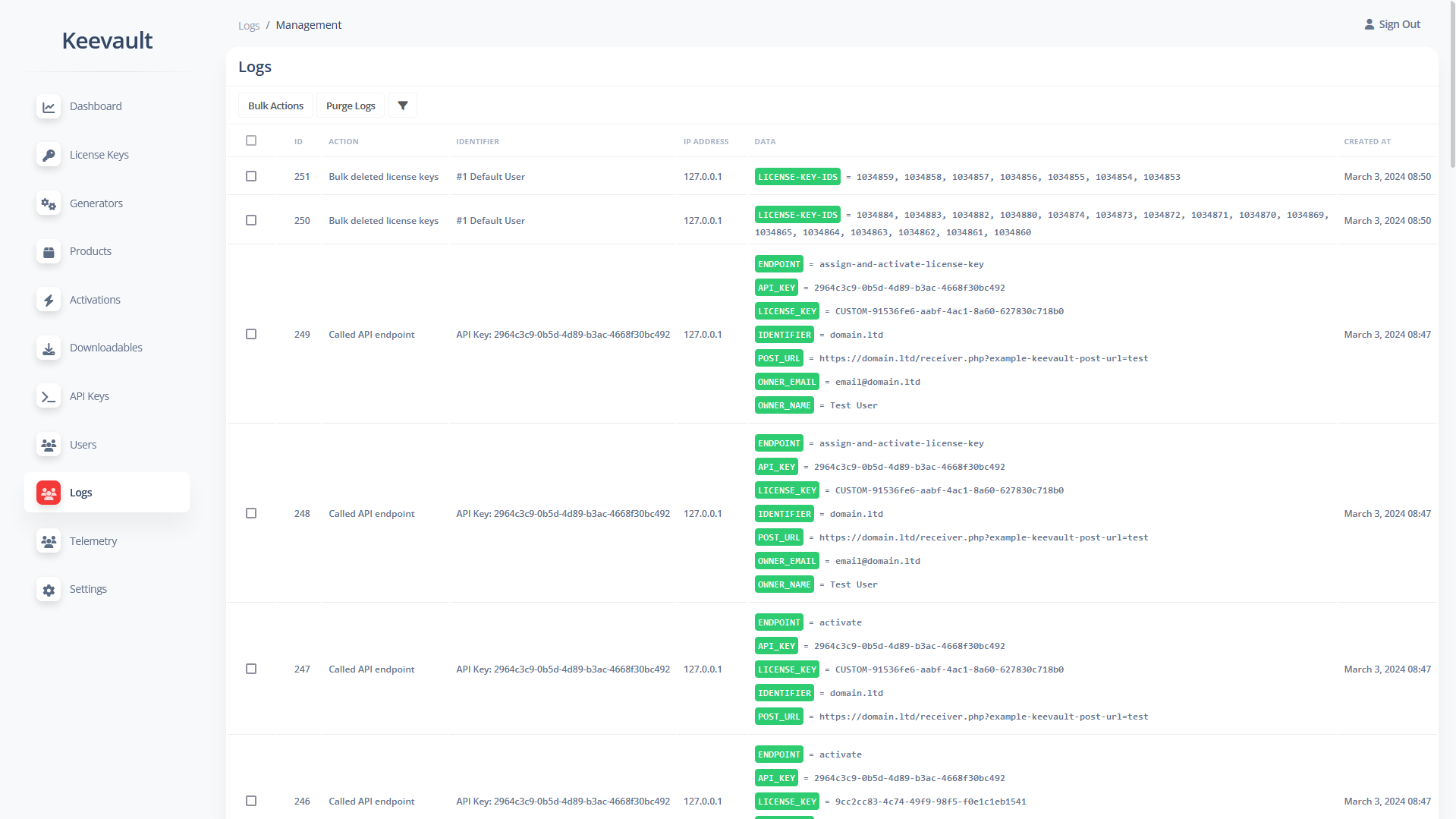
All actions on the dashboard or through the API are logged, with administrators having the ability to purge logs.
Logs are categorized, and each category can be individually enabled or disabled.
Telemetry Data
All telemetry data can be viewed from the dashboard and accessed via the API for use and processing by third-party tools.
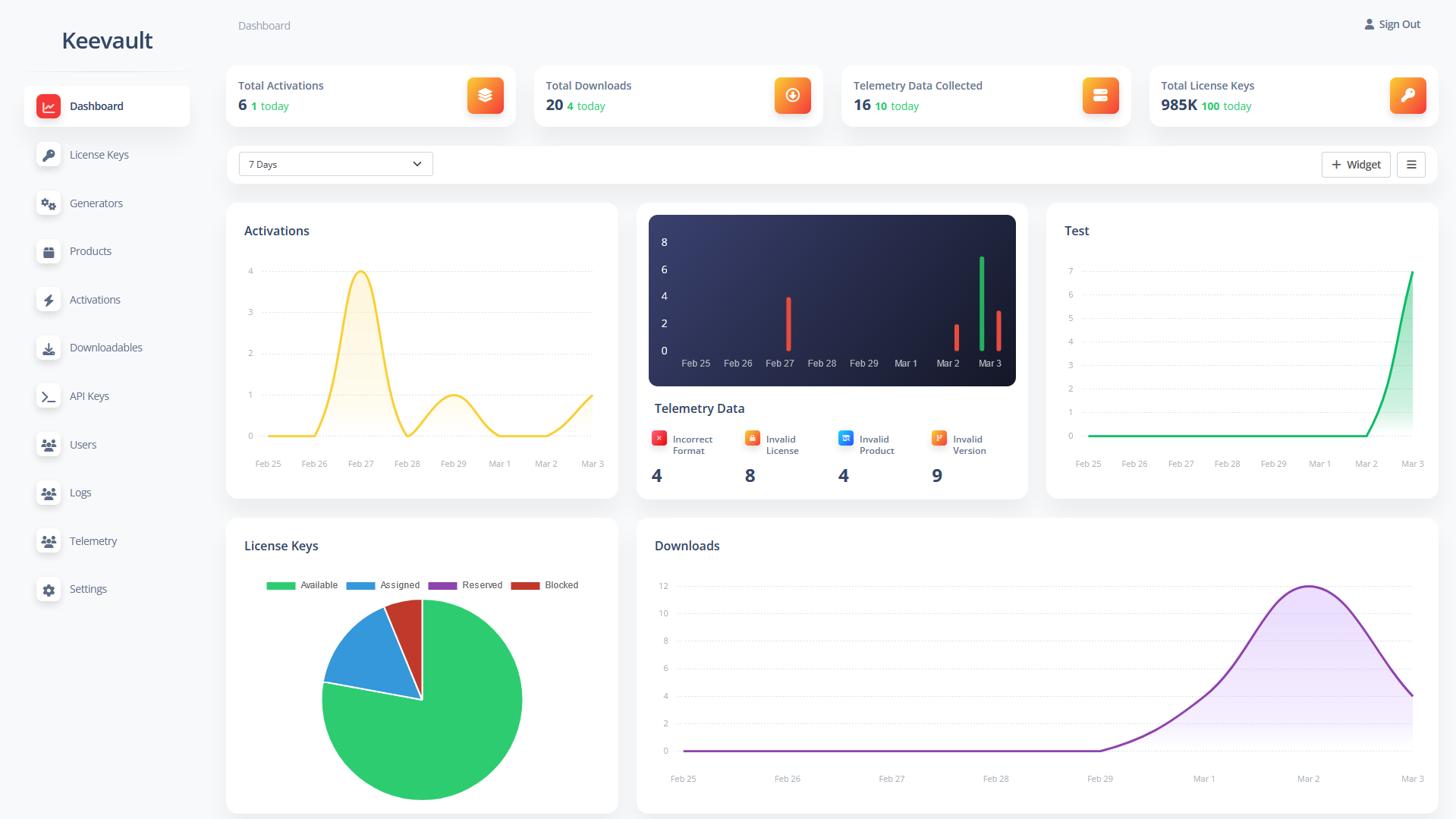
Dashboard Widgets
Telemetry data collected via the API can be utilized to create dashboard widgets, providing an overview of the latest collected data.
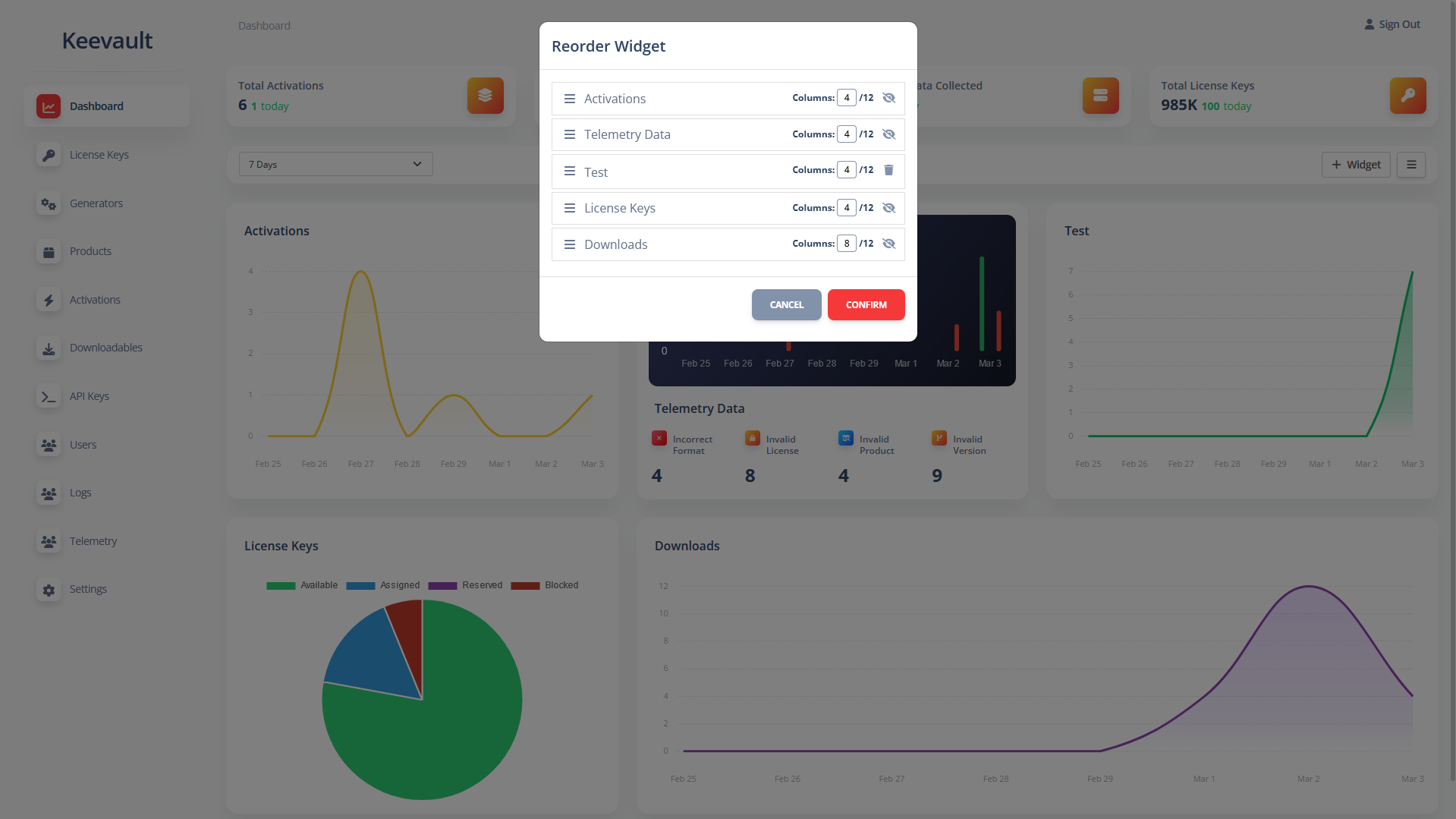
Widgets can be rearranged, resized, removed, or hidden for built-in options.
Filter and bulk actions
All data tables support filtering capabilities. For instance, license keys can be filtered by the key itself or a partial fragment, as well as by owner name and email, product, or status. This streamlined process enables you to swiftly locate the desired data.
Bulk actions allow you to perform actions such as deleting or changing the status of multiple records simultaneously.
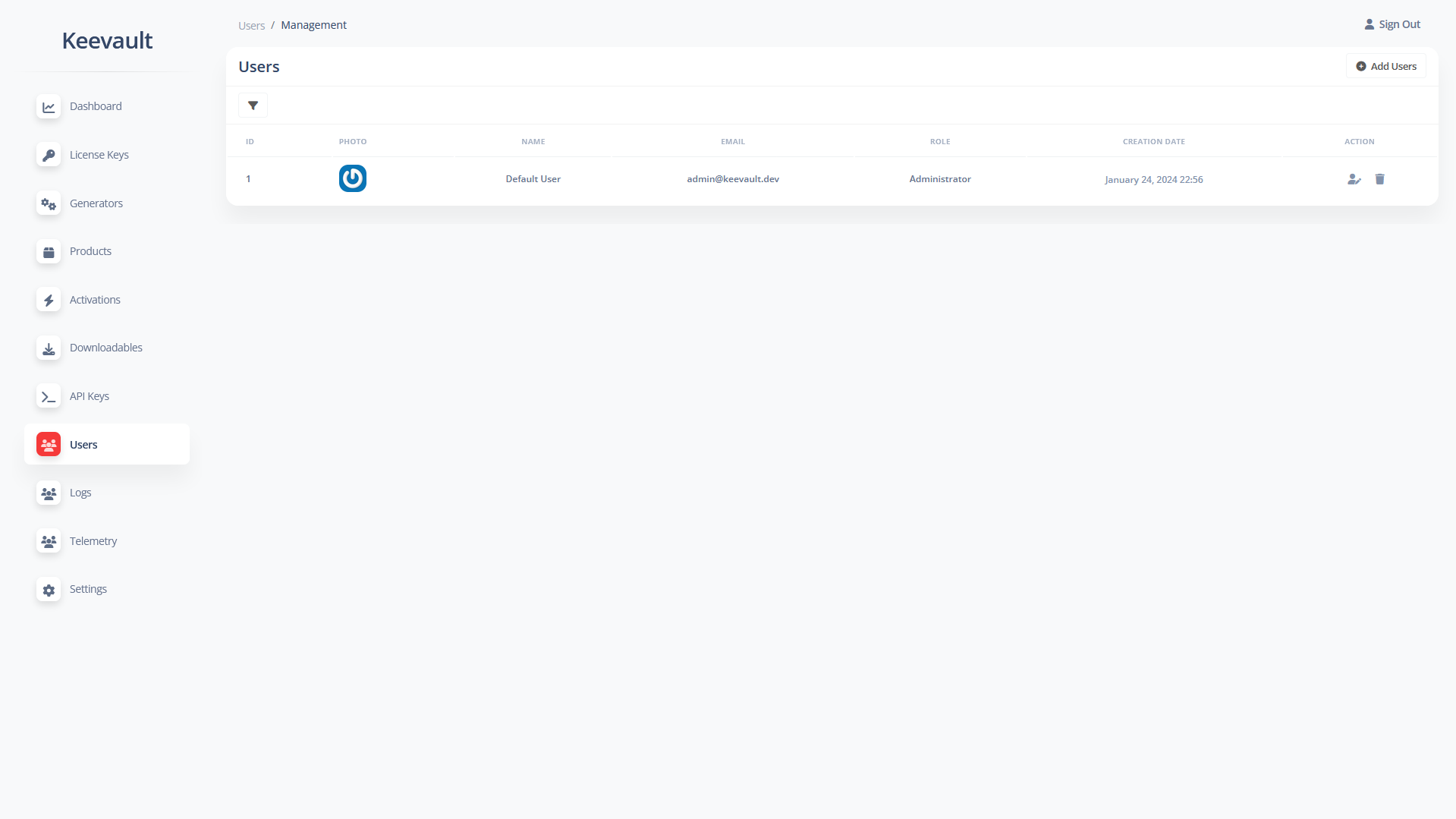
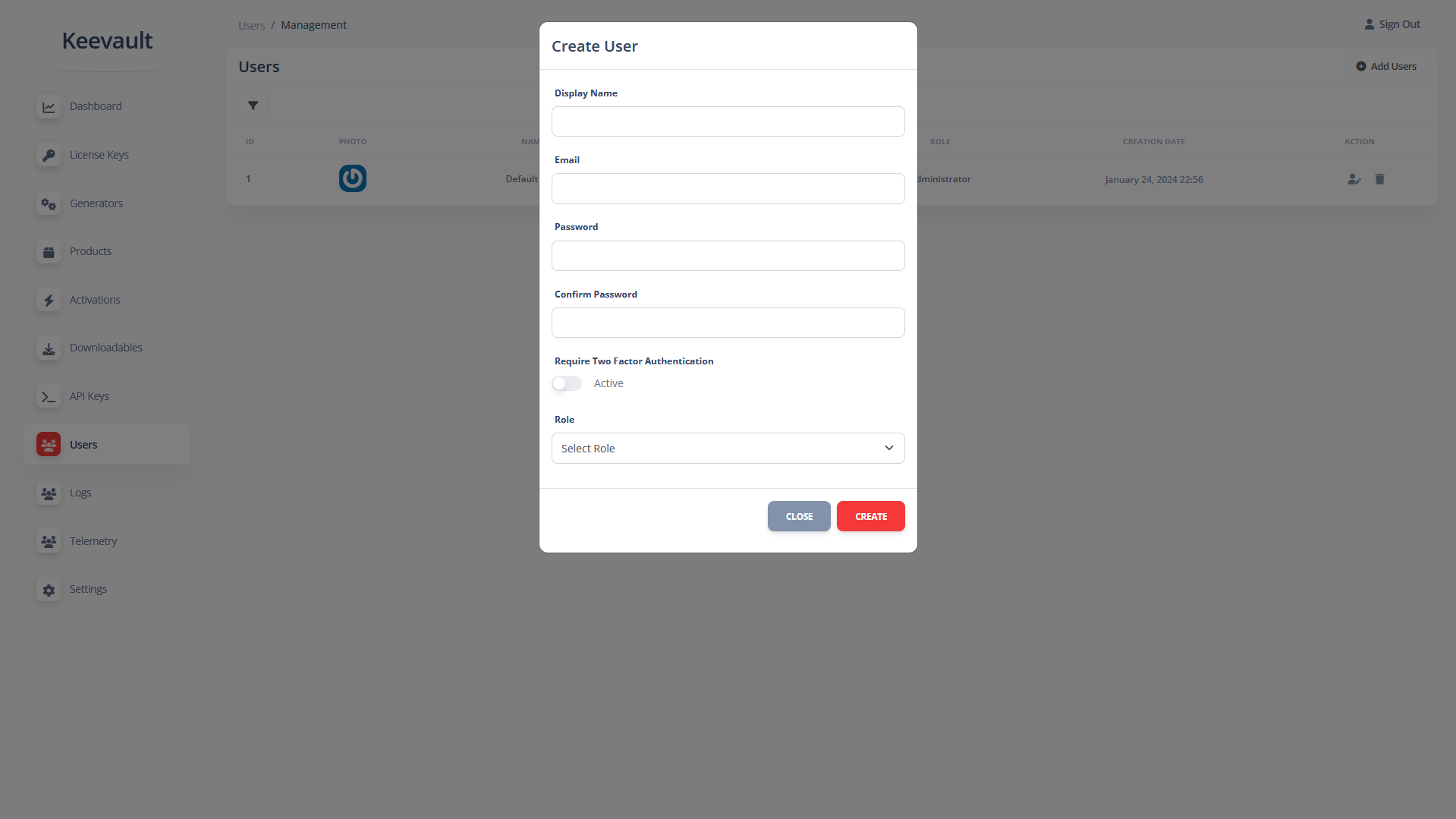
User Security
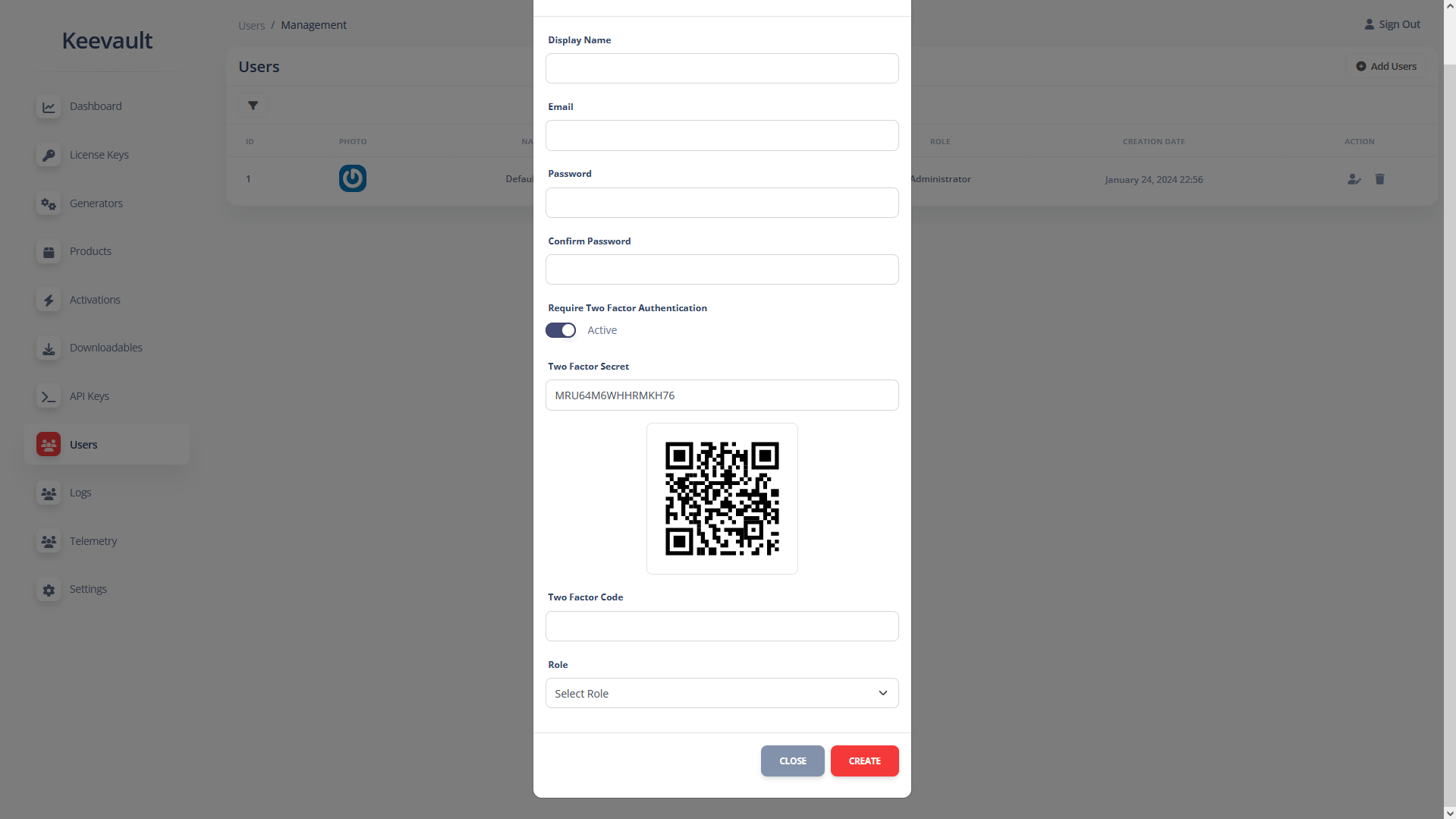
Enabling two-factor authentication (2FA) enhances account security by requiring not only a password and username but also a time-sensitive code for login.
Suggestions
If you have any suggestions for new features, please don’t hesitate to share them in the comments section. Your input is greatly valued!
Included in the Package
- Keevault – Laravel Web Application
- API Documentation
- Contracts API Documentation
- Product Documentation
- API Postman Collection
Freebies
- Contracts API WooCommerce Integration: Sell Keevault contracts directly from your WooCommece store.
- WooCommerce Integration – Sell Keevault license keys through your WooCommerce store.
System Requirements
- PHP: 8.1+
- MySQL: 5.7+
API Response Codes
[API Key]
100    Invalid API Key
101    Inactive API Key
102    The used API key doesn't have the required capability to access this endpoint
103    API key can't be used from this IP address

[IP / Domain / Identifier Restrictions]
150    Access denied

[verify]
200    Valid license key
201    This license key is not assigned
202    No activation found for this license key/identifier combination
203    The product associated with this license key is not active or doesn't exist
204    License key blocked
205    License key expired
206    Envato purchase code added
210    Invalid license key
215    Identifier is required

[activate]
300    License key activated
301    License key already active
302    License key reached activation limit

[deactivate]
400    License key deactivated
401    License key already inactive

[get-license-key-details]
500    Active license key found

[access-downloadables]
600    Downloads

[download]
700    The request file doesn't exist
701    You don't have permission to access it

[assign-license-key]
800    License key assigned
801    Invalid or already assigned license key

[random-assign-license-keys]
802    Insufficient license keys
803    License keys assigned
805    Product not found
806    Generator not found

[random-assign-license-keys-queued]
807    Request Queued

[create-license-keys]
900    License keys creation result
901    Incorrect data found
902    No license keys created

[update-license-key]
950    License keys updated
951    Incorrect data found
952    License key not found

[delete-license-key]
850    License key deleted
851    License key not found

[create-product]
750    Product created
751    Incorrect data found

[update-product]
650    Product updated
651    Incorrect data found

[delete-product]
550    Product deleted
551    Product not found

[create-license-key-meta]
450    Meta key is required
451    Meta value is required
452    Meta key already exists
453    Metadata created

[update-license-key-meta]
350    Meta key is required
351    Meta value is required
352    Meta key doesn't exist
353    Metadata updated

[delete-license-key-meta]
250    Meta key is required
251    Meta key doesn't exist
252    Metadata deleted

[create-product-meta]
270    Meta key is required
271    Meta value is required
272    Meta key already exists
273    Product meta created
274    Product not found

[update-product-meta]
370    Meta key is required
371    Meta value is required
372    Meta key doesn't exists
373    Product meta updated
374    Product not found

[delete-product-meta]
480    Meta key is required
481    Meta key doesn't exists
482    Product meta deleted
483    Product not found

[get-all-products]
810    All products

[get-all-generators]
820    All generators

[generate]
815    Generated license keys

[get-license-keys]
730    License keys

[send-telemetry-date]
830    Correct format data saved
831    Incorrect format data saved

[get-telemetry-data]
970    Telemetry data found

[get-available-license-keys-count]
740    Product doesn't exist
741    Available license keys count

[create-contract]
825    Incorrect data found
841    contract created

[update-contract]
825    Incorrect data found
842    contract updated

[delete-contract]
843    contract deleted
844    Contract not found

[get-all-contracts]
846    All contracts
Contracts API Response Codes
[get-info]
1200    Contract not found
1202    Product not found
1203    Generator not found
1204    Contract found

[generate]
1205    License keys limit reached
1206    Cannot generate this quantity
1300    Contract license keys generated

[destroy]
1400    License key deleted
1401    License key not found

[destroy-all]
1500    License keys deleted
1501    No license keys not found
Change Log
Version 1.1.5 - November 25, 2024

- Added API v1 random-assign-license-keys-queued endpoint, which functions like random-assign-license-keys, but queues the calls. The response is sent to the specified webhook provided as a parameter during the call.

Version 1.1.4 - November 23, 2024

- Added the endpoint 'random-assign-license-keys' which can be used to assign a number of license keys to an owner or generate and assign new ones depending on the quantity available, product configuration, and the API request parameters.

Version 1.1.2 - November 10, 2024

- Added Contracts and Contracts API.
- Added the API v1 endpoints: get-all-contracts, create-contract, update-contact, delete-contract.

Version 1.1.0 - November 04, 2024

- Added the option to encrypt the response instead of signing it.
- Bug fixes.

Version 1.0.3 - March 22, 2024

- Fixed a bug in the 'get-license-keys' endpoint.
- Fixed a bug where admins can delete the currently logged-in account.

Version 1.0.2 - March 18, 2024

- Fixed error during API key creation.

Version 1.0.1 - March 14, 2024

- Added 'get-available-license-keys-count' endpoint.

- Fixed the 'get-license-keys' endpoint defaulting to the minimum per page if the quantity is less than 10, now you can get as low as 1 license key per request.

- Fixed sidebar toggle not showing on mobile.