Group Message Module for Worksuite
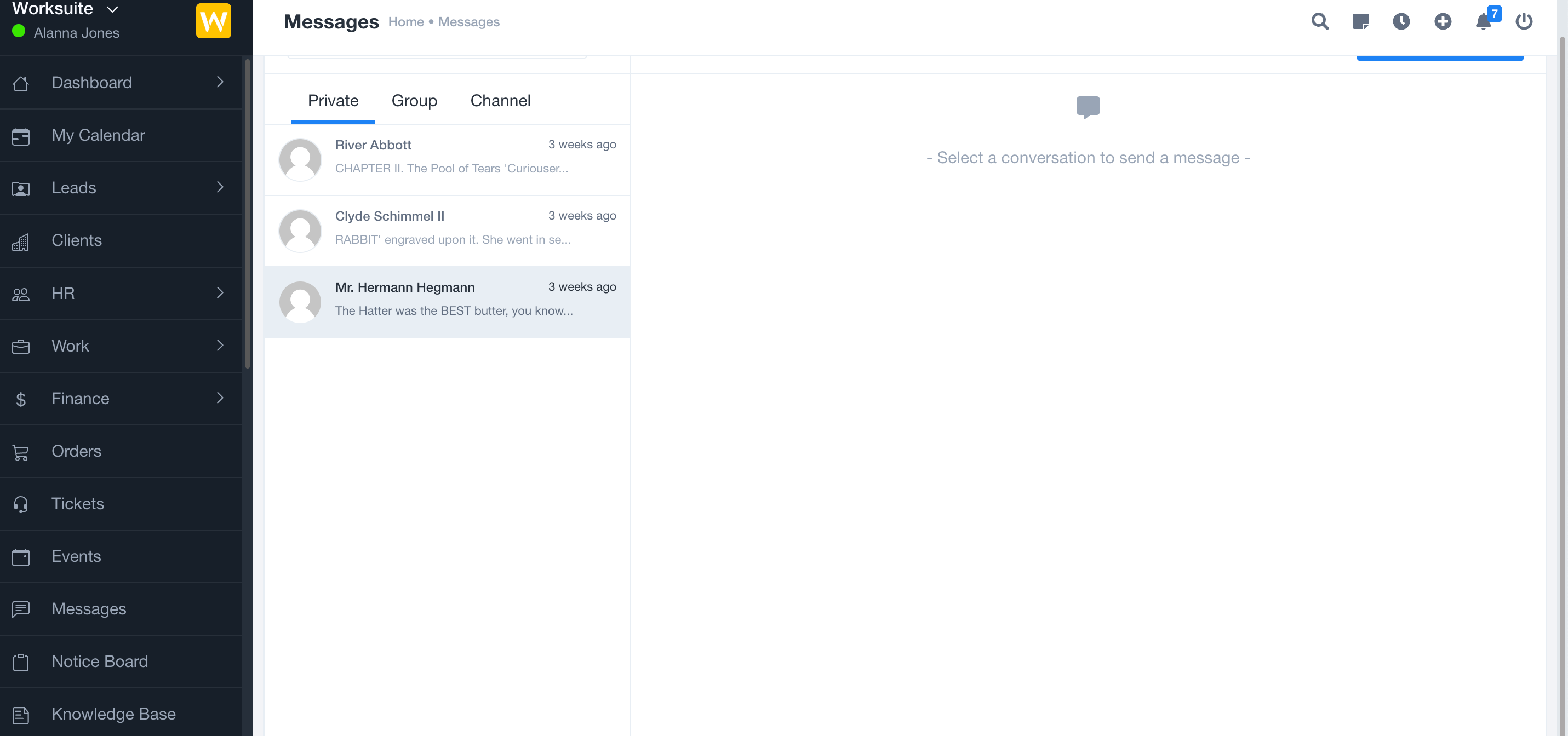
The Group Message module for Worksuite enables seamless and efficient internal communication across your organization. With powerful tools to create and manage group chats, broadcast announcements, and send targeted messages, your teams stay connected and aligned within your Worksuite platform.
Note: This Module is not a standalone product and is only compatible with Worksuite
Key Features
-
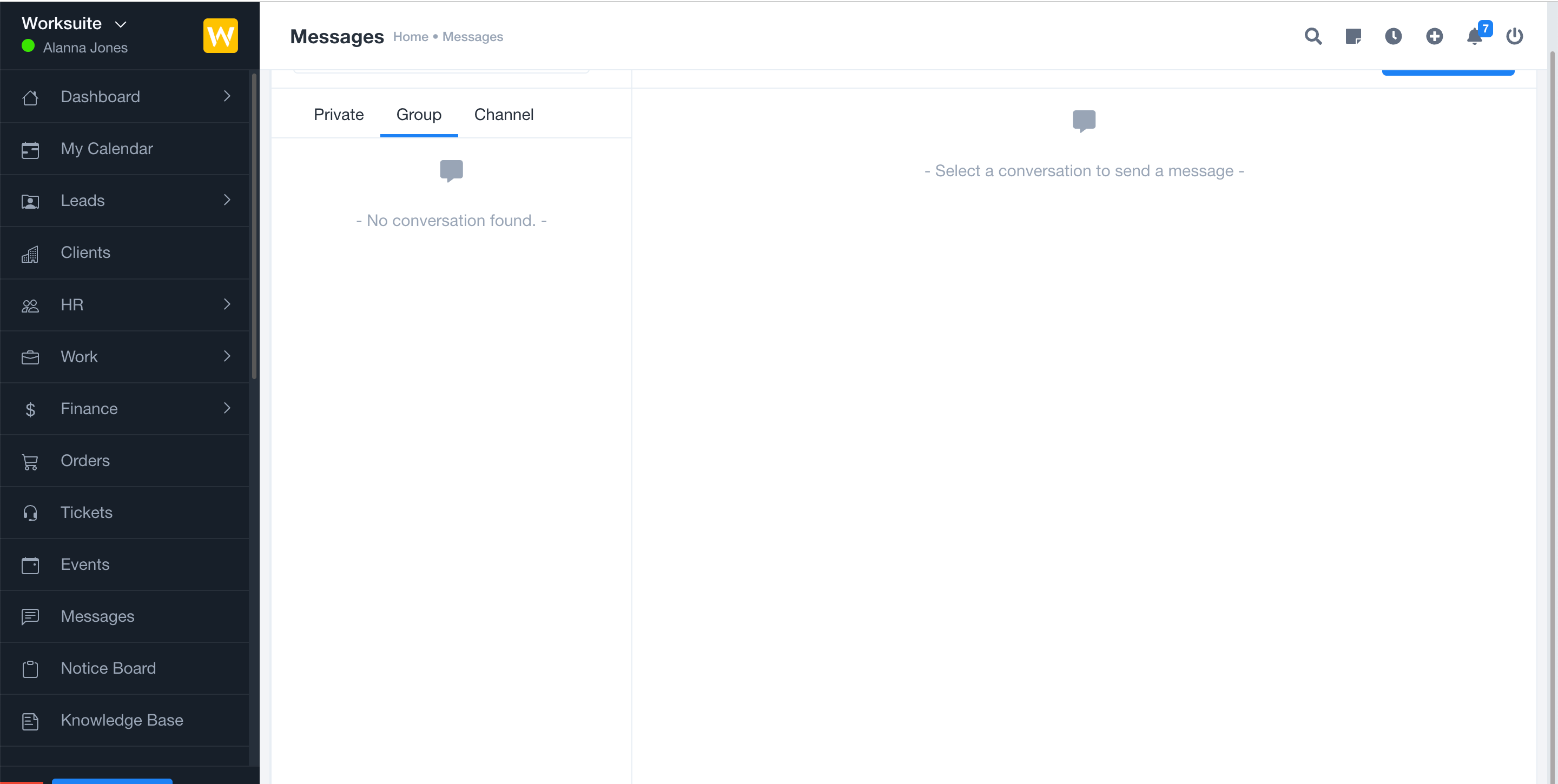
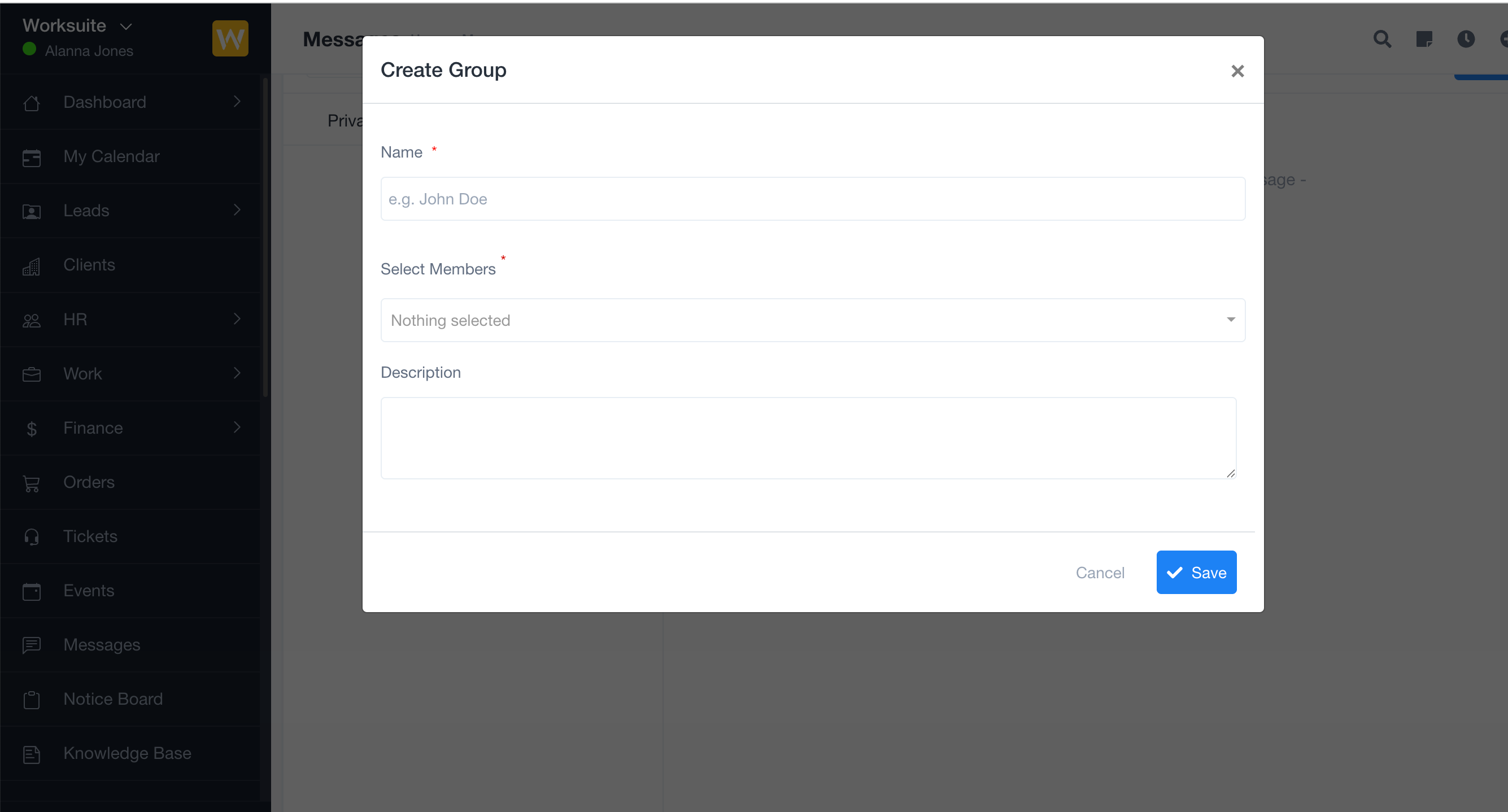
Group Conversations
Create custom group chats for departments, projects, or ad hoc teams. Share updates, files, and collaborate easily within dedicated discussion spaces. -
Broadcast Announcements
Instantly send important announcements to all users or targeted groups, ensuring everyone stays informed on critical updates and events. -
Targeted Messaging
Reach specific users or groups with direct messages for task coordination, feedback, and support, all within Worksuite. -
Message History & Attachments
Access chat history and share files or images securely within your group conversations. -
Real-time Notifications
Receive instant notifications for new messages and mentions, so you never miss important communications. -
Role-based Control
Manage who can create or moderate group chats and assign permissions for message management and access.
Technical Specifications
- Designed for the Worksuite Laravel application
Requirements
- Worksuite (latest version strongly recommended)
- PHP 8.2 or newer
- Database (MySQL or compatible, as per Worksuite)
Note: Super Admin or appropriate admin access is required to manage group messages and permissions. It is recommended to test the module in a non-production environment before applying changes to your live platform.