Onboarding Module for Worksuite
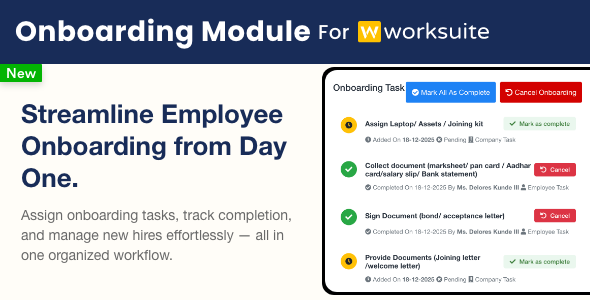
The Onboarding module for Worksuite streamlines and enhances your new employee onboarding process. With robust tools for managing workflows, tasks, documents, and communications, it provides a smooth and efficient onboarding experience for HR teams, managers, and new hires within your Worksuite platform.
Note: This Module is not a standalone product and is only compatible with Worksuite
Key Features
-
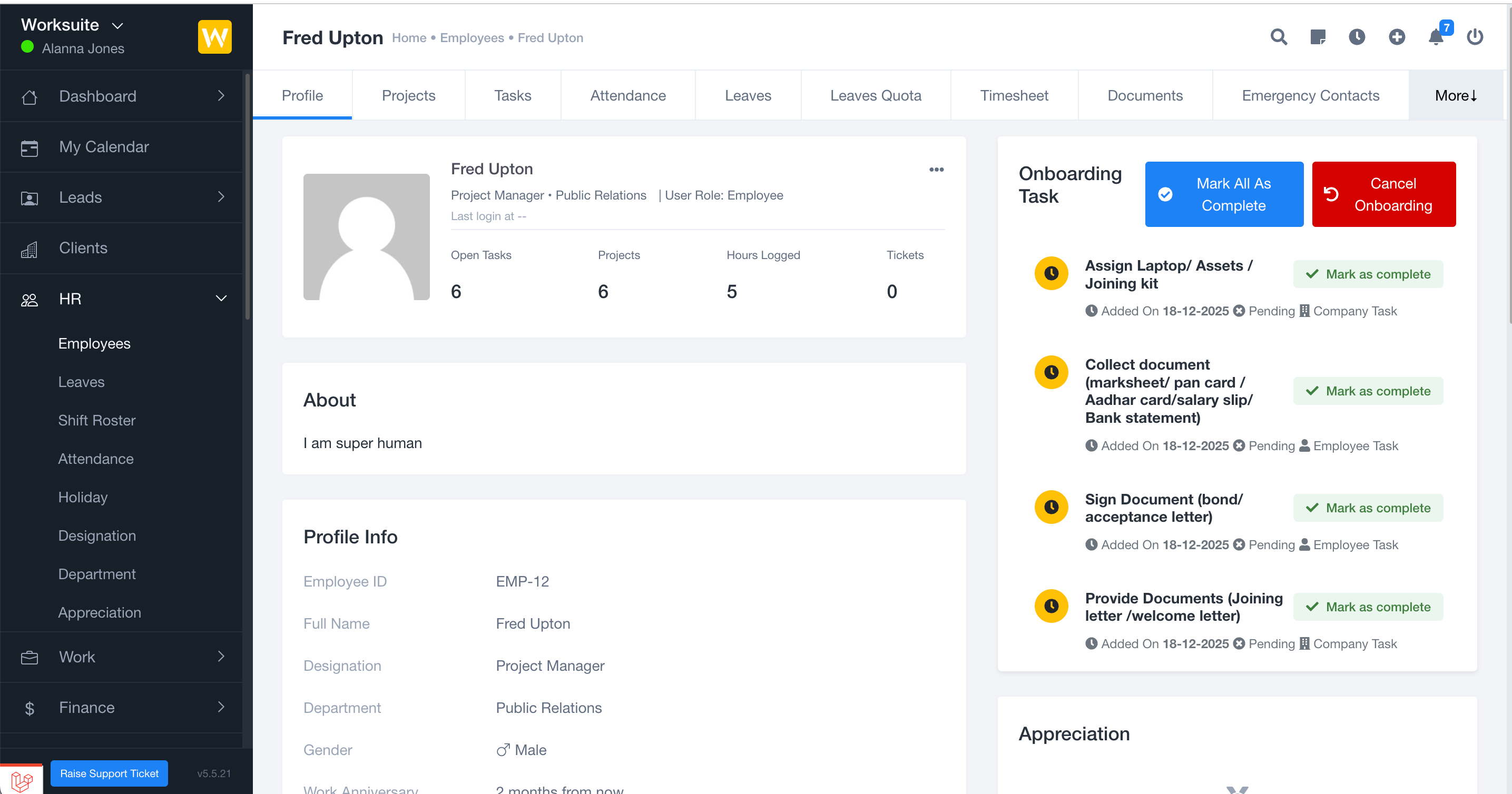
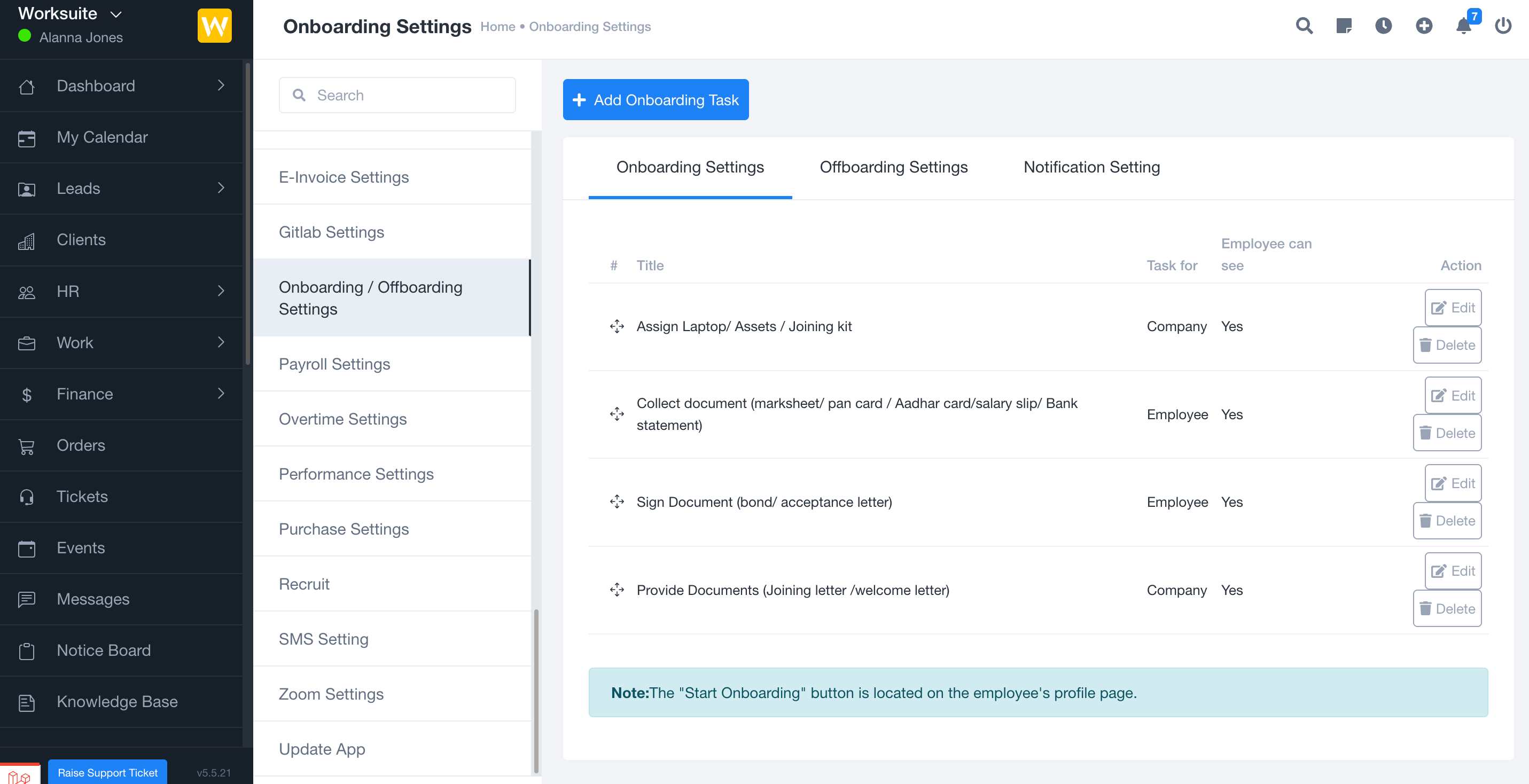
Automated Onboarding Workflows
Create, assign, and track onboarding tasks for new employees. Set up custom task lists, deadlines, and monitor progress per department or role. Standardize onboarding processes organization-wide. -
Customizable Task Templates
Build and reuse onboarding task templates tailored to specific business needs, roles, or departments, ensuring flexibility and quick onboarding setup. -
Document Management
Collect and manage essential onboarding documents (such as IDs, contracts, and forms) from employees with status tracking and secure storage within Worksuite. -
Offboarding Support
Manage employee departures smoothly with customizable offboarding workflows, including exit task lists, asset collection, and experience letter management. -
Progress Tracking & Analytics
Monitor progress and onboarding status for all employees from a centralized dashboard. Gain insights into bottlenecks and compliance status across your organization. -
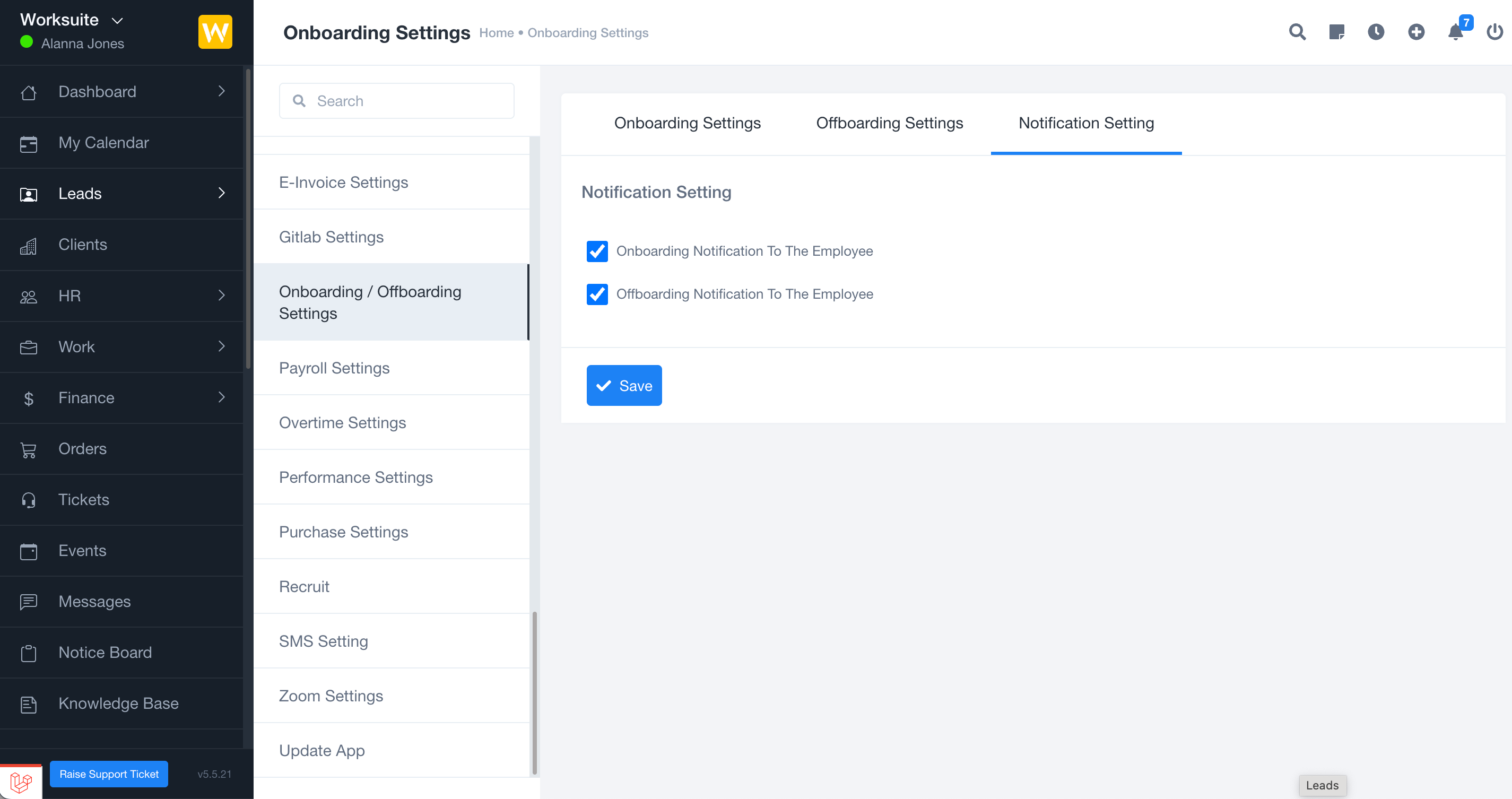
Integrated Notifications
Send automated notifications and reminders for task assignments, completions, and approvals, keeping HR, managers, and employees informed throughout the onboarding process.
Technical Specifications
- Designed for the Worksuite Laravel application
Requirements
- Worksuite (latest version strongly recommended)
- PHP 8.2 or newer
- Database (MySQL or compatible, as per Worksuite)
Note: Super Admin or appropriate admin access is required to manage onboarding processes. It is recommended to test onboarding workflows in a non-production environment before applying changes to your live platform.