Note: This is not a standalone application. This is a plugin for Perfex CRM. You have to install the Perfex – Powerful Open Source CRM to use this plugin.
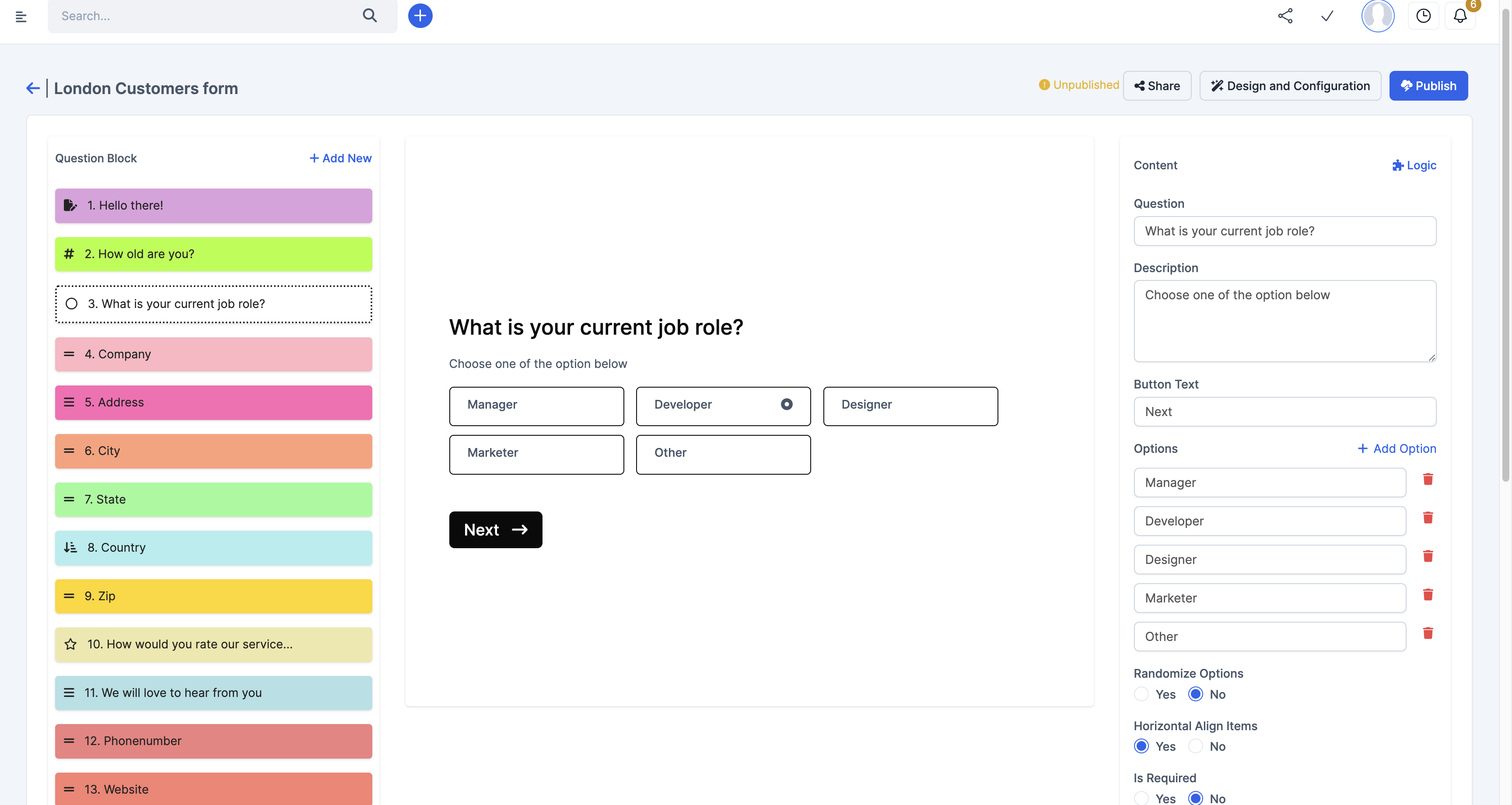
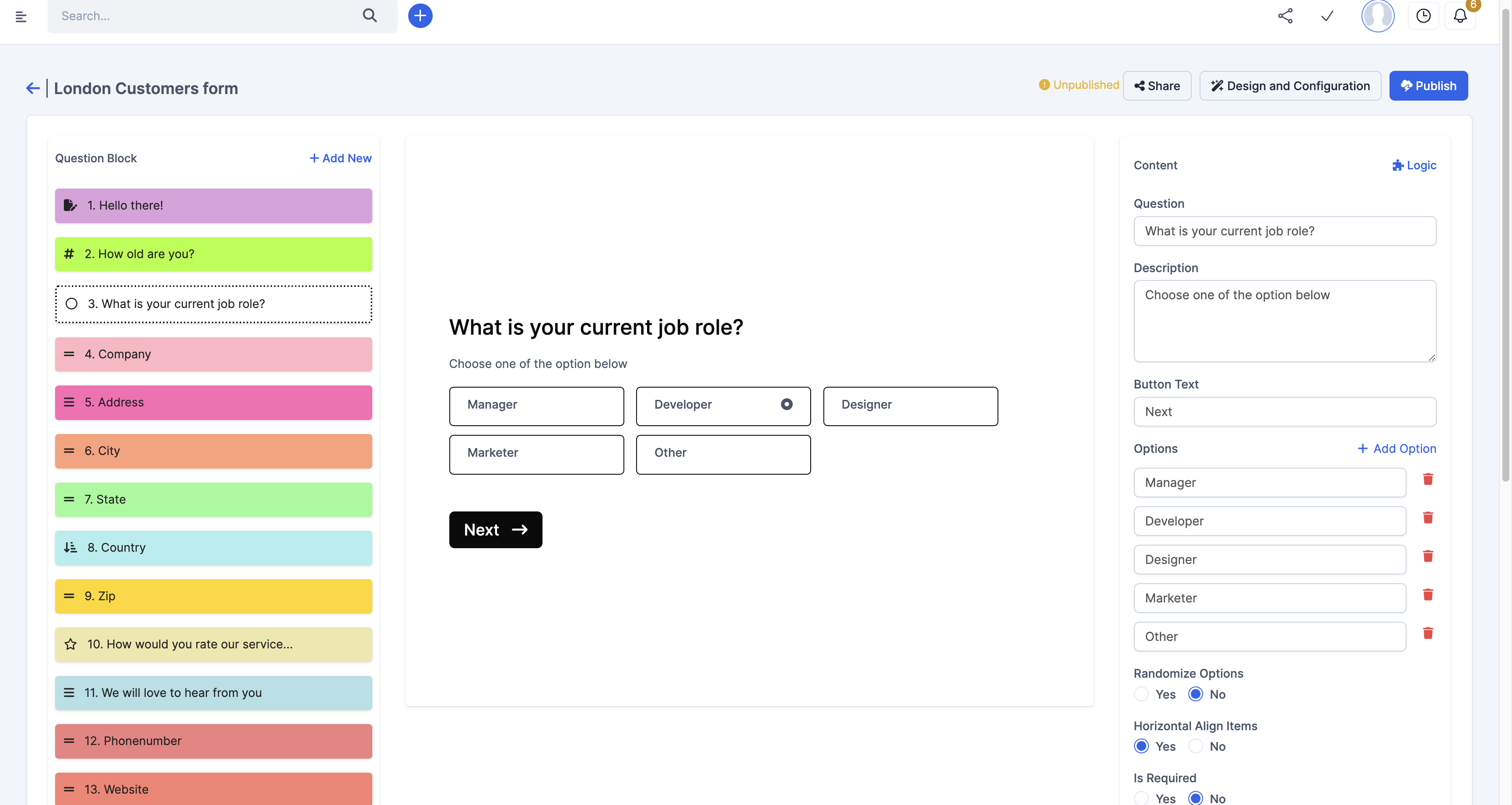
Have you been wondering how not to show some Conditional Fields on your Form because it doesn’t apply to every user?
Have you been wondering how to know which section of the form your clients are dropping off?
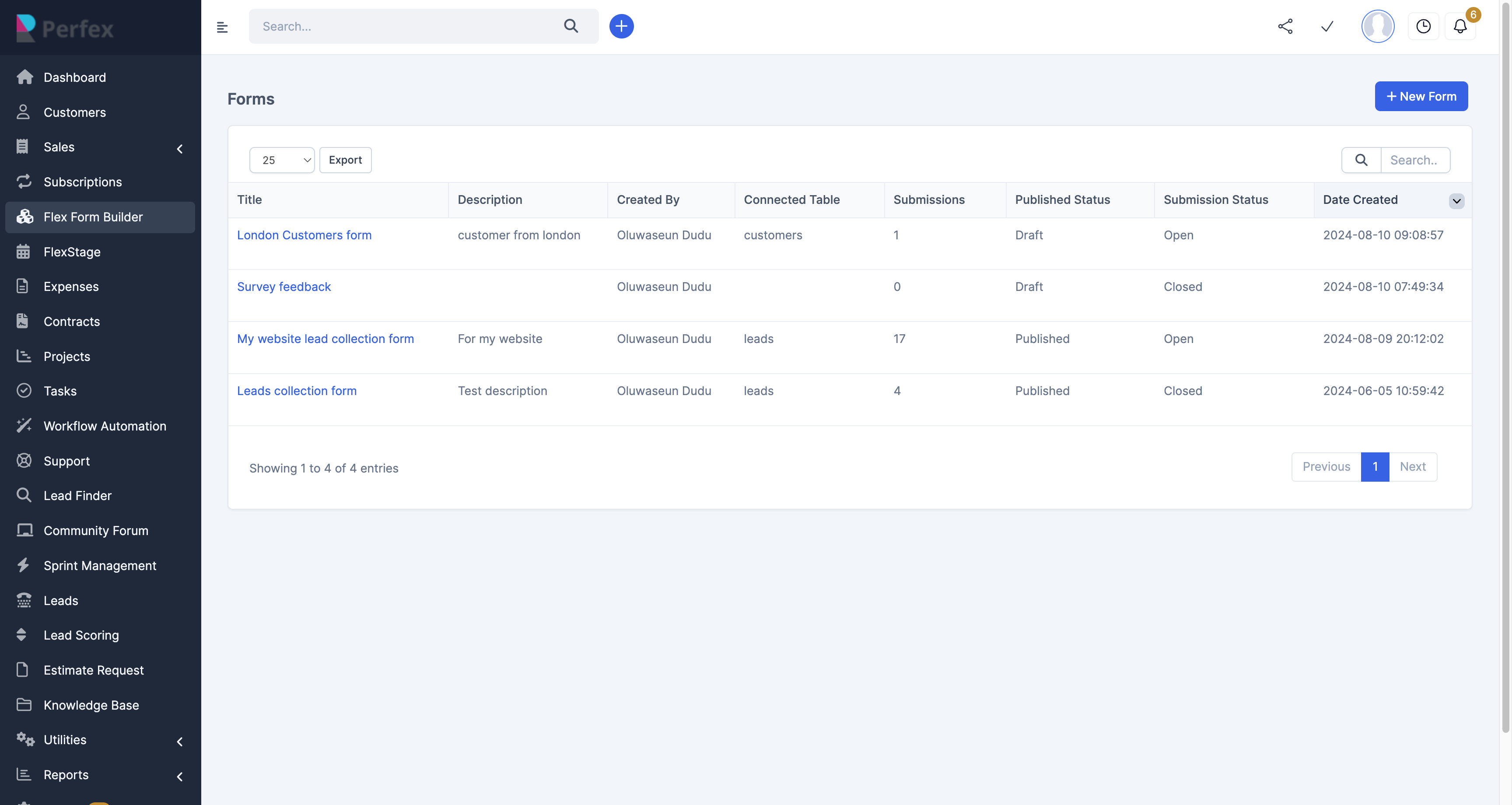
Have you been wondering how to capture more data for from Leads, Customers, Feedback, Survey without using eternal Form Website Like Google Forms or TypeForm?
These questions and many more are the reasons why we’ve developed Flexform for you and your Business.
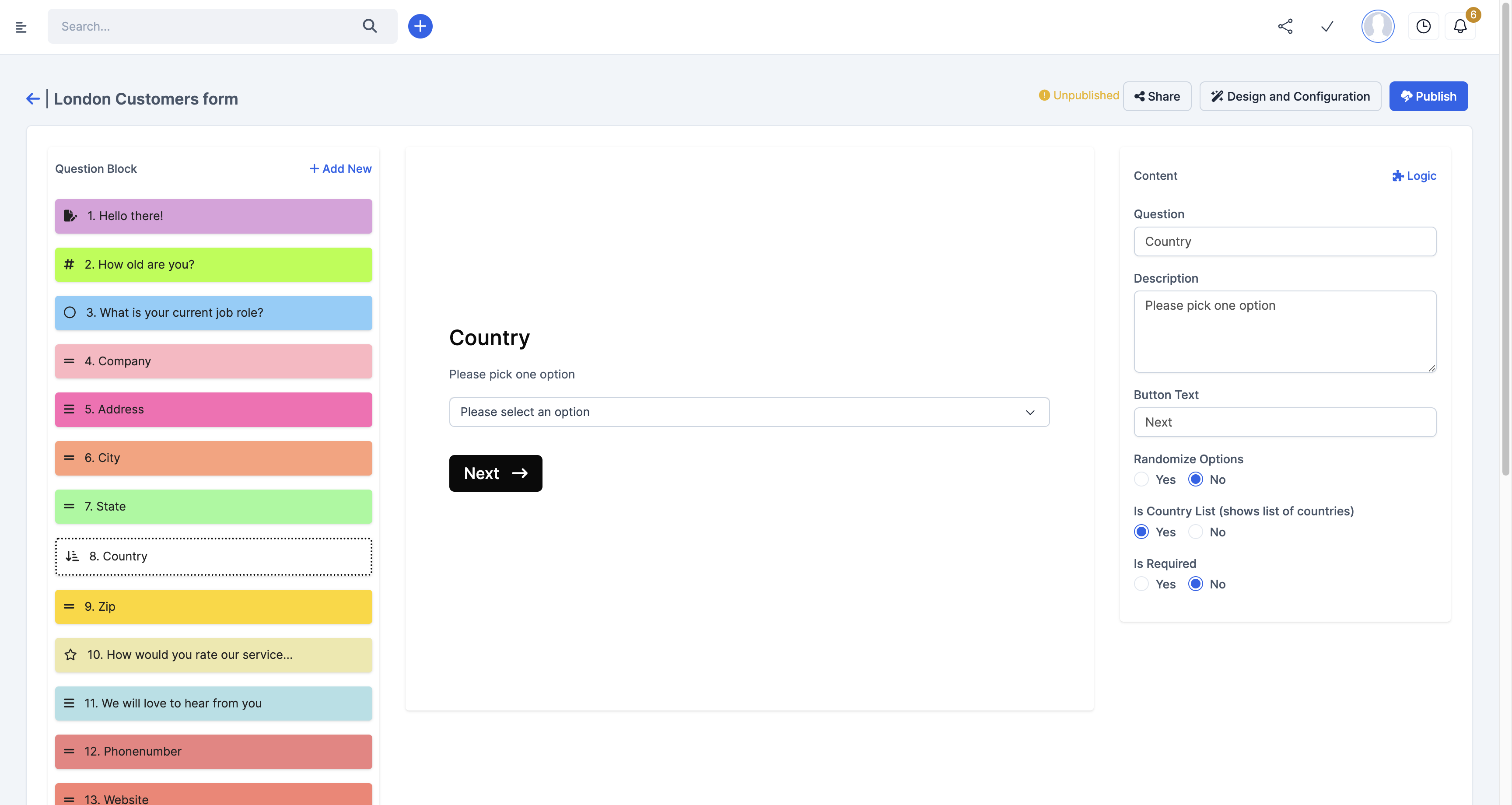
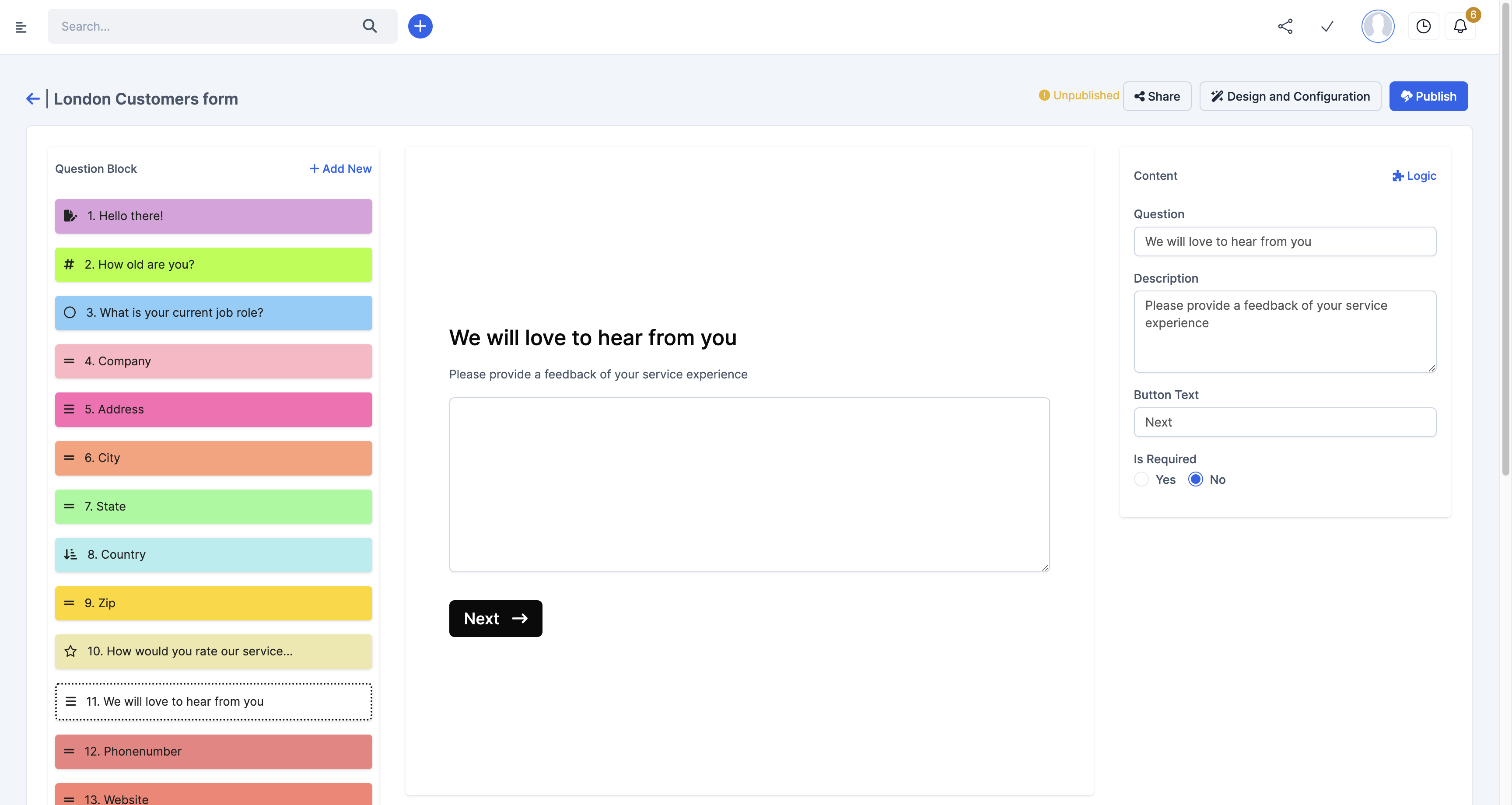
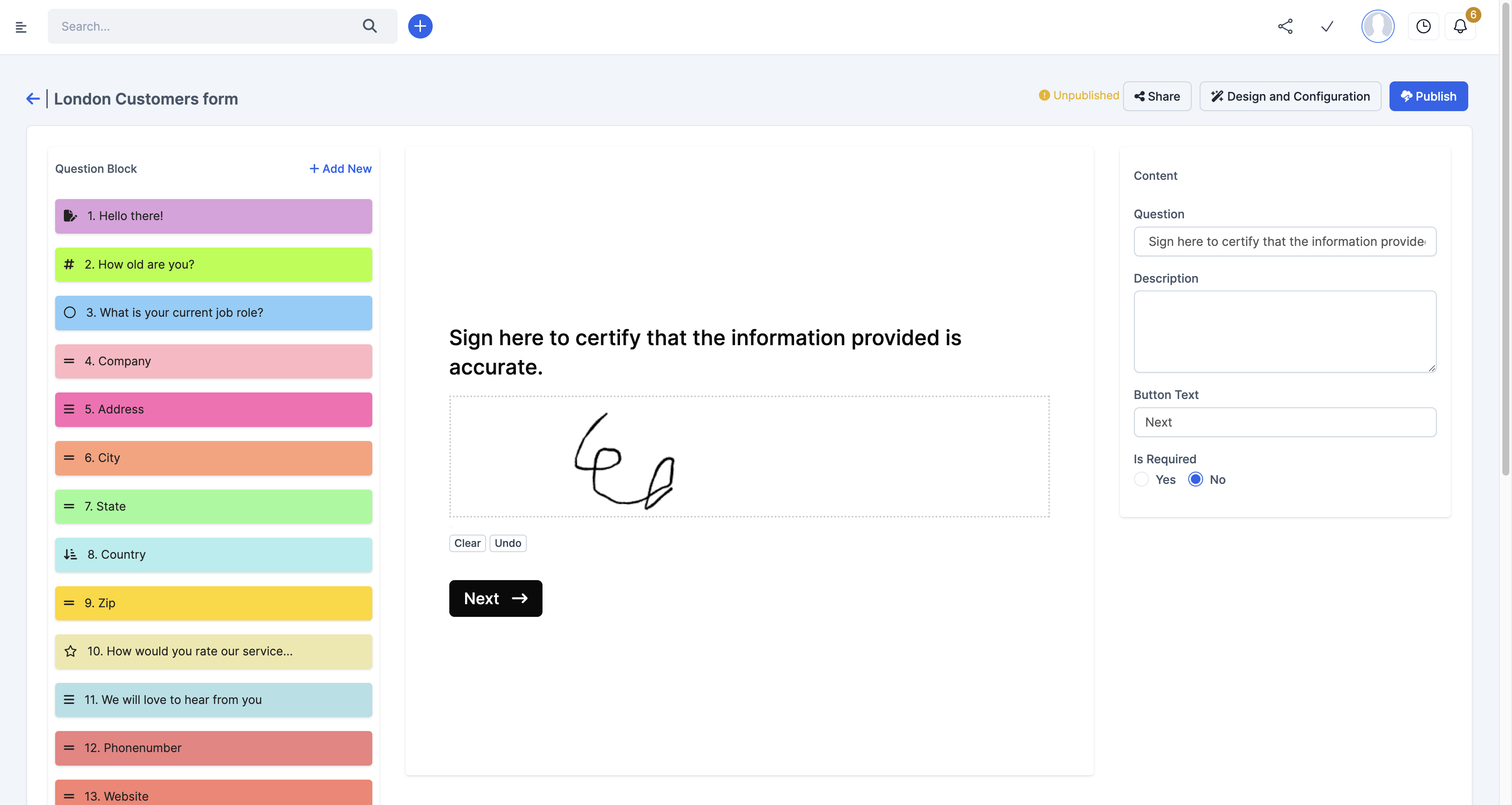
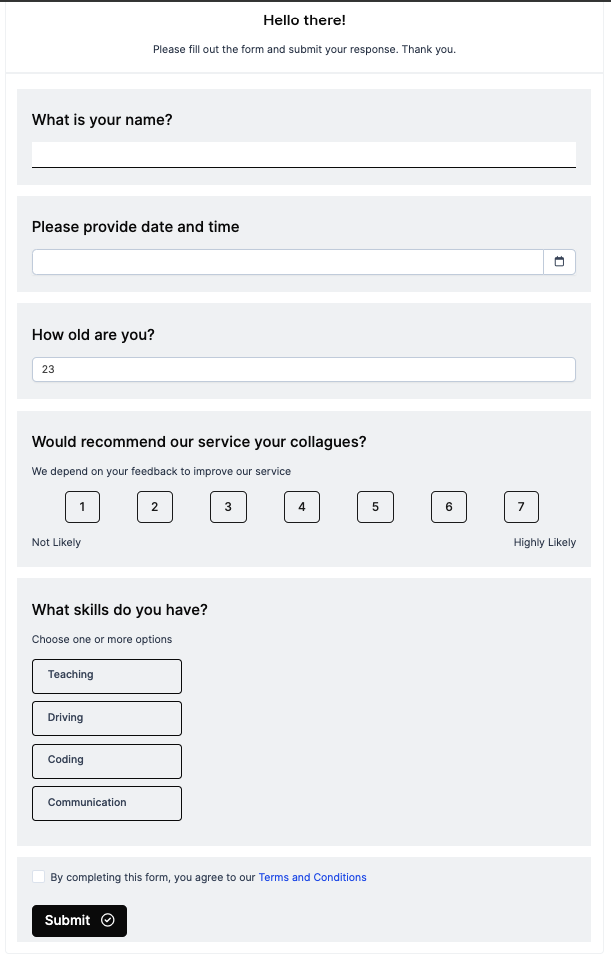
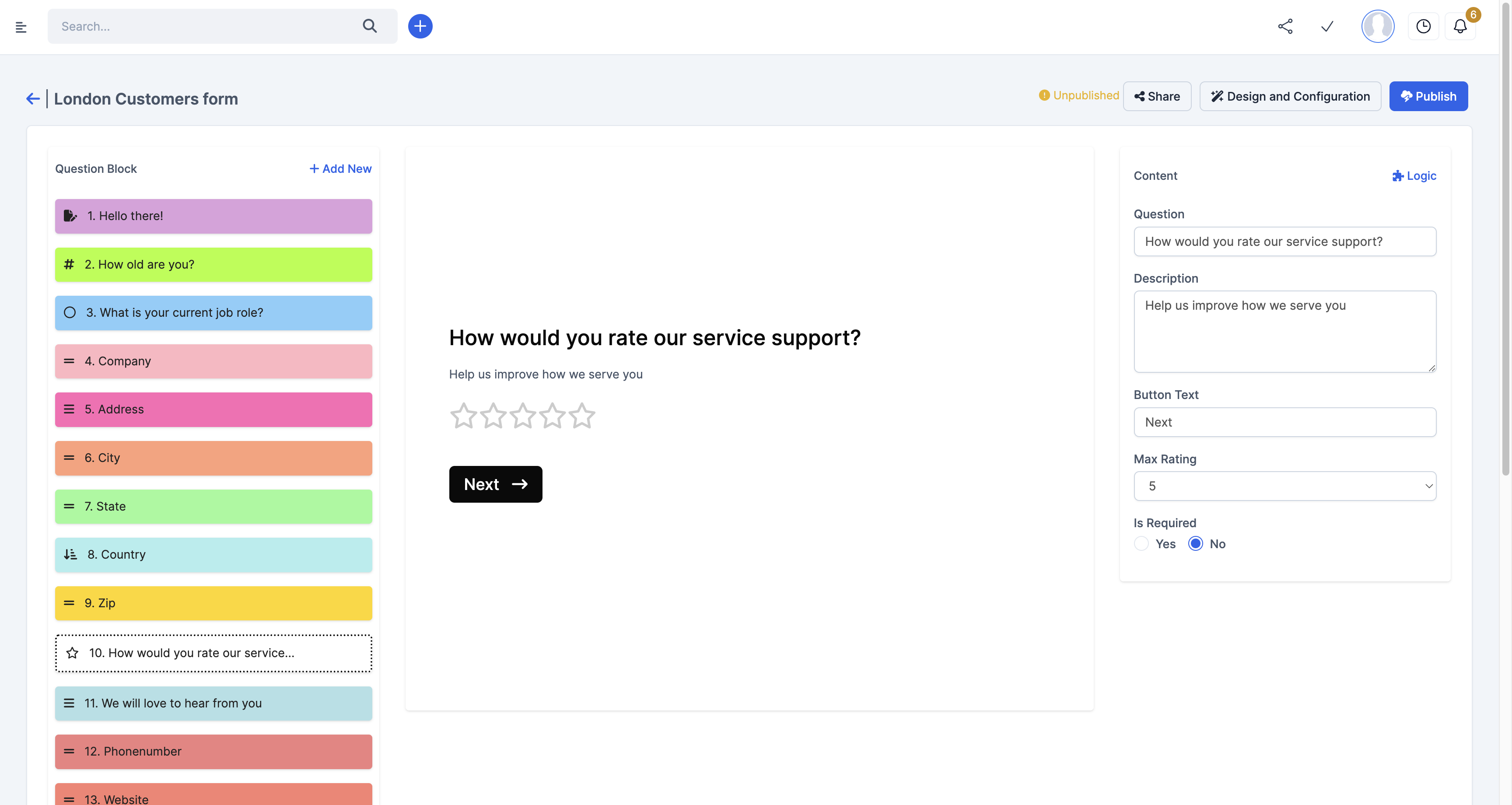
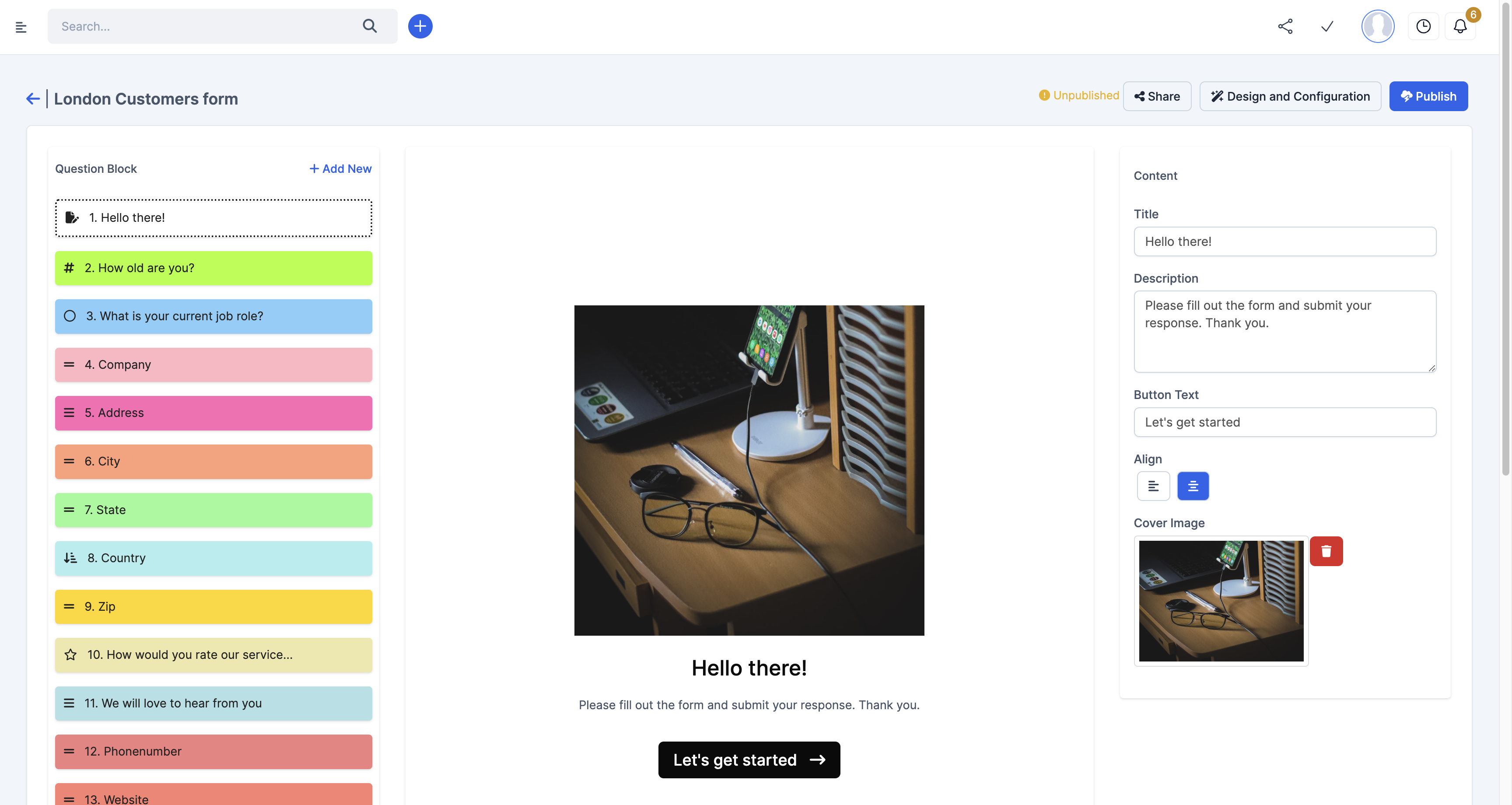
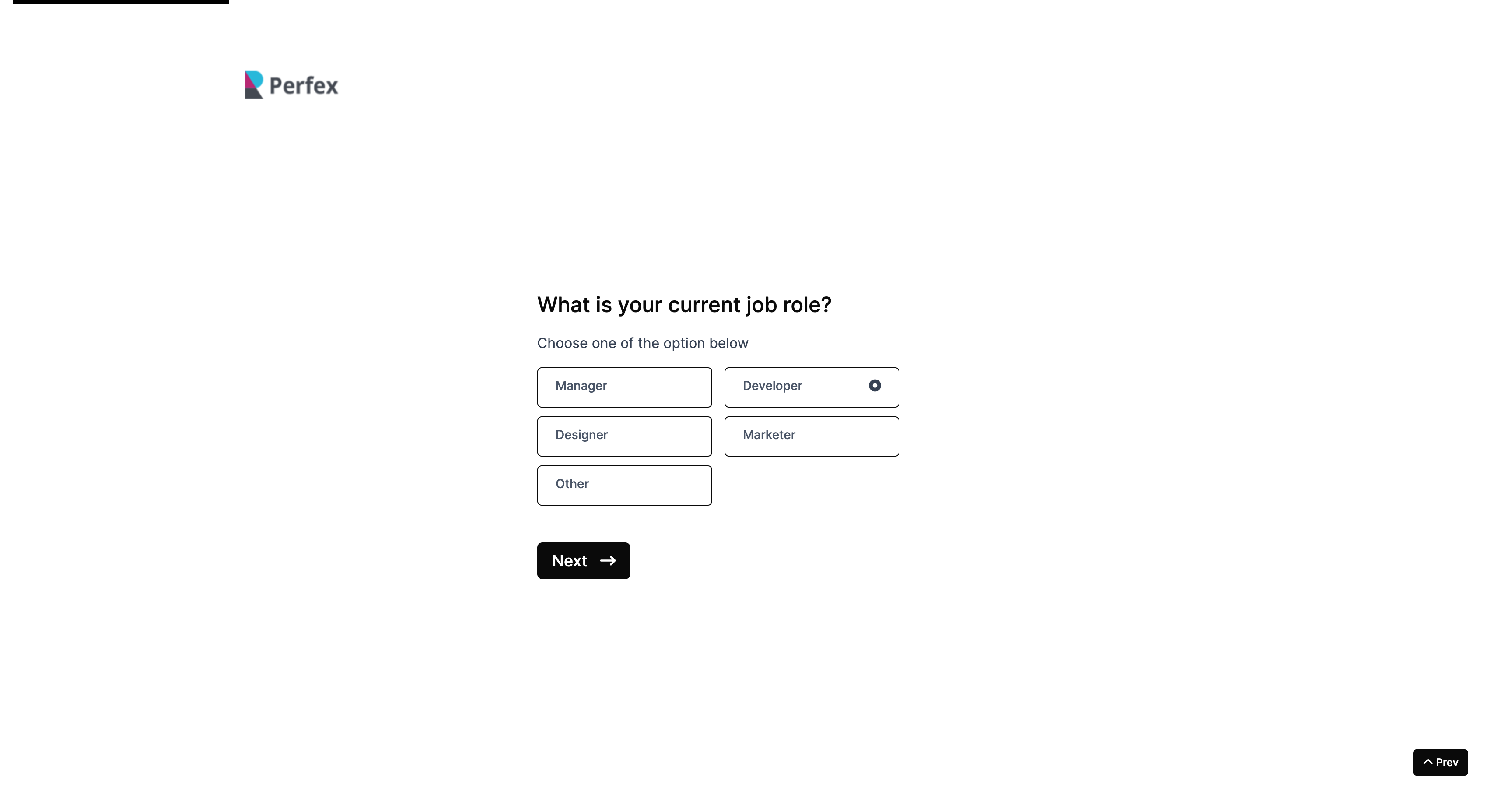
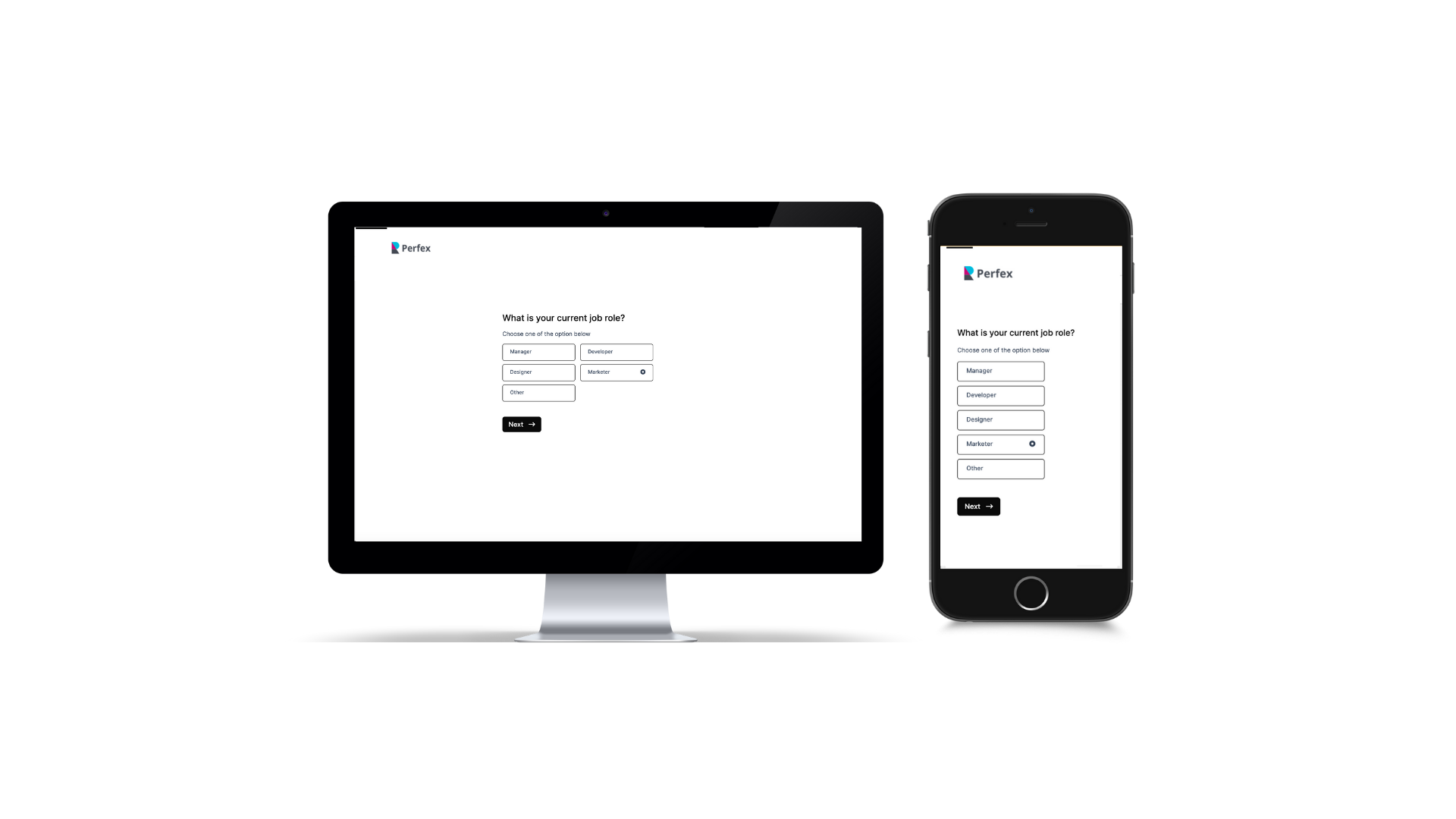
Now, Imagine the power of Advance Form similar to Google Form/Typeform within your Perfex software.
You can now Create an Awesome and Modern Form within your Perfex Software.
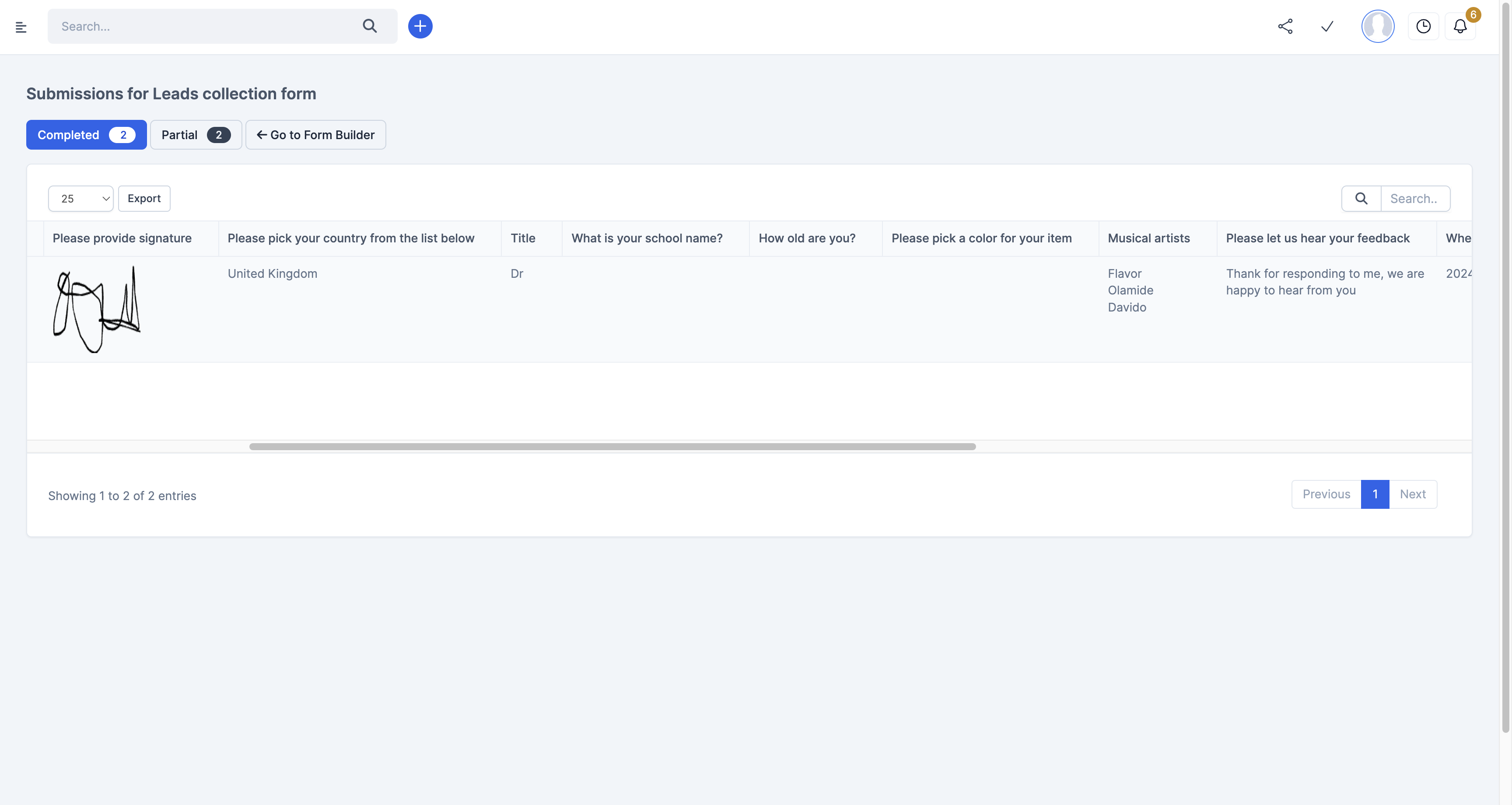
Still wondering why you are not getting enough Leads or data for your business, they might be dropping off half way on the Web to Lead Form, With FlexForm, you can View and Access Partial Submissions .
Features
WHY FLEXFORM
Privacy
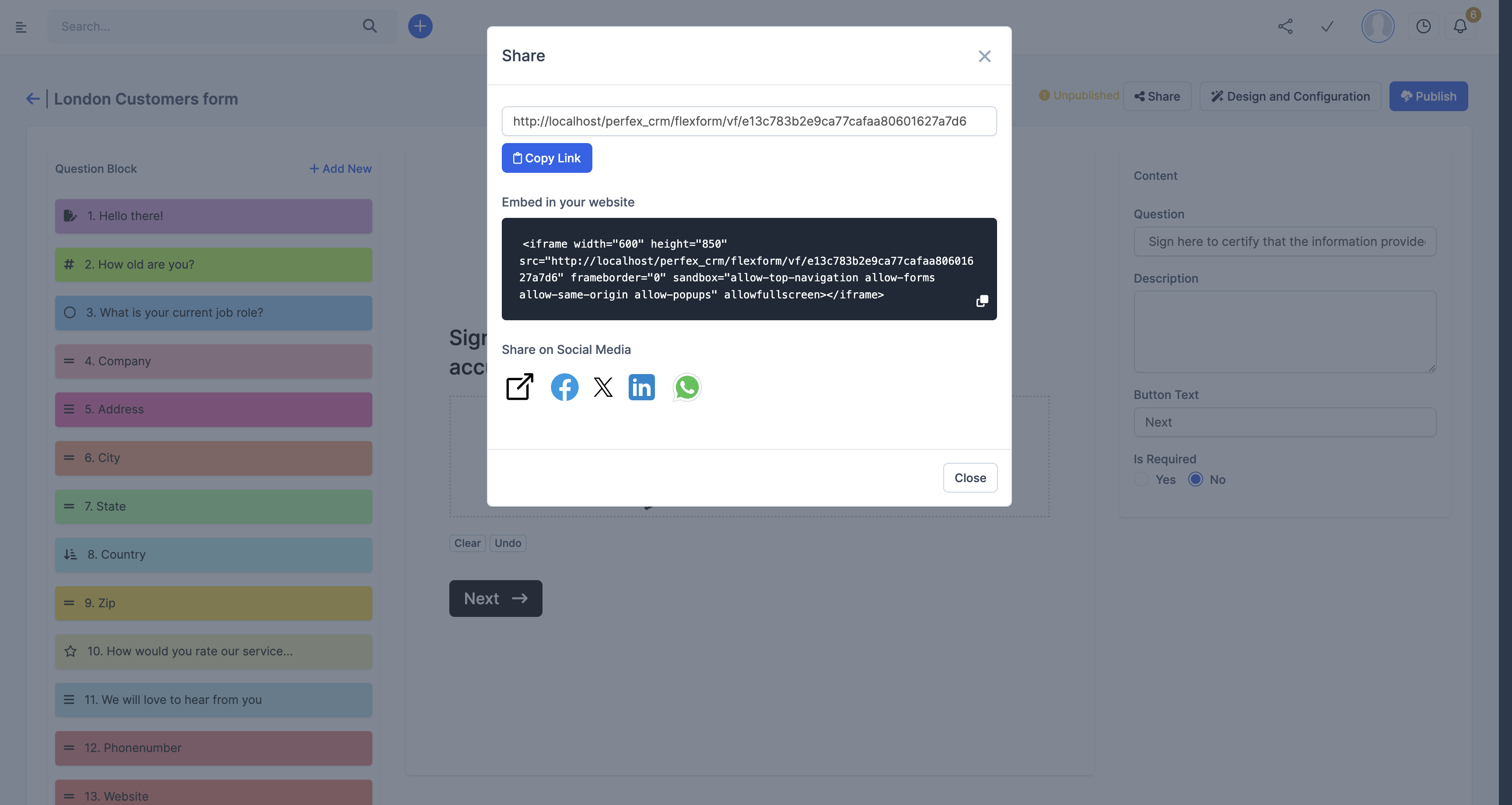
You no longer have to worry about how third party Form websites handles your Clients and Business data, you can now manage it in house.
Saves Time
Your users don’t have to see Form Fields that doesn’t apply to them. You don’t have to create multiple forms just because you don’t want them to see fields that doesn’t apply them. You can resolves that with Flexform Smart Conditional Logic
Improves Privacy
You no longer need to hand over your user data to external Form website or worry above how they manage your data. With Flexform, you can Manage Everything internally within your Perfex CRM
Beautiful Designs
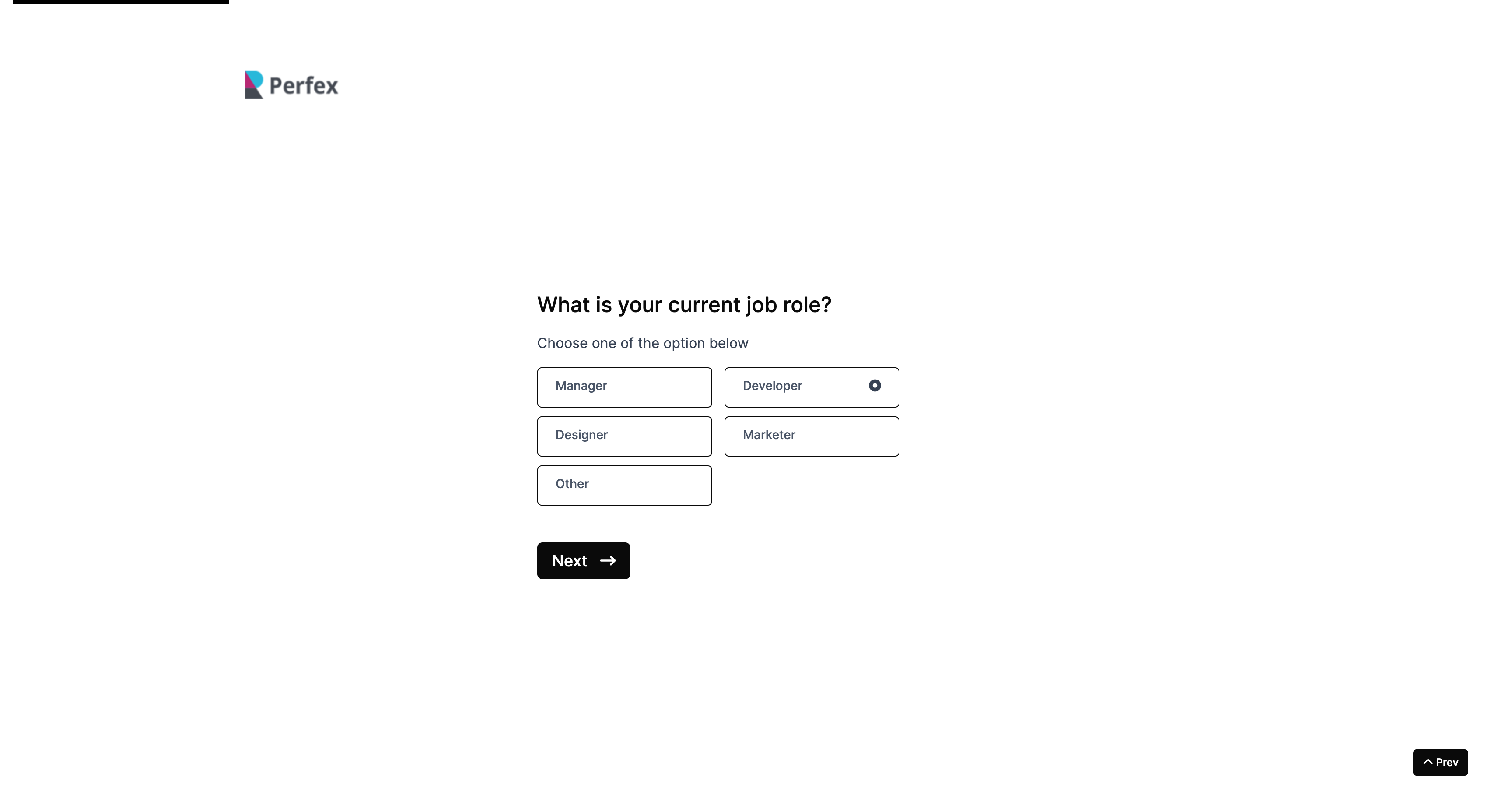
No More Long Forms, Make your forms worth filling out and Get more data.
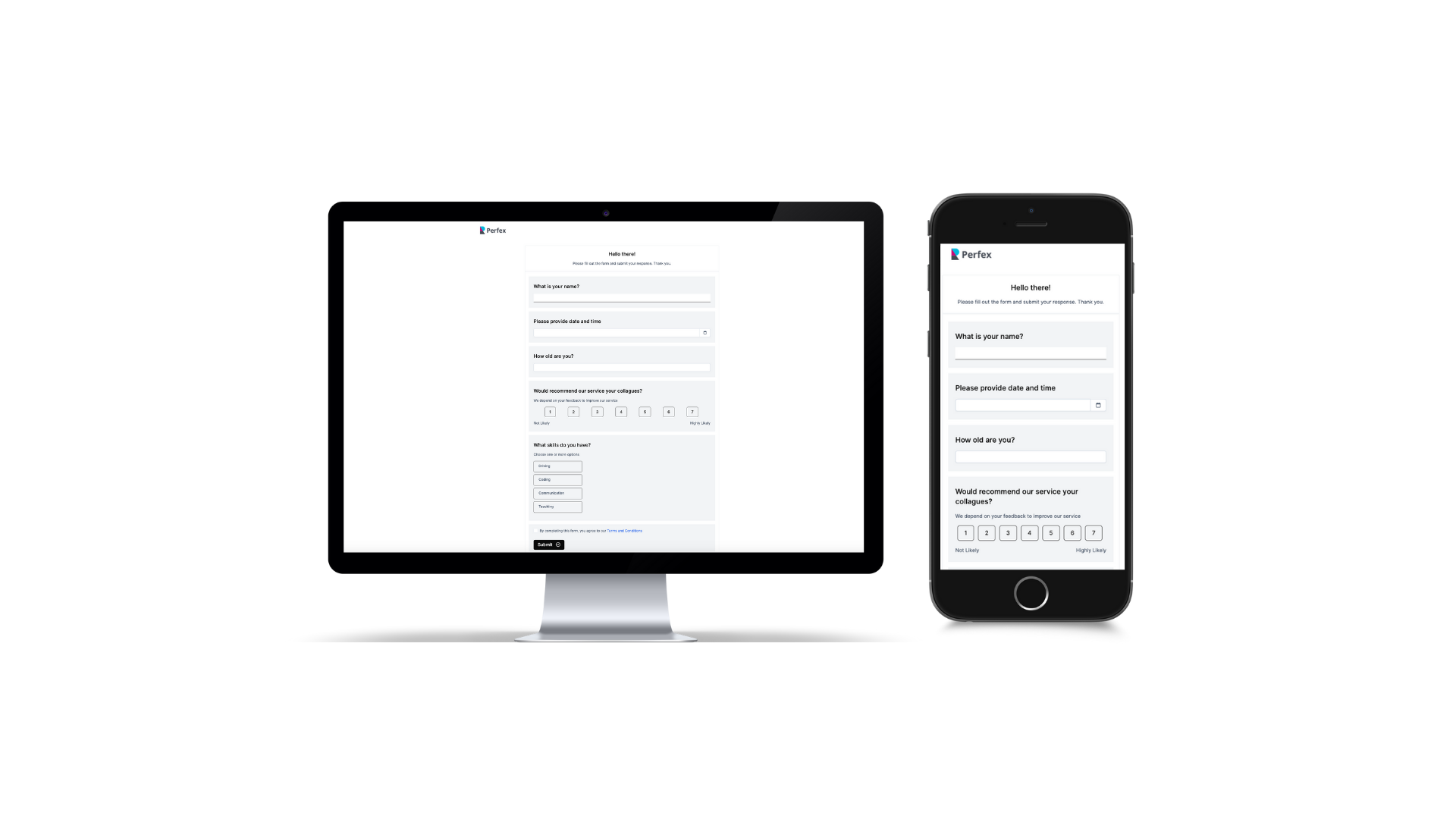
Prefer a Single Page Form? Great news—we’ve got you covered!
Start Creating Beautiful, Smart and Intelligent Form today with Flexform.
WHAT’S NEW:
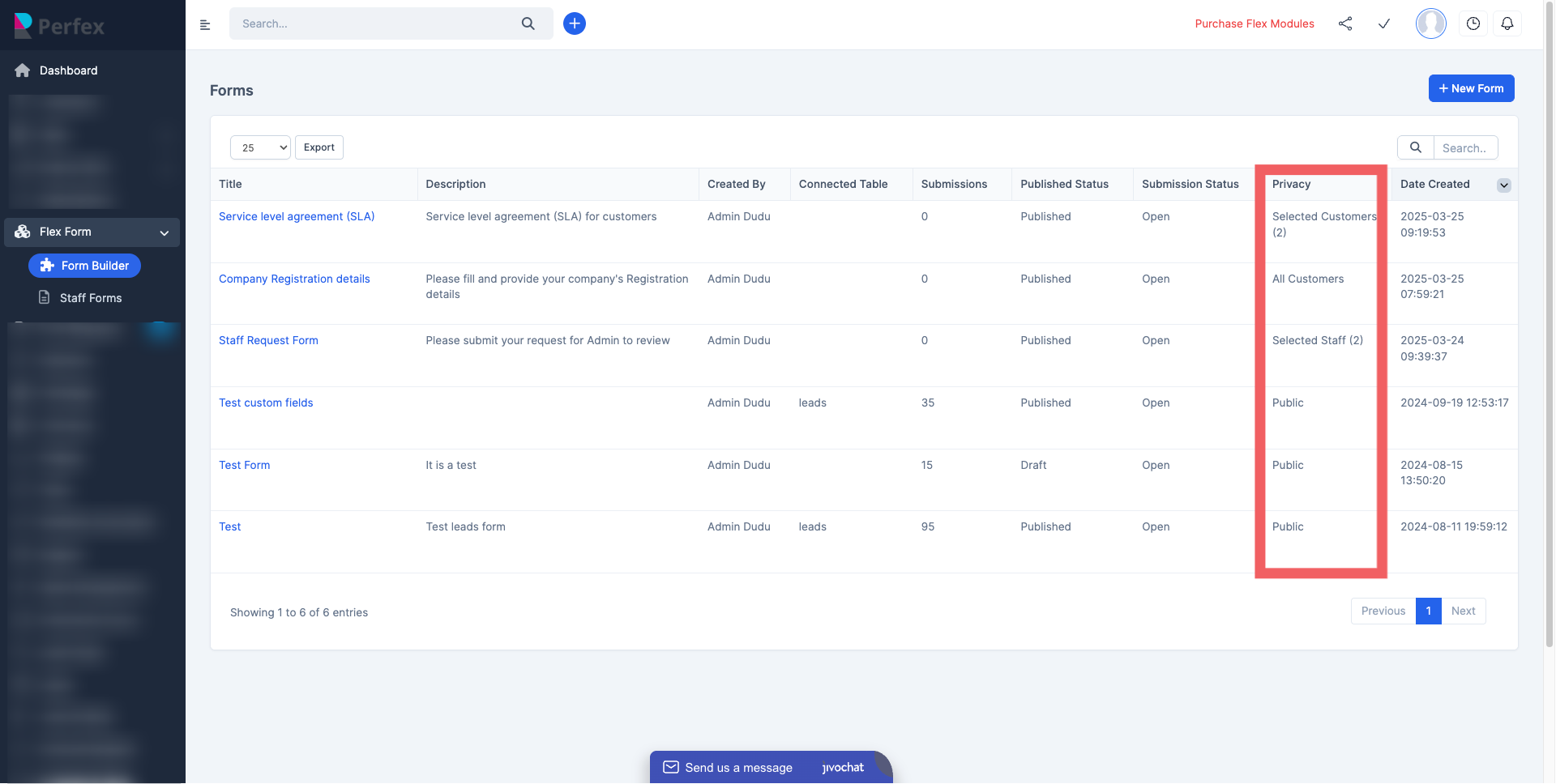
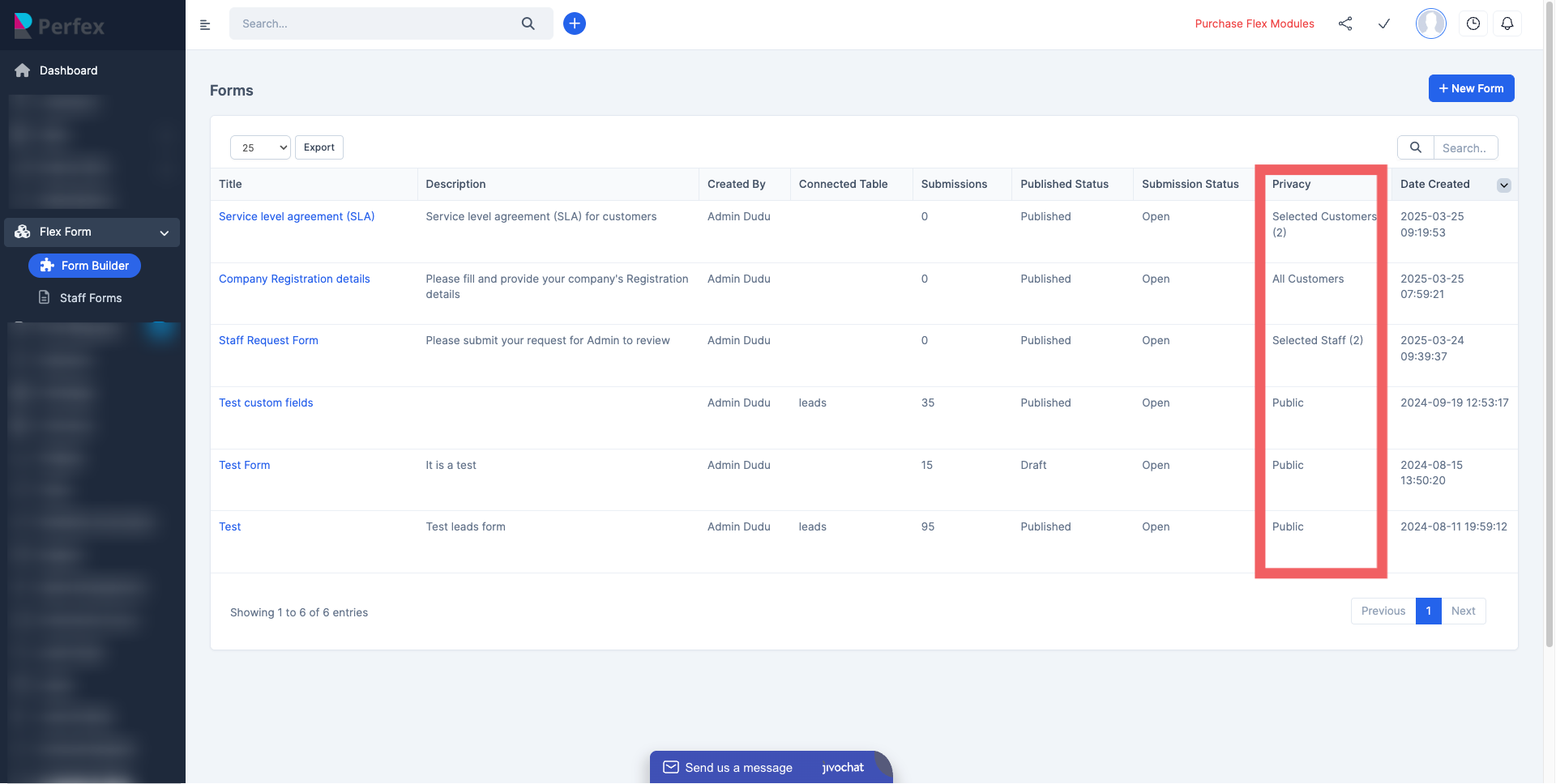
Privacy Controls :
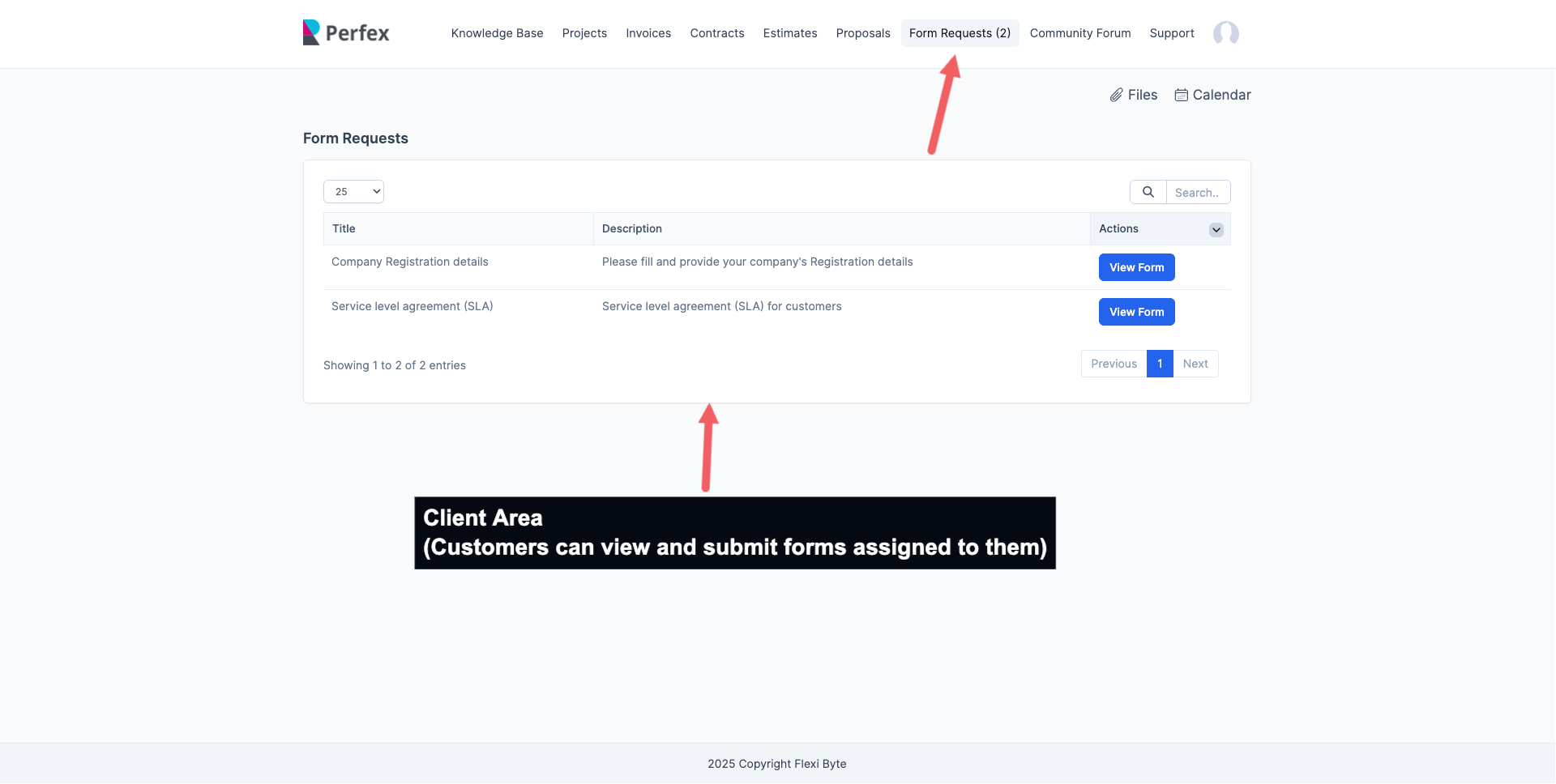
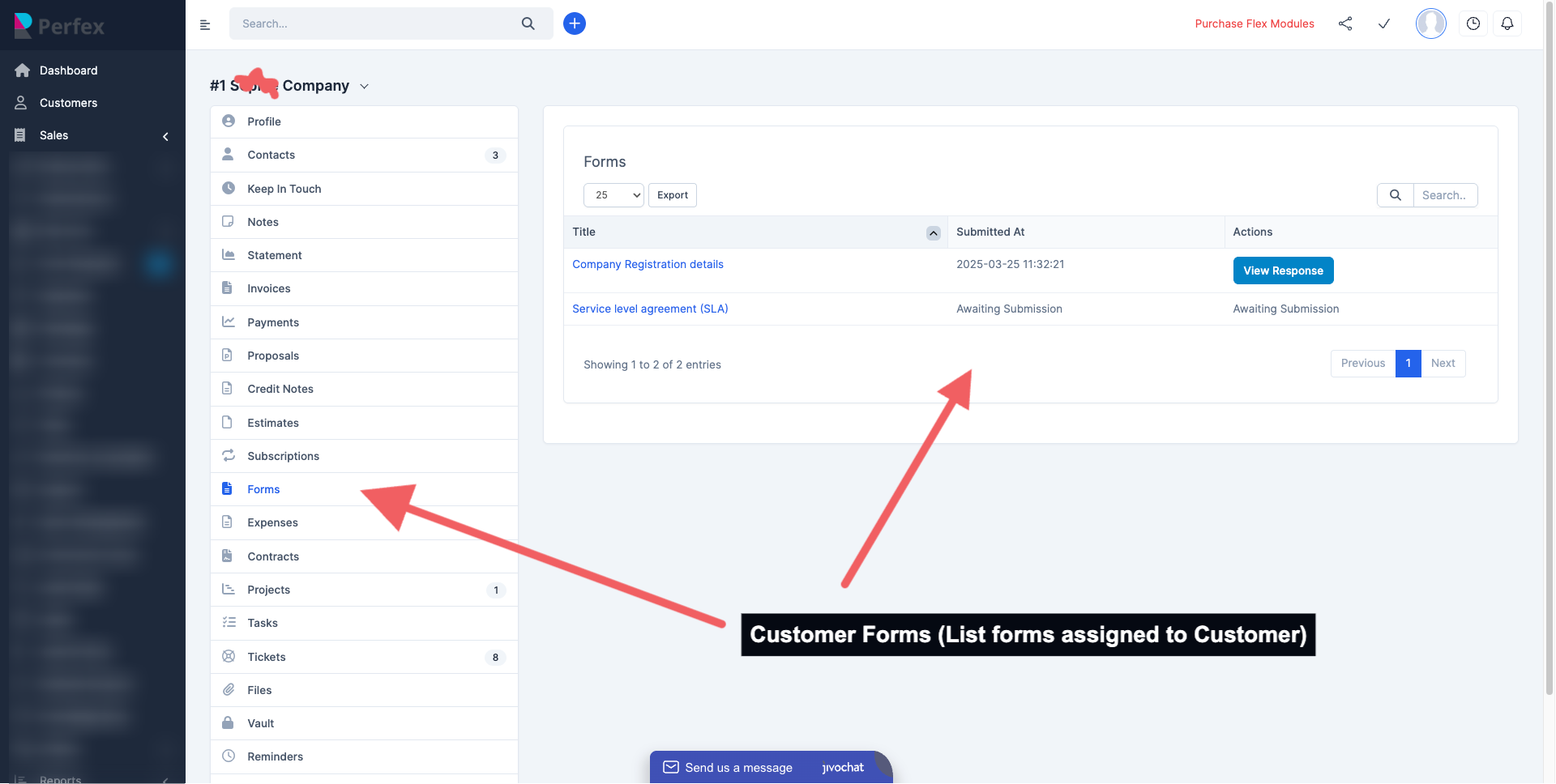
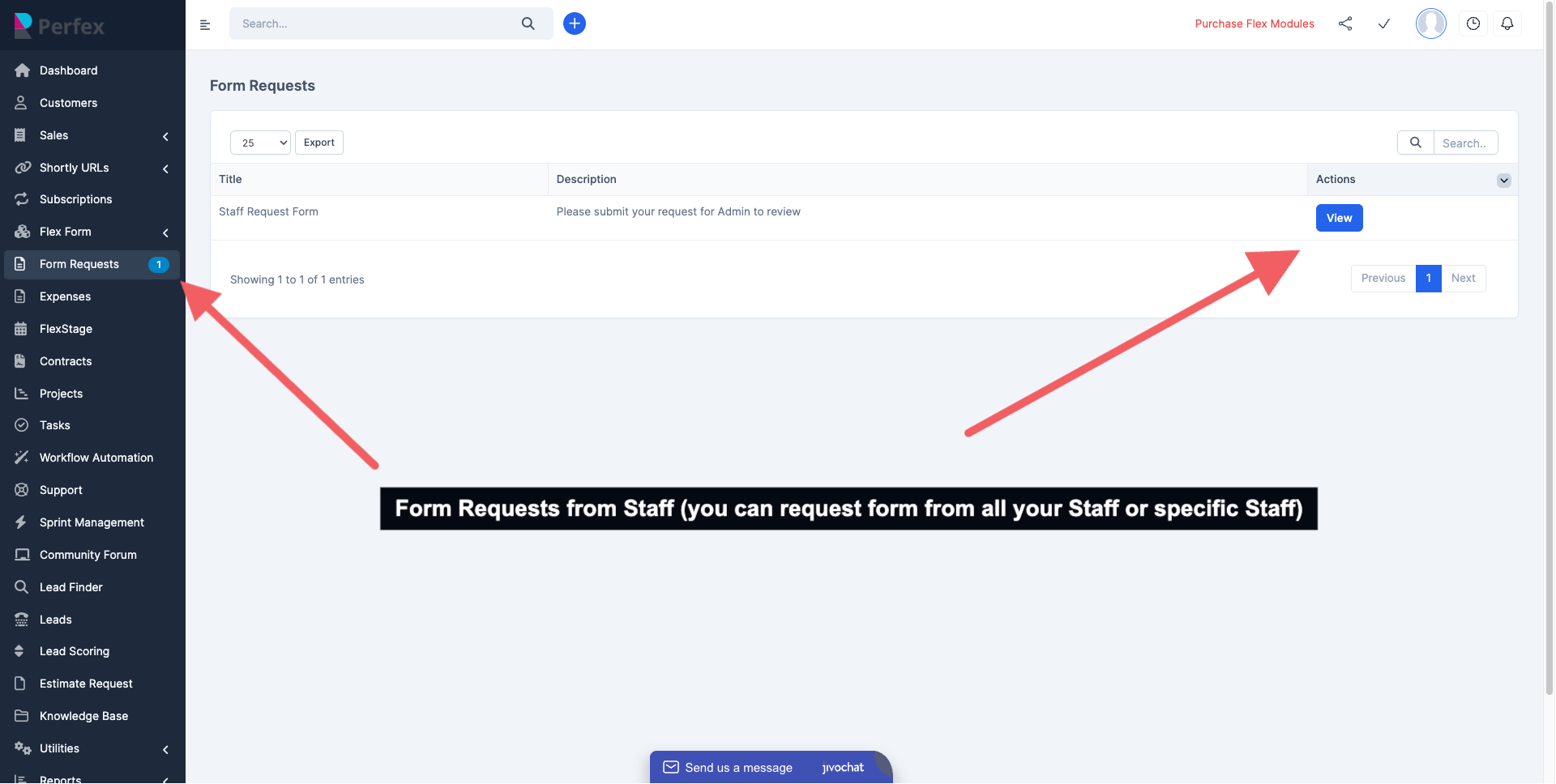
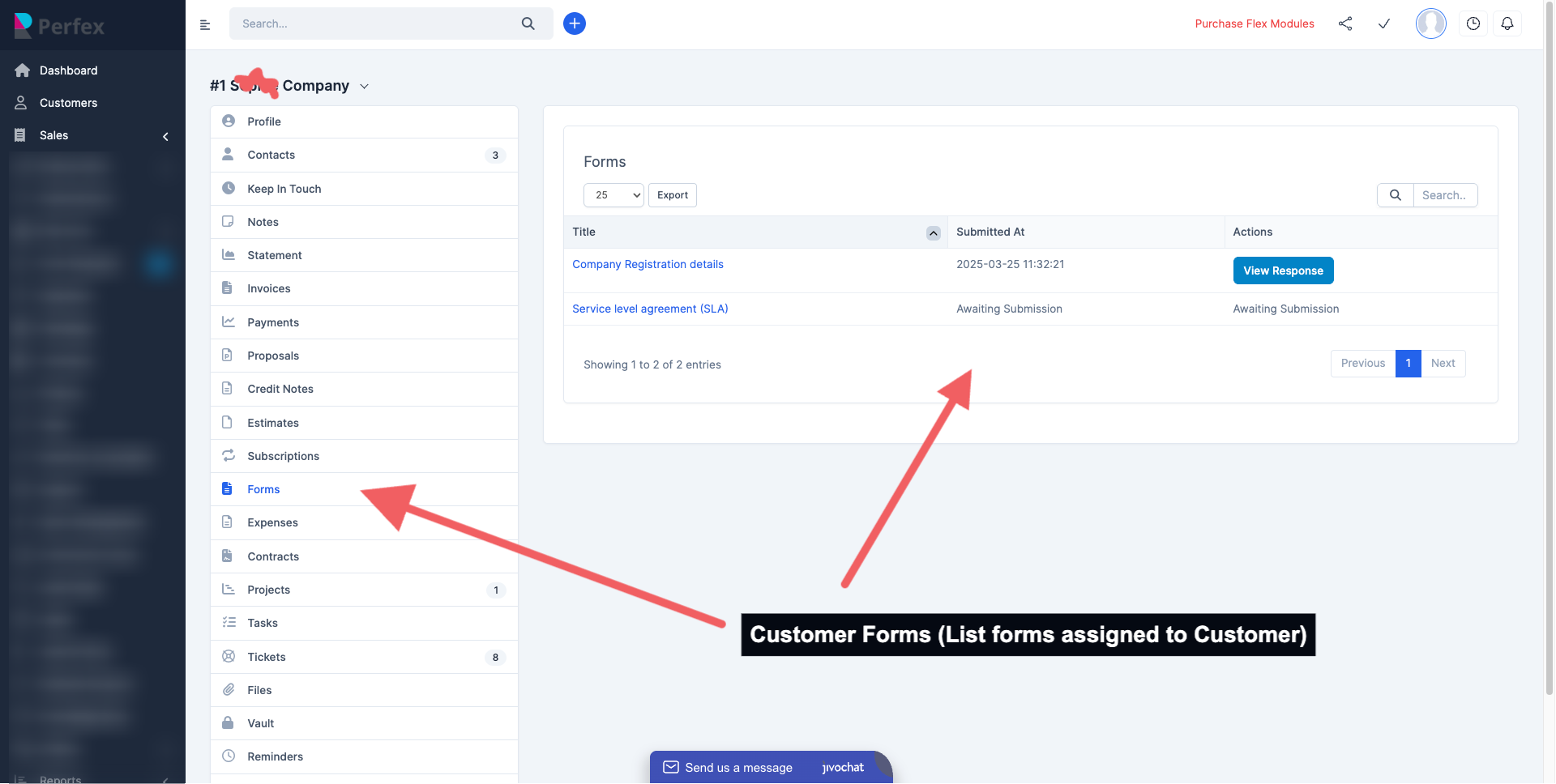
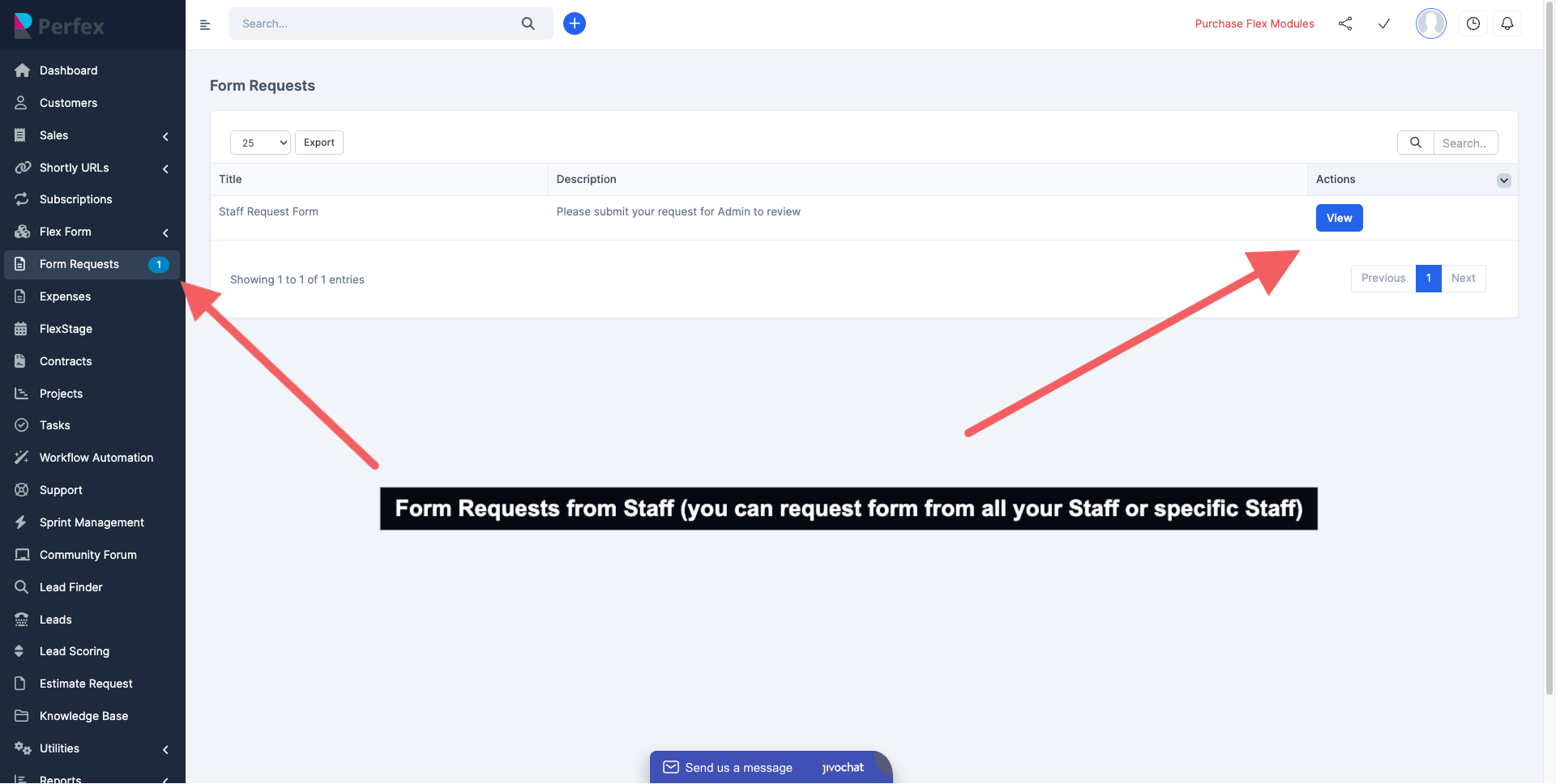
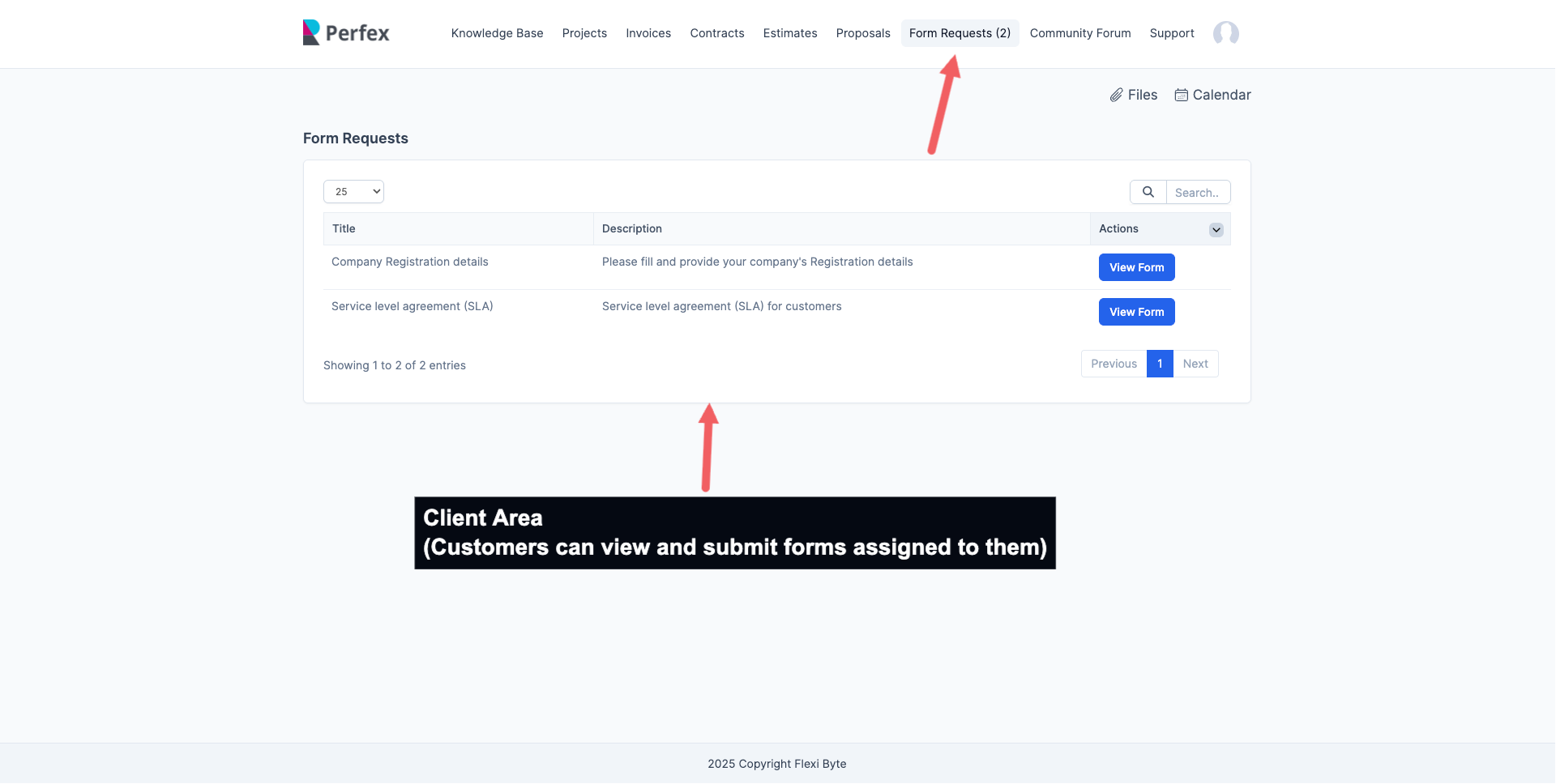
Administrators can now manage Form access through three levels: Public (accessible to everyone), Customers-only (all customers or selected individuals), and Staff-only (all staff or specific members). Each form can be restricted to chosen customers or staff members by selecting them from a list, providing granular control over who can view and submit formsConfetti Celebration Feature :
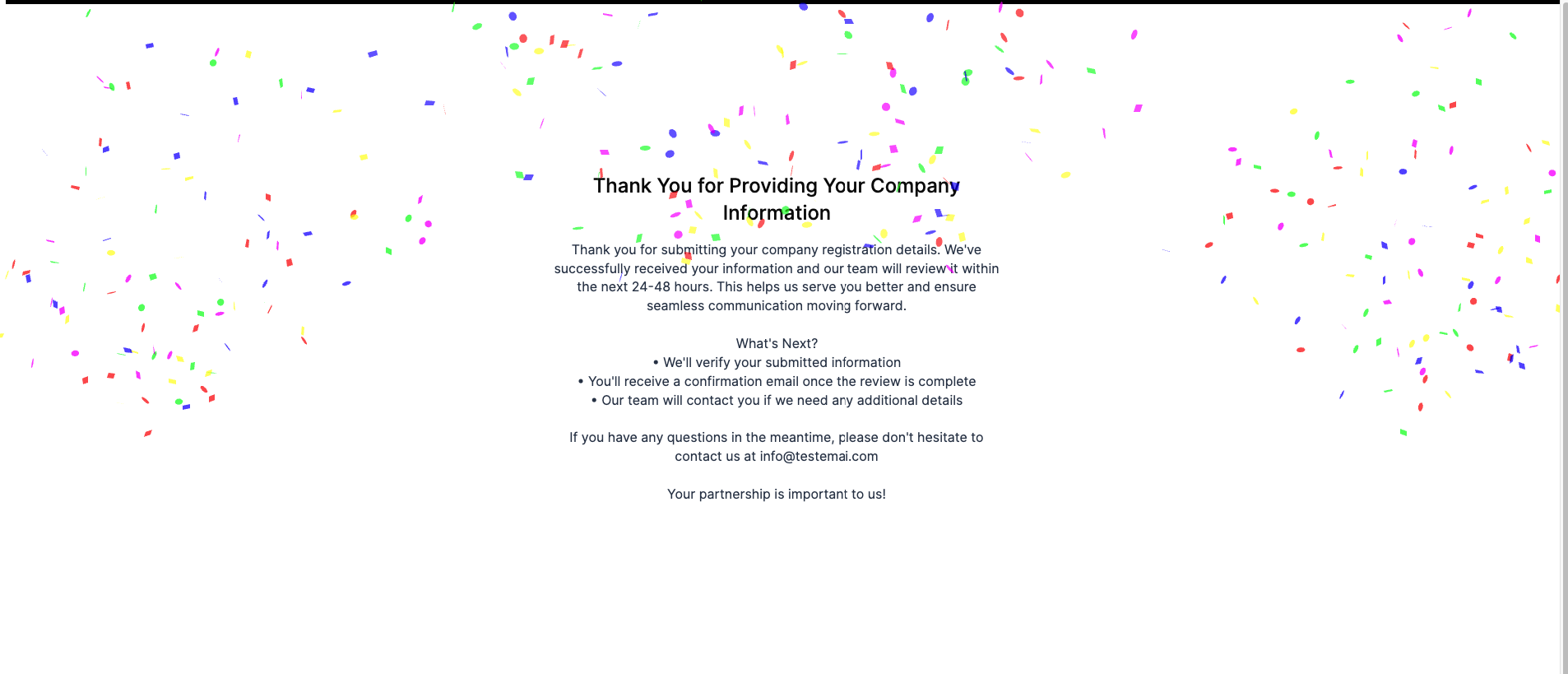
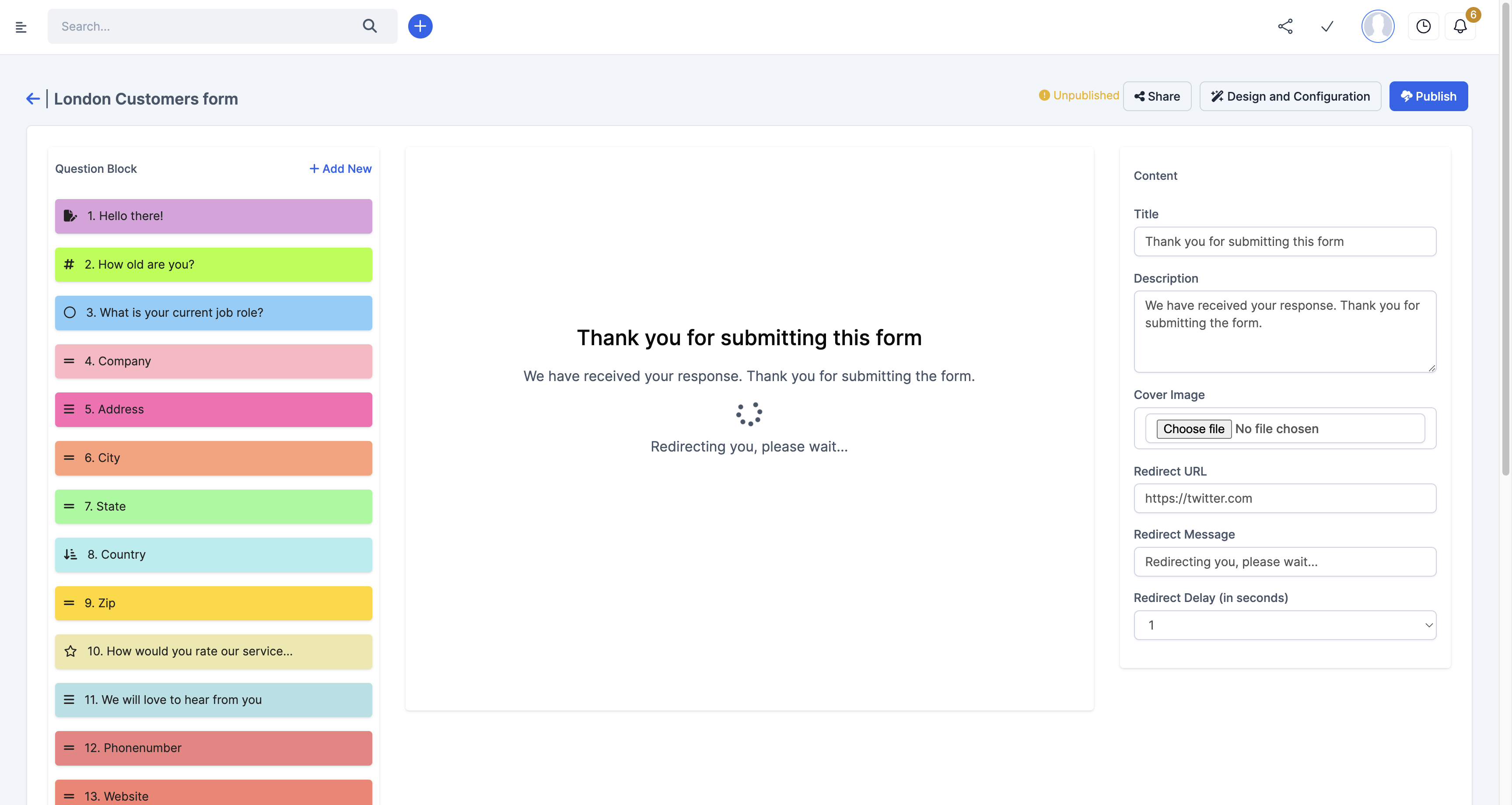
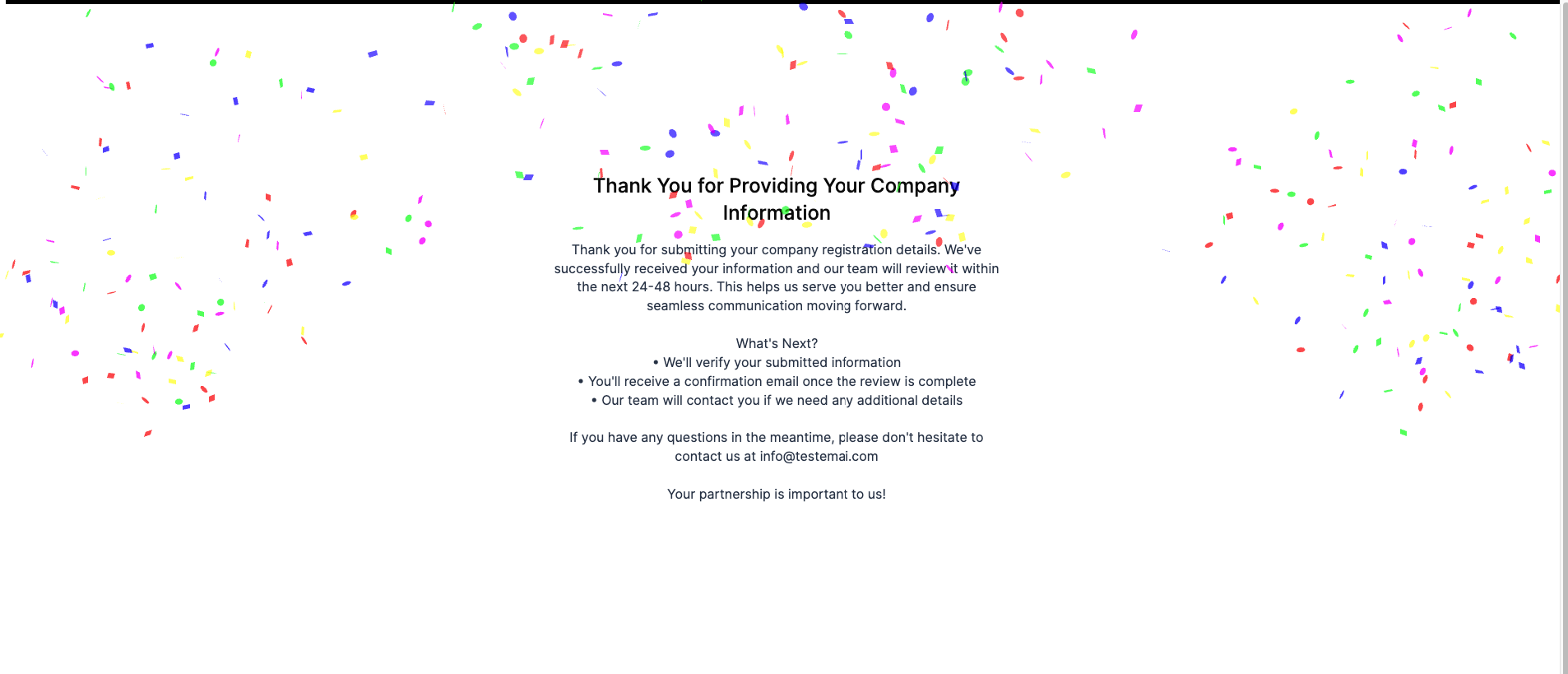
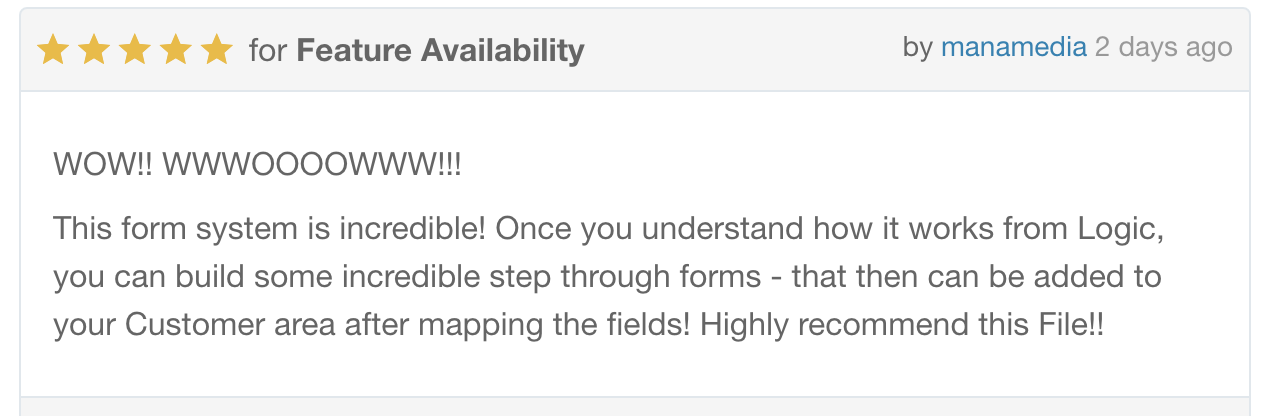
The Confetti Celebration feature adds a delightful visual feedback when users complete a form. When enabled in the Thank You block settings, it triggers a colorful confetti animation effect with particles bursting from multiple angles.Don’t take our word for it, see what a new customer just said about Flexform
DEMO
DEMOAdmin Username
testadmin@gmail.comPassword
password@1234Support
Please send an email from Support page for any issues, questions or suggestions. To save time and get quick feedback, please don’t ask for support in comments section.Road Map
We’re committed to delivering what matters most to you. Explore Flexform Product Roadmap to see upcoming features and let your voice shape the future.VERSION HISTORY
Version 1.0.7 – 3rd November 2025
Fixed Notification link
Fixed validation MIN/MAX
Fixed Multi choice and single choice selection and deselection
Fixed Closed status flag
General Improvements and Bug Fixes.
Version 1.0.6 – 27th June 2025
New Feature : Added new Primary contact collection Fields on Clients Form
New Feature: Unlimited Form submission when end time is not provided
FIXED : when statement is within a single Form issue
FIXED : Ticket Bug logic issue
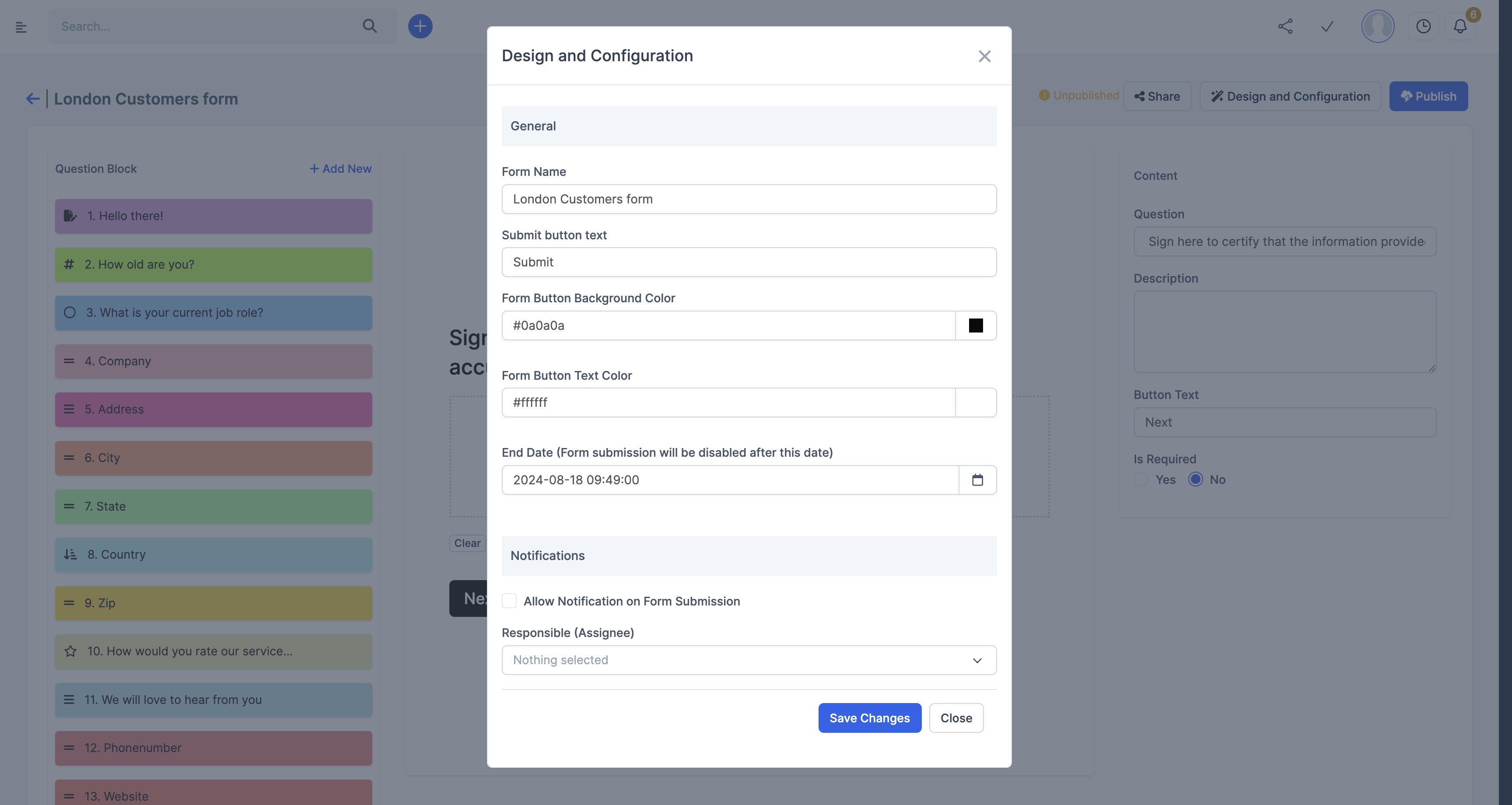
Improvement : Added Description Edit option on Configuration
Improvement : UI improvement to support Perfex new layout design
Version 1.0.5 – 25th March 2025
New Feature : Privacy Controls and Form assign to All or Selected Staff and Customers
New Feature : Confetti celebration option on Thank you
Improvement: Files attached on submission now sync fully to the Form Connected Tables (Customers, Tickets, Leads) as Attachments
Improvements : Line Breaks in Description and PDF Export
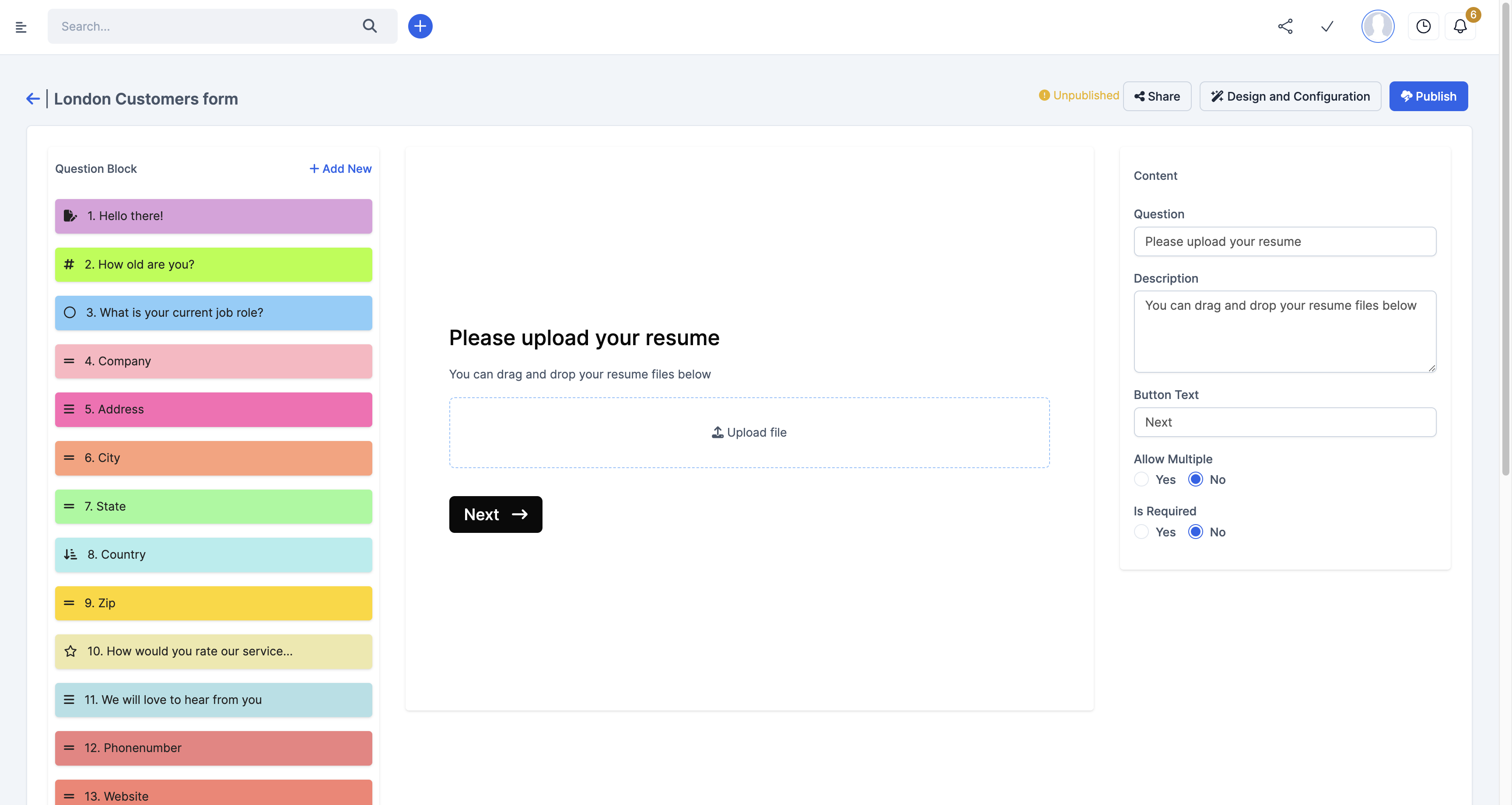
Improvements: Drag and Drop File Upload Validation and improvement
General Improvements and Bug Fixes.
Version 1.0.4 – 6th January 2025
New Feature: Single Page Form Submission – users can now view and complete all questions on one page, instead of navigating step-by-step.
New Feature: Specify File Types for Each File Upload Block – ensure users upload only the required file formats for better validation.
New Block Type: Opinion Scale – perfect for capturing detailed feedback, e.g., 'How satisfied are you with our service? (1: Very Unsatisfied to 5: Very Satisfied).
New Block Type: Time Field – effortlessly capture precise time inputs in your forms.
New Feature: Duplicate Form – easily create a copy of an existing form to save time and streamline your workflow.
New Feature: Notification Emails for Form Submissions – receive instant email alerts with form submission data (PDF) for quick action and review.
Improvement: If you experience issues with drag-and-drop due to browser compatibility, switch to the HTML5 input file uploader for seamless file uploads.
General Improvements and Bug Fixes.
Version 1.0.3 – 9th October 2024
ADDED : Export each Submission as PDF
ADDED : Link support in Description
FIXED: Multiple Choice and Single Choice required
FIXED : File uploads overflow on mobile
FIXED : Iframe Form submission issue
Version 1.0.2 – 28th August 2024
ADDED : Tickets Mapping similar to Leads and Customer, auto sync to Tickets record (Ticket Attachments supported)
ADDED : Accept Terms and condition Checkout option Form
ADDED : Bots Prevention, added Recaptcha Option on Form
ADDED : Optional Logo Display on Form
General Fixes and Improvement
Version 1.0.1 – 15th August 2024
General Improvements
FIXED : Date time to match other timezone display
FIXED : Improved mobile responsiveness
FIXED : Improved Add New Block Layout
ADDED : Date and Datetime picker improvement on Smart logic
FIXED File upload question type improvementsVersion 1.0.0 – 11th August 2024
Initial Release