Want to Resale software ? check video https://youtu.be/ZKtteuNkqxY
Facebook Group Member Scraper and Friend Request sender Software ?
✅ software support facebook send bulk message with image attachment to all profilesFacebook Group Member Scraper and Friend Request sender Software- is advance unique pro software for extract Facebook group members data very fast, this software extract below data and also now you can send friend request to all of profiles. and also now support send message to all profiles
-
- Member Name
- Member ID
- Facebook profile link
- Profile Bio information
- Profile Images
- Groupid
- Group Joining Time
- ✅Software will Extract All Facebook Group Members.
- ✅Software with extract data with very securily so that facebook not block you.
- ✅Software with extractraction speed is in 1 second 100 data.
- ✅100% Real Time Extract Group Member information with Advance Export into Excel ,CSV and Text Format.
- ✅Now software support send friend request to all profiles.
- ✅Now software support send message with image attachment to all profiles.
Getting Started
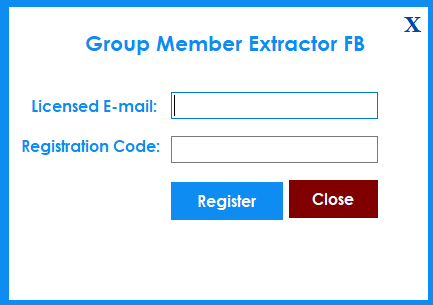
After Registration Licence , Start Software, software start with below screen
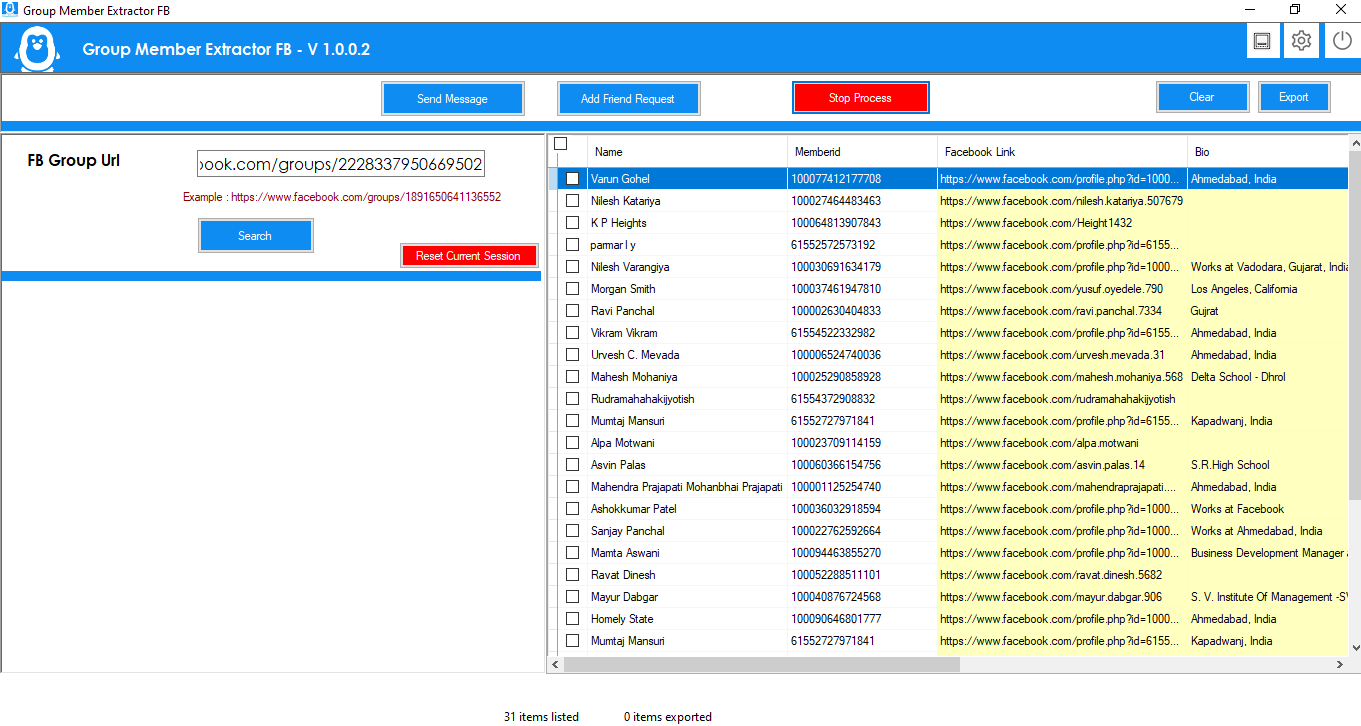
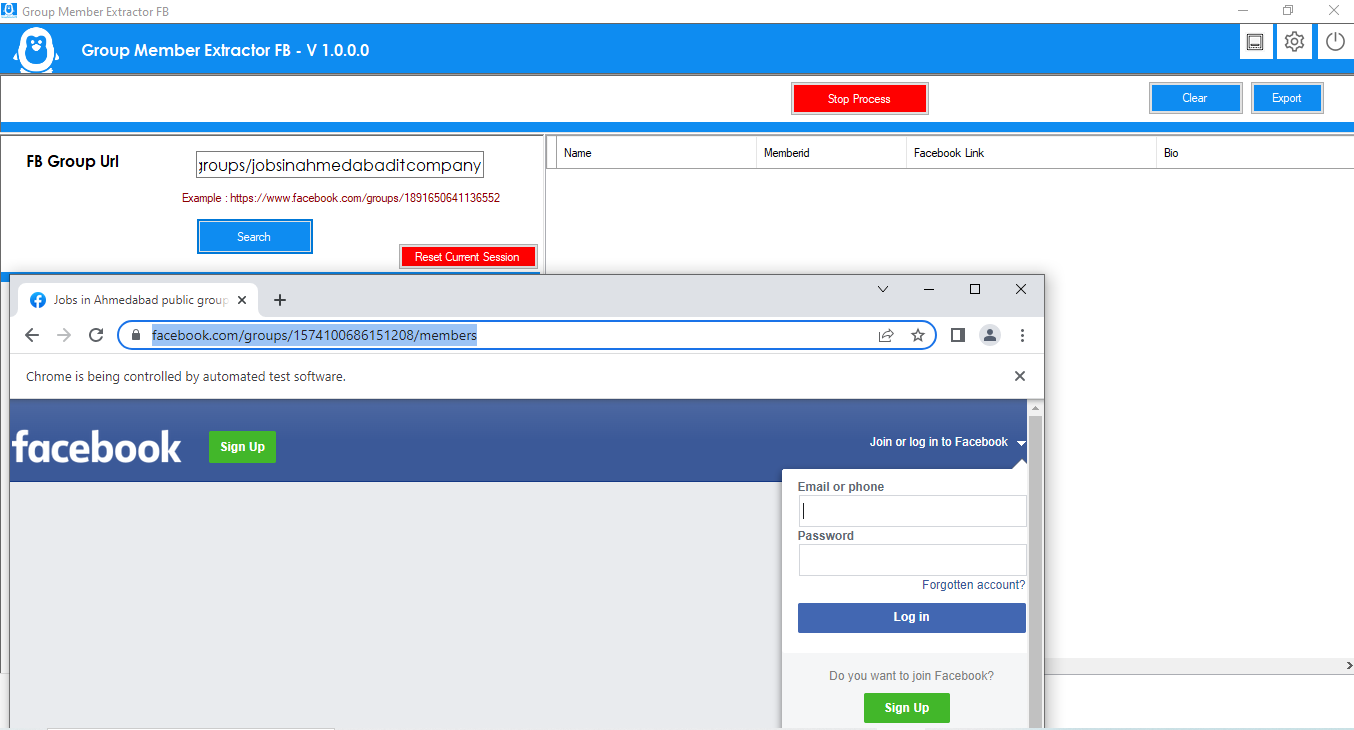
- Now Enter you facebook group url like https://www.facebook.com/groups/1891650641136552
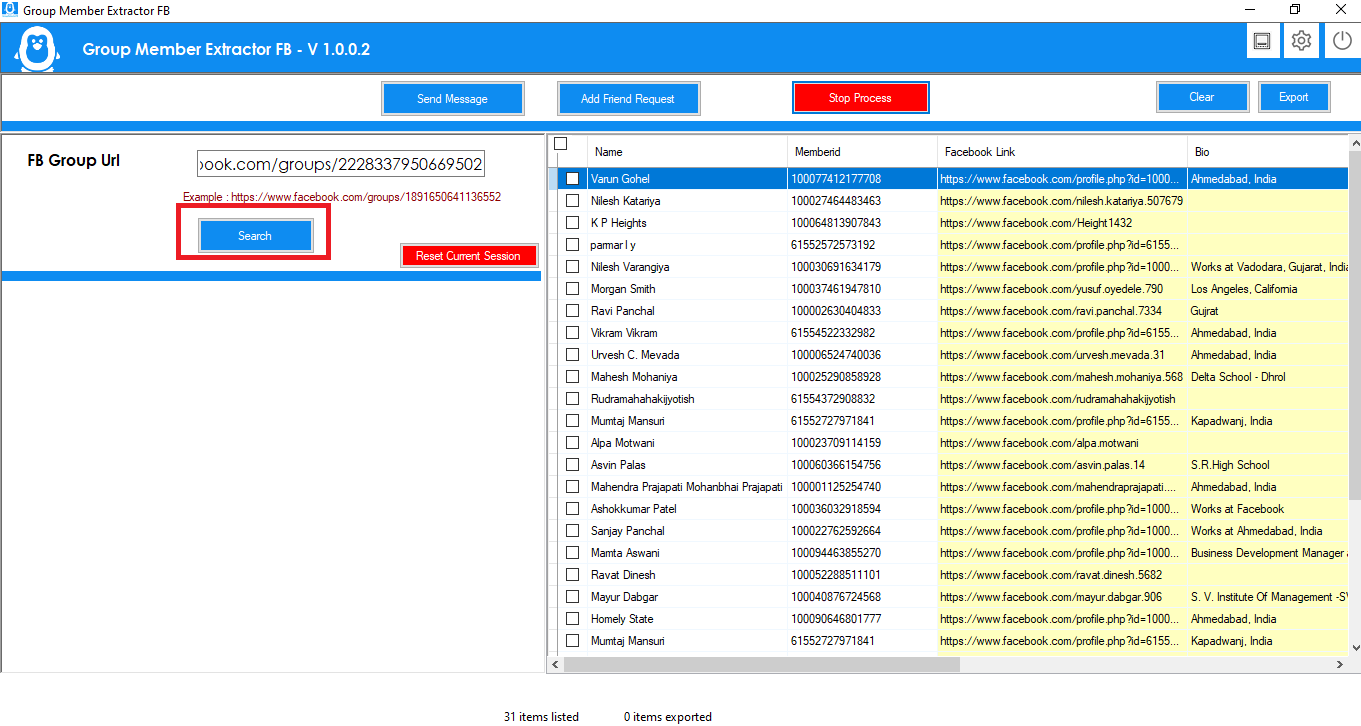
- Click on Search Button, Software ask for login with your facebook credential This software will not store any data on our server Except License information. this is browser functionality for facebook login
- Software will automatically search all facebook group member and Extract all information
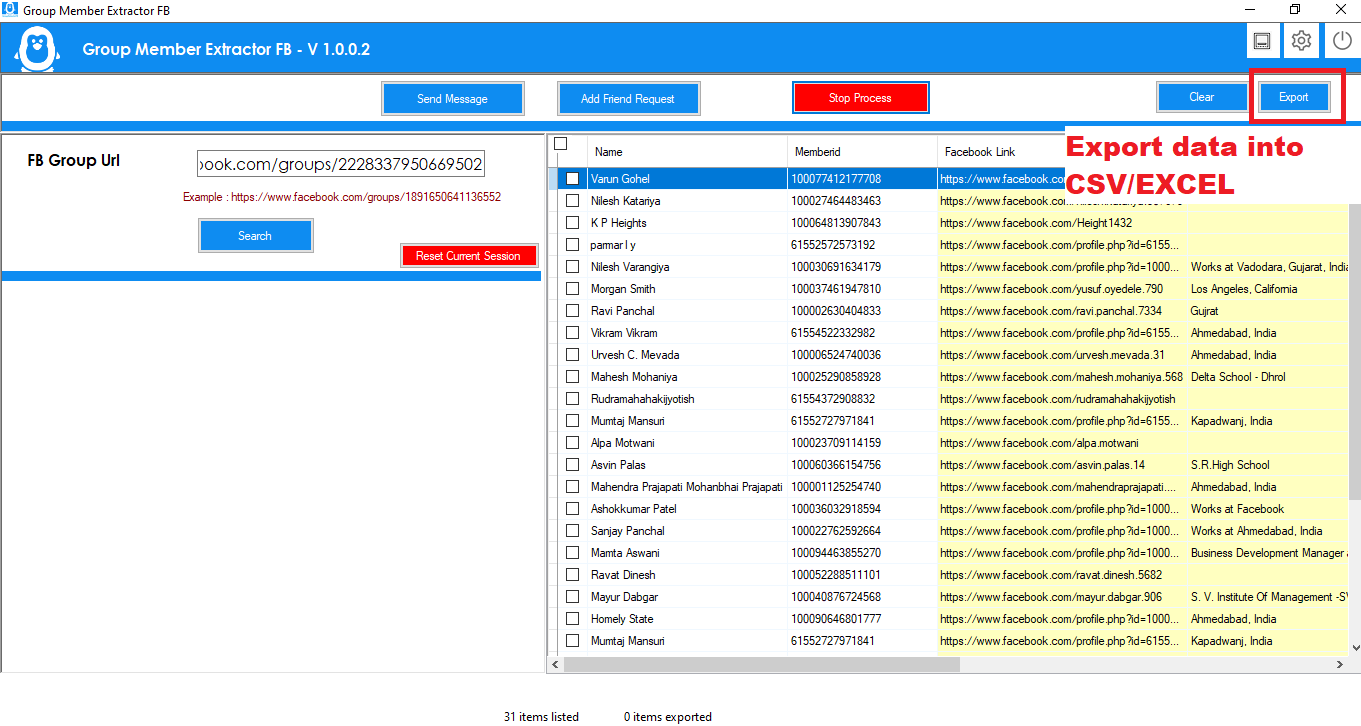
- You can Export All Details in Multiple Format : Excel, CSV , And Text Format.
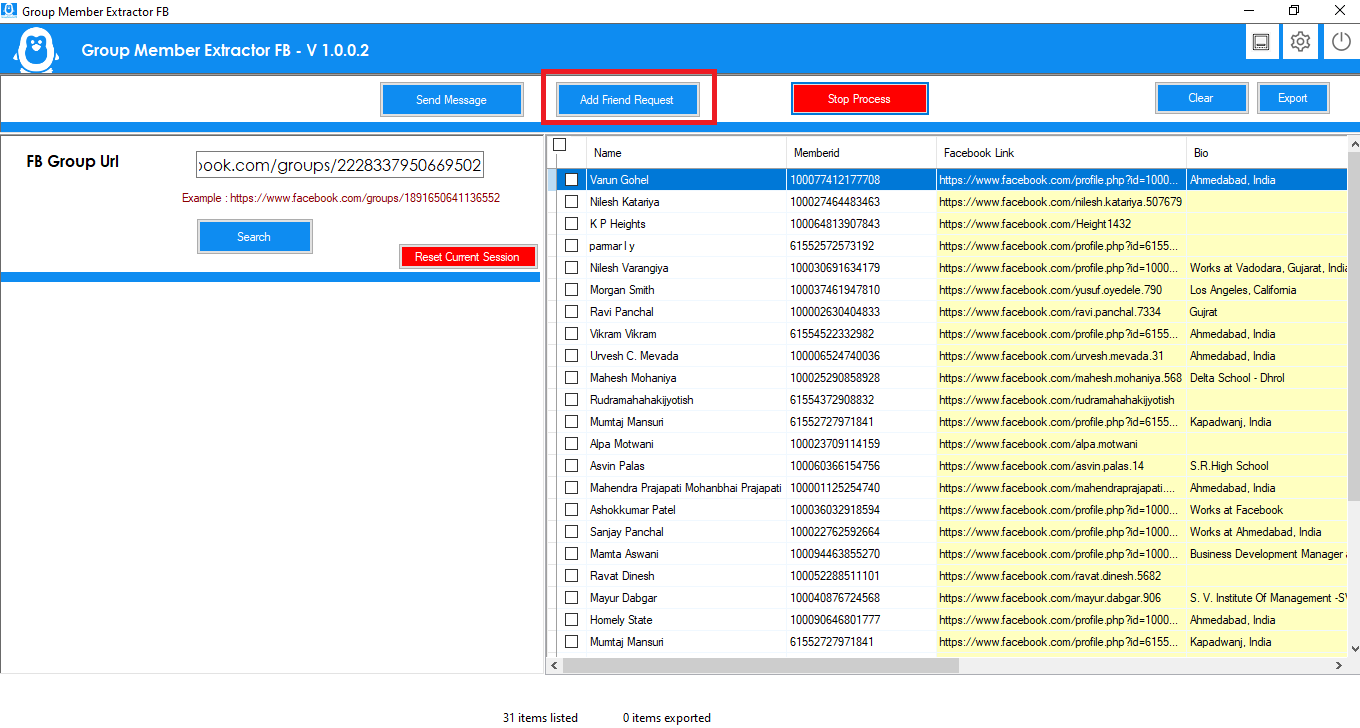
- Select record and click on button “Add Friend Request” and then process will start for send friends request to all selected profiles.
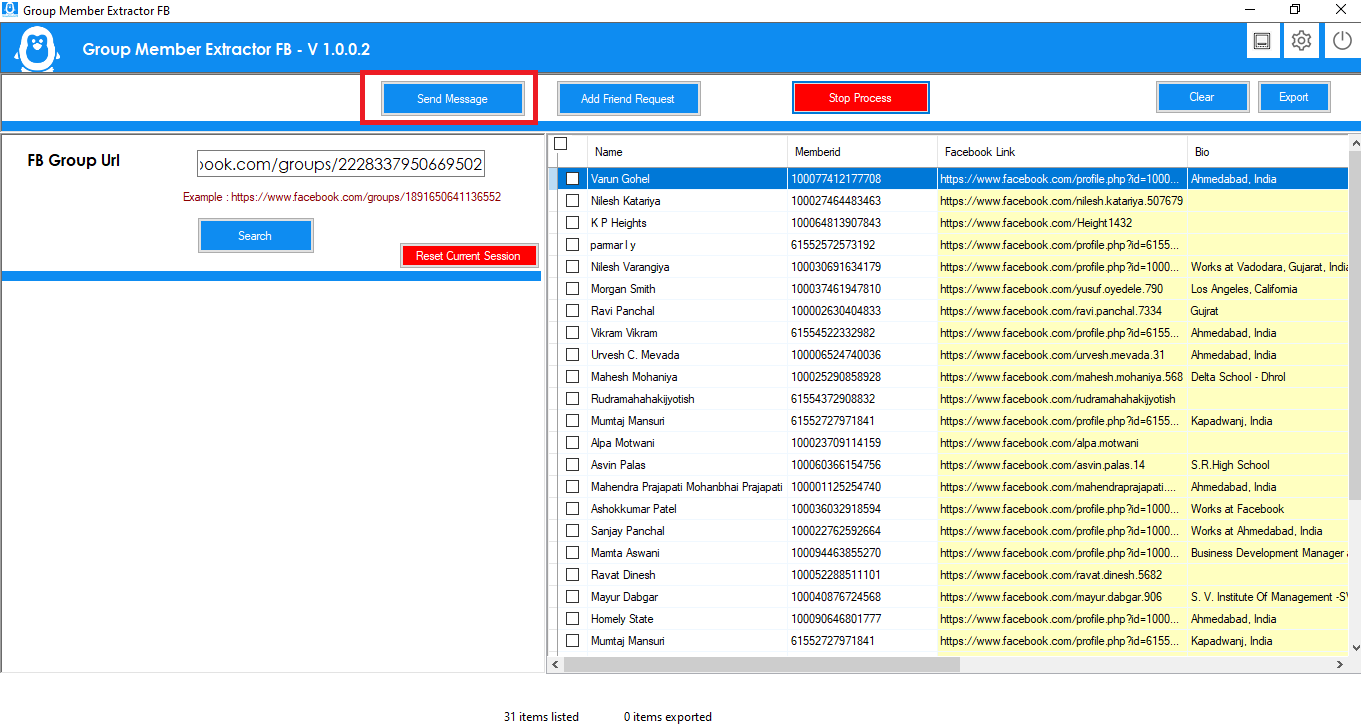
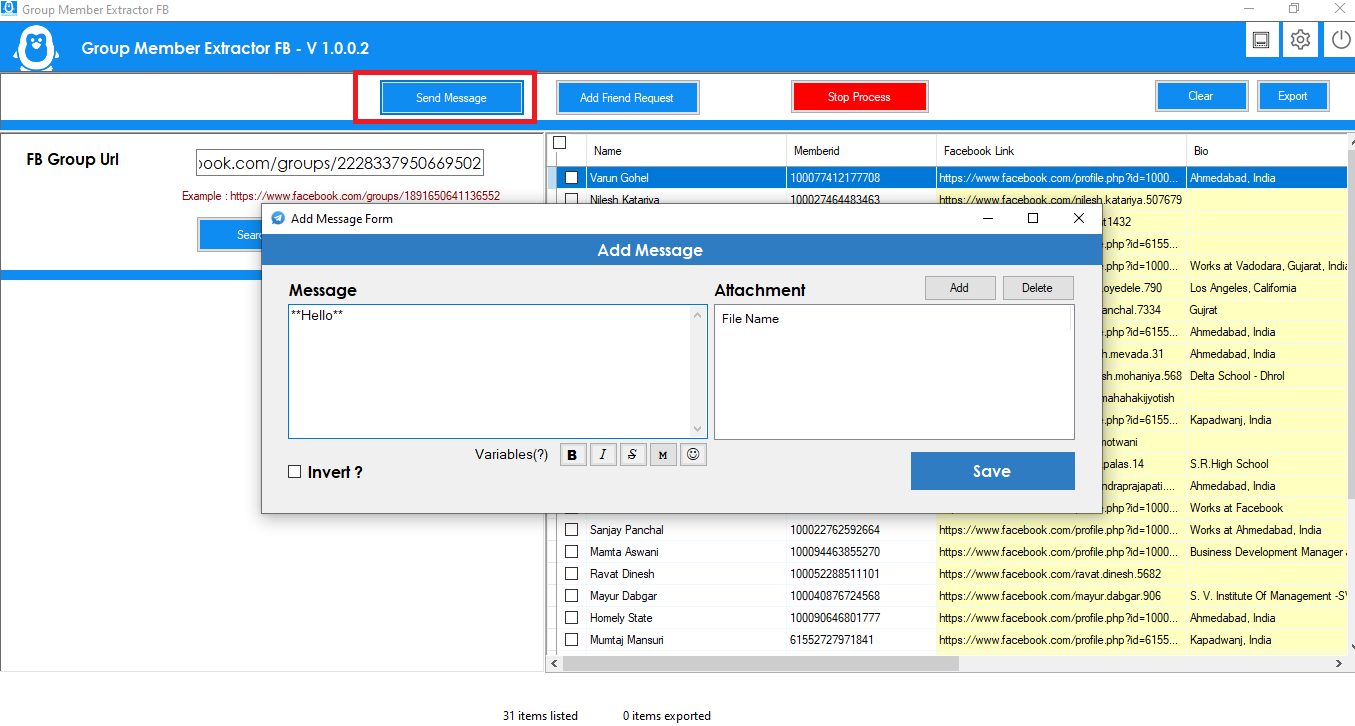
- click on button “Send Message” and below message screen will show
- Import File as per format file link given on blue color. and also file name “exportdata.csv”
- You can also import csv file which you export after group Extract
- after fill your desired message, click on Send button, process will start for send message to imported profiles.
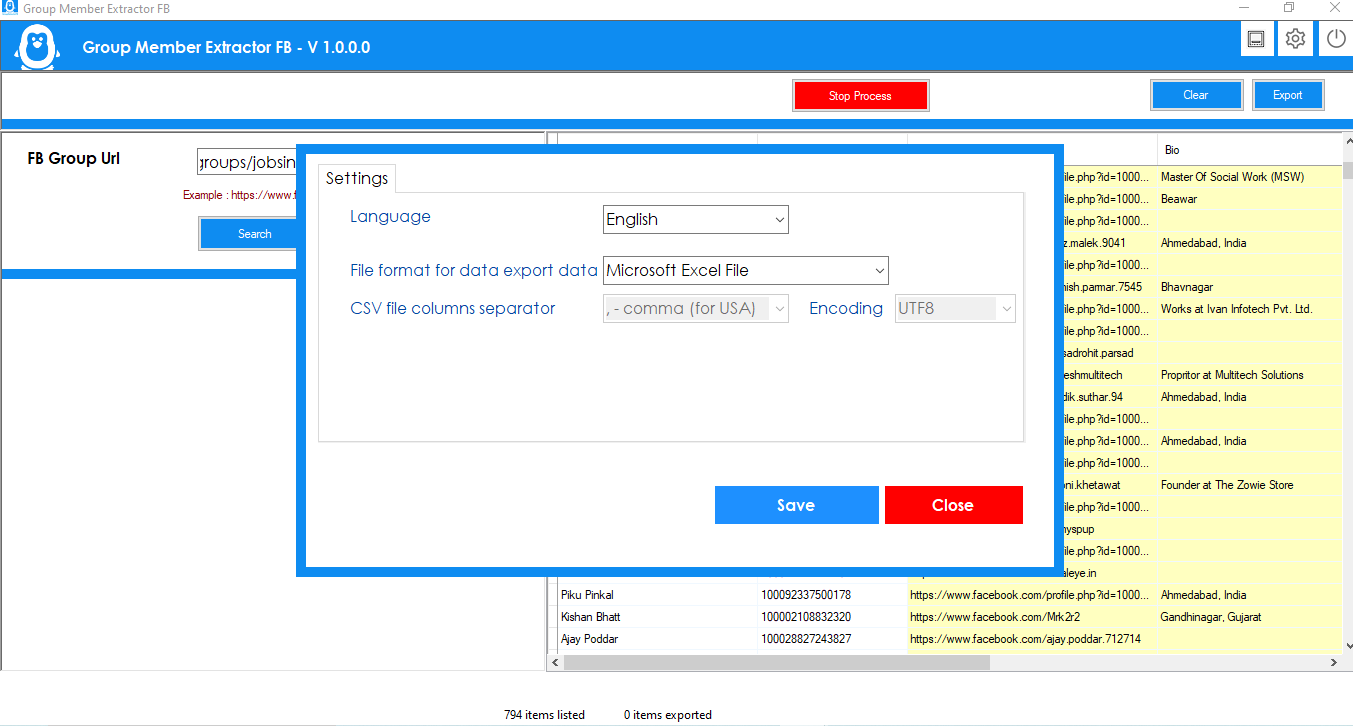
- Click on Setting Icon on Top Bar , , You can do VPN Setup here. Also can Change Data Export Format , Excel, CSV,Text Format. Software Support Multiple Language , Can Change Desired Language.
Facebook Add Friend request
Facebook Send Message
Support Policy
- Support Will provide from our profile Contact form on codecanyon .
- Support Will not Provide any types of customization.
- If you need any customization so extra cost will be charge.
- Single license support will provide for one single domain.