we just launch our cloud based tool for instagram follower scraper and instagram bulk message sender check our tool
Instagram Follower Scraper
Instagram Bulk Message Sender
What is INSTAGRAM BULK DM SENDER BOT ?
Instagram Message Sender Bot -Instagram – Software can send Direct message to all instagram members.
- Software send Direct message to all members by automatic in one click
- Software have facilty to import bulk member ID as csv and send bulk message in single click
- Software can send Customize message to one by one customer
- in Software, message variable [VAR1],[VAR2],[VAR3],[VAR4],[VAR5],[VAR6],[VAR7] is replace from second… column.
Installation Process
- You will Recieve only Software. Code is not Included
- After Purchase Product purchase code is your Licence code. if you face issue in license please email me at bhansalisoft781986@gmail.com
you can check what is Purchase Code from this link : https://help.market.envato.com/hc/en-us/articles/202822600-Where-Is-My-Purchase-Code- - After i Confirm your purchase Code , Please Unzip Main File and Run InstagramAutoMessageBot.exe and Register your Licence as per below Screen.
- Licence Email : Registered Email.
- Registration Code : Evanto Purchase Code.
- After Registration you can Use Software.
Getting Started
After Registration Licence , Start Software, software start with below screen
Process of Sending Message to Instagram Members
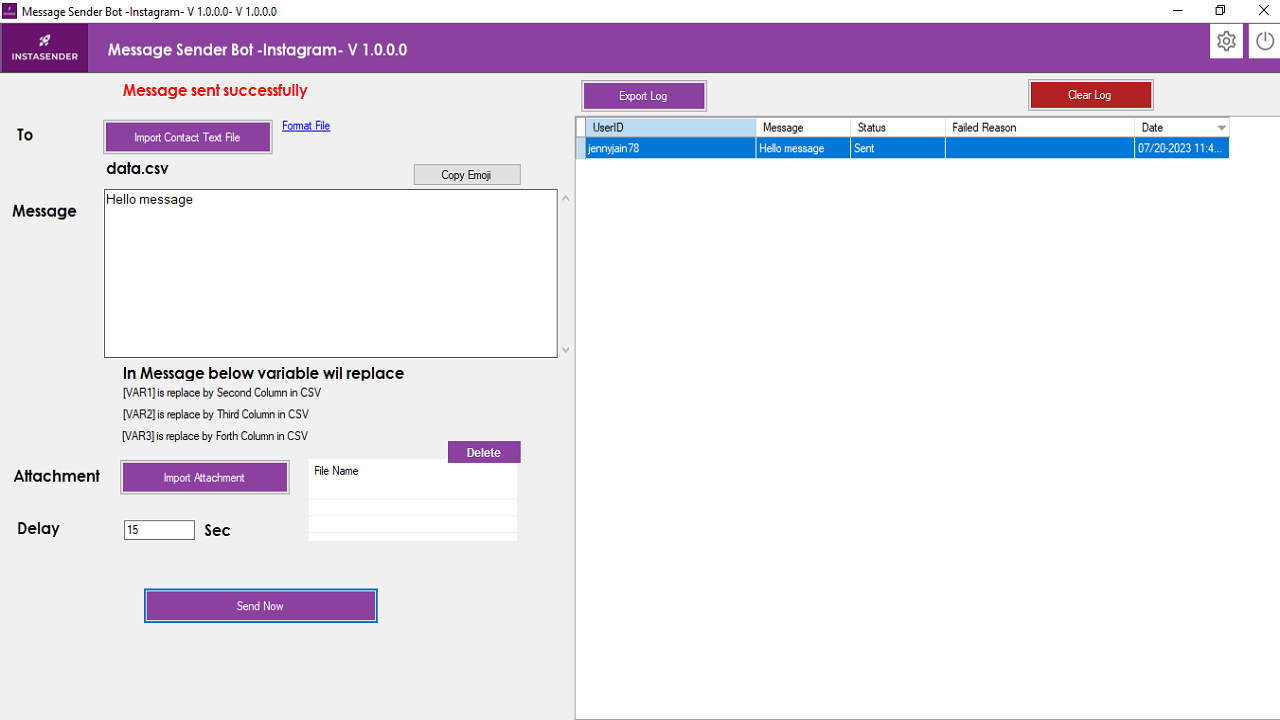
- Import Contact CSV file as per format file : data.csv on software folder (or click on format file on software screen).
in CSV file , First column is Instagram MemberID.
Second Column is VAR1, its replace in Message Variable [VAR1]
Third Column is VAR2, its replace in Message Variable [VAR2]
Forth Column is VAR3, its replace in Message Variable [VAR3]
- You can Send Attachment also, for attachment click on Import Attachment button
- Click on Send now
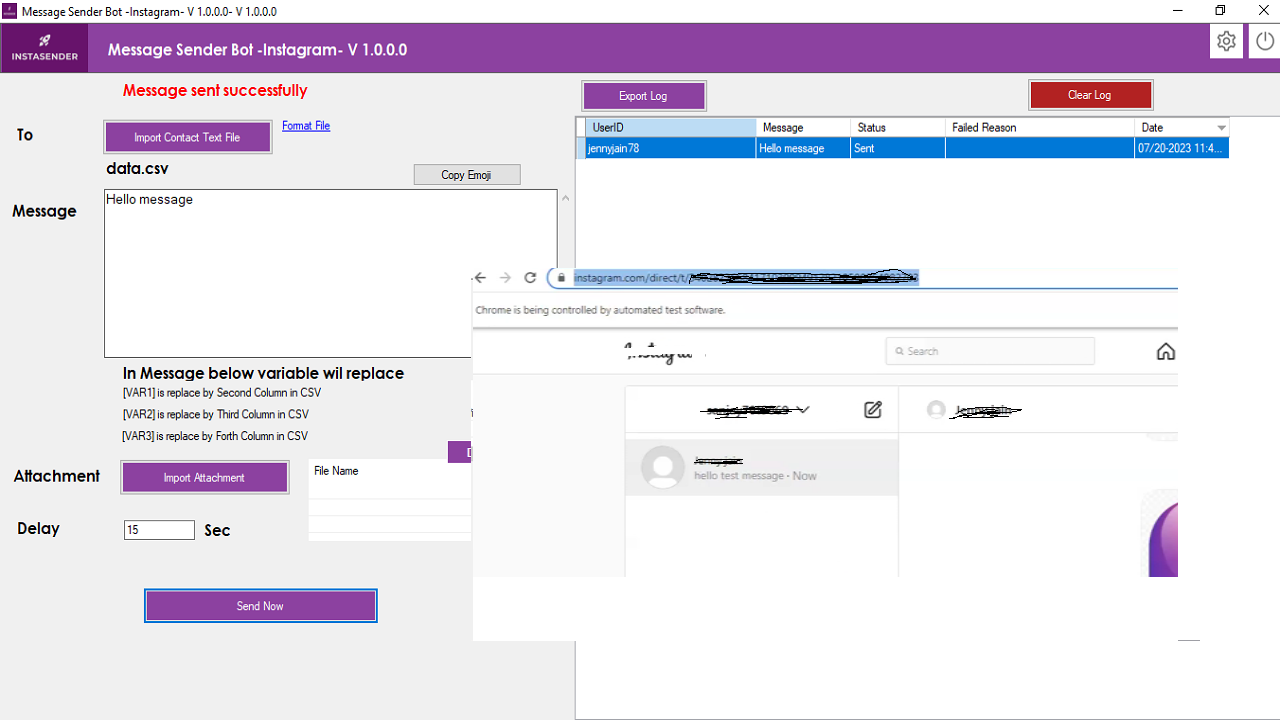
- Chrome Browser will open , and navigate to Instagram website Login page, please login to your instagram profile manually
- After that software will do automatic sending message to all members which you import using csv.
- All log can be export to successfully
- Click on Setting Icon on Top Bar , ,
You can do setup
- setup Export Format , Excel, CSV,Text Format
- setup Software Language (Right now two language support English /Portugues)