Code

Extrax - Google Data Extractor

Extrax - Google Data Extractor

By
Cart 36 sales

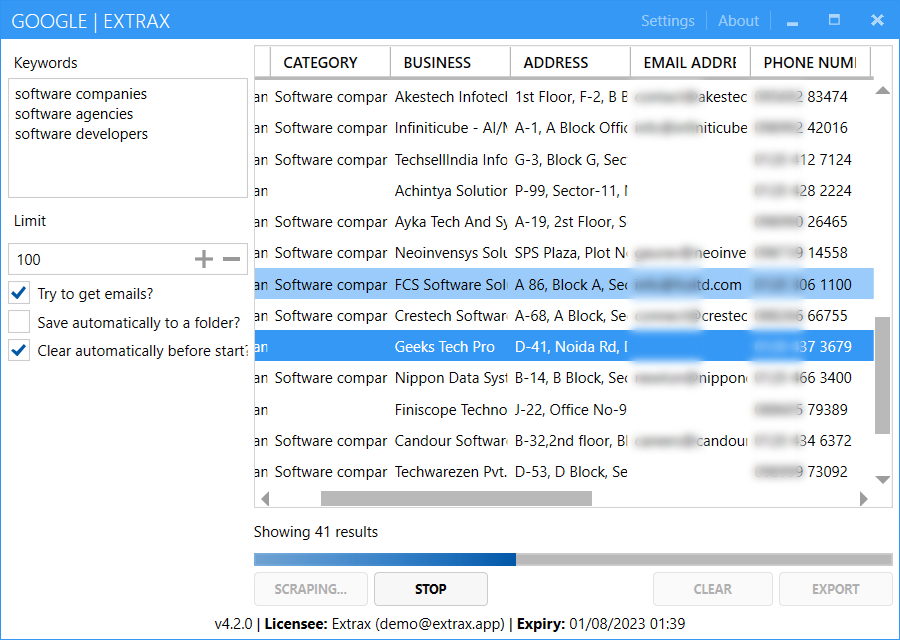
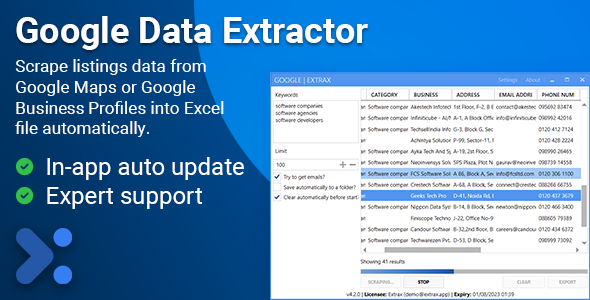
Scrape information about business listings from Google Maps into Excel easily containing business name, complete address, email address, phone number, ratings, reviews, location, website and more.

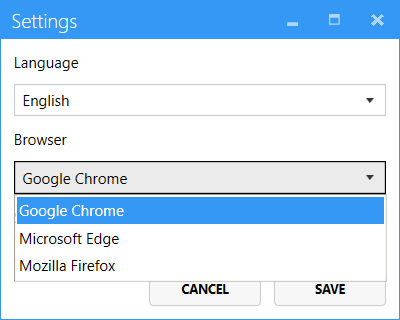
The tool supports automatic web driver updates for multiple browsers (Chrome, Edge & Firefox), English and Chinese language support, and allows you to search using combinations of keywords and locations for comprehensive data extraction.

Features

  • Business name
  • Business category
  • Email address
  • Phone number
  • Street address
  • Latitude & longitude
  • Website URL
  • Rating & reviews
  • Closed status
  • Keyword and location combination search
  • Automatic browser driver updates (Chrome, Edge, Firefox)
  • Multi-language support (English, Chinese)
  • Auto-save keywords and locations
  • Excel export functionality

Why Choose Google Data Extractor?

Google Data Extractor is the perfect solution for businesses, marketers, researchers, and professionals who need comprehensive business data from Google Maps. Whether you’re building lead lists, conducting market research, analyzing competitors, or creating business directories, this tool provides everything you need in one powerful desktop application.

Save Hours of Manual Work: Instead of manually searching and copying business information one by one, extract data for hundreds or thousands of businesses in minutes. What would take days of manual work can be completed in a fraction of the time.

Comprehensive Data Collection: Extract all critical business information in one go – contact details, addresses, ratings, reviews, websites, and geographic coordinates. Perfect for building complete business databases and lead lists.

Intelligent Search Capabilities: Use keyword and location combinations to target exactly the businesses you need. The tool automatically creates all search combinations, ensuring comprehensive coverage of your target market.

Zero Technical Hassle: Automatic browser driver management means you never have to worry about compatibility. The tool automatically downloads and updates WebDriver to match your browser version, supporting Chrome, Edge, and Firefox seamlessly.

Professional Results: Export data directly to Excel in a clean, organized format ready for use in CRM systems, databases, or further analysis. No data cleaning or formatting required.

System Requirements

  • Windows 8 or later (Windows 10/11 recommended)
  • .NET Framework 4.7.2 or higher
  • Chrome, Edge, or Firefox browser (latest version recommended)
  • Internet connection

Activation

After purchase, you can immediately download and use the software with your Envato purchase code. No additional activation steps required. Simply enter your purchase code when prompted in the application.

Once activated, your purchase will be bound (locked) to your computer. If you ever need to unlock or reset your purchase code for using it on another computer, visit https://envato.one710.dev/.

Support

For technical support (only after sales), please send an email to hello@one710.ltd.

Source Code

Please note carefully, source code is not included with any of the license variants. If you need white-labelled or custom branded versions of our tools with cloud based license management system, please contact us for reseller pricing.

Quality product by One710.

by
by
by
by
by
by

Tell us what you think!

We'd like to ask you a few questions to help improve CodeCanyon.

Sure, take me to the survey