On sale for limited time only!
→ VIEW DEMO
#1 BEST SELLING VIDEO PLAYER
Why choose Elite video player?
Elite players gives you the world-class video experience. With it’s intuitive and powerful features, there’s no need to look furthermore. Outstanding support 24/7, top-notch features, lightning fast performance is all you can ask for. We can also customise player beyond the scope of the current version, according to your needs, so don’t hesitate to ask anythingElite Video Player is modern, responsive, fully customisable high-end video player for WordPress that support advertising (VAST, VMAP, IMA and custom self-hosted ads) and the most popular video platforms like YouTube (single, channel, playlist), Vimeo, self-hosting videos (only mp4 required), Google drive videos, Dropbox videos, local videos, Amazon S3 and LiveStreaming HLS m3u8 videos. Showcase your videos in your site across all browsers & devices with this unique and most powerful video player around.
Quick Installation Tutorial
Have your Elite Player up and running in minutes
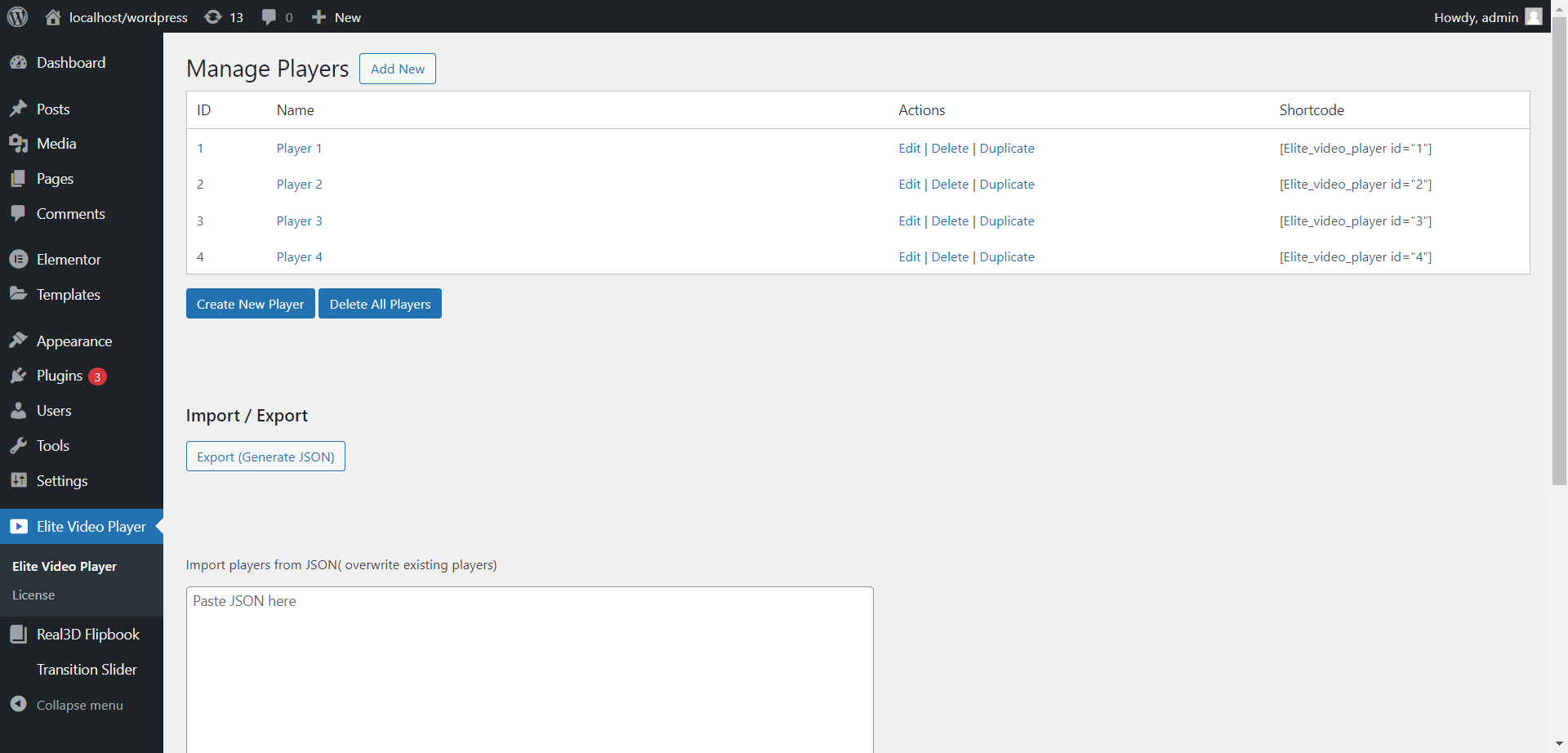
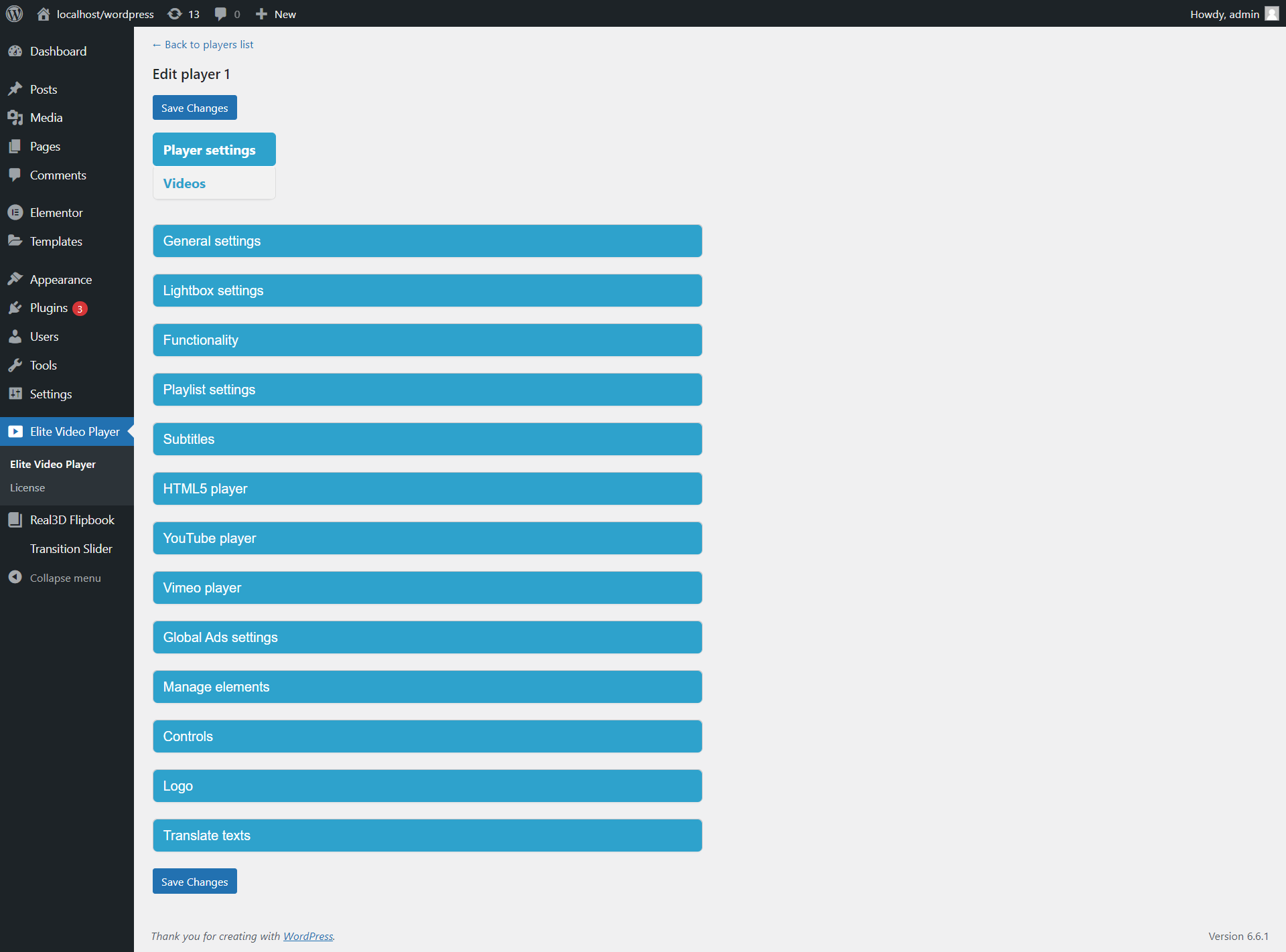
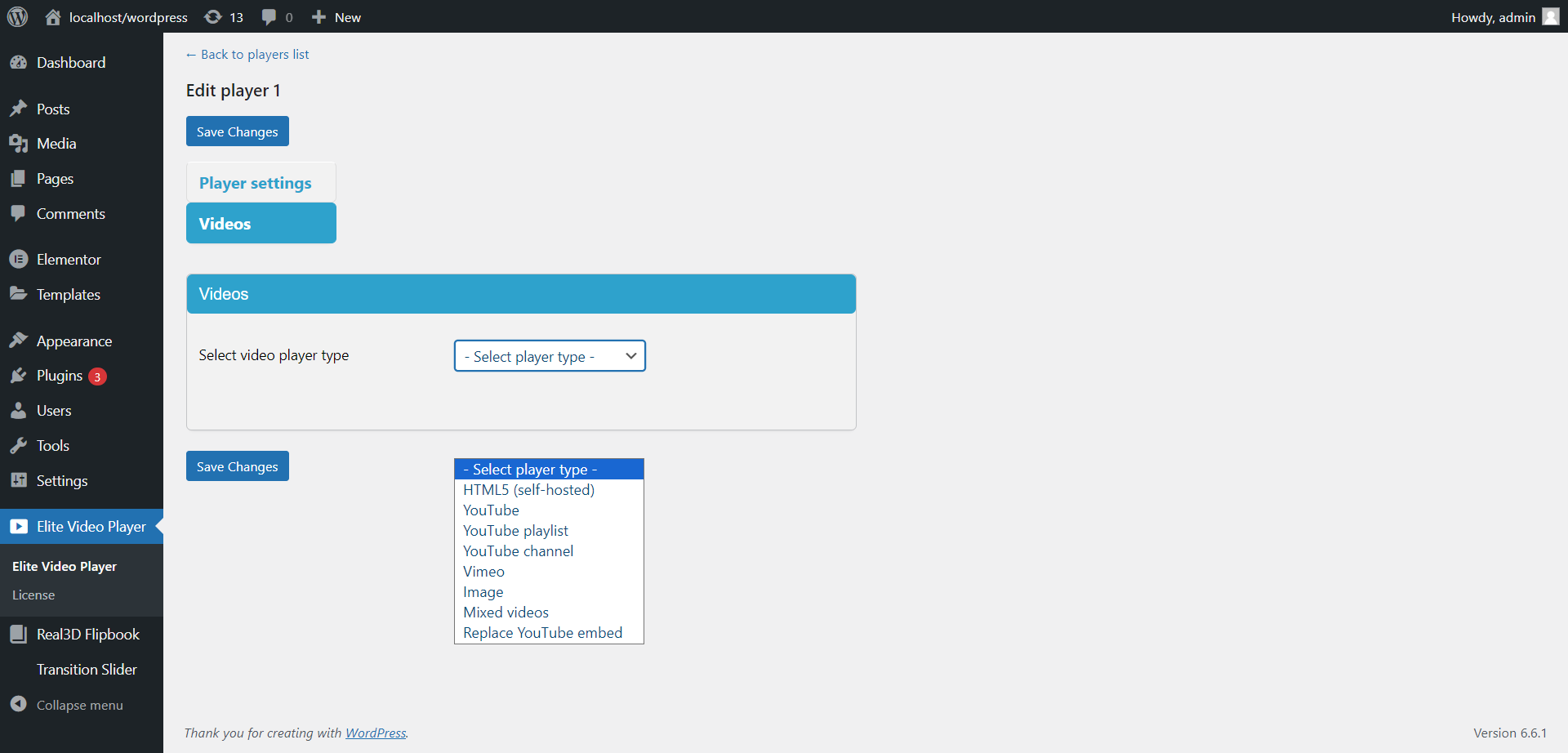
Installation is super easy. Simply choose video player type and insert the shortcode in your page or post.Automatically replaces YouTube embed
Want to replace all your YouTube videos at once, across entire website? No problem! With Elite player this can be done with single click!Chromecast support
Play any video on TV using Elite video player (mp4, YouTube, Vimeo, Google drive, Dropbox, HLS stream….).YouTube support – playlist/channel/single youtube
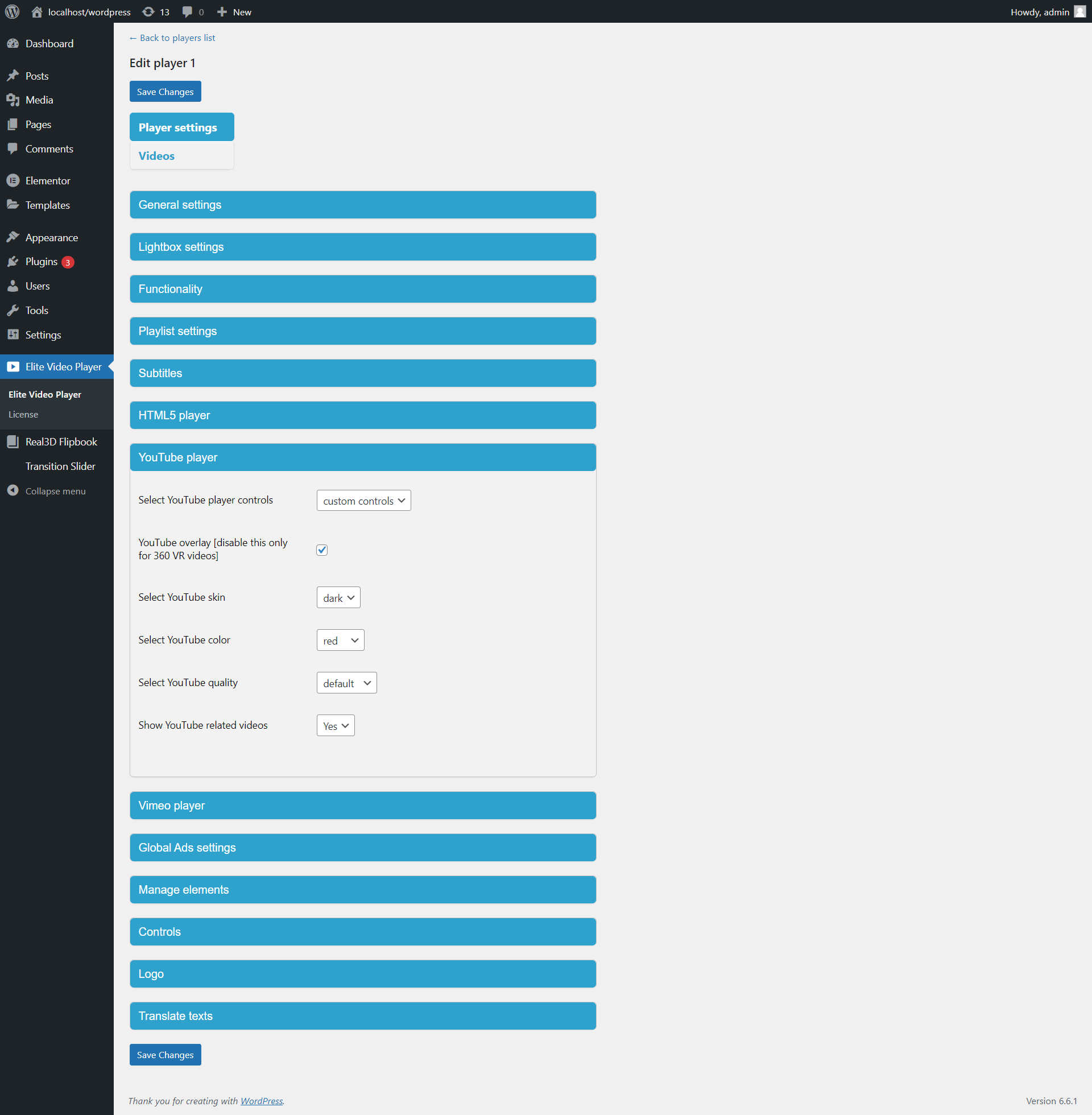
Elite video player can play any youtube video, import youtube playlist or even youtube user channel. You can use default YouTube player or YouTube player with custom controls.YouTube 360 VR & YouTube LiveStreaming support
Elite video player has now support for any Youtube 360 VR video, and even supports livestream videos from Youtube.First video player on Envato Market with completly hidden YouTube UI
YouTube videos can be played without distraction of youtube elements like Watch later/Share/Logo/Title/Related videos. Simply play YouTube videos like any mp4 video, without user knowing the source of the video. See example.Self-hosted videos
You can host your own videos with only mp4 format required.Vimeo support
Also, elite video player can play any video from vimeo too. Vimeo videos can be played with default Vimeo player or custom Elite player.HTTP Live Streaming (HLS .m3u8) support
Elite video player now supports HLS (HTTP Live Streaming) .m3u8 files.Amazon S3 & Amazon cloud drive videos
Elite player can play any video from amazon server.Google Drive videos
You can store and play videos from any Google Drive.Dropbox videos
Recommended when it comes to large files, use Dropbox to host your videos for free and play them in Elite player accross websites.Microsoft OneDrive videos
You can store and play videos from OneDrive as well.Local videos
You can also play any video from your local drive, no need for web hosting. Videos from dropbox are also supported.Openload videos
Elite video player can play any video from Openload.Mixed videos
Create your playlist with any video type you want – mix YouTube/Vimeo/Self-hosted/GoogleDrive videos all in one playlist.VAST, VPAID, VMAP and Google IMA Ads
Elite Video Player supports VAST (Video Ad Serving Template), VMAP (Video Multiple Ad Playlist) and Google IMA ads (Interactive Media Ads). Showcase Linear and Non-Linear ads easily with Elite video player. Linear ads are Pre-, Mid-, Post-roll videos and PODS (back-to-back video ads in a row). Non-Linear ads are banners/texts.VAST, VPAID, VMAP and Google IMA tags can be displayed on all videos that Elite Video Player supports (YouTube, Vimeo, Self hosted, Dropbox, Google Drive, Amazon S3, HLS m3u8 etc.)
No programming knowledge is required to display these ads. Monetize your videos and bring insane results to your website.
See VAST/VMAP/IMA examples.
Self Hosted Ads
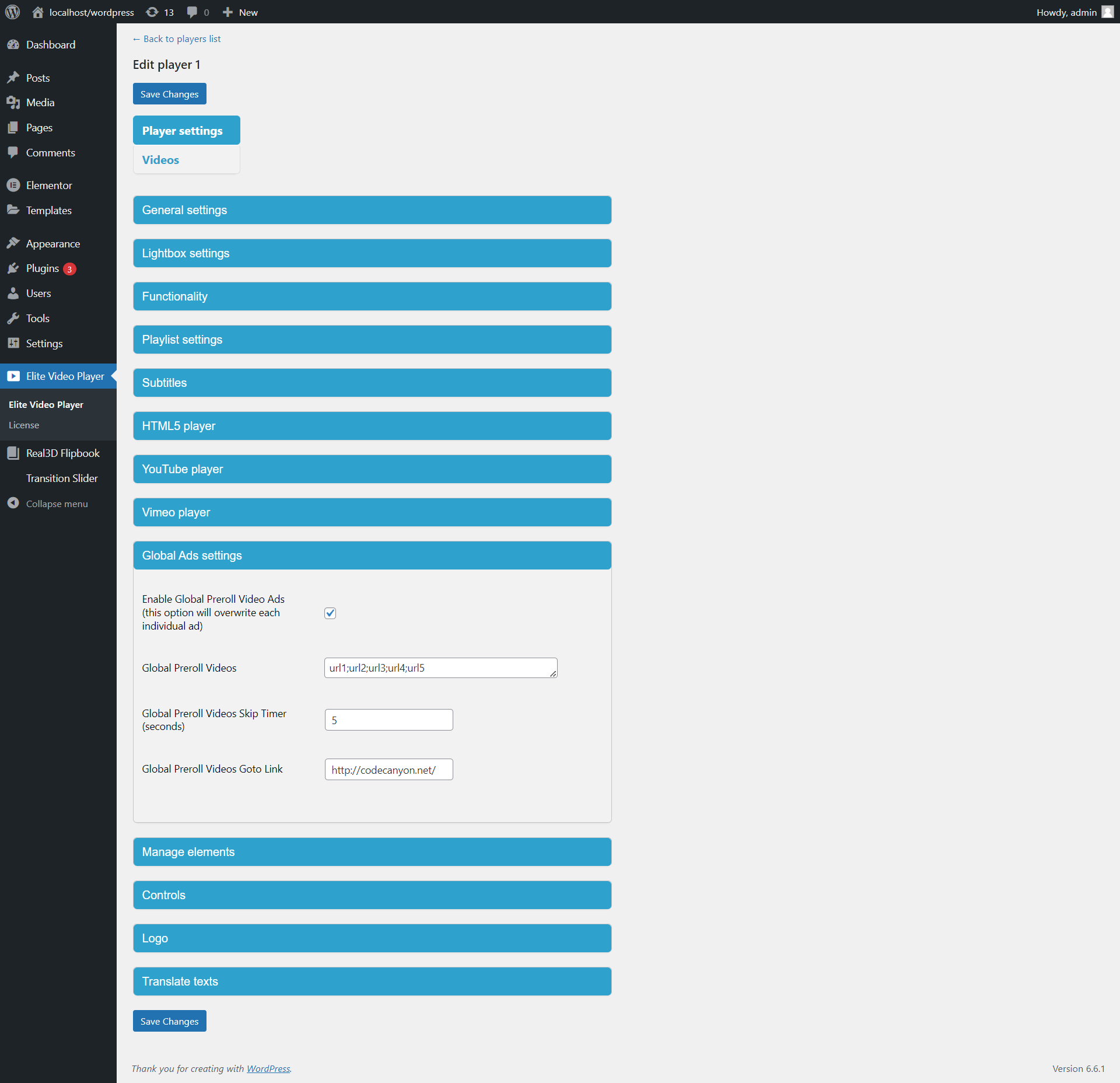
Elite video player also supports custom advertising as pre-roll (before), mid-roll (during), post-roll (after) and popup Ads. This means you can have your own videos on server and serve them as you wish without having any external xml files. Ads can be added to each video. Also, advertising is improved with custom skip ad option, which means that you can set different skip time for each video. Each ad can be added for all videos that elite player supports: youtube single videos/youtube playlists/user channels, vimeo videos, and self-hosted mp4 videos. Custom Advertising can be combined with VAST, VMAP and IMA Ads as well.See Custom Advertising examples.
Google Analytics
With Google Analytics you can track how many times videos has been watched and downloaded. Also, you can track how many times Advertisement video has been watched, how long Advertisement video has been played (before it’s skipped) or even count how many times your advertisement video was clicked.Live video thumbnails for progress bar
Elite video player is the first and only video player that is using smart system for video thumbnails. You can set your video to auto-generate video thumbnails and display them Live in real-time, when user hover the progress bar. See example.vtt (jpg) Video thumbnails for progress bar
Elite video player can also display vtt (jpg) video thumbnails, meaning, these thumbnails are pre-made as single spritesheet jpg image. See example.Subtitles (captions)
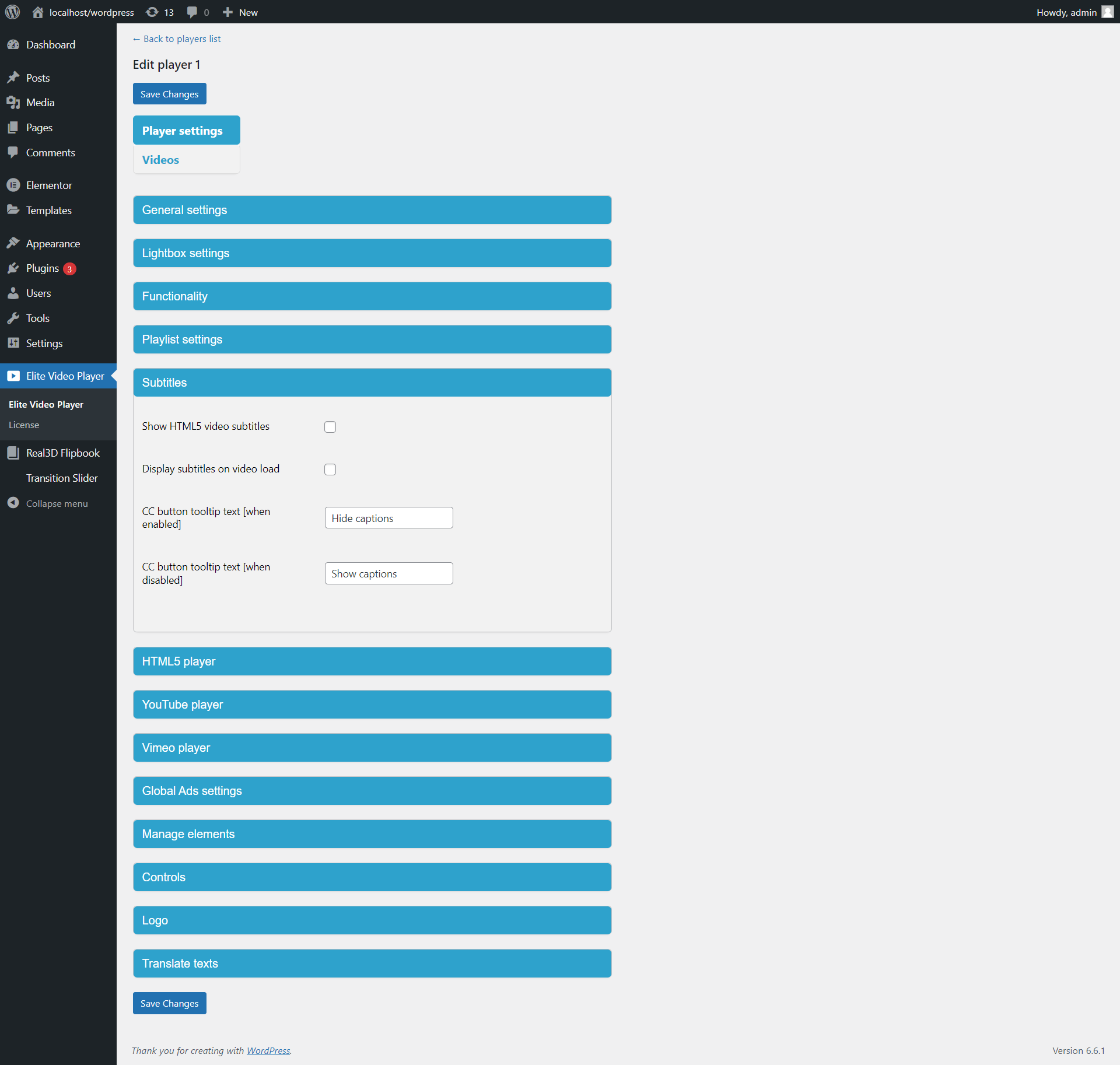
Elite video player has subtitles (captions) support for HTML5 self hosted videos, Google drive, Dropbox, HLS m3u8 Livestream or Amazon S3 videos.Sticky mode
Elite player has support for sticky mode to keep videos visible to your customers all the time on the page (when scrolling up/down through page). If video is not in user viewport, sticky player will appear in bottom corner, and if video is in user viewport, sticky player will automatically hide.Lightbox mode, responsive mode, fullscreen mode
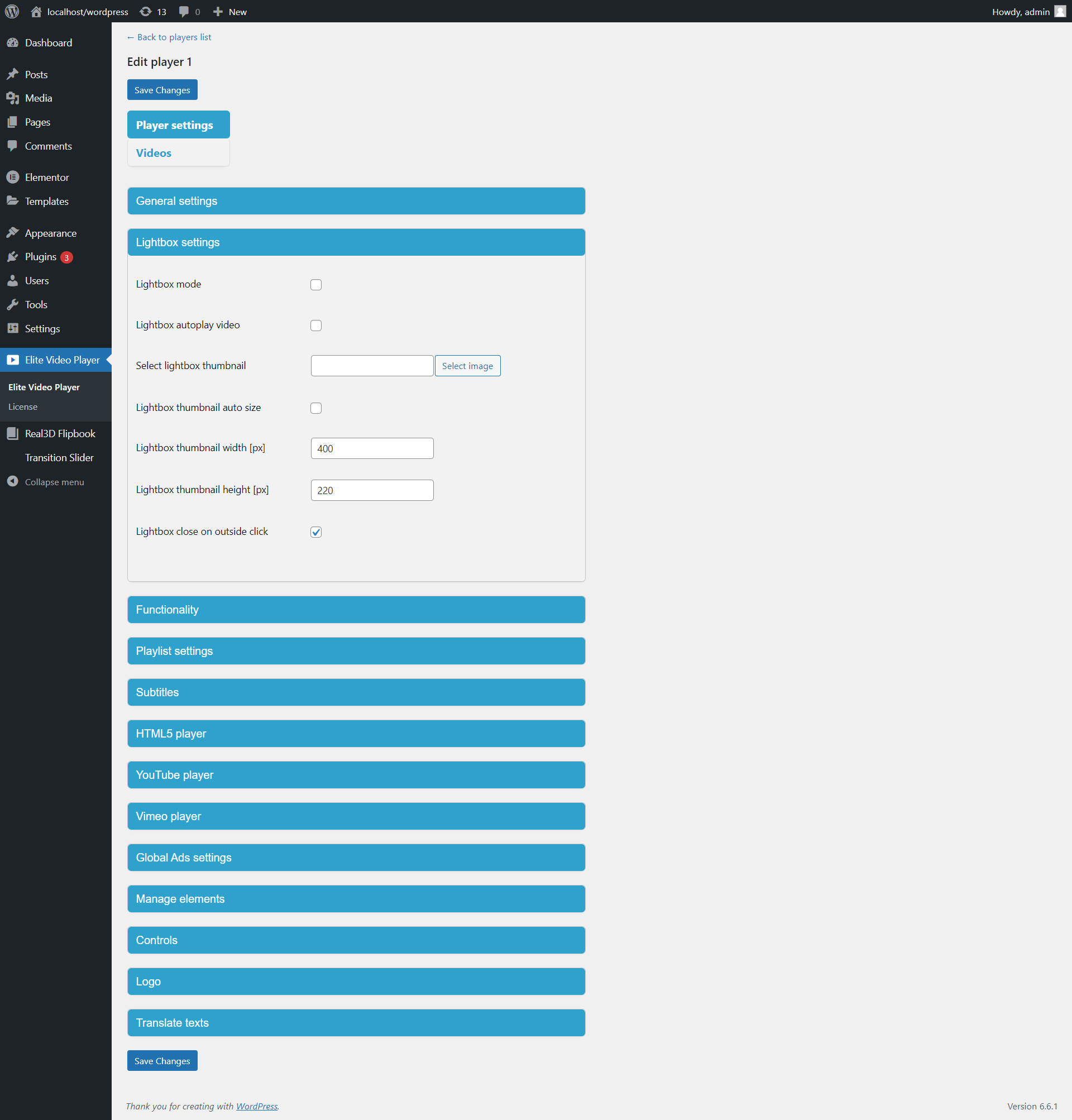
Elite video player can be showed in lightbox mode. You can set any image to open player in lightbox. Multiple lightbox images are supported (multiple lightbox players in same page). Lightbox options are: lightbox image, lightbox image width and height, lightbox close on click outside (optional), lightbox autoplay (optional). This way you can have multiple video players on the same page.Responsive mode creates Elite video player that fits exactly into page or post content.
With Fullscreen mode Elite video player will cover the entire page.
Deeplinking videos
Elite player supports Deeplinking which means that any video from playlist can be accessed through URL link. Also, users can share active (current) video.For example: Deeplinking target to video called “Top Models” from playlist.
Protect video content
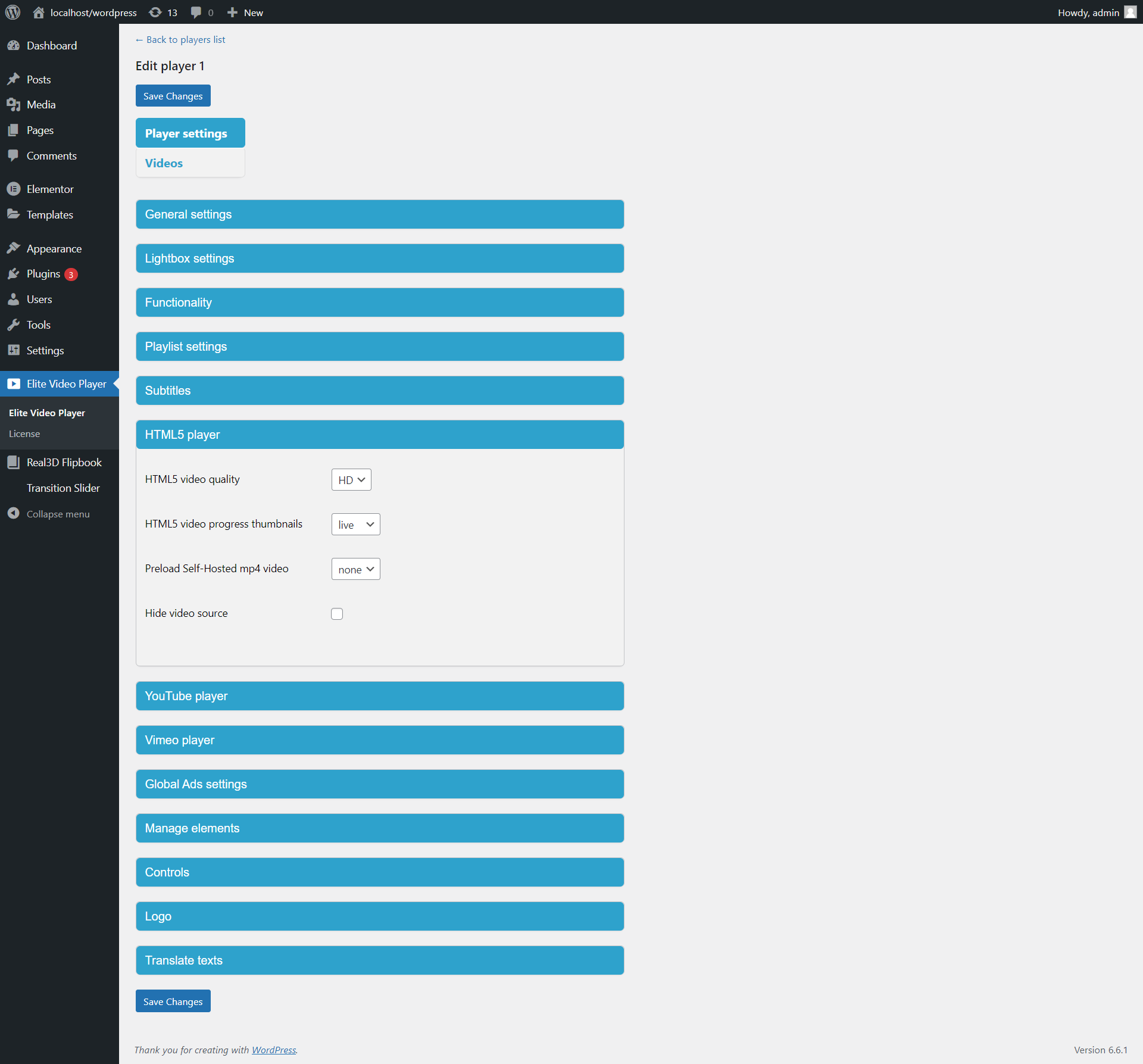
On self hosted videos you can disable right click over the video to prevent “Save video” action, and hide “src” attribute.Also, to protect your videos in a way that nowbody can see your video content (even if it’s “downloaded”) is to use HTTP Live Streaming – HLS m3u8 format.
This will help to understand better: link, this way nobody can view your video.
Convert your .mp4 files into .m3u8 format to protect your videos.
jpg, png, gif support
With Elite video player you can display your images or gifs, instead the video. This feature gives you option to use Elite player like banner or image slider. You can even mix images with videos in the same playlist.Unlimited color option
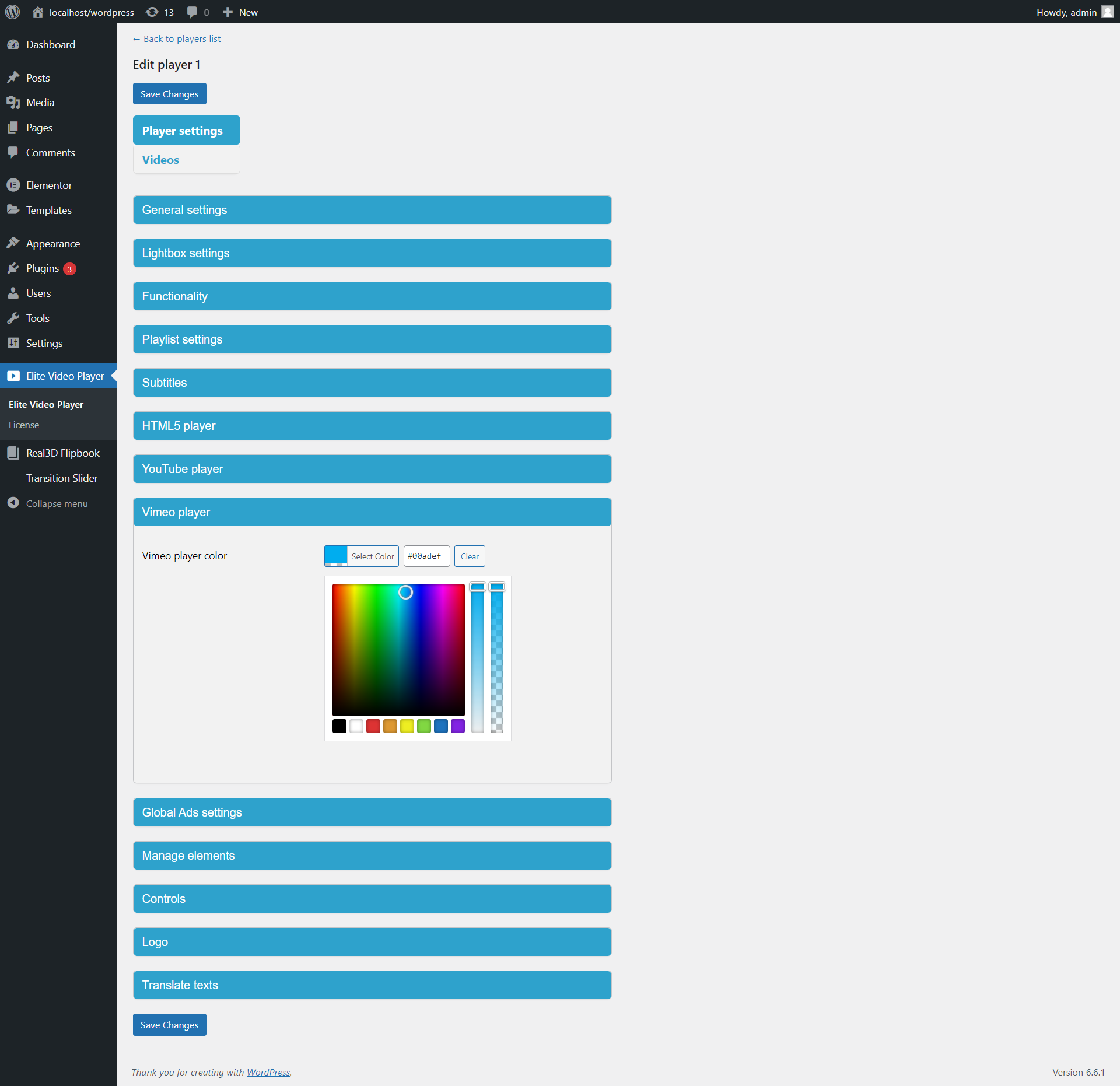
Elite player look can be customised by changing the color accent to any color you like to make your player blend in to your website perfectly.Completly controllable Playlist
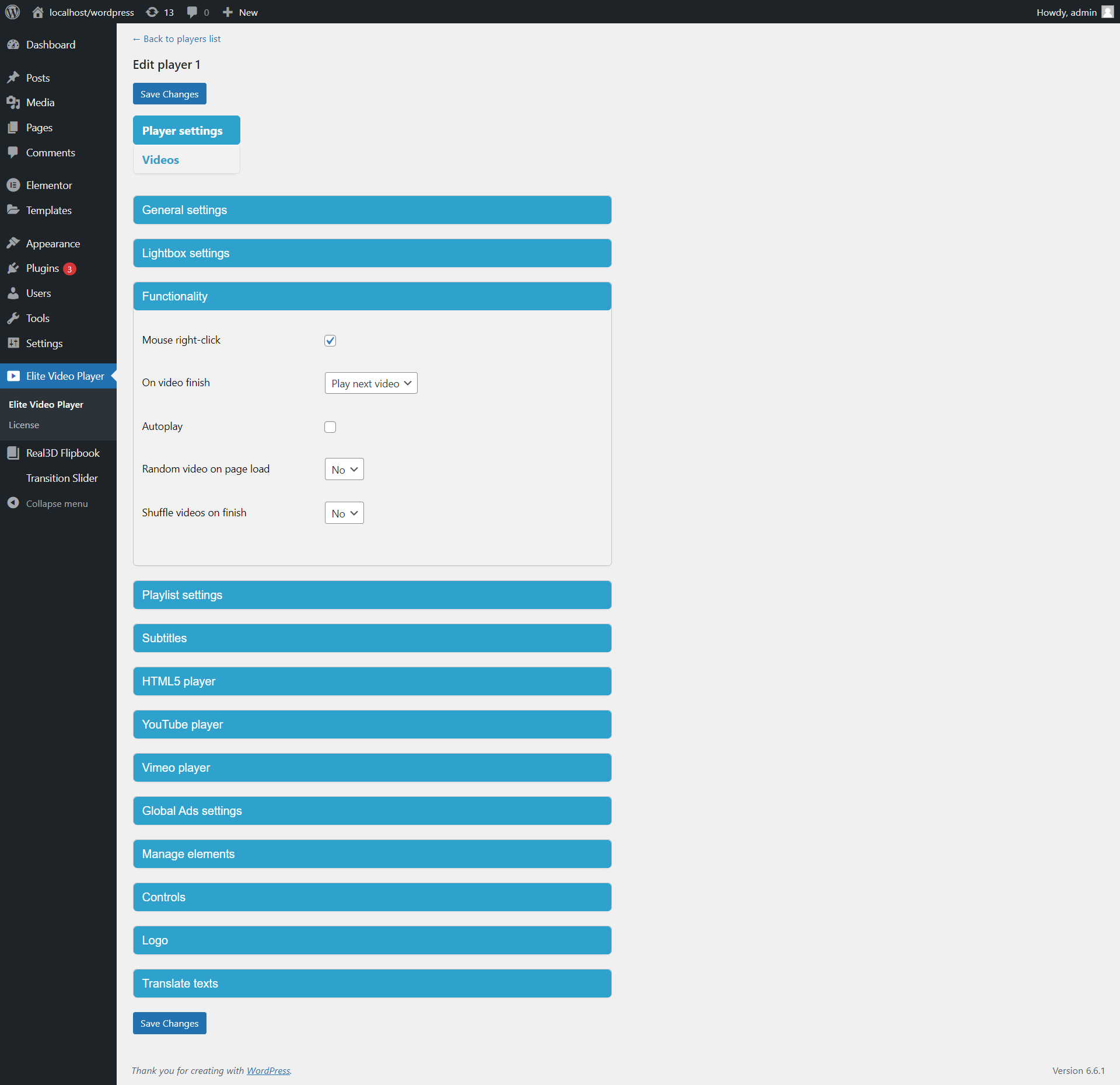
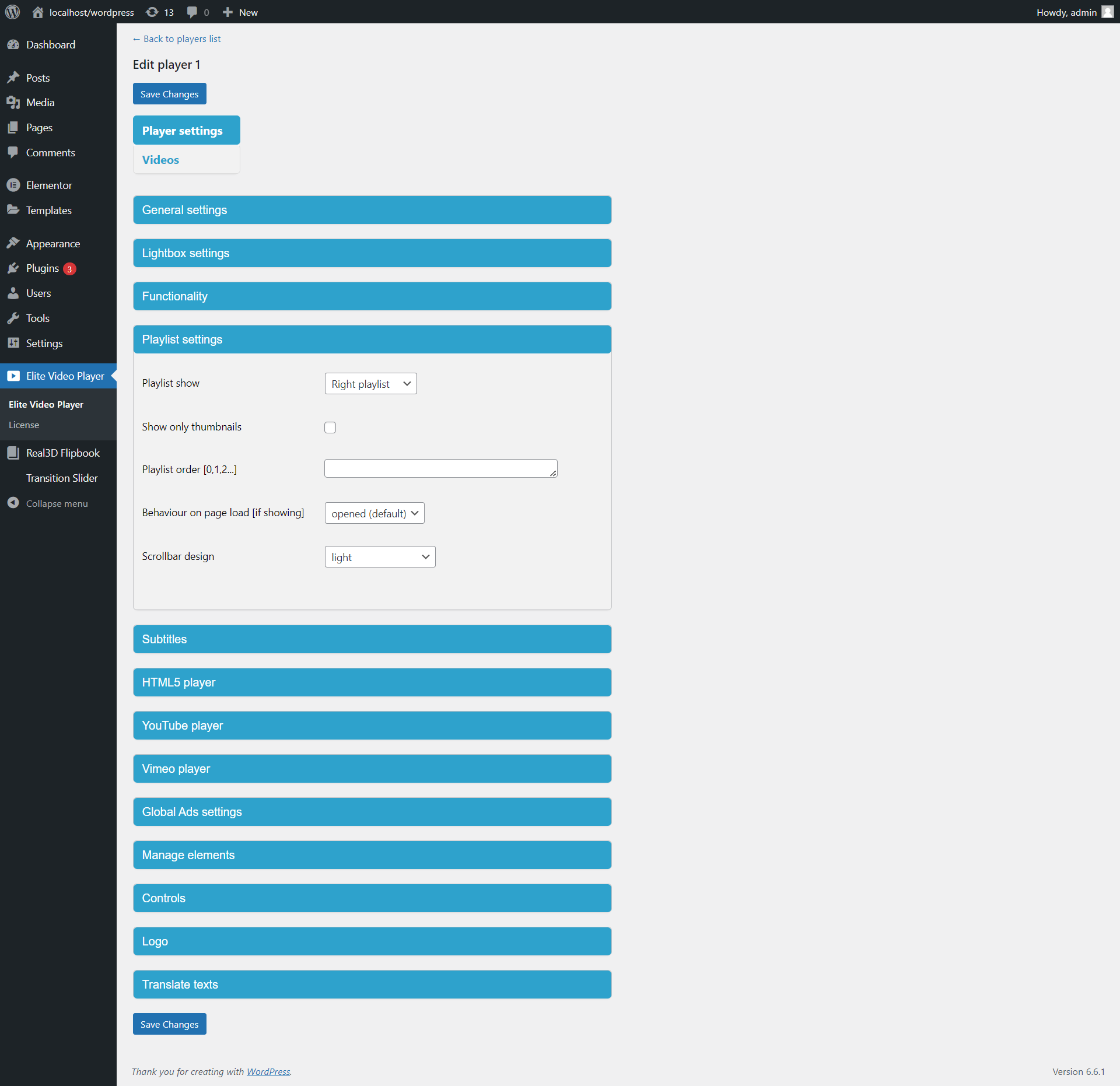
Playlist can be fully customized to fulfill your website needs and trends. You can manage order of videos in playlist, and also, manage which video from backend list will actually show in the playlist in frontend (which means you can have large number of videos in your admin area, but show only certain videos, and order them as you wish), so you have full control of displaying your videos. Playlist position can be changed from Right side to Bottom. Items in playlist are fully customizable so you can choose to have: thumbnails with texts, only texts, or only thumbnails.Auto-generated embed code
Elite video player have ability to automatically generate unique embed code from it’s own settings, so visitors can embed your video player anywhere and anytime in their webpages. Elite player will auto create embed code from posts or pages, so it can be embedded anywhere.Url parameters support
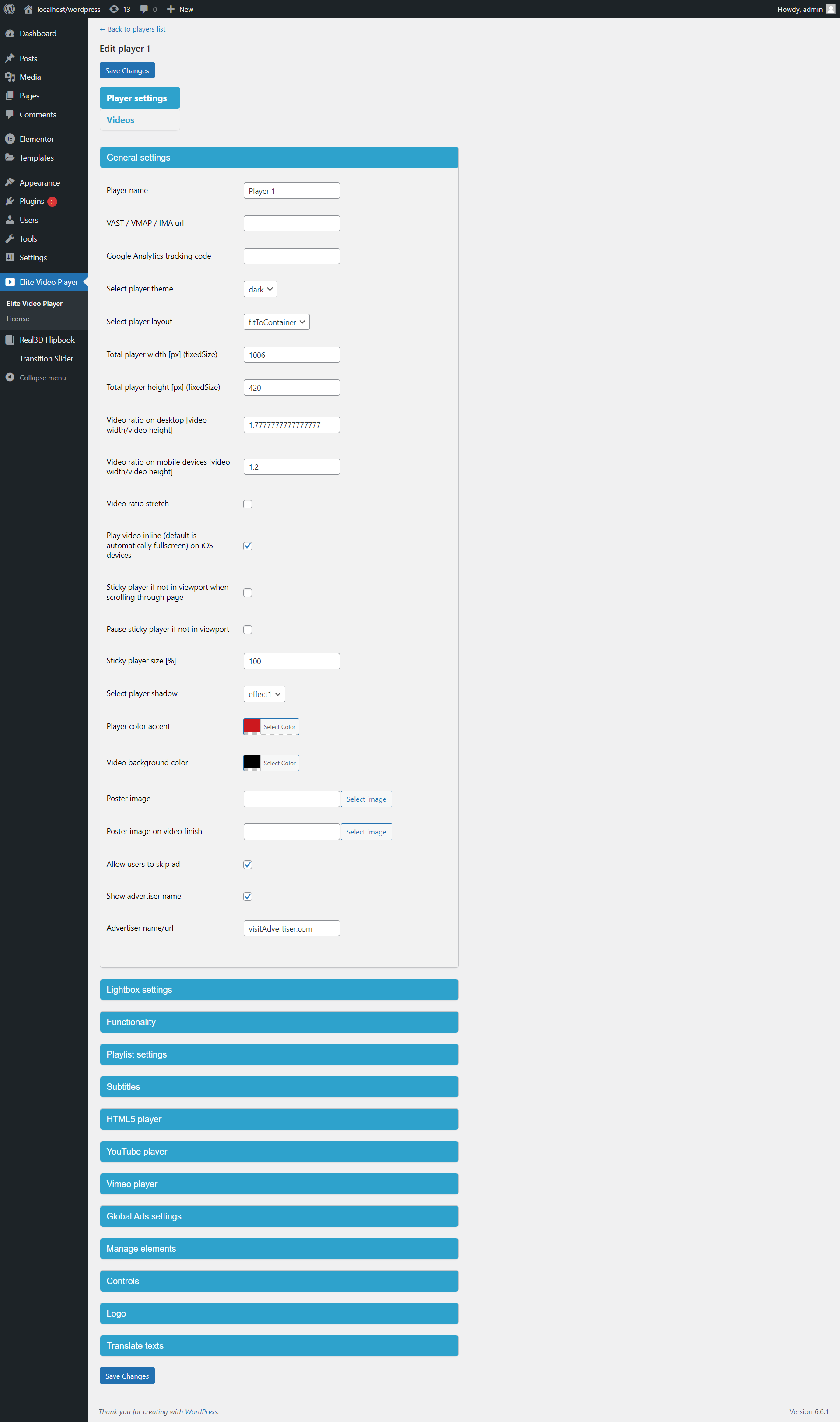
Elite video player can be customized even through url parameters. For example, customize defualt player: http://creativeinteractivemedia.com/player/embed/index.html by giving blue color and light skin: http://creativeinteractivemedia.com/player/embed/index.html?embed=true&colorAccent=00adef&instanceTheme=lightTranslate to your language
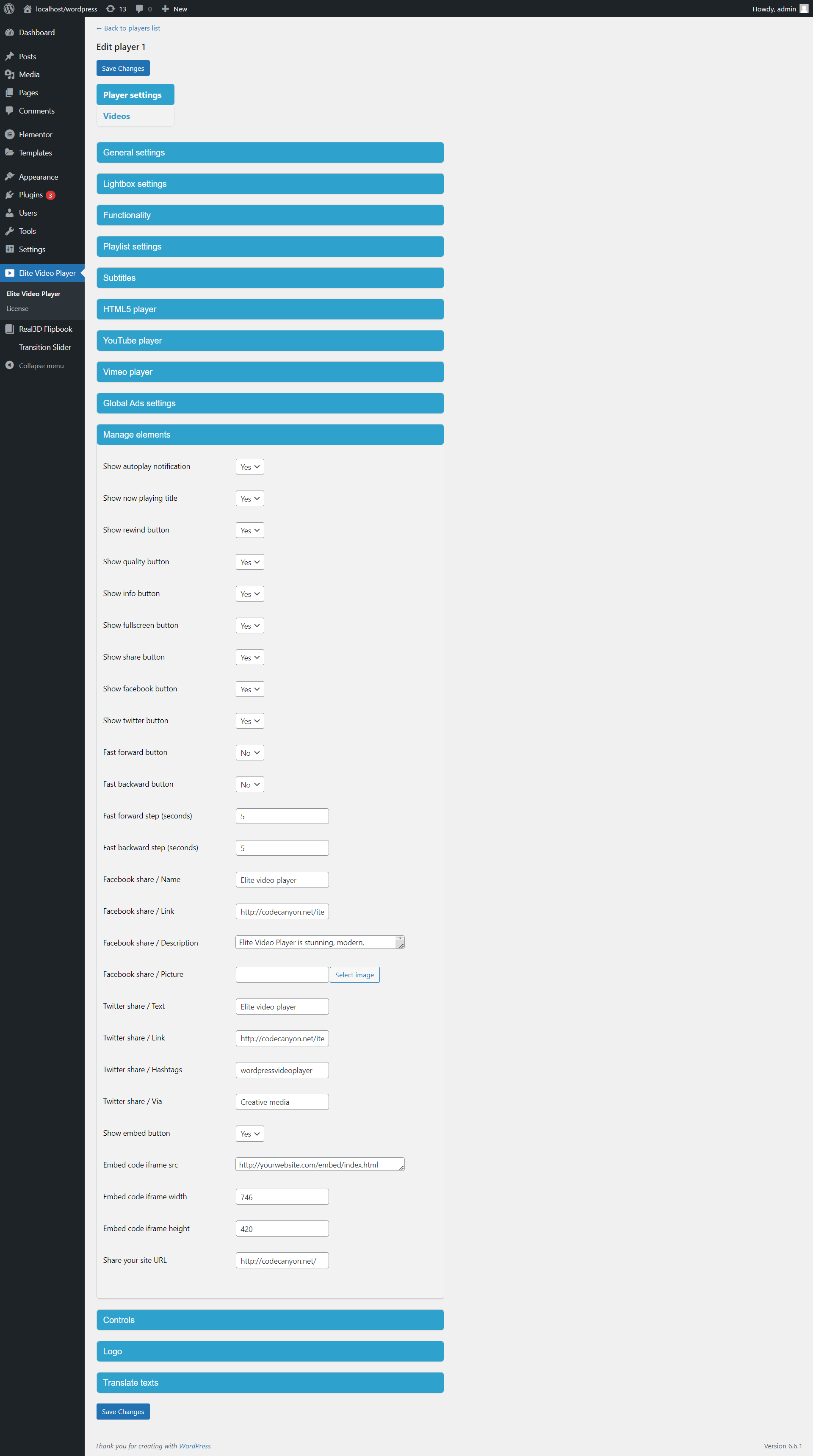
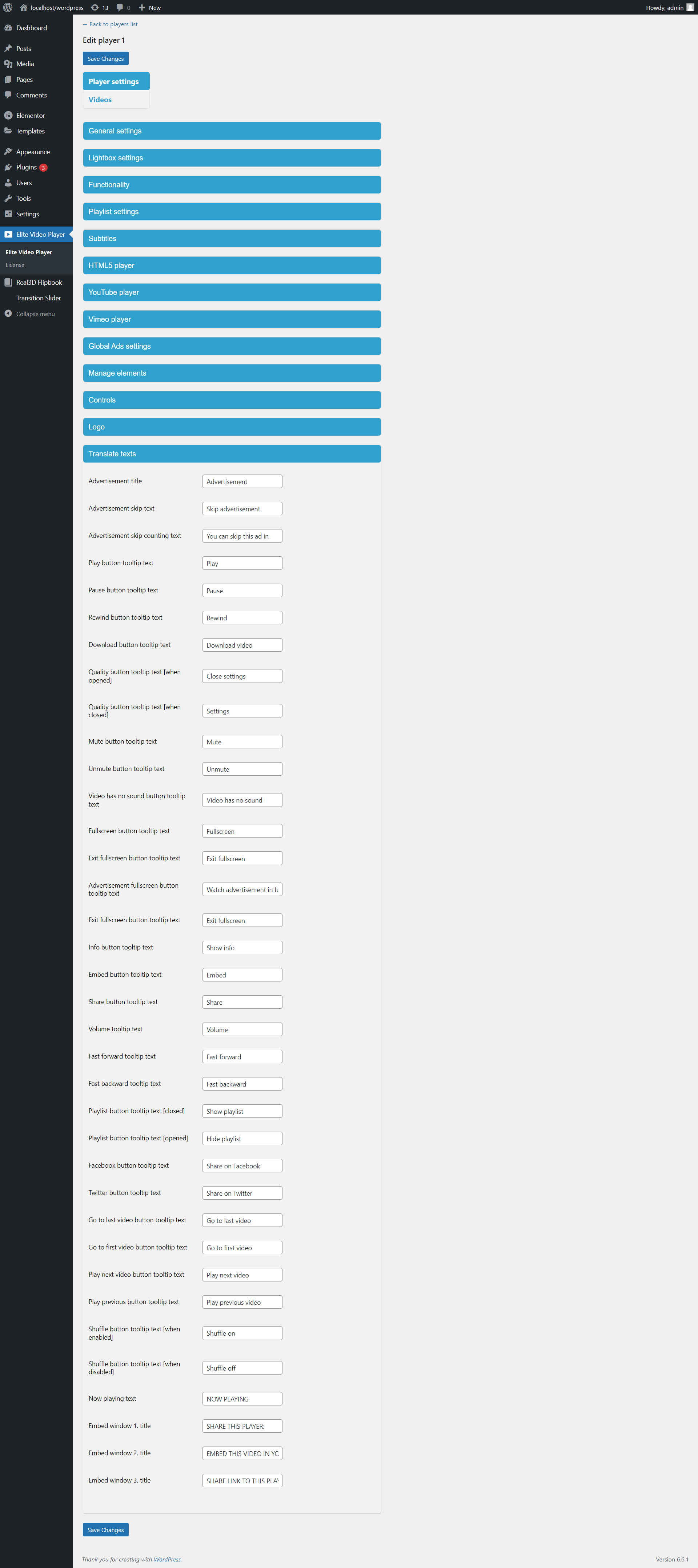
Every single word in the video player can be edited and translated to your own language so you can get closer to your visitors.Automatic detection of unplayable files & invalid url’s
Elite video player can detect files and sources that are not playable (for example broken link, or misspelled file). Once detected, player will skip to next available video file, until the video can be played regularly.Fast forward, Fast backward
With Elite video player users can jump forward or backward instantly for certain amount of seconds, which can be any value.Desktop & Mobile ratio support
Simply change player ratio size for different devices to look even better for your visitors. In player options you can set X:Y as any numbers. This way your player can look-alike YouTube 16:9, TikTok / Facebook / Instagram 9:16, or any other.It works everywhere
Elite video player is a HTML5 ready player that enables it to work on all platforms – desktop & mobile.Elite player is optimized for laptops with touchscreen as well.
Works in any Theme/Editor/Builder
Elite Video Player player works with any WordPress editor/builder like Elementor, Divi, Bluehost, Oxygen, Visual Composer, Beaver Builder etc. as well as with any WordPress theme. No matter which setup your wordpress has, you can easily integrate Elite Video Player.Gutenberg support
Beside Classic WordPress Editor, it has support for latest built-in WordPress editor – Gutenberg.Lifetime support!
With this purchase you get a lifetime 5 star support. You also get a frequent updates, bug fixes and adding new features (on customers requests) for free!Features
- the most advanced video player
- packed with options
- pre-roll, mid-roll, post-roll, pop-up advertising that works with youtube videos/playlists/user channels
- pre-roll, mid-roll, post-roll, pop-up advertising that works with vimeo videos
- pre-roll, mid-roll, post-roll, pop-up advertising that works with self-hosted videos
- Lightbox mode
- mixed videos – YouTube/Vimeo/Self hosted/GoogleDrive
- Google Drive videos support
- Amazon S3 support
- mobile optimized
- optimized for touchscreen laptops
- responsive design
- sticky mode
- subtitles (captions) support
- Video thumbnails support - Live video thumbnails (live auto-generated thumbnails in real-time)
- easy to use
- choose between custom YouTube controls or default YouTube controls
- multiple (unlimited) instances of Elite video player in same page
- resizeable width and height
- font awesome icons – perfect for Retina displays (font Awesome icons are vectors, which mean they are gorgeous on high-resolution displays)
- fully customisable – use any color scheme you like or set one of the 20 pre-built colors (lime, green, emerald, teal, cyan, cobalt, indigo, violet, pink, magenta, crimson, red, orange, yellow, amber, brown, olive, steel, mauve, taupe)
- choose between 2 types of player – with playlist or without playlist
- real fullscreen support
- tooltip indicator for better user experiance
- optional right-click menu
- option to hide self hosted video sources (to prevent users from download/steal your videos)
- autoplay (optional)
- logo image (optional)
- poster image (optional)
- autohide controls (optional)
- shuffle (optional)
- load random video on webpage load (optional)
- info window (optional)
- social networks share (optional)
- embed player (optional)
- 6 video player pre-built shadow effects
- use only icons that you need
- 12 pre-built scrollbar types (light,minimal,light-2,light-3,light-thick,light-thin,inset,inset-2,inset-3,rounded,rounded-dots,3d)
- well documented
- free support
- free updates
- vtt video thumbnails (pre-made thumbnails displayed from spritesheet image)
Credits
- http://videohive.net/user/Premiumilk
- http://videohive.net/user/MotionPhysix
- http://videohive.net/user/InlifeThrill
- http://videohive.net/user/dorde
What Buyers say
Excellent product and an excellent after service. Very impressed with this player, it looks professional and I can customise it to however I want it to look. Opened a huge range of possibilities that I never thought about previously.
- vanski91
This plugin comes with awesome features and customizability with Top-notch customer support. Finally, a video player with flexible advertising features. 5 stars naturally!
- HpnotikQrew
Amazing product. Exactly what I was looking for. Best customer support. Prompt replies and service. Product was awesome as is but I wanted some adjustments to customize it more for my website. Rates and turnaround speed were excellent and worth it. Top notch service.
- vvfilms
The player is impressive. I would like to thank you for some effective customization as we requested allowing “TV broadcasting” over the internet.
Zoran
- zoran071
Everything about this player is great. From the codes, support, design, ability to customize and everything else. I will always be a customer of this team.
- Sipo001
Wonderful!
- Dana_zen
I just had to leave another review on this player because how awesome you guys are for your support and continued updates. All around good player, I highly recommend.
- reggiehood
Support is great and the plugin easily replaces overpriced products such as Vimeo! Thank you!
- Scotrobertsonfit
A very good product that was easy to use to present my collection of videos the specific way I wanted them to appear (not so easy with other players).
I had a minor issue with security settings of my site causing videos hosted on Vimeo from playing back properly – the author provided EXCELLENT support and resolved my problem in a day! I’m very pleased with the product and support provided.
- xjb123
Quite simply the best video player I have used in conjection with Wordpress and I have tried several.
Straight out of the box, easy to set up and customise the player. Very simple/intuitive even for those with not much of a techy background.
Aesthetically, fantastic to look at/extremely slick.
The support is very good quick as well.
Very happy – 5 stars!
- davidmfraser
super
- JacekHenrykJankiewicz
Nice work. many features
- Darigh
Once I opened the zip file and uploaded the plugin only everything worked out great the plugin is awesome!
- Bozzman
Amazing support from Zeljko going above and beyond to help us resolve a css issue we were experiencing. He was fast to respond and super helpful! The player is so easy to customise and loads of amazing features!
- freehandmktg
i wanted to choose many reasons for my ratings but the system only allow me to choose one. That’s how great this plugin.
I like the ability change the color of the player. Allowing multiple formats of adverts: graphics, text, video.
And the shortcode functionality is genius. Very simple to use.
Then the amazing support is something else. The author responds within minutes! Wow!
I am glad I bought the item. I highly recommend it.
- edwinakpan
Finally found a video player that offered a features I was looking for.
- palmtreetahiti
Really good support and amazing plugin !!!!!
- yassiraliotti
Main Reason for rating 5 Stars, all the above has gone exceptional works, thanks for the updates.
Thanks
- ablani25
Prompt, professional support.
- perceptron_labs
Great plugin and very helpful response from the author when it came to some support issues. Highly recommended.
- kjolley
Loving this player! So far it has been able to do anything we need – which is hide as far as possible that videos are hosted on youtube but still being able to play from youtube for speed and free hosting. Speedy support too.
- tobias_w
Had a small conflict with CSS on my current theme. Elite Video Player fixed it and now it runs perfectly!!! Thanks so much!
- fmackrell
Excellent plugin
- walidbenayed
GREAT FEATURES AND EASE OF USE
- jesuismike
BEST video plugin EVER!!! Trust me, I tried lot of them but this one is NO.1
And also BEST customer support I ever see!
- Kminstrumentals
Complete solution.
- marcelofranklin
Incredible support – awesome features and detailed, thoughtful interface.
Amazing!
- larryngocn
5 stars For all. This is very good product, thank you
- MarinaGalatioto
Excellent product and an excellent after service. Very impressed with this player, it looks professional and I can customise it to however I want it to look. Opened a huge range of possibilities that I never thought about previously.
Thank you!
- sriel1
Is a fantastic plugin, I recommend it, its functionalities are exactly what I was looking for and its constant updates are excellent, congratulations
- anthonisx
Great support and plugin, looking forward for new features.
- ccarrionm
5 stars, more i cant say
- extor
Fantastic customer support and a great video plugin with many features.
I needed a mixture of video and video Lightbox to display YouTube videos on my website, after trying a few others I ended up choosing Elite Video Player and I’m glad I did!
- dantheman4437
The customer support from Creative Media has been top notch. I have been using the plugin for quite some time now and the service has been well worth its price plus more.
- Streamicks
Zeljko is really awesome guy! If you need help he will help you! And the player is working fine!
- zuky21
Really a powerful player, a lot of nice features and responsive, works well with all screen resolutions. Take up your good work!
- mbollini
Incredible customer support from Zeljko: fast, nice and helpful, even with a newbie like me. Recommend strongly!
- Glgy
The plugin is perfect, and the support Zac provides is amazing!!!
- bmxracerx
Great support!
- artivista
I received great customer support and think there is a lot of functionality with this plugin – really good value for money.
- le_bytes
Check out our latest product Transition Slider
Transition Slider is revolutionary image and video slider with advanced WebGL transition effects never seen before in slider plugins. Transition slider brings seamless transition effects with zoom blur, motion blur, camera roll, warp, twirl, stretch, fisheye and brightness. Impress your clients and customers with this unique slider!
. .
More reviews:
Change log
v11.0.0 – 18.7.2025.New - m3u8 HLS stream improvements, auto reconnect when connection is lost - option to show/hide YouTube UIv 10.0.7 – 10.07.2025.
- security fixv10.0.5 – 20.04.2025.
- code improvements
- YouTube auto replace improvements
New
- multiple players per page when scrolling; autoplay video only if player is in viewport, stop video if out of viewport
v10.0.4 – 16.01.2025.
- New - optional progress bar idlev10.0.3 – 12.11.2024.
- Vimeo - self hosted ads - updatev10.0.2 – 03.11.2024.
- vast fix for vimeov10.0.1 – 20.10.2024.
- code improvementsv6.9.1 – 25.03.2024.
Fix
- small fix with mixed content http / https
v6.9.0 – 20.03.2024.
New
- automatic replacement of all YouTube embed videos in all wordpress posts or pages
v6.8.4.7 – 01.03.2024.
Fix
- visit advertiser go to url for global ads
v6.8.4.6 – 19.02.2024.
New
- fully customisable sticky player size
v6.8.4.5 – 07.02.2024.
Fix
- embed code fast forward and fast backward buttons
v6.8.4.4 – 27.09.2023.
Improvement
- automatically skip to next Ad video if current Ad video has broken/invalid link, or unplayable file format/extension.
v6.8.4.3 – 09.09.2023.
Improvement
- added option to disable/enable fullscreen button
v6.8.4.1 – 22.05.2023.
Fix
- mobile resize youtube in fullscreen, portrait-landscape
Improvement
- added portrait mode progress bar
- mobile touch events improvement
v6.8.4.0 – 04.04.2023.
New
- removed YouTube UI elements (Title/Share/Watch later/Related videos/Logo)
- Fast forward/ Fast backward buttons (with custom seconds)
v6.8.3 – 06.03.2023.
Improvement
- Vimeo API update
v6.8.2 – 17.01.2023.
Improvement
- popup ads improment functionality
v6.8.1 – 21.12.2022.
New
- YouTube autoplay now available on Android mobile devices
v6.8 – 02.12.2022.
New
- option for fine seeking as FastForward and FastBackward buttons with custom seconds for each
v6.7.9 – 25.11.2022.
New
- option for video ratio on mobile devices
Improvement
- youtube autoplay improvement
v6.7.8 – 11.10.2022.
Improvement
- vimeo API update
Fix
- fixed bottom playlist item if no thumbnail available (when only title/description are displayed)
v6.7.7 – 27.4.2022.
Improvement
- thumbnail image not required for skip ad window
v6.7.6 – 4.4.2022.
Fix
- fixed warnings if no valid image path specified
v6.7.5 – 22.3.2022.
Fix
- midroll fullscreen fix
v6.7.4 – 1.3.2022.
Fix
- small fix for image paths
v6.7.2. – 2.12.2021.
Fix
- sticky & autoplay fix
v6.7.1 – 27.10.2021.
Fix
- bug fix with mp4 mute/unmute occured after code refactoring
v6.7.0 – 24.9.2021.
- New
Improved portrait mode on mobile
Fix
- fixed playing next video in shuffle for self hosted videos
v6.6.0 – 26.7.2021.
Fix
- small fix for multiple player instaces in same page
v6.5.9 – 12.7.2021.
Improvement
- code improvements
v6.5.8 – 12.6.2021.
Improvement
- Player name can be numerical only
v6.5.7 – 9.6.2021.
New
Self-hosted mp4 videos improvements:
- automatically skip to next video if current video has broken link
- show preloader if user presses play quickly and the video has not been loaded yet due to slow network
v6.5.6 – 4.6.2021.
New
- new shortcode options if you want to manually select youtube data (not automatically through youtube API): youtubevideos_title, youtubevideos_description, youtubevideos_thumb, youtubevideos_info
v6.5.5 – 6.5.2021.
New
- added VAST, VMAP and IMA support
v6.5.4 – 2.4.2021.
New
- autoplay video in viewport / pause video outside viewport
v6.5.3 – 1.4.2021.
New
- added option to pause sticky player when outside of viewport
v6.5 – 15.2.2021.
Fix
- css hover fix
v6.4 – 26.1.2021.
Fix
- mobile playlist small fix
v6.3 – 9.11.2020.
New
- added option to have multiple player instances in same page with the same shortcode using shortcode parameters
v6.2 – 26.8.2020.
New
- added option to choose which videos will show from playlist
- added option to choose playlist order
v6.1 – 22.8.2020.
Fix
- wp 5.5 small fix
v6.0 – 16.8.2020.
New
- HTML5 video thumbnails:
    1. vtt video thumbnails
    2. Live auto-generated video thumbnails
- HTML5 video thumbnails can be applied to mp4/HLS m3u8/Google drive/Dropbox/Amazon S3 videos
- update for wordpress 5.5
v5.9 – 22.4.2020.
- Fix
Lightbox fullscreen fix
v5.8 – 2.3.2020.
- Fix
Preroll mute notification for autoplaying youtube videos on desktop
v5.7 – 12.2.2020.
New
- added shortcode parametars for YouTube Playlist, YouTube Channel and Youtube API key
Fix
- for YouTube videos longer than 20 mins, overwrite default youtube resume function (fixes postroll Ad)
v5.6 – 11.2.2020.
- Fix
Stop video function for Youtube video with Preroll enabled.
v5.5 – 31.1.2020.
- YouTube API key update5.4 – 15.1.2020.
- mobile - quality menu positioning fixv5.3 – 12.1.2020.
- visual improvementsv5.2 – 8.1.2020.
- shortcode params updatev5.1 – 18.12.2019.
- bug fix with subtitles buttonv5.0 – 22.11.2019.
- small php fixv4.9 – 11.11.2019.
- added option for advertiser external linkv4.8 – 8.11.2019.
- youtube playlist updated codev4.7. – 30.10.2019.
- Google analytics improvements
- playlist customisation improvements
v4.6. – 28.10.2019.
- fullscreen updated for new version of iOSv4.5. – 22.9.2019.
- added option to choose any number of videos from YouTube channel, from 1 to all videos.v4.4. – 20.9.2019.
New
- embed code improvements
v4.3. – 9.9.2019.
New
- player automatically generate embed code
- all player options can be passed to player as url params
v4.2 – 22.8.2019.
New
- added shortcode params (to shorten the time for posting videos across different pages). Now you can embed different players to multiple pages/posts extremly fast
v4.1 – 29.7.2019.
Fix
- fixed reorder videos and saving
v4.0 – 11.7.2019.
Fix
- small fix when playlist is "Off"
v3.9 – 10.7.2019.
Fix
- Vimeo autoplay notification adjusted
v3.8 – 2.7.2019.
New
- improved code
- autoplay notification for all videos (self hosted, ads etc.)
v3.7 – 28.6.2019.
New
- subtitles (captions) support for HTML5 videos (self hosted, Google drive, Dropbox, Amazon S3, HLS m3u8 Livestream)
- HD/SD quality for HTML5 videos (self hosted, Google drive, Dropbox, Amazon S3, HLS m3u8 Livestream)
Fix
- fullscreen fix for some themes
v3.6 – 13.6.2019.
Fix
- color change for multiple instances of player in same page
v3.3 – 20.1.2019.
Fix
- small volume fix for HTML5 autoplay
v3.2 – 10.1.2019.
- improved loading plugin scriptsv3.1 – 10.1.2019.
New
- added support for multiple Vimeo API player instances
- Fix - not loading video through "id" parametar from url
v3.0 – 5.11.2018.
Fix
- fixed showing/hiding 'nowPlayingTitle' when title is longer than video area
v2.8 – 14.9.2018.
New
- added Google Analytics:
track how many times videos has been watched
track how many times video has been downloaded
track how many times AD video has been played
track how long AD video has been before skipped
v2.6 – 4.9.2018.
Fix
- fixed youtube video on finish behaviour: when selected option on finish:"Stop video", player restarts and shows first frame of played video
v2.5 – 1.9.2018. Major update
New
- implemented Sticky mode to keep videos visible to your customers all the time on the page (when scrolling up/down through page). If video is not in user viewport, sticky player will appear in bottom corner, and if video is in user viewport, sticky player will automatically hide.
- autoplay video only if video is in viewport on page load
v2.3.8 – 6.6.2018.
Fix
- small css fix: first item in bottom playlist was not displaying correctly
v2.3.7 – 10.4.2018.
New
- added 'playsinline' attribute to youtube player so youtube video plays inline, not in fullscreen
- improved logo resizeing
v2.3.6 – 29.3.2018.
New
- added option to adjust video ratio to fit perfectly when playlist is 'opened' or 'closed'
v2.3.5 – 12.1.2018.
- New
Deeplinking (user can share active (current) video, meaning any video from playlist can be accessed through URL)
v2.3.4 – 23.12.2017.
New
- removed iphone-inline-video.js script; player now uses only 'webkit-playsinline' attribute to autoplay HTML5 self-hosted videos on mobile
v2.3.3 – 19.9.2017.
- New
implemented HLS m3u8 support ('main video' can be HLS m3u8, preroll/midroll/postroll also can be HLS m3u8 format)
Fix
- onVideoFinish:"Stop video" small bug fix only when preroll is enabled for youtube videos, show poster on finish
- Fix - auto play next video for Youtube playlist fixed
v2.3.2 – 25.8.2017.
Fix
- fixed small bug with Firefox oppening 3 tabs on ad click
v2.3.1 – 18.8.2017.
New
- added 'global' ads (you can use 'pool' of video ads and play them randomly, or 'stick' video ads to exact video)
- added option to set any video ratio you can imagine (to create the best view of your video to your users, and to match your actual video ratio without editing your video)
- iphone video playsinline (iPhone will display video like on desktop, avoiding iPhone native player)
- iphone autoplay video (autoplay video on mobile)
- add translations of all words in player (every single word in the video player can be edited/translated to your own language)
Fix
- works with all jQuery versions (including latest jQuery Core 3.2.1)
v2.3.0 – 23.4.2017.
Fix
- fixed iPhone black margin bug when controls are "off"
v2.2.9 – 5.4.2017.
New
- added support for laptops with touch screen
Fix
- fixed responsivness in lightbox mode when playlist is Off
v2.2.8 – 17.3.2017.
New
- improved code, small fixes
v2.2.7. – 8.3.2017.
New
- added support for mixed videos in same playlist
v2.2.6. – 2.3.2017.
New
- autoplay disabled for mobile, enabled for desktop
v2.2.5 – 27.2.2017.
New
- added second poster image (when video finished)
Fix
- youtube play/pause fix for mobile
v2.2.4 – 7.2.2017.
New
- added play button on mobile for first video when autoplay is on
v2.2.3 – 3.2.2017.
New
- when using self hosted videos, not to load youtube api, improved player loading
- shuffle multiple videos even if no playlist
v2.2.2 – 30.1.2017.
New
- added option for preloading self hosted videos ('none' or 'auto')
v2.2.1 – 29.1.2017.
New
- Bottom playlist feature
- choose to youtube videos get thumbnails automatically from youtube or set thumbnails manually
Fix
- usage of very large youtube playlist
v2.2.0 – 3.12.2016.
New
- minor css fix
v2.1.9 – 2.12.2016.
New
- improved design on smaller screens
v2.1.8. – 29.11.2016.
New
- added download video button (optional)
v2.1.7. – 16.11.2016.
Fix
- mobile scrolling improvements
v2.1.6 – 14.11.2016.
Fix
- lightbox mode fix
v2.1.5 – 31.10.2016.
Fix
- small lightbox thumbnail fix
v2.1.4. – 23.10.2016.
Fix
- youtube API v3 accepts unlimted videos from channel/playlist
v2.1.3. – 9.10.2016.
Fix
- fixed quality button selection
v2.1.2. – 30.8.2016.
New
- added lightbox option to elite player
v2.1.1. – 10.8.2016.
New
- improved code, added new option for player layouts: fitToContainer, fixedSize, fitToBrowser
v2.1.0. – 3.8.2016.
Fix
-  fixed fullscreen bug
v2.0.9. – 19.6.2016.
New
- added IE complete fullscreen support
- added option to continuously play Vimeo videos even if playlist of 'turned off'
Fix
- disabled space key when ad is playing
v2.0.8 – 14.6.2016.
New
- added option to choose Light or Dark player theme
v2.0.7 – 24.3.2016.
New
- added Youtube quality menu selector
v2.0.6 – 2.2.2016.
Fix
- fixed fullscreen for browsers that doesn't support native HTML5 fullscreen
v2.0.5 – 6.1.2016.
Fix
- fixed bug with youtube API sometimes not loading on page load
v2.0.4 – 24.11.2015.
Fix
- Fixed bug with google drive videos
v2.0.3 – 24.11.2015.
New
- added more advertising options: mid-roll, post-roll video ads, and pop-up ads
- fixed some bugs
v2.0.2 – 02.10.2015.
Fix
- Fixed bug with time total for videos with duration over 60 minutes
v2.0.1 – 20.9.2015.
New
- added option to insert multiple instances of youtube player in same page
- added preloader for preroll video
Fix
- small bug fixes
v2.0.0 – 24.8.2015.
Fix
- Updated Vimeo API, fixed Vimeo preroll ads not playing.
v1.1.9 – 30.7.2015.
Fix
- Fixed font awesome css file name to avoid conflicts if theme uses font awesome
v1.1.8 – 21.7.2015.
New
- added option to set youtube video quality: 240p, 360p, 480p, 720p, 1080p, 4k
v1.1.7 – 19.6.2015.
Fix
- Fixed bug when title doesn't change if playlist is "Off" and "shuffle" of multiple videos is enabled
v1.1.6 – 20.5.2015.
New
- added option to have continuous videos played (one after another, on finish) even with playist disabled
v1.1.5 – 18.5.2015.
New
- added hover effect on YouTube player
Fix
- fixed YouTube playlist/channel issues
v1.1.4 – 14.5.2015.
New
- updated youtube API to v3.0
v1.1.3 – 13.5.2015.
New
- added custom controls for youtube player
- added option to have closed playlist on webpage load
v1.1.2 – 5.5.2015.
Fix - fix for youtube videos not playing when selected in playlist on mobilev1.1.1 – 22.4.2015.
New
- improved preroll unloading/skipping
- added hand cursor on prerolls
Fix
- fixed IE9,10,11 bug with logo and poster not showing over Youtube player
- fixed logo on youtube fullscreen
v1.1.0 – 21.4.2015.
New - added option to disable "Skip advertisement"v1.0.9 – 8.4.2015.
New - added option to hide self hosted video sources (to prevent users from download/steal your videos)v1.0.8 – 6.4.2015.
Fix - fixed conflict with font awesome iconsv1.0.7 – 29.3.2015.
New - added new option to hide all player controlsv1.0.6 – 26.3.2015.
Fix - fixed space key issuev1.0.5 – 18.3.2015.
New
- Added option for multiple instances of HTML5 player
- Removed communication with youtube API when using HTML5 or Vimeo player
v1.0.4 – 4.3.2015.
Fix - fullscreen issue with player unerlying elements in some themesv1.0.3 – 3.3.2015.
New - improved share options, updated documentationv1.0.2 – 25.2.2015.
Fix - fixed bug with playlist scrollbarv1.0.1 – 24.2.2015.
Fix - fixed Internet Explorer 11 bug