screenshots/contact-form-7-salesforce-crm-integration-screenshot-1.png screenshots/contact-form-7-salesforce-crm-integration-screenshot-2.png screenshots/contact-form-7-salesforce-crm-integration-screenshot-3.png screenshots/contact-form-7-salesforce-crm-integration-screenshot-4.png screenshots/contact-form-7-salesforce-crm-integration-screenshot-5.png screenshots/contact-form-7-salesforce-crm-integration-screenshot-6.png
The Contact Form 7 – Salesforce CRM Integration plugin allows you to connect WordPress Contact Form 7 with Salesforce CRM. To automatically add or update form submissions in your Salesforce account, simply integrate your forms with Salesforce Leads, Contacts, or Cases. Additionally, We have also developed this plugin using the latest Salesforce CRM API for better performance.
Features
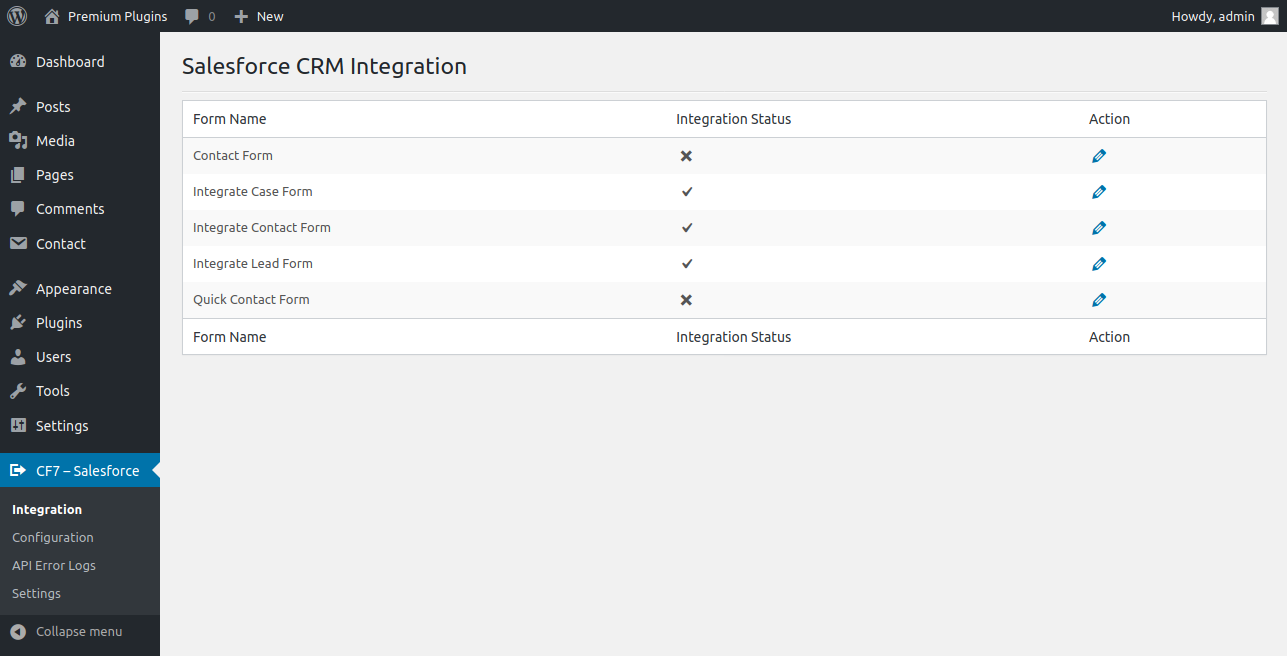
- Easily integrate your Contact Form 7 form with Salesforce CRM Lead, Contact, or Case.
- Integrated Contact Form 7 form can automatically add or update your site new form submissions to your Salesforce CRM Lead, Contact, or Case.
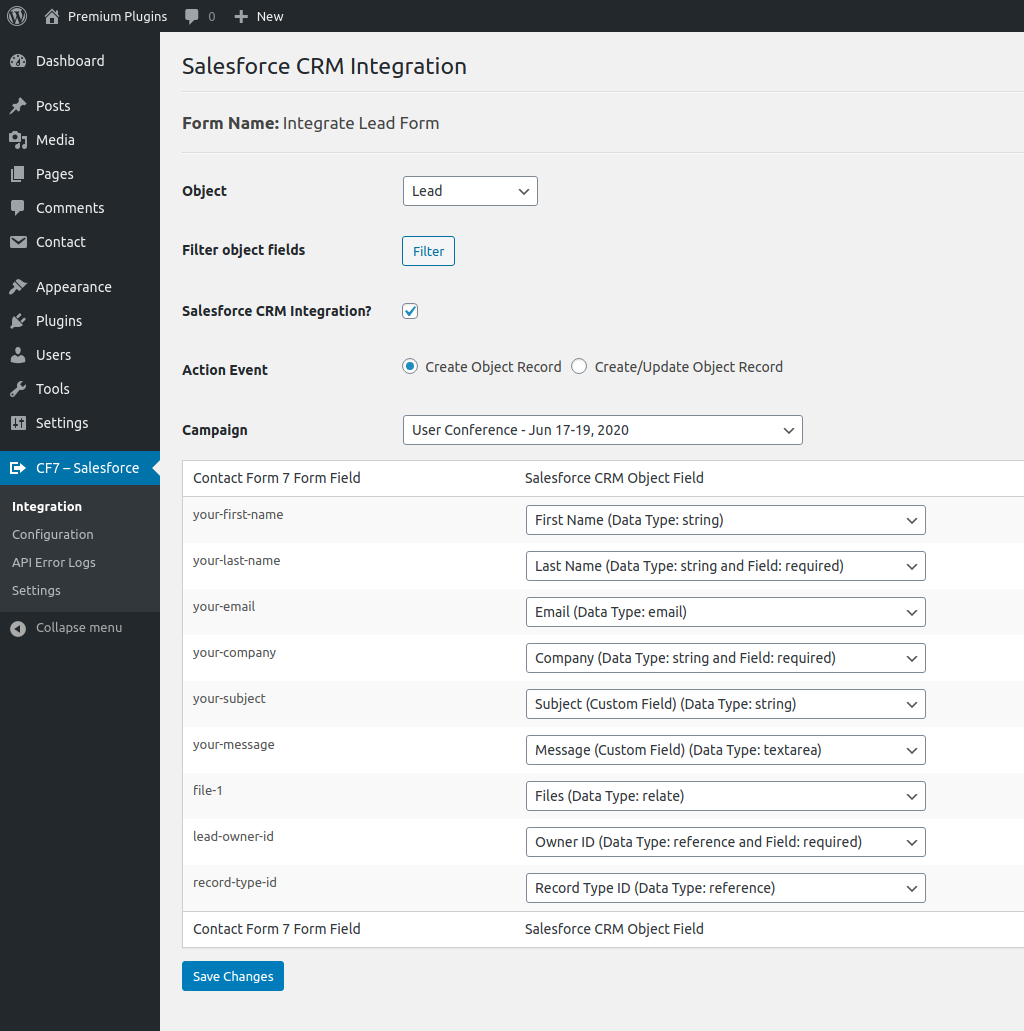
- Easily map your Contact Form 7 form fields to your Salesforce CRM Lead, Contact, or Case fields.
- Action Event option: ‘Create Object Record’ or ‘Create/Update Object Record’.
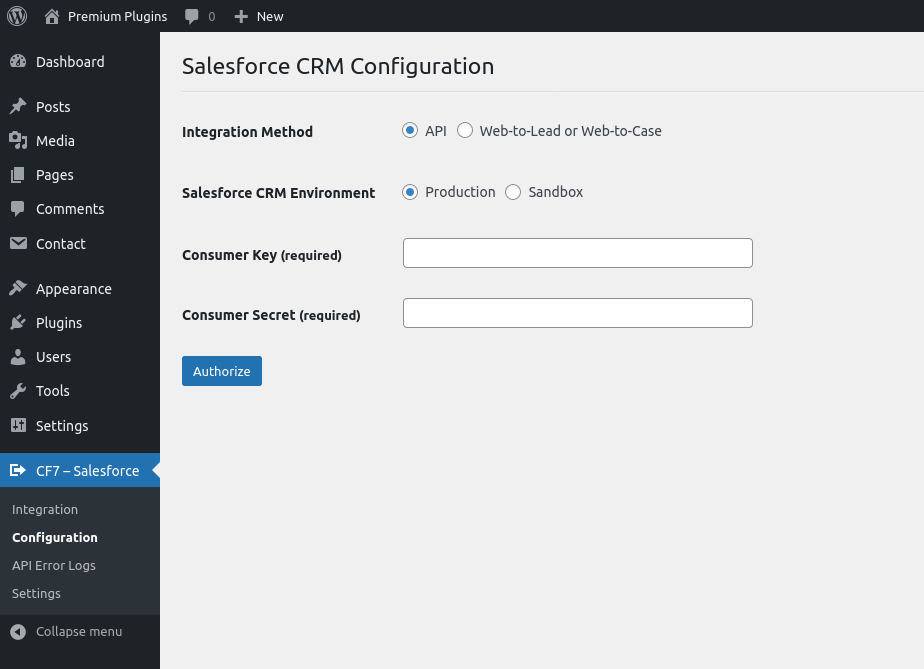
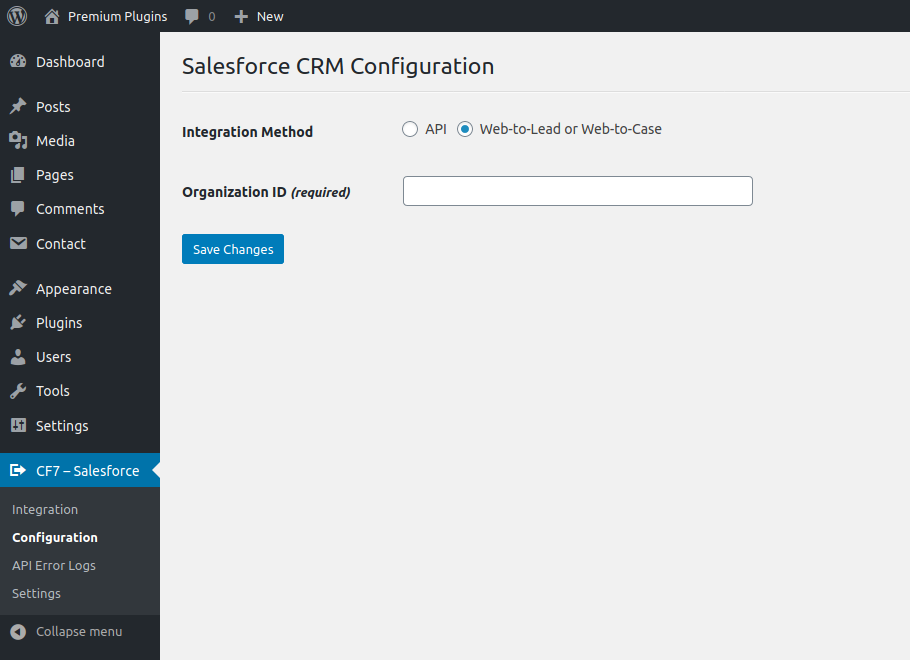
- Integration Method option: ‘API’ or ‘Web-to-Lead or Web-to-Case’.
- Salesforce CRM Environment: for ‘Production’ or ‘Sandbox’.
- Supports Salesforce CRM Custom Fields (Phone, Picklist, Multi-Picklist, Date, Email, Text, etc.).
- Supports Contact Form 7 form ‘File Attachments’ and uploads them to your Salesforce CRM ‘Files’.
- Supports Salesforce CRM Campaign. Campaign select option for Contact and Lead. Add Contact or Lead to your Salesforce CRM Campaign.
- Supports ‘Lookup Relationship’ type fields (Lead Owner, Contact Owner, Record Type, Account, Contact, etc.) of Salesforce CRM Object.
- ‘Salesforce CRM Object Field’ dropdown fields sorted in alphabetical order.
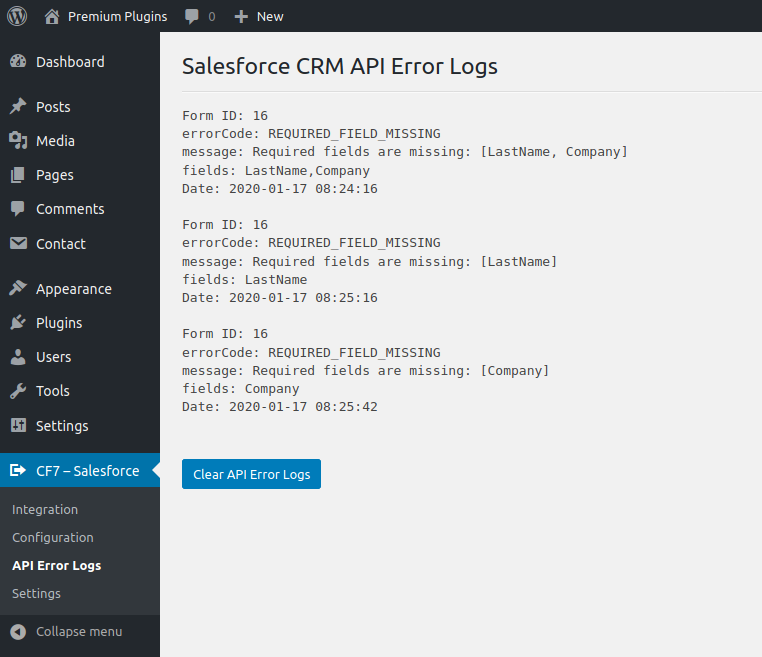
- Section for viewing Salesforce CRM API error logs.
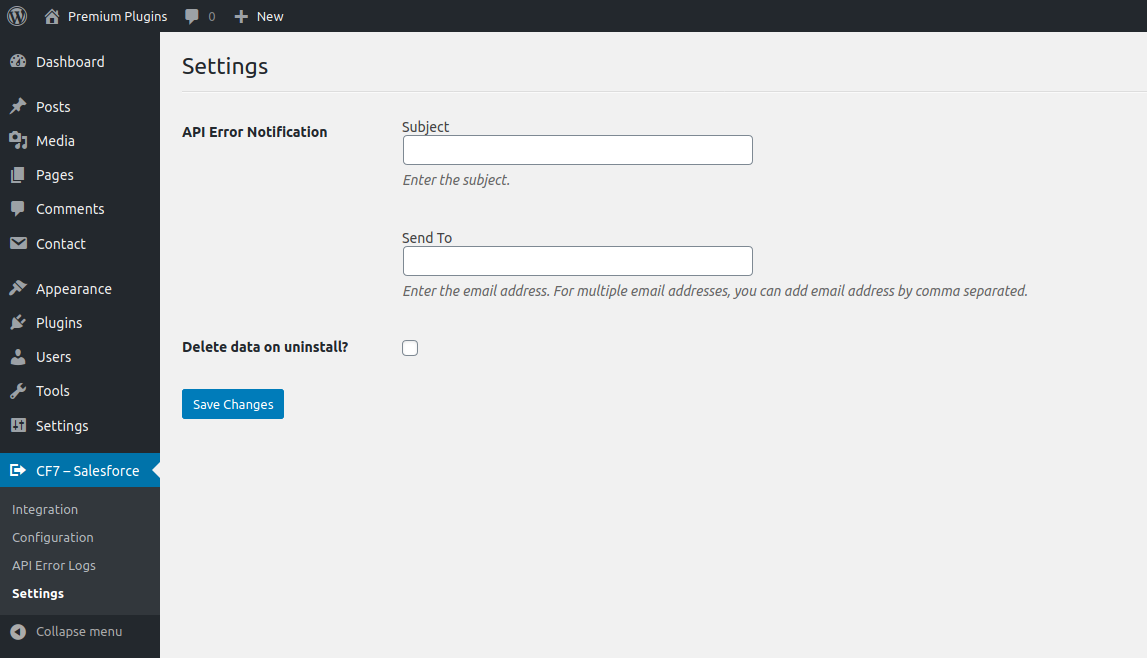
- API Error Notification option to send Salesforce CRM API errors to a specified email address.
- Integrate unlimited Contact Form 7 forms.
Ratings & Reviews
Changelog
2.6.0
- Maintenance release.

2.5.0
- Maintenance release.

2.4.4
- Improved campaign functionality.

2.4.0
- Feature - Added "Token Flow" API option.

2.3.0
- Maintenance release.

2.2.0
- Feature - Added "Production" and "Sandbox" environment option for "Web-to-Lead or Web-to-Case".

2.1.0
- Feature - Remove field option for "Web-to-Lead or Web-to-Case".

2.0.0
- Easily integrate your Contact Form 7 form with Salesforce CRM Lead, Contact or Case.
- Integrated Contact Form 7 form can automatically add/update your site new form submissions to your Salesforce CRM Lead, Contact or Case.
- Easily map your Contact Form 7 form fields to your Salesforce CRM Lead, Contact or Case fields.
- Action Event option for 'Create Object Record' and 'Create/Update Object Record'.
- Integration Method option for 'API' and 'Web-to-Lead or Web-to-Case'.
- Salesforce CRM Environment option for 'Production' and 'Sandbox' environment.
- Support Salesforce CRM Custom Fields (Phone, Picklist, Multi-Picklist, Date, Email, Text, etc…).
- Support Contact Form 7 form 'File Attachments' and upload form file attachments to your Salesforce CRM 'Files'.
- Support Salesforce CRM Campaign. Campaign select option for Contact and Lead. Add Contact or Lead to your Salesforce CRM Campaign.
- Support 'Lookup Relationship' type fields (Lead Owner, Contact Owner, Record Type, Account, Contact, etc…) of Salesforce CRM Object.
- 'Salesforce CRM Object Field' dropdown fields sorted in alphabetical order.
- Section for view Salesforce CRM API error logs.
- API Error Notification option for will be sent Salesforce CRM API error to the specified email.

1.5.0
- Feature - "Salesforce CRM Module Field" dropdown fields refresh.
- Feature - "Salesforce CRM Module Field" dropdown fields sorted in alphabetical order.

1.4.0
- Feature - Added Salesforce CRM Environment option for Production and Sandbox environment.

1.3.0
 - Security release.
 - Performance - Optimized integration.

1.2.0
 - Security release.

1.1.0
 - Security release.

1.0.0
 - Initial release.