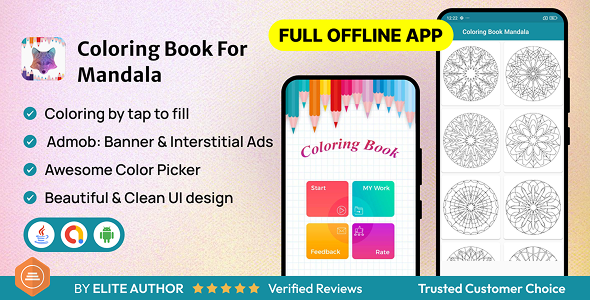
Introduction
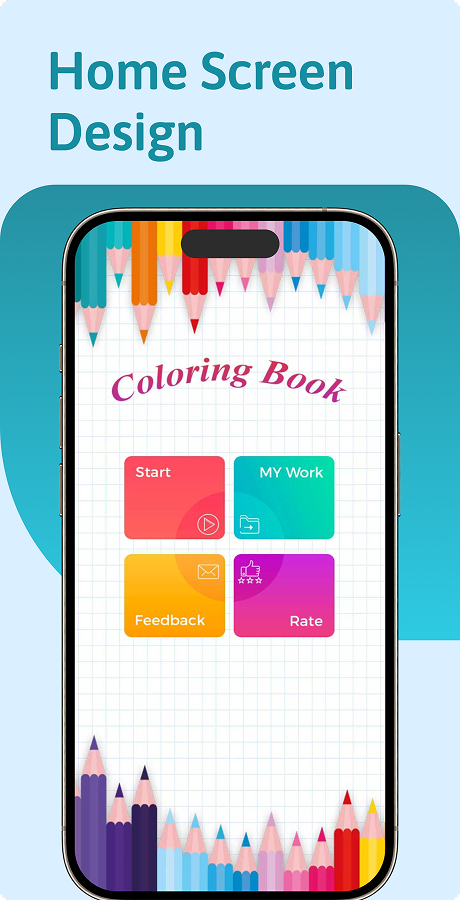
Bring peace, focus, and creativity to users with the Coloring Book for Mandala App. This Android native application (built in Java, fully compatible with Android 15) is a ready-to-publish solution for developers, publishers, or businesses looking to launch a beautiful mandala coloring app on the Google Play Store.
Mandala art is loved worldwide for relaxation, stress relief, and mindfulness. This app makes it simple for users to color intricate designs with an intuitive tap-to-fill interface.
Check Coloring Book For Mandala app in Your Device
✨ Features
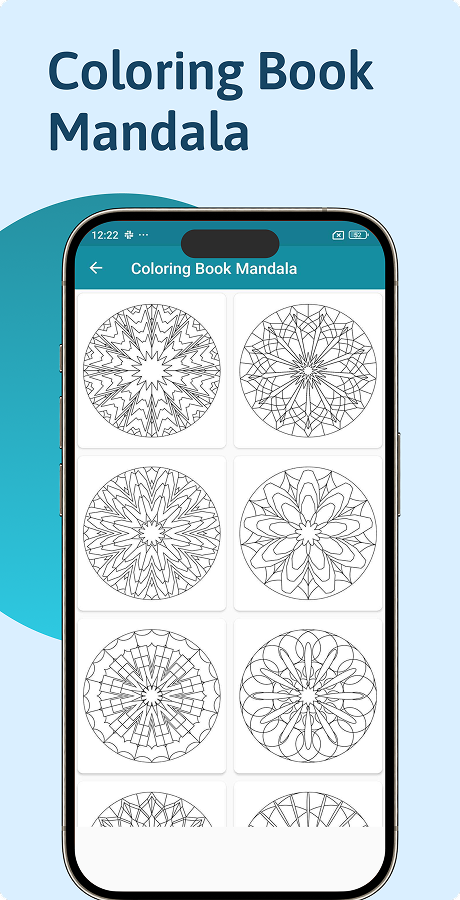
- Collection of Mandalas – Preloaded with detailed mandala designs for coloring.
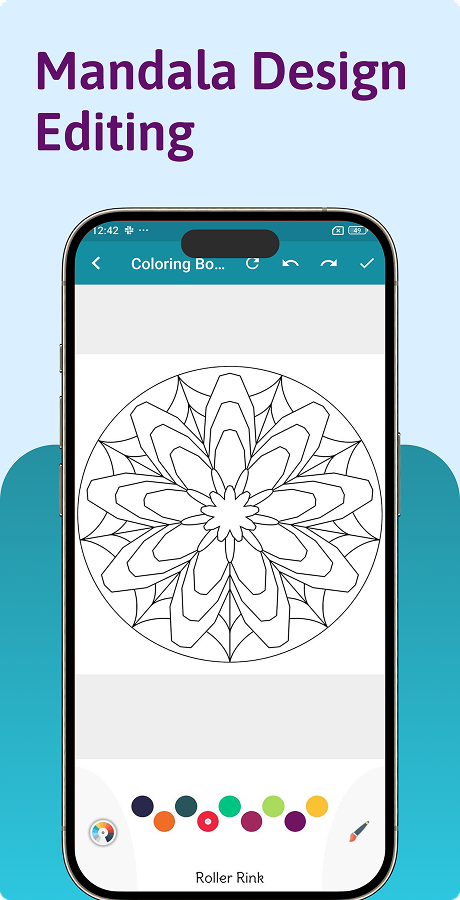
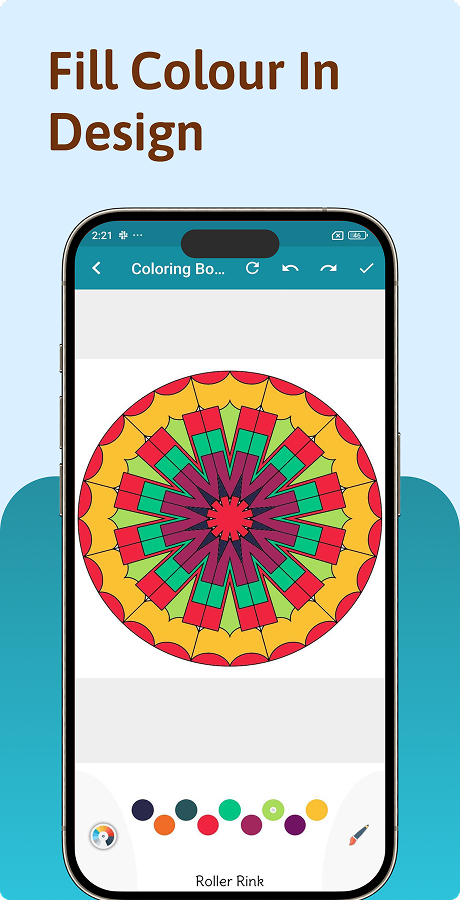
- ️ Tap-to-Fill Coloring – Smooth and easy color fill with one touch.
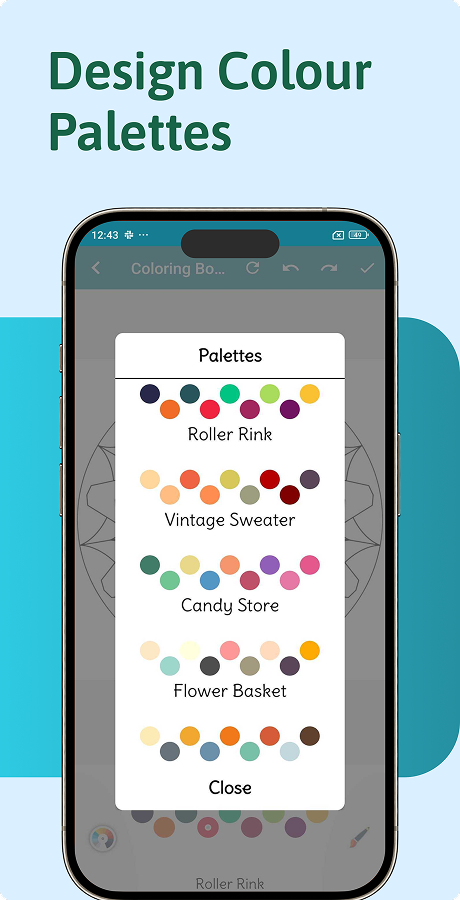
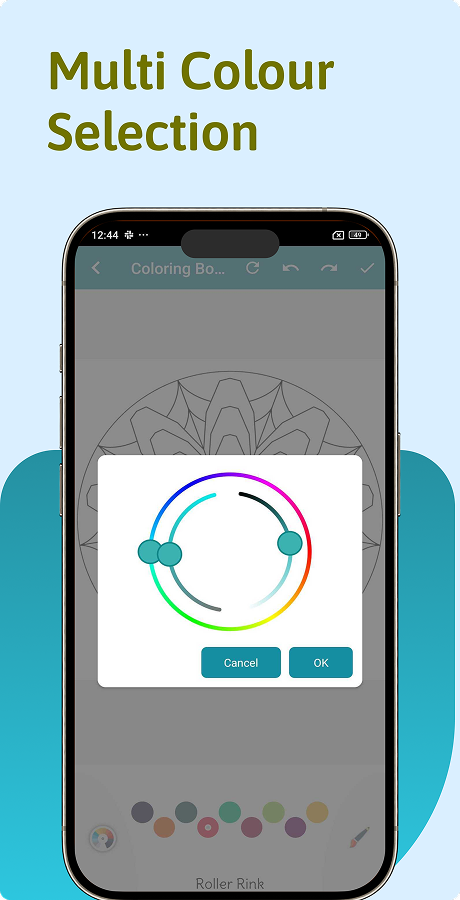
- Unlimited Color Palette – Choose from a wide range of colors.
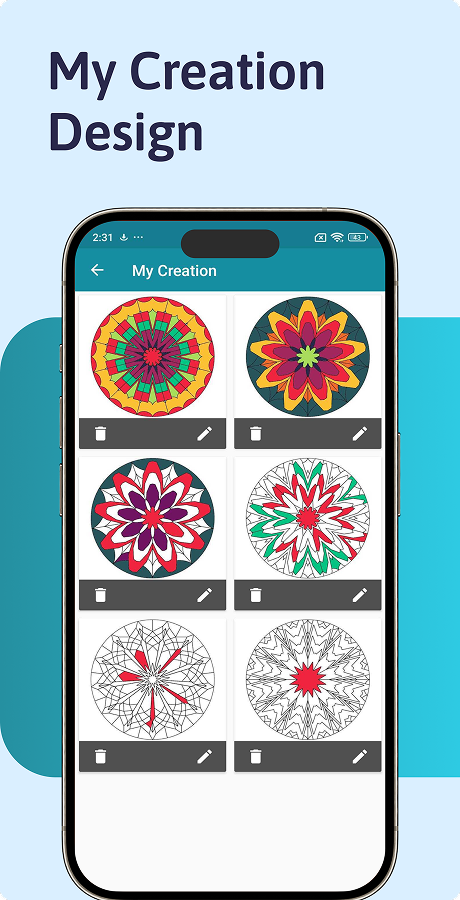
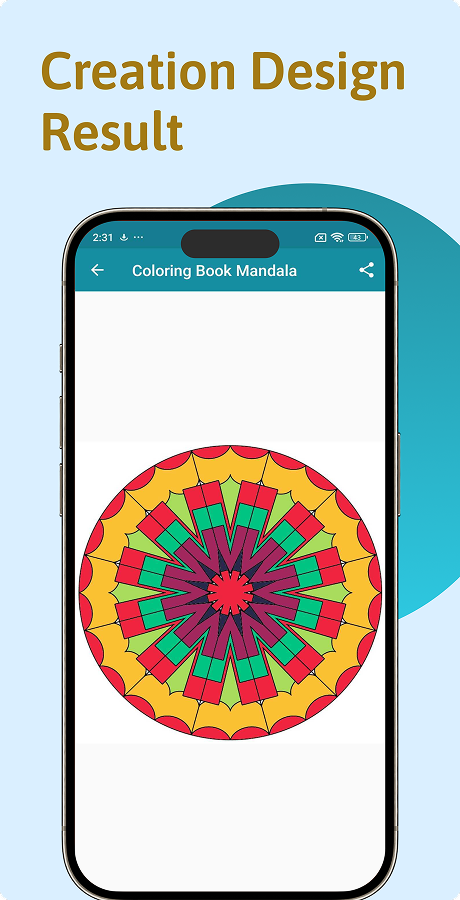
- Save Artwork – Users can save their completed artwork in the gallery.
- Share with Friends – Share creations directly to social media, email, or messaging apps.
- Android 15 Supported – Optimized for latest Android devices.
- ⚡ Fast & Lightweight – Optimised Java code for smooth performance.
- AdMob Integration Ready – Easily add ads to monetize.
- User-Friendly UI – Clean, modern, and easy to use.
- ️ Offline Mode – Works without internet for uninterrupted coloring.
What You Will Get
- Full Android Native (Java) source code.
- Pre-designed mandala artwork collection.
- Step-by-step documentation for setup and customization.
- Ready for Google Play Store publishing.
Why Buy This App?
- ✔️ Save Development Time – No need to build from scratch.
- ✔️ Proven Concept – Mandala coloring apps have high demand.
- ✔️ Monetization Ready – Easily integrate AdMob ads for revenue.
- ✔️ Customizable – Change colors, designs, and branding to match your needs.
- ✔️ Future-Proof – Built in Java, tested on Android 15.
⚙️ Installation Steps
- 1. Download the source code from your CodeCanyon account.
- 2. Open the project in Android Studio.
- 3. Update app name, package name, and branding (logo, colors).
- 4. Add your own AdMob IDs for monetization.
- 5. Export APK/AAB file and upload it to the Google Play Store.
️ Requirements
- Android Studio (latest version).
- Java Development Kit (JDK 8+).
- Basic knowledge of Android development.
- A Google Play Developer Account (for publishing).
Support
We provide friendly support to help you with:
- Accept feature request.
- Basic customization guidance.
- Bug fixing (if any found in the original package).
Version 5.0 – Sep 3, 2025
v5.0 – Updated to support Android 15.
Version 4.0 – May 28, 2025
v4.0 – Updated to support Android.
Version 3.0 – June 9, 2023
v3.0 – Updated to support Android.
Version 2.0 – August 26, 2022
v2.0 – Added new mandala artworks.
Optimized color palette performance.
Version 1.0 – August 22, 2018
v1.0 – Initial Release
Note
Before purchasing , first check out the app features clearly in demo app. Everything is clearly shown in demo app. We provide support if there is any crashing or errors occur in our code. Extended buyers must contact with Author after purchasing.