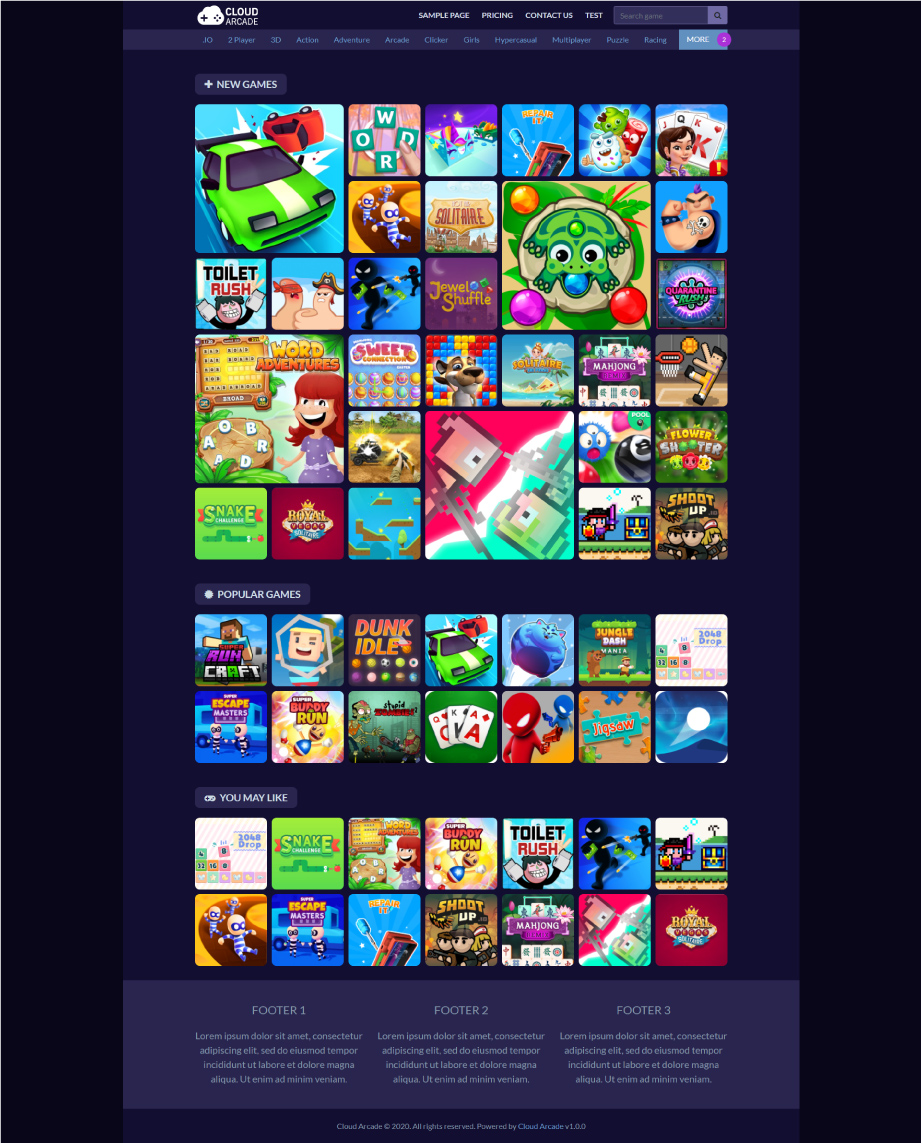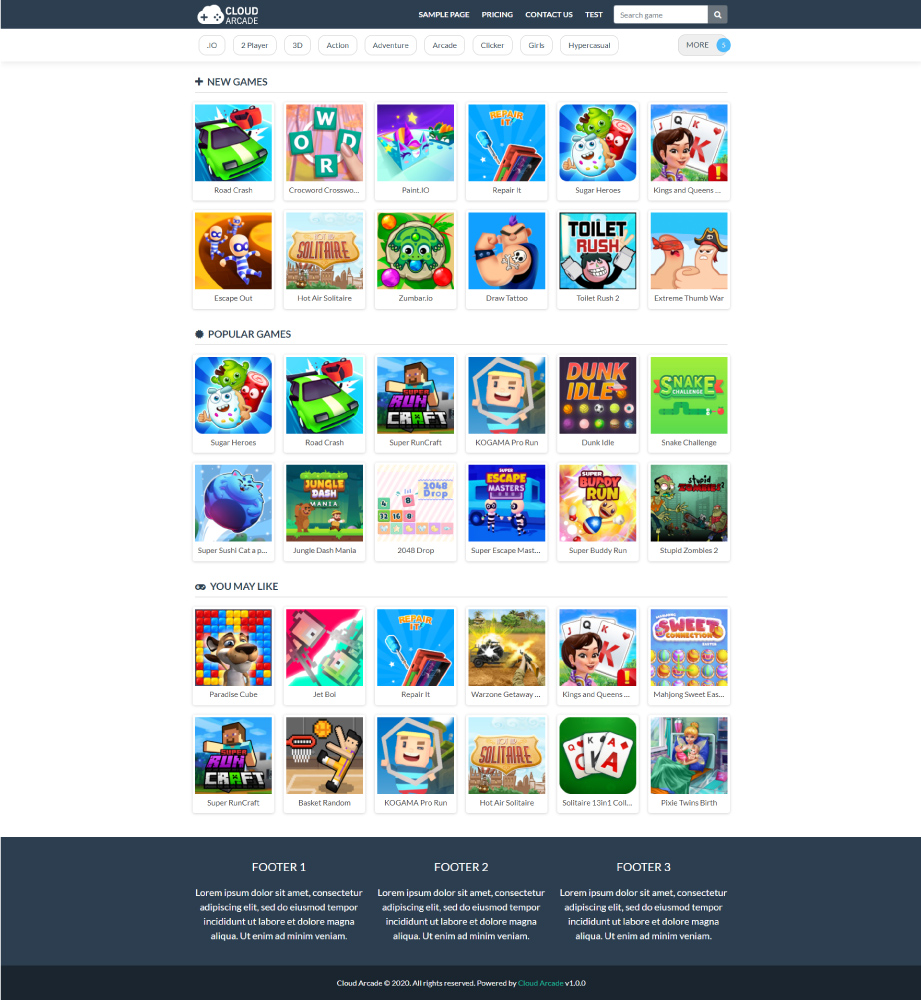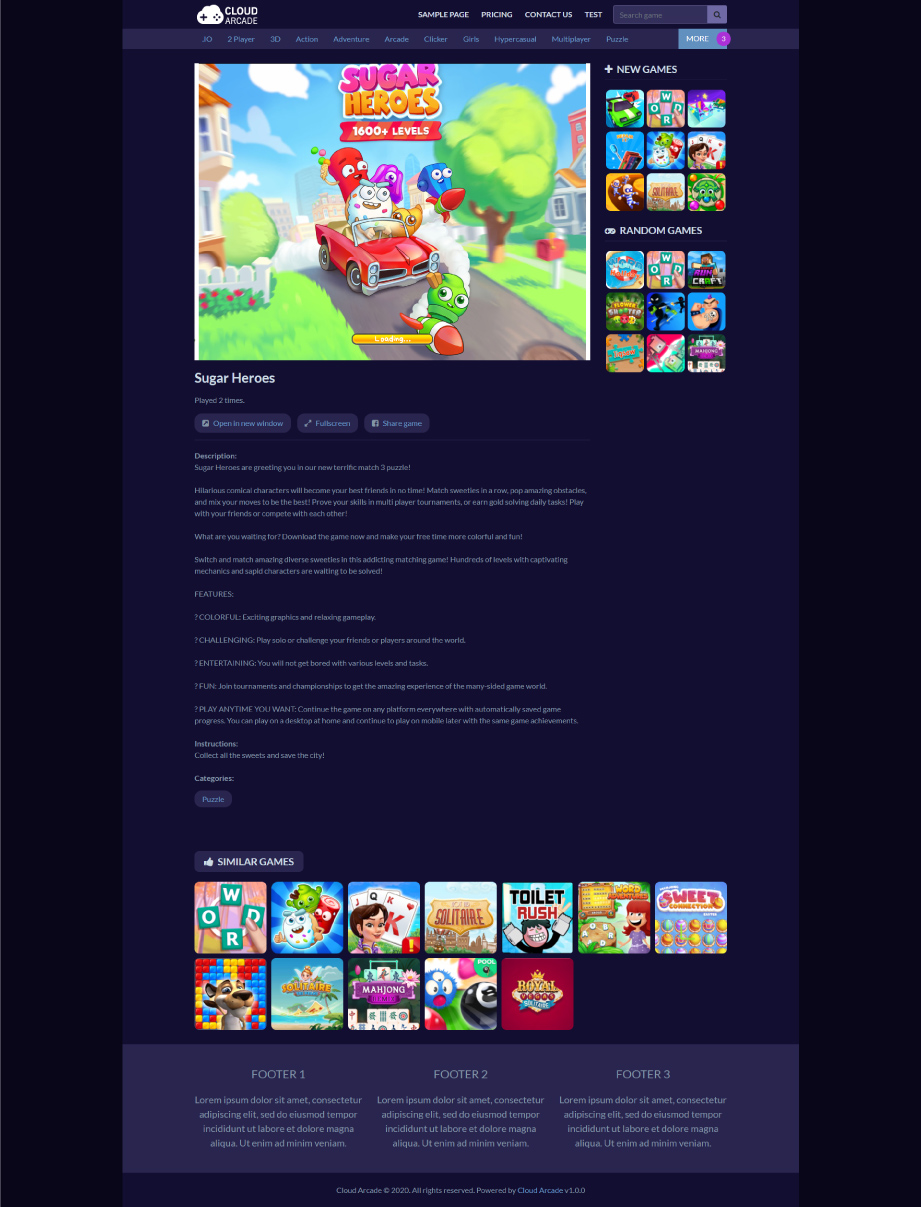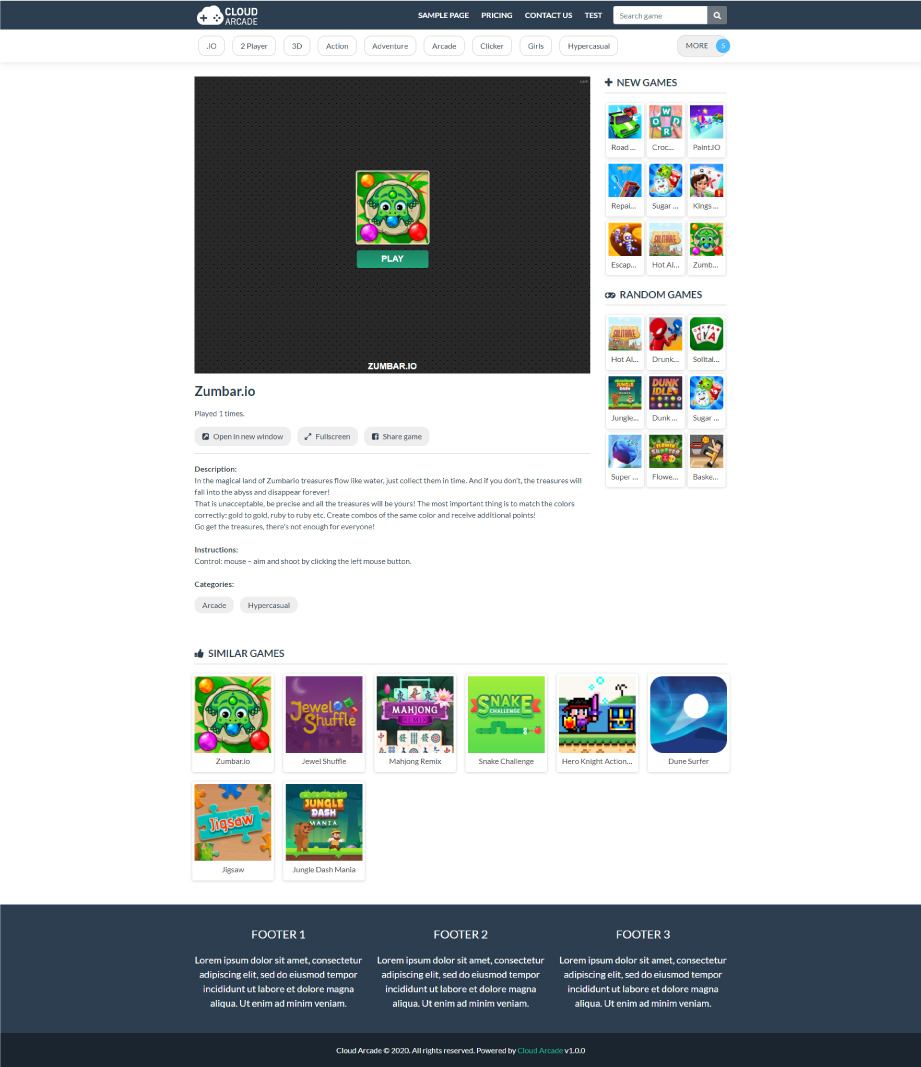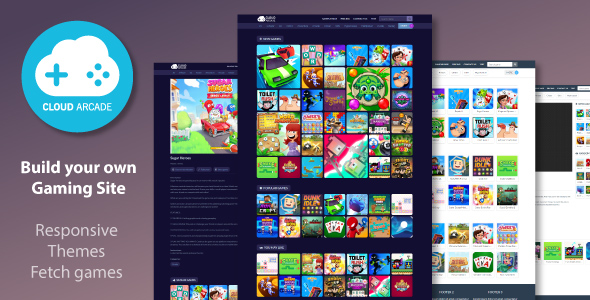
CloudArcade is a standalone PHP CMS built specifically for HTML5 game portals. Upload, install, launch. No coding required.
CloudArcade is lightweight native PHP designed exclusively for game portals—not adapted from bloated frameworks. Runs on PHP 7+/8+ with standard shared hosting or VPS. Install like WordPress, manage through admin panel, start adding games in minutes.
What You Actually Get
Complete Working Game Portal
Two responsive themes included. Admin dashboard handles everything. Player system with registration, points, leaderboards. Blog for content marketing. Statistics dashboard. One-click updates and backups.
Four Ways to Add Games
- Upload Game: Upload your own HTML5 or Flash game files via admin panel
- Fetch Games: Import free games from distributors with built-in revenue share (33-40%)
- Remote Add: Add games via URL from external sources
- JSON Importer: Bulk import entire game libraries instantly
Google AdSense Compatible: Many users get approved. Clean page structure, SEO-optimized output. No guarantee—Google evaluates your content and traffic—but the platform doesn’t sabotage applications.
WordPress Integration Available
“CloudArcade Connect” Plugin (Included)
Already running WordPress? Add a complete game portal without compromising either platform. CloudArcade handles games, WordPress handles everything else. Separate domains/subdomains sync seamlessly. More info about CloudArcade Connect
Admin Dashboard – No Coding Required
Manage your entire site through intuitive admin panel:
Add/remove games, manage users, view statistics, edit pages, install plugins, update system, backup site. Point and click interface.
Themes Included
Two professional responsive themes included for immediate launch:
Premium Themes Available (Sold Separately):
Some of Official Plugins (All Free Unless Noted)
Essential Plugins:
- Crew & Staff Management (FREE) – Add team members with role-based access control
- Flash Emulator (FREE) – Run Flash games in modern browsers
- Video Hover Play (FREE) – Preview videos on game thumbnails
- Localization (FREE) – Multi-language support
- Query Cache (FREE) – Database caching for performance
- JSON Importer (FREE) – Bulk game imports
- hCaptcha (FREE) – Bot protection
- Audit Log (FREE) – Track team member actions
- Auto Publish (FREE) – Automatically add games every X hours
Premium Plugins:
- Content Rewriter – AI-powered game description rewriting
- Auto Translate – AI translation for content
Build Your Own Extensions
Custom Plugin Development: Plugin architecture lets you extend functionality without touching core code.
Custom Theme Creation: Full access to theme files. Build completely custom designs without restrictions.
Performance
Native PHP built for game portals means no framework bloat. Fast page loads even with embedded games. Even runs efficiently on budget shared hosting.
Player Community System
Registration, points, leveling, leaderboards, score submission. Build returning audience that drives consistent traffic.
Some of Feature List
- 5 HTML5 games included as bonus
- Banner ad management
- Lightweight native PHP architecture
- Admin dashboard
- Staff or team members
- Pages and blog posts
- Category management
- Game library management
- Theme system
- Plugin system
- Leaderboard API
- Game API for developers
- Password hash security
- Responsive design
- Pretty URLs (SEO-friendly)
- Game search functionality
- Comment system
- Player ranking
- Automatic thumbnail compression
- Game rating system
- Login attempt limiter (security)
- One-click system updates
- One-click site backup
System Requirements
- PHP 7+ or PHP 8+
- MySQL 5.x+
- Web server (Apache recommended for pretty URLs, Nginx configuration guide available)
- CodeCanyon purchase code for verification
Hosting: Works on standard shared hosting or VPS (Better). If your hosting runs WordPress, it runs CloudArcade.
Documentation & Support
Important Notes
- Games fetched from distributors include embedded ads (this is your revenue source)
- AdSense approval depends on your content quality and traffic—many users succeed but no platform guarantees approval
- CloudArcade eliminates technical barriers, but traffic acquisition and monetization optimization are your responsibility
What Happens After Purchase
- Download files
- Upload to your web hosting
- Run installer at your domain
- Create admin account
- Start adding games
Find complete information at CloudArcade.net