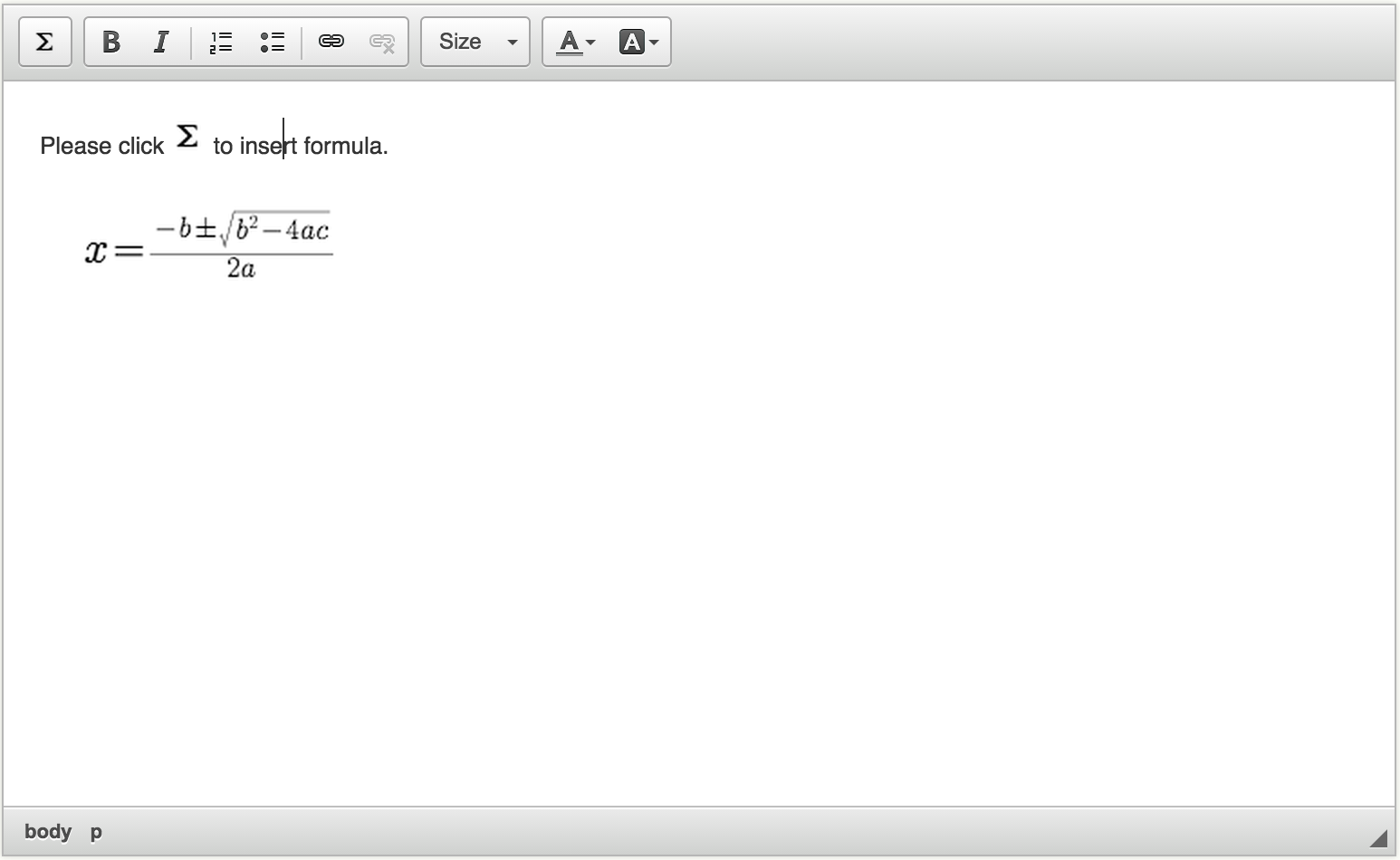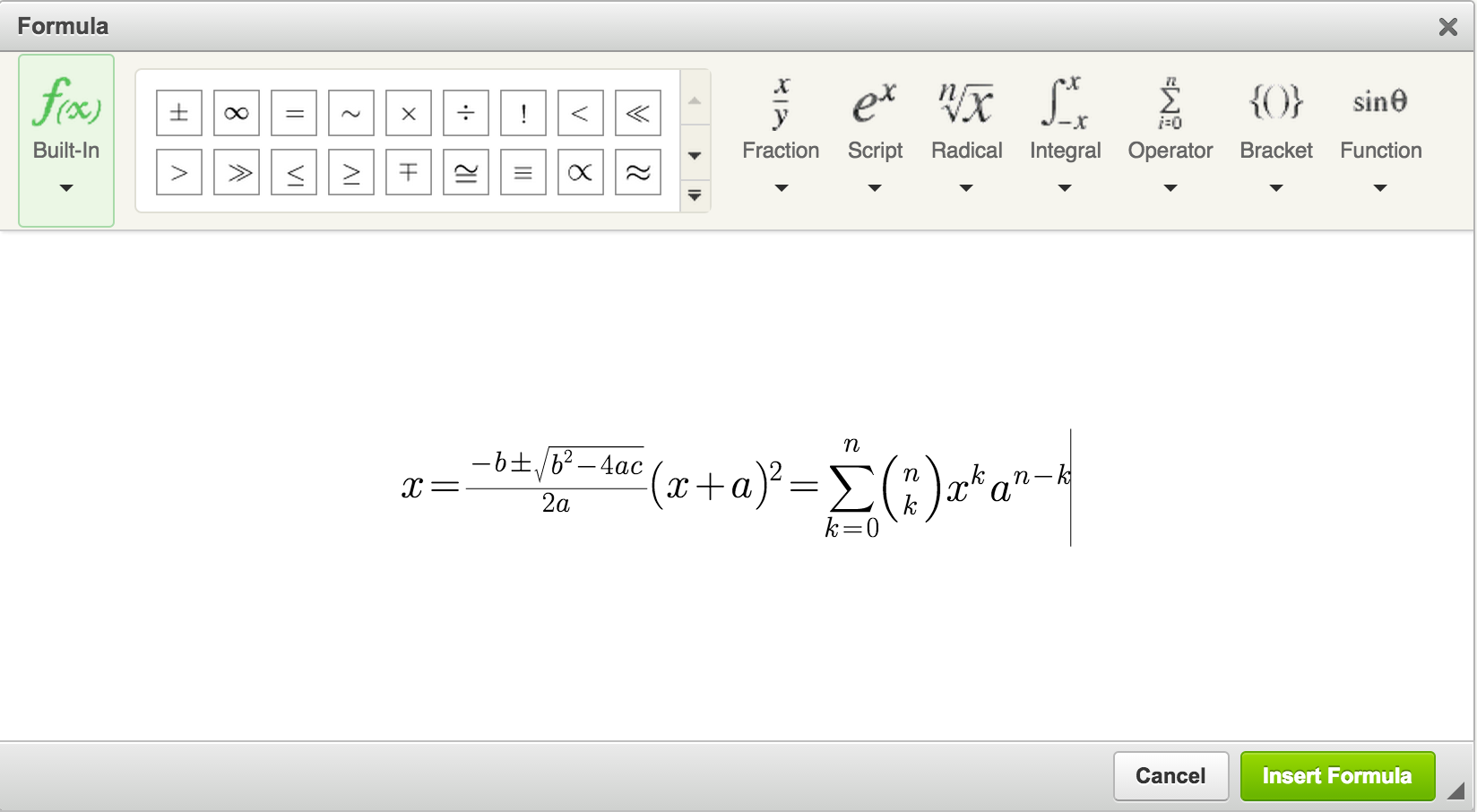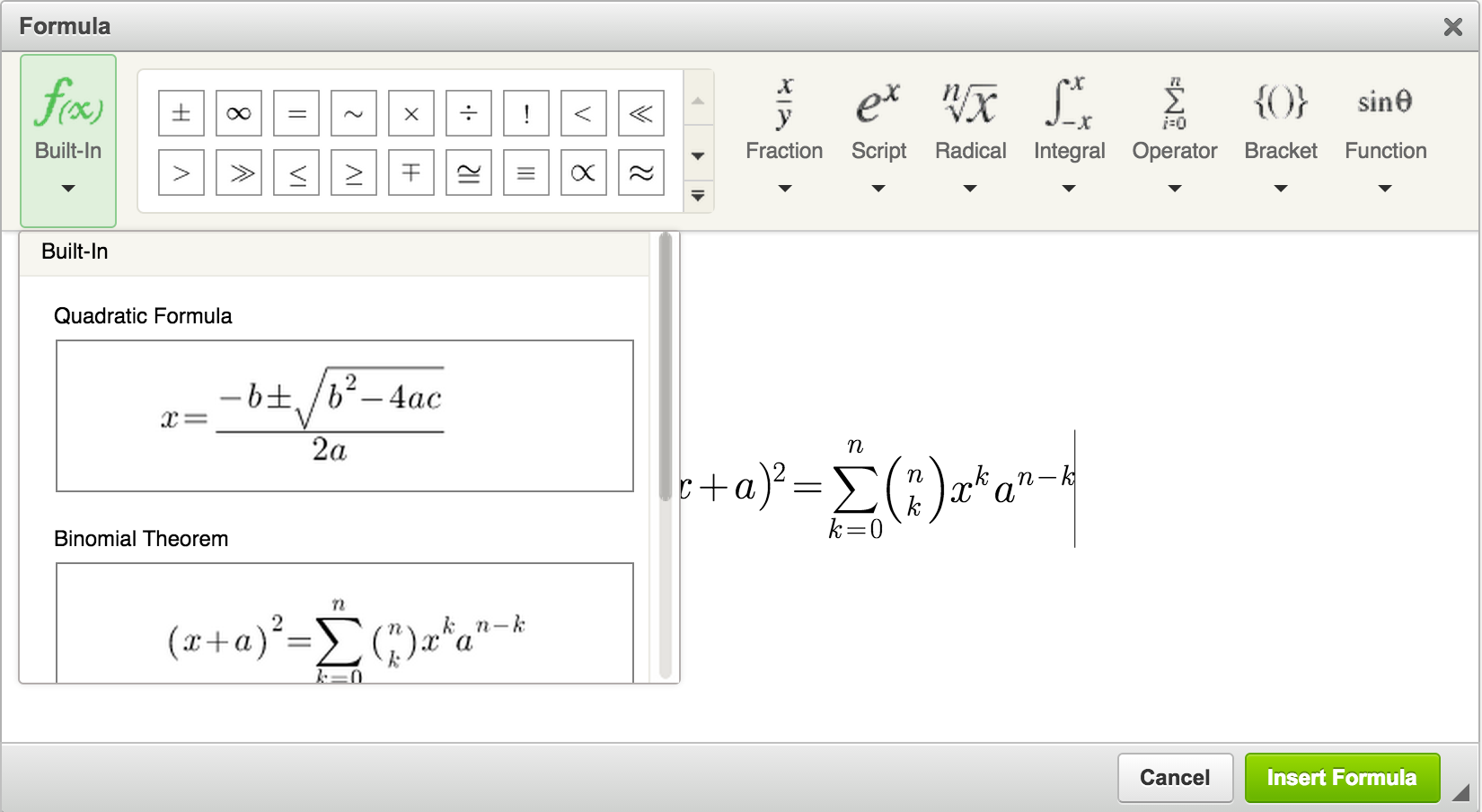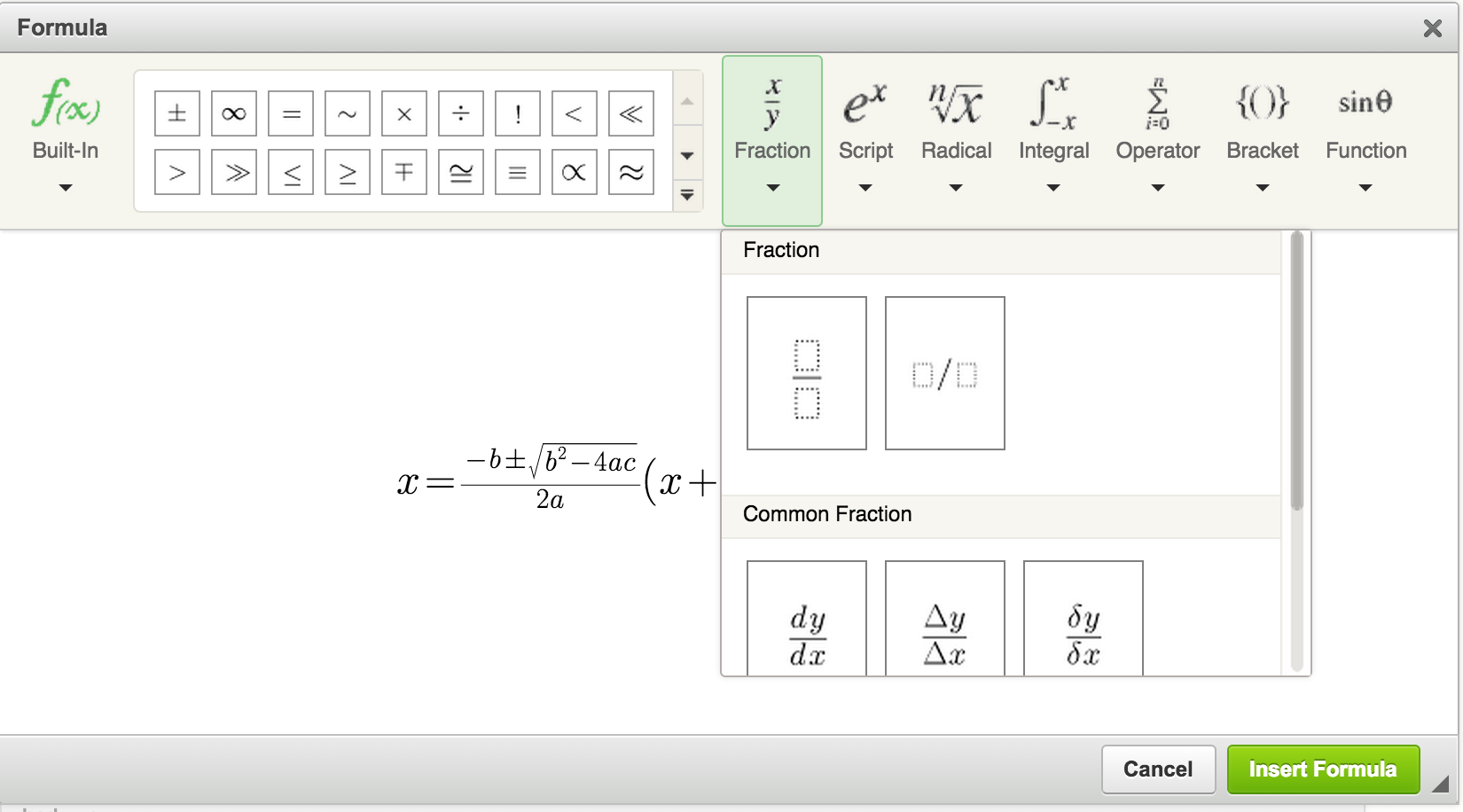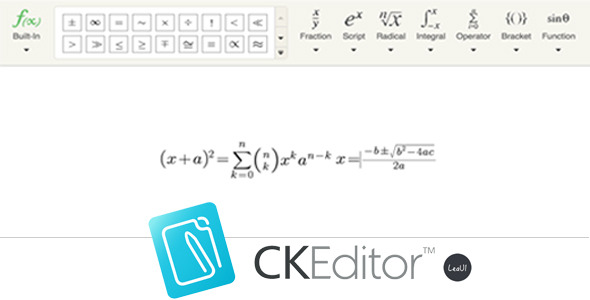
CKEditor has no math formula plugin default. This plugin is a formula plugin called “CKEditor4 Formula Editor”, you can use it in your CKEditor to insert and update math formula easily.
Updates
- v2. 16/02/2016 fix not support for latest Chrome
Features:
- Support for multiple formula: Fraction, Script, Radical, Intergral, Operator, Bracket and Function.
- Support for special characters, such as greek letters, arrows, relations and scripts.
- Responsile for complicated formula.
- Easy to use as the MathType.
- Pure front-end, no server support.
- Save as image.
Installation
- Upload the files to the CKEditor plugins’ folder.
- Update your ckeditor config.js to add `leaui_formula` plugin, eg:
config.toolbar = [
    ['LeauiFormula'], ['Bold', 'Italic', '-', 'NumberedList', 'BulletedList', '-', 'Link', 'Unlink' ],
    [ 'FontSize', 'TextColor', 'BGColor']
];
config.extraPlugins = 'leaui_formula';
Or you can update your ckeditor configuration when create it:
CKEDITOR.replace( 'editor1' , {
    toolbar: [
        ['LeauiFormula'], ['Bold', 'Italic', '-', 'NumberedList', 'BulletedList', '-', 'Link', 'Unlink' ],
        [ 'FontSize', 'TextColor', 'BGColor']
    ],
    extraPlugins: 'leaui_formula'
});