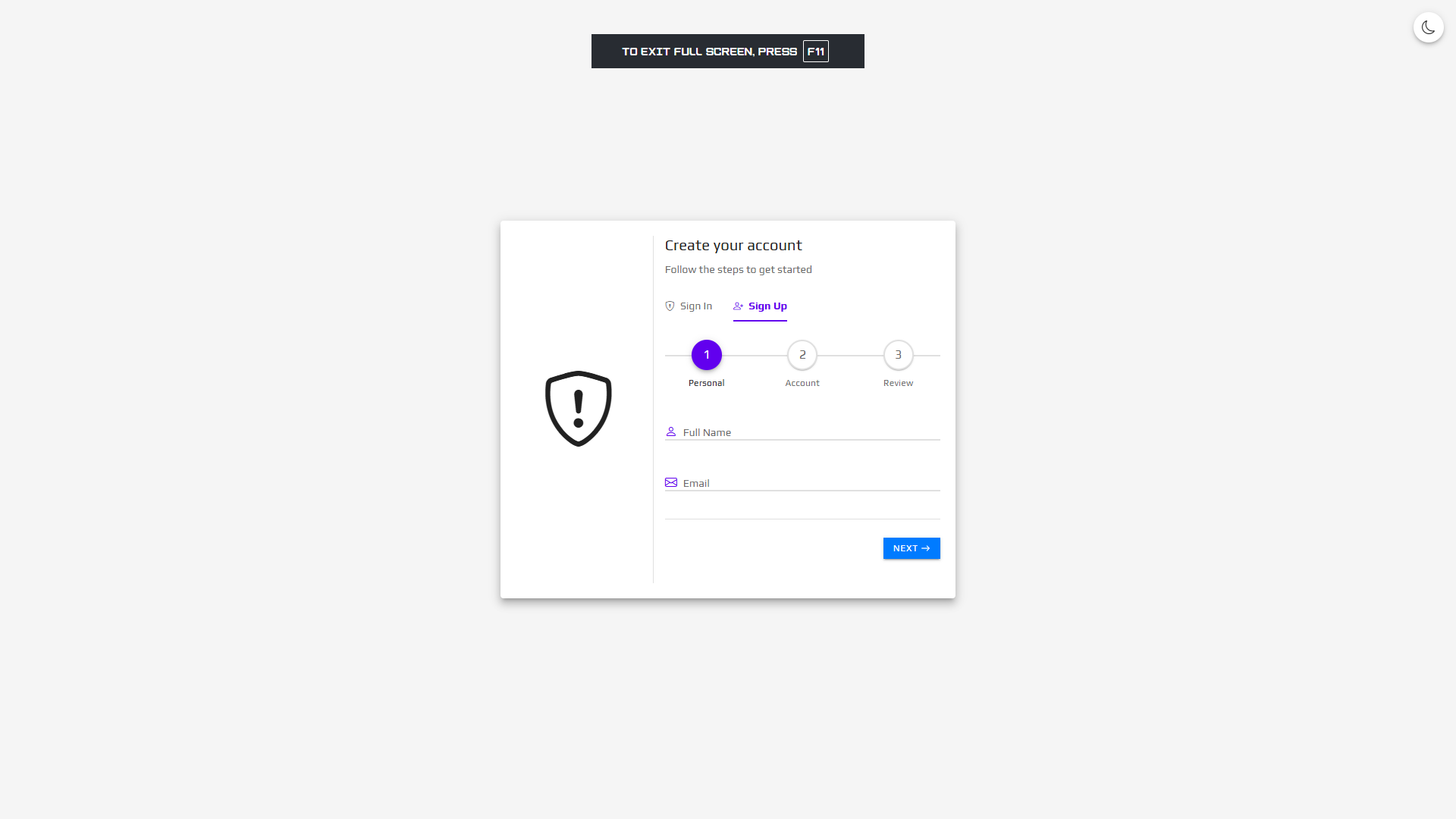
AuthKit – Bootstrap Authentication Templates
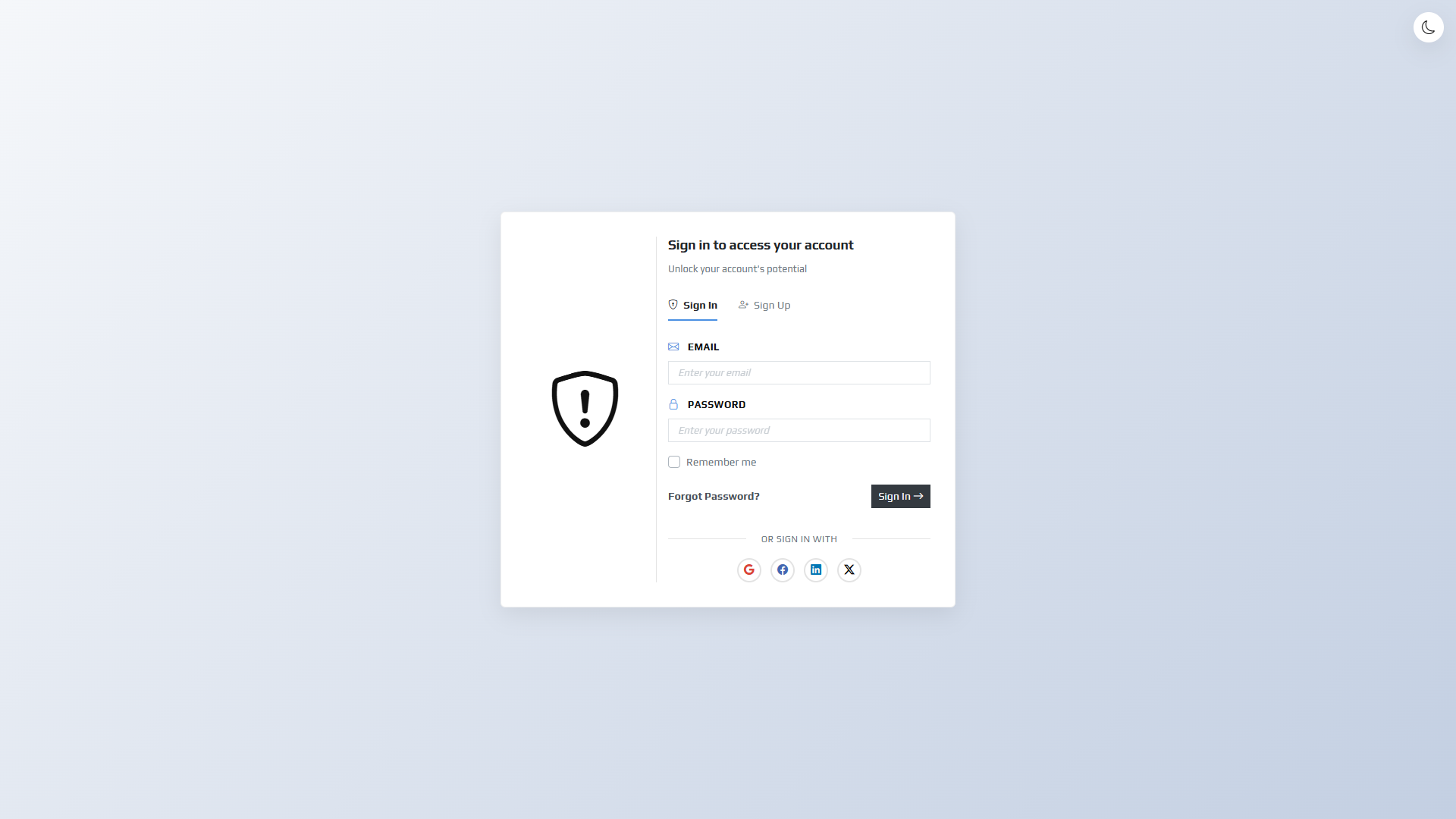
Professional, modern, and fully responsive authentication form templates built with Bootstrap 4.4.1. Perfect for web applications, SaaS platforms, admin dashboards, and any project requiring beautiful login/signup interfaces.
Key Features
- 3 Unique Template Styles – Basic, Simply, and Material Design – each with distinct aesthetics
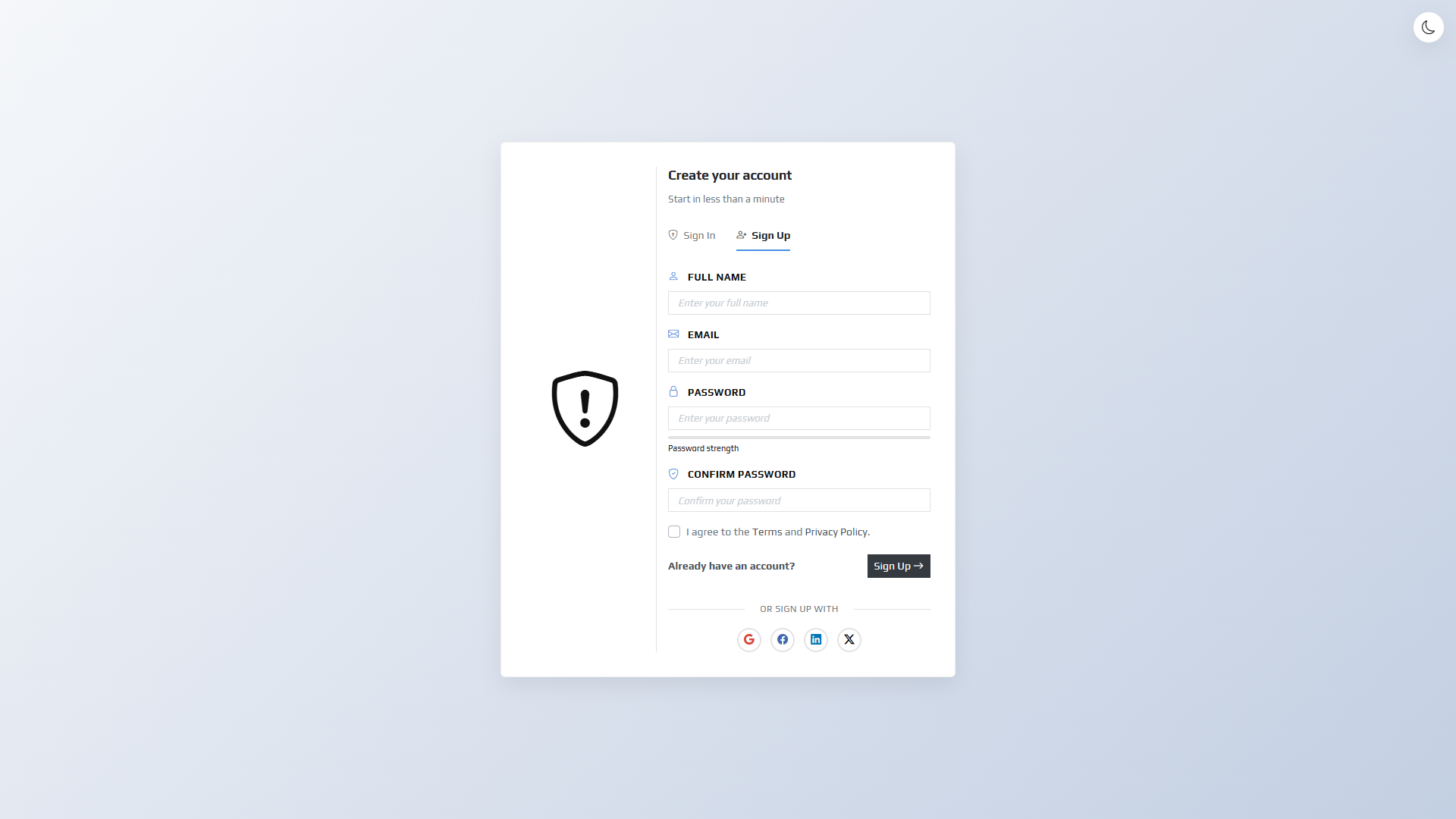
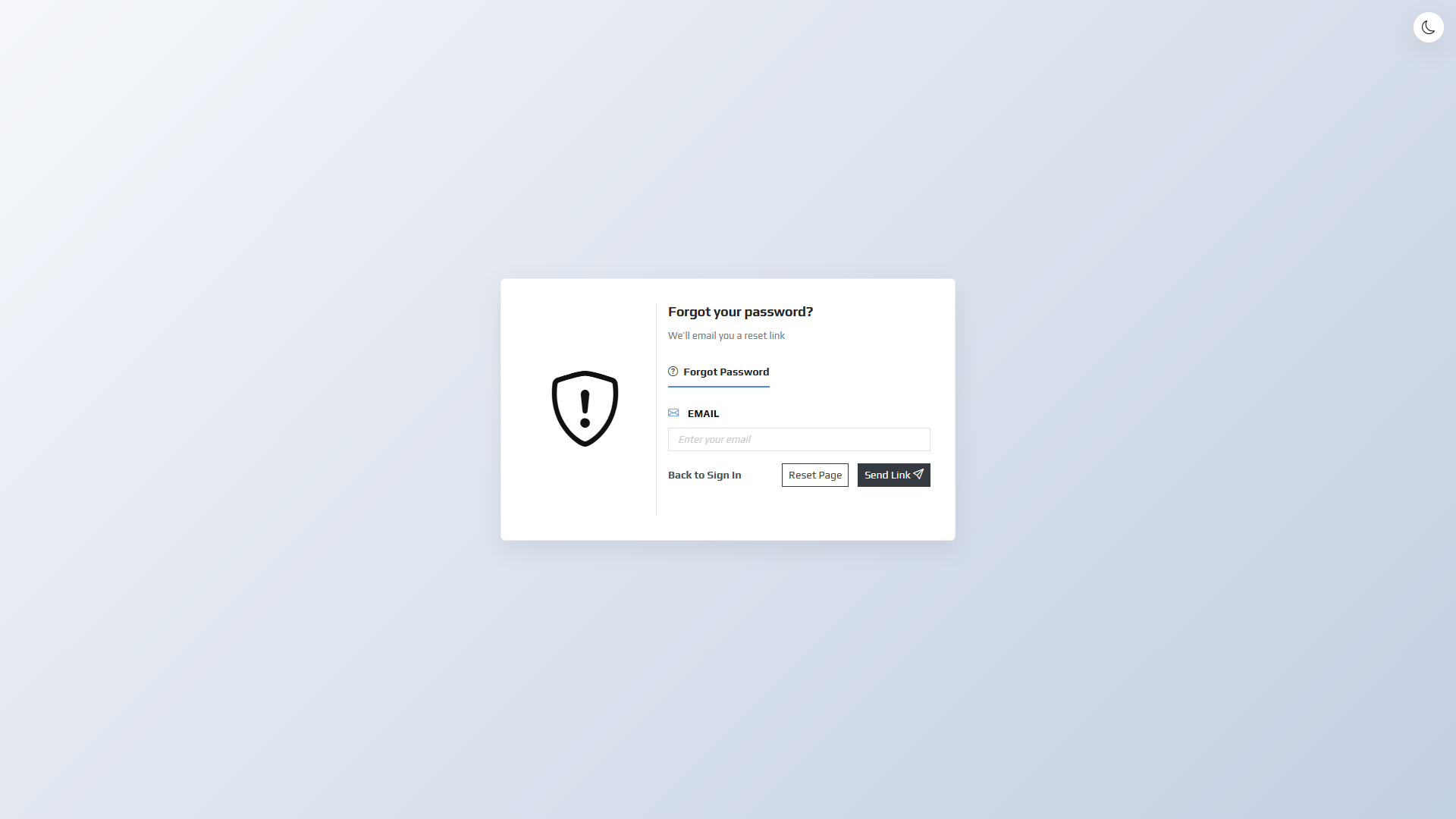
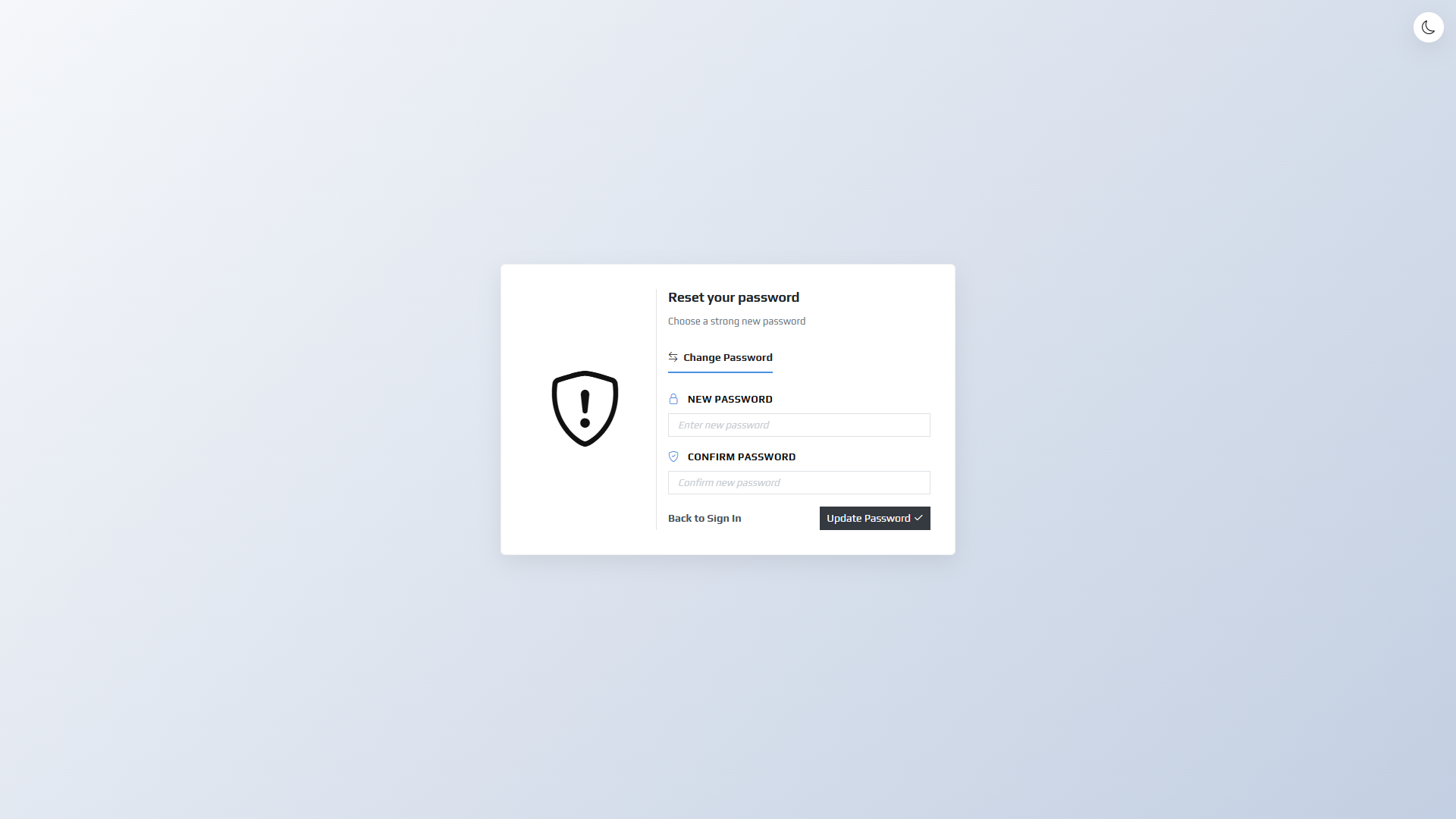
- 21 Complete HTML Pages – Full authentication flow (Sign In, Sign Up, Forgot Password, Reset, Verification, Success, Stepper)
- Dark Mode Support – Automatic system preference detection + manual toggle with localStorage persistence
- Fully Responsive – Perfect display on desktop, tablet, and mobile devices
- Social Login Integration – Ready-to-use buttons for Google, Facebook, LinkedIn, and X (Twitter)
- Multi-step Signup Form – Beautiful stepper component with progress indicator
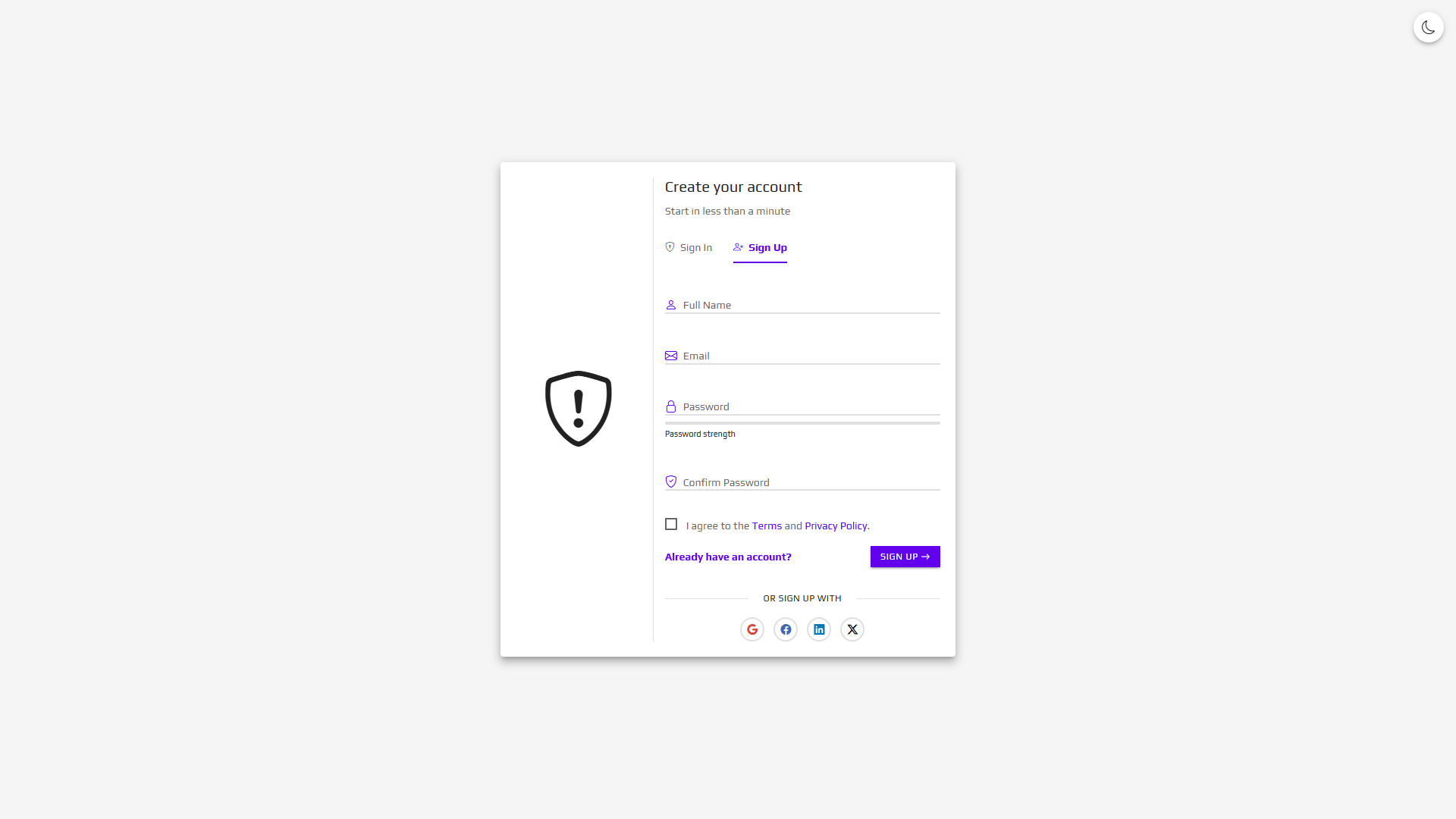
- Password Strength Indicator – Visual feedback for password strength
- Form Validation – Client-side validation with visual feedback
- Loading States – Professional loading indicators on form submission
- Remember Me Checkbox – Styled and functional on all sign-in pages
- Clean, Well-commented Code – Easy to customize and integrate
- No External Dependencies – All assets included locally (Bootstrap, Icons)
- Cross-browser Compatible – Tested on Chrome, Firefox, Safari, Edge, Opera
What’s Included
-
3 Complete Template Sets
- Basic Template – Clean and minimal design
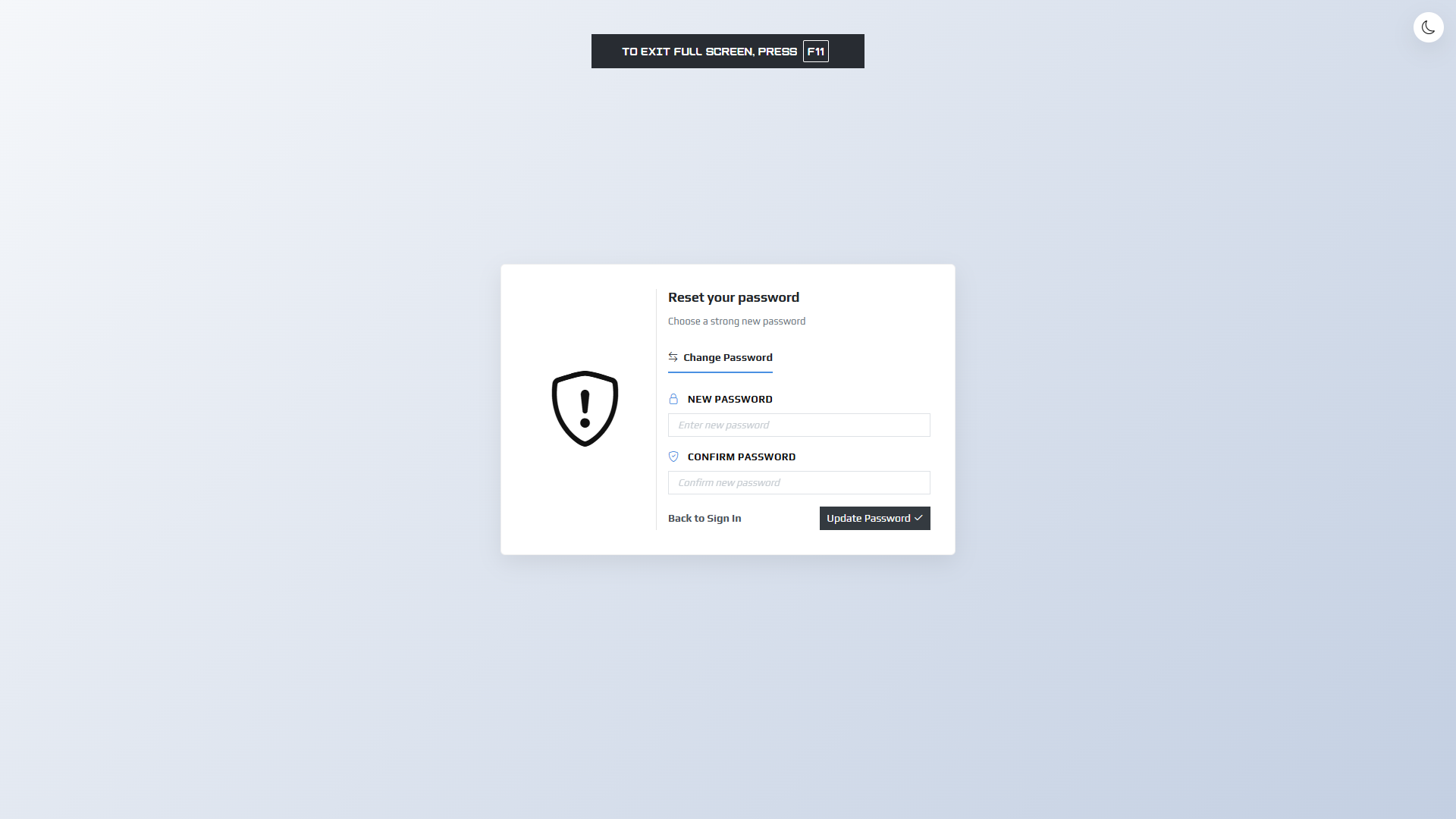
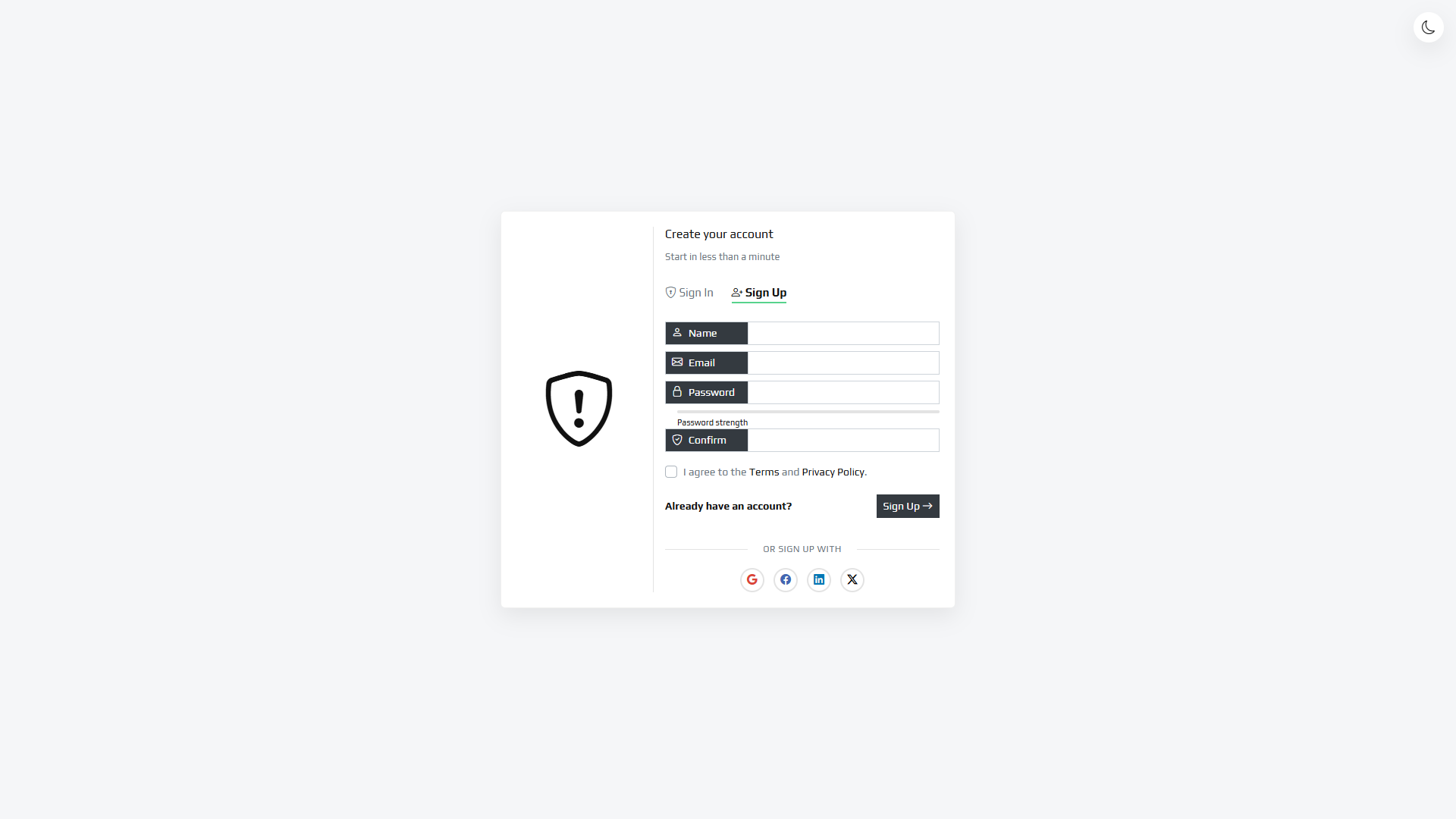
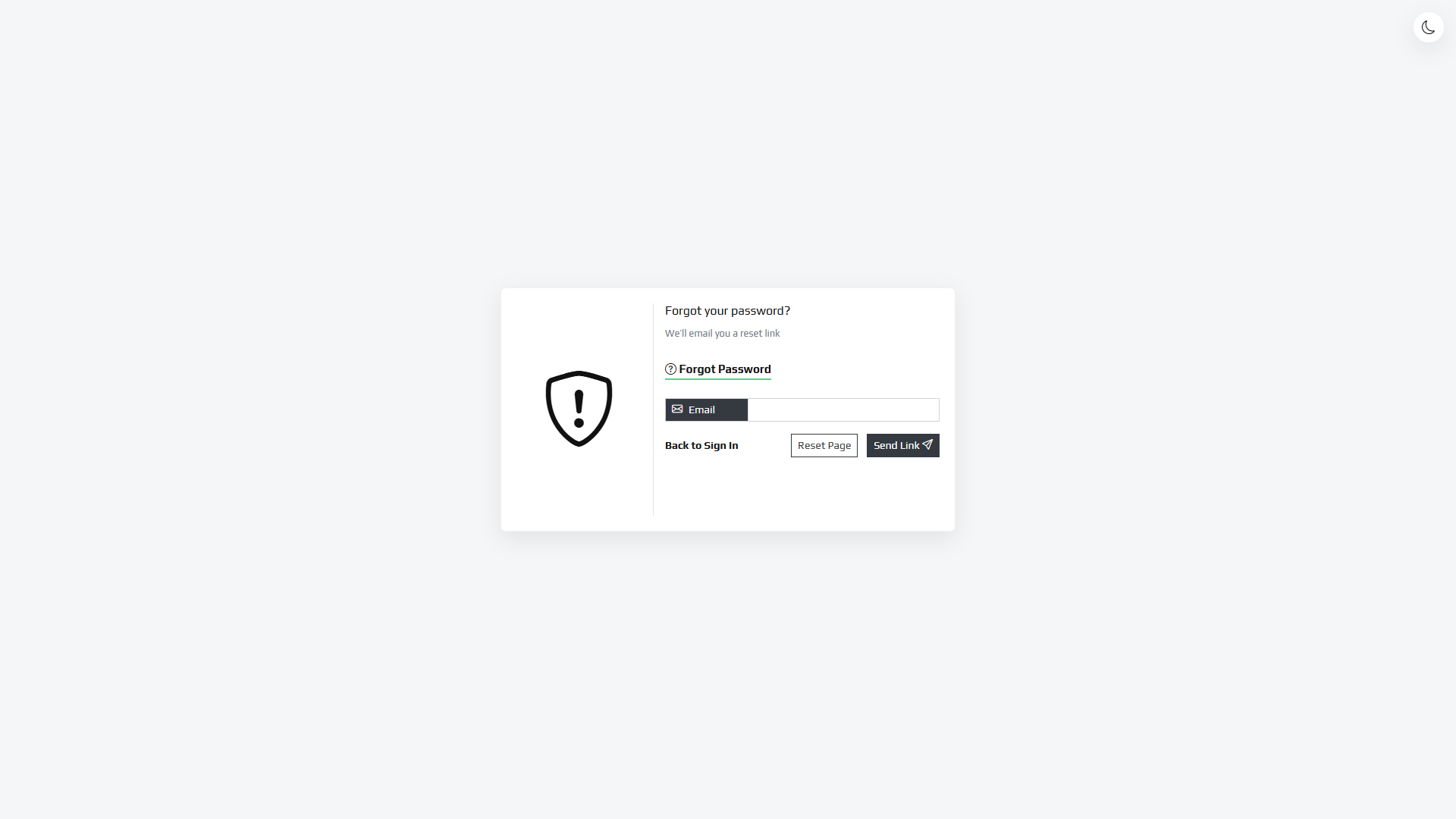
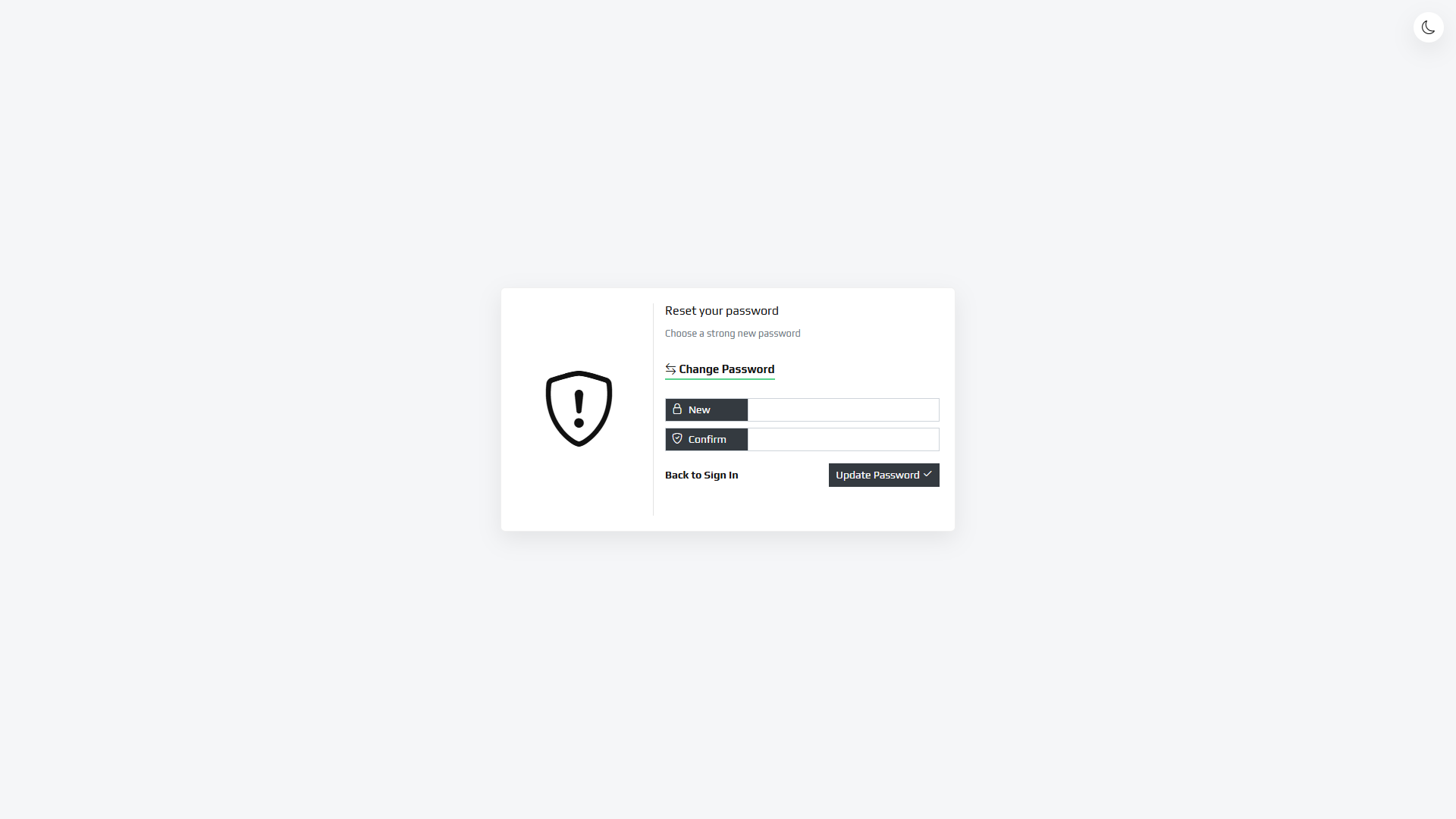
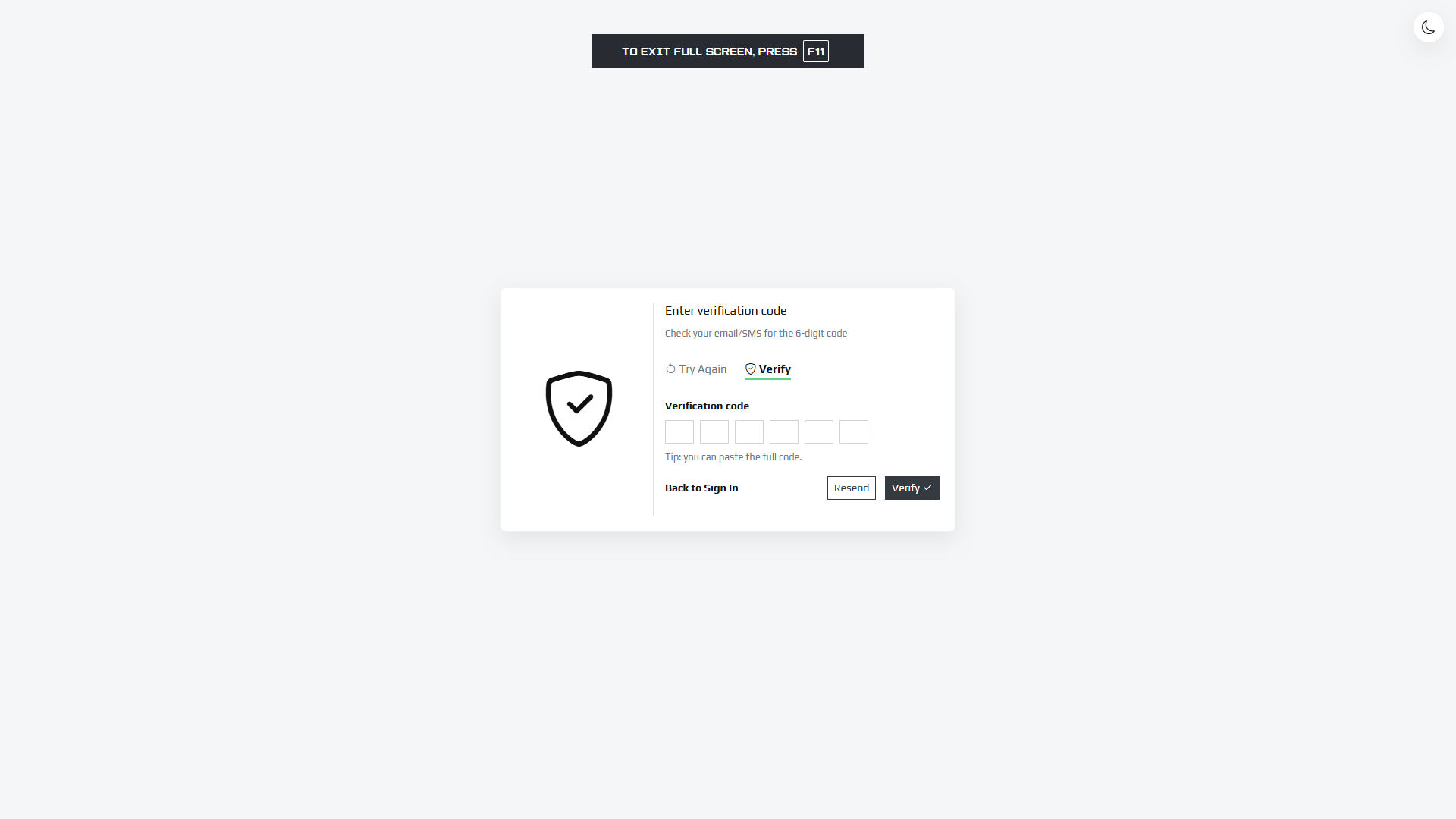
- Simply Template – Elegant with input groups
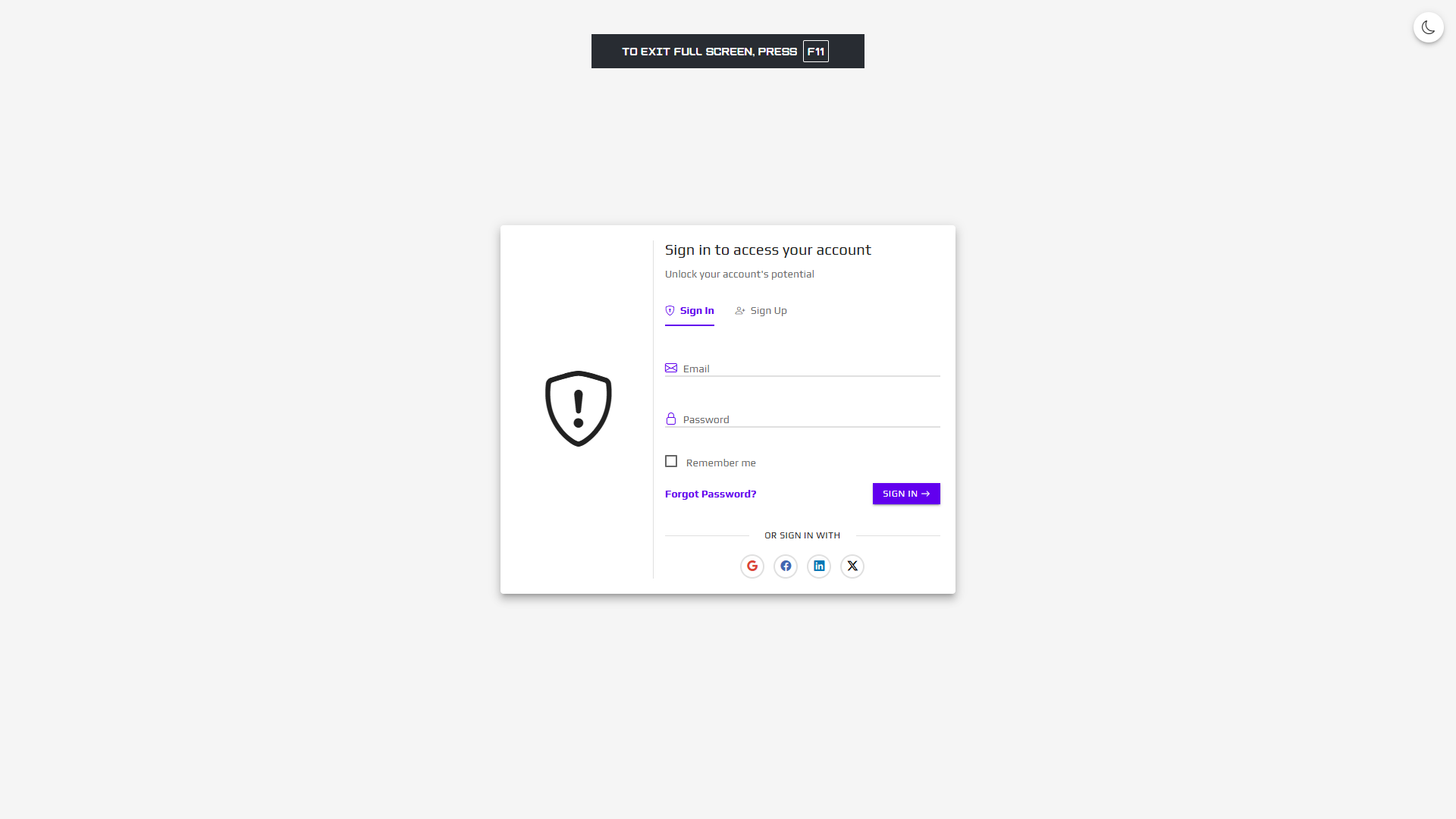
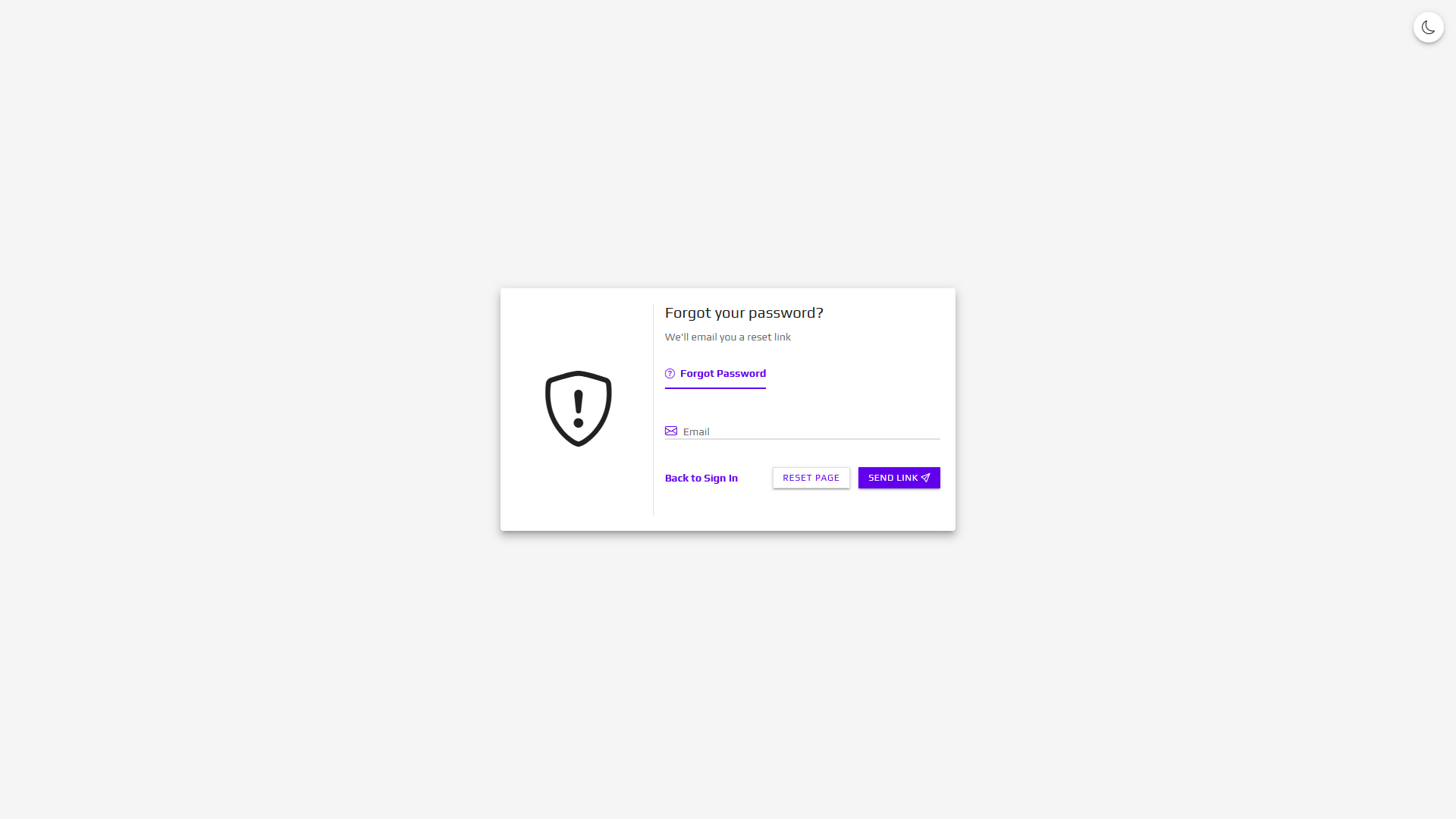
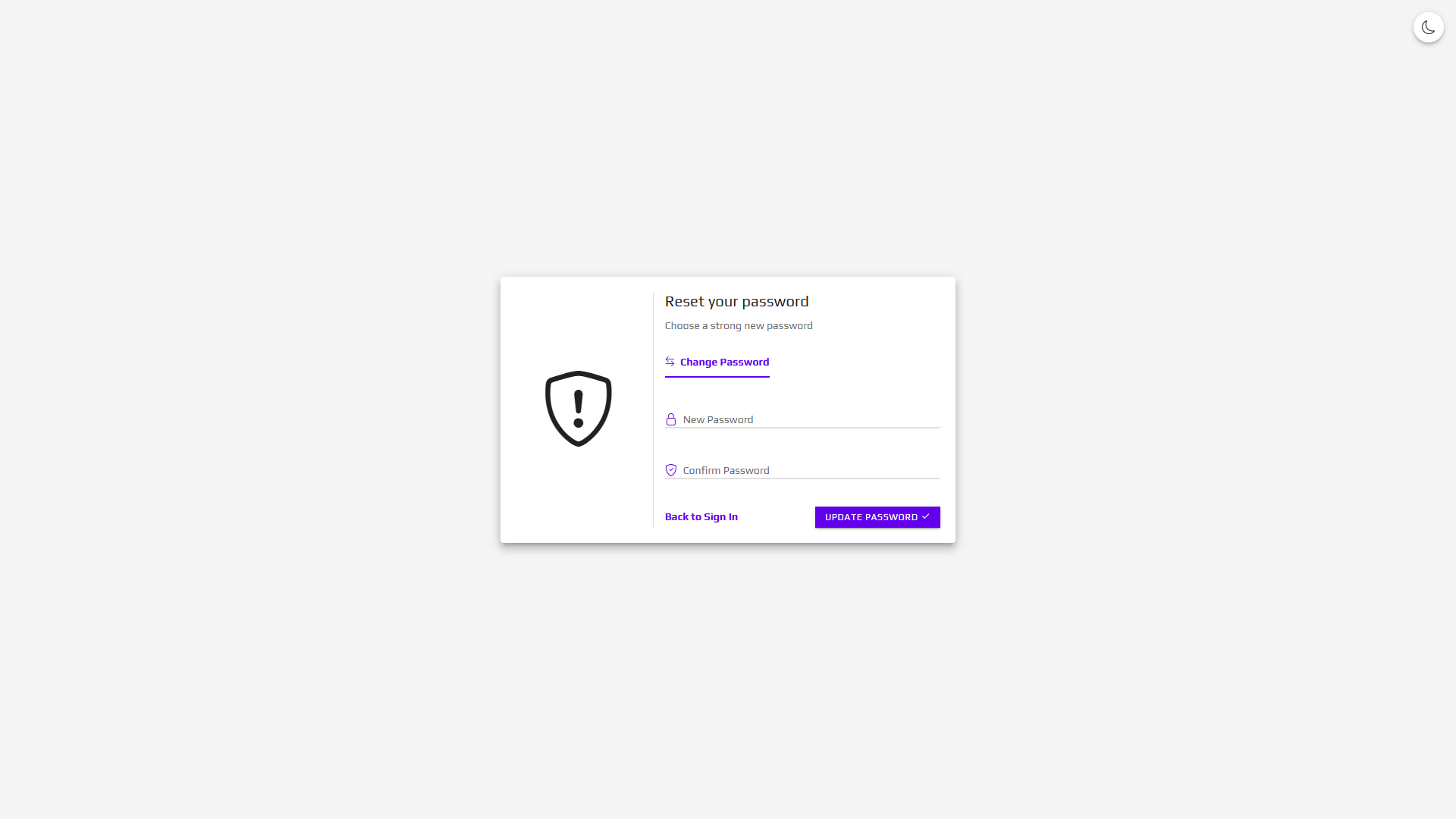
- Material Template – Material Design with floating labels
-
21 HTML Pages (7 pages × 3 templates)
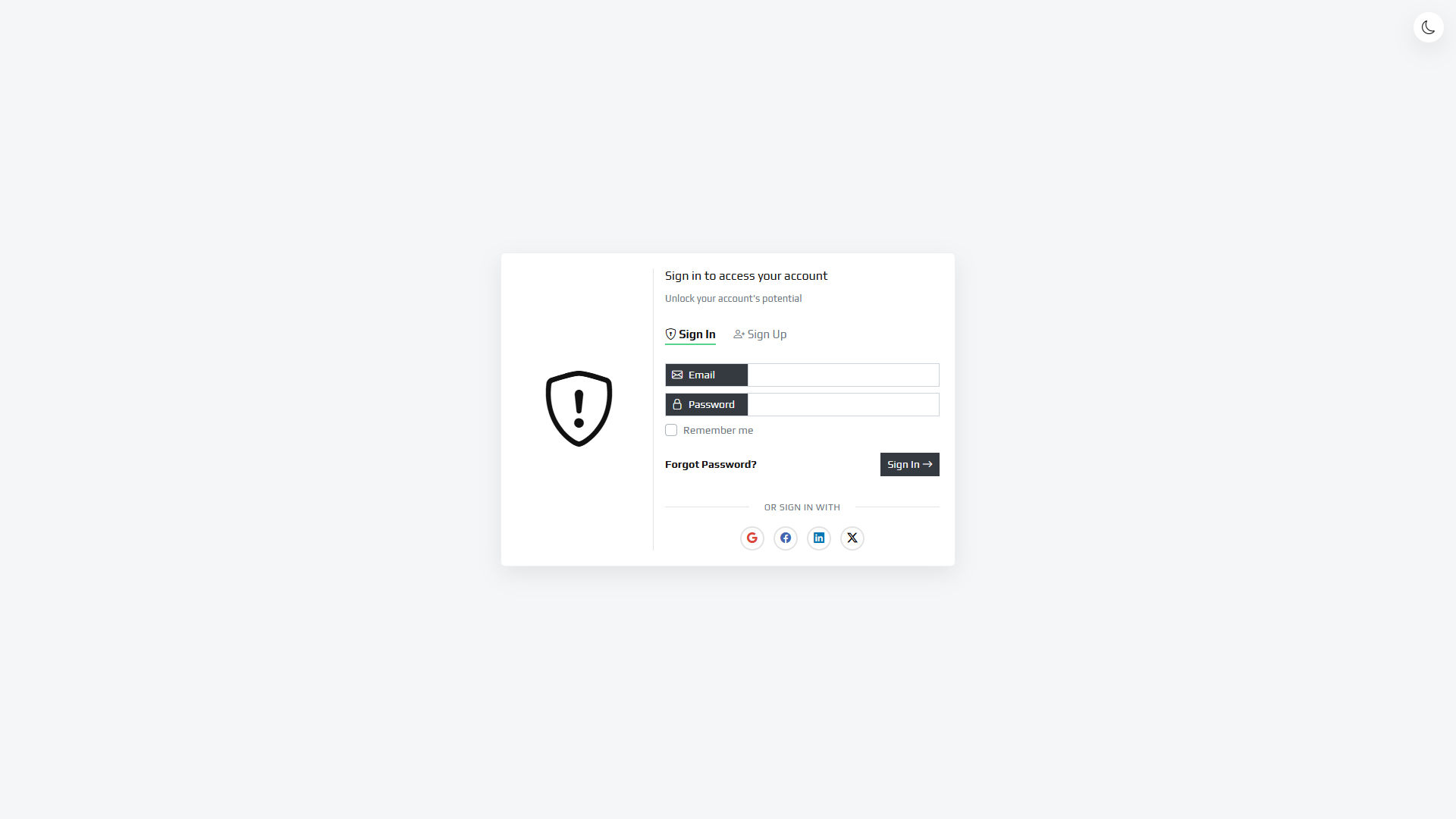
- Sign In
- Sign Up
- Multi-step Signup (Stepper)
- Forgot Password
- Reset Password
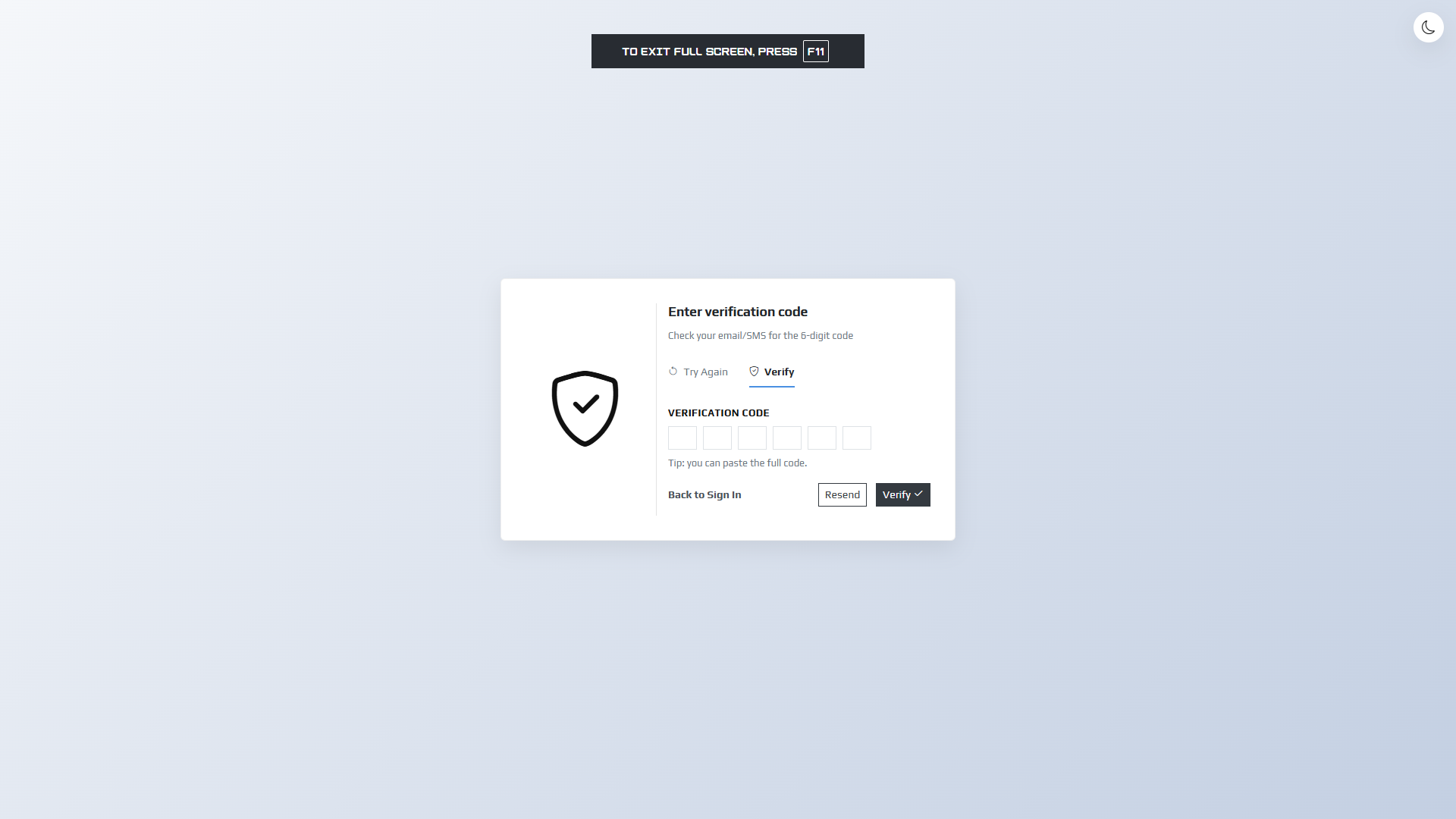
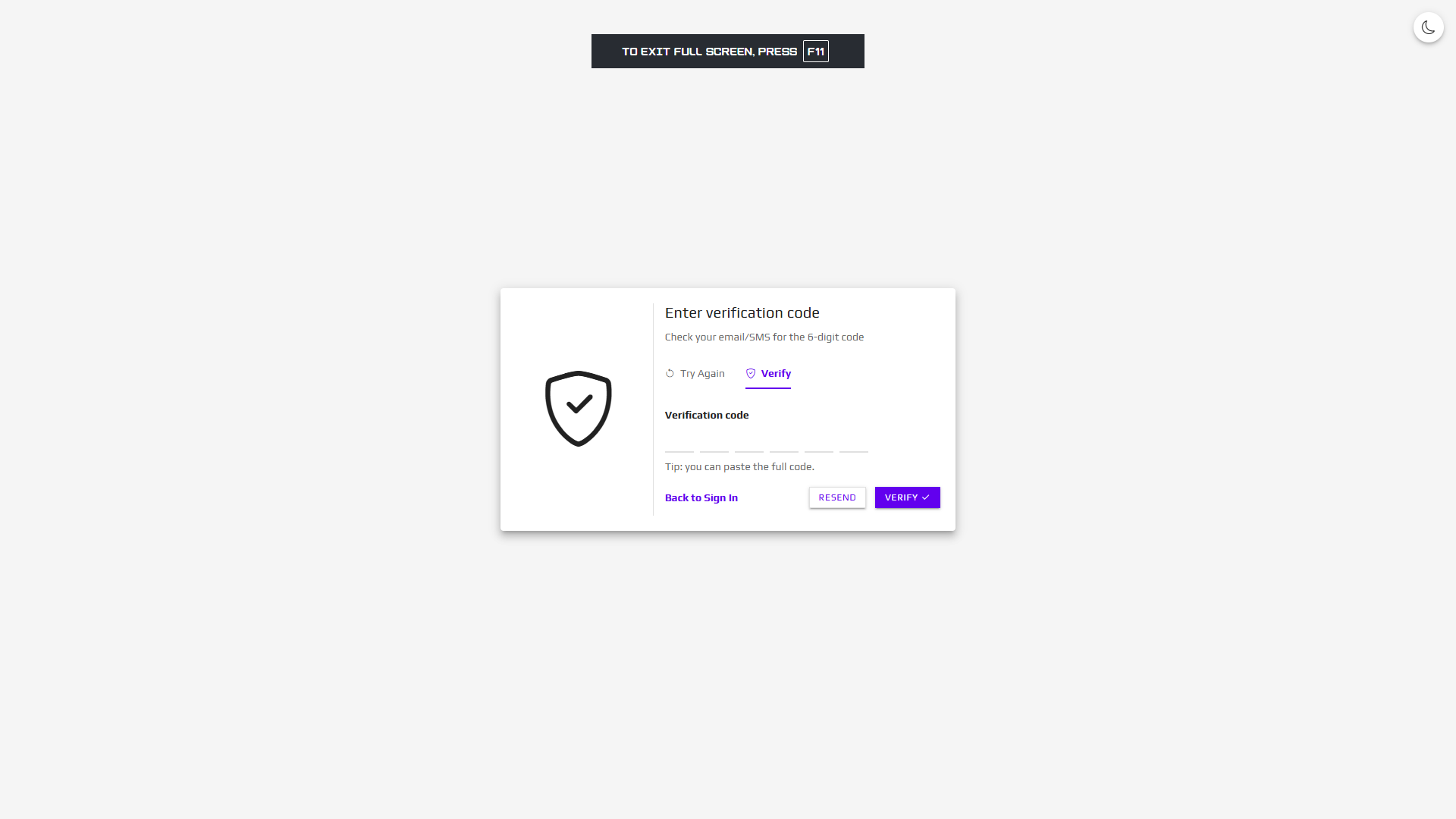
- Verification Code (OTP)
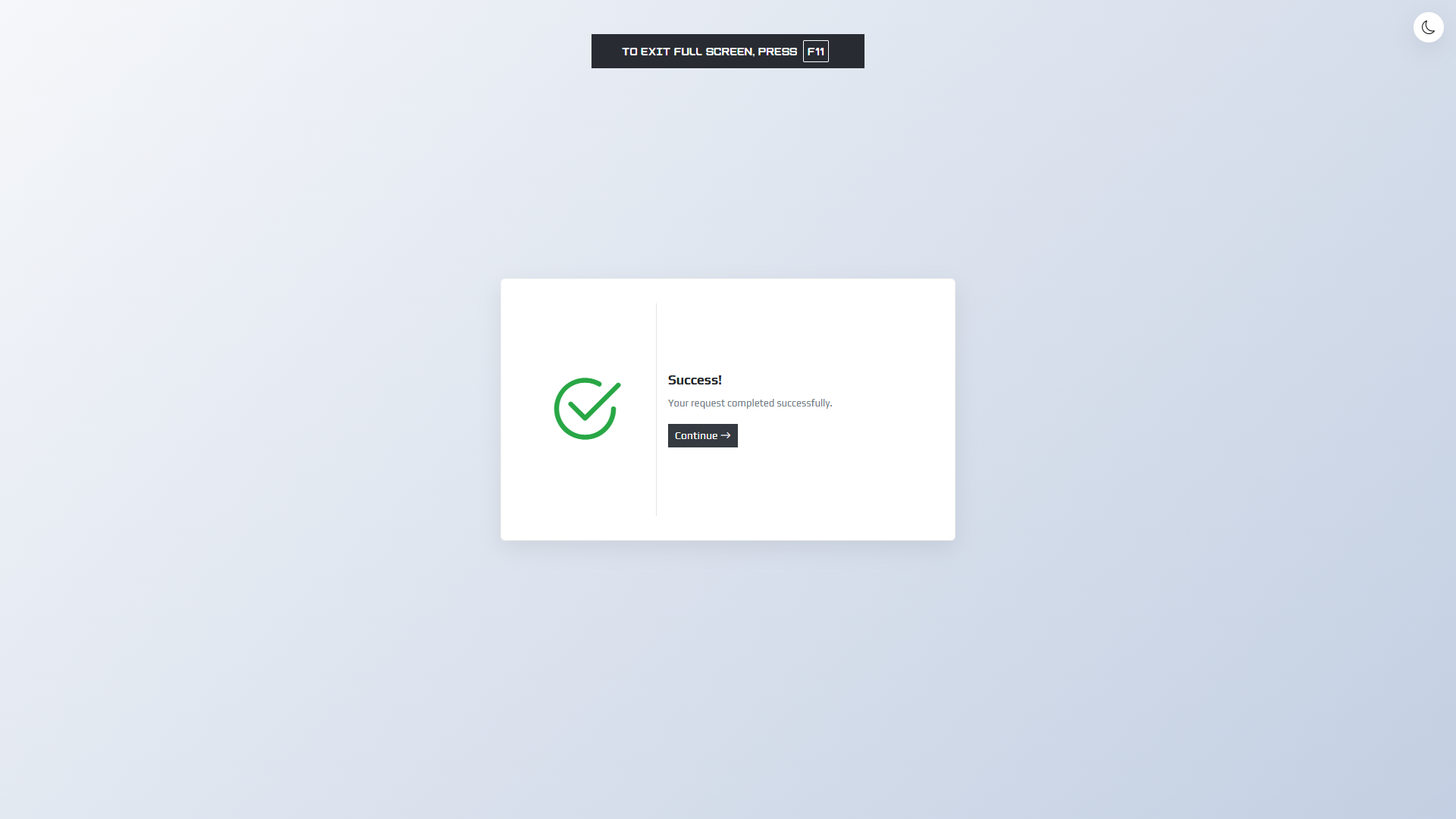
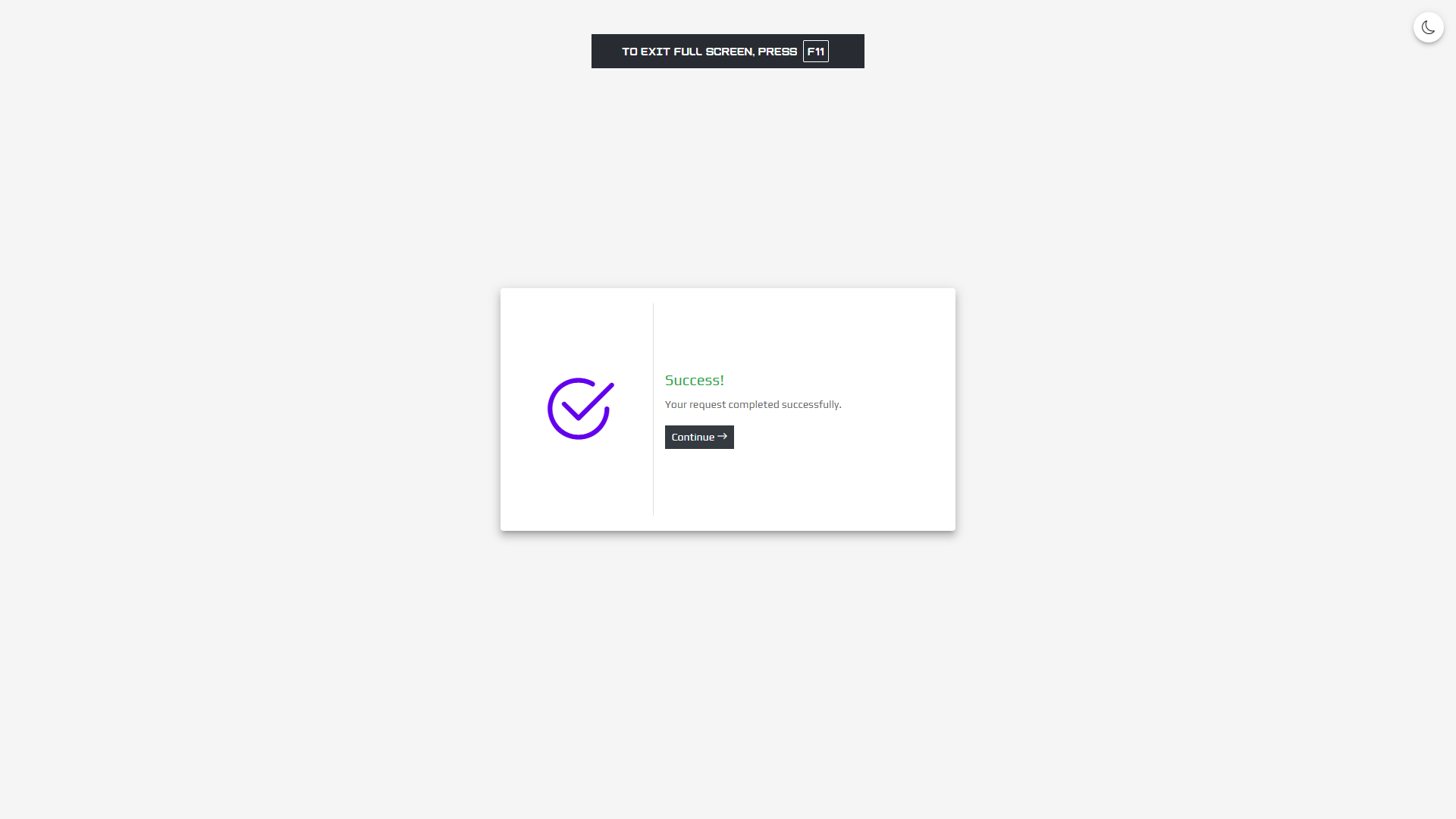
- Success Page
- Complete Documentation – Comprehensive documentation.html with customization guides
- Preview Page – index.html to preview all templates
- Installation Guide – Step-by-step INSTALLATION.txt
- All Assets Included – Bootstrap 4.4.1, Bootstrap Icons 1.13.1, custom fonts
Template Styles
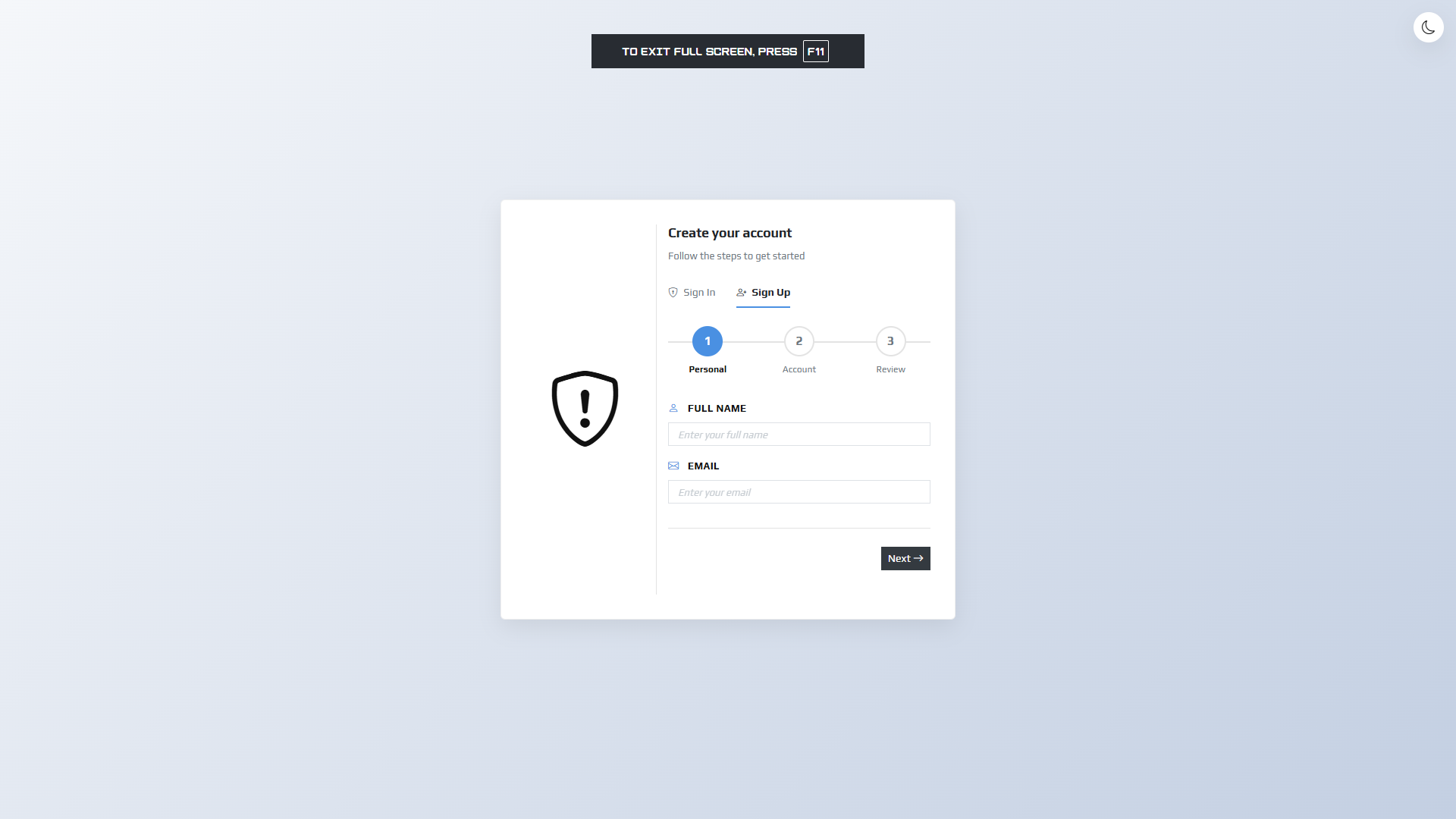
1. Basic Template
Clean and minimal design focused on usability. Features standard form inputs with labels above fields, subtle shadows, and a professional appearance. Perfect for corporate applications and business websites.
- Blue accent color (#4A90E2)
- Standard form structure
- Clean, minimal aesthetic
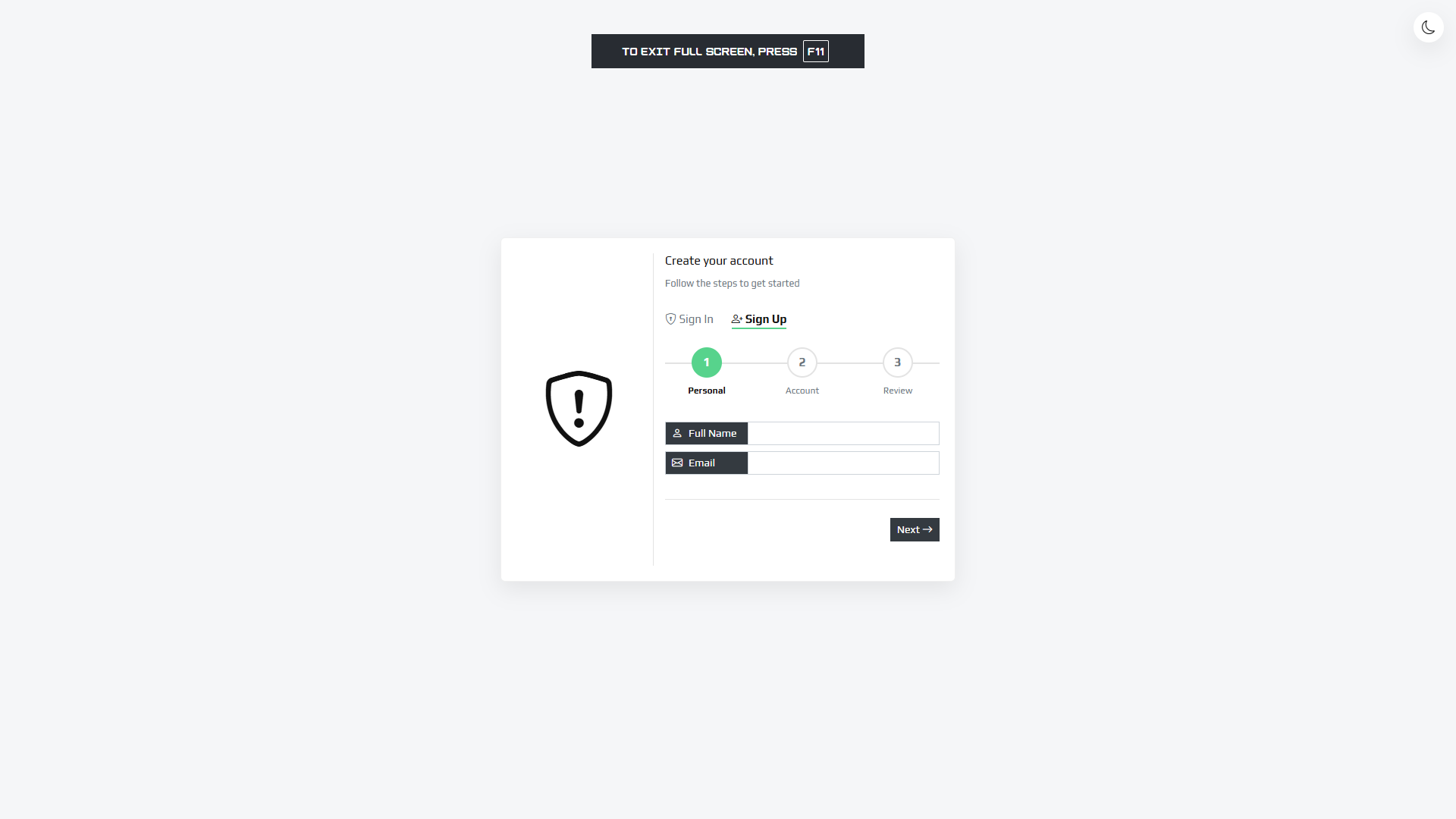
2. Simply Template
Elegant and refined design with input groups featuring dark labels. More sophisticated styling with better visual hierarchy. Ideal for modern web applications and SaaS platforms.
- Green accent color (#57d38c)
- Elegant input group design
- Dark label backgrounds
3. Material Template
Material Design implementation with floating labels, animated inputs, and Material Design checkboxes. Follows Google’s Material Design guidelines with elevation shadows and smooth transitions.
- Purple accent color (#6200ee)
- Floating label animations
- Material Design checkboxes
- Elevation shadows and transitions
Technical Details
- Framework: Bootstrap 4.4.1
- Icons: Bootstrap Icons 1.13.1
- JavaScript: Vanilla JavaScript (no jQuery required)
- CSS: Custom CSS with CSS Variables for easy theming
- Fonts: Play font family (included)
- Browser Support: Chrome, Firefox, Safari, Edge, Opera (latest versions)
- Responsive: Mobile-first design
- File Structure: Well-organized, easy to navigate
Easy Customization
All templates use CSS variables for easy color customization. Simply edit the variables in the CSS file to match your brand. Replace logos, update form actions, and customize styles with minimal effort. All code is well-commented for easy modification.
Perfect For
- Web Applications
- SaaS Platforms
- Admin Dashboards
- Corporate Websites
- E-commerce Sites
- Portfolio Websites
- Startup Landing Pages
- Any project requiring authentication forms
Dark Mode
All templates include a built-in dark mode system that:
- Automatically detects system theme preference on first load
- Allows manual toggle between light/dark mode
- Saves preference in localStorage for persistence
- Works across all pages with a fixed toggle button
Documentation and Support
- Complete Documentation – Comprehensive documentation.html file included
- Installation Guide – Step-by-step INSTALLATION.txt
- README.md – Quick start guide and file structure
- Well-commented Code – Inline comments for easy understanding
- CodeCanyon Support – Item support available (if purchased with support)
Quick Start
- Extract the downloaded package to your web server
- Open index.html in your browser to preview all templates
- Choose a template style (Basic, Simply, or Material)
- Copy the HTML files from the corresponding template folder
- Link the appropriate CSS file in your HTML
- Update form actions to your backend endpoints
- Customize colors, logos, and styles as needed
Requirements
- Modern web browser
- Web server (XAMPP, WAMP, Laragon, or any local server for development)
- No build process required
- No Node.js or npm needed
Bonus Features
- Social login buttons (Google, Facebook, LinkedIn, X)
- Password strength indicator
- Form validation with visual feedback
- Loading states on form submission
- Remember me functionality
- Multi-step signup with progress indicator
- Error message display system
- Success confirmation pages
Why Choose AuthKit?
- 3 Templates in 1 – Get multiple design options
- Complete Authentication Flow – All pages you need
- Dark Mode Included – Modern feature out of the box
- Production Ready – Clean, professional code
- Easy to Customize – CSS variables and well-commented code
- Fully Responsive – Works on all devices
- No Dependencies – All assets included locally
- Well Documented – Complete documentation included
Support
If you have any questions or need help:
- Check the included documentation.html file
- Review INSTALLATION.txt for setup instructions
- Contact through CodeCanyon support (if purchased with support)
Thank you for choosing AuthKit – Bootstrap Authentication Templates!
Create beautiful, professional authentication experiences for your users with minimal effort. Perfect for developers who want high-quality templates without spending hours building from scratch.
Credits
- Bootstrap 4.4.1 – CSS framework by Twitter (getbootstrap.com)
- Bootstrap Icons 1.13.1 – Icon library by Bootstrap team (icons.getbootstrap.com)
- Play Font – Font family by Jonas Hecksher (fonts.google.com/specimen/Play)