Order Barcodes for WooCommerce
Turn WooCommerce into a smooth, professional check‑in and fulfillment system with QR codes + barcodes.
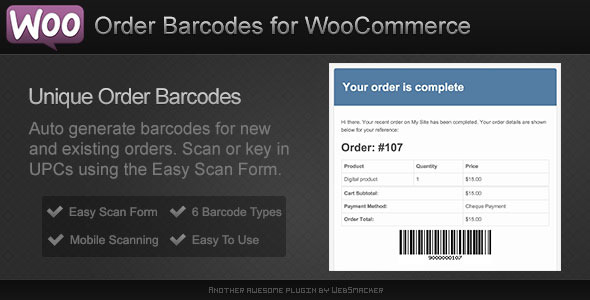
Order Barcodes for WooCommerce automatically generates and displays a barcode and QR code for every order—perfect for event check‑ins, ticketing, order pickup, reservations, and warehouse/fulfillment workflows.
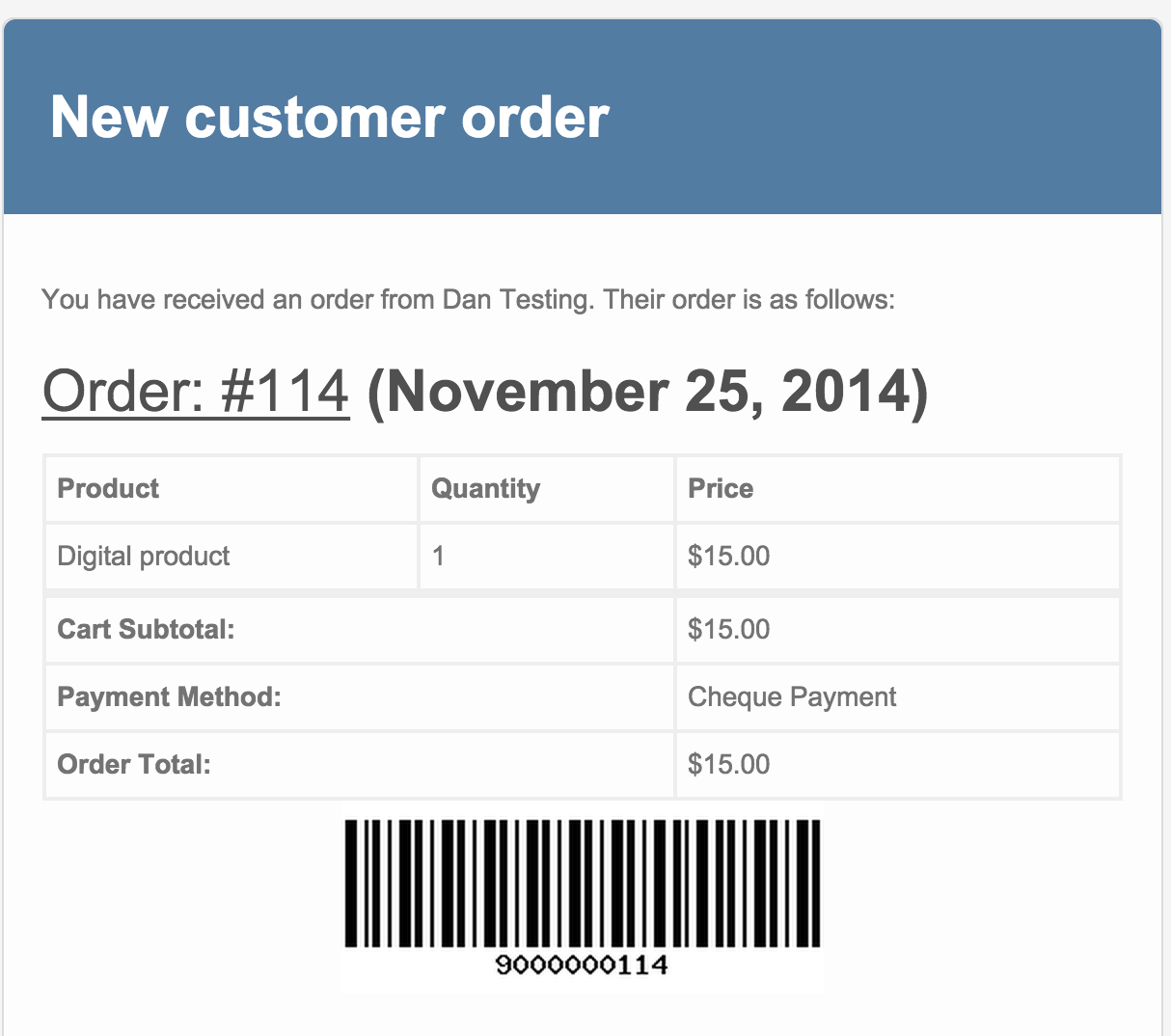
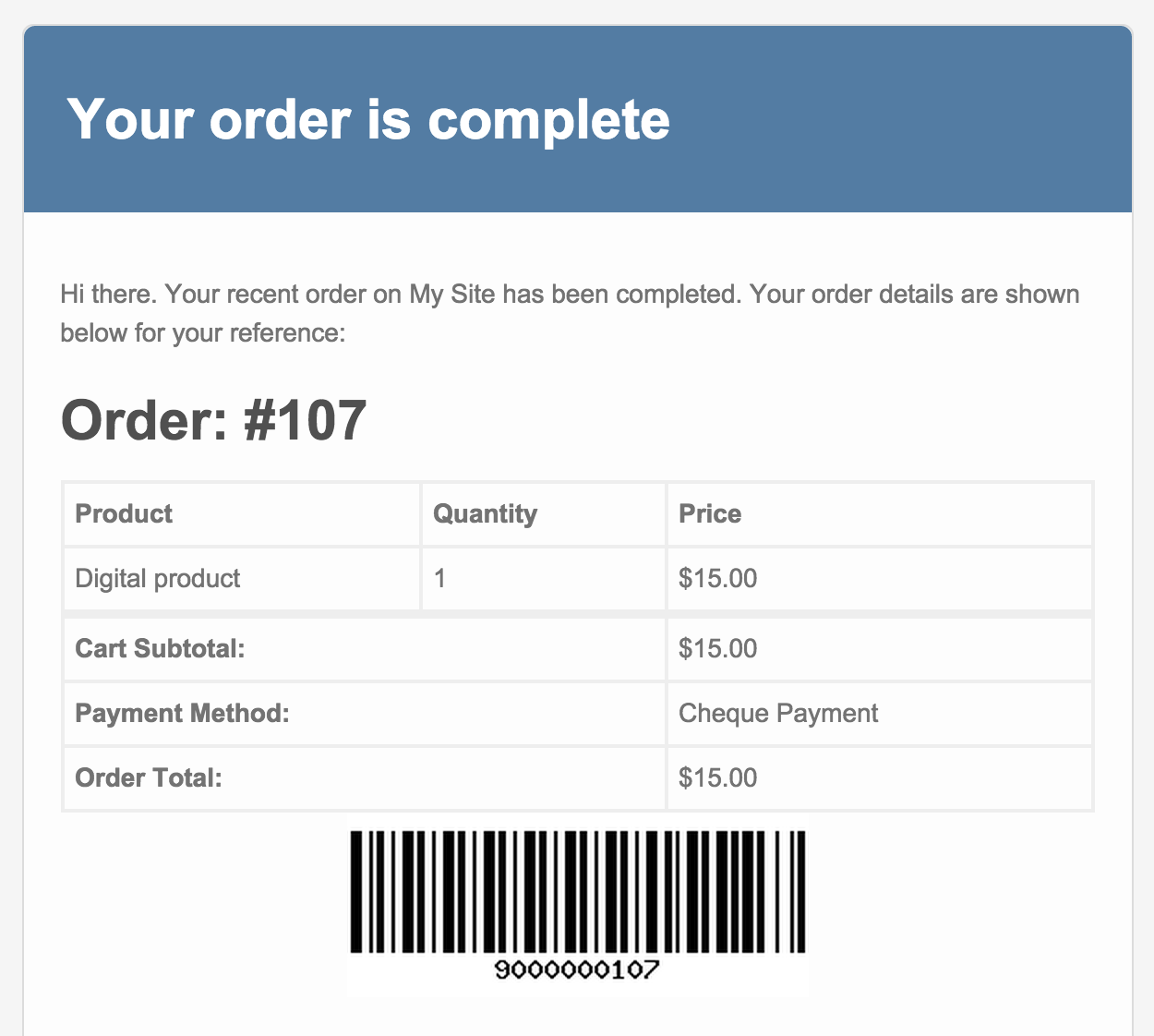
Codes can appear in the WooCommerce admin, order emails, and optional PDF documents (invoices/packing slips). Staff can scan a code and instantly update the order status using a desktop scanner or a mobile device.
Mobile‑Friendly QR Check‑In (No App Required)
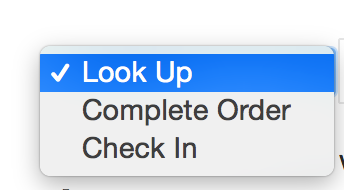
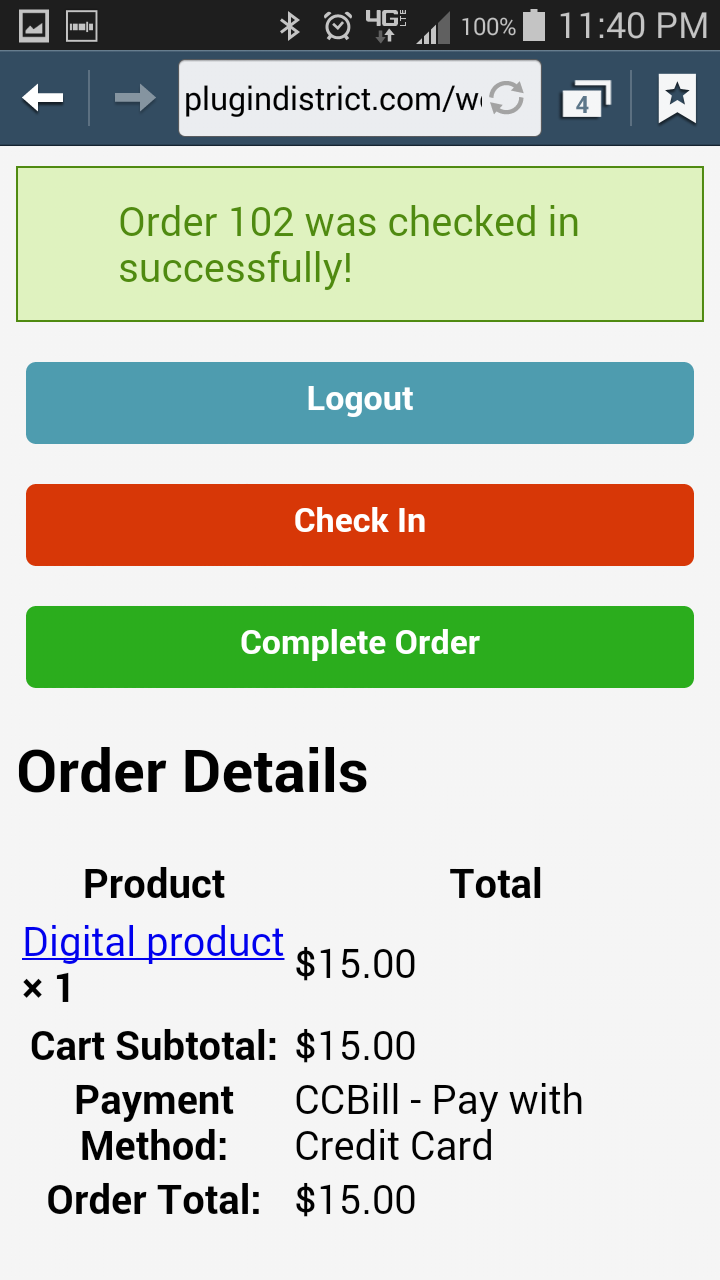
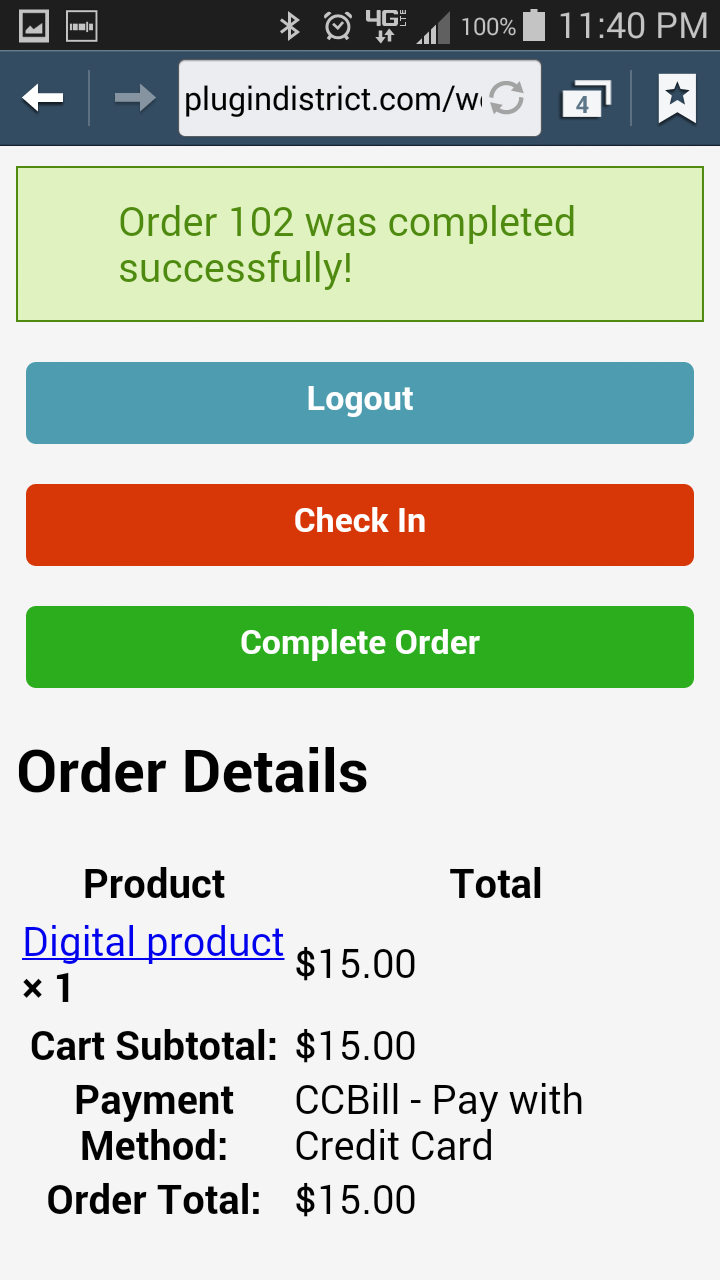
Your staff can scan a QR code with any phone or tablet and open a clean, mobile‑optimized check‑in page. From there they can quickly perform actions like check‑in, complete, or move the order to a custom workflow status (depending on your settings and user roles).
Great for:
- Events & ticketing (fast entry, fewer lines)
- Order pickup / curbside (scan → verify → handoff)
- Bookings & reservations (confirm arrivals instantly)
- Warehouses & fulfillment (scan to track progress)
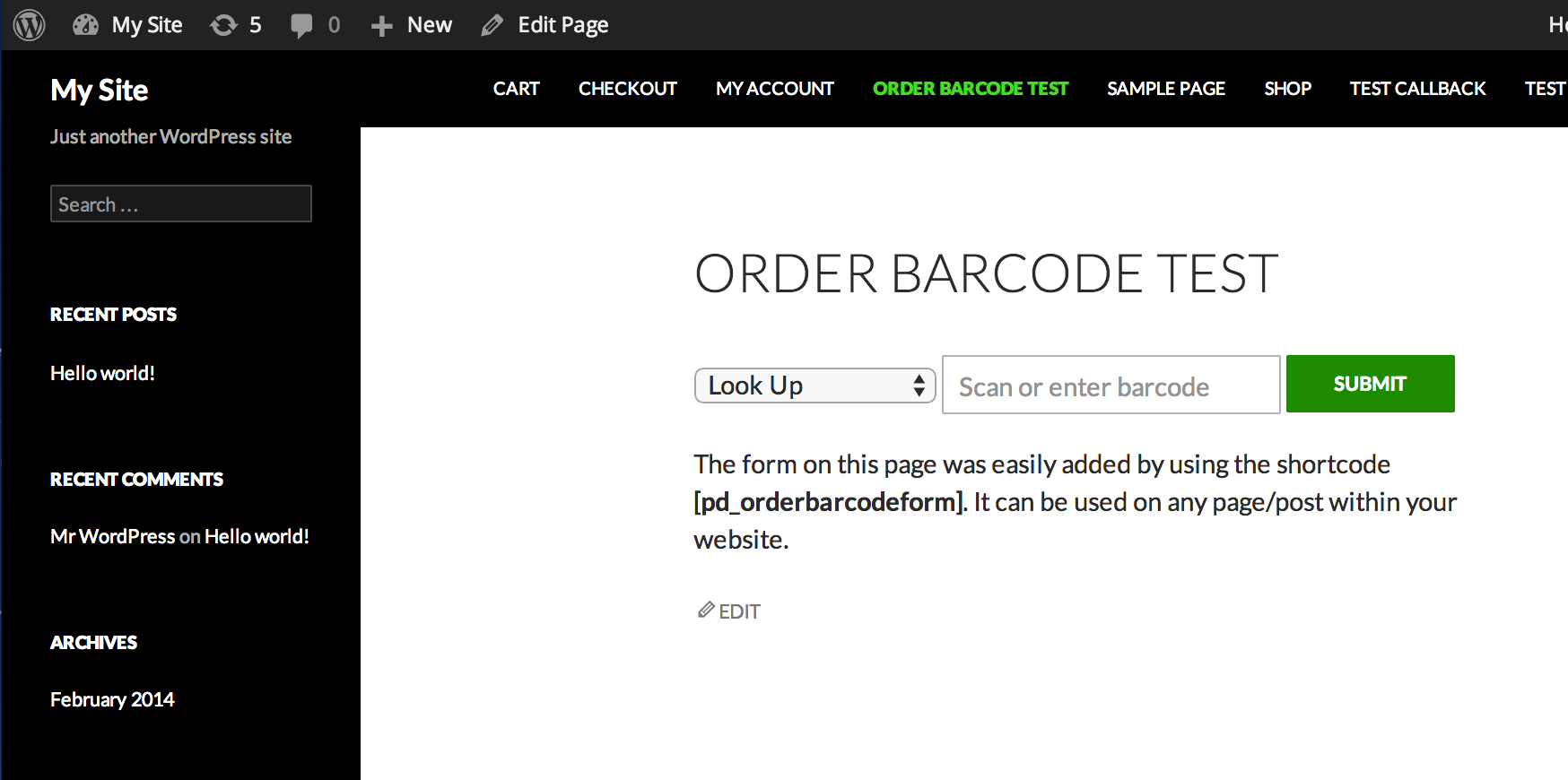
Easy Scan Form (Fast Desktop Scanning)
Prefer a classic scanner workflow? Use the built‑in Easy Scan Form to scan orders rapidly from a laptop/desktop—ideal for check‑in tables, will‑call, pack/ship stations, and fulfillment teams.
New in v4.0.0
Version 4.0.0 adds major quality‑of‑life improvements for store owners and staff:
- Admin Scan Log: view recent scans/lookups and order status changes in one place
- User attribution: see who performed actions (when available)
- CSV export: download the log for reporting and auditing
- Modernized QR flow: QR lookup routed through WordPress (with legacy compatibility maintained)
- Removed built‑in auto‑updater/telemetry: cleaner, simpler distribution via CodeCanyon
✨ Key Features
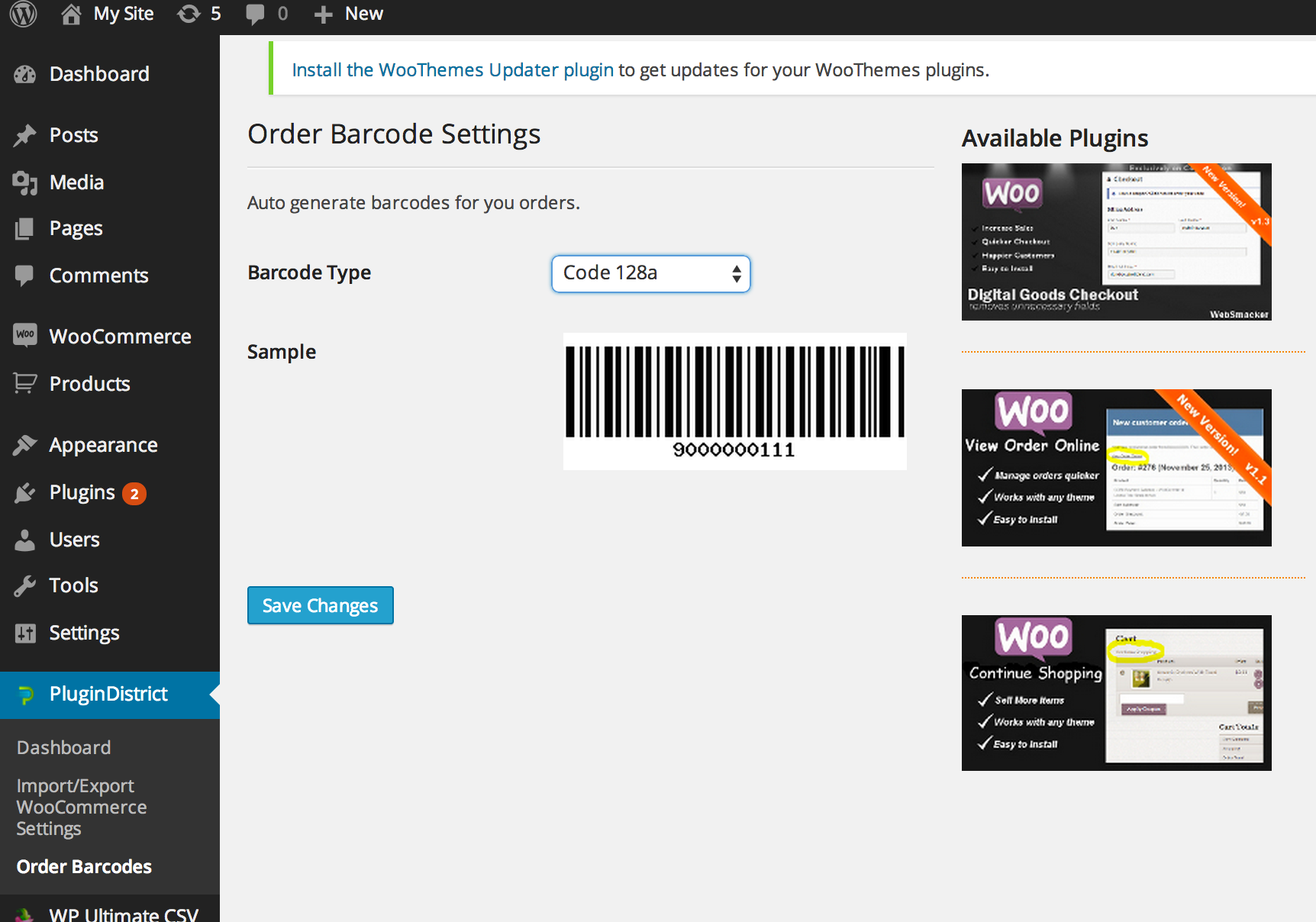
- Automatic barcode & QR code generation for WooCommerce orders
- Display codes in admin order screens and order emails
- Mobile‑optimized QR check‑in page
- Easy Scan Form for fast desktop scanning
- Configurable order status updates on scan
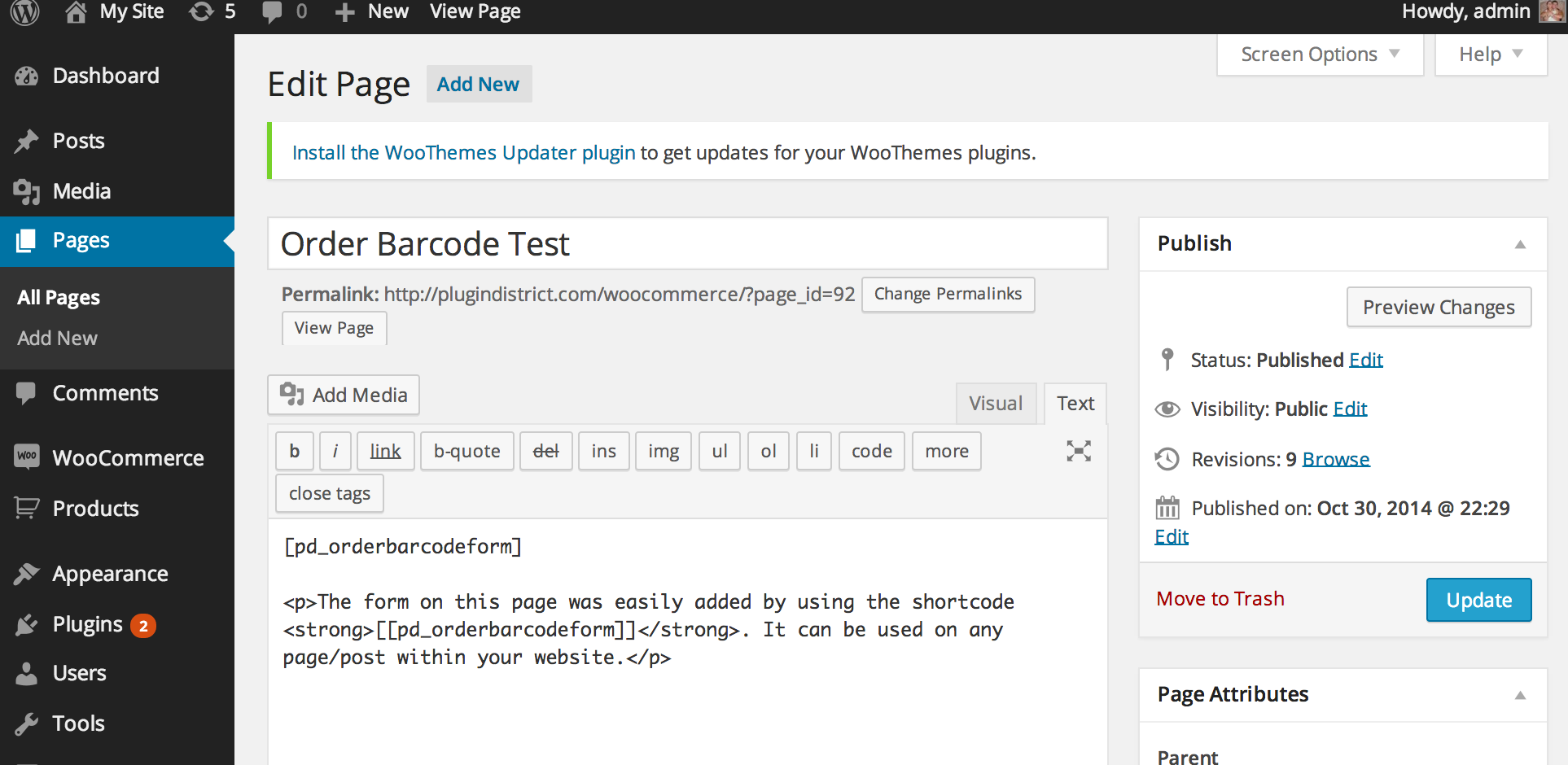
- Shortcode support to place scan tools anywhere
- Optional integration with WooCommerce PDF Invoices & Packing Slips
- Works with scanners, PCs, tablets, and smartphones
Supported Barcode Types
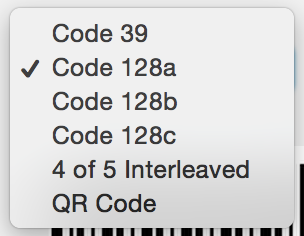
- Code 11
- Code 25
- Code 39
- Code 49
- Code 93
- Code 128
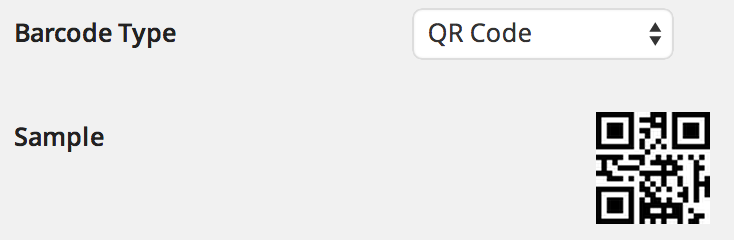
- QR Code
Recommended Scanner (Optional)
If you prefer a physical scanner, we tested and verified compatibility with this model:
REALINN Wireless 1D/2D QR Code Scanner
This scanner works seamlessly with PCs, tablets, and smartphones.
Custom Order Status Support
Need custom statuses for your workflow? No problem.
View the step‑by‑step guide here
✅ Compatibility
- WordPress 4.7+
- Tested up to WordPress 6.9
- WooCommerce supported
- PHP 8.1+