84 comments found.

Hi, i have question
is it possible to add text with the picture ? (or just text without picture like ‘coffee’, “pizza”... ?
thank’s
Hello,
The text of each image is currently displayed in the button only .
thank’s for your quick reply !
oh  instead of images, it is not possible to place text?
It is possible to hide the image, but the text is displayed in the donation button.
ok thank’s for your reply 
The elementor shortcode does not work for me
Hello,
You need to enable the option “Ajax navigation support” in the donation settings to use it with elementor.
Thank you for that….and for for being so fast….and for answering here
Is it possible to create a form that is set to recurring payments by default?
Hello,
Yes, you simply need to activate the option “Use subscription” in the “Payment” settings tab of the form, configure the wanted subscription then set the option “Price mode” to “Subscription” on the items .
if I purchase this item, can I use shortcode in your estimation wp plugin in final step page that shown the user final cost. I need in fact a button that allow user to pay the cost online.
Hello,
No, sorry, there is no specific option to do that currently.
Hello there,
Is the plugin Multisite compatible?
Thanks!
Hello,
Yes, it can be installed on a multisite installation, but it must be activated from the wp plugins panel of each website (not from the network admin’s one) .
Pre-Sale Q
Can a user enter their own amount to donate without the slider?
Thanks
Hello,
No, sorry, currently the amount is defined by the slider only. Thank you for the suggestion .
Thanks you for the quick response. Although I could make what you have work, it would be f referable to have an option for user defined amount.
I’ll have a think about.
Great looking app.
Hi Great plugin and I wish I had spotted it before I bought another which does not fulfil my needs like yours does.
1> Can you conform that a user has the option to pay on paypal with the option of their account or their card if they do not wish to create an account (VITAL)
2> Even if they pay by paypal using their CC it is done on Paypal website and money goes to the receivers paypal account?
3> Why does your demo show a CC demo instead of a popup allowing Paypal or CC?
4> I just need the paypal address for each client’s paypal and no need to access their account to create Apps etc
thank you
Hello,
1. Yes, if the recurring option is disabled (otherwise it will require a Paypal account)
2.Yes
3. Because the demo uses Stripe
4. Yes, only the Paypal email is required
Can we add Donation button in our header ? Can this plugin do bank transfers ? If someone does not have paypal or stripe ? Can there be option for guest add name without registering for example type in name you want top display leave it blank to show your donation as guest can target be set with this ?
Hello,
1. Yes. To do that, you need to activate the option “Ajax navigation support”, set the option “Integration type” to “Modal without start button” then add the css class “attractive-donation-1” to the target header button.
2. No, sorry, the current available payments are Stripe or Paypal only .
3. No, sorry, there is no specific option to do that currently .
Stripe recently notified us of the changes they are making for SCA ( https://stripe.com/gb/payments/strong-customer-authentication ).
Has the plugin been updated to make it compatible with SCA?
They refer to the one being used by the plugin as a ‘Legacy Checkout’ process: https://stripe.com/docs/checkout
And the new one is this one: https://stripe.com/docs/payments/checkout
This means the current Stripe endpoint used by this plugin will likely not be functional after September?
Hello,
Yes, thank you, I am currently preparing an update to support SCA. It should be online in a few days .
Thanks loopus!
I just had an update notification. Is this the final version and compatible with SCA by any chance?
Yes it is
You can test 3d secure authentication by filling your stripe test keys and by using this card number : 4000000000003220 ( https://stripe.com/docs/testing ) .
Pre-sale question:
Does this plugin allow having an option for the user to cover processing fees?
Thanks.
Hello,
No, there is no specific option for this use currently, sorry.
No worries! Thanks!
Hi, I’m interested in your plugin but I have a pre-sale question about functionnalities: is it possible to configure a litlle form to ask visitors for what they want their donation destinated (dropdown field) and a second field for an optional comment?
here you can see exactly what I mean : https://www.alsacecontrecancer.com/donate.php
Thank you in advance!
Hello,
No, sorry, there is no such option currently, but I note the suggestion, thank you !
delete
Hello. Would your plug-in support donation buttons to be placed on different author’s pages and allow readers to give them donations on an individual basis? If yes, would each author get a payment directly to their Paypal account or is there also an adaptive payments function where we could get a small percentage?
Hello,
You can duplicate the donation widget and define a different recipient for each one, it will generate a different donation shortcode for each author .
Thank you for the response. Do you have a screen shot of how this would work. I would like to know how easy or hard it would be to assign a new button and Paypal account to each, as there could be hundreds of authors. Thanks again!
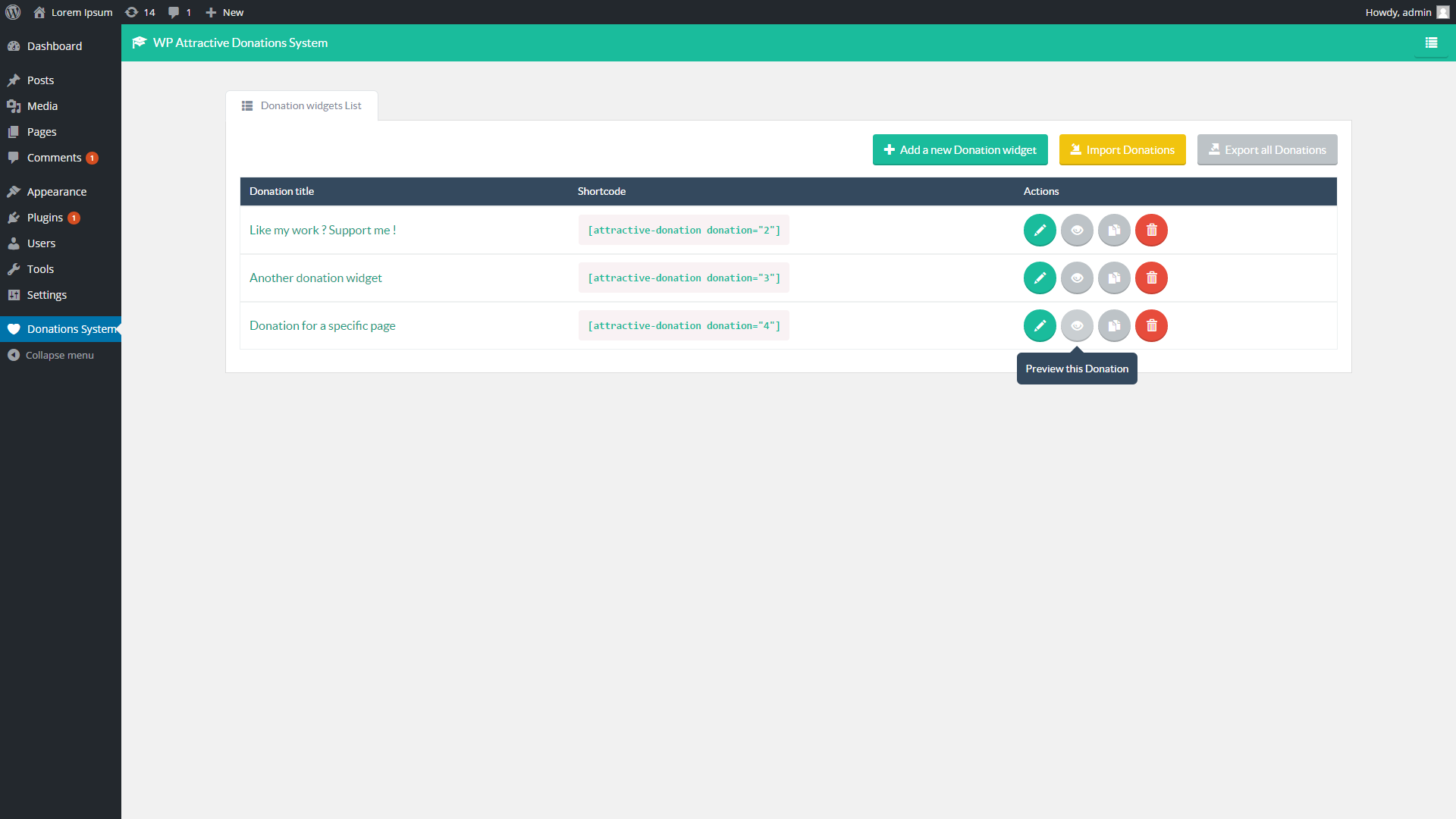
Each donation can accept only one paypal email recipient ( https://s3.envato.com/files/262984608/screen_admin3.png ) . You can duplicate a full donation widget simply by clicking the copy button from the donations list ( https://s3.envato.com/files/262984608/screen_admin1.png ) .
Insert into post button is not working anymore Help, I cannot add any picture to the donation…., when I click nothing happens. I installed the latest version.
I shrinked the photo to 150×85, and now it works, does that mean that is the maximum size I can use?
Now another picture is not working either 85×85 ??? Something is really wrong here, that picture of 150×85 is not inserting either. Can you please help me fixing this issue on my website?
Ok I found it, it is not in your documentation, it would be nice if you can add that information: your plugin has issues with jpg, png works, now I like to know what is the maximum height I can use so I can format my pictures accordingly, I am at 300 now, but if it is less, I will save space and loading will go faster.
Ok I found the solution, jpg is supported, but the height is 256 max, then it works. I used inspect element to see what height your plugin uses. Problem fixed.
do you receive email confirmation after making a donation and can you edit the email confirmation sent to user?
also what is latest version v1.1?
Hello,
1. No, the plugin doesn’t sent emails. But you can configure payment email notifications directly from Paypal or Stripe .
2. No, why this question ?
Hello! I really love your plugin, but it is conflicting with my websites theme “Divi by Elegant Themes”. It breaks the color picker palette.. any chance you can fix this? I would really love to keep this plugin on my site…
Hello,
Please can you contact me from the support page, sending me the url where I can see the problem ? I will debug it .
Emailed! Thank you!
[ISSUE SOLVED] Loopu (the author) logged into my website and debugged the issue. I had to disable the “Ajax navigation support” option that was enabled in the donation widget. This option forced the website to load the plugin js & css files on all pages, it created a conflict with my theme. Thank you so much!!
You are welcome
Have you included this update in the plugin?
Hello,
Yes, this improvement was added to the last update .
OMG what a great plugin
Thank you !
Hello!
Any plans for a new update in the near future? I know the product is still maintained but I’d love to see some new features added and also highly needed wp 5.0 compatibility. Maybe some design improvements?
Thank you!
Hello,
I just replied to your similar message on my other plugins . Thank you for your interest.
Any thoughts on updating your plugin to be able to receive crypto too?
Hello,
No, sorry, it isn’t planned currently .
Ok thanks, then Is this plugin compatible with newspaper 9 from tagdiv, and do you offer any Cyber Monday deal?
I don’t know the mentioned theme, but it should work with any premium theme (otherwise simply contact me from the support page, I will fix it). Sorry, there is no discount planned for this plugin currently.
Ah ok, thanks, I checked out your demo, but I cannot see how this plugin performs on a page or blog post, so how does that work, where is it placed? Can you place only one type or is it also possible to have different ones on different posts?
The plugin generates a shortcode for each created donation widget. Simply paste this shortcode in the wanted page/post, it will be replaced by the donation widget.
Eh, that is good to know, but how do the people see you have a donation at all? Where can I place that button?
Once the shortcode pasted on the wanted page, you simply need to create a link/button to this page to allow the user to go to the donation widget .
Ok, now I understand better, is there a way I can test the backend as I only see the frontend in the demo. Furthermore how much queries does your plugin use? Thanks, we are almost there for me to decide on buying it or not. :))
There is no live demo of the backend side, sorry. If needed, there are screenshots of the backend on the plugin page. Please can you explain what do you mean by “how much queries does your plugin use” ?
Query Monitor is a free plugin that shows you how many database requests a theme and plugins use in the backend and frontend, so you can find culprits slowing your website down. A clean written plugin normally doesn’t need many queries you see?
Ah yes, ok. It uses 3 queries on frontend, when the page shows a donation widget (+1 very small that only get the plugin version from the wp options) .
Sold! :)) Great then, I will set it up and count on you in case there is an issue, but I guess it will be fine, sounds well programmed to me.
No problem ! Feel free to contact me from the support page if you need help on a specific point !
Hi, I have a question, as there is no information in your documentation, what is the icon format? 128×128 / 96×96???
Hello,
You can freely change the images size by changing the value of the option “Pictures maximum height” in the “Design” settings tab of the donation.
Yes I understand that, but what is the default size as in your demo and or what do you recommend? Furthermore what about the Ajax Navigation Support? What will happen if I activate it? For what is it and is it good or not? And what is the Paypal Sandbox for? I can’t find anything in your documentation about it, I am just learning all these things so it would have been nice you would have provided it in your documentation, avoiding I have to ask you here.
1. The height of the images is 256px in the demo
2. The option “Ajax navigation support” will force the css and js files to be loaded on all pages of the website (you need to use it only if the donation is loaded without styles on frontend) .
3. The sandbox option allows you to test the paypal payment by using your paypal sandbox account : https://developer.paypal.com/docs/classic/lifecycle/sb_about-accounts/
How do I add Caption and Description per donation item? Can I do that with a code, if how? Do you want me to open a ticket for assistance? Thanks a lot, I really need this option.
There is no such option currently. Please can you indicate me what demo made you think it contains this specific feature ?
Well if you can show the picture in your plugin, then it cant be too difficult to add 2 lines of text that the data which is attached to the picture anyway in the media library to display it as it happens in blogs as well, now there is a description field on the picture as well, but I do not know how to enable that view to show it as well. But it must be possible as it is the description of the picture, just look it up in the media library by clicking on edit picture.
It is the Image Meta in WordPress
Yes, it is possible to develop such additional specific features to your version of the plugin. But as you can read on the support page, customization ins’t a part of the support, sorry. If you need a specialized team to develop such customizations to your version, I can recommend this one : https://wpkraken.io/?ref=loopus
I thought you are the creator and I can hire you for that, but if you prefer I go for this market platform, perhaps you know also the person to ask there. Let me know if you want me to contact you per email directly. Many thanks.
Furthermore, did I find a bug? When I choose edit image from a donation line, it takes me to the library to choose an image again, instead of going to the image which I added already…
1. Sorry, I am not available as freelance currently
2. It isnt a bug, when you click this button, the plugin open the wordpress media picker to allow you to upload or choose an image .
Thanks Loopus,
1. Who can you recommend? you can contact me through equinoctium@thedailywealthyaffiliate.com
2. Yes if you choose the image for the first time, but if you want to edit the image as your plugin suggests, it should go to the image and not back to select another image.
1. You don’t need to select a specific dev, you can simply ask for a free quote from the website, they will assign a dev to it themselves .
2. The goal of this button is to change this image, that’s why it simply opens the wordpress media picker . Thank you for the suggestion .
Thanks Loopus, I requested a quote. Another suggestion, when adding an image, there is no search option like you normally have when you go into your library. This would be a big plus, I got many images in my library and the only filter option is by month,I can find my images much faster if I could search for them. Perhaps you will add it one day.
Thank you for the suggestion !
Although a quote might still be of my interest to implement, I found a solution in the meantime, your plugin offers more than you know lol… 
Is there a way to make the search and select images window bigger? Your search square window takes only 1/10the of the size of my screen (27”), I am having a really hard time to read the pictures and select them. Furthermore when I go through the search pages it includes several pictures from the previous page too. As it shows only 20 pictures per page and as there is no search included neither, it makes the use really bad. Only filtering on month is not sufficient, I hope you will change this as it will really improve the use of your plugin. Thanks.
I just found out it is not possible to have more items in the same price category? I added a second 3$ item and it does not show up. Nothing is written about that in your documentation.
Do I have a different version? My version is v1.110 and the view how it shows the items I add to the donation list is different from yours here on Codecanyon. Mine shows, the column to put donations on or off as default does not show up correctly, it shows a fourth of a square, no button at all???
Concerning recurring donation, the button shows a x for people to turn it on? A x normally means to turn it off, so this suggest it is on although it is off, when it is on, to turn it off you use a red x. This can or even will cause confusion and issues with the future donators. I suggest you change it.
Why does the counter jump from $ to $ and not from item to item which you enter in the panel? Example, your last item is 10$ and the previous is 5$ then the previous does reappear as 6$, 7$, 8$ and 9$
Hello,
1. The plugin uses the Wordpress media picker for the images selection, it doesn’t modify this Wrodpress component .
2. Yes, it is the normal behavior, like on the demos
3. Thank you for the suggestion
4. It is its normal behavior, like on all the demos .
Hello, thank you for your support. 1. is it the same one as when I use it in a blog post? Because there it shows me the search option and the window is far bigger as currently showed in your plugin, or am I mixing something up?
Where can I open a support ticket, as I believe there is an incompatibility issue with your plugin. At least for the switches that do not show up correctly.
2. for suggestion then I guess :)) 4. yup you are right, I will work around it. Have you considered to offer the option that it only shows you the ones you put up? :))
Thanks for the help.
Please can you contact me from the support page, sending me a temporary access to the wp backend ? I will debug it .
Great, A+ :)) You will need to reply then to my request so I got your email that is needed to create your account for access. :))
Now I may be wandering aimlessly, but is there a way for me to demo your plugin and see what it looks like from the front end?
When I attempt to do a live preview of the plugin, I end up with a database connection error.
Hello,
Thank you for reporting, the demo website should be ok now .
Excellent, love the plugin now that I can see it in action. Greatly appreciated!