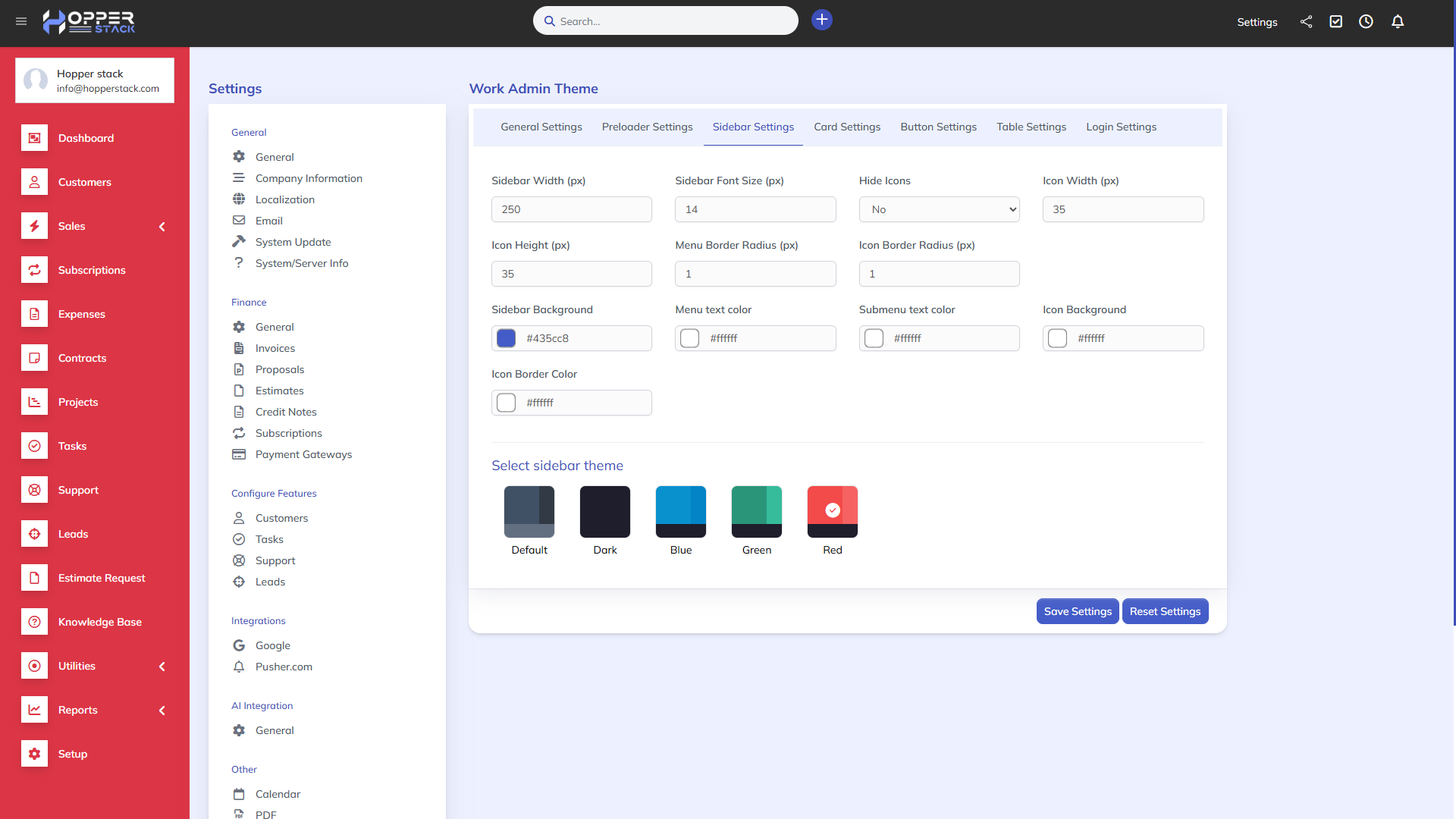
Note: This is a module designed for Perfex CRM. It is not a separate script.
Description
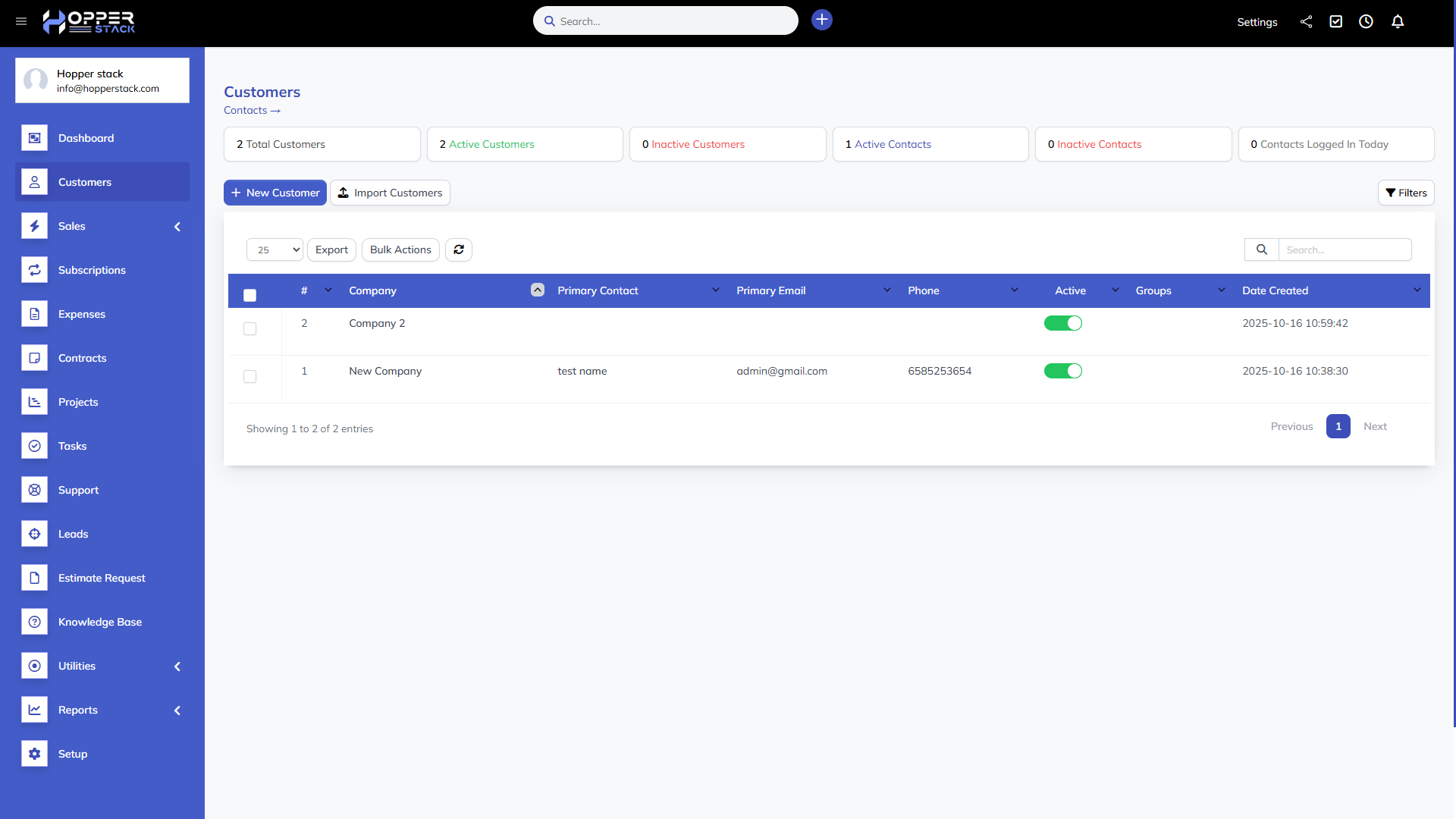
Transform your Perfex CRM into a modern, stylish, and fully customizable workspace. The Work Admin Theme brings elegant design, flexibility, and full control over your CRM’s appearance — from colors and typography to tables, buttons, and even the login page layout.
Key Features:
-
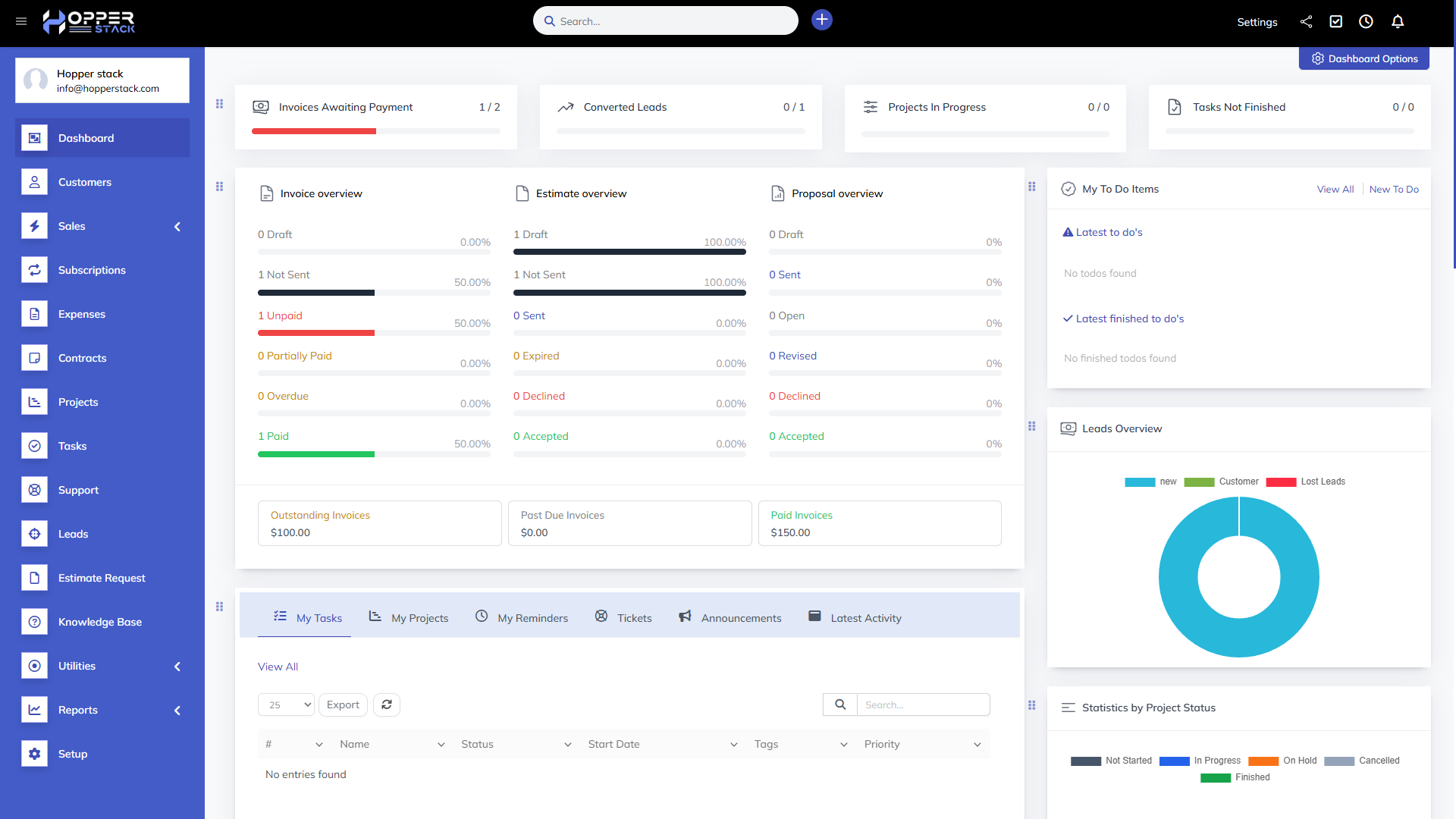
Modern Dashboard UI: A refreshed look with smooth, professional design.
-
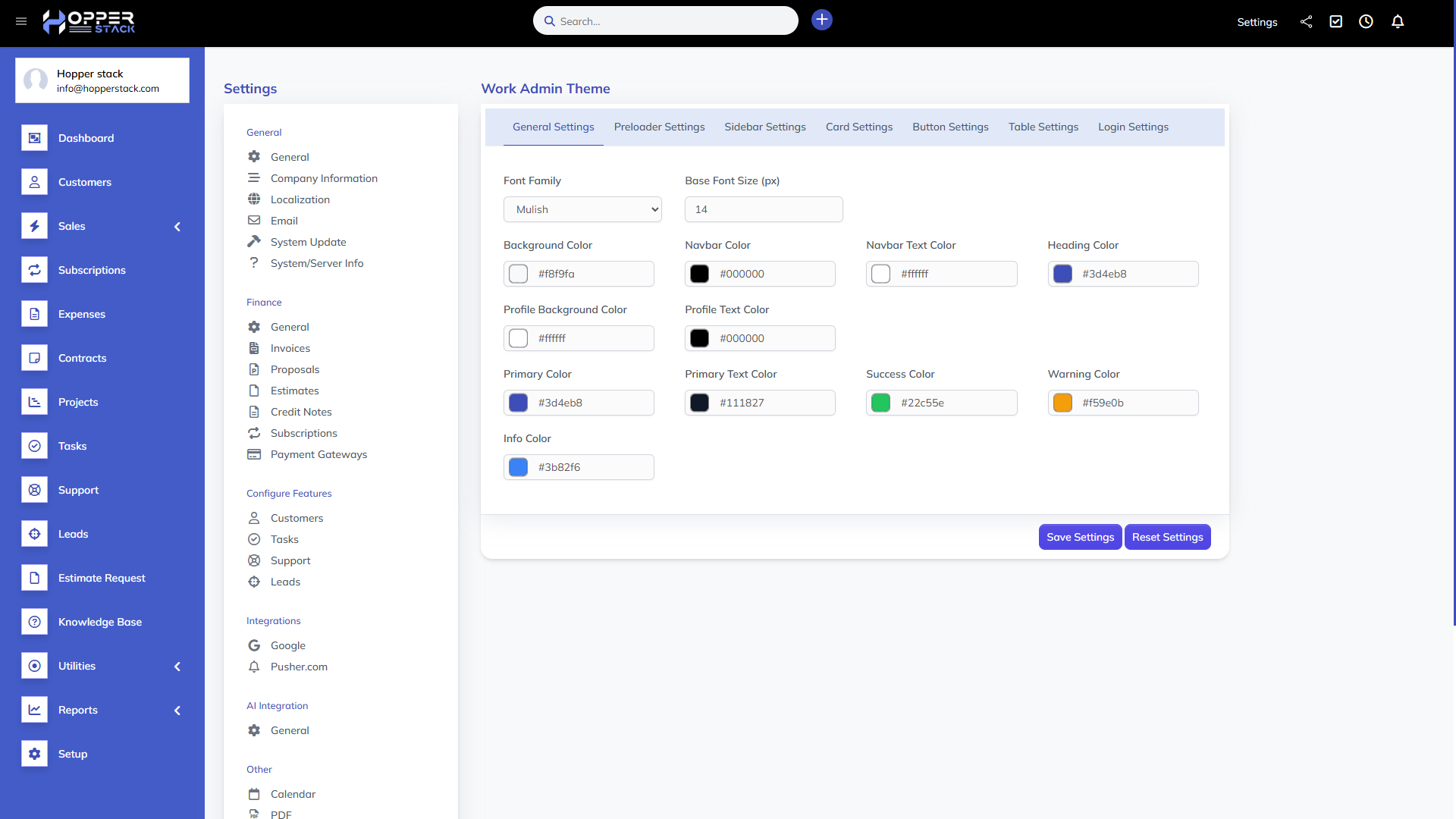
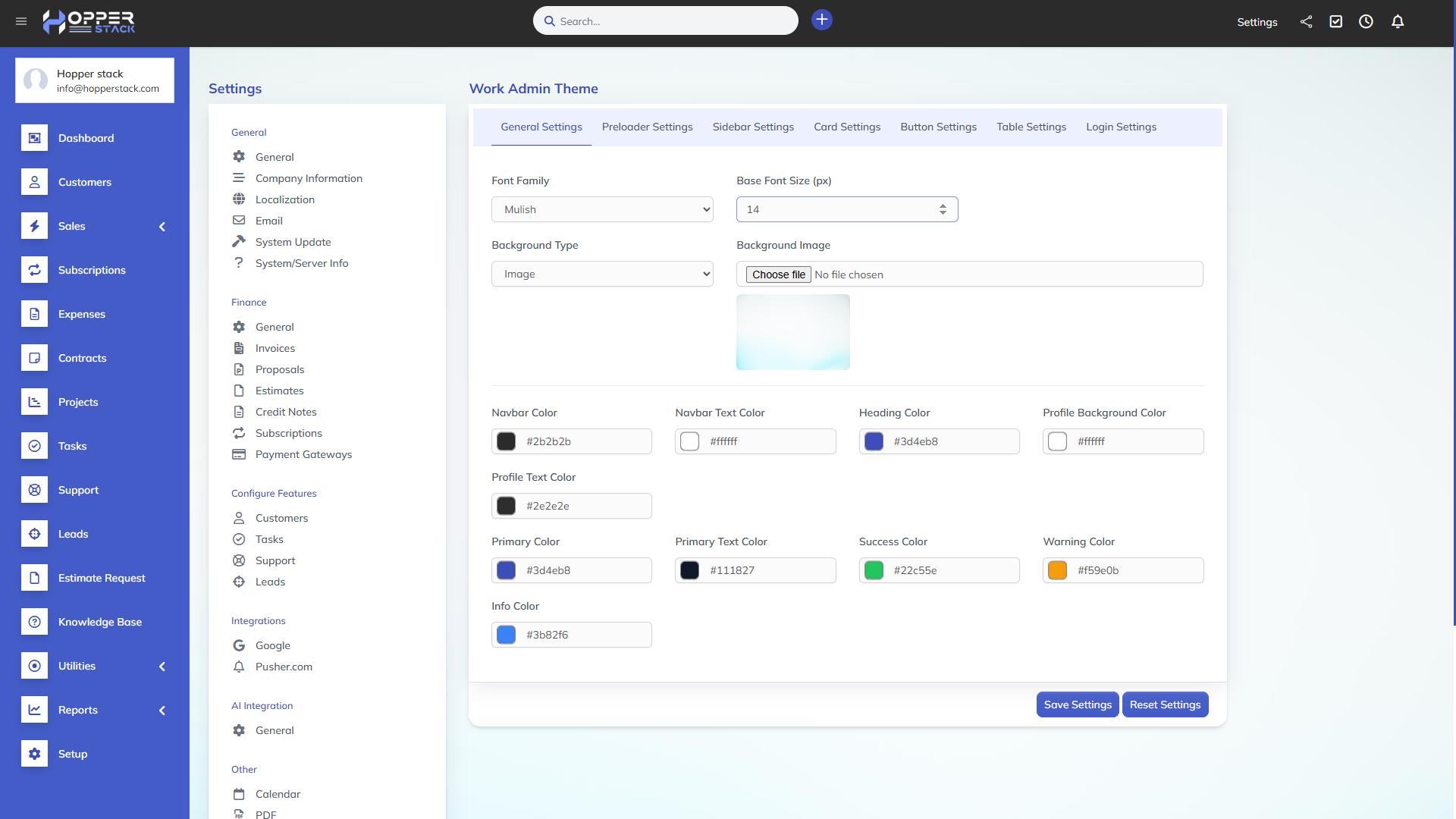
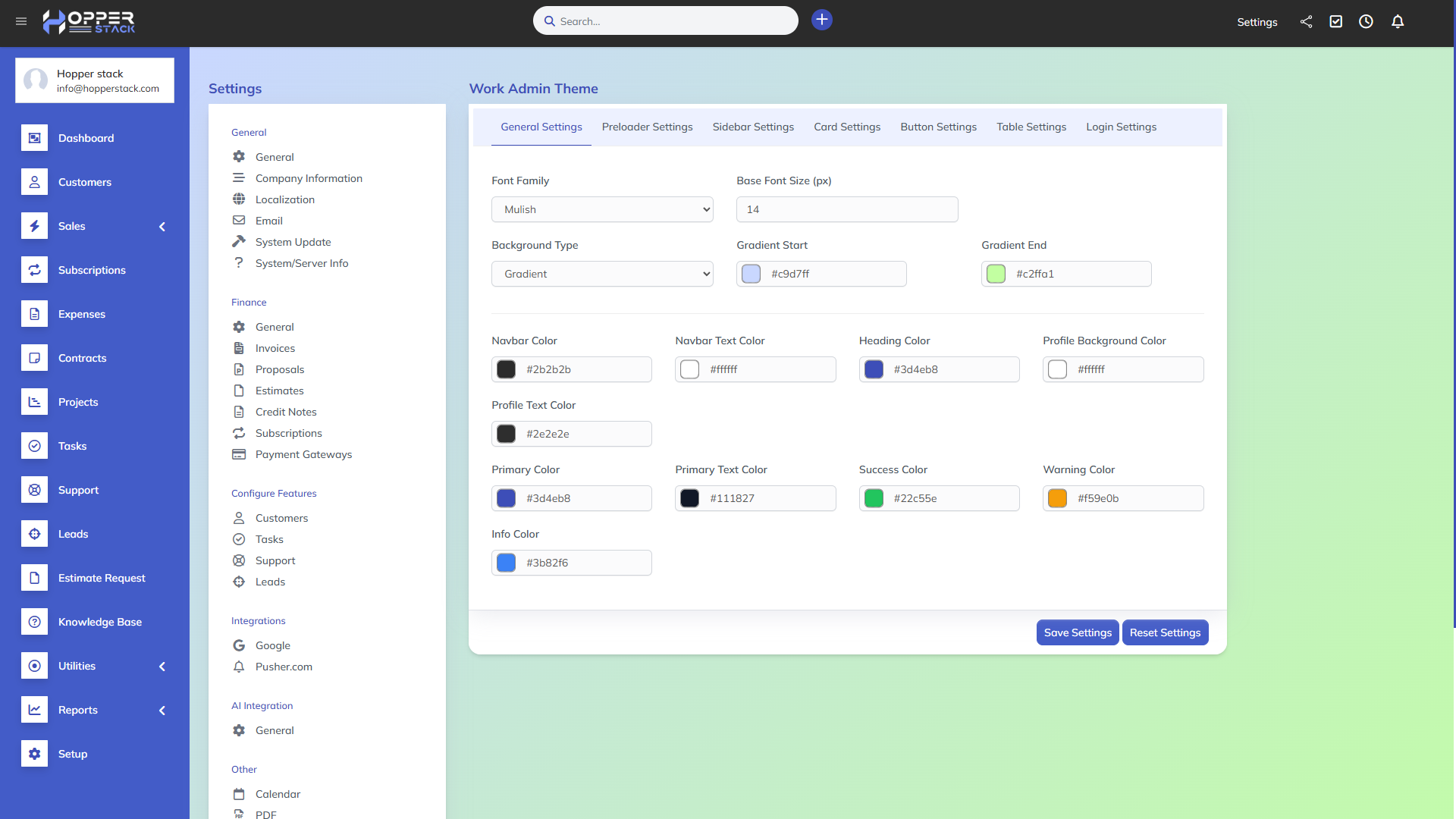
Theme Customizer Panel: Control every visual element from one place.
-
Font & Typography Options: Choose from multiple Google Fonts to match your brand style.
-
Custom Color Management: Set custom background, primary, success, warning, and text colors.
-
Sidebar & Navbar Styling: Redefine layout, color, and position effortlessly.
-
Table Customization: Configure header color, row hover, and border styles for data tables.
-
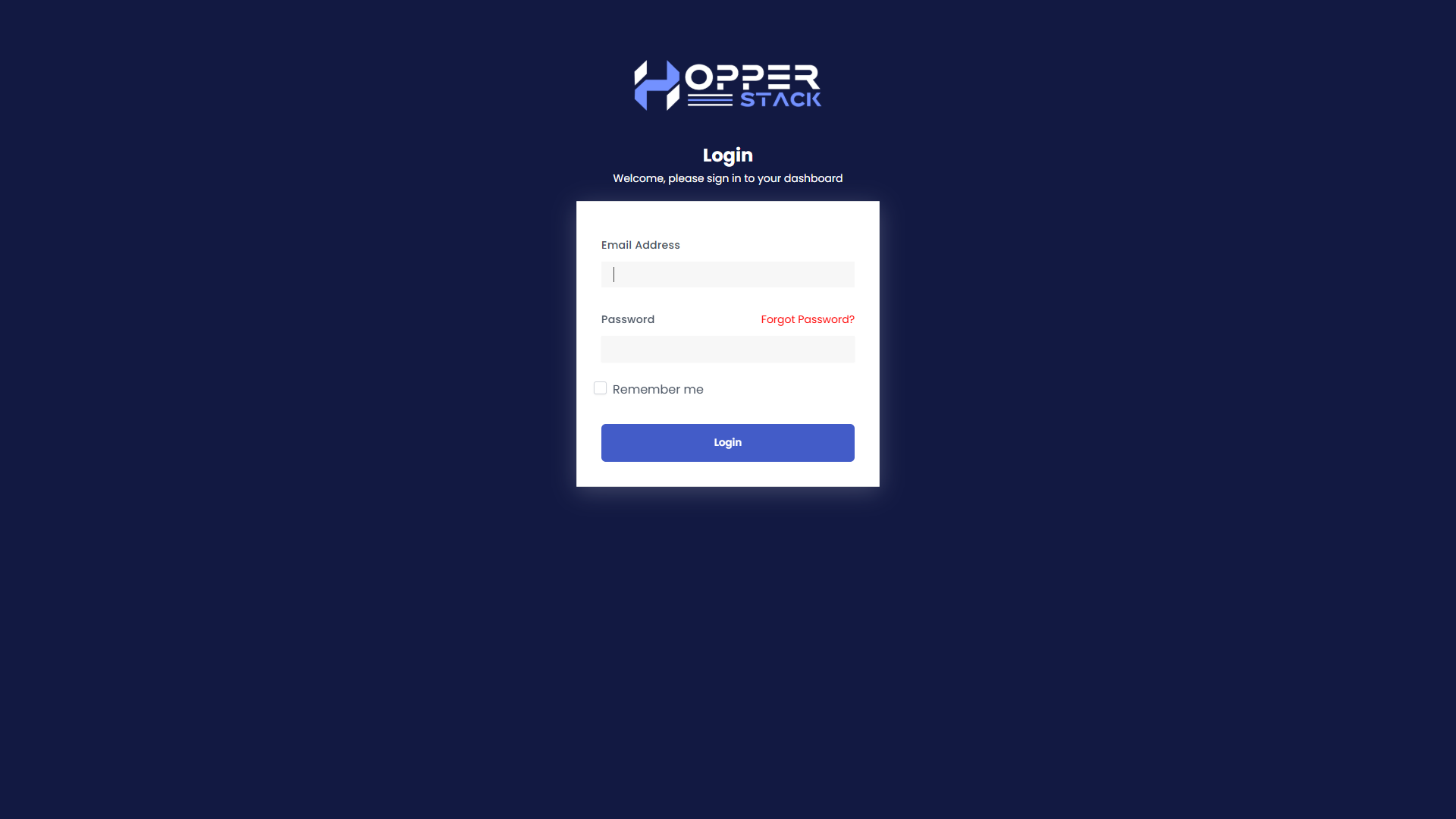
Login Page Customization: Personalize your login page background colors.
-
Module & Card Design: Polished module cards with adjustable radius and shadows.
-
Button & Form Styling: Modern buttons and input fields for a consistent UX.
-
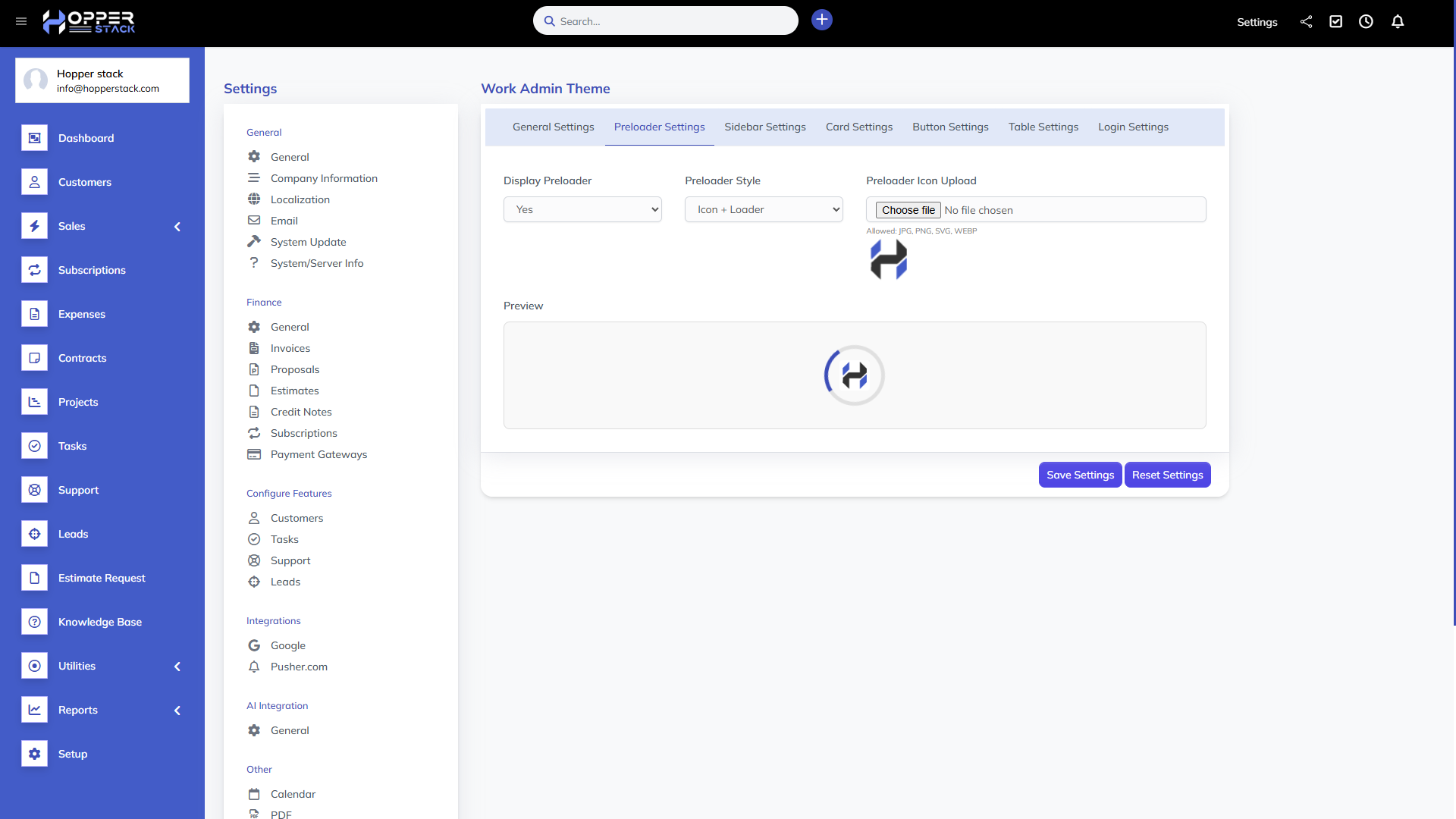
Preloader Settings: Enable or disable with your own brand animation or color scheme.
Requirements:
- Perfex CRM (v3.2.x or higher).
Demo URL and Credentials:
Explore the module with our live demo:
- Demo URL: Demo
-
Login:
- Email: admin@example.com
- Password: 123456
Installation Guide:
- Log in to Perfex CRM as an administrator.
- Navigate to Setup > Modules.
- Select the extracted upload.zip at the module installation prompt and click Install.
- You’re all set!
Customer Support
Your satisfaction is our priority! Reach out to us for any queries, support requests, or bespoke solutions.
- Support Hours: Monday – Saturday
- Response Time: Guaranteed within 1-2 business days
- Connect with us via our Support Portal
Change Log
Version 1.0.0
- Initial release