WooCommerce Per Product Shipping Plugin
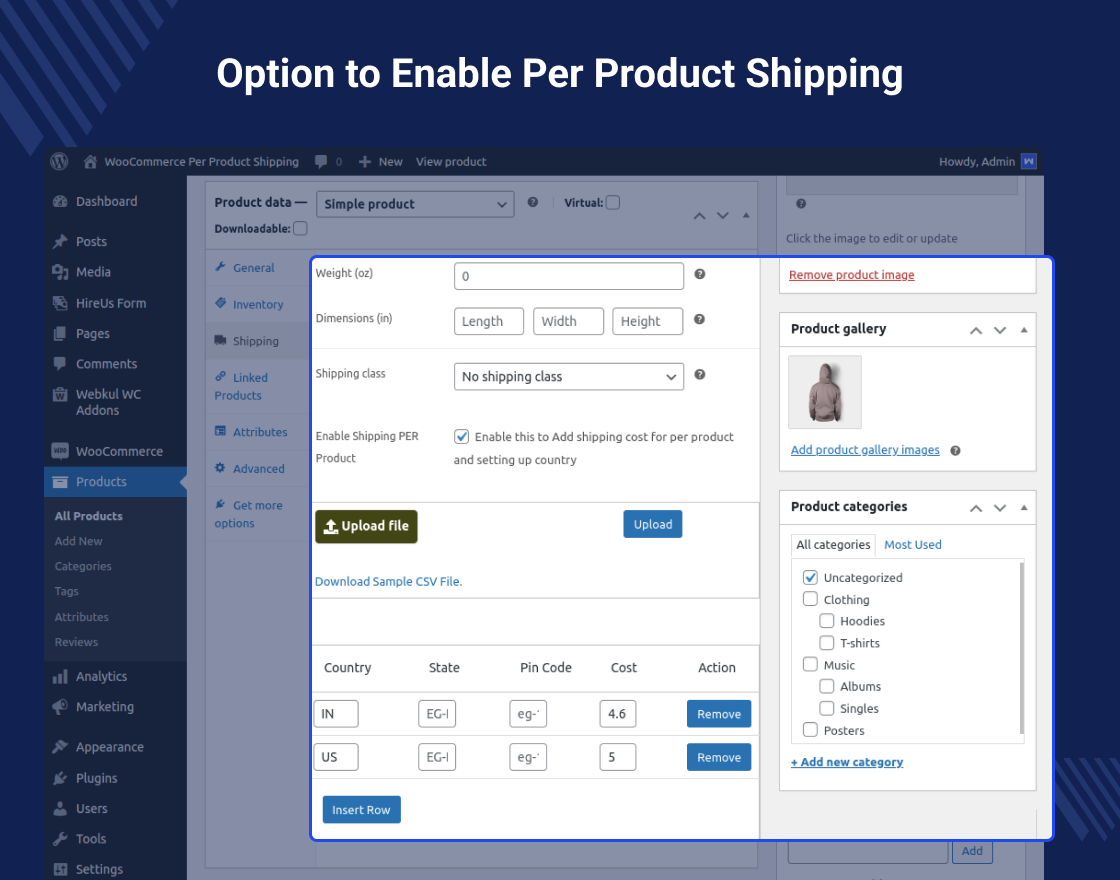
WooCommerce Per Product Shipping plugin allows you to define different shipping costs for your products, based on the customer location. Using this plugin the admin can set the shipping price for each of his products.
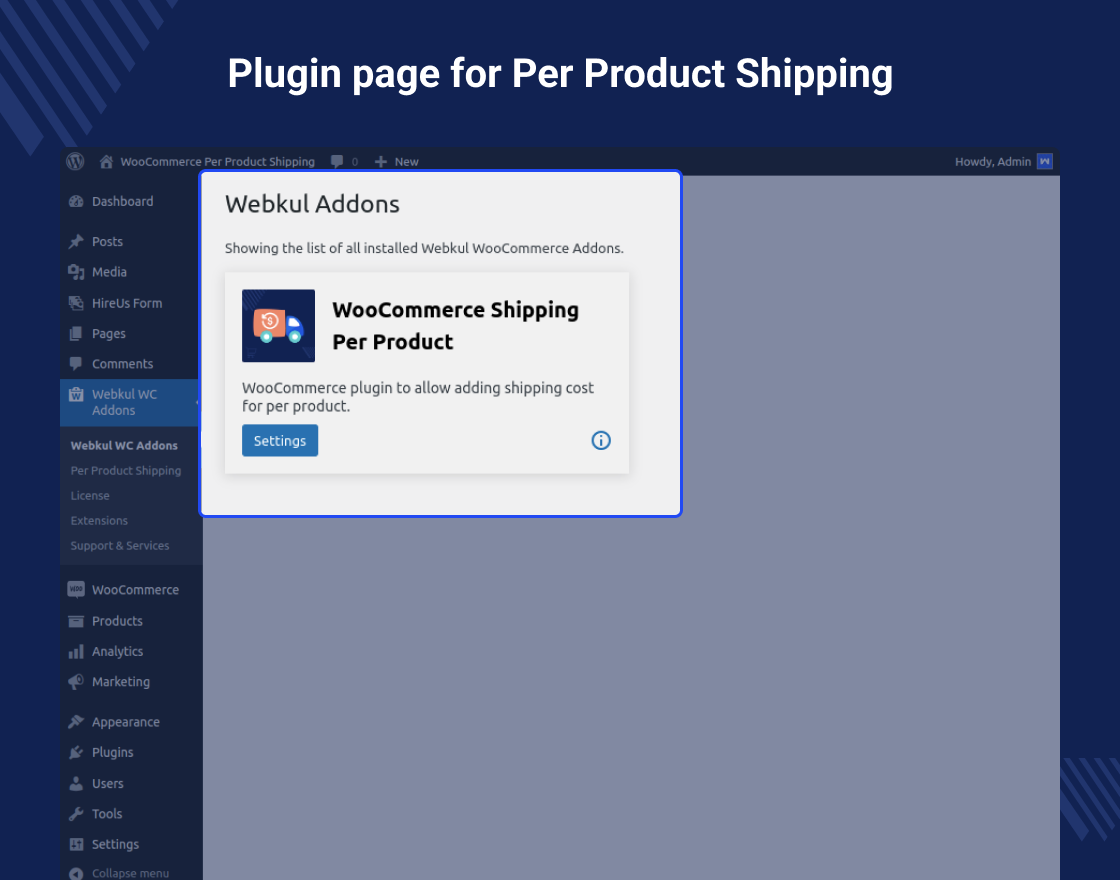
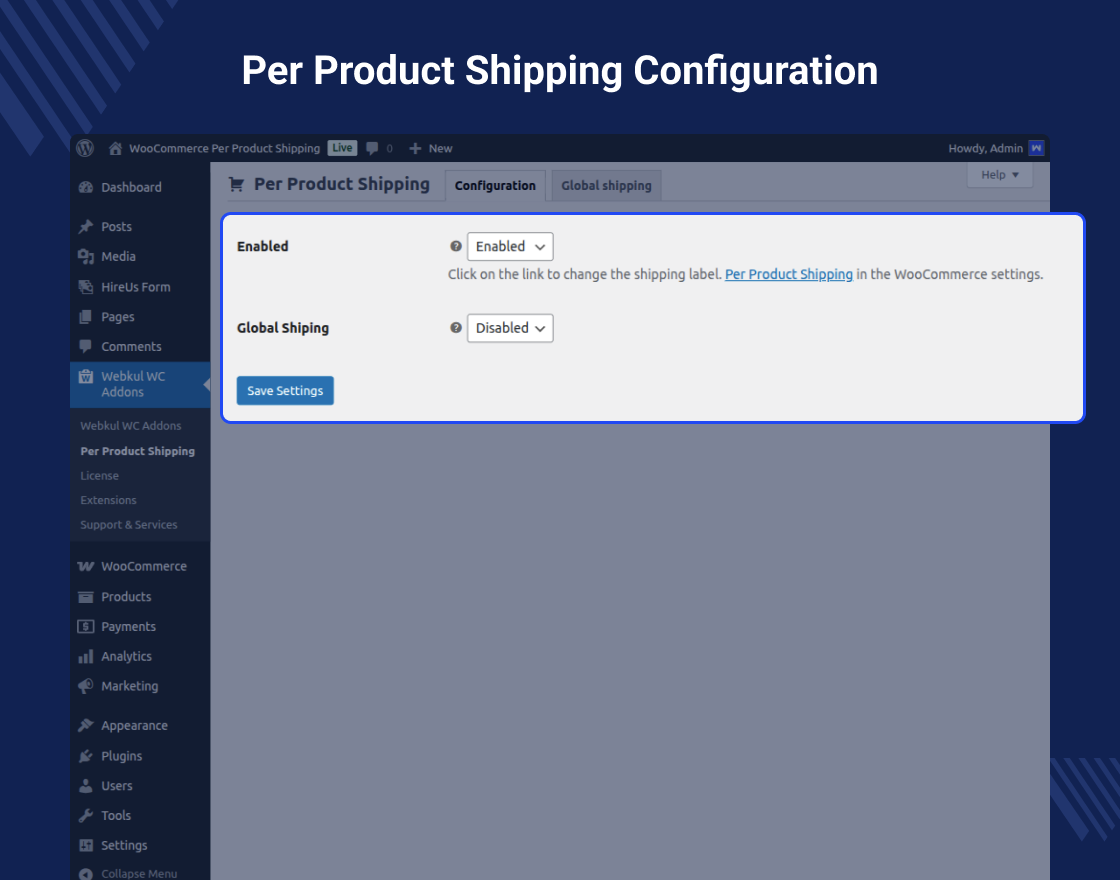
Admin can enable or disable the plugin from the admin back-end panel and can set the name for the shipping that will be displayed on the checkout page to the customers.
This way when a customer will add products to the cart, then the shipping will be calculated based on the sum of all product’s shipping costs. For example, if the customer added two products i.e Product 1 with Per Product Shipping charges of $20 and Product2 with Per Product Shipping charges of $30 then the total shipping charges will be – $50 for shipping both of the product.
Note -
This module is now compatible with WooCommerce’s new High-Performance Order Storage (HPOS) feature.and Cart and Checkout block.
Check how to activate your WooCommerce plugin through the purchase code. and How do you get updates on Webkul Modules directly on the Plugins page.
Why use WooCommerce Per Product Shipping Plugin?
Features of WooCommerce Per Product Shipping Plugin
- Admin can set shipping title of the product.
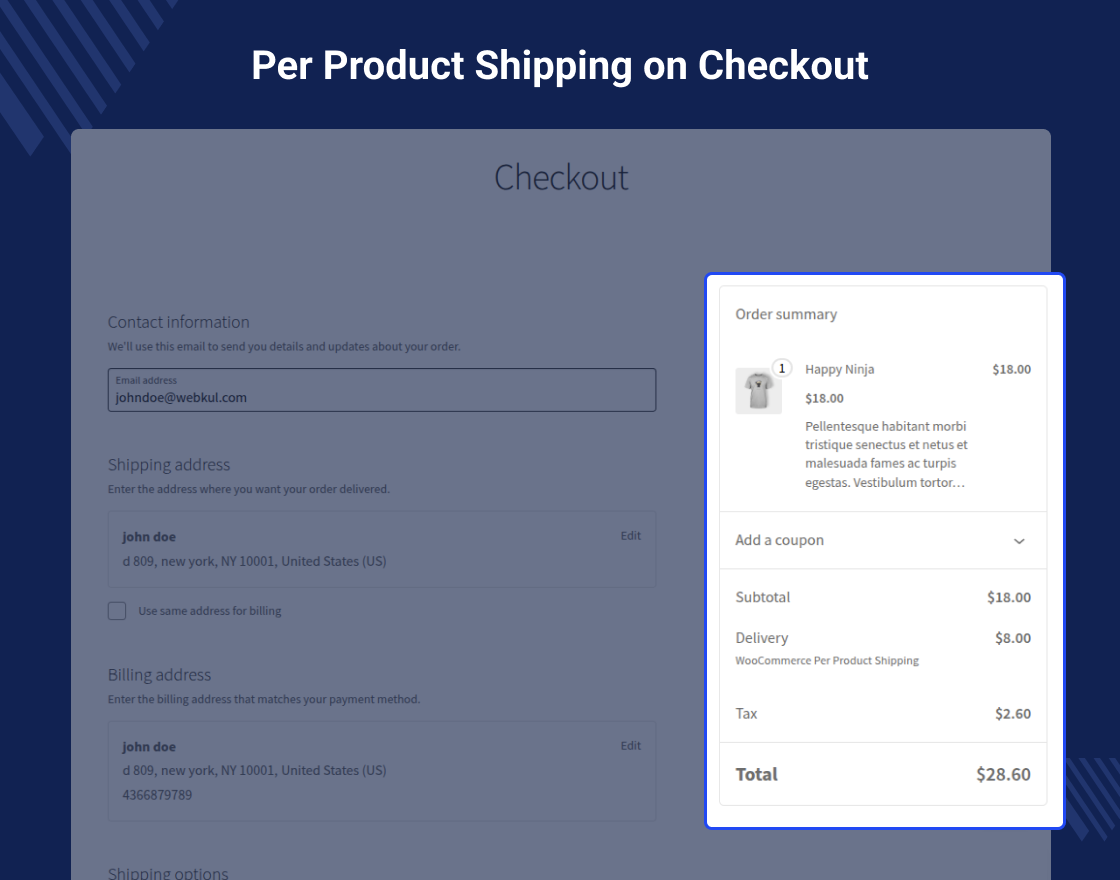
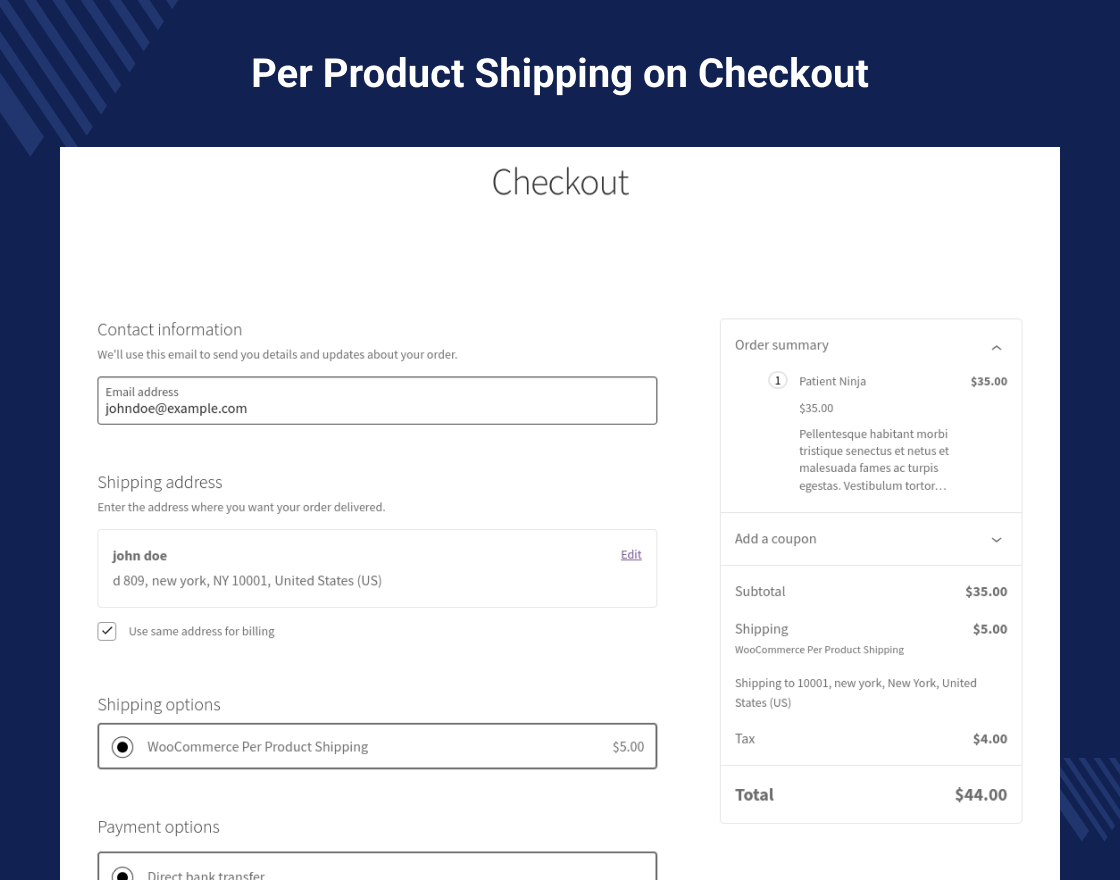
- The shipping details can be visible to the customer on the product checkout page.
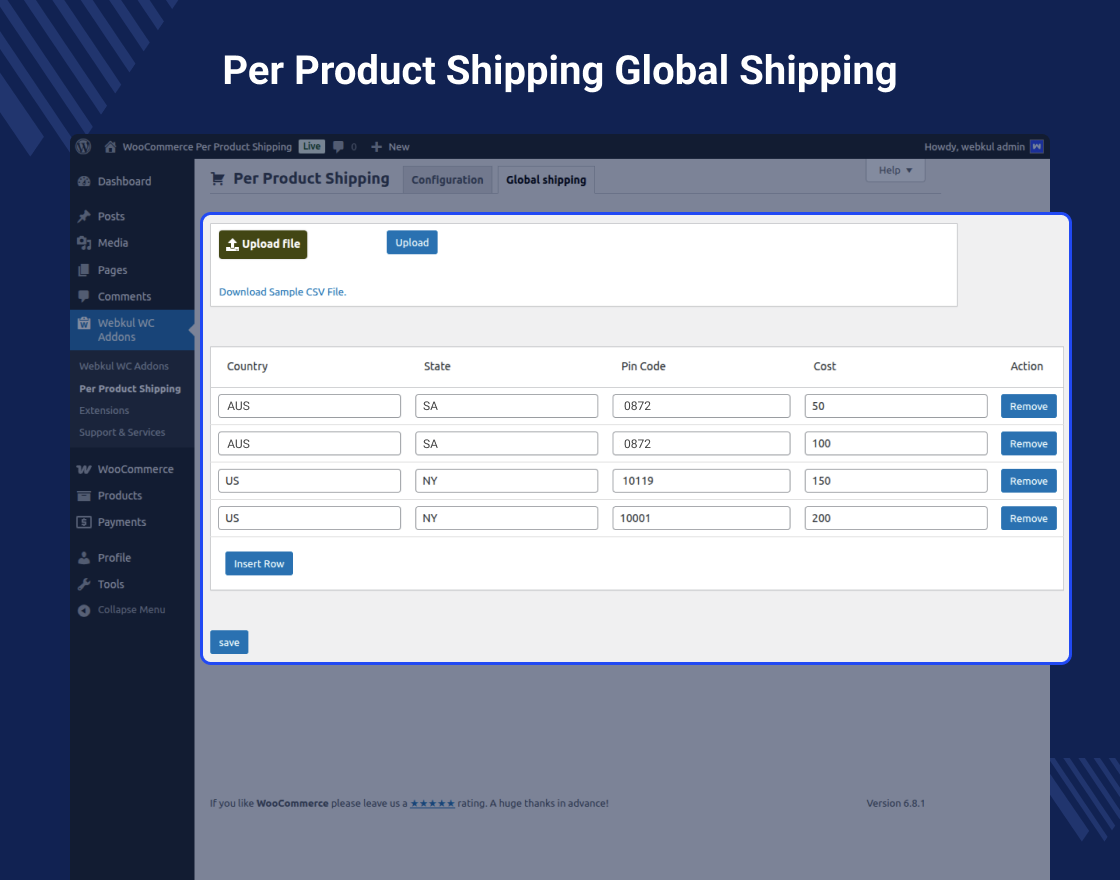
- Shipping data can upload in CSV file format by the admin.
- Product shipping cost will depend on the location distance between vendor and customer.
- Product shipping costs can be set differently for each product by the admin.
Highlighted Features
1- Different shipping prices
Admin can fix different shipping prices depending on the product.2- Product shipping title
Admin can fix the shipping title for the product checkout page.3- Upload shipping data
Admin can upload shipping data in CSV file format to the store.4- Cost depends on shipping distance
Shipping costs will differ depending on the location distance between the seller and buyer.Business Use
E-commerce software like WooCommerce offers a lot of options for shipping your product in-store. Shipping is one of the most important elements of your online store.
Organizations always make sure to ship their products in a way that offers the best experience for customers.
One can use this module in their eCommerce store if the store owner wants to implement different shipping prices for different items. This means the customer will receive different shipping costs for different products in their order. The shipping cost will be displayed on the checkout page to the customer.
Video Tutorial
Support
Dear Customers, if you have a question/query, please raise a ticket at webkul.uvdesk.com. We will do our best to answer as quickly as it is possible. Kindly do not give us a low rating without contacting support on the issue you’ve faced. We are always happy to help you.
ChangeLog
"Initial release v 1.0.0" "Current release v 1.3.0"
v 1.3.0 (2025-08-26)
Fixed: Issue with shipping calculations for global shipping and multiple conditions.
Fixed: Typos in admin settings.
Fixed: Shipping is not working on guest users.
v 1.2.0 (2025-06-10)
Added: Global shipping options.
Added: Add shipping for particular variation.
Updated: Code according to WordPress and WooCommerce coding standards.
v 1.1.8
Added: Compatibility with WooCommerce HPOS feature.
Added: Compatibility with WooCommerce Cart and Checkout Blocks.
Added: Added Licensing functionalities for the module.
Added: Submenu tab to enable or disable plugin functionality.
Updated: Code according to WordPress and WooCommerce coding standards.