WordPress WooCommerce Marketplace Mass Upload Plugin
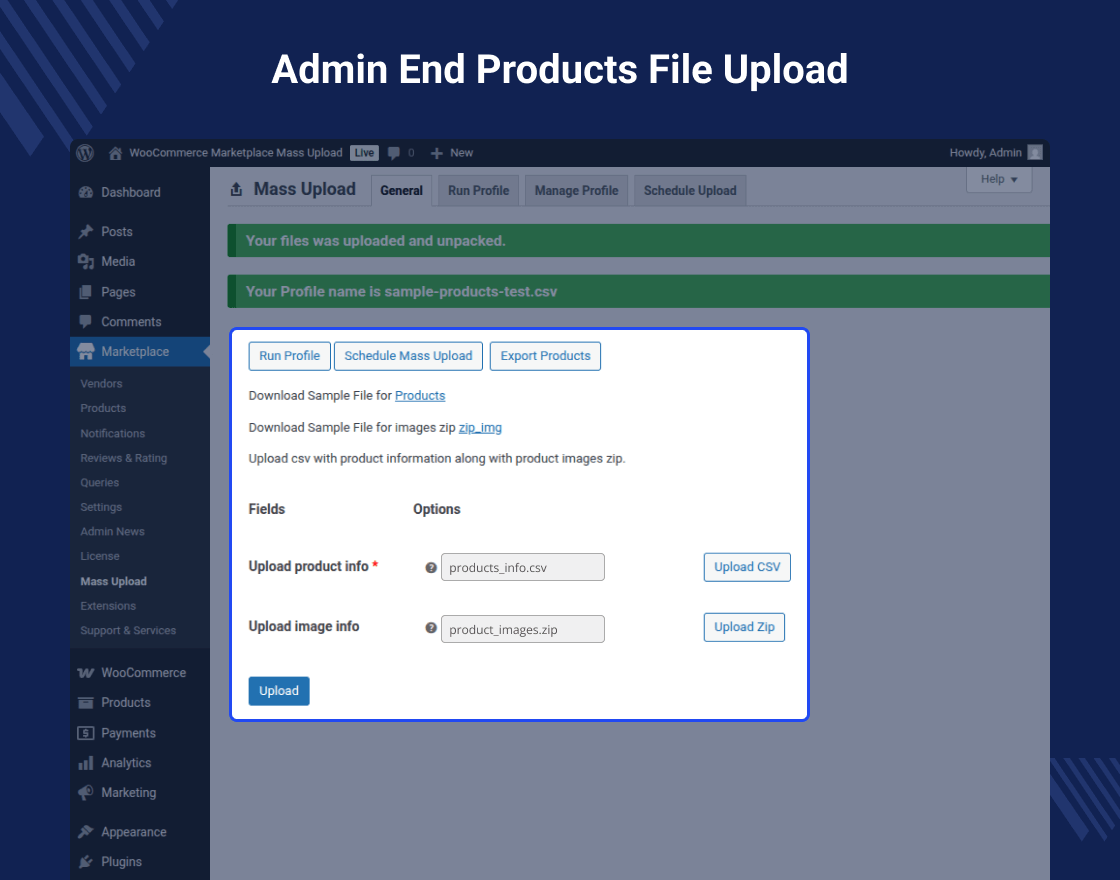
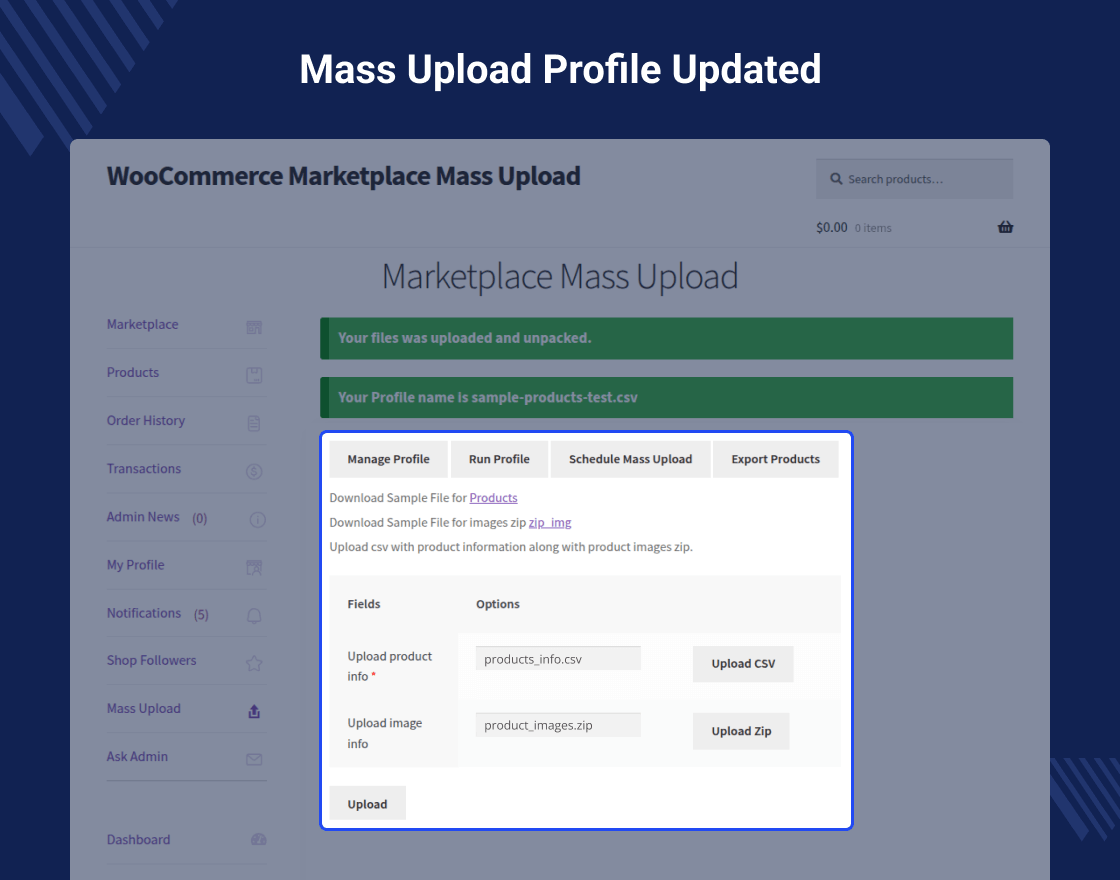
By using WordPress WooCommerce Marketplace Mass Upload the seller of the marketplace can bulk upload products. The seller can upload the bulk products from his seller account using a CSV file. Even the admin of the marketplace can bulk upload products into the seller account using CSV files.
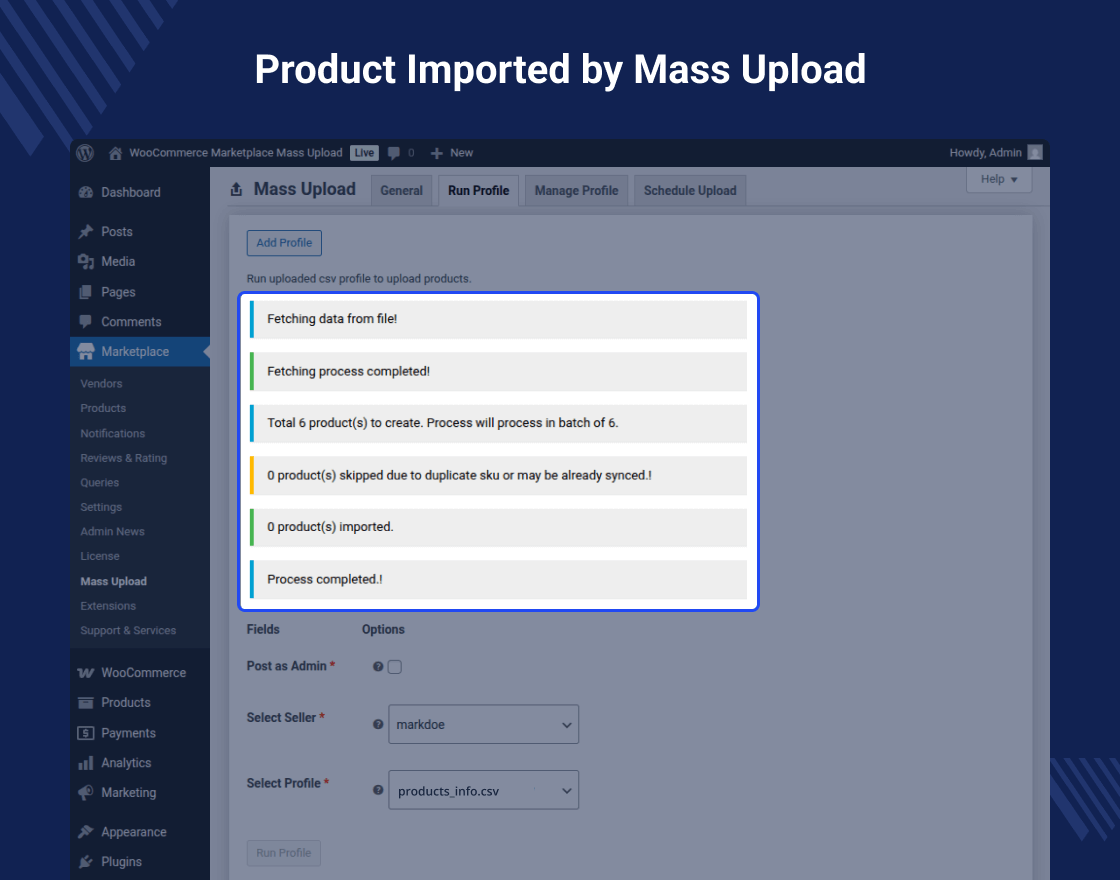
It will support Simple Products, Grouped Products, Variable Products, Downloadable Products and External Products as well. It also displays an error message to the seller and admin if there is an error in the CSV or ZIP files.
Note:-
This Item only works with Webkul’s WordPress WooCommerce Multi Vendor Marketplace plugin. Hence the Marketplace Plugin is Required, to make use of this Plugin.
This module is compatible with WooCommerce’s latest High-Performance Order Storage (HPOS) and Cart and Checkout Blocks.
Check how to activate your WooCommerce plugin through the purchase code. and How do you get updates on Webkul Modules directly on the Plugins page.
Video Preview
Why WooCommerce Marketplace Mass Upload ?
Features of WooCommerce Marketplace Mass Upload
- The seller can add products in bulk.
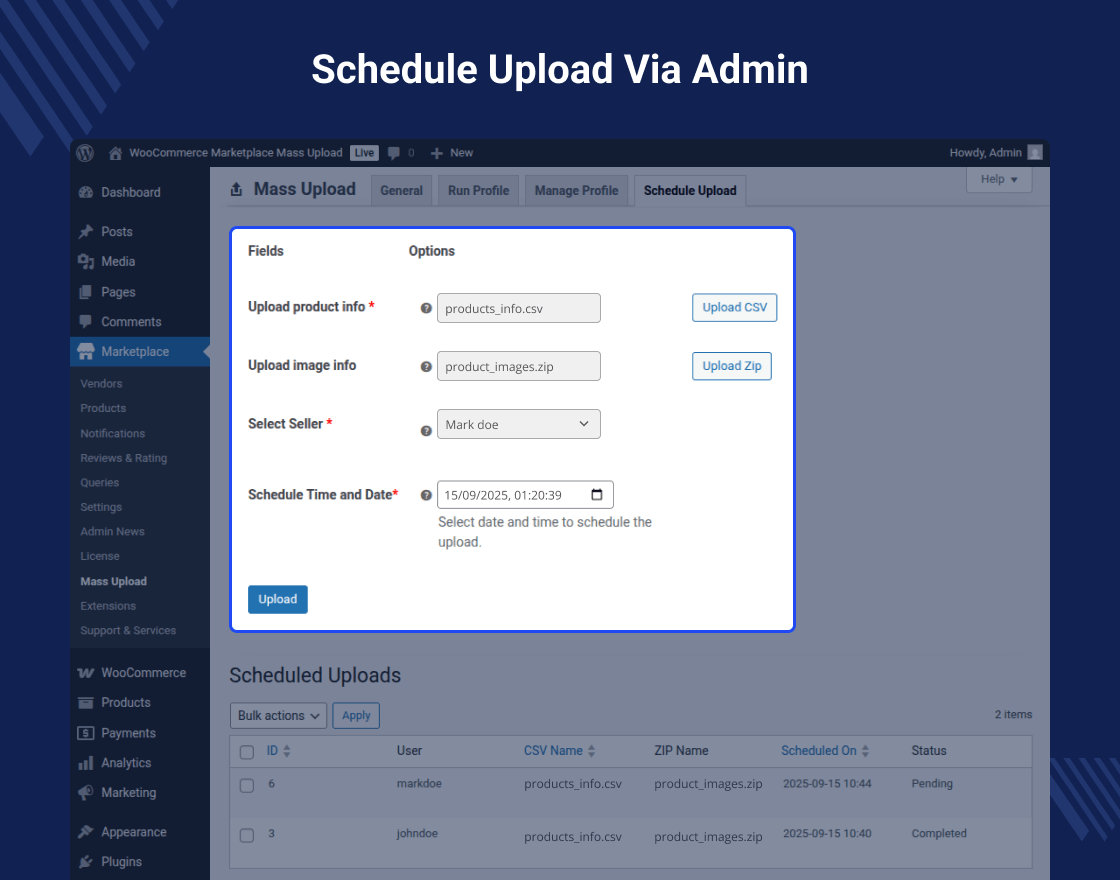
- The admin of the marketplace is also able to add products in bulk.
- The admin can add products to the seller account.
- Products can be uploaded using a CSV file.
- Sample CSV files available to import products.
- Image attachment with the products within the zip file.
- If there is any error in the CSV file then, the products will not be uploaded.
- The plugin is fully dynamic.
- The code is fully open and you can customize it as per your requirements.
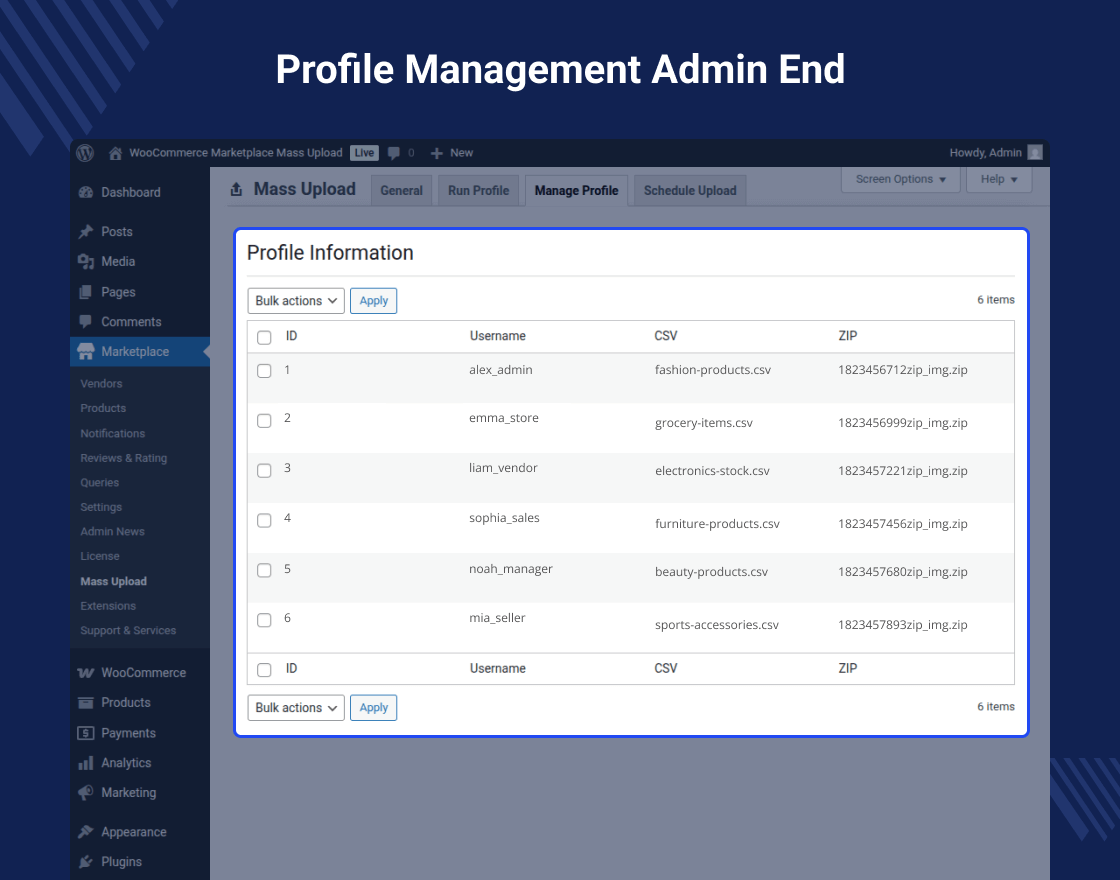
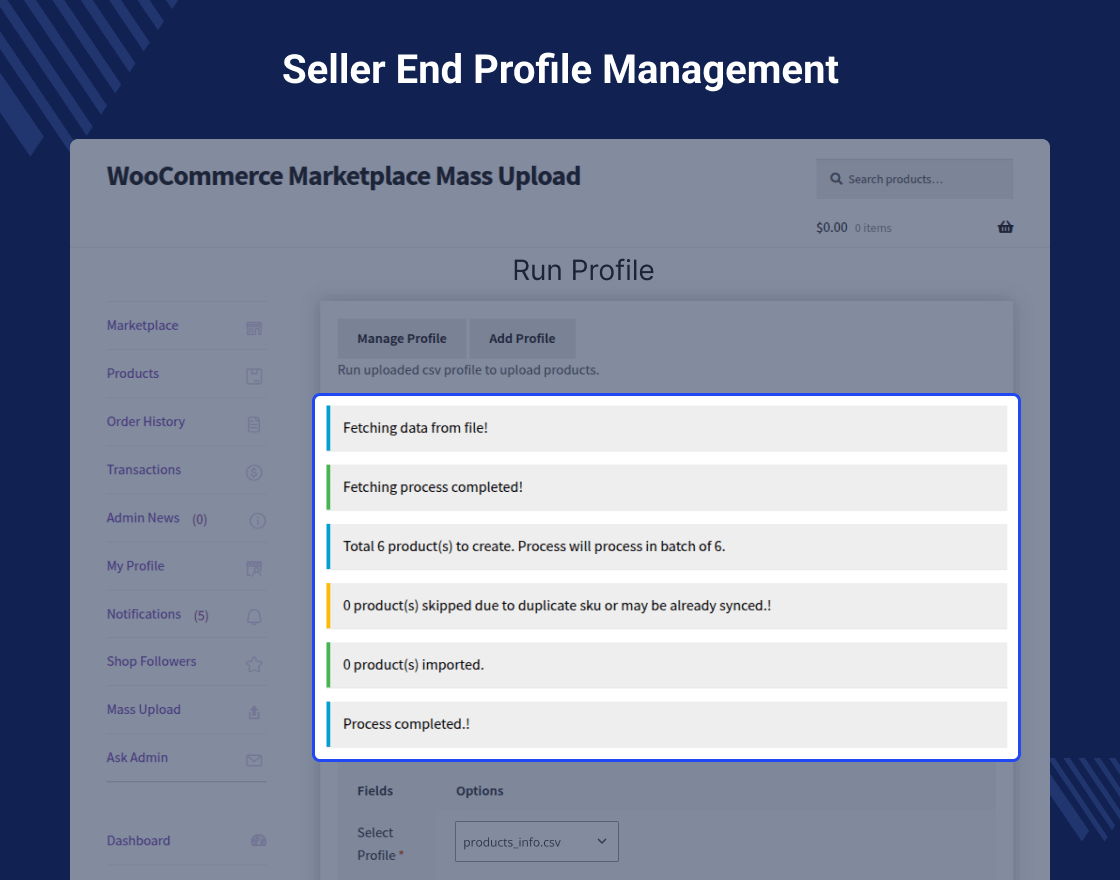
- Seller can also manage their Mass Upload profiles.
Highlighted Features
1 – Bulk Product Upload
The plugin supports bulk uploading of products through a CSV file, making it faster and more efficient.2 – Image Mapping
The plugin allows sellers to upload the image along with the products in zip format.3 – Download Sample Files
Sample files of CSV are also available to upload the products.4 Product Type
It also supports uploading Simple, Grouped, Variable, Downloadable, and External Products as well.Business Use
This plugin simplifies the process of adding and updating products in bulk for vendors, saving them time and effort.
Vendors can upload large quantities of products with all the necessary information in a single file, increasing productivity and reducing manual work.
By allowing businesses to upload products in bulk, this tool helps in managing inventory more effectively. Businesses can update stock levels, prices, and other product details in a streamlined manner, ensuring that their marketplace is always up-to-date.
This can help attract more customers and increase sales as a wider range of products becomes available.
Support
Dear Customers, if you have a question/query, please raise a ticket at webkul.uvdesk.com. We will do our best to answer as quickly as it is possible. Kindly do not give us a low rating without contacting support on the issue you’ve faced. We are always happy to help you.
Change Log
"Initial release v 1.0.0", "Current release v 3.2.1"
v 3.2.1 (2025-11-14)
Fixed: Minor issues.
Update: Compatible with WooCommerce 10.3 version.
Update: Compatible with WordPress 6.8 version.
v 3.2.0 (2025-09-15)
Fixed: Security issues.
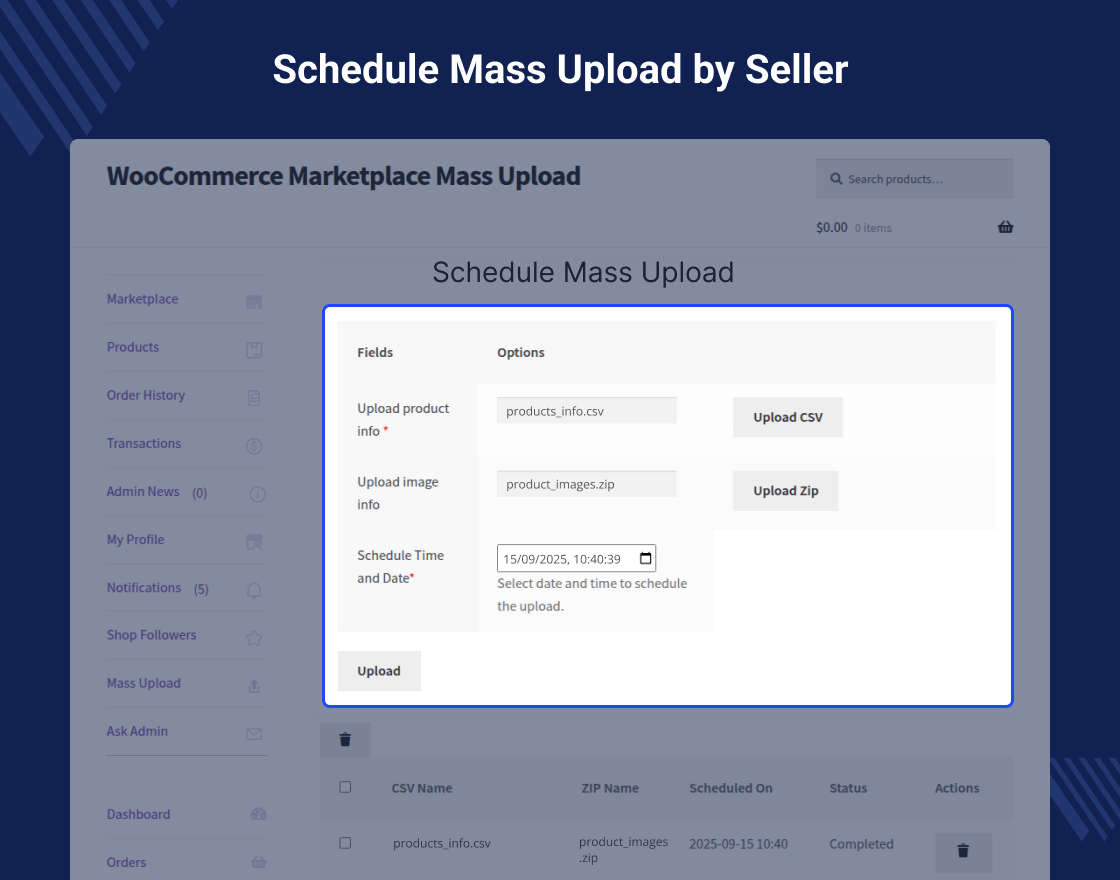
Added: Feature Where Mass Upload could be execute on Scheduled Time and Date by both Admin and Seller.
Added: Table where you can see the details and status of scheduled mass uploads.
Added: Compatibility with WooCommerce Cart and Checkout blocks.
Update: Compatible with WooCommerce 10.1 version.
Update: Compatible with WordPress 6.8 version.
Optimized: Scripts and styles for faster loading
v 3.1.0  (2024-07-24)
Added: Compatibility with WooCommerce Cart and Checkout blocks.
Added: HPOS compatibility.
Added: Feature where seller can also manage his profile.
Added: Update coding standard.
v 3.0.2  (2023-10-15)
Added: Bulk upload menu for Separate Seller Dashboard.
Fixed: minor issues.
Fixed: Fixed security issues.
Update: Update coding structure according to WordPress coding standards.
Update: UI for both seller and admin.