WooCommerce POS Gift Card Plugin
WooCommerce POS Gift Card Plugin allows the WooCommerce store admin to create and sell gift cards as products within the WooCommerce store and the Point of Sale for WooCommerce.
Customers can easily purchase gift cards from the WooCommerce store as well as from the WooCommerce POS terminal.
Customers can use the gift card balance to make purchases either in the online store or directly at the POS terminal during checkout.
Note
- This plugin is an add-on for Point of Sale System for WooCommerce. You must install the POS plugin first.
- This plugin also works seamlessly with the default WooCommerce setup.
- Compatible with POS RFID functionality.
- Compatible with WooCommerce High-Performance Order Storage (HPOS).
- Compatible with WooCommerce Cart and Checkout Block.
You can activate your WooCommerce plugin using the purchase code and receive updates directly from the Webkul modules on the plugins page.
Why WooCommerce POS Gift Card Plugin?
This plugin enables store owners to sell and manage gift cards both in the WooCommerce store and POS terminals. It simplifies the process of creating, selling, and redeeming gift cards.
Support
Dear Customers, if you have any questions or queries, please raise a ticket at:
webkul.uvdesk.com
We will do our best to respond as quickly as possible. Kindly do not give a low rating before contacting support regarding the issue you faced. We are always happy to help you.
Features of WooCommerce POS Gift Card Plugin
- Admin can create gift card products.
- Admin can set gift card balance.
- Admin can define gift card expiry days.
- Admin can set redemption type as partial or full.
- Admin can customize email templates for gift card purchase and redemption.
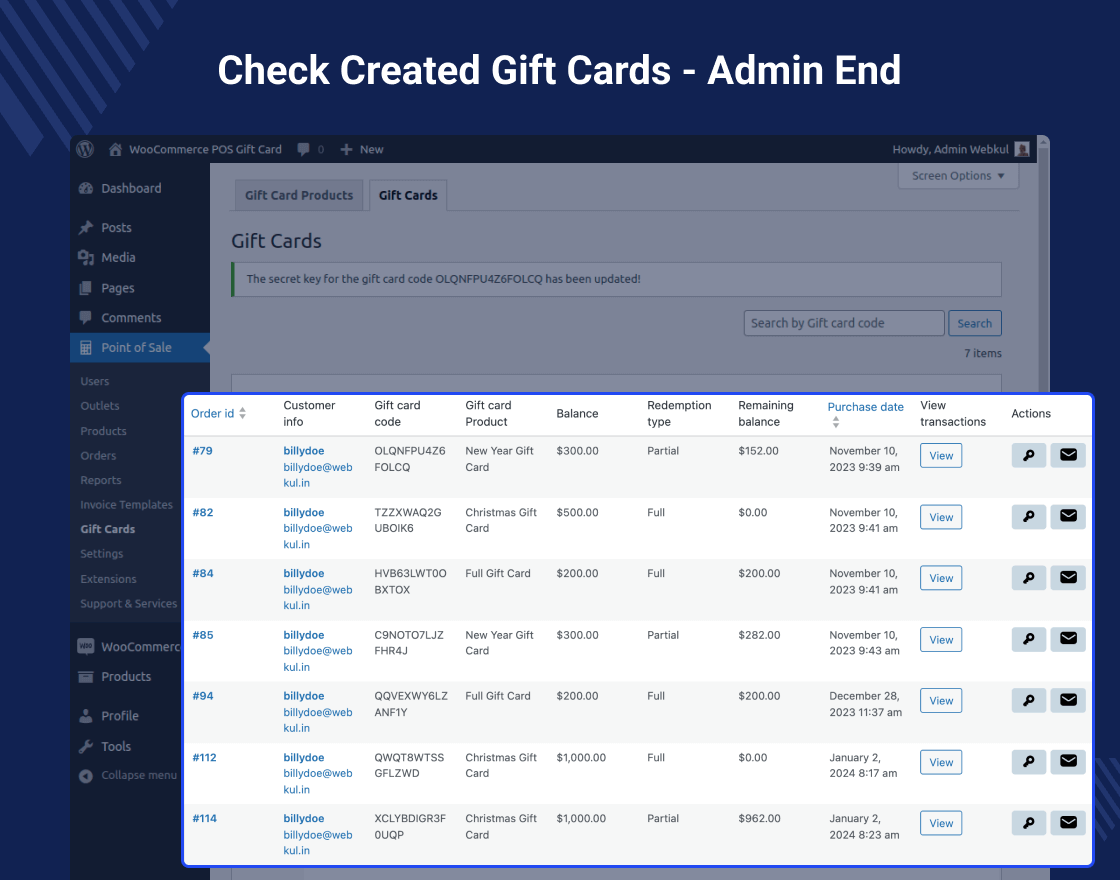
- Admin can view all gift card details and transactions.
- Customers can redeem gift cards partially or fully depending on the configuration.
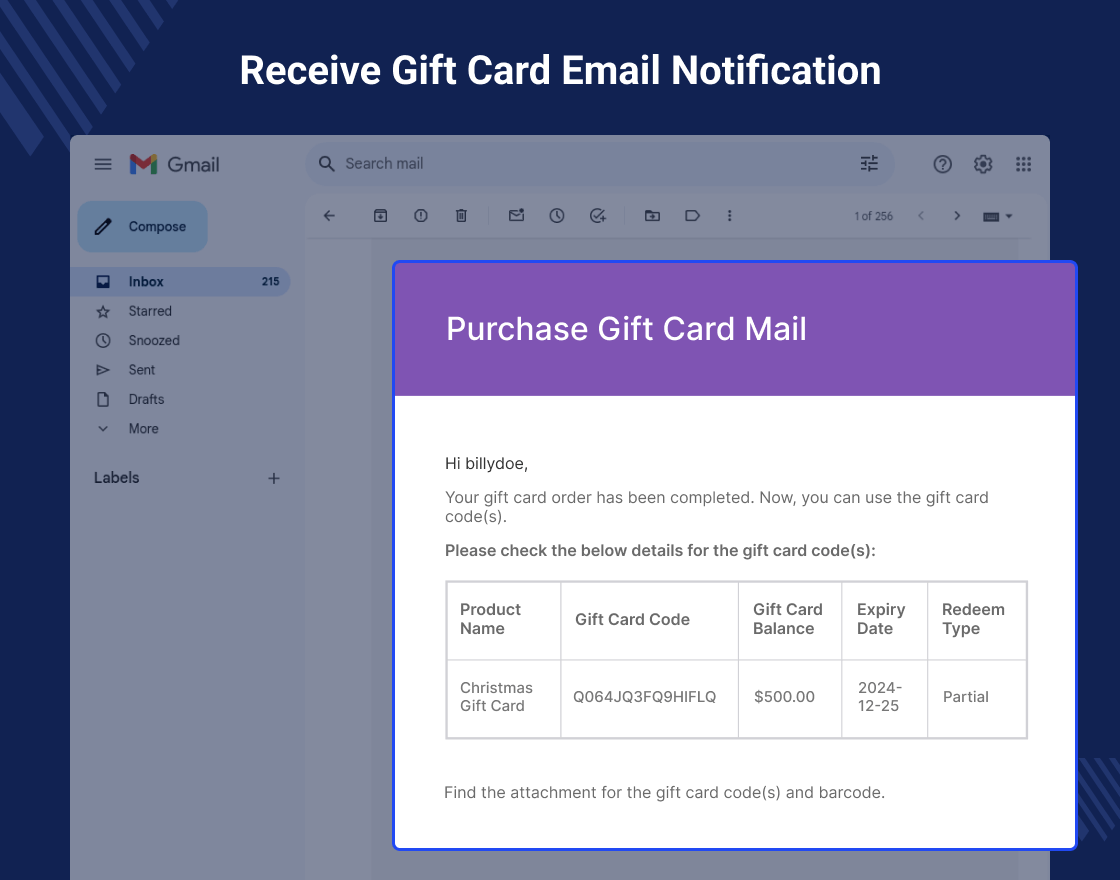
- Customers receive email notification with gift card code and barcode PDF.
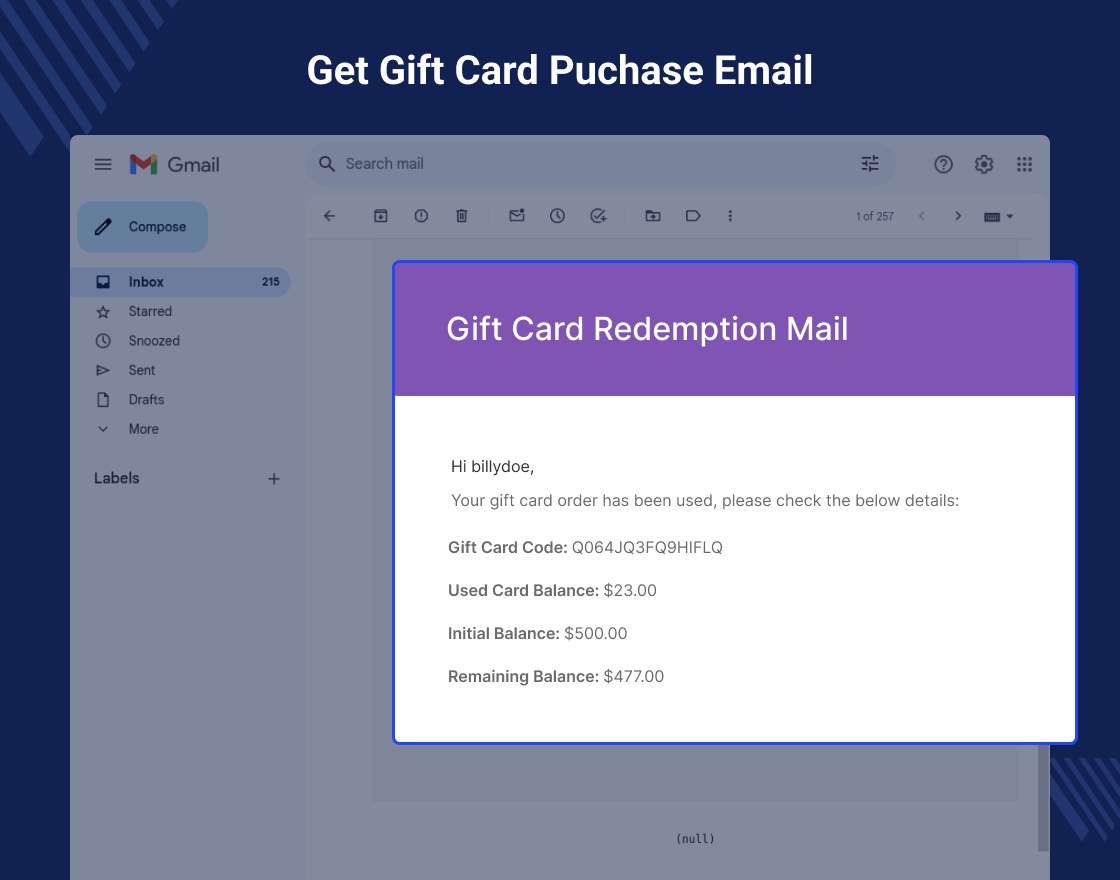
- Email notification is sent whenever the gift card is used.
- Customers can use one gift card for multiple purchases until balance is exhausted.
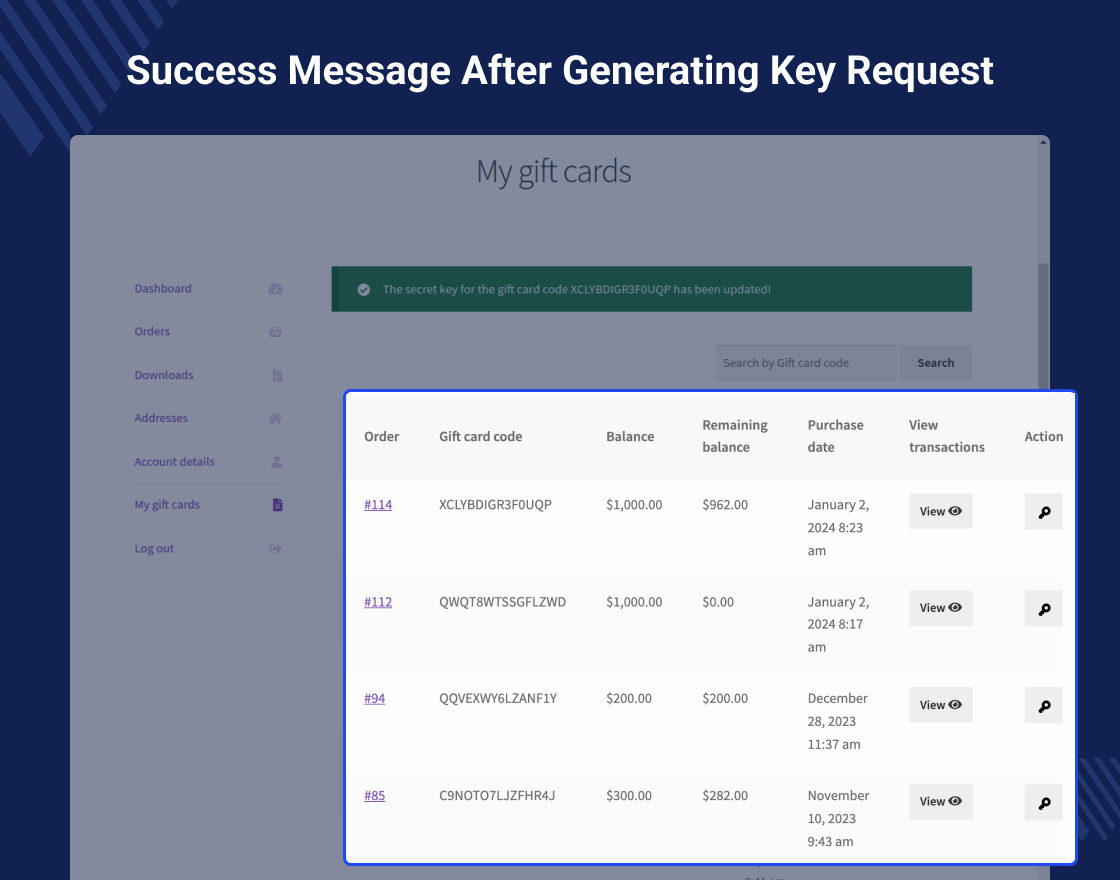
- Customers can view gift card transactions in the My Account section.
- Multisite compatible.
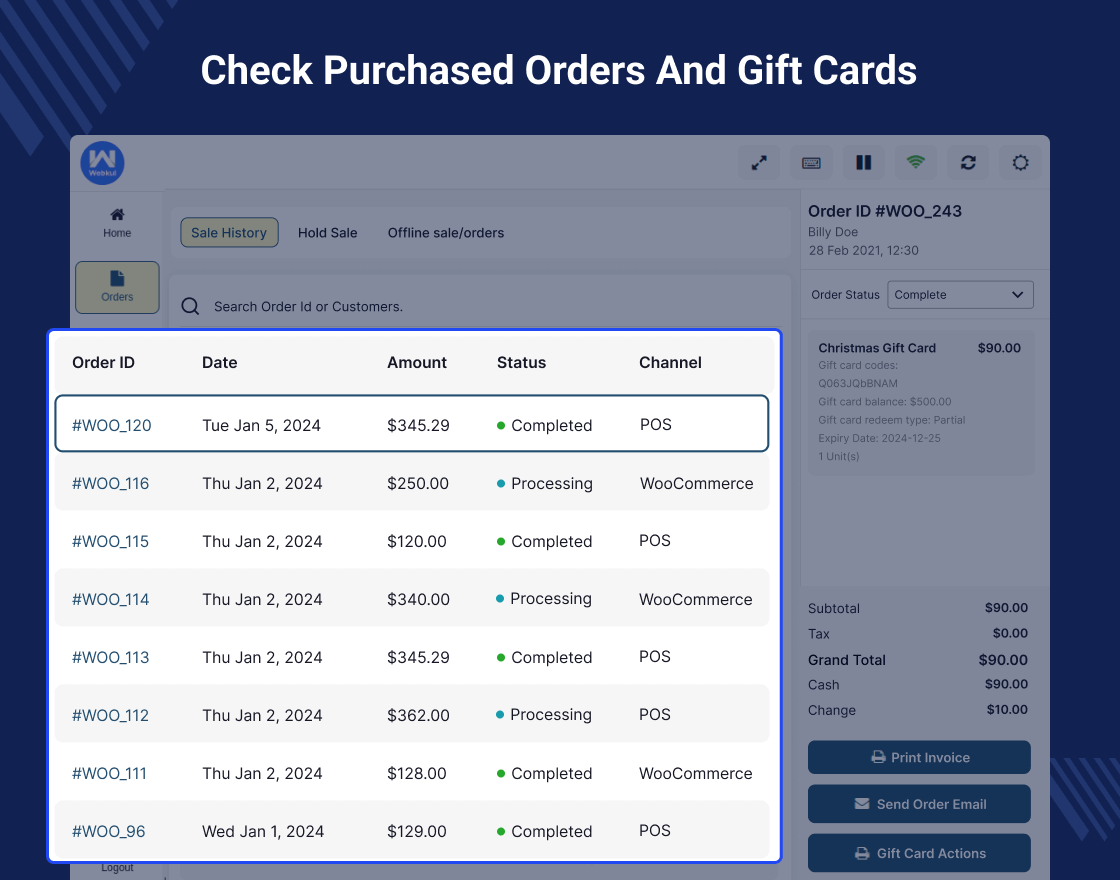
- POS managers can purchase gift cards for customers.
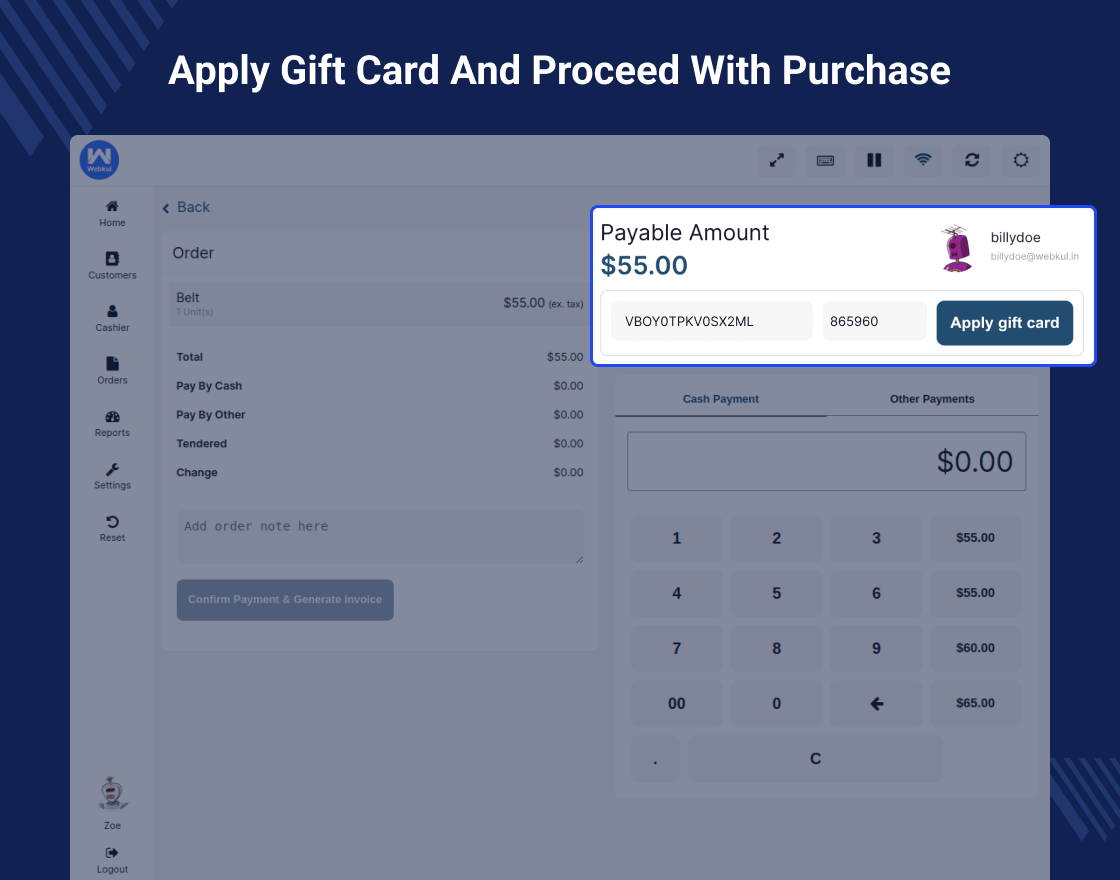
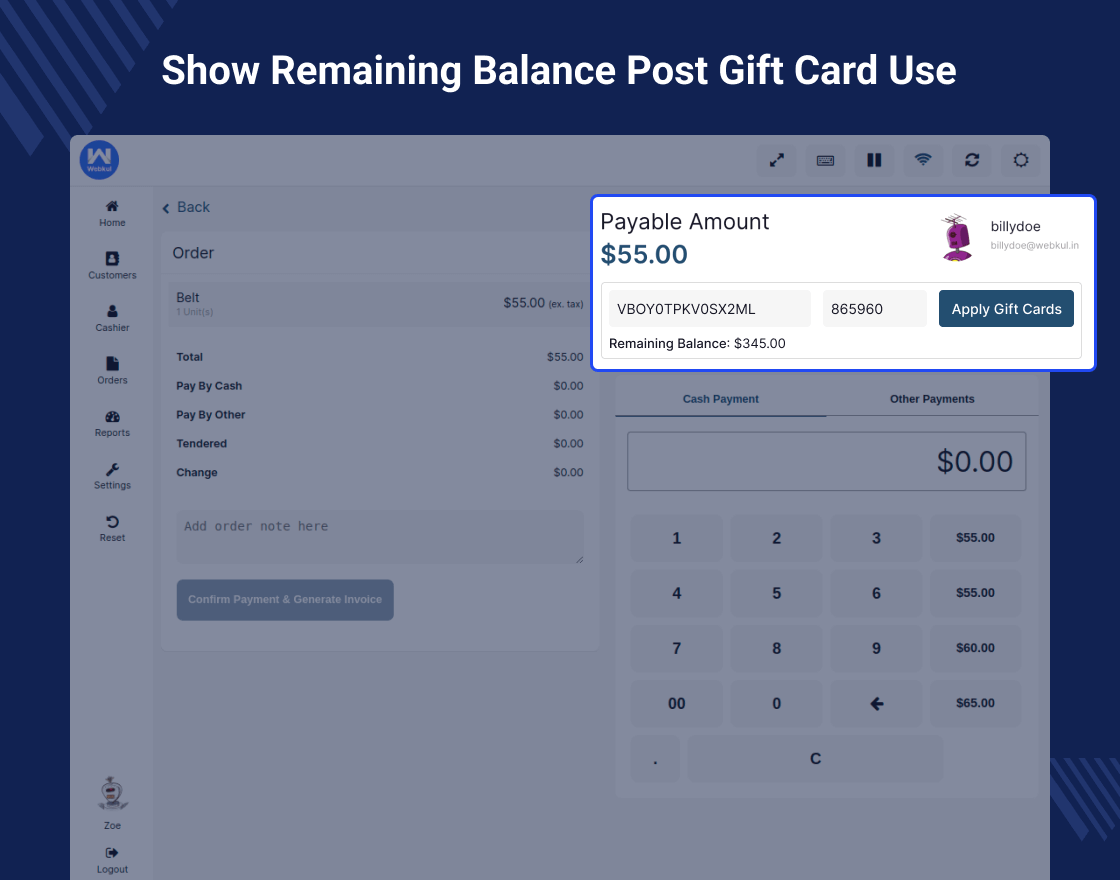
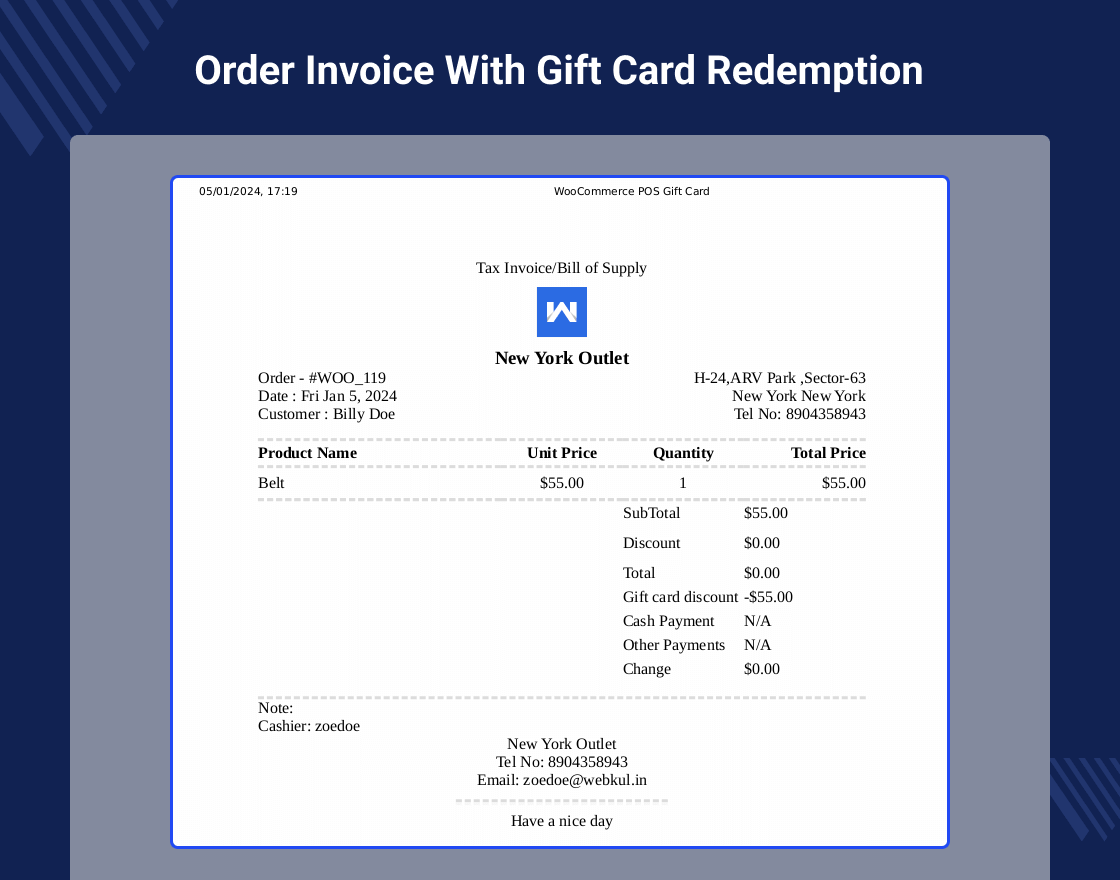
- POS managers can redeem gift cards from the POS pay page.
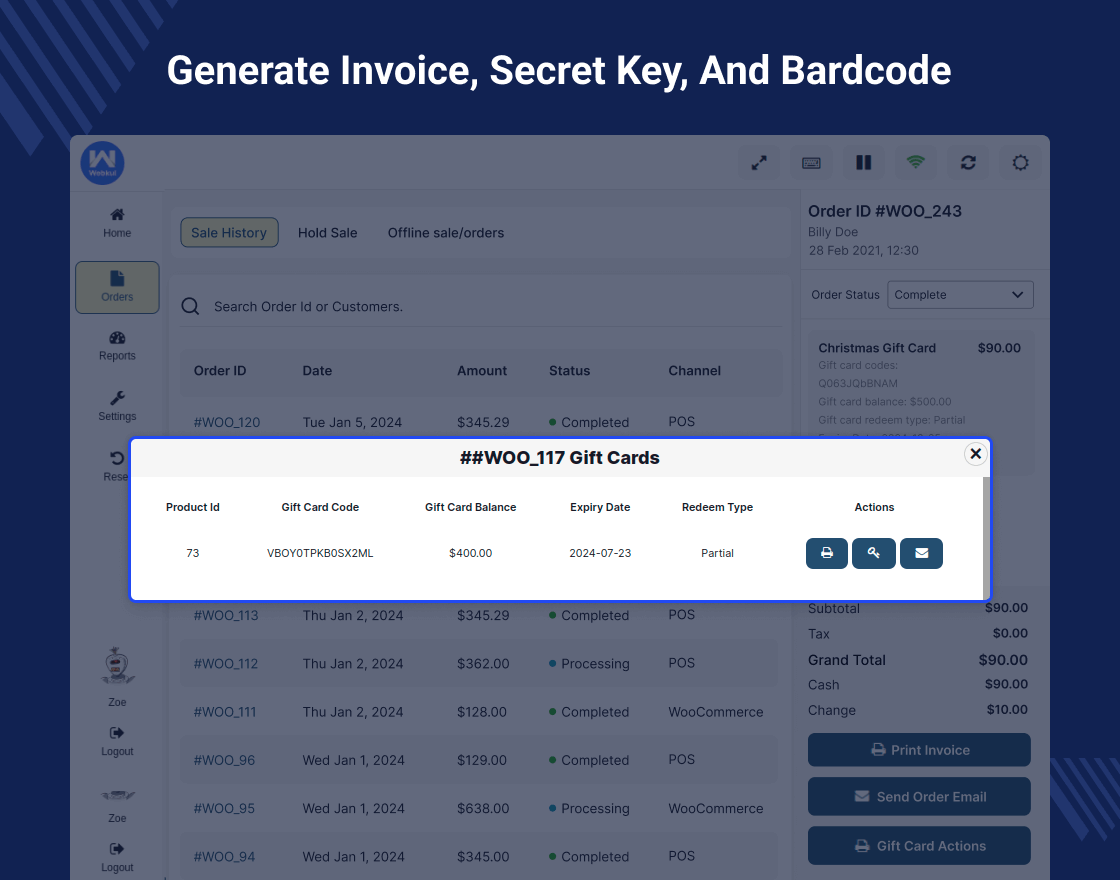
- POS managers can generate gift card receipt with barcode.
- Customers can reset the gift card secret key.
- Reset secret key and gift card information can be sent to customer email.
Highlighted Features
1. Gift Card Creation
Admins can create and sell gift cards in both WooCommerce store and POS terminals.
2. Purchase Gift Cards
Customers can purchase gift cards directly from the WooCommerce store or POS terminals.
3. Redeem Gift Cards
Customers can redeem gift cards partially or fully depending on the configuration.
4. Gift Card Product Type
WooCommerce admin will get a dedicated Gift Card product type for creating gift card products.
5. Gift Card Details
Customers receive email notifications containing gift card details. They can also view debit and credit transactions in their account dashboard.
Business Use
Selling gift cards can generate additional revenue for businesses.
Customers purchasing gift cards often spend more than the card value when redeeming them.
The WooCommerce POS Gift Card Plugin enables admins to sell gift cards through both the WooCommerce store and POS system, making gift card management simple and efficient.
Change Log
"Initial release v 1.0.0", "Current release v 2.1.0"
2.1.0

* Added: Apply Gift Card using RFID Card on POS.
* Added: RFID balance validation before redemption.
* Added: Automatic balance deduction and transaction logging for RFID usage.
* Added: Transaction ID generation support for RFID transactions.
2.0.1

* Added: Multisite compatibility support.
2.0.0 (2025-06-11)

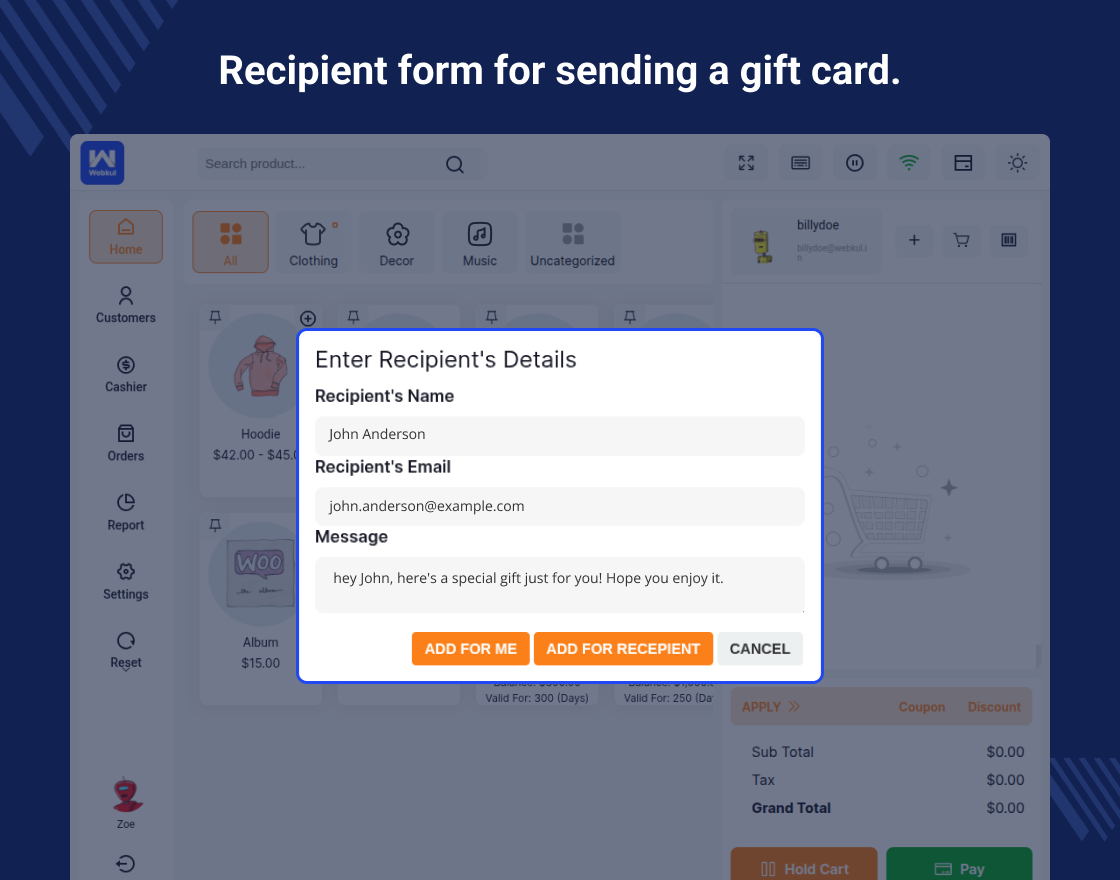
* Added: Recipient form for sending gift cards.
* Fixed: Gift barcode printing issue on the POS end.
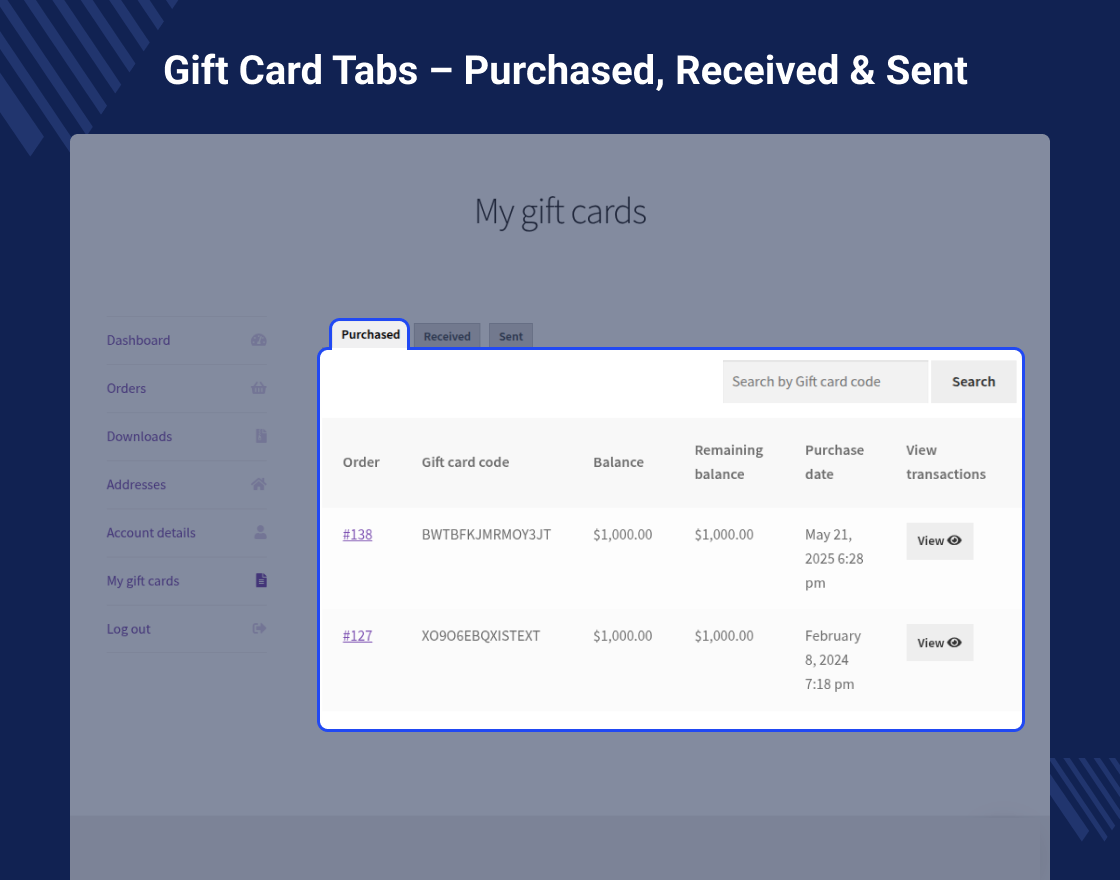
* Added: Separate tabs for purchased, received, and sent gift cards on WooCommerce.
1.1.0 (2024-01-02)

* Added: Compatibility with WooCommerce 8.4 version.
* Added: Secret key feature for the gift card code.
* Added: Option to reset the gift card secret key.
* Added: Email notification to send reset secret key and gift card information to customers.
* Added: Secret key field on the gift card redemption page.
* Added: Gift card information display on POS cart and pay page.
1.0.0

* Initial release.