.png?auto=format&q=94&cf_fit=crop&gravity=top&h=8000&w=590&s=157c2789418bcd091b06c4907c7a754f9432d1f5613ef9538e11c63796b36054)
Note: This is a add-on module for Perfex CRM. It is not a standalone script and requires Perfex CRM to function.
Overview
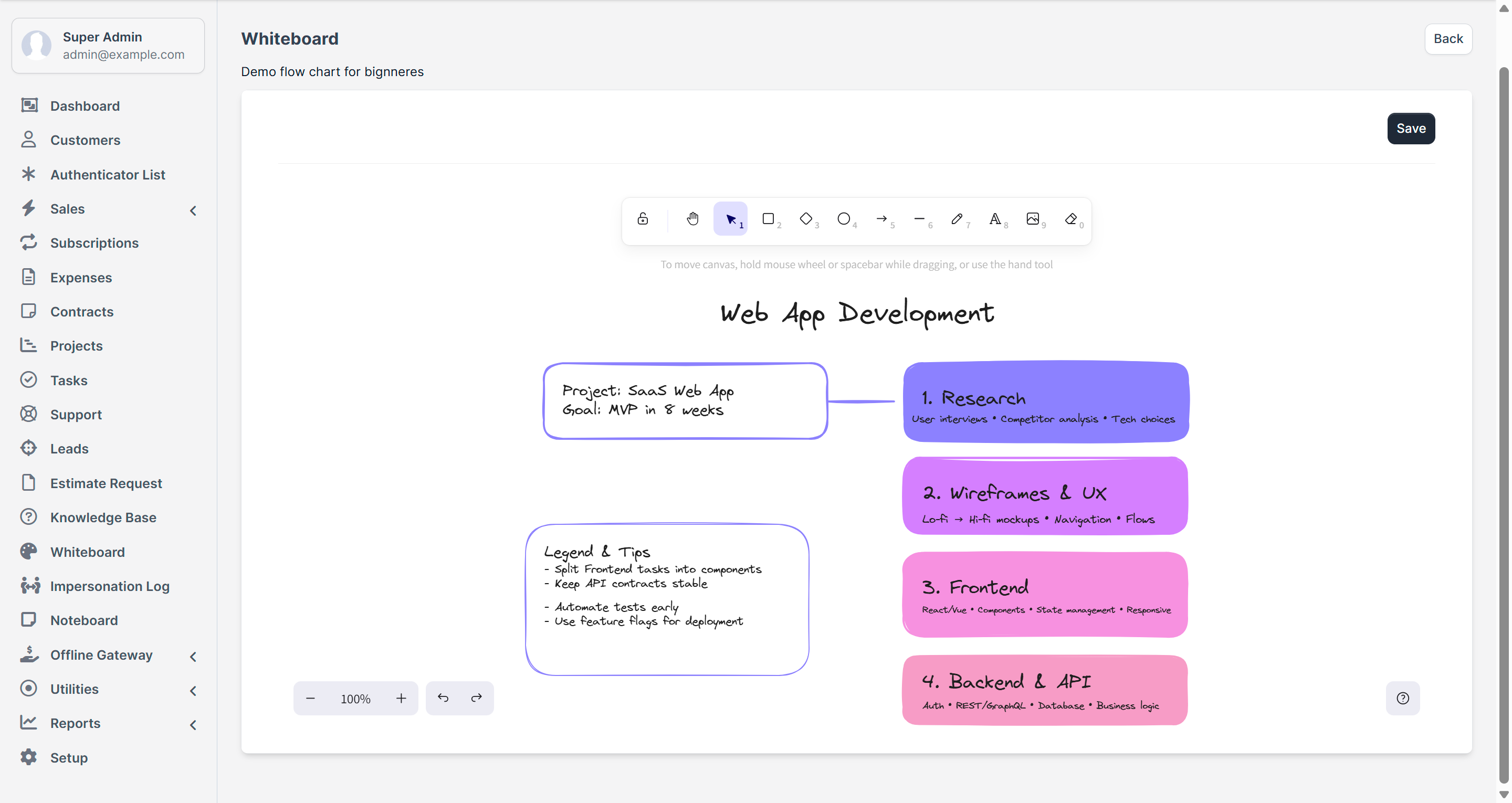
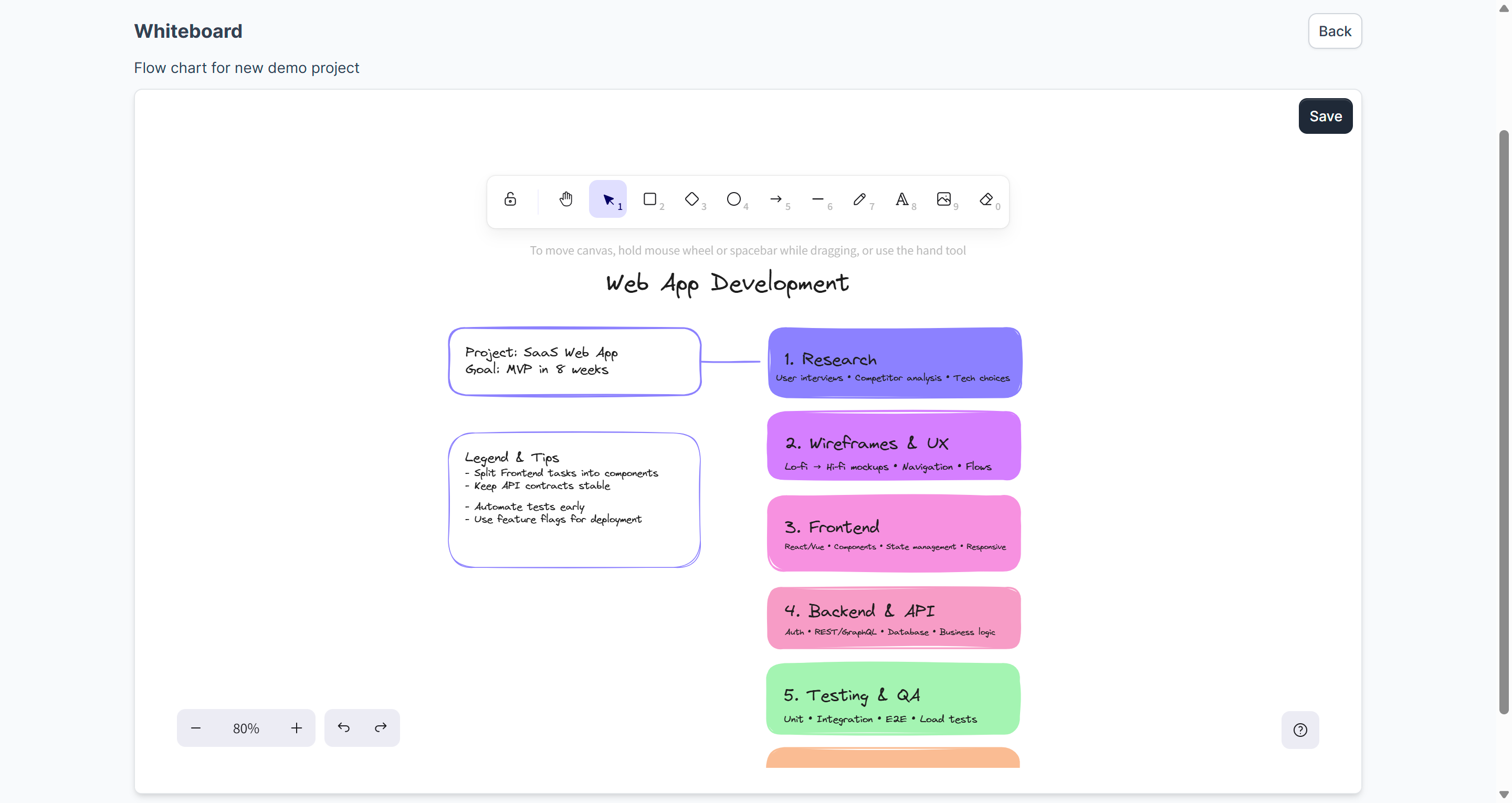
The Whiteboard Module for Perfex CRM brings a lightweight, fully integrated visual collaboration tool into your CRM. Powered by Excalidraw, the module provides a simple yet powerful canvas for freehand drawing, shapes, connectors, text, and image support — ideal for brainstorming, UX sketches, flowcharts, and project planning without leaving Perfex.
Built for seamless installation and compatibility with Perfex CRM (v3.1.0 and above), the module matches the CRM’s minimal UI, supports unlimited whiteboards, and lets you share boards with specific staff or clients. It requires no core file modifications (update-safe).
Demo
Admin Login: https://perfex.codeonstring.com/admin
Email: admin@example.com
Password: 123456789
Staff Login: https://perfex.codeonstring.com/admin
Email: staff@example.com
Password: 123456789
Customer Login: https://perfex.codeonstring.com/login
Email: customer@example.com
Password: 123456789
How to Use
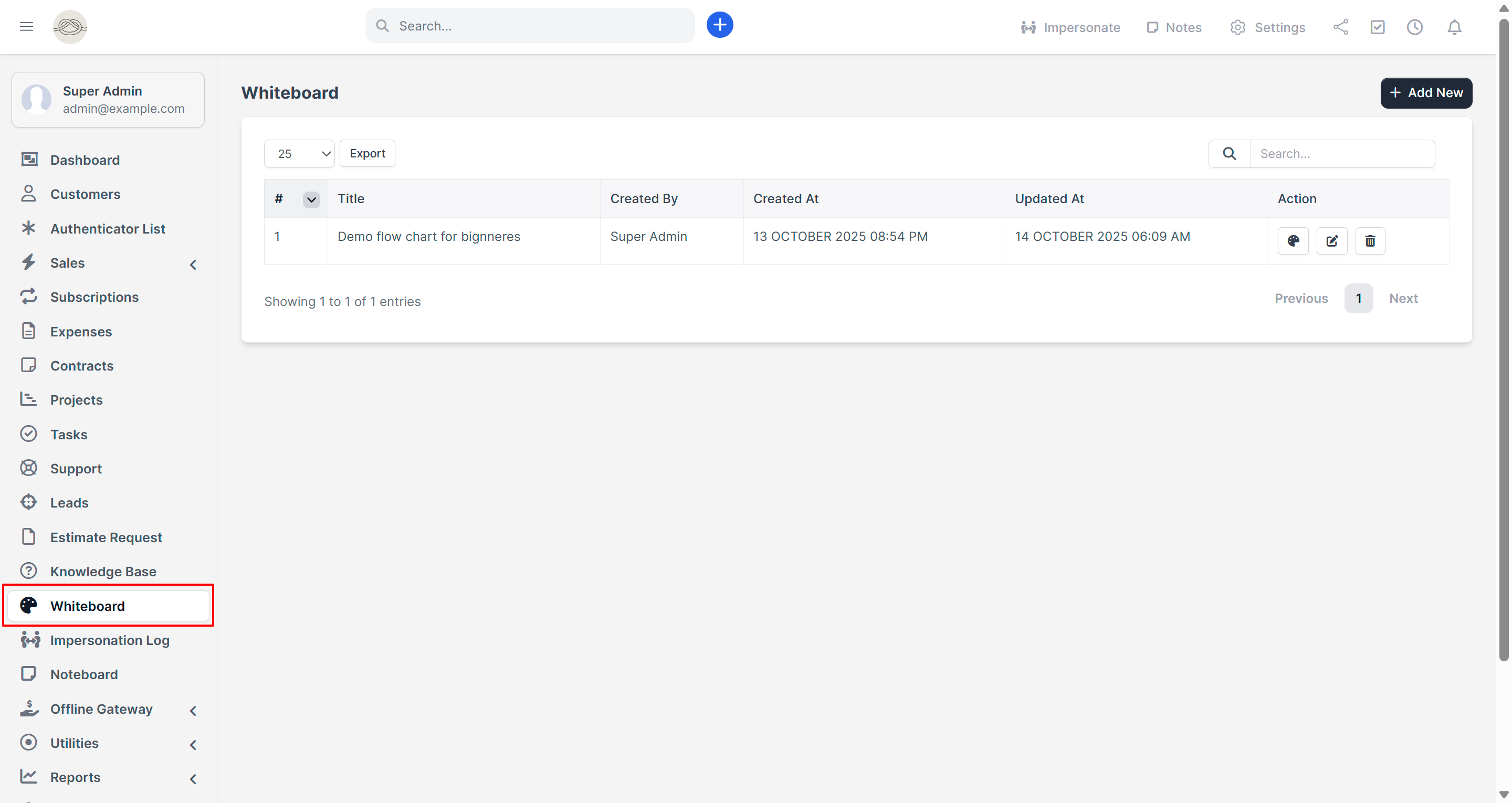
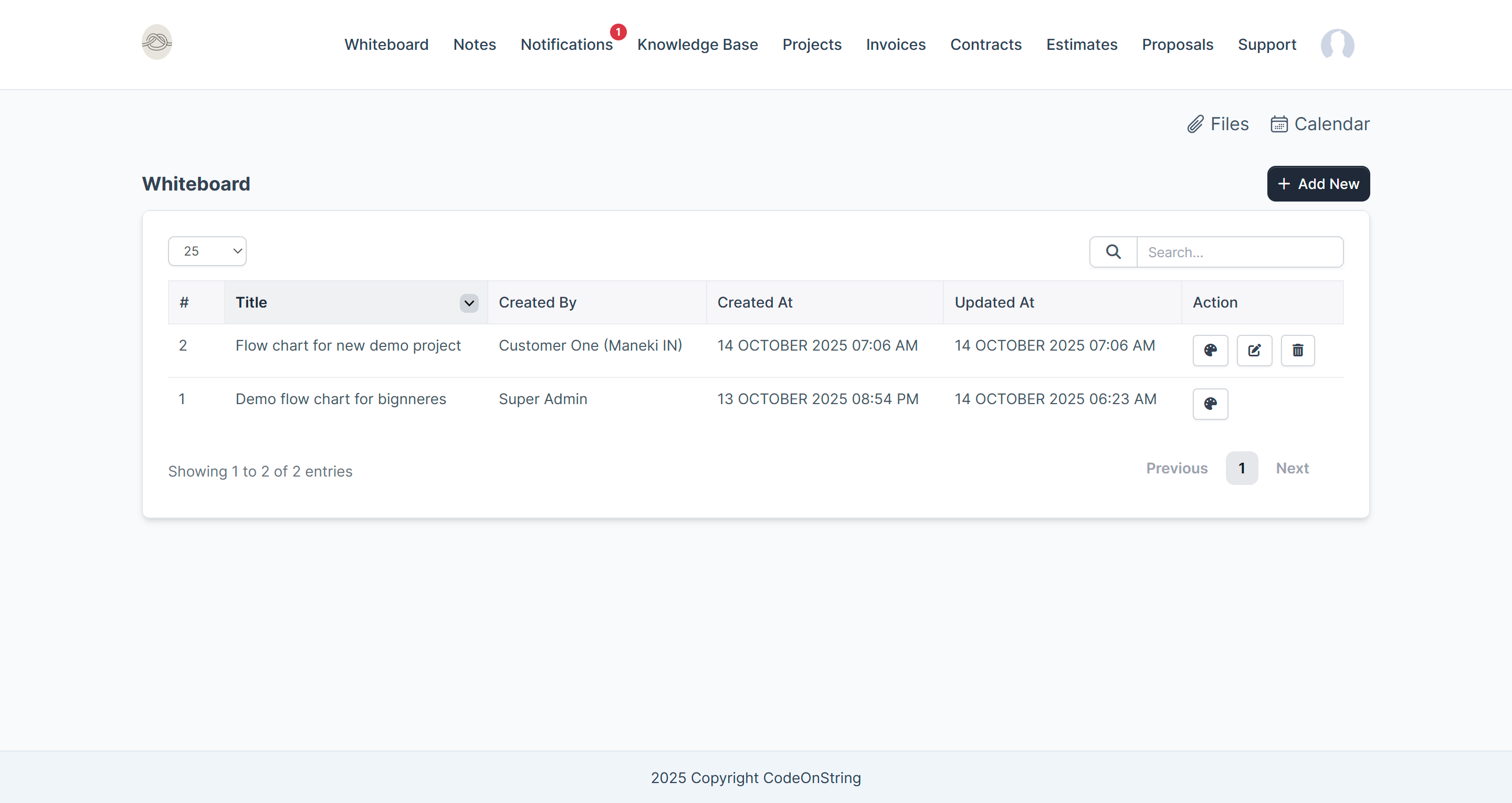
- Navigate to the Whiteboard section from the main menu.
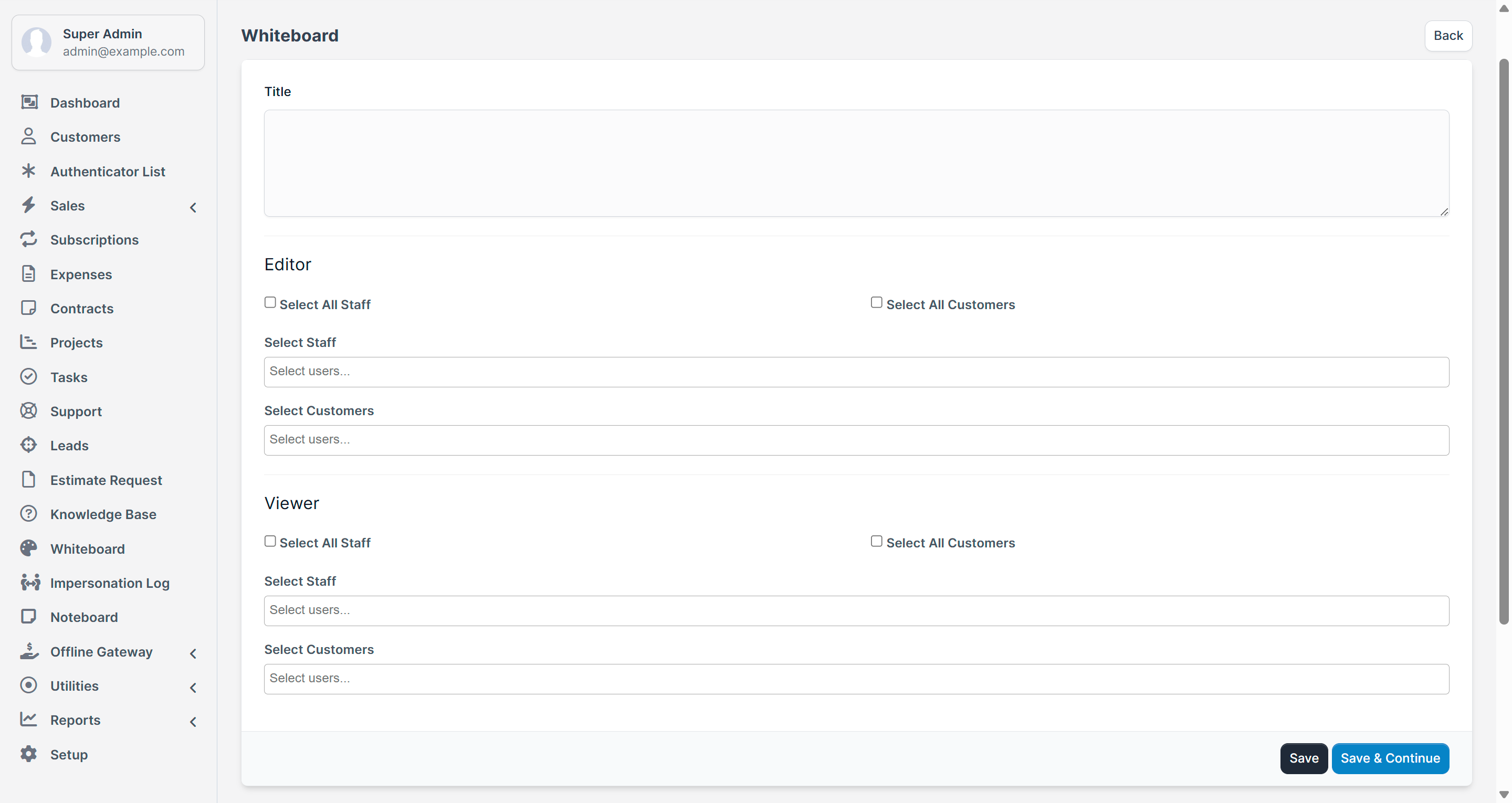
- Create a new whiteboard or open one that has been shared with you.
- Click the palette icon to start drawing and collaborating.
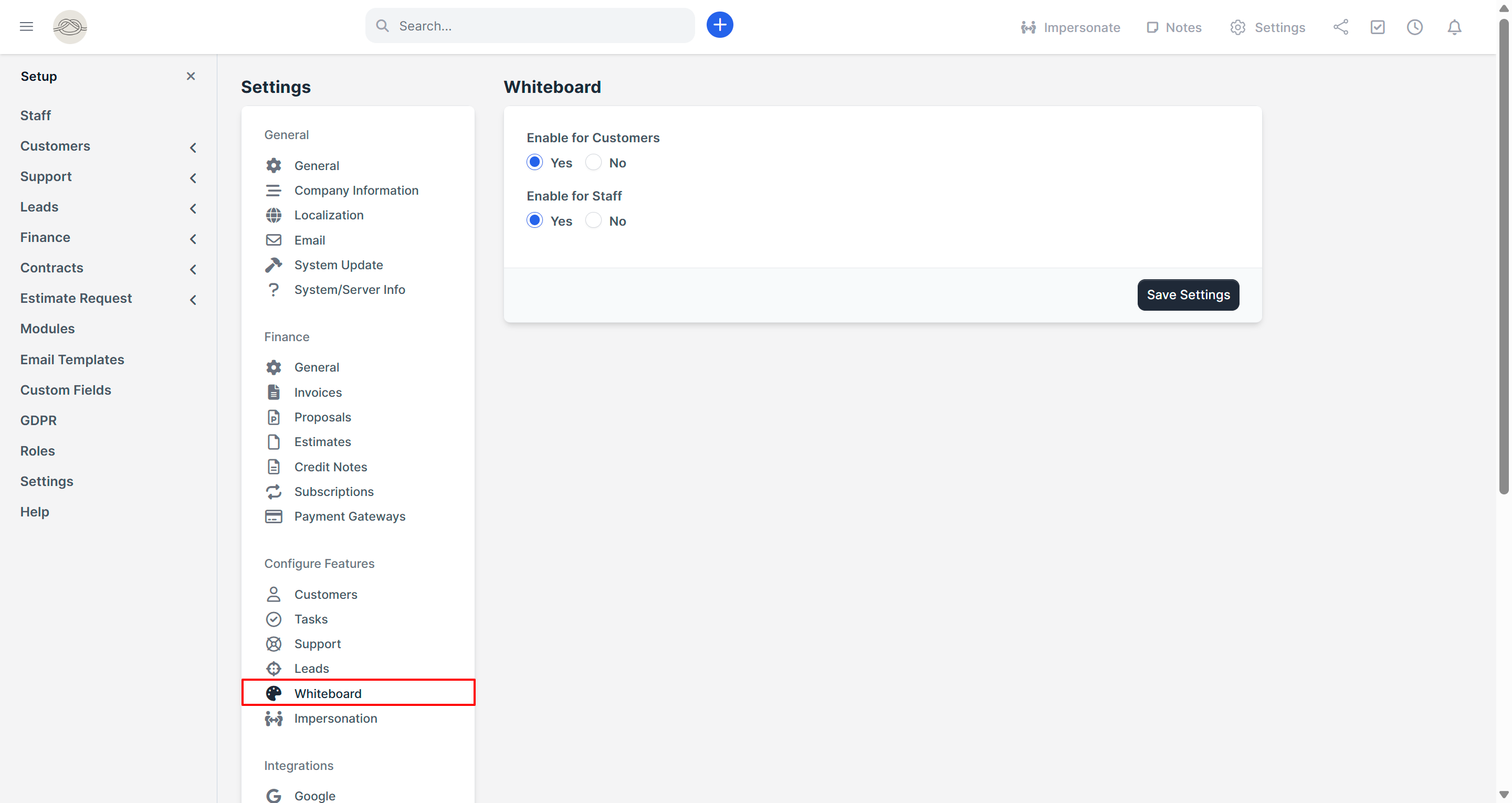
Note: Whiteboard permissions take precedence over role permissions. Ensure the staff role includes whiteboard access for proper functionality.
Features
- Seamless integration with Perfex CRM (v3.1.0 and above)
- Clean and minimal UI that matches Perfex CRM’s design
- Powered by Excalidraw – simple yet powerful whiteboard experience
- No API, No Credentials, No third-party Requirements
- Create, edit, and manage unlimited whiteboards
- Supports freehand drawing, shapes, images, text, and connectors
- Target Specific Users
- Supports Both Staff & Clients
- No core file modifications – update-safe and modular
- Quick installation and ready-to-use interface
What’s Included
- Whiteboard Module
- Documentation
- Free lifetime updates and 6 months support
Requirements
- Perfex CRM version 3.1.0 or higher
Documentation
For detailed instructions on installation and configuration, please refer to the online documentation at: https://perfex.codeonstring.com/whiteboard-documentation
Support
Comprehensive documentation is included. For further assistance, feel free to reach out to us at codeonstring@gmail.com
Change Log
Version 1.0.0
    - Initial Release