Ticketfy — Movie Ticket Booking Flutter UI Kit
Ticketfy is a modern, conversion-focused Flutter UI/UX kit for cinema and movie ticket booking. It helps users discover films, pick cinemas and showtimes, select seats with a clean seat map, add snacks, and check out with confidence — all in a delightful, mobile-first flow.
Why Ticketfy is Helpful
- Solves drop-offs: Clear, step-by-step booking (cinema → showtime → seats → add-ons → payment → e-ticket).
- Reduces friction: Transparent pricing and order summary build trust at checkout.
- Speeds discovery: Now Playing, Trending, and Genres help users find movies fast.
- Keeps users engaged: My Tickets wallet (QR), booking history, and re-order shortcuts.
Target Users
- Cinema chains & theaters launching or refreshing their mobile app UX
- Startups & agencies building MVPs for ticketing platforms
- Developers & designers needing a polished booking flow to integrate with existing backends
✨ Key Features
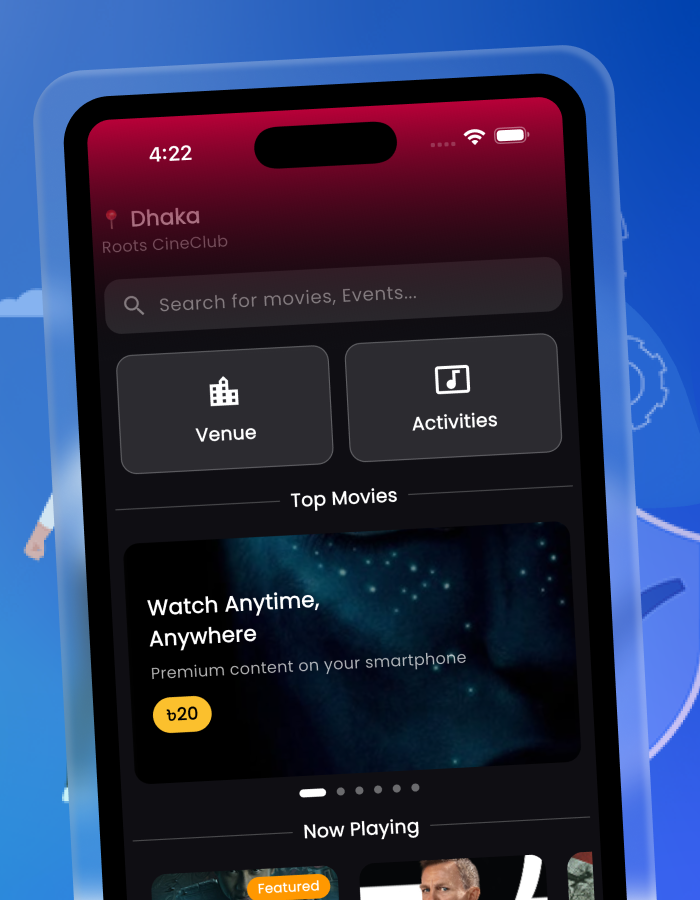
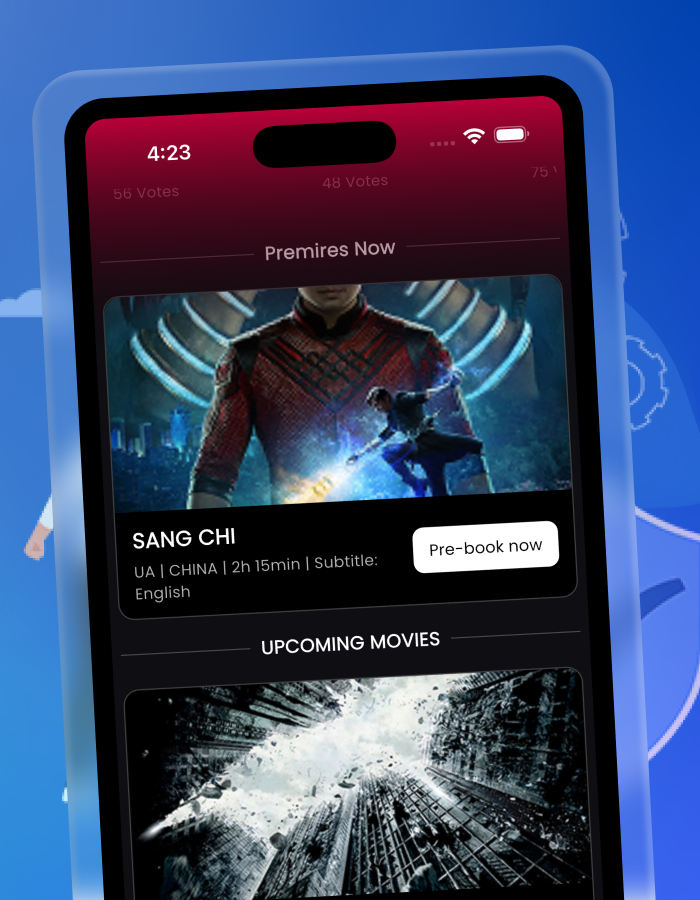
- Home with Now Playing & Trending
- Swipeable Genres/Categories
- Movies by Category (summary grid)
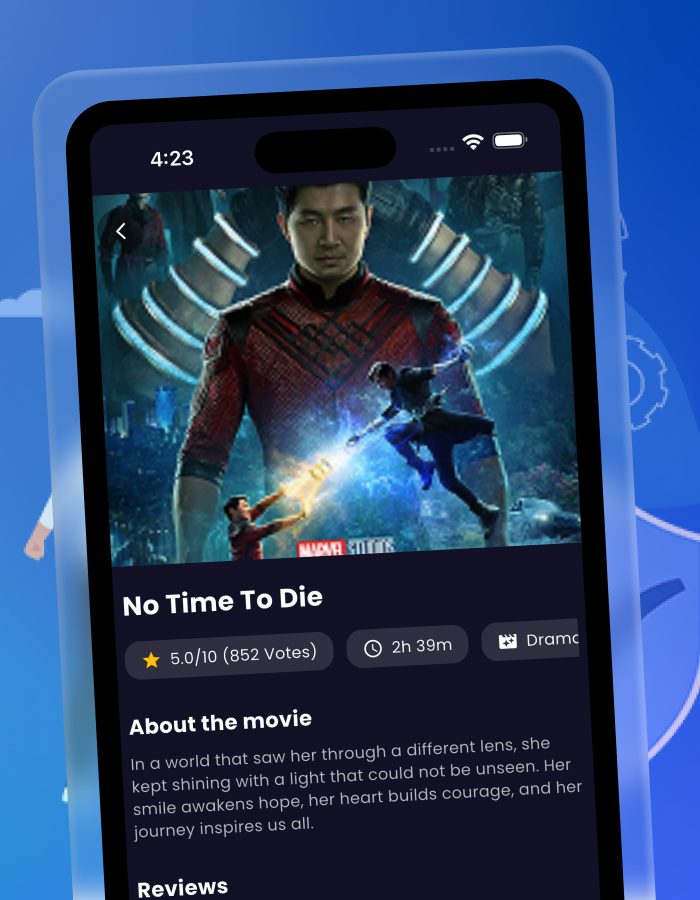
- Movie Details (synopsis, trailer, cast, ratings, formats: IMAX/3D)
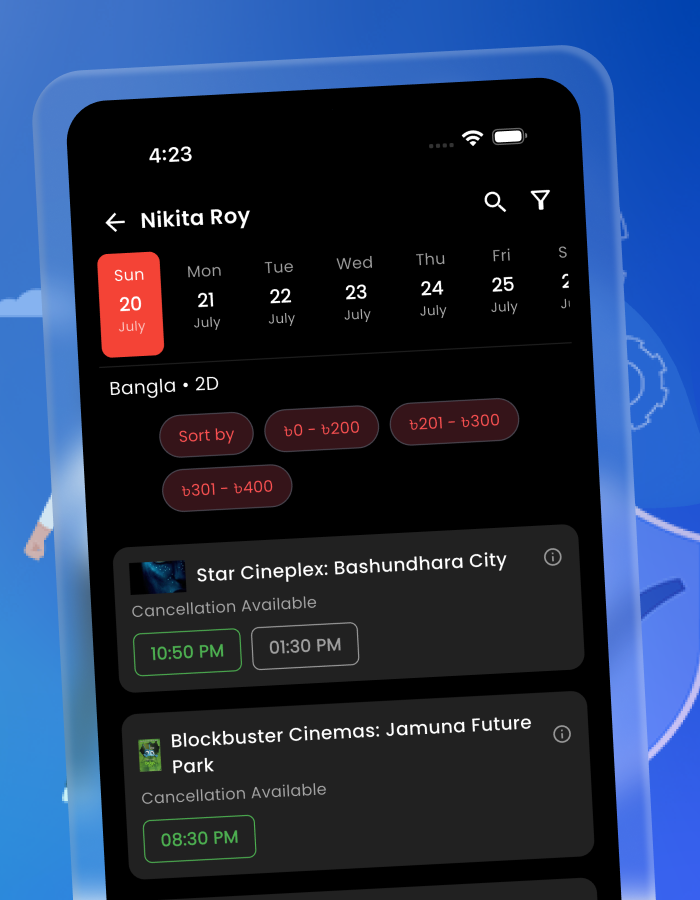
- Cinema & Showtimes selector
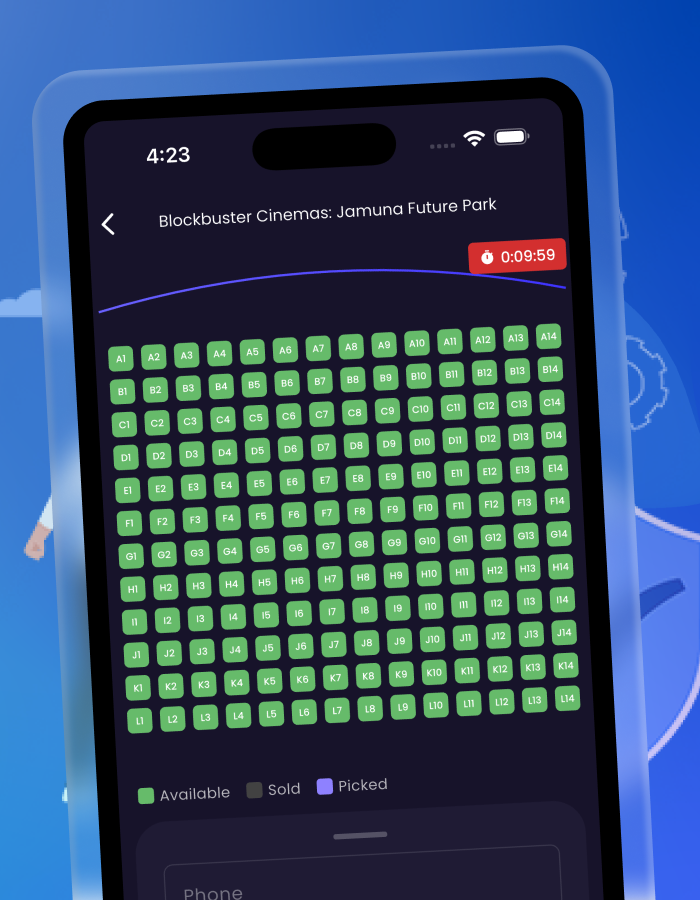
- Seat Selection (availability, price tiers, best-seat hints)
- Add-ons (snacks & combos)
- Checkout & Payment review
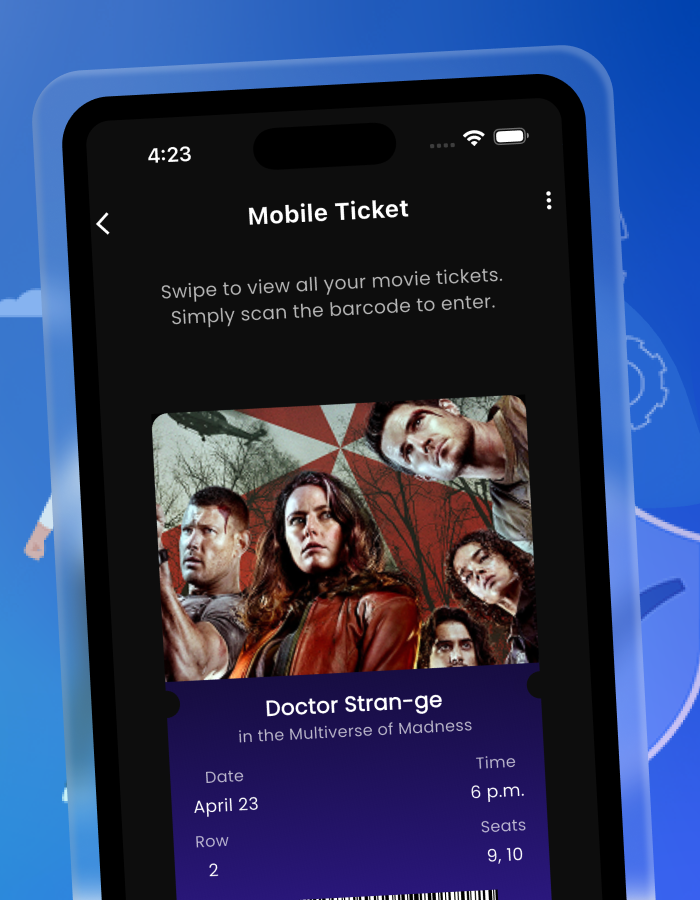
- Order Confirmation / E-Ticket (QR)
- My Tickets / Bookings & Order Activity
- Profile & Edit Personal Details
- Drawer / More Options
- Splash, Login, Registration, Forgot/Reset Password
Screens Included
- Home (Now Playing & Trending)
- Swipe for Genres/Categories
- Movies by Category
- Movie Details
- Cinema & Showtimes
- Seat Selection
- Add-ons (Snacks & Combos)
- Checkout & Payment
- Order Confirmation / E-Ticket (QR)
- My Tickets / Bookings
- Order & Booking Activity
- Profile
- Edit Personal Details
- Drawer / More Options
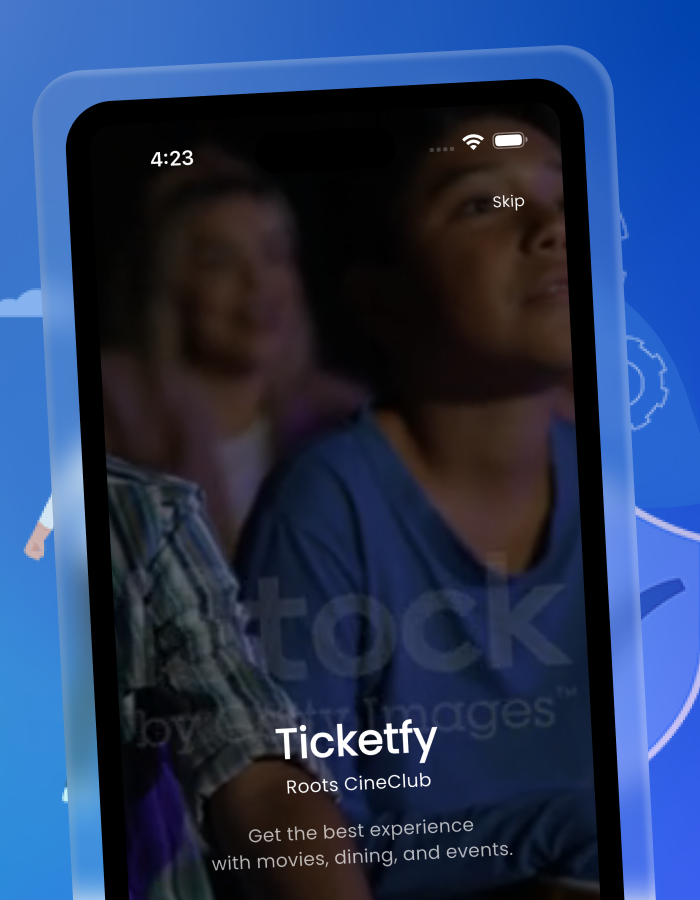
- Splash
- Login
- Registration
- Forgot Password
- Reset Password
Tech & Requirements
- Flutter (latest stable)
- Android Studio / VS Code
- Optional backend: Firebase (Auth, Firestore/RTDB, Storage) or your own API
Quick Start
- Open the project in Android Studio or VS Code.
- Run:
flutter pub get flutter run - (Optional) Connect your backend and API endpoints (cinemas, movies, showtimes, seats, orders).
Customization
- Branding: Change app name, colors, logo, and icons.
- Content: Hook your movie, cinema, showtime, and pricing sources.
- Payments: Integrate your gateway (Stripe/Razorpay/PayPal/etc.).
- Locales: Add translations and RTL if needed.
Monetization Ideas
- Convenience fees & booking charges
- Snack/Combo upsells in the Add-ons step
- Promoted placements for films or cinemas
- Coupons & loyalty programs to drive repeat bookings
What’s Included
- Full Flutter UI source (screens & components)
- Navigation & sample flows for booking
- Mock data hooks (swap with your API)
- Setup notes & documentation
Logs Today
- [New] Movie-focused intro and screens list
- [Update] Checkout & E-ticket copy improvements
- [Fix] Minor wording and consistency tweaks
Demo / Preview
Provide your APK/TestFlight link here for reviewers and buyers.
Example: https://your-demo-link.example/app.apk
Support
- Send issues, ideas, and customization requests via your Codecanyon profile or provided email.
- Please include device, OS version, and steps to reproduce (if reporting a bug).
Notes
- This is a UI Kit; backend endpoints and payment keys are not included.
- Logos, posters, and any 3rd-party media in previews are for demonstration only.