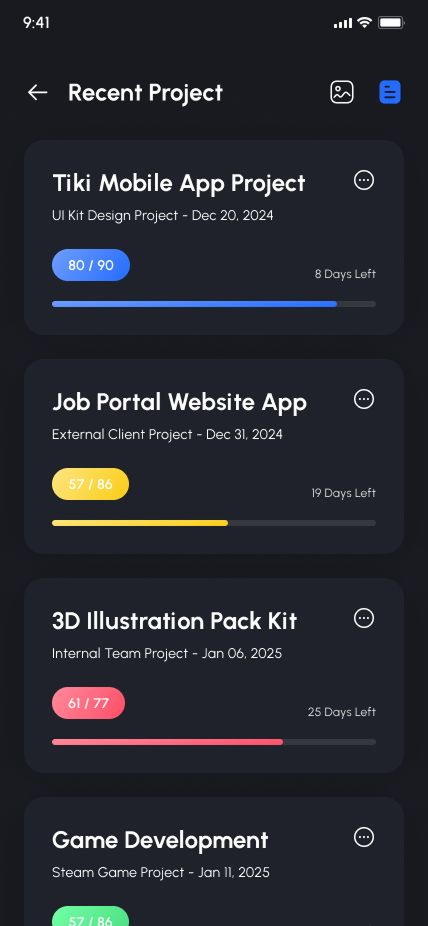
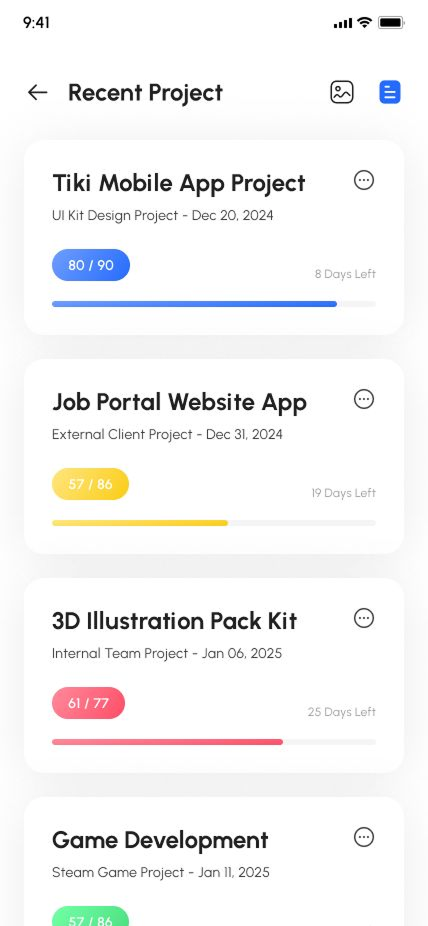
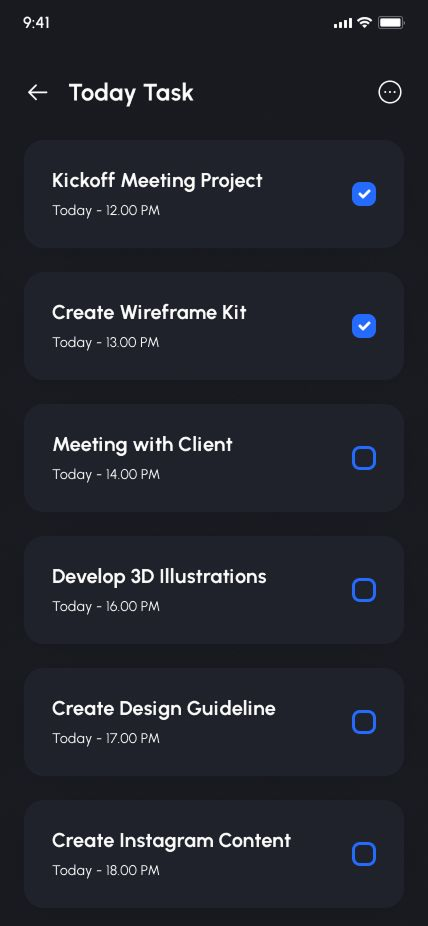
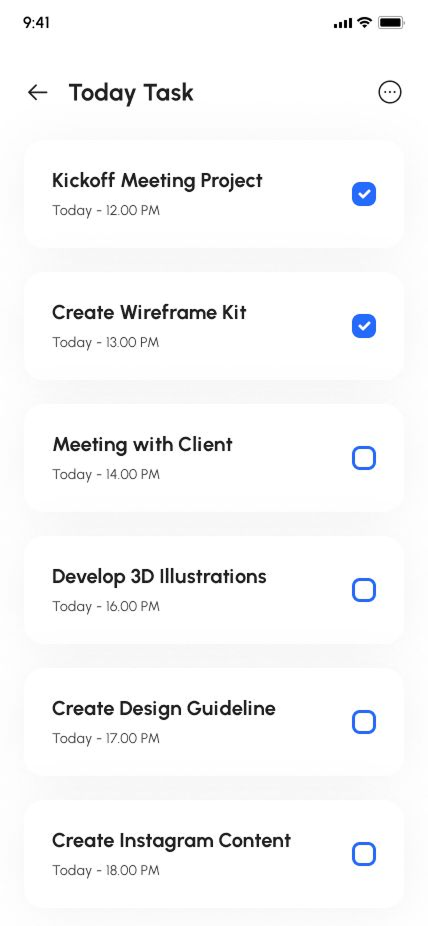
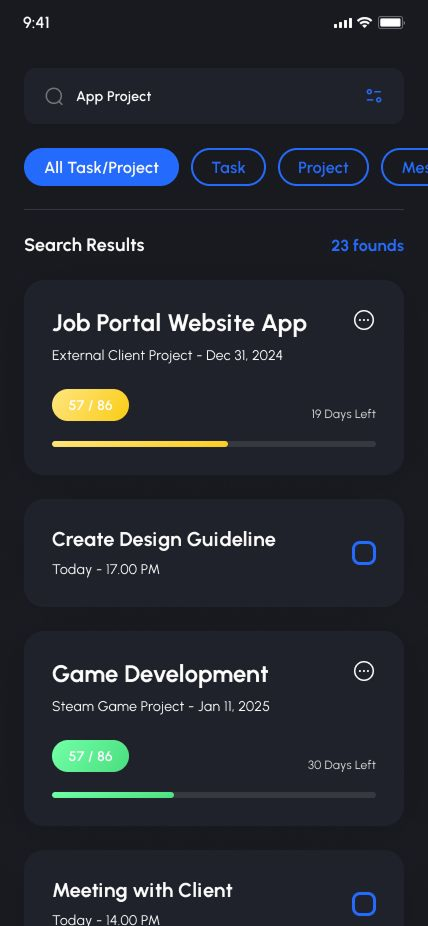
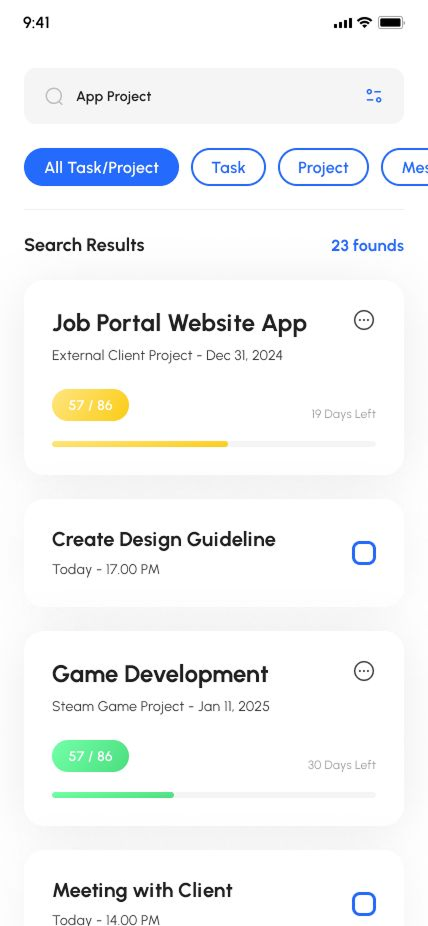
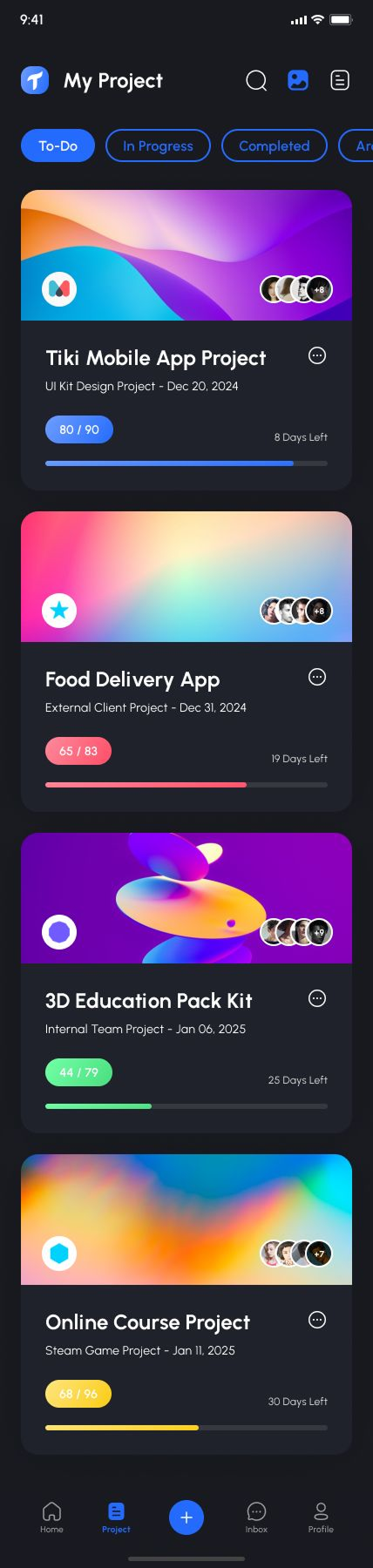
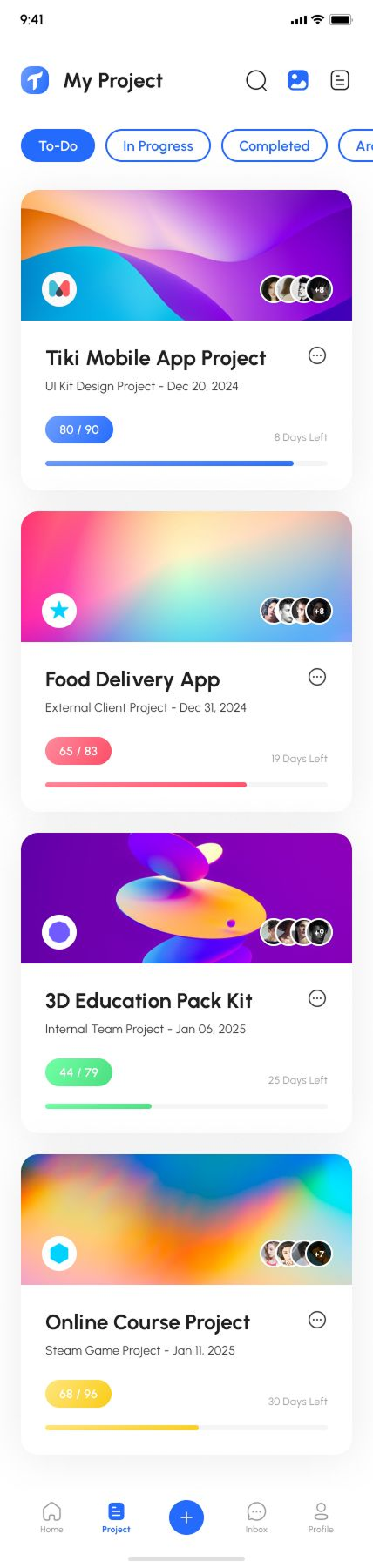
Important!
This project is a TEMPLATE. Not backend project. Built on React Native Expo.Demo Video Youtube
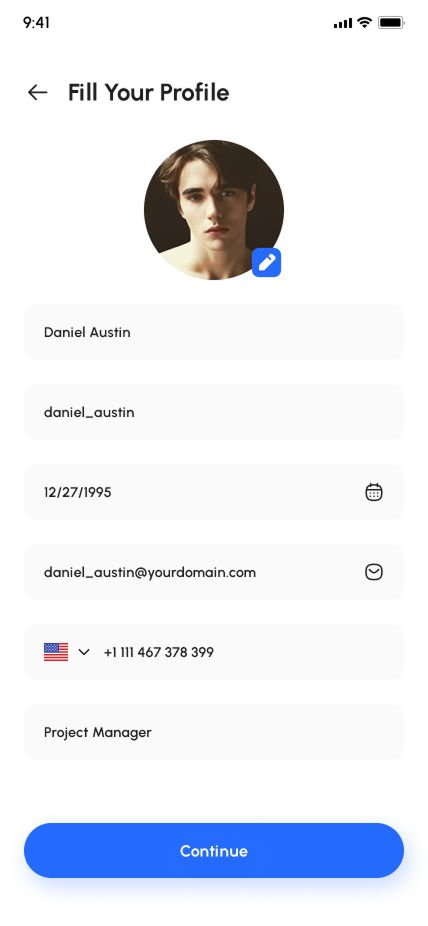
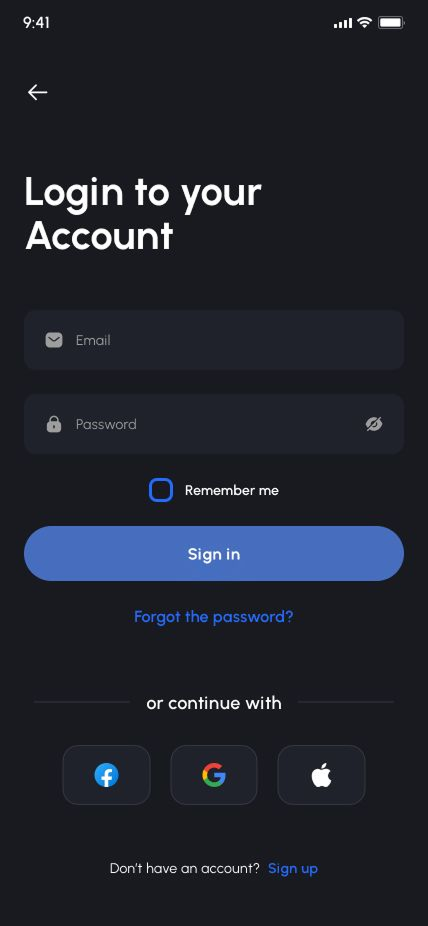
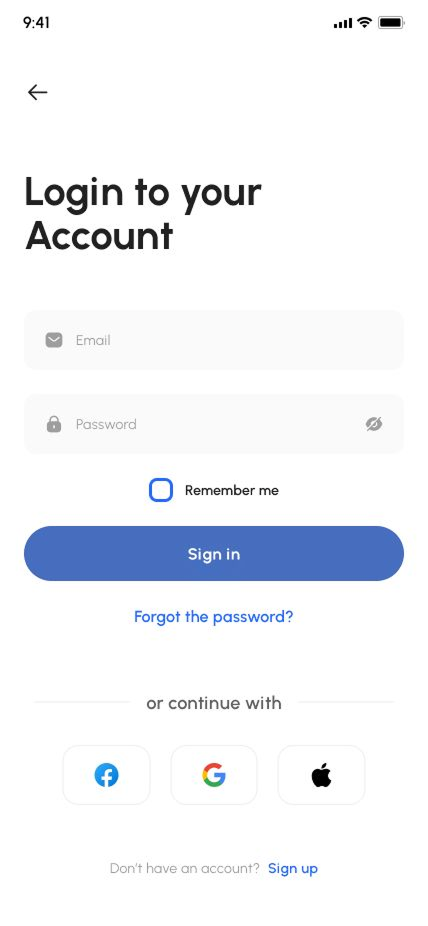
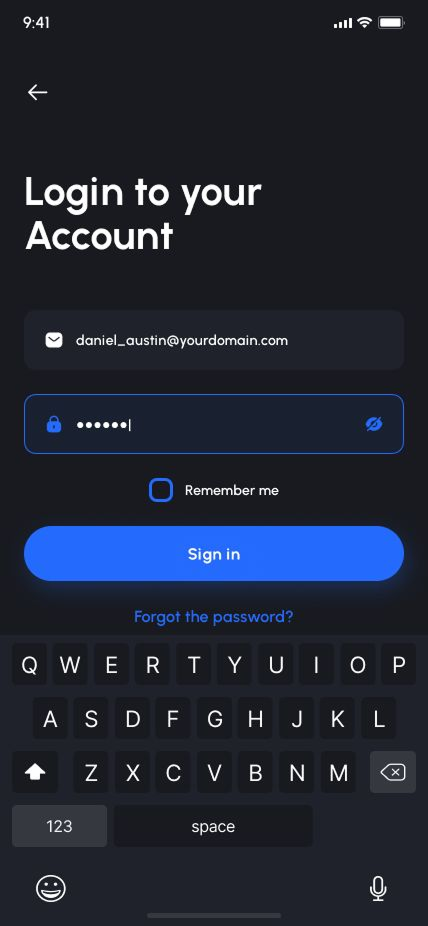
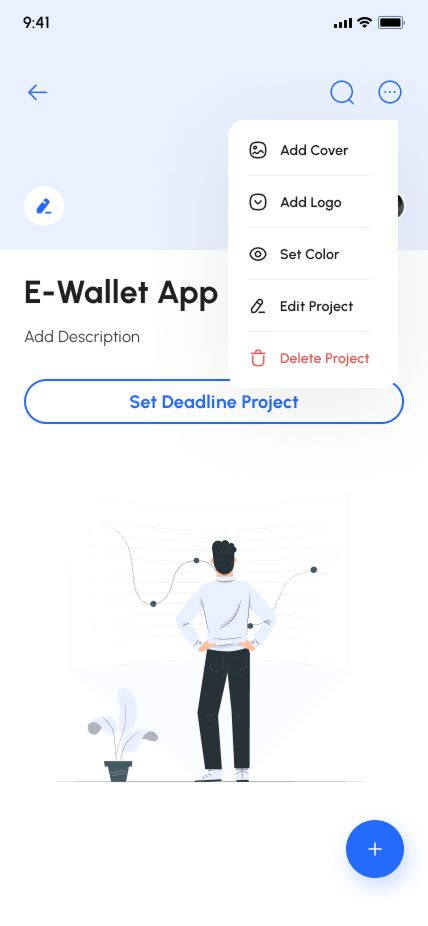
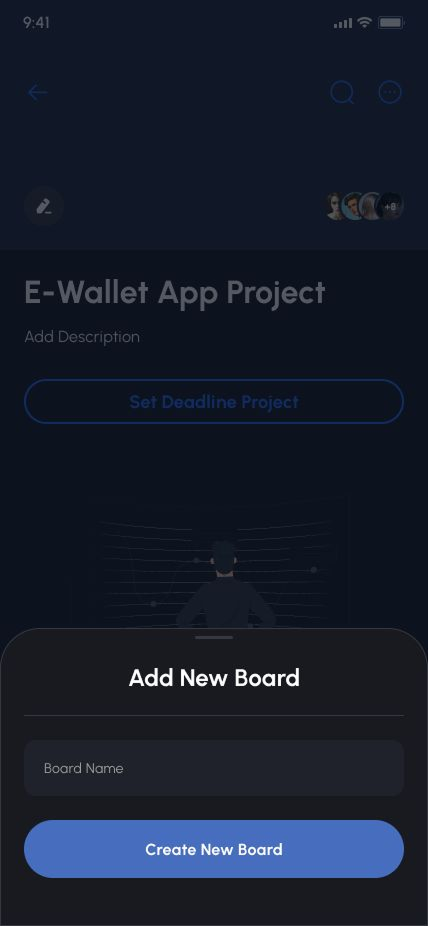
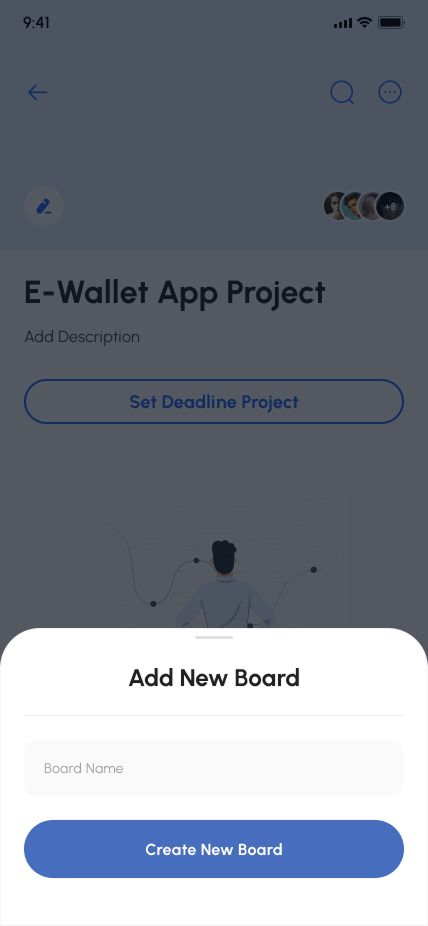
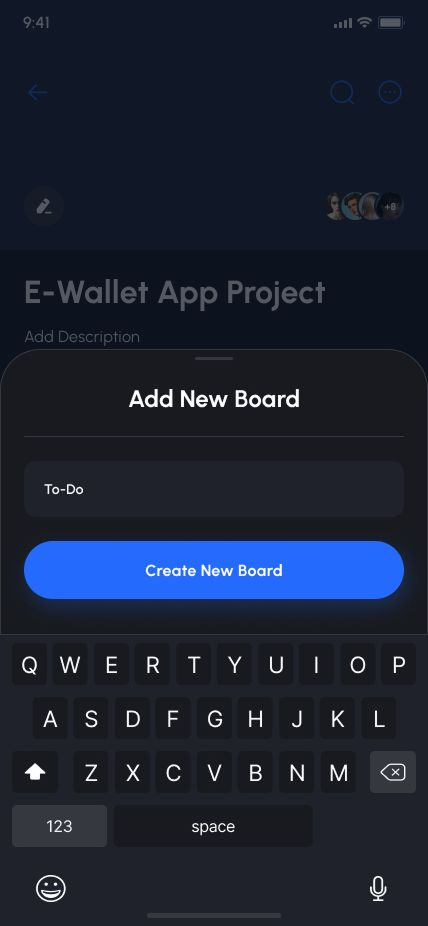
Demo Images
Description
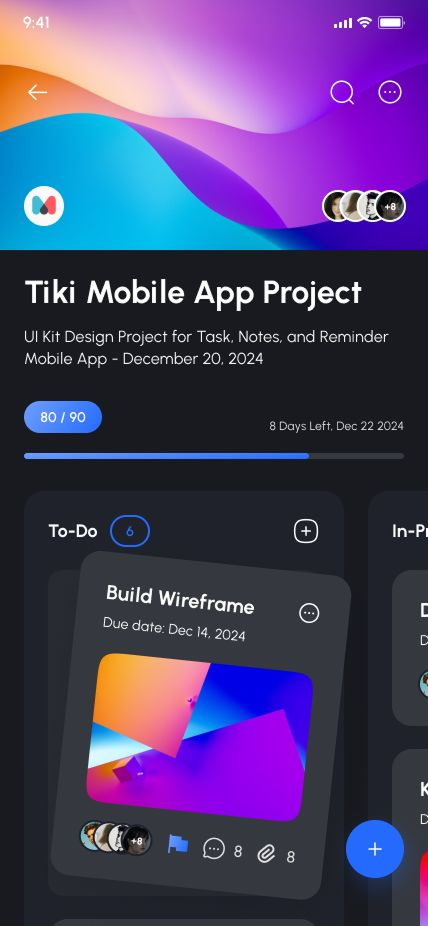
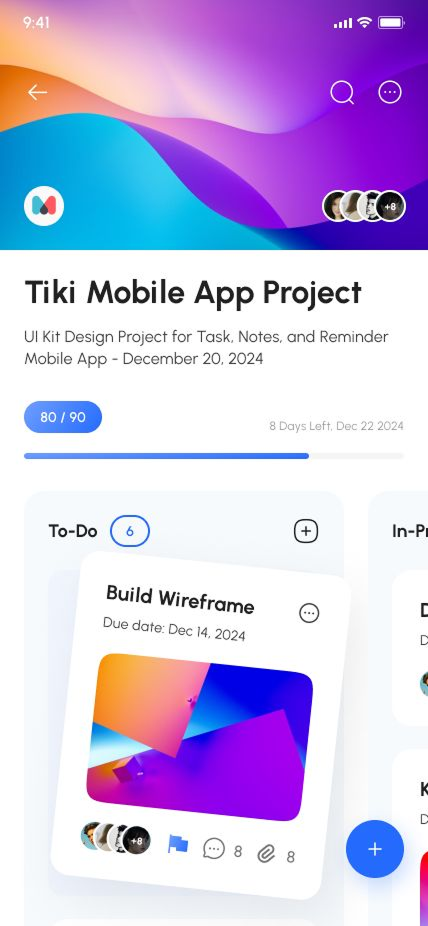
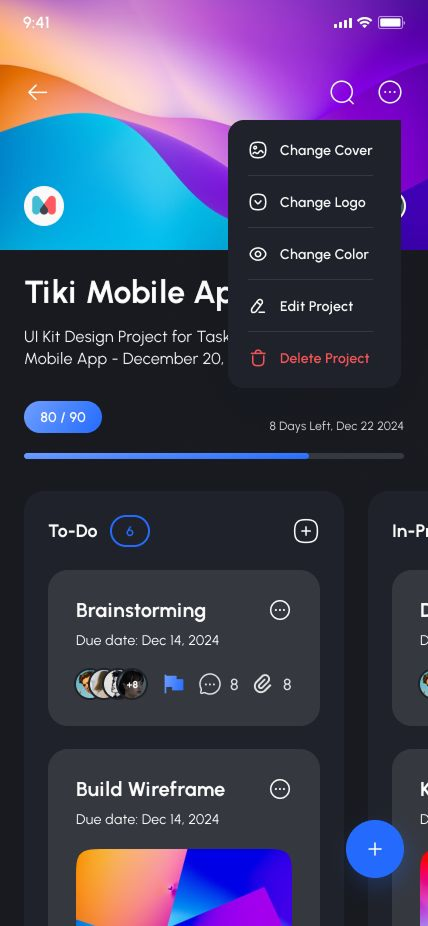
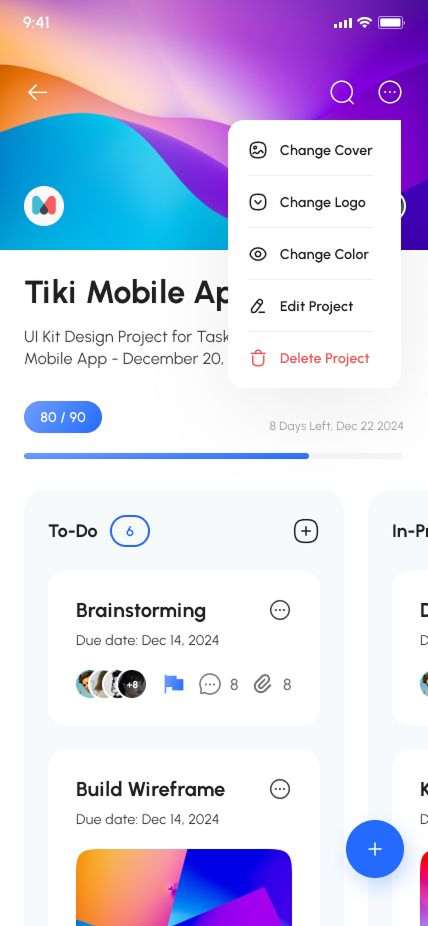
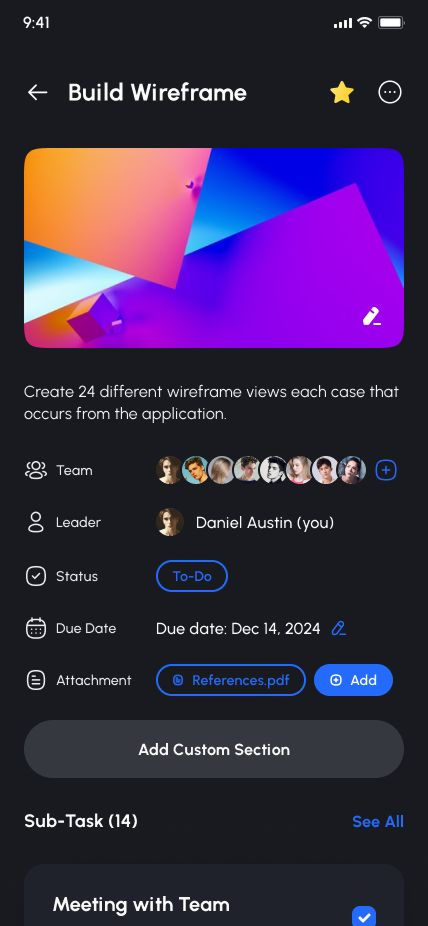
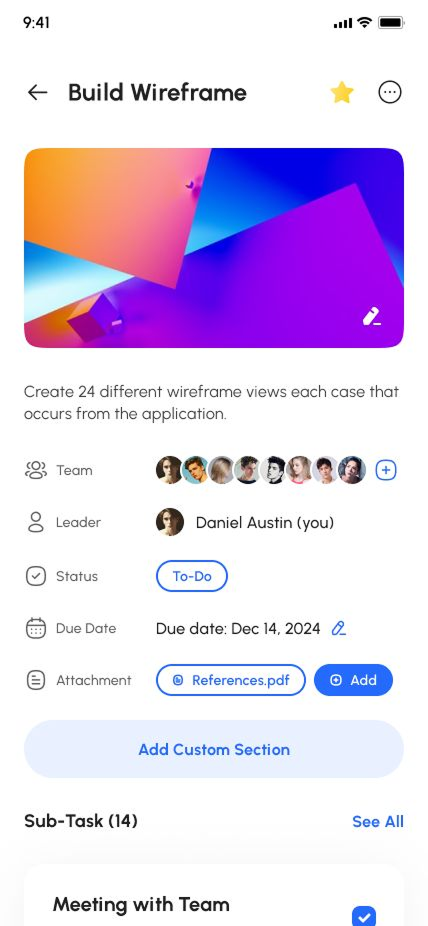
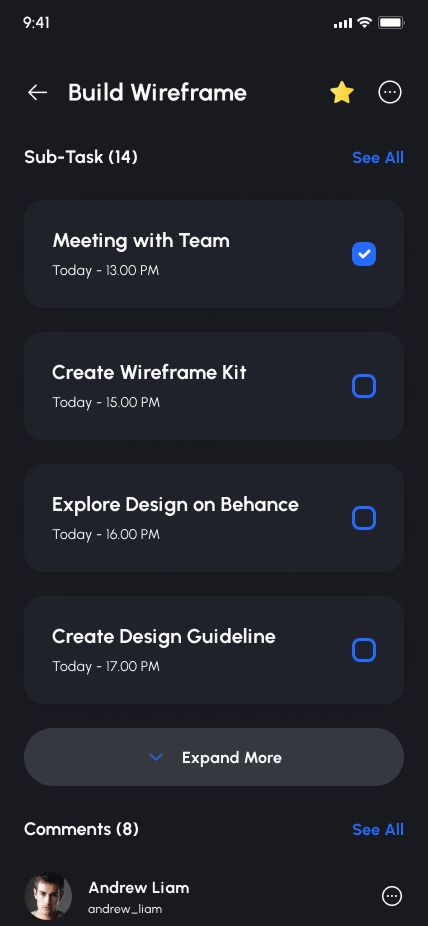
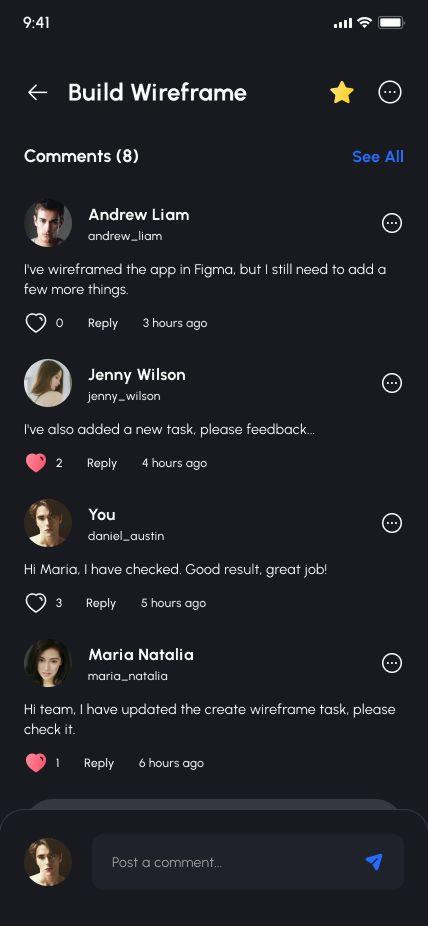
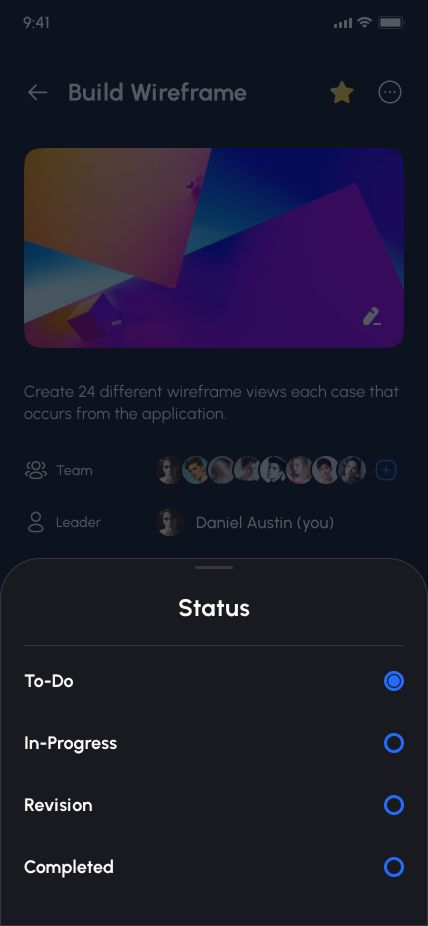
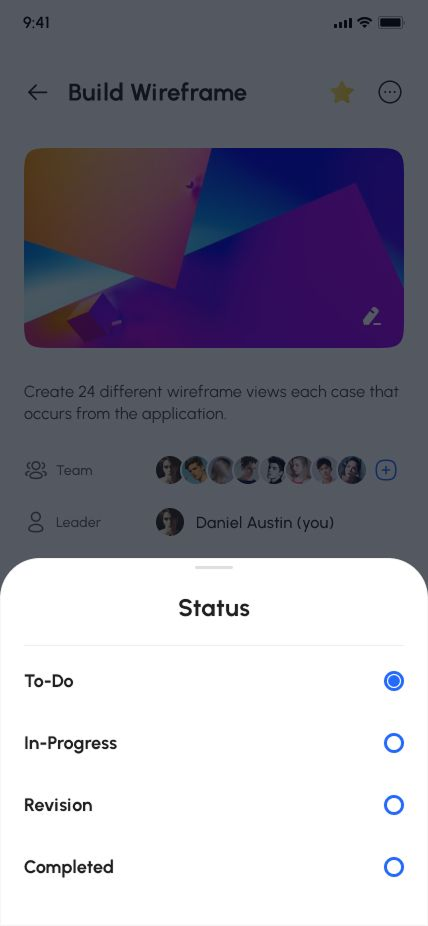
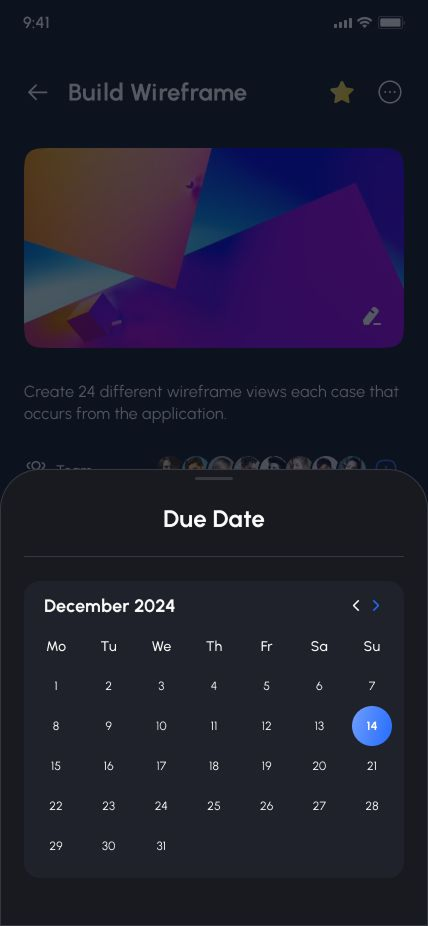
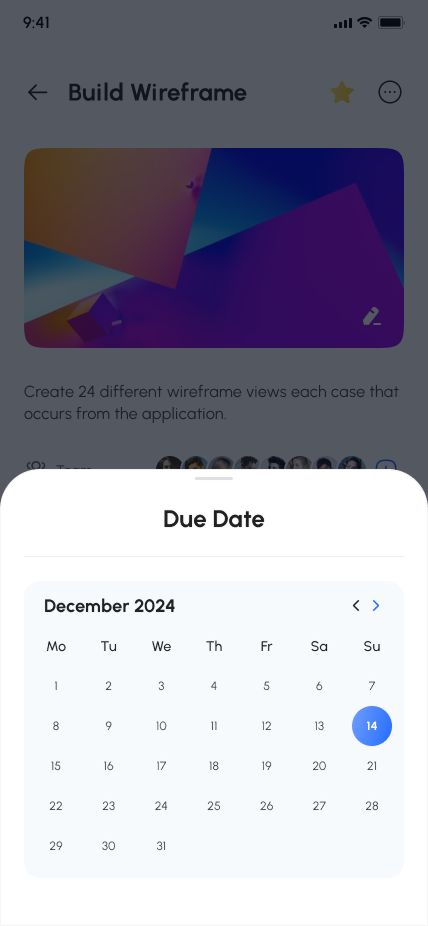
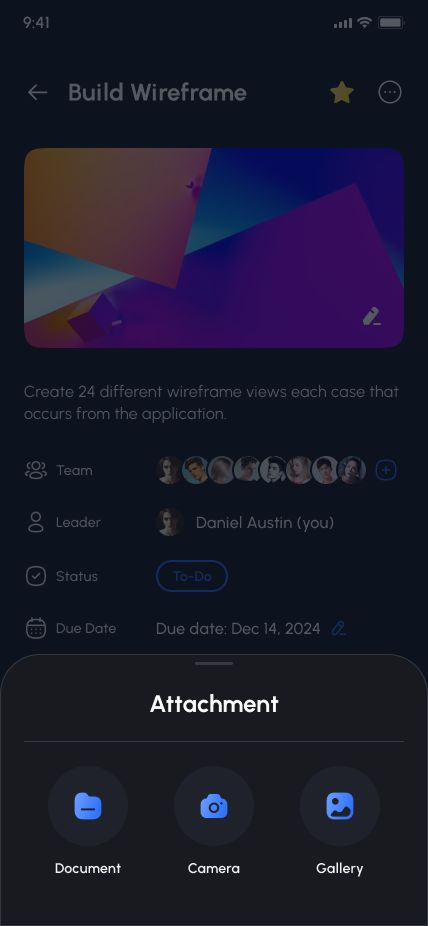
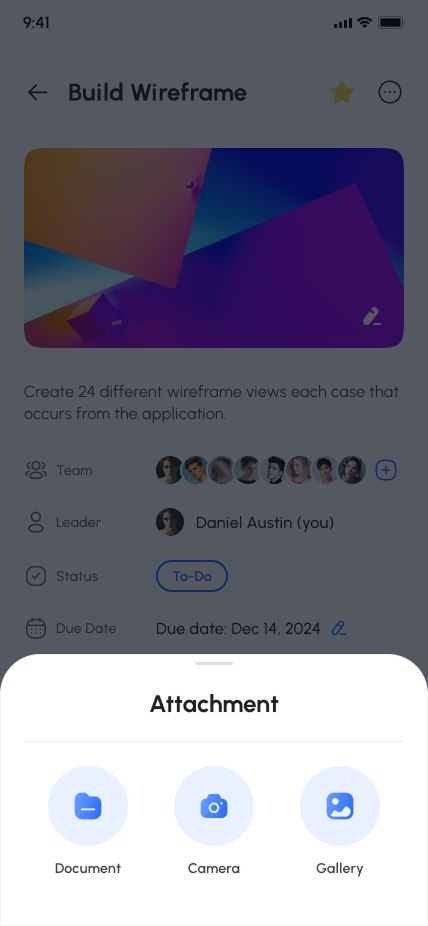
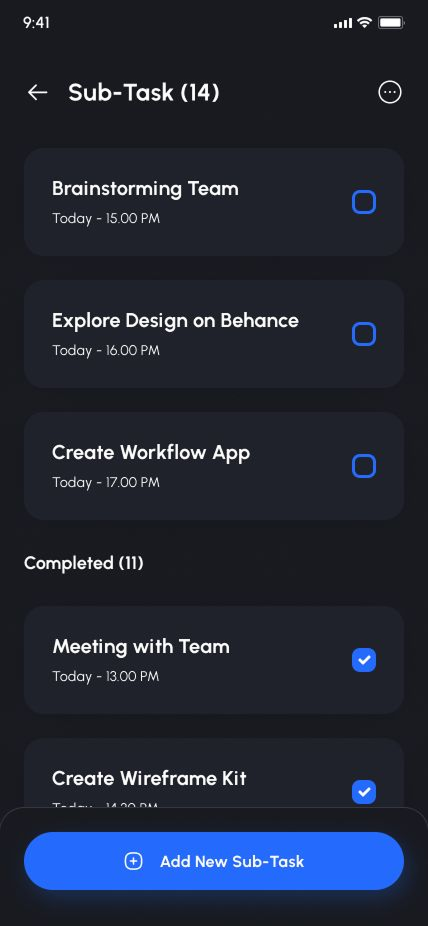
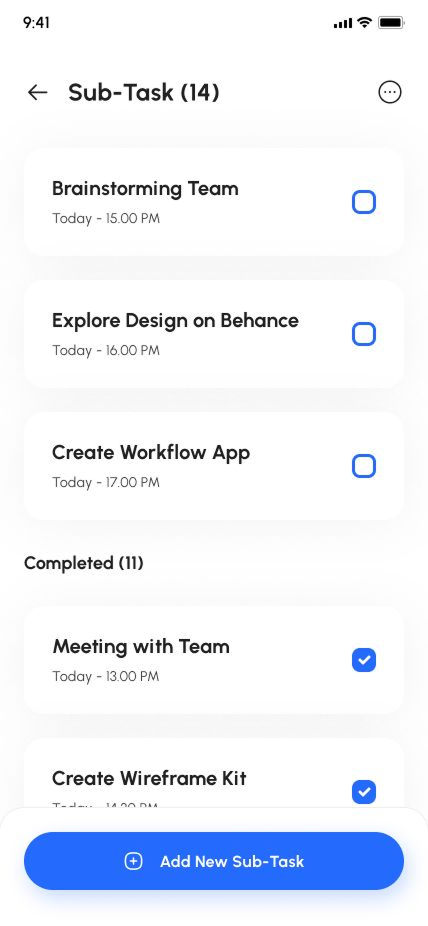
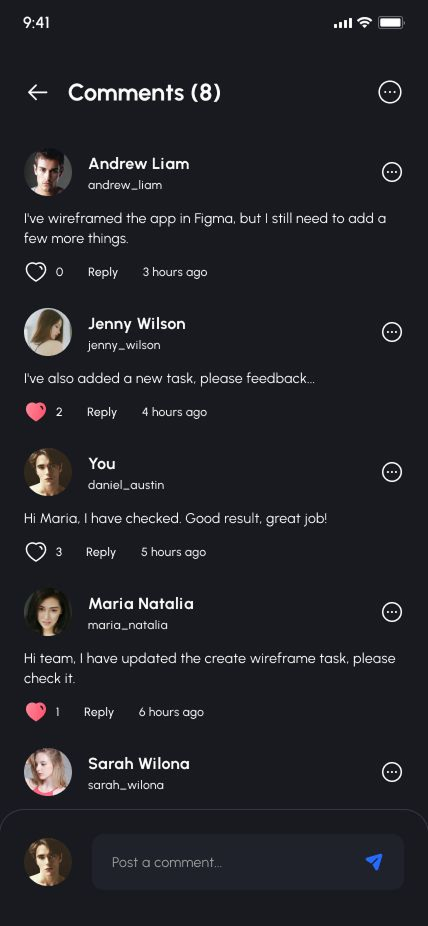
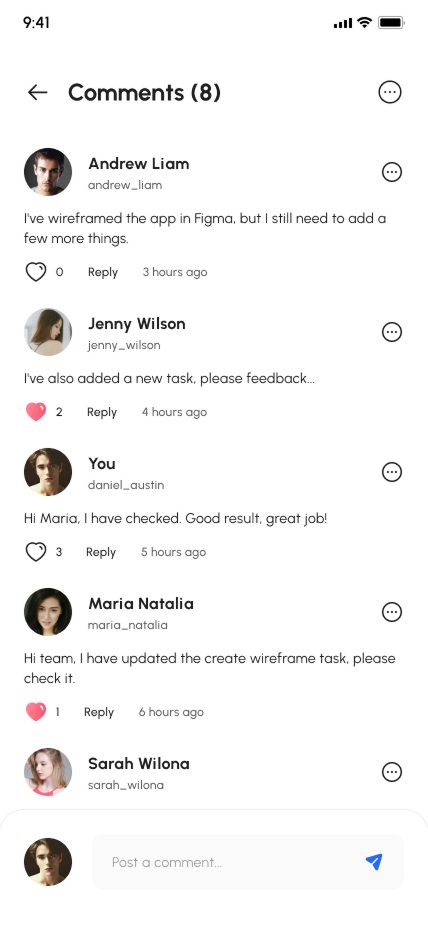
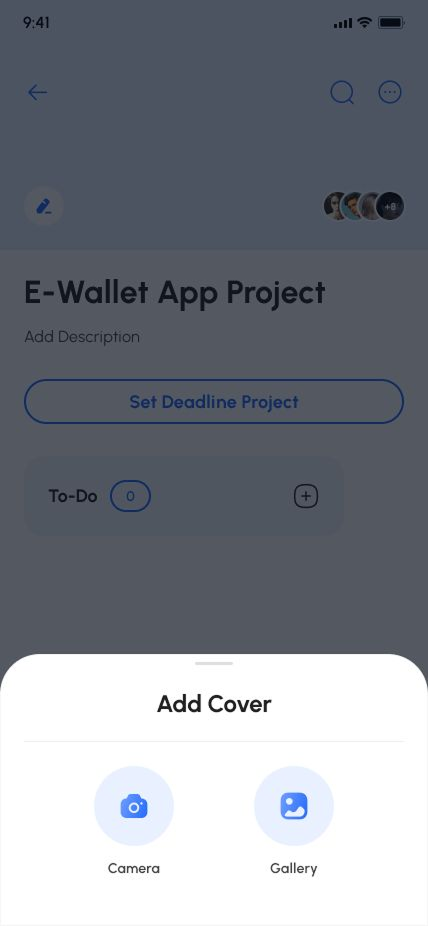
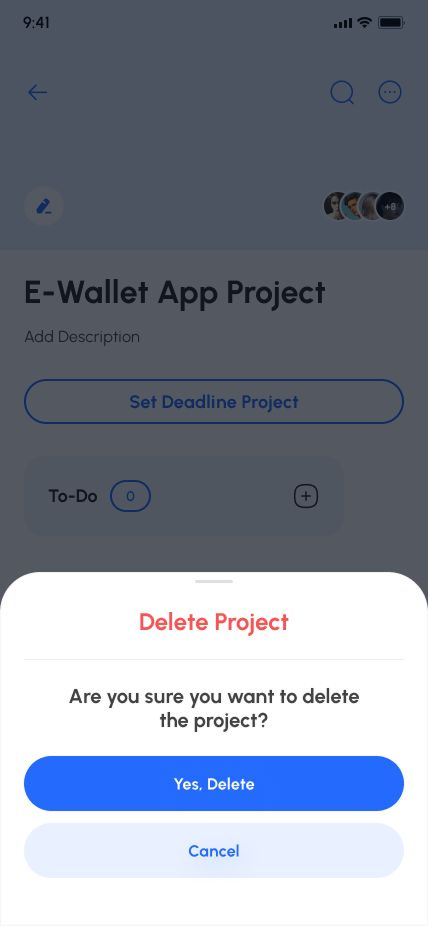
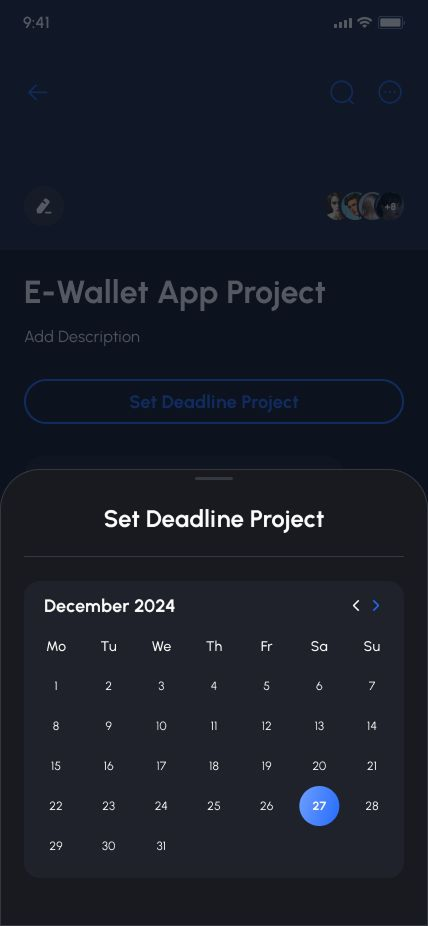
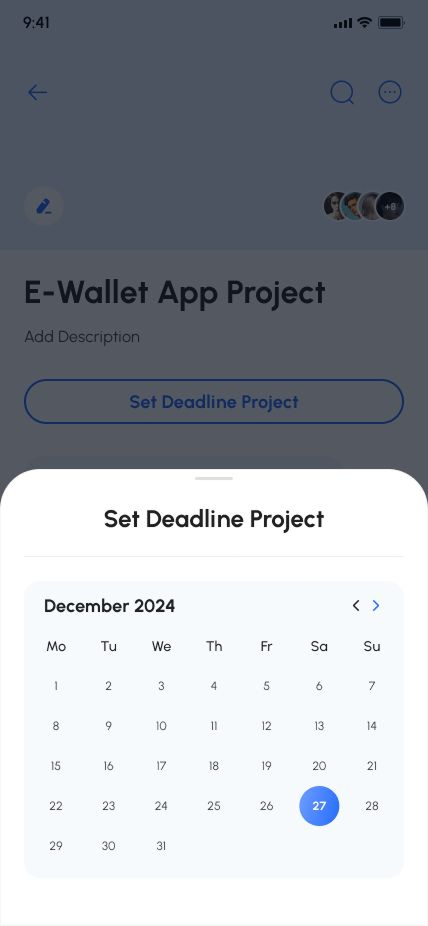
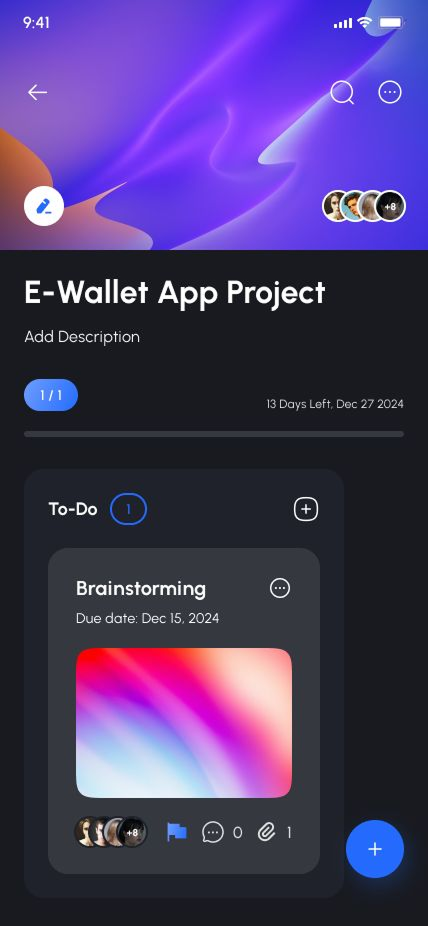
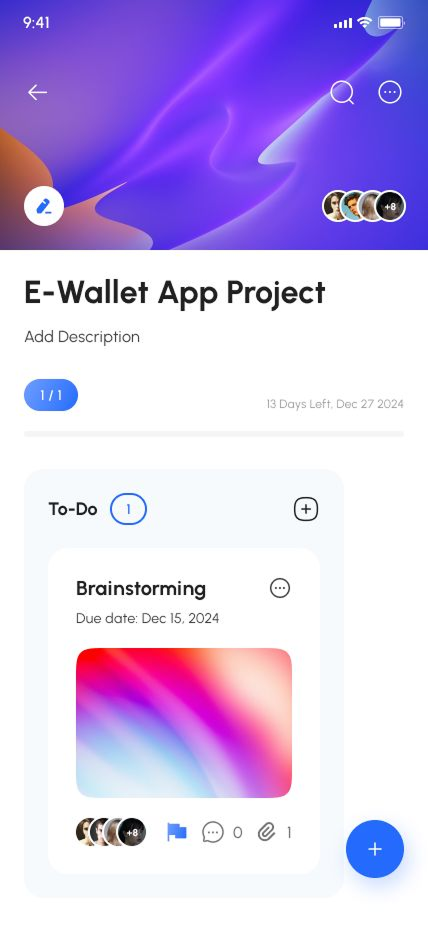
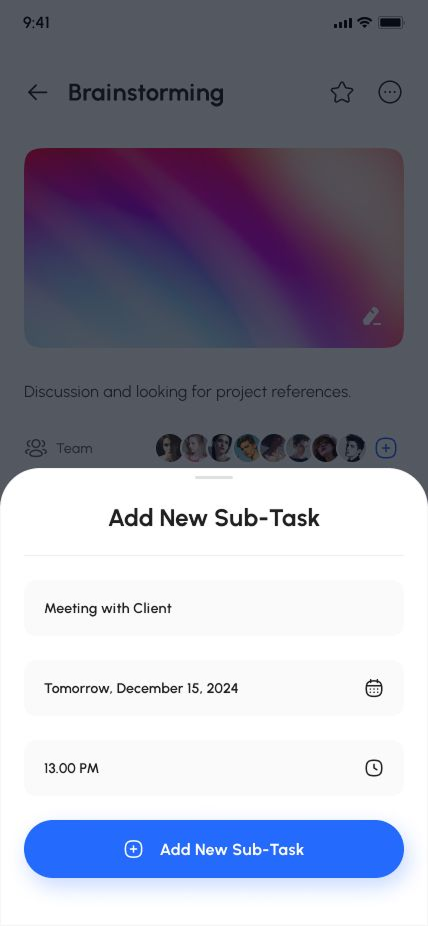
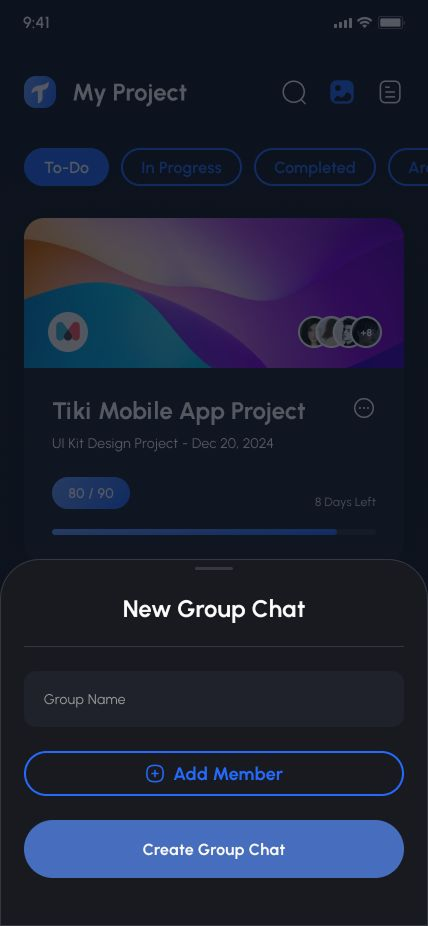
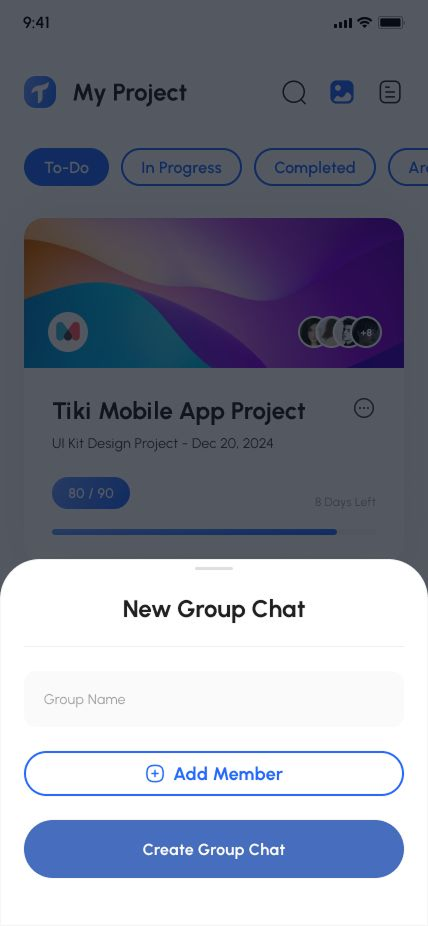
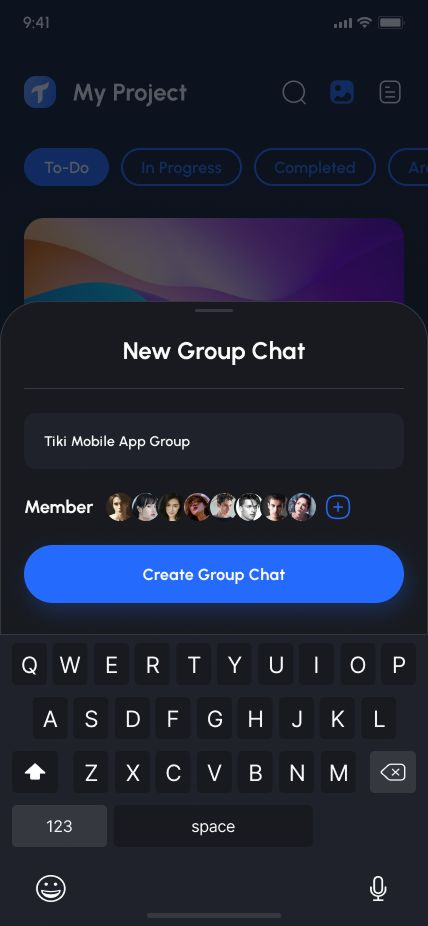
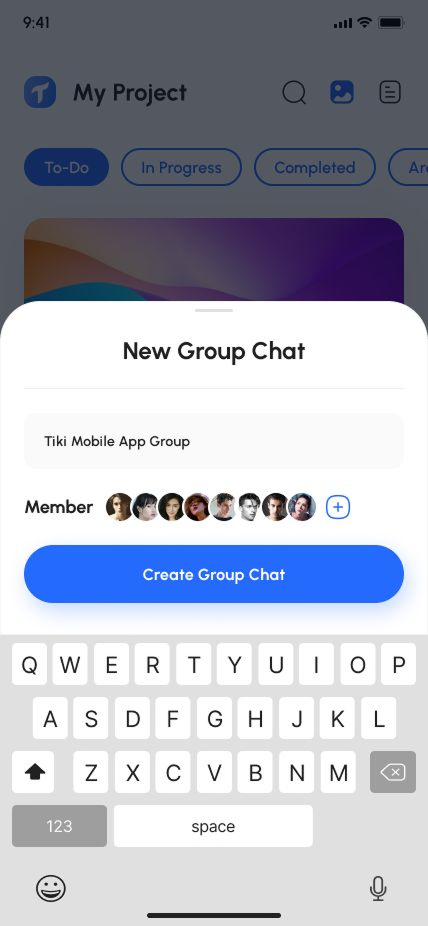
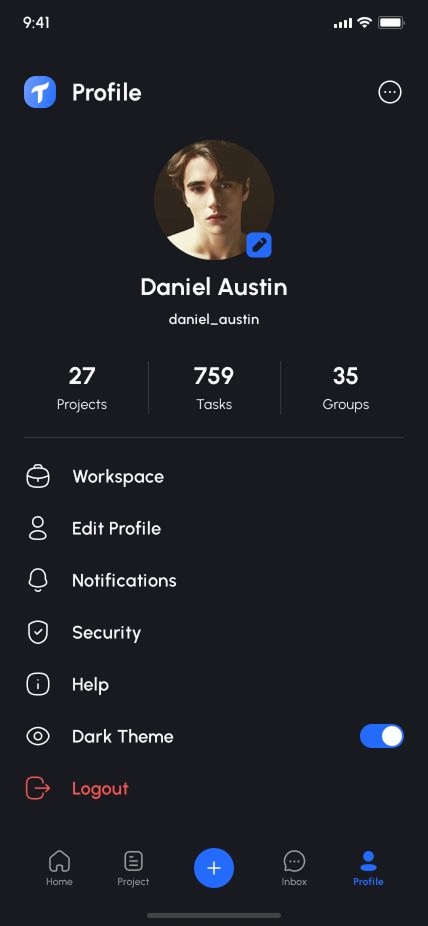
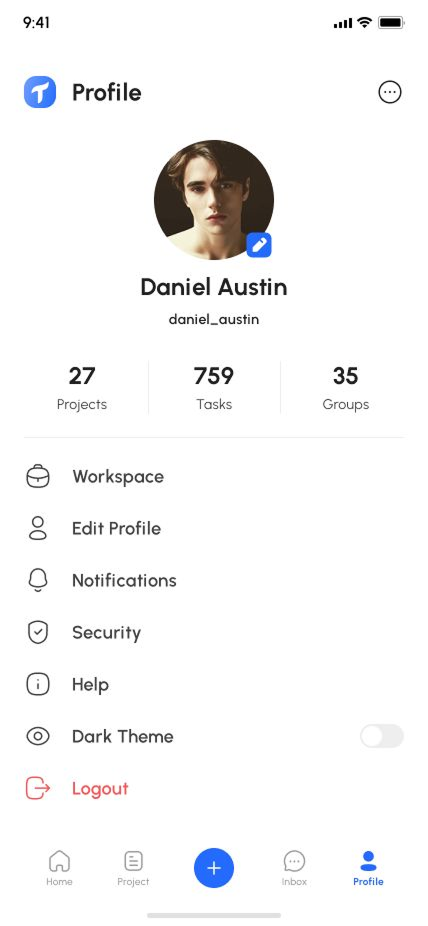
Taska is a comprehensive and feature-rich react native ui kit designed specifically for creating task & project management applications using react native expo. With its extensive collection of more than 170 user screens, pre-designed components, and various layouts, Taska significantly accelerates the development process, making it an excellent choice for developers looking to build a high-quality task & project management app.
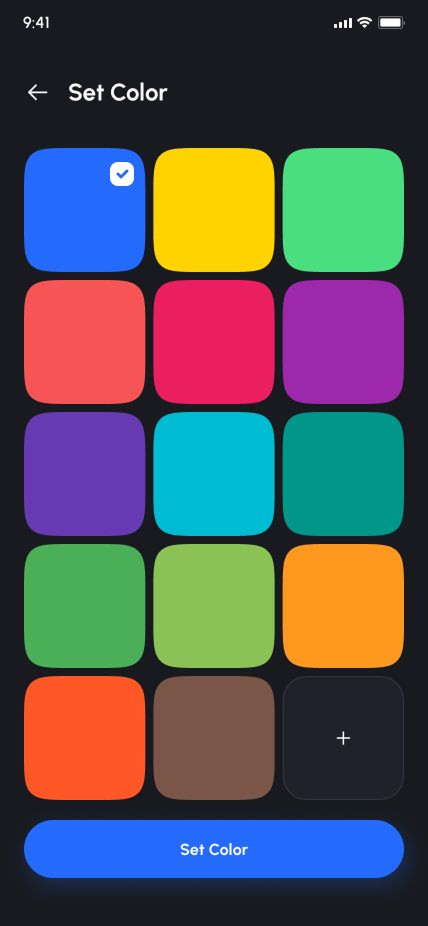
The flexibility of Taska is one of its key strengths. It is designed to be fully customizable, allowing developers to tailor the UI according to their specific branding requirements and application flow. Customization options may include adjusting color schemes, typography, iconography, and overall UI layout to create a unique and visually appealing user interface.
Download APK
Use cases for this template:
- Task Management App
- Project Management App
- Teams Management App
- Kanban App
- To-Do List App
- Reminder App
- Notes App
- Productivity App
- Scheduler App
- Messenger App
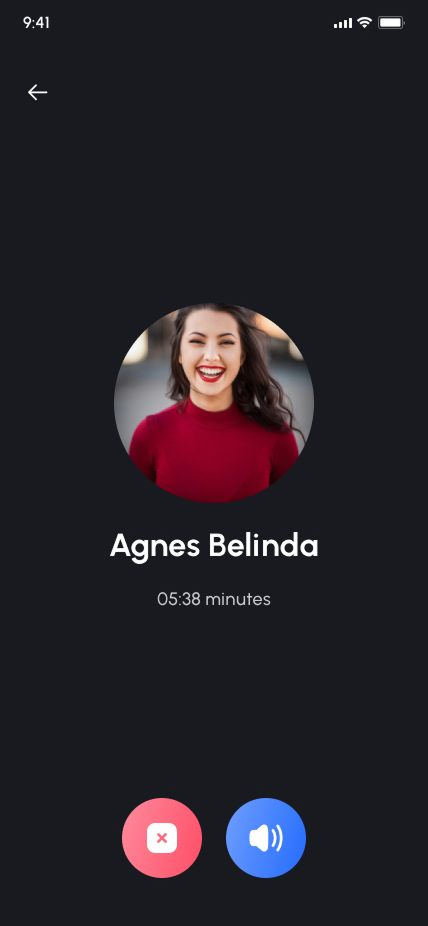
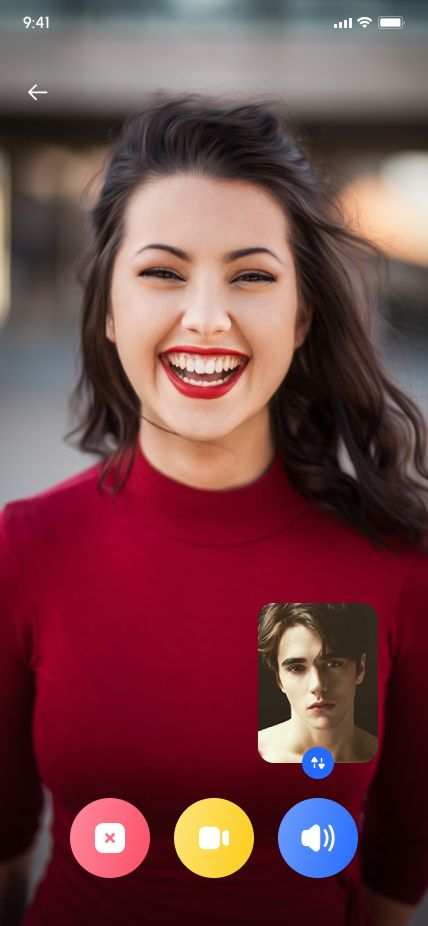
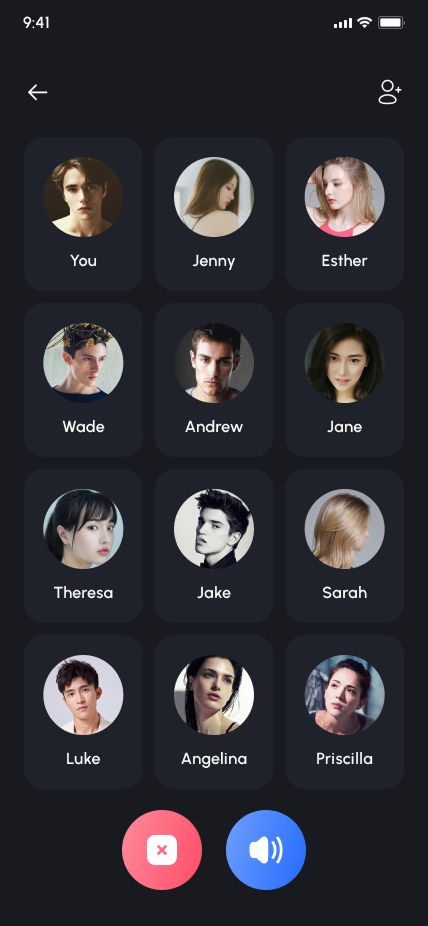
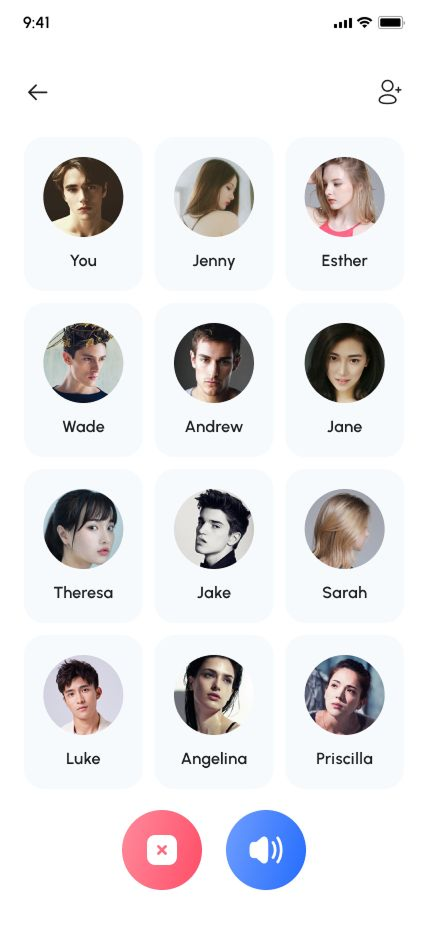
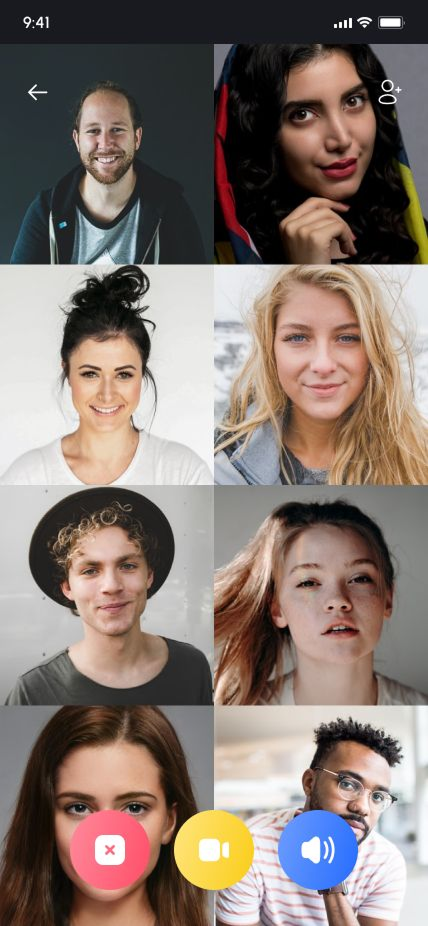
- Voice & Video Call App
- Chatting App
- Sharing App
Features:
- Built with React Native Expo
- Only Functional Components & React Hooks
- Well structured components
- Clean and Easy Code with Clear Navigation.
- This UI Provides Easy, Enjoyable, and Effective Interaction Between the User and the App
- Organized Layers and Groups.
- Responsive design to any device screen
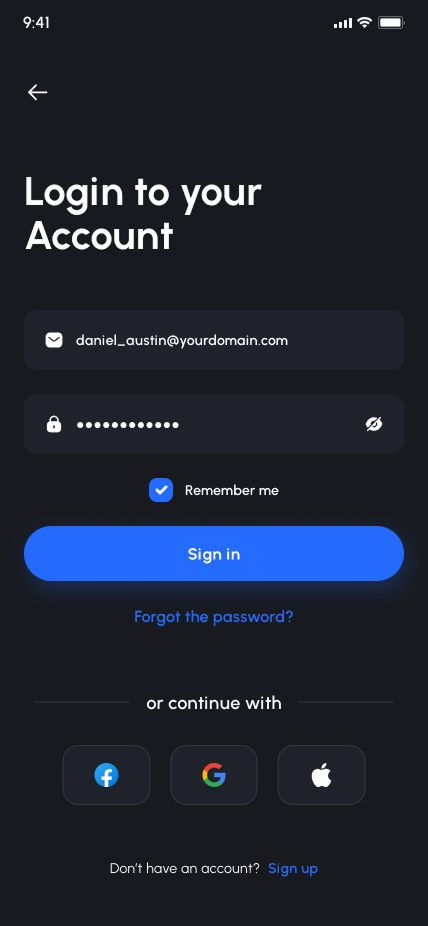
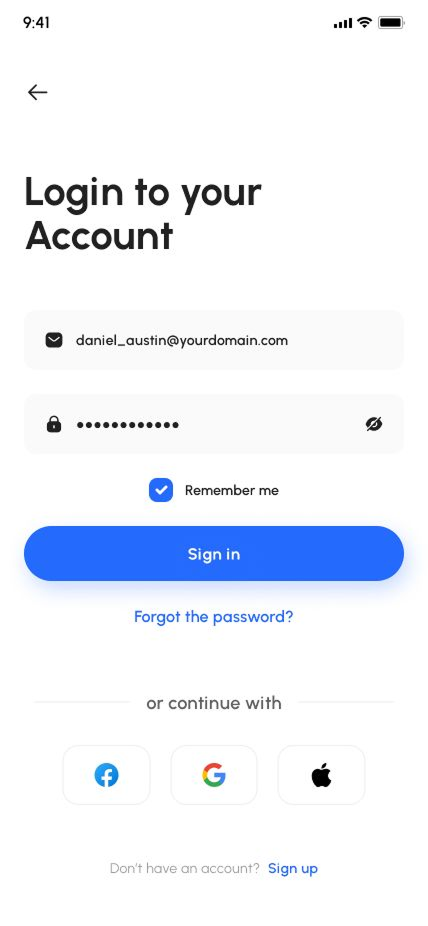
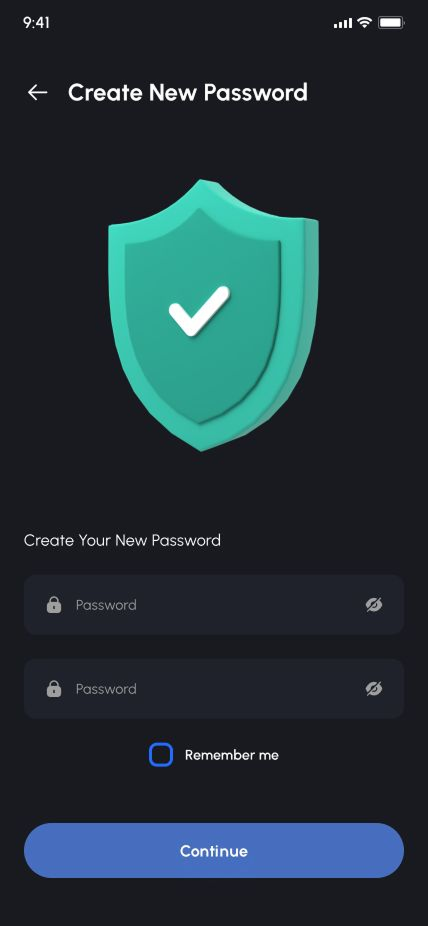
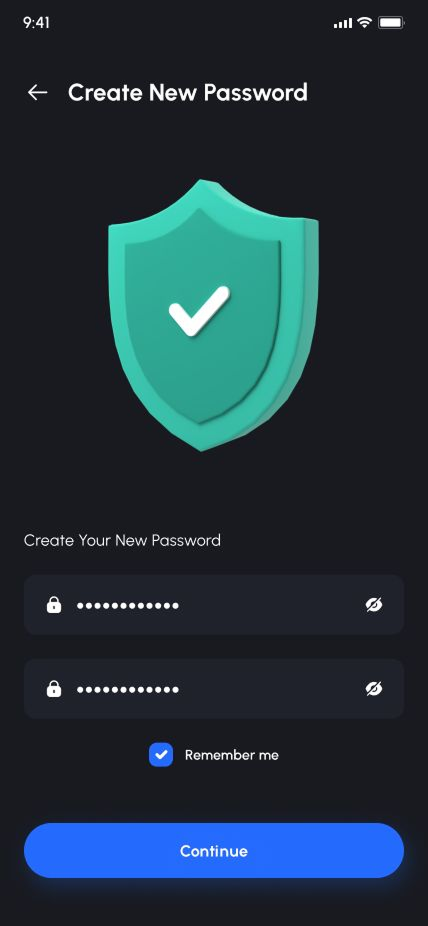
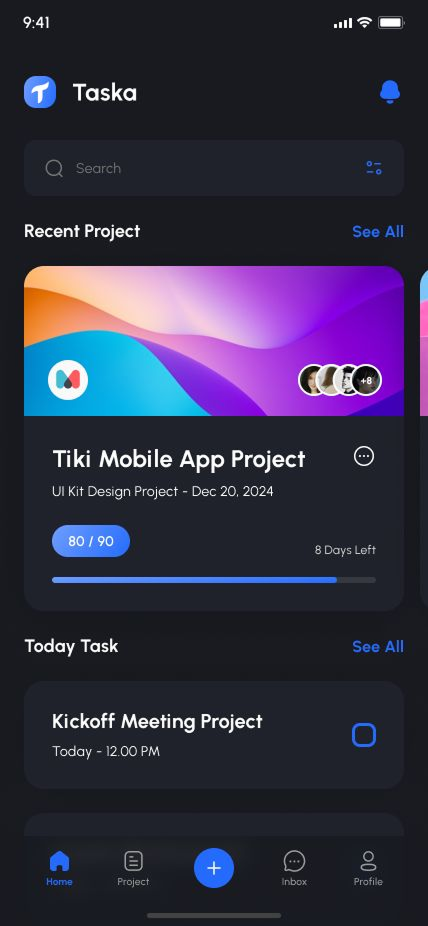
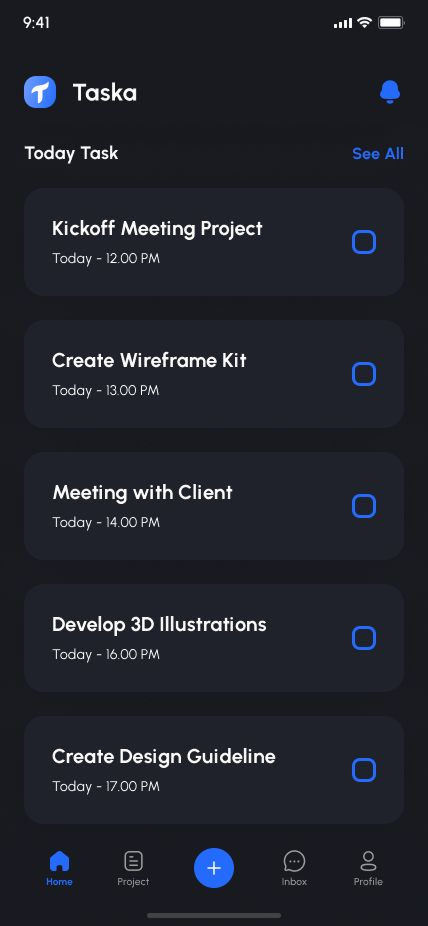
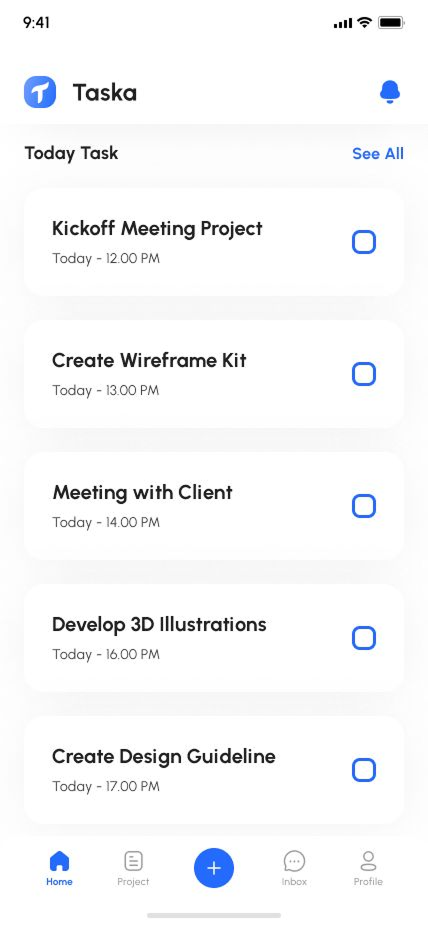
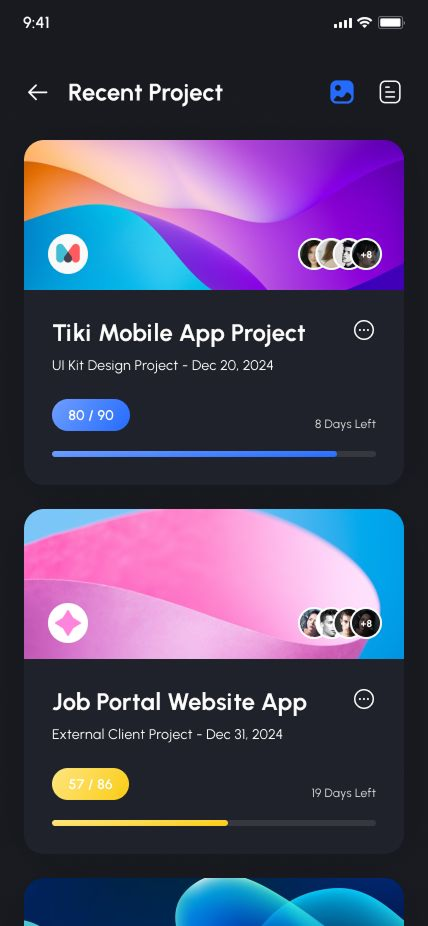
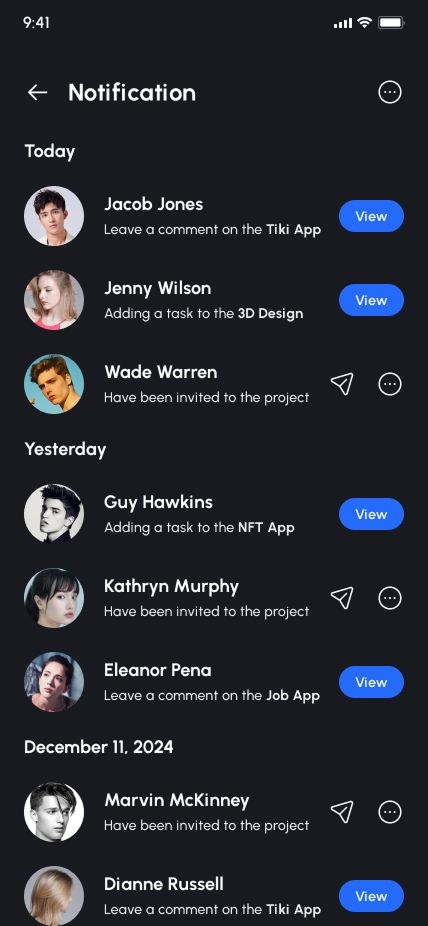
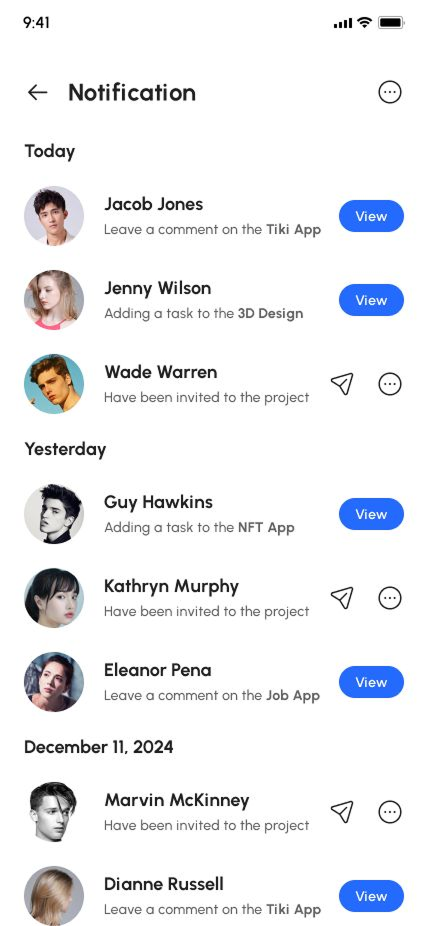
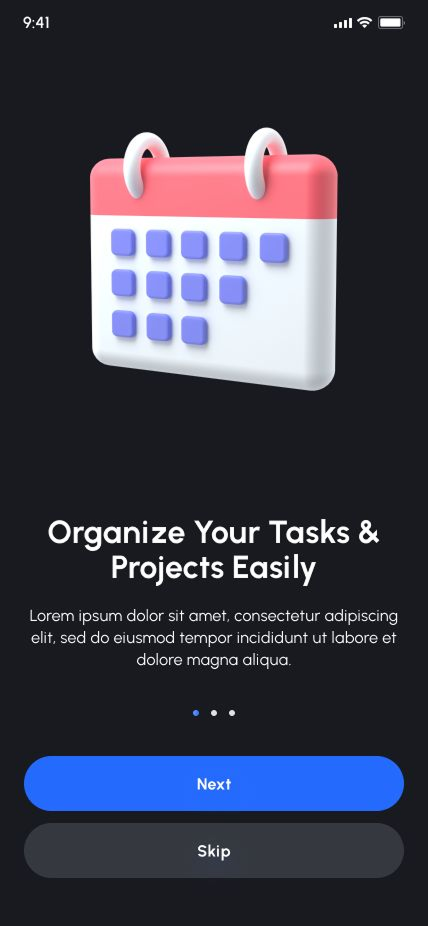
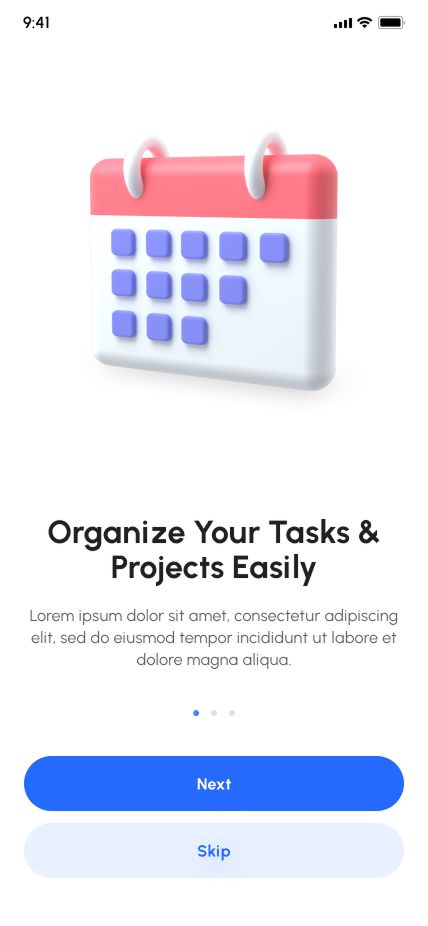
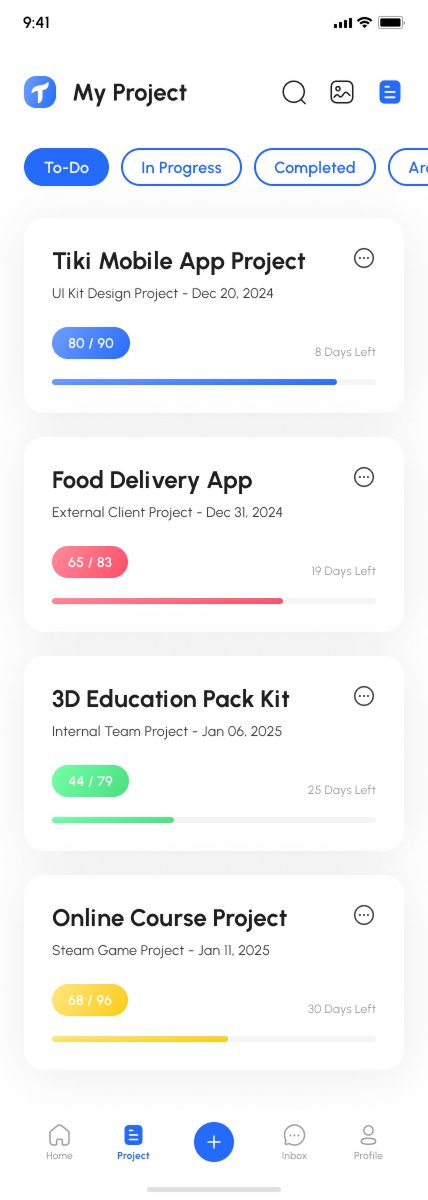
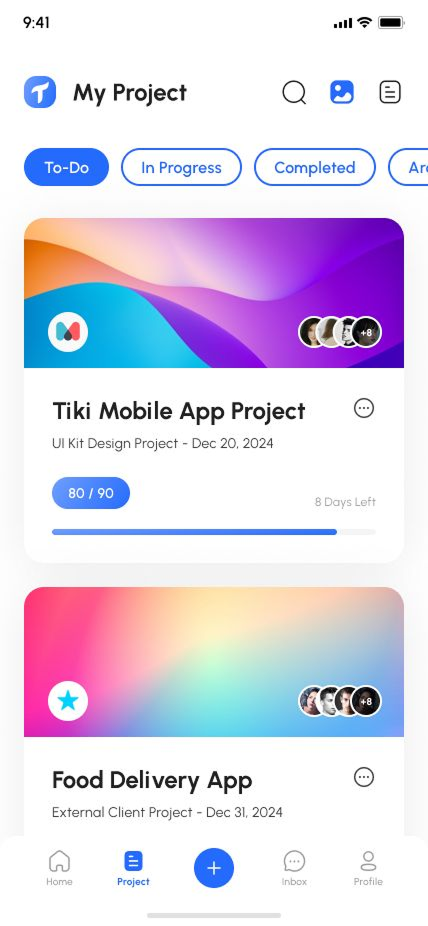
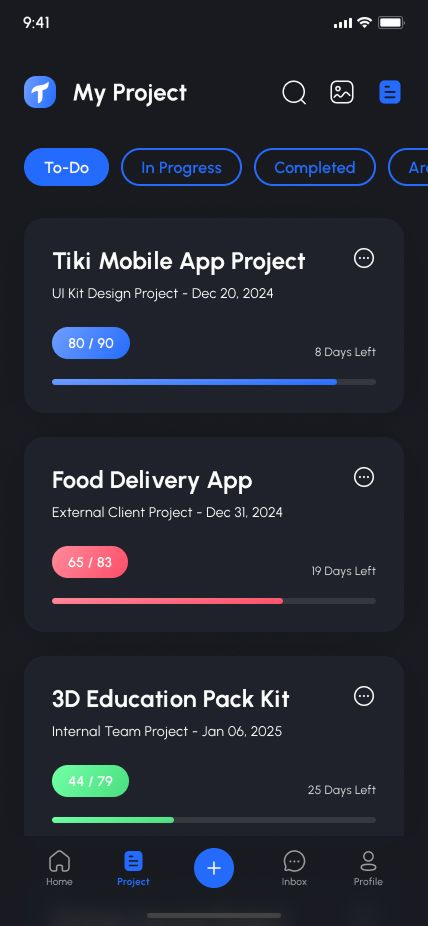
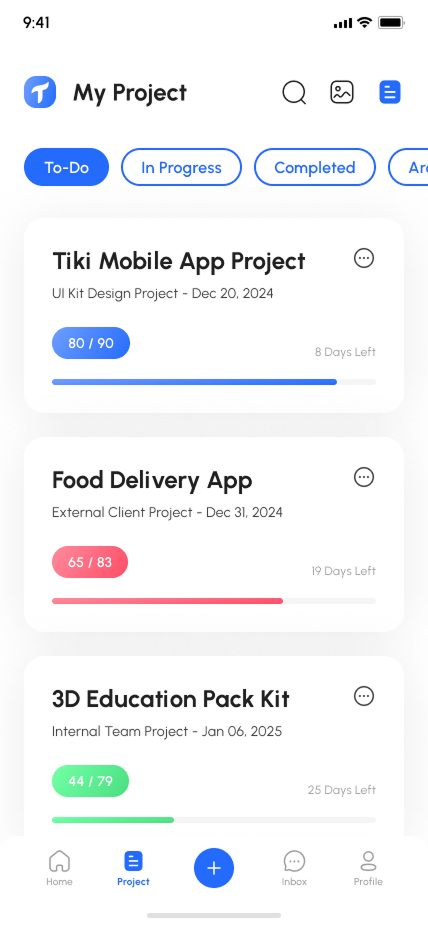
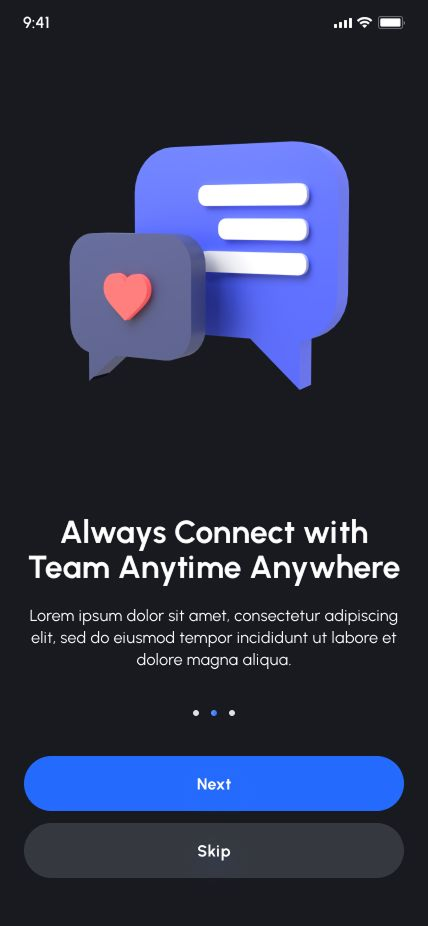
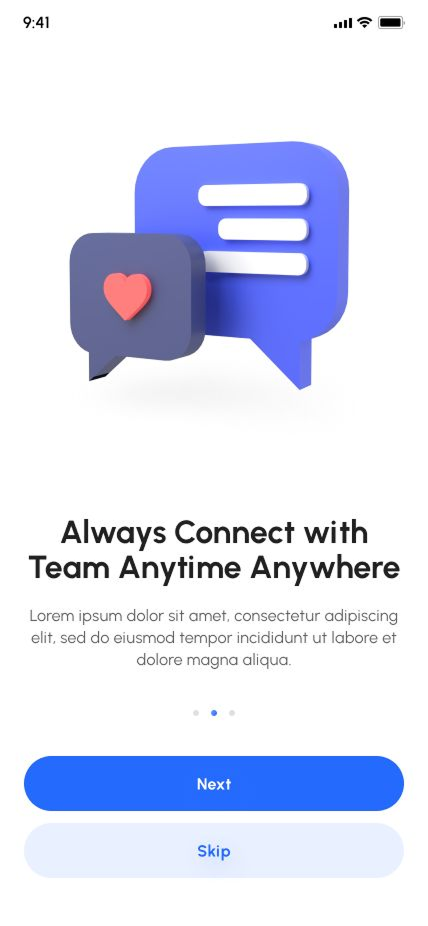
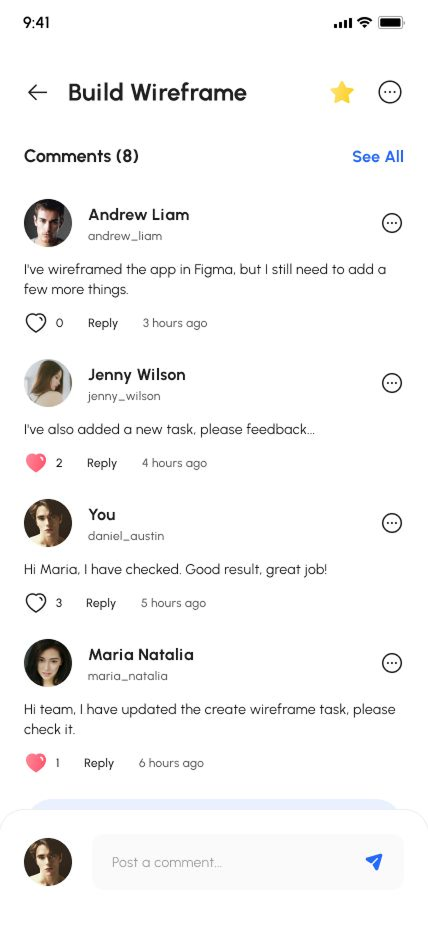
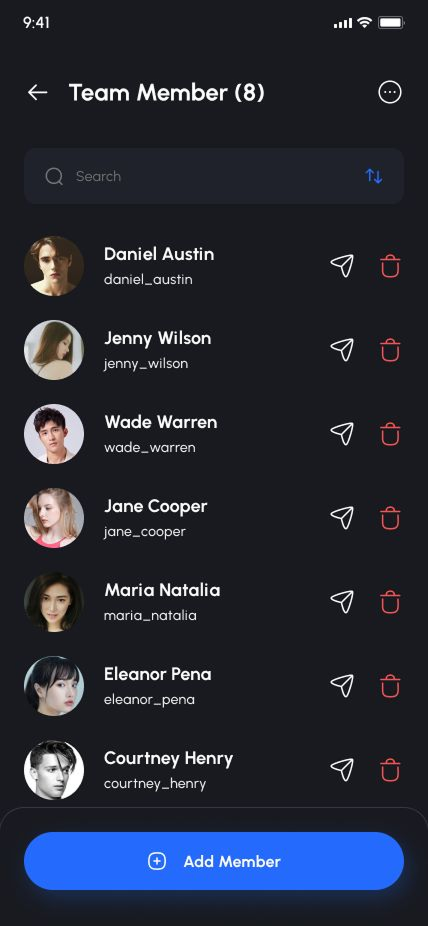
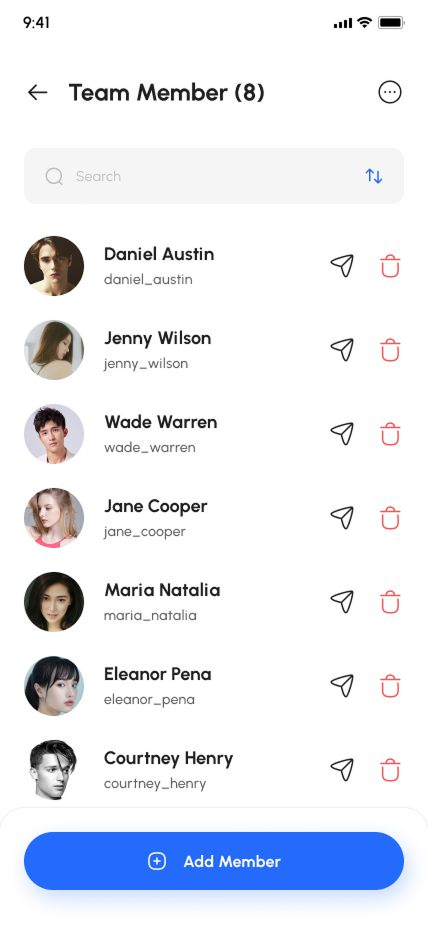
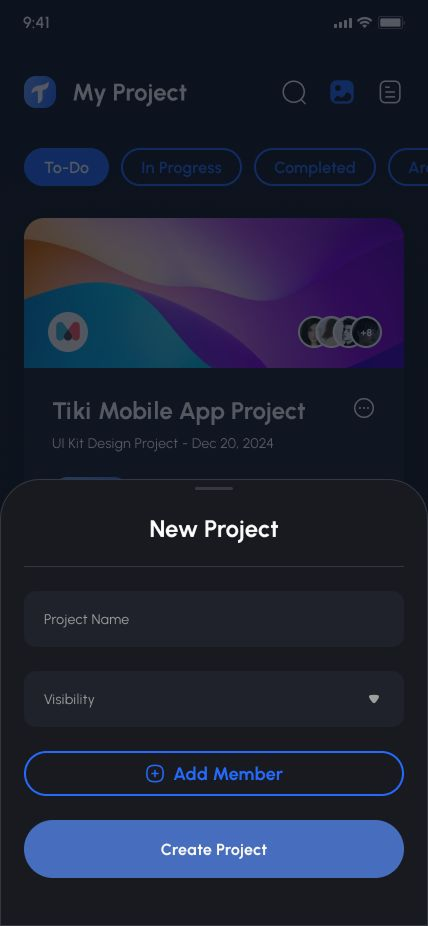
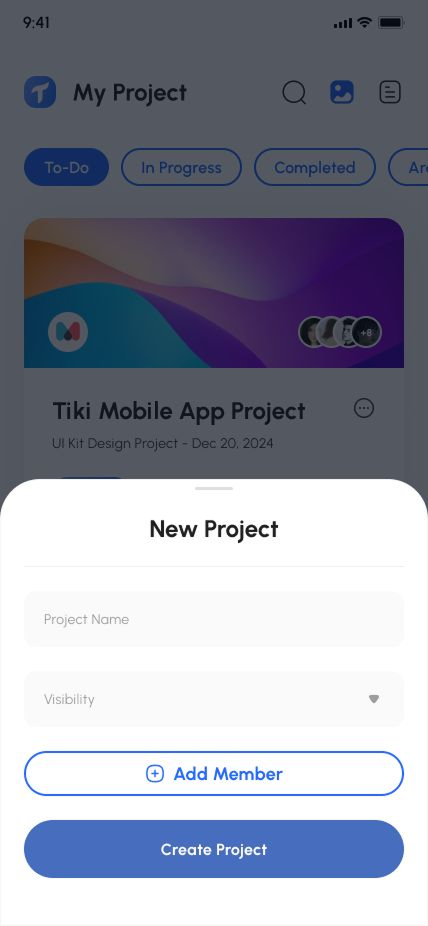
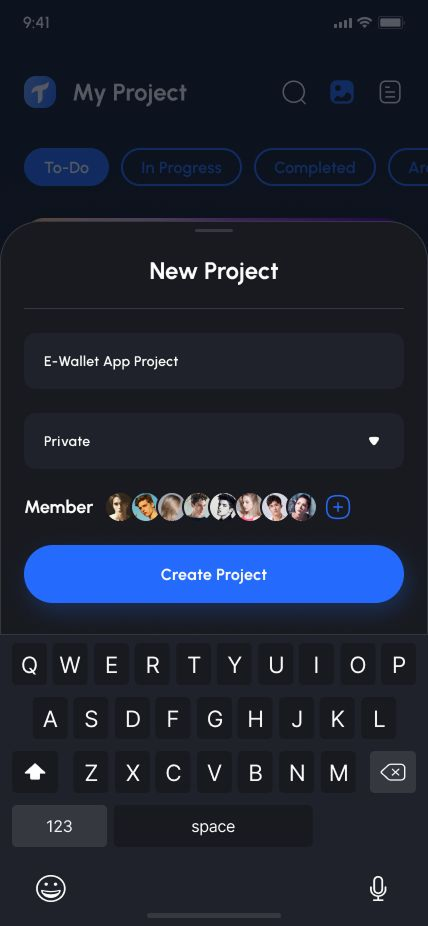
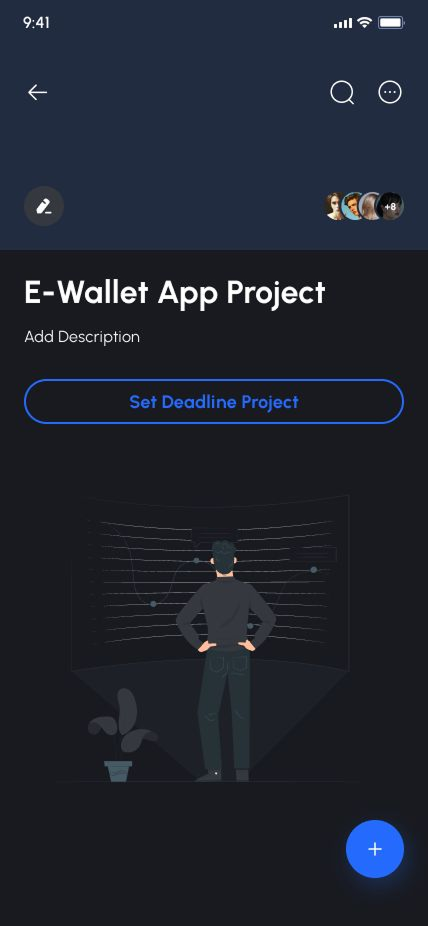
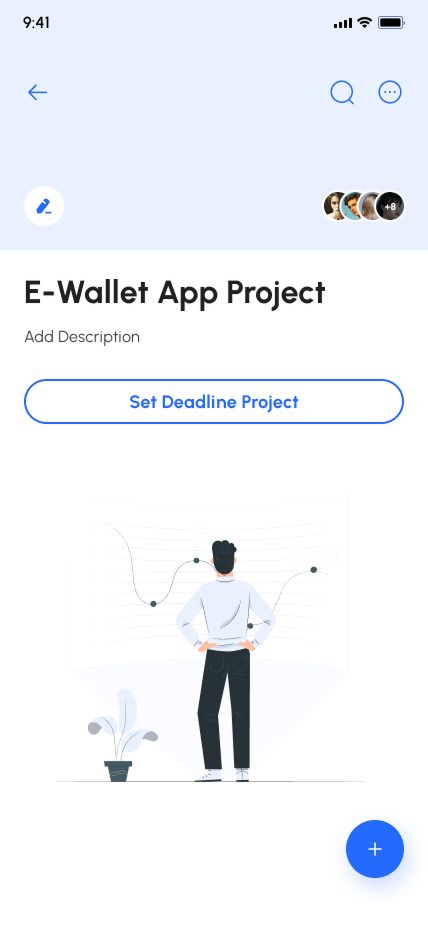
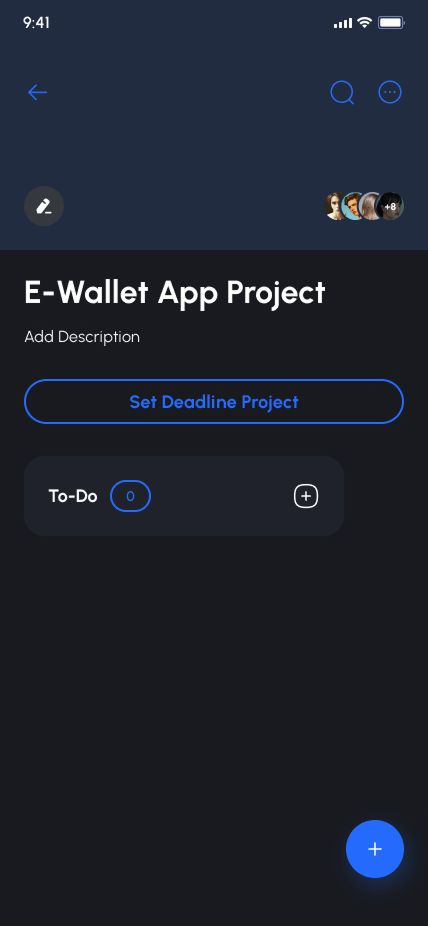
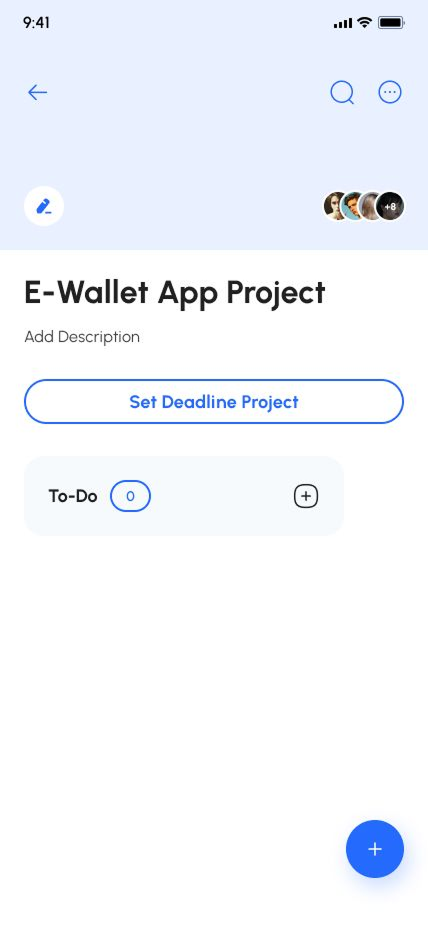
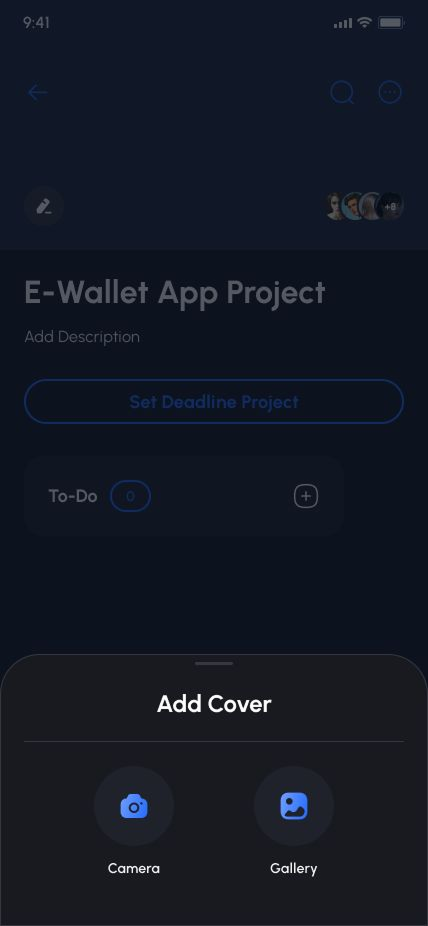
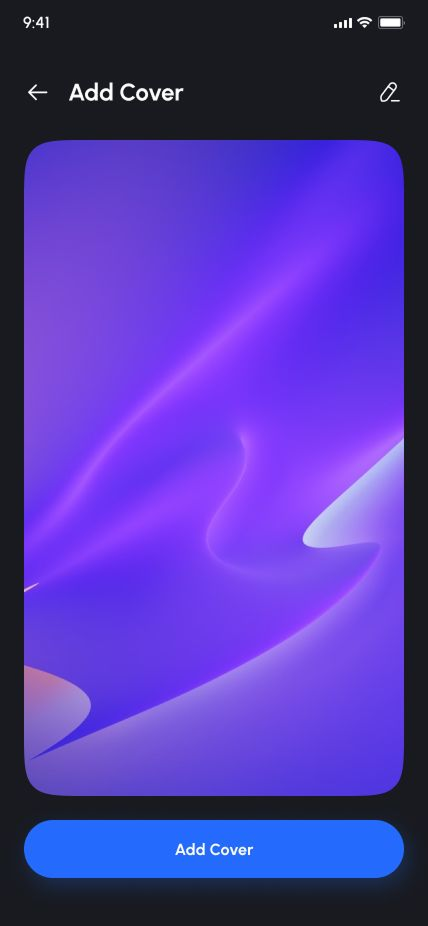
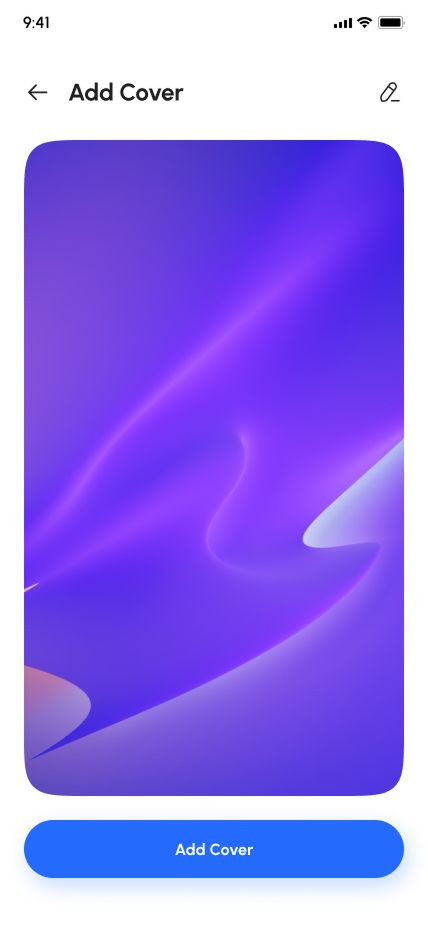
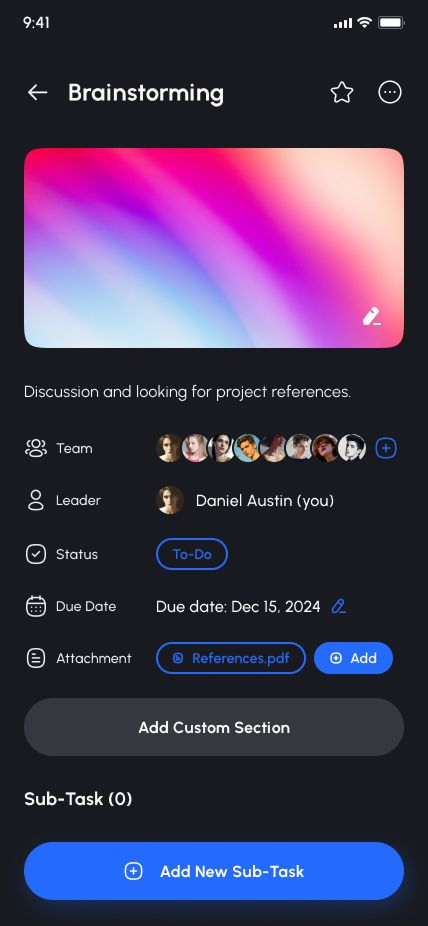
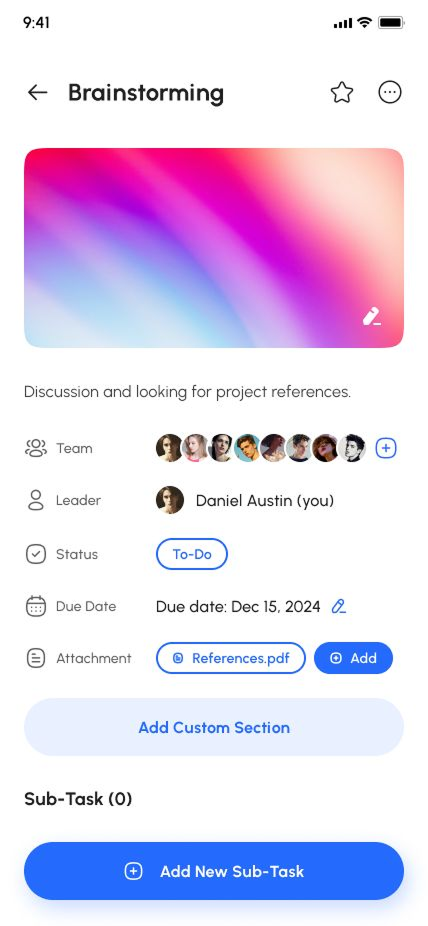
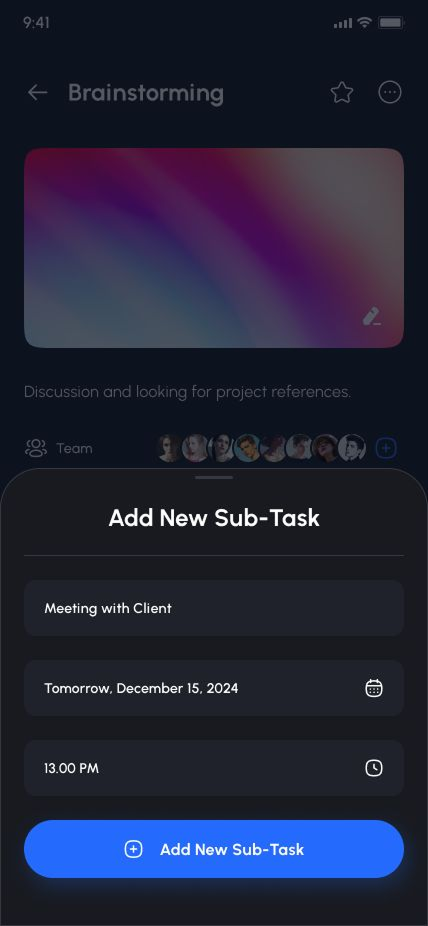
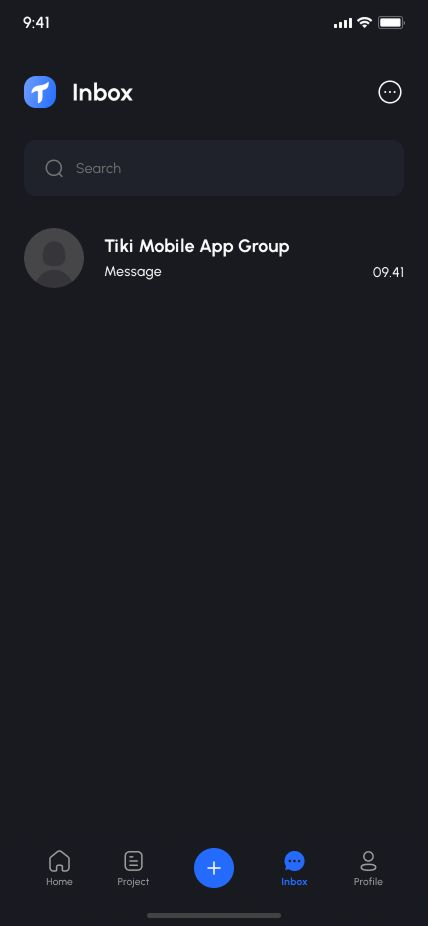
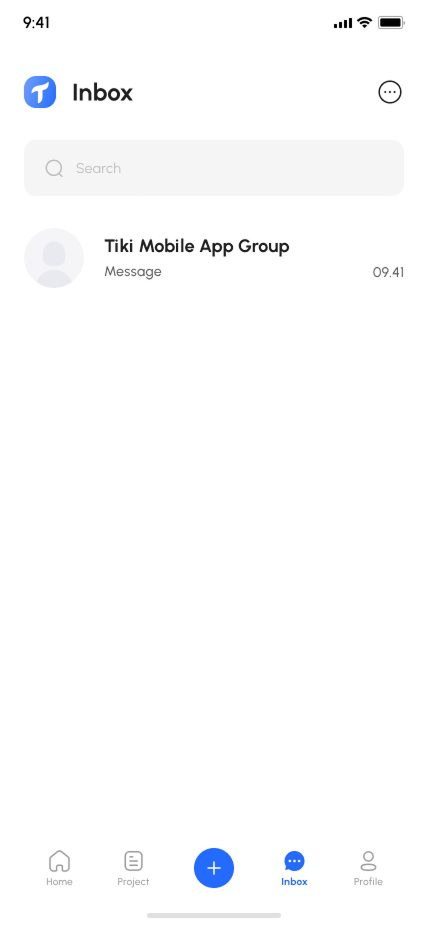
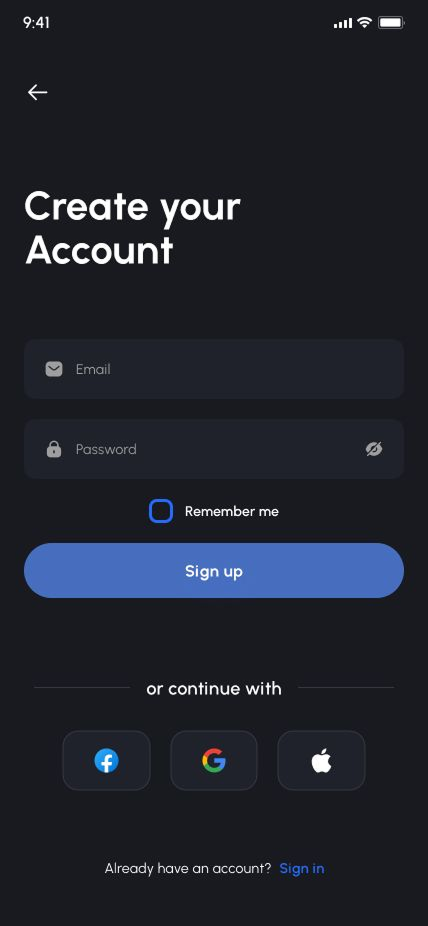
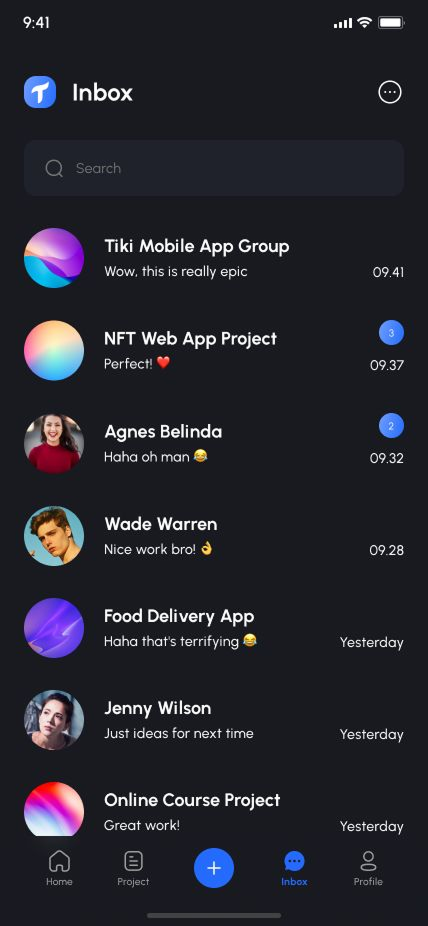
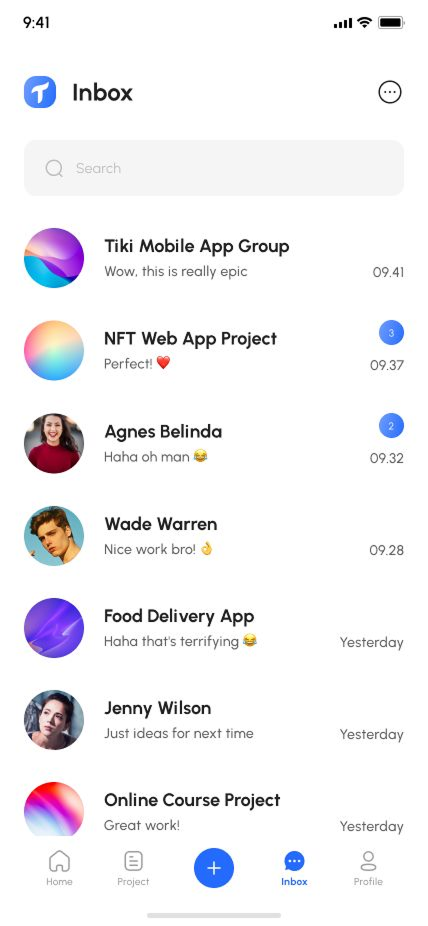
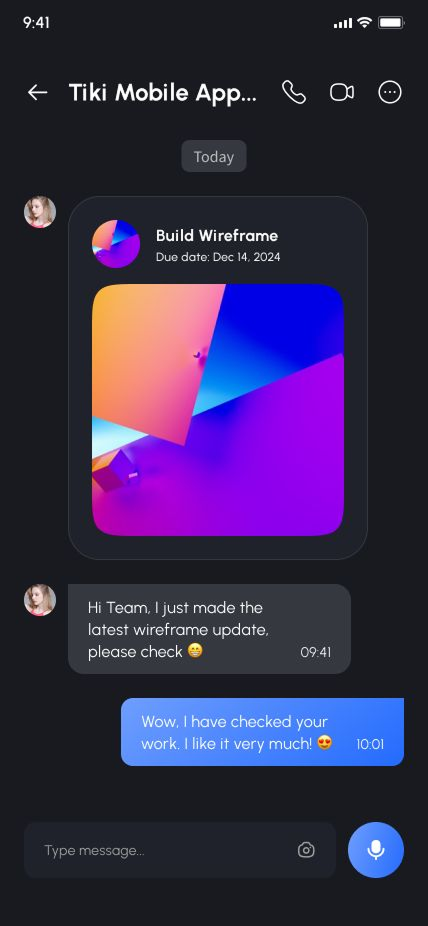
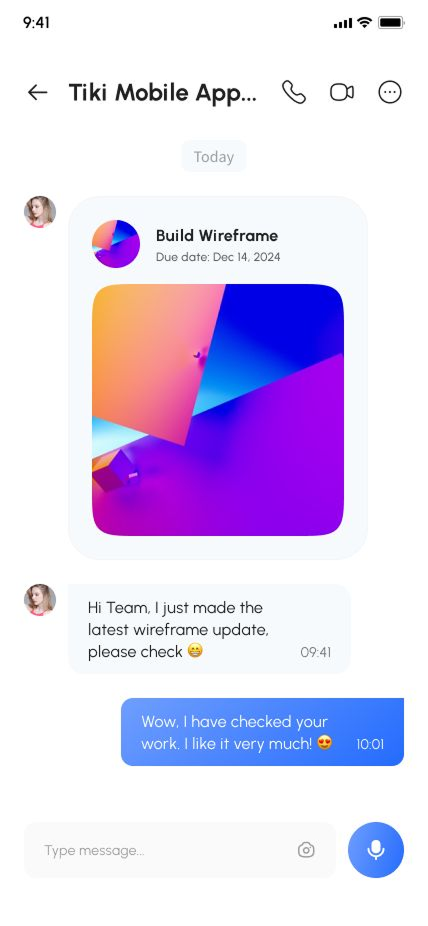
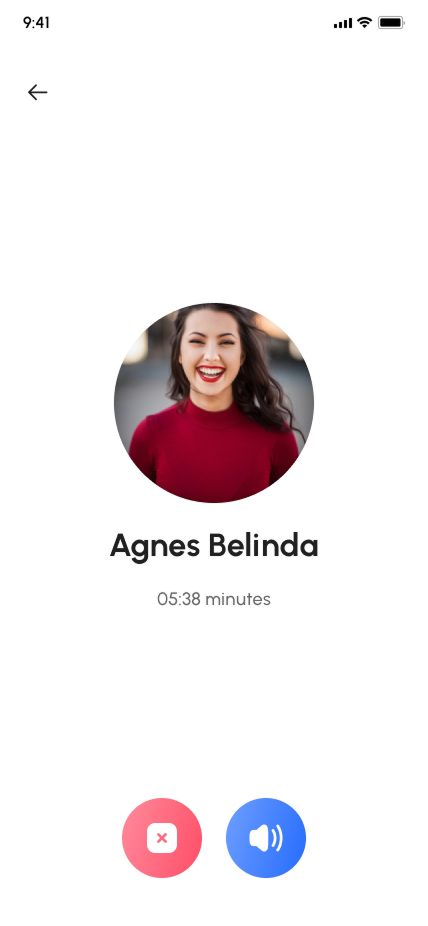
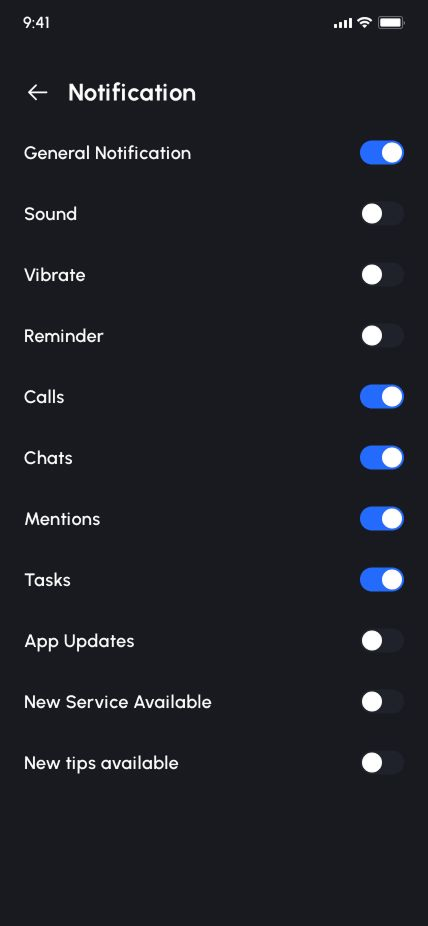
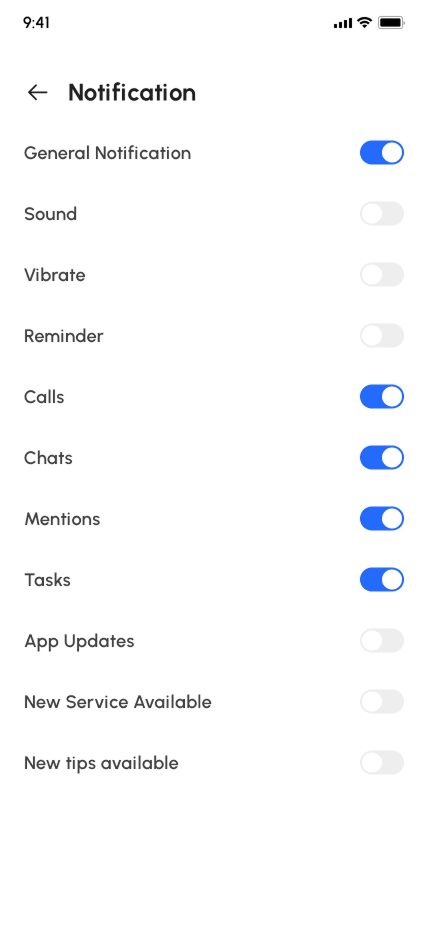
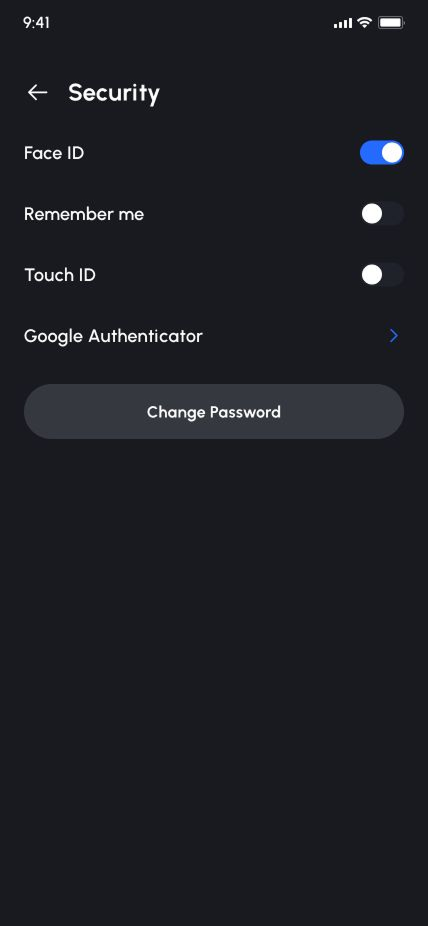
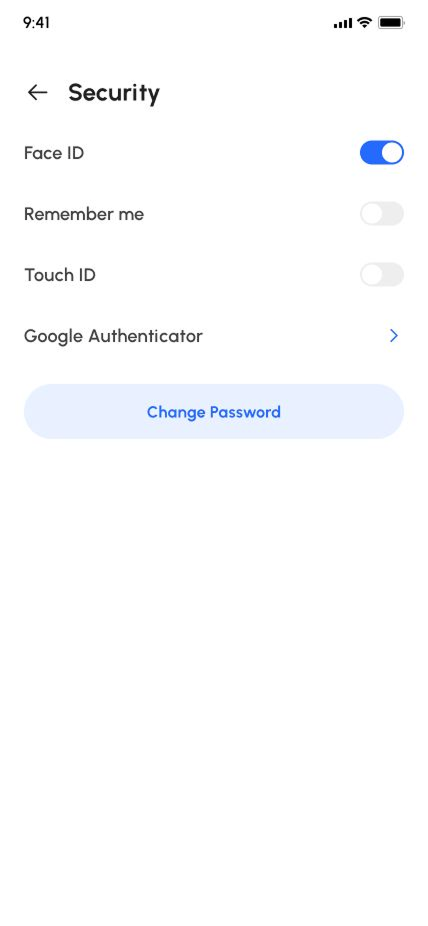
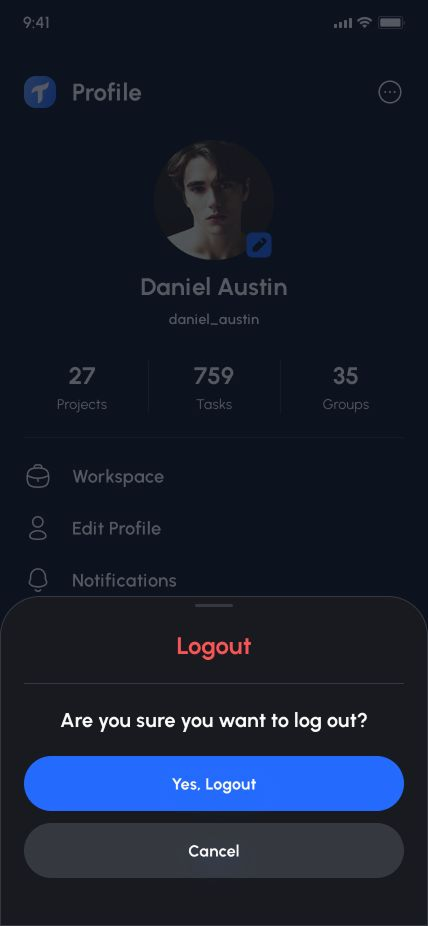
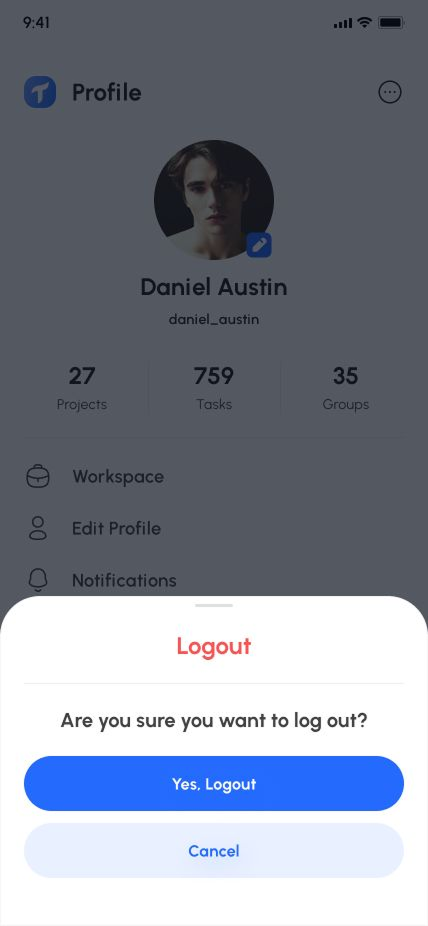
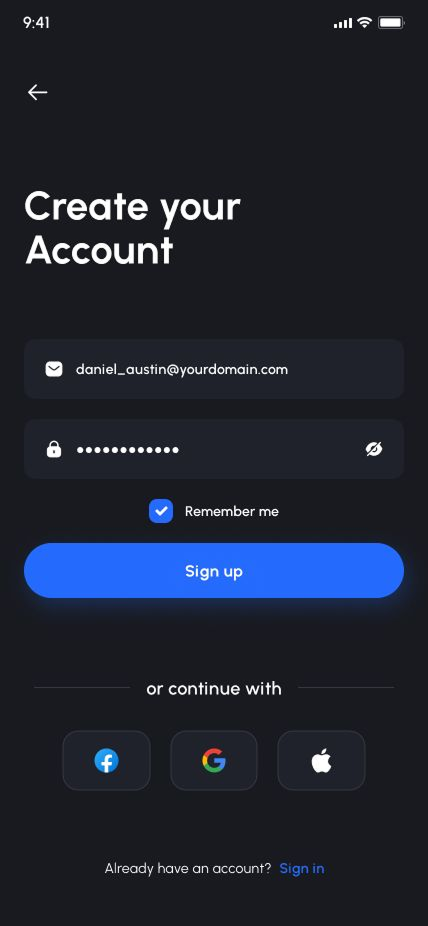
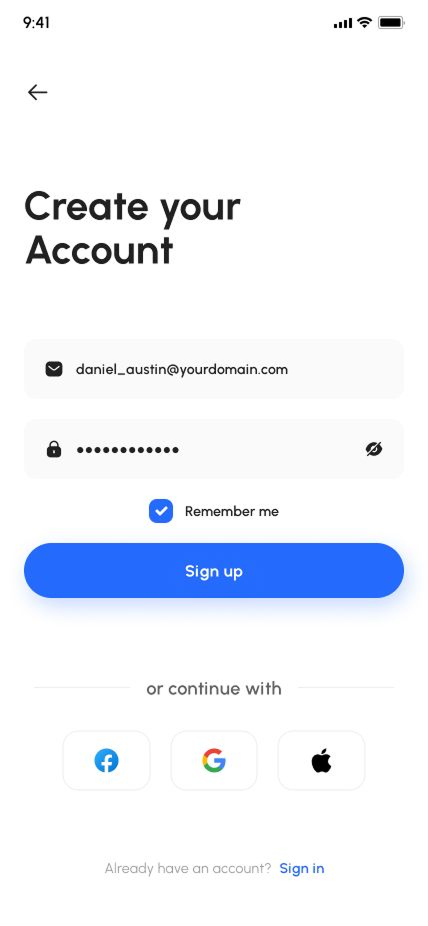
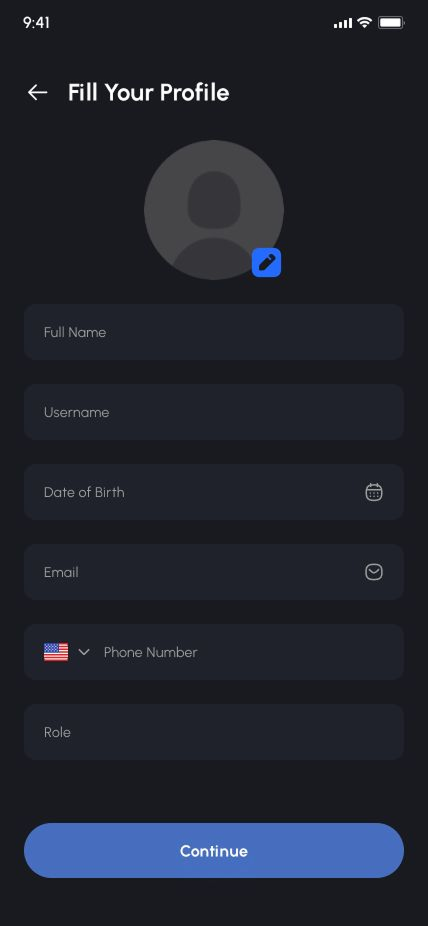
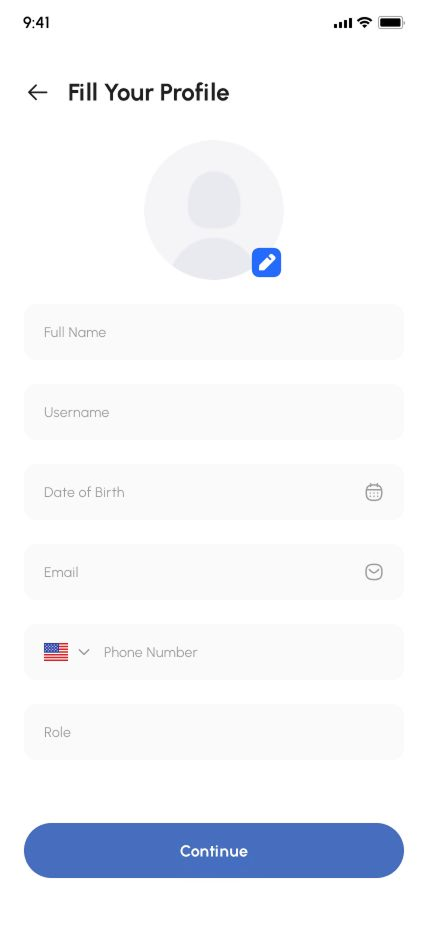
- Light & Dark Theme Support
- Individual/Group Task & Project Assignment
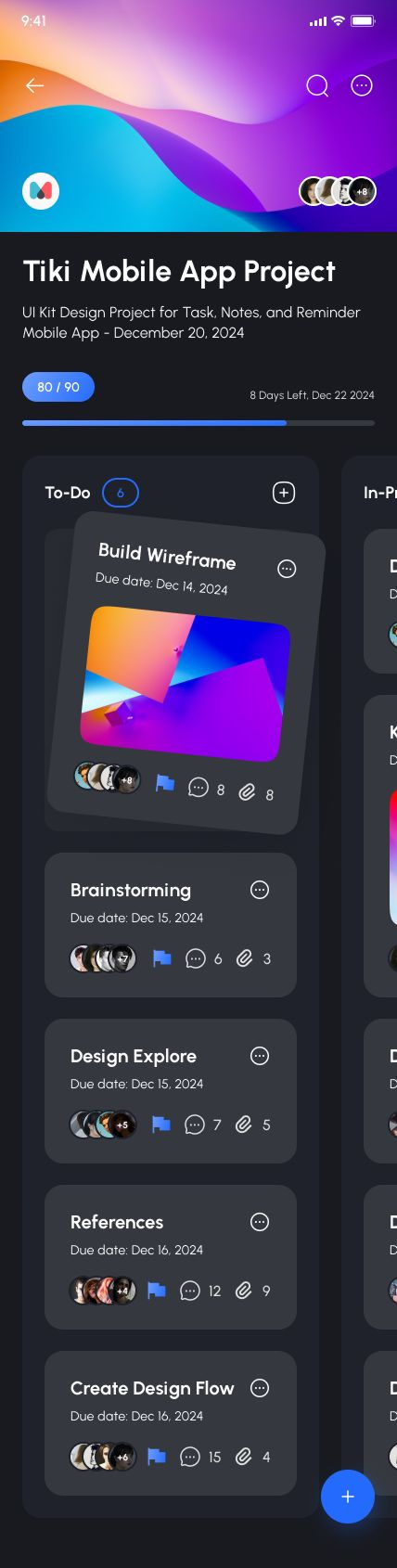
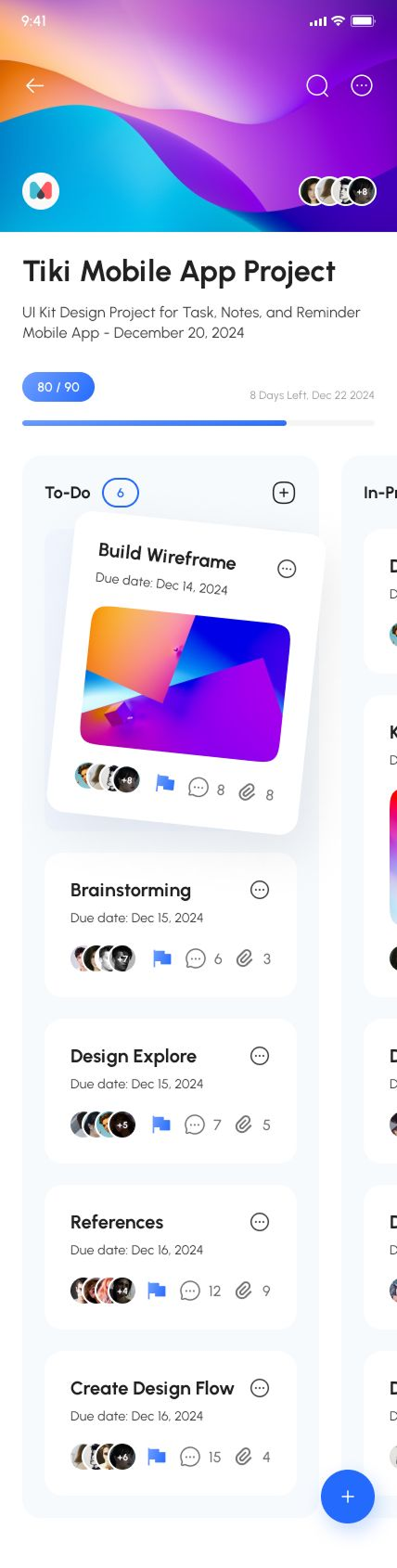
- Easy, Drag-and-Drop Editing Kanban Like Trello
- Detailed & Quick Overviews of Front/Back Cards
- Easy Organization (Labeling, Tags, & Comments)
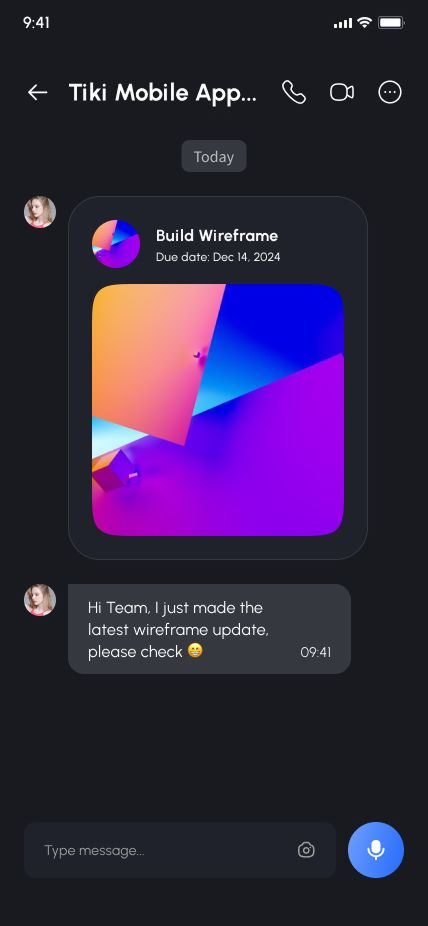
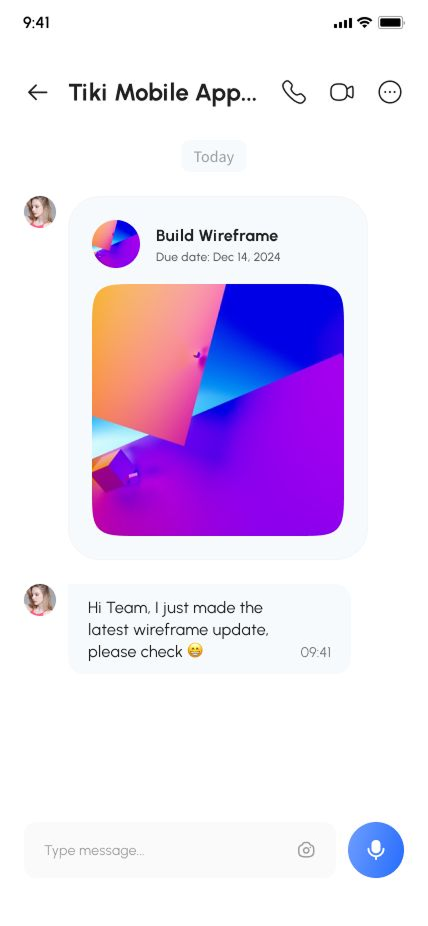
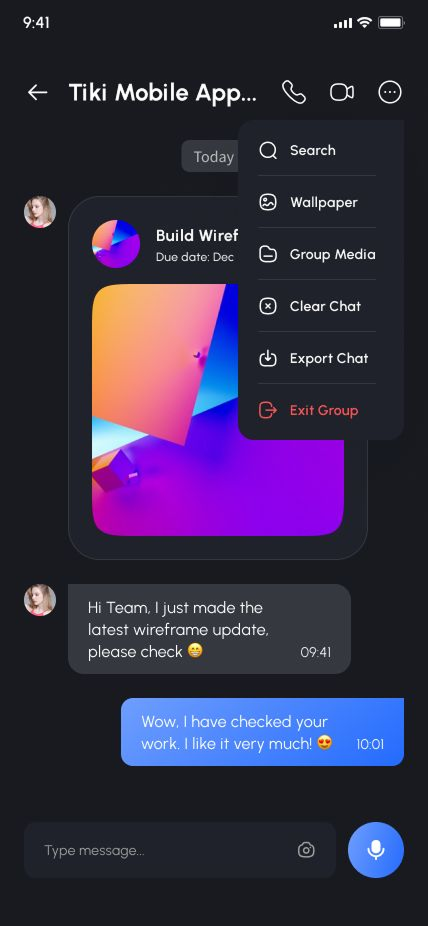
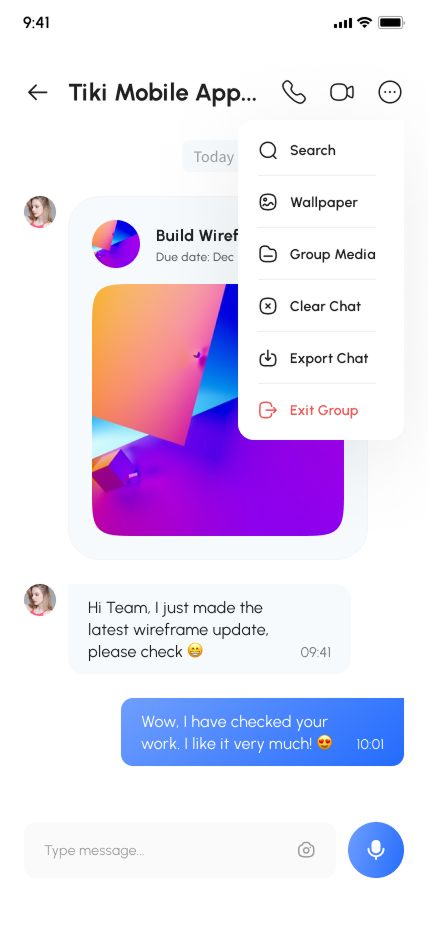
- Messenger Features (Chatting, Voice & Video Call)
- Progress Meter Checklist
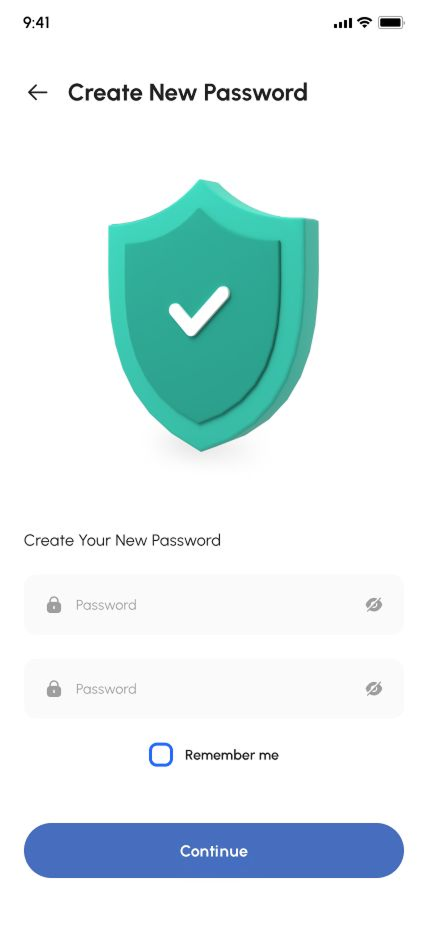
- Onboarding, Sign up, Sign in, Advanced Account Setup, Forgot & Reset Password
- Settings (Personal Info, Notification, Security, Language, Invite Friends, Help Center, About, & More)
Screens Included:
- Splash Page_01
- Splash Page_02
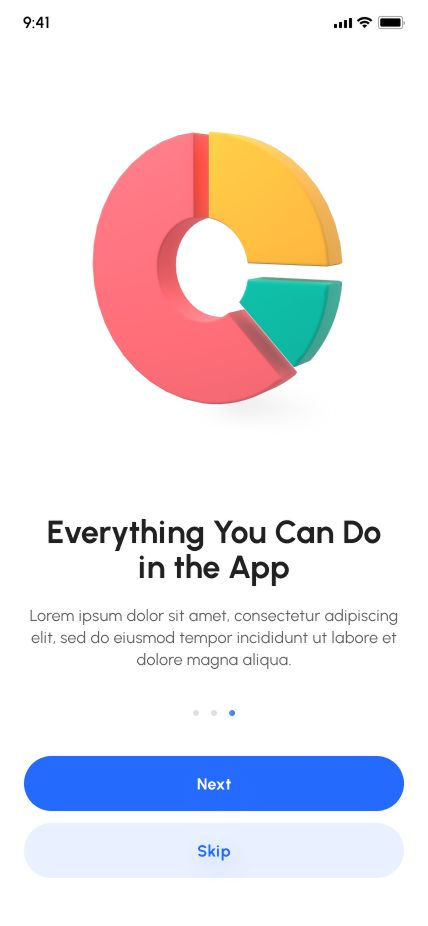
- Onboarding_01
- Onboarding_02
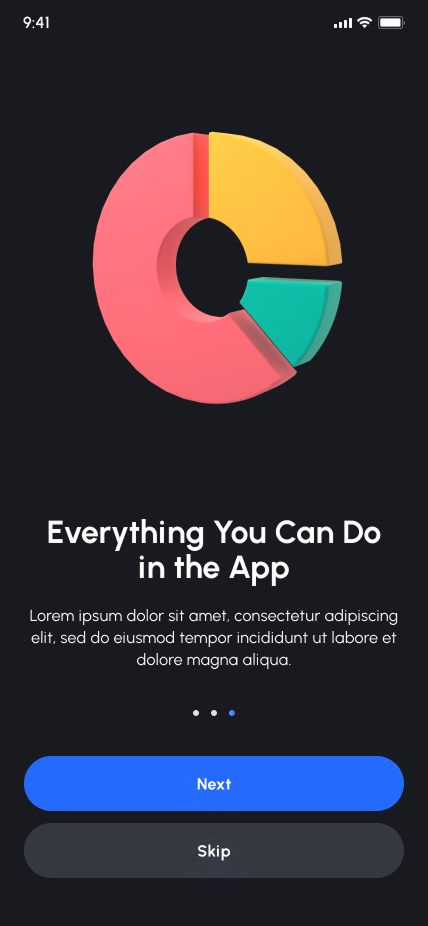
- Onboarding_03
- Onboarding_04
- Welcome
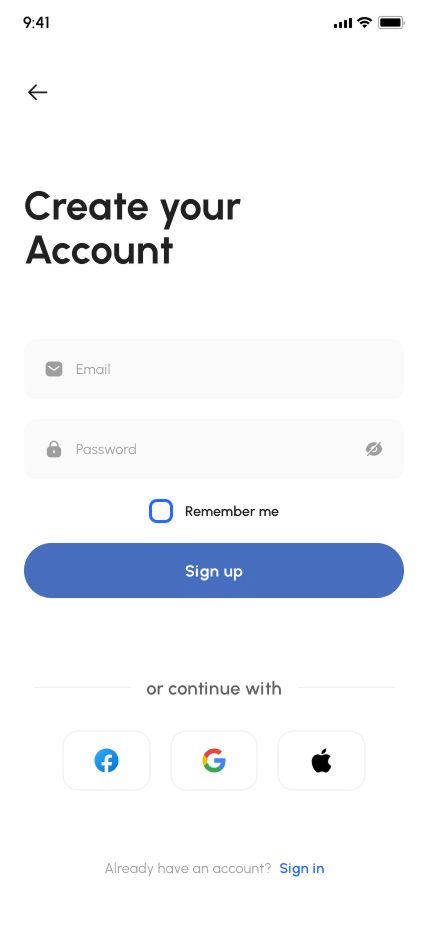
- Signup
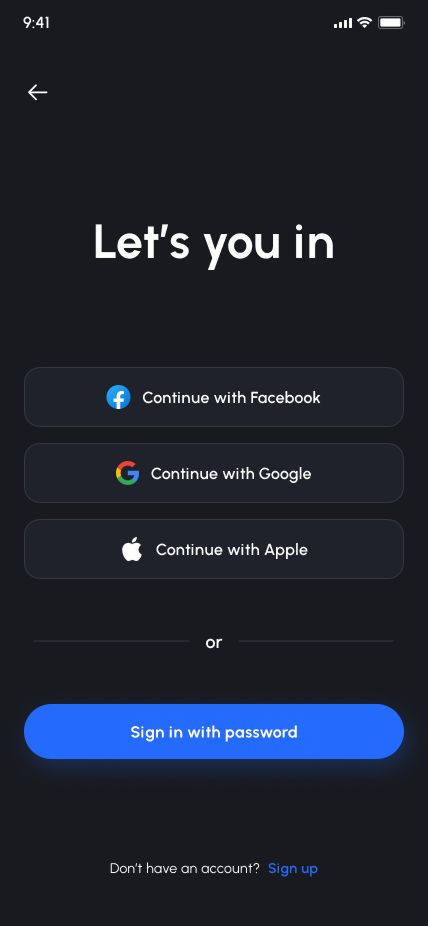
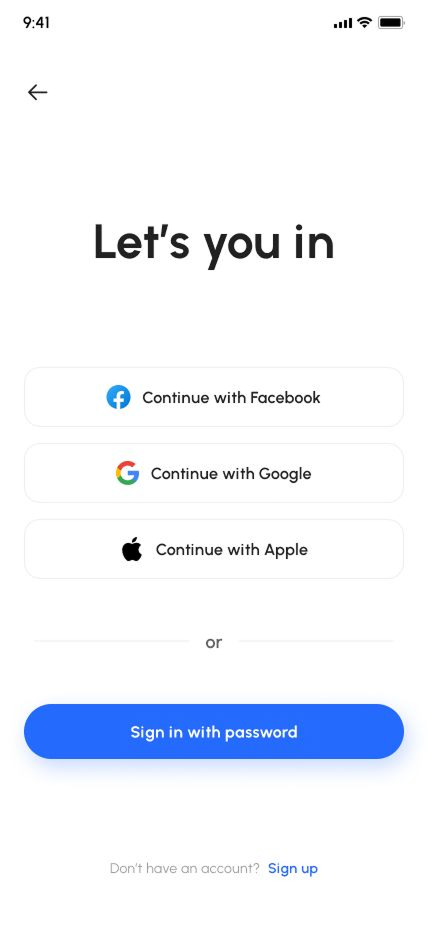
- Login
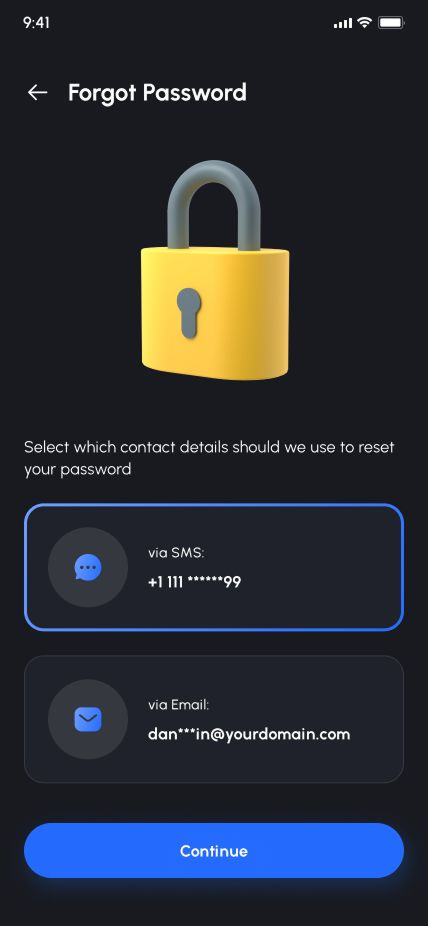
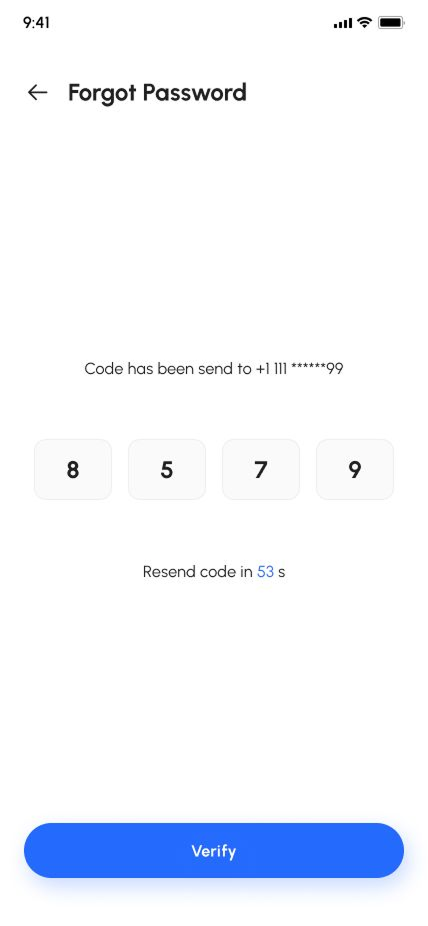
- Forgot Password Methods
- Forgot Password Phone Number
- Forgot Password Email
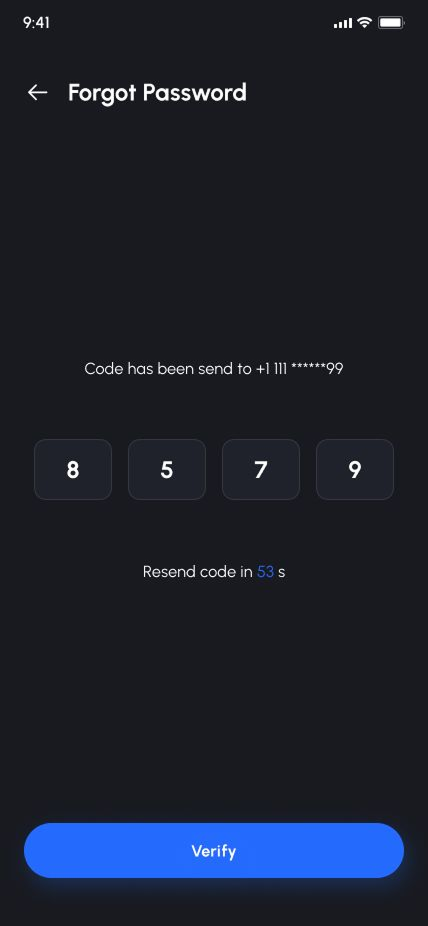
- OTP Verification
- Create New PIN
- Notifications
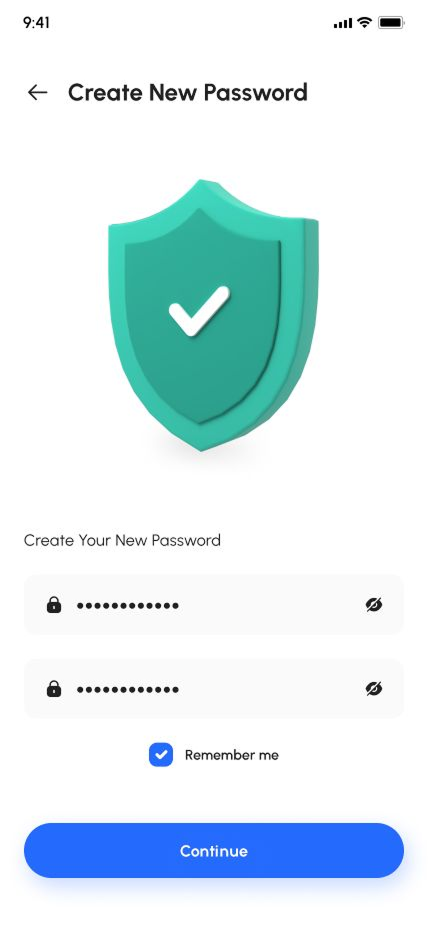
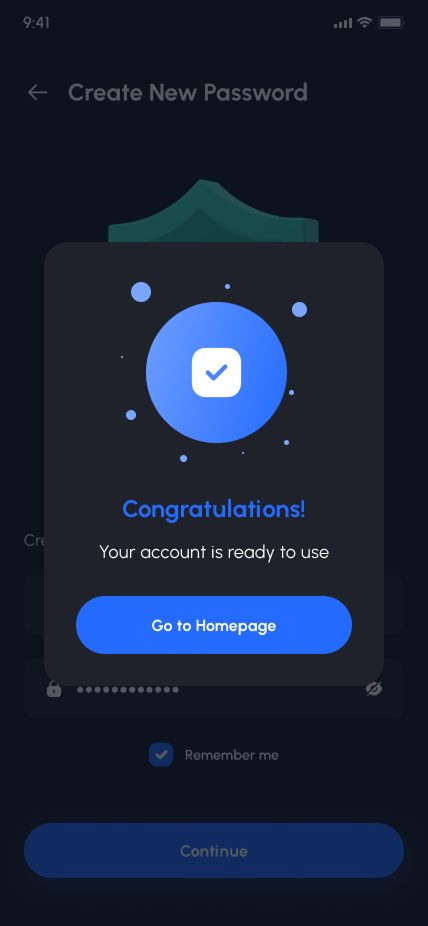
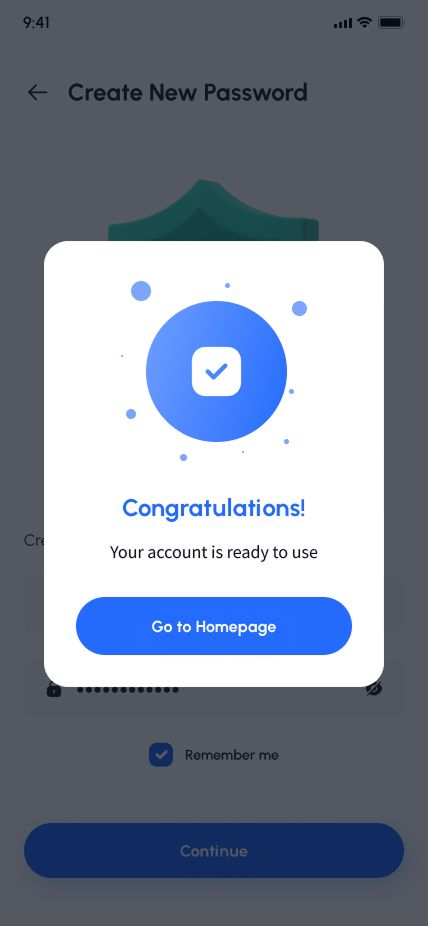
- Reset Password Success
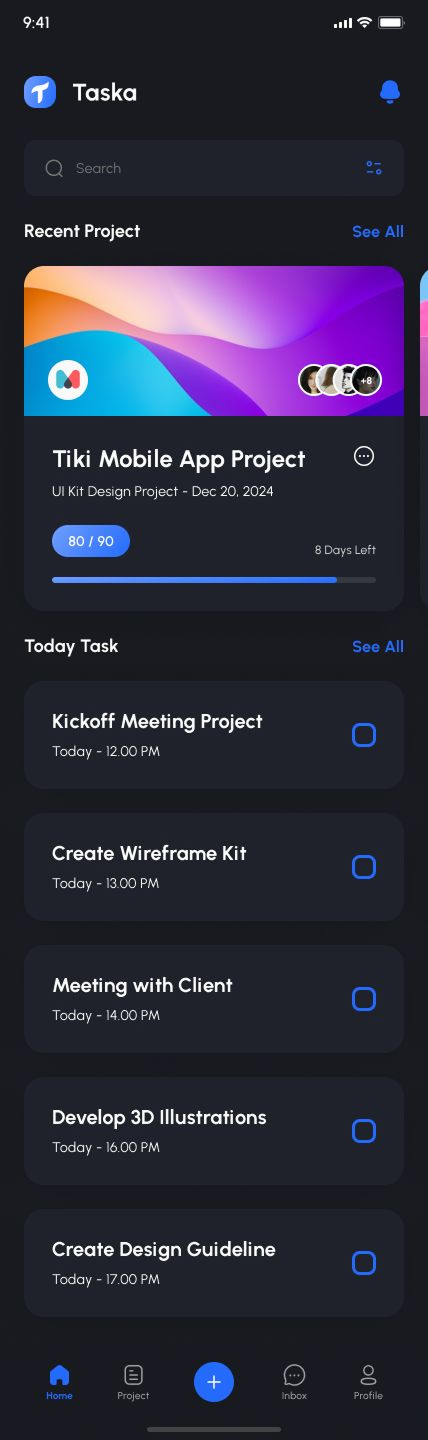
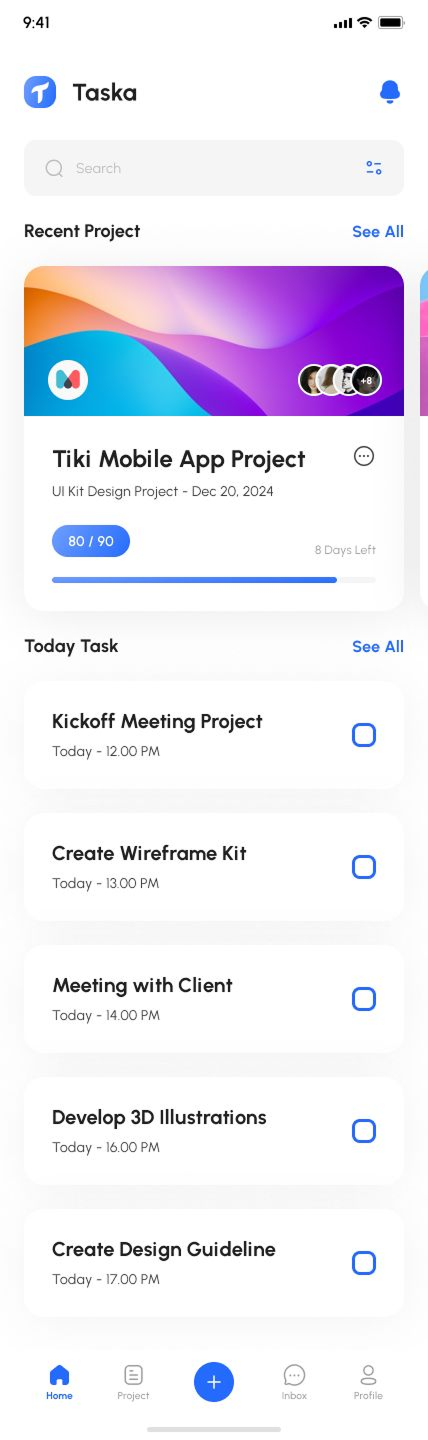
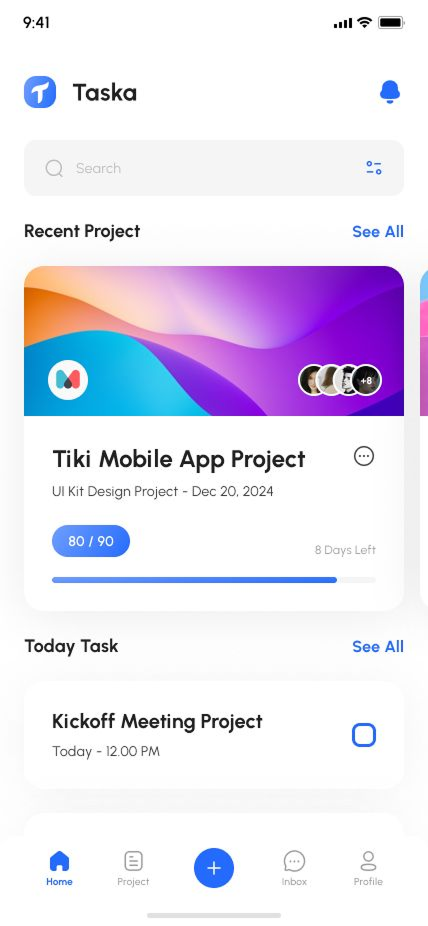
- Home
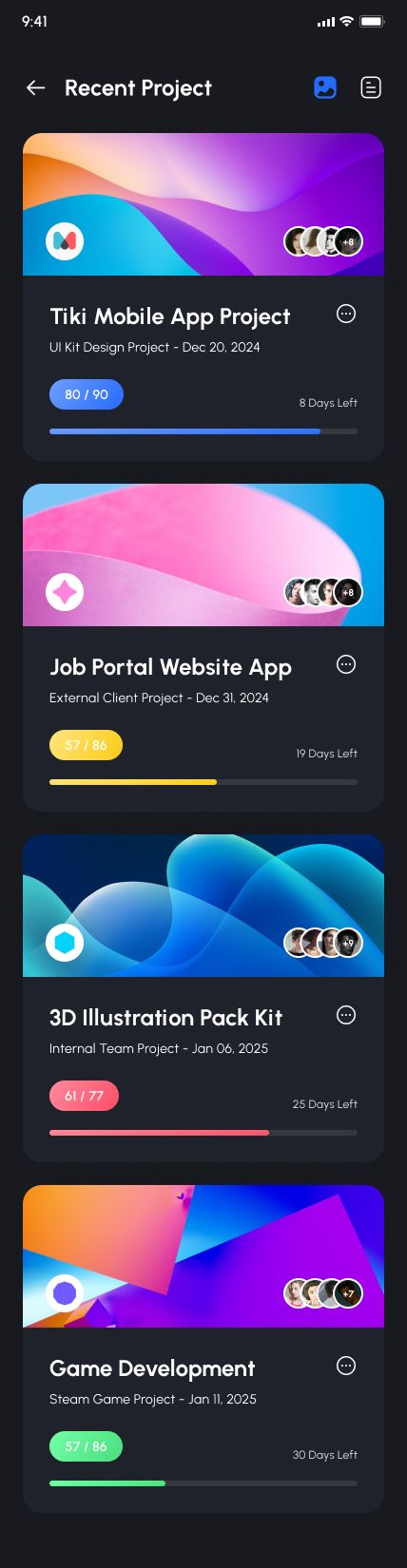
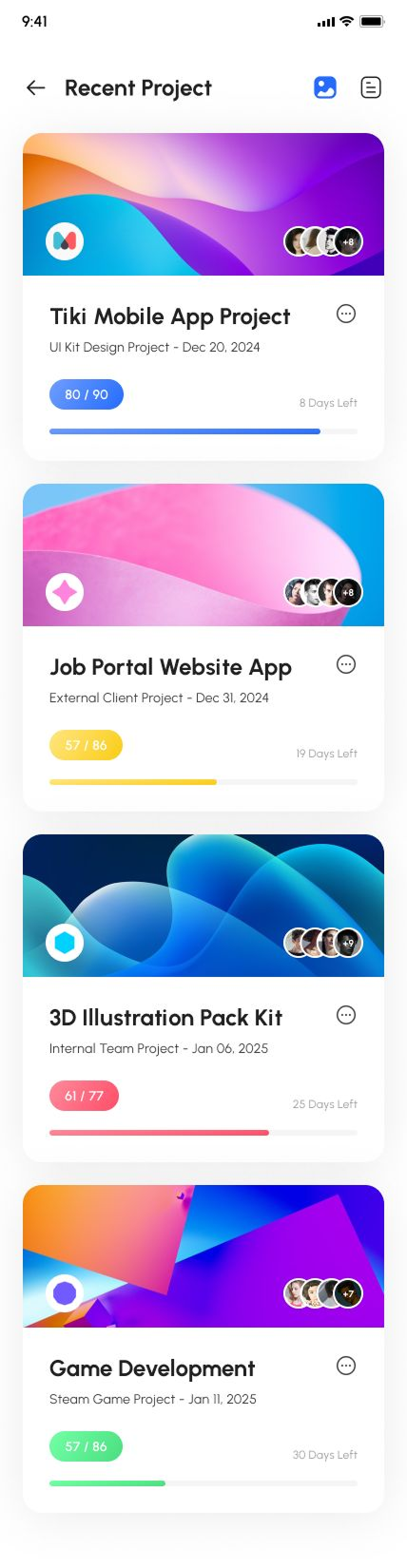
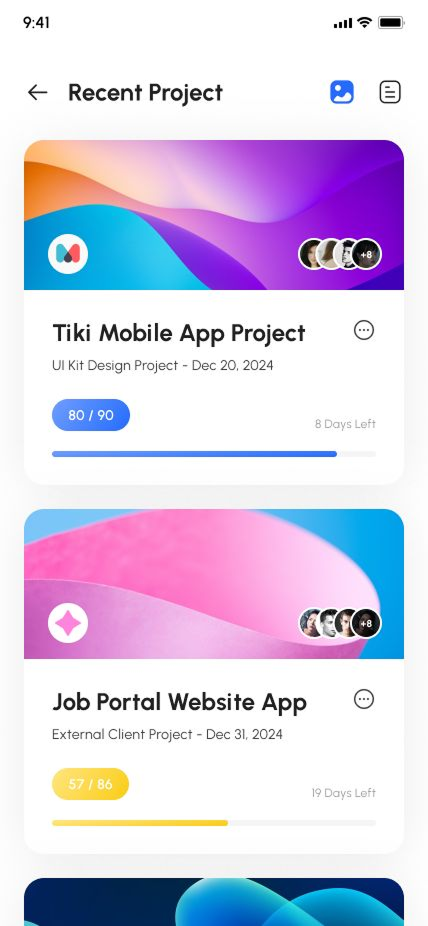
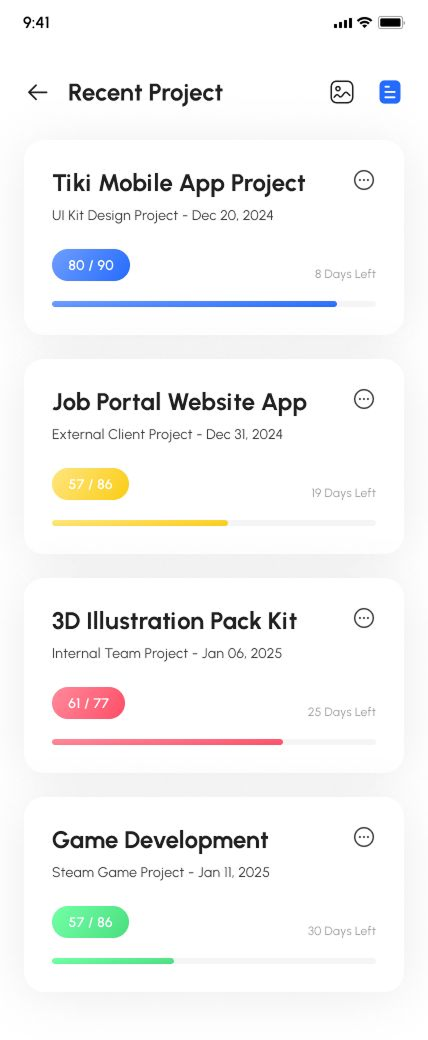
- Recent Projects
- Today Task
- Search
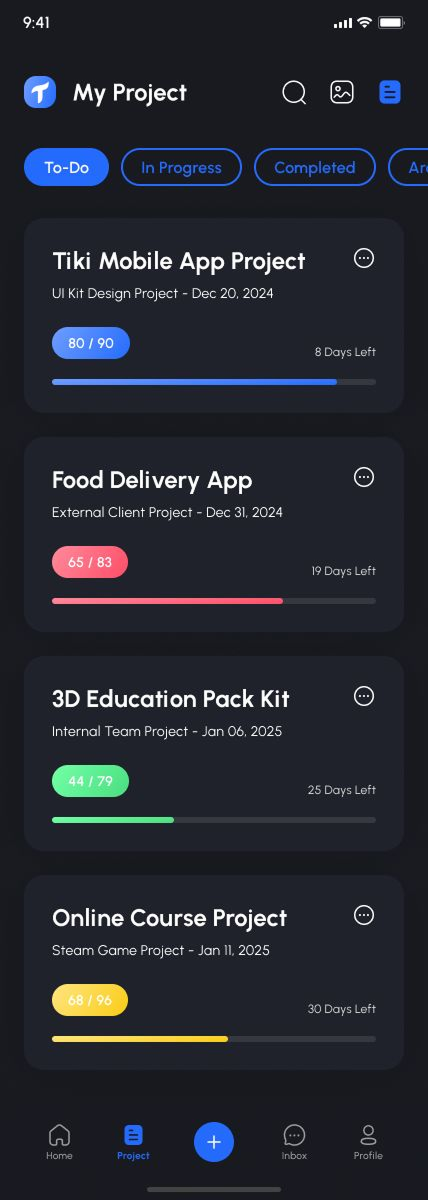
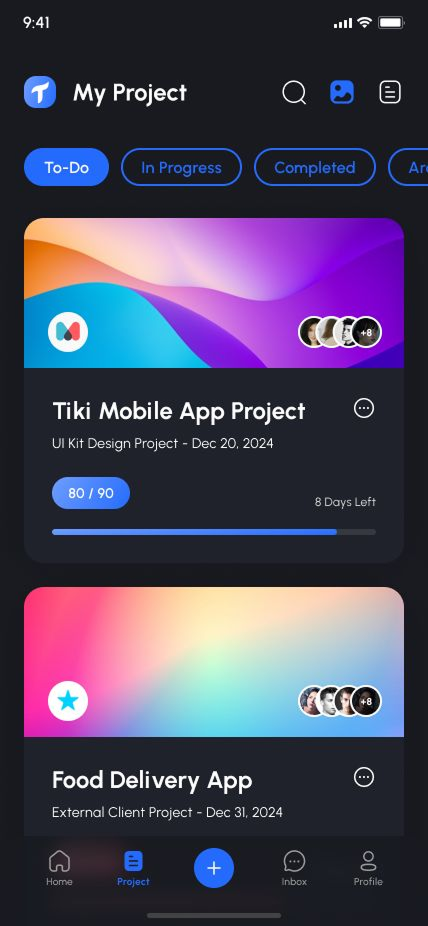
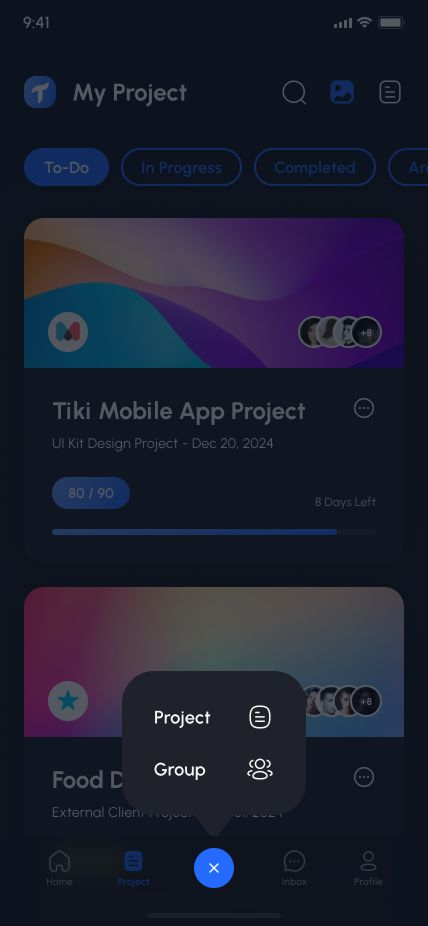
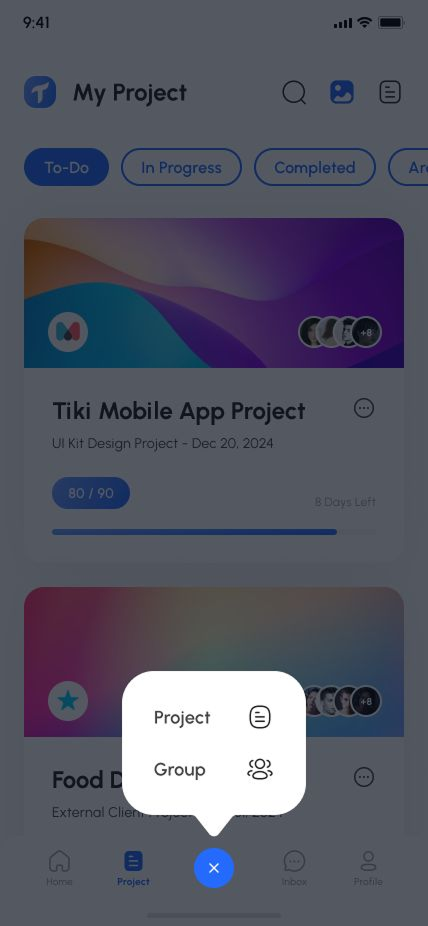
- My Project
- My Project Details
- My Project Details Board Details
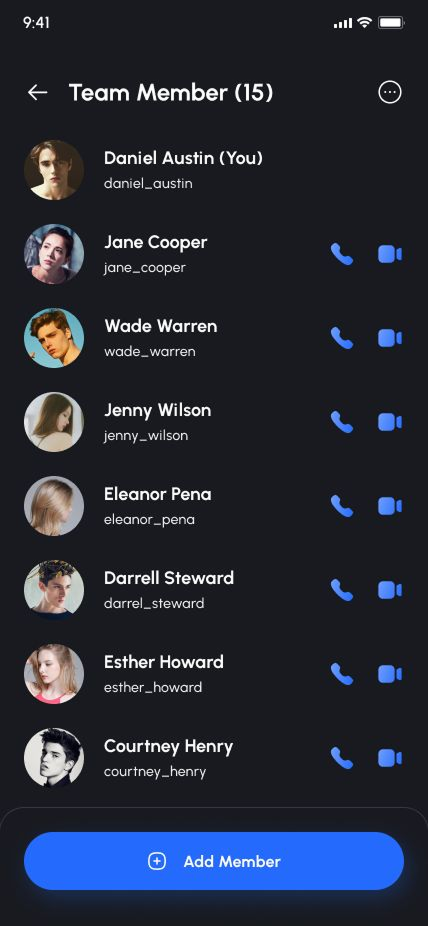
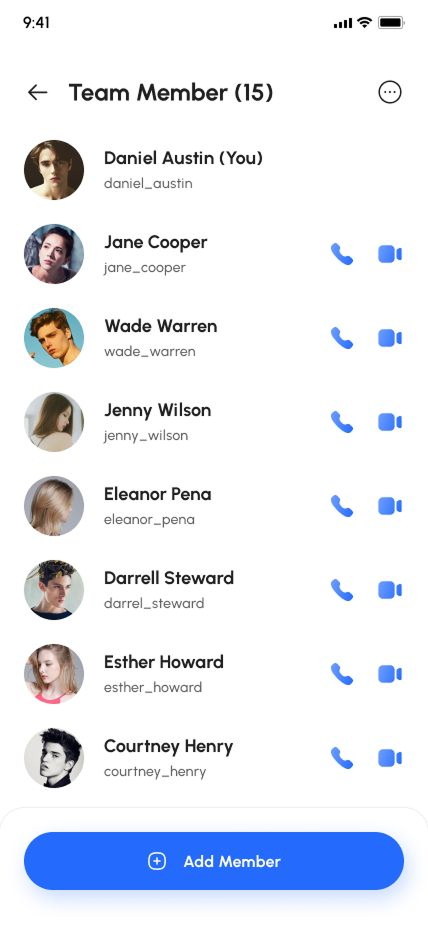
- My Project Details Team Menber
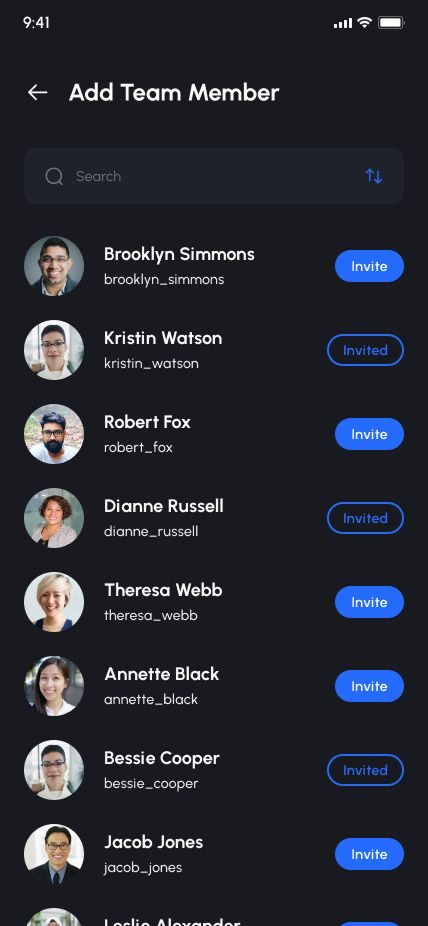
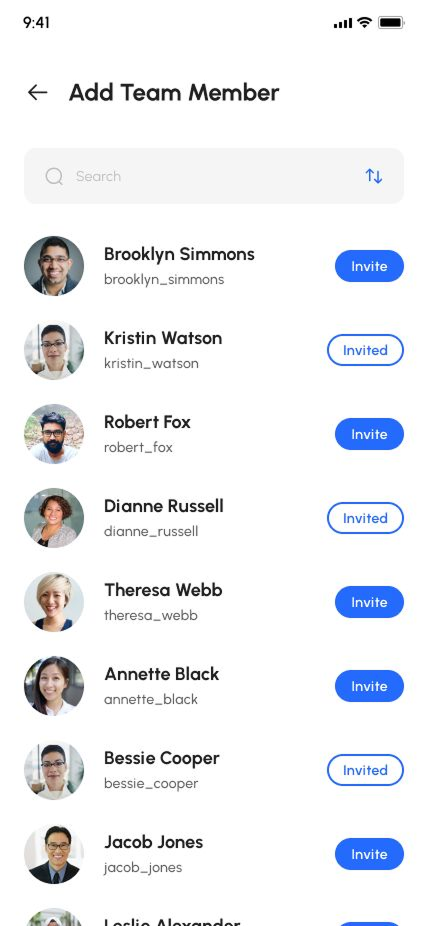
- Add Team Menber
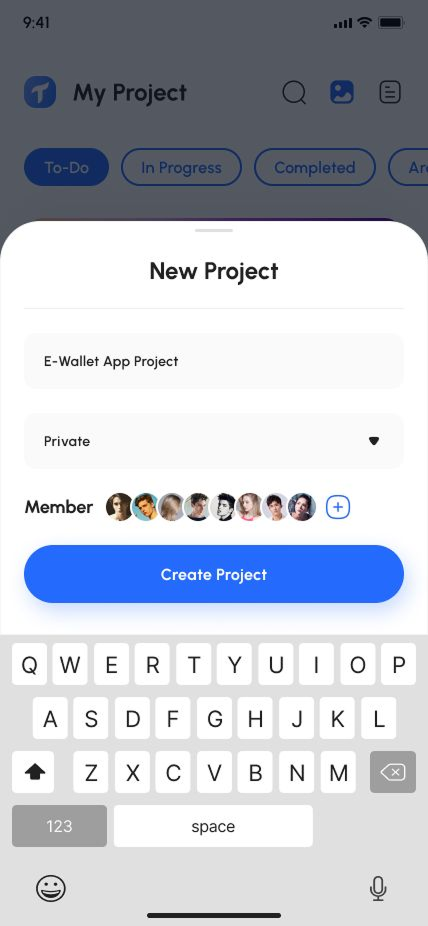
- New Project
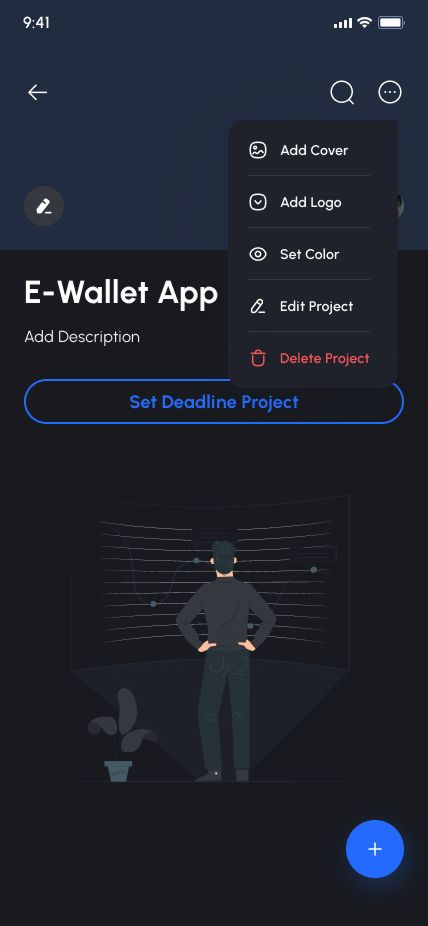
- New Project More
- Add New Project
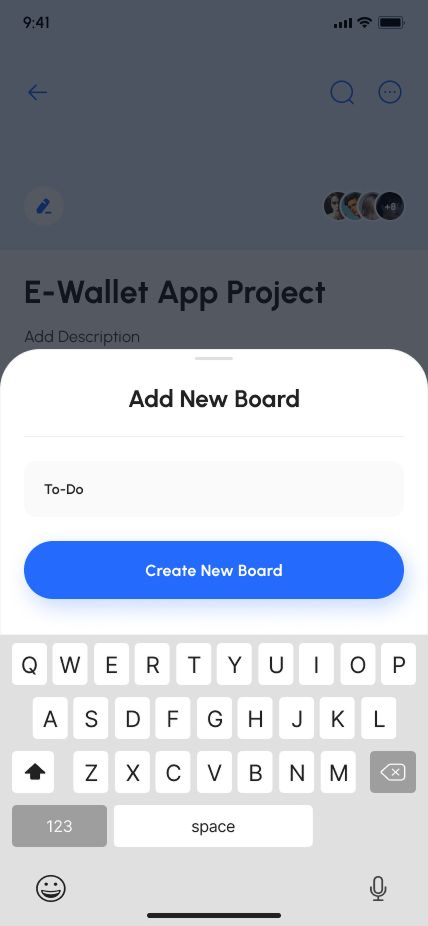
- Add New Board
- New Project Set Deadline
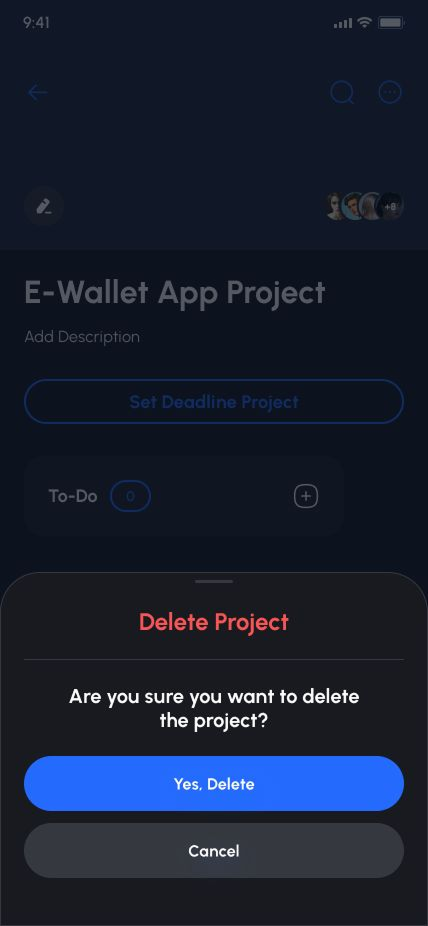
- New Project Deteted
- New Project Setted
- New Project Board Task Details
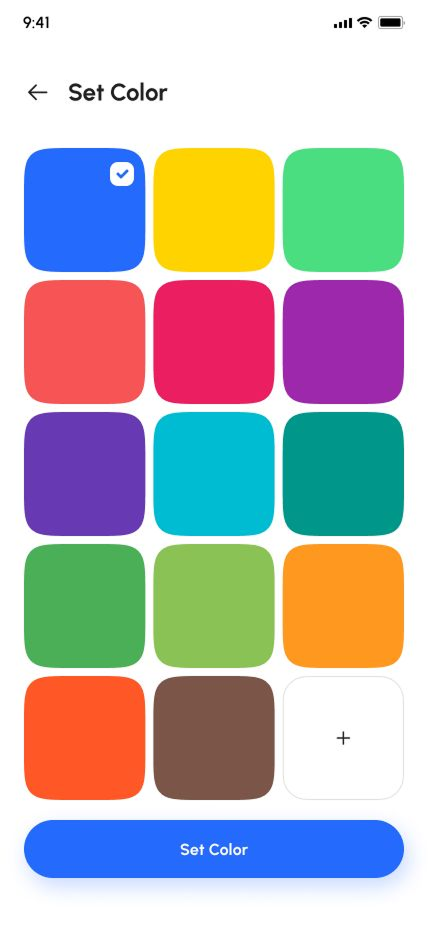
- New Project Set Color
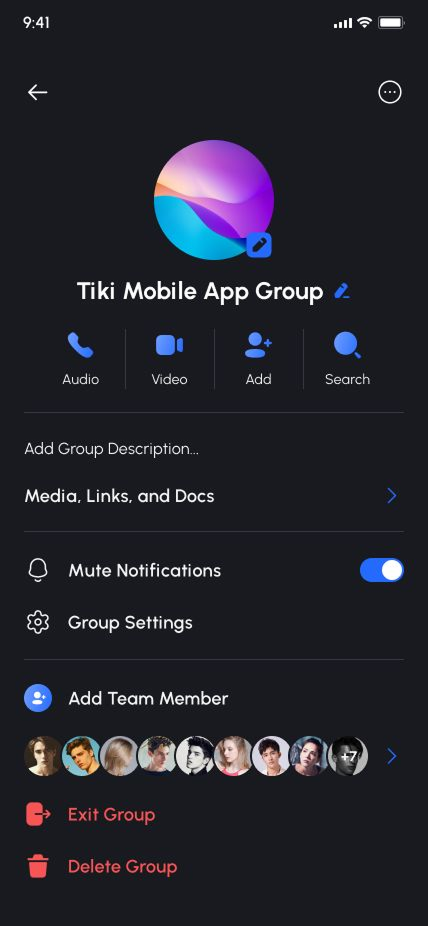
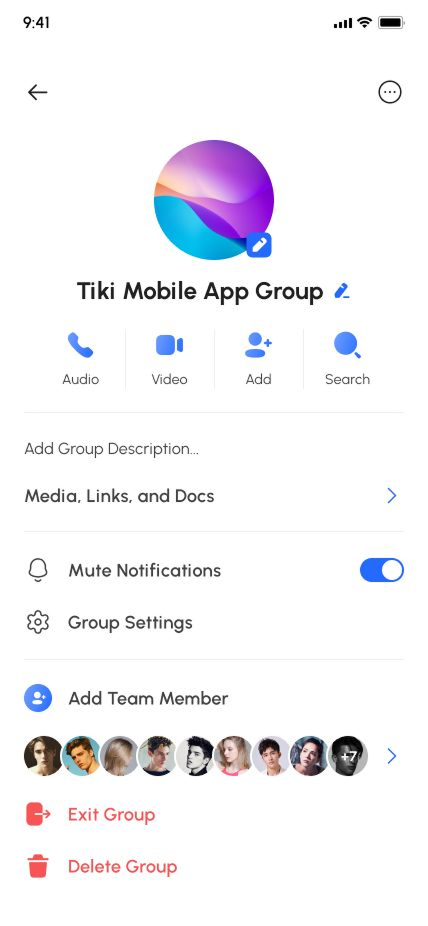
- Inbox Team Chat Settings
- Inbox Team Chat
- Inbox
- Call
- Chat
- Topup Amount
- Topup Methods
- Topup Confirm PIN
- Topup Success
- Menbership
- Select menbership
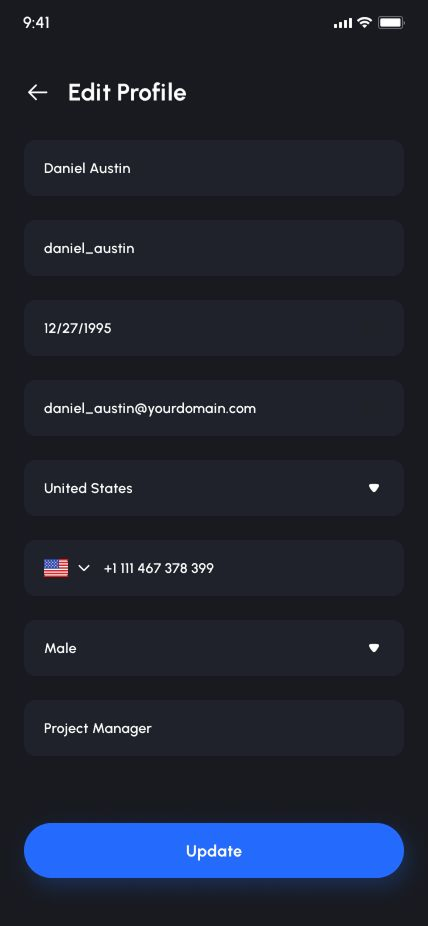
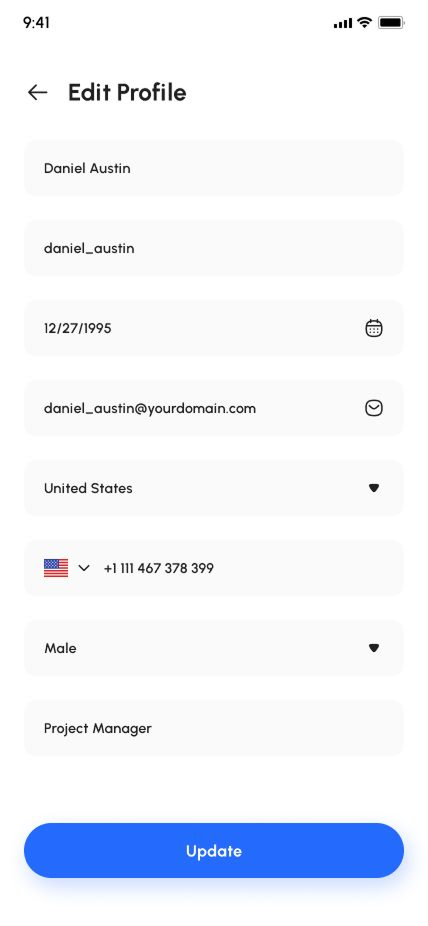
- Edit Profile
- Settings About Taska
- Settings Invite Friends
- Settings Data And Privacy
- Settings Help Center
- Settings Language
- Settings Marketing Preferences
- Settings Notification
- Settings Personal Info
- Settings Security
- Customer Service
- Legal Agreements
- More
- And more..
Images & Icons:
- Freepik
- Unsplash
- Flaticon
Technologies:
- TypeScript
- React Native
- React Native Gifted Chat
- Expo