Smart PC Cleaner
Optimize your computer’s performance by removing unnecessary files, system junk, and leftover application data. With our advanced Windows Maintenance and Cleaning solution, keeping your PC in top shape has never been easier.
Experience the convenience and power of Smart PC Cleaner—the ultimate all-in-one utility for maintaining optimal PC performance.
Smart PC Cleaner: Say goodbye to sluggish performance and hello to a faster, smoother computing experience!
What Smart PC Cleaner Can Do for Your PC
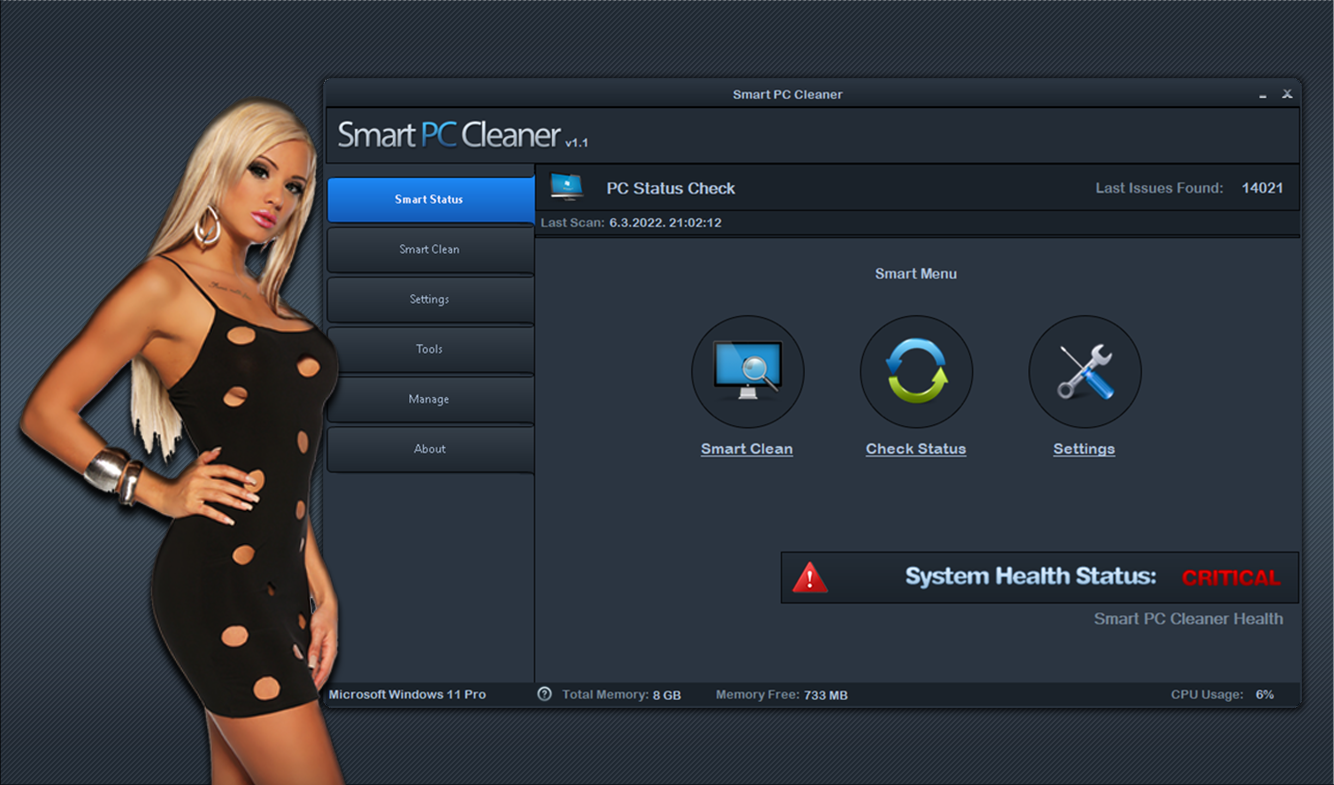
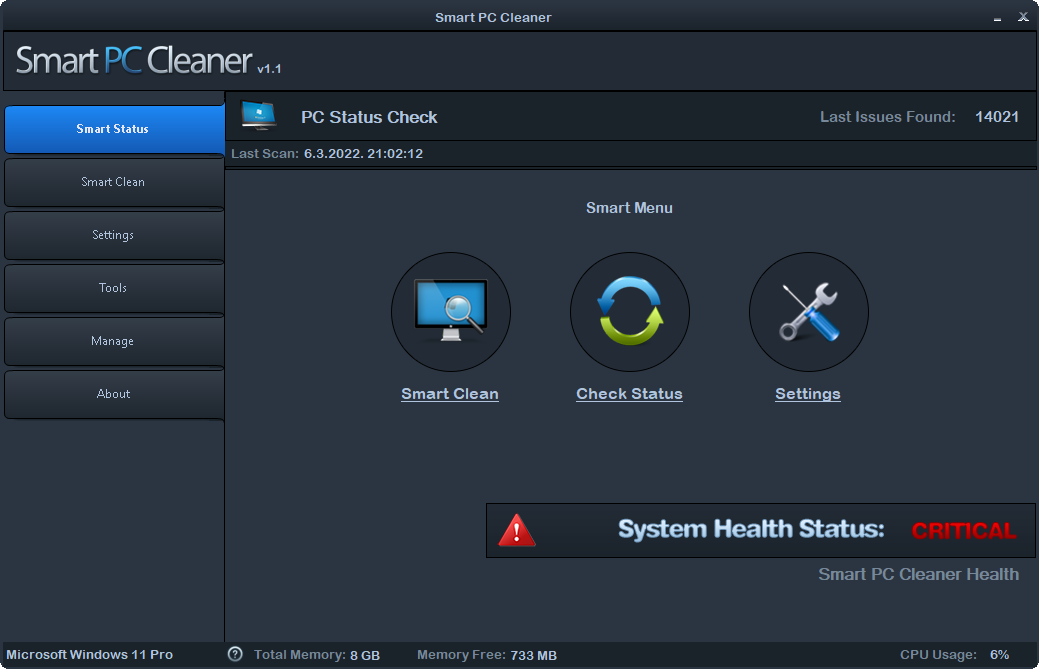
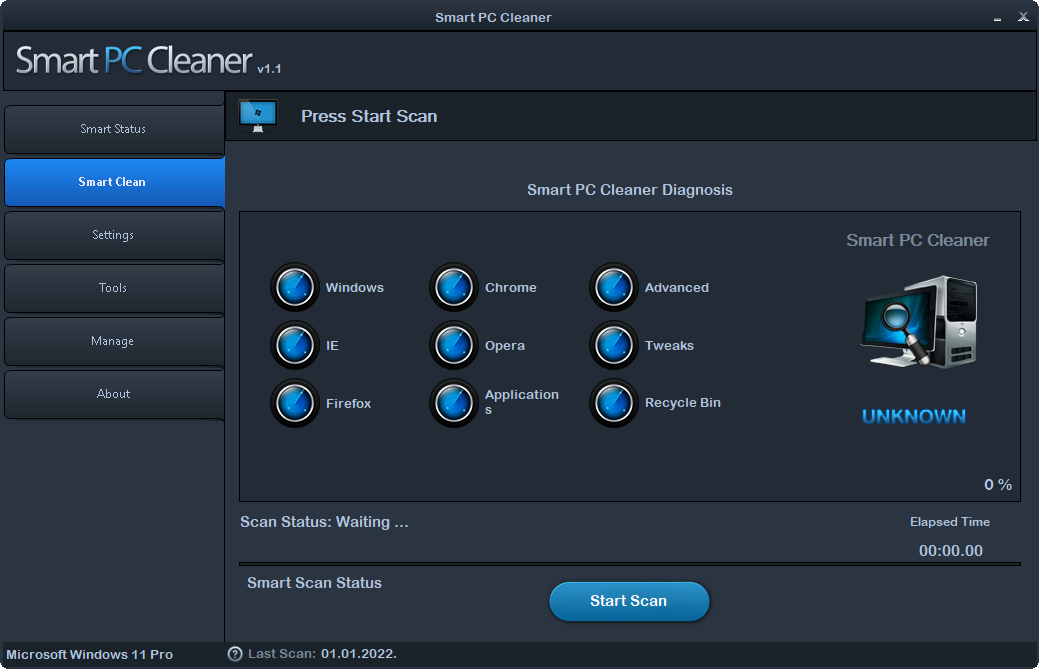
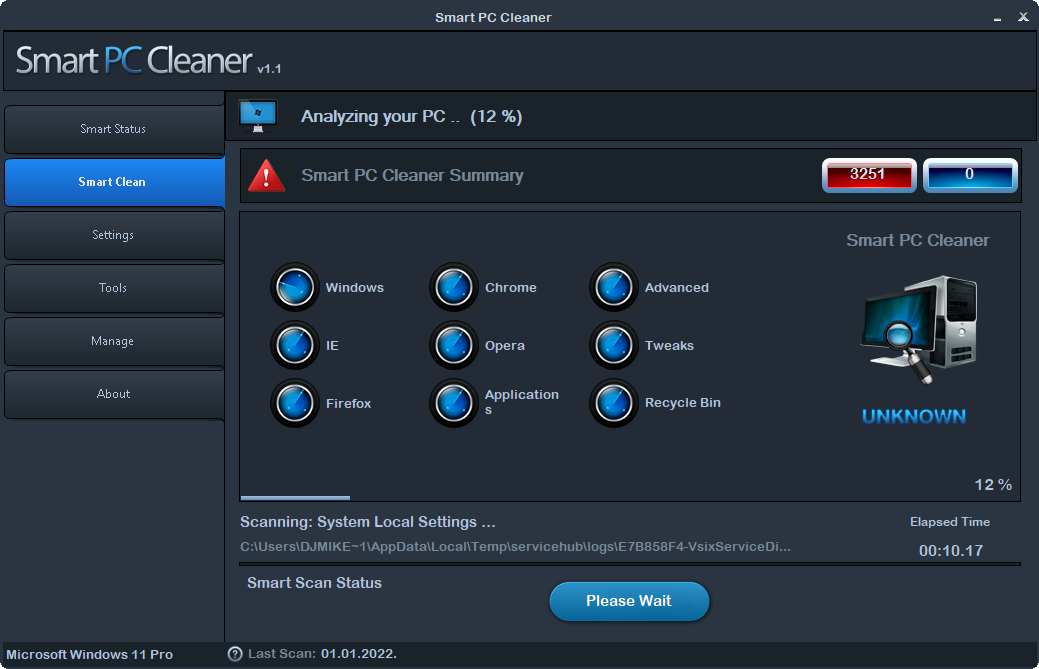
Smart PC Cleaner quickly scans your PC to detect and resolve potential issues. With its innovative “Smart Technology,” the software is designed to clean your computer efficiently and effectively.
- Detects your system’s health status rapidly (See Scanning Live Video)
- Frees up disk space and enhances your privacy
- Optimizes your system based on your specific needs
- Average scan time: 7,000 issues detected in just 50 seconds
FEATURES
- Scan and clean system files and junk files
- Supports major browsers: Internet Explorer, Firefox, Chrome, Opera
- Advanced Scanning and Cleaning
- Automatic System Tweaking (Tweaks)
- System Optimization
- Recycle Bin management
- Secure file deletion to protect private data
- Erases all traces of your PC activity, improving performance and stability
- And many more built-in features
CPU Real-Time Monitor
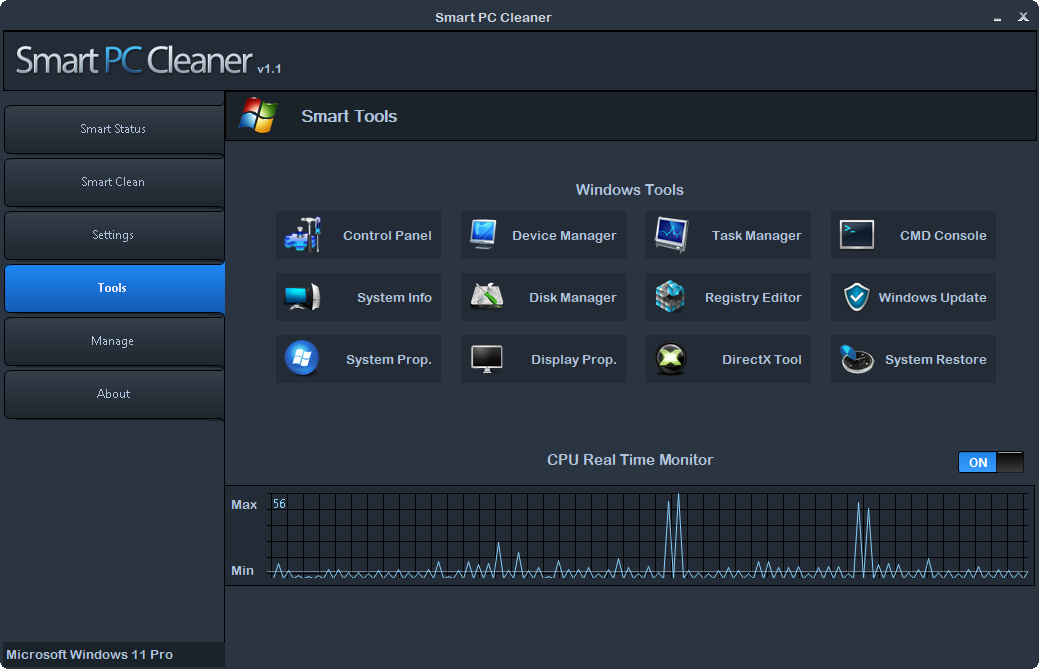
- Enables real-time CPU monitoring
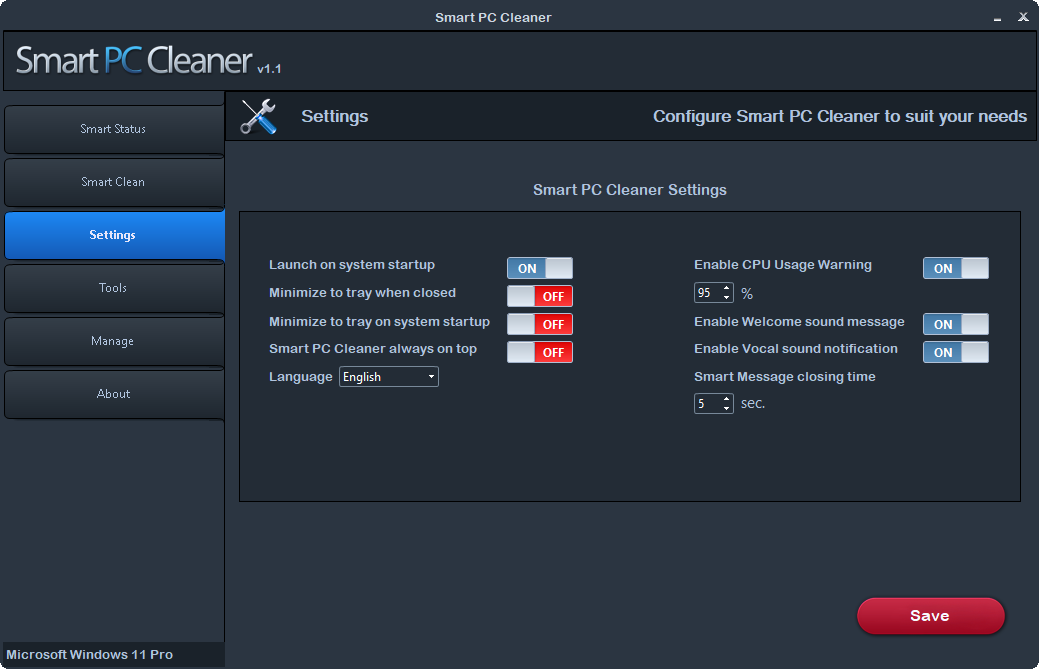
- Automatic CPU usage detection and warning
PC Scanning
- Quickly scan your PC for issues
- Perform thorough scanning and cleaning to optimize performance
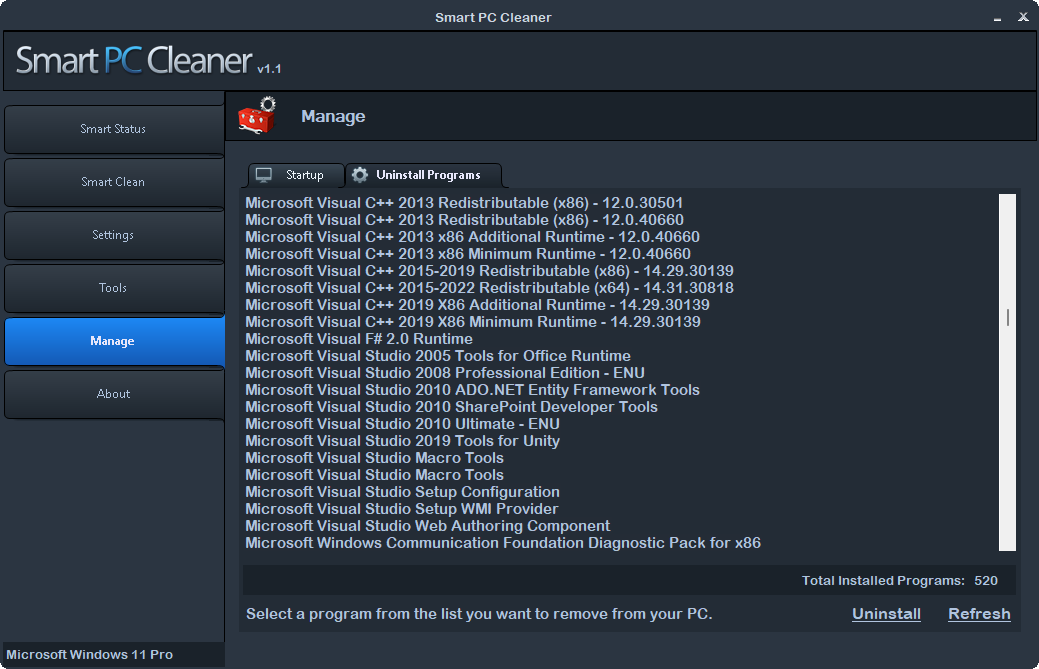
Uninstall Programs
- Efficiently scan for and uninstall unnecessary programs
- Clean up remnants left behind after uninstallation
Manage Startup Programs
- Easily manage programs that start with Windows
- Delete or refresh startup entries to speed up boot time
Smart Tools
- Access essential system tools quickly and easily:
- Control Panel
- System Info
- System Properties
- Device Manager
- Disk Manager
- Display Properties
- Task Manager
- Registry Editor
- DirectX Diagnostic Tool
- CMD Console
- Windows Update
- System Restore
Voice Notifications
- Enable vocal notifications for key actions and alerts
Version 1.1 (March 9, 2022):
- Updated GUI design for a more modern look and improved user experience
- Fixed various bugs to enhance stability and performance
- Code updated for better efficiency and compatibility
- Now requires .NET Framework 4.0 for optimal performance
Version 1.0 (Initial Release, May 27, 2013)
- Initial Version
SYSTEM REQUIREMENTS
Microsoft Windows XP, Vista, or Windows 7
Supports Windows 8/8.1
Supports Windows 10
Supports Windows 11
Supports platform x64/x86
Need Help, Found a Bug, or Have Suggestions?
If you encounter any issues, bugs, or have suggestions on how we can enhance our product, please feel free to reach out through the comment section.
We’re committed to responding to all inquiries promptly, ensuring you can continue using our product with confidence.
Thank you for choosing us and for helping us make continuous improvements.
Additional Options
If you’re interested in having your own PC Cleaner with a custom brand name, logo, and design tailored to your business, or if you need a bespoke application, get in touch with us today.
We’re here to discuss your unique requirements and explore the possibilities of creating customized software solutions that meet your needs.
Feel free to contact us by sending a message or visiting our website at PC Software Design.
If you’re interested in purchasing the full source code, please don’t hesitate to contact us directly or visit our website to explore our offerings. At PC Software Design, we are committed to delivering high-quality software solutions that empower our clients to achieve their objectives.
Keep up with the latest software releases and updates by following us.