Note: This is a module designed for Perfex CRM. It is not a separate script.
Overview
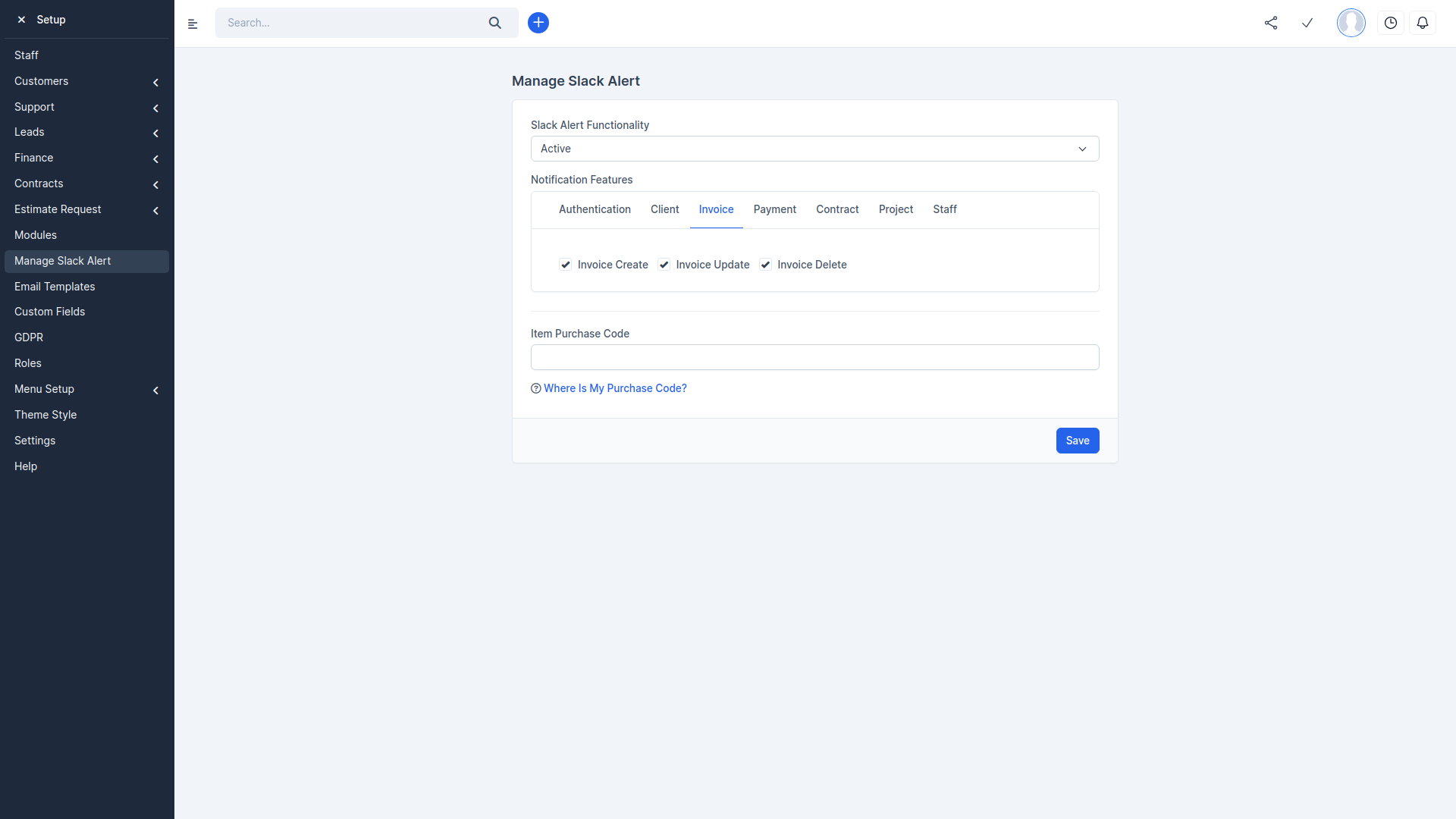
Slack Alert module are important for real-time notification alert and keeping users informed efficiently. They offer instant updates on projects, invoices, staff, and more. With customization options and integration with modules like New Project and Invoice, Slack helps teams stay well-informed and productive.
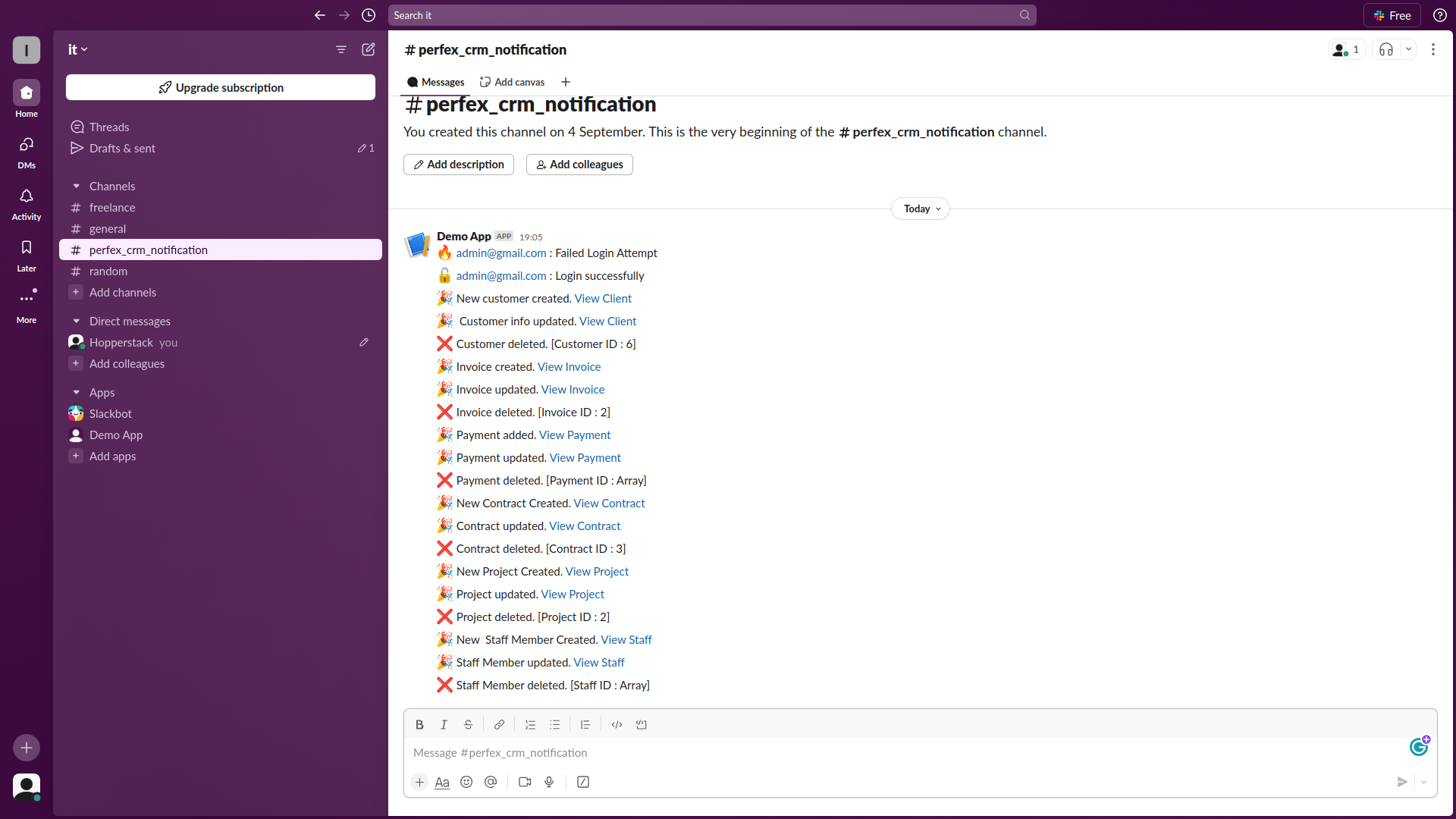
The following alerts are now available:
- Login Fail/Success
- Client Create/Edit/Delete
- Invoice Create/Edit/Delete
- Payment Create/Edit/Delete
- Contract Added/Edit/Delete
- Project Create/Edit/Delete
- Staff Create/Edit/Delete
Installation Guide:
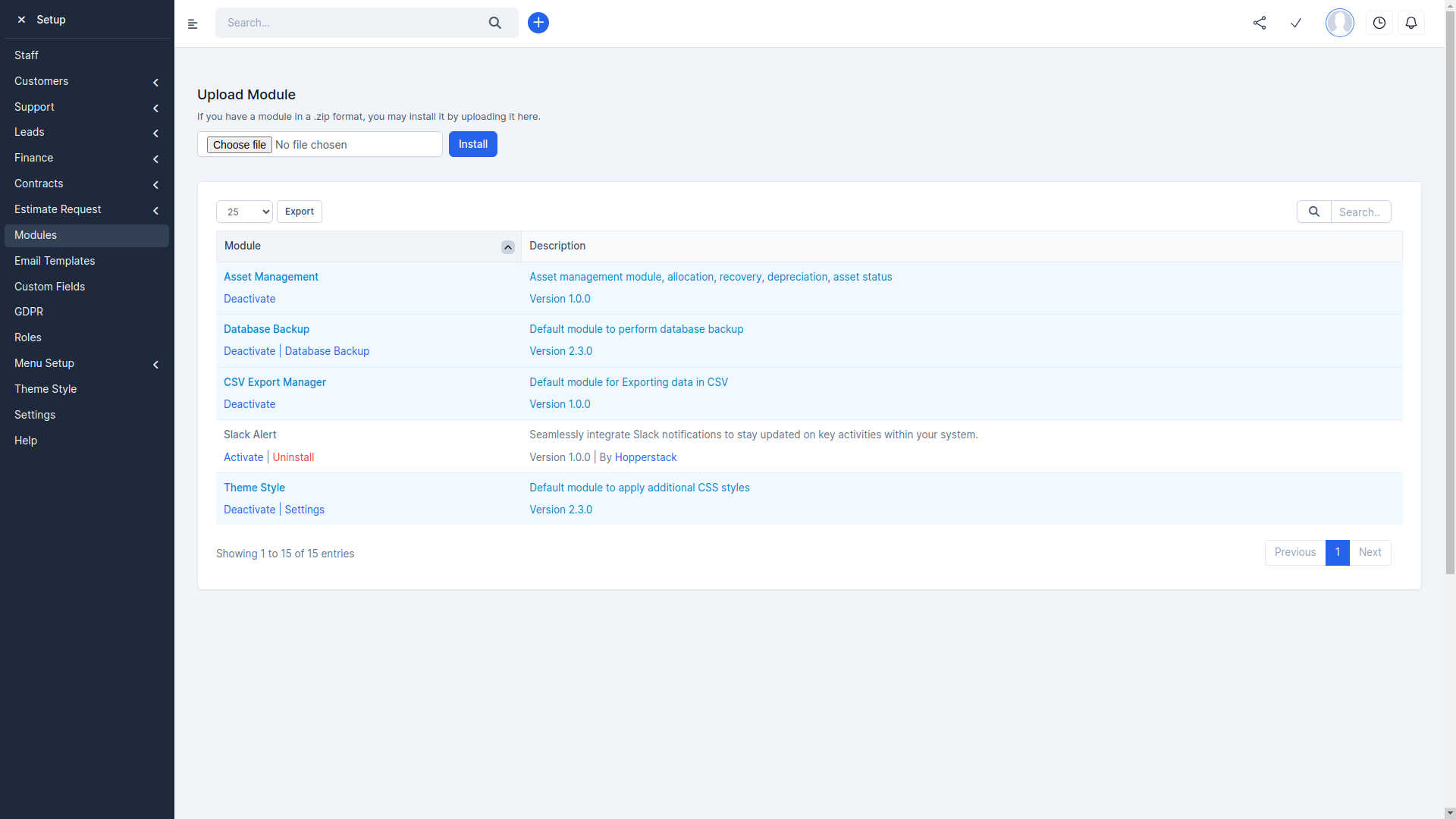
- Log in to PerFex CRM as an administrator.
- Navigate to Setup > Modules.
- Select the extracted upload.zip at Module installation selection prompt and press Install.
- You’re all set!
Customer Support
Your satisfaction is our priority! Reach out to us for any queries, support requests, or bespoke solutions.
- Support Hours: Monday – Saturday
- Response Time: Guaranteed within 1-2 business days
- Connect with us via our Support Portal
Change Log
Version 1.0.0
- Initial release