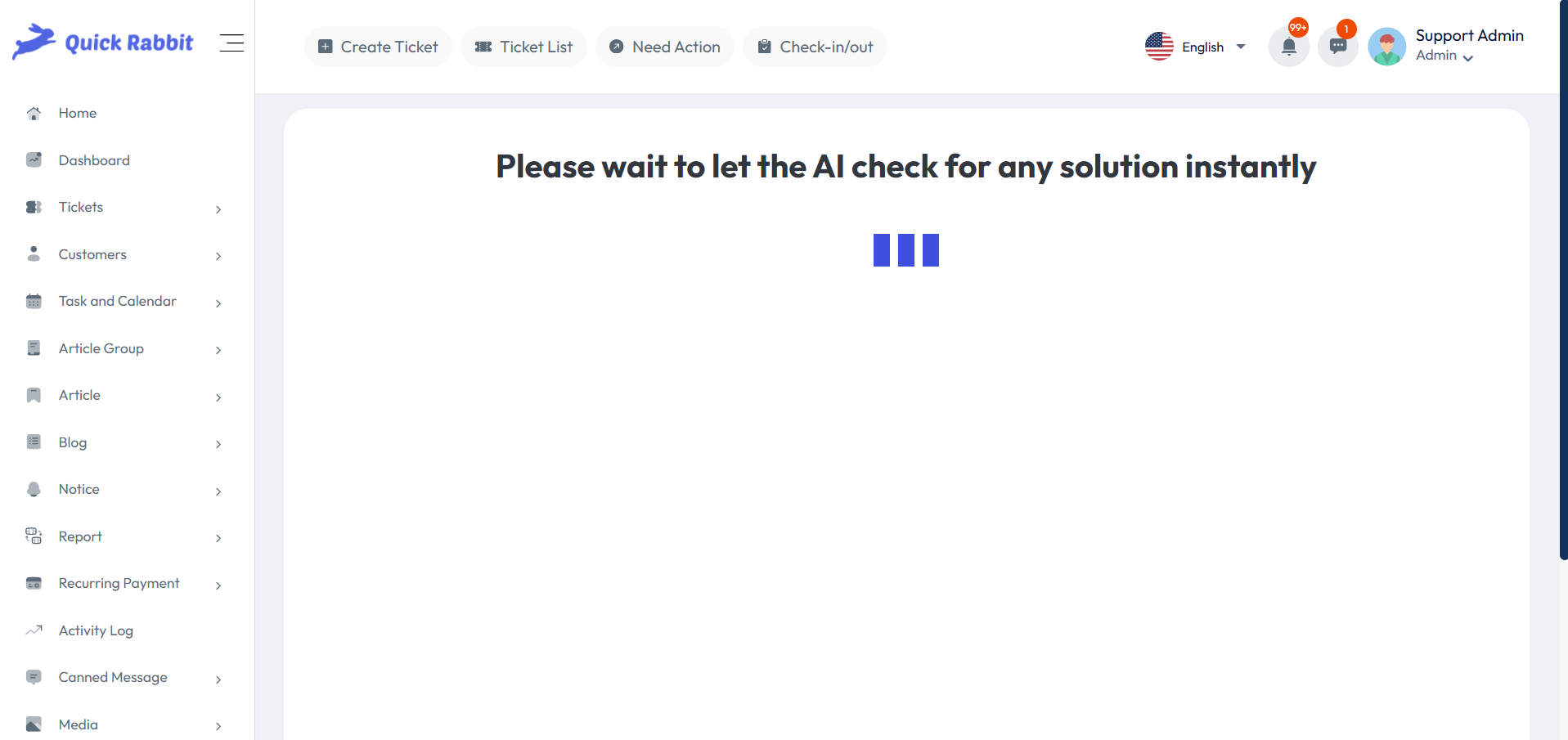
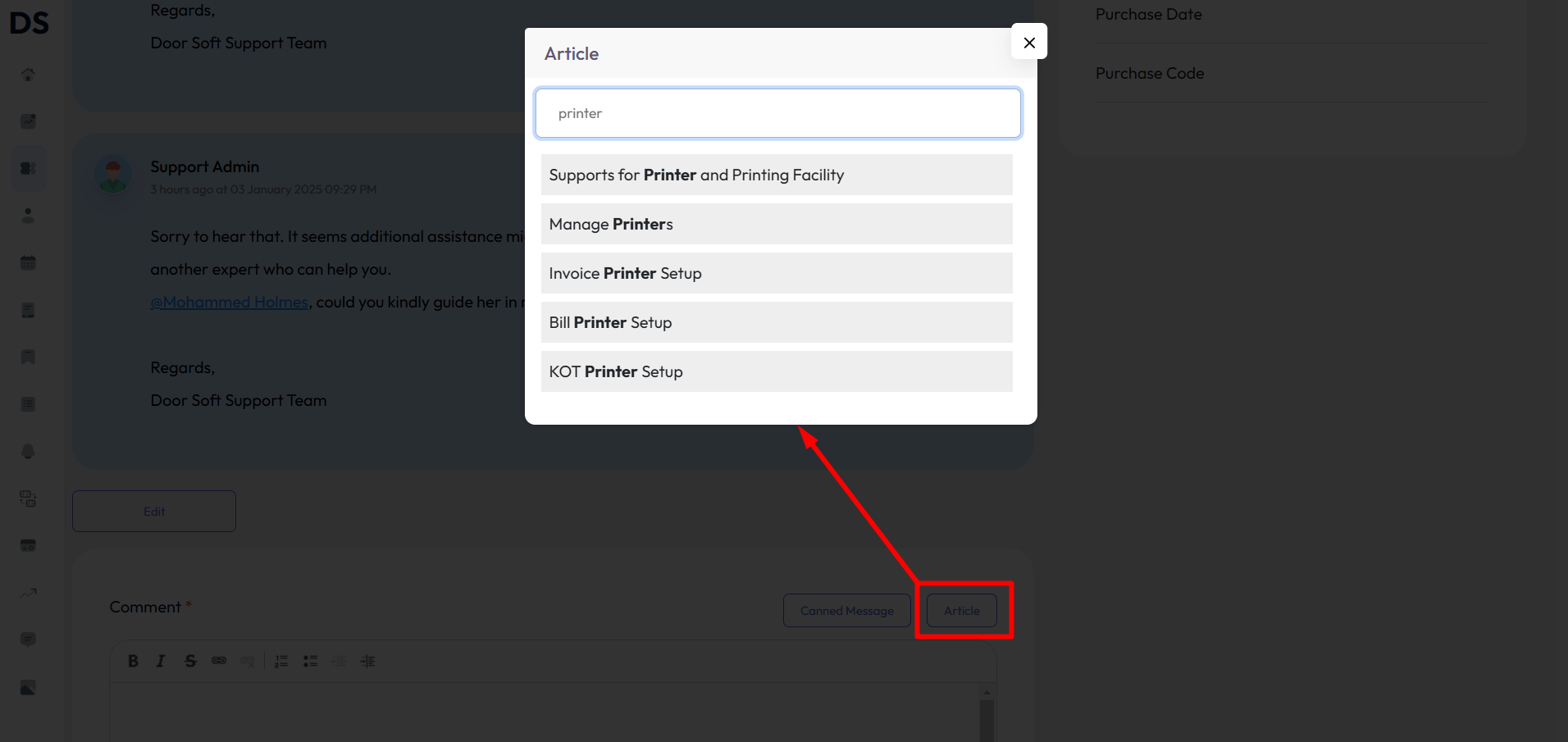
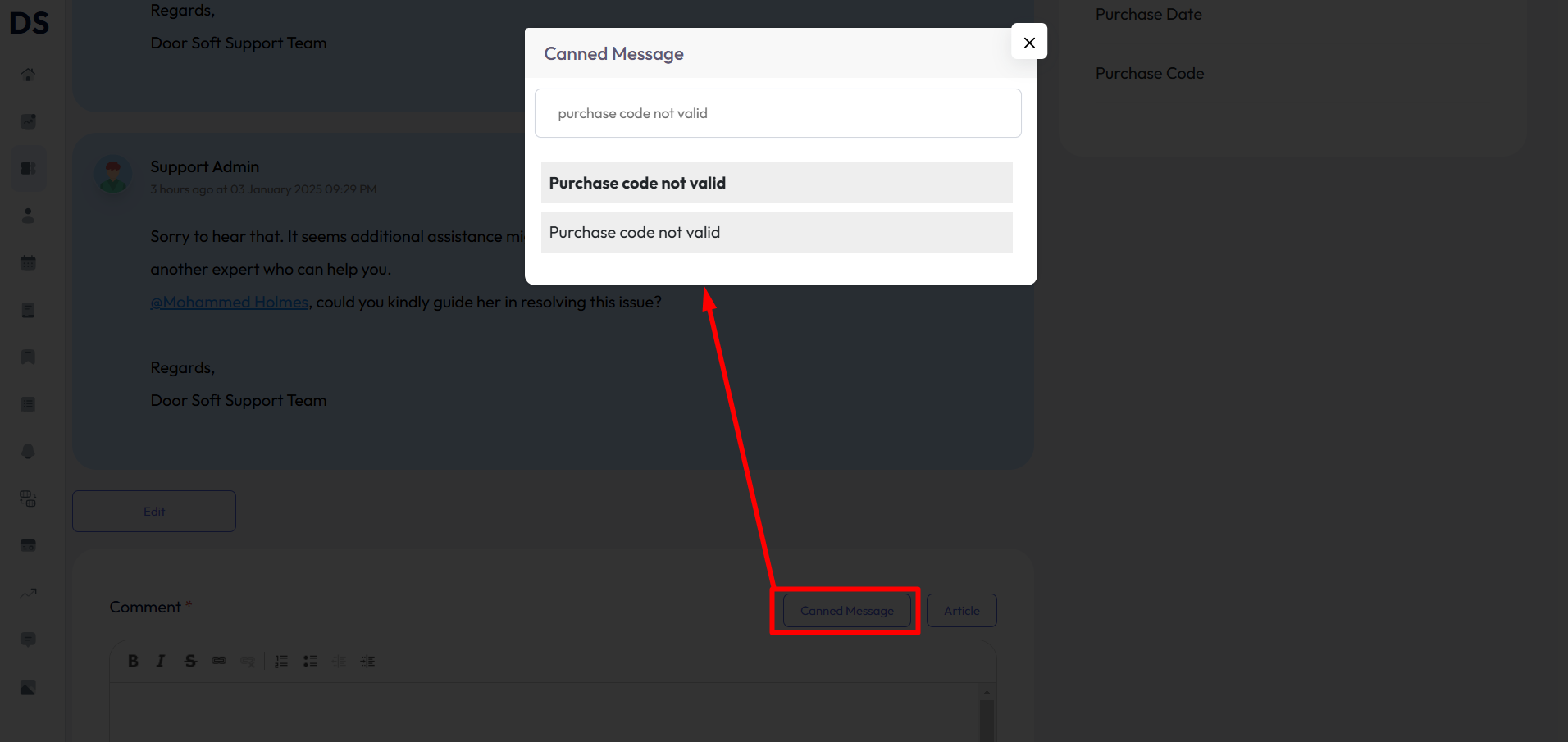
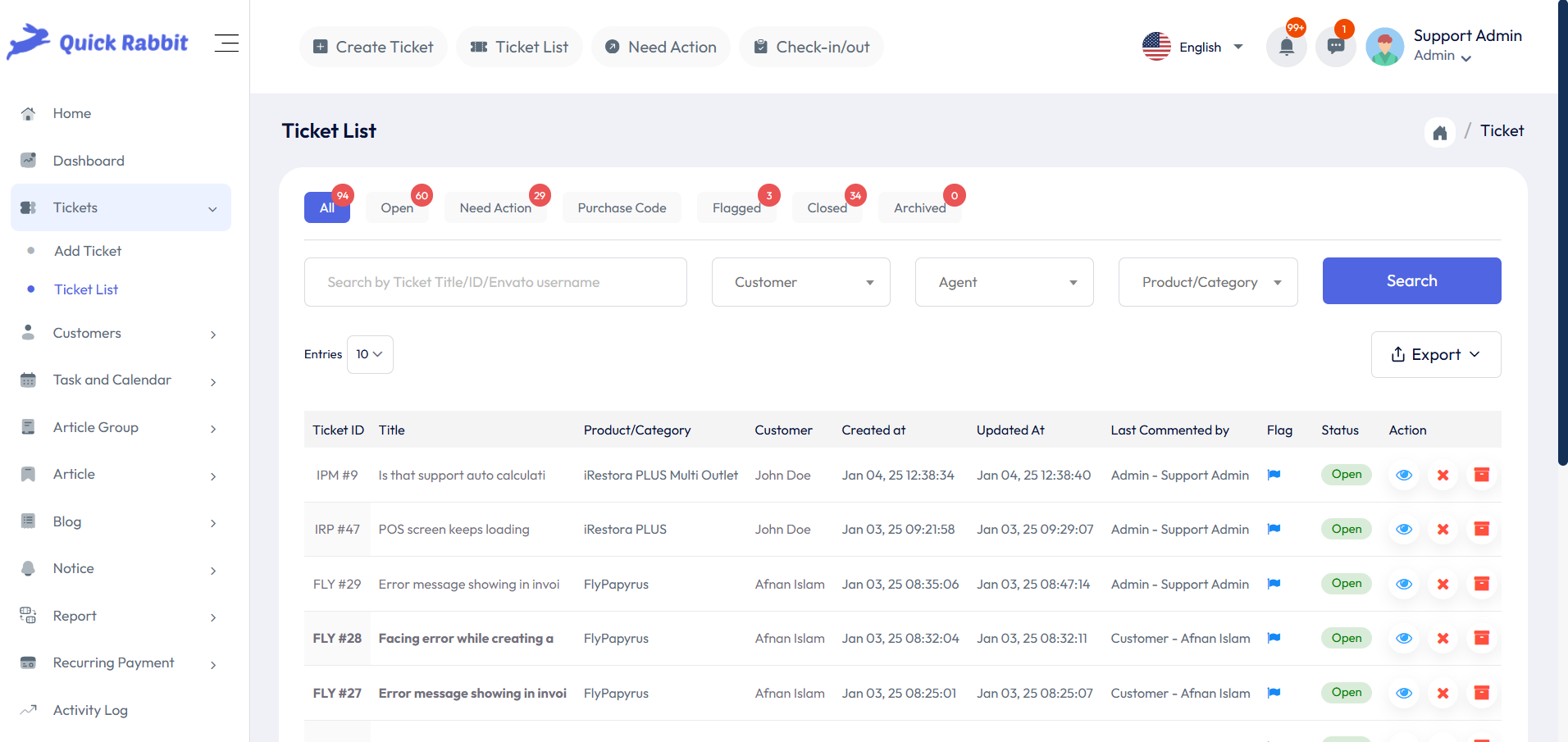
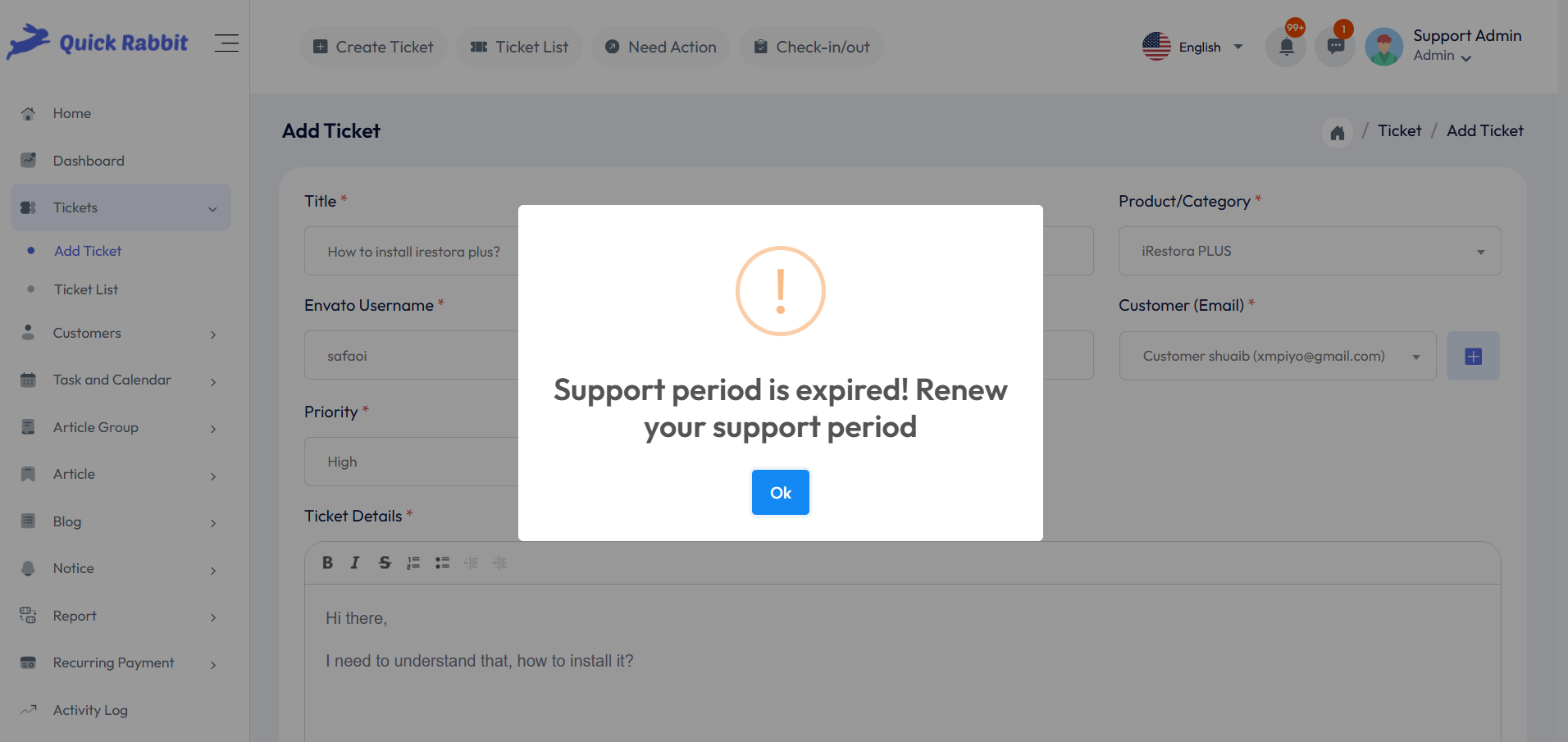
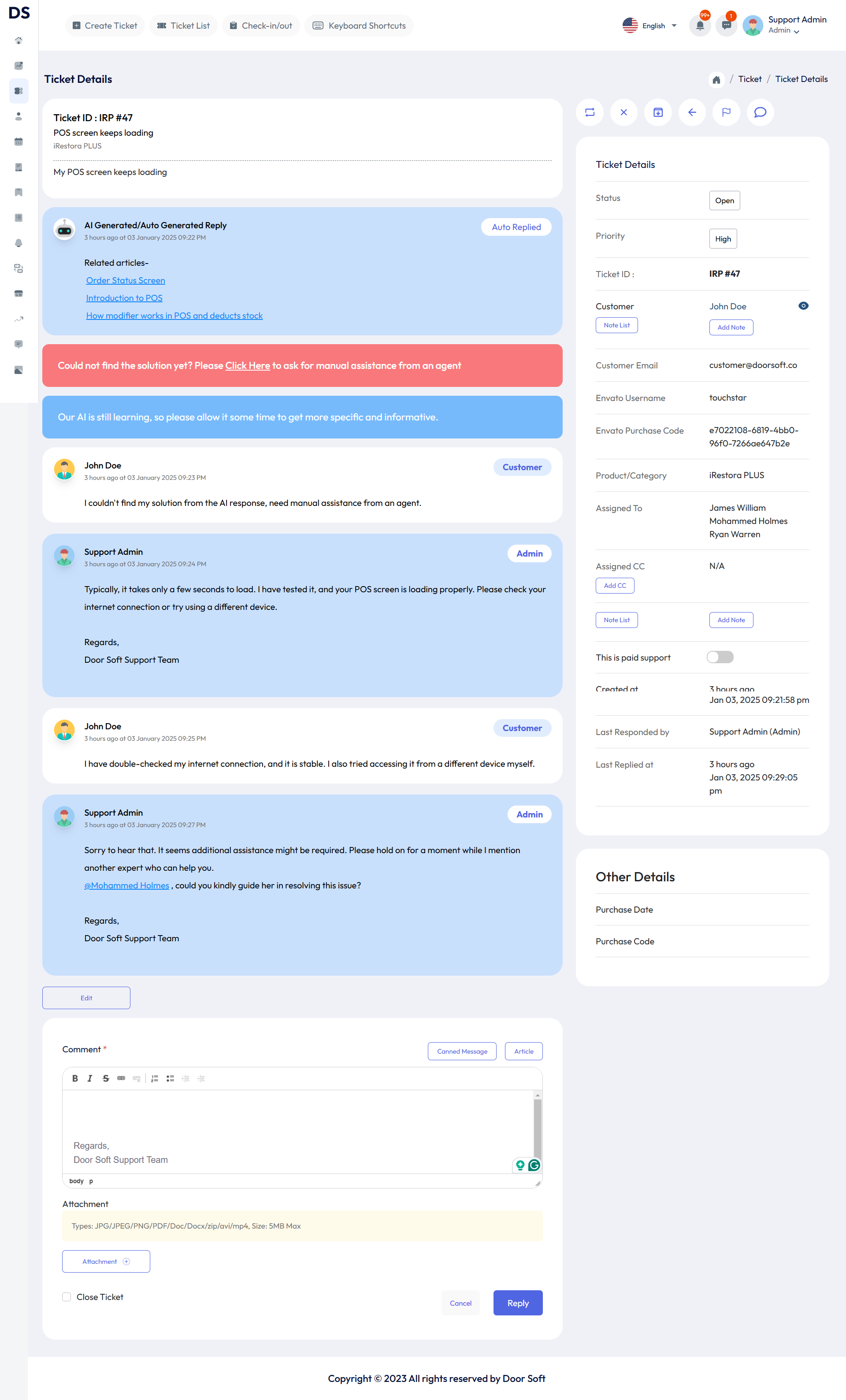
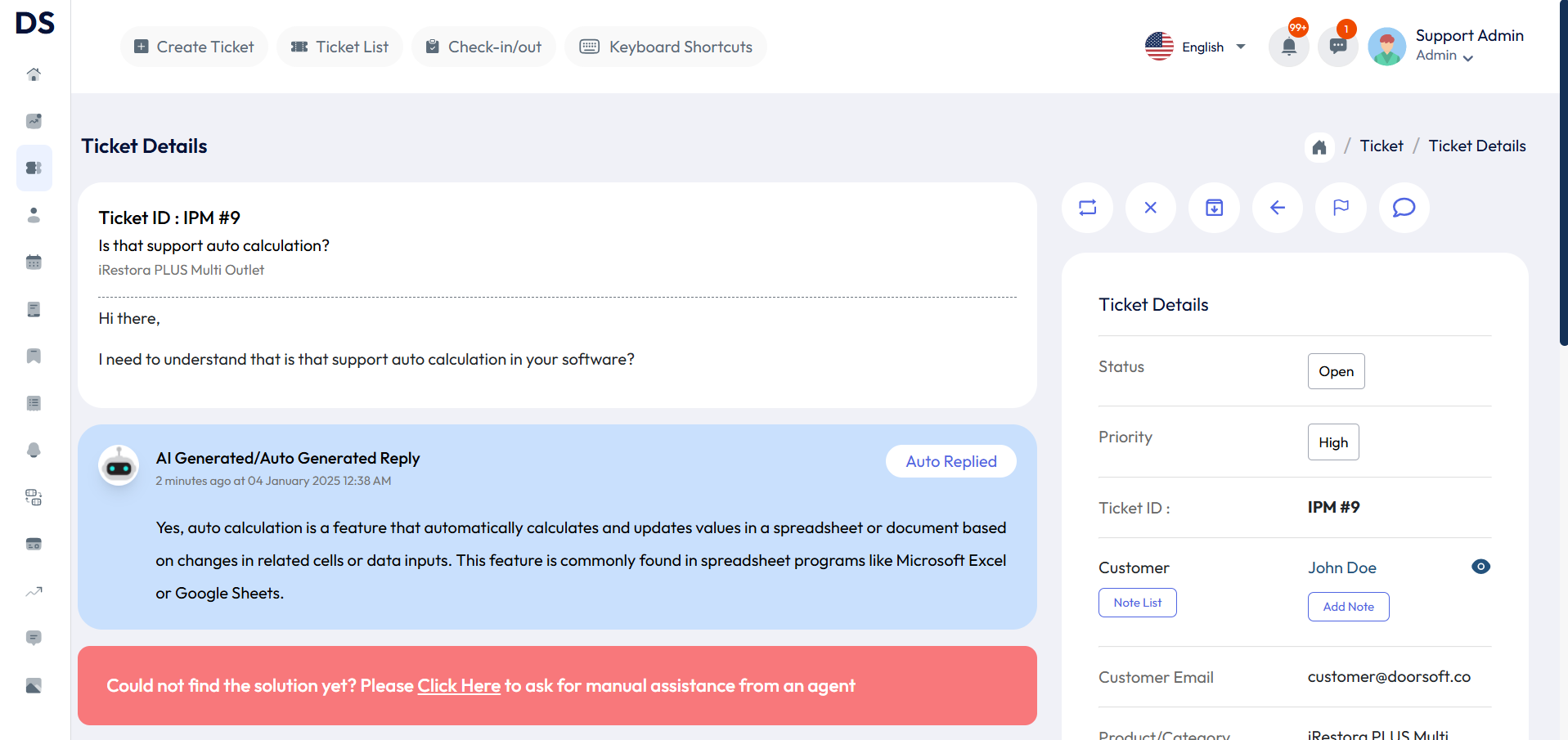
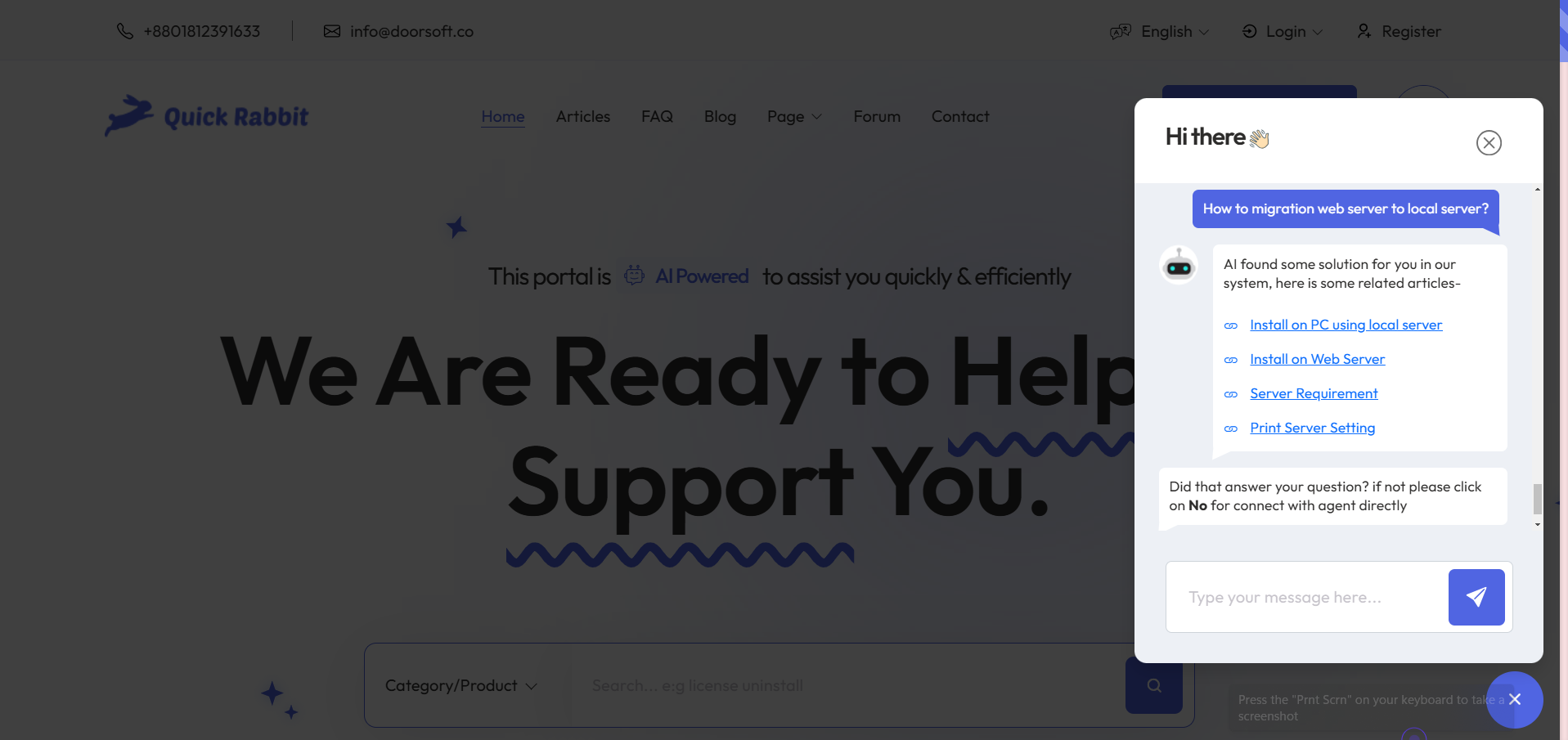
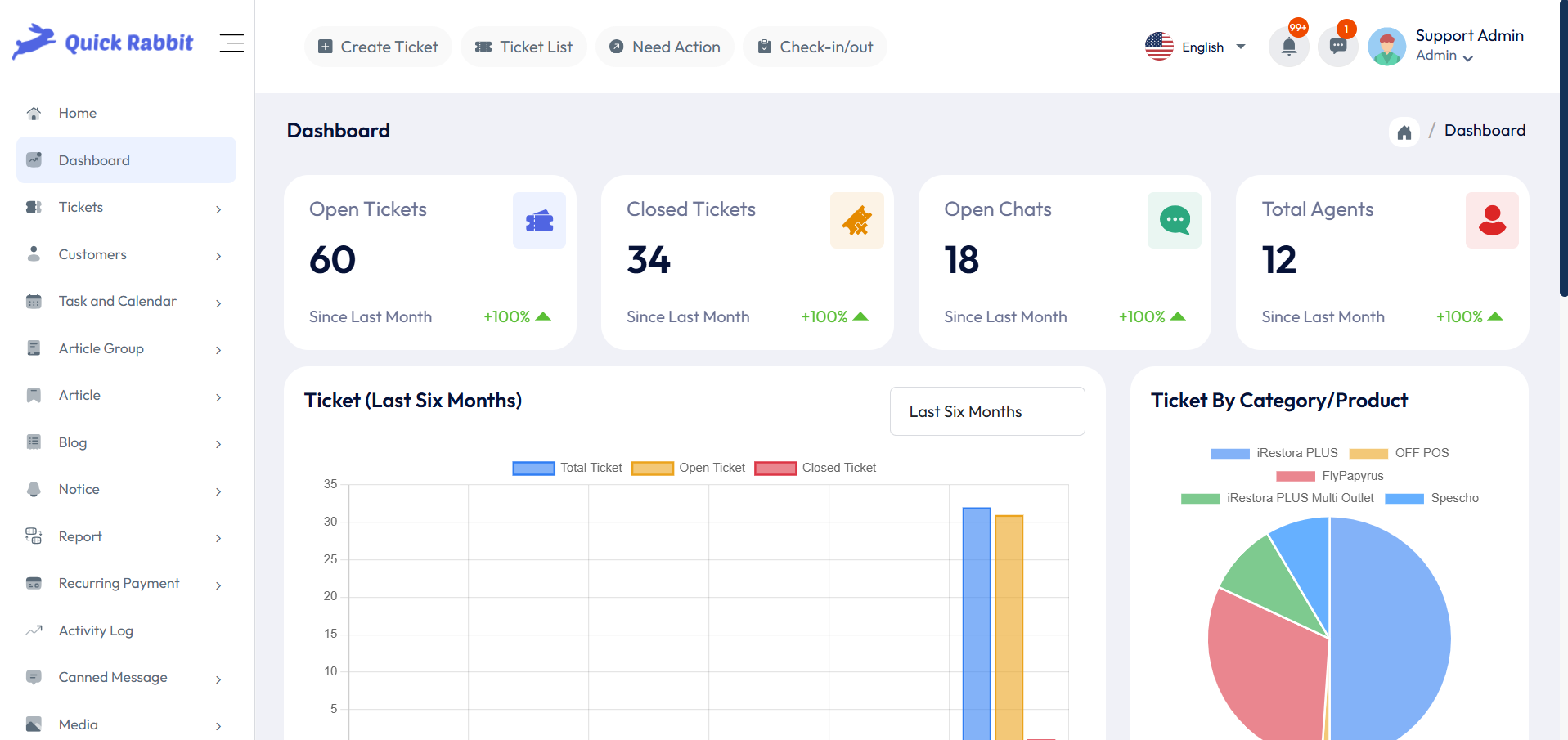
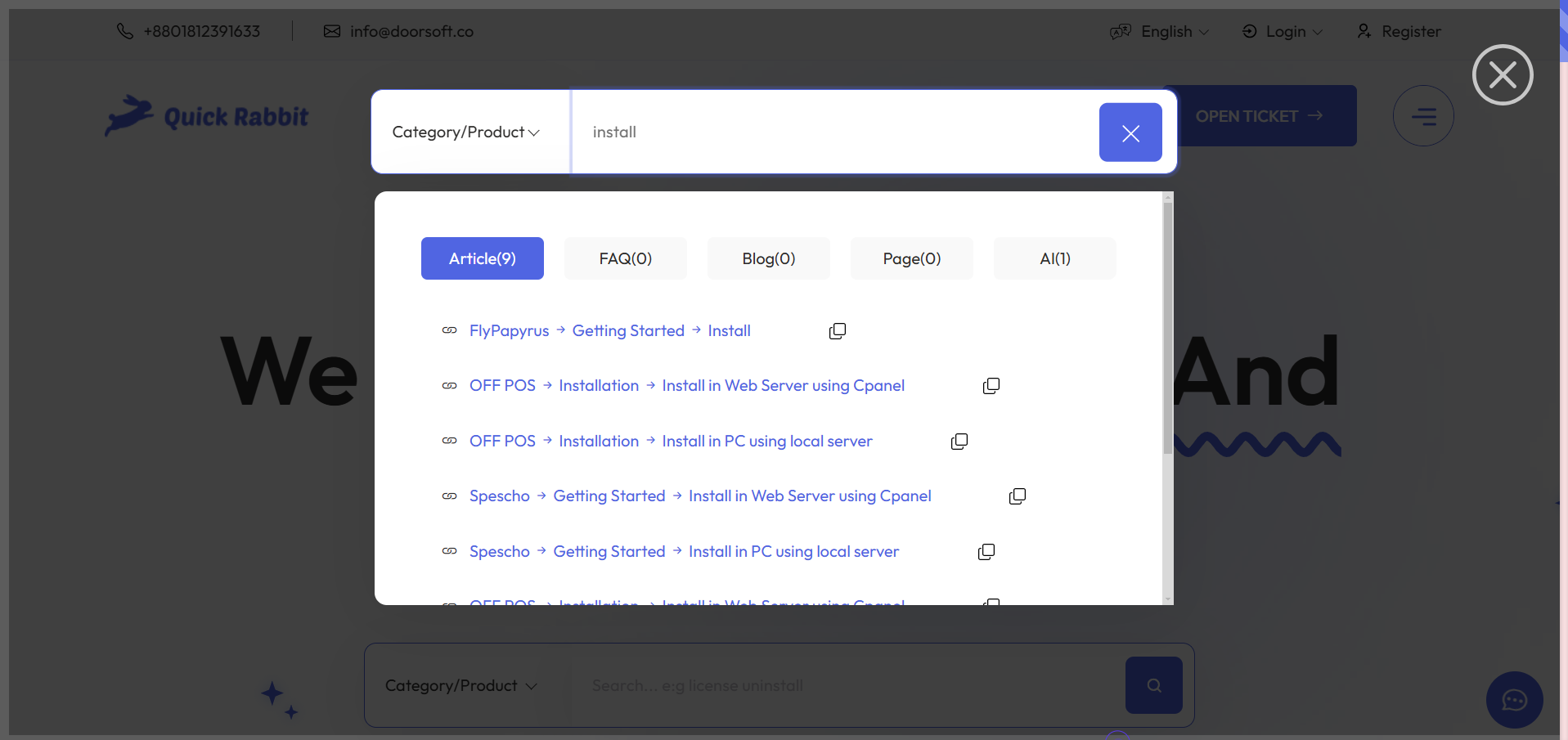
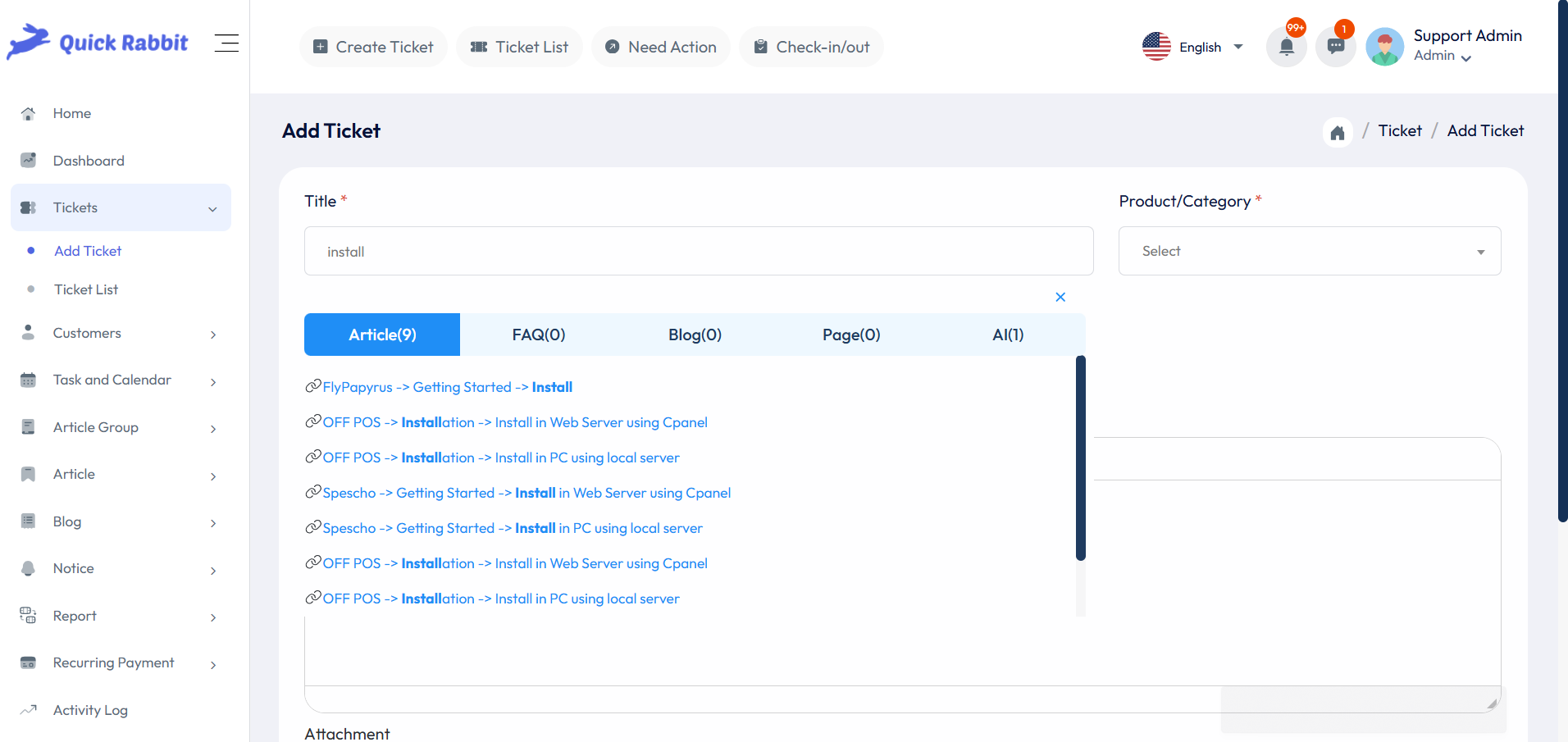
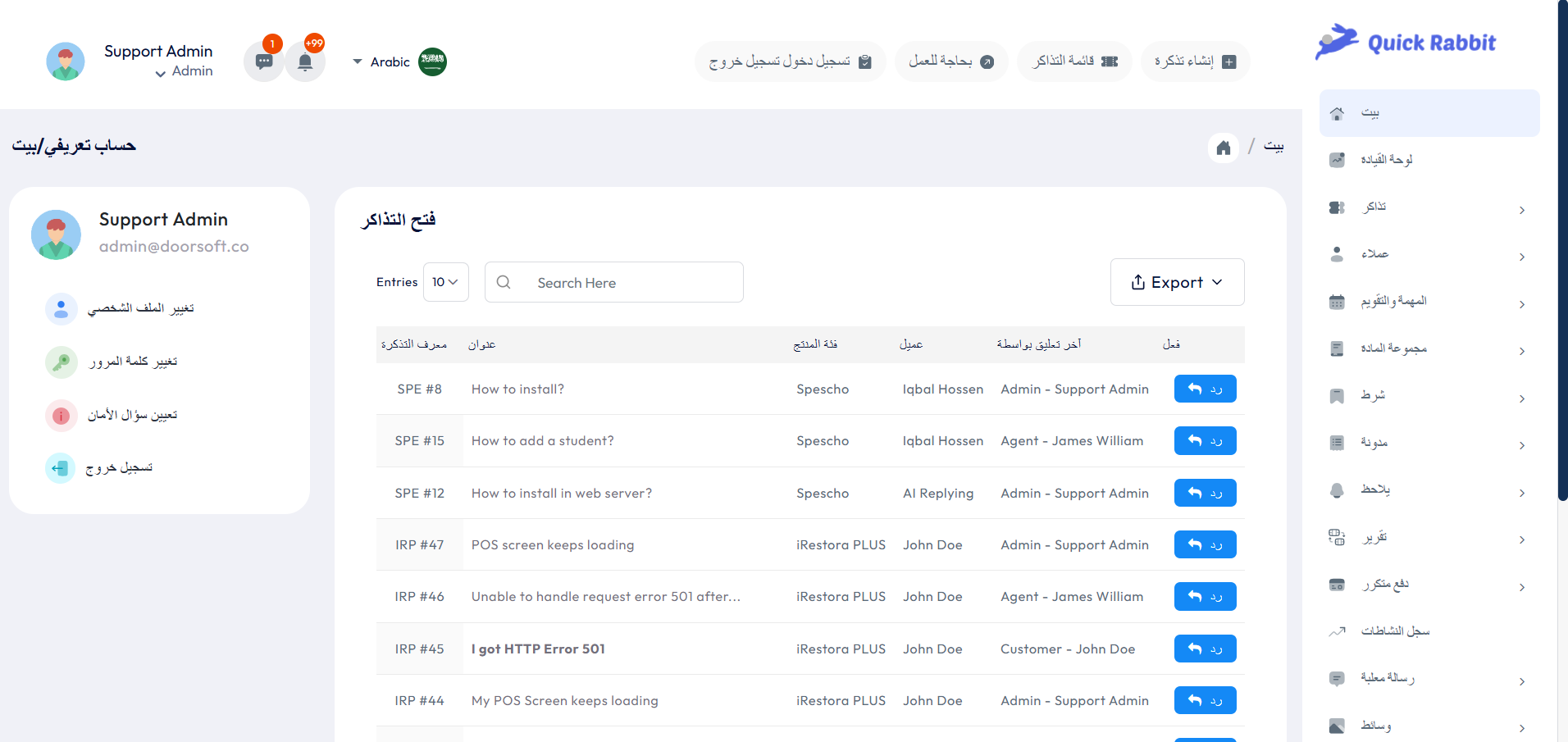
1 AI Checking Instant Solution.png 10 Add Article in Ticket Reply.png 11 Add Canned Message in Ticket Reply.png 12 Admin Panel Ticket List.png 13 Agent get notification.png 14 Assign Agent.png 15 Edit email template.png 15.1 Envato Purchase Validation.png 16 Support Period Expired.png 17 Ticket Details.png 2 AI Gives Solutions.png 3 Chat AI Reply.png 4 Dashboard.png 5 Knowledgebase Search Result.png 6 Multiple Theme Home page.png 7 Single Theme Home Page.png 8 Add Ticket With Suggested Result.png 9 RTL Support Admin Home Page.png
Frequently Asked Questions
Question: What is this software for?Answer: It is an integrated system for a support portal that includes Knowledgebase, Support Ticketing, Live Chat and CRM
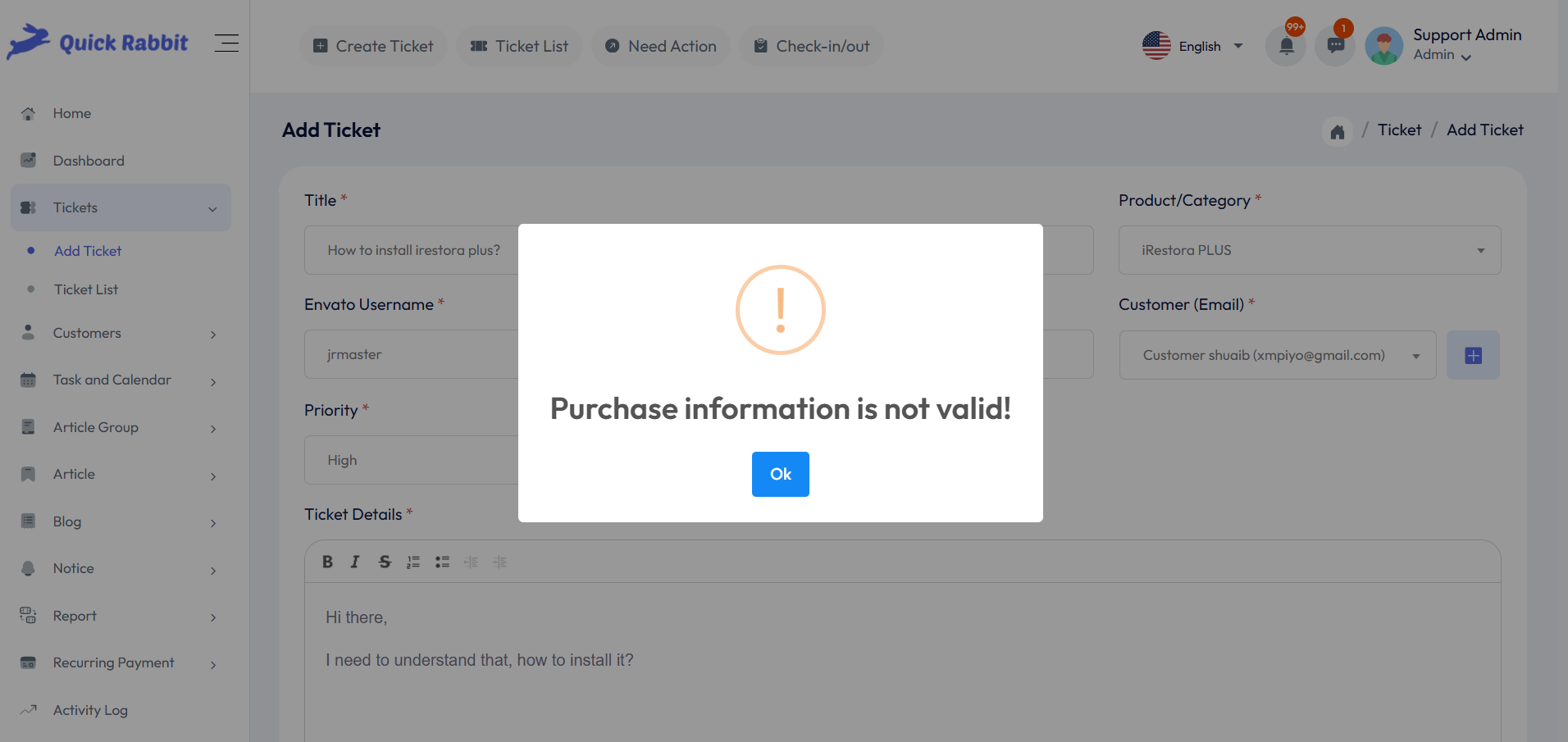
Question: I am getting this error Purchase code or envato username is invalid
Answer: Maybe you are using our envato username, which is doorsoftxyz in the purchase verification step in the Envato Username field. Please use your envato login username.
Question: Can I add my new language or modify/improve my own language?
Answer: Yes, both are available and it is a very easy task for you. Our documentation shows how to do it.
Question: What technology is used to develop this?
Answer: Laravel 8.75, OpenAI, MySQL, JavaScript & jQuery, HTML, CSS and Bootstrap
Question: Which version of PHP and MySQL is required?
Answer: PHP 8+ and MySQL 8+
Question: I have some other questions…
Answer: Please contact our support OR Email us at: info@doorsoft.co