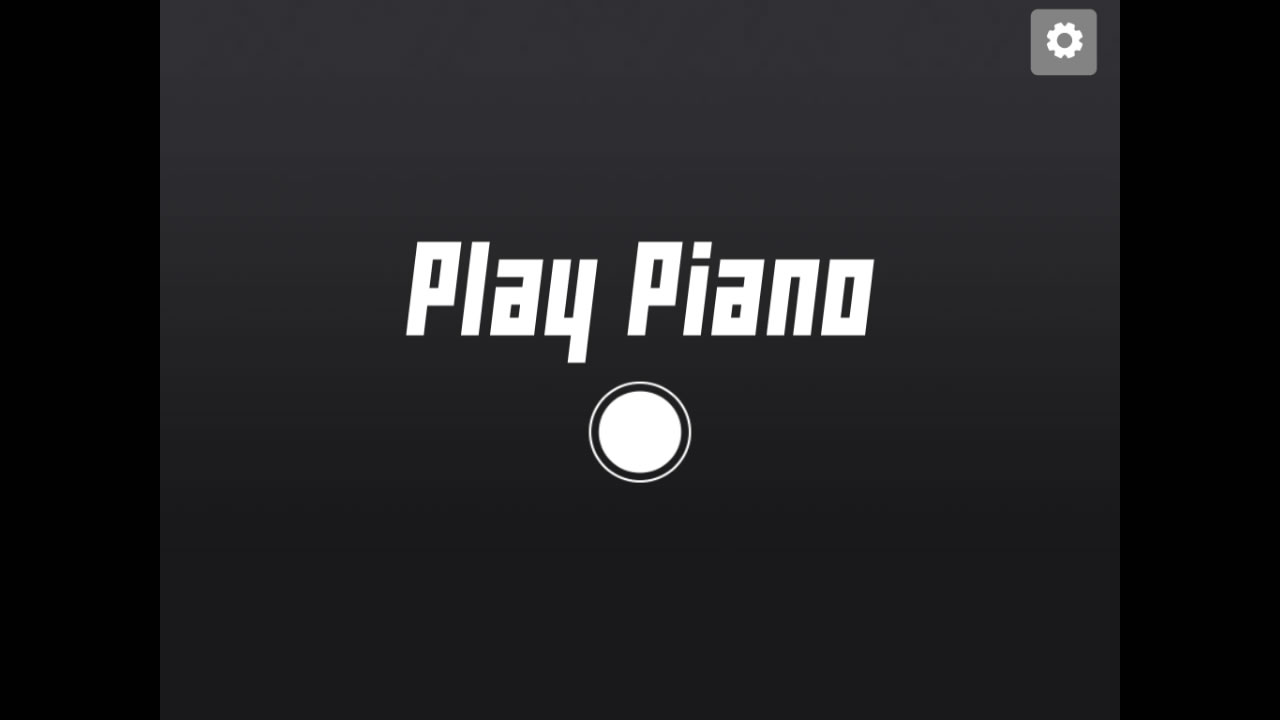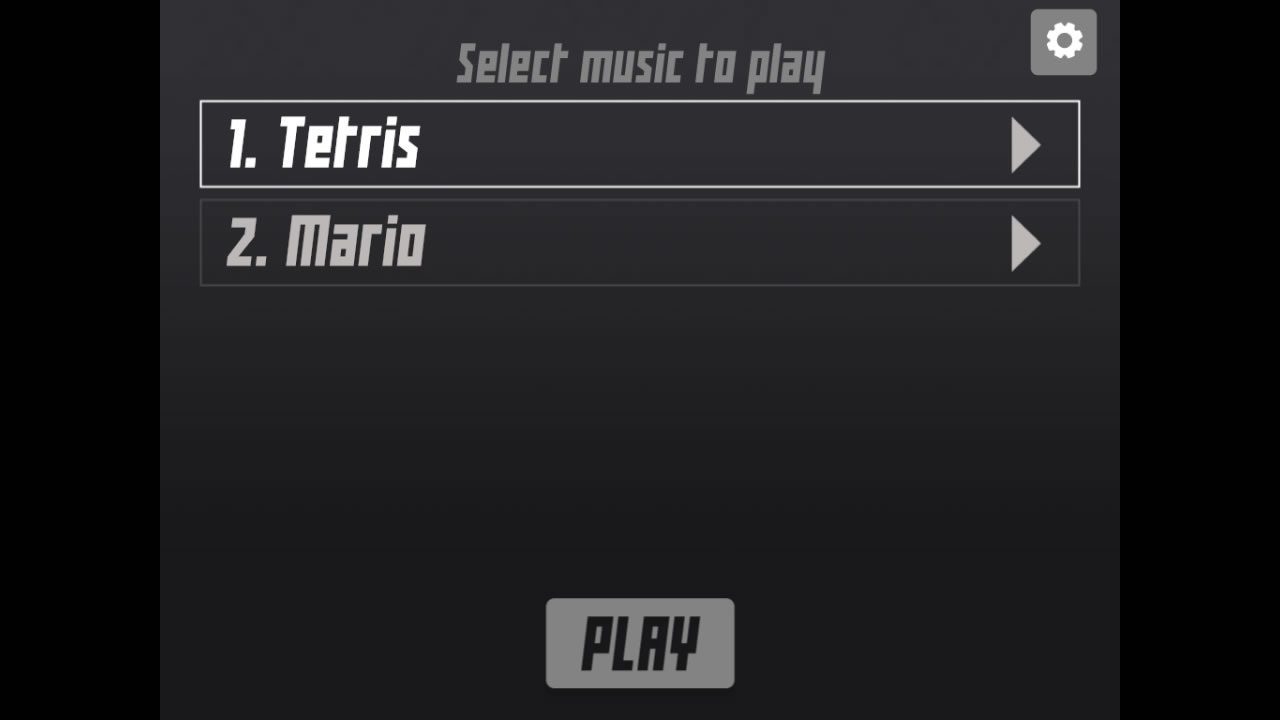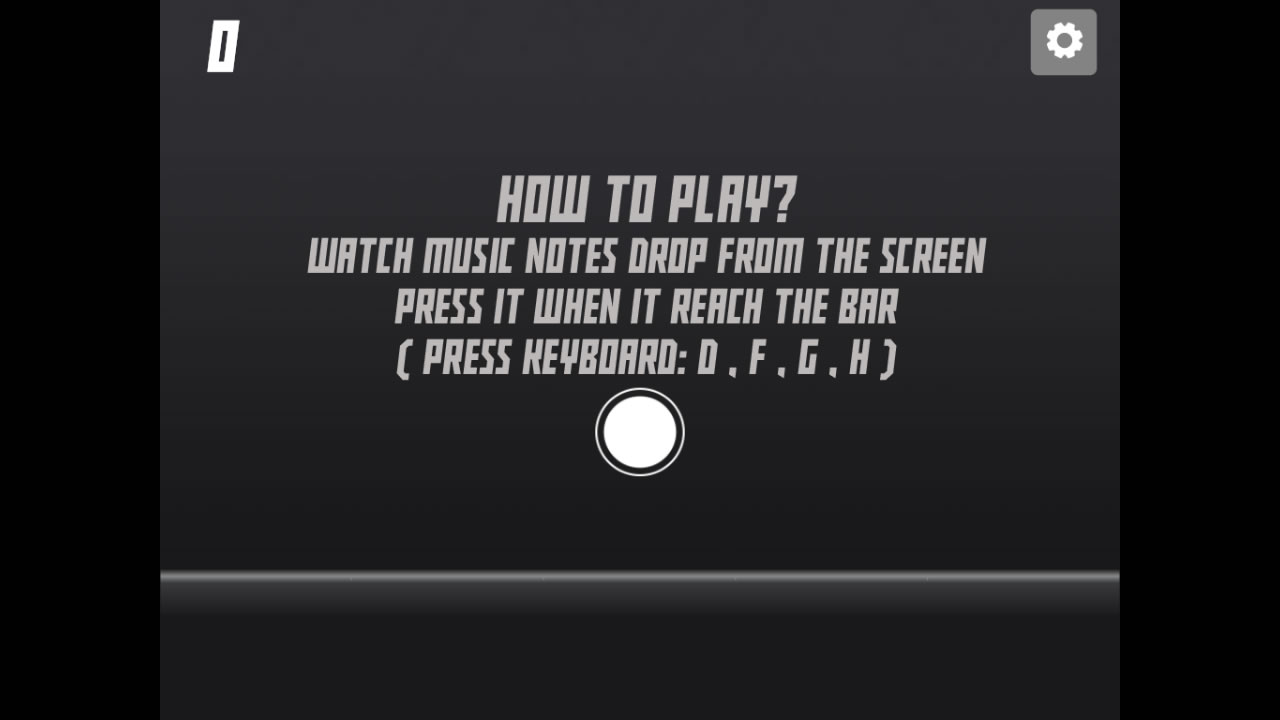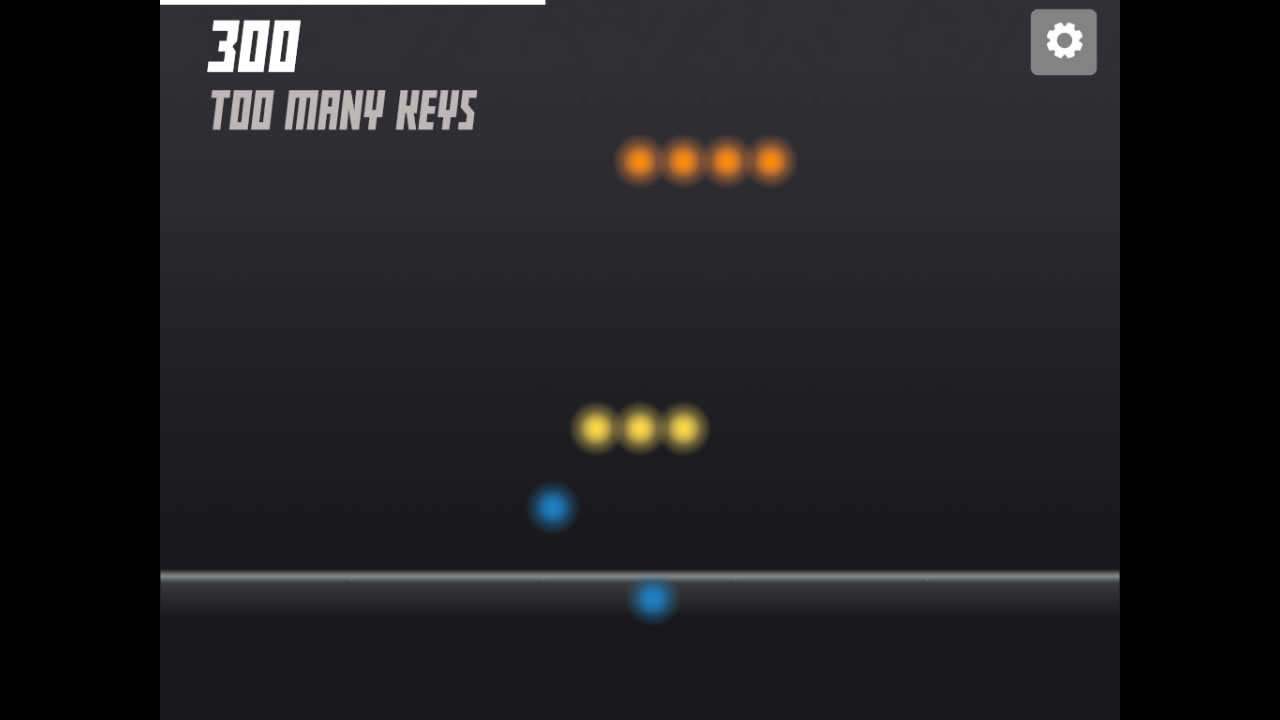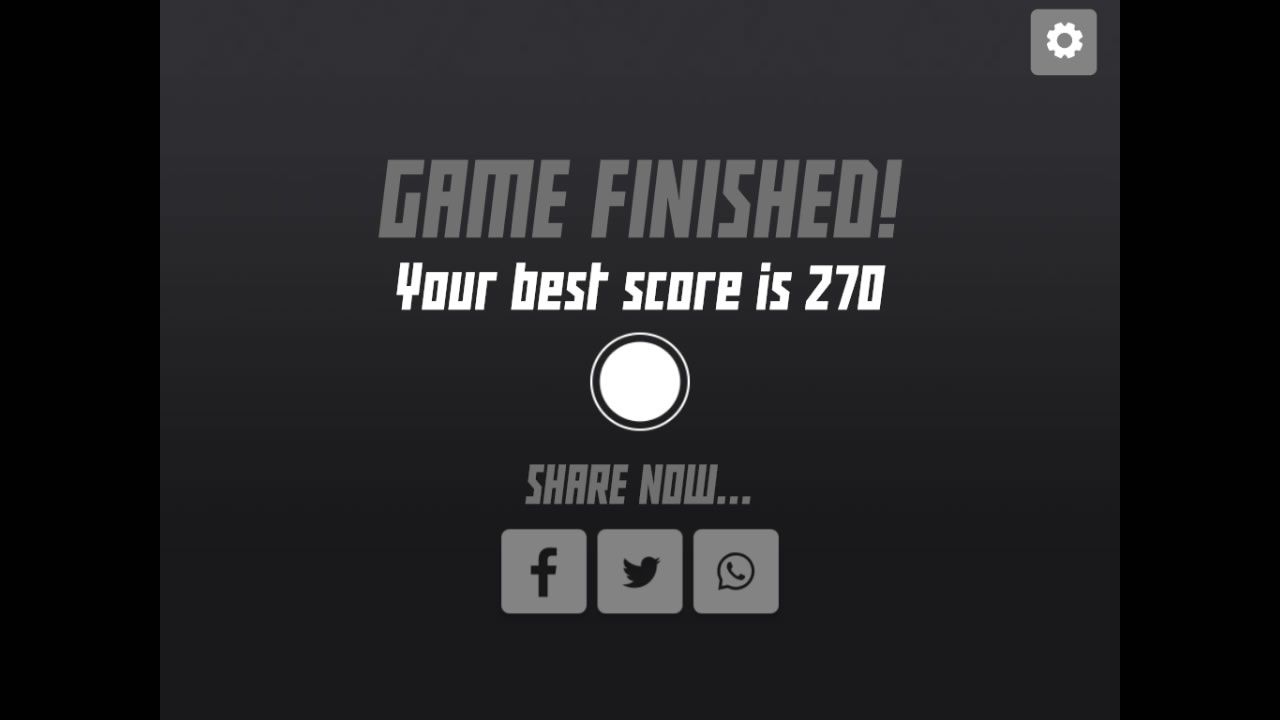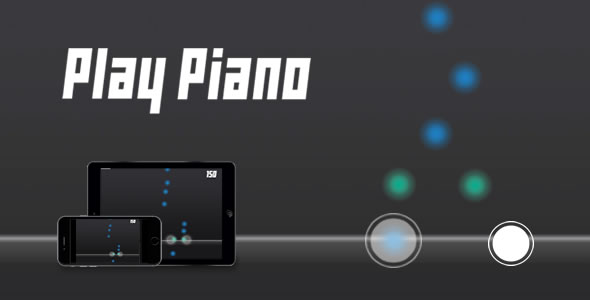
Play Piano is a HTML5 rhythm game where ‘Notes’ will drop down from the top of the screen and player must tap them when they reach a bar that is intended to ensure player timing is correct.
The ZIP package contains the game with 1024×768 resolution that scales proportionally to fit current screen device.
How To Play:
1. Listen to the music and watch the Notes drop down from top screen
2. Use finger or keyboard (D,F,G,H) to hit when notes reach a bar
Add-ons
This game is compatible with Scoreboard for HTML5 Games, it is a add-ons page where user can submit score and view top 10 leaderboard. You can get it here.
Features
- Can replace with other instruments instead of piano
- Easy to reskin with your own design
- Easy to customize game settings
- Note Settings incl (Colors)
- Music Tracks incl (Name, Notes Position, Audio File)
- Built-In Editor page to add and edit music notes
- Complete game customization (Text Display, Image Assets, Keyboard)
- Basic options (Enter FullScreen, Mute Sound, Exit Game)
- Share Score (Facebook, Twitter, Whatsapp, Telegram, Reddit, Linkedin)
- High Definition (1024×768)
- Auto-Resize (Responsive)
- Keyboard, Mouse and Touch Controls
- Run in all platforms (Mobile, PC, etc.)
- Browser not support page
- Mobile rotate instruction (For Landscape Only)
- Make with CreateJS
Item include
- HTML5 source files
- Photoshop PSD file
- Documentation
Changelog
Version 2.7
- Converted content data to JSON format
- Added built-in editor save option

Version 2.6
- Fixed HTML5 template
- Fixed Social Share

Version 2.5
- Rebuilt HTML5 template
- Improved scaling with devicePixelRatio
- Added social share (Telegram, Reddit, Linkedin)

Version 2.5
- Updated instructions

Version 2.4
- Prevent iframe scrolling
- Fixed game end issue

Version 2.3
- Updated sound function
- Added music button

Version 2.2
- Add-on script integrated

Version 2.1:
- Fixed Build-in Editor issues

Version 2.0:
- Added settings option
- Option to disable share option
- Update Google to Whatsapp share

Version 1.9:
- Build-in Editor Tool UI improvements
- Fixed Build-in Editor issues

Version 1.8:
- Fixed result page not showing

Version 1.7:
- Fixed audio not playing in Chrome browser

Version 1.6:
- Fixed iOS Safari fullscreen

Version 1.5:
- Fixed keypress event in iframe

Version 1.4:
- Fixed Facebook share issue

Version 1.3:
- Fixed build-in editor tool pause button

Version 1.2:
- Added iFrame not support message

Version 1.1:
- Updated CreateJS
- Fixed iOS Safari share button