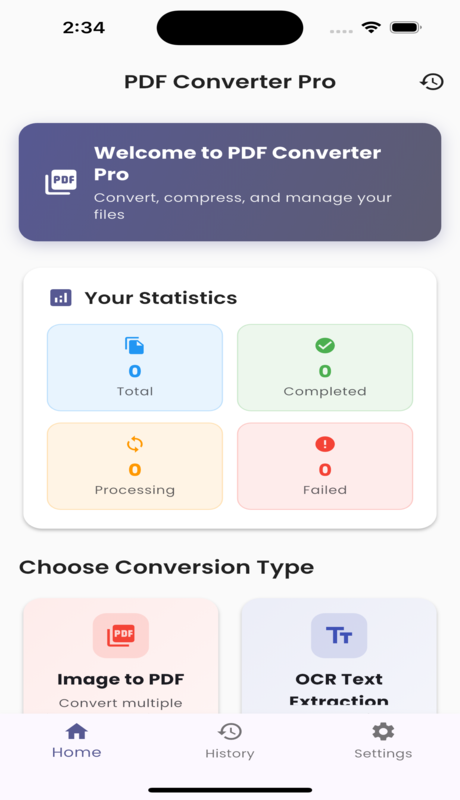
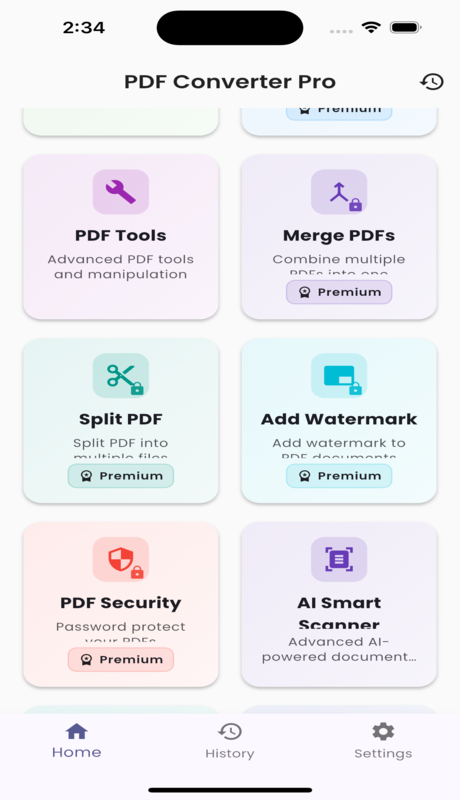
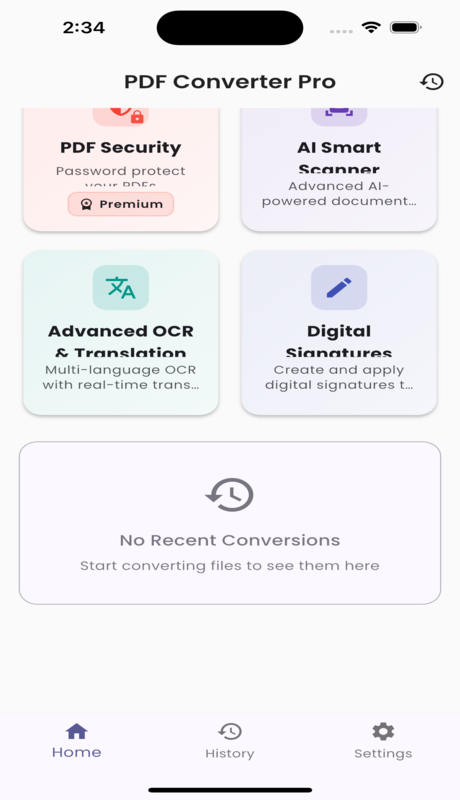
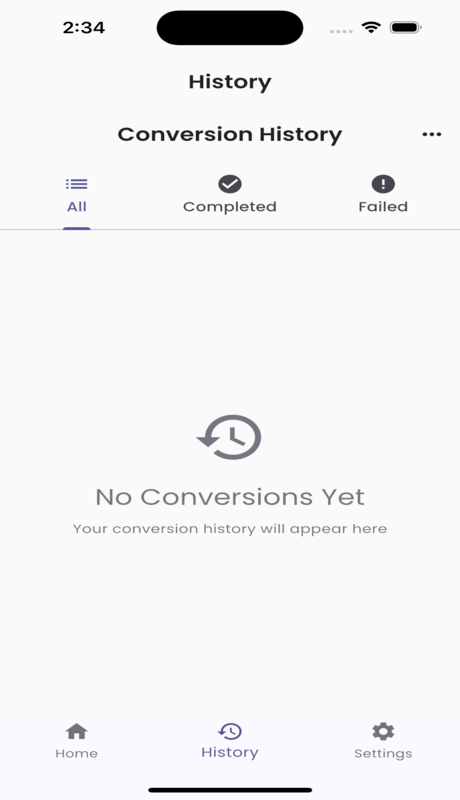
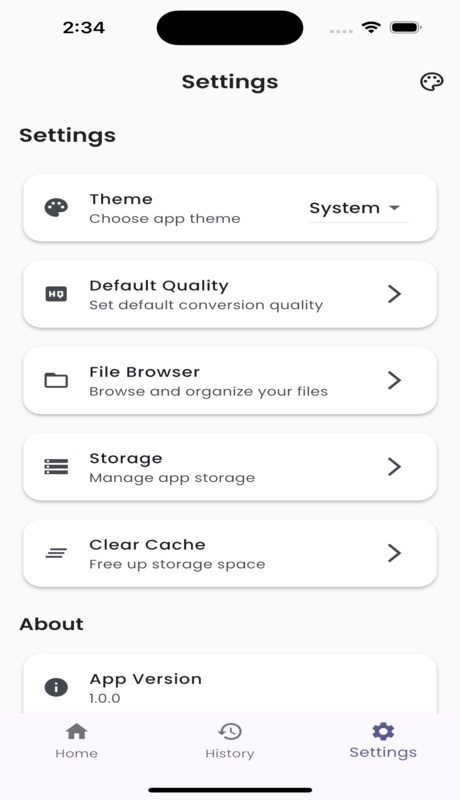
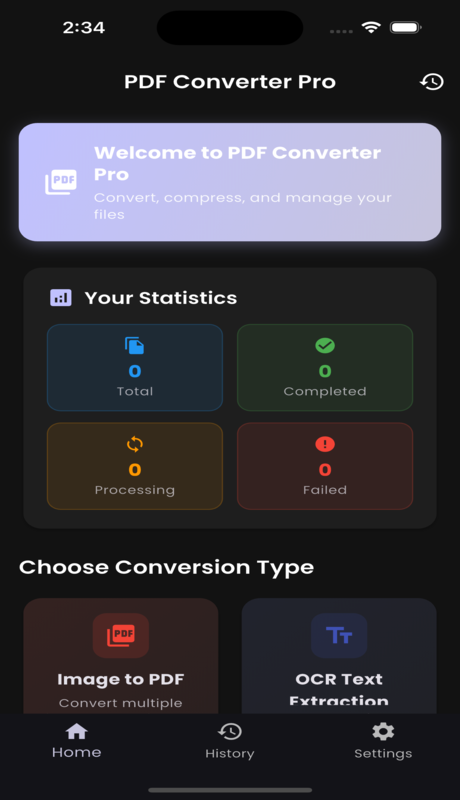
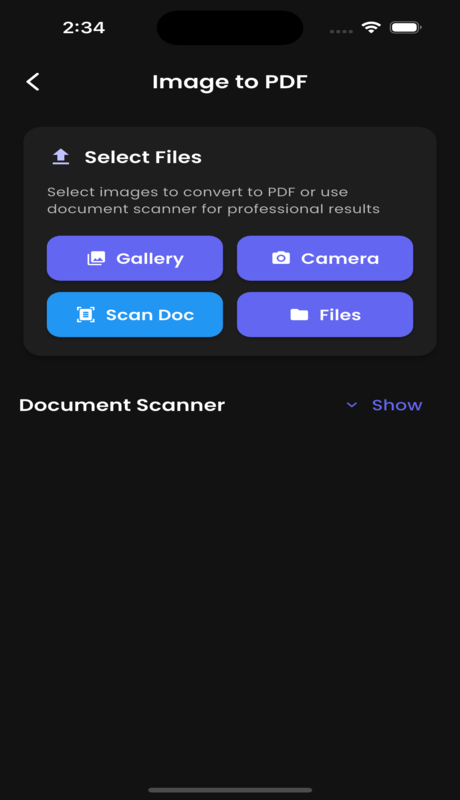
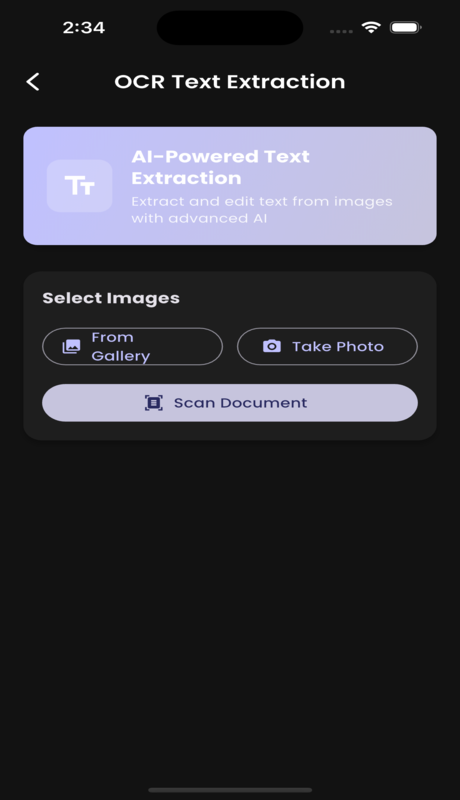
Simulator Screenshot - iPhone 15 Pro - 2025-09-23 at 14.34.14.png Simulator Screenshot - iPhone 15 Pro - 2025-09-23 at 14.34.18.png Simulator Screenshot - iPhone 15 Pro - 2025-09-23 at 14.34.21.png Simulator Screenshot - iPhone 15 Pro - 2025-09-23 at 14.34.23.png Simulator Screenshot - iPhone 15 Pro - 2025-09-23 at 14.34.26.png Simulator Screenshot - iPhone 15 Pro - 2025-09-23 at 14.34.32.png Simulator Screenshot - iPhone 15 Pro - 2025-09-23 at 14.34.36.png Simulator Screenshot - iPhone 15 Pro - 2025-09-23 at 14.34.40.png Simulator Screenshot - iPhone 15 Pro - 2025-09-23 at 14.34.43.png Simulator Screenshot - iPhone 15 Pro - 2025-09-23 at 14.34.51.png Simulator Screenshot - iPhone 15 Pro - 2025-09-23 at 14.34.58.png Simulator Screenshot - iPhone 15 Pro - 2025-09-23 at 14.35.15.png Simulator Screenshot - iPhone 15 Pro - 2025-09-23 at 14.35.25.png Simulator Screenshot - iPhone 15 Pro - 2025-09-23 at 14.35.33.png Simulator Screenshot - iPhone 15 Pro - 2025-09-23 at 14.35.39.png
PDF Converter Pro – All-in-One PDF Tools | OCR, Scanner, AI Document Converter (Flutter App)
PDF Converter Pro is a comprehensive Flutter-based mobile application that provides powerful document processing, conversion, and management capabilities. Built with modern Flutter architecture, it offers both free and premium features for all your document needs.
Key Features
-
Document Conversion
- Image to PDF – Convert multiple images (JPG, PNG, GIF, BMP, WebP, TIFF) to a single PDF
- PDF to Image – Extract images from PDF documents
- Image Format Conversion – Convert between different image formats
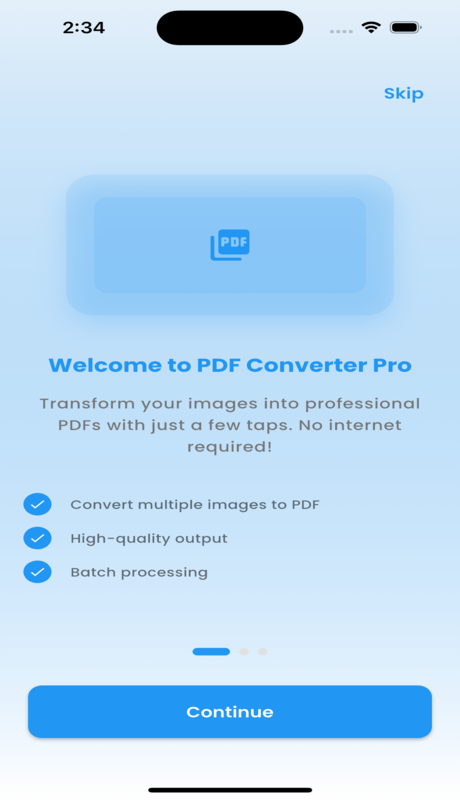
- Text to PDF – Convert text documents to PDF
-
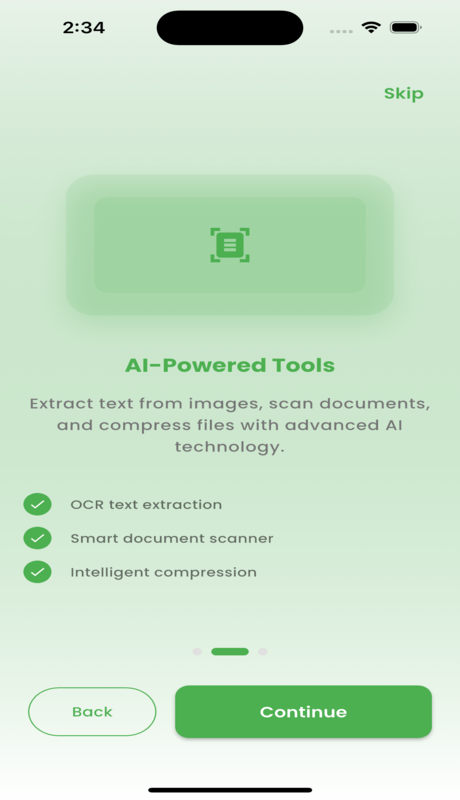
AI-Powered OCR
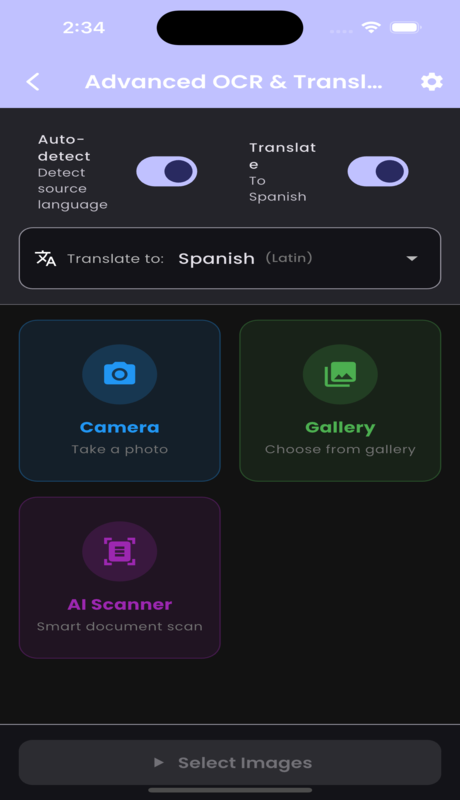
- Text extraction using Google ML Kit AI
- Multi-language recognition support
- Manage, edit, and export extracted text
-
AI Document Scanner
- Smart edge detection with real-time recognition
- Auto enhancement for quality scans
- Support for multiple document types
-
️ PDF Manipulation Tools
- Merge, Split, Compress PDFs
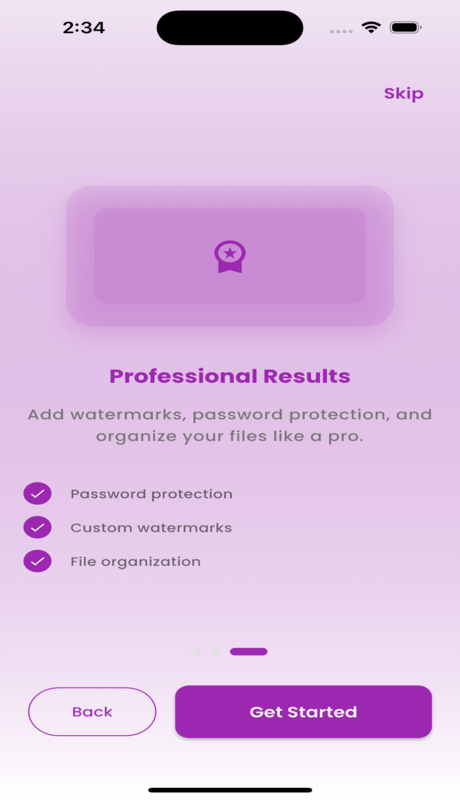
- Add watermarks & password protection
- Organize and manage PDF pages
-
✍️ Digital Signature
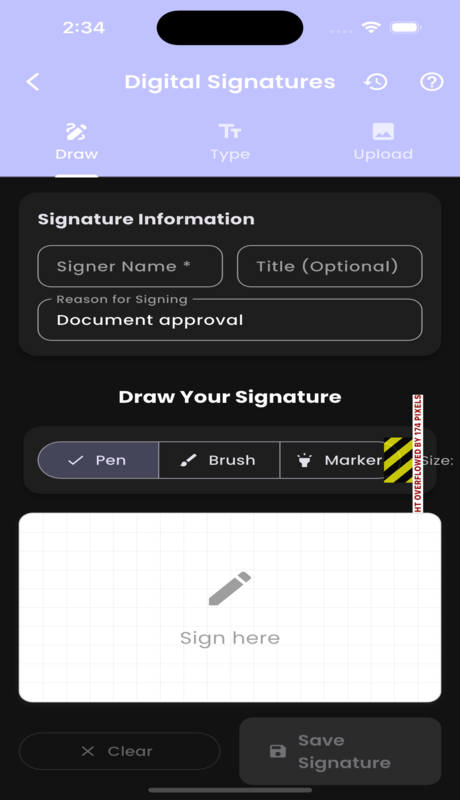
- Create and save signatures
- Apply signatures to PDFs
- Professional certificate-based signing
-
File Management
- File browser with sorting & filtering
- Conversion history tracking
- Cloud backup with Firebase
- Easy sharing and exporting
-
User Experience
- Modern Material 3 UI/UX
- Dark/Light theme support
- Offline support for core features
- Premium subscription model
️ Technical Architecture
- Frontend: Flutter 3.x, Dart, Material Design 3
- State Management: Provider & Riverpod
- OCR: Google ML Kit
- PDF Processing: Syncfusion Flutter PDF
- Cloud: Firebase (Auth + Storage)
Update v1.0.0+1
-
Advanced Analytics Dashboard
- Key Metrics – Documents processed, time saved, productivity score, storage usage
- Activity Tracking – Real-time charts & recent activity feed
- Feature Analytics – Most-used features breakdown
- Data Export – Export analytics data for external analysis
-
AI Document Intelligence
- AI-powered document type, structure & complexity analysis
- Structured data extraction (contacts, financial info, custom fields)
- Document comparison for differences & similarities
- Smart AI insights & recommendations
- Multi-language detection with sentiment analysis
-
Mobile Optimizations
- Gesture controls with haptic feedback
- Customizable display settings (themes, font size, animation speed)
- Performance tuning (offline mode, background processing, auto-save)
- Quick action shortcuts
- Maintenance tools (cache management, settings export/import)
-
⌨️ Keyboard Shortcuts
- 50+ default shortcuts covering all features
- Custom shortcut creation
- Automatic conflict detection
- Organized by categories (File, Edit, View, Navigation, etc.)
- Import/Export shortcut configurations
-
Enhanced Home Integration
- Quick access to Analytics, AI Features, Mobile Settings & Shortcuts
- AI-powered smart feature recommendations
- Recent activity – Fast access to used features & documents
Update v1.0.2
-
Localization Support
- Users can now manually select their preferred language
- App automatically detects and applies system default language
- Supports multiple languages for global accessibility
-
UI Enhancements
- Improved overall interface for a cleaner and more professional look
- Enhanced responsiveness and navigation flow
- Updated icons, typography, and animations
-
App Lock Feature
- Secure your app and sensitive documents with an in-app lock
- Supports PIN, fingerprint, or Face ID authentication
- Automatically locks after inactivity or app minimize
-
Major Bug Fixes
- Resolved crashes related to OCR scanning and digital signatures
- Improved memory optimization for large PDF files
- Enhanced stability and error handling across devices
-
Enhanced Analytics
- More detailed insights into document usage and feature trends
- Real-time performance tracking improvements
- Optimized background data collection for accuracy
-
️ Gallery Save Option
- Users can now directly save converted PDFs or images to their device gallery
- Supports high-resolution output formats
- Integrated with Android and iOS photo libraries
Update v1.0.3
-
✅ Fixed PDF Annotation Service
- Resolved all compilation errors in annotation modules
- Stabilized annotation rendering engine
-
✅ Fixed PDF Annotation Screen
- Updated PDF viewer implementation using
FilePreviewWidget - Improved toolbar and drawing tools UI
- Updated PDF viewer implementation using
-
✅ Enhanced Home Screen
- Fixed async/await navigation issues
- Smoother state handling with optimized rebuild logic
-
✅ Syncfusion PDF API Fixes
- Corrected PDF drawing shapes (
Rect,Offset,PdfPath) - Improved annotation layer stability
- Corrected PDF drawing shapes (
-
✅ Code Cleanup
- Removed unused imports & obsolete dependencies
- Optimized project structure
-
✅ Improved Error Handling
- More user-friendly error messages
- Better exception logging across annotation workflows
-
✅ Full PDF Annotation Feature Completion
- Text, highlight, rectangle, circle, arrow, and freehand drawing tools implemented
- Supports undo, redo, save, and export
-
✅ Build Ready
- All compilation & runtime errors resolved
- Stable release build verified
-
✅ Urdu Language Support Added
- Complete RTL & font compatibility
- Selectable from language settings
-
✅ API Key Centralization
- All API keys & URLs moved to a single constants file
- Simplified configuration & environment switching
-
✅ 16KB Page Size Support
- Expanded PDF page format support including 16KB print size
- Suitable for business and legal documents
-
✅ Feature Completion
- Text-to-Speech in OCR screen
- Sharing functionality in OCR results
- Document preview added in signature screen
- Signature history & management panel completed
- Keyboard shortcuts export/import enabled
- Settings export and restore support
- PDF to Image conversion completed
- Document comparison feature finalized
Demo
Click here to download the Demo APK!
PDF Converter Pro is your complete solution for professional-grade document processing and conversion. Whether for personal or business use, this app ensures you stay productive and secure.