4 comments found.

Hello there,
Greetings,
We using this most used and official paypal plugin: https://woo.com/document/woocommerce-paypal-payments/
>> okay
But how to hide the paypal payment button on product detail page? Your plugin will support this?
>> We have already provided clear documentation for the plugin. You can check all the features & functionality with our User guide and Demo as well-
User guide – https://webkul.com/blog/woocommerce-payment-method-restriction/
Demo link – https://wpdemo.webkul.com/woocommerce-payment-restriction/
If you find any issue kindly, reach out to us at support@webkul.com
With Regards Team Webkul
“We have already provided clear documentation for the plugin. You can check all the features & functionality with our User guide and Demo as well” Please confirm your plugin can hide the payment buttons on detailpage from this famous paypal plugin or not. I already checked your guide and we still dont see any information about this question. Also your demo do not provide information about my question.
Hello there,
Greetings,
Please confirm your plugin can hide the payment buttons on detailpage from this famous paypal plugin or not.
>> Yes
I already checked your guide and we still dont see any information about this question. Also your demo do not provide information about my question.
>> The admin needs to navigate to the “Edit Product” page and go to payment methods then deselect the paypal option in the allowed payment methods.
Once that’s done, click the update button. This should help you achieve what you’re looking for.
Let me know if you need more guidance or If you can also reach out to us at support@webkul.com
With Regards,
Team Webkul
But how to restrict the payment buttons for all 7.500 products please? Your plugin does not have an global option to hide the payment buttons?
Hello there,
Greetings,
But how to restrict the payment buttons for all 7.500 products please? Your plugin does not have an global option to hide the payment buttons?
>> You can do it by make hide payment buttons for all the products by restricting payment mentod at Product Category level.
The admin needs to navigate to the “Edit Product Category” page and go to payment method then deselect the paypal option in the allowed payment methods.
Once that’s done, click the update button. This should help you achieve what you’re looking for.
If you have muliple categories for 7,500 products you can do it for each Product category.
Your plugin does not have an global option to hide the payment buttons?
>> At the moment, the plugin doesn’t have the built-in capability to restrict payment mentod for all the product at once.
However, we can develop it for you via customization (paid service).
If you’re interested, please reach out to us at support.webkul.com.
With Regards,
Team Webkul
“The admin needs to navigate to the “Edit Product Category” page and go to payment method then deselect the paypal option in the allowed payment methods.” -> This will hide the payment method buttons on product detail page also (pay now from paypal)?
Hello there,
Greetings,
This will hide the payment method buttons on product detail page also (pay now from paypal)?
>> Payment method buttons (pay now from paypal) are not present on the product detail page, they are only visible on the checkout page.
With Regards,
Team Webkul
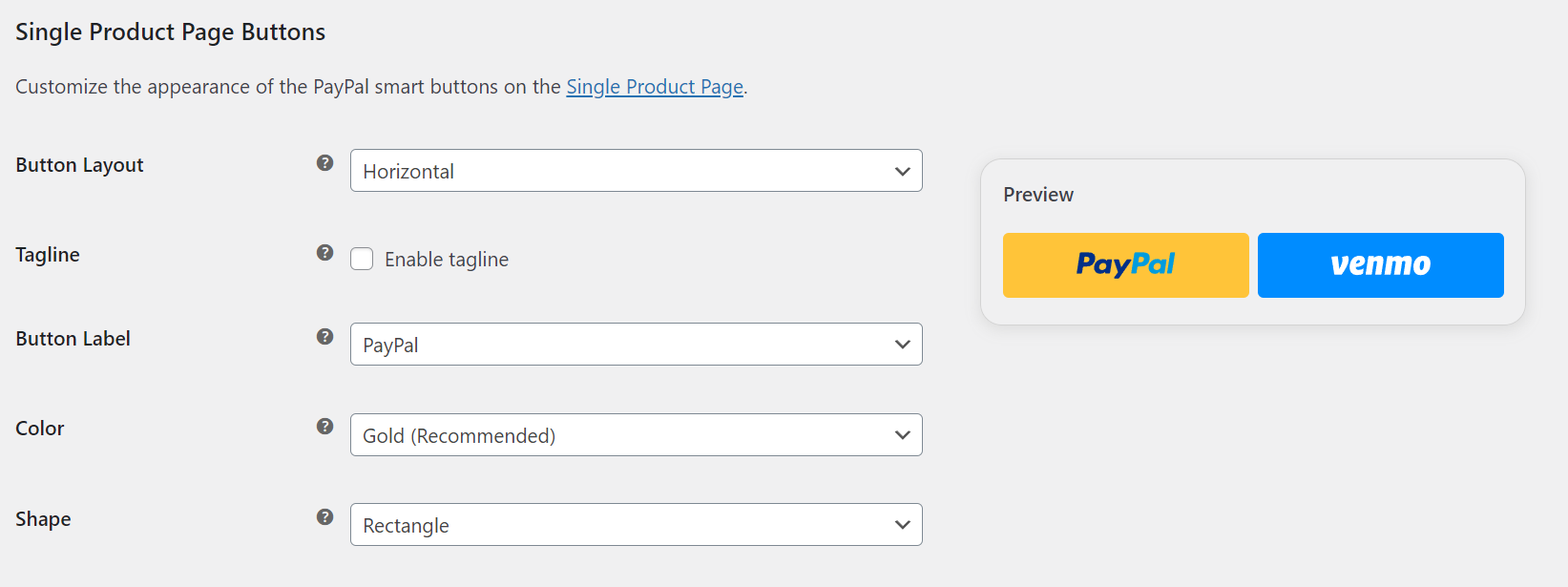
But the offical woocommerce paypal plugin does have pay now buttons on product page: Screenshot: https://woo.com/wp-content/uploads/2023/02/image-9.png Your plugin will hide the payment method in checkout, but on product page we still have the payment method buttons?! Link to official paypal plugin: https://woo.com/de-at/document/woocommerce-paypal-payments/
Hello there,
Greetings,
But the offical woocommerce paypal plugin does have pay now buttons on product page
>> okay
Your plugin will hide the payment method in checkout, but on product page we still have the payment method buttons?
>> Our plugin is designed to specifically hide the payment method during the checkout process and does not affect the payment method buttons on the product page.
If you want this feature for the product page as well, we can do it for you via customization (paid service).
With Regards,
Team Webkul
How can you bulk edit categories to manage their allowed payment gateways? We have a large store with hundreds of categories, and we’d like to offer more payment methods, but we need the ability to NOT allow PayPal, Stripe, etc. on certain prohibited categories (knives, bows/crossbows, etc.). This would only be a good solution for us if I can select several categories at once and manage the payment gateways allowed. Is this possible with your plugin?
Hello There,
It can be implemented through customization. You can email us your complete requirements at support@webkul.com and we will get back to you accordingly.
Thank You
Hello, is this plugin maintained and does it work with Stripe payment gateway?
Hello There, Yes, this plugin is working perfectly and you’ll not face any issue. It also works with the stripe payment gateway.
Thank You
Pre-purchase question? This plugin would be so useful if it was allowing rules using Categories and Tags! Much better if got the ability to use the user’s country as a rule too. Any plan soon to have it?
Hi There, if you want these features to be included in the plugin as per your requirement then we can customize the plugin accordingly. Please contact us at support@webkul.com with your requirements so that our team can assist you accordingly. Thanks!