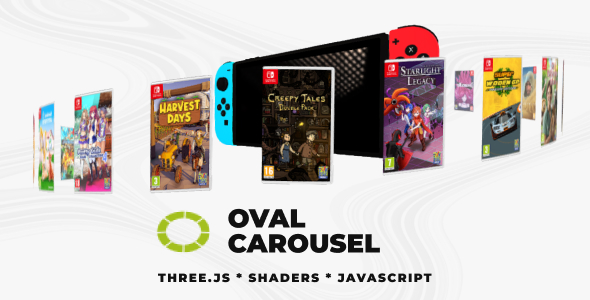
About Oval Carousel
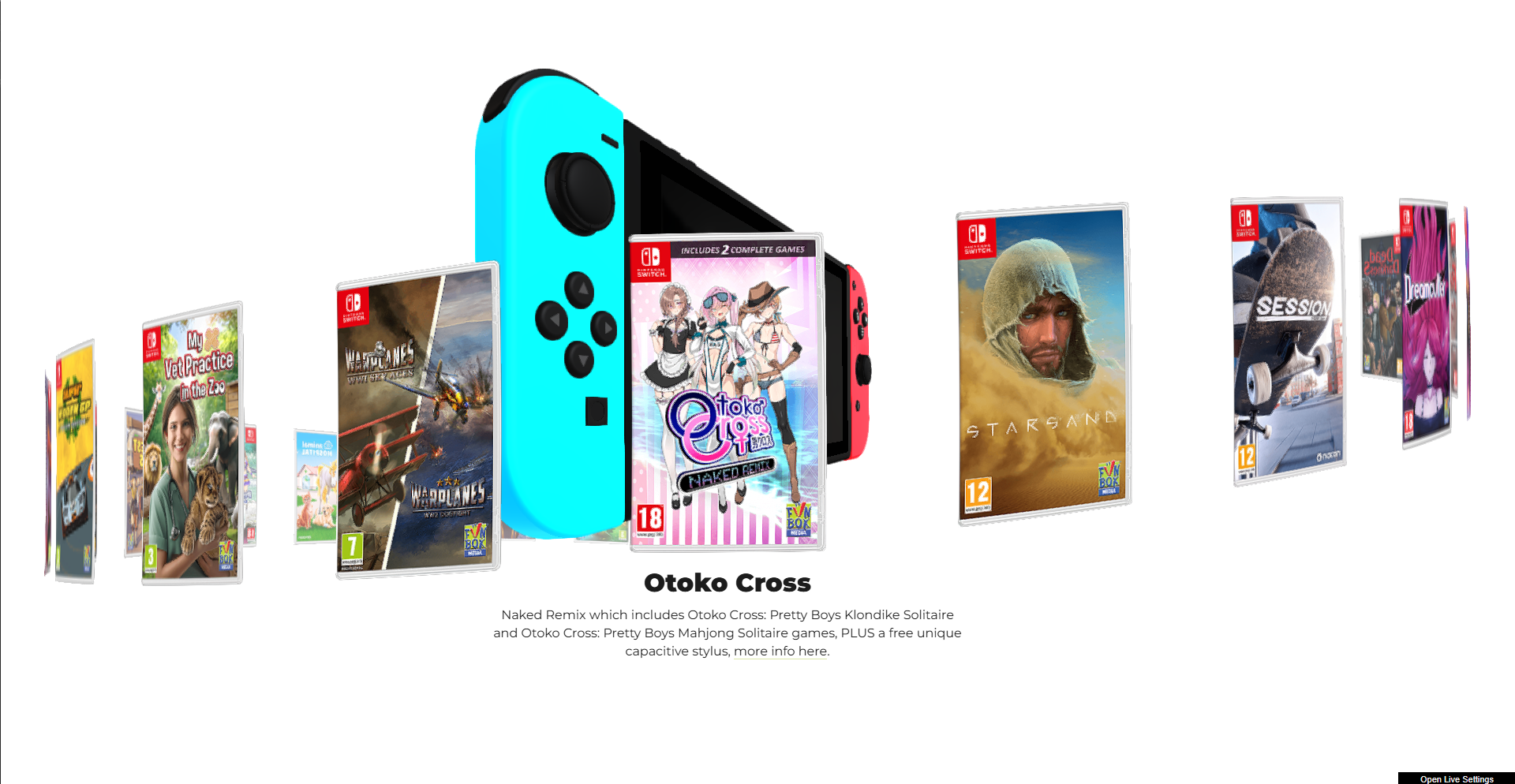
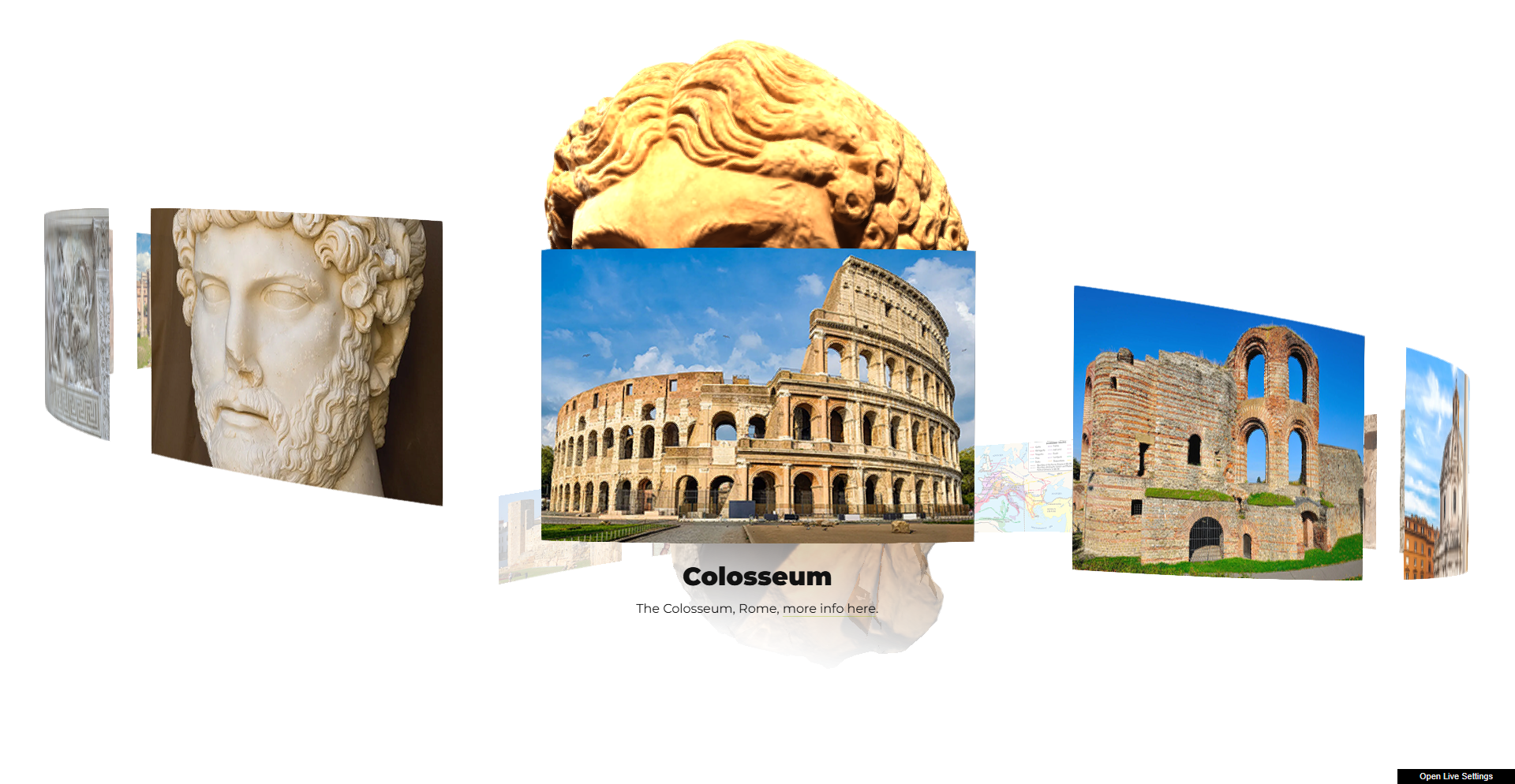
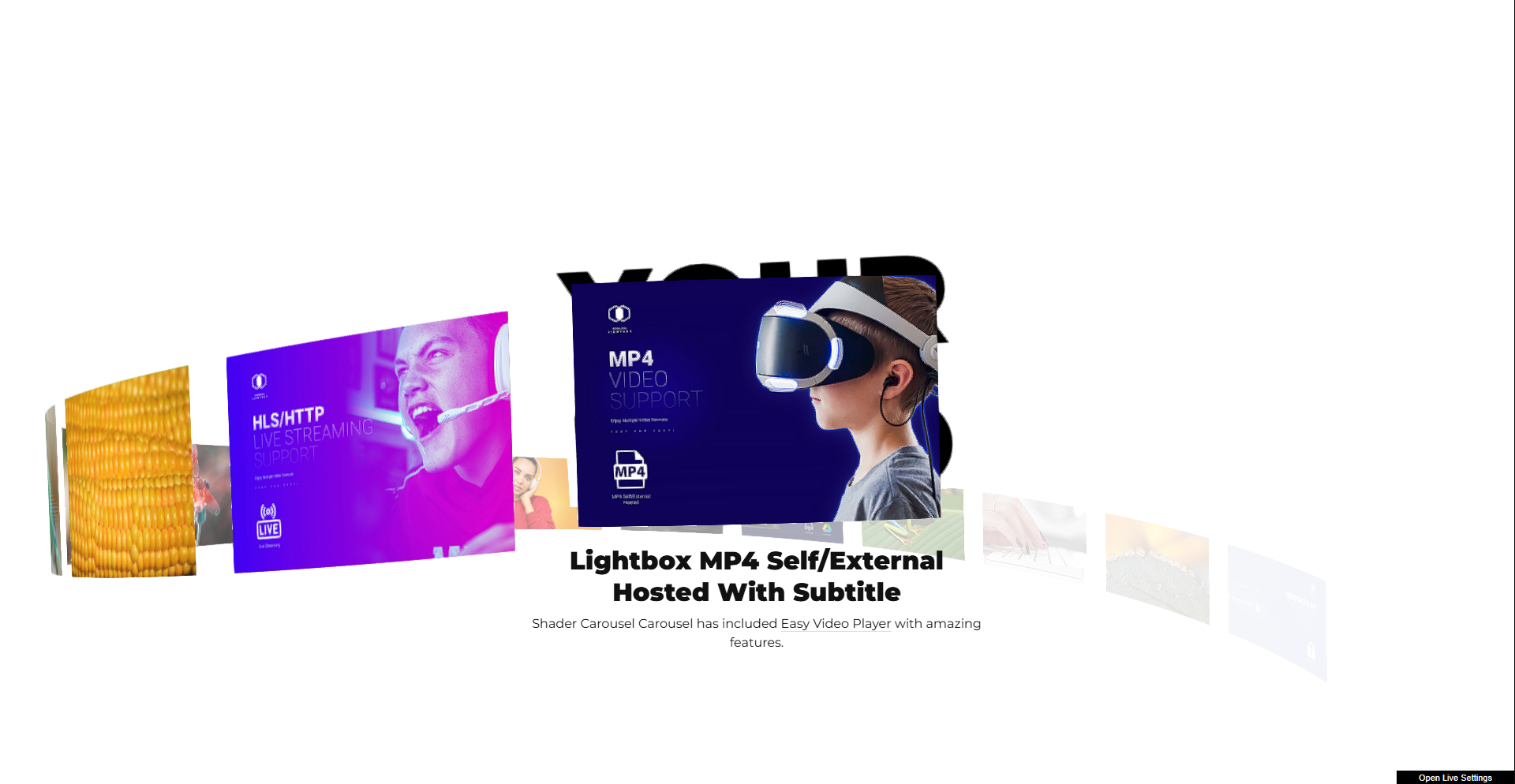
An advanced 3D carousel featuring customizable item bending during rotation, customizable individual radius x and radius z, optional image or real 3D model in the center of the carousel with realistic HDRI lighting, real-time caption rendering using DOM-to-canvas conversion, optional Revolution Lightbox support, smooth user-responsive camera interaction. Mouse movement dynamically influences the carousel’s orientation, with adjustable sensitivity for fine-tuned control and much more!.
Main features
Responsive Layout – Fully responsive and adaptable regardless of which device or screen size is used.
Desktop & Mobile Optimized – Adapts to any screen size and device, whether on iOS/iPhone, Android, or desktop browsers.
Lazy Scrolling/Loading – Option to initialize Oval Carousel only when it becomes visible on scroll, improving load performance when it starts off-screen.
Customizable Size – Set the carousel width and height to match your layout; add it anywhere inside your page content.
Preloader – Optional animated preloader while assets are loading.
Caption – Optional captions for carousel items and lightbox items.
Customizable Geometry – Configure the radius on the X and Z axes independently to create a true oval shape.
Customizable Item Bend Strength – Control how much each item bends while rotating to get the exact look you want.
Mouse Rotation – Subtle camera rotation that follows the mouse, with adjustable strength for fine-tuned interaction.
Scroll Speed Strength – Adjustable drag/scroll speed for smooth, responsive carousel control.
Optional Center Image Or 3D Model – Optional Center Image Or 3D Model means you can place an extra element in the middle of the oval carousel—either a static image (like a logo) or a real 3D model. It stays centered while the carousel items rotate around it, acting as a visual focal point. This lets you highlight branding or a featured object, and the 3D option can be lit realistically to match the scene.
Mouse Ripple Post-Processing Effect – Mouse Ripple Post-Processing effect adds an interactive “water ripple” distortion that reacts to your mouse movement, example here.
Buldge Post-Processing Effect – Applies a lens-like distortion that “pushes” or “pulls” the image in a circular area, like looking through a magnifying glass, example here.
Grid And Afterimage Post-Processing – Grid And Afterimage Post-Processing adds two stylized effects to the scene: a grid overlay and an “afterimage” trail. The grid effect gives a subtle structured/tech look (like a digital screen pattern), while the afterimage effect leaves a smooth motion trail behind moving elements, making rotations and transitions feel more dynamic and cinematic, example here.
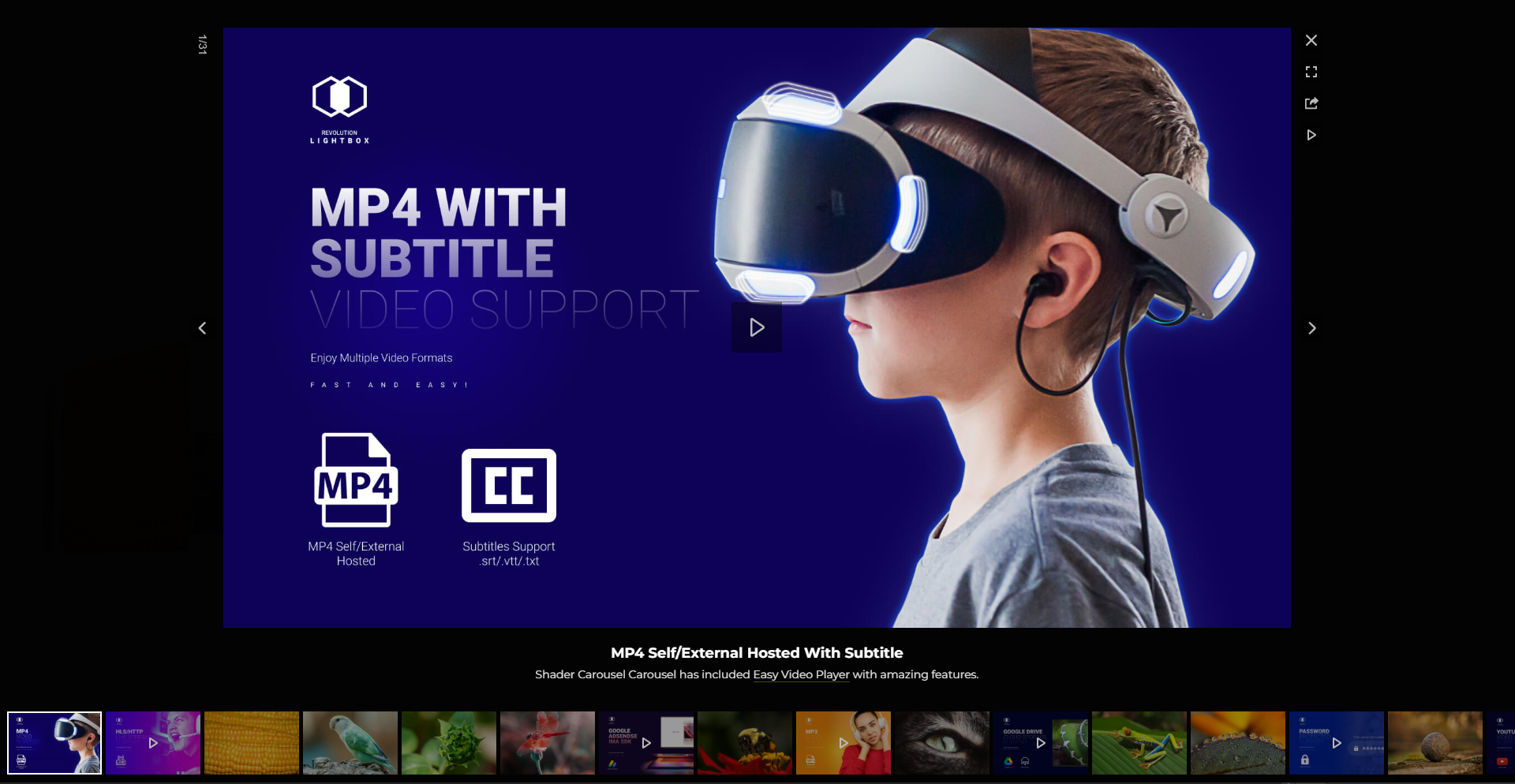
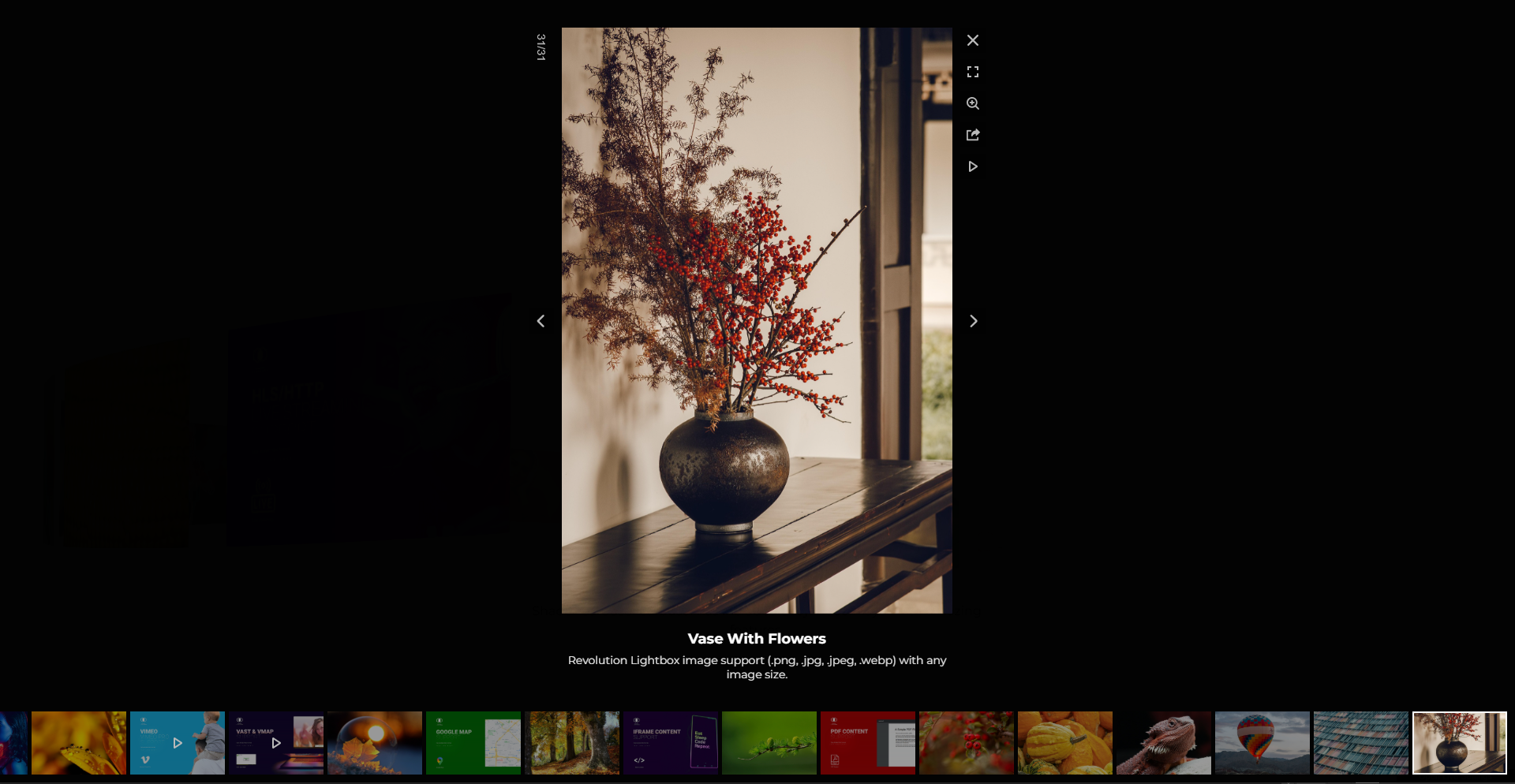
Lightbox Video/Audio – Support for various video or audio formats like .mp3, .mp4, Shoutcast, Icecast, Youtube, Vimeo and Vimeo Pro, HLS/.m3u8, DASH MPEG/.mpd live streaming, Google Drive, Dropbox and other cloud platforms, Iframe, PDF, Google Maps in the ligtbox.
Video Autoplay – Supports video autoplay inside the lightbox (where allowed by browser policies).
Private Video & Audio – Protected password video and audio inside the lightbox.
Chromecast Support – Cast supported video/audio streams to a TV and control playback from the browser player UI.
Video Thumbnails Live Preview – Thumbnails preview from a .vtt file or auto-generated previews inside the lightbox.
Video Subtitle Support – Support for subtitle inside the lightbox.
Automatic Content Detection – Revolution Lightbox will set the appropriate type (video, audio, image, etc) based on the media URL to the media items without any extra requirements.
Slideshow Support – Slideshow with autoplay for carousel thumbnails and the lightbox.
Drag & Swipe Support – Drag and swipe navigation for carousel items and lightbox items.
Maximize & Minimize For Images – Maximize/minimize button plus double click/tap zoom for images, with configurable max zoom factor.
Share Button And Share Window – Share button with a configurable share window and multiple social platforms.
Awesome Support – Direct support from the developer (Tibi @ FWD).
Detailed Documentation – Online documentation available for all features and options, JavaScript Documenation, WordPress Documenation.