Description:
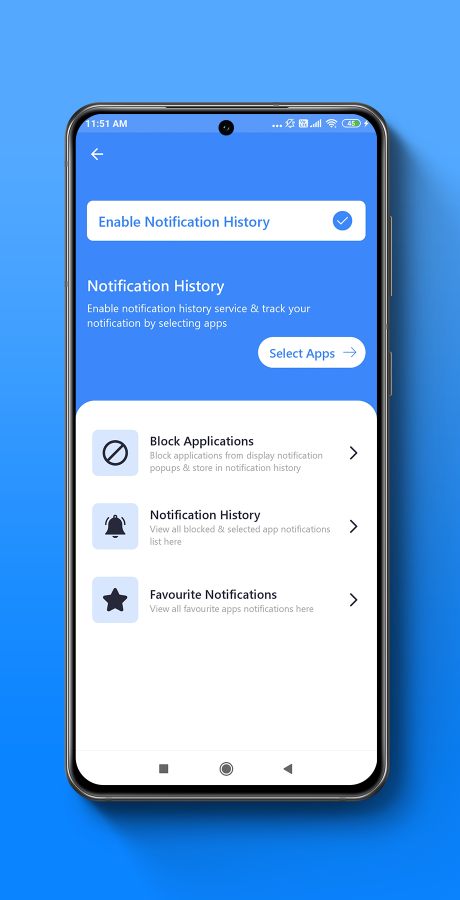
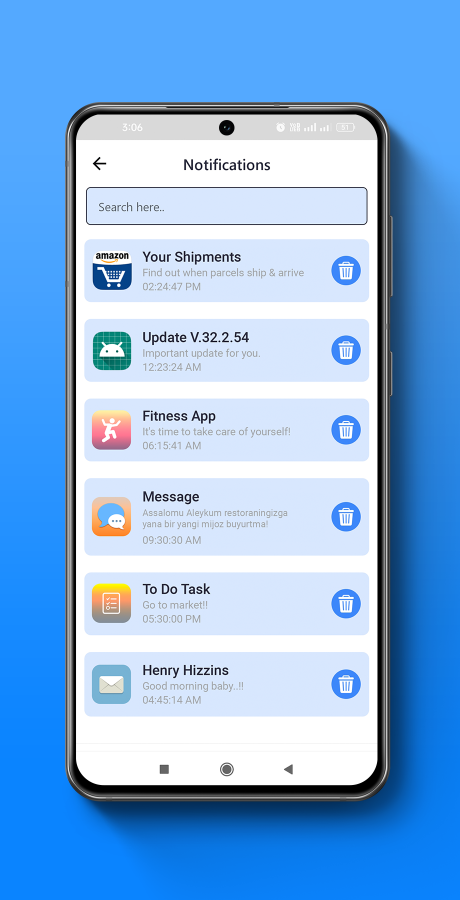
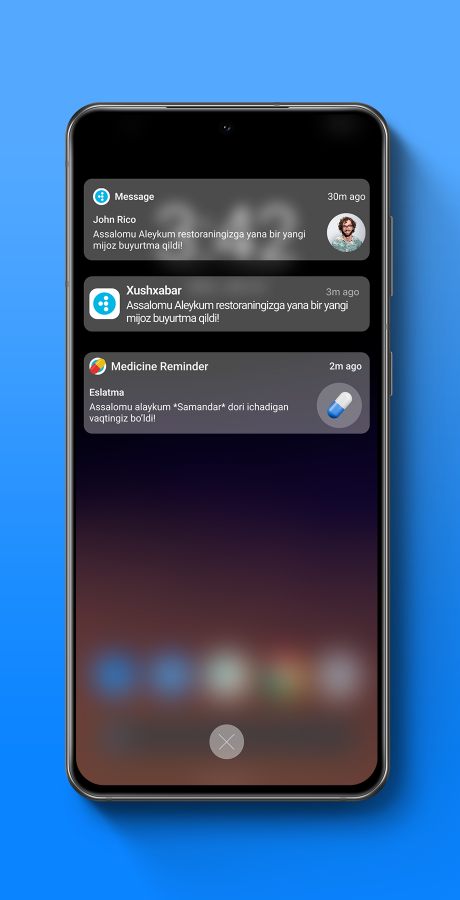
Notification Saver and Notification Blocker app provide feature to save or log your all important notifications for you. It is like backup messages by app and read them later. App catch your device’s notifications and toast messages, which pops up on your device and store them in order to browse and search them later even if they were dismissed.
After installing the Notification Saver App, you can easily manage, sort, and view all past notifications you received. Never miss a single notification with fantastic features in the Notification Saver App.
Download Demo .apk
Requirement:
- Android Studio Software
- Firebase Console Login (https://console.firebase.google.com/)
Instruction:
1. Android Studio Software Installation Step:
- Download software from (https://developer.android.com/studio) and install in your computer.
- And open your project in android studio.
2. Firebase Console Login:
- Go to (https://console.firebase.google.com/) website and login with firebase console.
- Create firebase project with android technology and give your new project package name then download google-service.json file.
- Replace google-service.json file in project.
What You Get:
- Full Android Source Code
- Clean Code and Organized Code Structure.
- Full Setup Documentation with step by step
- APK File.
- All Image Assets (PNG, SVG, JPG, JPEG)
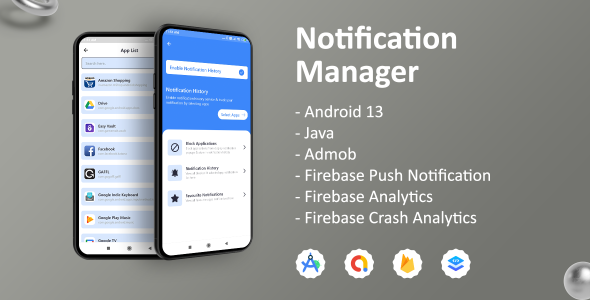
- Admob ad integration (Banner, Native, App Open, Interstitial ads)
- Firebase integration (Push Notification, Analytics, Crashlytics)
Features:
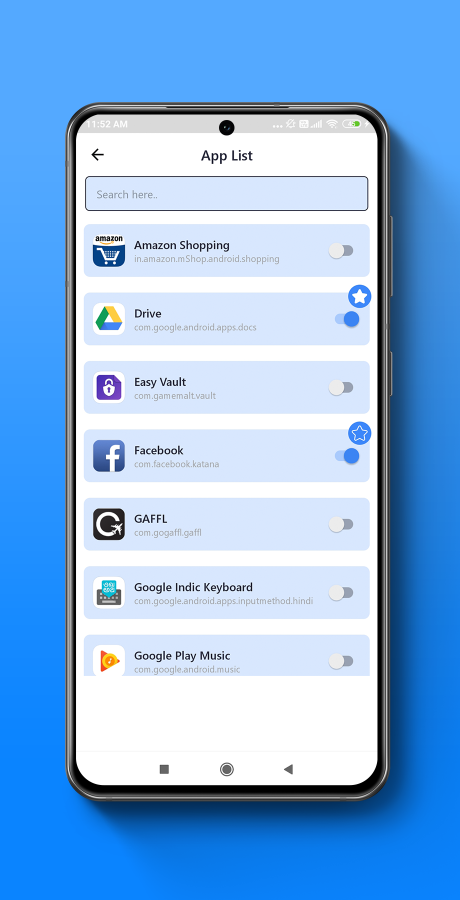
- Save Notification
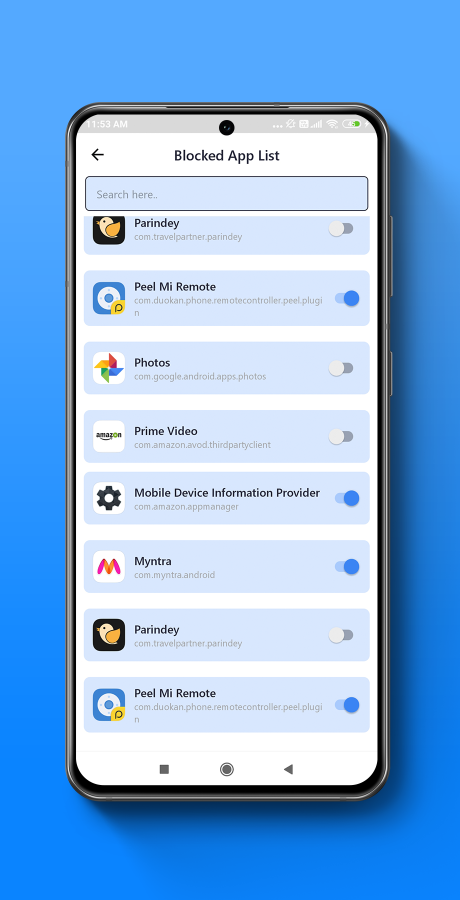
- Block Notification
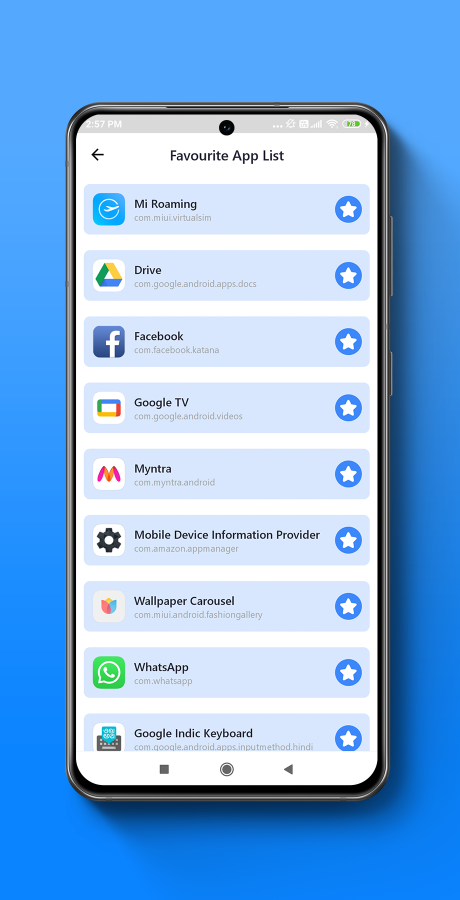
- Add to favorite selected notification
- Search notification